Coloso.

Search Input

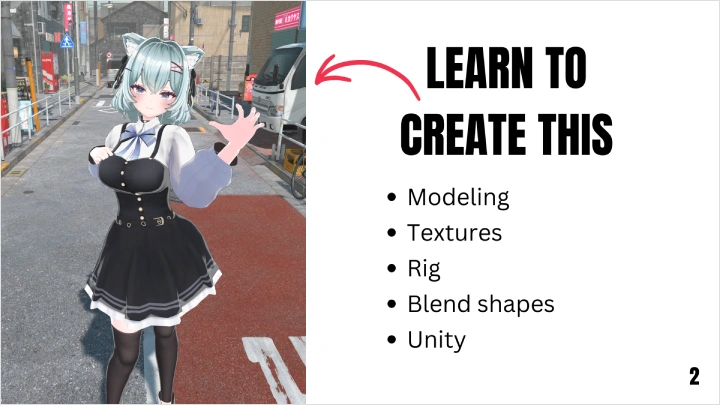
從新手到接案,動漫風 VTuber 角色製作完整指南

3D ArtistKeeki
  • Now Available


課程詳細資訊

  • Now Available
  • 基礎~中級
  • 共 48部影片, 27小時 28分
  • 英語
  • 英語, 繁體中文 [Auto], 泰文 [Auto]
  • 提供課程教材


Details

課程詳情
你會學到

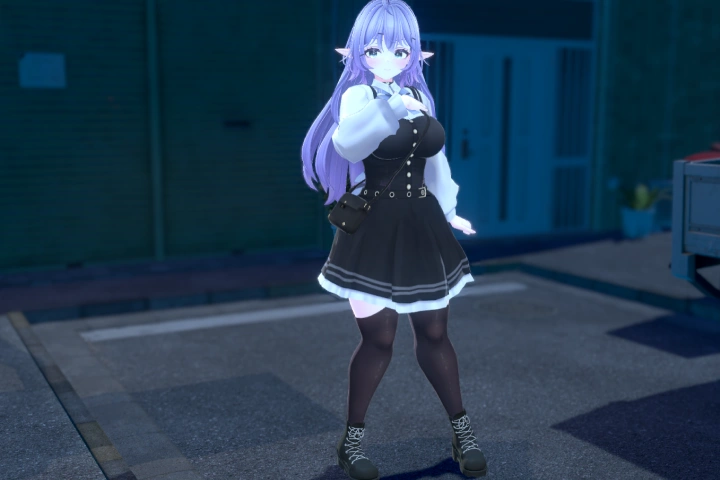
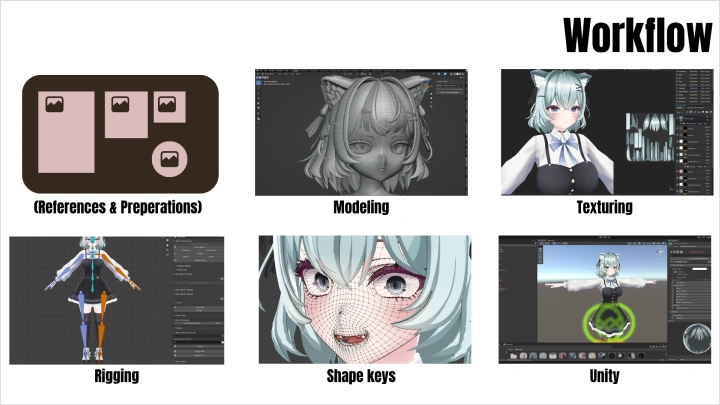
在Blender中建模高品質虛擬形象

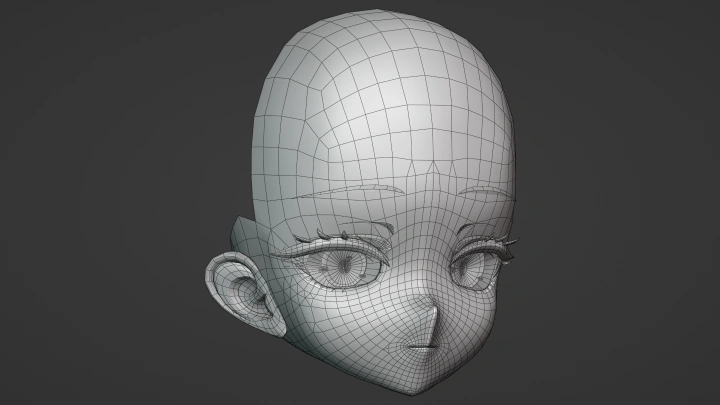
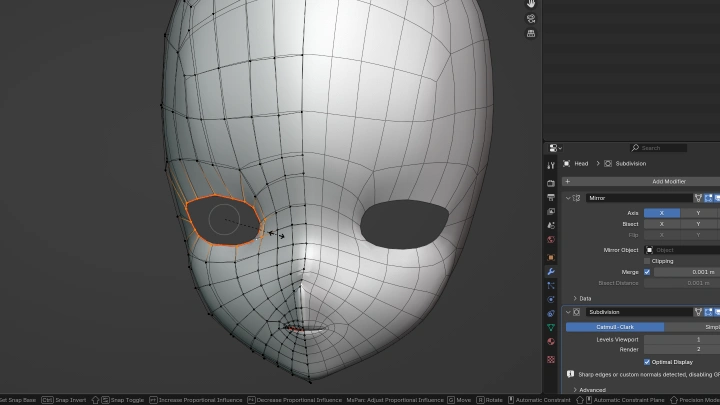
學習使用Blender建模動漫頭像所需的一切。您將學習如何有效率、專業地使用Blender ,從建置基礎網格到 UV 展開。讓我們從零開始,在Blender中建模每一個部件。

辨識並修正常見錯誤

有時候,你的虛擬形像看起來總覺得哪裡不對勁,但你卻說不上來。在本課程中,我們將回顧建模、貼圖和綁定中常見的錯誤設計,幫助你避免常見的陷阱。

用於臉部追蹤、切換和修改的混合造型

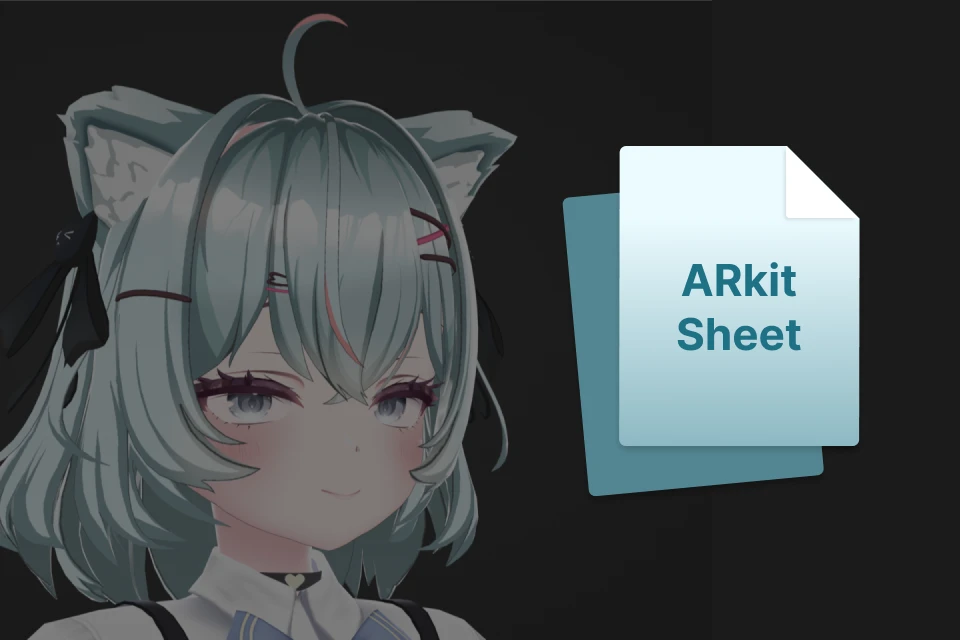
我們將創建所有必要的、常用的虛擬形象混合變形。您將學習如何建立切換開關、防止穿模,以及set52 個 ARKit 形狀鍵,這些鍵通常用於 VTuber 虛擬形象的臉部追蹤。
<p><strong> Substance Painter ,打造精美紋理</strong></p>

Substance Painter ,打造精美紋理

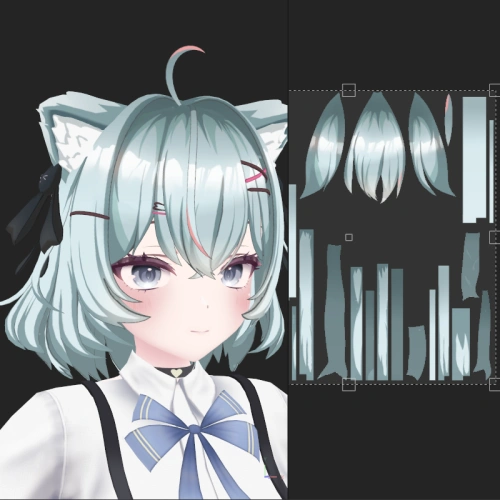
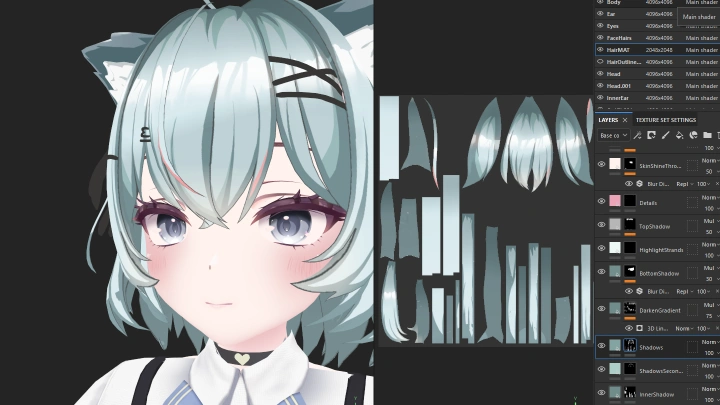
學習Substance Painter的紋理繪製流程。您將探索如何將手繪紋理與網格貼圖結合。您還將學習如何在非破壞性工作流程中實現逼真的動漫風格,並隨時進行調整。

為 VRChat 和 Warudo 設定您的虛擬形象

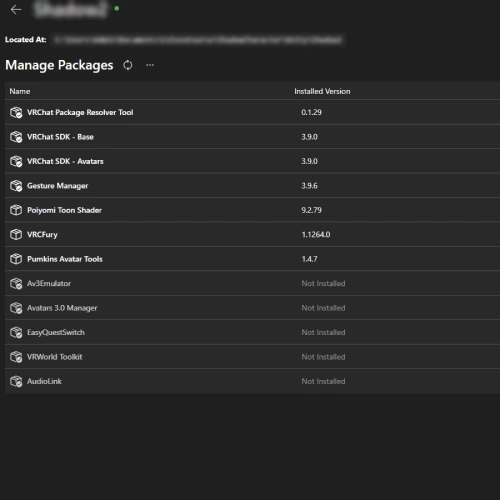
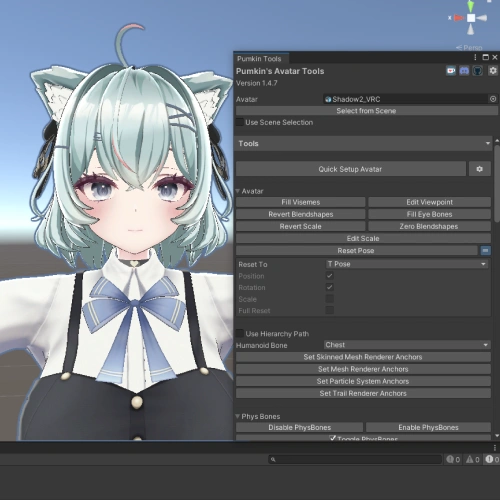
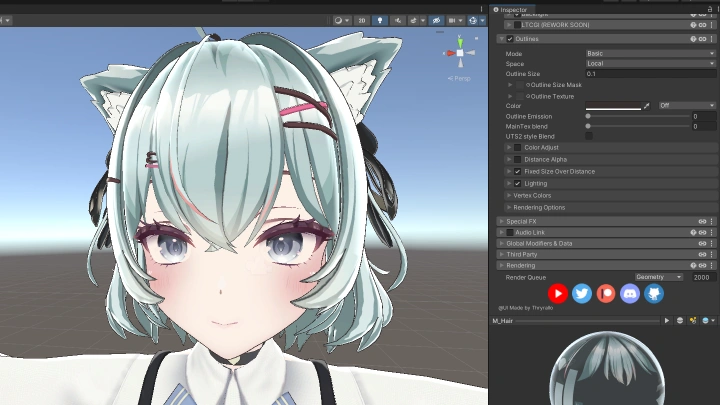
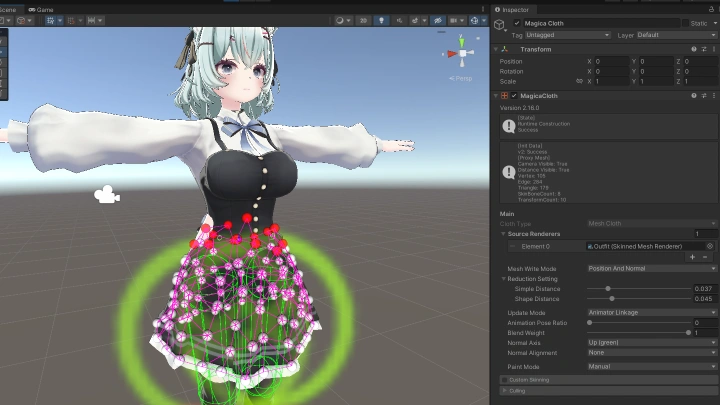
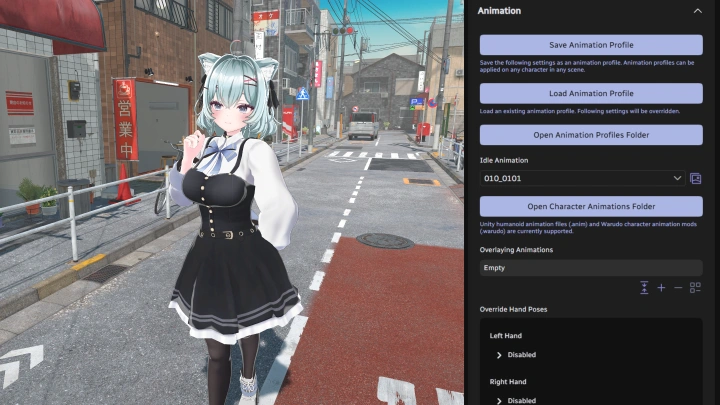
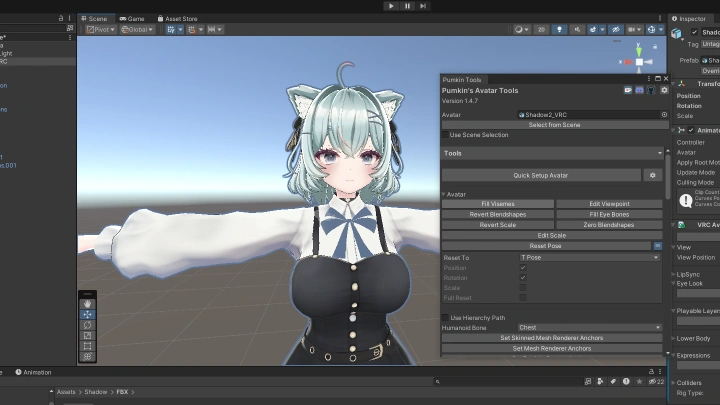
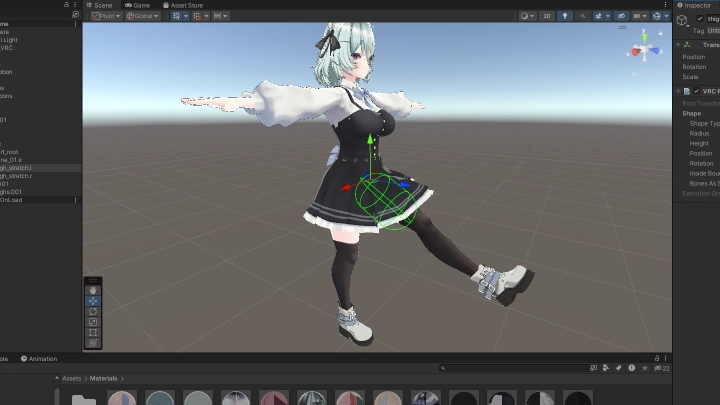
大多數角色最終都會出現在 Warudo 或 VRChat 中。本課程涵蓋這兩個平台的角色準備。您將學習如何setUnity專案、實現物理效果和材質。對於 Warudo,您甚至將學習如何使用 Magica Cloth 2set布料物理效果,以及如何配置完整的 Warudo 場景。

使用 Auto Rig Pro 實現高效能綁定配置

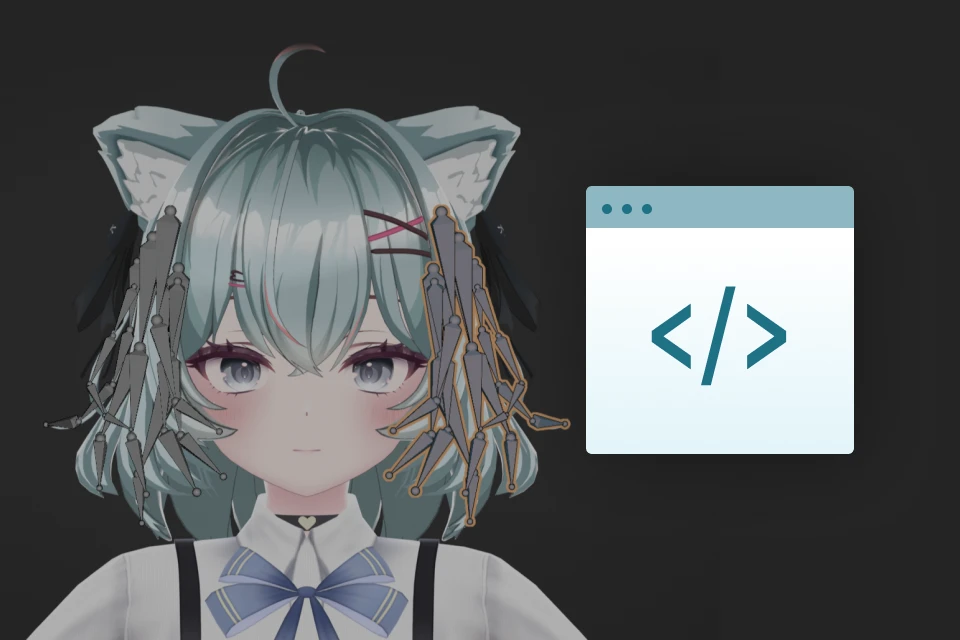
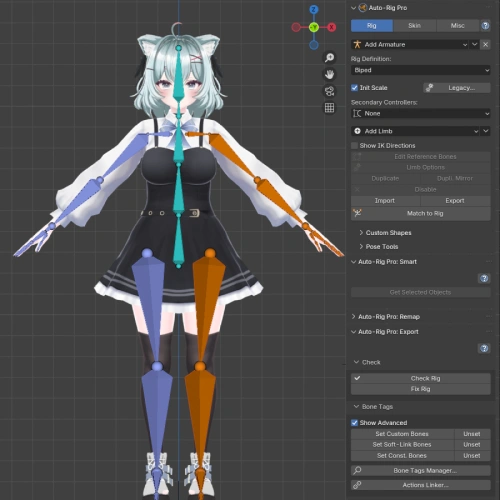
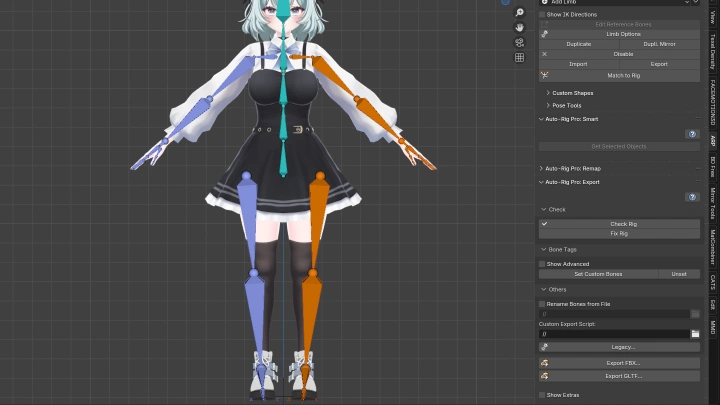
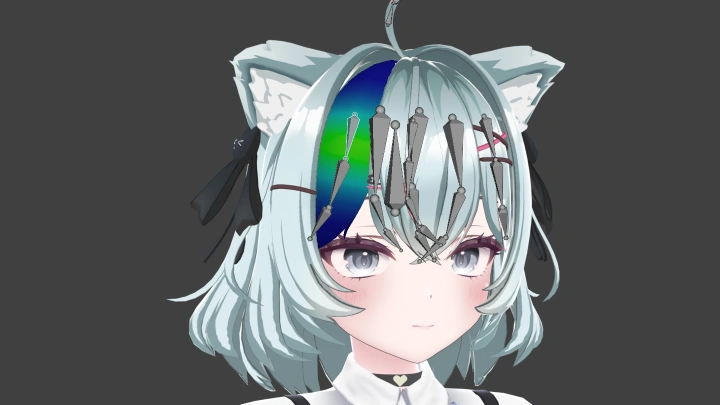
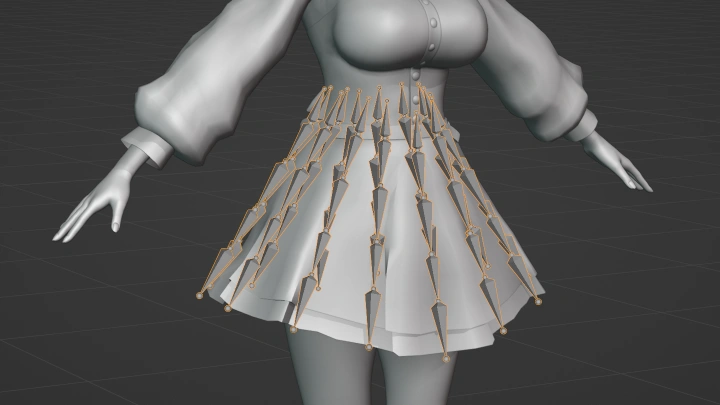
本課程涵蓋綁定的所有內容。您將學習如何使用 Auto Rig Pro 為您的角色建立穩固的骨骼綁定。學習如何添加物理骨骼,以及管理不同的物理物件,例如頭髮或裙子。

課程大綱
詳細課表

**課程發布日期與內容如有更動,恕不另行通知。

  • Section 01
    課程前言
    curriculum-3dartist-keeki-us-section01-1.webp
    curriculum-3dartist-keeki-us-section01-2.webp
    • 01.課程前言- 與你的講師見面,了解課程概況 課程目標 - 設定Blender

  • Section 02
    奠定基礎
    curriculum-3dartist-keeki-us-section02.webp
    • 02. 角色創建工作流程- 3D角色通用工作流程

  • Section 03
    頭部建模
    curriculum-3dartist-keeki-us-section03-1.webp
    curriculum-3dartist-keeki-us-section03-2.webp
    curriculum-3dartist-keeki-us-section03-3.webp
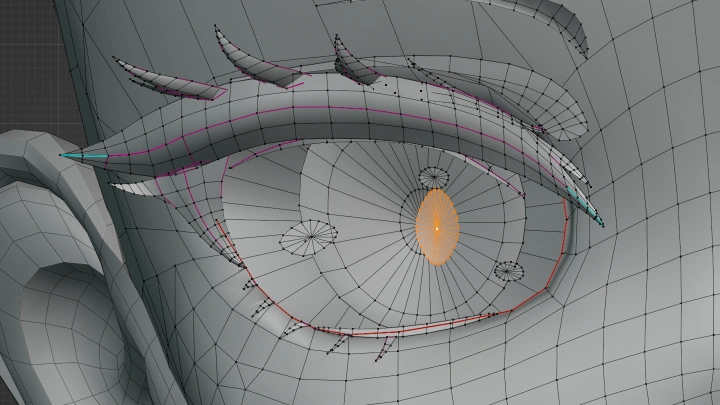
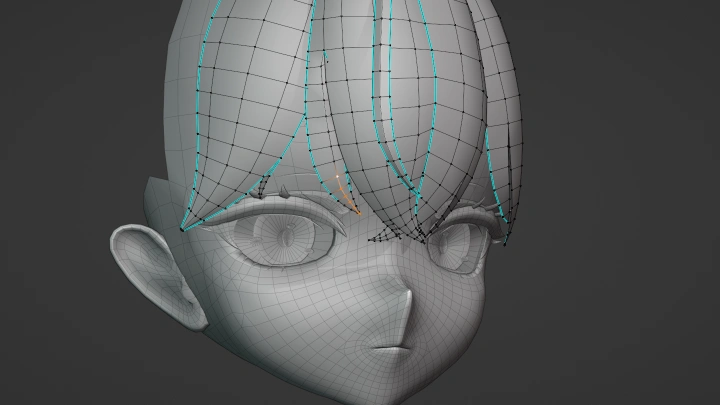
    • 03. 頭部建模 1- 從 1 個頂點開始 - 在Blender中測量 - 設定角色的身高 頭部比例 - 鏡像修改器 - 細分修正器 - 處理參考文獻 使用細分修改器建立硬邊 - 改進的法線

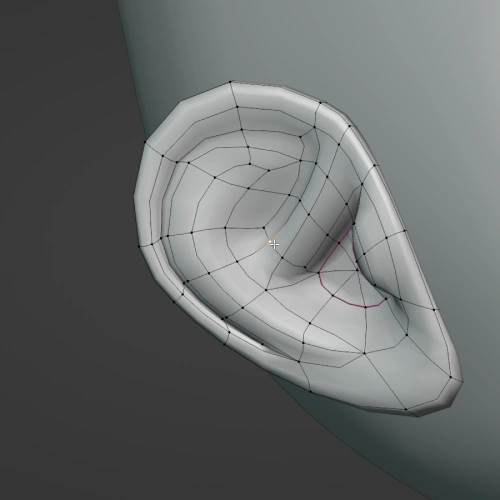
    • 04. 頭部建模 2- 改進的視圖著色 - 頭部調整 耳朵 - 口腔內部

    • 05. 頭部建模 3- 睫毛 - 眼睛

    • 06. 頭部建模:常見錯誤及解決方法- 初學者在頭部建模中常犯的錯誤以及如何改正

  • Section 04
    人體模特兒
    curriculum-3dartist-keeki-us-section04-1.webp
    curriculum-3dartist-keeki-us-section04-2.webp
    curriculum-3dartist-keeki-us-section04-3.webp
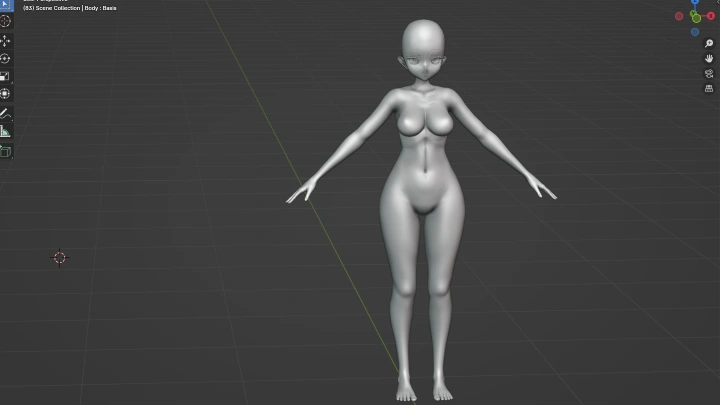
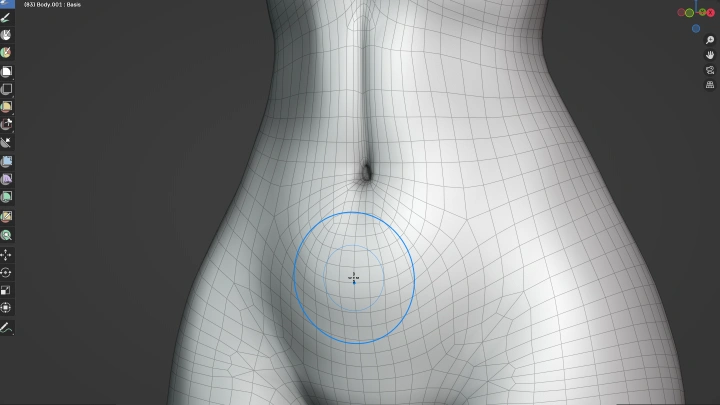
    • 07. 人體建模 1- 人體解剖學 - 製作基礎人體模型 - A字姿勢與T字姿勢 - 雕刻工具 - 人體標誌點

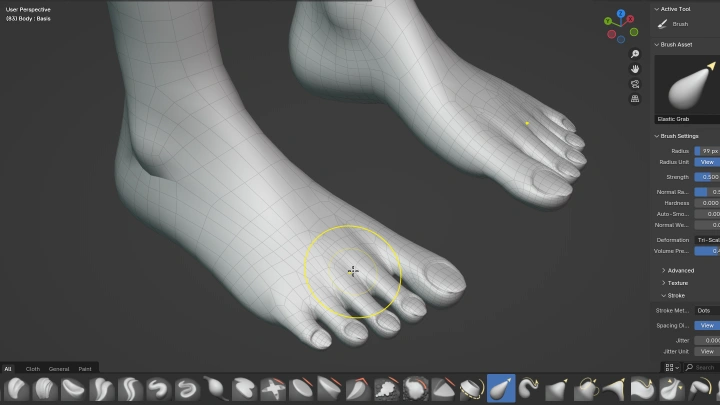
    • 08. 人體建模 2- 腿部和足部精細化

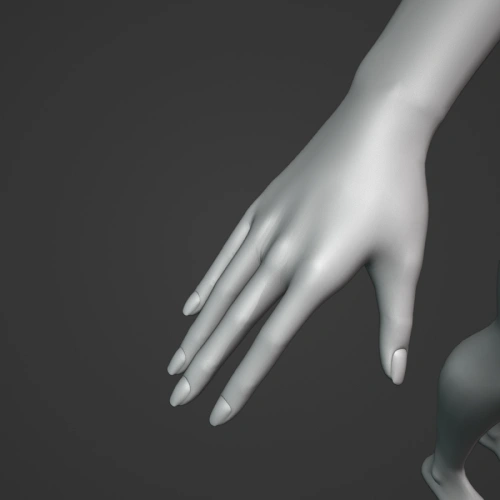
    • 09. 人體建模 3- 手臂和手部的精細化

    • 10. 人體模特兒常見的錯誤- 人體模特兒常見的錯誤及糾正方法

  • Section 05
    髮型模特兒
    curriculum-3dartist-keeki-us-section05-1.webp
    curriculum-3dartist-keeki-us-section05-2.webp
    • 11. 髮型規劃- 曲線到網格工作流程 毛髮 - 曲線輪廓 - 分裂 頭髮的物件

    • 12. 髮型設計 1- 修剪正面髮

    • 13. 髮型設計 2- 修剪側邊和後發 - 線 - 使用晶格來構成整體形狀

    • 14. 常見的髮型設計錯誤- 髮型建模中常見的錯誤以及如何改正

  • Section 06
    布料建模與紋理準備
    curriculum-3dartist-keeki-us-section06-1.webp
    curriculum-3dartist-keeki-us-section06-2.webp
    curriculum-3dartist-keeki-us-section06-3.webp
    curriculum-3dartist-keeki-us-section06-4.webp
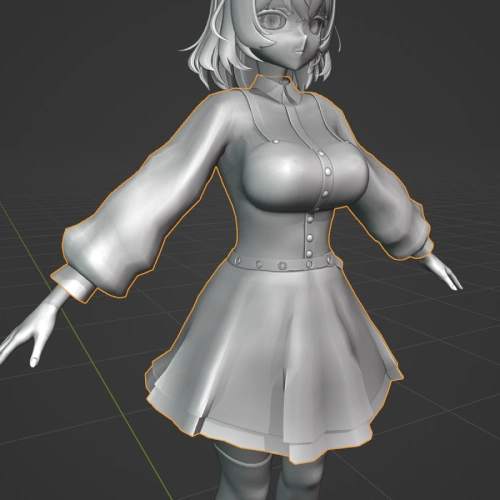
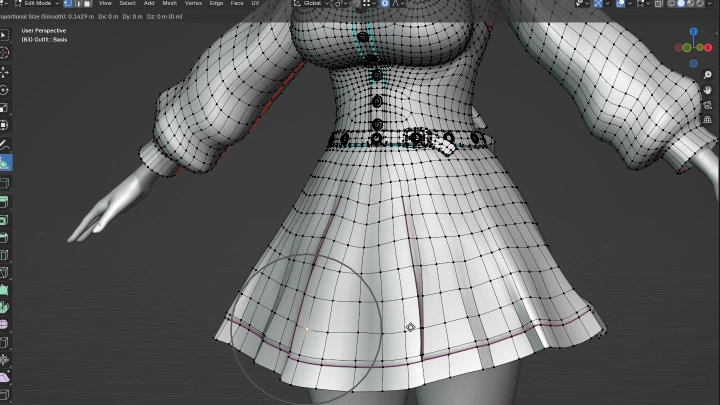
    • 15. 服裝 1- 模組化服裝 - 製作主要服裝 - 布料拓樸流程

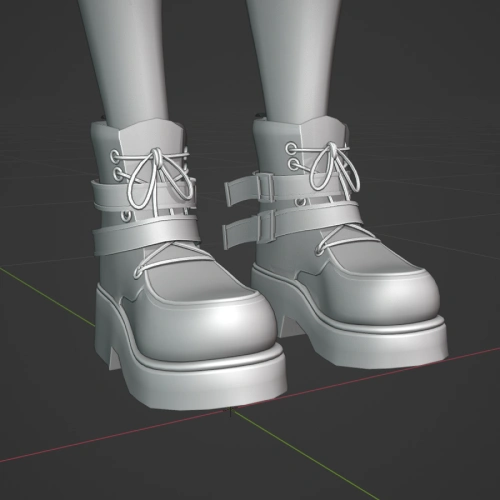
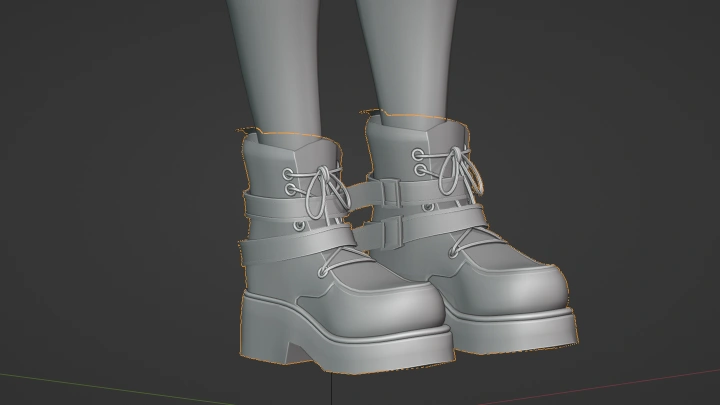
    • 16. 服裝 2製作鞋子

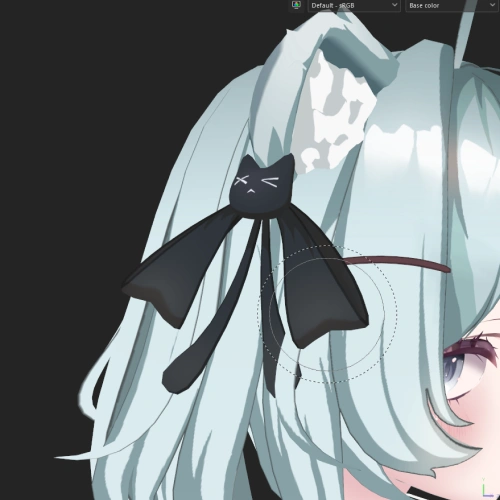
    • 17. 服裝 3- 配件 - 貓耳朵

    • 18. 常見的布料建模錯誤- 布料建模常見的錯誤及解決方法

    • 19. 總結- 檢查並完善角色 - 輪廓測試 - 最佳化

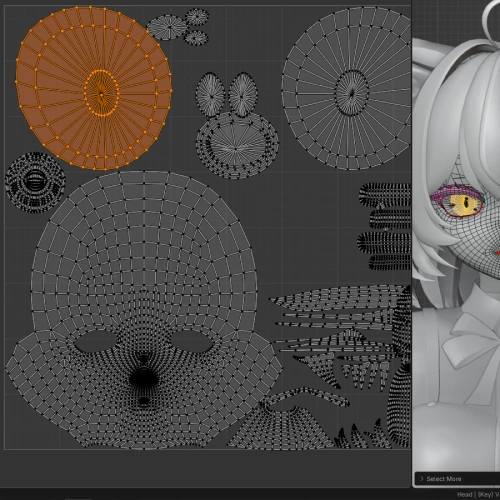
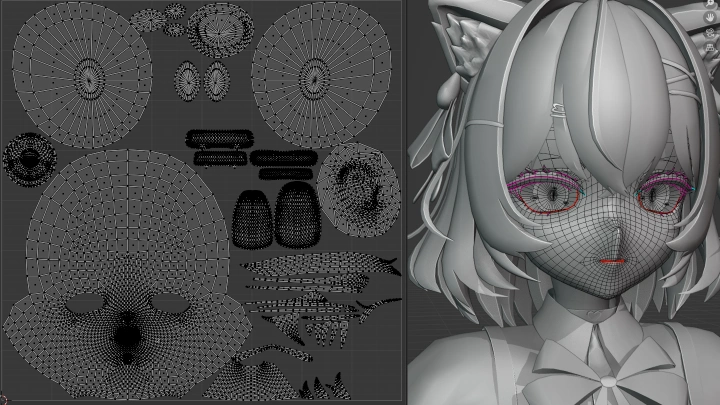
    • 20. 在Blender中進行質地處理- 創建高精度模型 - UV展開 - 添加材質

  • Section 07
    使用Substance Painter進行紋理繪製
    curriculum-3dartist-keeki-us-section07-1.webp
    curriculum-3dartist-keeki-us-section07-2.webp
    • 21. Substance Painter入門Substance Painter概述 - 設定和設定 - 烘烤 - 使用非破壞性工作流程

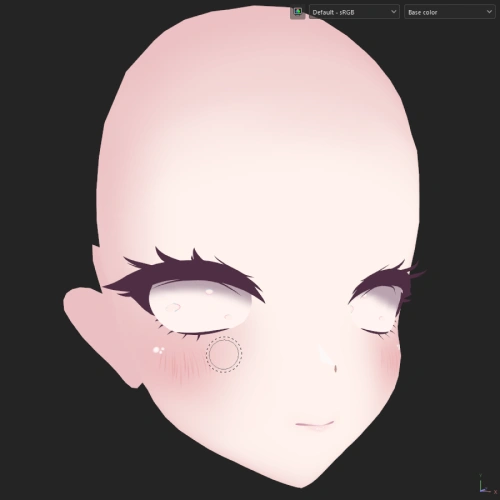
    • 22. 臉部紋理 1- 底妝 - 眼影 - 腮紅

    • 23. 臉部紋理 2- 眼睛的解剖結構 - 如何畫出逼真的眼睛

    • 24. 臉部紋理 3- 眉毛 - 睫毛 - 眼褶 - 口腔內部

    • 25. 身體紋理 1- 使用生成器創建基礎皮膚 - 烘焙風格化光影濾鏡 - 光源 - 環境遮擋

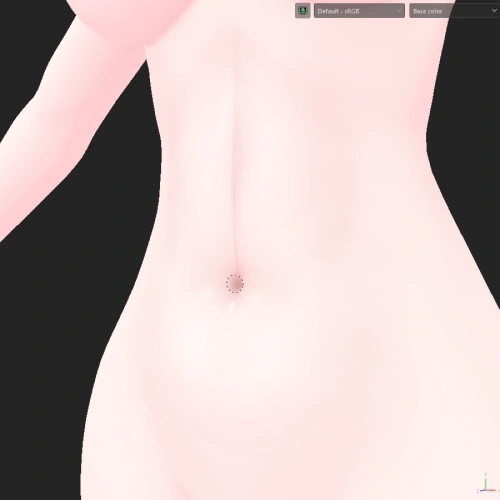
    • 26. 身體紋理 2- 添加手繪細節 - 膝蓋、腹部和鎖骨

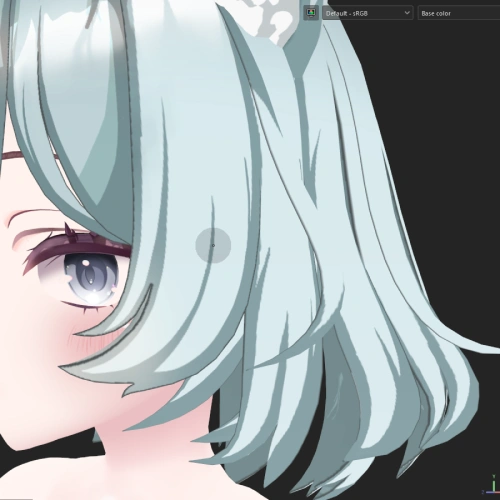
    • 27. 頭髮紋理處理 1- 底色 漸變 正面頭髮

    • 28. 頭髮紋理處理 2側邊和後發 - 使用過濾器進行篩選

    • 29. 布料紋理 1- 為服裝添加紋理 - 結合生成器和手繪 - 繪製接縫

    • 30. 布料紋理 2- 配件

    • 31. Blender中的紋理應用- 在Blender中套用紋理 著色器編輯器是什麼? - 使用著色器編輯器

    • 32. 常見的紋理錯誤- 常見的紋理錯誤及修復方法

  • Section 08
    綁定:賦予角色生命
    curriculum-3dartist-keeki-us-section08-1.webp
    curriculum-3dartist-keeki-us-section08-2.webp
    curriculum-3dartist-keeki-us-section08-3.webp
    • 33.綁定簡介什麼是綁定 - 附加元件 自動裝備專業版 - 實用工具

    • 34.綁定1- 身體綁定 - 漸層工具 - 物理骨骼 - 父骨骼 - 鏡像骨骼和權重

    • 35.綁定2- 頭髮 - 服裝 - 體重資料傳輸

    • 36.綁定3- 裙子

    • 37. 常見的綁定安裝錯誤常見的綁定錯誤及解決方法

  • Section 09
    形狀鍵
    curriculum-3dartist-keeki-us-section09-1.webp
    curriculum-3dartist-keeki-us-section09-2.webp
    • 38. 通用形狀鍵- 使用形狀鍵 - 切換形狀鍵 - 防剔除形狀鍵

    • 39. ARKit:所有形狀鍵- 示範全部 52 個 ARKit 形狀鍵,並提供創建它們的技巧

    • 40. 表情和音素- 輕鬆的眼神交流 - 添加表情 - 創建音素

  • Section 10
    瓦魯多
    curriculum-3dartist-keeki-us-section10-1.webp
    curriculum-3dartist-keeki-us-section10-2.webp
    curriculum-3dartist-keeki-us-section10-3.webp
    • 41. Warudo Unity專案設置- 為 Warudo 設定Unity場景 展示快速的工作流程,方便迭代 - 角色設定

    • 42. Poiyomi 著色器- Poiyomi 特色功能 - 創建材料

    • 43. 魔法布- 為角色添加 MagicaCloth 物理效果

    • 44. Warudo中的角色設置- Warudo 概覽 - 藍圖 - 鐘擺物理效果 - 角色測試 - 攝影機和後製設置

  • Section 11
    VRChat
    curriculum-3dartist-keeki-us-section11-1.webp
    curriculum-3dartist-keeki-us-section11-2.webp
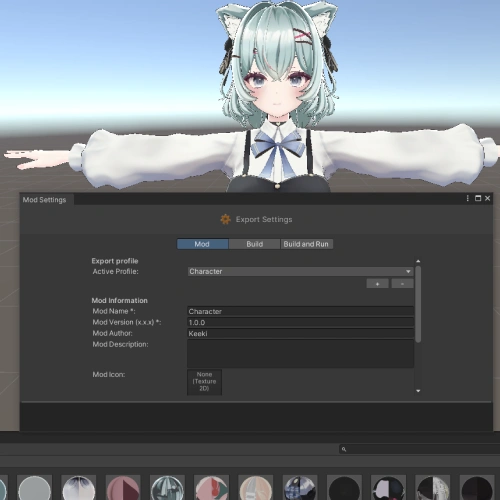
    • 45. VRChat Unity專案設置- 安裝插件 - 角色導入 - VRChat 的匯出視窗

    • 46. VRChat角色設置- 角色設定 - 實現切換開關 - 在Unity中進行測試 - 限制條件以實現更好的旋轉

    • 47. 物理學的應用- VRChat 的 PhysBones - 碰撞 - 透過限制優化碰撞的使用 - 裙子綁定

  • Section 12
    結語
    curriculum-3dartist-keeki-us-section12.webp
    • 48. 旅程的下一步- 對未來學習的建議 - 在社群媒體上發展壯大 - 接受委託創作

所需工具

本課程將使用以下軟體:
- Blender 4.3
- Substance 3D Painter 11.0
- Unity 2022.3.22f1
- Auto Rig Pro 3.74.40

其他推薦軟體:
- Mio3 3.74.40

其他建議。 Reload 3.1.2

為了獲得最佳學習體驗,請購買並安裝以上軟體。

program-3dartist-keeki-us-blender.webp
program-3dartist-keeki-us-substance3Dpainter.webp
program-3dartist-keeki-us-unity.webp
推薦

重要公告

- This product provides access to the video lectures online (Excluding products categorized as Assets). - Under certain circumstances, discounts may end early or be extended without prior notice. - For pre-ordered courses, the content and the lecture videos will be released sequentially according to the schedule. The Course Start Date will be set to the release date of the first lecture video. - You will gain immediate access to the course through My Page upon completing registration and payment. Total Course Duration: - The Standard Access (Paid access) period lasts for the first 15 days and Unlimited Free Access period will begin from the 16th day. Both the Standard and Unlimited Free Access periods offer the equal viewing experience to the content. - Course Start Date: The estimation of the Course Start Date will be based on the completion date of the payment. Immediate access to the lecture videos will be granted through My Page. (For pre-ordered courses, the start date will be the release date of the first lecture video.) - In case the course start date is postponed due to extenuating circumstances on Coloso’s end, the start date will be adjusted accordingly.
*Please note that certain aspects of this course, including the release date, curriculum images, and associated content, are subject to change without prior notification.
*Would you like to learn more about our refund policy? Please check ▶ here
*Please check our ▶ FAQ for Copyright and Proprietary Rights, User-Generated Content, Security, and Violation information.
*保留未事前告知而更改本網頁資訊的權利
*欲進一步瞭解退款政策的細節,請由 ▶ 此處確認。
*請至 ▶FAQ頁面查看有關版權及所有權、使用者製作內容、資料安全及違反等相關資訊。
*Tenga en cuenta que la información de esta página está sujeta a cambios sin previo aviso.
* ¿Le gustaría saber más sobre nuestra política de reembolso? Por favor, compruebe ▶ aquí
*Por favor, compruebe nuestras ▶ FAQ para los derechos de autor y derechos de propiedad, contenido generado por el usuario, seguridad e información de violación.
- This product is strictly prohibited to resell, redistribute, steal, or transfer. - The original images and simple edited images of this product cannot be transferred, distributed, or sold. - This product can be refunded only before the class video is released. - You can find this product on [My Class] > [Class Materials]