[Course]illustrator,rigger,lunya,noahh_루냐노아FC Details
Intro

Now in Your Language, Only on Coloso!
Learn from Korea's Top Master Creatives
-
 Everything You Need to Know About Live2D Creation
 -
 A Comprehensive Course of 80 Chapters
 -
 Hands-on Character Production
Making Illustrations and Rigs for Character Movement and Efficient Creation
The quality of a Live2D character and how fast you can create it all depend on the modeling and rigging methods. More importantly, to make the rigging process easier, you need to split a character into parts considering its 3D movement.

Find out how to create illustrations for rigging in Live2D, instead of focusing only on details.
Master the easy, quick ways to create charming virtual characters with just one class!
Class Preview
Still Not Sure?
Check Out LUNYA & Noahh's Class Preview!
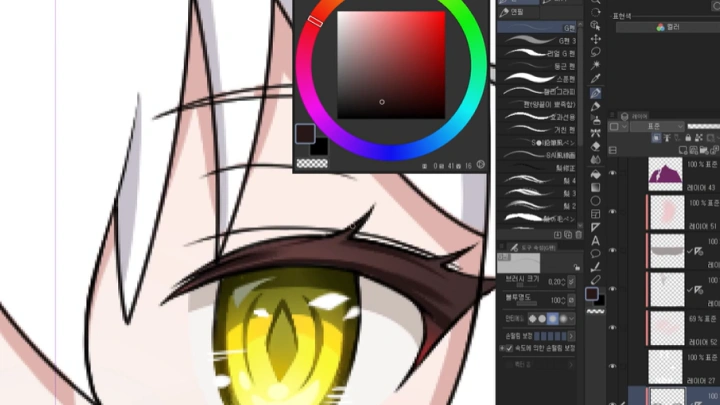
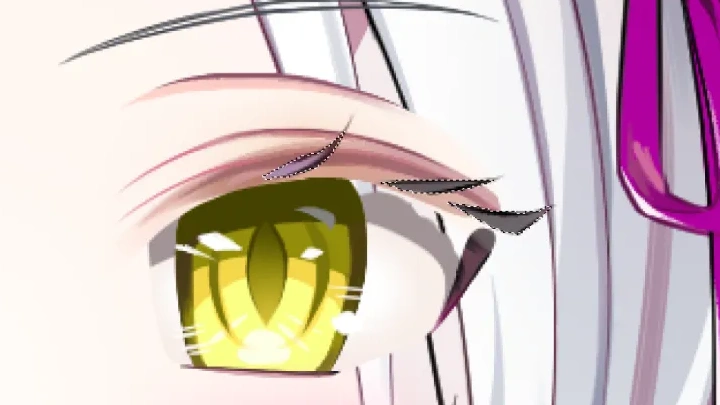
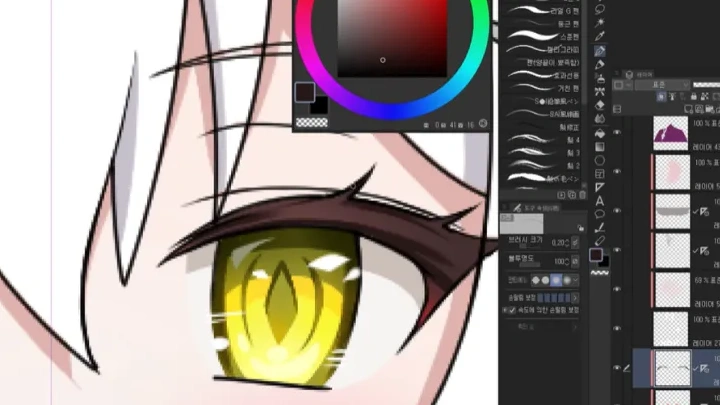
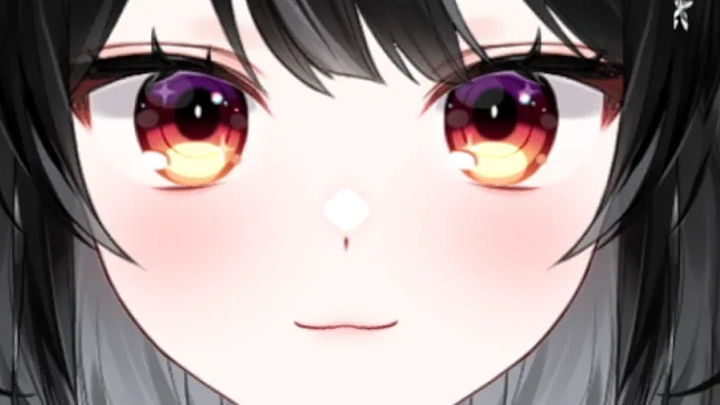
13. Coloring the Eyes, Nose, Mouth, and Face
1. Core of the Character
2. About the Most Expressive Feature
3. Balance and Unity in Facial Coloring
2. About the Most Expressive Feature
3. Balance and Unity in Facial Coloring
*The Korean language content in this class preview is translated into English in the class videos.
**The subtitles in this preview video are auto-translated. Please note that some content may not be accurately translated.
***Associated content is subject to change without prior notice.
Class Perks
Get These Coloso Exclusives
-
 Learn How to Split a Character into Parts withStep-by-Step PSD Illustration Files
 -
 Draw Virtual Illustrations with7 Clip Studio Brushes
 -
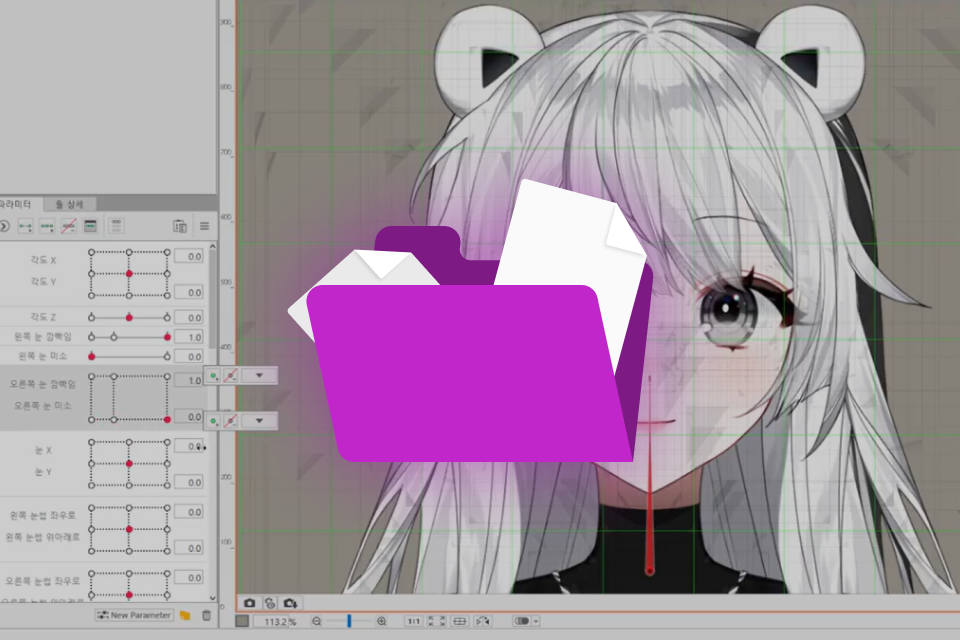 Original ModelsCMO3 Rigging Files
-
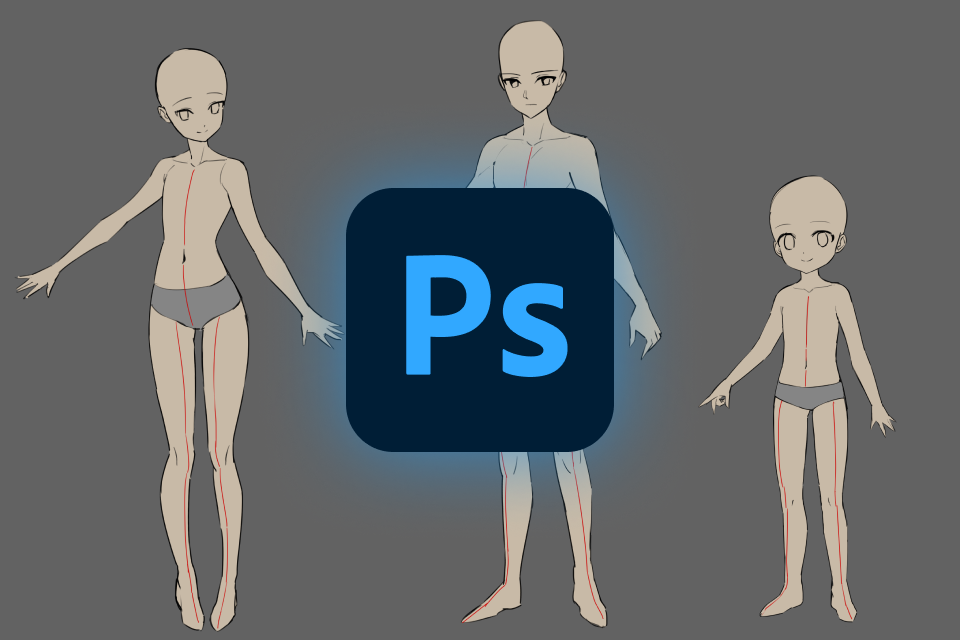 Practic Sketching Male, Female, and Child Characters withPSD Guides
 -
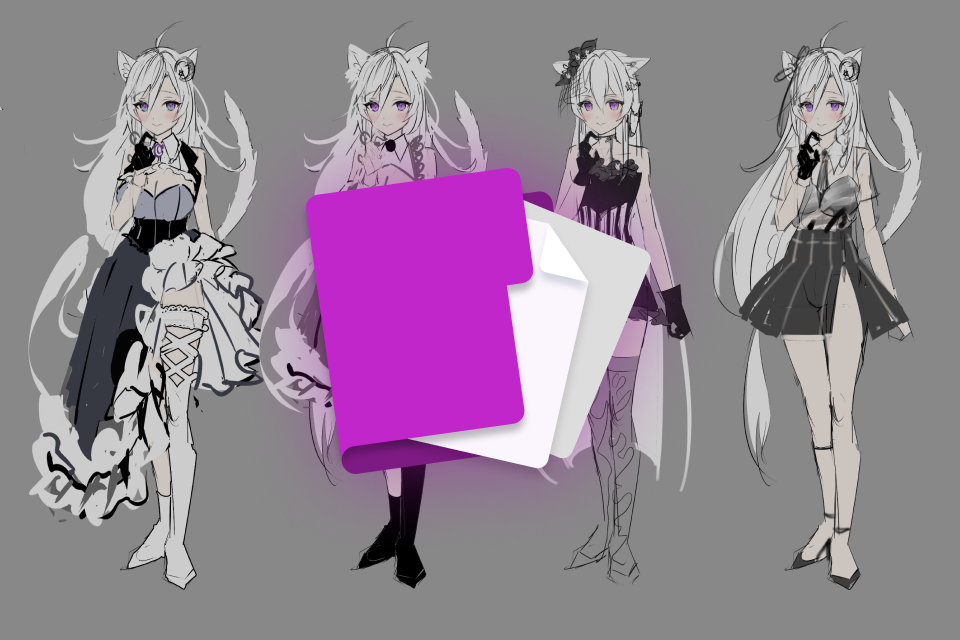 Master Character Design withProposal & Template Samples
 -
 Practice Rigging Mouth Shapes withImage Files
Expert Illustrator LUNYA's Portfolio
-
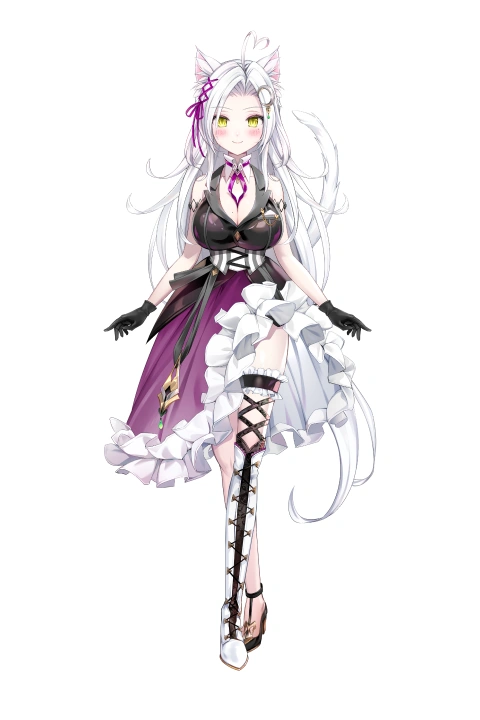 LUNYA
LUNYA -

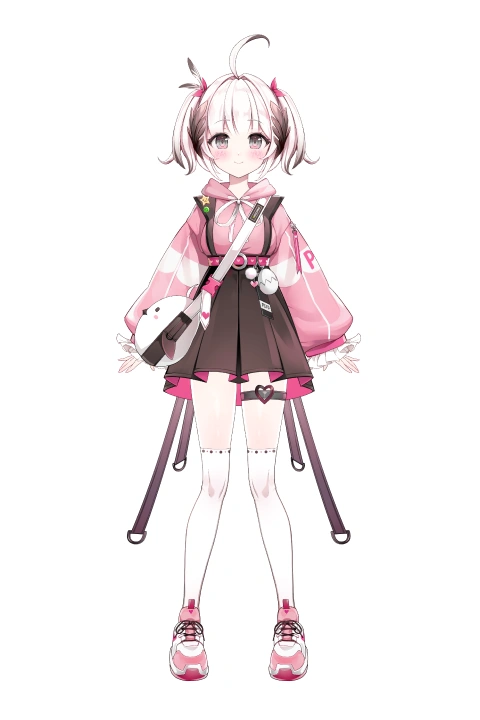 PIYO 「VRECORD」
 -

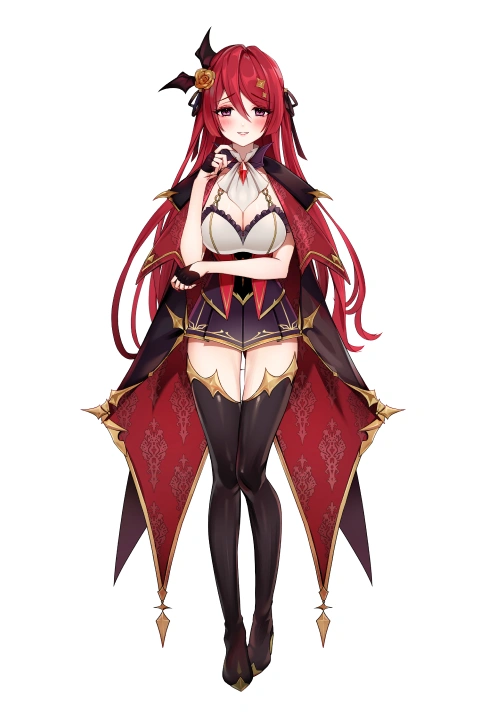 Himea D'Almaria 「WACTOR」
-


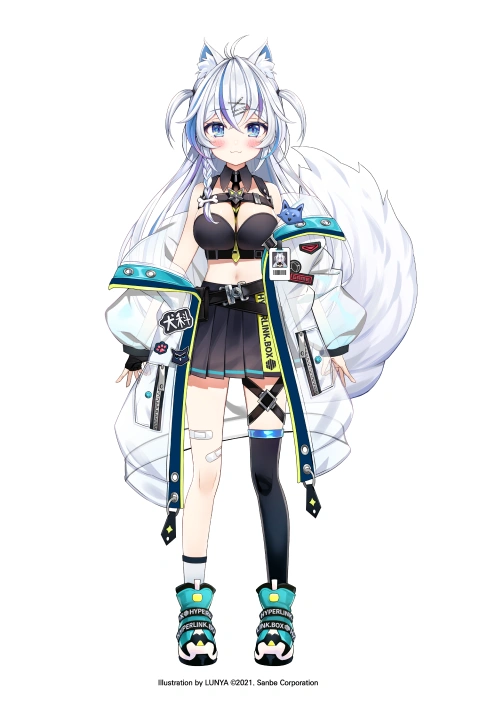 Enmini
 -
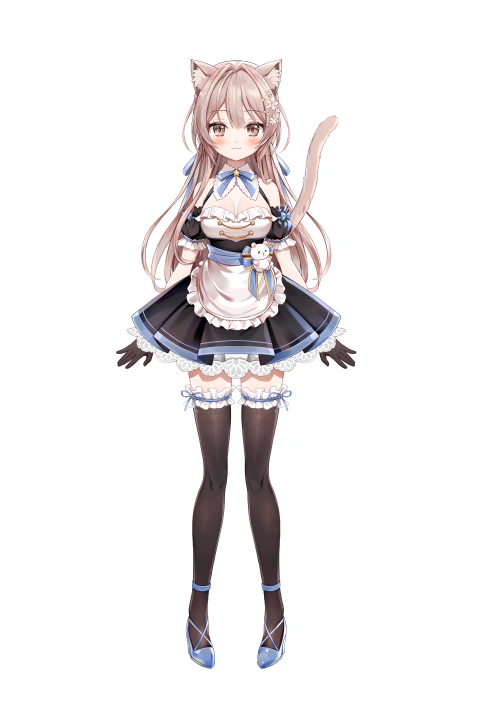 Babupipi
Expert Rigger Noahh's Portfolio





Get Hands-on with the Illustration Process
Part 1: Creating Virtual Illustrations with LUNYA
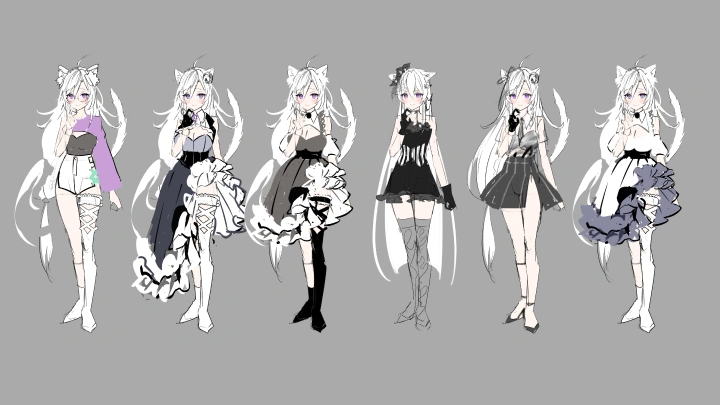
Make the upper body of a Live2D character for various usages based on illustrator LUNYA's original character.
-
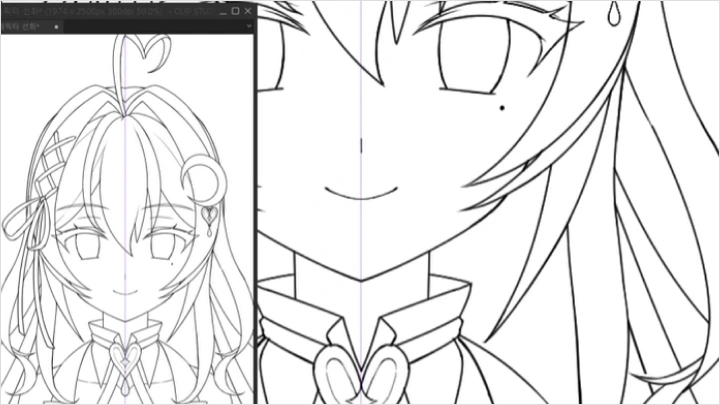
 Creating Clean Line Art
 -
 Coloring Tips for Different Materials
 -
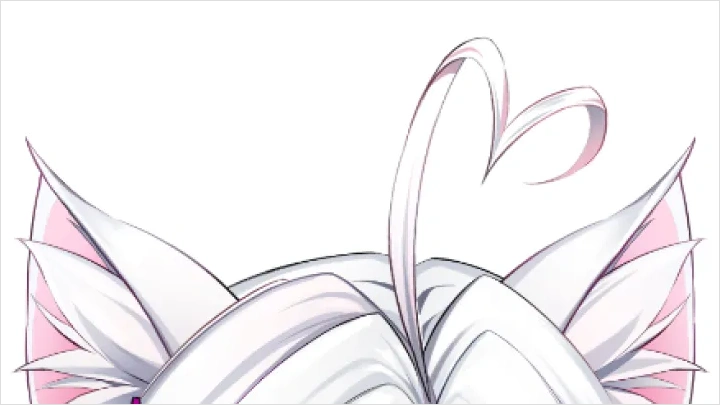
 Splitting a Character into Parts
Part 2: Virtual Rigging with Noahh
-
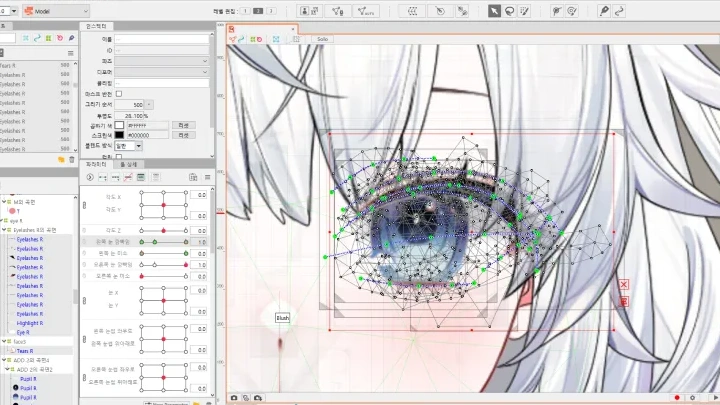
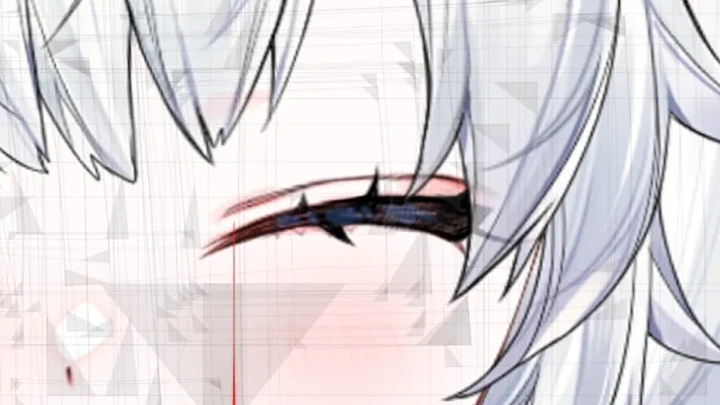
 Creating Blinks
 -
 Mouth Movement
 -
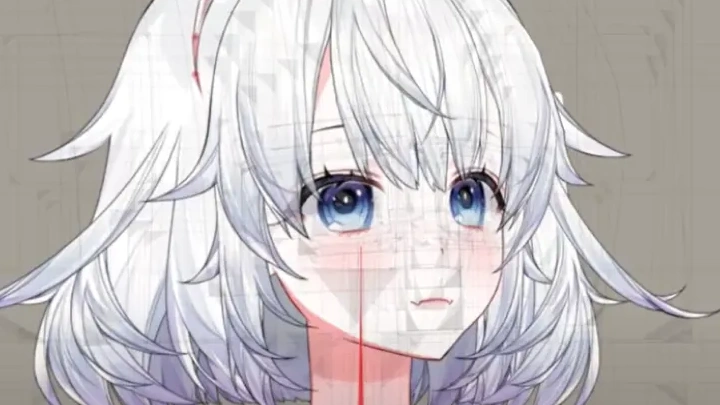
 Rotating the Face
-
 Swaying Hair
 -
 Making Additional Parts
 -
 Animating Facial Expressions
Instructor
Illustrator
LUNYA
After creating character concept art at a game company from 2018,
I now work as a freelance illustrator for clients from Korea and abroad.
Although virtual illustrations must always be made considering the rigging process, it is hard to gain in-depth knowledge about rigging as an illustrator, which is something I struggled with too.
Using feedback from riggers, I could discover a more efficient process of creating virtual illustrations, and I'd like to share it in full with those who are interested in Live2D, want to design their own virtual characters, or are good at drawing but have never made a virtual illustration, providing detailed and useful guidance.

Rigger
Noahh
I have created rigs for over 130 virtual characters, including Acau, Ryu and Onyu of RE:REVOLUTION, and Bomi of "MapleStory M." I also collaborate with streamers, YouTubers, and companies in various fields.
I fell in love with virtual characters at first sight, which led me to quit my previous job and join this field. But since there are not many opportunities to learn rigging in Korea, I went through a lot of trial and error as well. I hope the experience and expertise I gained through such difficulties can serve as useful guidance for you.


Illustrator LUNYA
[Current]
Illustrator
Projects & Awards
Virtual illustrations for Babupipi, Amemiya Miyabi, Inose of I-STREAM, Himea D'Almaria of WACTOR, and Piyo of VRECORD (2022)
Virtual illustrations for Poyo, Enmimi, Kannagi Nano (2021)
Main illustration for Cosholic 30 (2021)
Won an award at the Pride of Eden Illustration Contest (2021)
Virtual illustration for Tsukiyomi Yomi of Crisp (2020)
Halloween illustration for WACTOR (2020)
Created character concept art for Time Defenders at Nexiting (2018 to 2020)
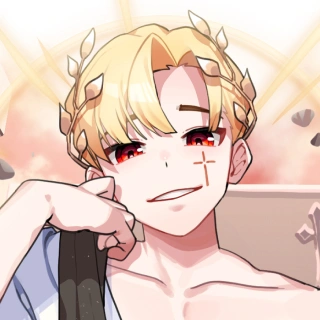
Rigger Noahh
[Current]
Rigger
Projects & Awards
Non-chibi characters of Ryu and Onyu from RE:REVOLUTION
Chibi character of MapleStory M's Bomi
Chibi character of Acau
Chibi character of msmsms213
Chibi character of Gochabi
Chibi character of Woop
Highlights
Class Highlights
Master Everything About Live2D Character Design
Learn how to create an illustration focusing on line art and build and apply rigs naturally, exploring efficient and systematic ways to make virtual illustrations.

Learn Everything You Need From the Professionals
The influx of international virtual content is leading to the rapid growth of the Korean virtual character market. It's easy to get lost when you travel on your own. Let the professionals guide you through the journey to success.

A Beginner-Friendly Class
This class offers a systematic curriculum that is ideal for anyone from those who have good drawing skills but have never created commissioned virtual illustrations to those who simply want to make their own virtual characters.

Class Details
You'll Learn
-
 Introduction to Live2D and Basic ConceptsLearn the current state of the virtual character industry and the fundamental concepts of Live2D. This includes program installation, interface introduction, and content designed to be beginner-friendly. You’ll understand the overall workflow of virtual character production through professional knowledge.
 -
 Setting an Appealing Character ConceptLearn the fundamentals of setting a character's personality, appearance, and world to visualize them through illustrations. From rough drafts to detailed character sheets, this section teaches you how to construct a cohesive concept.
 -
 Virtual Illustration TechniquesLearn illustration techniques using the main features of CLIP STUDIO PAINT (layers, symmetry rulers, selection tools, etc.). You’ll cover basic drawing skills like anatomy, facial features, and coloring methods to master a character-focused illustration workflow.
-
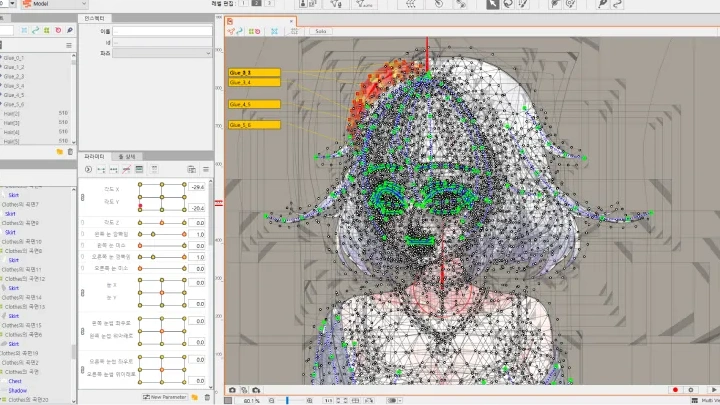
 Live2D Parts Separation WorkLearn efficient methods for separating parts. This includes the eyes, mouth, eyebrows, hair, and clothing. You’ll understand rigging prerequisites, compare different approaches, and learn how to choose the best part separation method depending on your needs.
 -
 Face and Body Rigging TechniquesLearn the techniques to give your character natural, expressive movement, focusing on facial and body rigging. You'll go beyond just moving parts and understand how to add emotional expression and detailed control to your model.
 -
 Practical Applications and Streaming MethodsLearn how to import completed Live2D models into VTuber Studio, set up webcams and microphones, and adjust streaming settings. You’ll also explore how to apply the models practically for streaming and video production, including setting up character switching and using facial expressions during live broadcasts.
- Unlimited Access
- Best Price
Buy now, get unlimited access.
12/31 (Sat) (UTC-7) Special offer ends soon.
This special offer ends soon.
Buy now and save!
Interview with
Illustrator LUNYA & Rigger Noahh

Question.01
Who do you recommend this class to?
You won't regret taking this class if you:
ㆍ want to animate the characters you draw,
ㆍ are interested in virtual YouTubers and want to create them for yourself,
ㆍ or have given up making Live2D characters due to the lack of learning resources.
ㆍ want to animate the characters you draw,
ㆍ are interested in virtual YouTubers and want to create them for yourself,
ㆍ or have given up making Live2D characters due to the lack of learning resources.
Question.02
What are the advantages of using Live2D Cubism?
The program allows you to create 3D characters that are not overly realistic while keeping the form and texture of the original illustration. In particular, you can split a character into parts to move each area in a sophisticated way, and as you get used to the process, you'll be able to create even more high-quality and natural movement.
Live2D also works smoothly with face-tracking programs, making it easier to try something fun, like turning your character into a virtual YouTuber.
Live2D also works smoothly with face-tracking programs, making it easier to try something fun, like turning your character into a virtual YouTuber.
Question.03
Does it require expensive programs and devices to learn virtual rigging?
Virtual rigging mainly consists of creating a model with Live2D Cubism and tracking its movement with VTube Studio.
As for Cubism, you can use the pro version for free on a trial basis for 42 days, and for around 10,000 won per month after that if you purchase the annual plan. Or, you may use the free version, although it may not support some features. Students, including university students, can also get a 76% discount for three years.
Likewise, VTube Studio is available both as a free version and a paid version, which costs 15,500 won and offers lifetime access. The only difference is a tool for removing watermarks.
The details regarding free trial and prices are subject to change. Please check out the official channels for more detailed information.
As for Cubism, you can use the pro version for free on a trial basis for 42 days, and for around 10,000 won per month after that if you purchase the annual plan. Or, you may use the free version, although it may not support some features. Students, including university students, can also get a 76% discount for three years.
Likewise, VTube Studio is available both as a free version and a paid version, which costs 15,500 won and offers lifetime access. The only difference is a tool for removing watermarks.
The details regarding free trial and prices are subject to change. Please check out the official channels for more detailed information.
Question.04
How complicated is the process of creating a Live2D character?
If you study it all on your own, the process may feel confusing and difficult. However, once you learn how to split a character into parts and organize layers, as well as tips for each stage, creating Live2D characters will feel quite simple.
This class also focuses on exploring ways to improve work efficiency, so please look forward to that as well!
Required Programs
This course will use
- Clip Studio Paint 1.11.6 for "Section 1: Virtual Illustrations Parts 2 to 5"
- Live2D Cubism Editor 4.2 for "Section 2: Virtual Rigging Parts 2 to 5"
- VTube Studio 1.21.5 for "Section 2: Virtual Rigging Part 6."
Please purchase and install these program(s) for an optimized class experience.
*These programs and/or materials will not be provided with the course.