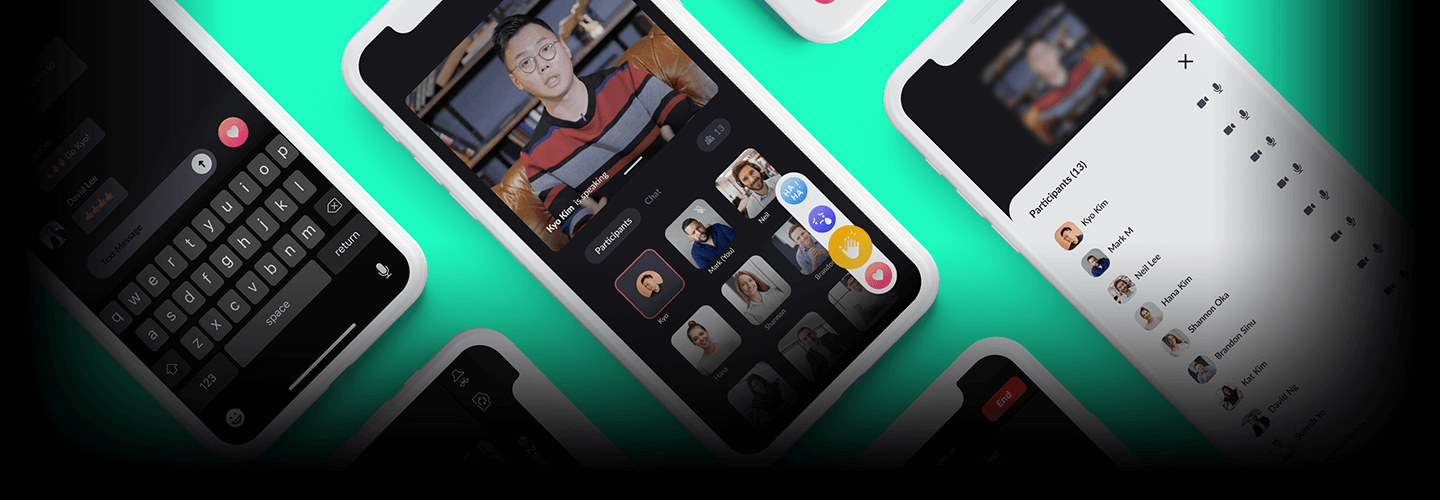
UX Designer, Younggyo Kim_UX 디자이너 김영교 Details
Class introduction
introduction video
UX Designer, Youngkyo Kim
“This course is recommended for everyone, including those who want to learn the basics of UX design, those preparing a personal portfolio, and those with experience who are curious about the design process in Silicon Valley.”
Upgrade your UX design skills to increase your value through the ‘Redesign Project’.
Aren’t you curious about the practical know-how of UX/UI design that everyone was curious about but wasn’t told about anywhere?
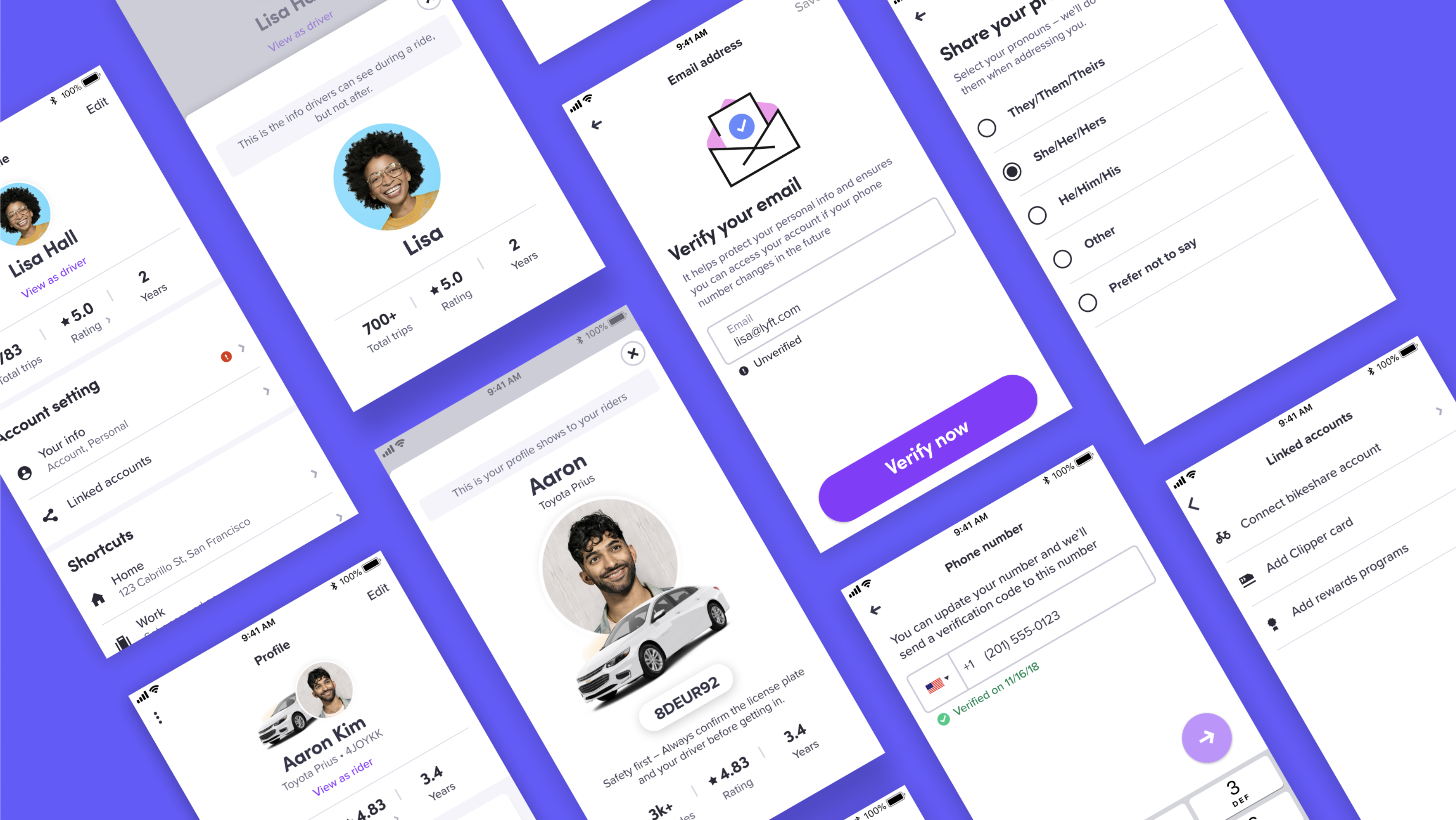
From user research, data collection and analysis, flow chart and wireframe production, usability verification and PT presentation! We have prepared a theory/practice convergence curriculum to learn practical workflow through a UX/UI redesign project with a total of 10 steps.
Check out Coloso now, the only class where you can quickly and easily learn solutions and tips for various questions about UX/UI design through case studies.
Check out Coloso now, the only class where you can quickly and easily learn solutions and tips for various questions about UX/UI design through case studies.
Silicon Valley UX designer, Speaker Youngkyo Kim kyo’s portfolio
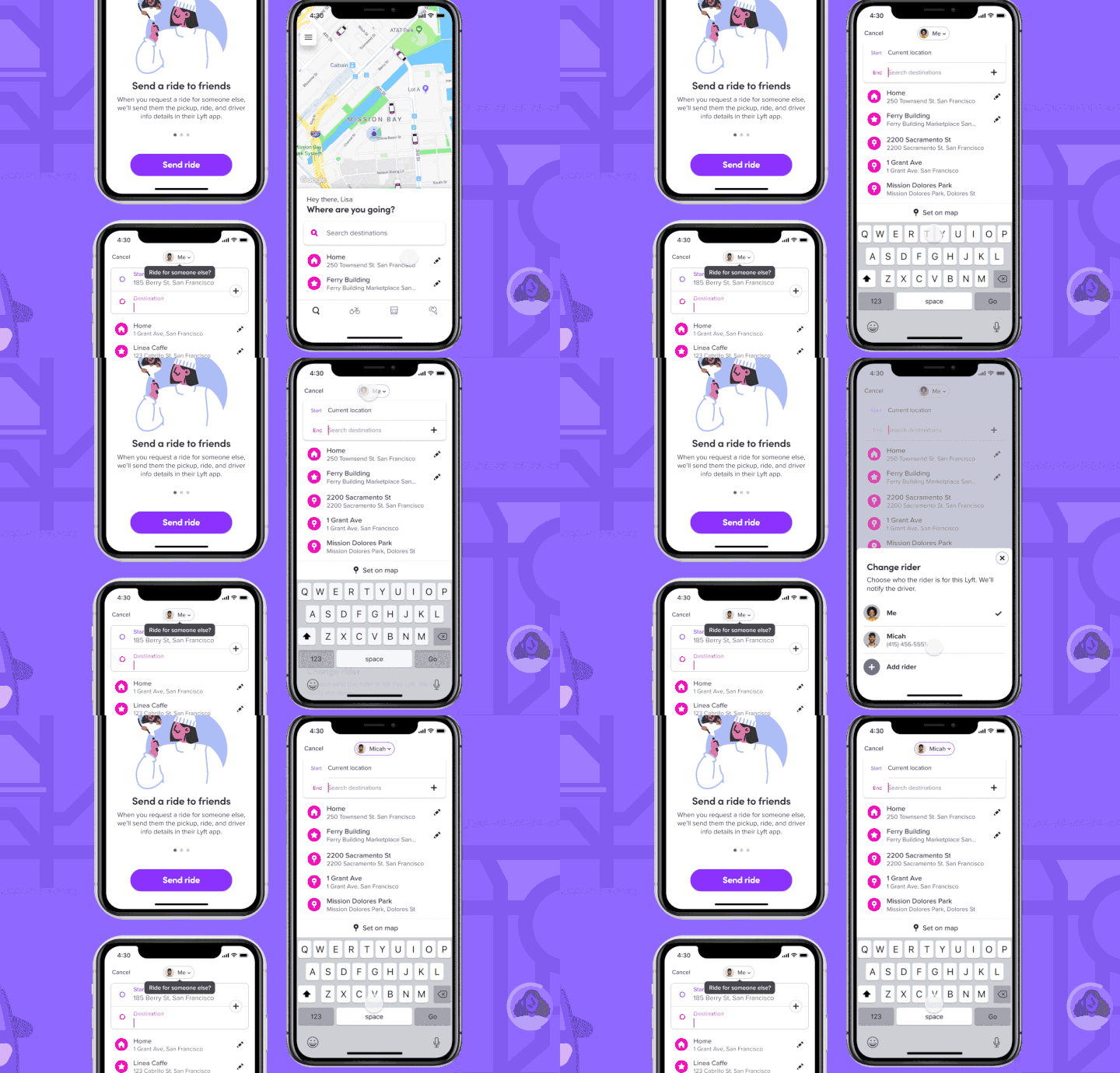
Lyft (Ride for Others)
Agency ride reservation system design design
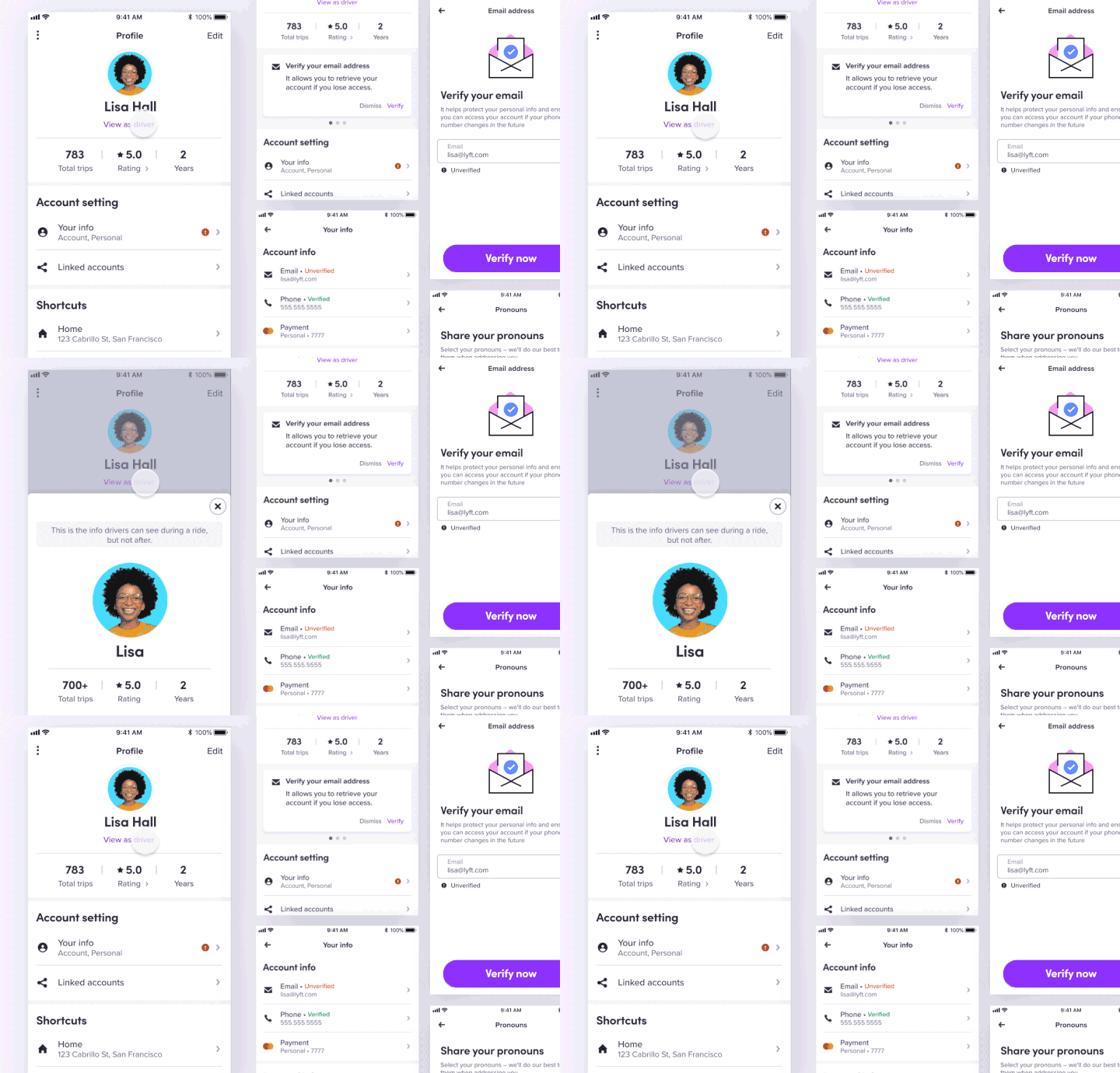
Lyft (User Profile)
Launching passenger and driver profiles through framework
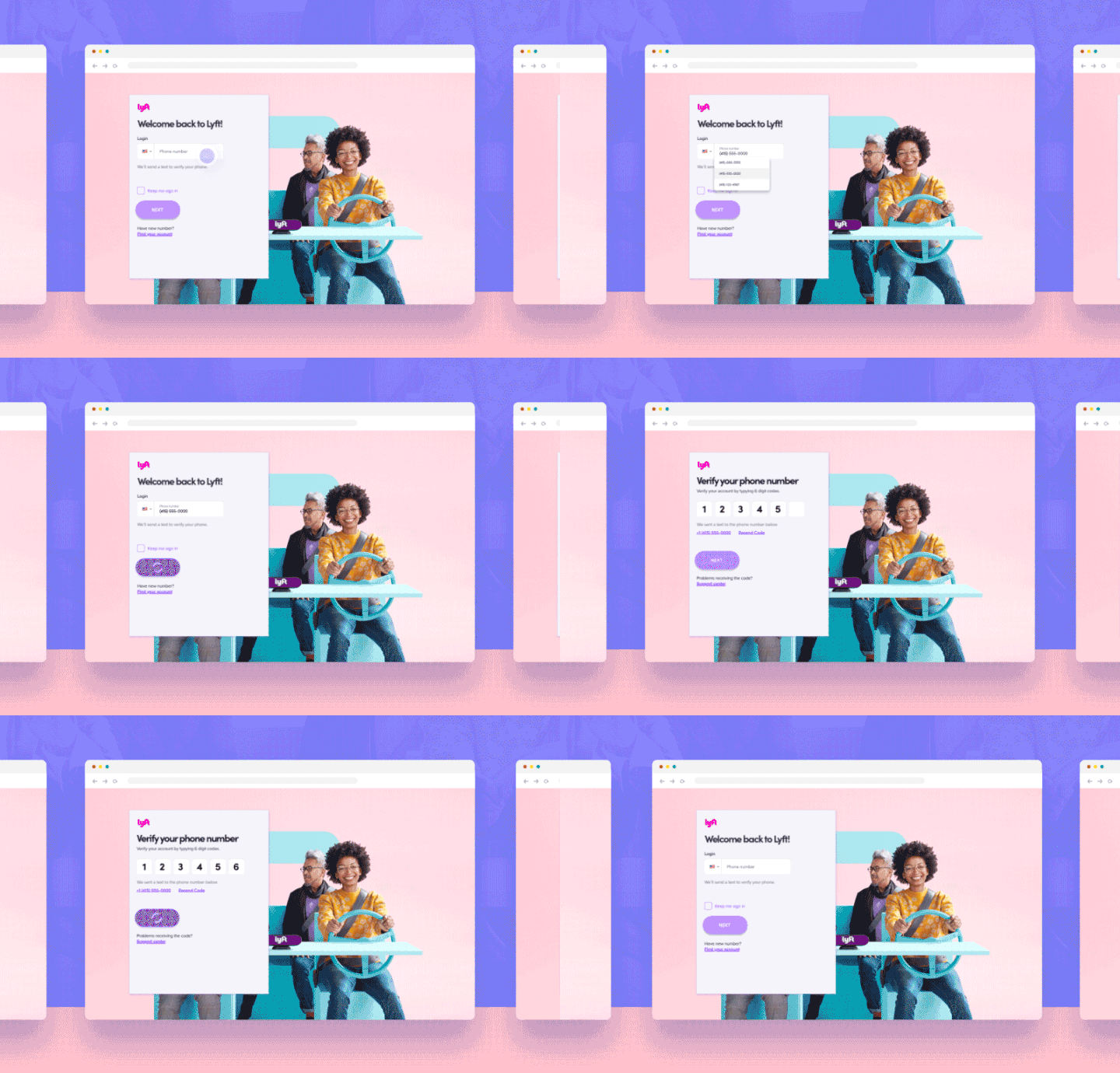
Lyft (Unified Login)
Web base integrated login design and design lead
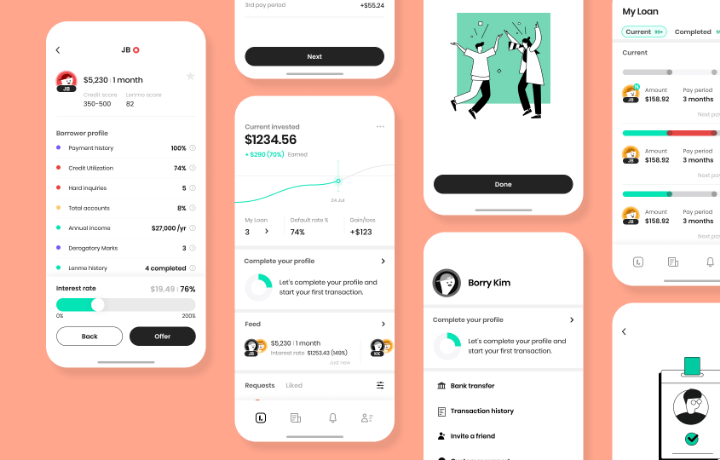
Lenme_2.0
App redesign general directing
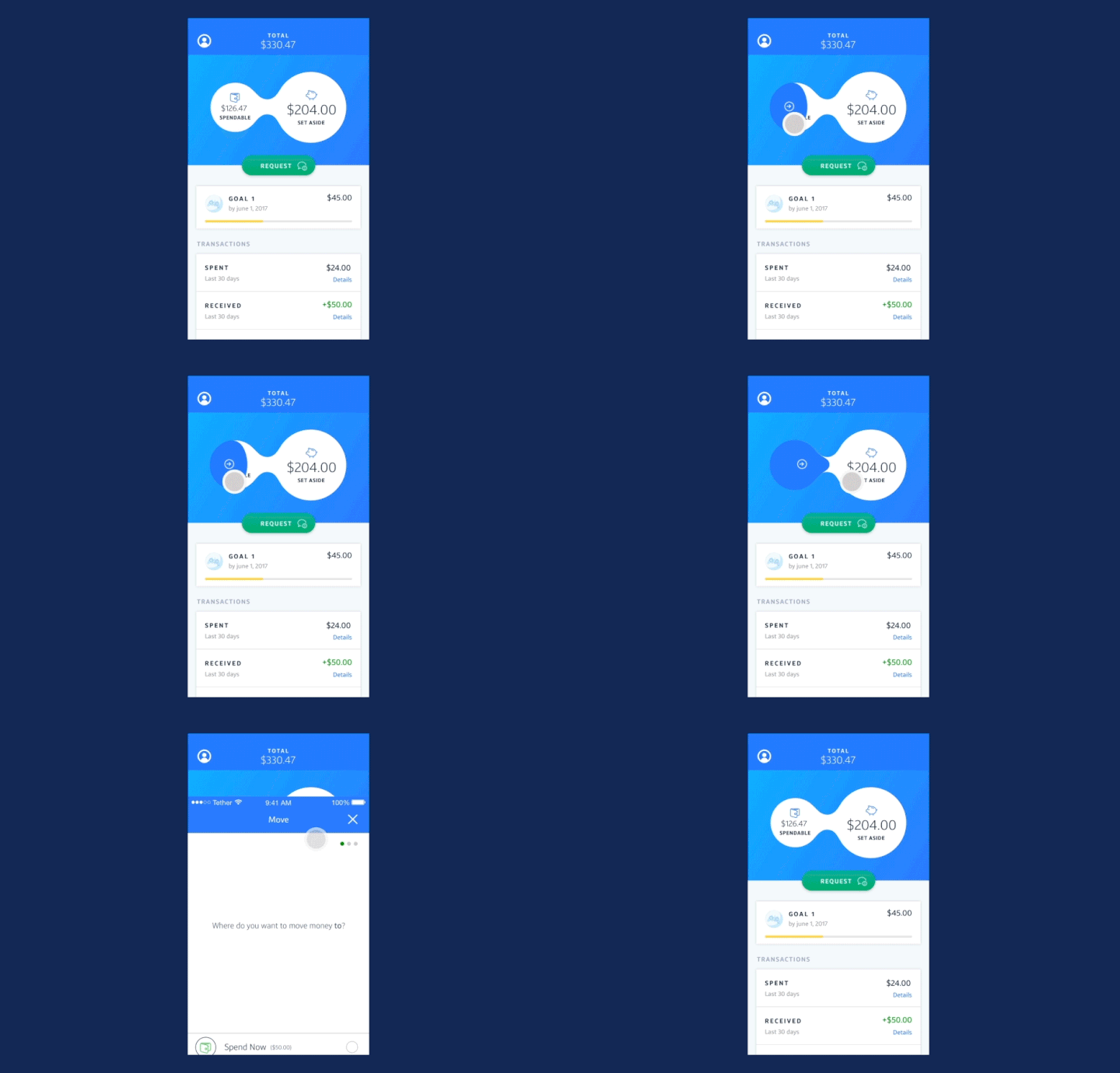
Capital One (Money Card)
Development and patent of youth check card bubble interaction
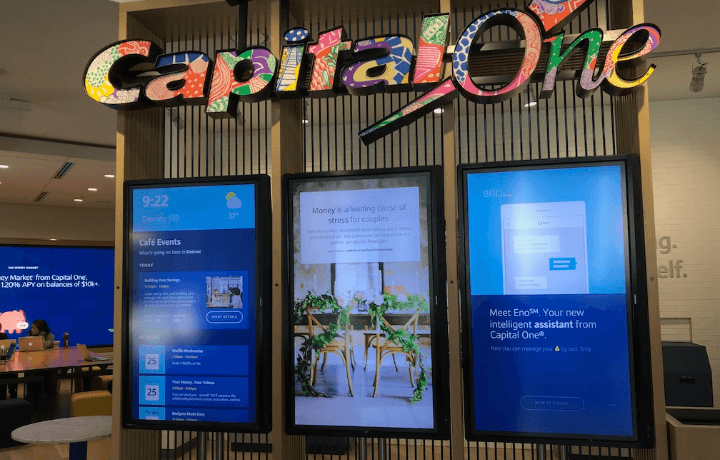
Capital One Cafe (Interactive wall)
Bank information kiosk design manager
Why Take This Class?
Problem improvement and planning skills, design system analysis skills, and usability as a portfolio!
There is nothing better than a redesign project to develop my UX capabilities and demonstrate these capabilities.
UX designer Youngkyo Kim's class walks you through the entire UX design process, from problem setting to research, development, and portfolio construction, through the redesign of the video call application Zoom.
Colosso is the only online class filled with content that can be immediately applied to your actual projects by covering theory, methodology, examples, and practice from beginning to end.
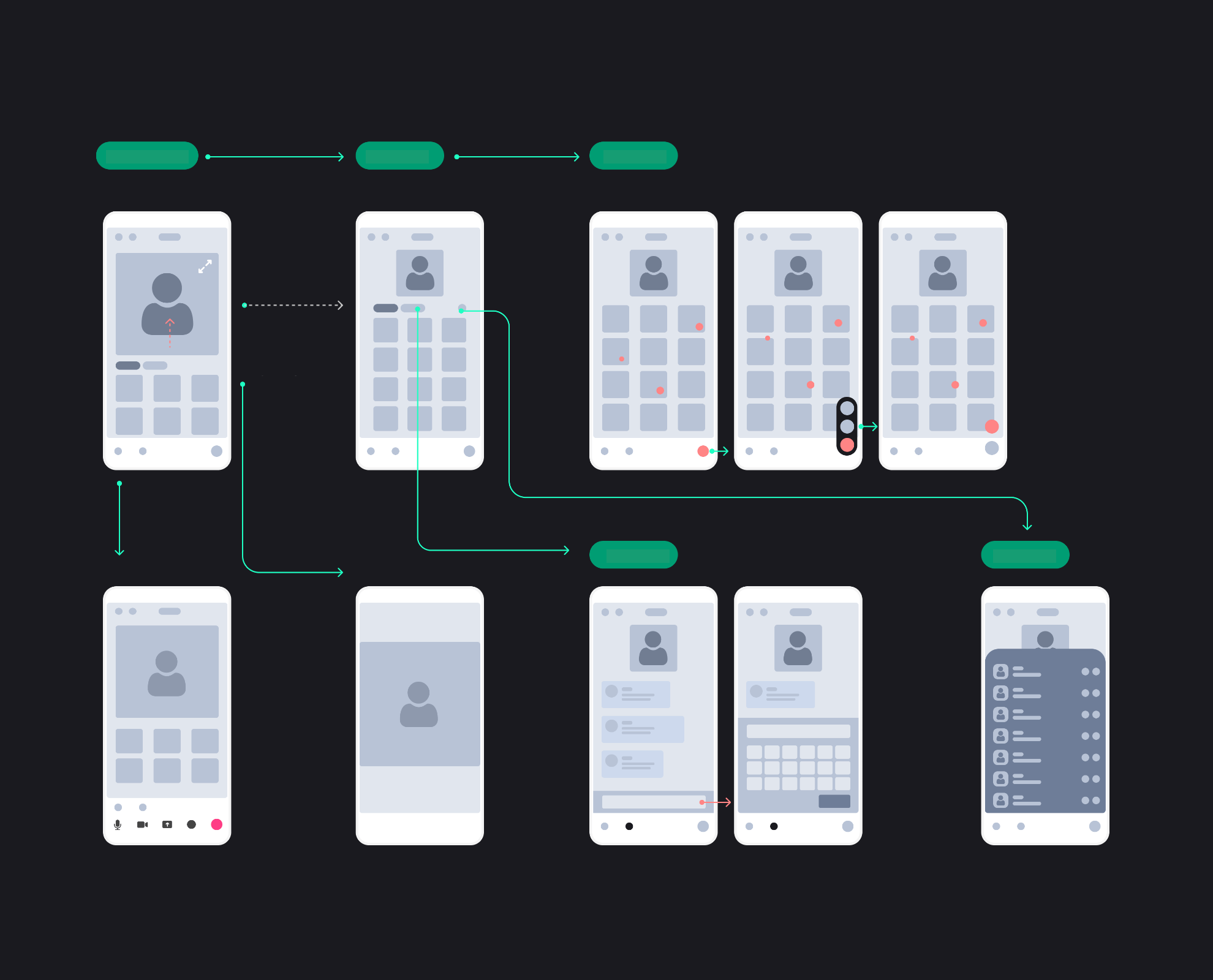
class features
Why redesign ‘Zoom’?
world's largest
Online collaboration application
The number of domestic users exceeds 4 million,
The overwhelming number of users among mobile collaboration tool apps around the world! As it is an app with a high usage rate, it is easy to discover problems and conduct research.
A program that uses text, images, video, etc. in combination
Your name, icon, chat,
Various elements such as real-time video
As it is a complex app,
To improve planning and design skills
It couldn't be better.
Keeping up with the current times
Representative trendy app
After the COVID-19 incident
Zoom, an app that has recorded explosive growth!
Suitable for the rapidly approaching untact era
Learn how to build a customized UX environment.
* This class is conducted by watching online videos, and does not use video lectures using Zoom.
Speaker introduction
UX designer
Youngkyo Kim
Hello, I am Youngkyo Kim, a UX designer. I worked at Zillow, a real estate company in Silicon Valley, USA, and was in charge of UX/UI design at Facebook, Samsung, Lyft, Capital One, and Hotpads.
Currently, he is the lead product designer for the self-driving team at Lyft, an American ride-sharing company, and is co-founding and running a startup called Lenme.

class features
Class introduction
Redesign project to improve my design level
We will be conducting a redesign project using the video call application Zoom. By building new content, you will learn new ways to solve problems, and based on this, you will learn the design process and improve your problem-solving skills.
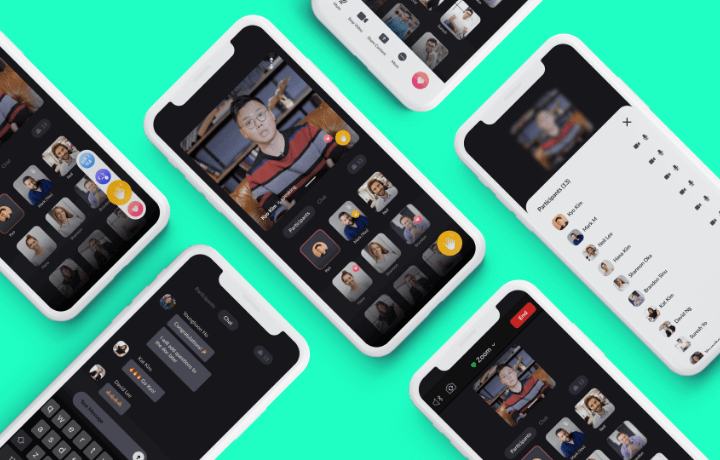
Know-how of a persuasive UX designer
Recognition of service problems, logical composition, narrative design, storytelling and design logic construction! Learn how to become a persuasive designer by developing the various competencies necessary for a designer.
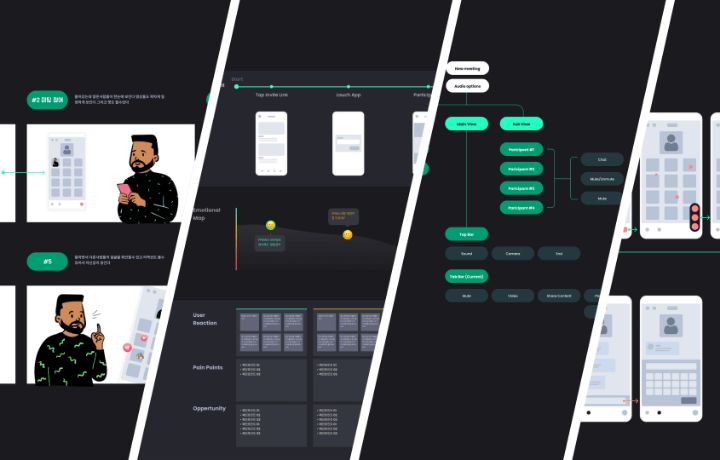
From project completion, portfolio composition, and PT
How to include UX in a designer’s portfolio? We will teach you the practical know-how of Silicon Valley designers, including how to incorporate UX/UI into personal work and interview PT know-how.
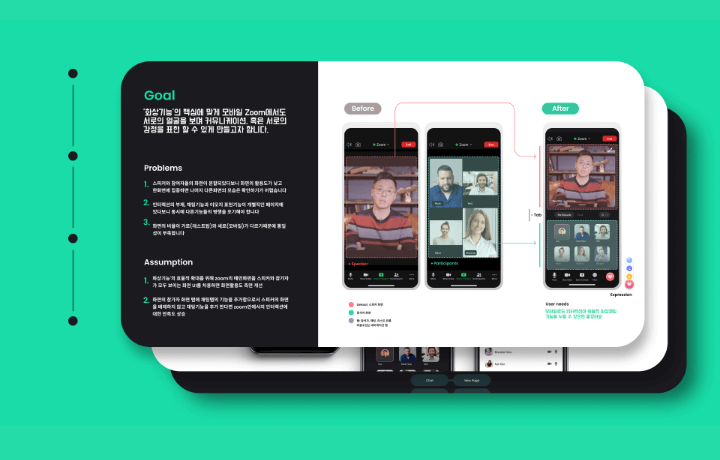
Class composition
learn this
-
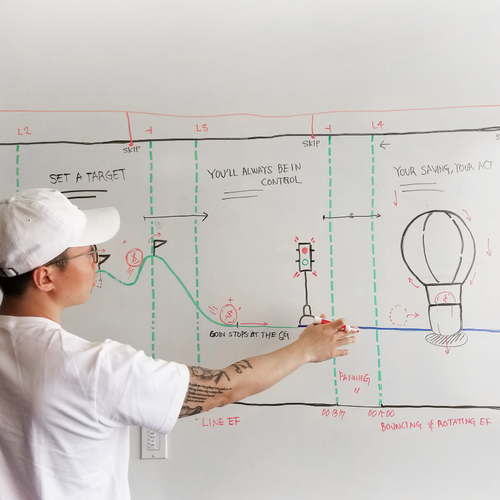 Problem setting and project selectionLearn approaches to initial project setup and problems in the early stages of the process.
 -
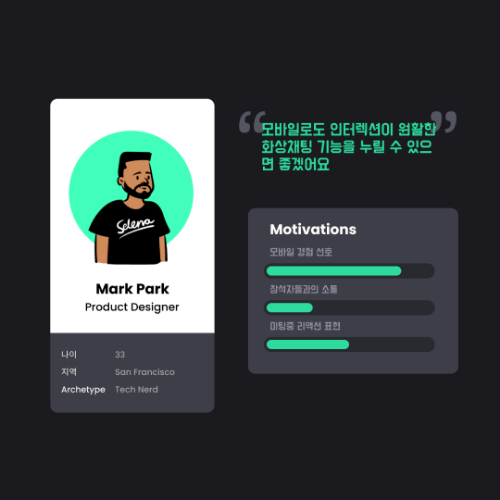 Research & Data CollectionLearn the types of research that designers can do, how to apply it in practice, and how to establish data and evidence.
 -
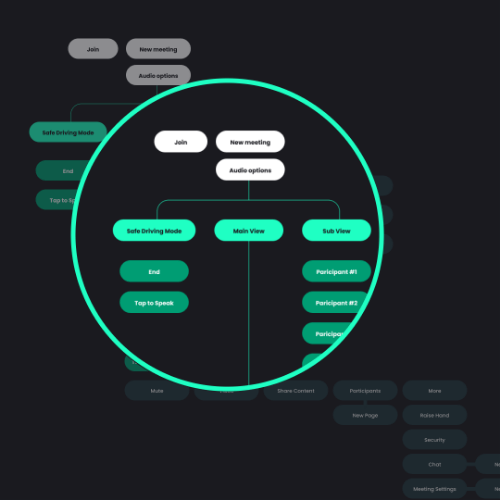 Information architecture and flow chartsWe will organize the user flow into an efficient process based on the implementation of the overall system functions and the user's access type.
-
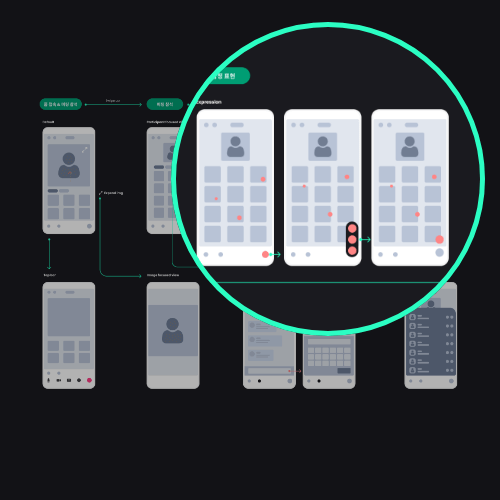 Designing the UILearn the concepts of design system/interaction design to effectively design UI and learn through examples.
 -
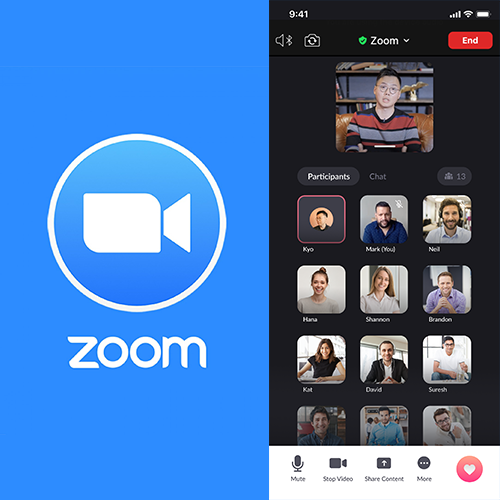 Prototype testing and project finalizationWe will also cover tips for creating and testing a simple yet clear prototype.
 -
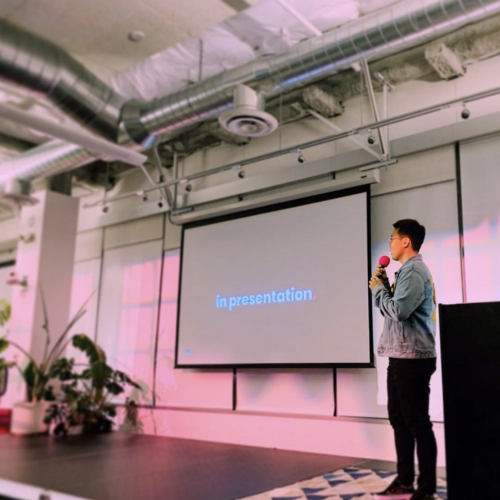 portfolioFrom how to appeal your project to interview presentations, learn about Silicon Valley designers' project presentations and portfolio composition.
curriculum
curriculum
Show me the curriculum
SECTION 01. Introduction of instructor and core objectives of the course
01. Orientation
- Introduction to history and ongoing projects
- Background of lecture production / Importance of UX and current status of the process
- Guidance on the final result and mention of attitude towards taking the course
- Introduction to tools used (Figma)
02. Understanding the concept of UX design
- The importance of UX design
- UX Designer in Silicon Valley: Scope of Work, Role, and More
03. UX design process
- UX process concept definition
- UX Process Methodology
04. How to redesign successfully
- Misconceptions about redesign
- Redesign Approaches: Good and Bad Redesigns
- Appcritic concept and use
SECTION 02. User research
05. Problem discovery and definition
- Attitude to discover problems
- App review analysis
- Setting goals and principles
- Case Study: Zoom, Clubhouse, Youtube
06. User research and data collection
- designer's research
- Survey tools and questions writing tips
- Example Exercise: Using Surveys and User Interviews
07. Establishment of strategy through collected data
- Persona concept, setting and use
- Introduction to various approaches: Jobs to be done
- Example Exercise: Setting Goals Using Persona Technique and JTBD
SECTION 03. Empathy, analysis and sharing
08. User journey map design through empathy
- Specification of improvement points
- Create a user journey map
- Example Exercise: Emotion Curve User Journey Map
09. Brainstorming method in Silicon Valley
- Affinity diagram (how might we)
- Crazy 8: How to generate as many ideas as possible
- How to select main ideas
SECTION 04. Brainstorming and finding solutions
10. How to write a persuasive storyboard
- Pain point storyboard
- Storyboard of a happy ending
- Example Exercise: Using Storyboard Document
11. Industry Research and Analysis
- Understanding users’ mental models through trend analysis
SECTION 05. Capturing the core
12. Information Architecture (IA) or Framework
- Explaining the concept of IA
- Classification of projects using IA
13. Flow charts and wireframes
- Concept and implementation of flowcharts and wireframes
- Example Lab: Using Flowcharts/Wireframes
SECTION 06. UI: Starting design in earnest
14. Design system
- Understanding and analyzing design systems required for redesign
- UI design implementation
15. Interaction design and prototyping
- Concepts of interaction design
- Introduction to interaction design features used in projects
- Purpose of Prototype: Utilizing different tools, distinguishing the level of precision of implementation
- Prototype creation using Figma
SECTION 07. Wrapping up
16. Usability evaluation
- AB Testing
- Design iteration
- Final derivation process after reflecting feedback
17. Portfolio
- How to Organize Your Portfolio in Silicon Valley
- How to apply PDF
- Presentation composition and presentation
18.Outro
- Overseas employment know-how and work tips from Silicon Valley designers

SNS event with UX designer Youngkyo Kim!
After listening to the class, you will see examples that reflect your unique personality.
Post your winning entry on Instagram with the designated hashtag.
If available, we will select up to 3 people per month and give them coupons.
#Coloso Youngkyo Kim #uxui design + Coloso account (@coloso_official) account tag
*Your post may be used as an advertisement. If you do not wish to do this, please indicate in the post.
interview
What UX designer Youngkyo Kim kyo wants to say

Question.01
What is the market performance and outlook for the UX/UI area?
What is the market performance and outlook for the UX/UI area?
The demand for UX design is increasing, not only for mobile phones and screens, but also for AR, VR, autonomous driving, and even sound UX, and the influence of UX/UI is also growing accordingly. Now , UX/UI will not only create the design required above, but will take on the role of leading a project that can influence the direction and planning of the company.
Question.02
What is the difference from other UX/UI courses?
What is the difference from other UX/UI courses?
Existing lectures and free videos often stop at explaining various methodologies. In most cases, processes connected after the methodology were not discussed. In this class, we cover the theory as well as examples of how to apply it from start to finish, so we have structured the curriculum so that you can properly understand when and how to use the methodology and proceed with the process .
Question.03
What are the main points of this class?
What are the main points of this class?
Based on my experience working in Silicon Valley, I have included content that can be immediately used in actual work . We focused on practical application of the basics and methodologies so that they can be applied even in personal portfolios or early-stage startups with limited collaboration environments.
Question.04
Who do you recommend this class to?
Who do you recommend this class to?
I would like to recommend it to anyone who is new to UX design and wants to solidify the basics , to those who are planning a project or portfolio without any experience or collaboration, to those planning to work overseas , and to those with experience who are curious about the design process in Silicon Valley .