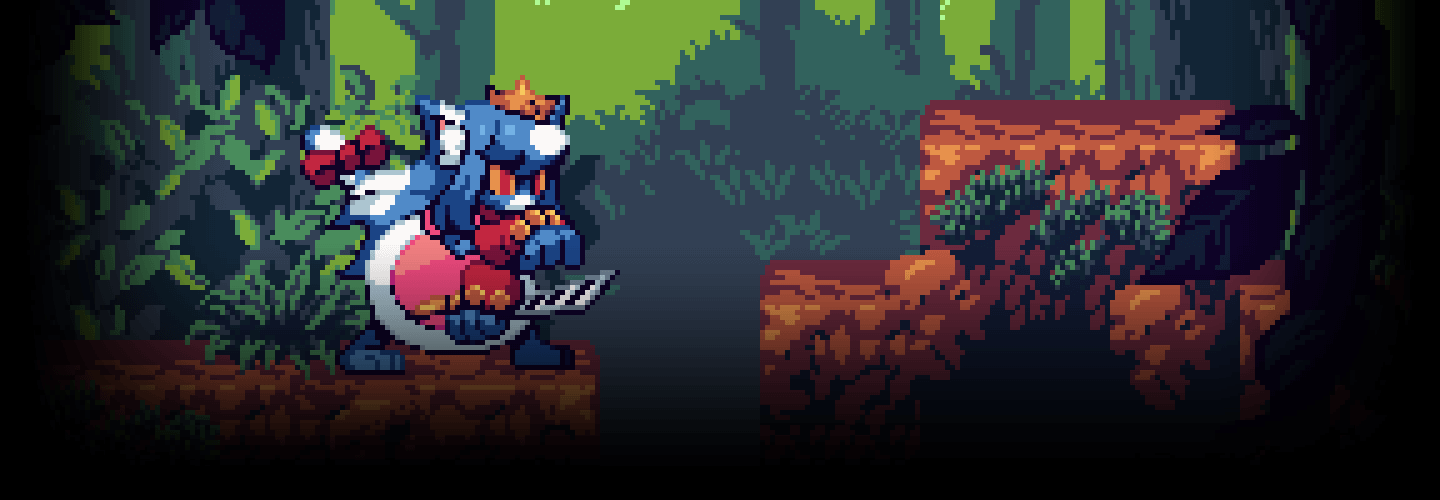
PixelArtist,Malgoo6_픽셀아티스트 말구6 Details
Class introduction
Class Intro
Pixel Artist, Malgoo6
“Learn everything from the fundamentals of pixel art to creating natural animations and developing your own unique style."
Seamless Pixel Animation for Diverse Character Actions!
Concerned about pixel animations looking unnatural with rough finishes and choppy movements?
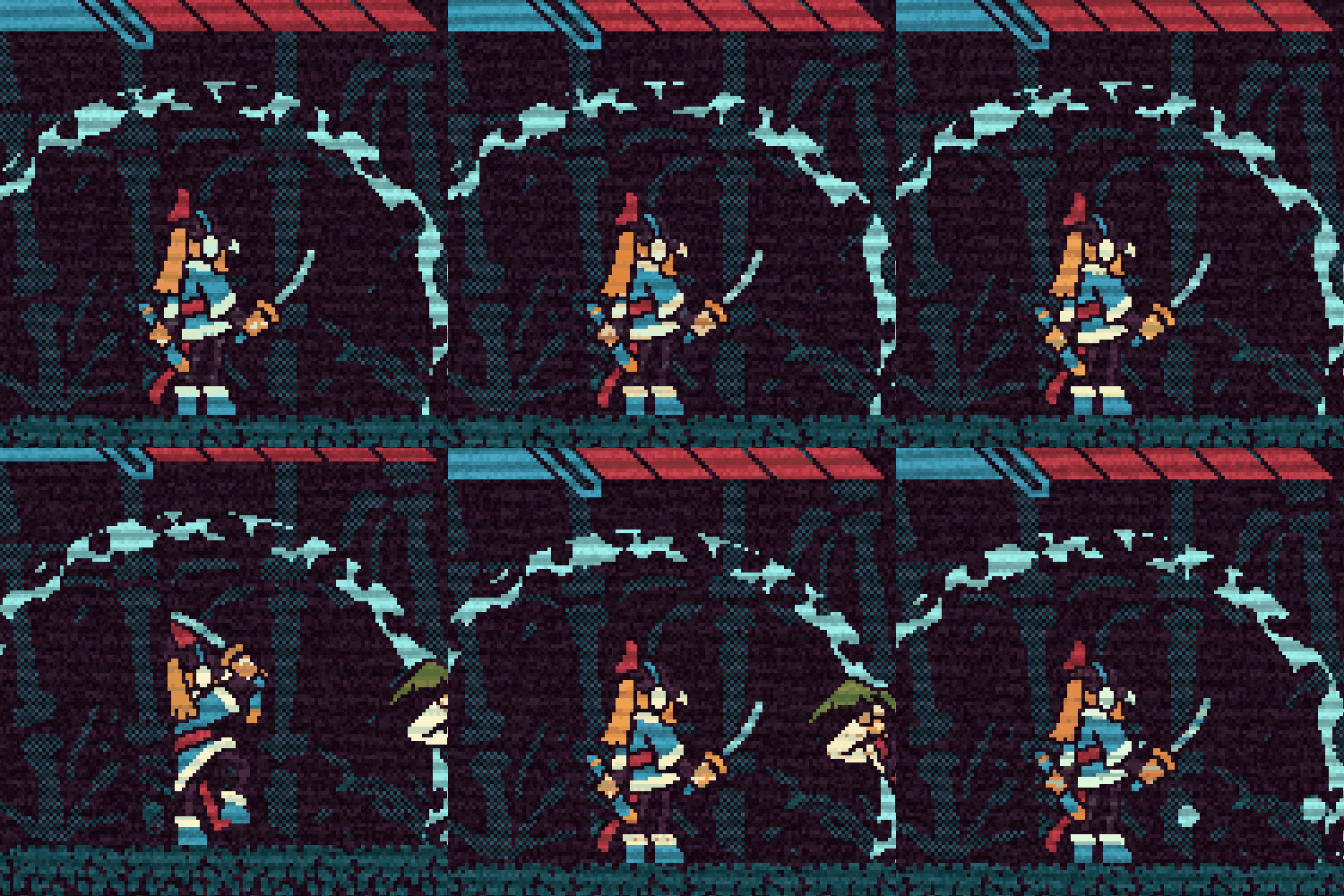
Learn to craft pixel-perfect characters with seamless movements and stable forms to prevent distortions!
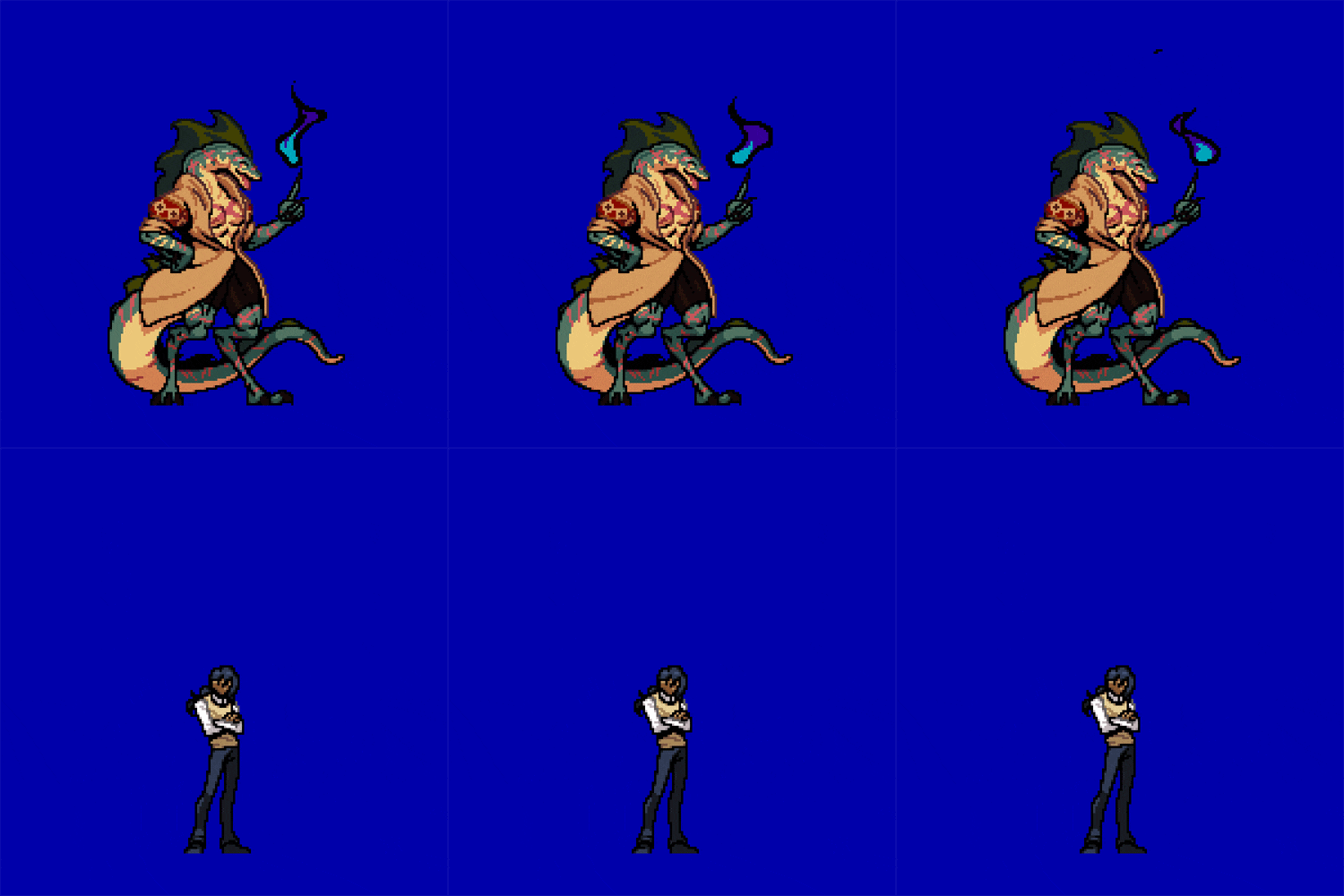
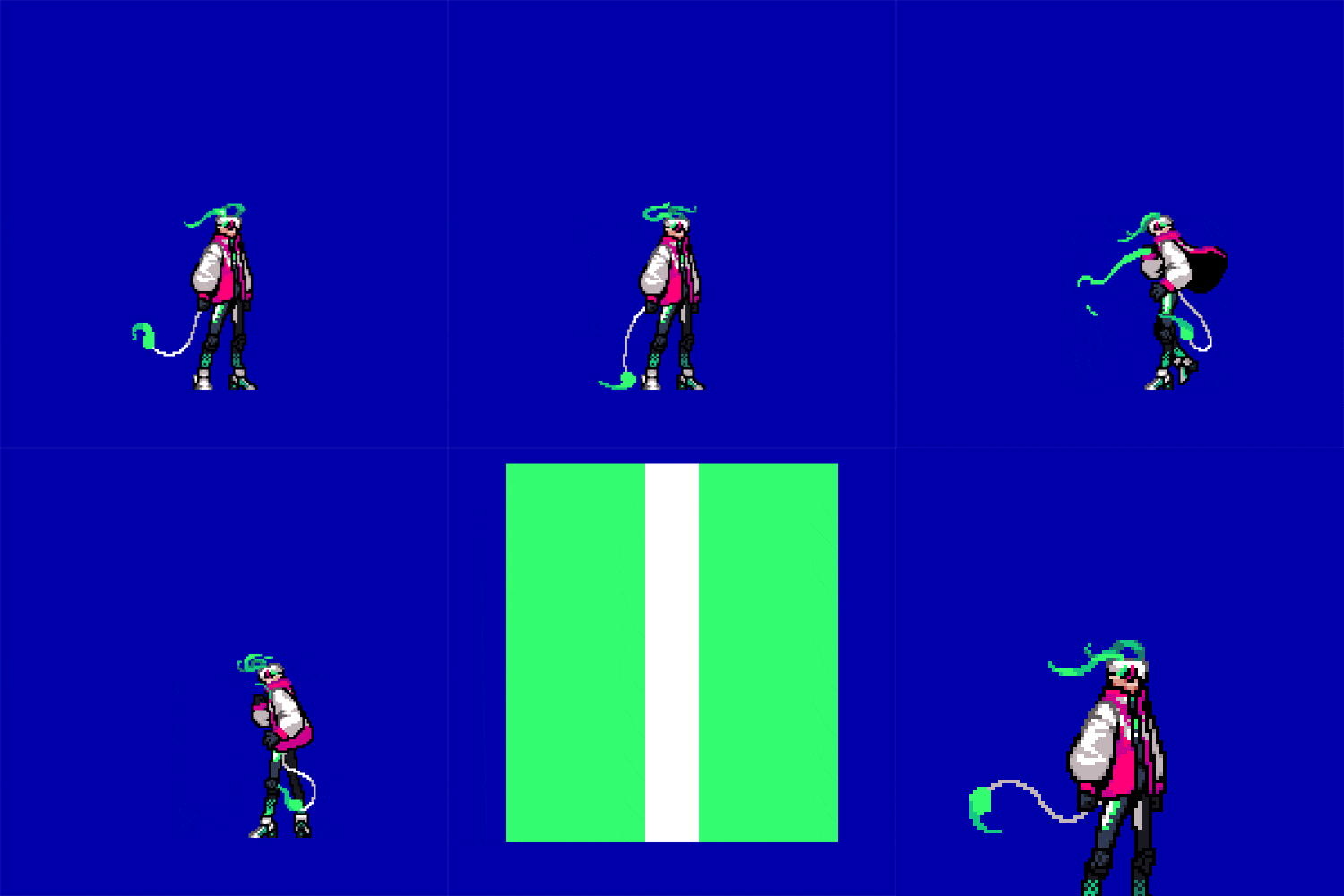
Explore basic idle, walking, and running animations, as well as dynamic close-range, long-range, and magic attacks enhanced with vibrant effects!
Discover the art of infusing vitality and dynamism into your retro-style pixel characters at Coloso.
Explore basic idle, walking, and running animations, as well as dynamic close-range, long-range, and magic attacks enhanced with vibrant effects!
Discover the art of infusing vitality and dynamism into your retro-style pixel characters at Coloso.
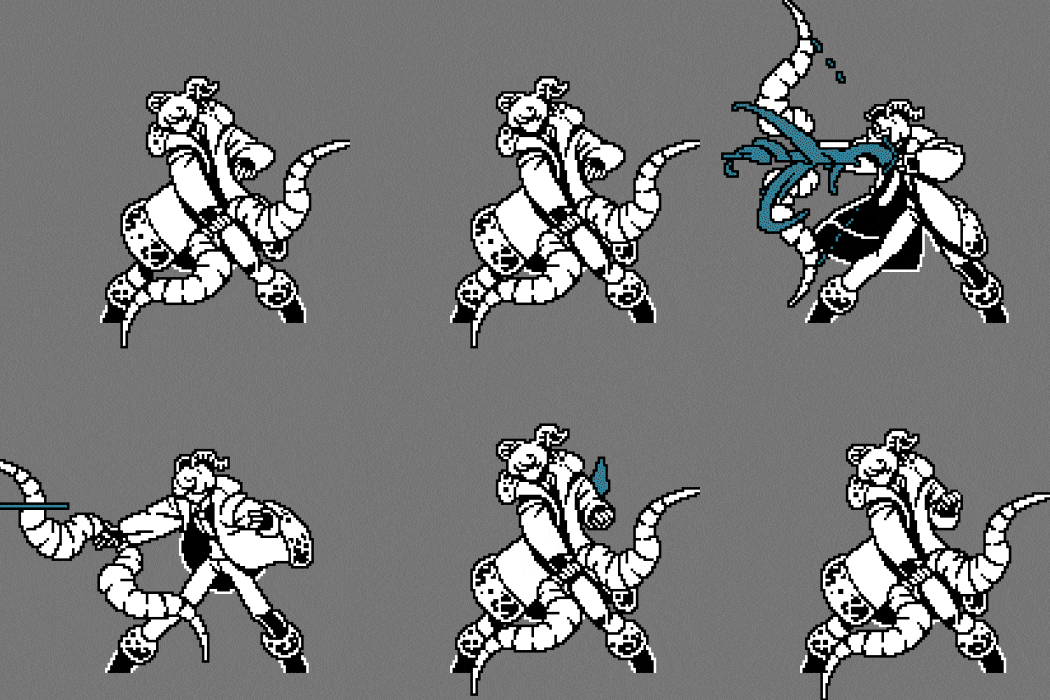
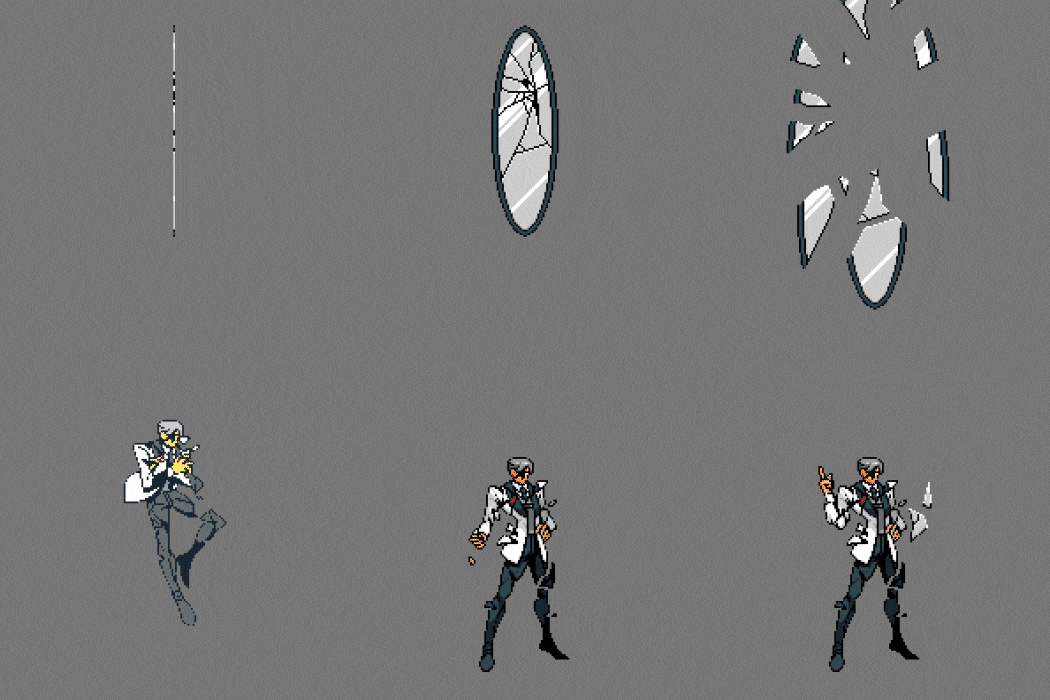
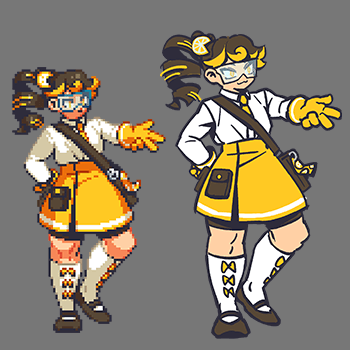
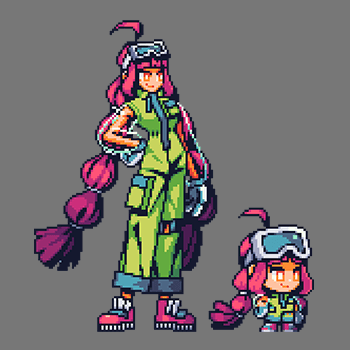
Expert Pixel Artist Malgoo6's Portfolio
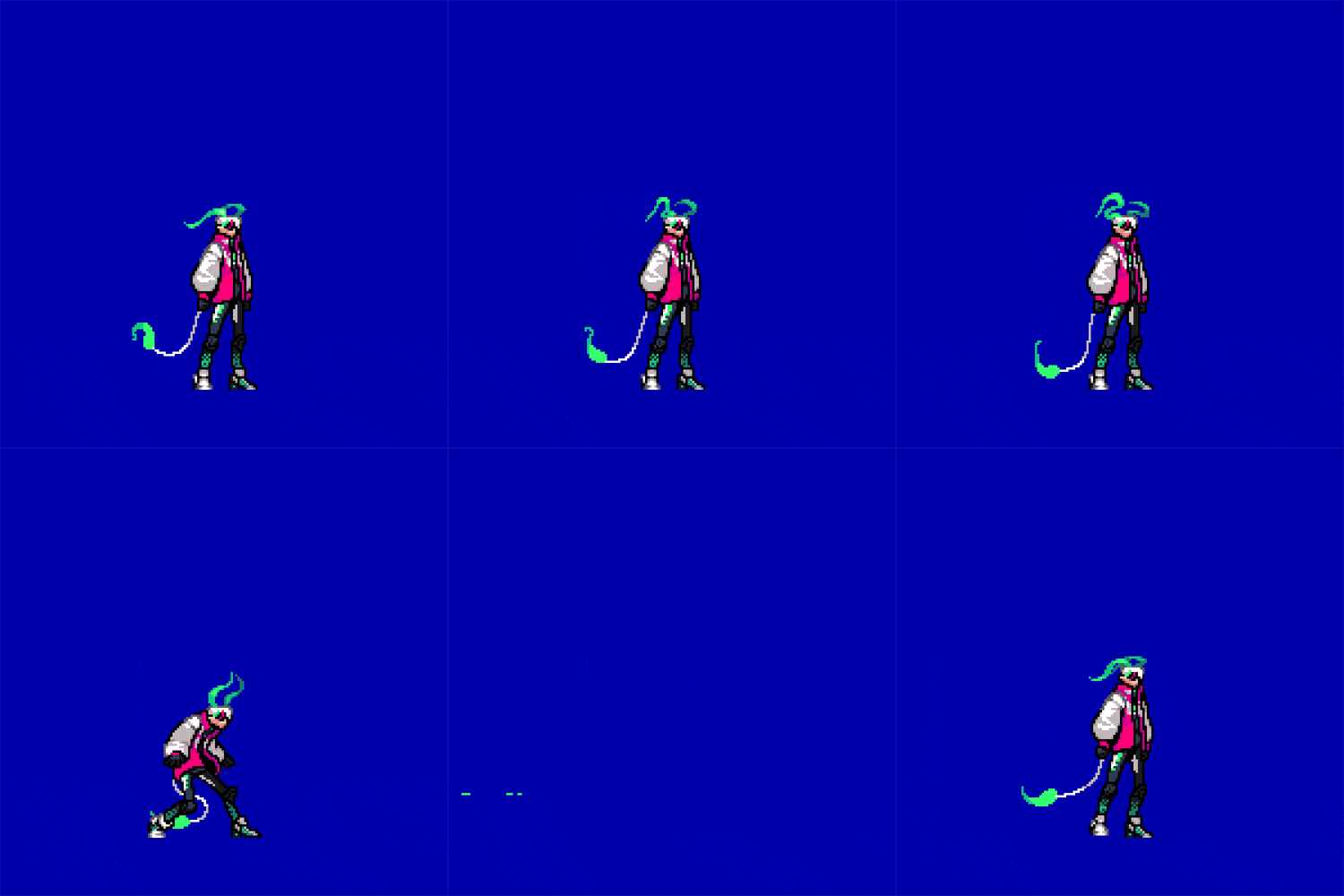
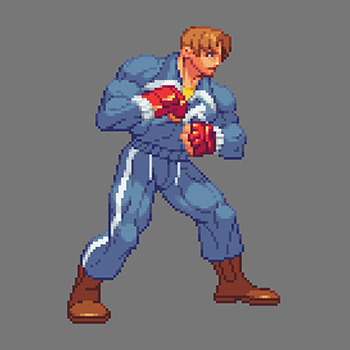
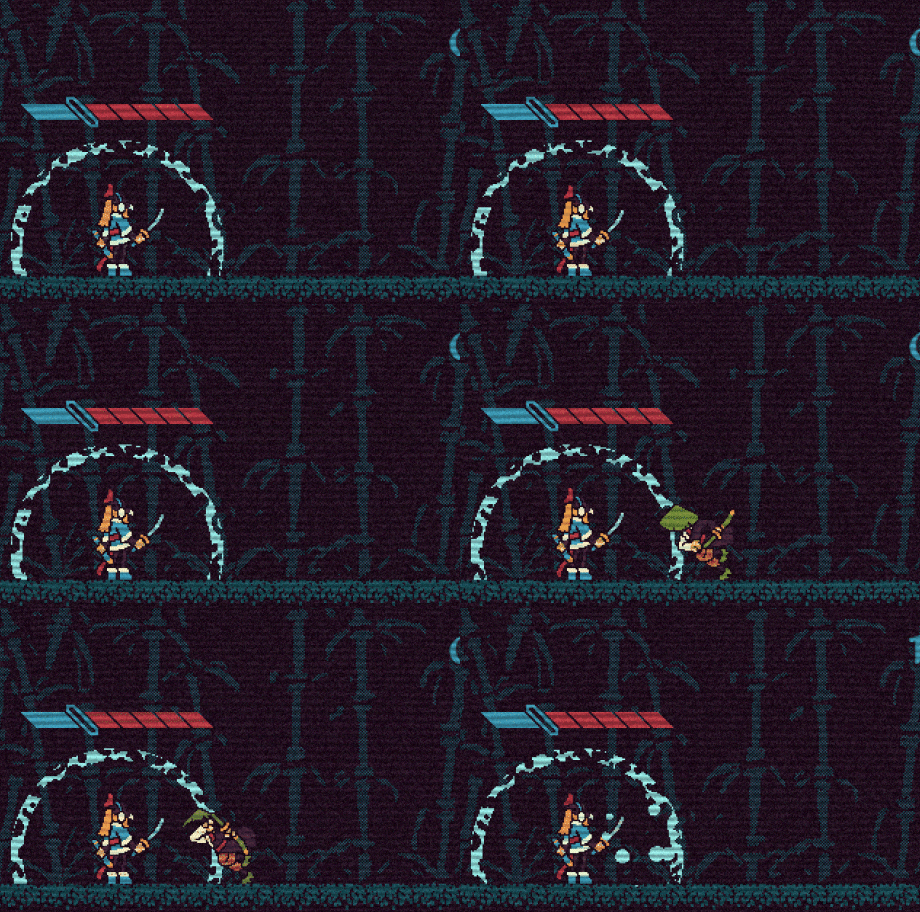
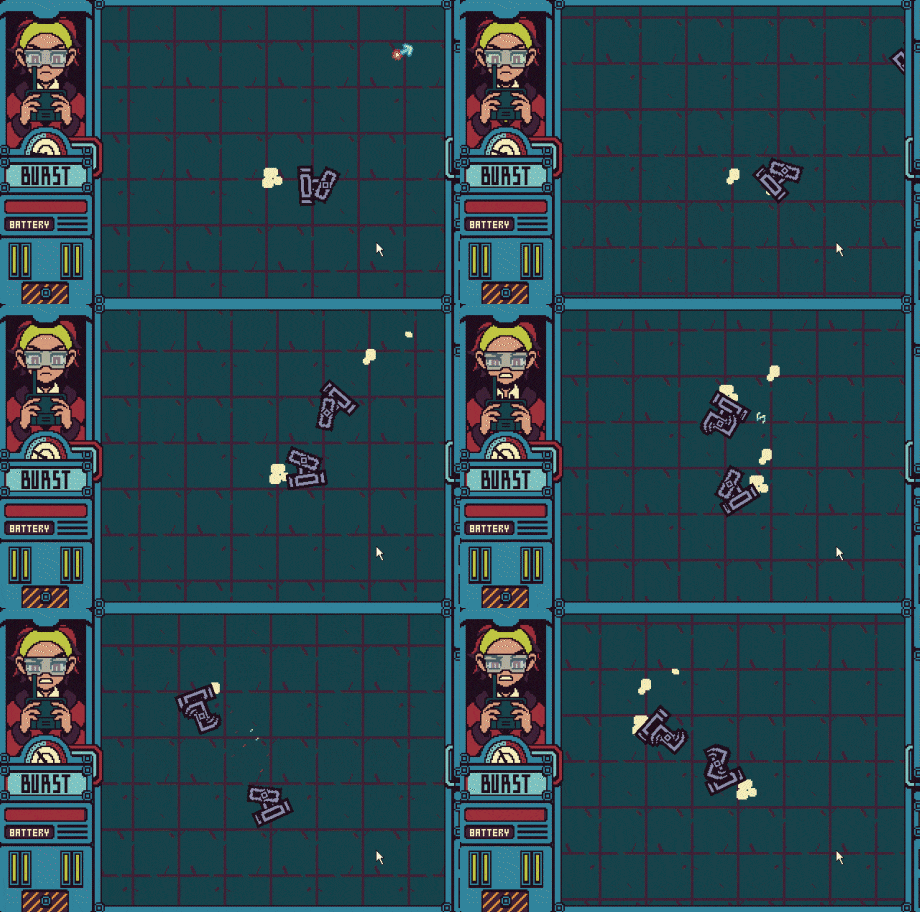
Why Take This Class?
Pixel art on a small canvas presents challenges in accurately depicting character shapes and maintaining personal style.
Explore the expertise of pixel artist Malgoosix at Coloso, known for purposefully placing each pixel to achieve intended designs.
This class covers crucial pixel art fundamentals like anti-aliasing, dithering, script application, dot finishing, and texture expression, ensuring your pixel art maintains a cohesive and stable form.

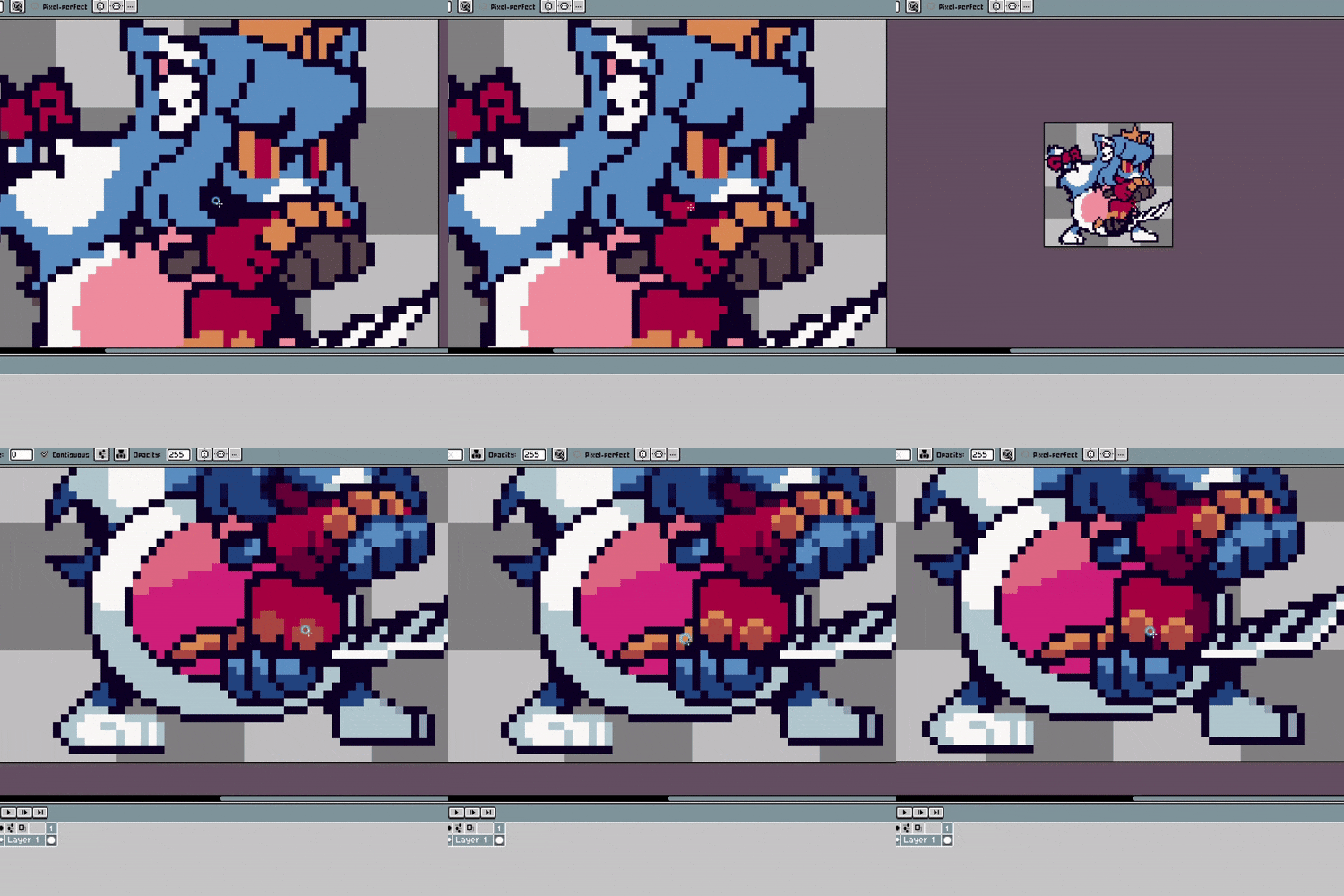
10+ Class Exercises
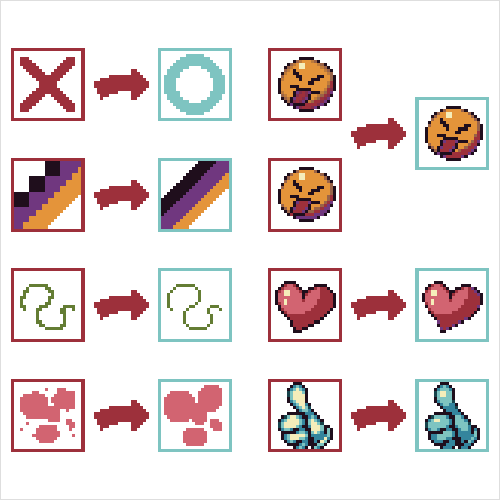
Pixel Art Basics
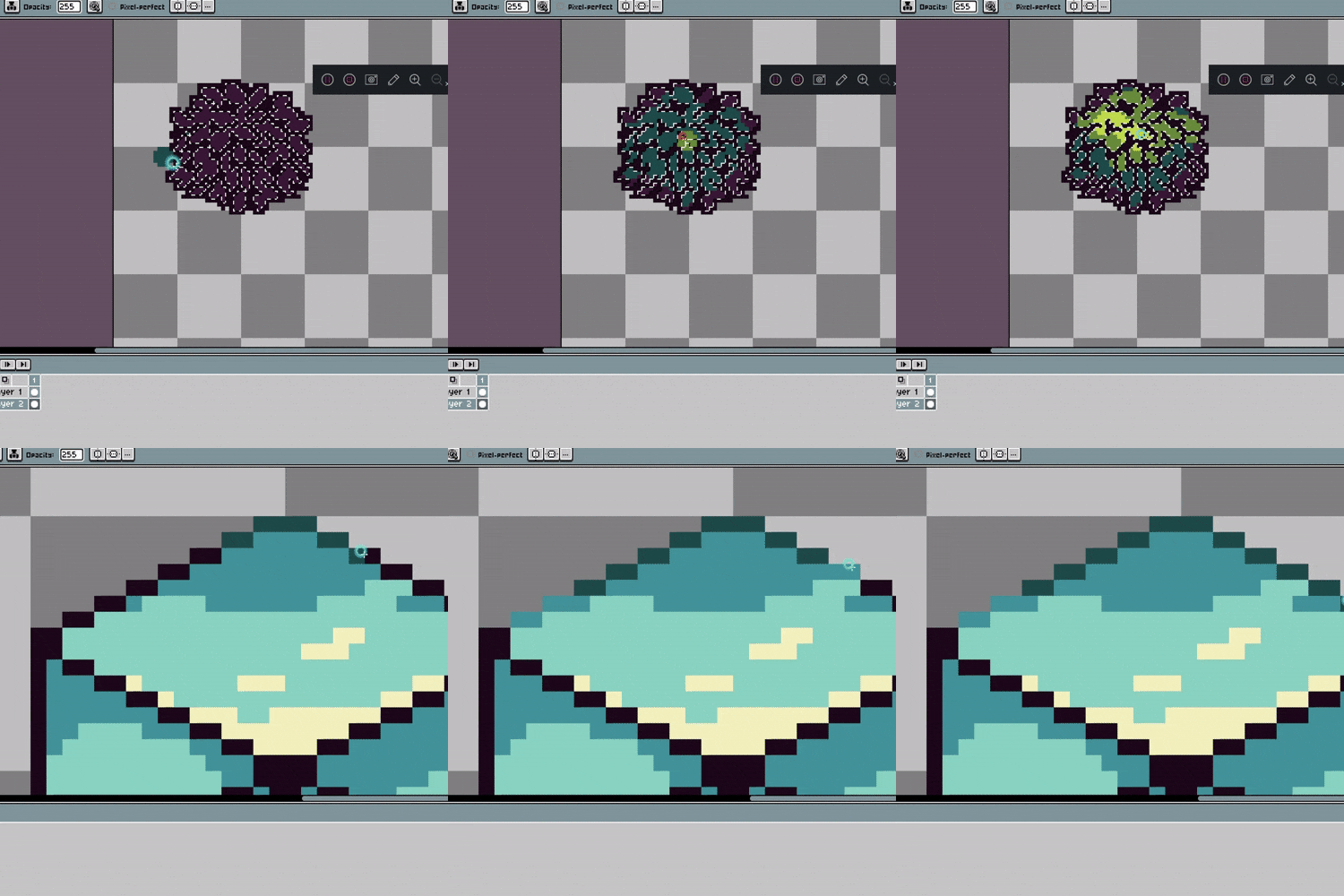
Various Textures
Contrast and Detail
Pixel Character
Creation
Creation

Animation Basic
Theory
Theory

Idle Animation
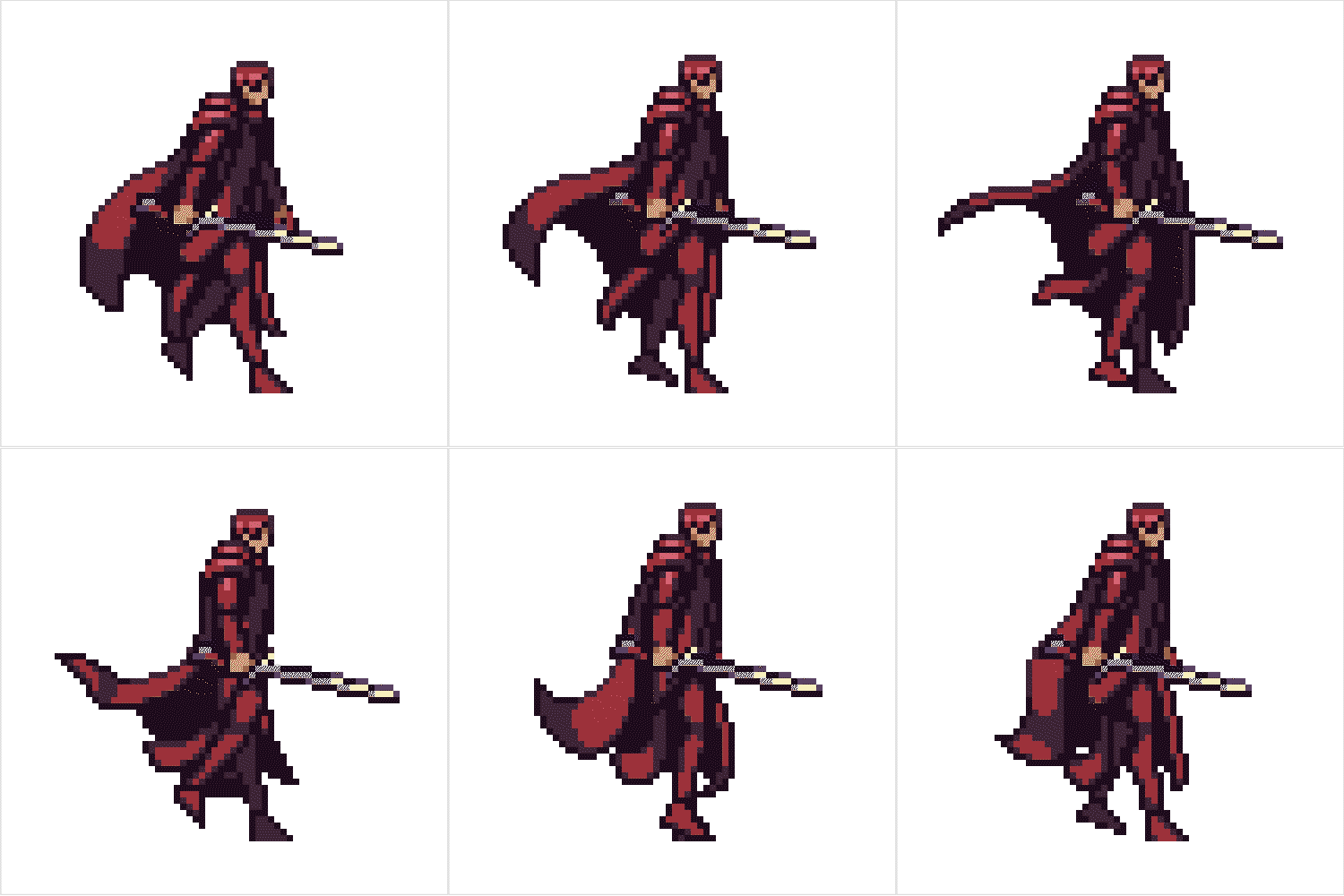
Walking Animation
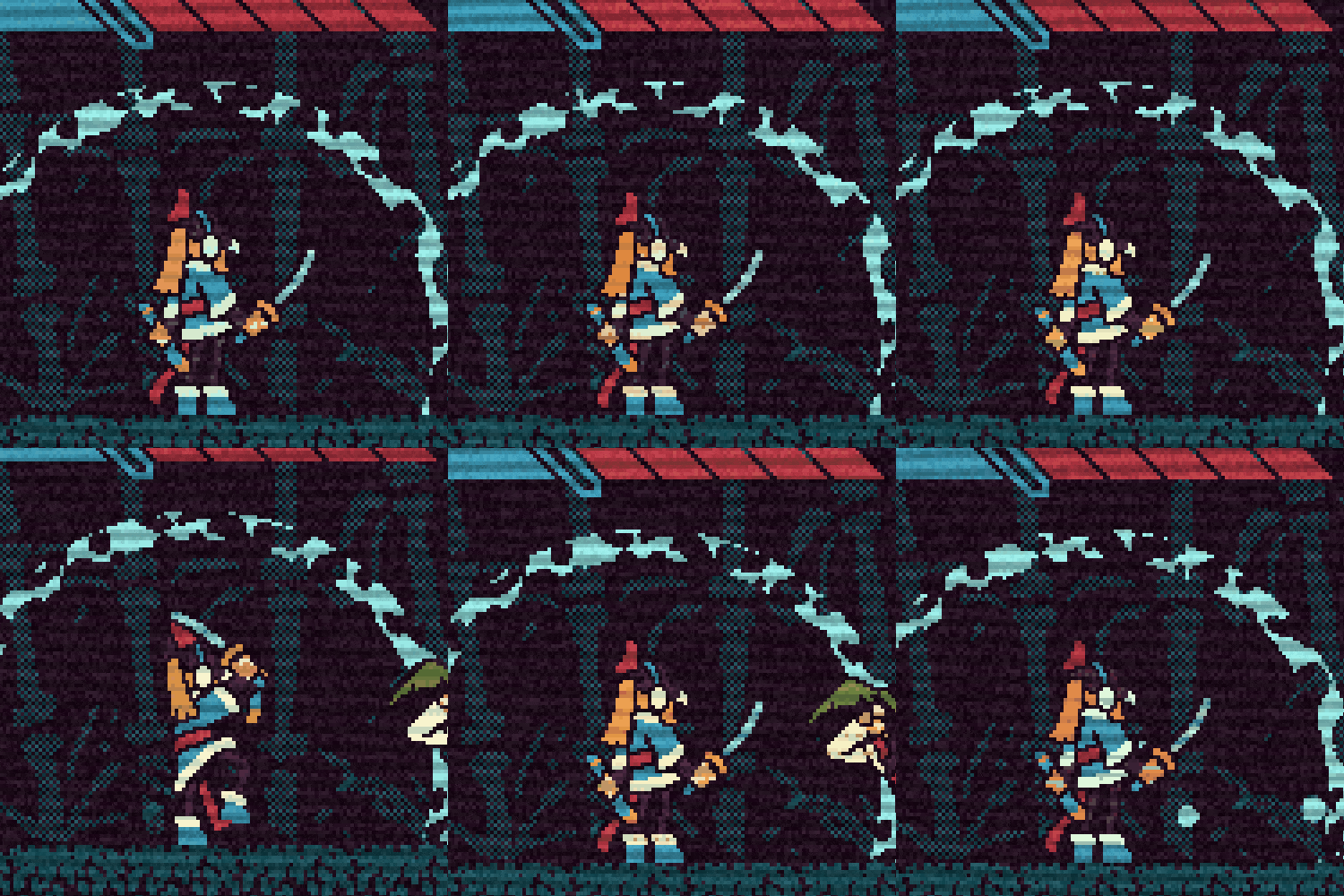
Melee Attack
Animation
Animation
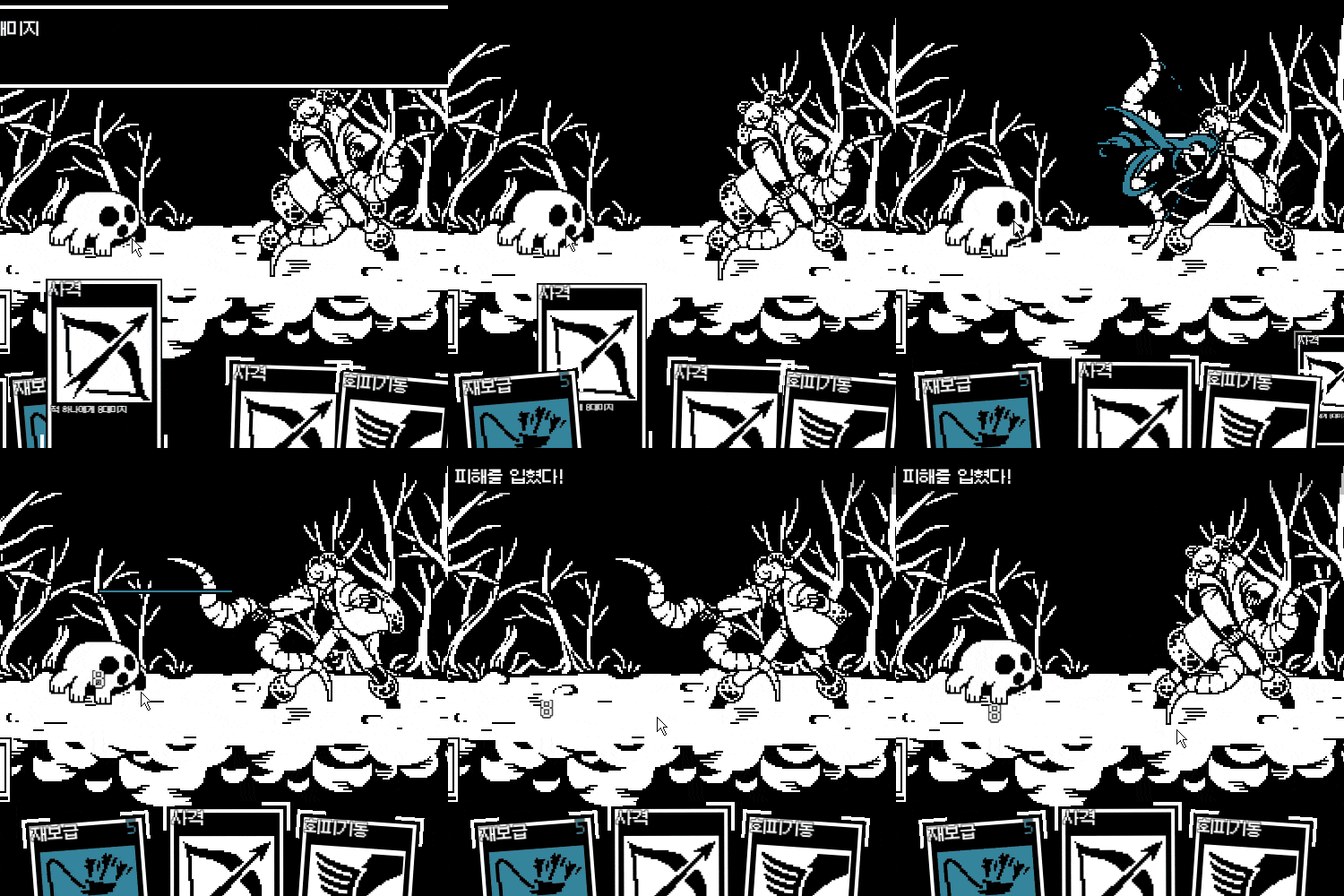
Ranged Attack
Animation
Animation
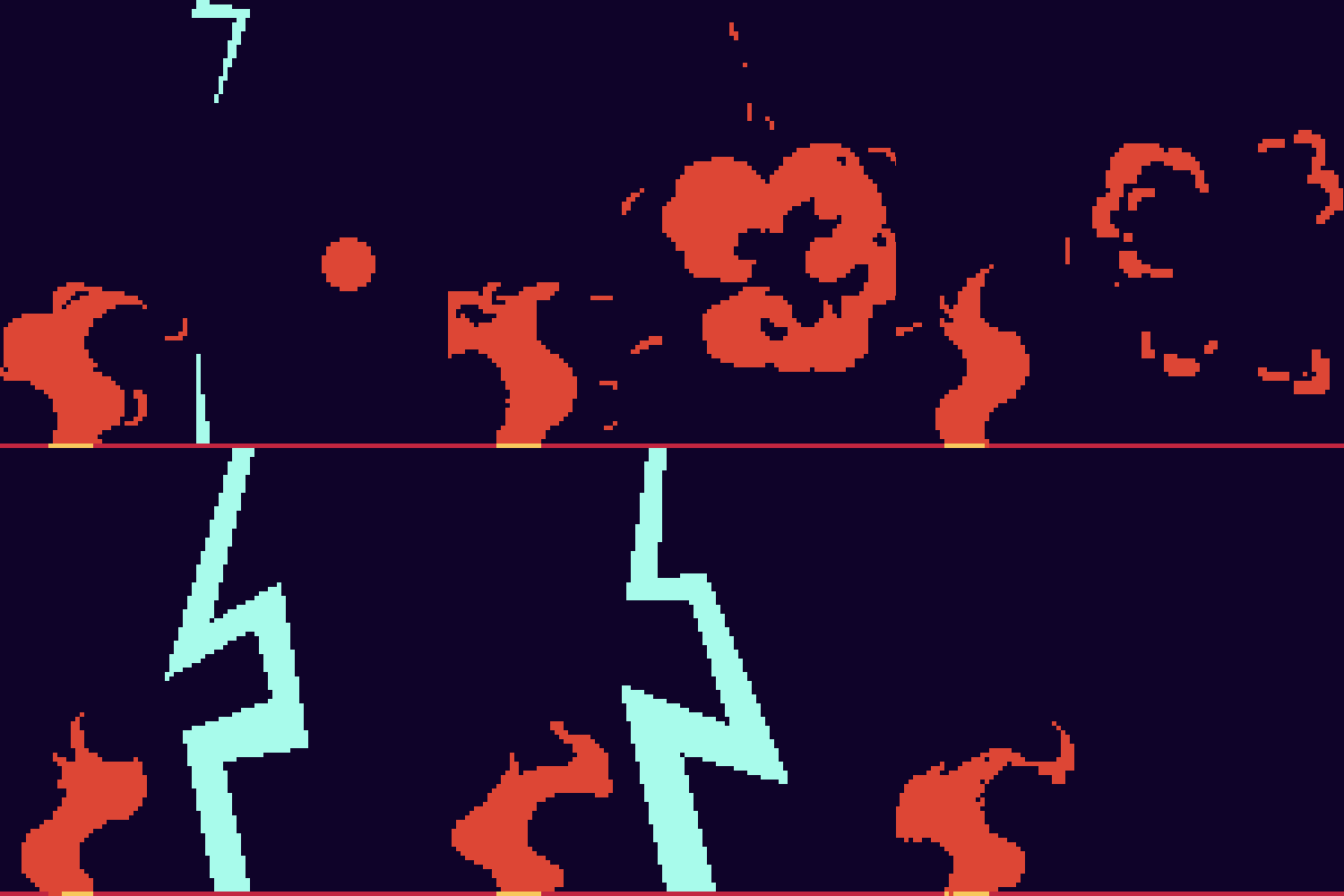
Gorgeous Effect
Animation
Animation
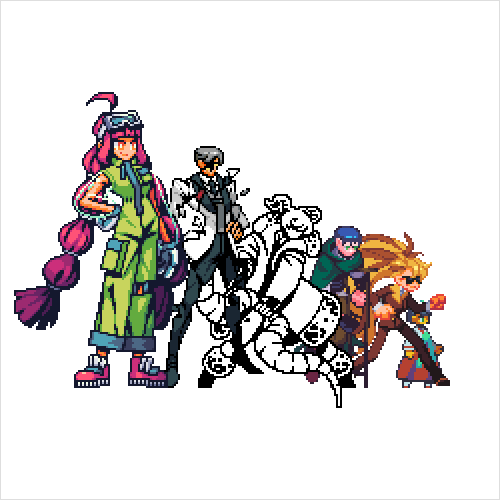
Various Reference
Studies
Studies
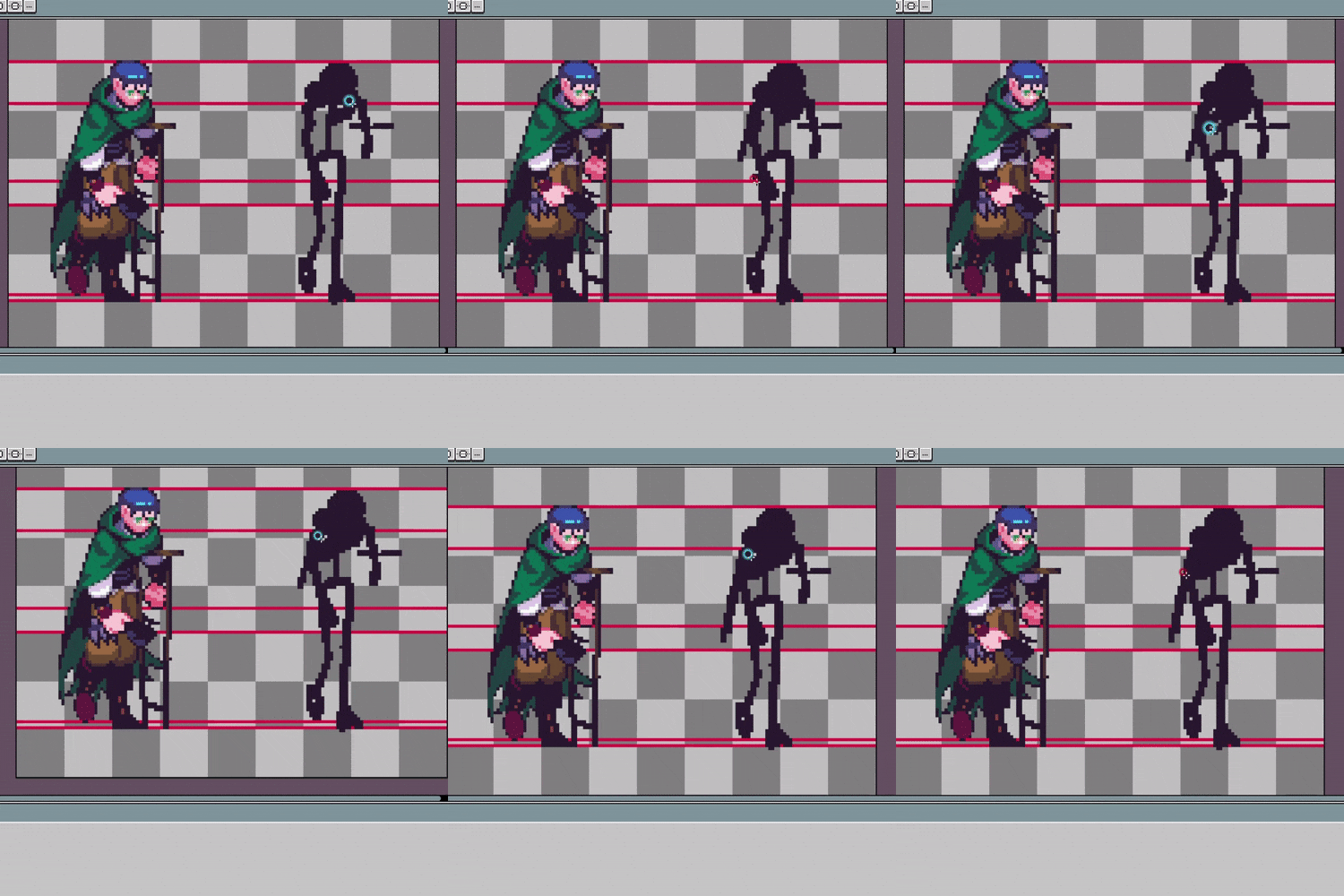
Effective Imitation
Method
Method
* The images above are provided as examples to aid in understanding the class.
Speaker introduction
Pixel Artist
Malgoo6
Hello, I'm Malgoo6. I contributed as an outsourcer for the TDF Dungeon & Fighter project in the past and currently work as an indie game developer and freelance pixel artist.
Having navigated through various trials and errors while learning pixel art and animation, I understand the challenges and uncertainties students may face.
This class compiles essential content to address the difficult and curious questions you may have encountered.
You will learn everything from creating pixel art characters based on original drawings to expressing various animations such as movement, attacks, and effects using pixels..


Pixel Artist Malgoo6
[Current]
Freelance Pixel Artist
Projects & Awards
[Participated Projects]
Strange Group Indie Game Development Team
TDF Associate Artist
Participating in the TDF Dungeon & Fighter project
class features
Class Highlights
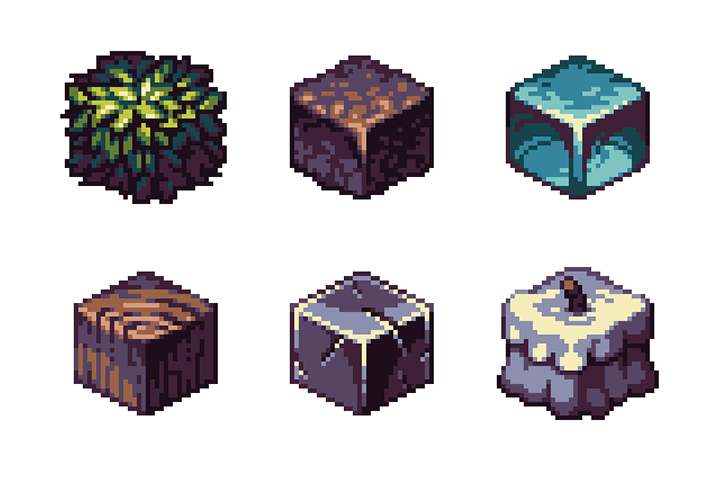
Pixel Depiction That Renders as Intended
By mastering various pixel art skills such as dot finishing, texture practice, and meticulous drawing, you can enhance the quality of pixel art results, ensuring they maintain shape and visibility.
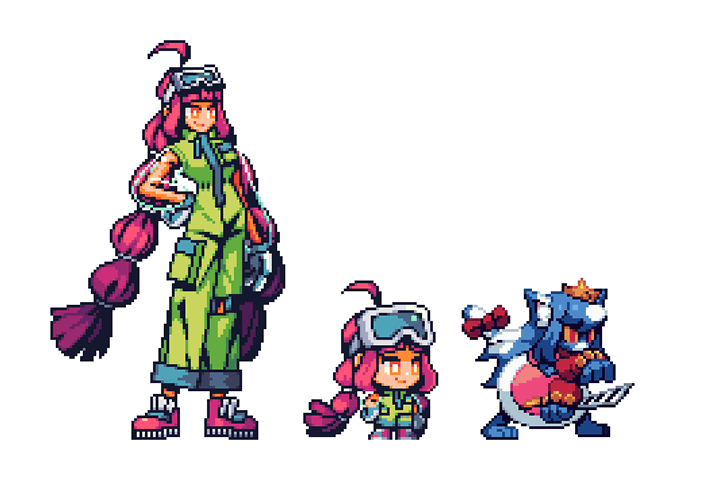
Add Unique Personality and Charm to Your Pixel Art Characters
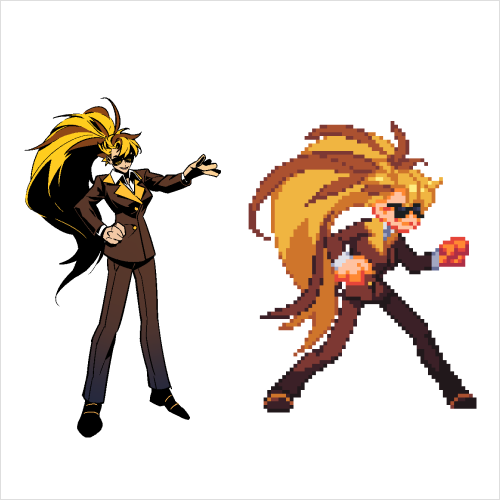
Learn to create your own character in the texture of a classic 8-bit game by mastering techniques to simplify and exaggerate the original drawing for pixel art. Explore coloring and finishing methods that accentuate the character's charm.
Naturalistic Character Animations
From basic animation theory, you'll learn various animations like idle, walk cycles, attacks, and effects, enabling you to master pixel art and create dynamic movements with skill and precision.
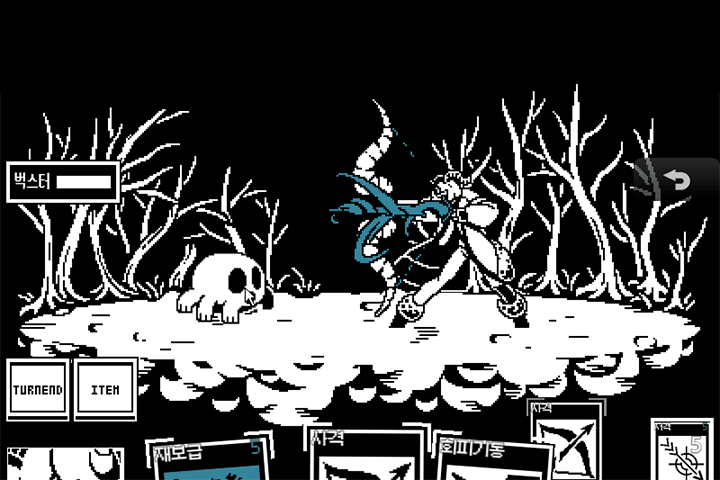
Class Details
You'll Learn
-
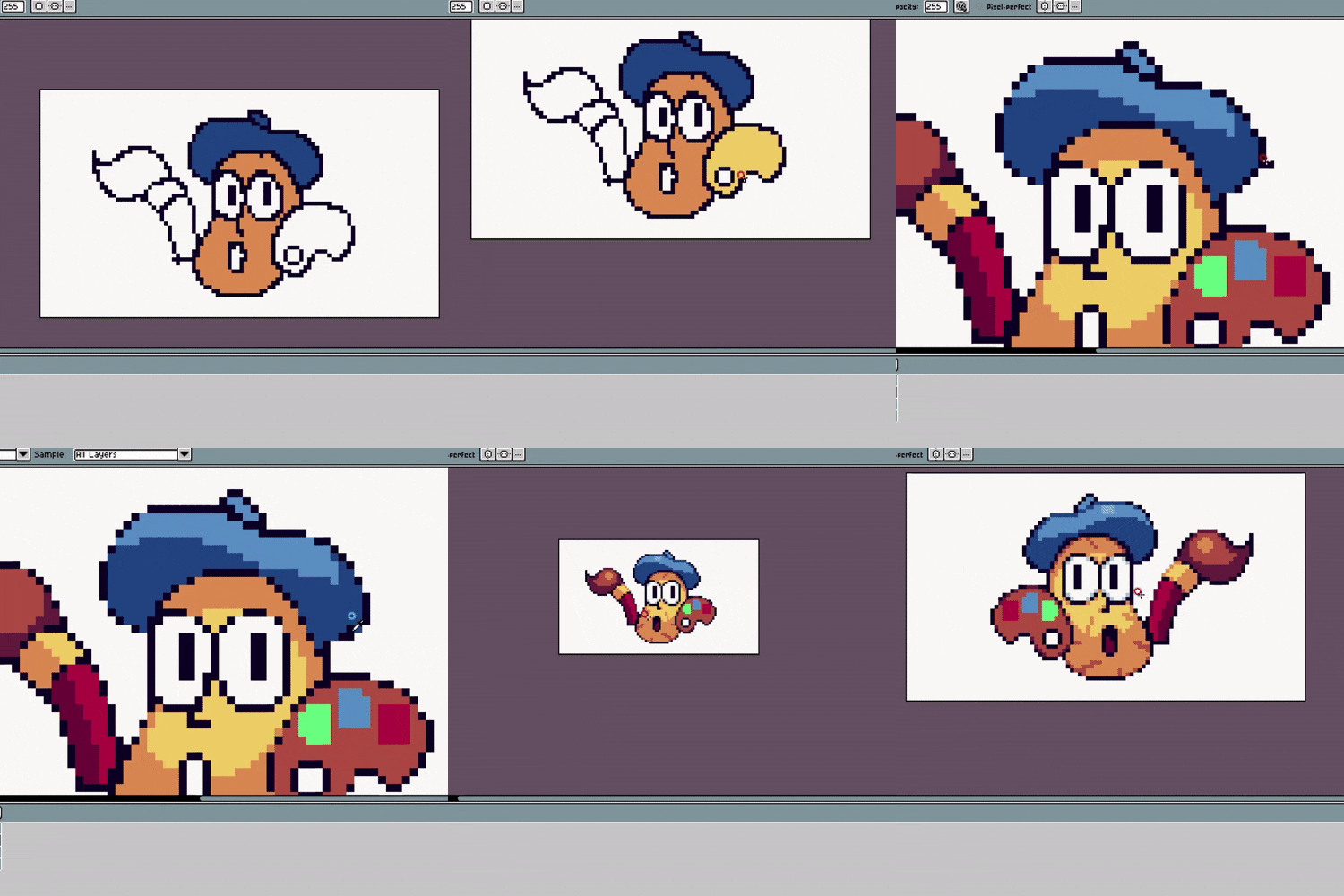 Master Pixel Art Basics with AsepriteAfter mastering the basics of Aseprite, including anti-aliasing and dithering techniques, we put theory into practice by drawing various basic shapes and textures.
 -
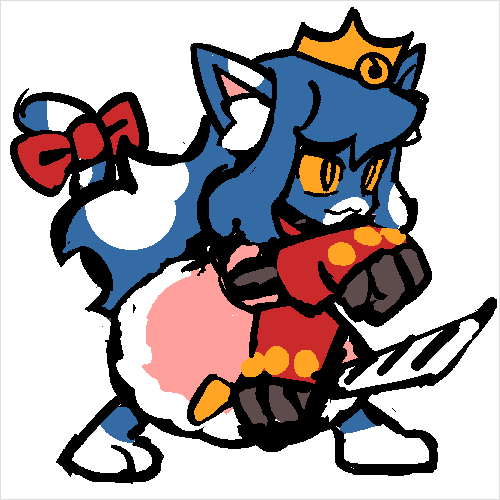 Pixel Art Custom Character Design Using ReferencesCreate a dot character based on the original drawing, and find and apply elements that can strengthen the characteristics of your character by referring to other dot characters.
 -
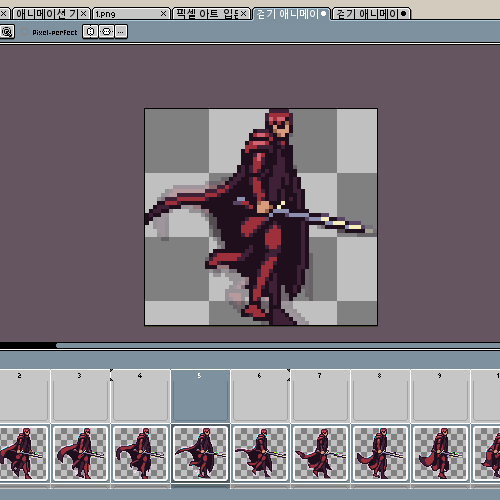 Basics of Character Animation Idle/Walk AnimationWe will draw Idle animation, which allows you to intuitively understand the 12 principles of animation, such as squash and stretch, and Gurdy animation, which allows you to get a feel for body movement according to joint position movement.
-
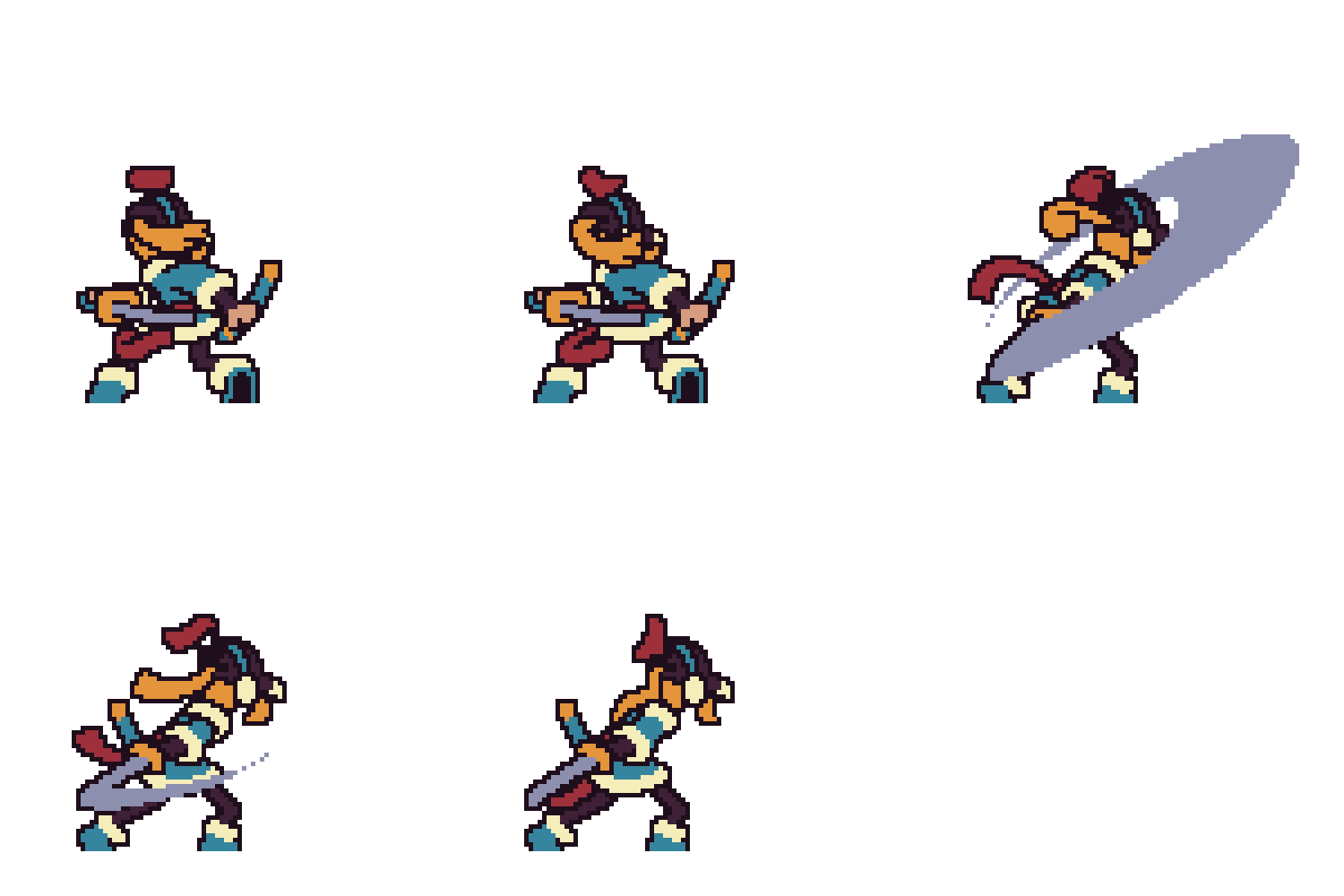 Attack Animation To Highlight the Character’s Unique TraitsYou can learn in a variety of ways and in depth the characteristic attack animations of each occupation, such as weapon swing, fighting, gun & archery, and magic, with variations on the strength, direction, and center of gravity of the force.
 -
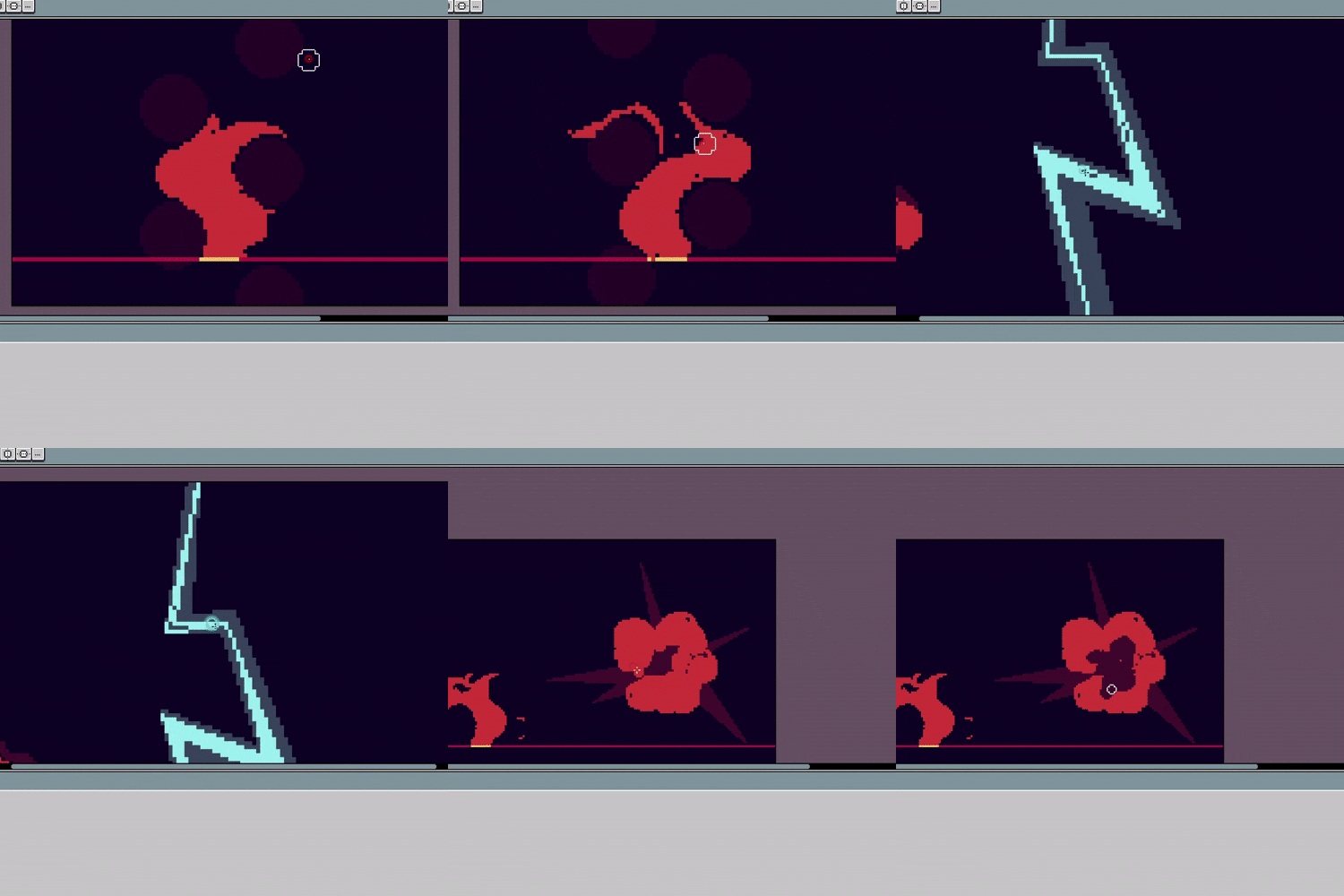 Gorgeous Effects That Make Animations AttractiveLet's draw effects such as flames, lightning, and shock waves one by one, taking advantage of each characteristic, and apply them to the attack animation to add impact and sense of impact to the result to create a more spectacular animation.
 -
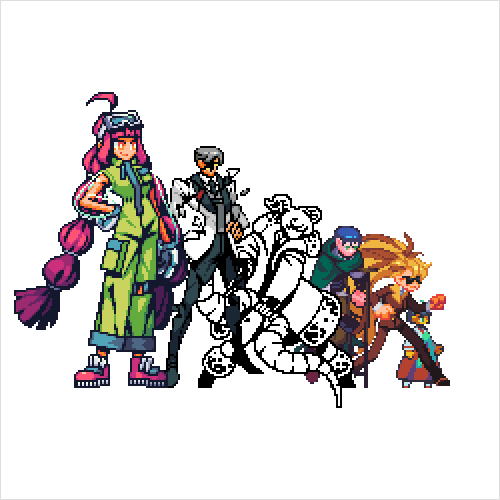 Tips for Self-Growth That Can Be Used Even after ClassTo build your own style, you can explore various pixel art depiction methods and learn efficient imitation methods to absorb the strengths of each depiction method, so you can continue to improve your skills even after the class.
* The images above are provided as examples to aid in understanding the class.
curriculum
Curriculum
In-Depth Look
SECTION 01. Pixel Art Basics Using Aesprite
01. Pixel Art
- The concept and brief history of pixel art
- Modern pixel art
- Skills you can gain from this course
02. Aseprite Basics
- Aseprite basic interface guide
- Try out 11 essential tools for drawing pixel art
03. A Deep Dive into Aesprite
- Guide to frequently used functions in Aseprite
- Guide to frequently used advanced functions related to animation
04. Applying Skins and Programs through Scripts
- How to apply the script
- Sites where you can download scripts and introduction to useful scripts
05. Pixel Art Basics 1: How to Finish Dots
- Mistakes to Avoid in Pixel Art
- Techniques to increase perfection
06. Pixel Art Basics 2: Practicing Various Textures
- Maximize deformed texture
- Description of textures such as fur, glass, dirt, wood, and rock
SECTION 02. Creating a Dot Character to Add Movement
07. Original Character Design Suitable for Pixel Art * Use Clip Studio
- References for characters
- Designing characters suitable for pixel art
08. Creating an Original Character Drawing Sheet
- Create an original drawing sheet to use as a reference for creating pixel art characters
- Planning sculpting and coloring suitable for dynamic animation
09. Creating a New Original Character Drawing with Dots
- Chapter 8 Sketching and coloring with dots referring to the original drawing
- Organize the overall silhouette carefully
10. Describing the Dot Character in Detail
- Describing a character that has completed color matching in chapter 9
- Apply the basics learned in chapters 5 and 6
SECTION 03. Adding Movement to the Character
11. Basics of Animation for Pixel Art
- Animation theory
- Examples of application in pixel art
12. Idle Animation
- Know the basic animation (Idle) characteristics when a character is standing
- Create an idle animation
13. Walking Animation
- Knowing the characteristics of walking and running
- Making the character walk and run
- Animation of fluttering objects such as hair and tails
14. Fluttering Animation
- Chapter 13 Walking Animation Application
- Know the difference in animation depending on the characteristics of stiff materials such as hair and hem.
15. Attack Animation - Melee
- Know the characteristics of a melee attack using your body strength
- Create melee attack animations such as swinging and fighting
16. Attack Animation - Ranged
- Know the characteristics of long-distance attacks with recoil
- Producing long-distance attack animations
17. FX Animation
- Know the characteristics of shockwave effects to decorate your character
- Create effect animations such as flames, explosions, lightning, shock waves, etc.
SECTION 04. Build Your Own Dot Style
18. Learn about Various Dot Expression Techniques
- Examples that can serve as a reference for creating your own style
- Experience various techniques of pixel art
19. Conclusion and Practice Method
- How to imitate effectively
- Outro
Interview with
Pixel Artist, Malgoo6

Question.01
What would be your unique strengths or differentiators in conducting this class?
What would be your unique strengths or differentiators in conducting this class?
Aside from a brief training period, I taught myself pixel art and animation. Understanding the various challenges beginners face, I aim to share the solutions and know-how I've developed through numerous trials and errors in this class.
Question.02
What are the key points of this class?
What are the key points of this class?
The goal of this class is to elevate students' skills to a level where they can independently express character animations. To achieve this, we will extensively cover character personality and various animations, including movement, attacks, and effects. .
Question.03
What benefit does this class have for learners?
What benefit does this class have for learners?
By learning various theories and skills, including the fundamentals of pixel animation, creating natural movements with a minimal number of frames, and maintaining body shape throughout animations, you will significantly enhance the quality and realism of pixel animations.
Required Programs
This course will use
- Aseprite v1.2.35
Please purchase and install the latest version of the program for an optimized lecture experience.
- Clip Studio
(*Used in some chapters and can be replaced with other drawing tools)
*These programs and/or materials will not be provided with the class.