[Course]motiongraphicdesigner,ong_JP Details
Intro

Now in Your Language, Only on Coloso!
Learn from Japan's Top Master Creatives
-
 20M KRW in Sales in One Month!
 -
 From Zero to Pro in After Effects
 -
 Create 2D Motion Graphics Projects
Class Intro
Motion Graphic Designer, ong_
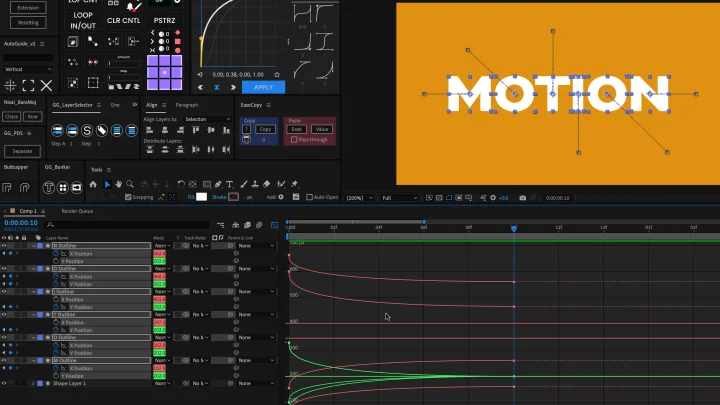
Create dynamic & eye-catching animated sequences from graphics & typography using After Effects
Acquire a Complete Skillset for Creating Dynamic, Vibrant Videos, from Graphics to Motions
ong_ is a motion graphic designer who has created work for a range of genres, including commercials, corporate videos, and lyric art. He was also selected as one of the “Top 100 Media Artists” for two consecutive years in 2023 and 2024.
Join this class as ong_ shares his secrets to creating motion graphics from scratch using After Effects.
Join this class as ong_ shares his secrets to creating motion graphics from scratch using After Effects.

The first part of this class explores the basics of After Effects to help beginners familiarize themselves with the program. Next, you will learn about the ideation creation process, which forms the basis of motion graphic design, as well as the key points in creating graphics and motions.
Once you master the basics, you’ll get hands-on by making appealing and entertaining videos featuring motions of logos and looped squares.
Discover the joy of turning your ideas into motion graphics on Coloso right now!
Once you master the basics, you’ll get hands-on by making appealing and entertaining videos featuring motions of logos and looped squares.
Discover the joy of turning your ideas into motion graphics on Coloso right now!
Class Preview
Still Not Sure?
Check Out ong_'s Class Preview!
14. Creating Motions with Six Geometric Patterns
1. The structure of patterned motions
2. Creating simple movements
3. Adding complexity to patterns through duplication and moving
4. Designing loops
5. Managing color combinations as expressions
2. Creating simple movements
3. Adding complexity to patterns through duplication and moving
4. Designing loops
5. Managing color combinations as expressions
*The Japanese language content in this class preview is translated into English in the class videos.
**The subtitles in this preview video are auto-translated. Please note that some content may not be accurately translated.
***Associated content is subject to change without prior notice.
Class Perks
Get These Coloso Exclusives
-
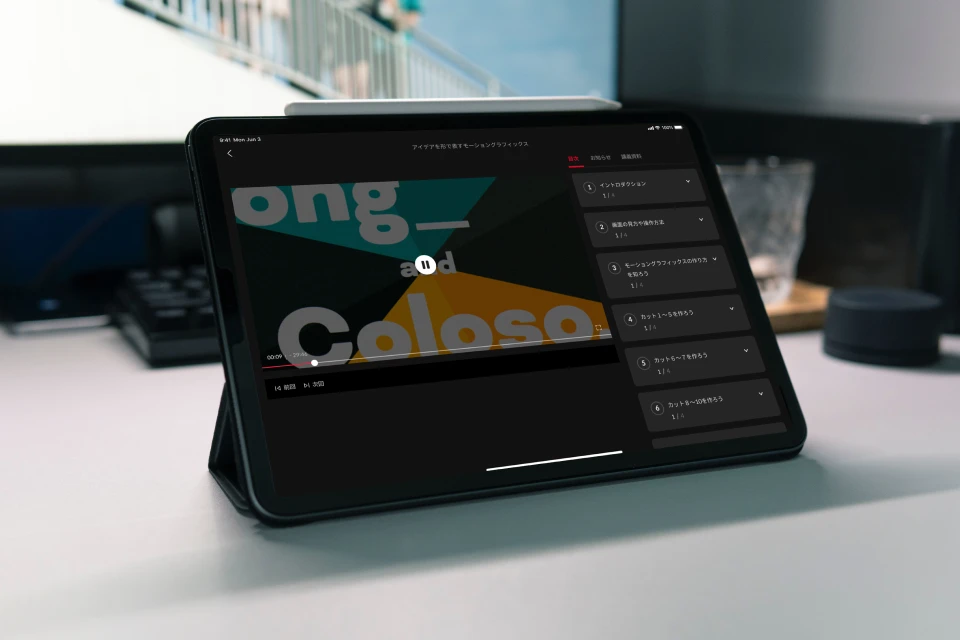 Unlimited Access to 27 Chapters Exploring ong_’s Motion Graphic Design Expertise
 -
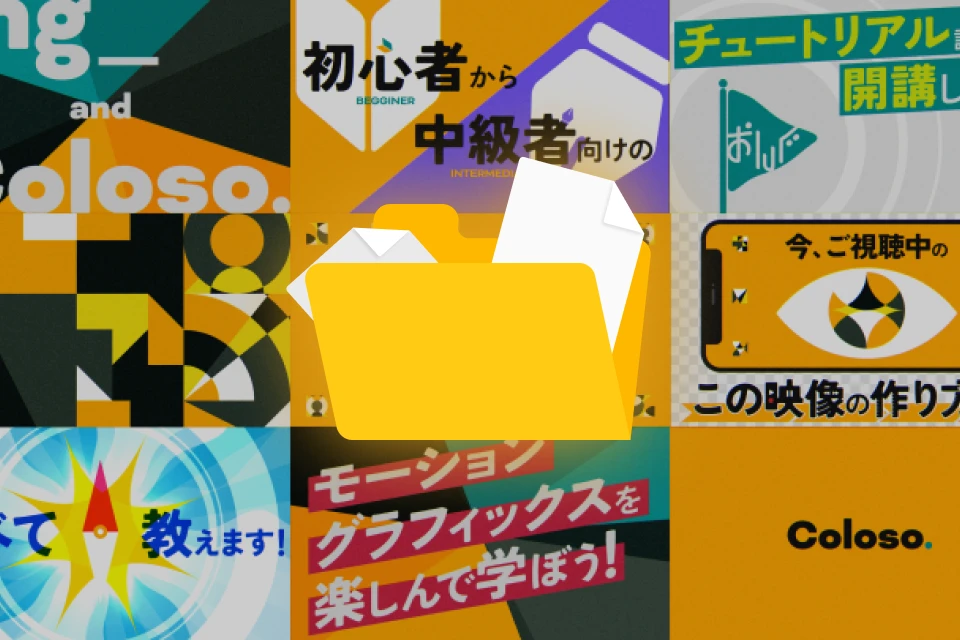 Create 8 Works in Class
 -
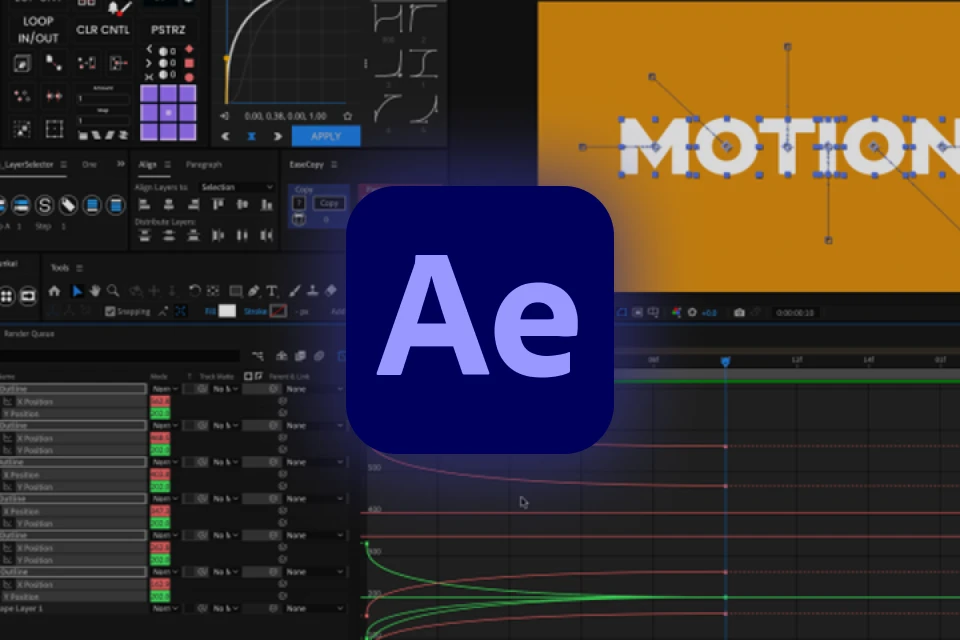 AEP Files for Exercises and Various Other Resources, Including a Shortcut List
Class Material Details
-
 Files Used in Class- PDF class materials
- AEP files for exercises -
 Shortcut List- A list of frequently used keyboard shortcuts
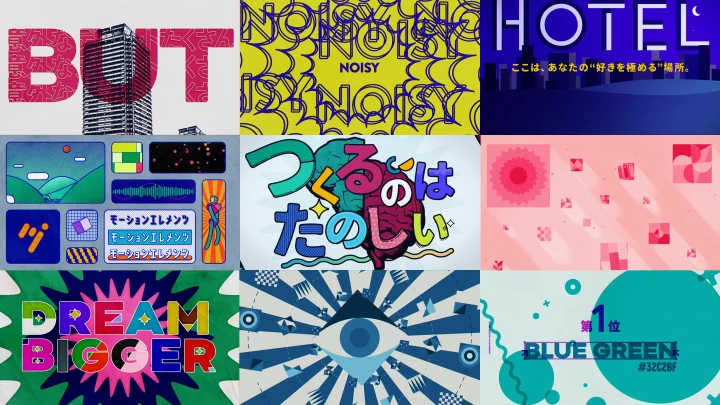

Expert Motion Graphic Designer ong_'s Portfolio
Why Take This Class?
Looking to master motion graphics, whether you're just starting out or aiming to take your skills to the next level?
This class by motion graphic designer ong_ is designed for all levels—beginner to advanced.
"You'll learn everything from the basics of After Effects to advanced techniques like impactful transitions, seamless loops, and expressive typography animation.
The course also includes free script tools and practical projects to streamline your workflow and strengthen your creative expression.
Whether you're building a foundation or refining your portfolio, this class offers a complete path to becoming a confident motion designer."
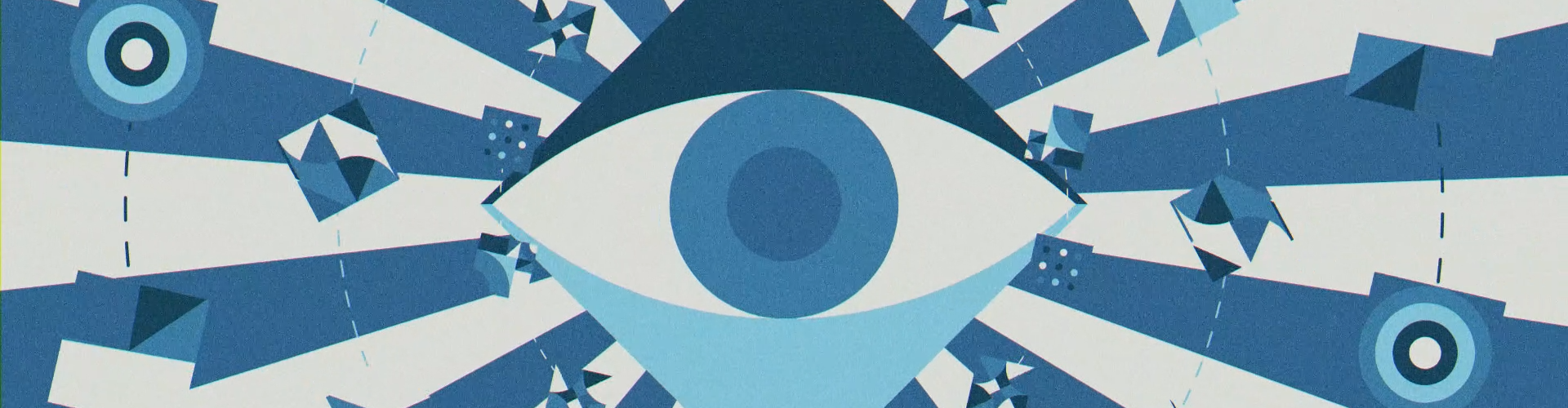
Strengthen Your Creative Flow with Structured Motion Exercises
-
 Basic Keyframe Animation
 -
 Entertaining Text Animation
 -
 Graphical Animation
-
 Impactful Animation
 -
 Transitions with Geometric Patterns
 -
 Animation That Visualizes Text
-
 Impressive Animation Using Smartphones and the Eyes
 -
 Shaky Animations with Light
Final Work
Instructor
Motion Graphic Designer
ong_
Hi, I’m motion graphic designer ong_. I create a range of 2D motion graphics for commercials, event videos, music videos, corporate videos, lyric art, and more. On top of these, I also post videos I make on my personal social media accounts and take part in contests to keep my creative spirit alive.
In this class, I will teach you not only the basics of After Effects but also my secrets to creating appealing motion graphics. As a self-taught learner of After Effects myself, I will also share how I studied the program and motion graphic design to achieve growth all by myself.
The joy of creating videos is my biggest source of motivation, which is why I want you to discover the same kind of joy as well.

Motion Graphic Designer ong_
[Current]
Motion Graphic Designer
Projects & Awards
[Projects & Awards]
Grand Prix at Adobe MAX Challenge 2022
New Hope Award at Kabukicho Creator's Gallery Project
Selected as one of the Top 100 Media Artists of 2023
Sponsor Company Award for Digital Signage Category at Metro Ad Creative Award 2023
Selected as one of the Top 100 Media Artists of 2024
[Notable Projects]
Live background video for SO-SO’s “SO-SO Exercise”
Rakuten Group’s online commercial “Fun Cheap! Safe! Rakuten Ichiba”
Official lyric video for “Shuttle 99” by Zettakun
Five-second PR video for Nippon Television’s “NEWS NNN”
Background video for Marubeni’s runway show “WEAR GO LAND”
Highlights
Class Highlights
Practical Techniques for Creating Motion Graphics from Scratch
This class explores the basics of After Effects for beginners who want to create motion graphics but don’t know where to start. After learning the basics, you’ll get hands-on with motion graphic design techniques by working on exercises using the skills you’ve learned.
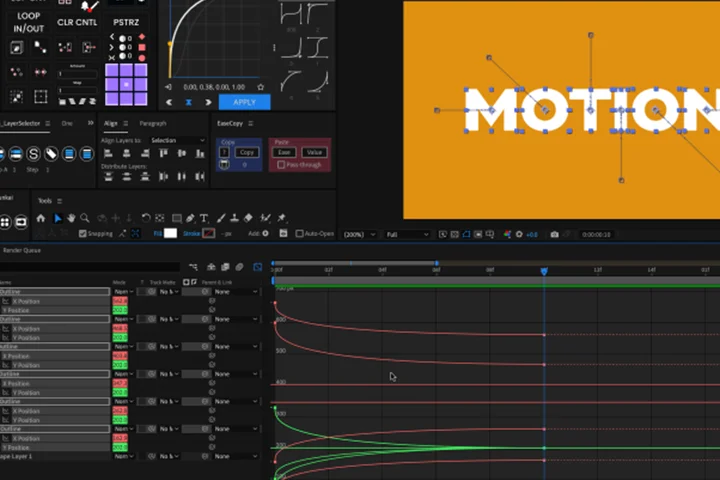
Turning Your Ideas into Original Work
Do you want to make your own works but keep feeling lost or frustrated? Discover how to develop ideas during the planning and composition stages, thinking about important questions such as “What should be the theme of this video?” and “What kind of composition and effects do I need to convey that theme?”
A Complete Set of Skills for Creating Graphics and Motions on Your Own

ong_ knows the importance of the all-around ability to create graphics and motions for both personal and commissioned work. Creating graphics that consider later-stage motions also leads to a more balanced-looking video, which is why you’ll learn a comprehensive set of skills that cover graphics as well as motions.
Class Details
You'll Learn
-
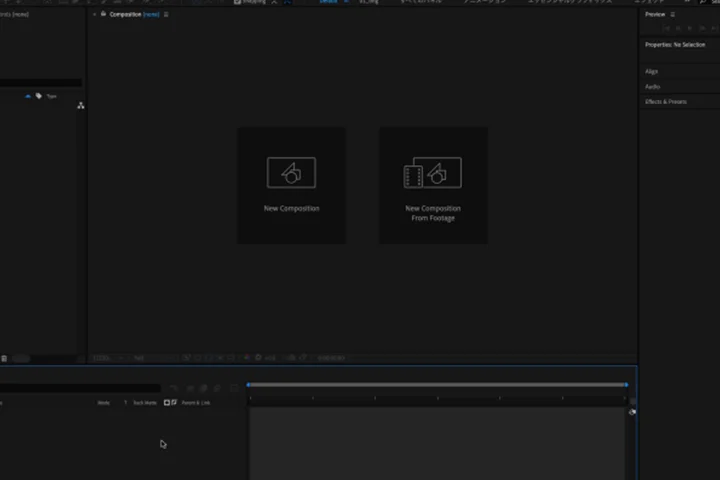 After Effects Basics for Absolute BeginnersExplore the basics and structure of After Effects to equip yourself with essential motion graphic knowledge.
 -
 Idea Development TipsLearn everything from deciding the theme and concept of a video to coming up with ideas for composition.
 -
 Visually Entertaining GraphicsDiscover the secrets to creating appealing graphics that entertain and captivate the viewer.
-
 Dynamic Motions with a Sense of VarietyFind out how to create entertaining motion graphics that feel intuitively satisfying and evoke a sense of variety.
 -
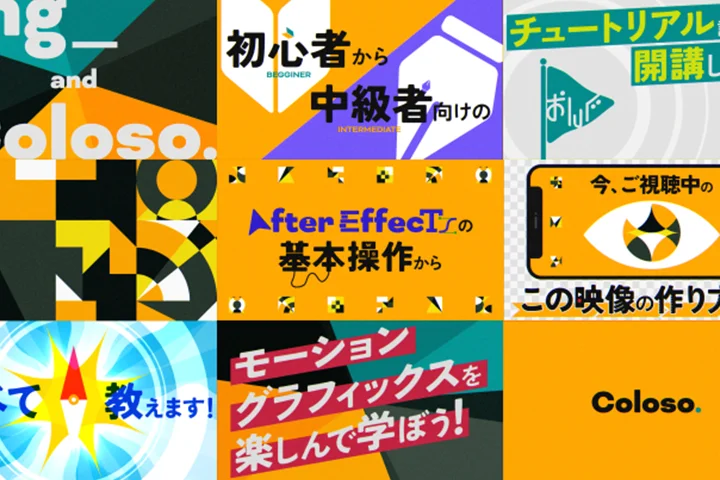 All-Around Skills for Creating a Complete Work from ScratchMaster the entire process from graphic design to creating motions to broaden your repertoire.
 -
 The Mindset to Give Your All and Stay RelentlessLearn the mindset required to create videos in the desired quality—all without missing even the smallest detail.
- Unlimited Access
- Best Price
Buy now, get unlimited access.
12/31 (Sat) (UTC-7) Special offer ends soon.
This special offer ends soon.
Buy now and save!
Interview with
Motion Graphic Designer ong_

Question.01
What is the biggest challenge for learners studying this genre, and how does this class help them overcome it?
Since it is quite hard to find places where you can formally learn motion graphic design, many learners tend to study the genre on their own. This also means there are no clear roadmap to improving your skills, which is a challenge for many. I designed this class to serve as a learning resource that I wish I had when I started studying motion graphics by myself, and draws upon my own experiences as a self-taught learner. I want to share with you how I learned motion graphics and achieved growth at the same time.
Question.02
What was the reason you started studying design?
It all started with a motion graphic video I came across on YouTube. At that time, I didn’t even know what motion graphics meant but was captivated by how the objects kept moving and changing with the music. This led me to start using After Effects, with the goal of making such videos myself.
Question.03
What did you struggle with when studying this genre, and what was your strategy to overcome that?
When I first started studying, I wanted to recreate all the incredible designs I saw in other videos, but didn’t know how to do that or where I could find such techniques. So I watched some tutorials, researched as many effects as possible, and then practiced combining these effects myself, gradually learning how to figure out the types of effects used in other videos.
Question.04
What is the most important part of producing meaningful output?
I believe it is crucial to be prepared to put in a lot of time and effort. People usually don’t like time-consuming, painstaking tasks like dividing a keyframe into multiple frames, adjusting motions, effects, and masks, splitting layers in detail to apply motions to them, and combining effects through trial and error. But this also means there are not many people out there who put in that kind of effort or have the ability to do so. If you have this kind of attitude, you’ll be able to create small details that set your work apart, or even help you create something that nobody has made before.
Required Programs
This course will use
[Primary Program]
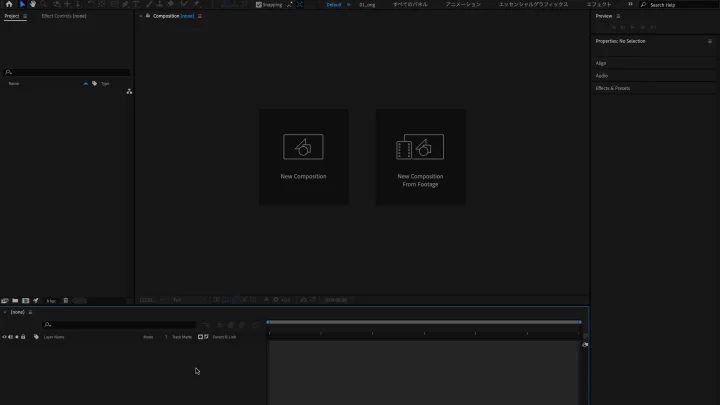
After Effects (24.3)
※We recommend using After Effects 23 or a higher version.
Please purchase and install these program(s) for an optimized class experience.
*These programs and/or materials will not be provided with the course.