
[enrolltounlock]MotionDesigner,SujinYang_모션 디자이너 양수진 Details
Class introduction
Class Intro
Motion Designer, Sujin Yang
In motion graphics, character animation is an important guide that leads the audience to the final message. The most important thing is to maintain a sense of rhythm while providing fun so that the audience does not lose interest.
Want to Take Your Character Animation Skills to a Pro Level?
From how to use graphs for sensible motion to the use of rigging, plug-ins, and particles! Enhance your motion graphics skills to the fullest with character animation, which was once difficult.
Motion Designer Sujin Yang’s Portfolio
Speaker introduction
Motion Designer
Sujin Yang
Hello, I'm Sujin Yang, a Motion Designer. I've created videos for major companies and broadcasters like Kakao, Samsung, CJ E&M, and JTBC. Since winning the global video production contest ‘Cut and Paste’ in 2011, I’ve been thriving as a freelance motion designer.
My character animations, known for their lively and dynamic energy, have attracted attention from many clients. In this class, I’ll go beyond just teaching you the tools—I’ll share advanced techniques and insider tips to help you create professional-level character animations. Enhance both your design skills and your portfolio with my guidance.

class features
Class Highlights
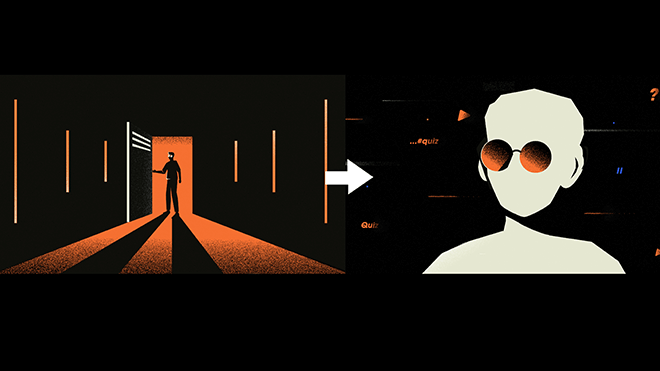
Motion Graphics Skills That Can Be Immediately Used in Practice beyond the Basics
You can learn various animation techniques, such as transitions, tension, and motion sense, that are essential in the workplace but have not been asked about.
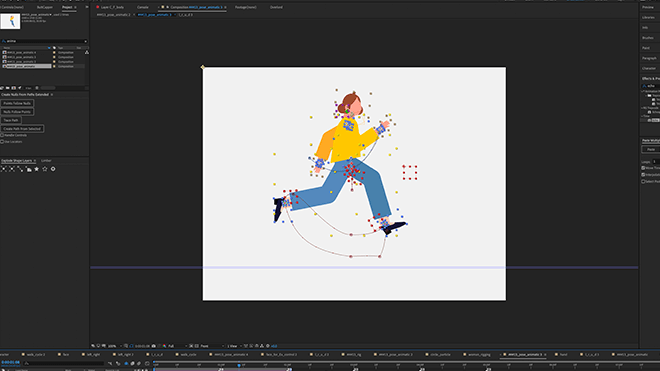
12 Special Know-Hows for Edge-like Motion
We will give you special tips from Soojin Yang, a motion designer who can sensibly utilize graphs, shape layers, plug-ins, etc.
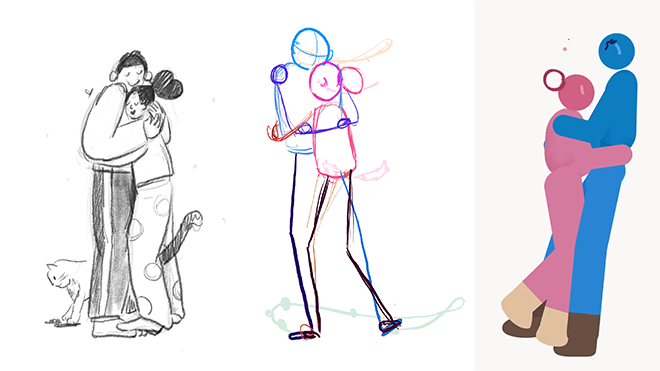
Create Your Own Portfolio
Elevate your animation portfolio with step-by-step tips from expert Motion Designer Sujin Yang.
Class Details
You'll Learn
-
 Master the Basics Using ExamplesLet's create various animations that are not obvious by applying the value/speed graph.
 -
 Applying Shape LayersLearn how to change the shape layer into various shapes.
 -
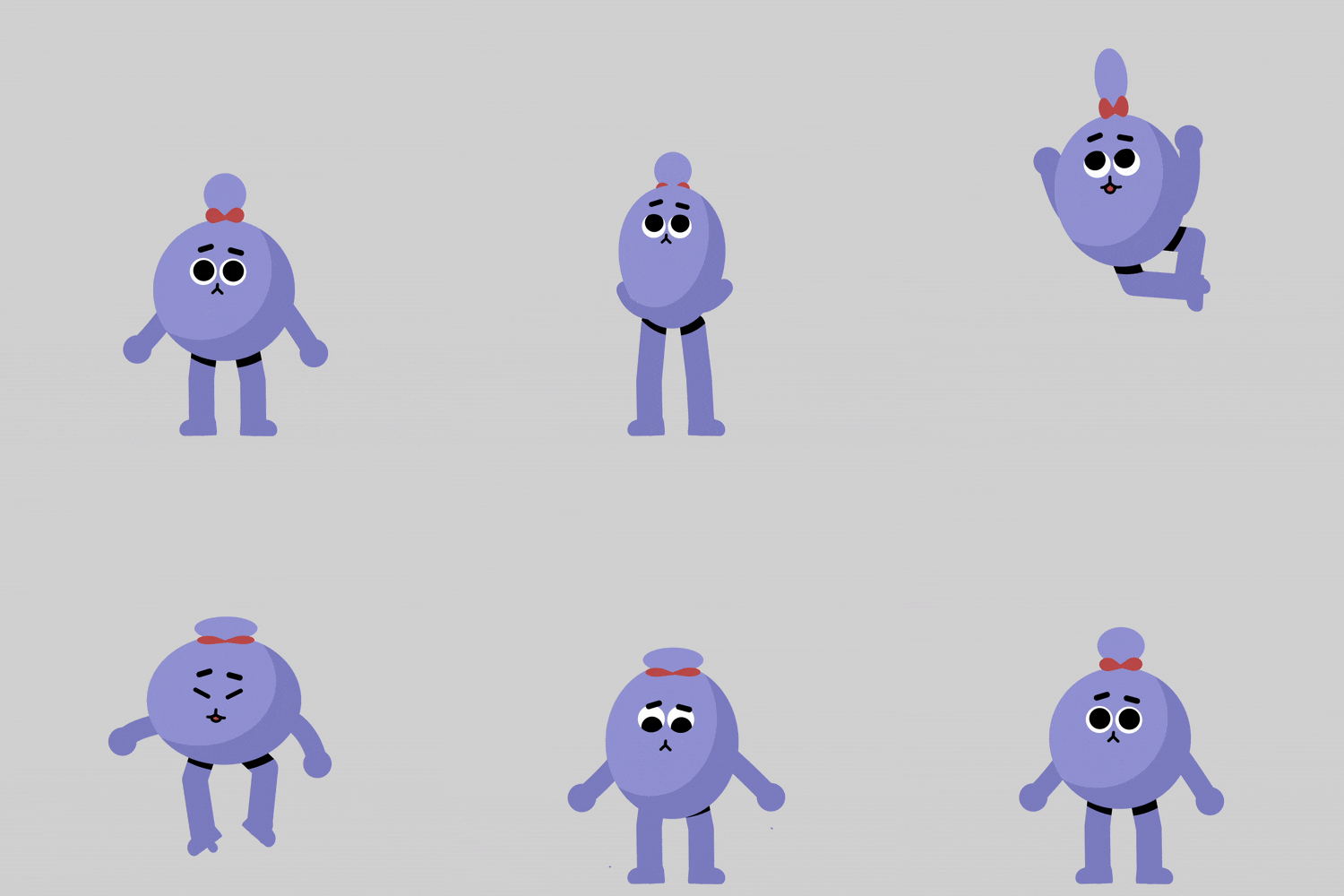 Creating a 2-Head Tall Character Animation 1Get a feel for character animation by applying animation rules.
-
 Creating a 2-Head Tall Character Animation 2Learn animation rules based on movement and learn how to express natural liveliness.
 -
 2D Character Animation CompletedApply the content of previous lessons to learn how to naturally connect various movements.
 -
 Face Rigging AnimationLet's create face animation using face settings and controller.
-
 Summary of Character AnimationComprehensively utilize what you have learned to create a character animation with your own personality.
 -
 Build Your Own Animation SkillsWe present a guide to improve your animation skills.
 -
 Introduction to WorkflowIn addition to sharing the content of the workflow seminar, we also suggest ways to try slightly more complex animations.
* The above results include both a practical portfolio and actual class examples using the functions to be learned in the class.
curriculum
Curriculum
In-Depth Look
SECTION. 01 Basic
01. Adjust the Graph as Desired
- Defining and learning the meaning of graphs (basics)
- How to apply the value/speed graph
- Improve your understanding of graphs
- How to speed up work (motion-specific training)
02. Bouncing the Ball
- Creating an animation that seemed complicated
- Pinball animation creation and rendering
03. Things You Can Do with Shape Layers
- Explaining the concept of shape layer
- Use effects that suit you well
- How to change the shape as you wish
- curve control
04. Applying Shape Layer
- Shape Morphing
- How to change the shape layer into various shapes
05. Animation Rules
- Why the 12 Laws of Animation are Important
- Understanding examples and concepts of animation rules applied
06. Two-Heads Tall Character - Applying Animation Rules 1
- Create a two-head tall character animation using animation rules using a shape layer without a plugin.
- Squash and Stretch & Anticipation
- Get a feel for animation by applying applicable theories
07. Two-Heads Tall Character - Applying Animation Rules 2
- Follow through & overlapping, secondary action
- Learn natural and lively expressions using animation rules that enrich movement
08. Character Animation Practice
- Create a 5-second character animation based on the contents of lectures 5 to 7
*Communication with speakers
SECTION. 02 Application
09. Find the Plugin You Need & Amp; Rigging
- Explore plugins to choose based on character and movement
- Learn rigging methods that vary for each animation project
- Learn about IK & FK rigging concepts you need to know before choosing a tool
*Use paid plugin limber
10. Rigging
- Applying character animation using a plugin
- Create character animation by carrying out design, setting, and rigging together.
- How to transfer sources to Illustrator and After Effects
*Use of Adobe Illustrator
11. Facial Animation
- Use of face rigging
- Setting up the face and creating a controller
- Animation concept and planning direction
12. Basic Operation
- Create examples that implement commonly used movements in infographics, including walking.
- Planting arm and leg joints
13. Joining Two Movements 1
- Learn Run Cycle
- Connect complex actions systematically with After Effects
14. Concatenating Two Movements 2
- Rotate 2D character
- Arc & pose to pose
- How to rotate a character that only moved forward or sideways
15. Create Transitions
- Create transitions based on changes in the character’s gaze, movement, and size
- Adjustment Layer and effect application method to help with transitions
SECTION 03. Portfolio Level Up
16. How to Increase Details
- Add effects to character animation frame by frame
- Bringing out details using particles
*Using Photoshop and Rough Animator
17. Build Your Own Animation Skills
- Analyzing key concepts in complex motions and suggesting ways to upgrade my abilities
18. Introduction to Workflow
- Share workflow seminar contents
- Message from Sujin Yang
Interview with
Motion Designer Sujin Yang
Question.01
Why did you decide to create an online class with Coloso?
Why did you decide to create an online class with Coloso?
There are many motion graphics lectures overseas, but the ones in Korea did not go beyond how to use tools. There were many people who were at a loss because they did not know where to learn the skills that practitioners really wanted to learn , and I also had many related questions.
If the existing lecture was really a tool lecture for beginners, this class will teach you how to apply just the basics and feel like a professional .
Question.02
Who would like to take this class?
Who would like to take this class?
I especially recommend this to graduates/job seekers who are worried when preparing a portfolio because their work looks uncharacteristic or clumsy. It will also be a good class for those who have gotten a job but have difficulty adapting because the difference between their skills and what they do in the workplace is large.
Question.03
What will be different after taking the class compared to before taking it?
What will be different after taking the class compared to before taking it?
How much effort can I make and how much skill can I gain through this class?
We will set guidelines such as how much interest you need to be successful.
It will also reduce unnecessary trial and error and learning time in the process.
Question.04
What should I pay attention to to improve the quality of my work?
What should I pay attention to to improve the quality of my work?
When applying a single motion, there are many settings that must be added to give it a sense of life . There is too much trial and error and it takes a long time to go with these things based on intuition alone. For this, observation skills are very important , and the most important thing is to learn the theory and create your own method. I believe that how systematically you apply what you observe in real life is the important difference between an amateur and a professional.
Required Programs
This course will use
- Adobe's After Effects
- Photoshop
- Illustrator
Please purchase and install these program(s) for an optimized chapter experience.
*These programs and/or materials will not be provided with the chapter.