MotionDesigner,YunhoPark_박윤호 Details
Intro
Class Intro
Motion Designer, Yunho Park
"Make one-of-a-kind 2.5D animations with the basics of After Effects."
Tired of repetitive tool tutorials and outdated portfolio references?
Add originality to your designs while getting tips on making the trendiest 2.5D animations, using solely After Effects.
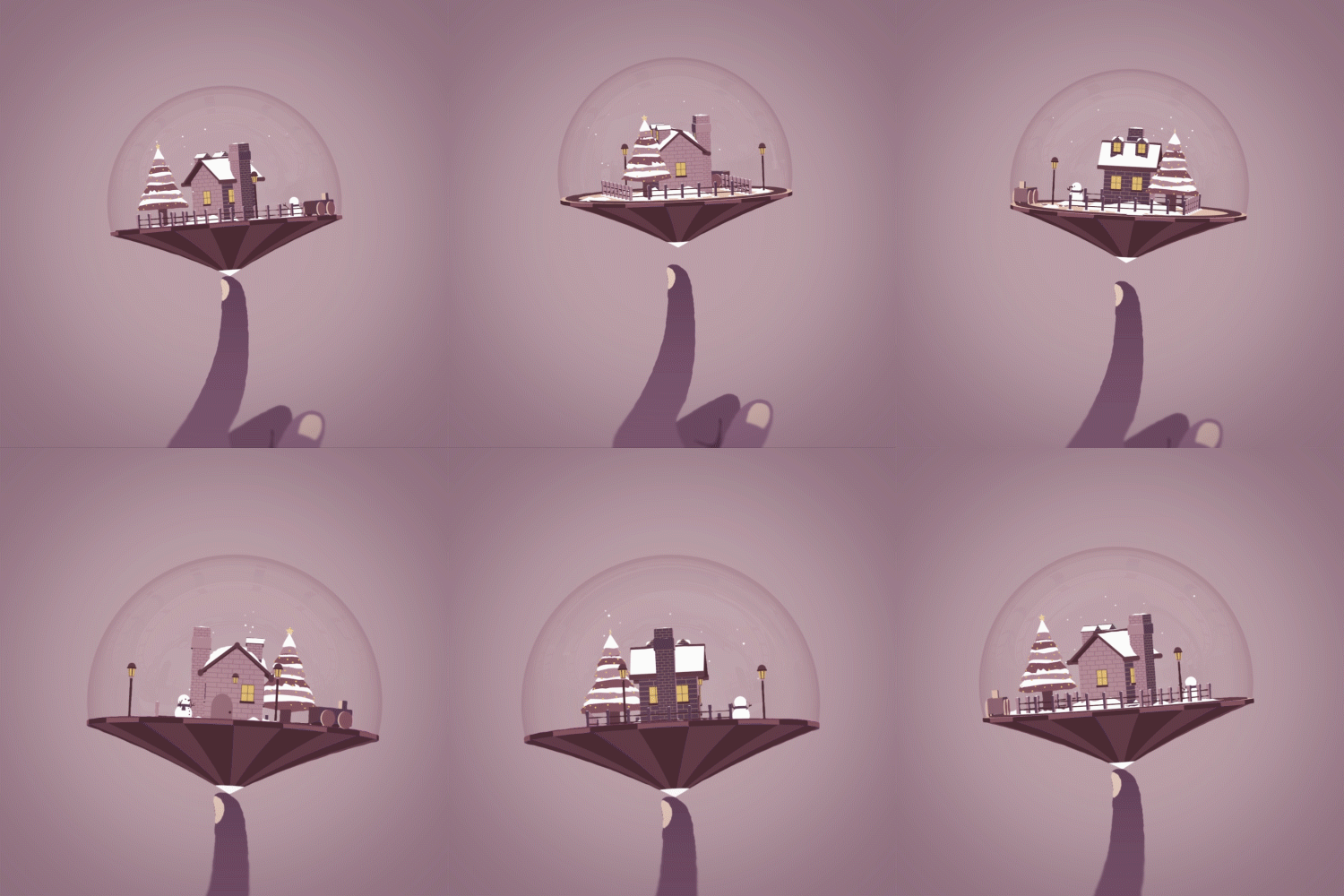
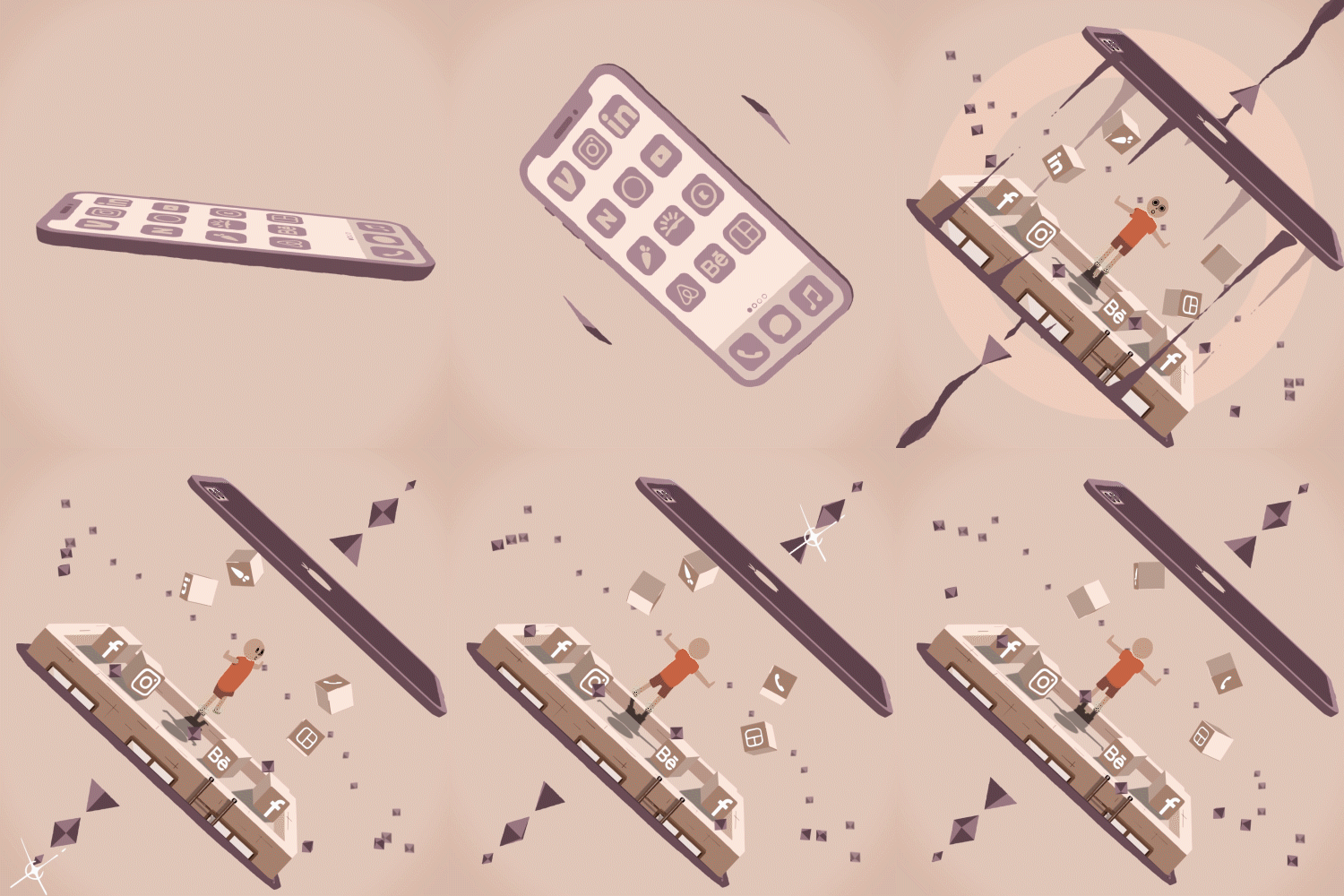
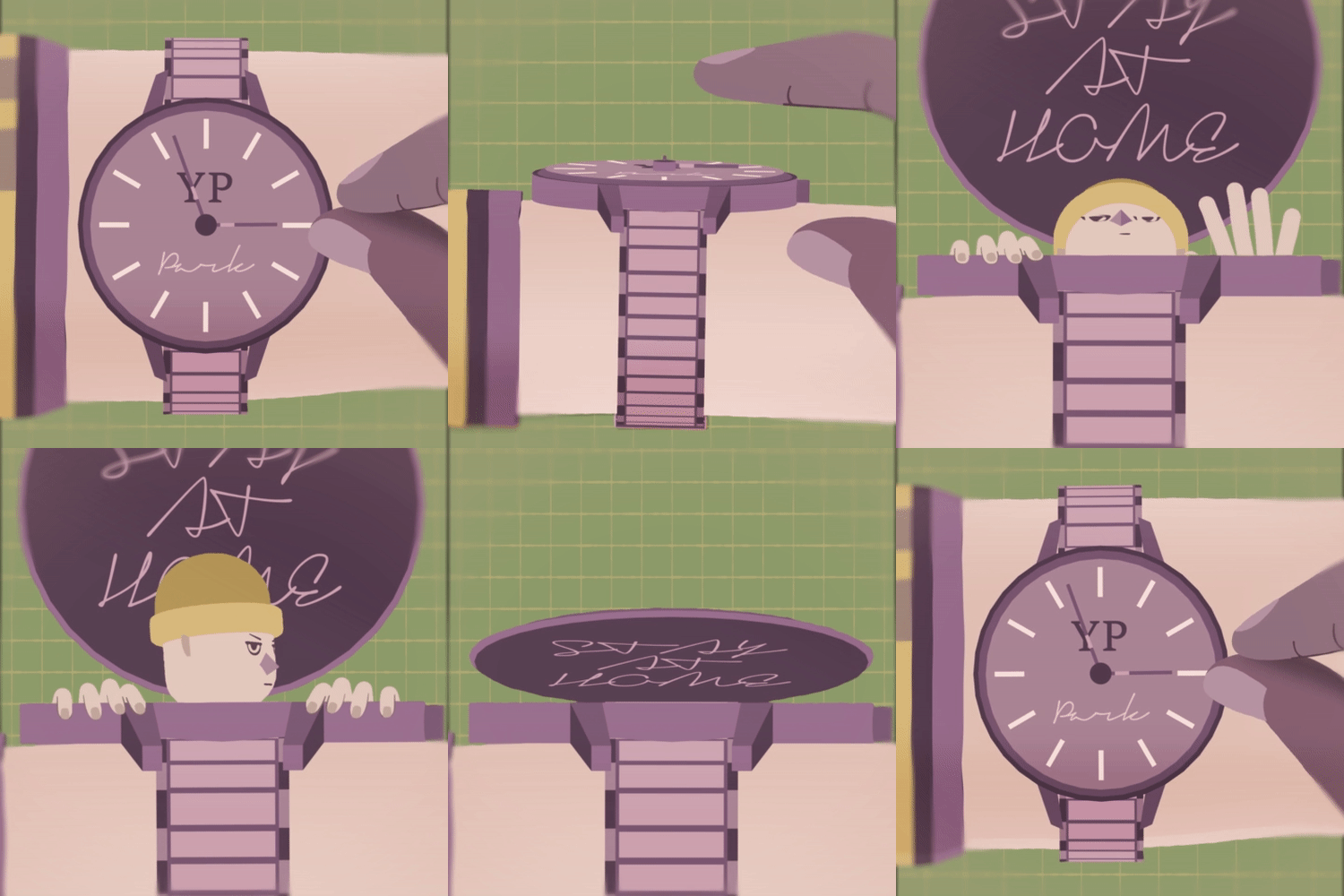
Expert Global Motion Director, Yunho Parks's Portfolio
Instructor
Motion Designer
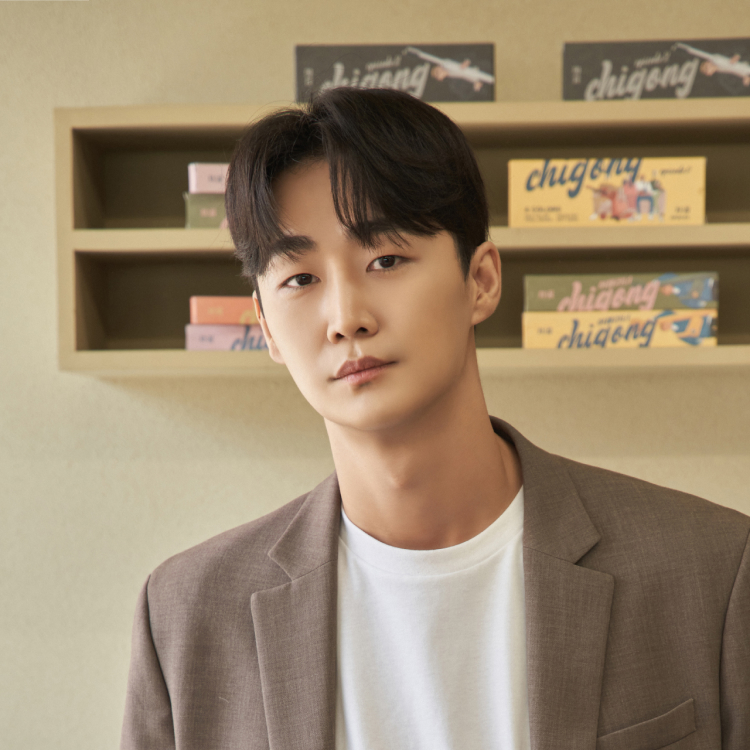
Yunho Park
Hi, I'm 2D Motion Designer Yunho Park.
I'm currently a 2D Designer & Animator at Branding Agency WITHIN in New York.
I've engaged in multiple projects with Global Businesses, such as Facebook, Netflix, CNN, Samsung, and Hyundai.
Working with a unique, original design style, I've achieved global recognition through awards like Adobe Design Achievement Awards, ADC Awards, and more. My work was also published in "STASH", the world's largest archive magazine on motion graphics.
Motion Designer,
Yunho Park
[Current]
General Director, Chigong (Sustainable lifestyle brand)
[Former]
Lead Animator, LLC, Within (New York Advertising Agency)
Motion Designer, Hornet
Motion Designer, BGSTR
Recognizable
Projects & Awards
[Projects]
Design Exhibition at Gangnam Media Art Gallery
Lead 2D Motion Design for MIRAE [Killar] MV
Overall Design for Virgin Galactic Space Test Flight Campaign
Motion Design for Seoul International Book Fair (SIBF) 2020 Online Promotion
Multi-platform Promotional Video for Acorn, a US Financial Company
Intro Splash Animation Style Frames for Hyundai Samsung TV and LG Smart TV Apps
Typography for Gatorade BOLT24 Beverage Advertisement
Graphics for Netflix Documentary "Home Game"
Logo Animation and Broadcast Graphics for "Frozen 2" Documentary
Trailer for HLN Crime Documentary "Sex & Murder"
Broadcast Graphics for "Dennis Oh: Becoming the Song" Documentary
2D Animation for Honda Holiday Sale Campaign Video
Typography for Spotify Billie Eilish Promotional Video
2D Animation for Facebook Nationwide Voter Registration Encouragement
Promotional Video for Samsung OLA Feature
[Awards]
Freelancer Category in Indigo Design Award 2021
Gold in Computer Animation
Silver in Graphis New Talent Annual 2020
Top Talent (2) in Adobe Design Achievement Awards 2019
Finalist in The Young Ones ADC Awards 2019
Special Designation in Adobe Design Achievement Awards 2018
[Other Activities & Publishes]
Interview with LA Voyage Magazine
Featured Work in 2019 Issue of Motion Graphics Magazine STASH
6 Class Exercises
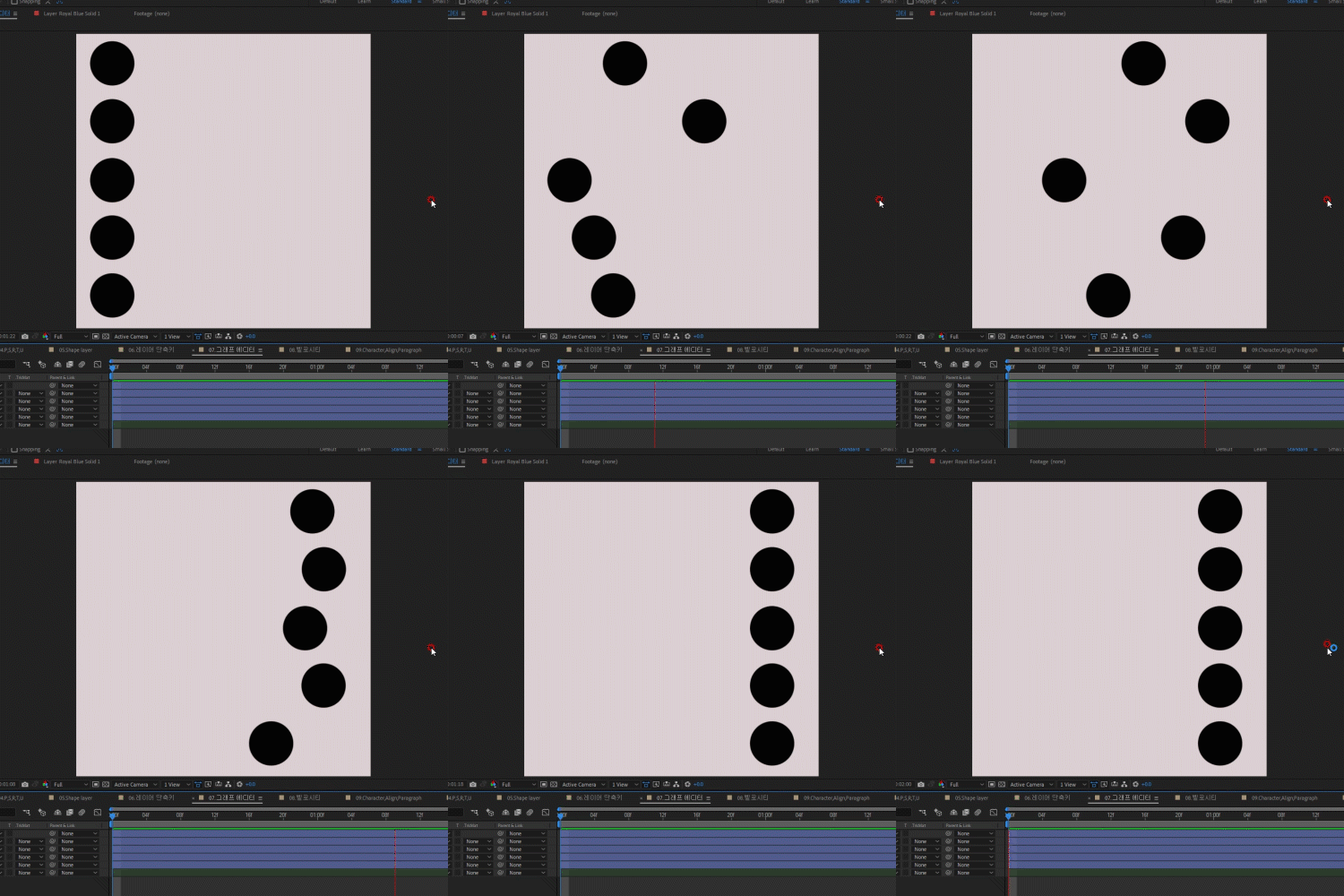
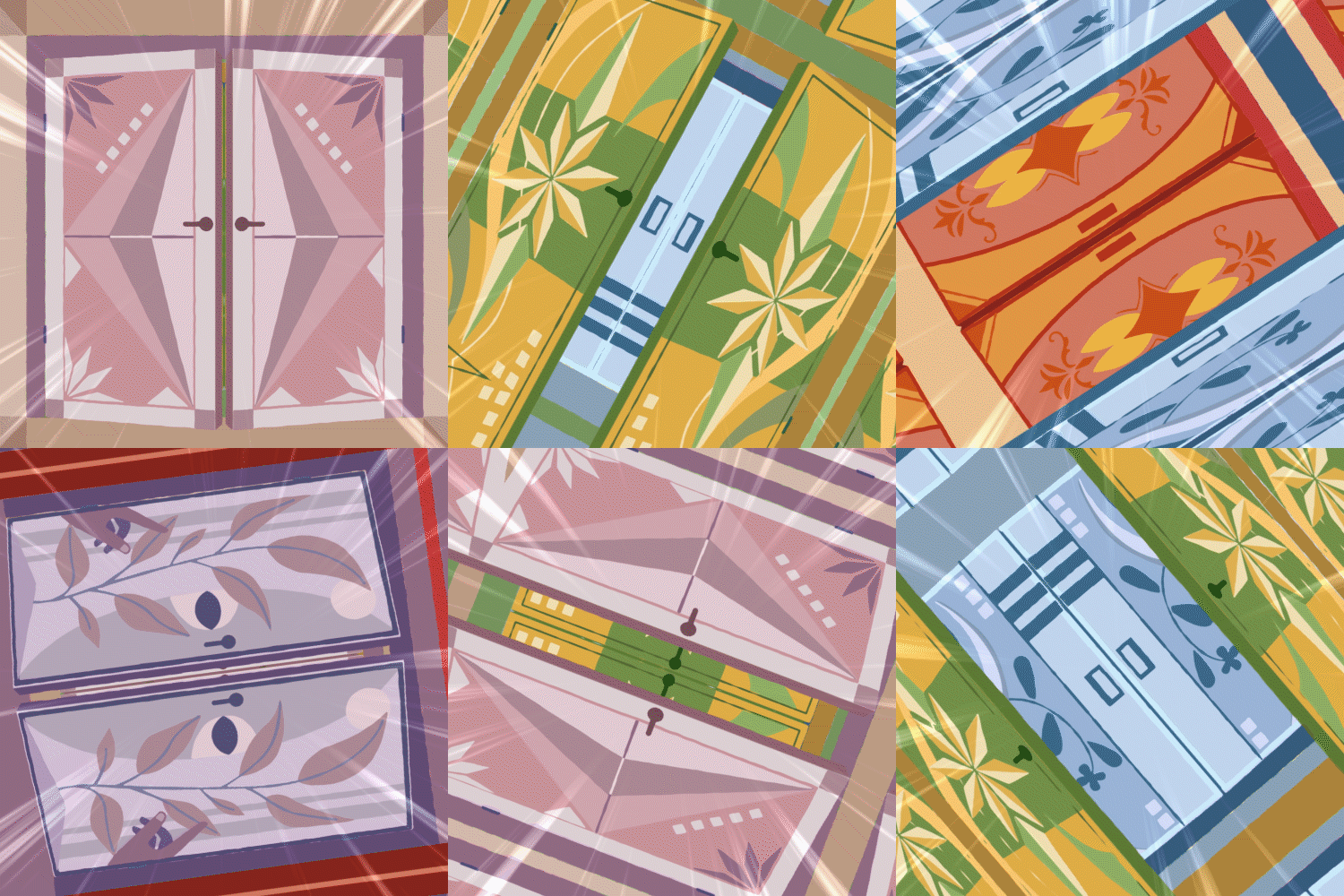
Example 1.
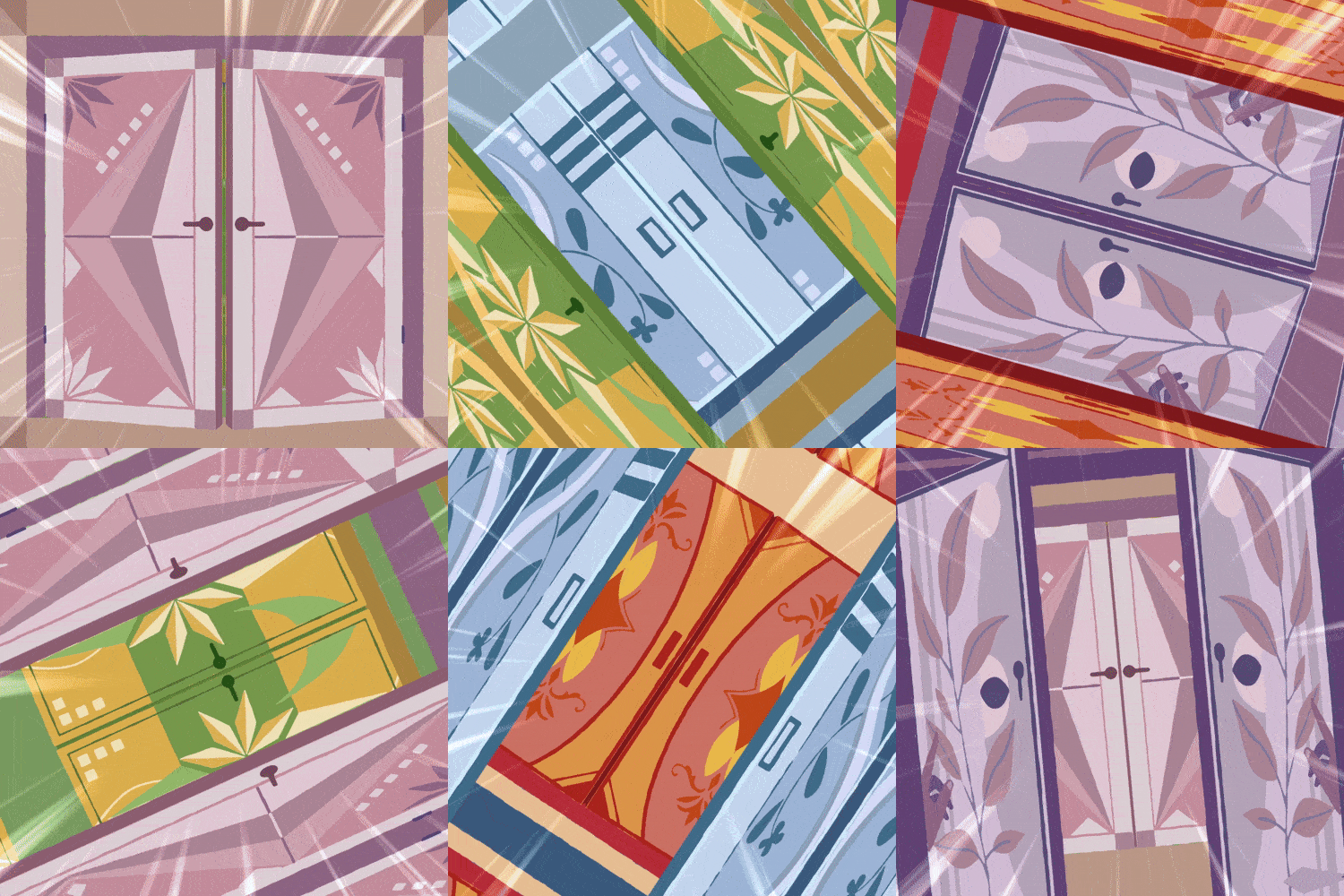
Endlessly Opening Doors
Use time remapping expressions to create loop animations.
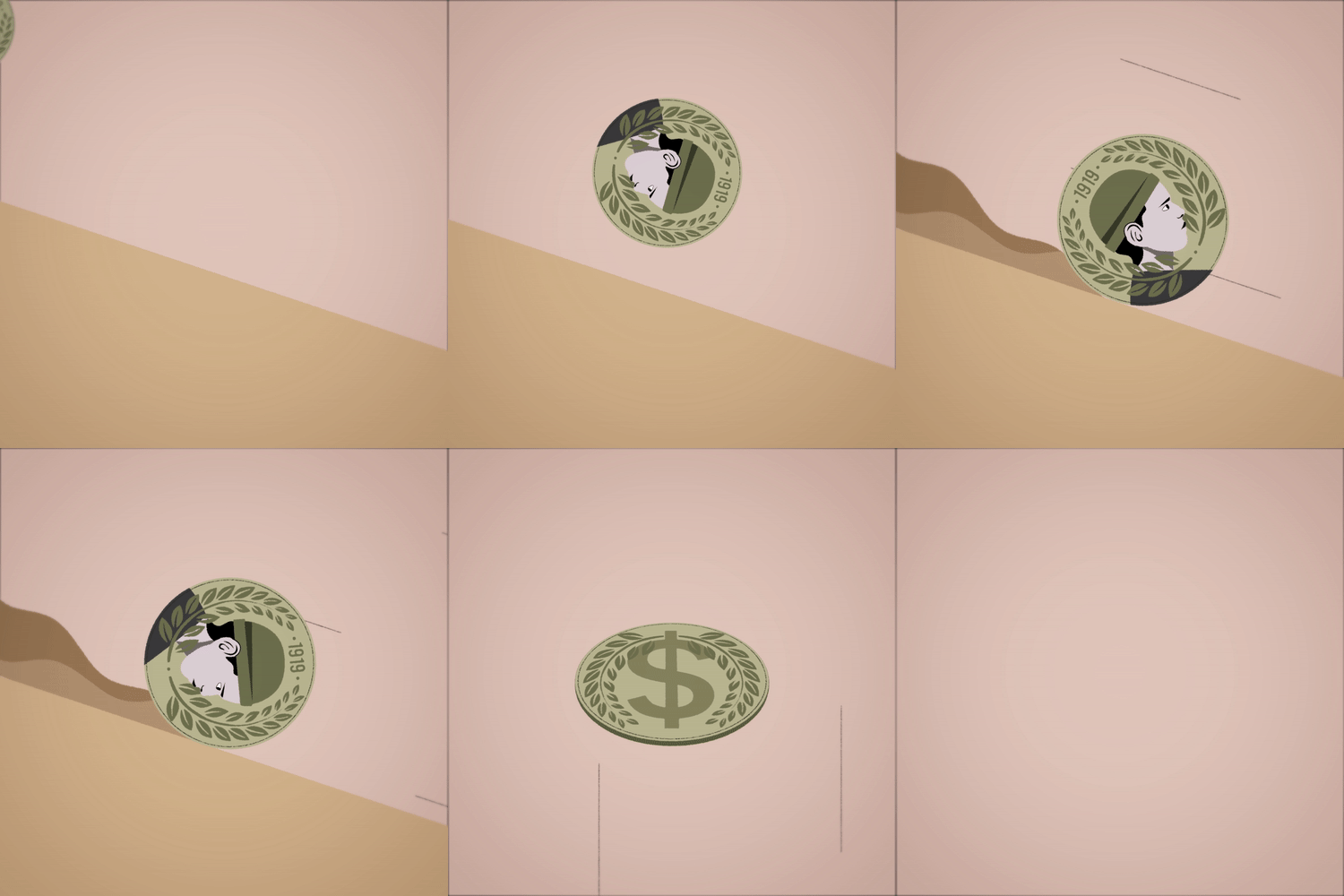
Example 2.
Rolling Coins
Create natural rotating animations by adding 3D layers and simple expressions.
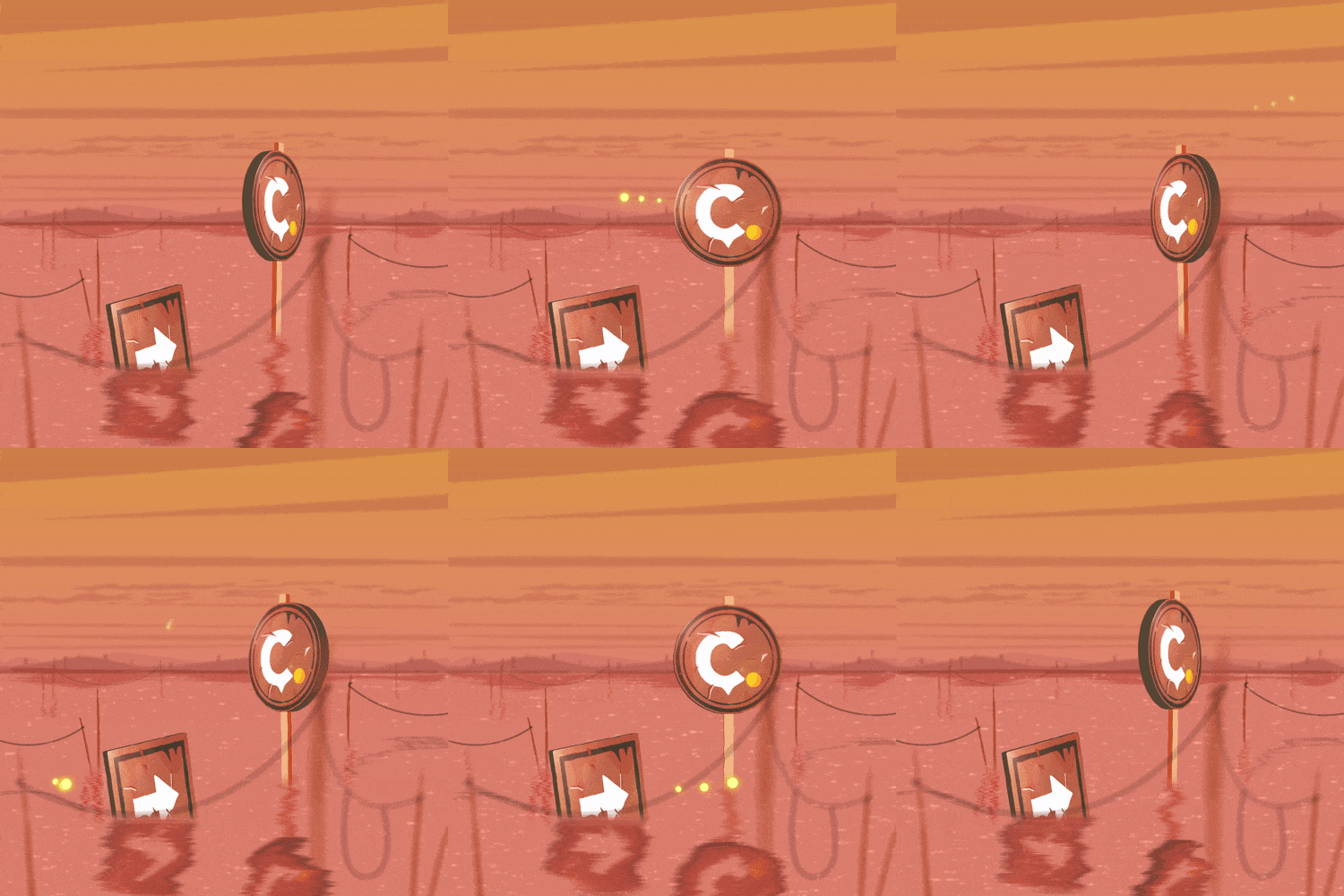
Example 3.
Floating Signboards
Design scenery with shape layers and learn to create depth using perspective.
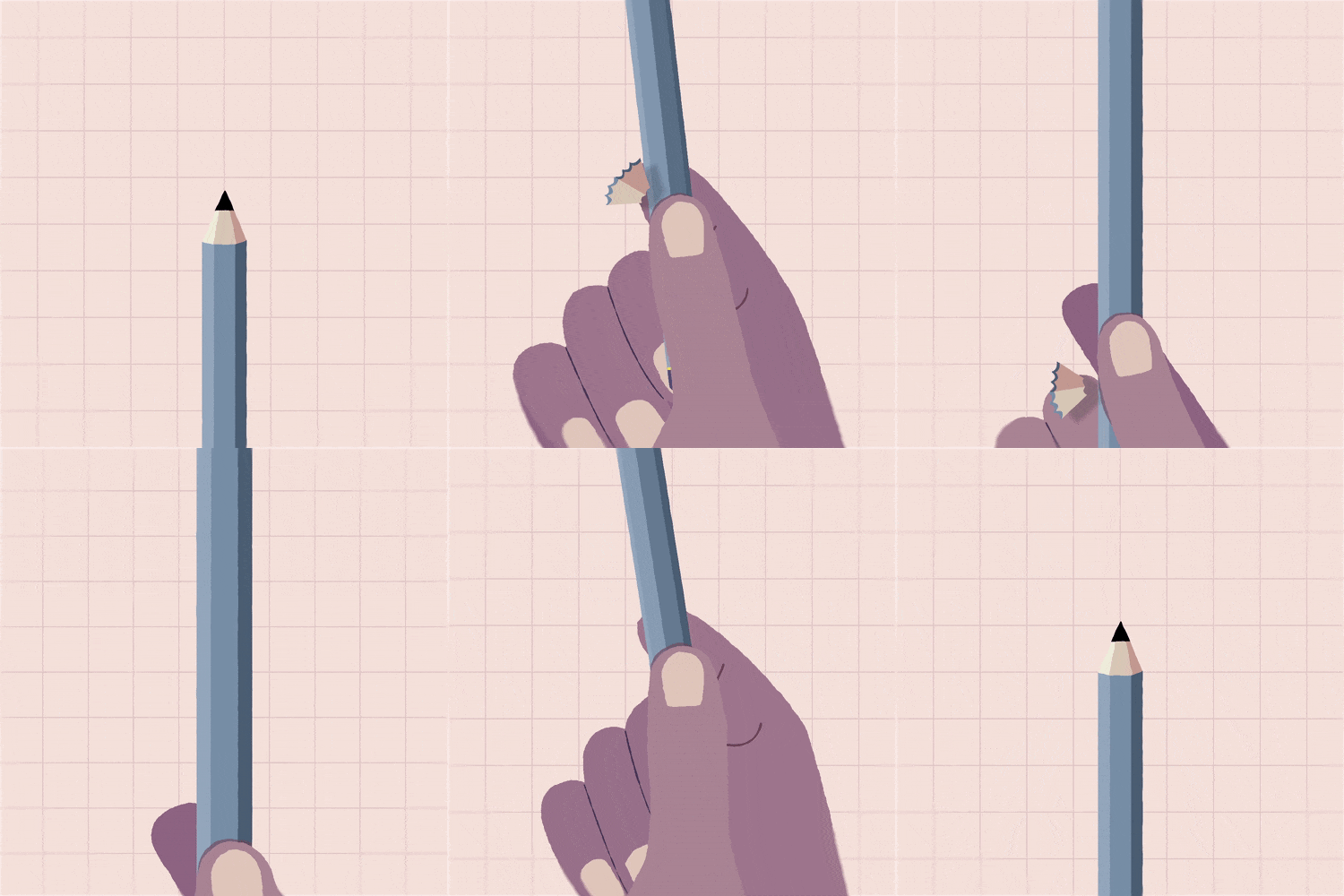
Example 4.
Hand Sharpening a Pencil
Separate & organize layers for animation effects and express subtle color changes with directional lighting.
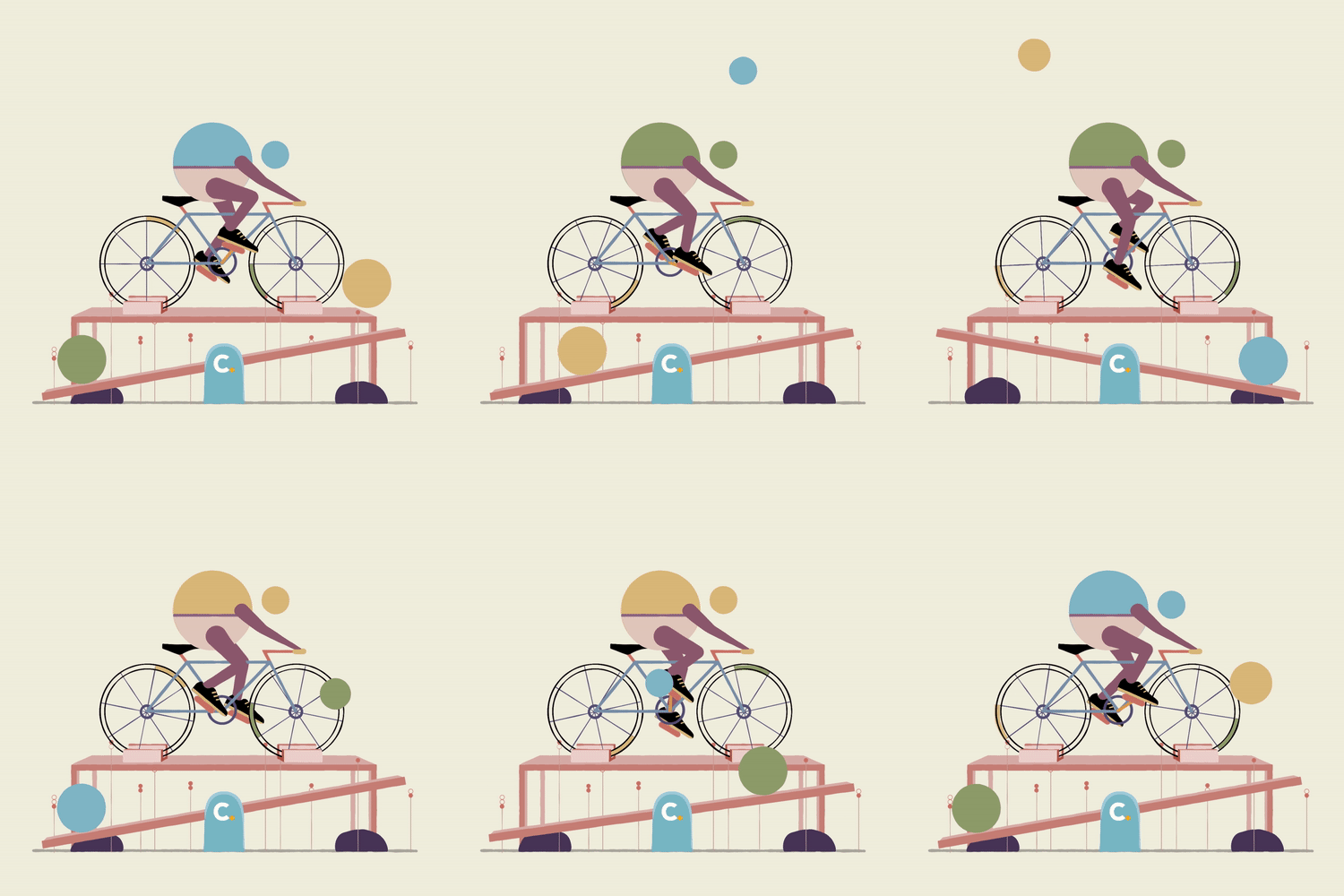
Example 5.
Head Replacement
Create simultaneous animation effects using Character Rigging.
Example 6.
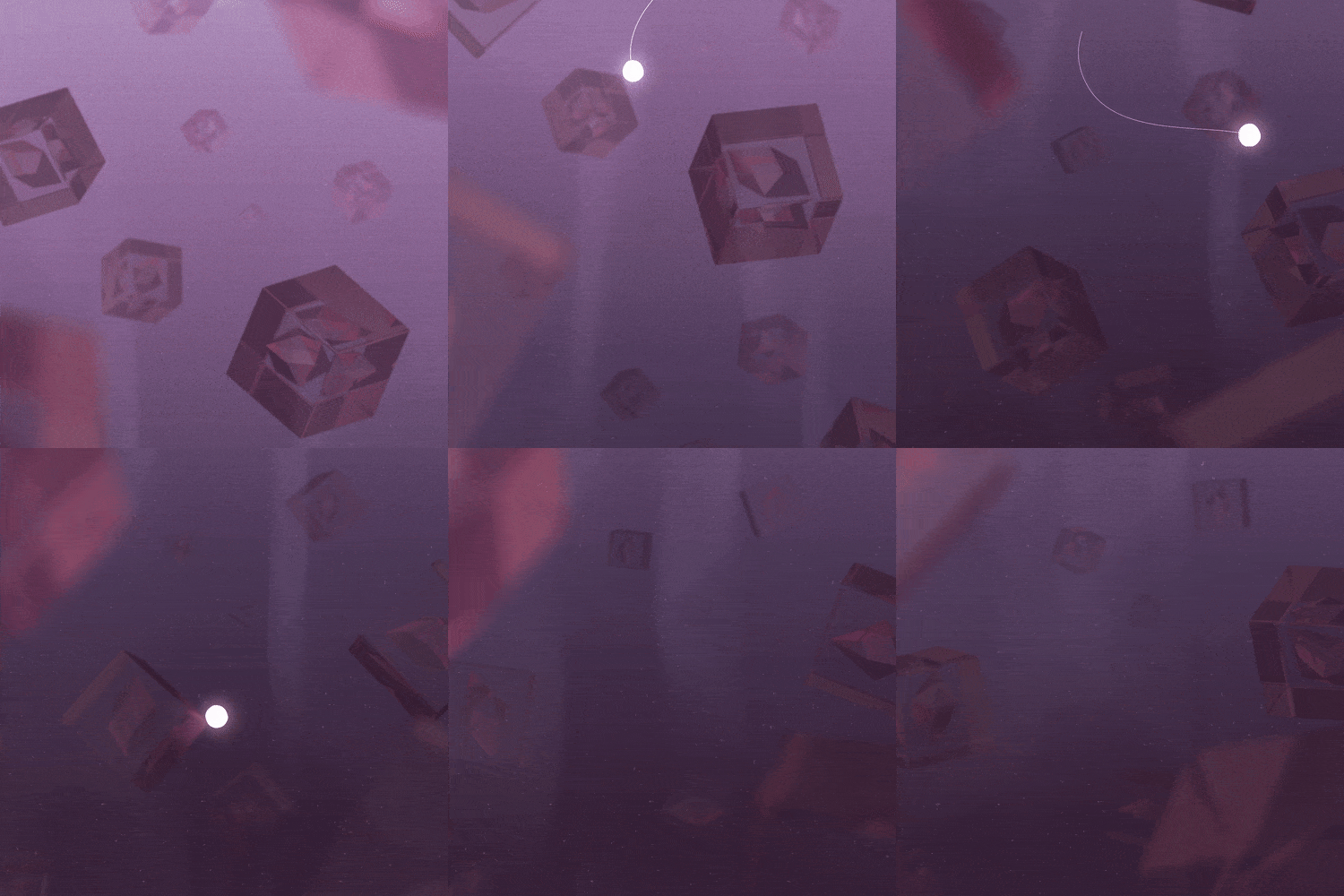
Submerged Glass Boxes
Learn to set up imported Cinema 4D Models in After Effects to create dust, auroras, and illumination.
Highlights
Class Highlights
Produce 2.5D animation using only After Effects
No need for 3D tools, PhotoShop, or even Illustrator!
Learn to create 2.5D animations using only the shape layer, basic effects, and the C4D Lite functions built into the tool.
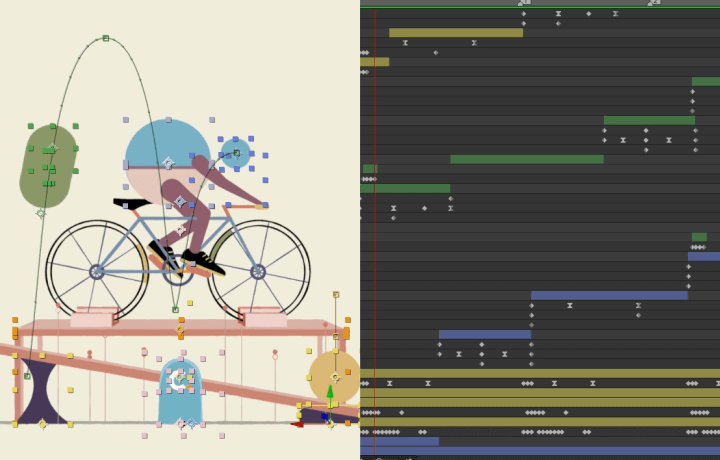
Start creating trendy colors & expressions through 6 practice exercises
Get insights about managing animation styles through scene composition, such as changing the color of a layer according to directional lighting, 3D layers, perspective and spatiality, and setting your own design direction.
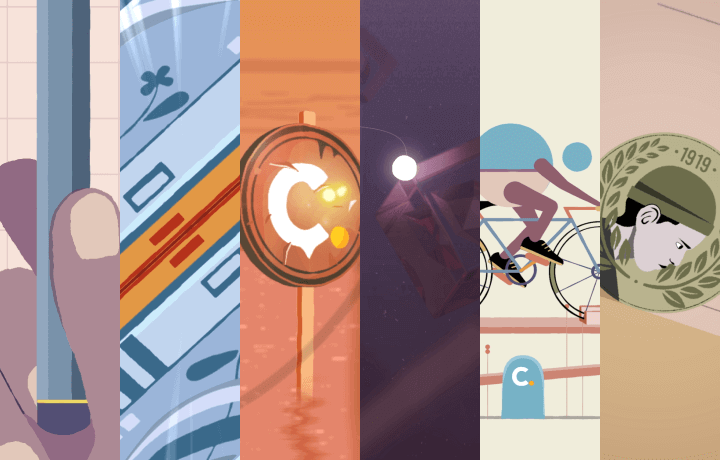
Working files from a top-tier industry leader
Gain access to a variety of 2.5D samples containing insights you can learn from and apply to your own portfolio.
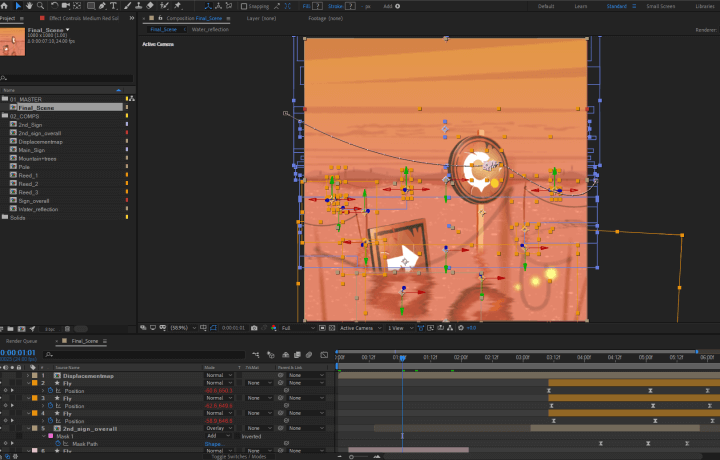
Class Details
You'll Learn
-
 After Effects: From the Basics to Essential FeaturesGet a hold of the basics to become an AE Pro! From how to use pannels and 10 essential effects to compositions and layer editing keyboard shortcuts.
 -
 Shape Layers & Loop AnimationUsing Loop Animation with different types of layers and expressions.
 -
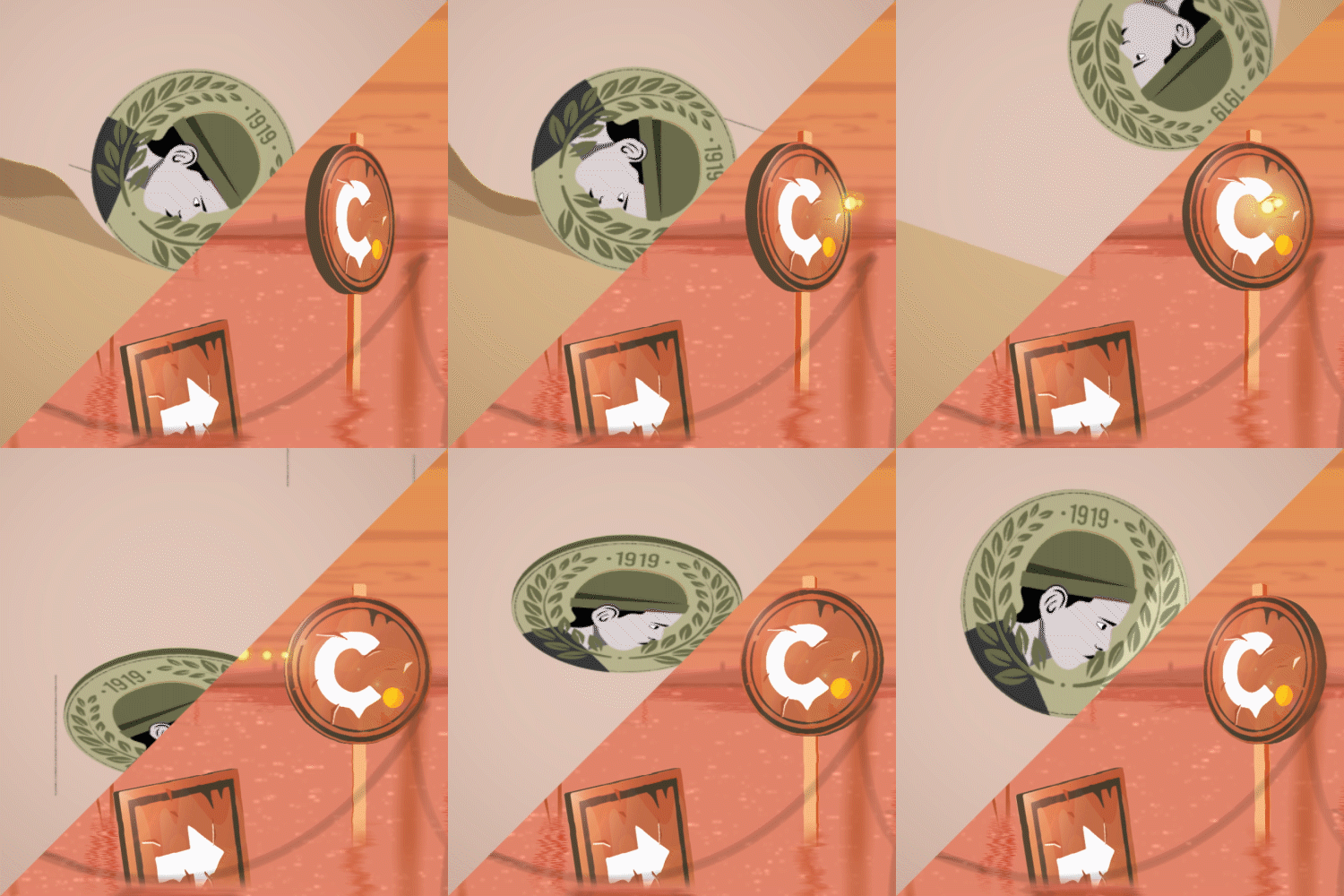 3D Layers and Simple ExpressionsCreate natural motions with index expressions, light simulation, speed lines, and other features.
-
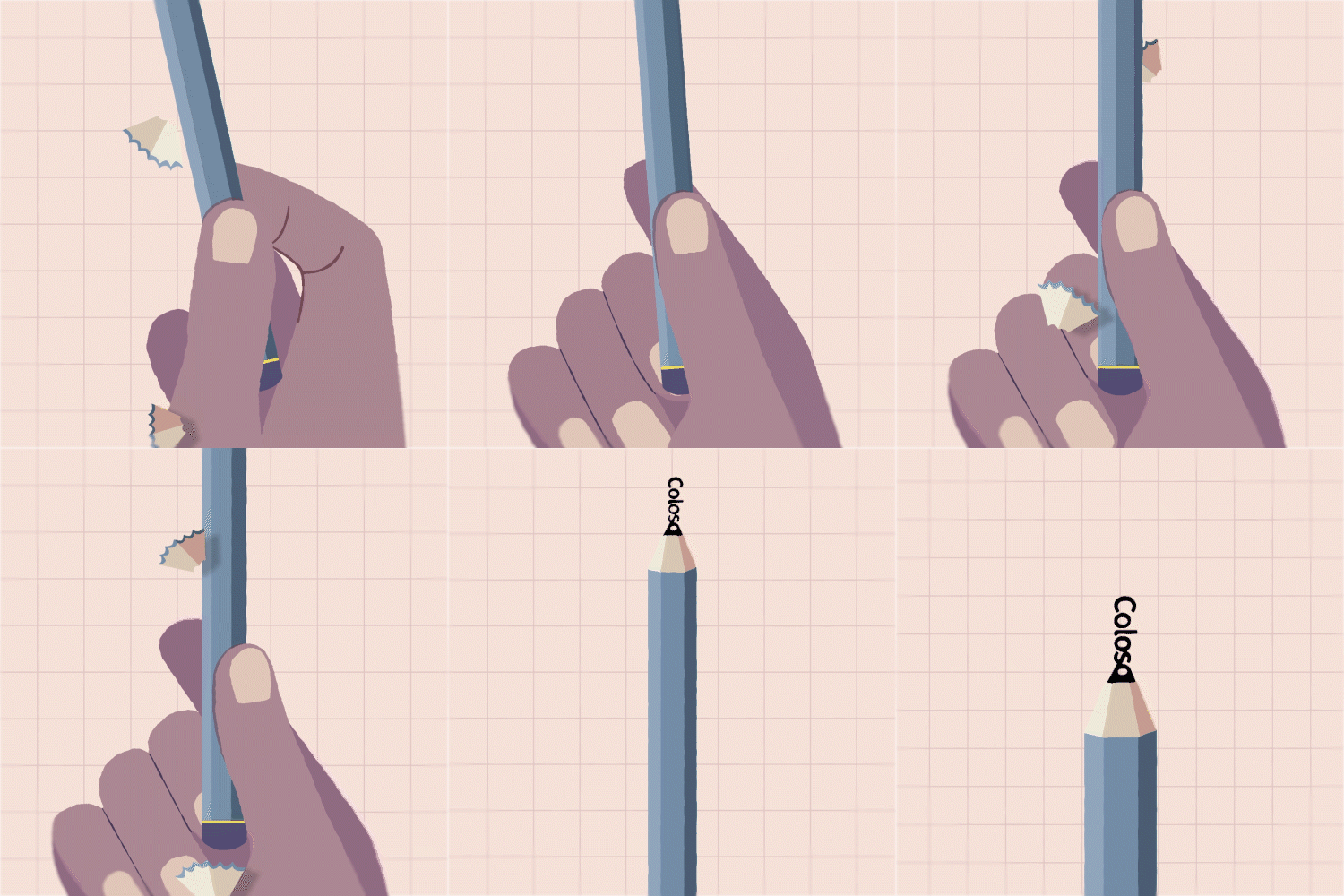 Color Expressions Based on Perspective and Lighting DirectionExpress color changes according to depth and light, with camera lens blur & gradient fill.
 -
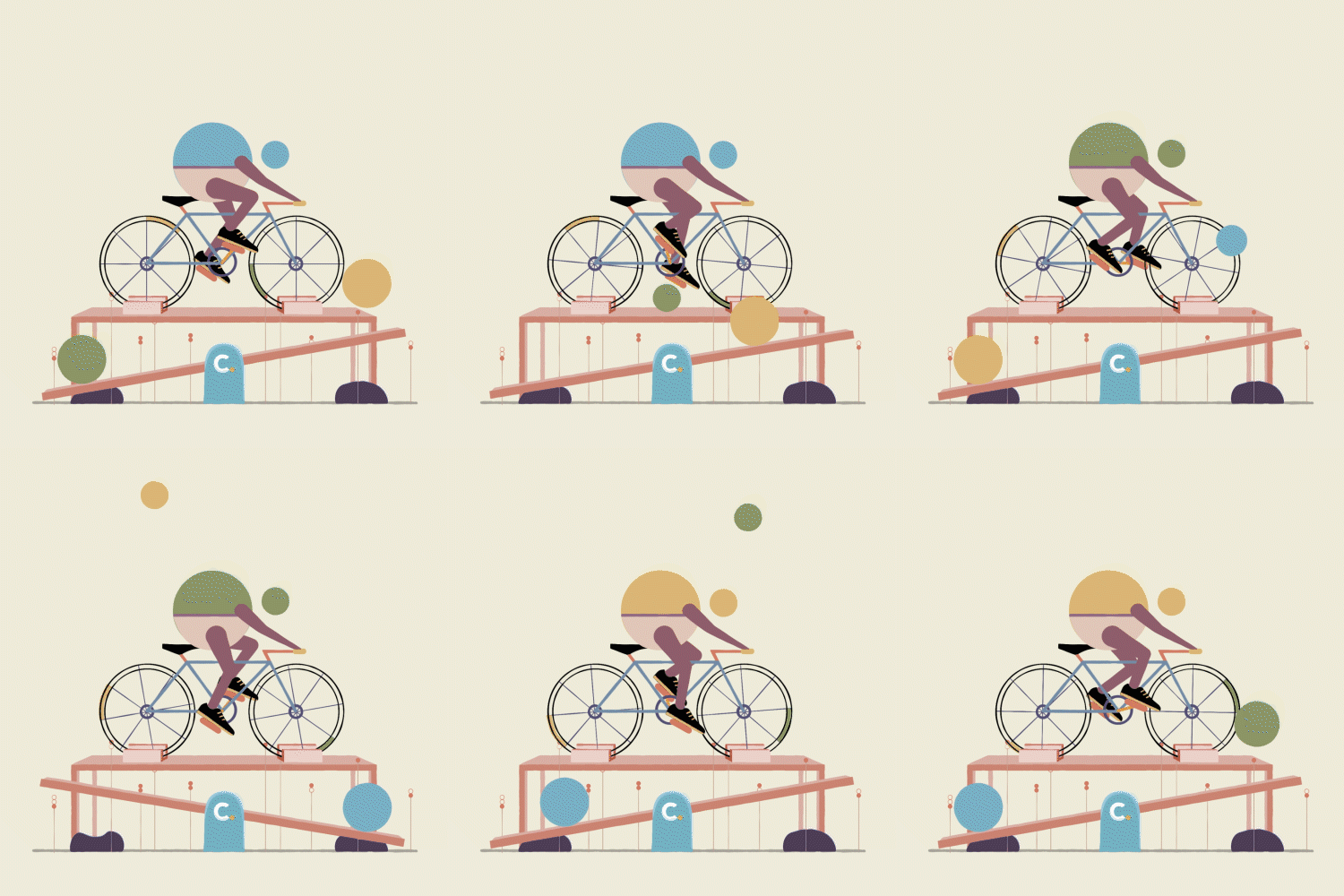 Character Rigging & Cel AnimationImplement smooth motions while adding a sense of speed, by dividing layers into the number of character joints, and rigging each layer separately.
 -
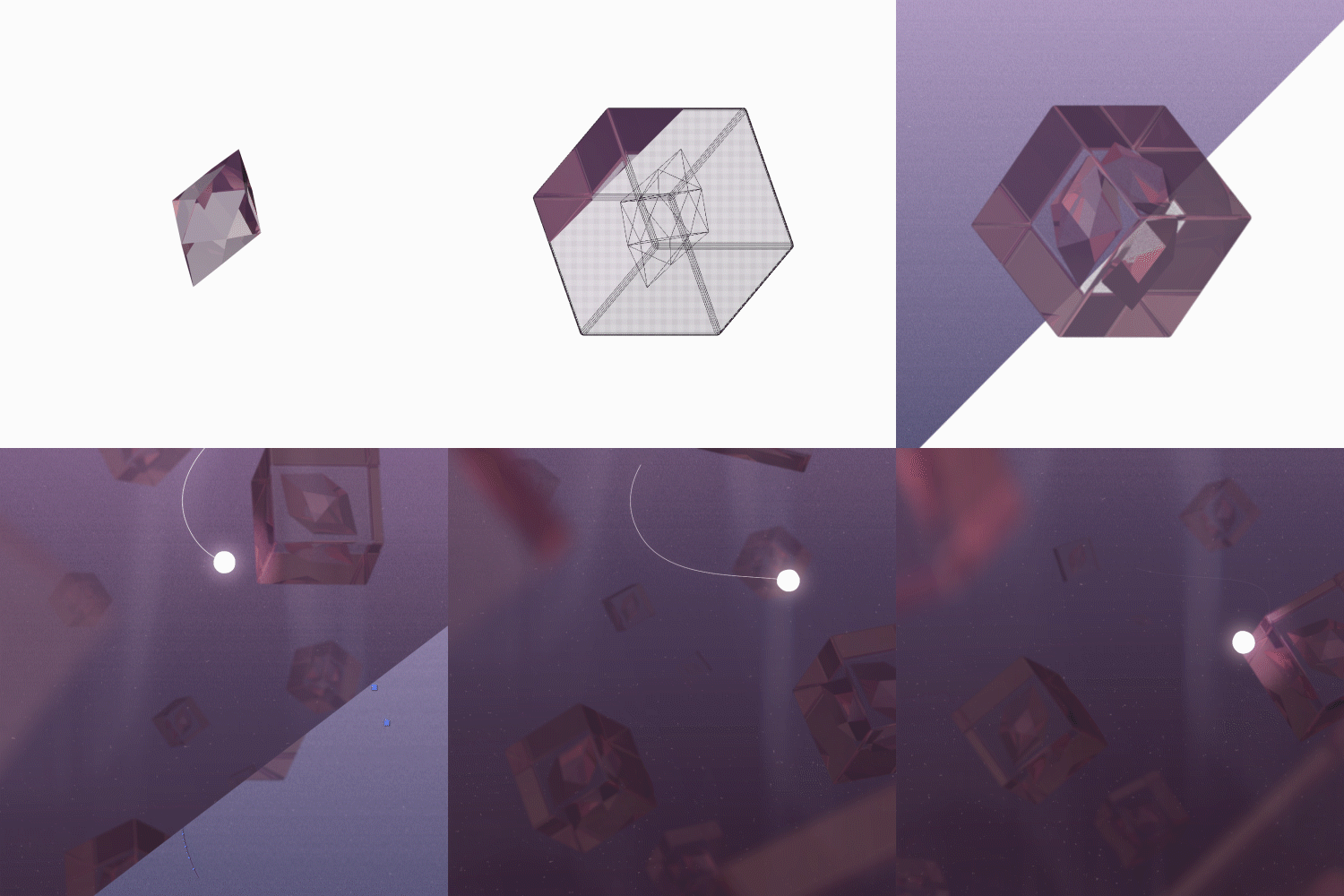 Syncing C4D Animaton and After EffectsCreate animations by learning basic C4D UI, keyboard shortcuts, and importing external modelings.
- Unlimited Access
- Best Price
Buy now, get unlimited access.
undefined undefined (UTC-7) Special offer ends soon.
This special offer ends soon.
Buy now and save!
Curriculum
Curriculum
In-Depth Look
SECTION 01. OT
01. Orientation
- Instructor Introduction: Portfolio & Aspirations
- Defining motion graphics & their application
SECTION 02. Basics of After Effects
02. Panels
- Explaining the 5 types of panels: project panel, composition panel, timeline panel, tool panel, work panel
- Main window default settings
03. Fundamental Features & Keyboard Shortcuts
- Summary of timeline & work panel features
- How to use shape layers
- Shortcuts for using layers
- Graph Editor: Difference between value graph & speed graph
04. Essential Effects
- Practicing the 10 most used effects: blur & sharpen, color correction, distort, etc.
SECTION 03. Practice Exercise 1: Endlessly Opening Doors
05. Design
- Create 5 different types of doors with shape layers
06. Animation
- Keyframing 3D layers & shape layers
- How to use time remap expressions
- Animated speed lines for cartoon-like effects
SECTION 04. Practice Exercise 2: Rolling Coins
07. Animation Part.1
- Creating the second half of an animation first
- Creating coin thickness and natural rotating animations with index expressions
08. Animation Part.2
- Creating the first half of an animation
- Natural ball bouncing motions with velocity & X/Y position values
- Adding smoke effects for speed acceleration
SECTION 05. Practice Exercise 3: Floating Signboards
09. Design
- Designing scenery with shape layers
- Adding perspective with camera lens blur
10. Animation Part.1
- Adding animation & detail through expressions
- Creating water shadows & glistening lights with simulation effects
- Explaining various effects: fractal noise, displacement map, etc.
11. Animation Part.2
- Creating natural effects with previously practiced effects
- Using color correction to align Signboard & Scenery
SECTION 06. Practice Exercise 4: Hand Sharpening a Pencil
12. Design
- Separating & organizing shape layers for an animation
13. Animation
- How to use color changes based on the direction of light
- Expressing subtle color changes with gradient fill
SECTION 07. Practice Exercise 5: Head Replacement
14. Warm Up Example: Seesaw Animation
- Warming up for the practice exercise
- Using speed graph & velocity values
- Practicing simple cel animations
15. Animation Part.1 (Rigging, Seesaw)
- Dividing layers according to the number of character joints
- Simple rigging with basic After Effects features
16. Animation Part.2 (Ball Animation + Overall Summarization)
- Create complicated, simultaneous animation effects
SECTION 08. C4D Basics
17. C4D Basics
- Basic UI of C4D Lite for After Effects and keyboard shortcuts
- Practicing deformers & generators
SECTION 09. C4D Practice Exercise: Submerged Glass Box
18. C4D
- Explaining material options
- Creating easy examples with material luminance
- Setting lights with light effects: Key Light / Fill Light / Rim Light / Bounce Light
19. AE Animation
- Animating with imported C4D Models in After Effects
- Creating dust and auroras with fractal noise
- Creating animated illumination with trim path
SECTION 10. Field Experience Tips From the Instructor Himself
20. Industry Tips & Personal Insights
- Work process revealed & analyzing previous works of 2D Motion Designer Yunho Park
- Helpful motion graphic & color coordination reference sites
- Precautions for preparing to study abroad
- Tips on portfolios, websites, resumes / CVs, and interviews
Interview with
2D Motion Designer Yunho Park

Question.01
What are your strengths as a Motion Designer?
What are your strengths as a Motion Designer?
I like to grab people's attention with unique jaw-dropping animations and creative content that's both fresh and fun. I also enjoy creating squishy, sentimental animations that viewers can relate to and that help bring out certain emotions. Join me for a class where you can enjoy learning motion graphic techniques by practicing eye-catching design exercises.
Question.02
What is the goal of this Class?
What is the goal of this Class?
This class focuses on creating stylish, three-dimensional 2.5D animations with just the After Effects basics. By going over keyboard shortcuts and basic tools in class, beginner motion graphic designers can start making animated illustrations without external plugins and complicated expressions.
Question.03
Why should I choose this class on Coloso?
Why should I choose this class on Coloso?
While fluidly working on design and animation, we will go over the entire work process—step-by-step. Unlike other tool tutorials that focus only on techniques, this class will help you capture the details. By practicing 6 design examples, you will learn additional features, effects, and personal tips. I'll also teach you how to use and apply the practice exercises to your own designs.
Question.04
Who can benefit from this class?
Who can benefit from this class?
Beginners will be able to create different design samples with various design tools and functions on After Effects. I've included personal tips and insights throughout the class that will help you build a sturdy foundation of 2.5D motion graphics.
Required Programs
This course will use After Effects CC 2019.
Please install the program in the version listed above.
* Recent lower versions of CC or CC 2020 will also not be of problem.
* All programs and requirements will not be provided.