[enrolltounlock]Designer,Ballantinedream_영상 디자이너 발렌타인드림 Details
Class introduction
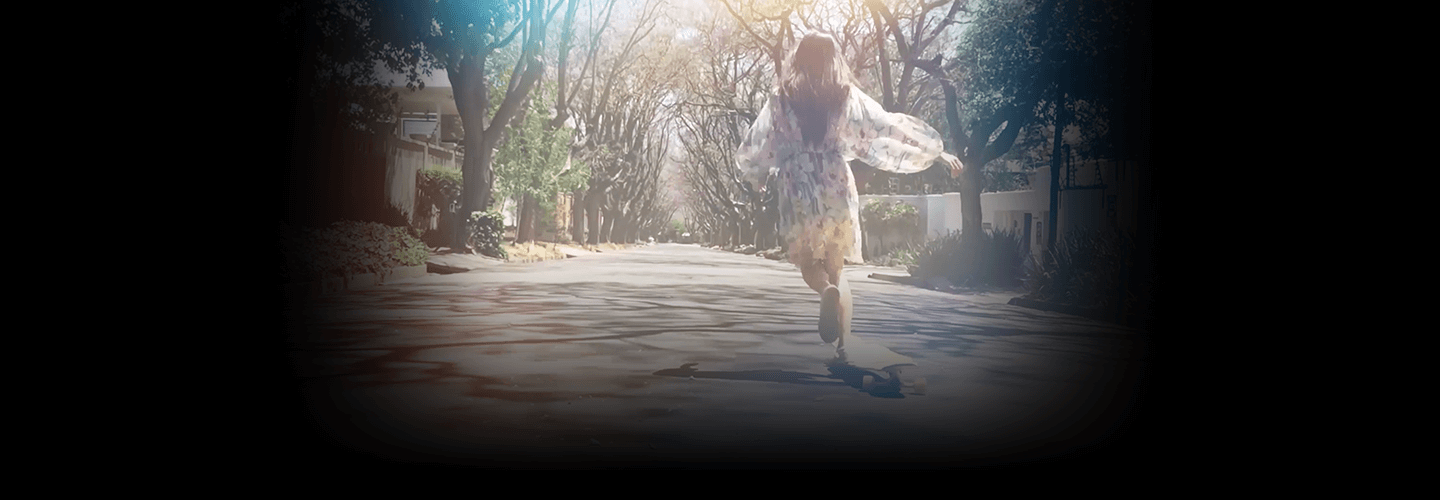
introduction video
Video Design Studio, Valentine Dream
Don't know how to edit videos even after watching YouTube videos and following along?
Rather than learning fragmentary techniques, what if you want to freely implement any style you have in mind, from emotional vlogs to sensational broadcast intros, advertisements, and music videos?
Shorten your work time by learning everything from Premiere's core functions such as color correction, typography, and chroma key for creating unique videos to how to use Photoshop and Illustrator to improve quality.
Valentine's Dream, Korea's leading video design studio that has collaborated with numerous companies such as Naver, Kakaogames, Netmarble, Nexon, Ncsoft, and CJ E&M, with its experience in writing the bestsellers of Premier Pro selected by 400,000 people and sensuous and trendy video editing skills, provides all video editing skills. We will let you know. Meet the all-in-one video editing class using Premiere, where you can learn by practicing with over 100 types of sources, now at Coloso.
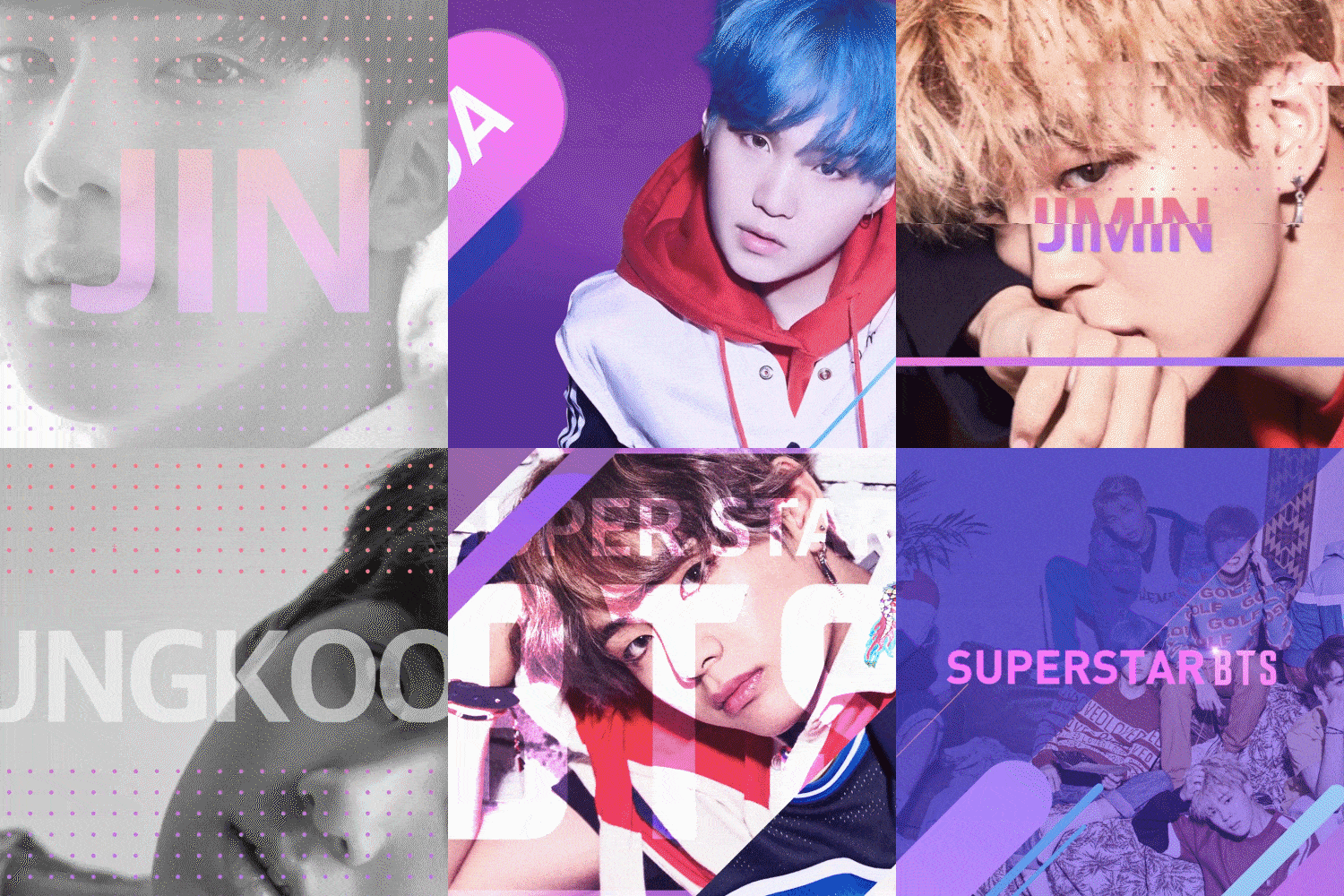
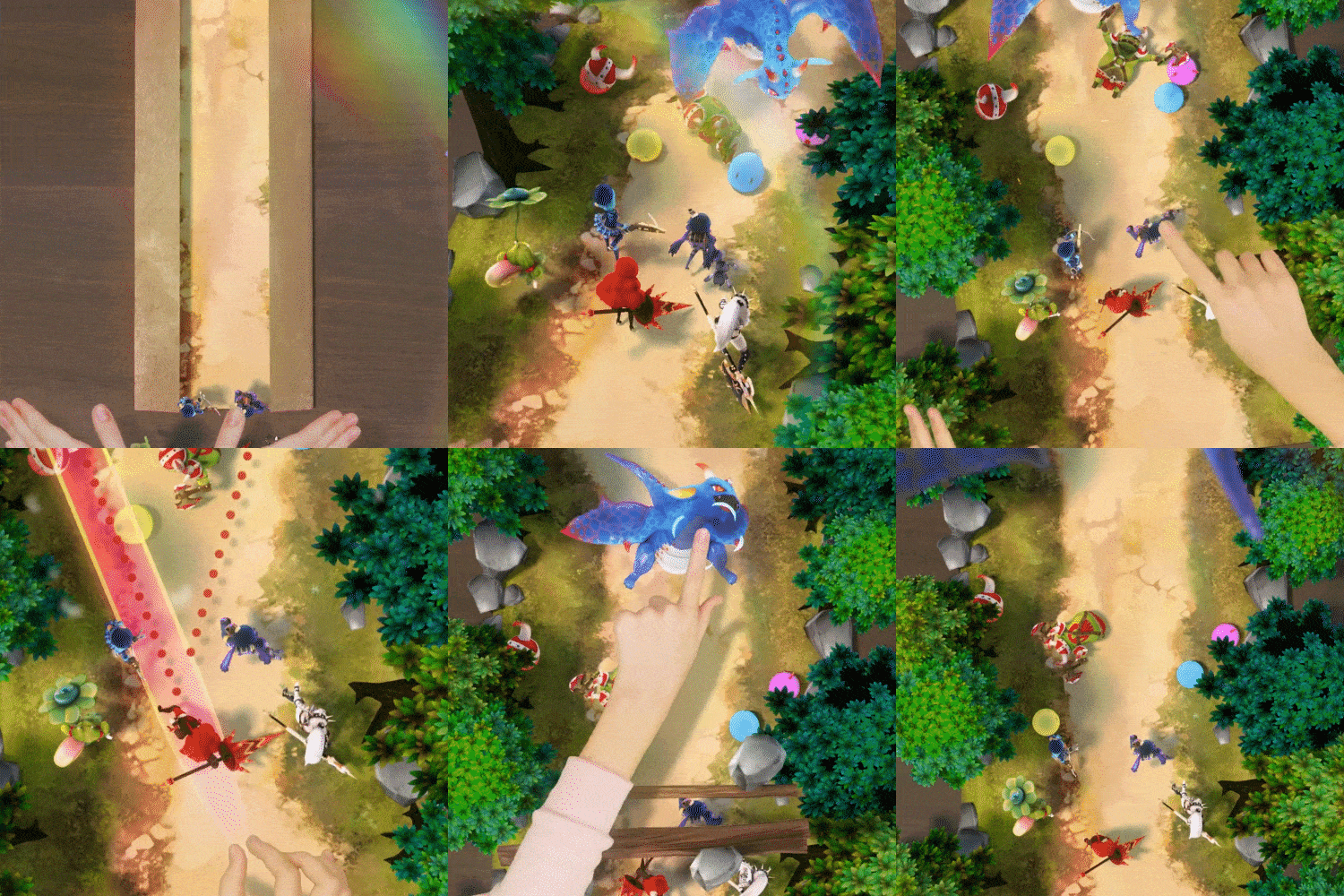
Portfolio of Valentine's Dream, the industry's top video design studio

Why video design studio Valentine’s Dream’s classes are special
Premier All-in-One Class, the most preferred program by video practitioners and YouTubers
No matter how many features exist in Premiere Pro, if you can't absorb them directly, they are like features that don't exist. In an age overflowing with information, do you want to learn only the skills necessary to express the video style and details you want? Valentine's Dream, an unrivaled video design studio specializing in video education based on experience working with top domestic clients ranging from broadcasting, beauty, and music videos, will teach you everything from the basics of Premiere to the practical work process.
From how to set editing points, how to adjust audio, and even color correction, which is the core of the Premiere function! We reveal all the secrets to good-looking videos! Above all, with this one class, you will be able to quickly and easily learn the extracts of all essential video editing tools such as Premiere, Photoshop, and Illustrator to create high-quality videos. How to produce the best video output, you can find it only at Coloso.
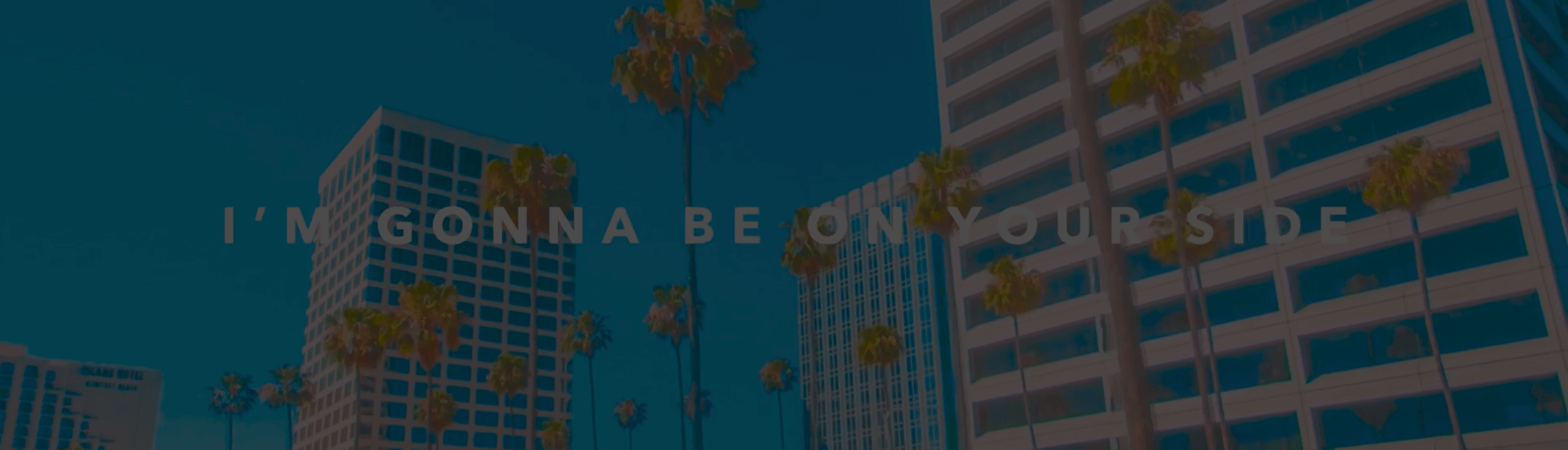
TOP 3 differentiated benefits for Premiere Pro video editing
BENEFIT 01
To create high-quality videos
Complete mastery of Premiere Pro, Photoshop, and Illustrator
BENEFIT 02
Contains expert know-how
For practice, 20 completed project files are provided.
BENEFIT 03
From presets to subtitle design templates
Provides over 100 types of video resource files
From video editing essential expression styles to core functions
Learn all the skills necessary for video production, from basic settings to detailed editing and compositing.
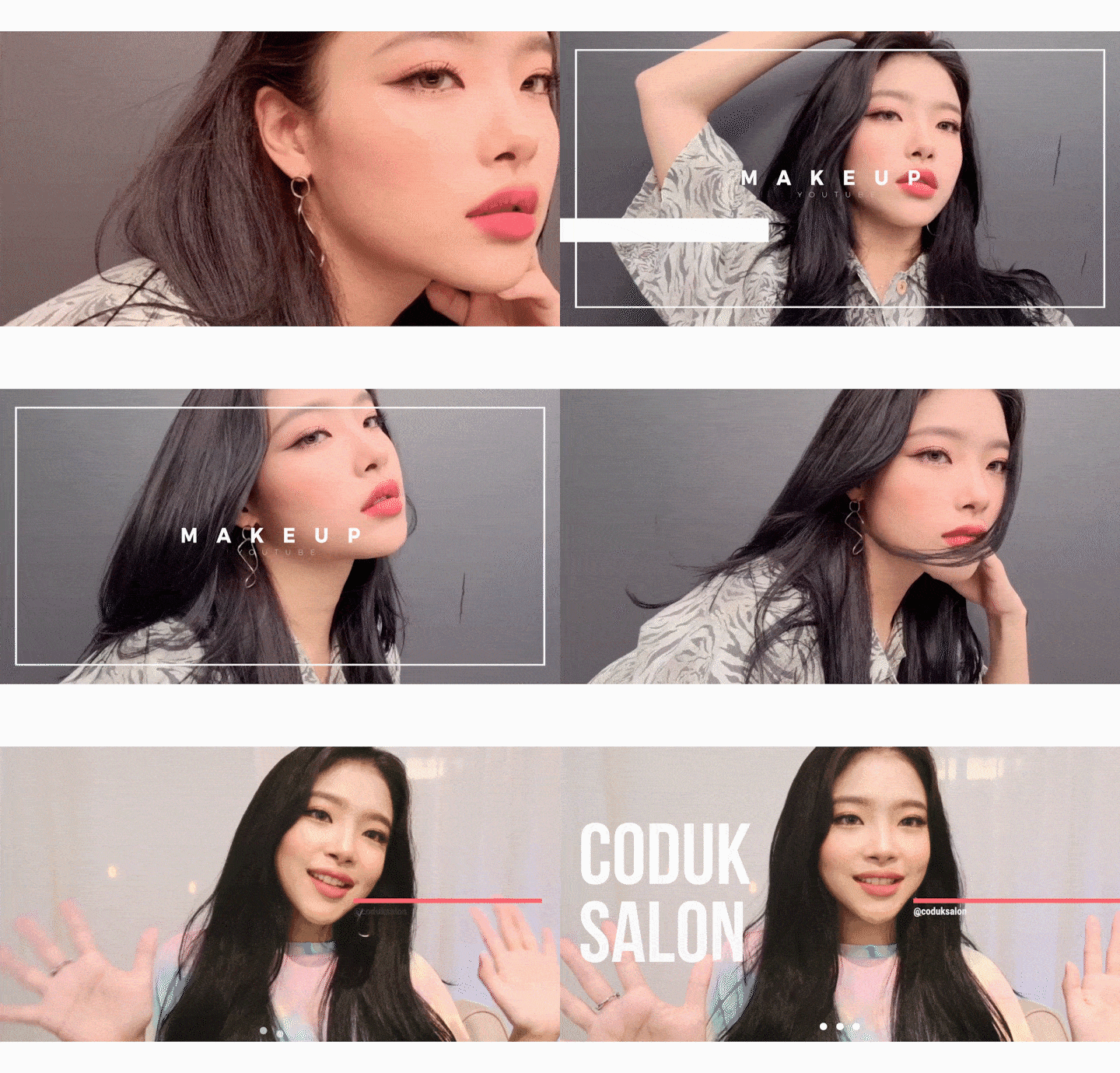
YouTube Intro: Adobe Template

Movie: Typography
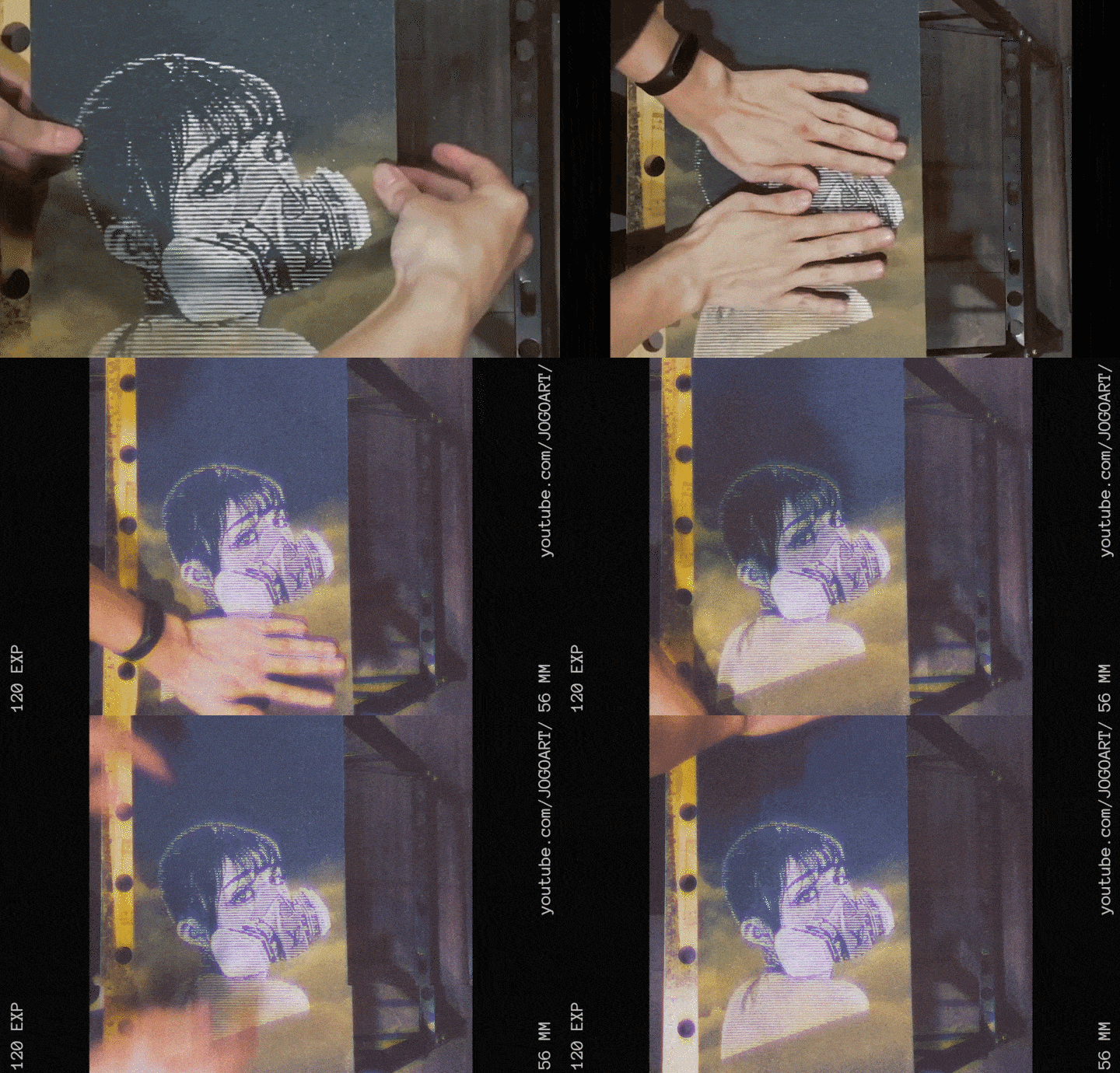
Music video: retro effect
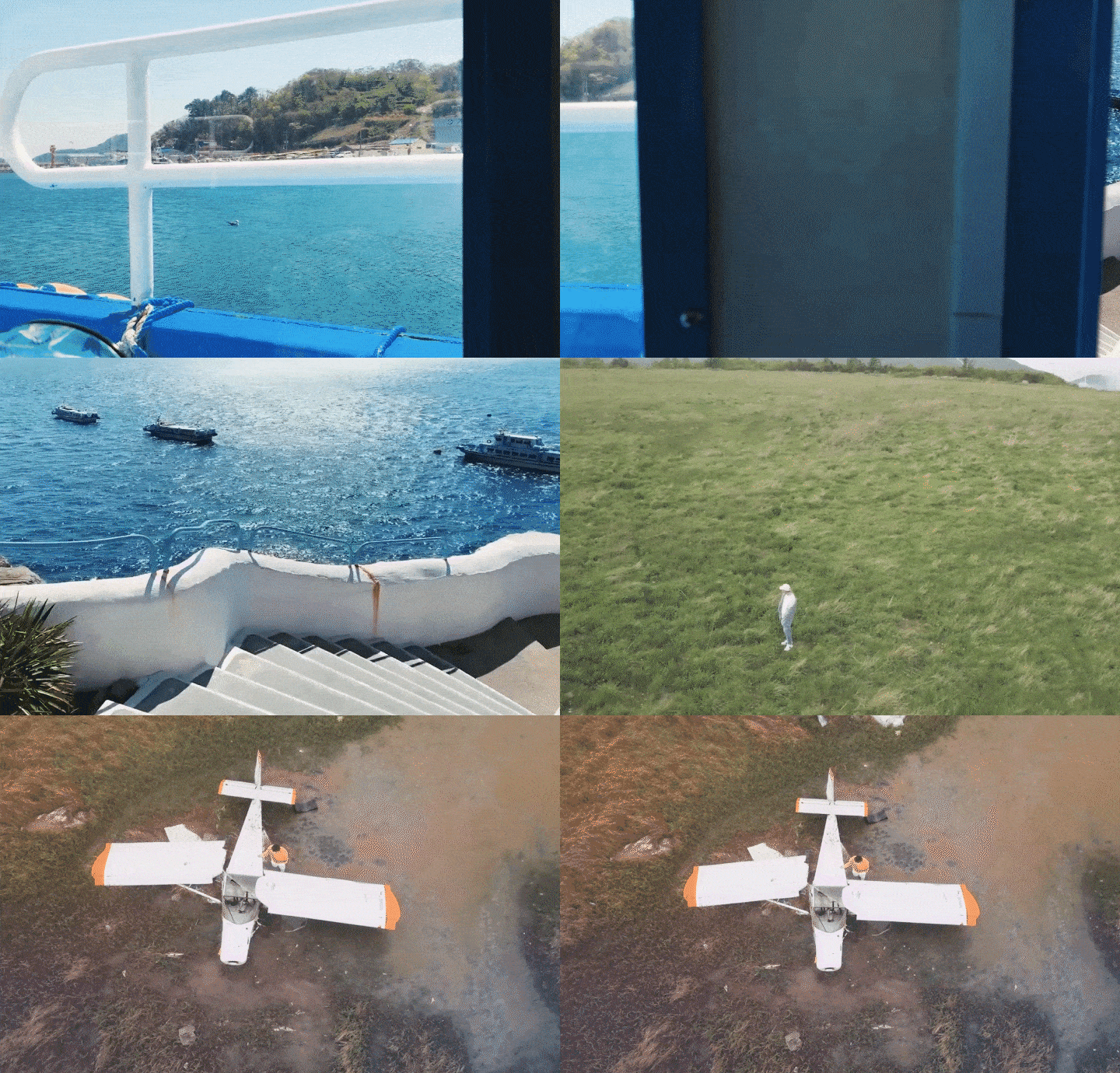
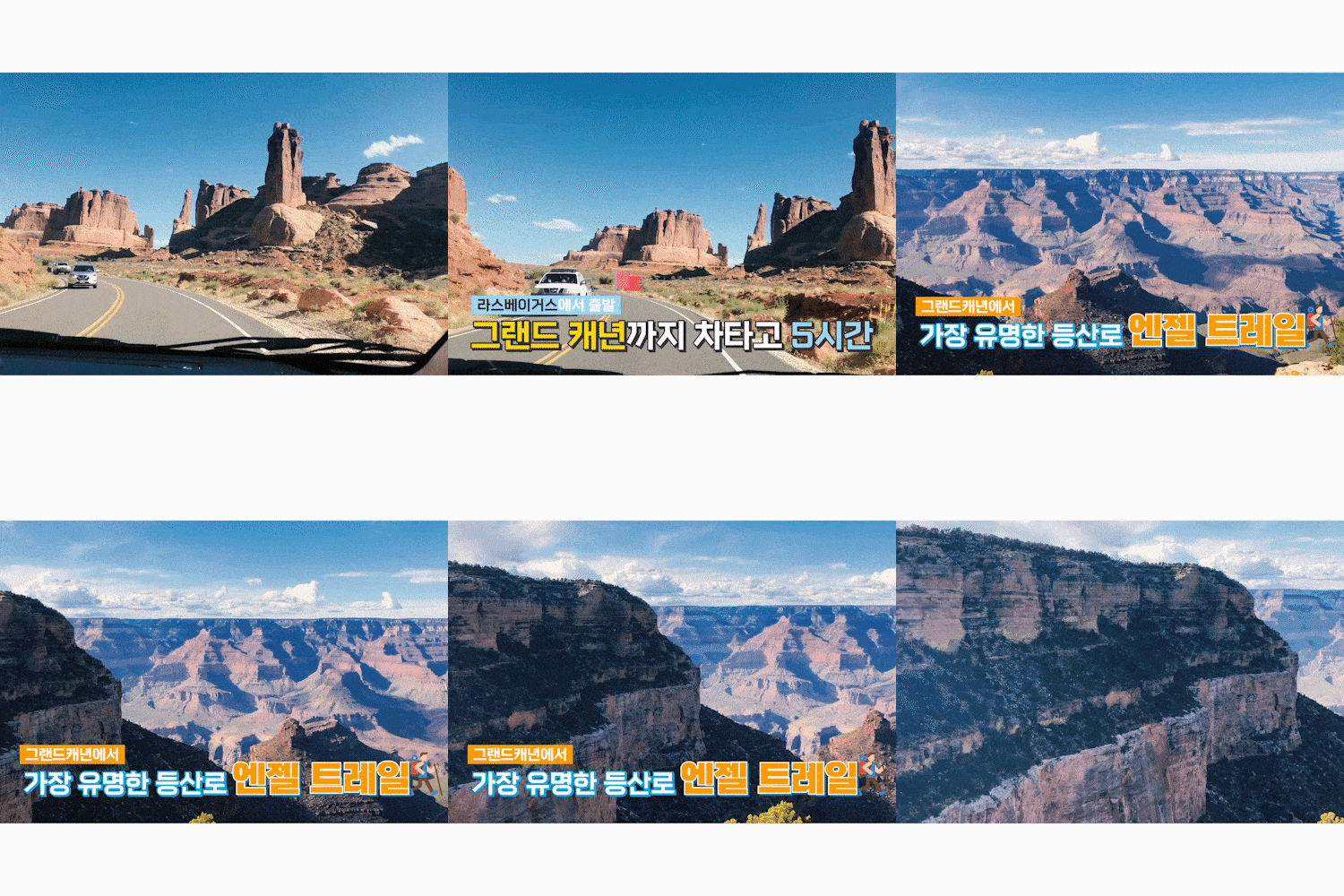
Travel: Screen transition
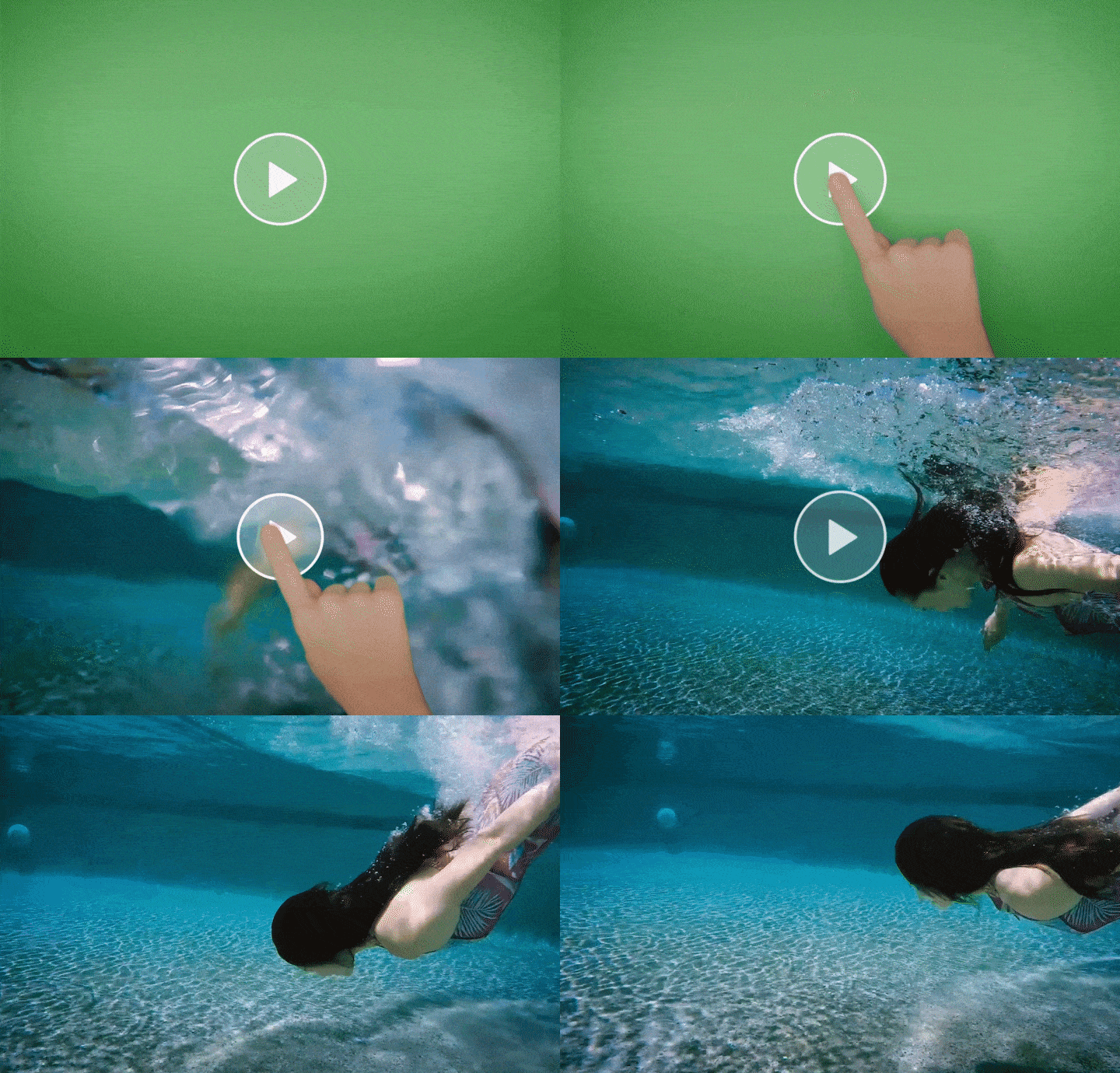
Advertisement: Chromakey
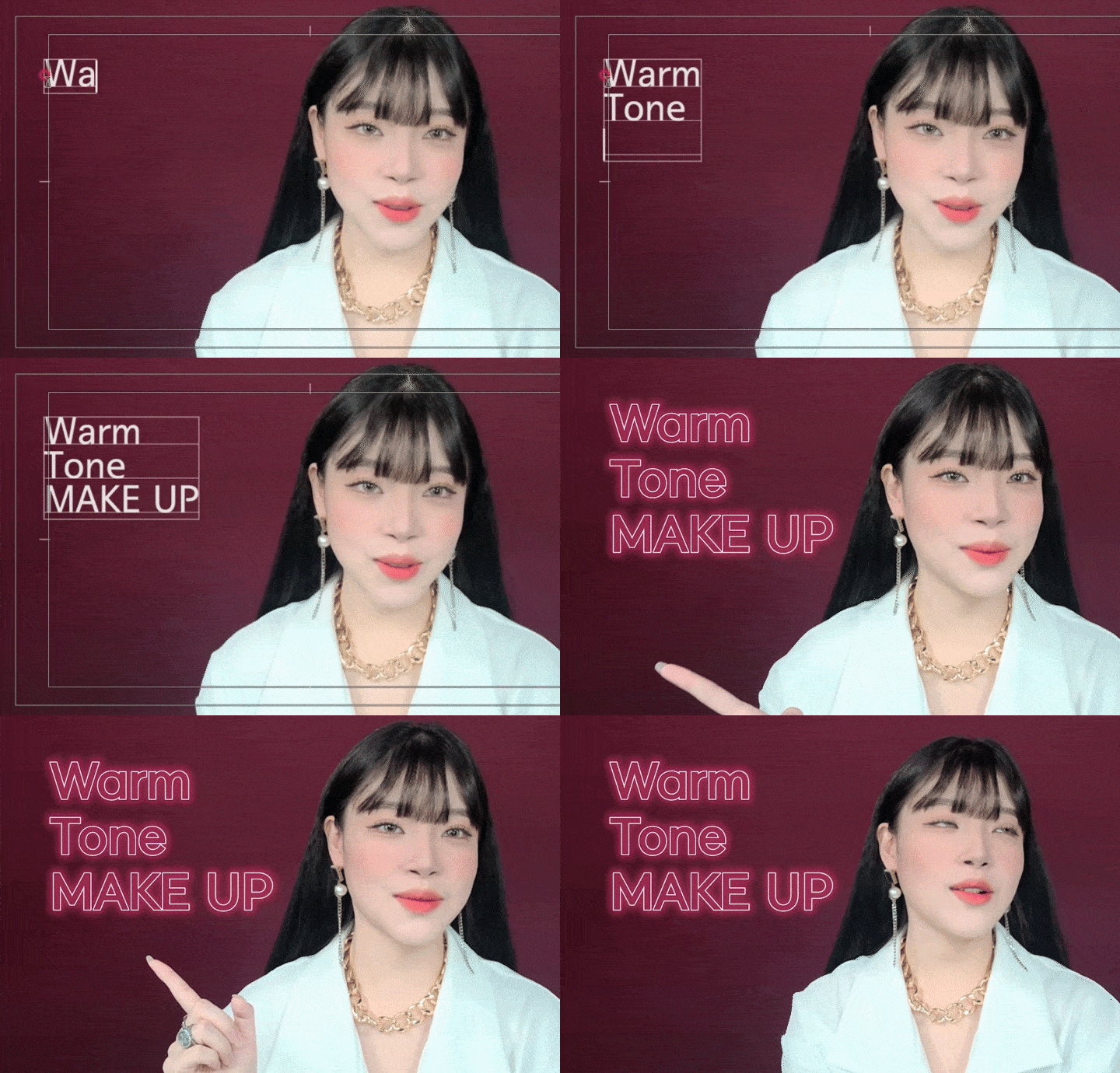
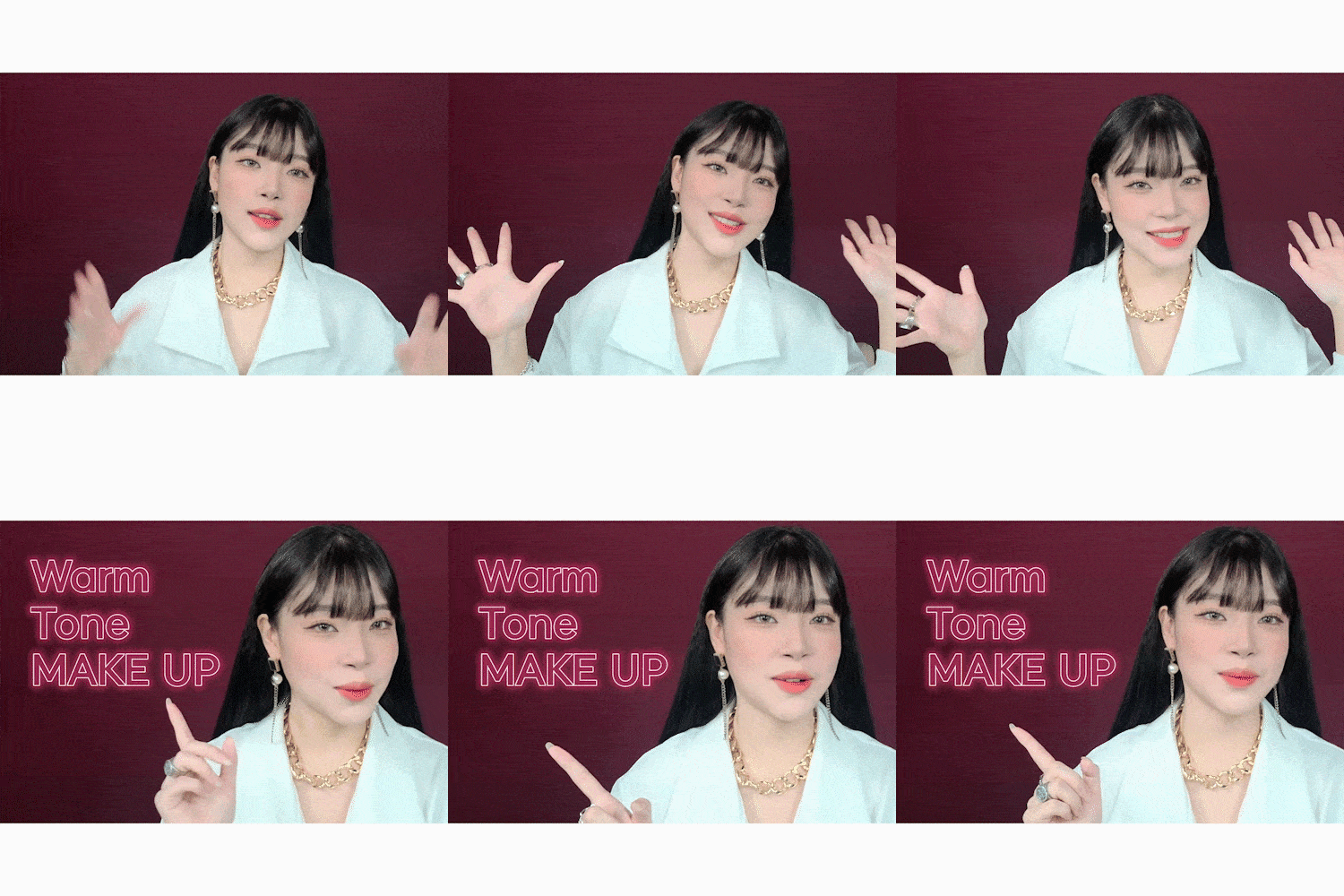
Beauty: Neon Subtitles
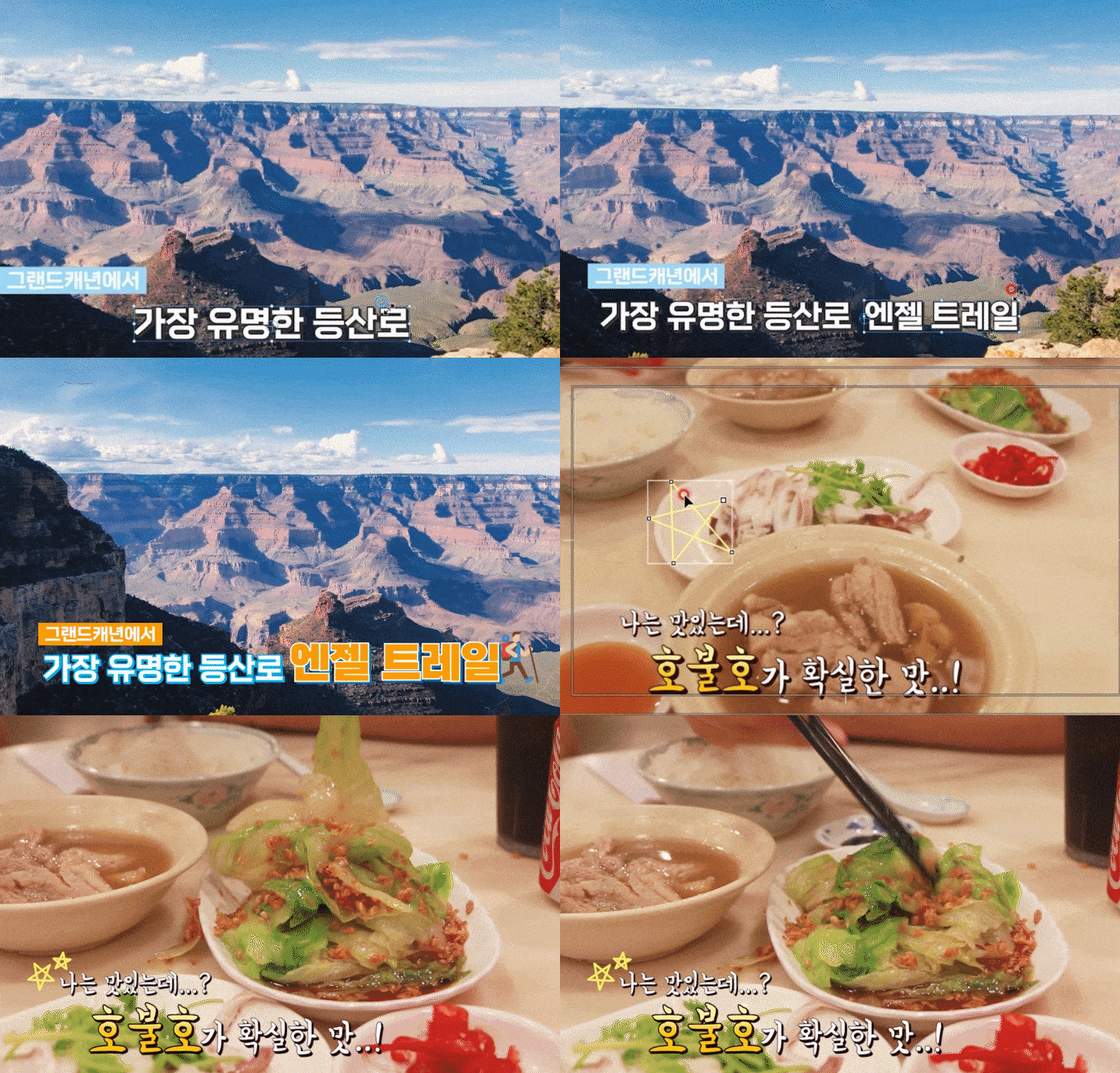
Entertainment: Legacy Title
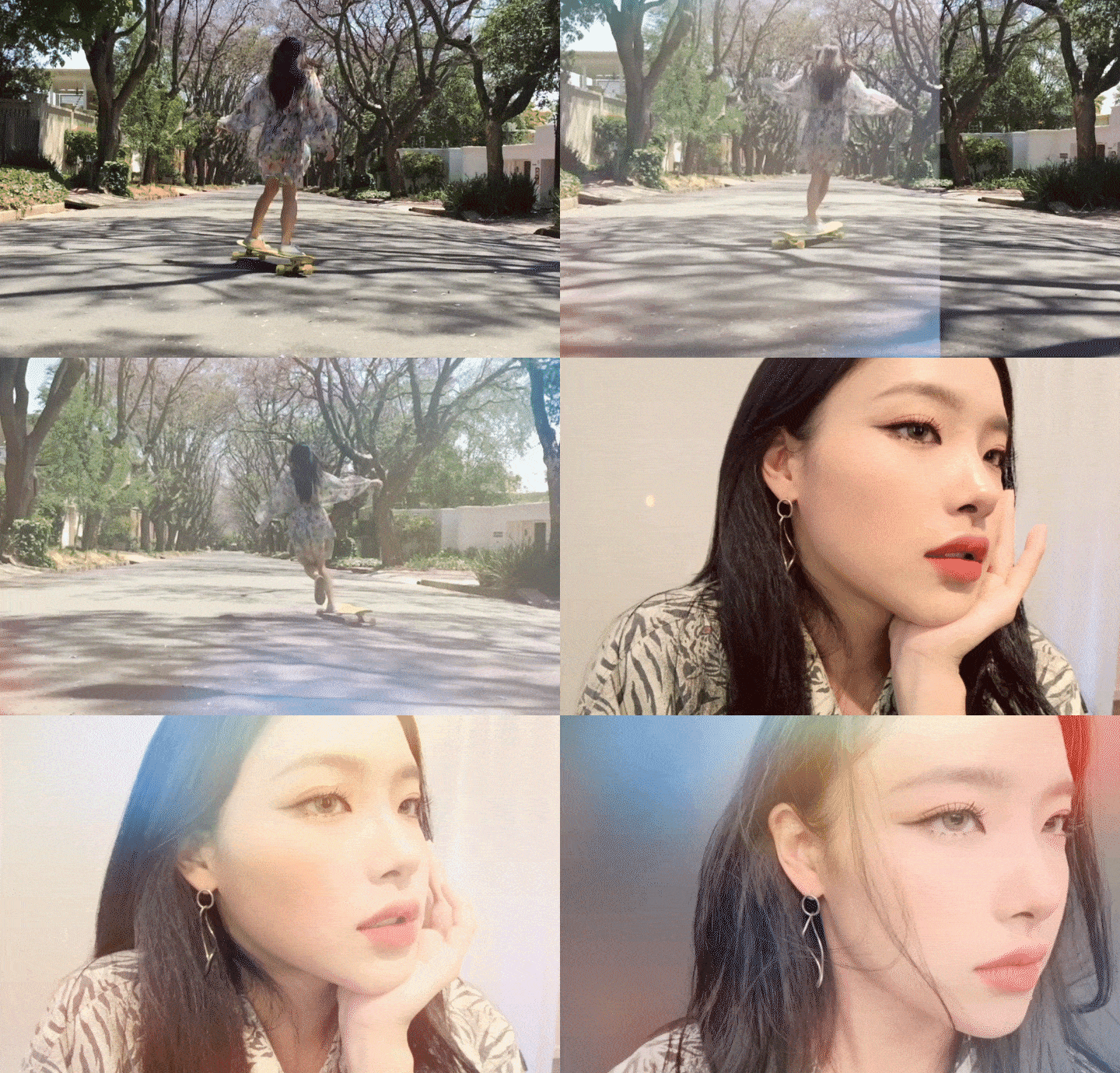
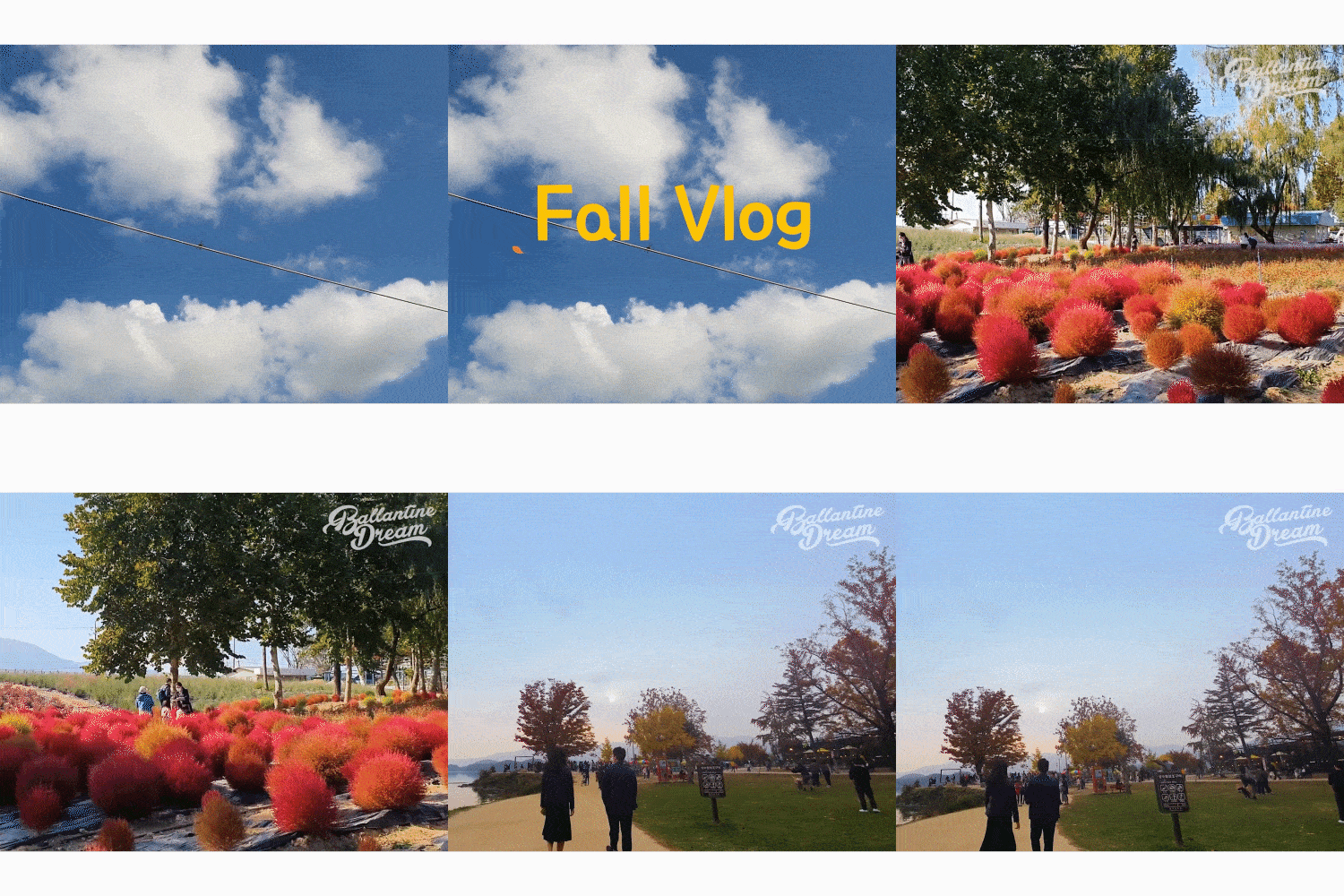
Emotional Vlog: Blend Mode
In this class, we will create over 30 examples.
Adjust size, rotation, and position
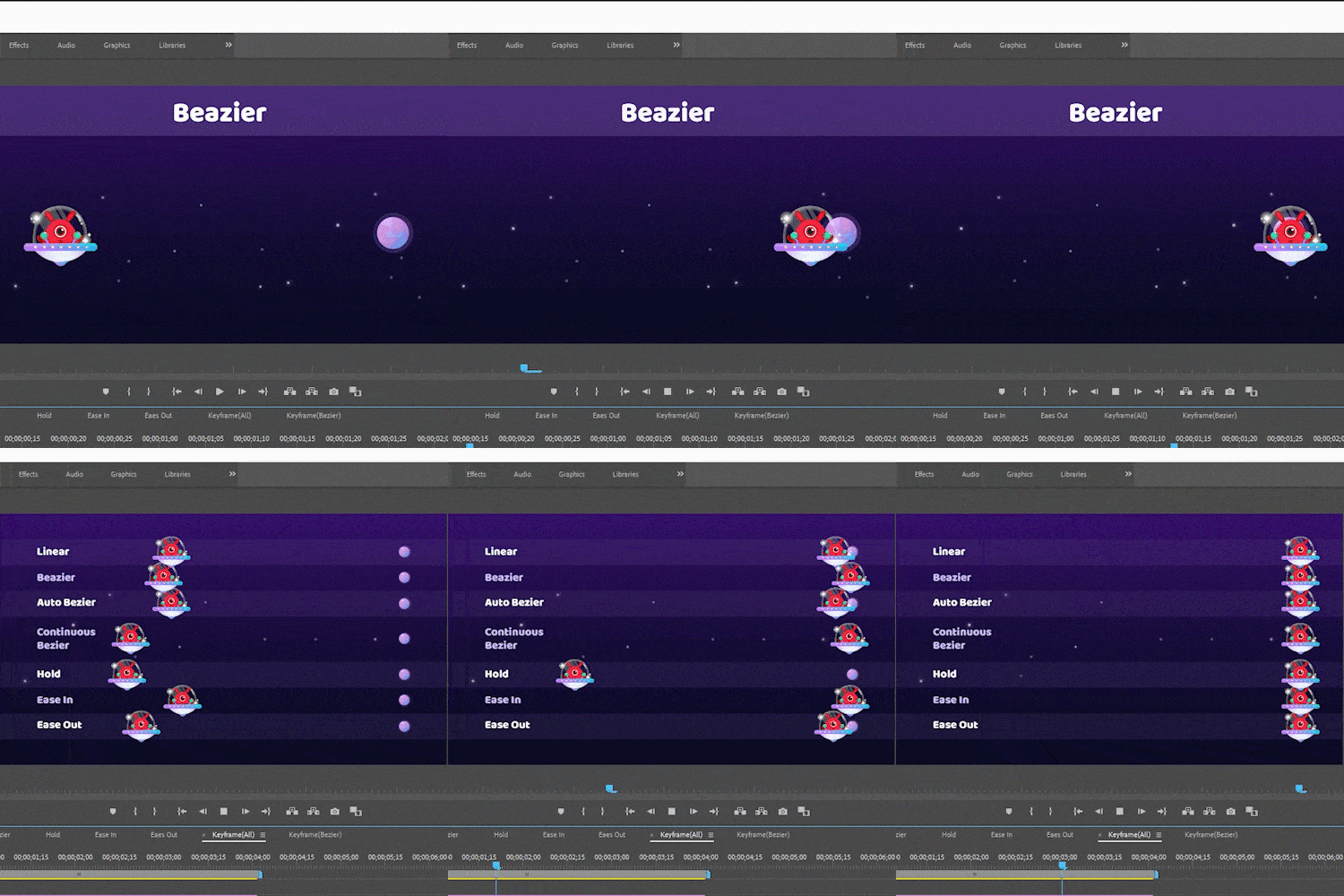
Motion and keyframes
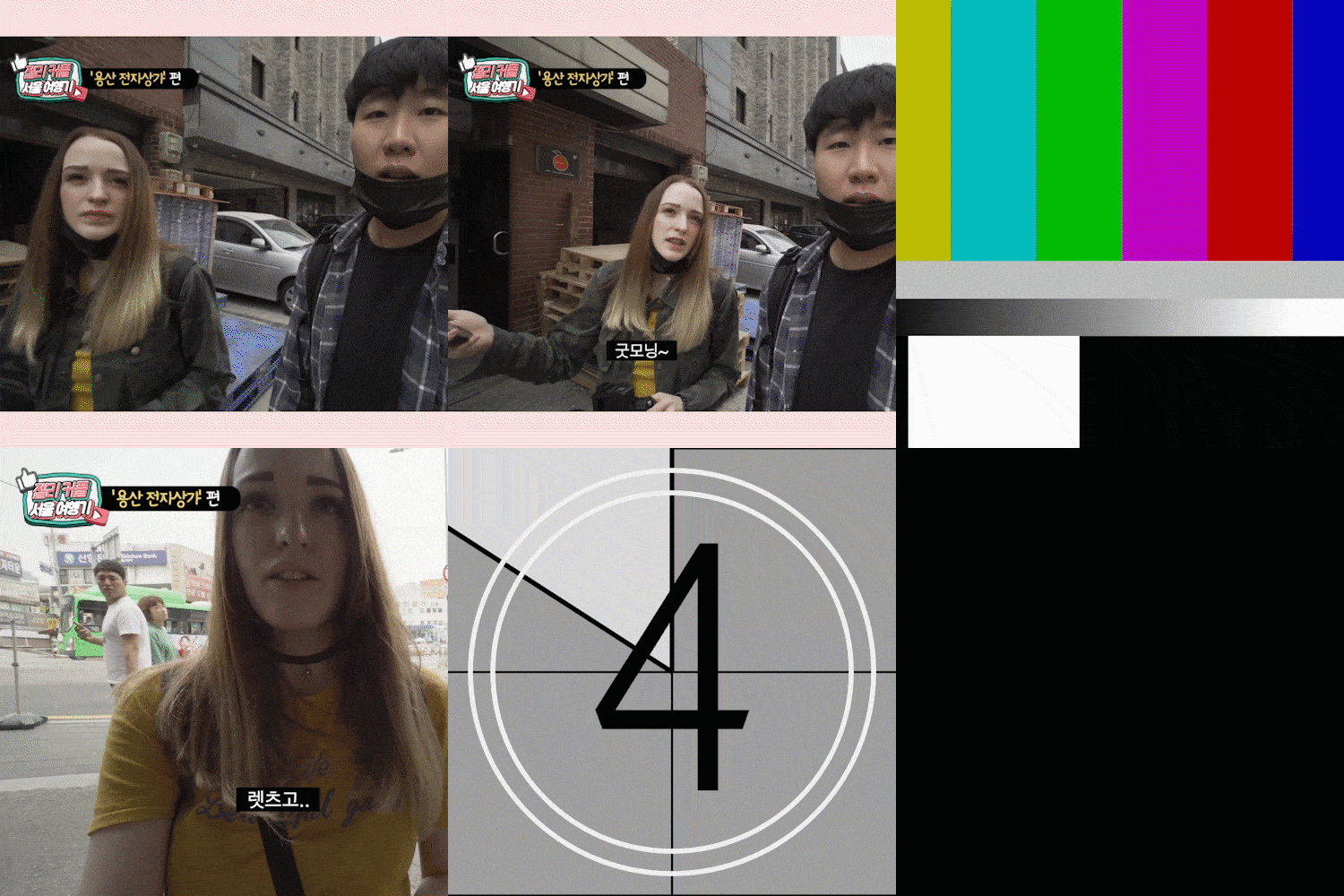
New item layer application
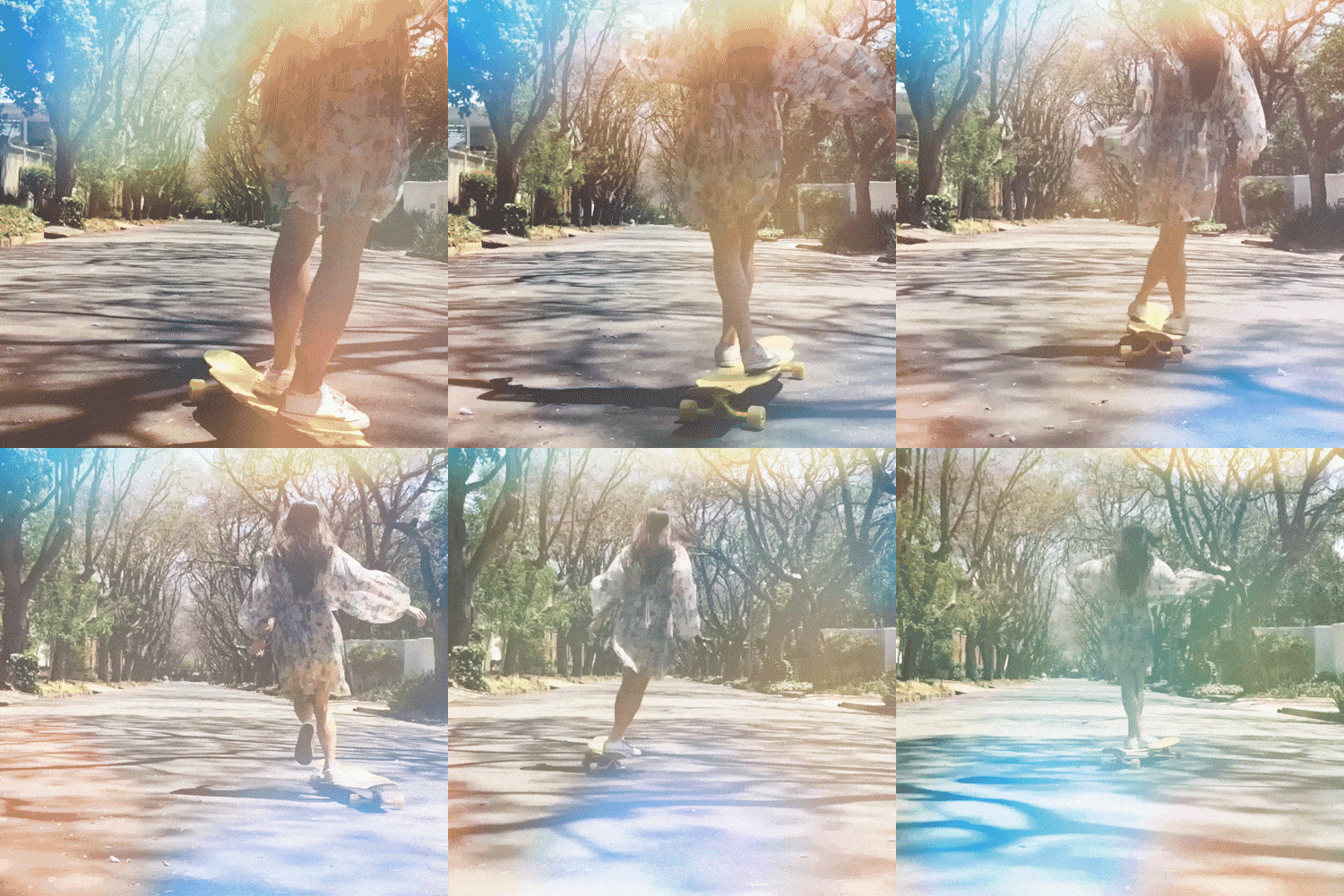
Blend Mode Techniques
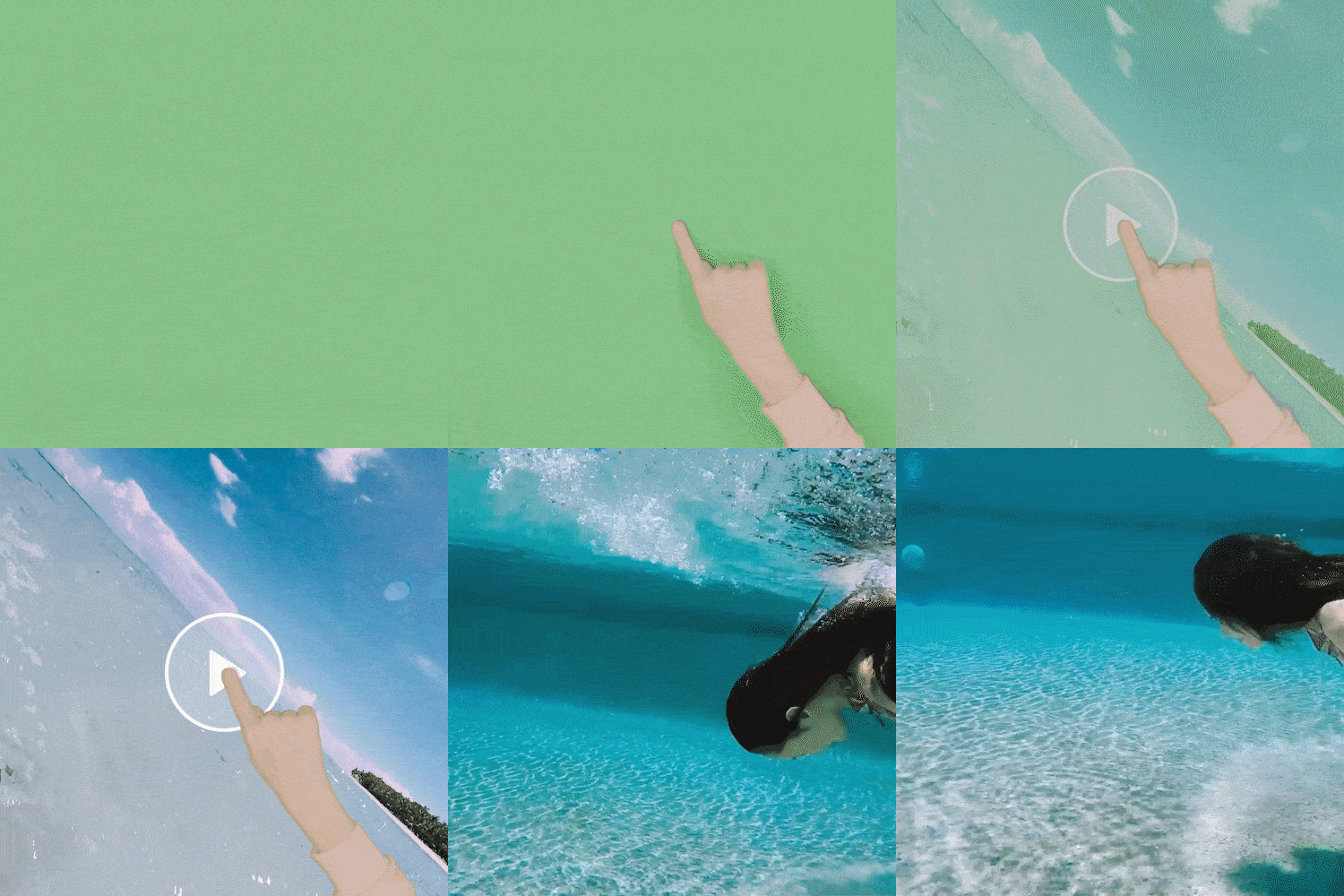
Chromakey composition
Text Design 1: Type Tool
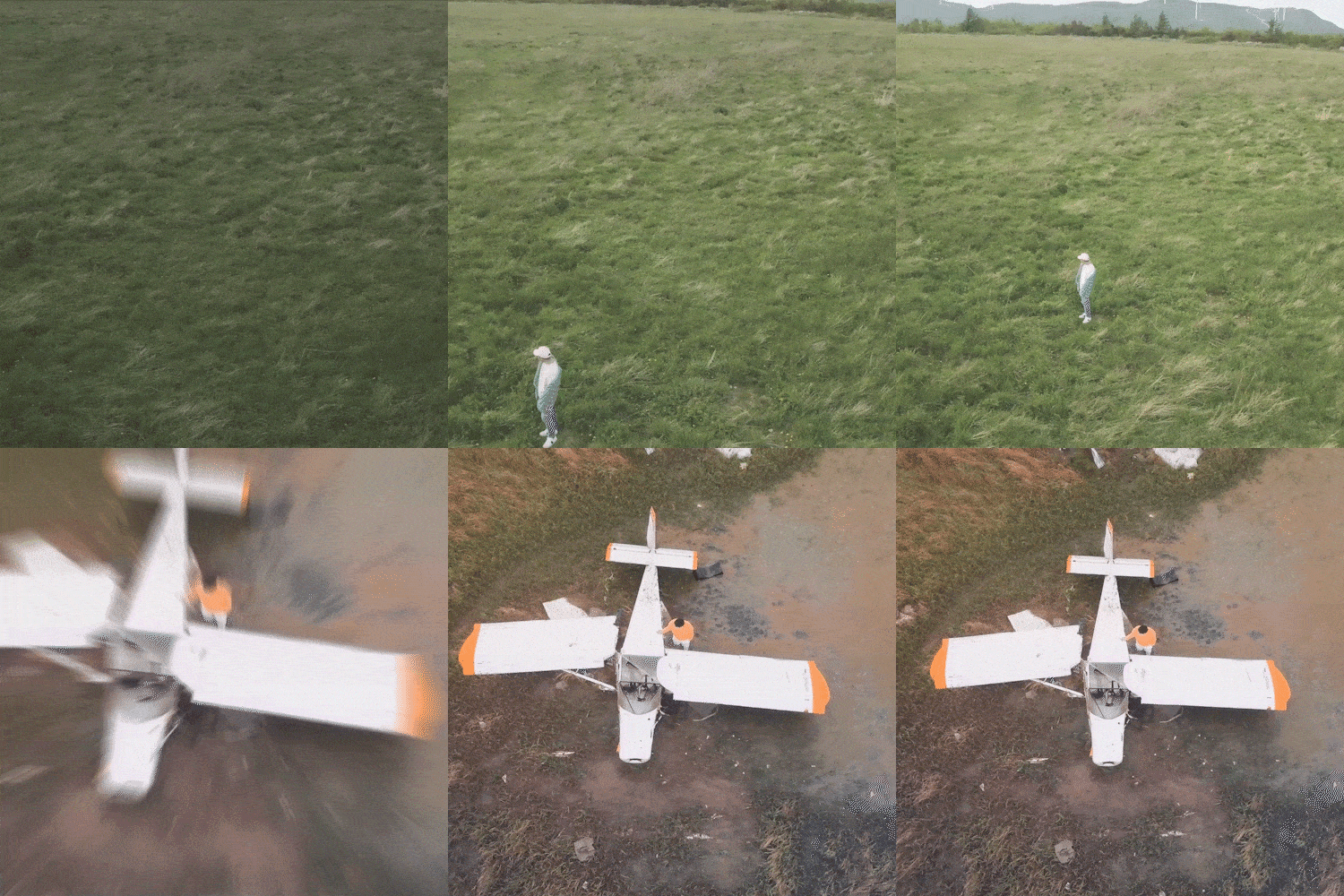
Text Design 2: Legacy Title
transition
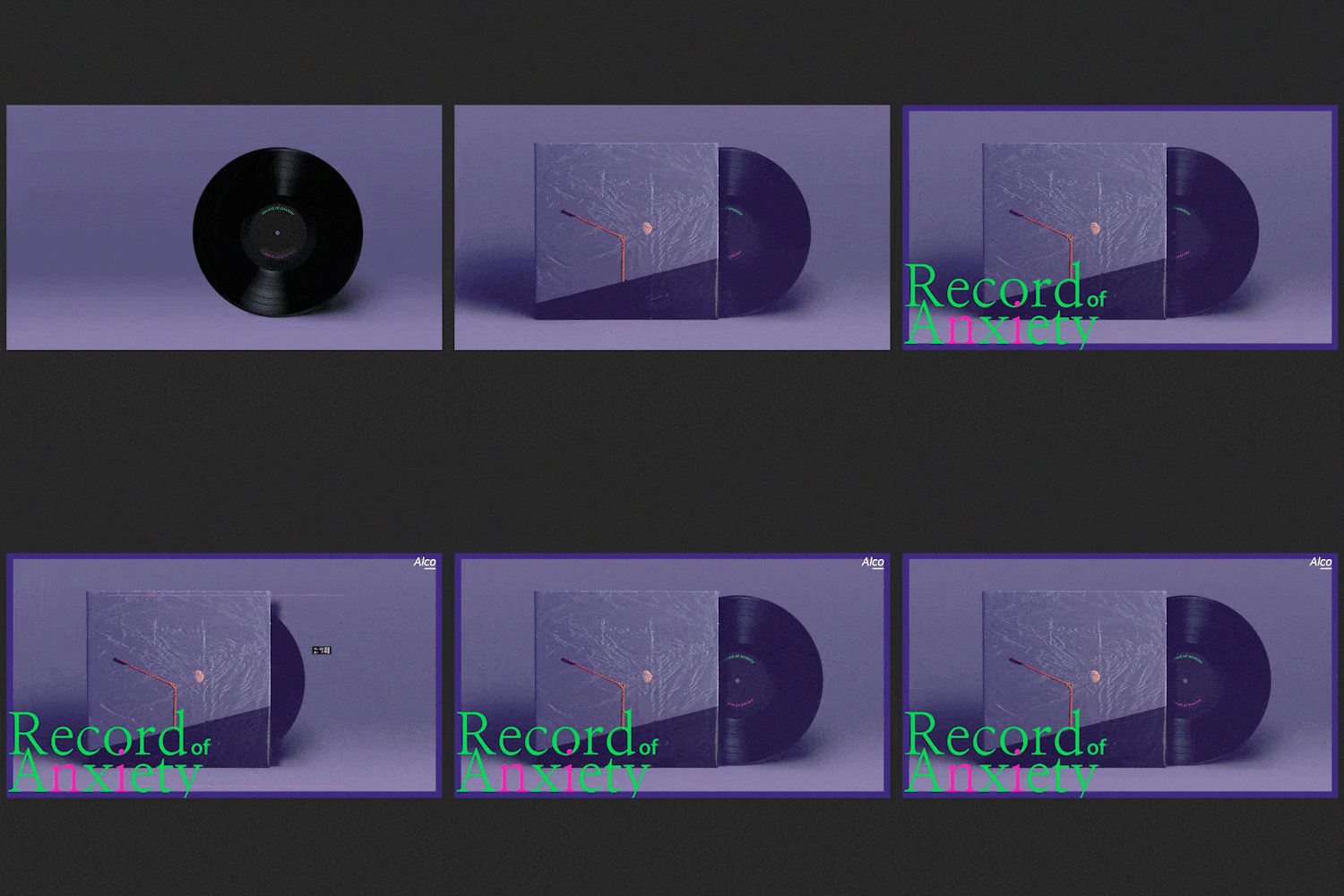
photoshop basic design
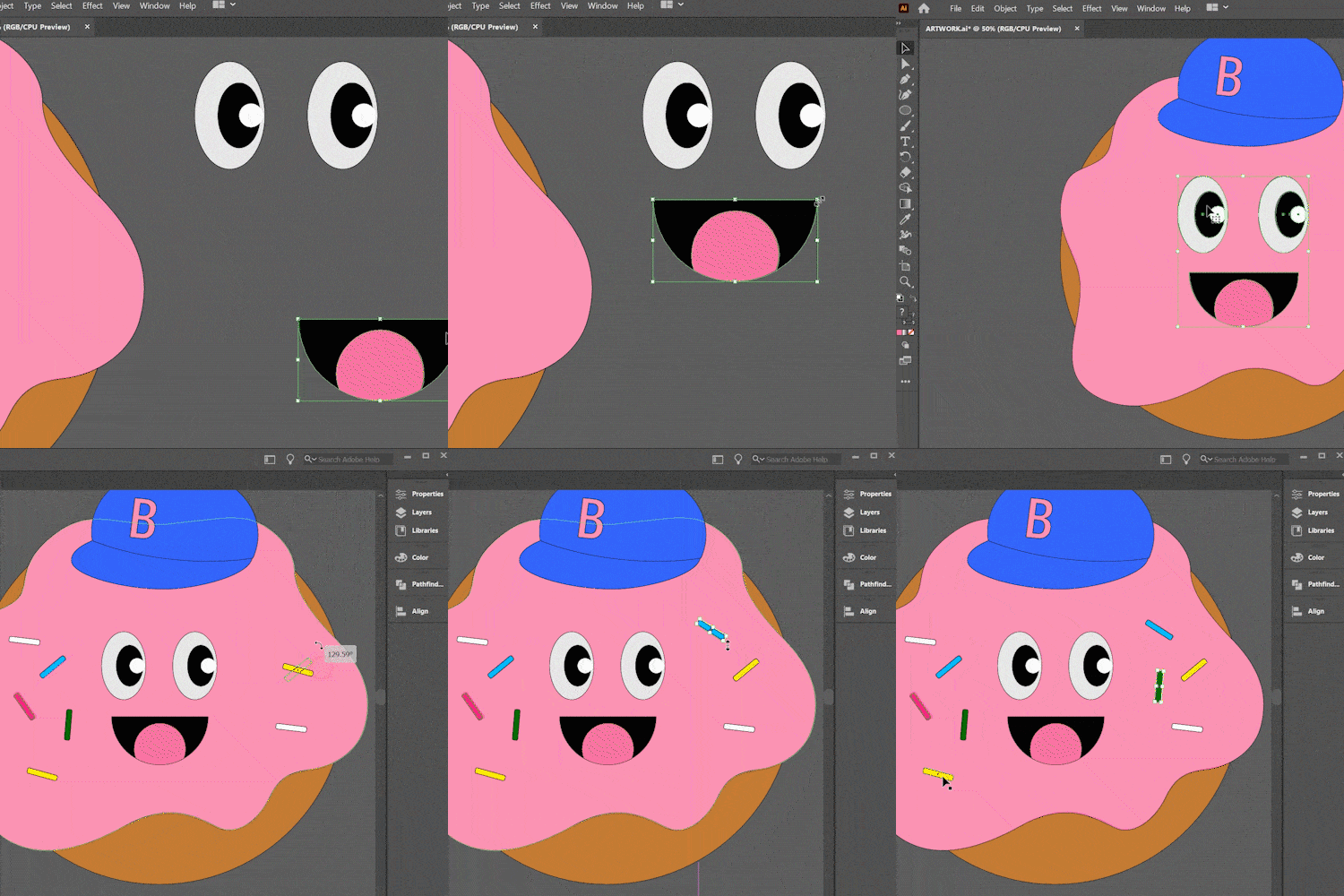
Illustrator basic design
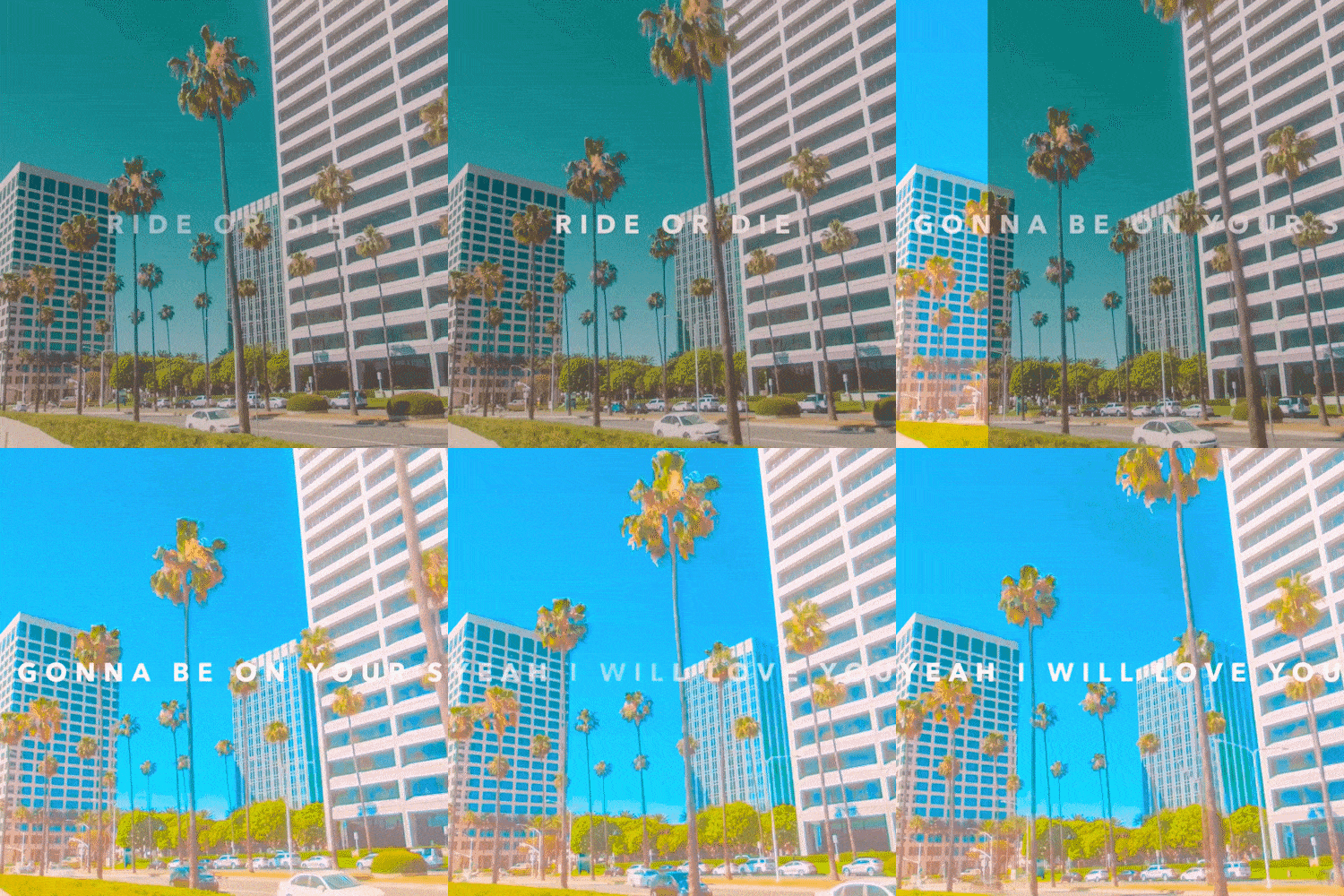
color grading
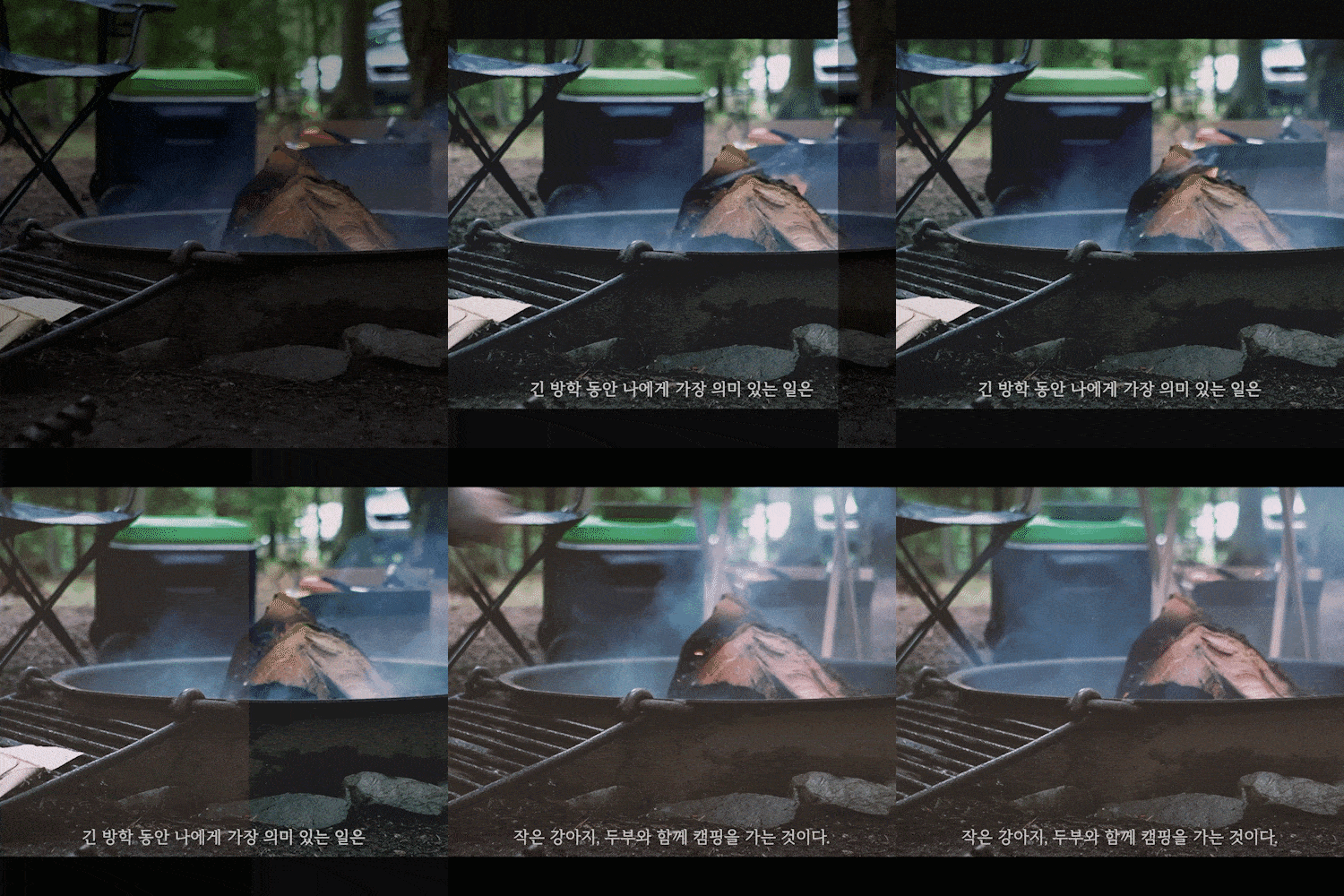
Cinematic vlog production
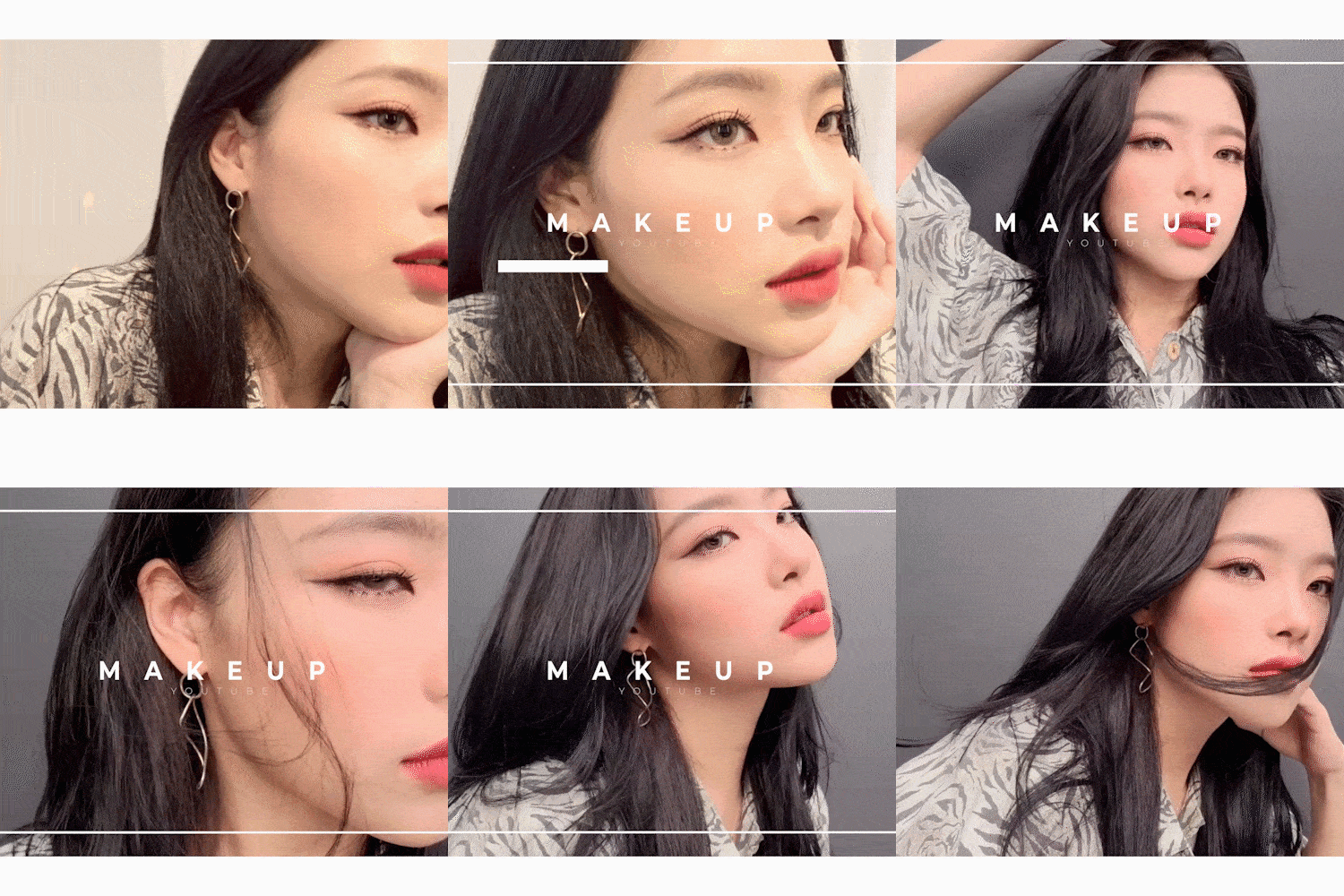
Adobe Asset Templates
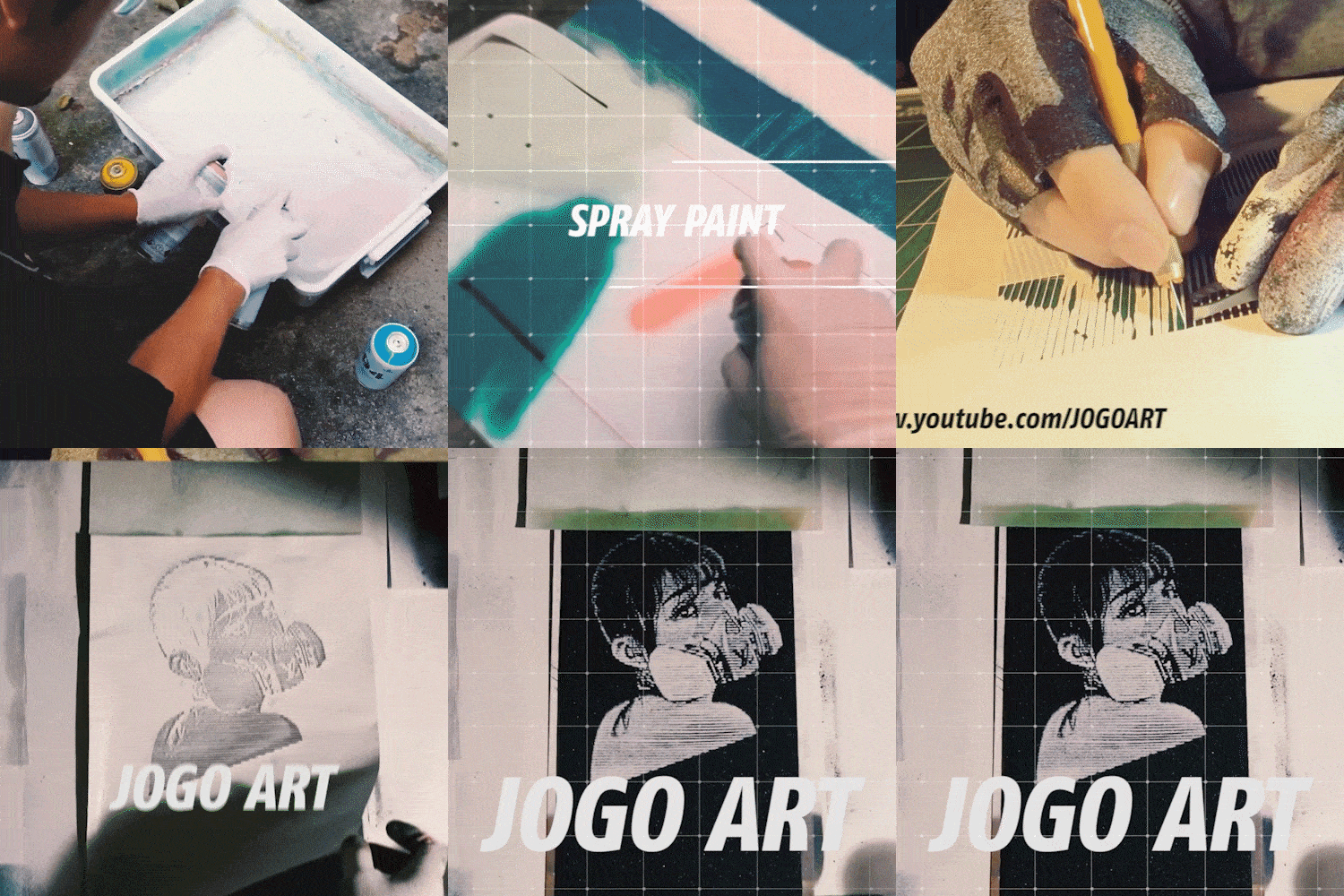
Paid Template Lab

Alpha & Trackmat Effects
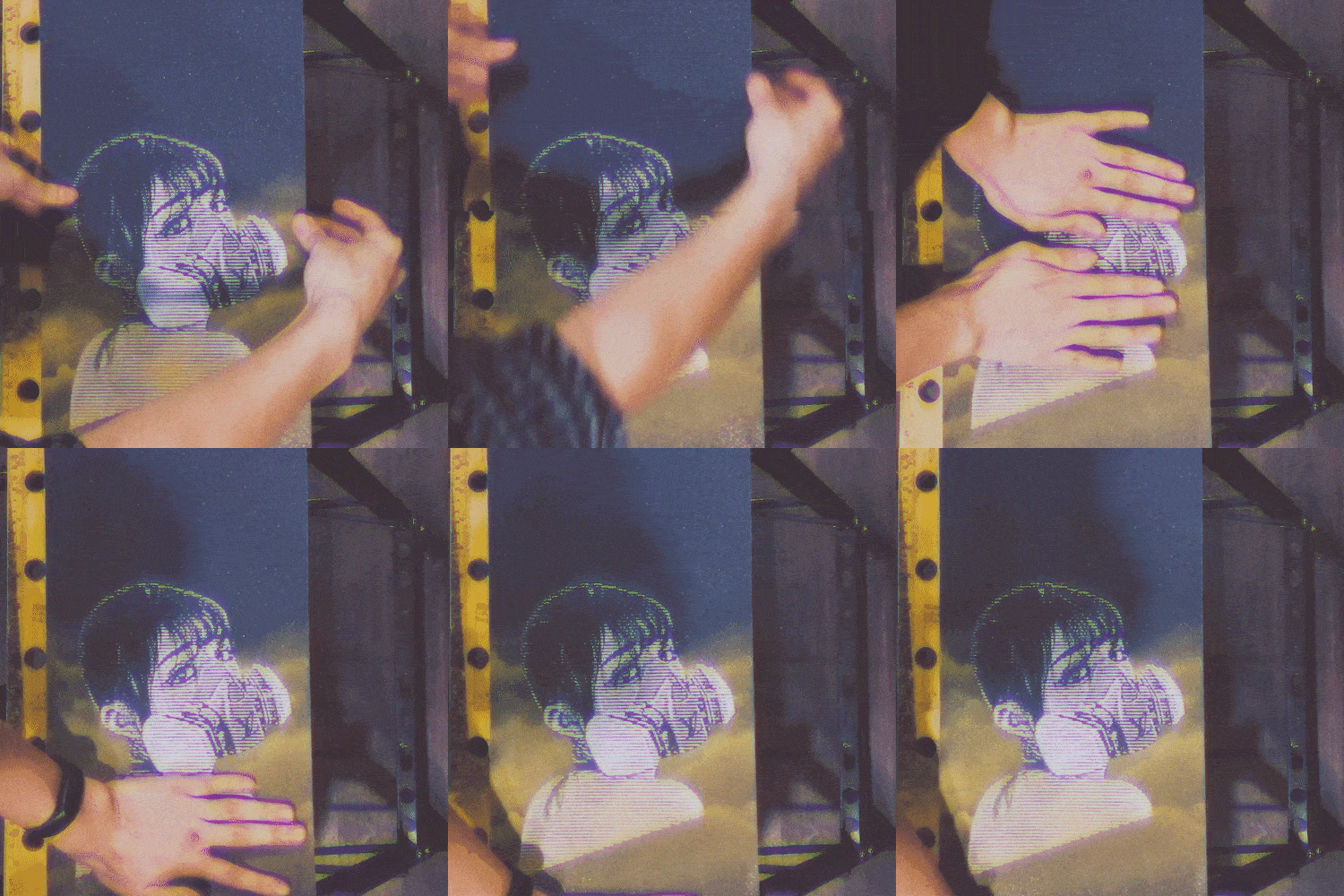
Apply Effects
video design studio
Valentine's Dream
Hello, this is video design studio Valentine Dream.
Starting with BPC-lab in 2013, we have been actively engaged in video & design and video education app development in various genres such as Motion graphic, Film & Visual Directing, Creative Artwork, and UX/UI Simulation Design App Development. .
We mainly produced brand, game videos, TV/CF, etc. for numerous companies including Naver, Naver Labs, Line, Kakaogames, Netmarble, Nexon, Ncsoft, and CJ E&M. In addition to video production, I also wrote a book for Hanbit Media's Delicious Design Premiere Pro CC, launched the YouTube video education app I'm Cree, and participated in video production seminars at various companies and universities, including the Ministry of Culture, Sports and Tourism and the Gangnam Cultural Foundation, to promote on- and offline video education. We are leading.
Speaker introduction
Speaker introduction
Top class know-how in the video editing industry in one place
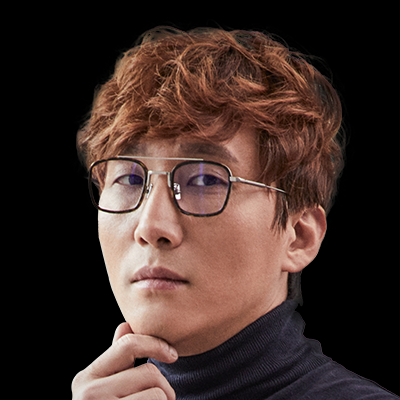
Seongwoo Yoon
Current) CEO of Valentine Dream
History and experience
Former) NHN Naver / Hangame video designer
Former) Netmarble Multimedia Contents Team Leader
[Main Project]
Written/published Delicious Design Premiere Pro CC book - No. 1 in sales in the domestic graphics sector
Launch of video education app ‘I’m Cree’
[etc]
Venture business certification/Establishment of corporate research center
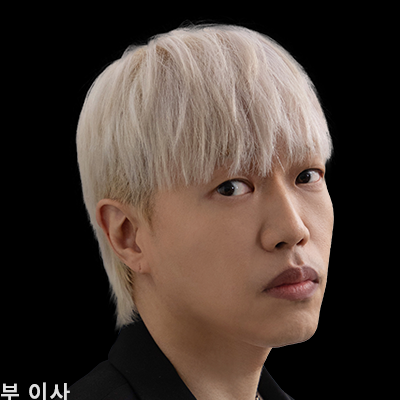
Yoo Ho-seon
Current) Director of Valentine Dream Video Production Department
History and experience
Former) Neowiz Games Design Team Video Supervisor
Former) Dexter Lab Design Team Leader (Music Video Planning, Motion Graphic Design)
[Main Project]
Hyundai iT LCD video
LG UltraGear Monitor Advertising Video
SAMSUNG 5G mobile memory video
FIFA Online 2 promotional video production (collaboration with EA)
SAMSUNG EXYNOS promotional video directing & ARTWORK
2019 IFA-SAMSUNG CES The Serif tv & The Frame tv
2020 CES-SAMSUNG The Sero tv
LG ULTRAGEAR MONITOR movie
Directing NEXON G-star ‘WE DELIVER JOY’
VR MOVIE - 'VOLT' Art Directing
BIGBANG Music Video visual directing
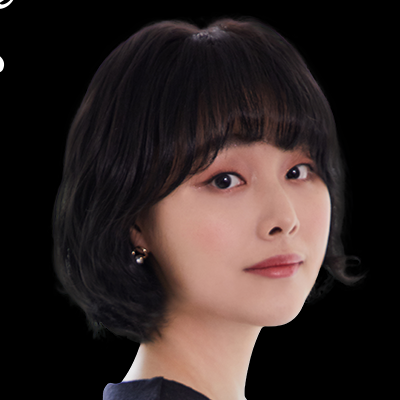
Sujin Shim
Current) Director of Valentine Dream Video Education IT Division
Current) Gangnam-gu, Gangnam Cultural Foundation video educator
History and experience
Former) Seoul Newspaper STV CG Designer
Former) BPC-lab motion graphic designer
[Main Project]
Adobe MAX Premiere Pro Seminar,
Ministry of Culture, Sports and Tourism, Yonsei University Premier Pro Seminar
Write the book Delicious Design Premier Pro CC
Launch of video education app I’m Cree (6th place in education, 2020.1-Google Korea)
I'm Cree resin type production (4th in Korea, 3rd quarter of 2020 - Naver software)
Nexon / Crazy Arcade M, Kingdom of the Winds, Kart Rider, Maple Story, Mabinogi Heroes, etc. video production
Netmarble, NCsoft, Flero Games, 4:33, etc.
Many video projects
class features
class features
A variety of concepts regardless of
How to create a video style
By learning everything from the basics of video editing to detailed editing points, audio adjustment methods, and how to use compatible tools, you can implement all commonly used video styles such as entertainment, beauty, travel, emotional vlogs, advertisements, broadcast intros, and music videos.
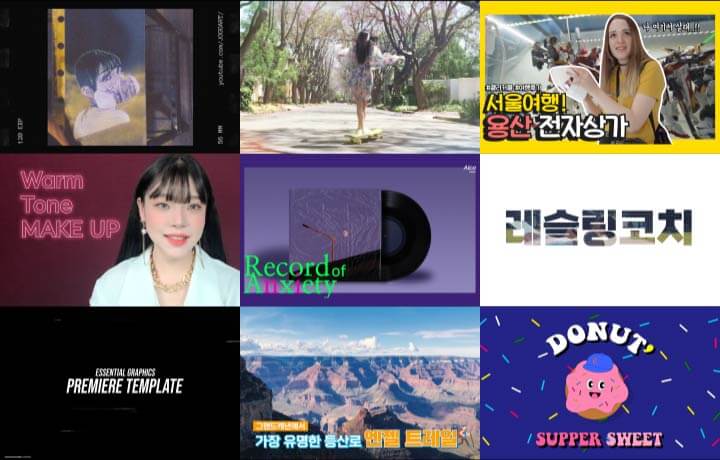
Premiere Pro's core editing technology allows you to freely implement anything
Based on the practical know-how accumulated through collaboration with Naver, CJ E&M, etc., you can learn practical Premier Pro skills such as color correction, screen transition, typography, chromakey, track mat, etc. from a video design studio specializing in video education.
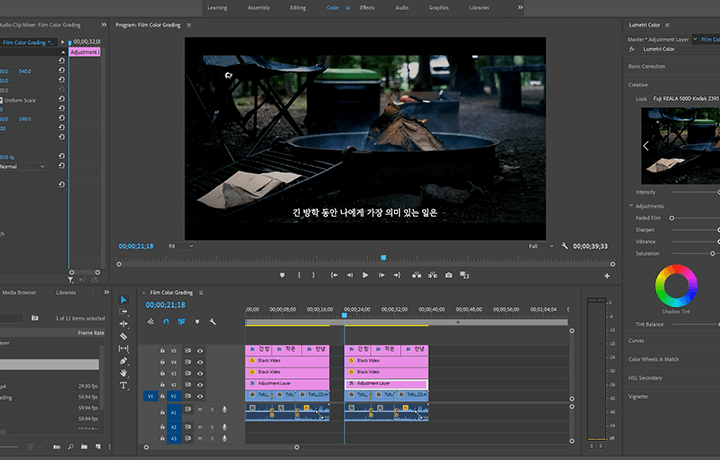
Provides filming source files from domestic top-tier video design studios and famous YouTubers
To help you create high-quality videos right away, we generously provide all of the know-how we have accumulated while collaborating with famous companies in our own source materials such as texture files, videos, audio, and images, as well as preset templates.
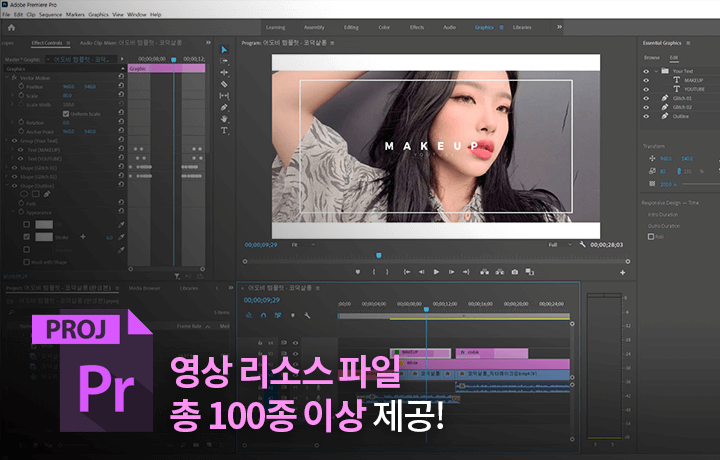
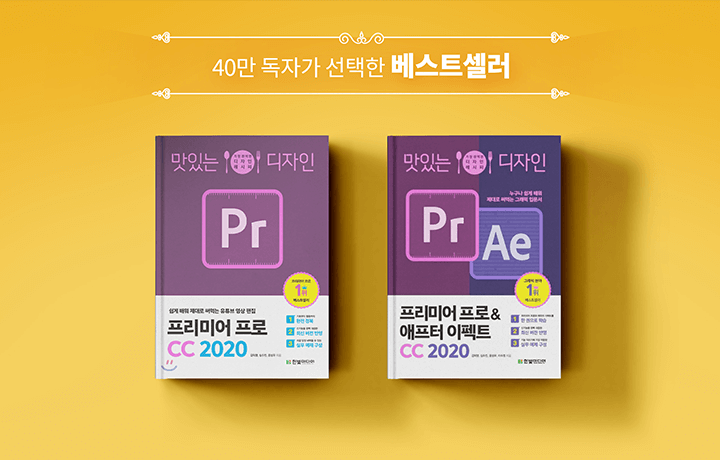
The first online lecture from the best-selling video editing author has been released.
You can easily and systematically conquer Premiere Pro based on the extensive data and know-how of the author of YES24, Kyobo Bookstore's bestseller Delicious Design Premiere Pro, chosen by 400,000 subscribers.
Class composition
learn this
-
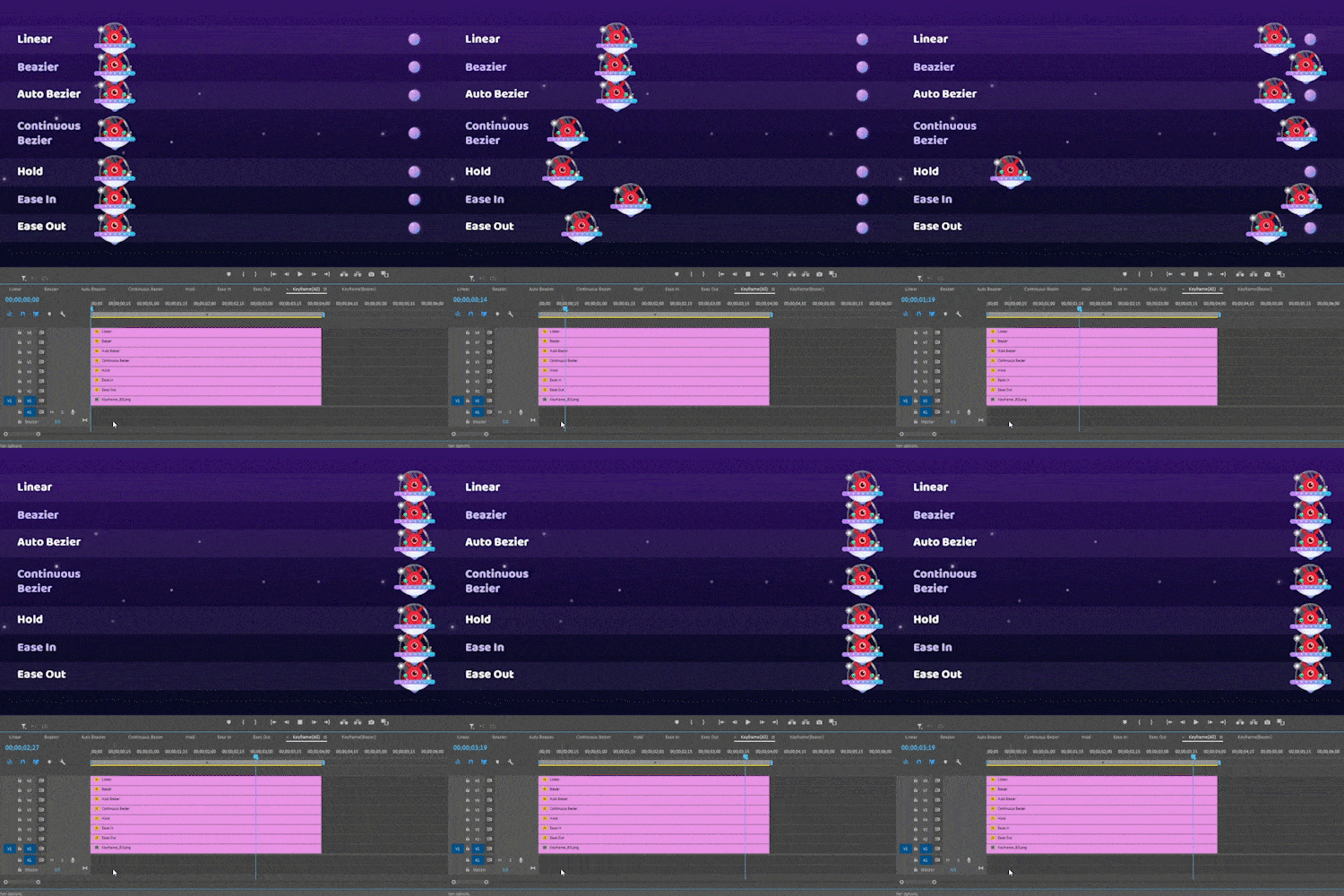 Summary of Premiere Pro's interface and key features for each courseWe will teach you the essential functions of Premiere for video editing, such as image design, motion graphics, and advanced transitions, starting from the basics on a practical basis.
 -
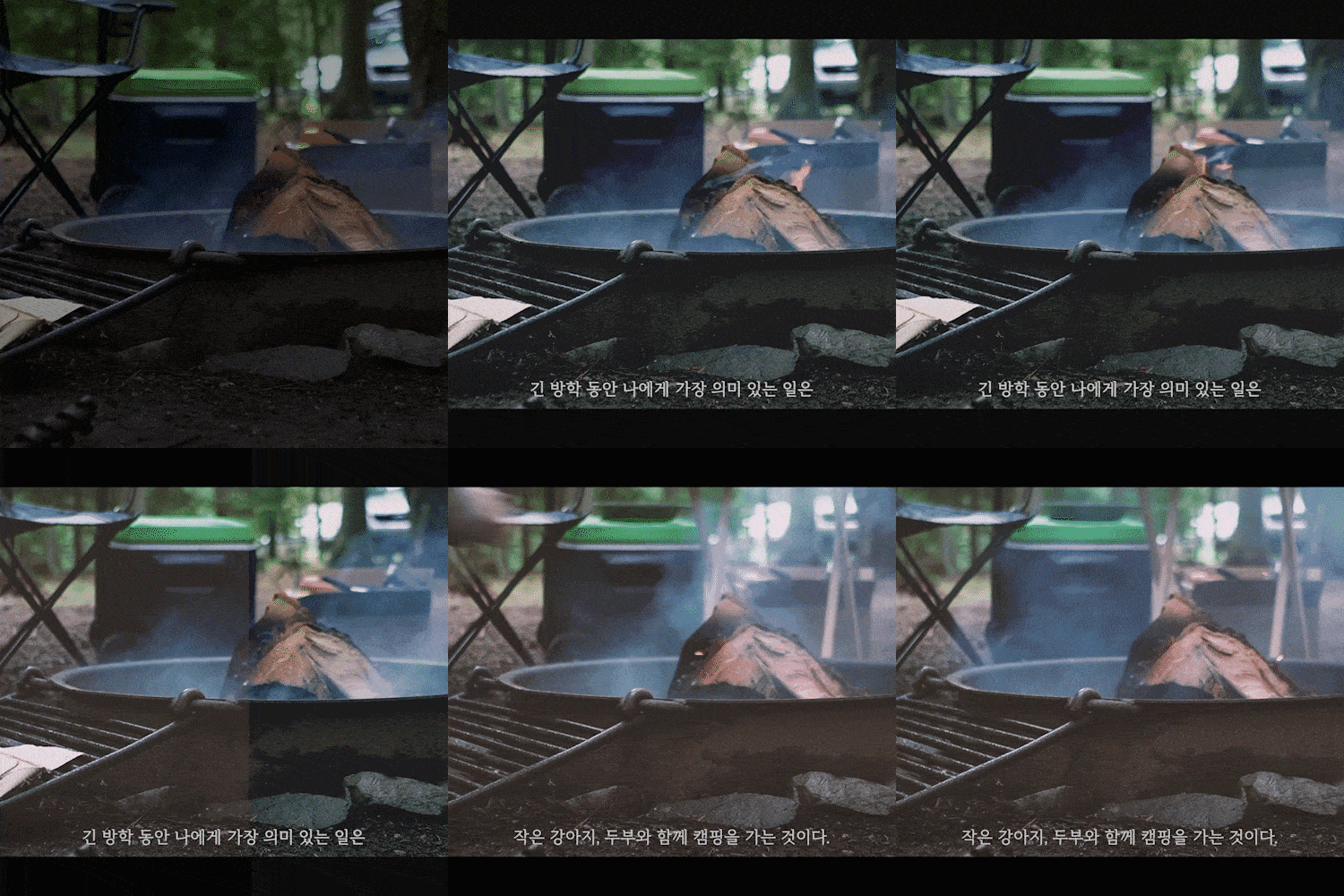 Everything about professional color correction for emotional V-log productionWe will learn how to color-correct videos shot with a smartphone without a separate plug-in like a movie, as well as various color grading effects such as VHS vintage and Lumetri color.
 -
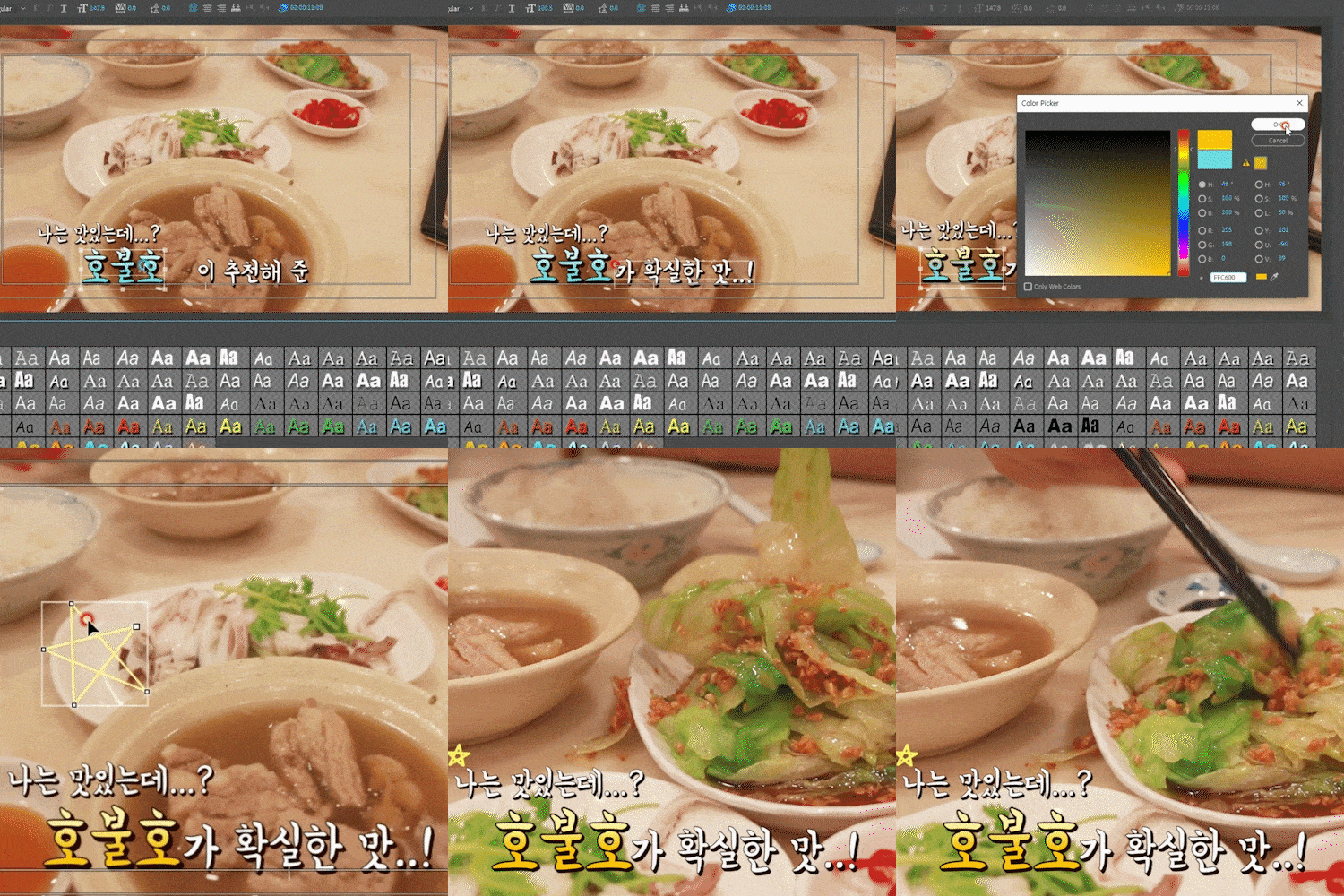 Know-how on typography and entertainment subtitles for high-quality YouTube videosYou will learn how to easily and quickly create various styles of subtitles to give fun and information to videos by checking each scene, second by second and frame by frame.
-
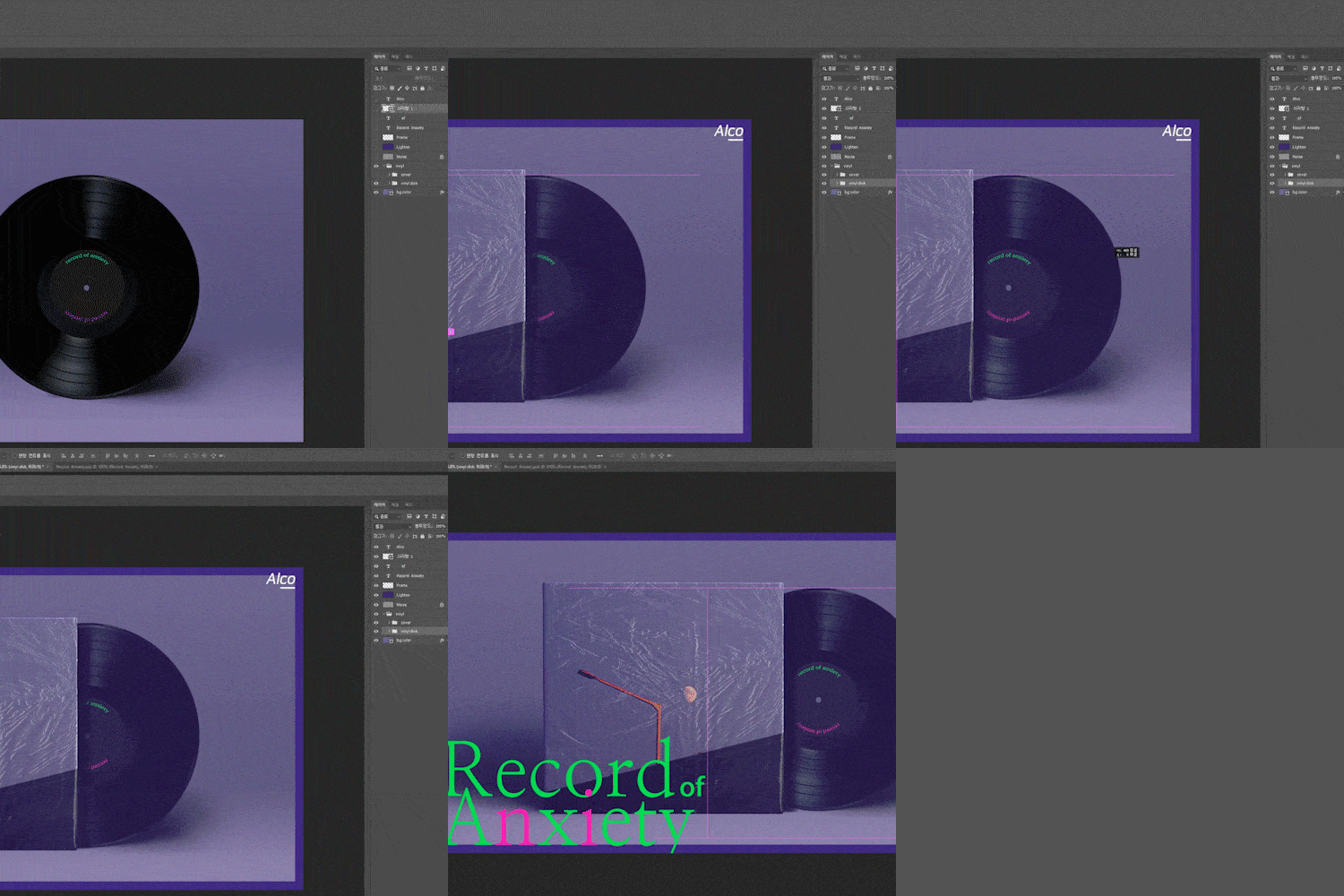 How to use Photoshop and Illustrator to improve video qualityLearn step-by-step from the basic concepts of layers in Photoshop and Illustrator, which improve the quality of video editing, to how to use them in conjunction with Premiere Pro.
 -
 How to use Premiere Pro templates to reduce work timeTo enable efficient video production, learn how to use Adobe templates provided within Premiere Pro and templates available externally through various examples.
 -
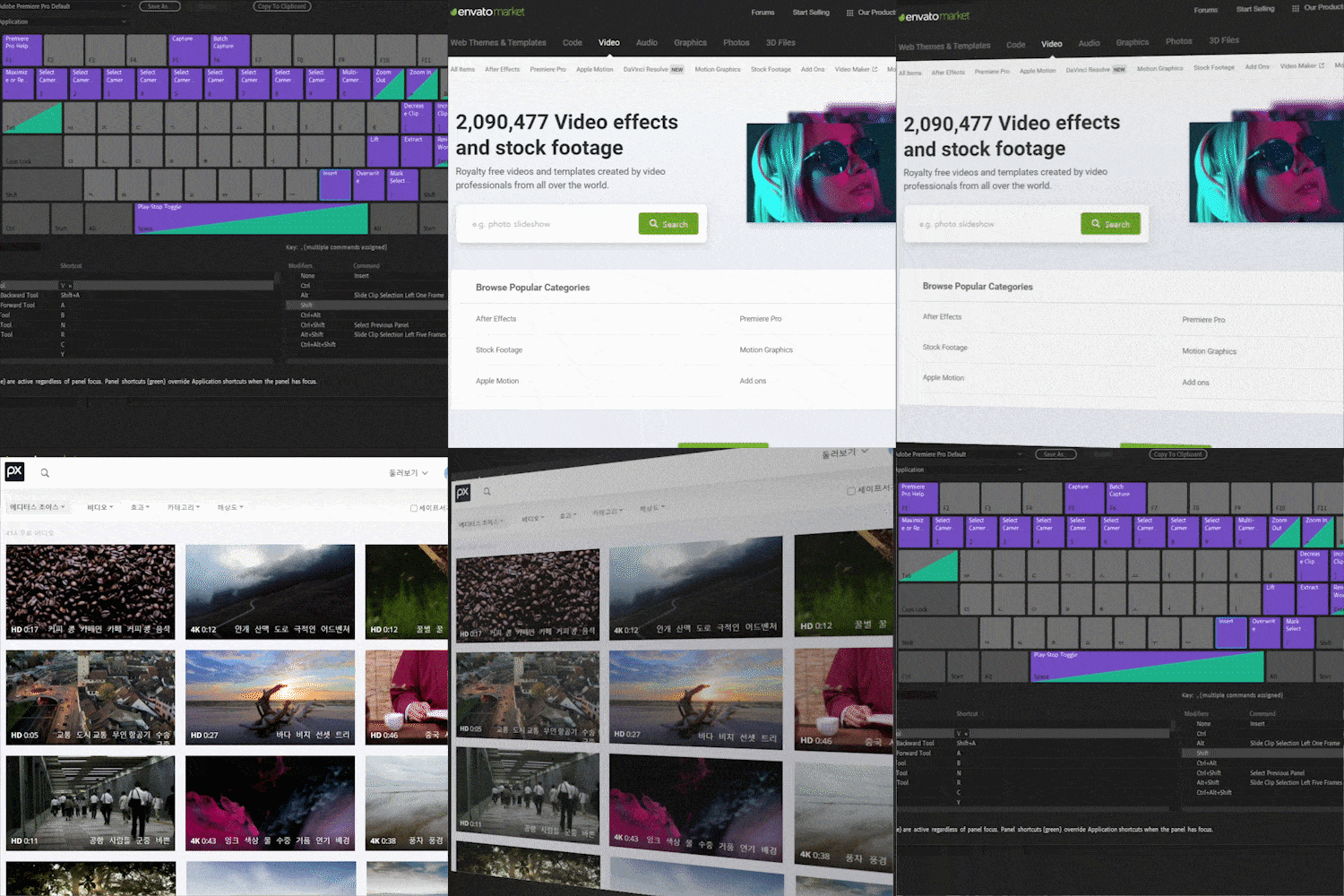 Practical tips for video production companies, including copyright, source site, and shortcut key settingsWe will provide you with all the know-how, including copyright issues to be aware of when using it, as well as useful source sites, shortcut keys, file organization methods to avoid video loss or errors, and precautions when saving.
* The above results include both a practical portfolio and actual class examples using the functions to be learned in the class.
curriculum
curriculum
Show me the curriculum
SECTION 01. Orientation
01. Orientation
- Lecture and speaker introduction
- Things to keep in mind when installing Premiere Pro (language, version, etc.)
- Know the basics of projects
SECTION 02. Basics of Premiere Pro
02. Concept of video loading & sequence
- Beginner video editing
- Video loading tips
- How to create a sequence (basic + application)
*Video and audio sources provided for practice
03. Understanding the structure and basics of Premiere Pro
- Basic structure of PR: Understanding the work space (Windows)
- Understanding the timeline panel and layers
- How to manage the project panel
* Provides video, audio, and image sources for practice
* PR project file provided for practice
04. PR Technique PART 1: Editing and Motion
- Lay out concisely after editing video
- Adjust video speed
- Adjust size, rotation, position, and opacity
- Create sensible keyframe motion
* Practice video and image source provided
* PR project file provided for practice
05. PR techniques PART 2: New item
- Making color matte
- Creating a beep screen and countdown screen
- Various methods applied to video
* Video source provided by YouTuber Jelly Couple
* Premiere Pro completed project file provided
SECTION 03. Increasing video quality
06. Applying a mask
- Understanding the basic concept of masks
- Applying a mask
- Directing the same person to appear at the same time in one scene
- Mask Tracking: Mosaic that follows the face
* Provides video source for practice
* PR project file provided for practice
07. Technology of synthesis
- Applying blending mode
- Correcting chroma key
* Koduk Salon, DJ Korea video and image sources provided
* PR project file provided for practice
* Premiere Pro completed project file provided
08. Creating subtitles: Applying the created subtitles
- Create basic subtitles, copy and use them
- Graphics Panel / Image Alignment and Placement
- Adding shapes and pngs
- Subtitle box that changes dynamically depending on the graphic panel and text length
- Designing text with legacy titles
09. Adding effects & creating transitions
- Create transitions with masks
- Create various transitions with Transform and Offset
- Site Introduction
* Provides video source for practice
* PR project file provided for practice
10. Audio effects & volume control
- Standards for audio volume control (effect control, timeline)
- Adjust audio with keyframes
- Applying audio transitions
- Correcting your voice in audio mode
* Provides video and audio sources for practice
* PR project file provided for practice
SECTION 04. Printing and advanced know-how
11. Adobe Photoshop: Learn the Basics
- Interface Introduction
- Design using mock-up images
- Texture expression using blend modes
- Noise effects and color correction
* Images and texture sources for practice are provided
* Photoshop completed project file provided
12. Adobe Photoshop: Use in Premiere Pro
- Import Photoshop files (PSD) in Premiere Pro
- Create a video using Photoshop files
* Photoshop file provided for practice
* PR project file provided for practice
* Premiere Pro completed project file provided
13. Adobe Illustrator: Learn the Basics
- Interface Introduction
- background pattern design
- Character design using Pathfinder
- typo design
* Illustrator completed project file provided
14. Create a video with Illustrator source
- Import illustration files (AI) from Premiere Pro
- Create a video using illustration files
* Illustrator file provided for practice
* Provide video source and PR project file for practice
* Premiere Pro completed project file provided
15. Color correction responsible for the mood of the video
- Understanding Adjustment Layer
- Lumetri color Color correction 1: Vintage retro feel
- Lumetri color color correction 2: Correcting color for a movie feel
- Lumetri color color correction 3: Correcting color for a movie feel
* Source provided by YouTuber JOGO ART, Tofu Camping, and DJKOREA
* PR project file provided for practice
* Premiere Pro completed project file provided
16. Print video and thumbnails
- Setting video output options
- Using Adobe Media Encoder
- Create and print YouTube thumbnails
* Provides video source for practice
* PR project file provided for practice
SECTION 05. Course to become a video expert
17. Premiere Pro Templates: Adobe Templates
- PR Free Template: Creating an Intro Title
- PR Free Template: Creating Transitions
- PR free template: Create subtitle design and other effects
* Koduk Salon video and image source provided
* PR project file provided for practice
* Premiere Pro completed project file provided
18. Premiere Pro Templates: External Templates
- External Templates: Utilizing completed templates and understanding Nest
- External template: Modify text, motion, and background color within the template
- External templates: color correction, source organization, application methods
* Video source provided by YouTuber JOGO ART
* PR project file provided for practice
* Premiere Pro completed project file provided
19. Apply Track Matte
- What is Alpha, Track Matte?
- Create effects by applying Track Matte
* YouTuber wrestling coach video, Alco album image source provided
* PR project file provided for practice
* Premiere Pro completed project file provided
20. Premiere Pro tips you need to know
- Open two projects in one Premiere Pro
- Delete cache files and expand storage space
- Sound, video, and photo source sites and copyright notices
* Provides video source for practice
* PR project file provided for practice
* Reference document file provided
21. Portfolio creation know-how for video designers
- Things to keep in mind when creating a portfolio and tips for getting a job
- Practical editing know-how from experts
- How to find and apply references
- Follow videos of various genres
- closing greetings
interview
What video design studio Valentine Dream wants to say

Question.01
What are the advantages of Premiere Pro?
What are the advantages of Premiere Pro?
We would like to say that Premiere Pro is an All in one Program . Although not everything is perfect, from designing through text or shapes, to using templates built into Premiere Pro, to editing and compositing , once you learn it well, you can create everything you need in Premiere Pro , and it works well with other Adobe programs. This is the biggest advantage. In addition, as the version is updated , more detailed color correction and audio correction are possible , so it is a program that I look forward to in the future.
Question.02
What are Valentine’s Dream’s strengths as a video design studio?
What are Valentine’s Dream’s strengths as a video design studio?
Our strength is that we have extensive experience and know-how in video . The proof is that we have worked in an extremely broad spectrum , from numerous large corporations to public institution clients. In addition, Hanbit Media is a company that specializes in video education based on its experience publishing the book 'Delicious Design Premiere Pro & After Effects CC' and producing the video education app I'm Cree, so you can study Premiere Pro through this Coloso lecture. This will be of great help to you.
Question.03
What did you focus on when constructing the curriculum?
What did you focus on when constructing the curriculum?
We focused on how we could utilize various technologies and know-how within Premiere Pro . Based on my experience in numerous lectures and seminars, I think I was able to pick up parts that students were unfamiliar with or were often confused about and incorporate them into my lectures. We start by explaining the theoretical aspects related to video so that anyone can easily get started with video editing, which they have only thought of. We also share sites that can be used for reference . If you have a dream of becoming a video expert in addition to editing YouTube, this curriculum will be suitable for you. .
Question.04
Who do you recommend this class to?
Who do you recommend this class to?
It will be a great help to practitioners who want to improve their video editing level , but if video dreamers who do not know anything about video but want to become a video expert take this class, this class will be a shortcut to that goal. A video company that promotes its own educational business provides planning, lecture content, theory, and practice files, and teaches you how to realistically edit and color correct, so you can build your skills by experiencing various styles of editing. .
Specially.
Thanks to.
Thanks to.
We sincerely thank Hanbit Media and YouTubers who helped us open the Coloso Premiere Pro course.
* Publisher Hanbit Media: Delicious Design Premier Pro CC 2021
* YouTube Channel: Koduk Salon DJ Korea Jelly Couple JOGOART Tofu Camping Wrestling Coach Alco
We will guide you through the program to use.
This class is conducted using the tools specified below. To ensure smooth course participation, please install the corresponding version of the program separately.
– Adobe Premiere Pro CC 2020
– Adobe Photoshop CC 2020
– Adobe Illustrator CC 2020
* Premiere Pro CC 2019 or later is recommended.
* Premiere Pro versions below CC 2018 may have limitations in practice.
* Programs and materials are not provided separately.