MotionGraphicDesigner,seven_세븐 Details
Intro
Class Intro
Motion Graphic Designer, seven
"I will teach you everything from advanced animation skills that break the limits of 2D motion graphics to design tips that enhance the quality of artwork in simple ways."
Are You Fully Utilizing the Potential of After Effects?
A way to capture the aesthetic of both 2D and 3D without complicated external tools or expensive plug-ins, using only the basic functions of After Effects!
All included in Motion Graphic Designer seven’s curriculum!
Not only efficient basic to advanced skills that lead to a sense of motion, path animation, texture, lighting, and transition but also Fake 3D expertise that made seven who he is today!
Not only efficient basic to advanced skills that lead to a sense of motion, path animation, texture, lighting, and transition but also Fake 3D expertise that made seven who he is today!
Explore practical knowledge of After Effects that combines novelty and quality on Coloso now.
Class Perks
Get These Coloso Exclusives
-
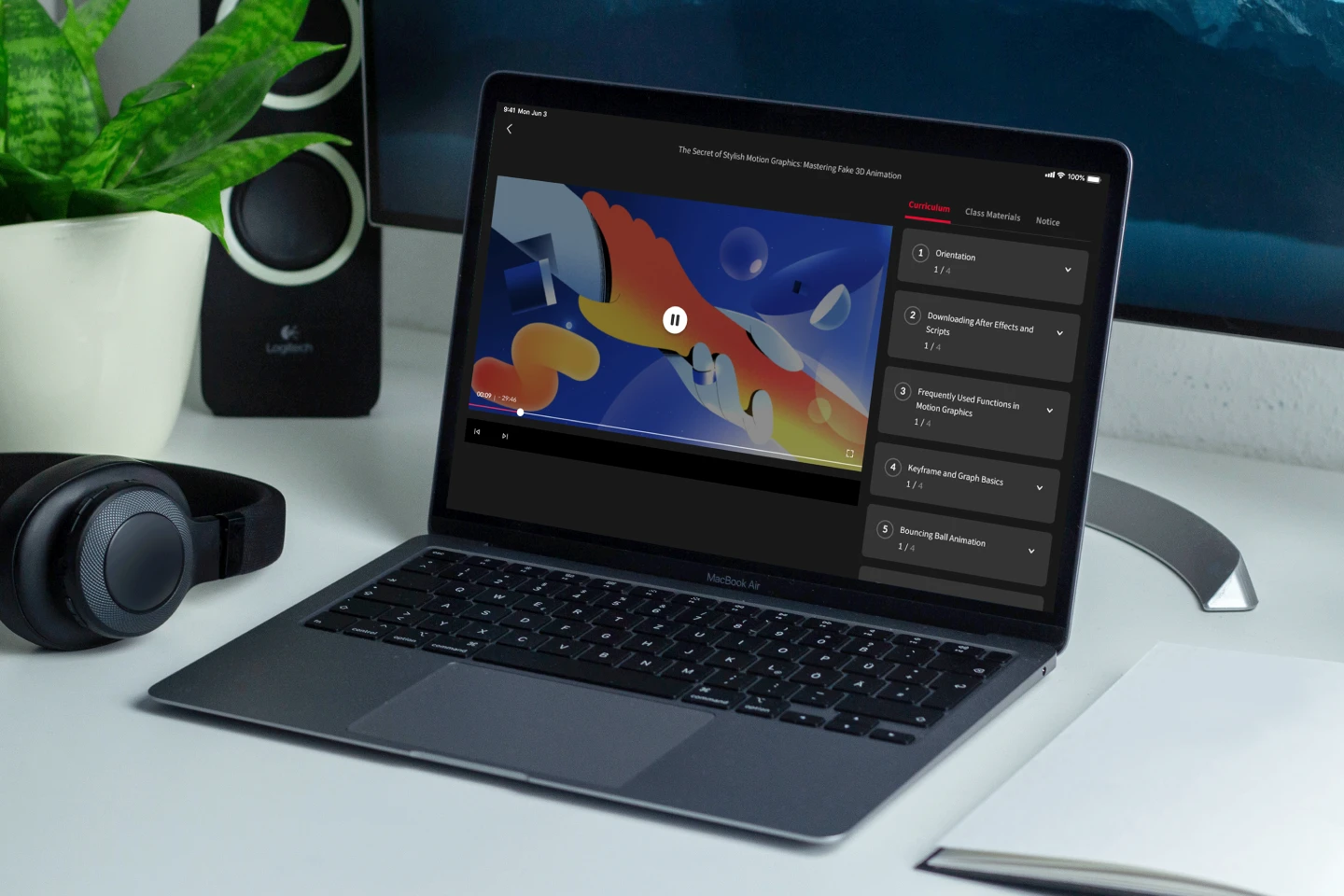
Unlimited Access to 6+ Hrs & 20 Chapters of Content -

After Effects and Fake 3D tips from Expert Motion Graphic Designer -
Useful Exercise Files
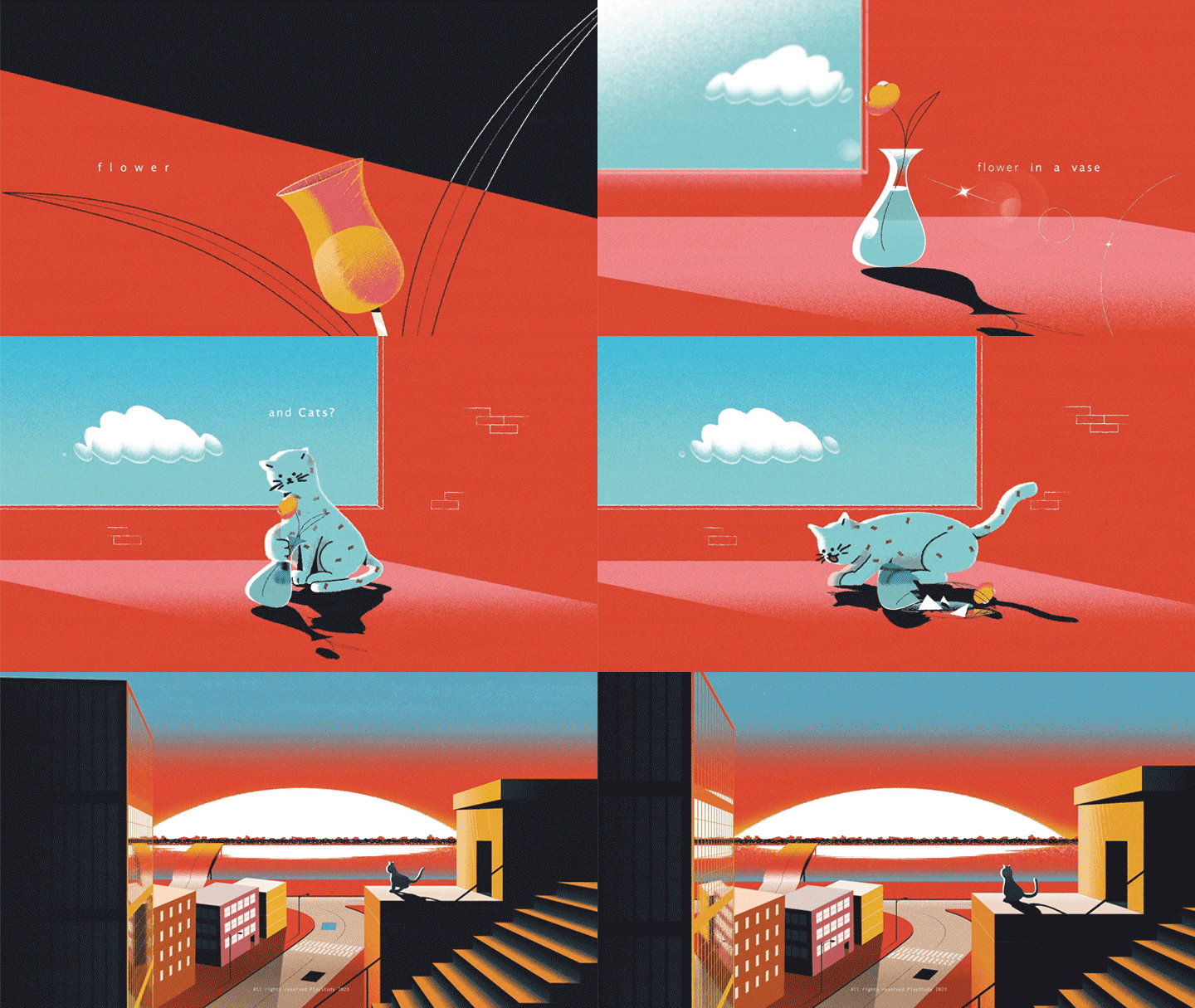
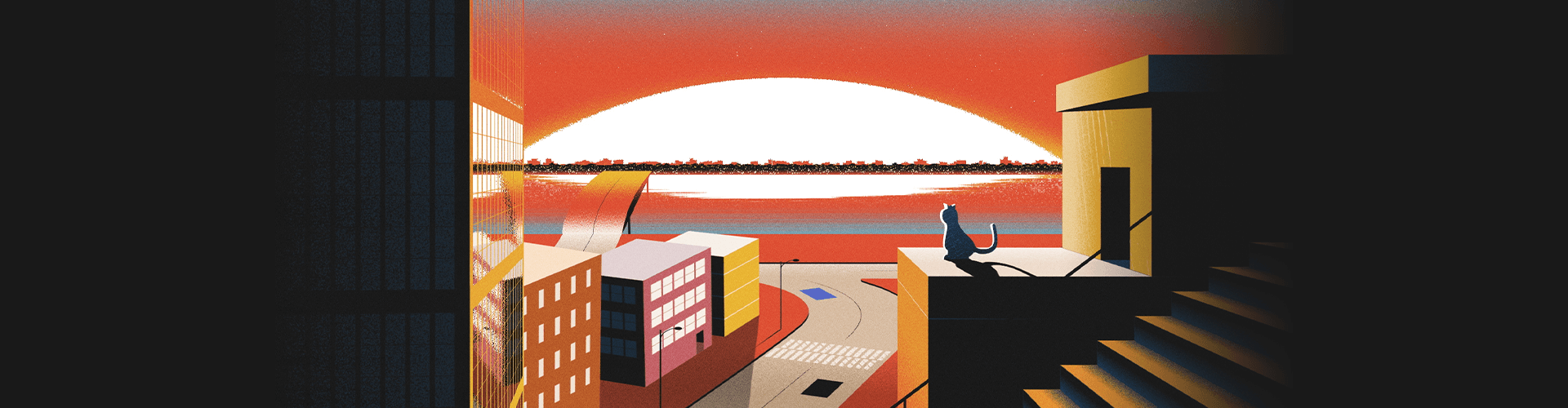
Expert Motion Graphic Designer seven’s Portfolio

Why Take This Class?
You can learn how to create aesthetically pleasing artwork and motion graphics through various exercises by focusing on simple yet effective methods! One of the key highlights of this course is the exploration of techniques to achieve 3D-like results using After Effects.
Whether you're a beginner looking to enhance your animation skills or a seasoned professional seeking to expand your portfolio, this class provides valuable insights and practical knowledge that will elevate your artwork to new heights.
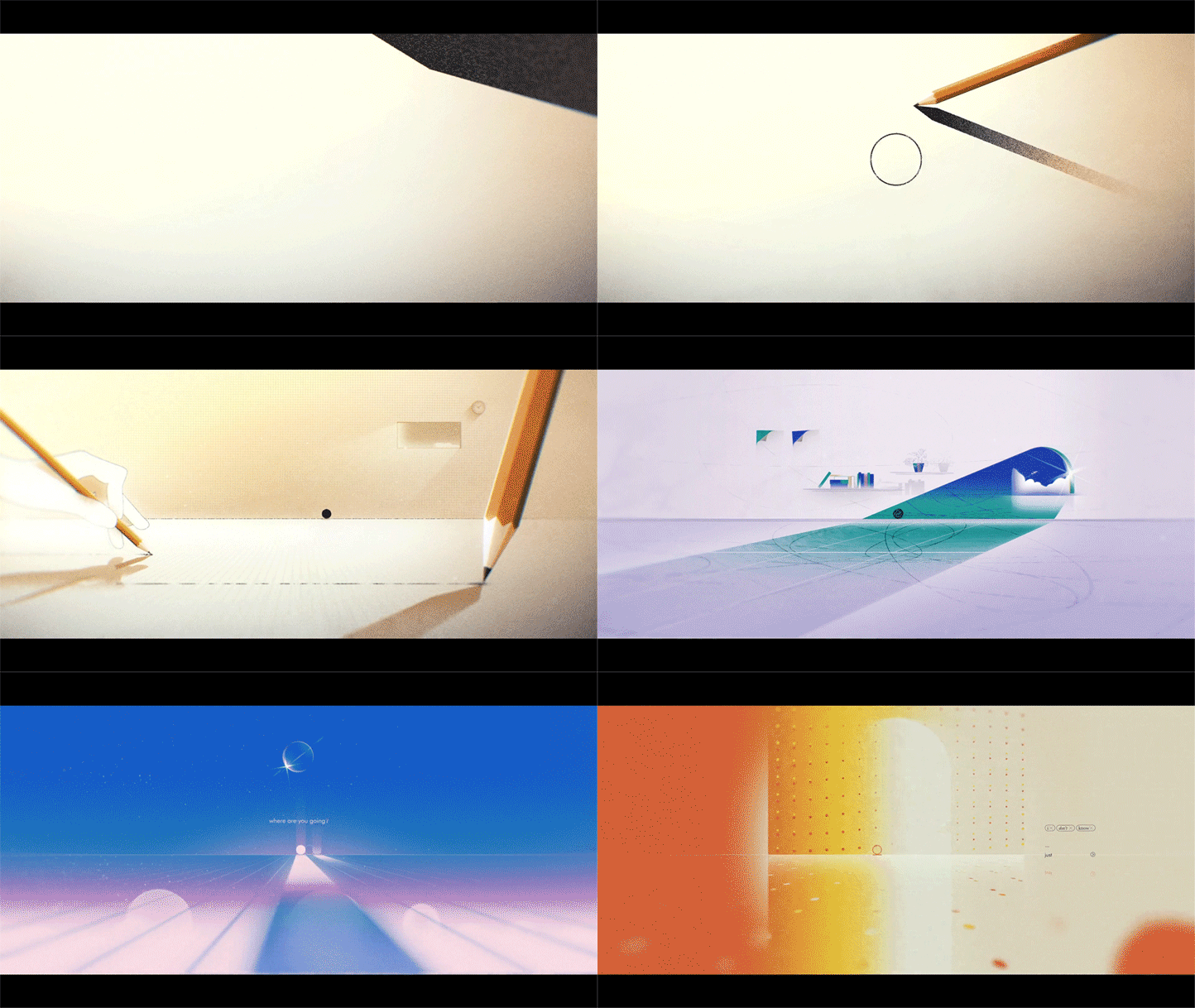
6 Class Exercises
-
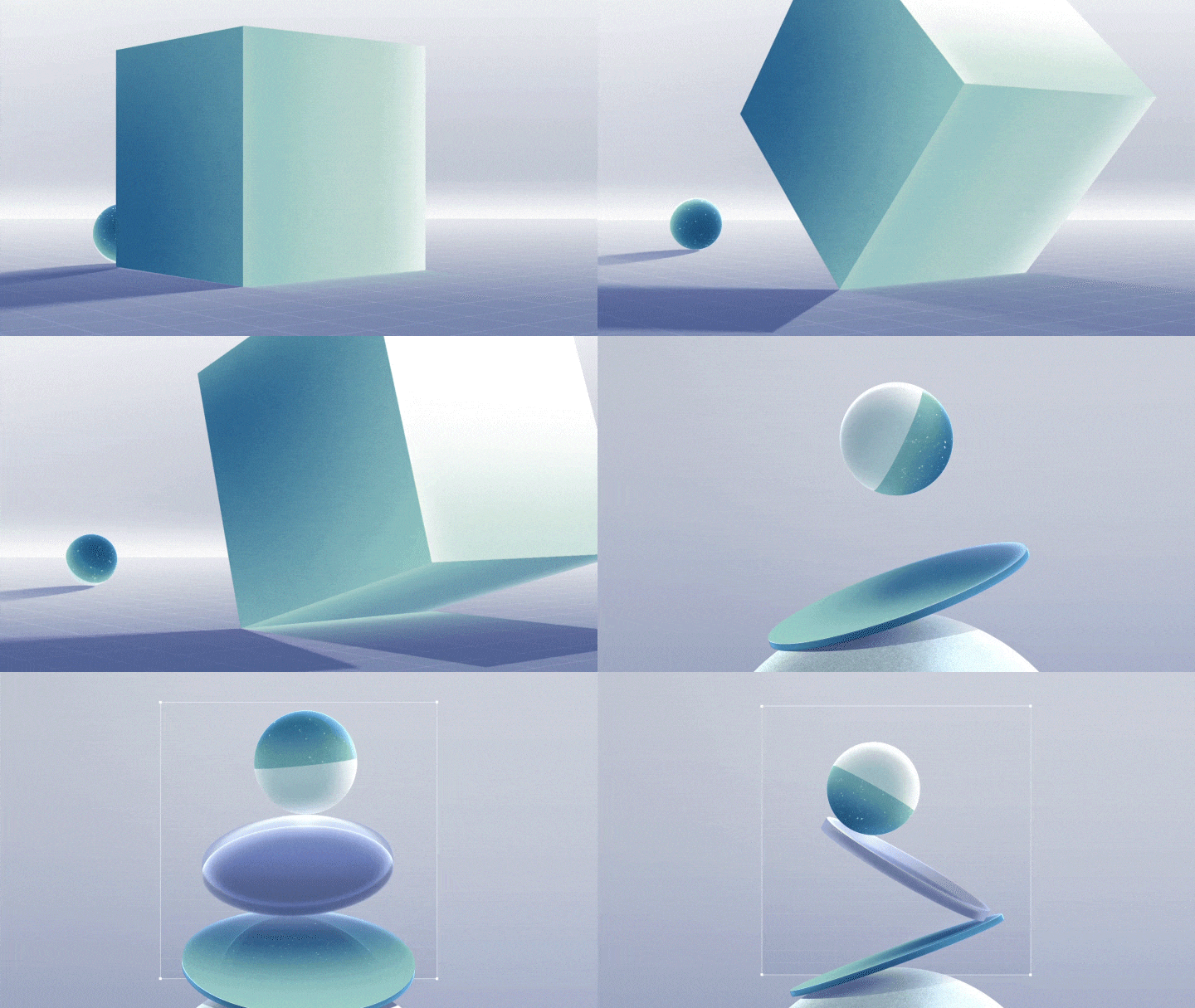
 Ball Animation That Flows Naturally like Water
 -
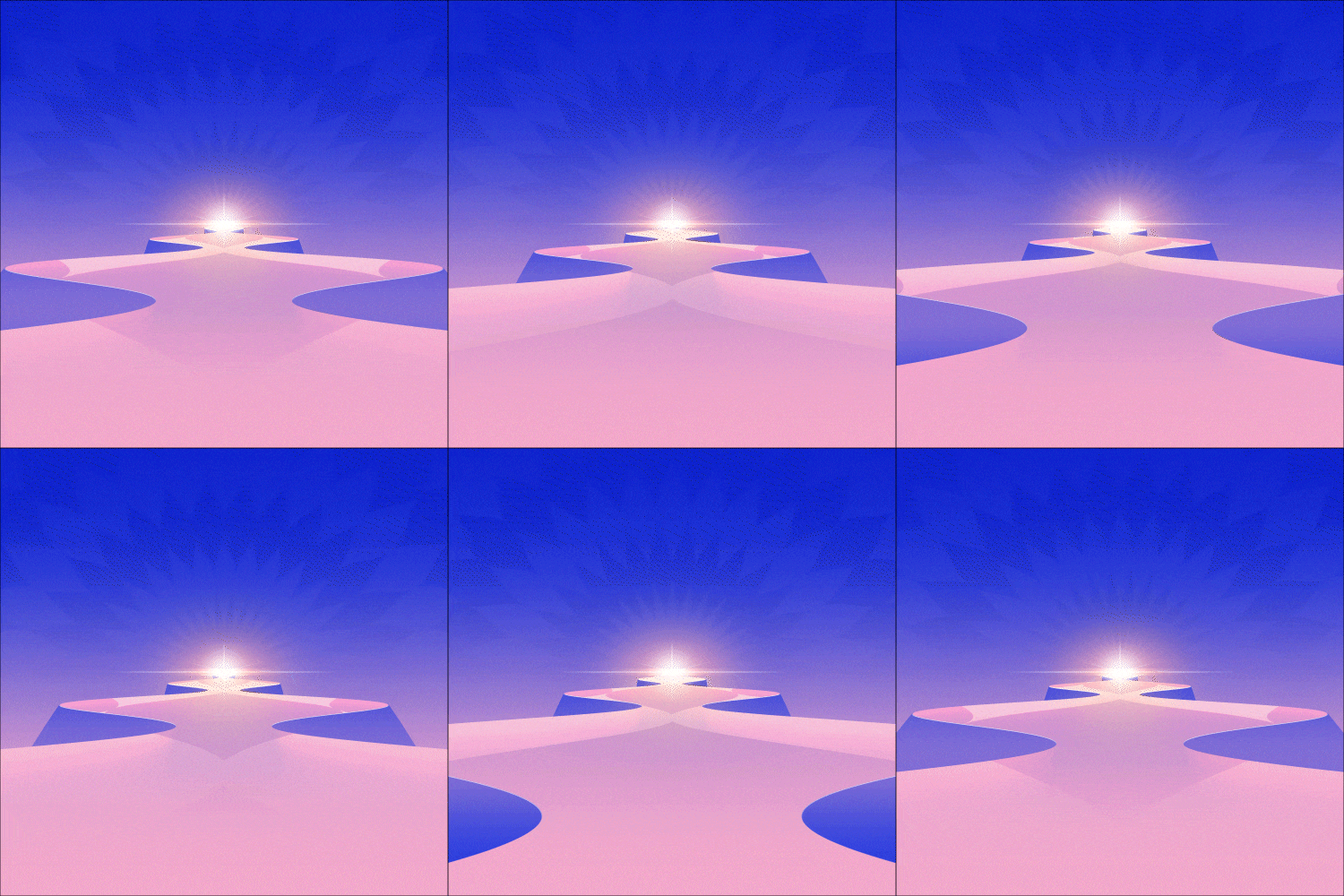 Tunnel Animation
 -
 3D Layer: Dice Animation
-
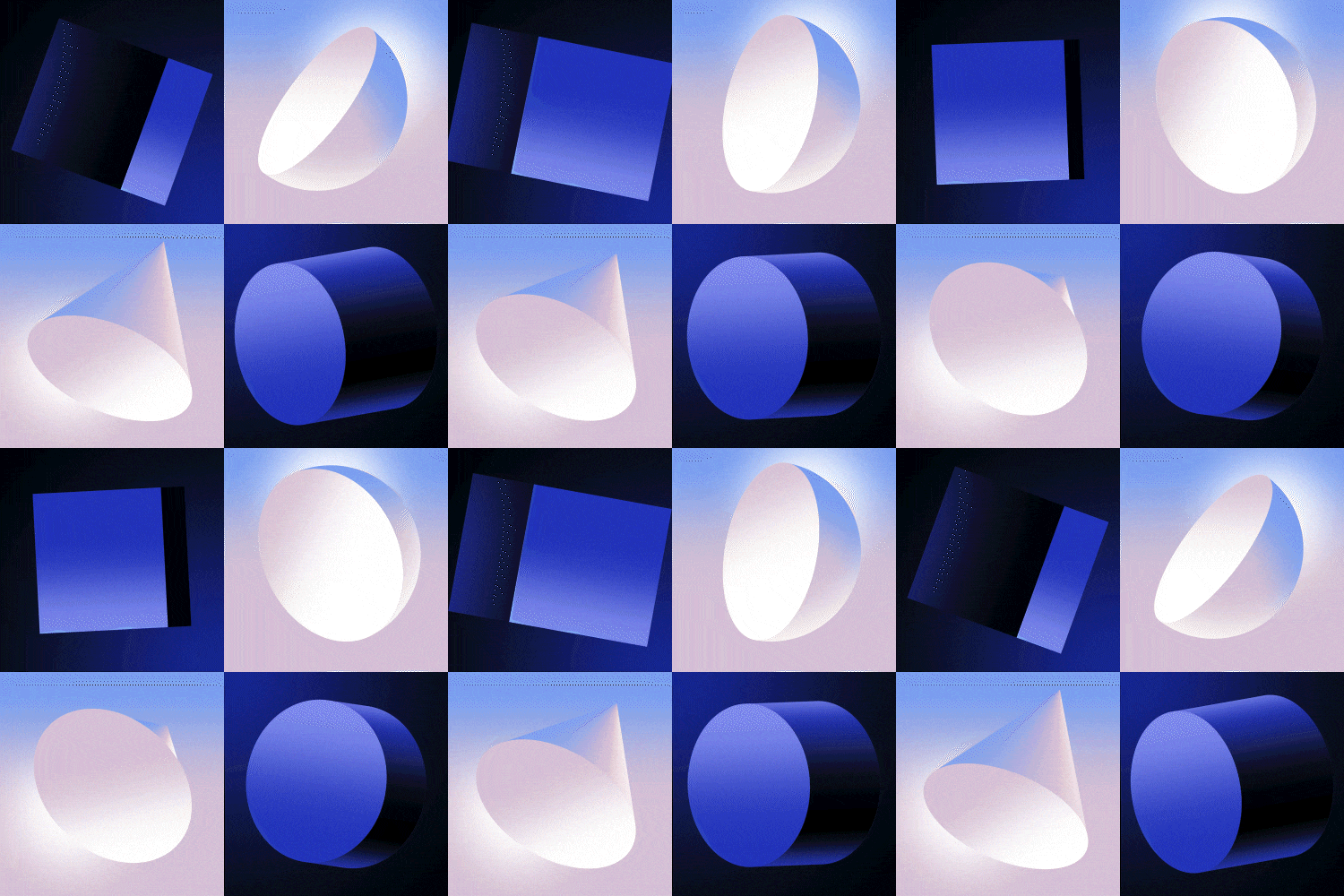 Various Fake 3D Objects
 -
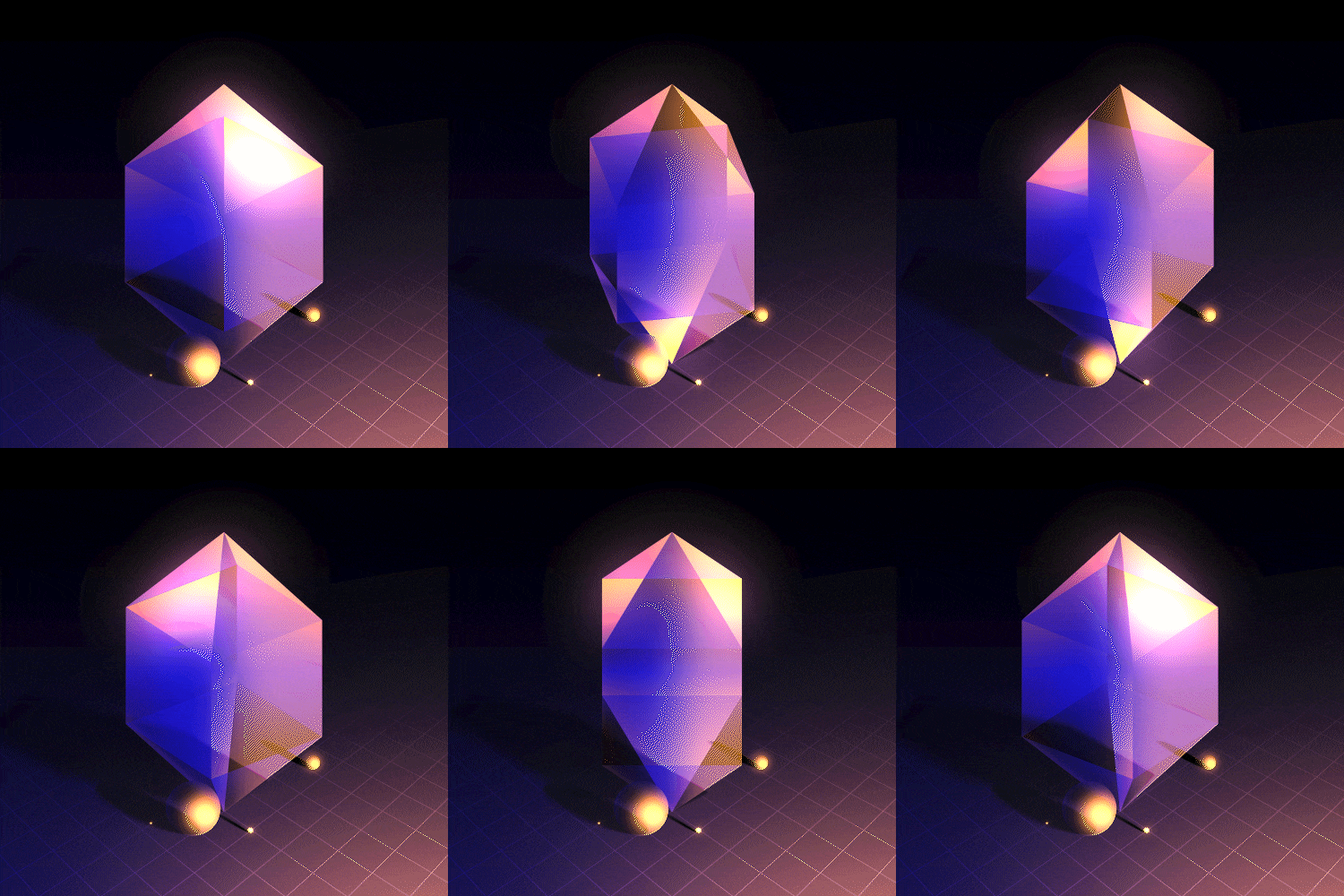 Crystal Artwork
 -
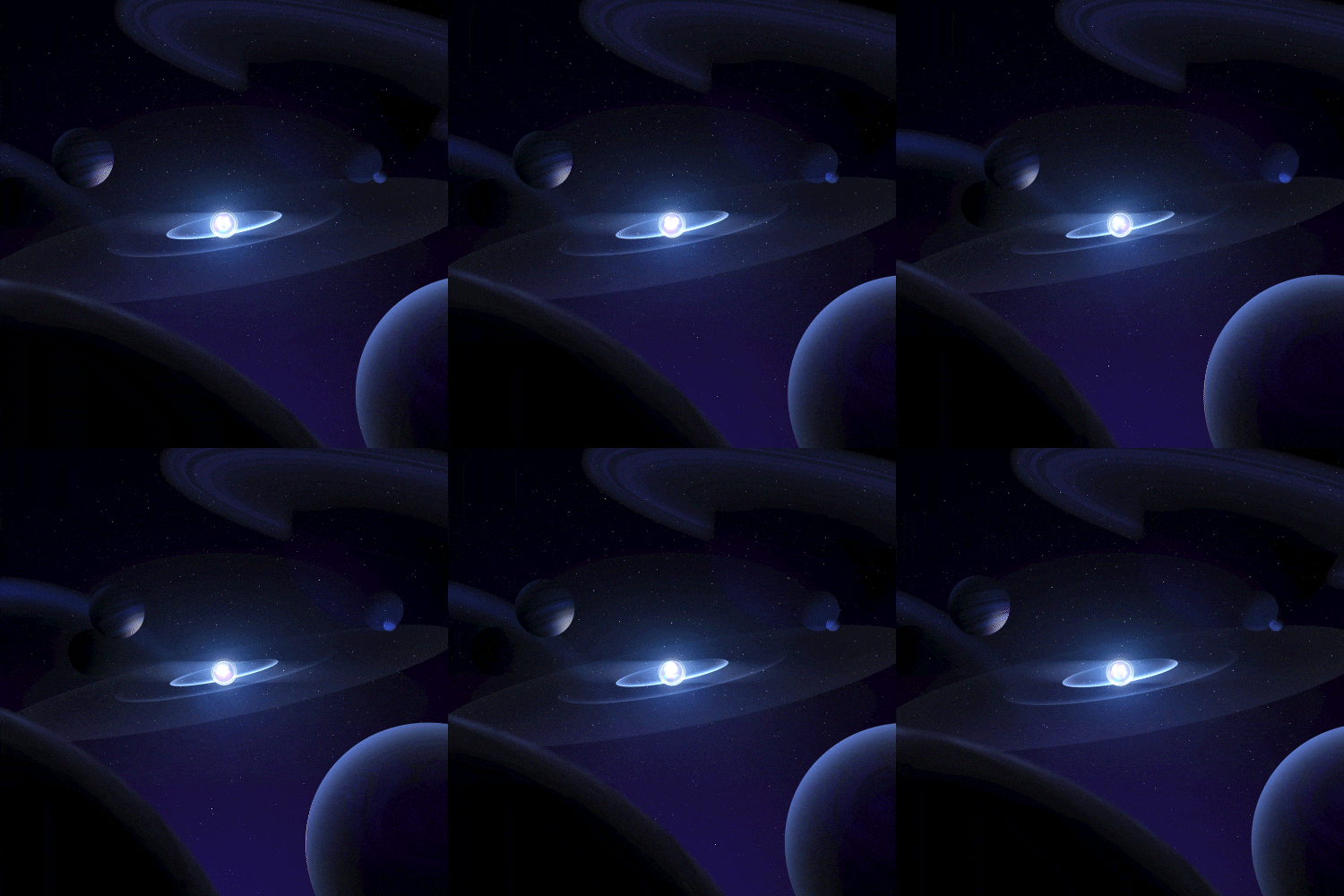 Space Animation
* This image is an example provided for a better understanding of the class and may be slightly modified later.
Instructor
Motion Graphic Designer
seven
Hello, everyone. My name is seven, and I’m a motion graphic designer.
Under the pseudonym “seven,” I have been posting my artwork on my YouTube channel and other various social media platforms, while also continuously developing my skills. As a result, I now receive offers from renowned studios in Korea and abroad.
In this class, I will share my unique expertise and tips on utilizing the basic features of After Effects 100% as well as creating trendy motion graphics.

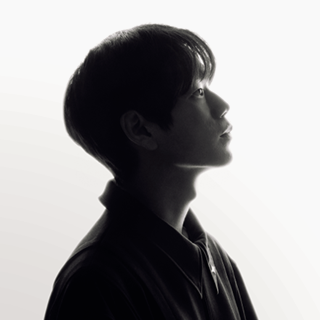
Motion Graphic Designer seven
[Current]
Freelance Motion Graphic Designer
Projects and Awards
[Projects]
2023 “Samsung Members Stars” promotional work
[Awards]
Selected as Today’s Good Move by “goodmovestv”
Selected as Week 184 winner by “buckuback”
Selected as a representative work in the Behance Motion Graphics (Mo) category
Highlights
Class Highlights
Trendy and Aesthetic Animations Using Only Basic Functions
Even though the motion graphic quality is high, the work process can be simple. Learn how to implement advanced animation skills efficiently using only the basic functions of After Effects without external plug-ins and programs.
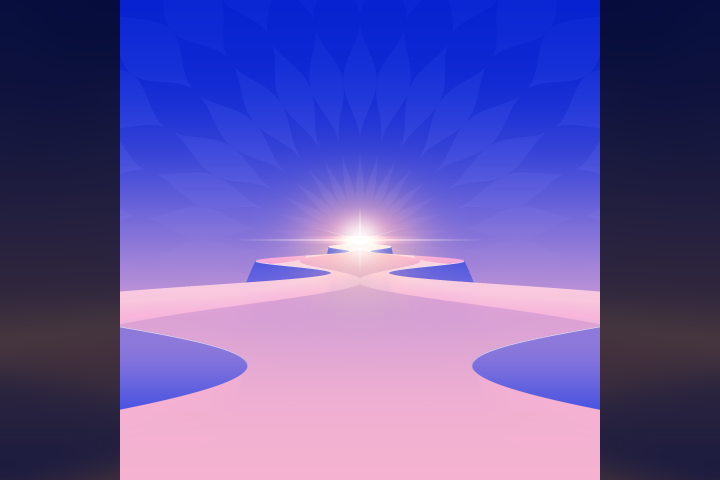
Creating Captivating Artwork
Well-made artworks can catch the eye even without dynamic motions! Learn design skills that make artwork look aesthetically pleasing with simple methods and motion artwork expertise combined with animation through various exercises.
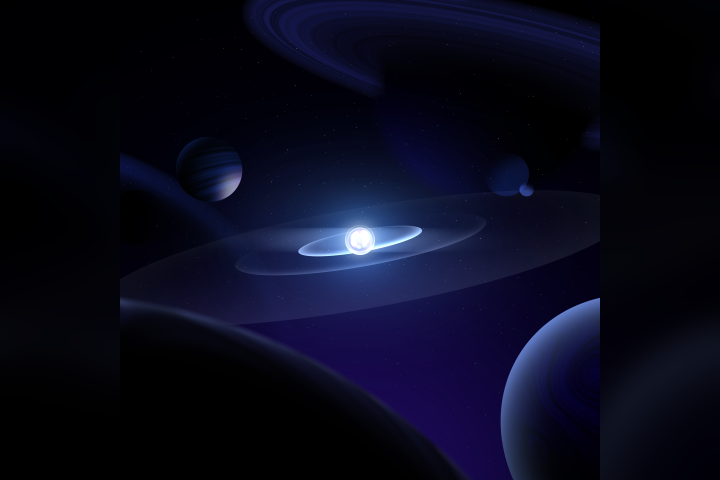
Enriching Your Portfolio with Fake 3D Objects
I will teach you how to achieve 3D-like results by incorporating light, shadow, materials, and a sense of space. Create various Fake 3D objects that encompass both the advantages of 2D and 3D and apply them to your portfolio.

Class Details
You'll Learn
-
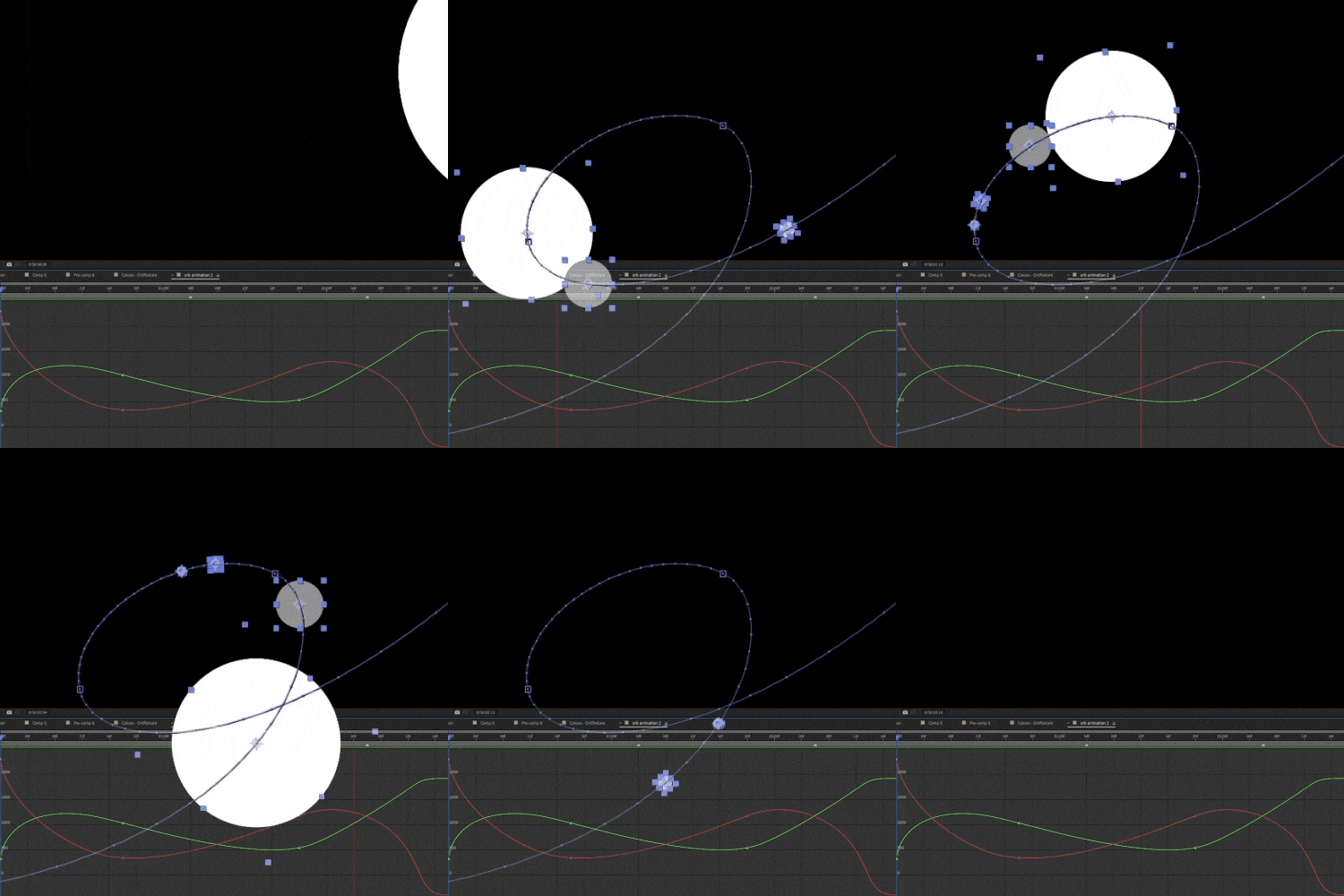 Understanding After Effects Keyframes and GraphsUnderstand the principles of keyframes and graphs and learn about seamless animations and sense of motion through various After Effects exercises using a ball.
 -
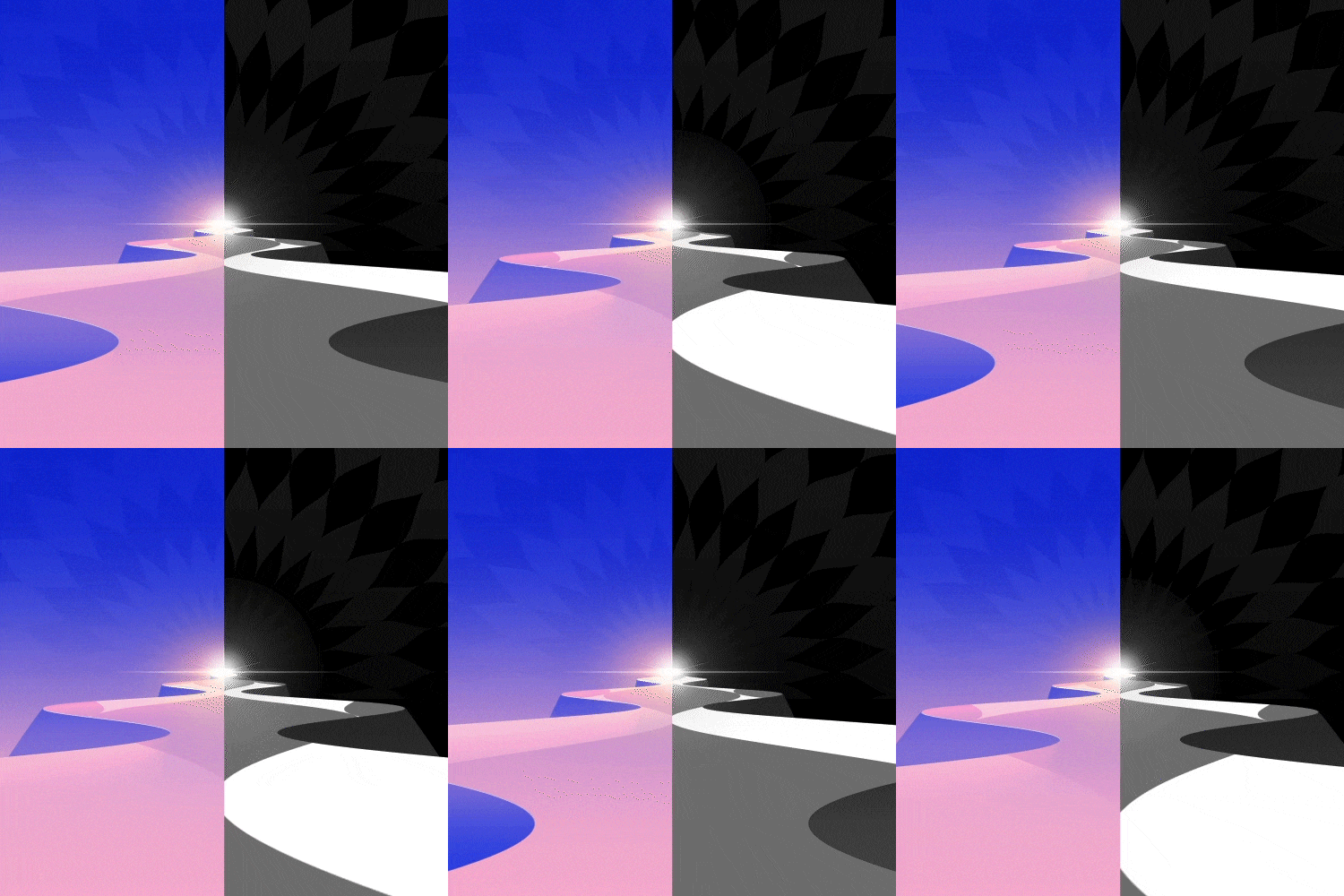 Creating Aesthetic Artwork Using Only Basic FunctionsLearn how to implement various animation skills by combining basic functions and effects, and use them to complete eye-catching motion artwork.
 -
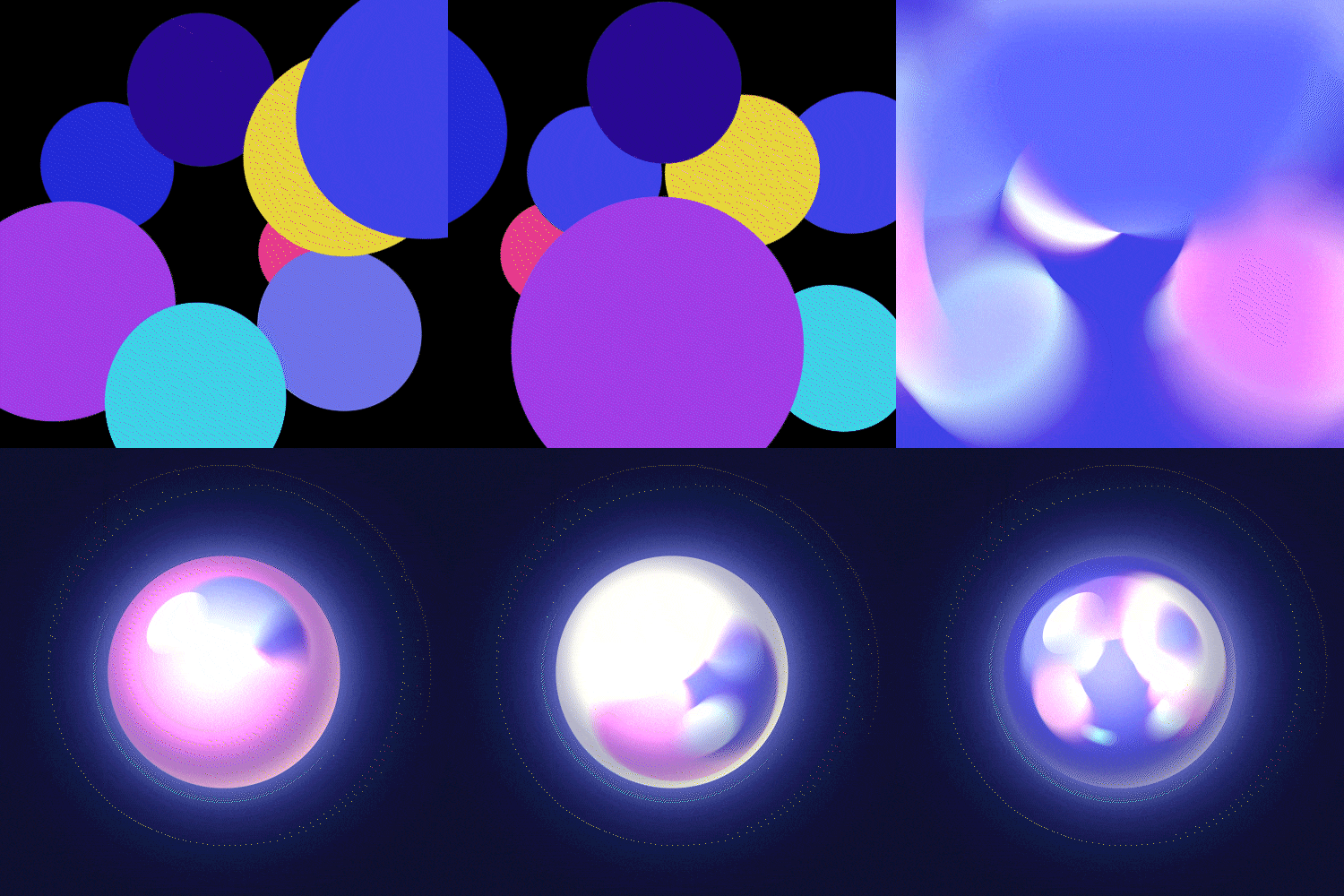 Building Details on Objects through Material and Light ExpressionsNext, we explore how to specifically arrange and connect actual cuts, as well as what devices are needed to express the intended emotions using TVPaint.
-
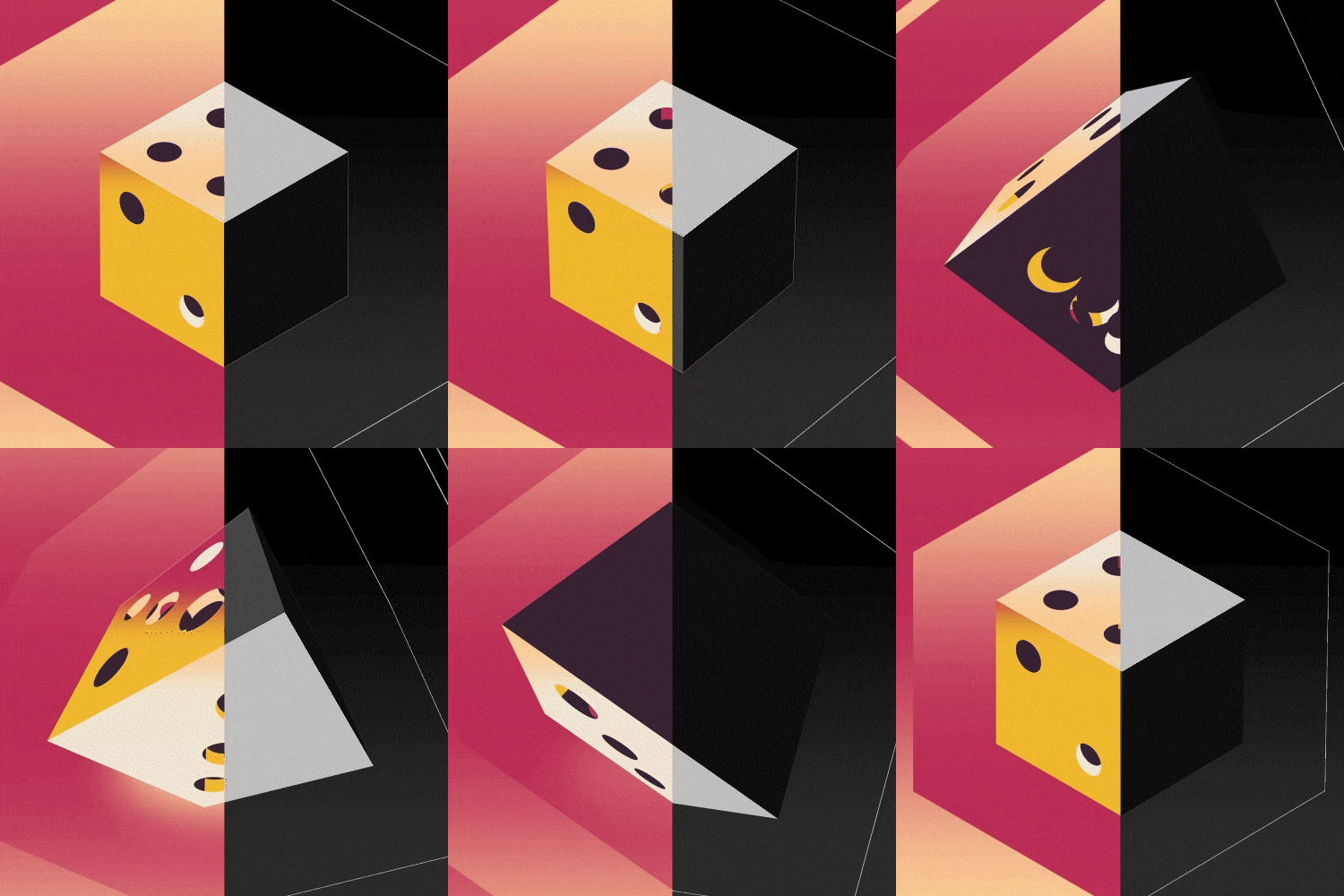 3D Layers and CamerasUnderstand the concepts of 3D and camera layers that transcend the limits of 2D animation in After Effects, and learn various skills to combine with 2D motion graphics.
 -
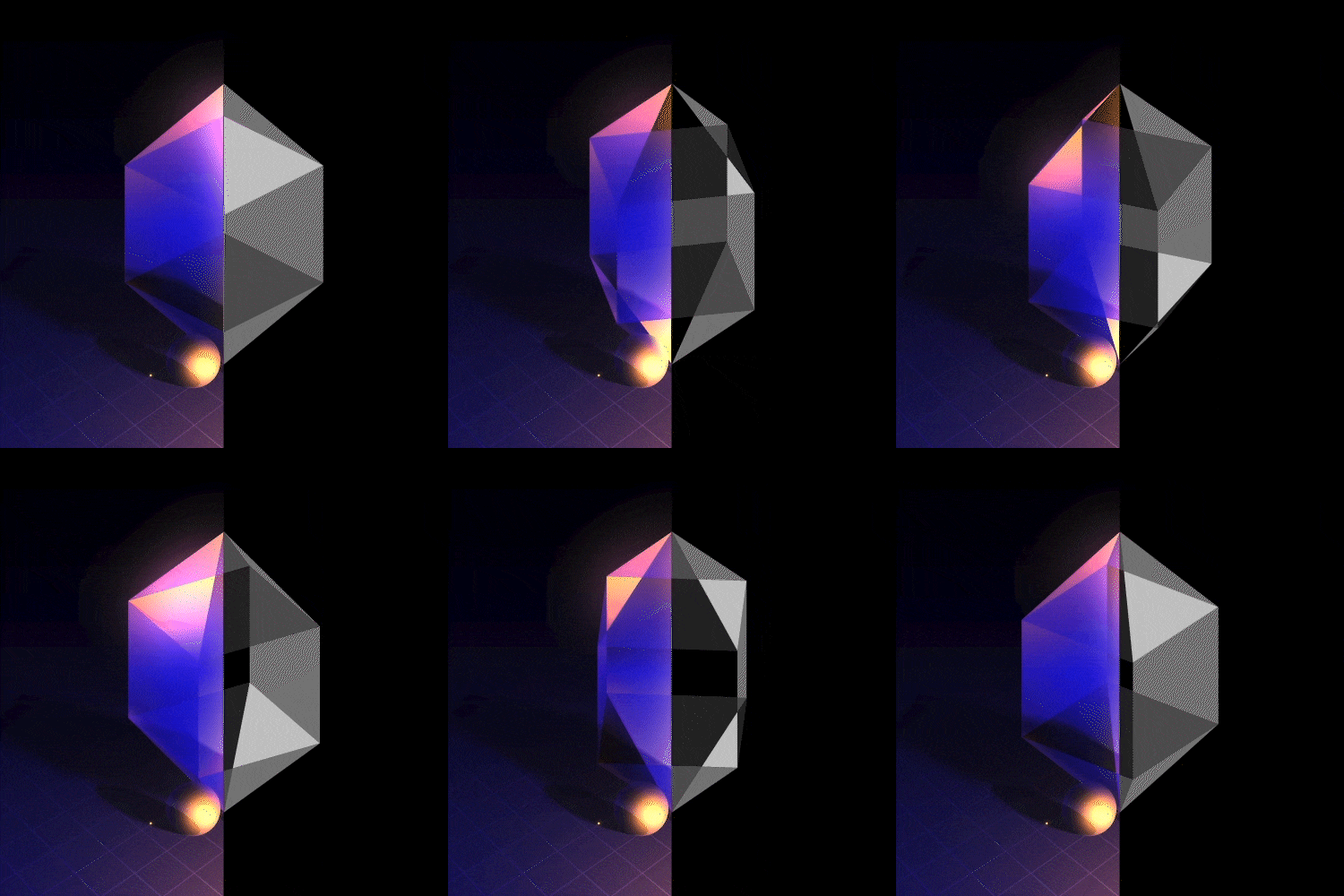 Various Types of Fake 3D ObjectsLearn how to easily approach and implement complex-looking Fake 3D objects using only Shape layers and basic effects.
 -
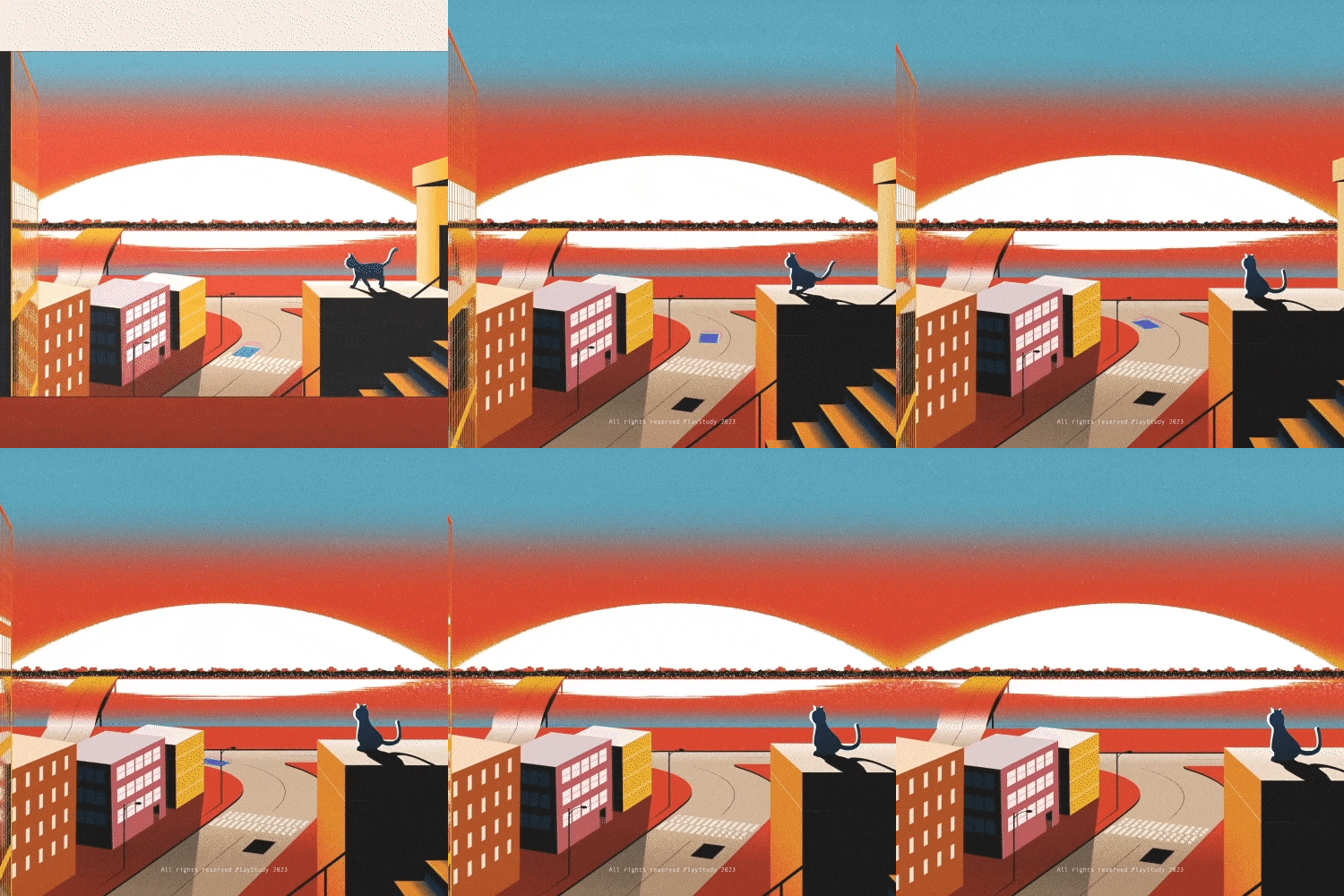 Tips for Rapid Growth as a Motion Graphic DesignerWe will delve into the instructor’s unique methods that have led to exponential growth, as well as the insights gained on the journey to becoming a motion graphic designer.
*The images above are provided as examples to illustrate the course.
- Unlimited Access
- Best Price
Buy now, get unlimited access.
10/26 (Mon) (UTC-7) Special offer ends soon.
This special offer ends soon.
Buy now and save!
Curriculum
Curriculum
In-Depth Look
SECTION 01. Intro
01. Orientation
- Introduction to Motion Graphic Designer seven
- Introduction to the Curriculum and Direction
SECTION 02. Introduction to After Effects
02. Downloading After Effects and Scripts
- Downloading After Effects
- Downloading Free Scripts Used by Motion Graphic Designer seven
- Introduction and Setting of After Effects Panels
03. Frequently Used Functions in Motion Graphics
- Introduction to Functions Frequently Used in Motion Graphic Production
- Creating Various Effects with Effects
SECTION 03. Animation
04. Keyframe and Graph Basics
- Types of Keyframes and Graphs
- Various Types of Graph Animations
- Differences in Animation Based on Graph Values
- Learning Basic Animations Using Keyframes and Graphs
05. Bouncing Ball Animation
- Expressing a Realistic Bouncing Ball Animation Applied with Gravity Using Graphs
06. Freely Moving Ball Animation
- Learning the Path Function That Easily Controls Curves
- Various Methods to Create Natural and Fluid Animations
- Creating a Freely and Smoothly Moving Ball Animation
07. Completion of Ball Artwork
- Creating Various Styles of Ball Objects Using Material and Light Expression
- Applying These to the Exercises Created in Chapters 6-7 to Complete the Artwork
SECTION 04. Tunnel Artwork
08. Understanding Shape Layer Properties
- Understanding the Properties of Shape Layer, Which is Fundamental for All Motion Graphics
09. Creating a Base Animation
- Using Shape Layer and Basic Effects to Create Base Animation for a Tunnel Artwork that Continuously Keeps Sucking In
10. Completion of Tunnel Artwork
- Completing the Artwork by Applying Gradient and Light Expressions to the Base Animation
SECTION 05. 3D Layer Animation
11. Understanding the Concept of 3D and Camera Layer
- Essential Functions to Utilize 3D in After Effects
- Learning about 3D Layer, Camera, and Cinema 4D Renderer
- Expressing Depth in Shape Layer Using Cinema 4D Render
12. Creating a Cube Base Animation
- Creating Cube Objects Using Shape and 3D Layers
- Creating a Base Animation Where the Cube Rotates
- Adjusting Camera Angle of View to the Extreme
13. Completion of Dice Artwork
- Adding Color and Dice Detail to a Cube
- Completing the Artwork by Applying Material and Light Expressions to the Dice Object
SECTION 06. Fake 3D Animation
14. Cube/Cylinder Fake-3D Object (1)
- Creating Cubes using Shape Layer and Basic Functions
- Creating a Cylindrical Fake-3D Object
15. Hemisphere/Cone Fake-3D Object (2)
- Creating Hemispheres Using Shape Layer and Basic Functions
- Creating Conical Fake-3D Object
16. Crystal Fake-3D Object
- Learning the “Create Nulls from Paths” Script
- Creating Crystal Objects Using the Shape Rig Function
17. Completion of Crystal Artwork
- Expressing the Unique Light Refraction of Crystals Using Gradients
- Completing the Artwork by Adding Density with Background Depiction, Light, and Shadow Expressions
SECTION 07. Space Animation
18. Creating a Base Animation
- Expressing Sense of Space Using Camera and 3D Layer한 공간감 표현
- Creating the Base Animation of a Space Artwork Using Shape Layer
19. Completion of Space Artwork
- Creating a Sphere Object with Spectacularly Moving Light
- Creating Planet Objects and Rings Using Fractal Noise
- Creating Star Particles Using CC Particle World
- Completing the Space Artwork by Adding Detailed Background Depiction and Density
SECTION 08. Outro
20. Tips for Rapid Growth as a Motion Graphic Designer
- My Experience and Love For Motion Graphics
- Reflections on My Journey as a Motion Graphic Designer
- Self-Study Knowledge and Five Tips for Growing in Motion Graphics
Interview with
Motion Graphic Designer seven

Question.01
What do you consider your strengths
when you work?
I believe my greatest strength is my fast work speed, which is only possible thanks to an efficient process. Based on my experience of self-learning After Effects, I have prepared a curriculum so beginners can easily and quickly learn trendy and aesthetic motion graphic skills.
Question.02
How are your unique strengths integrated
into this class curriculum?
I will provide various exercises based on my efficient process. Through this, you can acquire foundational animation skills as well as core skills in trendy and aesthetic motion graphics like Fake 3D.
Question.03
What do you think makes this class unique?
Even beginners can learn how to utilize After Effects 200% and master core motion graphic skills through various exercises. Experience a curriculum that allows you to grow further as a motion graphic designer while creating sophisticated and detailed artwork.
Question.04
Please leave a message
for students and junior creators.
This class covers a diverse and systematic range of topics from trendy motion graphic skills to composing eye-catching artwork. If you've ever seen my work and thought, “I want to become a motion graphic designer who can do the same,” this class is perfect for you. Don’t miss out!
Required Programs
This course will use Adobe After Effects 2021.
Please purchase and install these program(s) for an optimized class experience.
*These programs and/or materials will not be provided with the course.
Recommended
Recommended Class
Like this class?
Then check these out!