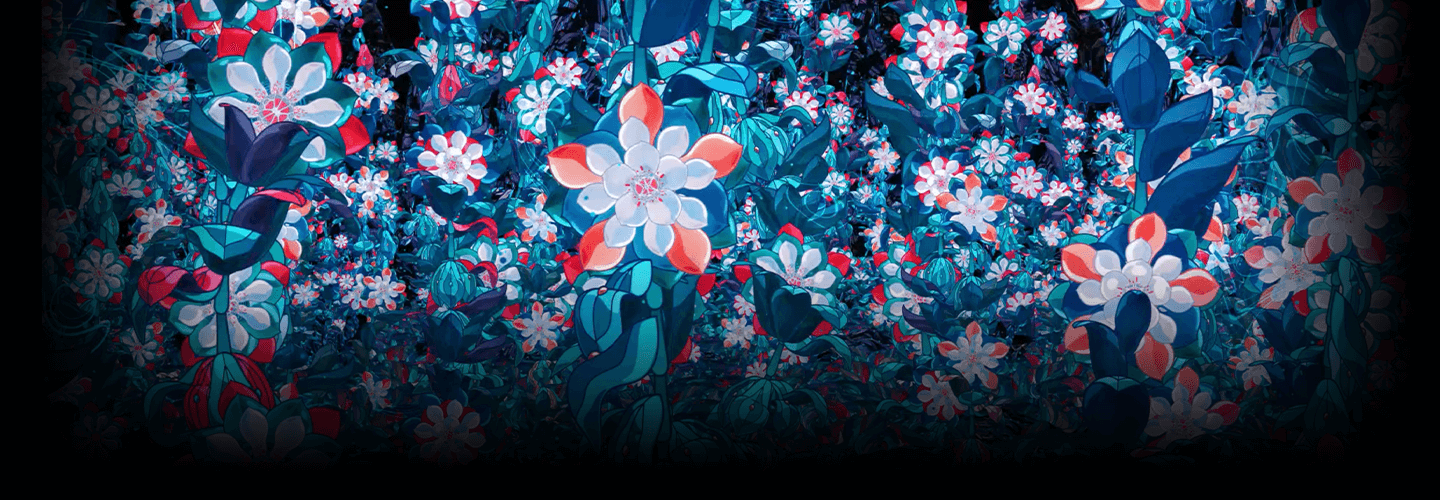
MotionDesigner,HidekiInaba Details
Intro
Class Intro
Motion Designer, Hideki Inaba
Get ready to create fantastic animations with Motion Designer Hideki Inaba who is highly acclaimed overseas for expressing the world of nature like a fairy tale in his animations!
In this class, you will learn everything about creating precise animations, from the process of ideating loop animations to the secret of designing attractive layouts, highly detailed expression methods, and efficient work techniques using Duik and AE.
Expert Motion Designer Hideki Inaba's Portfolio
Instructor
Motion Designer
Hideki Inaba
Nice to meet you. My name is Hideki Inaba.
I have previously worked at a CG video production company and am currently working as a Motion Designer.
I specialize in creating precise animations using unique animating techniques and work on projects in various fields such as CM, MVs, OOH, etc.
In 2017, I participated in Red Hot Chili Peppers "Getaway Tour Viz" as a filmmaker and collaborated with overseas artists at film festivals and media such as Pictoplasma, Reading & Leeds Festivals, This is Colossal, and The Verge. In addition, the video work "Slowly Rising" was selected as one of the jury-recommended work for the 20th Japan Media Arts Festival.
I recommend this class to those wanting to improve their skills and acquire know-how for high-quality animation production with themes of various natural worlds.


Motion Designer,
Hideki Inaba
[Current]
Motion Designer
Recognizable
Projects & Awards
[Former]
Worked as a video creator after working at a CG production company
P.IC.S.management affiliation
[Projects]
Red Hot Chili Peppers "Getaway Tour Viz"
Twice Live
Yuzu Live
millennium parade "Trepanation" MV
YOASOBI "If life can be drawn" MV
Eve "YOKU" MV
Mafumafu "Kimi no Kureta Asterism" MV
Such
[Client work]
SHISEIDO - 2019 SHISEIDO Holiday Campaign
ALBION - Skin Conditioner Web Movie
Netflix - “Disjointed” Season 1 Episode 10 Animation
LINE - [LINE 10th Anniversary] Get closer to the future
KATE - Kanebo Cosmetics KATE "Truthful Lips" Exhibition
Chupa Chups
PARCO - Shinsaibashi PARCO Opening Advertisement MOVIE
BAOBAO - SPRING SUMMER 2021
MTV - MTV ULTRAHITS stationID
Such
[Awards]
25th Agency for Cultural Affairs Media Arts Festival Entertainment Division Jury Selections [Haruka 2020]
Best of Stash 2019 / MUSIC VIDEOS [Canigou - Tape]
20th Japan Media Arts Festival / Jury Recommendation [Slowly Rising]
Vimeo Staff Picks
6 Class Exercises
-
 Forest
 -
 Ocean
Ocean -
 Sky
Sky
-
 Underground
 -
 Meadow
 -
 Winter
Highlights
Class Highlights
From the Basics of Animated Illustrations to Loop Animation Production
Utilizing the provided materials, I will teach you the basics of movement, how to add animation to materials and loop them, layouts that give a three-dimensional effect, and tips on creating highly-detailed animations.
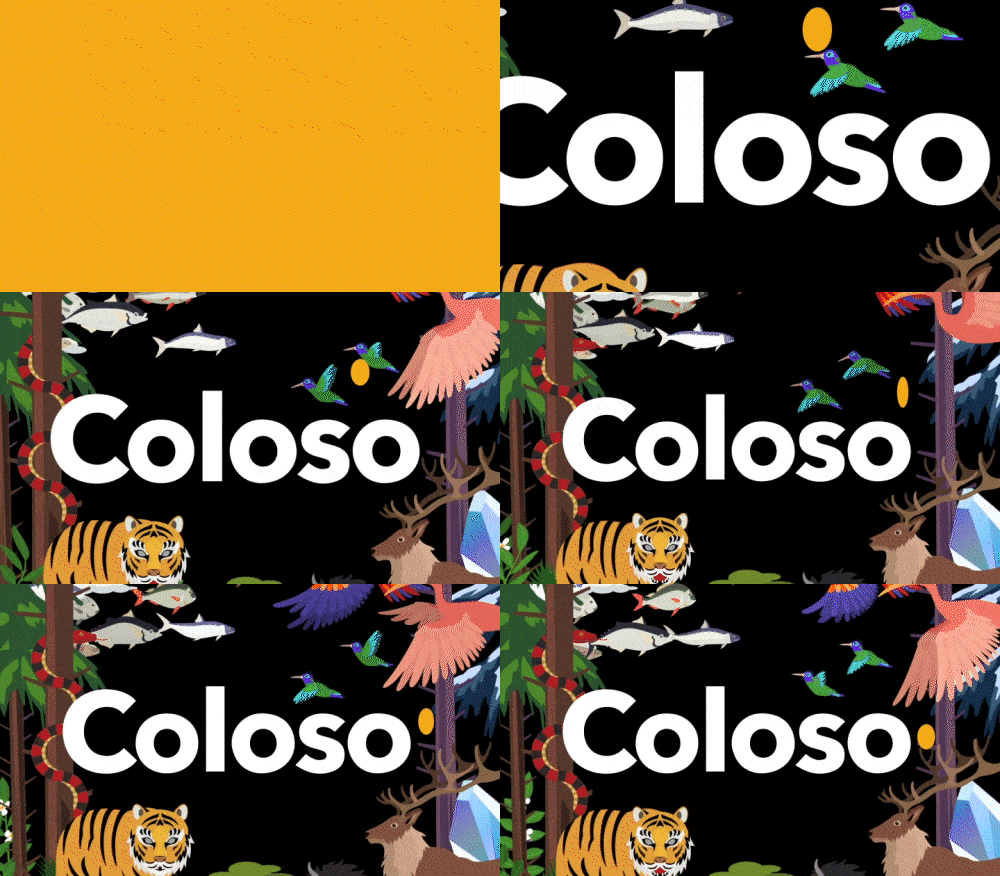
Easy-To-Understand Tips to Improve Work Efficiency
Based on the basic functions of After Effects, you will learn an efficient way to express a sense of space and depth in an animation scene with as few steps as possible and with simple ideas.
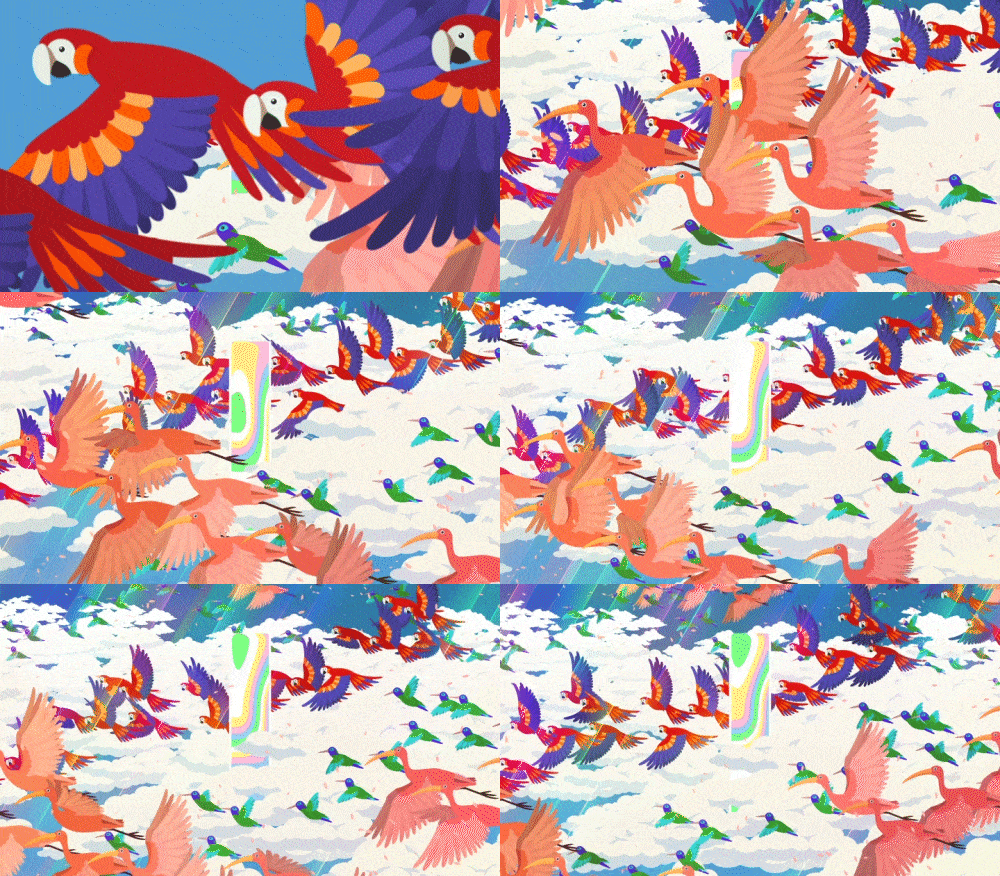
Layout Know-How to Give Objects a Three-Dimensional Effect
You will learn about everything from attractive layout skills that you can use to place illustration materials in a world with details, to composing natural composites.
Class Details
You'll Learn
-
 Material Production Know-How to Use in Practical WorkI will teach you how to design materials for practical work by sharing how to create unique and easy-to-animate illustration materials.
 -
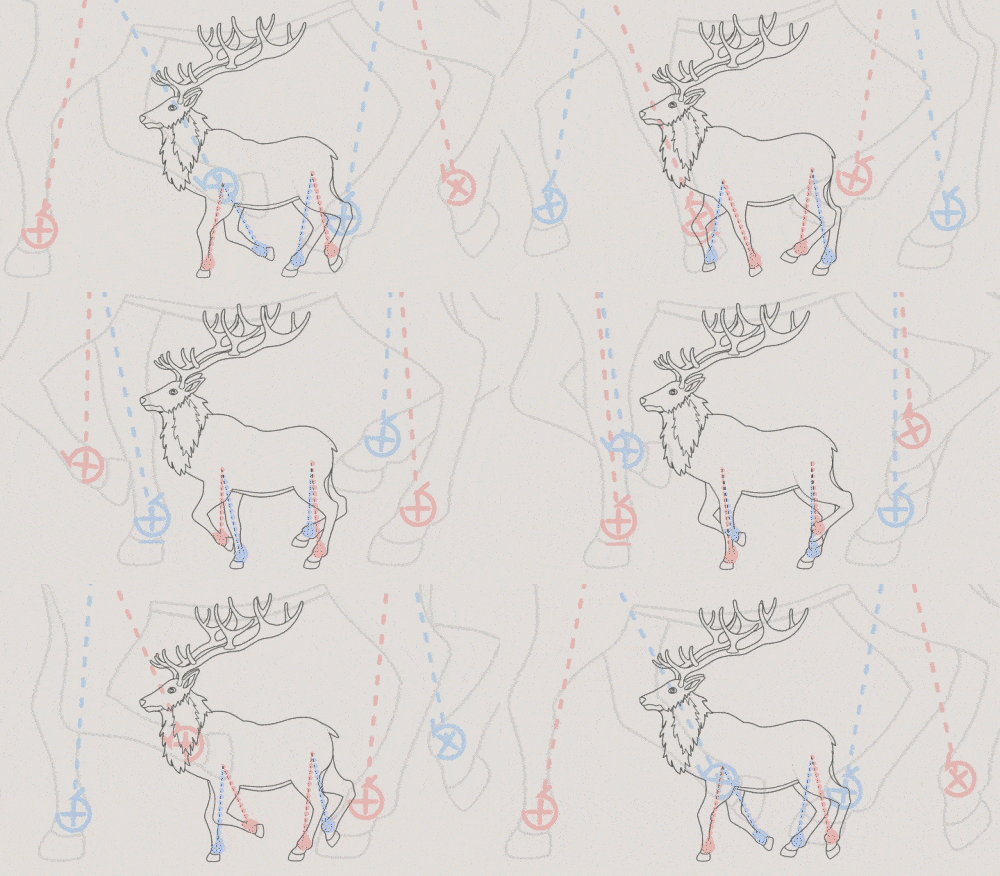 How to Animate with Handy Rigging TechniquesBy applying rigs to illustrations using Duik, a free plug-in, you will learn an efficient way to add movement the easy way.
 -
 All about Animated Illustrations and Loop Animation ProductionLearn everything step-by-step, from the basics of giving movement to illustrations through things in nature such as living things, plants, and minerals, to creating simple loop animations.
-
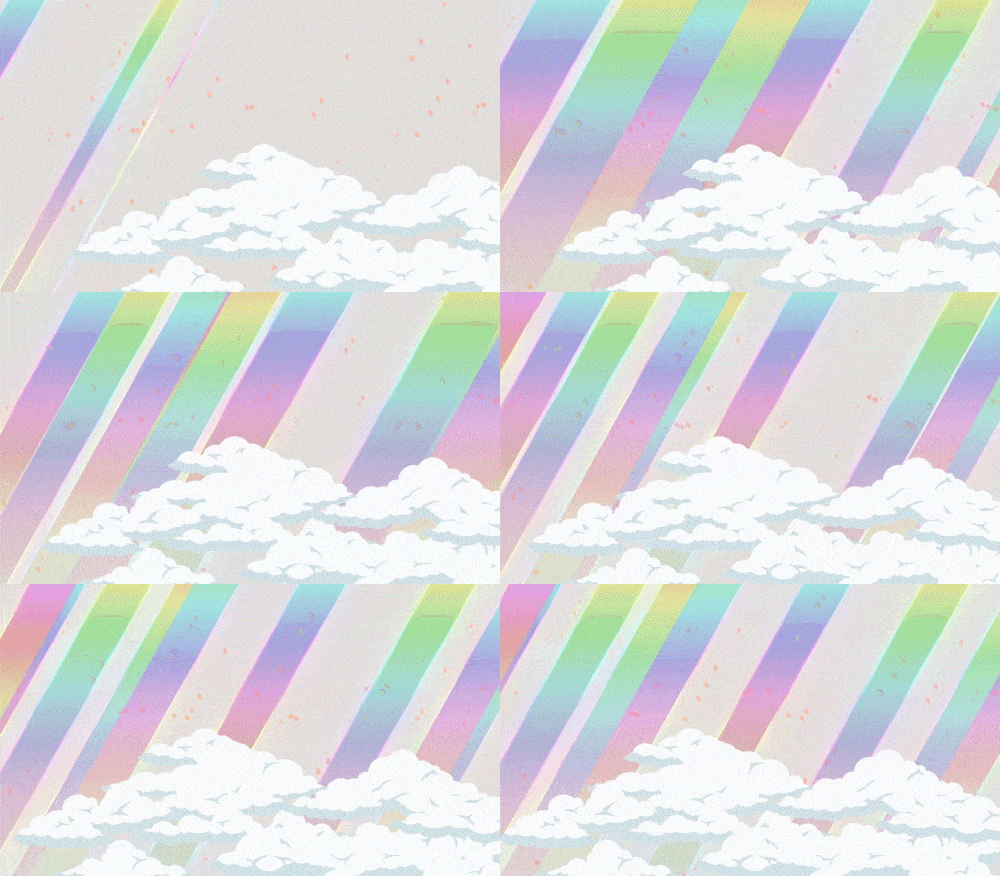 Creating Simple Yet Attractive ParticlesIncrease the quality of the scene by create simple yet eye-catching particles with unique and highly detailed expression techniques of Hideki Inaba.
 -
 How to Quickly and Easily Organize Your CompositionBy combining formulas and processes, I will teach you how to create a complicated-looking procedural composite the easy way.
 -
 The Secret of an Attractive Layout That Enhances the Quality of Your WorkUnderstand the layout know-how to express illustrations in a more 3d way and learn how to create a highly-detailed scene based on the color tone and distance of the material.
- Unlimited Access
- Best Price
Buy now, get unlimited access.
12/31 (Sat) (UTC-7) Special offer ends soon.
This special offer ends soon.
Buy now and save!
Curriculum
Curriculum
In-depth Look
SECTION 01. Introduction
01. Introduction
- Introduction of the course and instructor
SECTION 02. Material Production Preparation
02. A Rough Production
- Rough drawing to give movement to the illustration
03. Adding Details Using Illustrator
- How to create anchor points to move Duik smoothly
- How to use path in Illustrator
- How to create materials for coloring with After Effects
- How to adjust the canvas size in Photoshop, which makes it easier to operate in After Effects
04. Plug-in Preparation
- Installing Duik Bassel
SECTION 03. Forest
05. Animation Production 1
- Creating leaf texture composition
- Preparing the Displacement map
- Animation production of swaying leaves
- Create multiple leaves on Procedure
06. Animation Production 2
- Snake animation
- Create an animation of a tiger using Duik
- Creating wood textures using Index
07. Text Animation 1 & Applying Transitions 1
- Text animation production
- How to apply transitions
08. Layout Production 1
- Create a scene by laying out leaves, snakes, tigers, trees, and letters
- Production of camera work
SECTION 04. Water
09. Animation Production 3
- Producing texture composition of fish, whales, and shachi
- Preparing the displacement map
- Creating an animation of fish, whale, and shachi
- Create multiple fish on Procedure
10. Animation Production 4
- Producing texture composition of jellyfish
- Preparing the displacement map
- Jellyfish animation
- Create multiple jellyfish on procedure
- Creating an animation of bubbles
11. Layout Production 2 & Applying Transitions 2
- Create a scene by laying out fish, whales, killer whales, jellyfish, bubbles, and letters.
- Production of camera work
- Applying transitions
SECTION 05. Sky
12. Animation Production 5
- Animation production of parrots, hummingbirds and flamingos
- Creating cloud textures using Index
13. Animation Production 6
- Production of blazing light
- Applying particles
14. Layout Production 3 & Applying Transitions 3
- How to use the composition you have made (Layout)
- Create scenes by laying out parrots, hummingbirds, flamingos, blazing light, particles, and letters.
- Production of camera work
- Applying transitions
SECTION 06. Underground
15. Animation Production 7
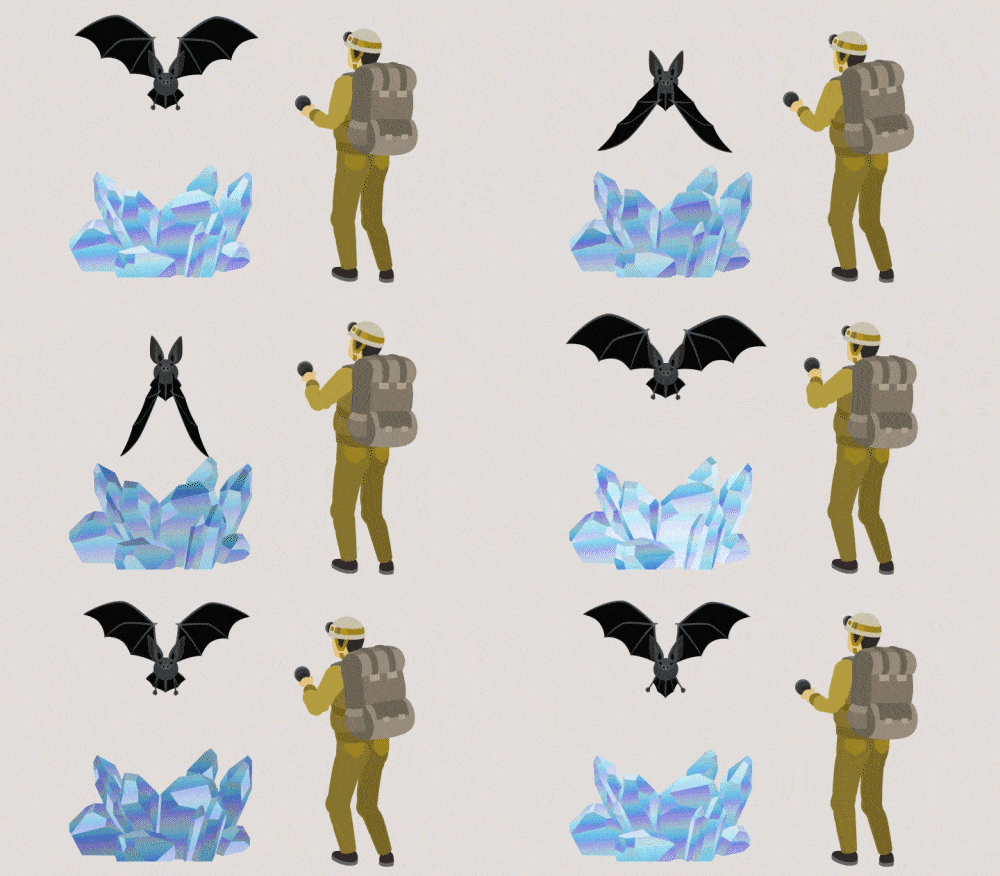
- Animation production of bats, explorers (Duik), and crystals (CC Toner)
- Create a scene by laying out bats, explorers, crystals, and letters
16. Layout Production 4 & Applying Transitions 4
- Create a scene by laying out bats, explorers, crystals, and letters
- Production of camera work
- Applying transitions
SECTION 07. Grassland
17. Animation Production 8
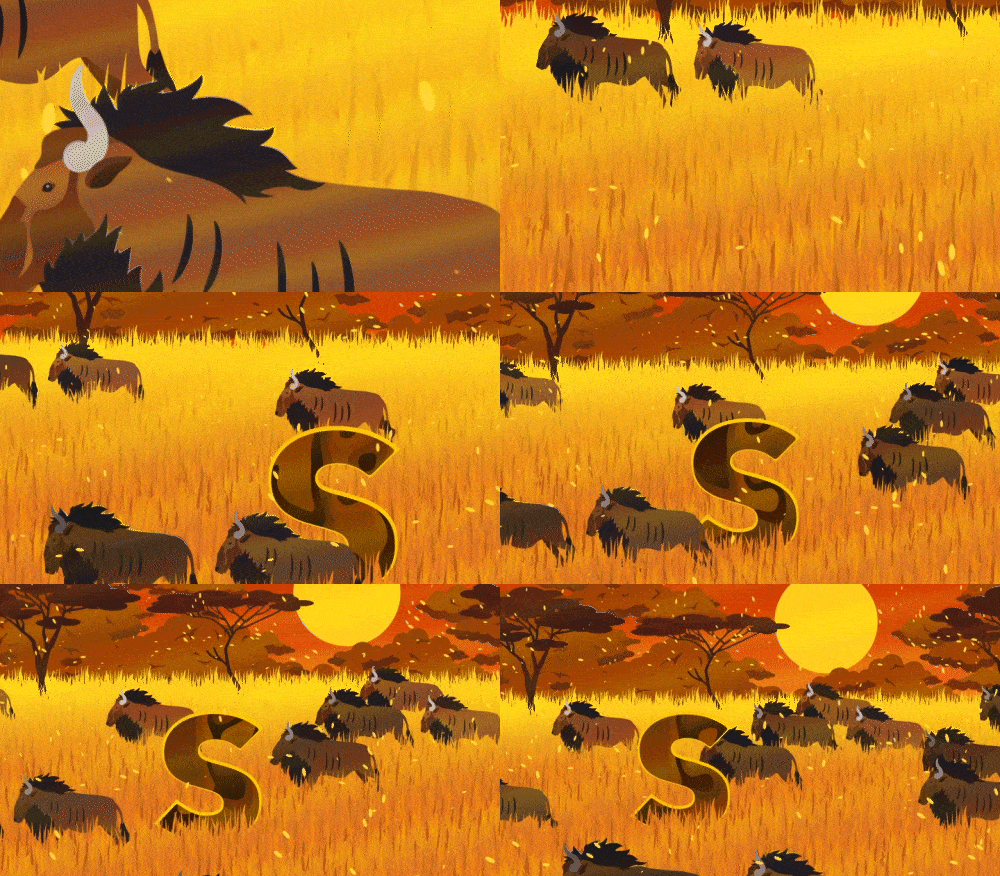
- Animate an Antelope using Duik
- How to use the composition you have made (clouds and particles)
18. Layout Production 5 & Applying Transitions 5
- Create a scene by laying out the antelope, trees, grass, and letters
- Production of camera work
- Applying transitions
SECTION 08. Snow
19. Animation Production 9
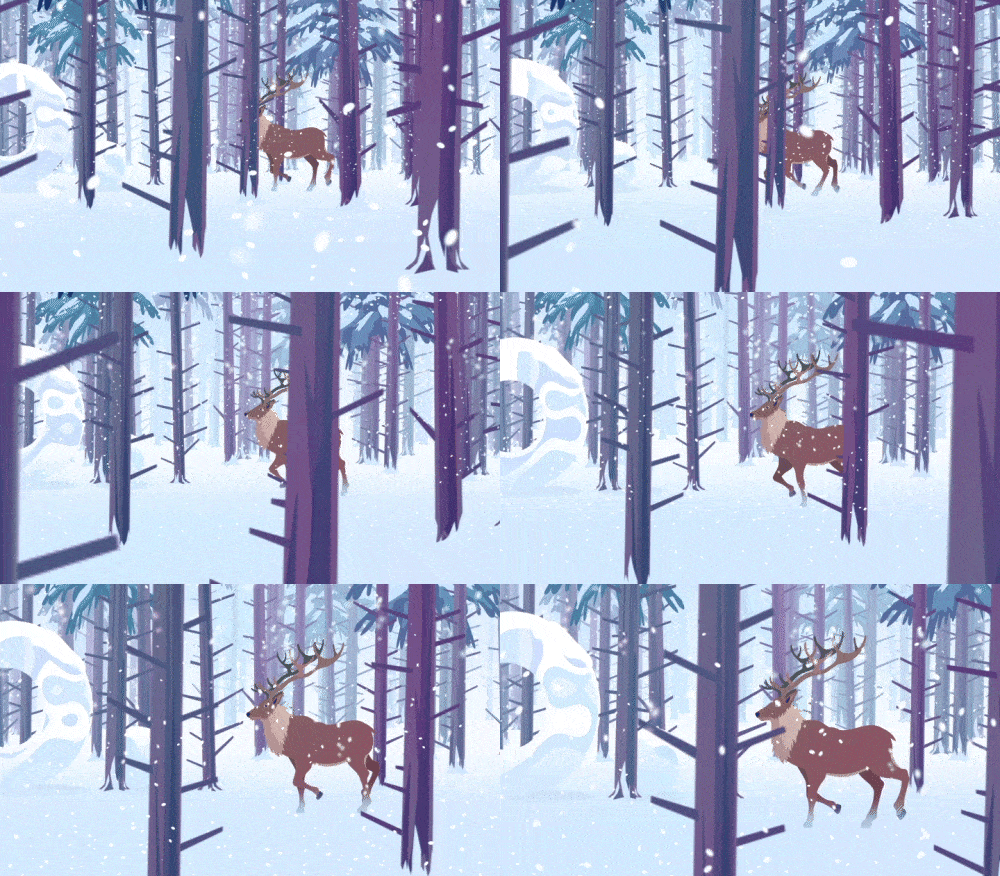
- Create an animation of a deer using Duik
- Produce winter tree texture using Index
- How to use the composition you have made (particles)
20. Layout Production 6 & Applying Transitions 6
- Create a scene by laying out the deer, trees, particles, and letters
- Production of camera work
- Applying transitions
SECTION 09. Finishing
21. Finishing
- Bouncing sphere animation
- Layout the materials produced in Sections 2 to 7
- Arrange all scenes
* Curriculum details are subject to change before and after the release of the video.
Interview with
Motion Designer, Hideki Inaba

Question.01
Please tell us how you started studying motion graphics.
Please tell us how you started studying motion graphics.
I started working at a CG production company for Television shows, and that's how I got into the field of motion graphics. I studied while watching various tutorials about 10 years ago, and I think I was able to make use of the skills I learned there in my work.
Question.02
What do you focus on the most when creating motion graphics and why?
What do you focus on the most when creating motion graphics and why?
I personally believe the order and working hours involved in the production process are the most important. I think we can create more complex expressions by organizing the production process and reducing the number of working hours and the skill to express it is to make beautiful composites. Through this course, I would like to share my tips on creating high-quality scenes with simple processes.
Question.03
What part do you think is the most difficult for people studying in this field, and how can this course help?
What part do you think is the most difficult for people studying in this field, and how can this course help?
I'm well aware that the three-dimensional illustration of an illustration and animating the material are the most difficult. Therefore, in this class, I will explain in detail and easily the parts related to three-dimensionality and movement expression methods.
Question.04
Please share your thoughts about motion graphics with prospective students.
Please share your thoughts about motion graphics with prospective students.
When learning about motion graphics for the first time, you may feel that it is vague and complex, but if you try with a spirit of enjoyment, you will also be able to make all of these things your own one day. I encourage you to take on the challenge.
Required Programs
This course will use After Effects 2023, Photoshop CC 2022, and Illustrator 2022.
Please purchase and install these program(s) for an optimized lecture experience.
*These programs and/or materials will not be provided with the lecture.
Recommended
Recommended Classes
Like this class?
Then check these out!