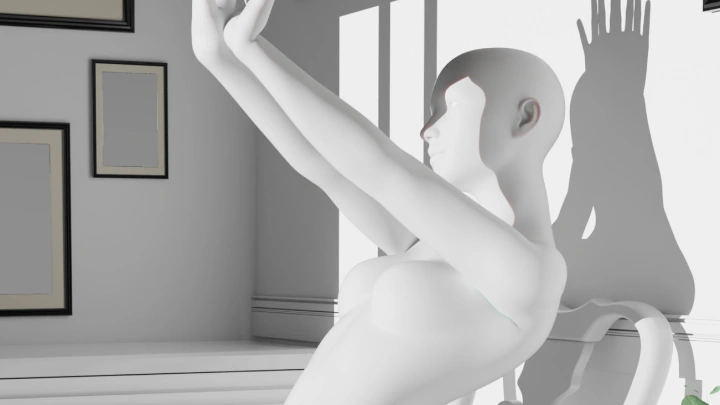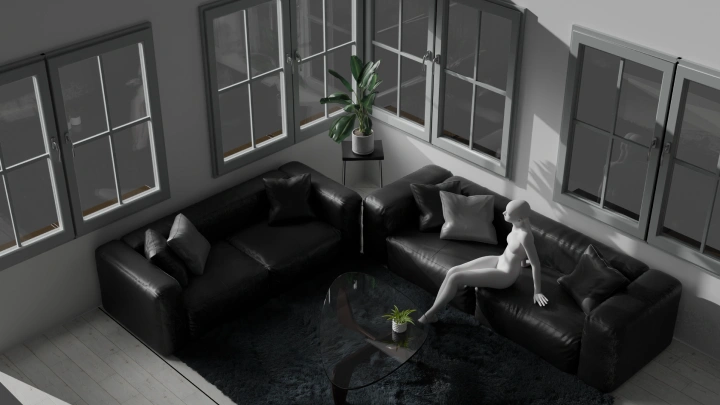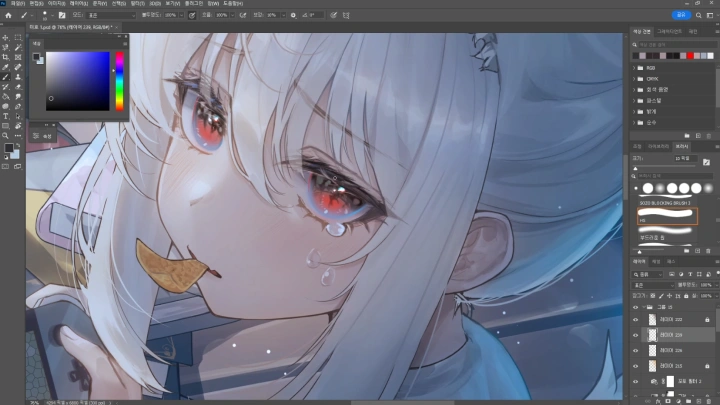
[Course]illustrator,sul,lvin_설,엘빈FC Details
Intro

Now in Your Language, Only on Coloso!
Learn from Korea's Top Master Creatives
-
 Master Illustrators With 28.5K Social Media Followers Combined
 -
 Learn 3D Modeling Techniques to Enhance Creativity
 -
 Real-World Projects That Help You Apply and Build a Portfolio
Mastering 3D Modeling for Stylized Illustrations
One of the most essential skills for illustrators today is the ability to work in both 2D and 3D.
This all-in-one class will be your ticket to mastering 3D modeling and illustration!
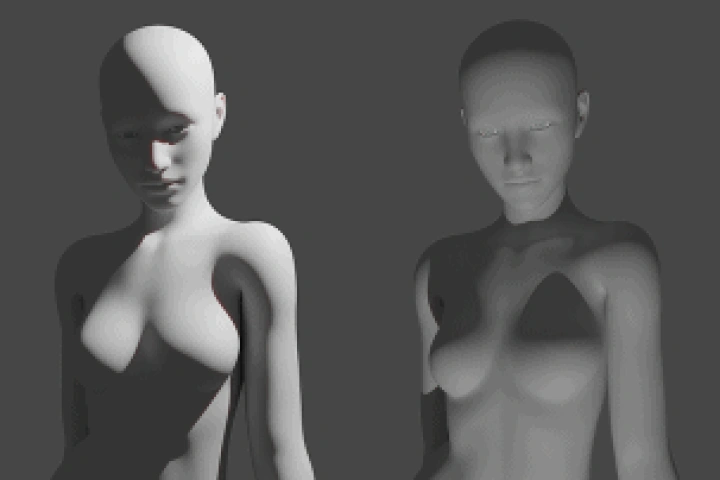
Forget all those complex 3D theories such as sculpting, topology, and particles, and
delve into a beginner-friendly, curated curriculum that focuses on the basics of 3D tools and 3D features that are applicable to stylized illustrations.
Class Preview
Still Not Sure?
Check Out Sul & L'vin's Class Preview!
Chapter 26.Adjustments & Finishing Touches that Make an Illustration Look Complete
1. Catch and Fix Incomplete or Weak Areas
2. Clean Up Messy or Distracting Elements
*The Korean language content in this class preview is translated into English in the class videos.
**The subtitles in this preview video are auto-translated. Please note that some content may not be accurately translated.
***Associated content is subject to change without prior notice.
Class Perks
Get These Coloso Exclusives
-
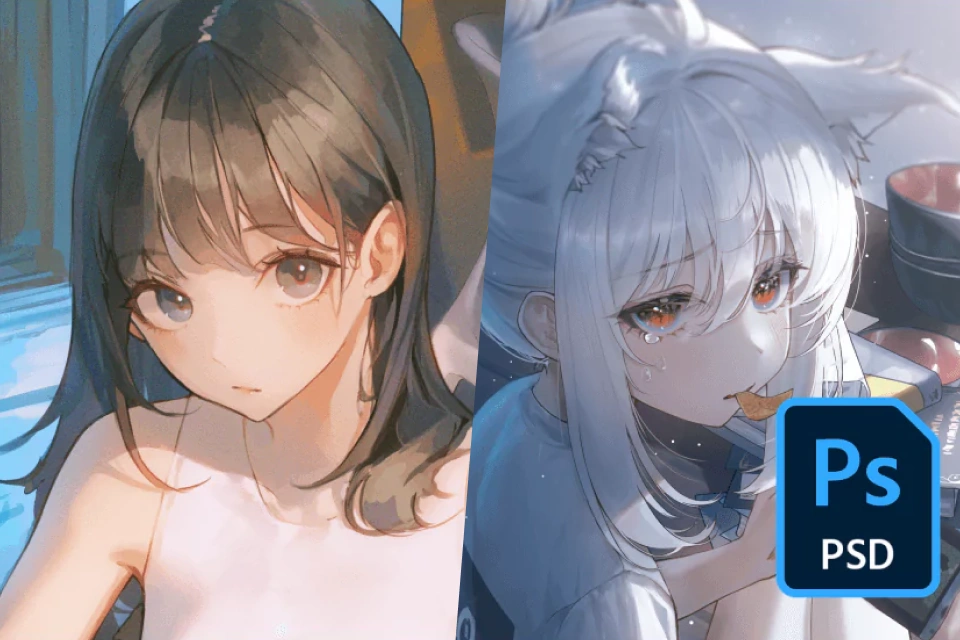 Including the Illustration Work Process,A Total of 8 Step-by-Step PSDs Provided
 -
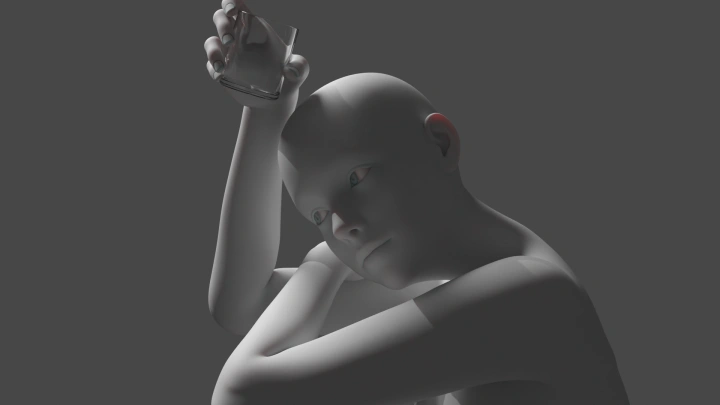
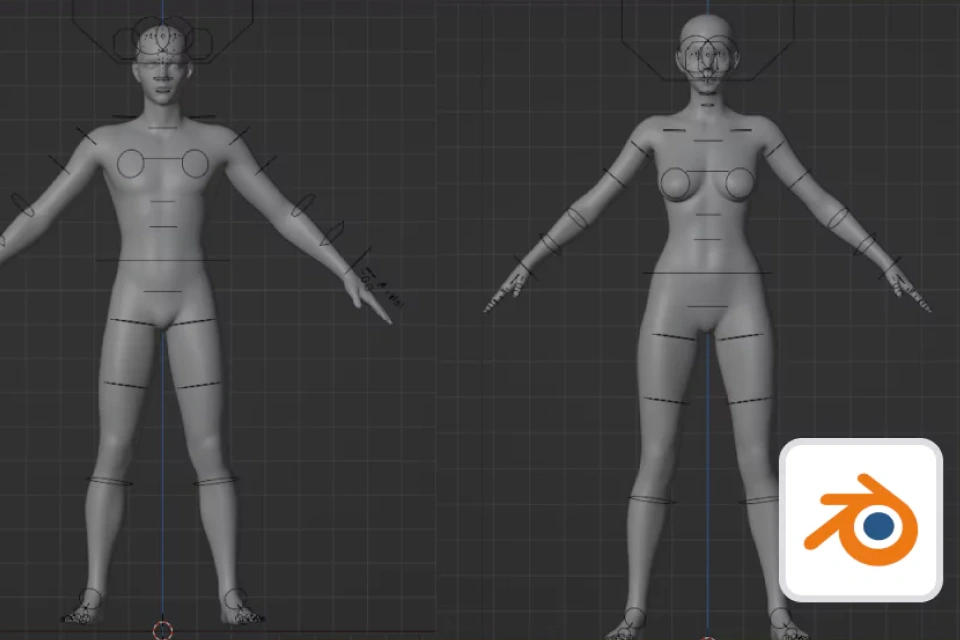 For Creating Anime-Style Stylization,3D Modeling Files of the Human Body Provided
Expert Illustrators Sul and L'vin's Portfolios






Why Take This Class?
A completed PSD file is just one chapter in a book and doesn't tell the whole story of what you've learned along the way.
This class provides not just a completed PSD file, but also step-by-step PSD files that cover the entire class material.
Creating 3D objects from a blank canvas takes a lot of time and hard work. Join this class to get modeling files, including default assets and customizations, and apply them to your illustrations! Don’t waste time and money on other “learn-and-finish” classes. Get hands-on with a thorough curriculum that will level up your skills!

4 Class Exercises
Detailed, Step-by-Step Lessons for Everything From 3D Modeling to Post-correction
Part 1. 3D Model Placement
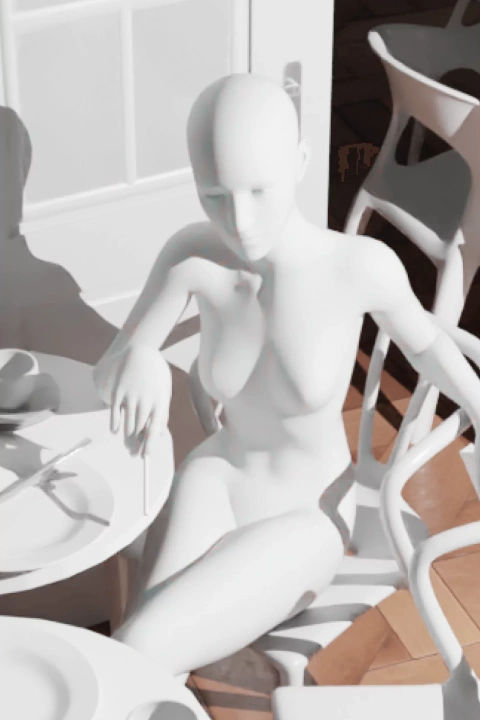
Customize assets to adjust the position and pose of the 3D model to the desired composition.
Part 2. Setting up Lighting
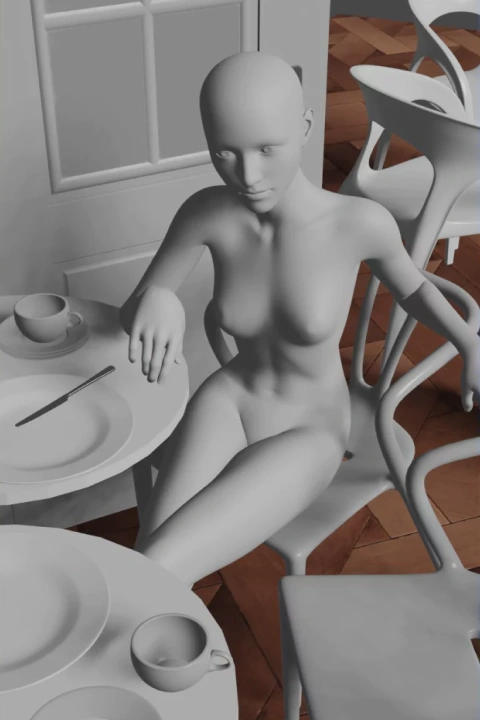
Utilize the lighting features of the 3D program to set the color and direction of the light source.
Part 3. Line Art and Coloring

Create clean line art based on the shape of the 3D model and color it to match the color palette you want.
Part 4. Depiction and Retouching

After bringing out the details of the objects and characters, adjust them to match the mood of the illustration.
Instructor
Illustrators
Sul & L'vin
So many different parts go into the design process for completing a single illustration.
It can take a lot of time and effort to find the right reference, learn what you need,
and apply it to your drawings.
We will teach you how to use
3D tools to work with parts of the human body, contrast, objects, and other difficult areas that artists usually struggle with.
Just follow along to complete a high-quality illustration,
and discover how 3D tools can make your illustration work easier and more enjoyable!


Sul
[Current]
Eight Studio AD
Main instructor at Neo Academy

L'vin
[Current]
Eight Studio Illustrator
Instructor at Neo Academy
Projects & Awards
[Projects]
· Azur Lane event illustrations
· Mahjong Soul event illustrations
· Web novels covers for Novelpia and Naver
Highlights
Class Highlights
Modeling Made Easy with 3D Tools
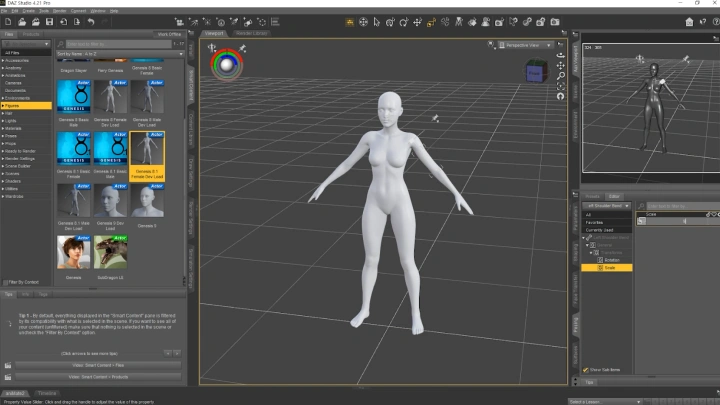
Learn how to create simple and convenient illustrations using the free tools Blender and DAZ 3D. Discover how to go beyond simply applying 3D to your illustrations, and learn how to utilize 3D tools to enhance the final quality of your illustrations.
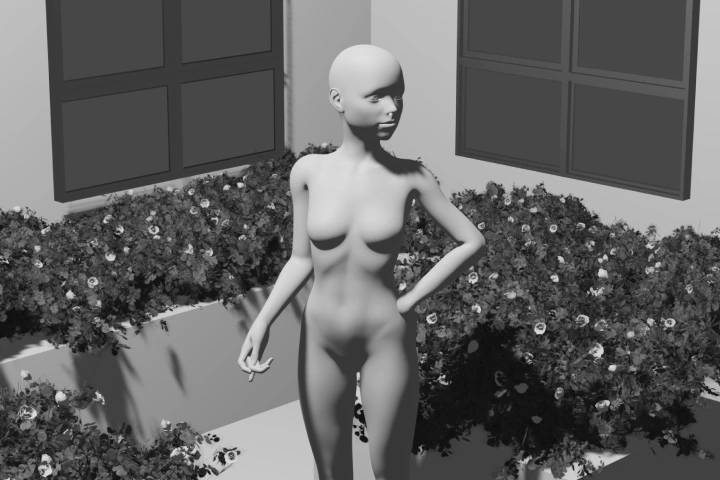
Step-by-Step PSD and Modeling Files
Get your hands on 3D modeling and illustration demonstrations from popular illustrators Sul and L'vin! Learn the core modeling features needed for stylized illustration and the illustration techniques and skill required to use them.

Master the Illustration Process in Simple Steps
This class was designed with a beginner-oriented curriculum using free 3D tools, with a simple interface and easily accessible programs. Learn the skills you need to know in detail with the provided step-by-step PSD and modeling files, as well as final files for a full scope of learning.
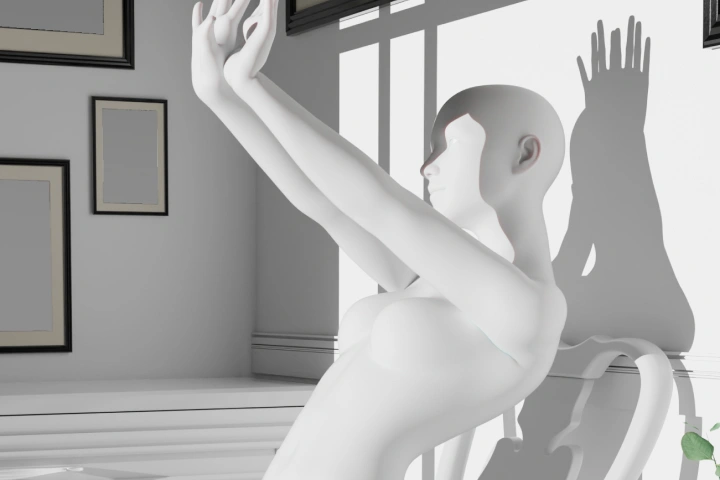
Class Details
You'll Learn
-
 3D Tool Basics for BeginnersThis class starts by teaching you how to use the basic programs. Learn how to install Blender and DAZ 3D, two free 3D tools, and quickly get up to speed on their basic interfaces.
 -
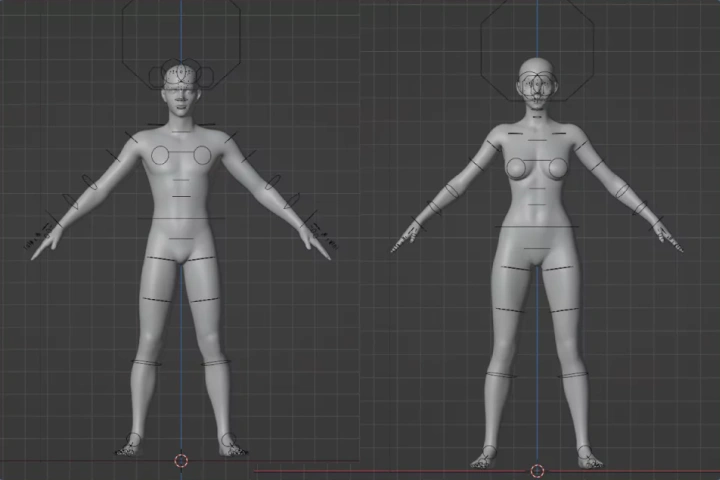 3D Modeling for Illustrations, Made EasyDon't be intimidated by 3D modeling. With this beginner-friendly curriculum, you'll learn how to create 3D models for your illustrations and concepts by playing around with poses, angles, and lighting.
-
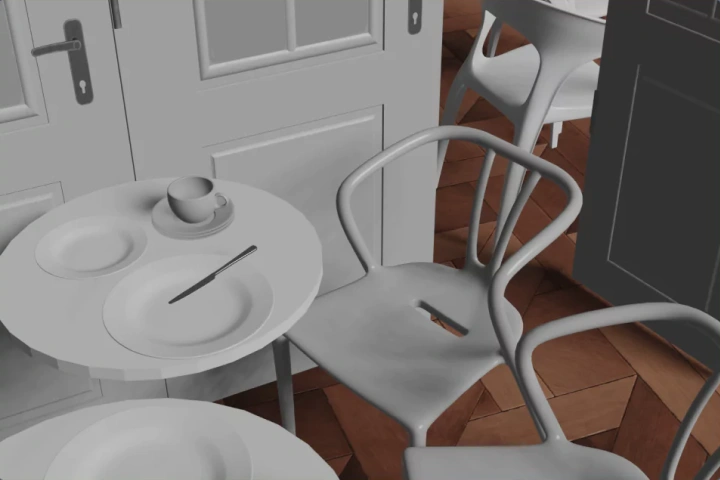 Applying 3D Modeling to Stylized IllustrationsApply simple customizations to your assets for 3D modeling and find out what works for you and your illustrations.
 -
 3D Modeling Techniques to Improve QualityLight is one of the most determining factors for the quality of a character. Play around with different 3D objects, as well as direct and indirect lighting, to create high-quality illustrations.
- Unlimited Access
- Best Price
Buy now, get unlimited access.
12/31 (Sat) (UTC-7) Special offer ends soon.
This special offer ends soon.
Buy now and save!
Interview with
Illustrators Sul and L'vin

Question.01
Who is this class
recommended for?
We recommend this class for those who feel that they don't have enough knowledge about the human body and want to draw more realistically and accurately.
Question.02
What makes this class
stand out from the others?
This class uses 3D tools to create illustrations that are based on 3D modeling.
Instead of starting with a blank canvas, we’ll explain the process of creating illustrations based on 3D human models and objects.
We’ll use the free preset modeling provided by DAZ 3D, which is easy to use once you know how to work with it, to create human body models so even beginners will be able to follow along without high barriers.
Question.03
What are the advantages
of using 3D tools?
When drawing the movement of posed figures, you can get a better sense of the three-dimensionality of the muscles and chunks of skin, and how they change based on the pose. Normally, you’d have to find a reference that closely matches the image in your head to supplement that type of work, but with 3D tools, you can create your own reliable reference!
3D tools also help reduce the likelihood of falling into mannerisms that sometimes make it difficult to draw without a reference.
Most importantly, we believe modeling gives you the freedom to modify the exact shape and movement of different chunks of the human body, as well as the ability to view your compositions from multiple angles to find the best one.
3D tools also help reduce the likelihood of falling into mannerisms that sometimes make it difficult to draw without a reference.
Most importantly, we believe modeling gives you the freedom to modify the exact shape and movement of different chunks of the human body, as well as the ability to view your compositions from multiple angles to find the best one.
Required Programs
This course will use
- Photoshop 2022 CC
- Daz 3D 4.21
- Blender 3.3
Please purchase and install these program(s) for an optimized class experience.
*These programs and/or materials will not be provided with the course.