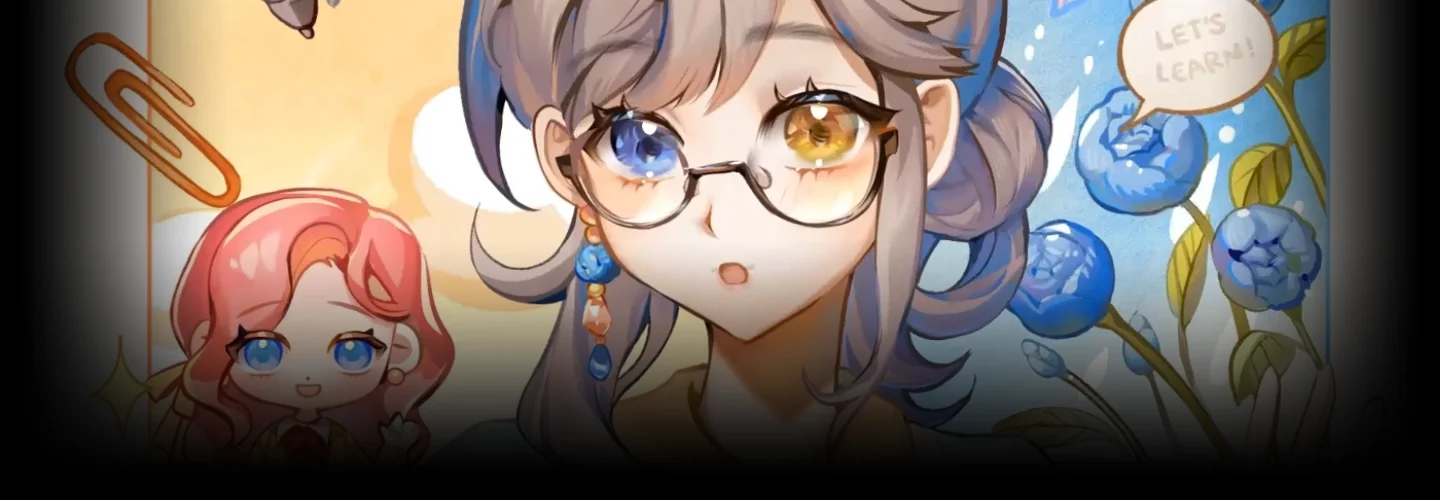
Illustrator,Eggutarto Details
Intro
Break the Boundaries of Illustration
Through Storytelling and Animation!
Hop on to the artistic journey where illustration and animation converge to breathe life into your creations. Eggutarto's class brings a wealth of knowledge and techniques to guide you through the world of Live2D. Experience the magic of 2D animation as we explore techniques that go beyond the boundaries of static illustrations.

Gain hands-on experience starting with planning out the illustration, working with layer separation, and breathing life into the characters through Live2D animation. With a proven track record, including winning the Live2D Creative Awards 2022 (Video Expression Award), Eggutarto will share the techniques gathered and applied throughout the years, guiding you to infuse your artwork with movement and give life to it.
Class Perks
Get These Coloso Exclusives
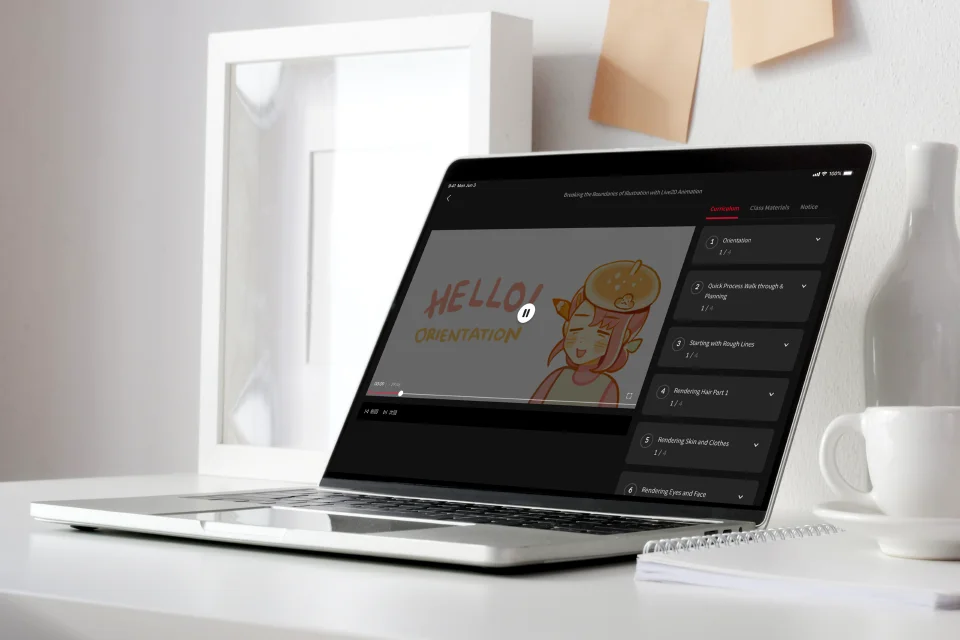
Unlimited Access to All Chapters of Content
All Illustration PSD and Live2D Files
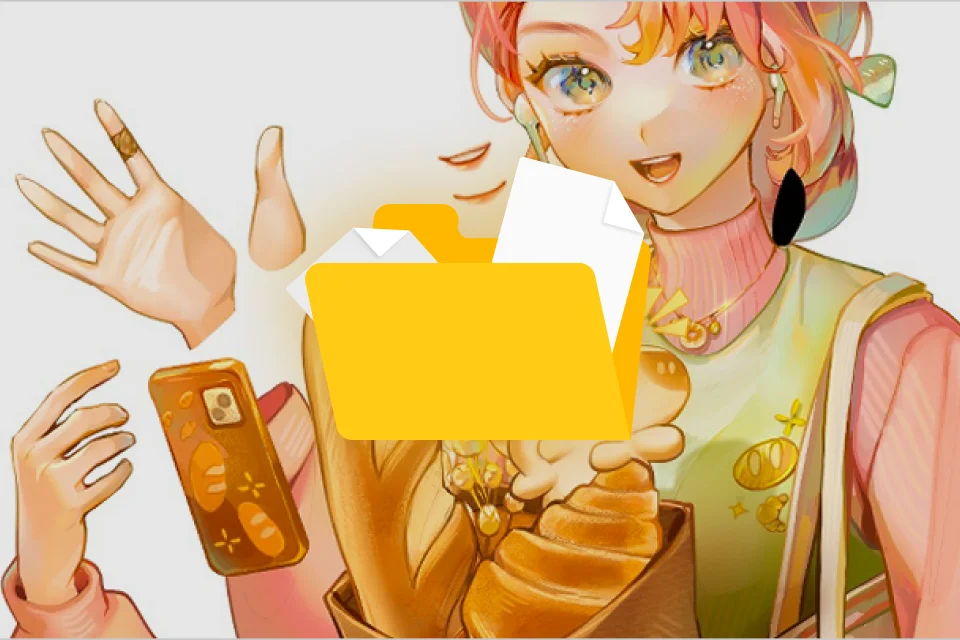
Final Illustration & Bonus Hashtag Event Files
Class Material Details
-
 Illustration Files- 9 Illustration PSD files
 -
 Live2D Files- 6 Live2d Files
 -
 Final Illustration & Bonus Hashtag Event Template- 1 Final Illustration PNG
- 1 Hashtag Event Template
- 4 Guide PDFs
- 5 Bonus Sparkles mp4



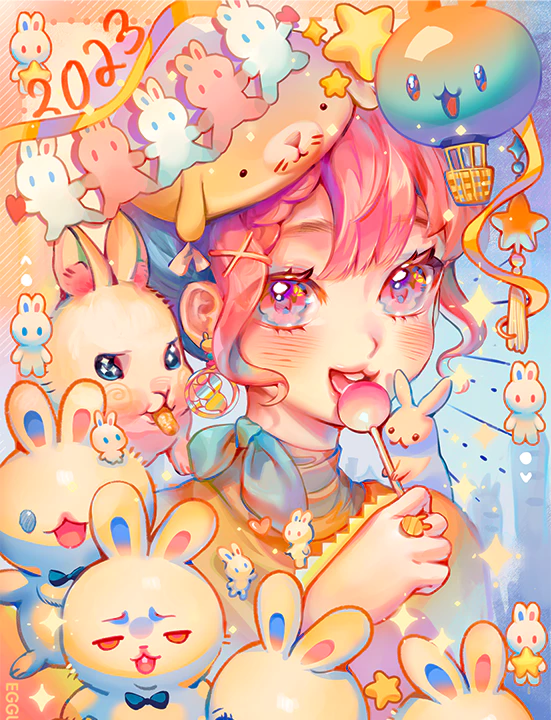
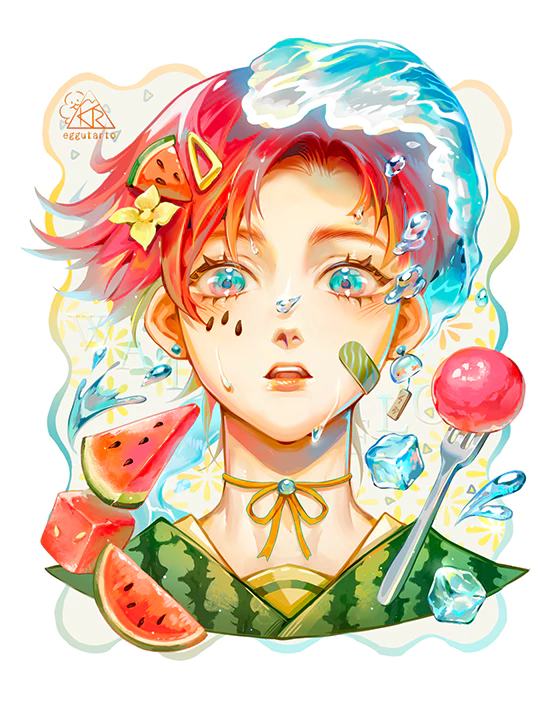
Expert Illustrator Eggutarto's Portfolio





Why Take This Class?
Learn to Capture and Convey Emotions through Illustration in Motion
If you've ever wondered how better to bring your illustrations to life, this class will serve as the gateway to learning from illustrating to animating in Live2D. I'll guide you through the process of breaking free from static boundaries and infusing your artwork with narrative depth and dynamic expression. Whether you're a beginner or an artist with experience, this class provides a comprehensive foundation that will help you elevate your skills and transform your artistic vision into a vividly animated narrative and animation!

Get Ready for the Real-World 9 Class Exercises
-
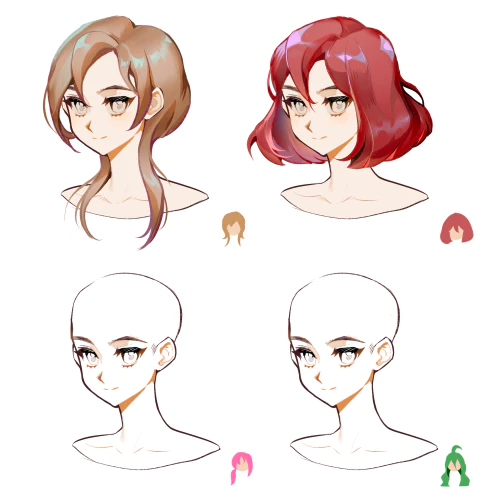 Drawing and Shading Character Hair
 -
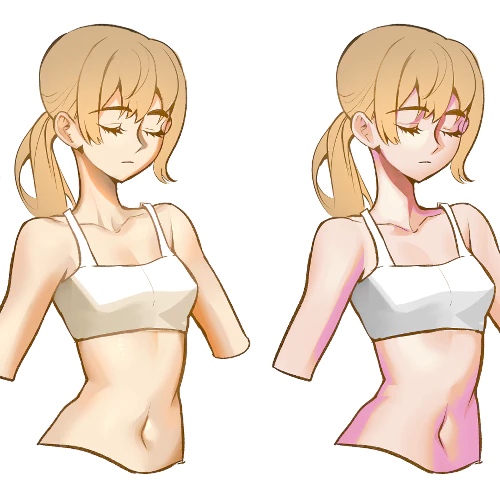 Skin and Clothes Rendering
 -
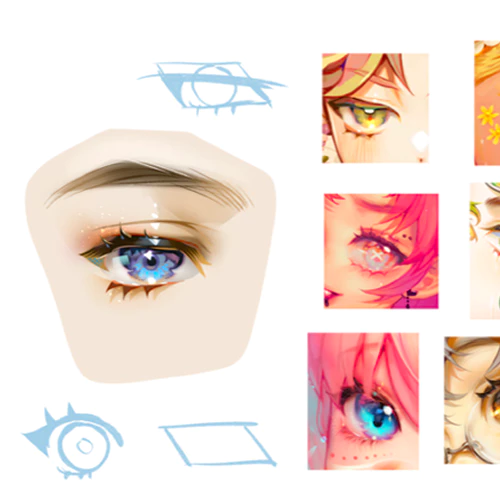 Eyes and Face Rendering
-
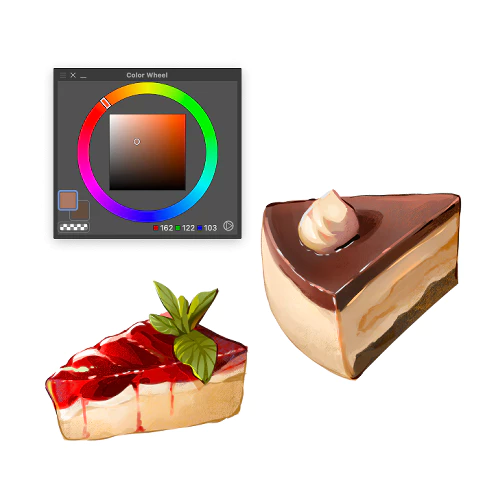 Objects and Materials Rendering
 -
 Layer Separation before Live2d
 -
 Substitute Motion in Live2d
-
 Parameters & Deformers
 -
 Animation and Curves
 -
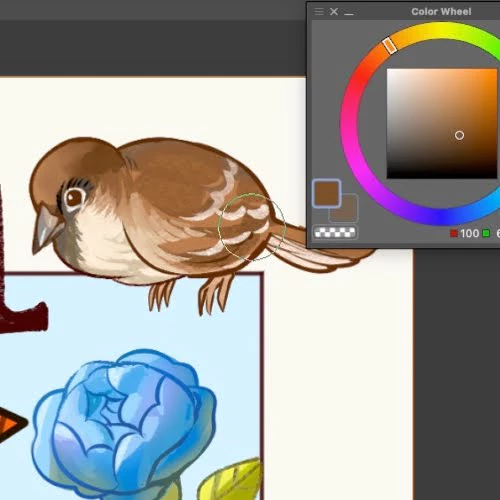 In-Class Demos

Final Illustration & Live2D Animation
Instructor
Illustrator
Eggutarto
Hello! I'm Eggutarto, a freelance illustrator and animator.
Throughout my artistic journey, I've always enjoyed exploring various aspects of media design.
I've been searching for different ways to communicate a narrative or capture a moment that transcends the limitations of a static image, and it led me to discover Live2D, a tool that has become a key component in breathing life into my illustrated artworks and has opened up new doors.
The recognition of winning the Video Expression Award in the Live2D Creative Awards 2022 fueled my passion even more.
I'm thrilled to share my animated illustrations and animation techniques with you. Join me and learn all the intricacies of breathing life into your illustration through animation!

Illustrator, Eggutarto
[Current]
Freelance Illustrator and Animator
Highlights
Class Highlights
Eggutarto’s Drawing Workflow from Sketch to Finish
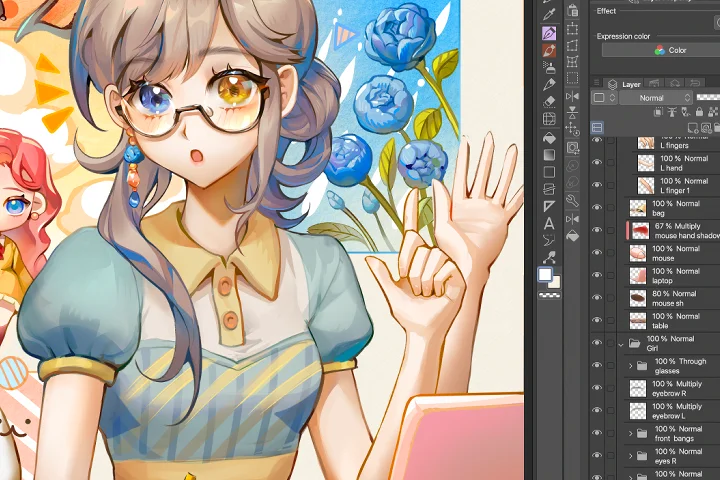
From the initial concept to the finishing touches, you'll learn the steps of line work, shading, and detailing that give your artwork personality. This section specifically focuses on rendering commonly drawn subjects such as hair, eyes, skin, and more. You will also learn tips on animation planning before you dive into your illustration!
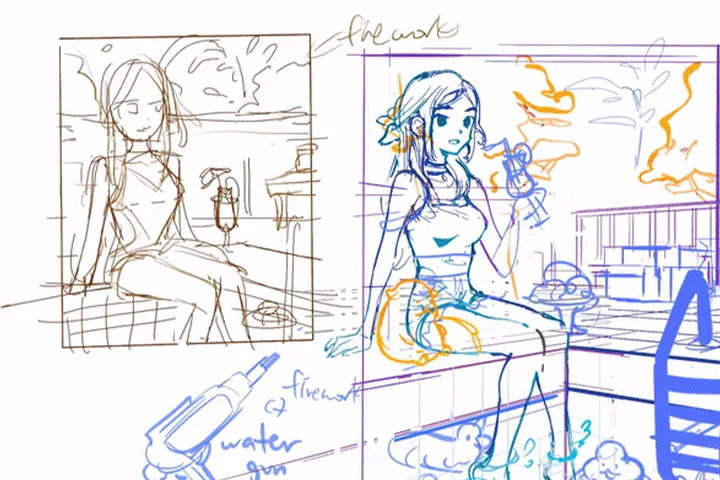
From Illustration to Animation: Layer Separation Explained
To avoid creating a stiff animation of your character, you will have to understand the basics of layer separation first. What layer comes on top of the character's head or their eyes? In this section, you will gain a better understanding of the importance of layering as well as learn how to use masks that can help you achieve specific effects during the rigging process!
Rigging and Animating: Key Steps to Breathe Life into Your Characters
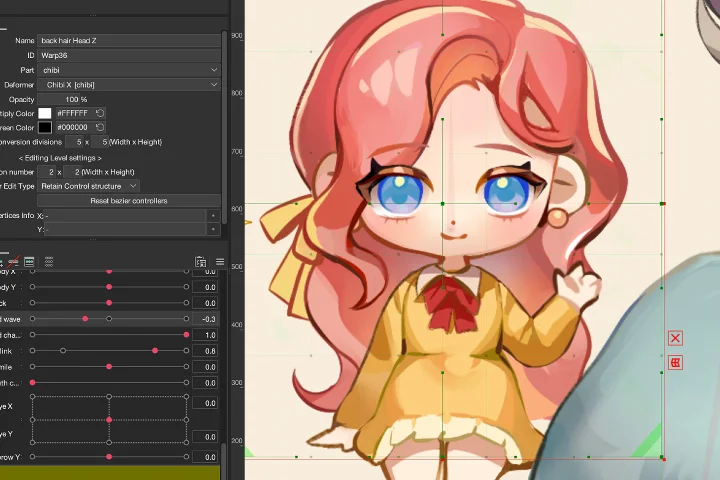
The key skill of this course is not only to learn the basics of the Live2D software but also to learn how to make your characters move smoothly. In this section, you will learn how to use different parameters, curves, and physics to create a live 2D animation of your character!
Class Details
You'll Learn
-
 Illustration Drawing and Rendering TechniquesExplore the steps of creating a character illustration, from sketch to finish. Discover methods to create depth, intricate details, and captivating visual rendering in your artwork. Along with illustration techniques, you will also learn how to plan your animation during the sketch phase.
 -
 Thought Process of Layer Separation of an IllustrationUnderstanding layer separation is the key to a wider range of motion for your animation. Upon learning the thought process as you create your illustration, you will find layer separation much easier to understand.
 -
 Introduction to Live2d: Deformers, Parameters, and PhysicsThis class will teach you the basic functions of Live2D to animate your illustrations. As the workload is comparatively lighter than that of a regular VTuber model, this class will be a fun introduction to the Live2D software!
-
 Substituting Parts for Motion and Changes in Facial ExpressionsYou will learn how to design and plan additional art layers for changing a character's facial expression or movement. How to make the transition smooth and seamless by using parameters will open up many possibilities for your animation.
 -
 Animation Tips and TricksLearn how to use the animation mode in Live2D. By using the curves and keyframing functions just like traditional animation would, you will learn how to make your character come to life! for changing a character's facial expression or movement. How to make the transition smooth and seamless by using parameters will open up many possibilities for your animation.
 -
 Bonus Community EventThis final bonus community event allows you to unleash your creativity and use what you have learned in this course: illustration and rigging techniques! A template file will be provided for you to participate in this optional bonus event or for self-practice! Look at what others have created, and learn from each other!
- Unlimited Access
- Best Price
Buy now, get unlimited access.
12/31 (Sat) (UTC-7) Special offer ends soon.
This special offer ends soon.
Buy now and save!
Curriculum
Curriculum
In-Depth Look
SECTION 01. Intro & Overview
00. Orientation
- Introducing your instructor & notable works
- Overview
- Helpful websites and software programs
01. Quick Process Walk through & Planning
- 01. A quick preview of my workflow:
Planning-> Illustration ->Parts Separtation
->Rigging ->Animation -> Post Processing
SECTION 02. Illustration Phase
02. Starting with Rough Lines
- Drawing rough lines
- Incorporating general details and trying various color palettes.
- Planning motion for animation
03. Basic Coloring and Lighting
- Choosing from the color palette
- Applying and adjusting the color
- Adding layers for simpling lighting
- Gradients and coloring
04. Rendering Hair Part 1.
- Deciding on the hair color
- Adding volume and shading
- Detailing
05. Rendering Skin and Clothes
- Choosing color for the skin
- Clothes' shading
- Rendering the skin and clothes fold
06. Rendering Eyes and Face
- Experimenting with shapes and colors
- Adding depth to the eyes
07. Rendering Objects and Materials
- Choosing colors for the objects (e.g. food)
- Rendering the objects to make the whole drawing cohesive.
08. Last Adjustments before Live2D
- Last adjustments considering the separation
- Color correction
- Detailing
SECTION 03. Introduction to Live2D & Parts Separation
09. Illustration Parts Separation
- Starting with separation (Separating the actual illustration)
- Follow along instructions
10. Introduction to Live2D Cubism
- Importing basic steps
- Exporting
- Explanation of various functions: Meshes and Texture Atlas
11. Deformers and Parameters
- In-depth explanation on Deformers and Parameters with a simple class material
- What Deformers and Parameters can help you achieve
SECTION 04. In-Class Rigging & Animation Exercises
12. Rigging Practice #1 (Rigging Simple Objects)
- In-Class Demo:
Rig the provided class material #1
(Together in class)
-Learn basic uses of Deformers and Parameters
13. Animation Practice #1 (Animating the Previously Rigged Elements)
- In-Class Demo:
Animate the provided class material #1
(Together in class)
14. Rigging Practice #2 (Rigging Characters)
- In-Class Demo:
Rig the provided class material #2
-Learn basic rigging(required parameters) of characters: Main girl and chibi character
15. Substituting Parts for Motion (Explanation)
- In-Class Demo: Animate an expression & an arm
- Explanation of substituting parts for motion
16. Animation Practice #2 (Character Movements)
- In-Class Demo: Animate the character movements
- Substituting parts for motion: (Optional: Students draw their own parts or use the provided material)
17. Rigging Practice #3 (Rigging the Bouncy Creature)
- Physics Tab and its function
- In-Class Demo: Rig a bouncy creature and its movement
18. Animation Practice #3 (Bouncing Creature)
- In-Class Demo: Animate the bouncing creature
- How to add physics to their movements
- Out of class exercise: Add 1 or 2 more elements to the composition, create parameters and animation.
19. Final Animation
- Final animation with two additional elements for comparison
- Exporting from Live2d Cubism
SECTION 05. Effects & Post Process
20. Finishing Up! Effects and Post Processing
- Color correction and sparkles
- General post processing
SECTION 06: Bonus Community Event
21. Hashtag Event for Fun
- Instructions to the event: Details and the template will be provided
- How to work with the template & Live2D file
SECTION 07: Outro & Farewell
22. Ending Words and Chatting
- What to practice and improve
- Becoming a professional freelancer
- Farewell message
*The release date of this class, curriculum images, and associated content can be changed without prior notice.
** Class videos may be seperated for a more streamlined viewing experience
Interview with
Illustrator Eggutarto

Question.01
Is there a specific reason why you chose this specific topic/themes?
I chose to teach my ways of animating an illustration in hopes that we can see more artists that animate their illustrations. Live2D is a software that is mainly popular for VTuber model creation, but not a lot of people use it to create illustration animations. I think many people may think Live2D is scary software at first, but once you get into it and understand the fundamentals, you will start to have fun and do small experiments on your own. So it's never too late to start learning Live2D, and it's always too early to give up trying. Another thing is that I particularly enjoy the animated cutscenes and splash art in popular mobile games, and I wanted to create similar animations with my artwork when I was just starting. So I encourage people who have the same interest as me to follow along on this journey. Event or for self-practice! Look at what others have created, and learn from each other!
Question.02
What makes your class different from other classes?
When I first started learning Live2D, I was like many others who also watched a VTuber model creation tutorial and decided to try making my model. After that, I began experimenting with the software to create simple animated illustrations for my friends. Back then, when I saw the result, I felt like the long process was really fun and worth it. That's how I started to push myself to create more and experiment more with what I could do with my illustrations in Live2D. Though there are many moments when I feel like the process is too long and tiring, I look back at my past animated illustrations, and the thoughts of what I want to create next will encourage me to keep pushing forward. So I advise anyone who shares the same interest to not give up midway because it is all going to be worth it.
Question.03
Please share your thoughts on the industry's job market and what you see in the industry's future.
As we can see in various popular games nowadays, the use of rigging software such as Live2D and Spine is still very prevalent in game production. Game companies use these programs to create fluid and captivating character animations, such as idle or walking. As illustrators, we often already possess a solid understanding of three-dimensional objects and space. Rigging animation not only requires the animator's sense of three-dimensionality, but it also requires their creativity in how to use the limited materials to create an animation that reflects the character's personality. In this sense, I think illustrators already have a headstart in this realm of rigging animation. If only we hone our skills towards understanding more animation principles and techniques, we can surely become good at it and perhaps explore career paths in this direction. With the rise of AI technology that can generate artwork, I think we artists should explore different media, not only to develop our skills for a potential future career path but also to be more open to different possibilities that can inform our creative work.
Required Programs
This course will use Live2d Cubism Pro 5.0, Clip Studio Paint EX 2.0.
Recommended:Live2d Cubism Pro 4.0 or above ( or 42-day Trial), Any Drawing programs that support PSD file export.
Please purchase and install these program(s) for an optimized chapter experience.
*These programs and/or materials will not be provided with the chapter.
Recommended
Recommended Class
Like this class?
Then check these out!