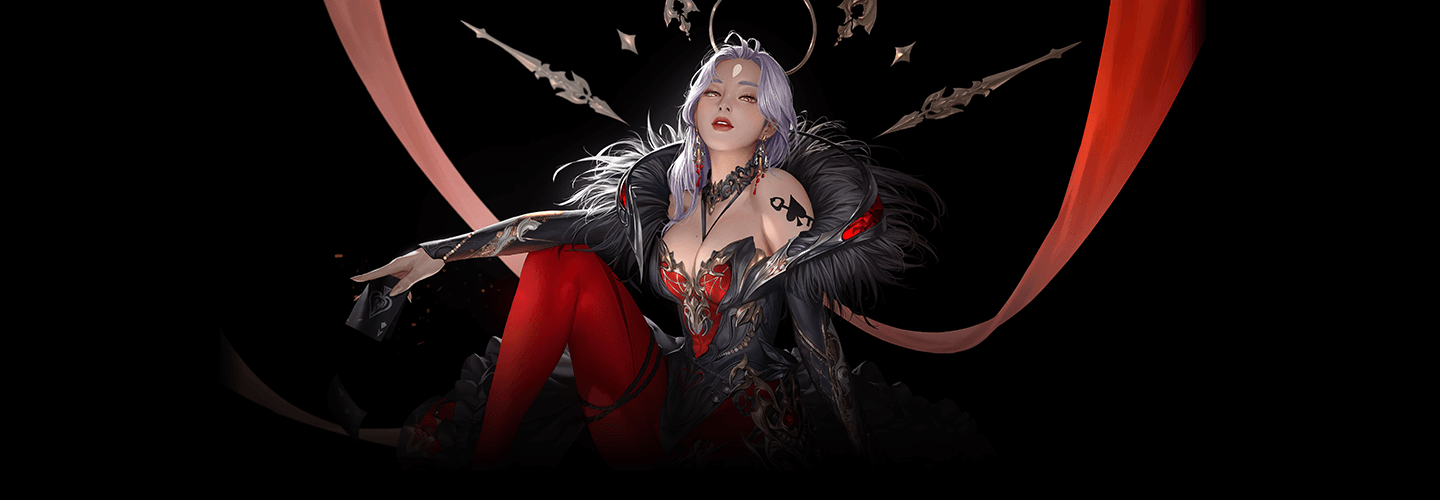
Illustrator,Arang_아랑 Details
Class Intro
*This trailer features dubbing in English. Please note that the course videos are not dubbed.
Class Perks
Get These Coloso Exclusives
-

Unlimited Access to 26+ Hrs & 21 Chapters of Content -
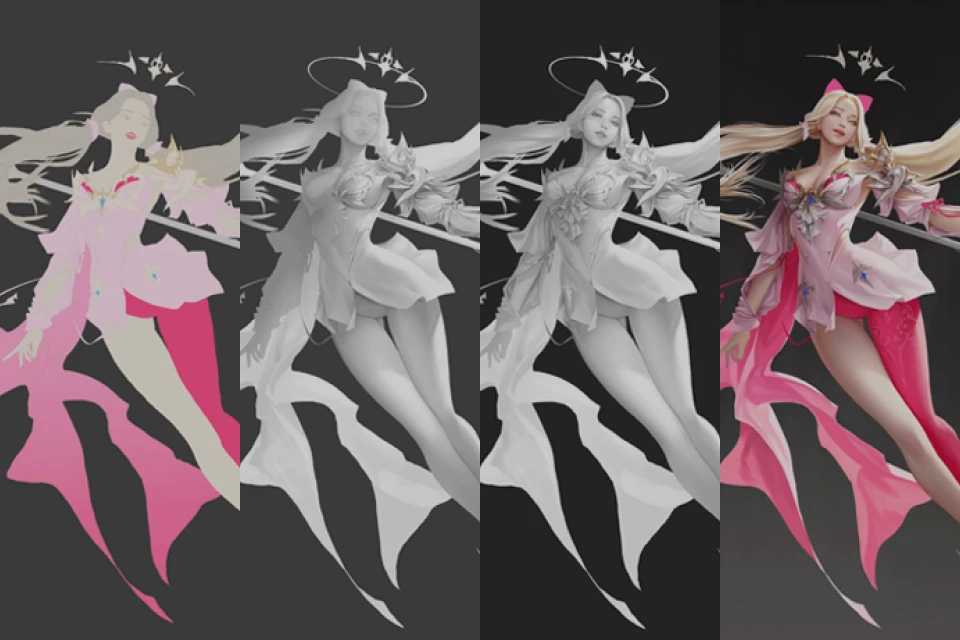
Essential Design Techniques for Concept Art from Professional Illustrator -
Study Material Files Used in Class Exercises
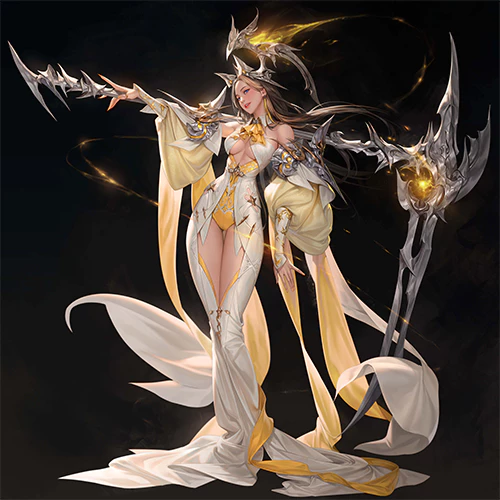
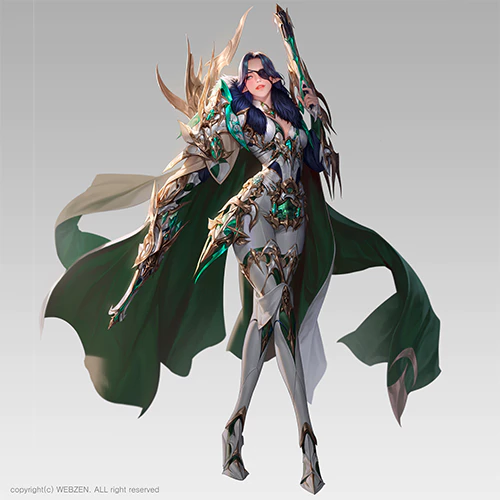
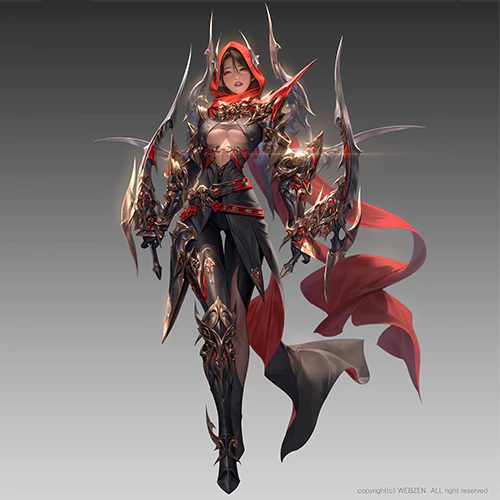
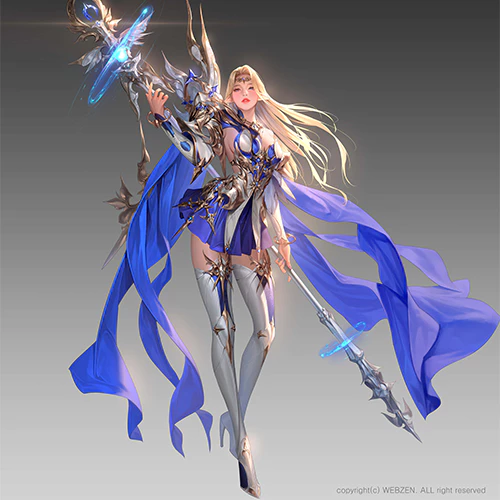
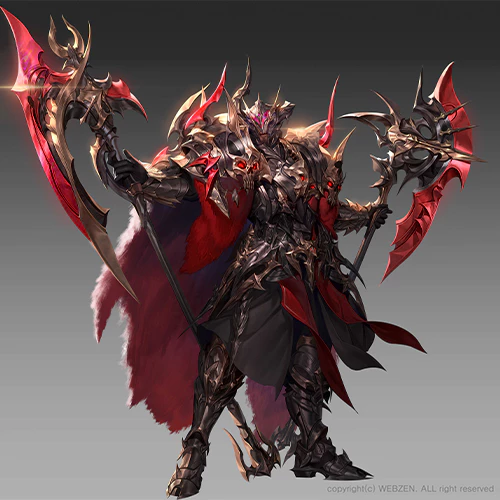
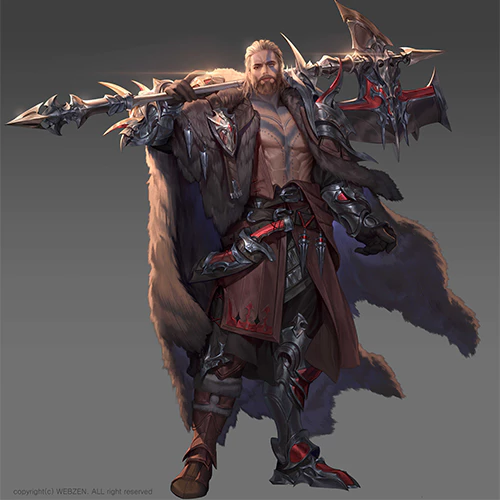
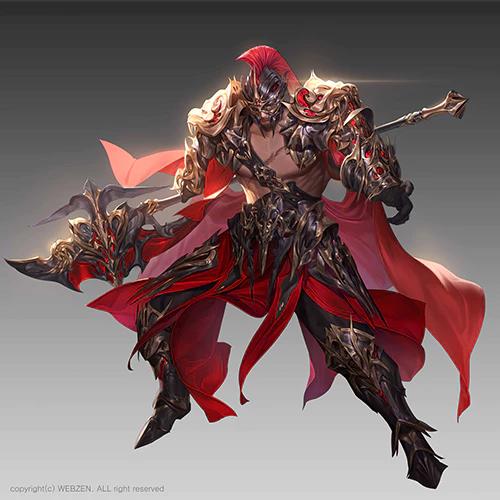
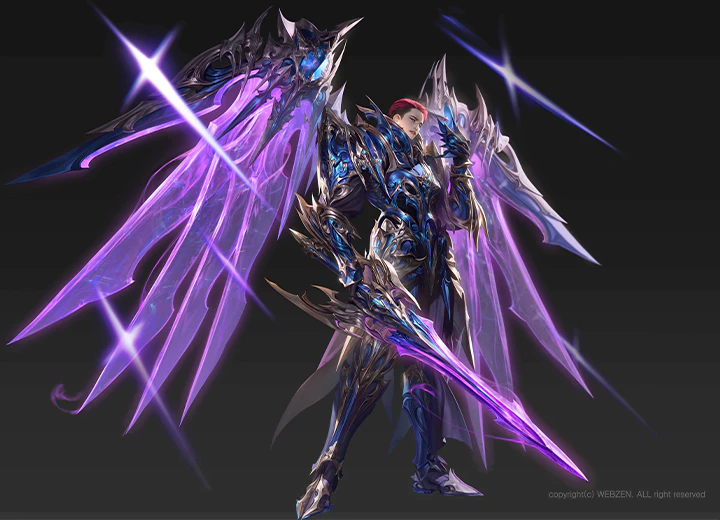
Expert Illustrator Arang's Portfolio
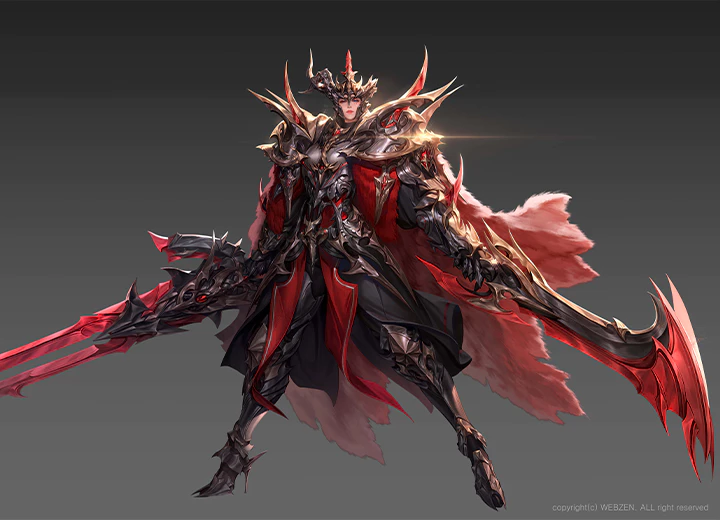
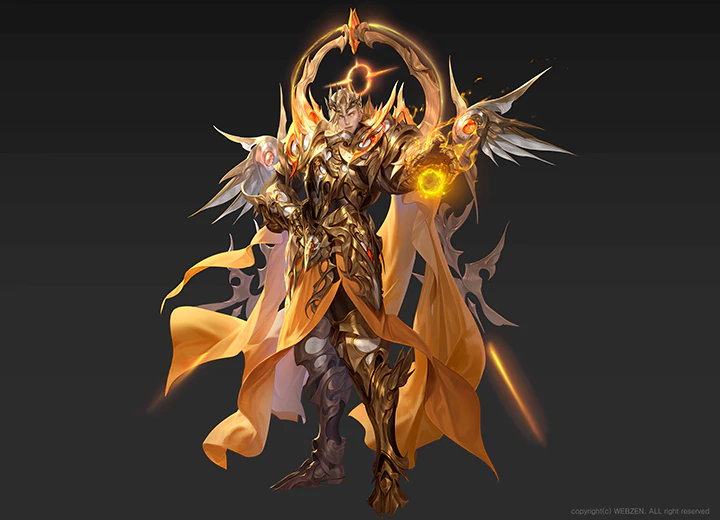
Why Take This Class?
A class focusing on design principles,
the key to a well-rounded drawing!
ㆍVisual flow ㆍProportions ㆍIntensity Variation ㆍSetting light
This class by Arang focuses on basic design principles, including the way the viewer’s eye moves along an image and the impact of proportions on a drawing’s mood, as well as theoretical knowledge on how to make groups of appealing designs and how to design a character based on their job and personality, taught through conceptual explanations and exercises.
This intensive 21-chapter curriculum also dives deep into the process of creating a complete character illustration so you can apply the design principles to an actual work, rather than simply doing exercises.
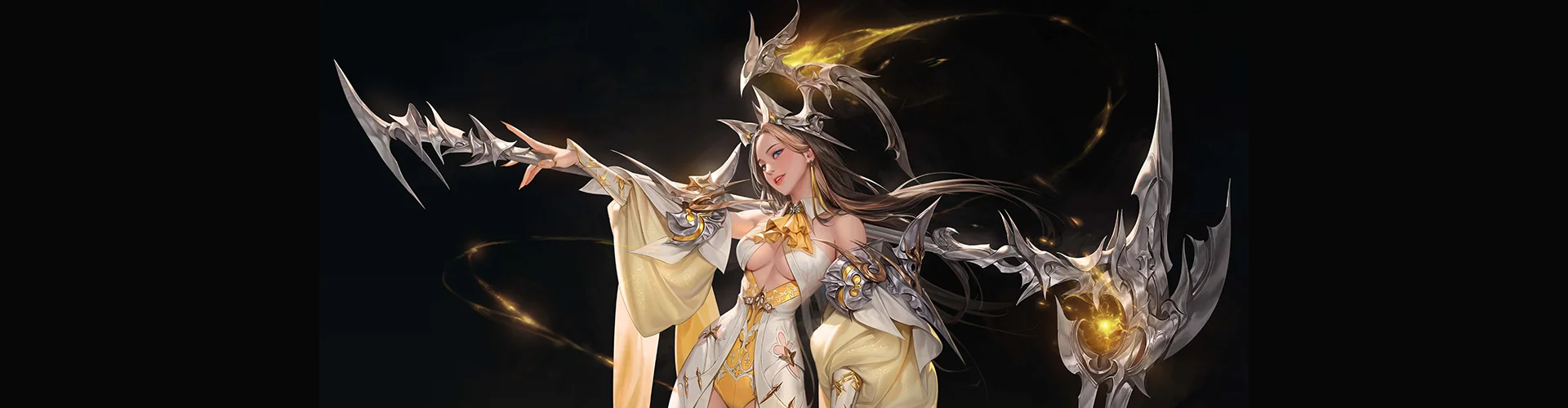
12 Class Exercises
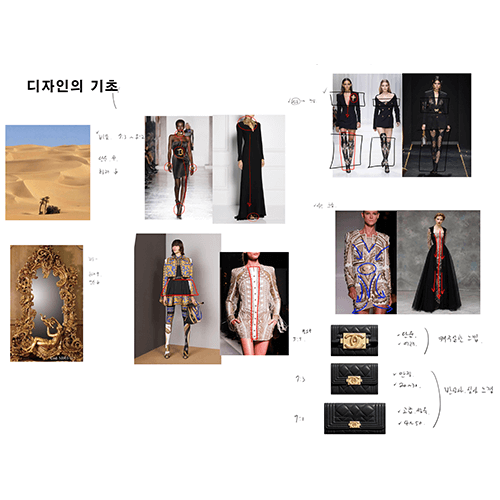
Design Principles and Theory
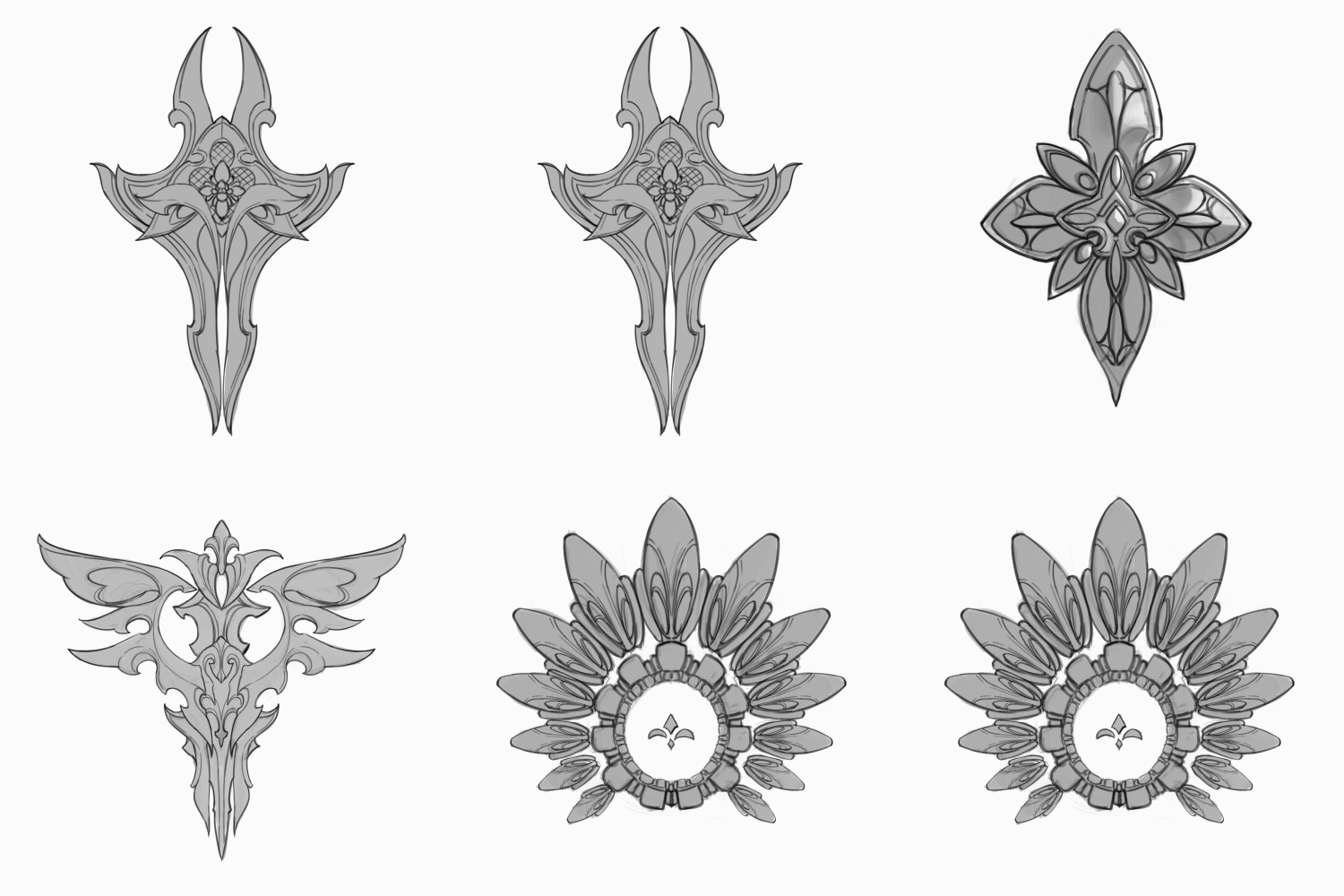
Applying Theory to Object Drawing
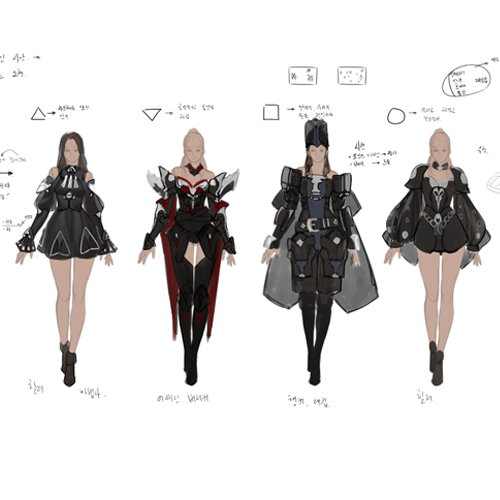
Changing a Character’s Design Based on Their Job and Personality
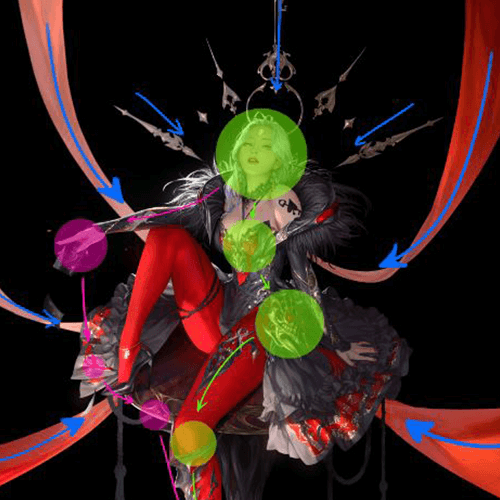
Grouping Designs to Attract Attention
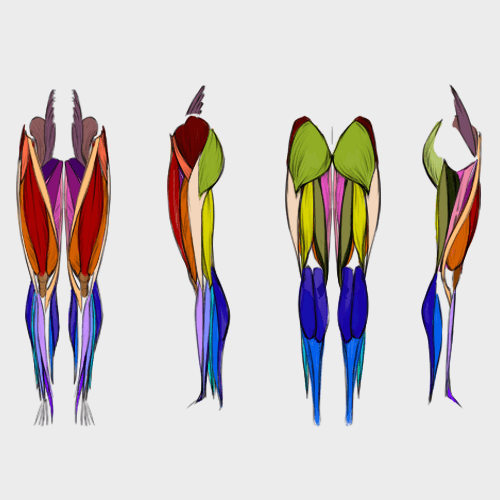
Figure Drawing 1- Muscles
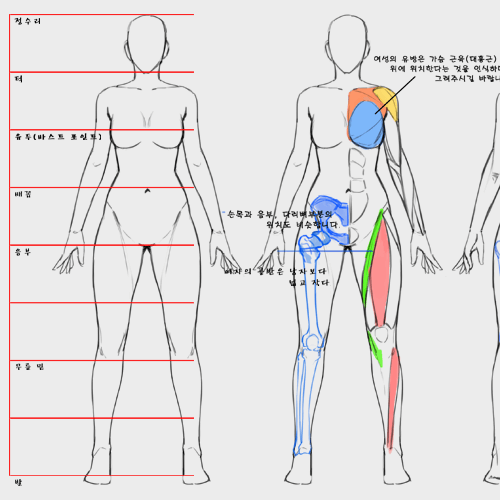
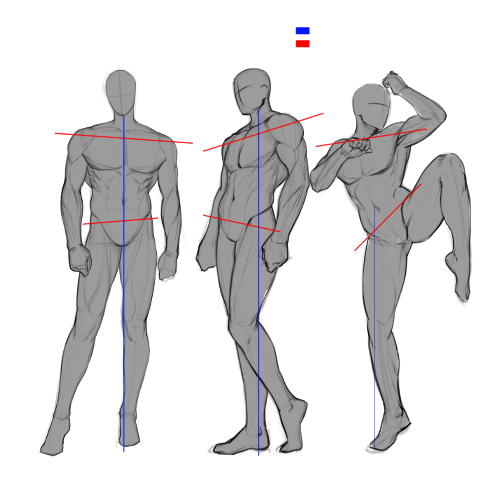
Figure Drawing 2 - Proportions and Poses
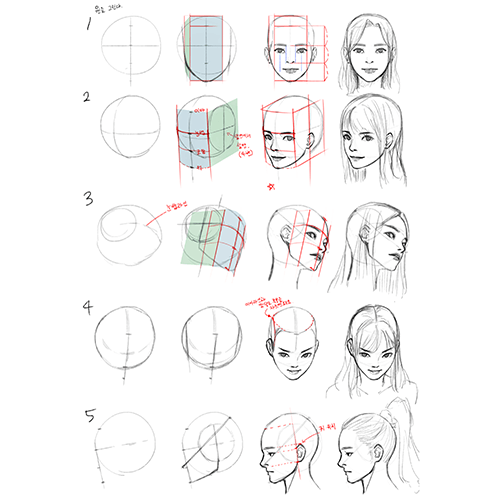
Figure Drawing 3 - Faces
Character Sketches
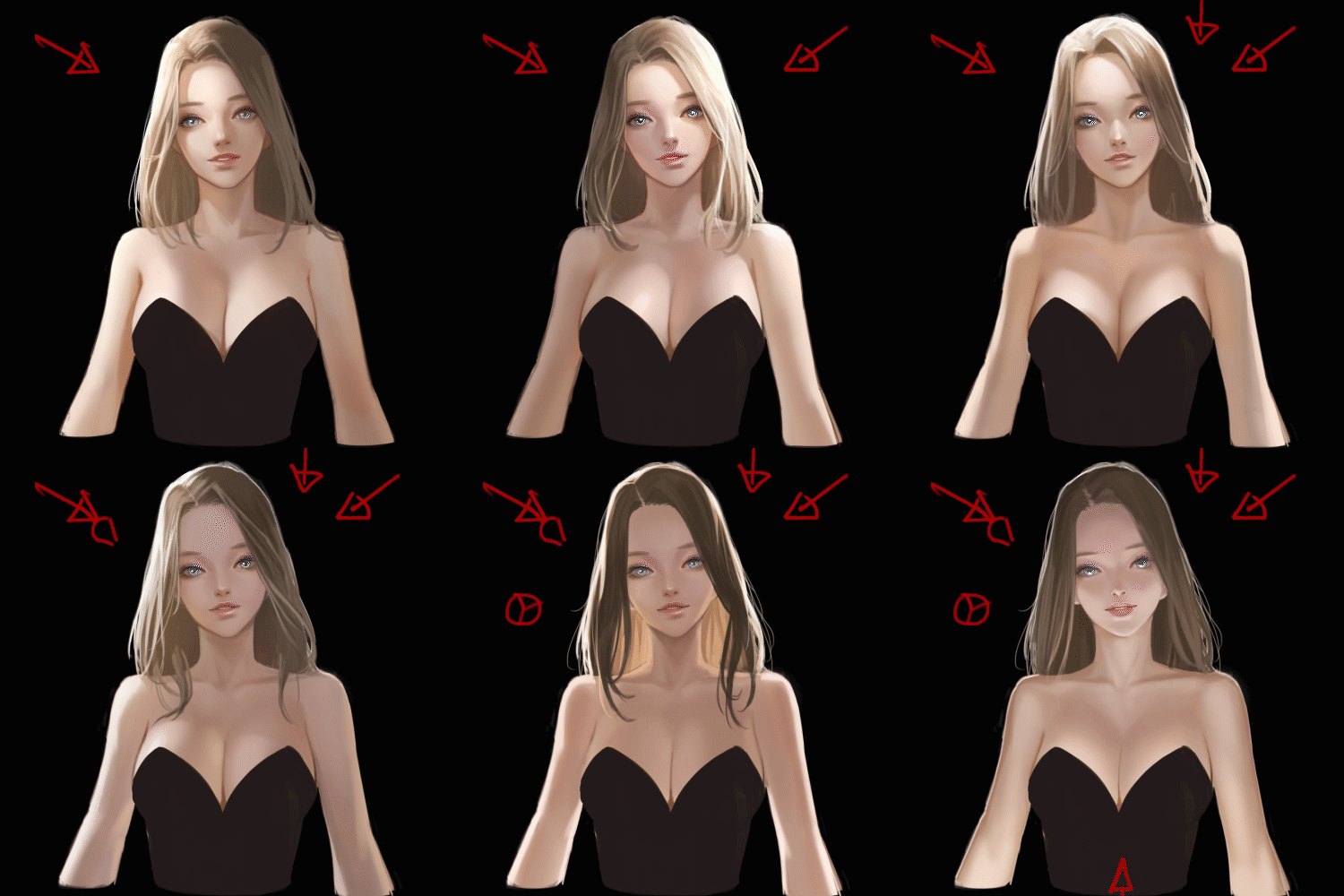
Coloring Characters and Setting Light
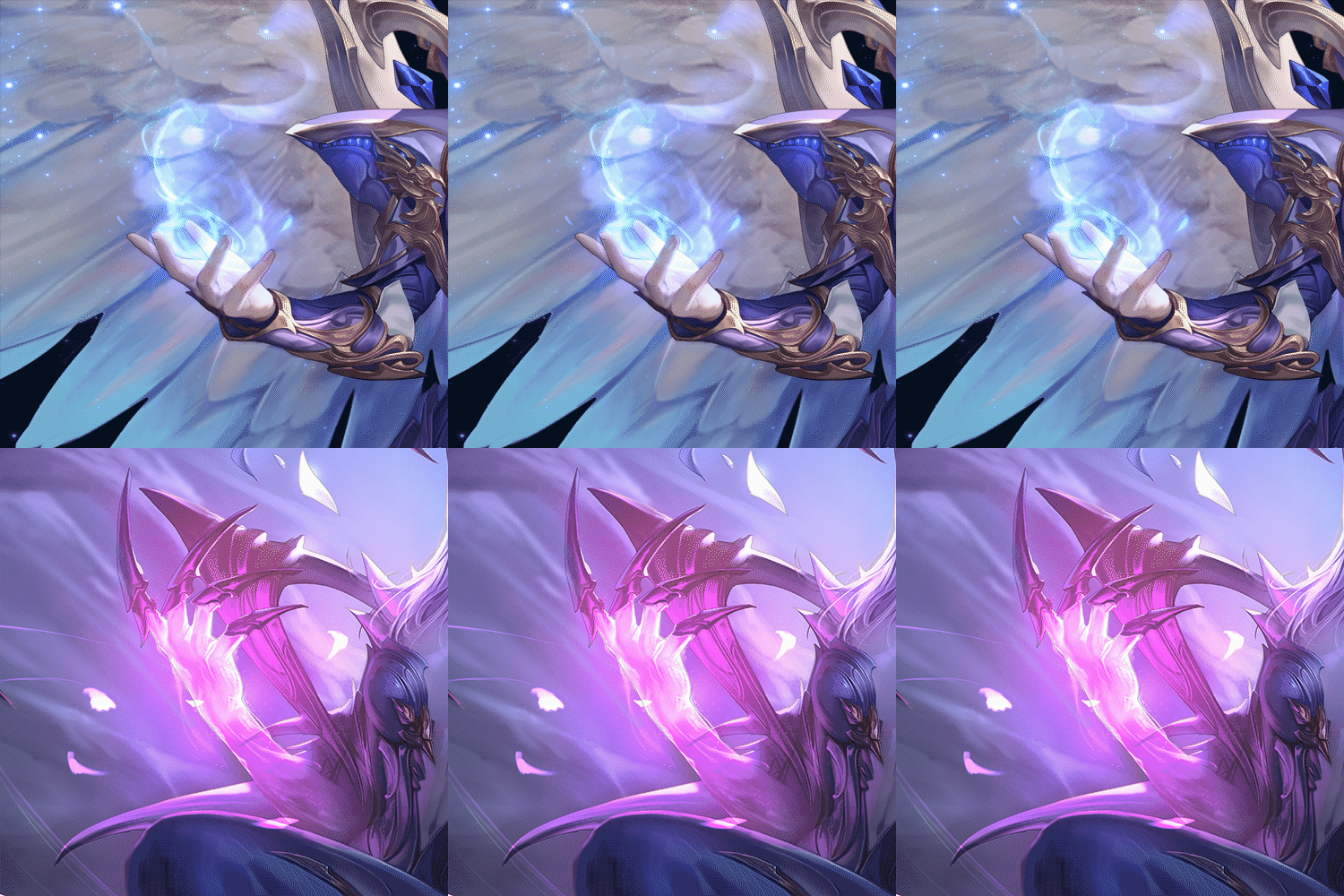
Two Types of Effects
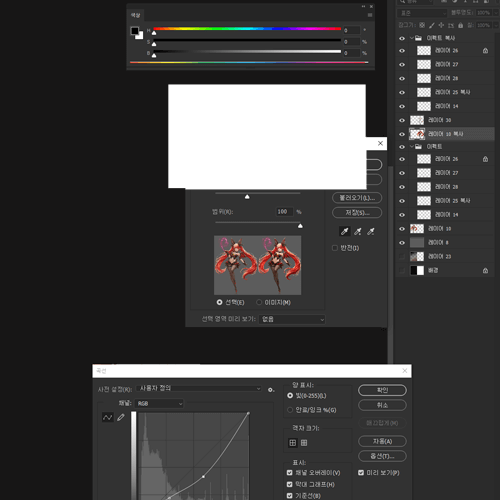
Various Correction Skills
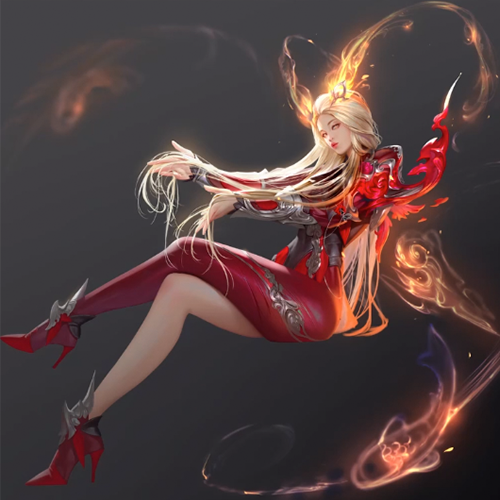
Final Character Illustration
Arang
Illustrator
Hello, everyone! I'm Arang, an illustrator and creator engaged in diverse fields. Alongside my work, I share my knowledge through both online and offline classes. Drawing from three years of instructing, I've noticed a common struggle: many individuals find it challenging to pinpoint the deficiencies in their illustrations and lack clarity on how to enhance their drawing quality.
This class is specifically crafted to address these uncertainties by focusing on design principles and theory—fundamental elements in creating compelling illustrations. I aim to provide concrete answers to the ambiguous questions that may be hindering your progress. As attested by previous students in numerous reviews, I'll walk you through the entire design process, from grasping principles to effectively applying them in your own work.

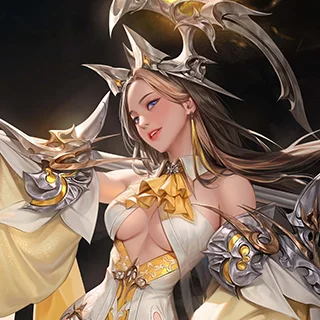
Class Highlights
Game-Changing Design: Tips and Tricks from a Concept Art Maestro!
Arang’s classes at a renowned game concept art academy have never had an empty seat for two straight years and achieved high satisfaction and re-enrollment rates. You can now learn design from the star instructor himself, who will share the theoretical knowledge and practical tips he accumulated from eleven years of studying and working in the field.
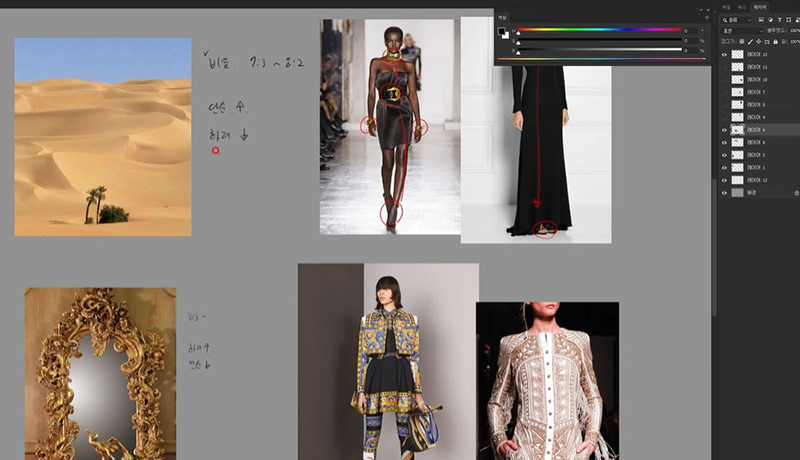
Mastering Light, Flow, and Proportions for Dazzling Illustrations
Apply the design principles you learned to set up a character’s proportions, visuals, and pose, as well as the overall flow and light of the illustration, creating an animated, dynamic look.
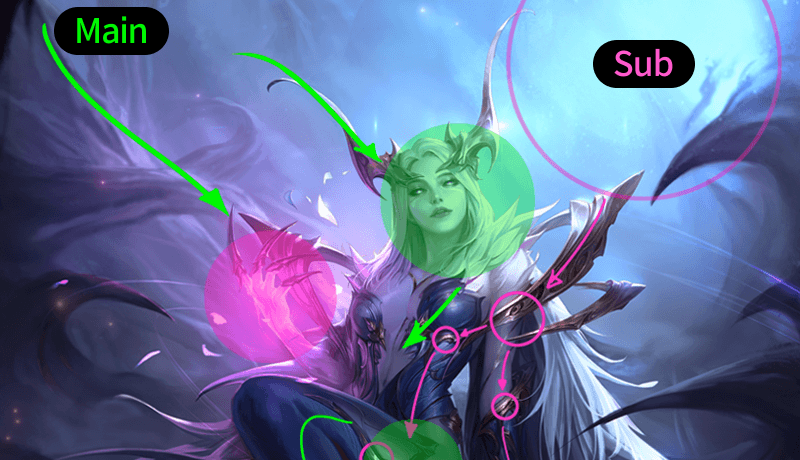
Character Creation Unleashed: A-Z Mastery for Your Unique Creations
Tired of classes focusing only on theoretical knowledge? Now you’ll be able to draw a complete character illustration through a full figure drawing process, working on muscles, geometric figures, body proportions, and faces.
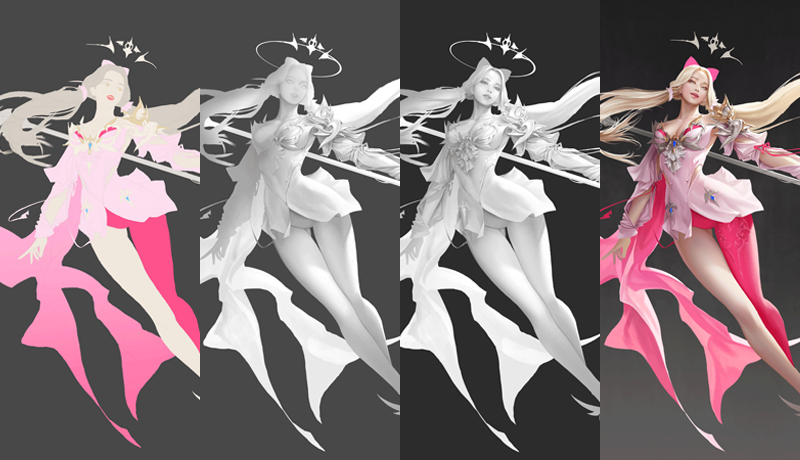
Class Details
You'll Learn
-
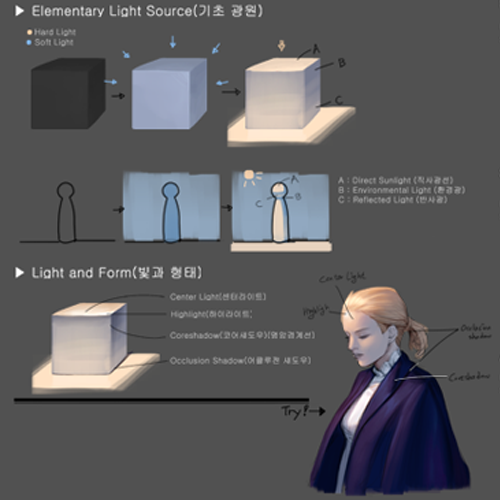 Design Principles, from Basic to AdvancedExplore the design principles behind a character’s visuals and proportions, draw objects, and learn about skills required to make a well-rounded design, such as changing a character’s design based on jobs and personalities and making groups of appealing designs.
 -
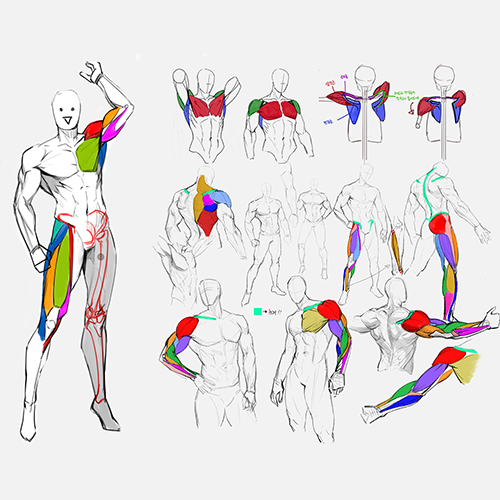 Effective Figure Drawing Starting with Large MusclesDraw ideally proportioned figures and poses in geometric shapes, starting from the arm and leg muscles, which will make the drawing process much easier.
 -
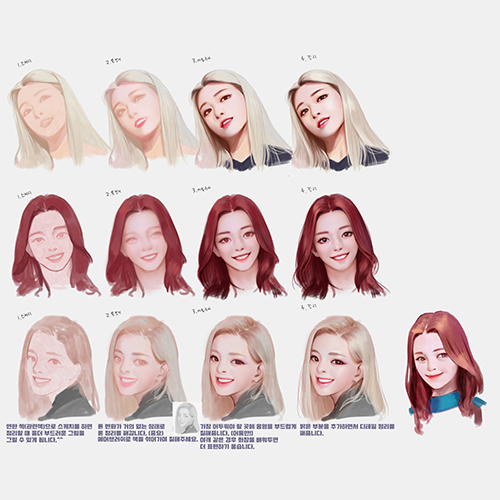 Drawing a Face from Different AnglesThink of a face’s shape as an egg to understand the proportions of its features, then draw it from the front, side, and diagonal directions, as well as a low and high angle.
-
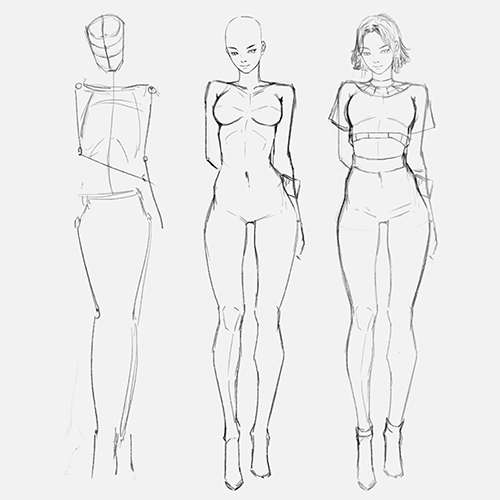 Sketching Intensity Variations of Characters and PropsExplore the principles of intensity variation by applying them not only to a main character but also through the arrangement of surrounding objects that enhance the character. Progress through stages, from rough sketches to refining details, to bring the sketch to completion.
 -
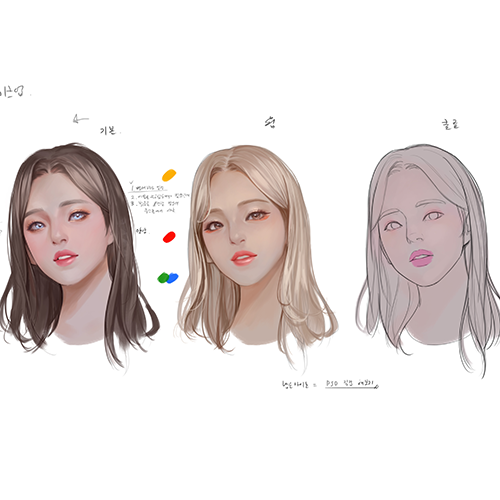 Coloring and Lighting Principles for More 3D CharactersMaster coloring techniques by understanding different types of fabrics, skin, and hair, as well as color schemes that change their visual flow, then shade a character with various lights.
 -
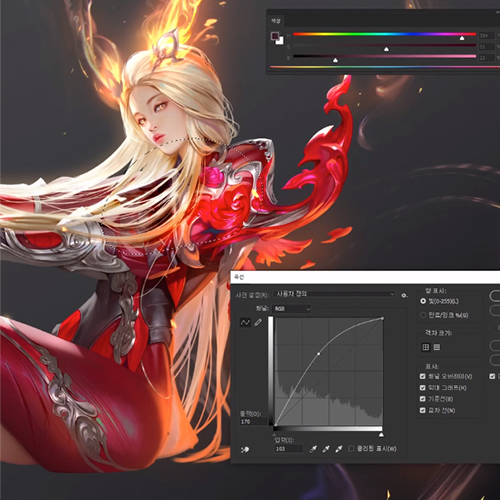 Effects and Retouching Tips to Improve QualityFind out how to create natural, rusty textures with image sources and draw distinct and indistinct effects, in addition to various ways to correct an illustration in Photoshop.
- Unlimited Access
- Best Price
Buy now, get unlimited access.
12/31 (Sat) (UTC-7) Special offer ends soon.
This special offer ends soon.
Buy now and save!
Curriculum
In-Depth Look
SECTION 01. Understanding and Applying Basic Design Principles
01. About Well-Rounded Designs
- Visual flow and pause, explained with drawings
- Characteristics of designs that hold attention
- Parts where the eye stops
- Balancing visual flow and pause
- Design proportions and their impact on the mood
02. Drawing Objects Based on Design Theory
- Applying basic design principles
- Designing objects using triangles, circles, and diamonds
03. Design Principles - Advanced 1
- Changing a character’s design based on jobs and personalities
- Adding visual flow to a character
04. Design Principles - Advanced 2
- Creating groups of appealing designs
- Connecting and separating designs
- Parts that reveal a design’s change
SECTION 02. Figure Drawing
05. How to Simplify Figures
- Simplifying figures into geometric shapes
- Understanding large muscles for effective figure drawing
06. Body Proportions and Poses
- Understanding the ideal body proportions
- Tips for drawing five- and six-head-tall figures
- Drawing poses that match a character’s personality
07. Understanding the Facial Shape
- Facial shape and proportions as an egg
- Shapes and proportions of the eye, nose, and mouth
08. Drawing a Face from Various Angles
- From the front, side, and diagonally
- From high and low angles
SECTION 03. Sketching Character Illustrations
09. Rough Character Sketches
- Arranging objects to emphasize a character
- Using animals and objects as props
10. Detailed Character Sketches
- Drawing a rough sketch while achieving intensity variation
- Body parts where the viewer’s eye stops
- Adding keywords to a character design
- Refining lines to finalize a design
SECTION 04. Coloring Characters and Setting Light
11. Finding the Right Color Proportions
- Color wheels and color theory
- Color proportions that change the visual flow
12. Types of Light
- Key light: a direct light
- Environmental light: an indirect light
- Differences between a key light and environmental light
13. Shading a Character with Black and White
- The importance of adjusting brightness
- Brightness and contrast, explained with spheres
- Understanding the stages of shading a character: bright, medium, dark, and reflected lights
14. Applying Makeup to a Character’s Face
- Attractive eye makeup
- How to apply colored makeup across the face
- How to add the right amount of blush by adjusting brightness
15. How the Direction of Light Changes the Mood - Mastering Key Light
- Adding lights from different directions to the shape from Chapter 13
- Creating new colors using adjacent colors
- How to enrich a color scheme
16. Textures Frequently Used for Characters
- How to express skin and hair
- How to express the fabric, leather, metal, gold, silver, and jewels on clothing
- Coloring and lighting based on textures
17. Applying Light to a Face through Imitation
- Drawing large lights
- Positioning lights
SECTION 05. Boosting the Quality of Character Illustrations
18. Texturing Skills Using Image Sources
- Retouching wings for a hand-drawn look
- How to create a naturally rusty texture
19. Effects
- How to draw two types of effects: distinct and indistinct
- How to apply effects and lights to a character in a natural way
20. Frequently Used Correction Skills
- Color range
- Masks and photo filters
- Curves and levels
21. Identifying and Correcting Flaws
- How to take an objective look at your drawing
- Correcting common mistakes
*The release date of this class, curriculum images, and associated content can be changed without prior notice.
** Class videos may be seperated for a more streamlined viewing experience
Interview with
Illustrator Arang
What makes your illustration style unique and sets you apart from others?
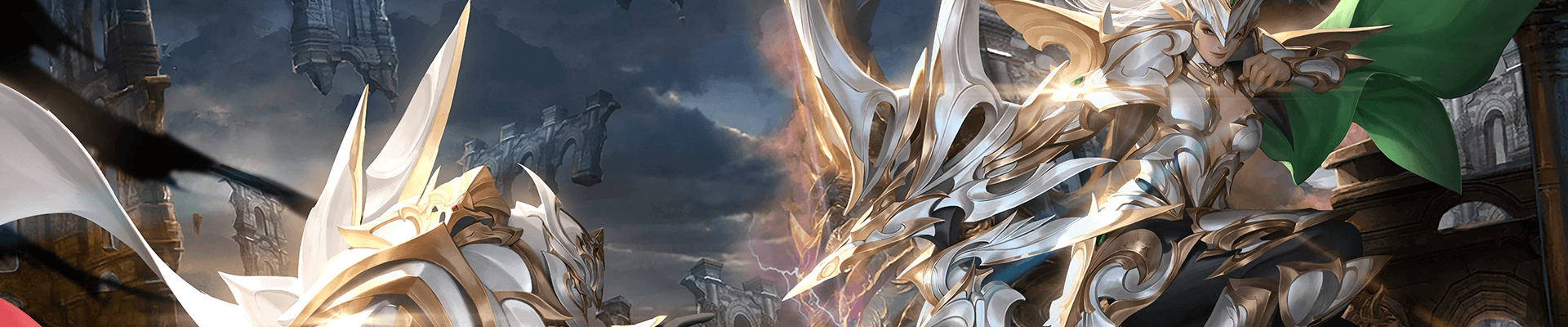
I excel in both composition setup and light adjustment within illustrations. Placing light in various positions allows you to emphasize the focal point of an illustration. This class’s curriculum, designed based on my three years of teaching experience, thoroughly covers such lighting skills and demonstrates how to practically apply them. I hope students take full advantage of it to improve their work.
What makes design important in character illustration work?
Two critical questions to consider when designing a character are, "What mood should they evoke?" and "What kind of person should they look like?" Designing an illustration parallels setting up a photoshoot, necessitating contemplation of various elements like hand and foot gestures, clothing shapes, and accessories. This class delves into strategies for arranging these elements to enhance the effectiveness and visual appeal of your illustrations.
What aspect of character design do students typically find most challenging?
Many students study design merely by imitating other’s works, and while they learn the concept of intensity variation through that process, most of them don’t understand what it exactly means. So in this class, I repeatedly demonstrate how to achieve the right amount of intensity variation in an illustration as well as how the viewer’s eye should move through it.
What do you think students will gain from this class?
I hope they acquire the ability to judge whether a design looks unnatural and broaden their design spectrum through their own thinking. The same applies to coloring. My goal is to teach them how to determine the shape of light on their own.
Required Programs
This course will use
- Adobe Photoshop CC
- Wacom Intuos
Please purchase and install these program(s) for an optimized chapter experience.
*These programs and/or materials will not be provided with the course.
Recommended Class
Like this class?
Then check these out!