FigureModeler,SOTO32STUDIO Details
Intro
Class Intro
Figure Modeler SOTO
“Learn the A to Z of figure modeling with ZBrush, as well as efficient Blender rendering skills, to create your own figures in fun and easy ways!”
Figure Modeling Basics for Beginners, Starting from the Ground Up
Calling all 3D modeling newbies who want to create unique figures! Learn figure modeling skills to create cute objects, animals, and subculture-style chibi characters with this step-by-step guide to figure modeling and rendering from SOTO32STUDIO, a self-taught 3D modeler and a beginner-friendly instructor!

Discover the easiest and simplest workflow for modeling and rendering in ZBrush and Blender! With its one-of-a-kind, optimal class-to-application pipeline, you will be able to master the basics of creating 3D figures in no time. Go through every stage you need to know as a beginner, from the fundamentals of ZBrush to final rendering and printing in Blender, by working on five different 3D characters.
Class Preview
SOTO's Ultimate Guide to Figure Modeling Chapter 10 Unveiled!
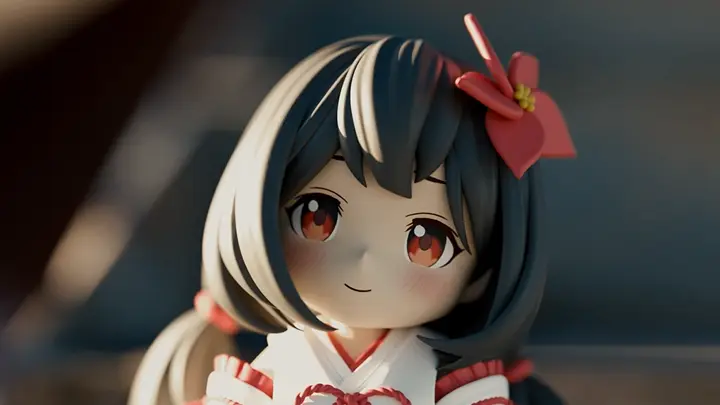
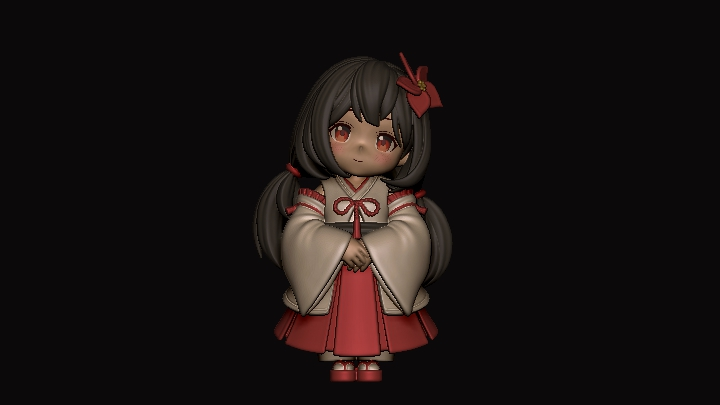
10. Applying Everything You’ve Learned: Creating a Model of a Chibi Miko Character 2
- Making the head
- Rough creation of clothes
- Creating an IMM hair brush
- Making hair
- Rough creation of clothes
- Creating an IMM hair brush
- Making hair
*The Korean language content in this class preview is translated into English in the class videos.
**The subtitles in this preview video are auto-translated. Please note that some content may not be accurately translated.
***Associated content is subject to change without prior notice.
Class Perks
Get These Coloso Exclusives
-
Complete Class Materials for Figure Modeling Beginners (.pdf) -
Five Modeling Samples for the Five Characters You’ll Create in Class (.obj) -
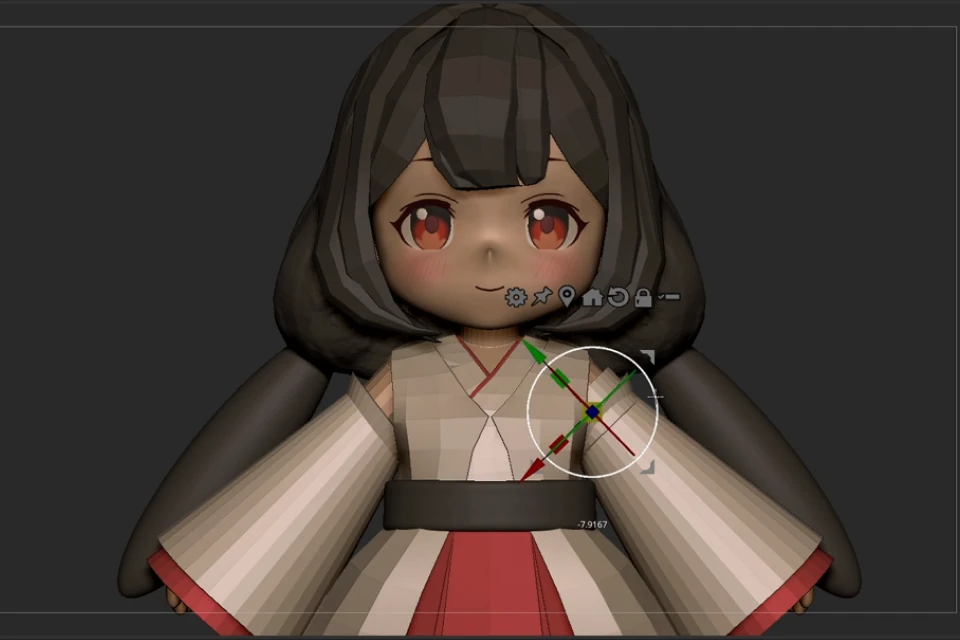
Base Meshes That Will Help You Start the Figure Modeling Process (.obj)
Recommendation
Who Should Take This Class?
Beginners Who Want to Start 3D Figure Modeling with ZBrush
Hobbyists Searching for Simple and Fun Ways to Create 3D Figures
Basic-Level Learners Who Want to Design Various 3D Characters Using Blender
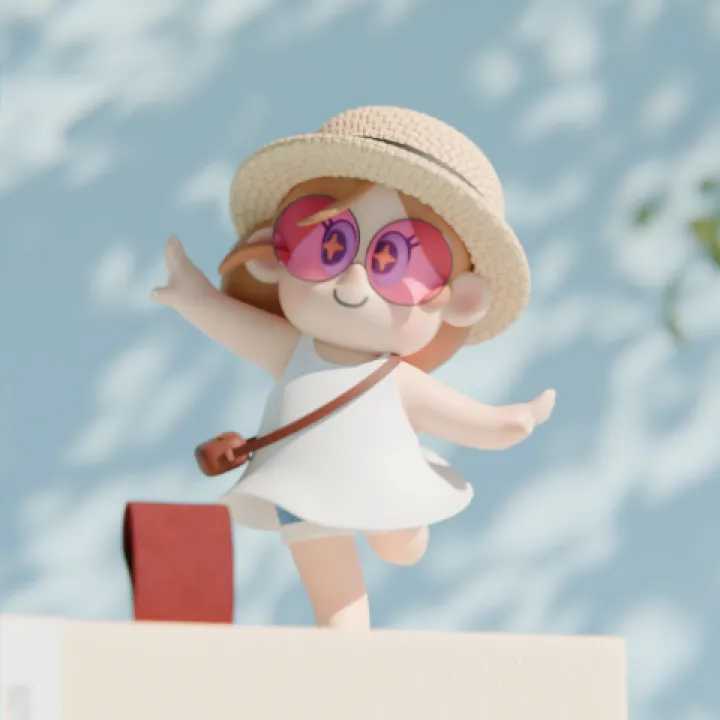
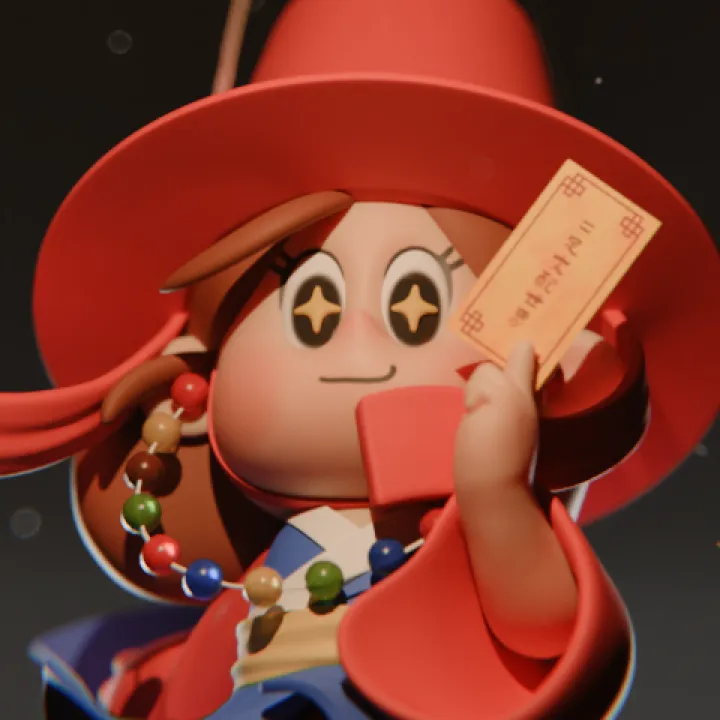
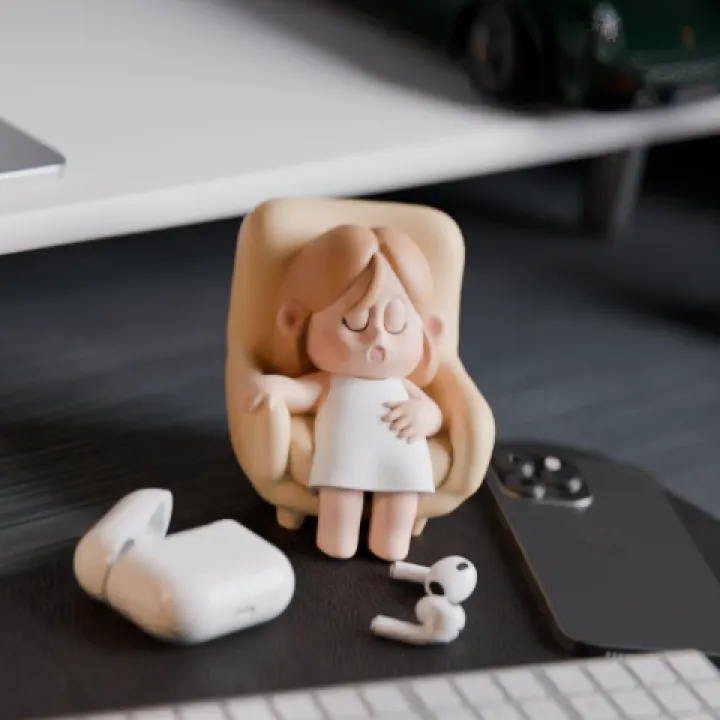
Expert Figure Modeler SOTO32STUDIO's Portfolio
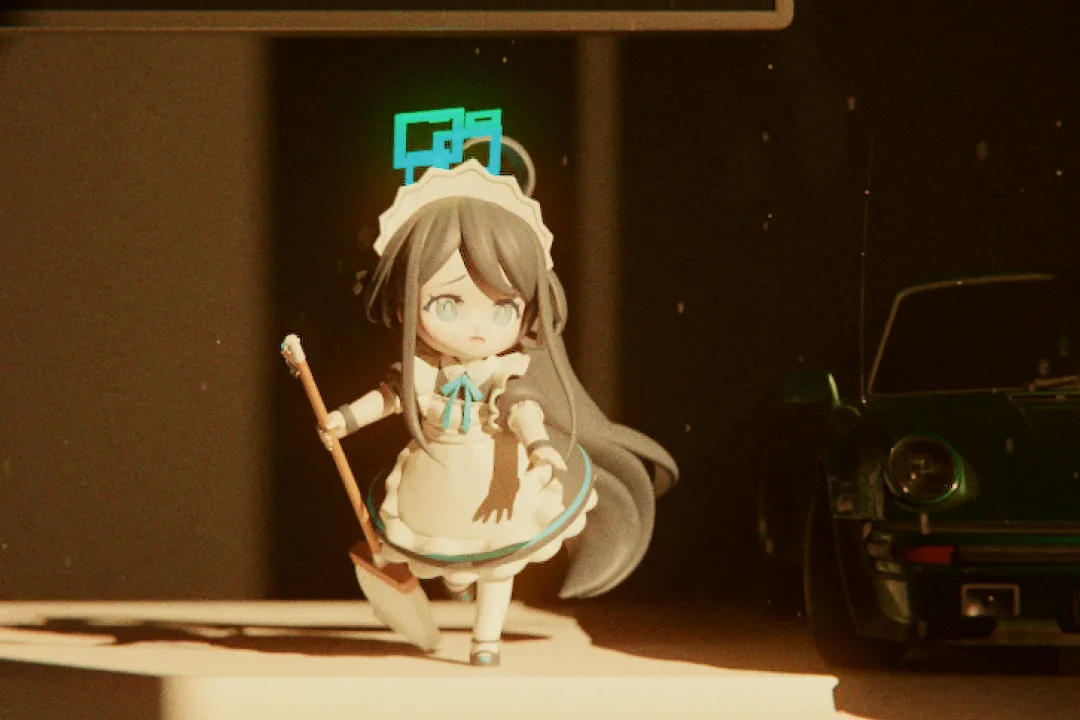
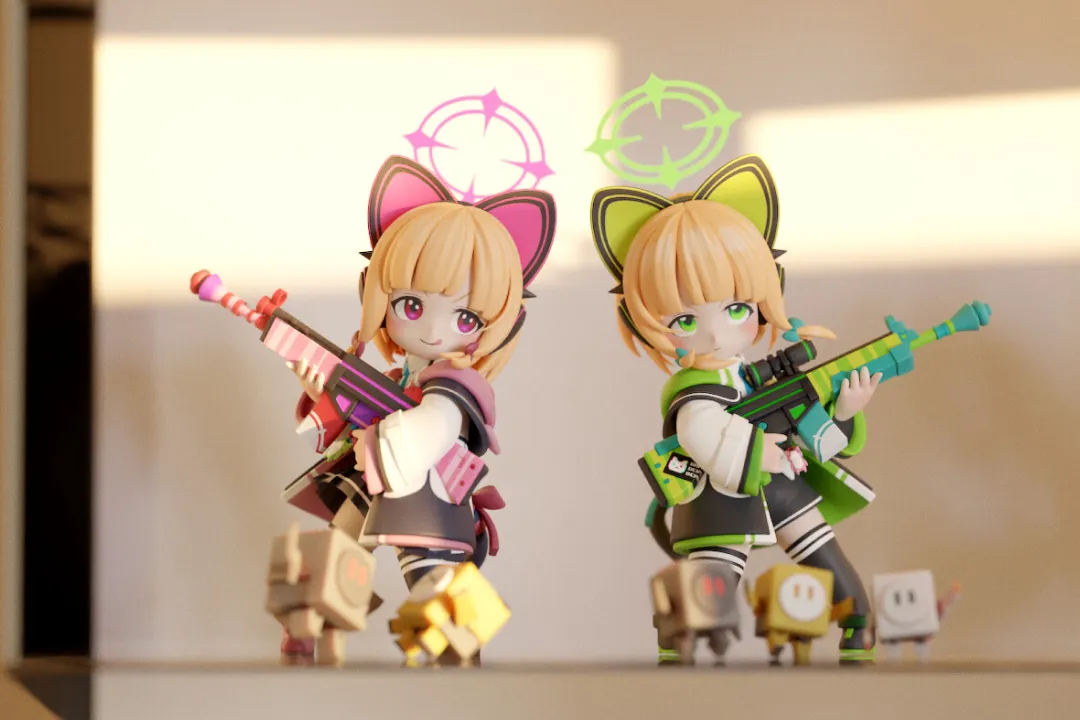
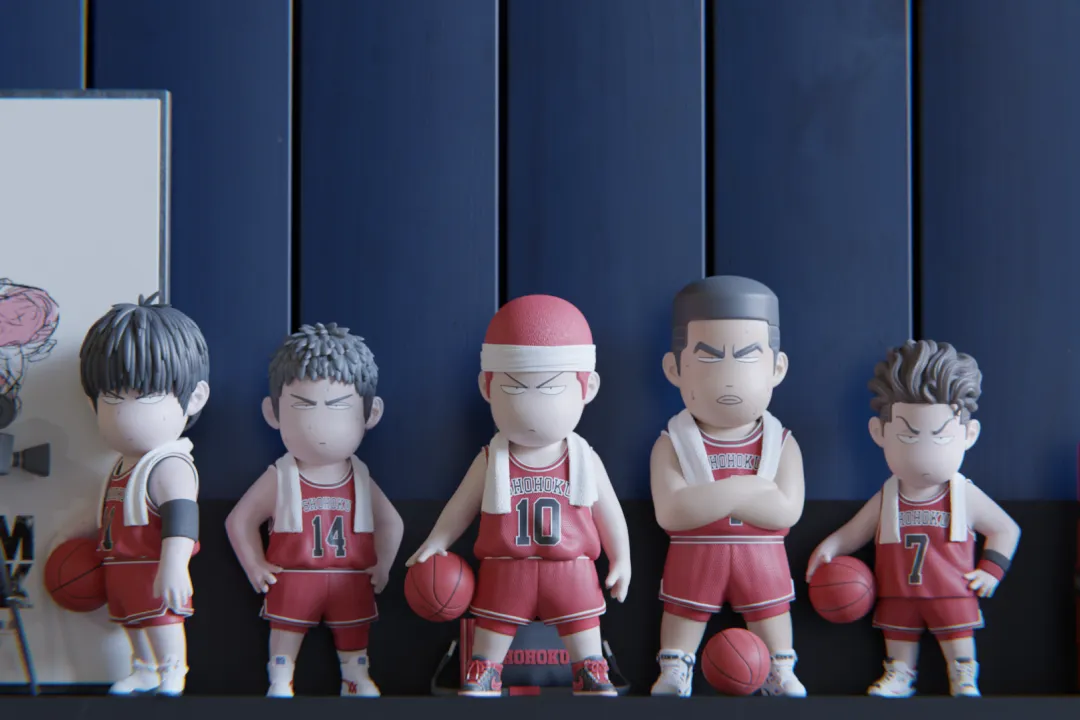
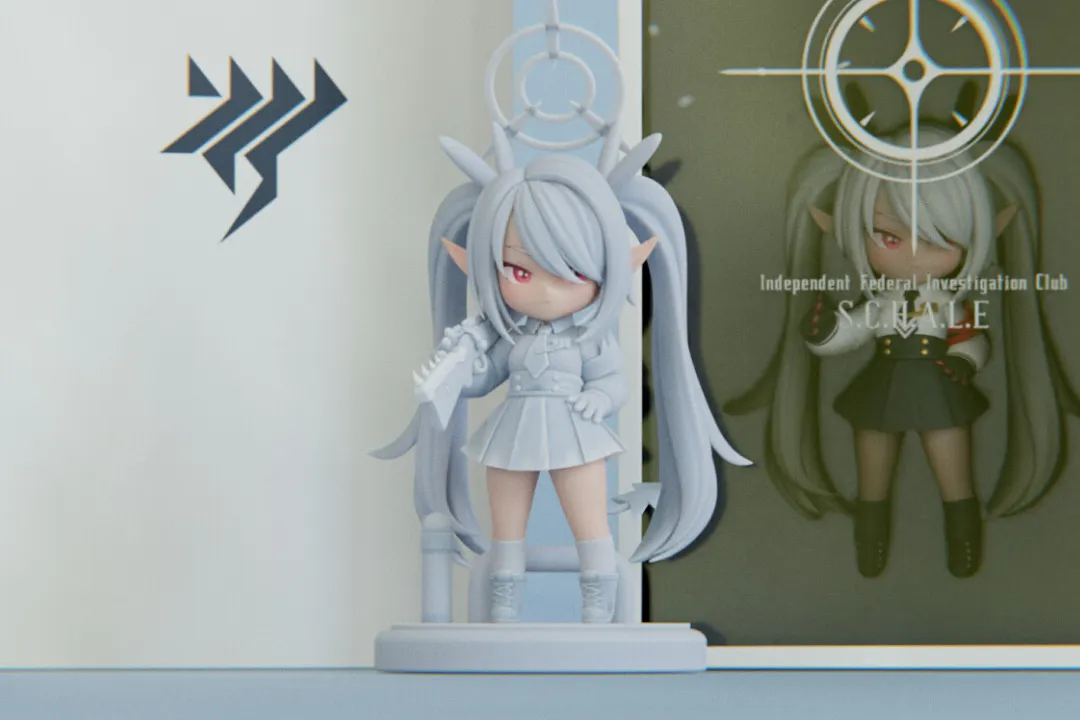
※ These works were created by the instructor as fanart.
Why Take This Class?
Take Your First Step as a Figure Modeler with ZBrush and Blender
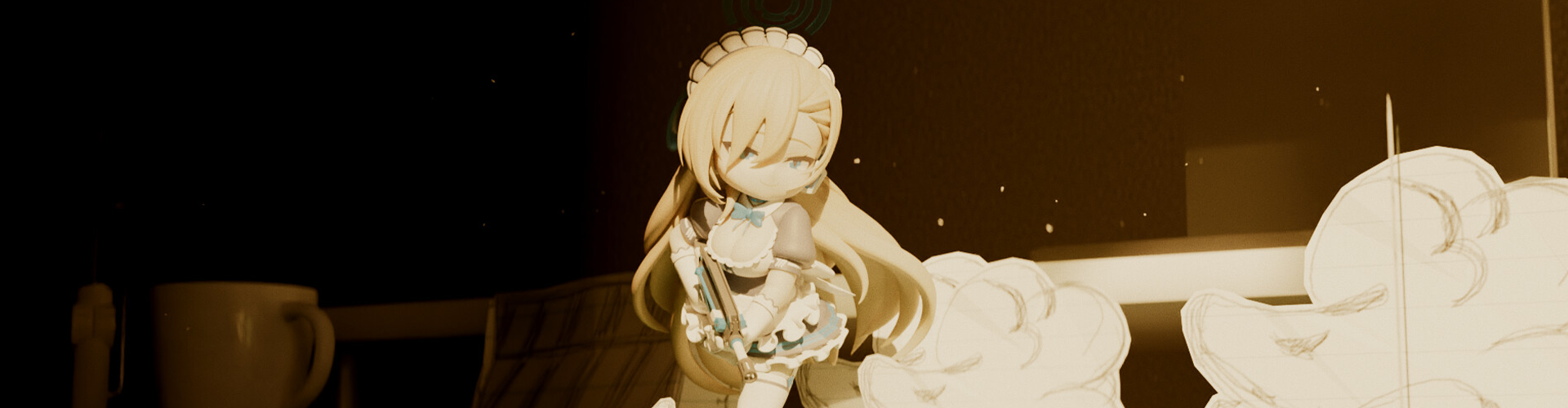
Learn simple and easy modeling techniques for ZBrush by building an understanding of character figures. Designed for beginners, this class will guide you through how to create full 3D characters with ease, including cute objects, animals with humanlike proportions, and even subculture-style chibi characters!
Forget about all those complicated, paid programs and dive into the world of Blender, the free tool that lets you design an infinite variety of characters. You can also create mock-ups, studio and outdoor settings, and basic camera animations, as well as learn about useful add-ons! Discover simple, beginner-level features that allow you to create 3D characters in fun and diverse ways.
10+ Class Exercises
Figure Modeling and Rendering Exercises to Master Practical Skills
Part 1. Building Figure Models with ZBrush
Study the basics of figure modeling with ZBrush by creating cute objects and animal characters.
-
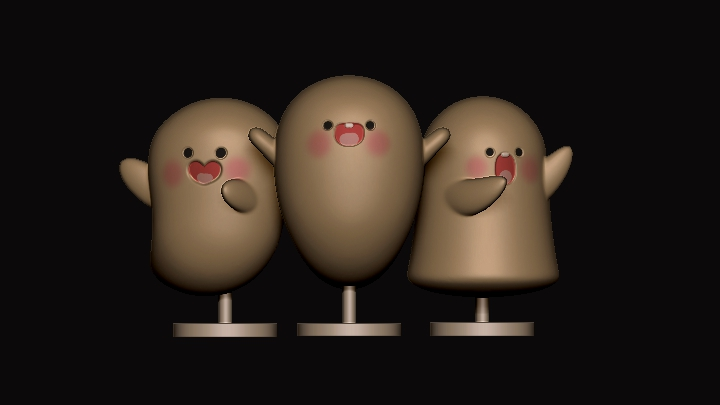


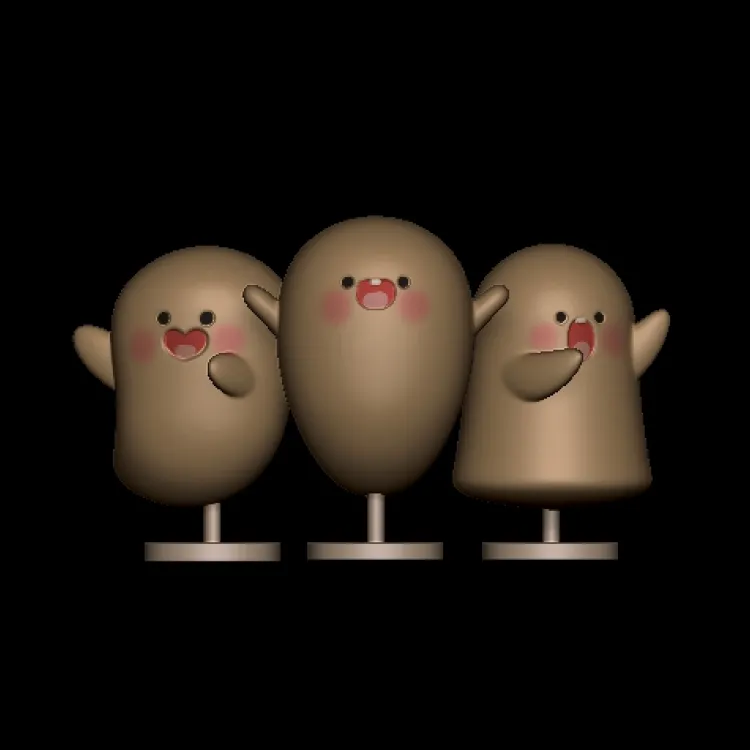 GhostLearn the key features of ZBrush
 -
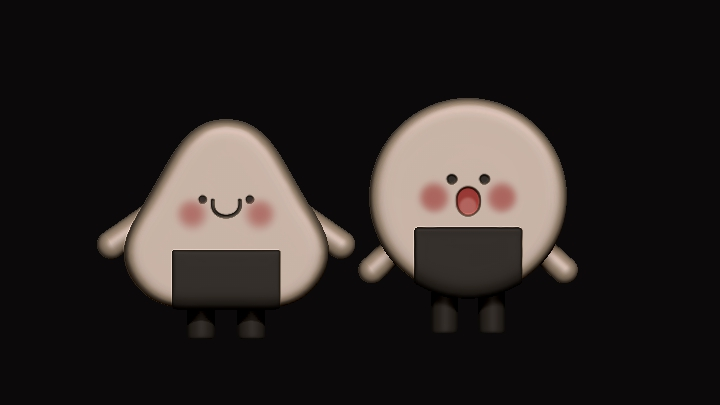

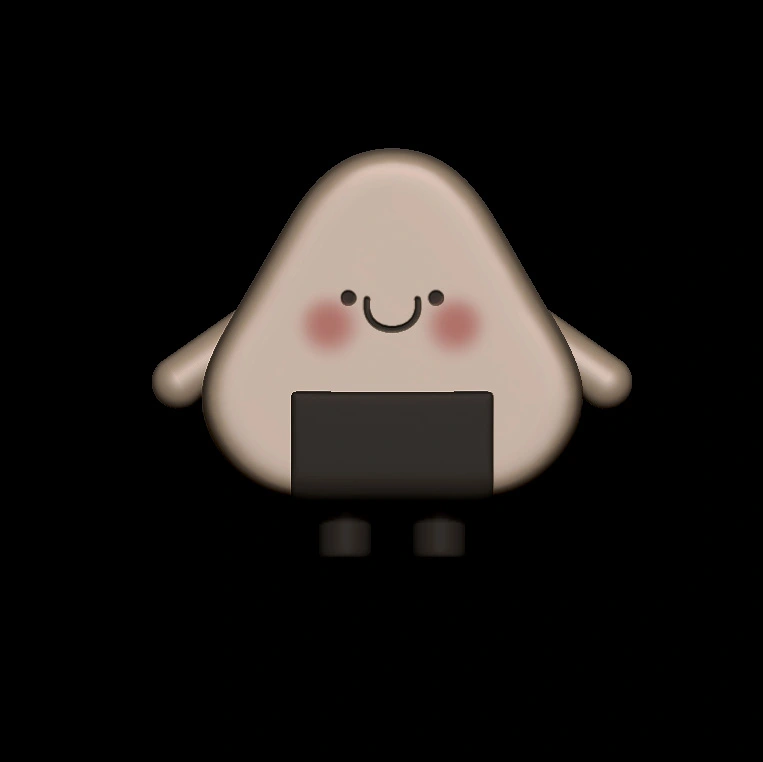 OnigiriLearn Gizmo and other useful features
 -
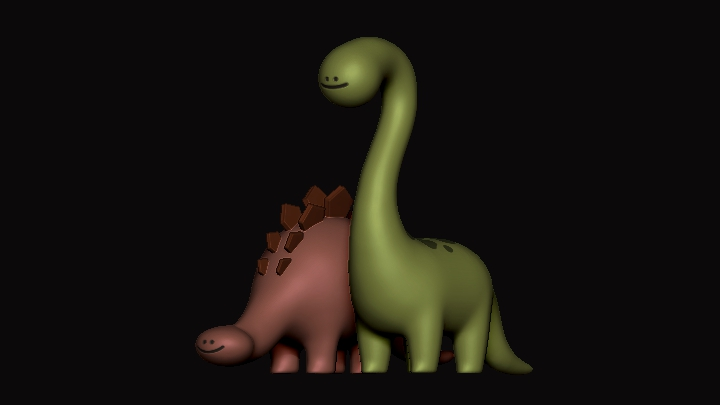

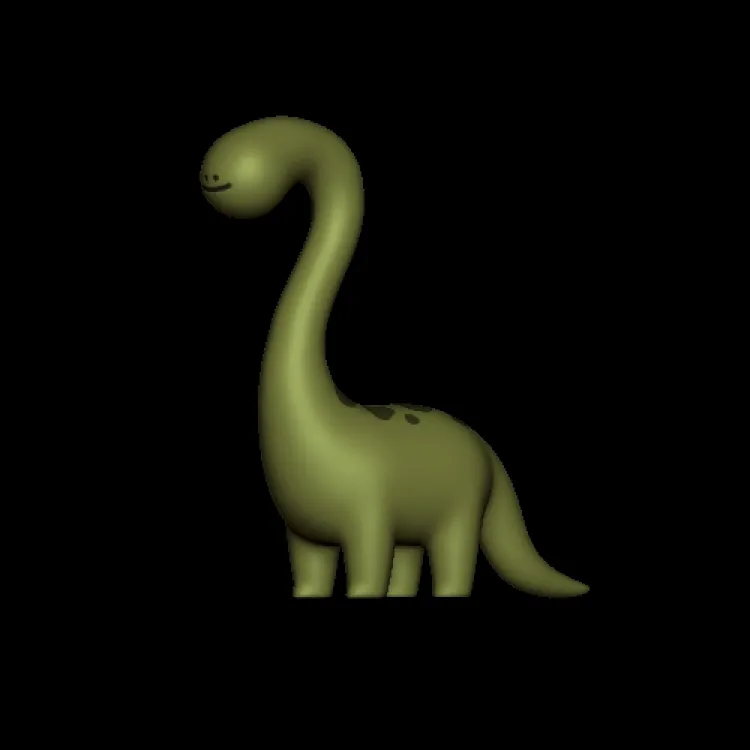 DinosaurLearn Gizmo and other useful features
 -
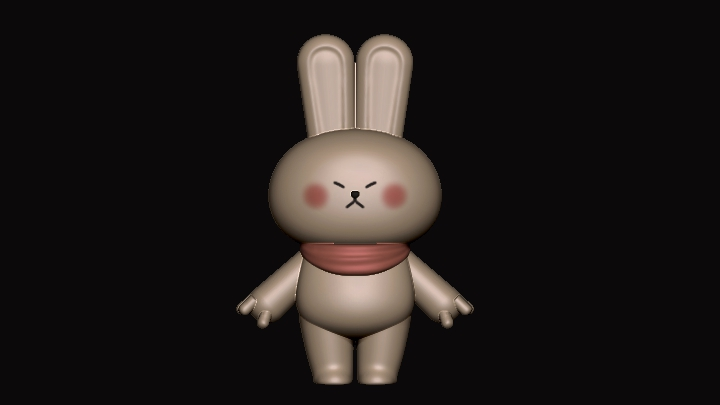

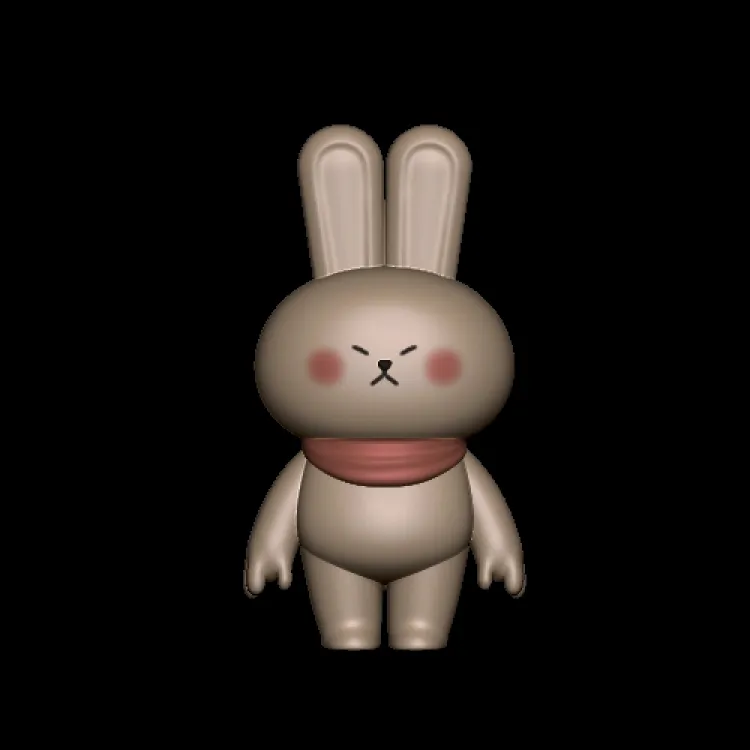 RabbitBuild basic human-like models with blockout techniques
Getting Hands-on with Figure Modeling



Explore the various features ZBrush offers and build a model of a miko (Japanese shrine maiden) in the chibi art style.
-
 Setting Body ProportionsBlockout for Human
 -
 The Head and FaceCreate your character’s face, which determines its overall look
 -
 HairIMM hair brushes
-
 Clothing and PosingSet a pose based on your rough design
 -
 DetailsRefine the pose and details
 -
 3D Printing Your CharacterThings to note when 3D-printing
Part 2. Final Setup and Rendering in Blender
Creating Studio Settings
Produce mock-ups and studio settings using the Light and World nodes, as well as HDRI lighting
Creating Outdoor Settings
Create outdoor settings with sunlight and gobos
Finishing Your Character
Finish your character using the studio and outdoor settings
Instructor
Figure Modeler
SOTO
Hello, I’m figure modeler SOTO32STUDIO. As a self-taught 3D modeler, I built my own expertise in basic techniques, as well as working on more complicated projects. It took me countless classes, trials, and failures to get to where I am now, and I want to share my experiences to show you the power of self-studying.
This class is designed to help anyone gain advanced 3D modeling skills independently, just as I did, overcoming the shortcomings I found in the many classes I took. I hope this class equips you with profound knowledge and skills for 3D modeling and helps you become a better 3D modeler in a fun, easy way.


Figure Modeler SOTO
[Current]
Figure Modeler
Projects & Awards
Current: Running the YouTube channel SOTO32STUDIO
2024: Participated in Wonder Festival
2023: Launched figures of Rikose and UYUnyang
2022: Launched limited edition figures of Wallace and Gromit
2020: Participated in WESAME’s WE-IN Project
Highlights
Class Highlights
Easy and Fun Figure Modeling with ZBrush and Blender
Join the world of figure modeling by working on various exercises featuring cute objects, animals, and chibi characters! Study the features of ZBrush one by one, then move on to Blender to create simple renderings, discovering the shortest and most effective workflow for designing your own figures.
Easy, Simple, and Efficient Rendering in Blender
Do you want to create a quick rendering of your finished 3D model? Now it’s easier than ever thanks to the simple rendering process offered by Blender, a free-to-use program. Forget about the painful stages of retopology, UV mapping, texturing, baking, and so on! Get your rendering done using the minimal yet highly efficient features of Blender.

Everything about Practical Figure Modeling, from Crafting Scenes to Animation
Discover a range of Blender techniques that make your character more appealing and eye-catching, including how to create studio and outdoor settings, as well as camera animation. You will further learn areas to consider when creating a physical figure, as well as secret tips for parting and printing.

Class Details
You'll Learn
-
 Key ZBrush Features for 3D Modeling BeginnersLearn the most basic and essential skills for those who are new to ZBrush! You will also get exercise files for characters you’ll create in class, as well as SOTO32STUDIO’s tips for familiarizing yourself with the 3D modeling process.
 -
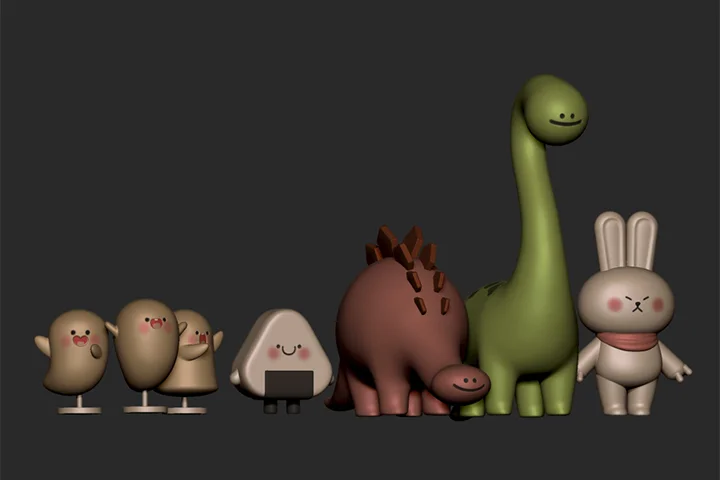 5 Hands-on Exercises for Character Modeling to Level Up Yourself Right NowBuild five different character models through step-by-step exercises! Start from the basics and move on to a more advanced level, learning two or three features at a time, with a systematic curriculum that will transform you from a complete newbie to an intermediate modeler!
 -
 Put the Skills You’ve Learned into Practice Straight Away!Have you ever learned a new skill but forgotten it right after class? You can now practice what you learn instantly, familiarizing yourself with the required features in no time. With this practice-oriented class, you will master what you’ve studied more quickly and easily.
-
 The Easiest and Most Efficient Workflow for Figure ModelingIf you feel modeling is too complicated and don’t know where to start, SOTO32STUDIO’s top-efficiency workflow will show you the way. Delve into his effective figure modeling process using ZBrush and Blender on a chapter-by-chapter basis so you can get off to an easy and clean start.
 -
 From Mock-Ups to Social Media Content: Rendering in BlenderLearn how to create product mock-ups using Blender, a free tool. You will also get special tips for making your work look more appealing with Blender, including how to produce trendy images for Instagram and other social media platforms.
 -
 Practical Printing Skills to Bring Your Figure to LifeYou no longer need to look for ways to turn your model into a physical figure! This class will teach you everything you should know to 3D print your model, from important points for parting and printing to the key features and basics of Boolean and Chitubox.
- Unlimited Access
- Best Price
Buy now, get unlimited access.
12/31 (Sat) (UTC-7) Special offer ends soon.
This special offer ends soon.
Buy now and save!
Interview with
with Figure Modeler SOTO32STUDIO

Question.01
What do you consider your strengths
when you work?
My strength is that, as a self-taught learner, I learned to take a flexible approach to work. I studied a range of resources and overcame problems in my own creative ways, which taught me how to quickly adapt to unfamiliar situations and figure out the best solution.
Question.02
How did you integrate those strengths into the curriculum of this class?
I designed this class to explore every stage of basic to advanced modeling based on the difficulties I faced as a self-taught learner. It features various approaches and hands-on exercises so you can learn to adapt more flexibly to different situations. You will also learn how to solve problems on your own and think creatively, leveling up yourself both as a learner and modeler.
Question.03
What is the purpose behind this class, and what sets it apart from others?
This class aims to help 3D modeling beginners discover the joy of using ZBrush and gain the ability to study on their own. It comes with a lot of exercises so you can learn how to deal with various problems in a flexible way, and teaches you the features required for each stage in a step-by-step manner.
Required Programs
This course will use
- Zbrush 2022.06, Blender 4.0
Please purchase and install these program(s) for an optimized class experience.
*Since some features may not be supported in older versions, we advise using these programs in the versions specified above or a later one.
*These programs and/or materials will not be provided with the course.