3D Graphic Designer,
Kim Sens
[enrolltounlock]Designer,Kimsens_김센스 Details
Class introduction
Class Intro
"For IT designers new to 3D, I've covered everything from A to Z for practical Blender application, including comprehensive theory, usage, extensive examples, and lecture materials."
A Customized Blender Intro Curriculum Focusing on Core Skills for It Designers
Are you a designer in the IT industry, including fintech, mobility, and commerce, but do not know how to use 3D tools, so you always purchase paid assets? Purchasing a 3D tool is burdensome and you only worry about the skills, level of difficulty, and curriculum you need? Perfect for Coloso from now on! We will point out the key skills you need.
From setting up the work environment and creating simple shapes to realistic texture expressions, difficult and complex 3D modeling, and vibrant animations!
Improve your 3D graphics skills with a total of 44 examples and become a designer who can freely use 3D tools.
From setting up the work environment and creating simple shapes to realistic texture expressions, difficult and complex 3D modeling, and vibrant animations!
Improve your 3D graphics skills with a total of 44 examples and become a designer who can freely use 3D tools.
Class Perks
Get These Coloso Exclusives
-
 A tailored Blender intro curriculum focused on essential skills for IT designers.
 -
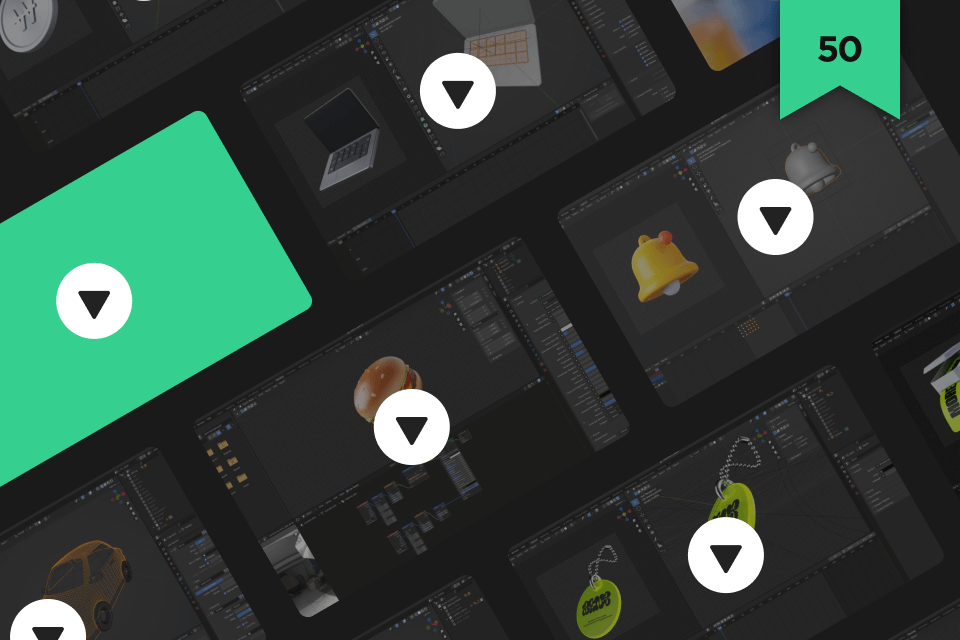
 Learn a wide range of styles with 44 example exercises.
 -
 You can explore the expertise with 44 example source files.
-
 Includes 25 presets and source files used in class exercises..
 -
 3D use cases by domain, including fintech and social media, with 27 types of UI templates.
 -
 Blender Information Communication & Speaker Feedback Via Naver Cafe.
Recommendation
Who Should Take This Class?
People who want to get into Blender but are at a loss because they don't know where to start
People who set a Blender learning goal but failed every time and wanted strong motivation
People who want to quickly use the 3D graphics skills they have learned in practical design projects
Expert 3D Graphic Designer Sens Kim's Portfolio
-

Kakao Pay 3D Graphic Assets -

Kakao Pay 3D Graphic Assets -

Kakao Pay New Car Cashback Service Title
-

Kakao Pay Card Issuance Possibility Key Visual -

Kakao Pay Way of Working 3.0 Key Visual -

Blender Youtube Tutorial
-

Personal Cupcakes -

Personal Work NFT_PFP -

Personal Work NFT_ART

Broaden Your Range of Expression with
44 Exercises and 96 Class Materials!
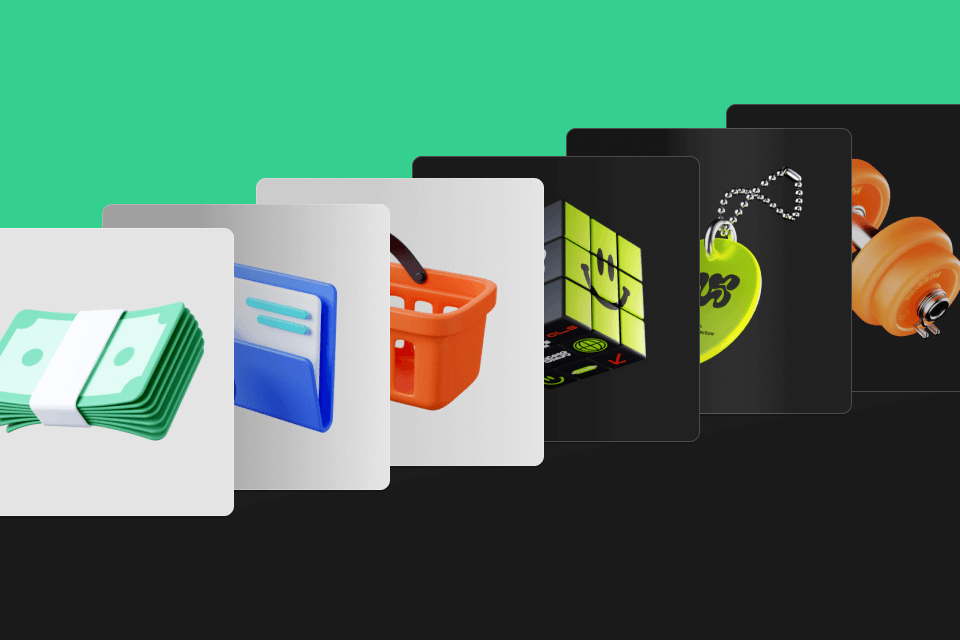
16 types of 'Basic' examples ideal for fintech, mobility, edutech, and delivery industries!
11 types of 'Stylish' examples perfect for fashion, commerce, social media, metaverse, health, music, and content industries!
9 examples for creating vibrant animations!
11 types of 'Stylish' examples perfect for fashion, commerce, social media, metaverse, health, music, and content industries!
9 examples for creating vibrant animations!
In addition, 5 types of 3D app icons, 3 types of 3D key visuals, and up to 27 types of UI designs that can directly use the created examples!
Learn Blender with a solid 50-chapter curriculum and 44 abundant example exercises , create the most 'FIT' 3D graphics for your project with 96 types of class materials , and quickly use it in practice!
Learn Blender with a solid 50-chapter curriculum and 44 abundant example exercises , create the most 'FIT' 3D graphics for your project with 96 types of class materials , and quickly use it in practice!
Class Exercises
40+ Blender Practice Exercises
Step 01. Blender Basic Training
-

Shortcut key -
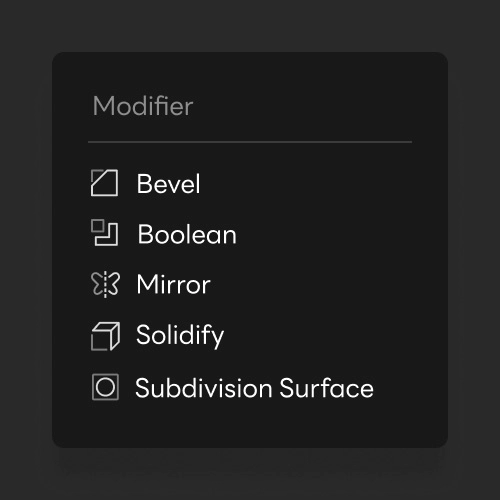
Modifier -
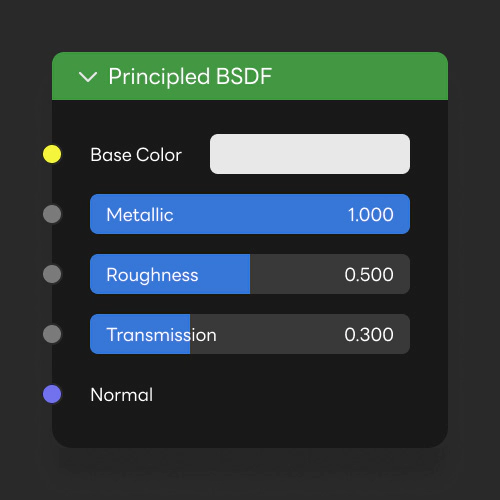
Shader -
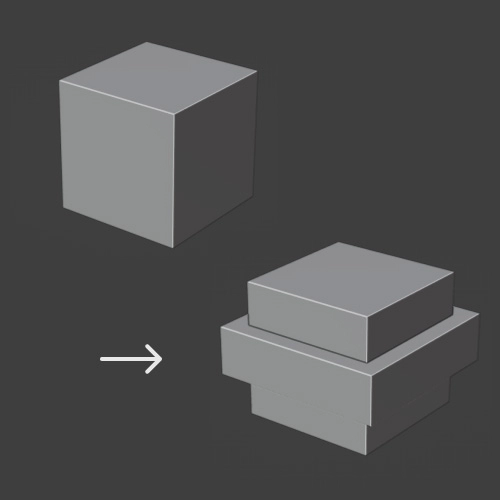
modeling exercises
Step 02. Basic Type
-

Coin -

Notification bell -

Money -

Lock -

folder -
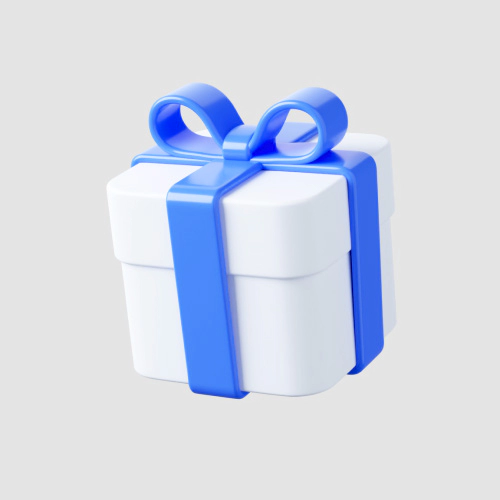
gift box
-

Confetti -
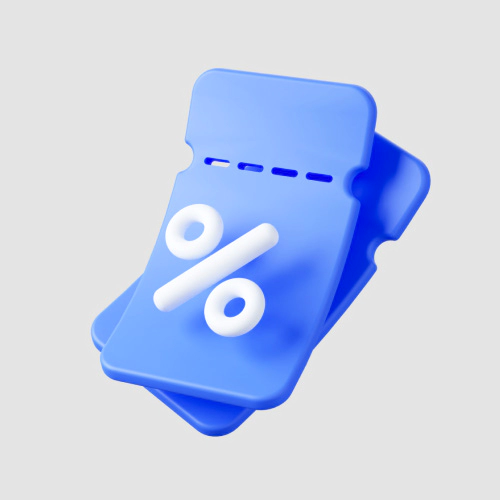
Coupon -

Calender -

paper+pen -

shopping basket -

loud speaker
-
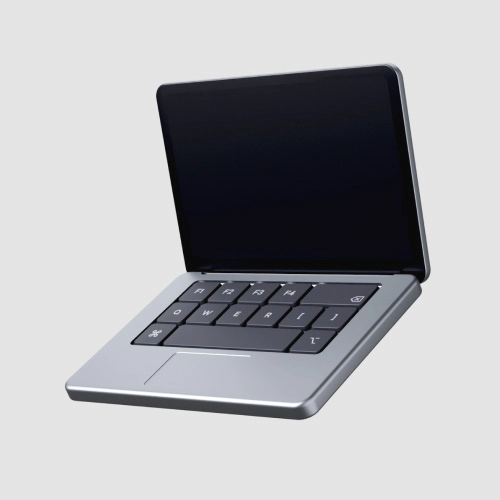
Laptop -

Cell phone -
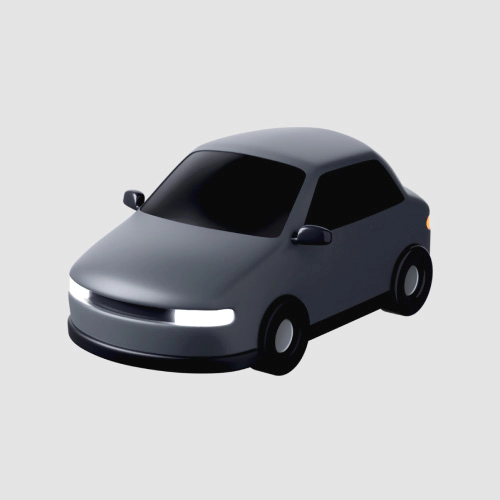
Automobile -
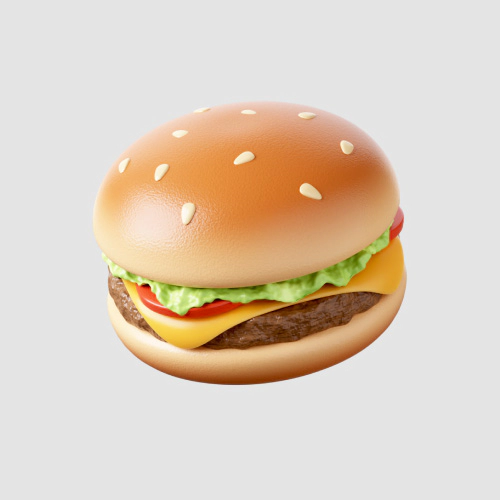
hamburger
-

Coin motion -

Notification Bell Motion -

Laptop Motion -

firecracker motion -

mobile phone motion
Step 03. Stylish Type
-
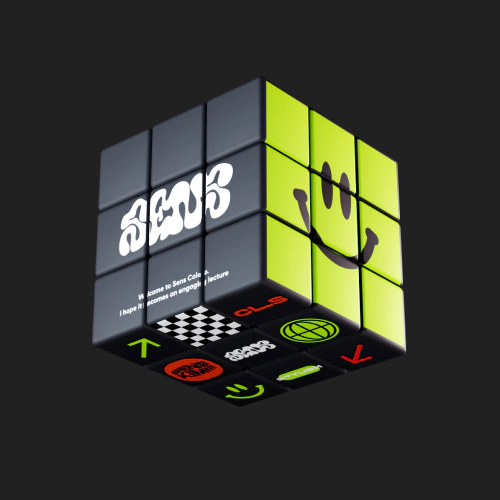
Rubik's Cube -
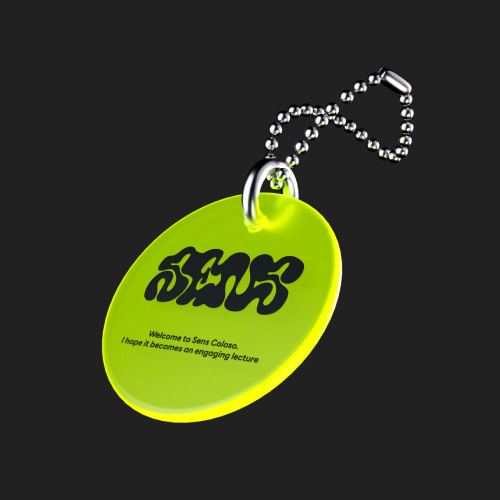
Keychain -

Dumbbell -
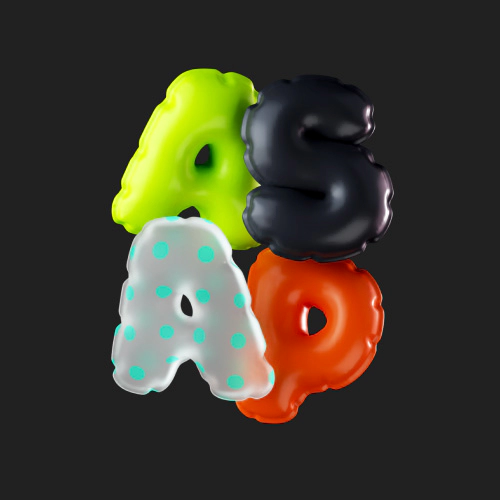
balloon
-
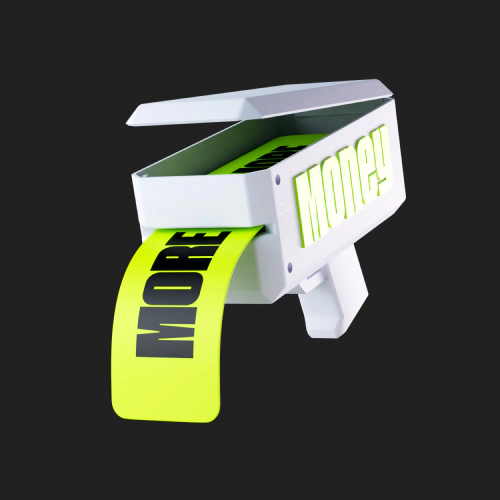
Money gun -

Hand -

Headset -
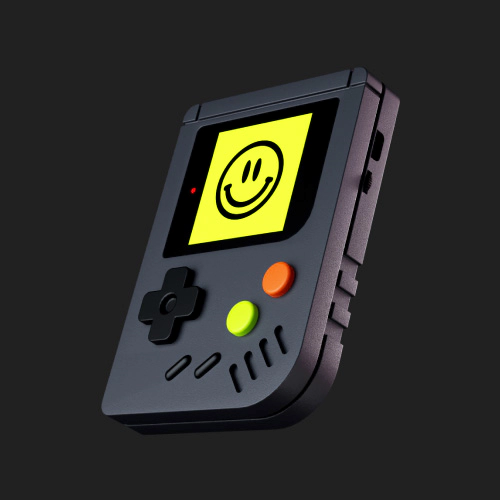
game boy
-
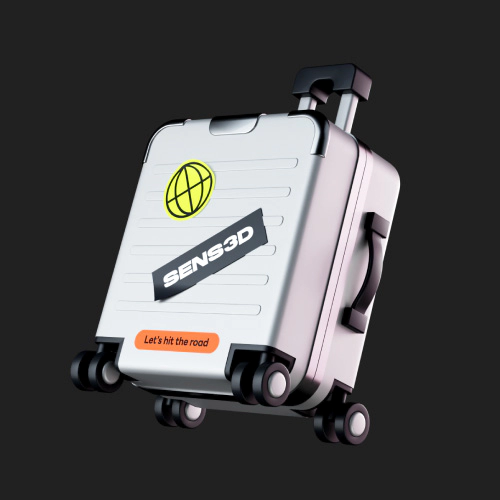
Carrier -
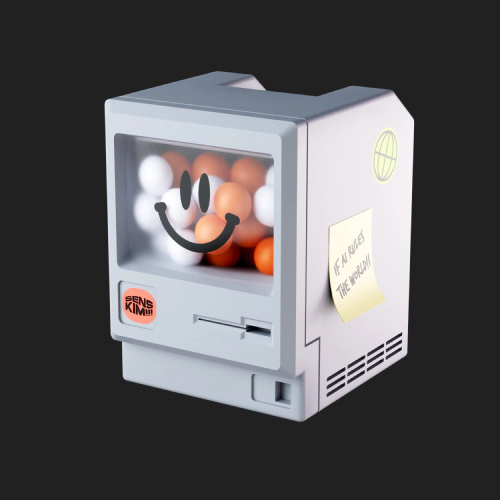
Vintage PC -
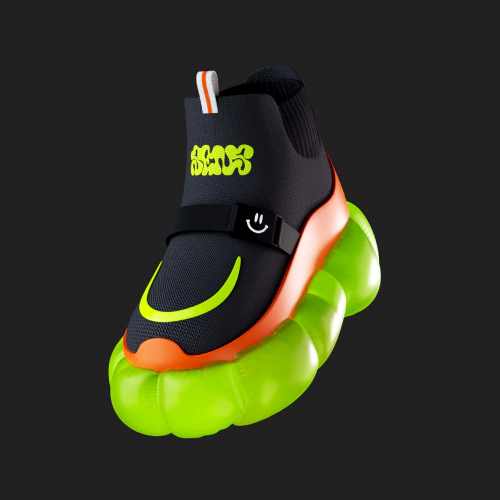
Shoes
-

Rubik's Cube Motion -
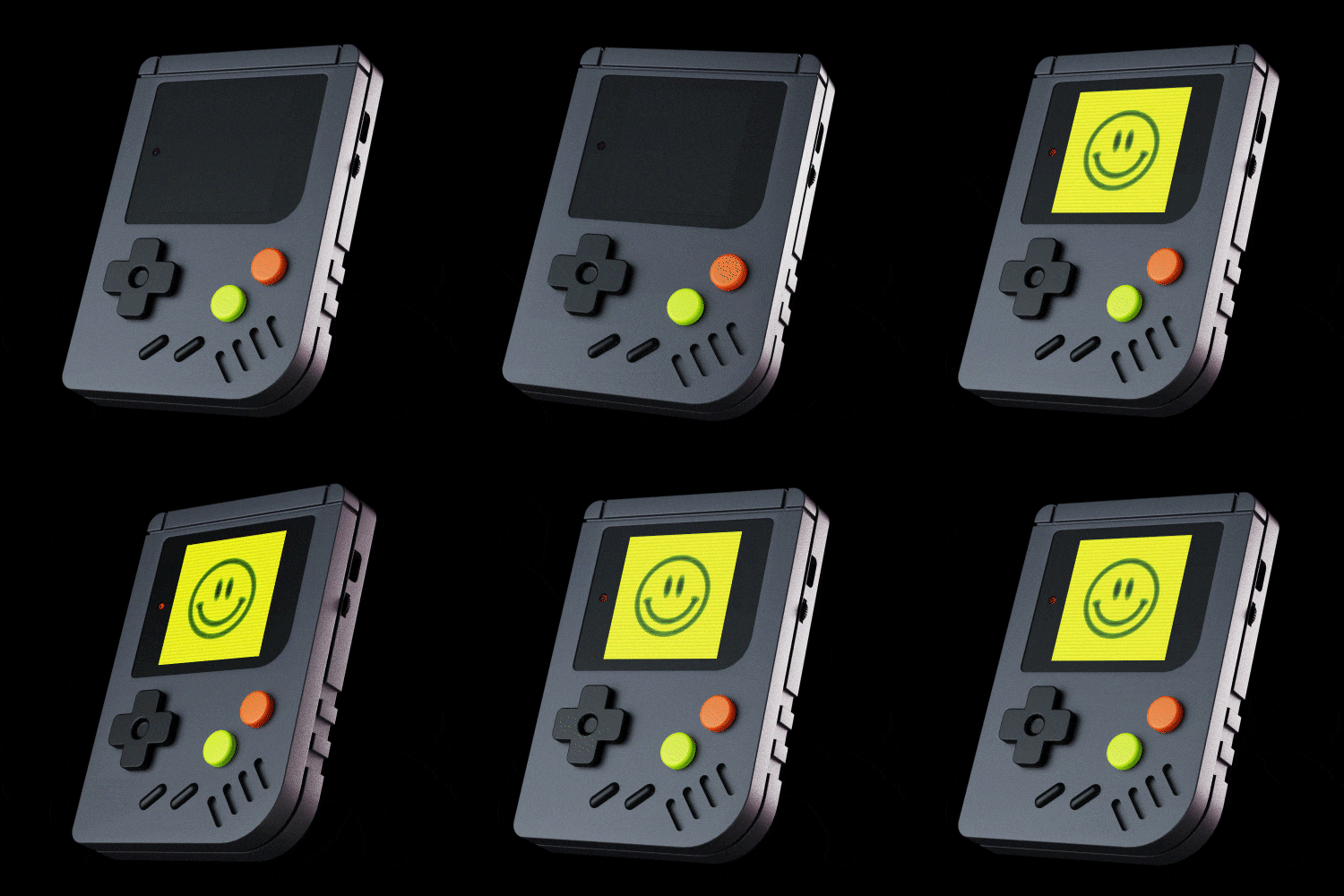
Game Boy Motion -

Hand Motion -

Balloon Motion
Step 04. Practical Use
-

App Screen 01 -

App Screen 02 -

App Screen 03 -
App screen 04 -
App screen 05
-


Key Visual 01 -

Key Visual 02 -
Key Visual 03
-


Fintech UI -

SNS UI -

Other 01 UI -

Other 02 UI
* The results above are actual class examples that will be created during the course.
class features
Class Highlights
Blender Class Taught by a Kakao Pay Designer

Even though it is free, Blender provides powerful functions as a 3D visual tool such as modifier, shading, animation, and simulation! Take a look now at the know-how that helped the 3D graphic designer of fintech company Kakao Pay expand his expressive capabilities from 2D design base to 3D design and quickly utilize Blender in practice!
Two Versatile Graphic Styles Applicable across Various Industries
It can express both the intuitive 'Basic' type suitable for use in popular services such as fintech, mobility, edutech, and delivery, and the 'Stylish' type suitable for use in the commerce, social, metaverse, health, music, and content industries. Develop your capabilities and develop the power to create 3D graphics with the mood you need!

44 Example Exercises and Practical Application Insights Disclosed
A total of 27 types of 3D assets, 9 types of motion & animation assets, 5 types of app icons, 3 types of key visual graphics, and 27 types of UI designs that can directly use the created examples! Strengthen your Blender capabilities with abundant examples and learn the know-how to quickly use it in practical projects!
Speaker introduction
Kim Sense
3D Graphic Designer
Hello! I'm Sens Kim, a 3D graphic designer at Kakao Pay. Before transitioning into 3D design, I spent 7 years as a promotion designer. Drawing on my extensive experience in IT design, I aim to share insights on essential graphics for services and effective communication strategies.

3D Graphic Designer,
Kim Sense
[Current]
Kakao Pay 3D graphic designer
2022 Selfitis Planet NFT operation
YouTube Sens_3D operation
Projects & Awards
[Participated Projects]
2023 Kakao Pay 3D graphic asset production
2023 Kakao Pay Kapic video 3D resource production
Class Details
You'll Learn
-
 Basics of 3D Graphics and How Blender OperatesStarting with how to install Blender, we will look at the basic interface and shortcut keys, and learn representative core functions such as modifiers and shaders by following basic shapes.
 -
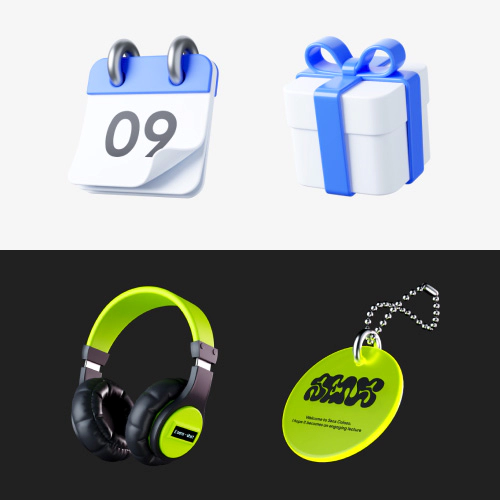 How to Set up the Environment to Shape the Impression of 3D GraphicsLearn lighting and camera settings that determine the characteristics and personality of graphics, such as a calm, minimalist mood and a fancy, hip mood.
 -
 3D Modeling Using ModifiersLearn how to model three-dimensional 3D shapes using modifiers, from simple structural examples to examples with detailed and complex elements.
-
 Understanding and Applying the Blender Node SystemLearn how to understand and use the Blender node system, including shaders, textures, geometry, and UV, that bring 3D models to life with realistic expressions.
 -
 Create Vibrant Animations with Simulation NodesLet's look at the basic concepts and methods of adding movement to a 3D model, and create animations such as rotation, rotation, button pressing, and particle explosion and gathering.
 -
 Tips for Using 3D Graphics in PracticeWe will look at how 3D graphics such as app icons, key visuals, package design, and UI screens are actually used in practice, and learn about the size, shape, and format of files for communication with related departments.
curriculum
Curriculum
In-Depth Look
Part 01. Blender Basics
Part 02. Basic Type
Part 03. Stylish Type
Part 04. Practical Use
Part 05. Outro
Interview with
3D Graphic Designer, Kim Sense

Question.01
What are the planning intentions and points of this course?
What are the planning intentions and points of this course?
Recently, as the IT industry's use of 3D graphics has increased, 3D capabilities have become an essential skill for designers. Accordingly, interest in Blender, a free 3D graphics tool, is increasing day by day. However, since there are few introductory tutorials that cover graphics, examples, or curriculum in a style that can be used immediately in practice , I have prepared this class to quench your thirst.
Question.02
What are the unique points of this course?
What are the unique points of this course?
I designed a curriculum of 50 clips so that even beginners to Blender can follow along. In addition, we have prepared a program so that students who are starting Blender for the first time can slowly get used to the difficult 3D environment by practicing 1 to 2 tasks per day for a total of 44 tasks .
Question.03
What can students gain from the course?
What can students gain from the course?
I hope that through this class, you will gain the power to create 3D graphics on your own and produce high-quality results for the various practical projects you face .
Required Programs
This course will use
- Blender 3.6
- Adobe Illustrator 2022
- Photoshop 2022
- After Effects 2022.
Please purchase and install the latest versions of the programs for an optimized course experience.
*These programs and/or materials will not be provided with the course.