CreativeDirectorYoungwoonLee_이영운 Details
Intro
Class Intro
Creative Director, Youngwoon Lee
“Utilize generative AI like Stable Diffusion and Midjourney to create AI art with no boundaries or limits.”
Encyclopedia on Generative AI Utilization with Stable Diffusion and Midjourney: Easy to Learn for Beginners
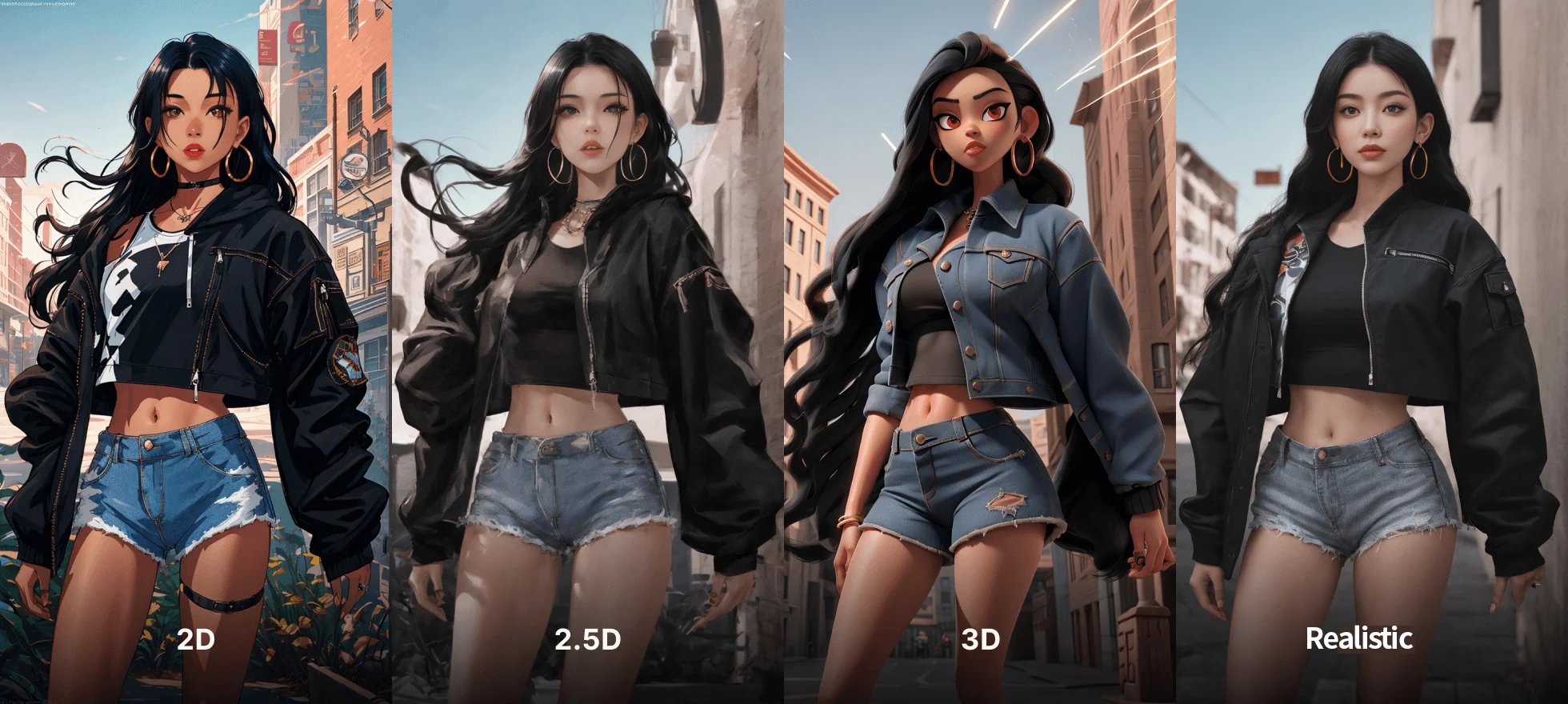
What if you could create images in styles of your choice, such as stylized, semi-realistic, realistic, 2D, and 3D, even if you're not good at drawing? What if you could produce various pieces like characters, backgrounds, promotional images, and logos, even if you're not skilled with design tools?
With generative AI, this is possible. It’s a tool that can turn anyone into a creator.
With generative AI, this is possible. It’s a tool that can turn anyone into a creator.

Learn the basics of generative AI, the most efficient workflows to create the images you want in just 30 minutes, and how to refine the details.
We’ve compiled everything you need, so you don’t have to verify information from the community or figure out how to use it effectively on your own.
Join Coloso for a generative AI master class where you can create any style of image you want, including 2D, 3D, realistic, ad images, characters, and backgrounds.
We’ve compiled everything you need, so you don’t have to verify information from the community or figure out how to use it effectively on your own.
Join Coloso for a generative AI master class where you can create any style of image you want, including 2D, 3D, realistic, ad images, characters, and backgrounds.
Class Perks
Get These Coloso Exclusives
-
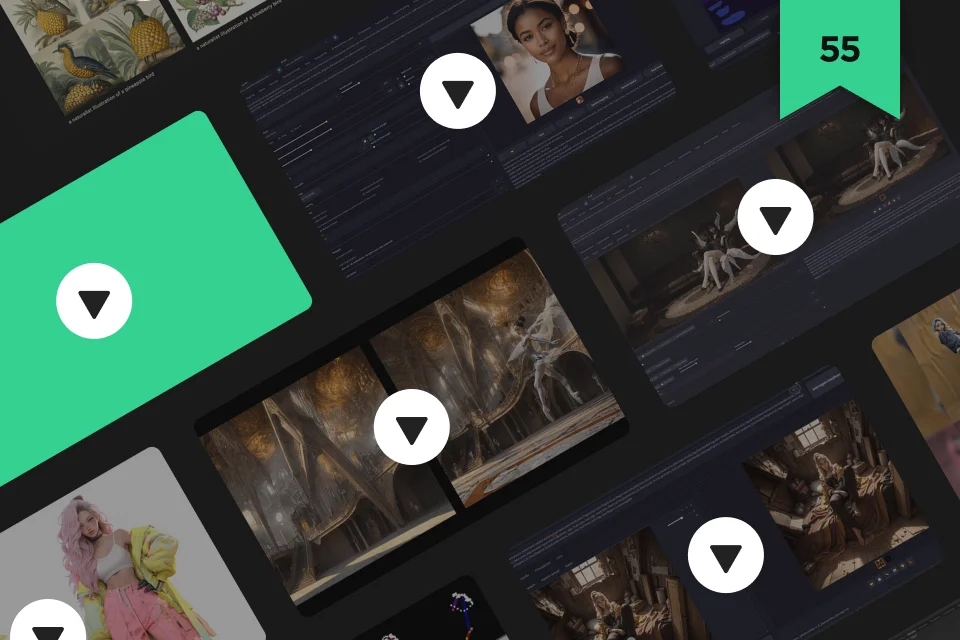 More than 30 hours of55 chapters with unlimited learning
 -
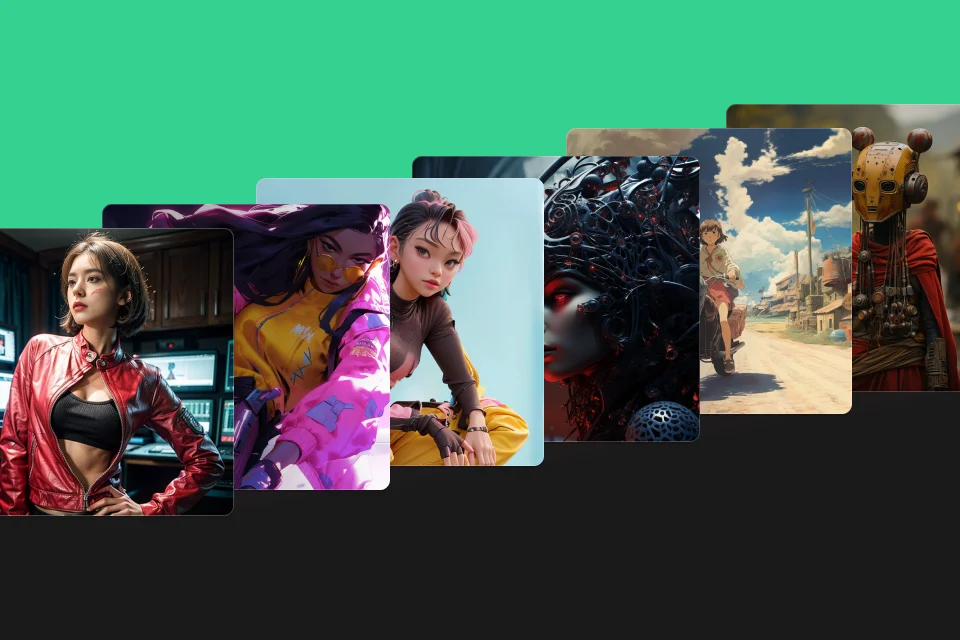 From 2D to 2.5D, 3D, casual, and realisticMore than 60 exercises
 -
 A total of 238Key prompt guidebook
-
 Provide course summary bookswith Summaries of every chapter of the course
 -
 More than 60 exercise TXT fileswith prompt and the settings
 -
List of Provided Prompt Guidebook
-
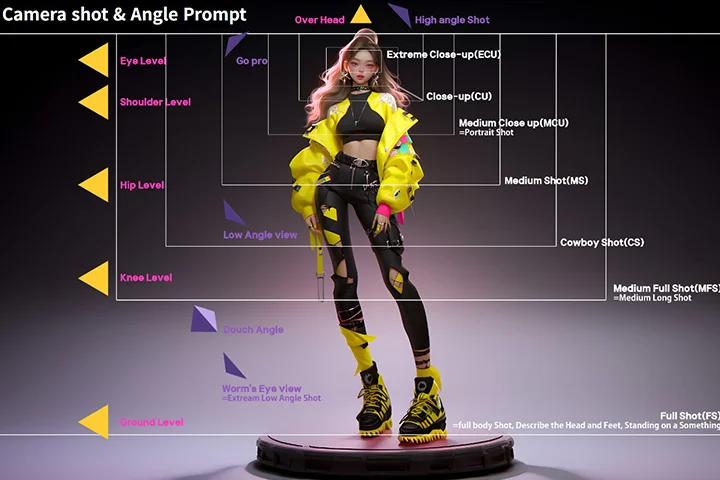
 Camera prompt- 21 prompts for every camera location
- 16 prompts for every camera feature
- 25 prompts for every camera view and angle -
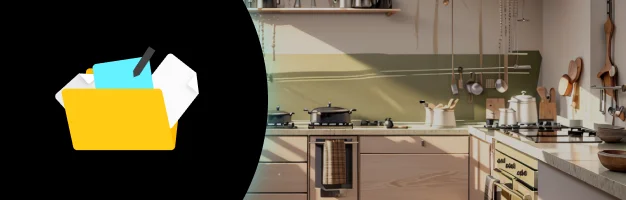 Prompt per concept- 16 prompts for every key color and style
- 54 prompts for every material and theme
- 51 prompts related to building designs -
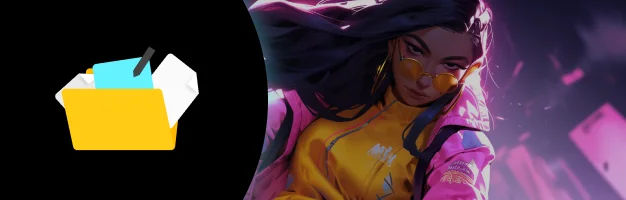 Character prompt- 30-character expression prompts
- 14-character gaze direction prompts
- 11-character gaze location prompts
Recommendation
Who Should Take This Class?
-
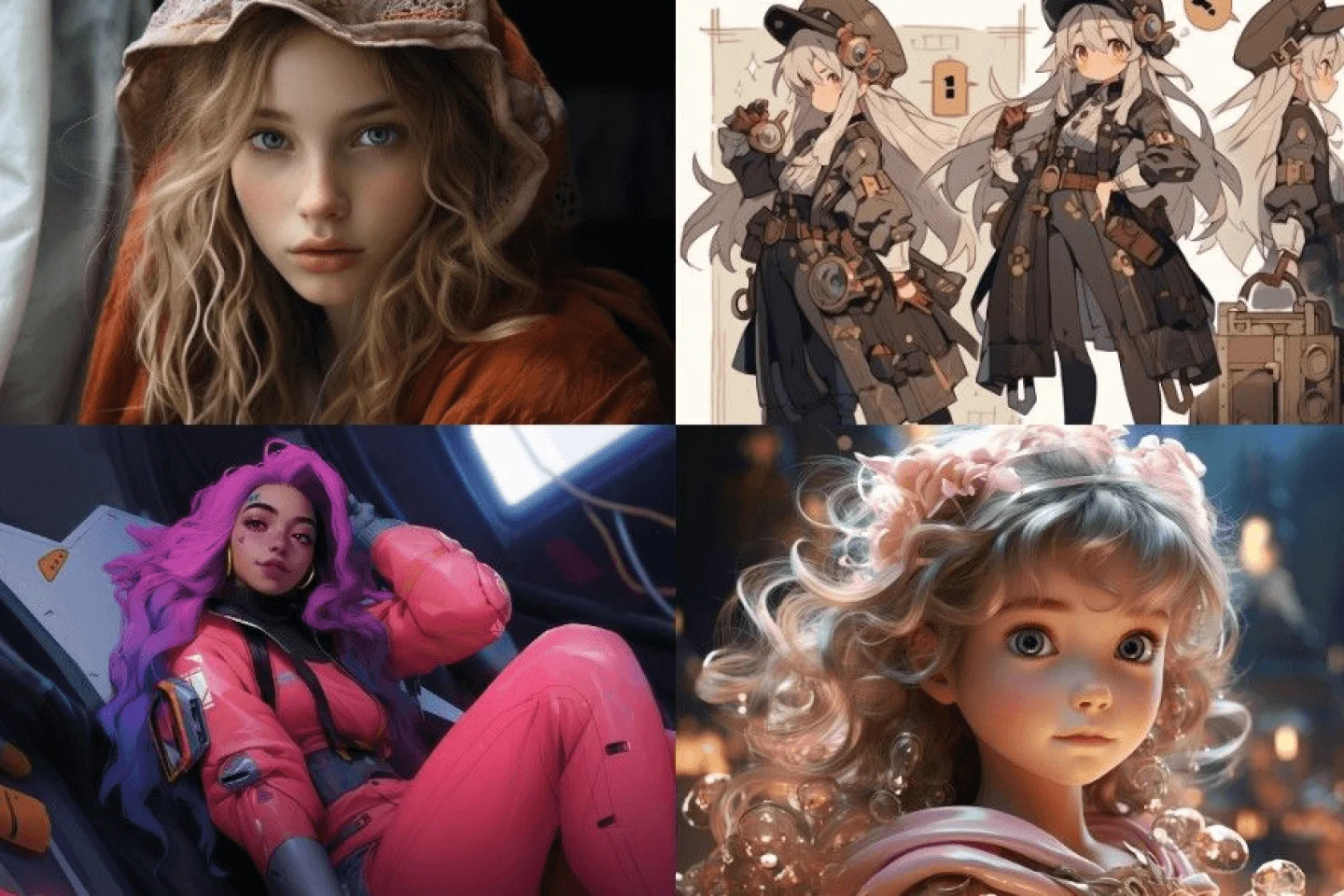 Those who want to create images in a variety of styles, including 2D, 2.5D, and 3D
 -
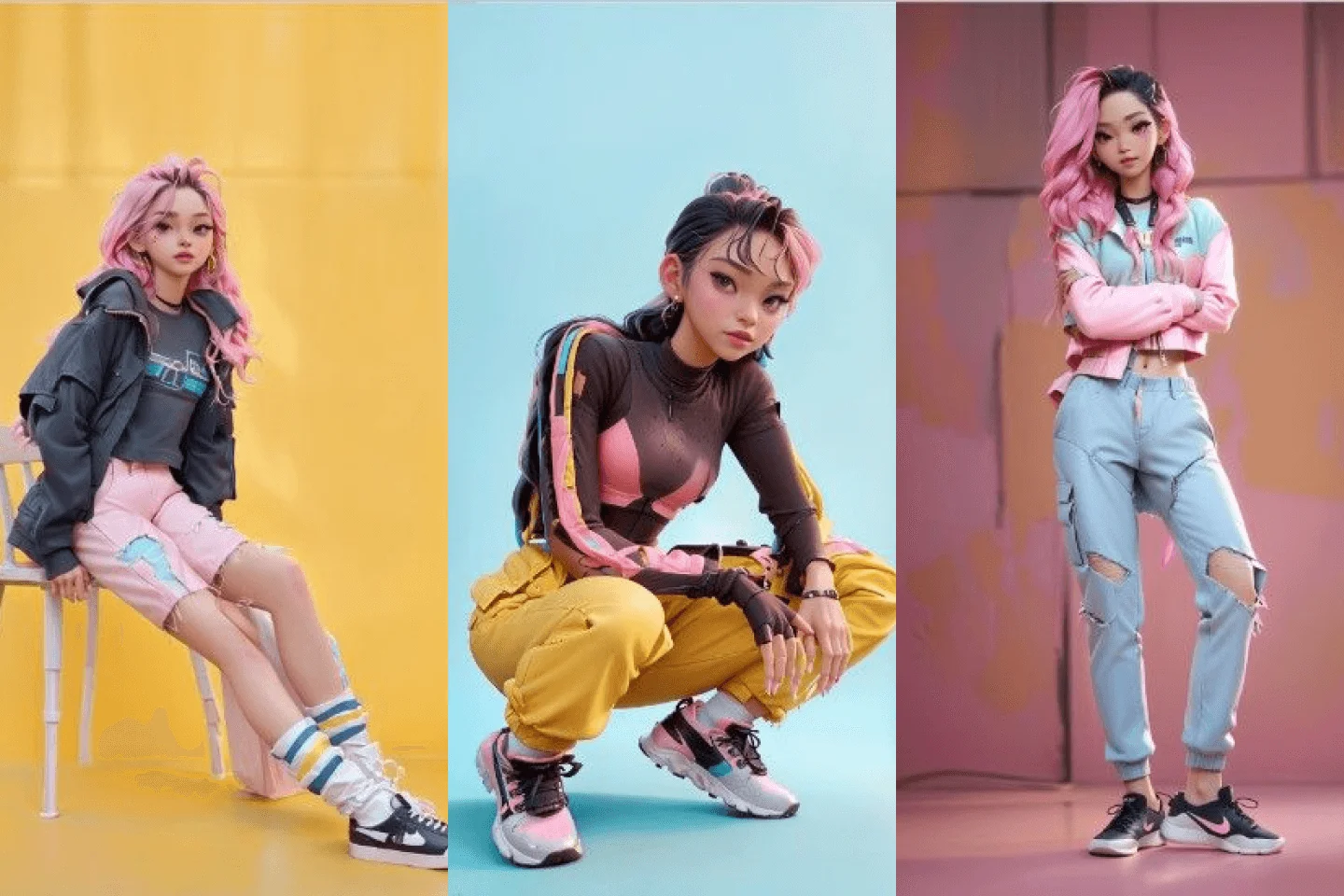 Those who want to customize their character’s pose, background, and facial expressions
 -
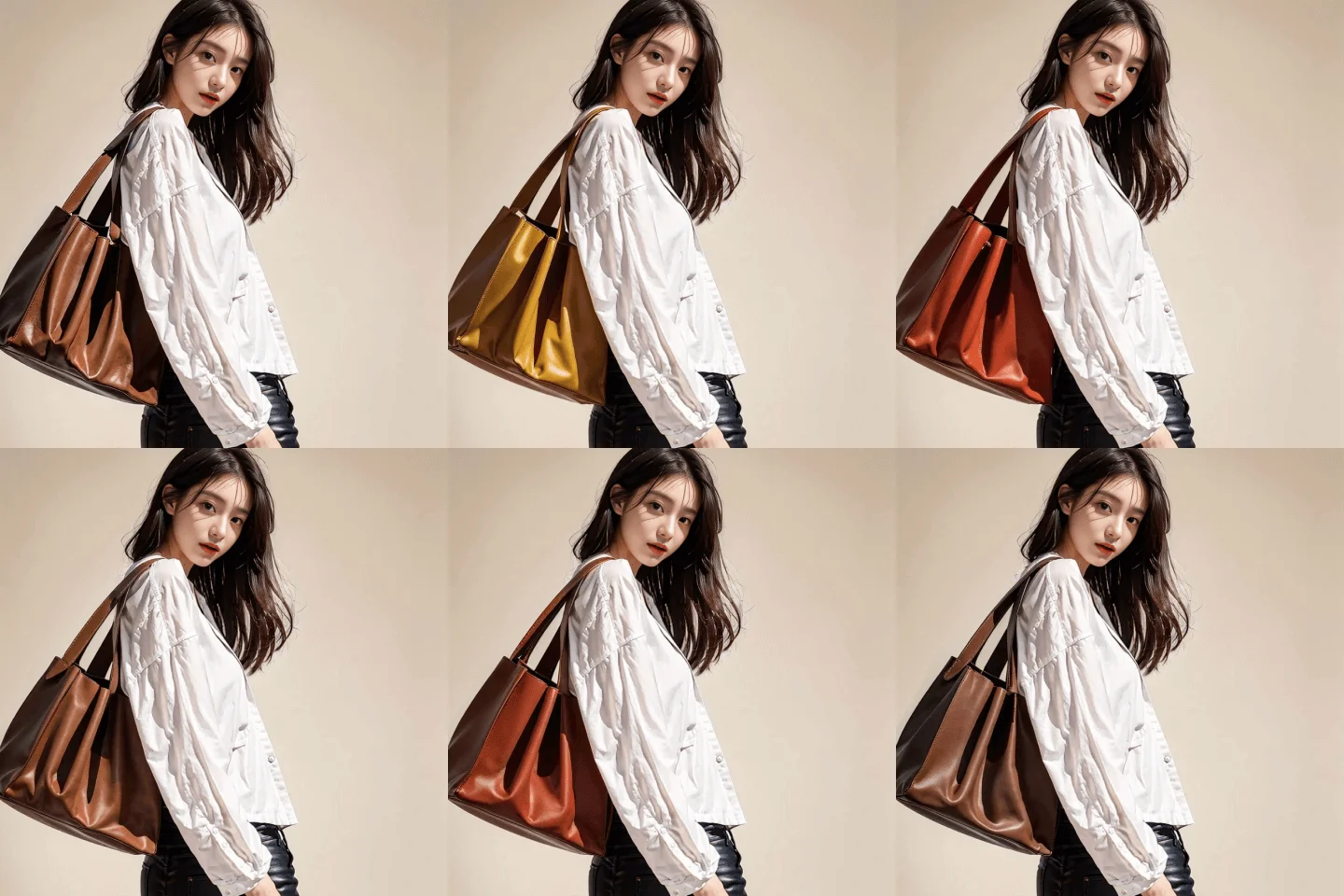 Those who want to quickly create photorealistic images for advertising, including products, people, and spaces
Creative Director Youngwoon Lee’s Portfolio









AI Utilization and Review Notes to Create Any Images
I typed in the exact same prompts as in the class, but why does the image I created look weird?
Why is my drawing so blurry?
Everything else is fine, but can’t I adjust the hair a little bit?
Why is my drawing so blurry?
Everything else is fine, but can’t I adjust the hair a little bit?
Includes 60 exercises and solutions to common errors that occur when creating images.
Only Coloso provides the real knowledge to turn AI tools into tools that help you create the images you want, not just gimmicks.
Only Coloso provides the real knowledge to turn AI tools into tools that help you create the images you want, not just gimmicks.
Get Ready for the Real-World
60 Class Exercises
Character Creation
Part1. Create characters in a variety of styles, from 2D to realistic
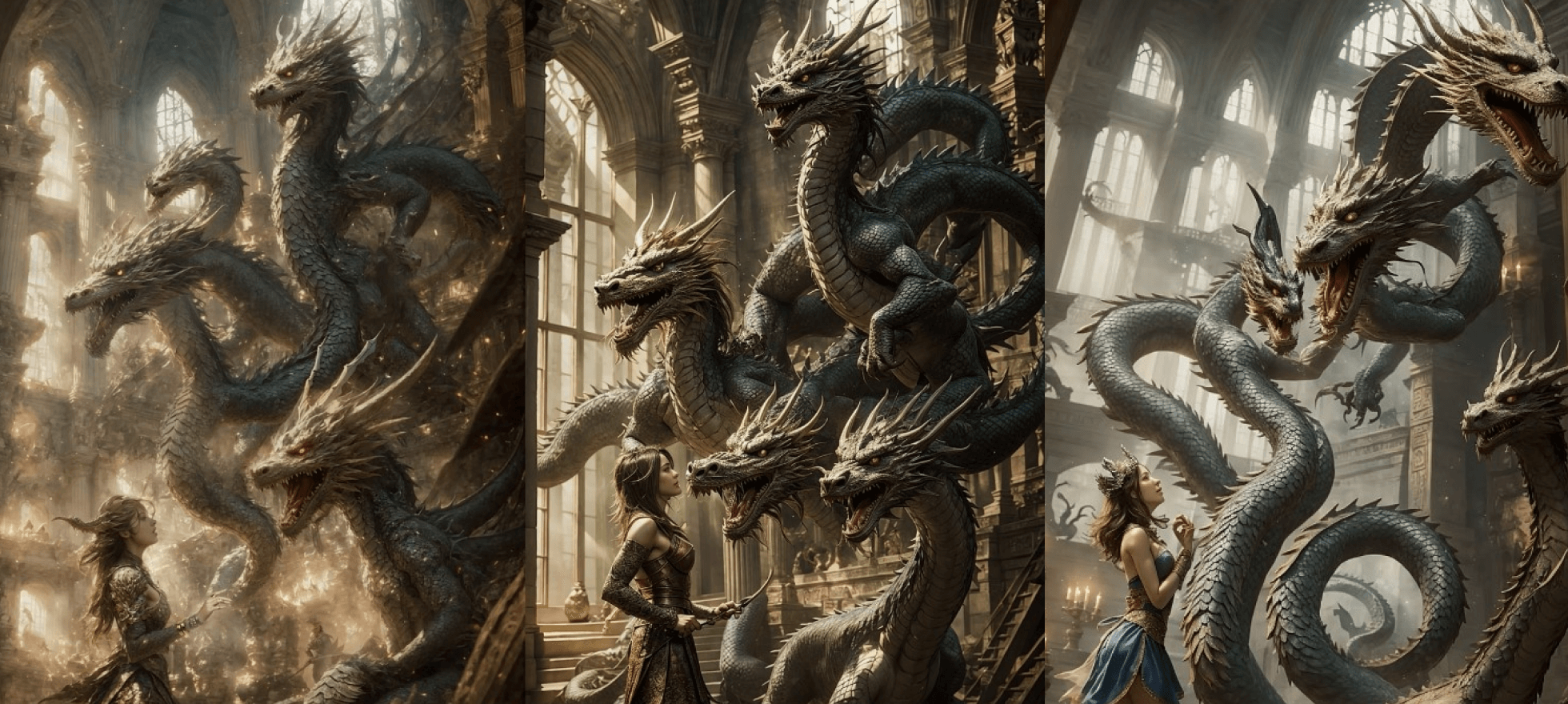
Part2. Modify characters to suit your preferences
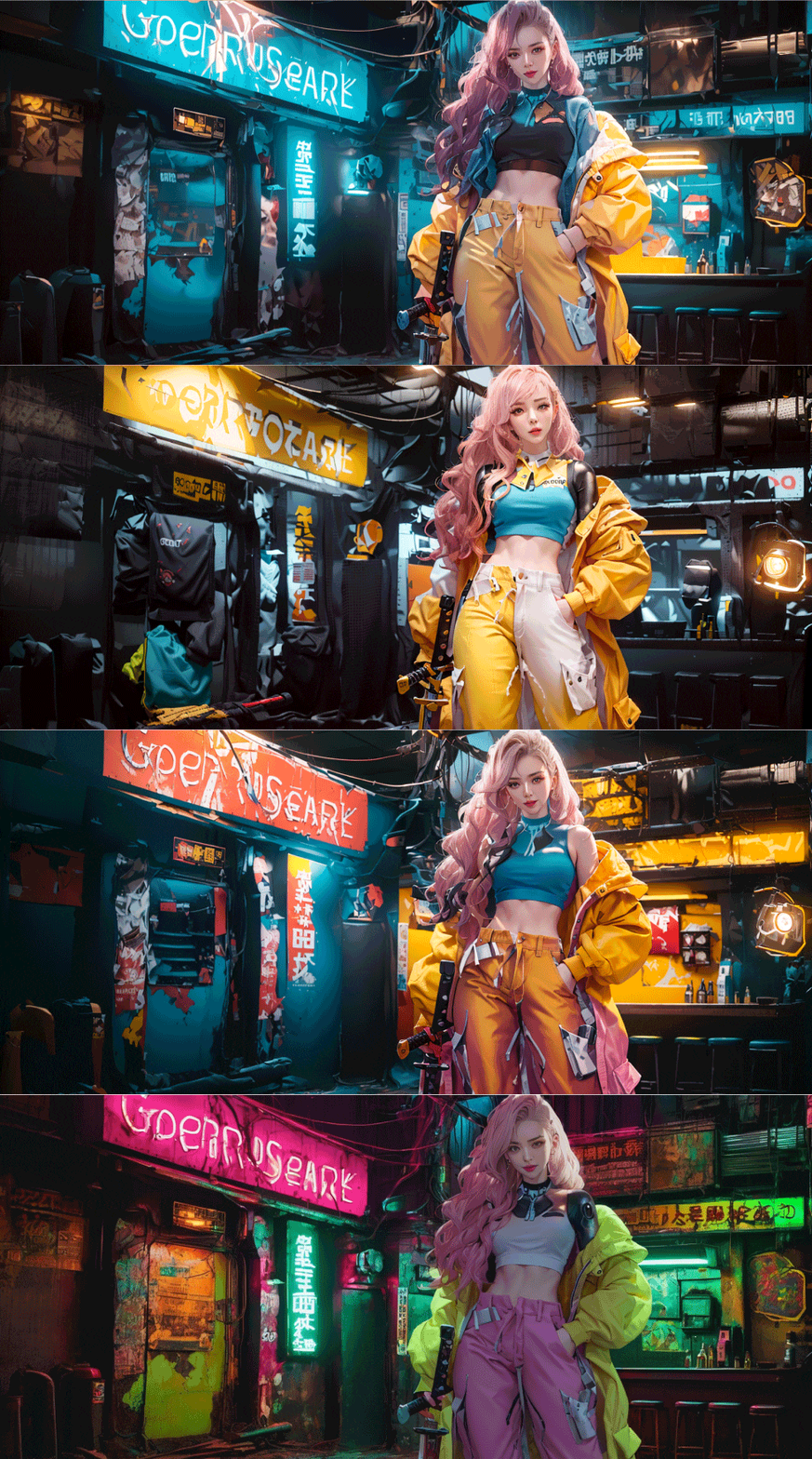
Change outfit and background
-
 Change outfit
 -
 Change gaze
 -
 Change age
 -
 Change race
Part3. Character Artwork Creation
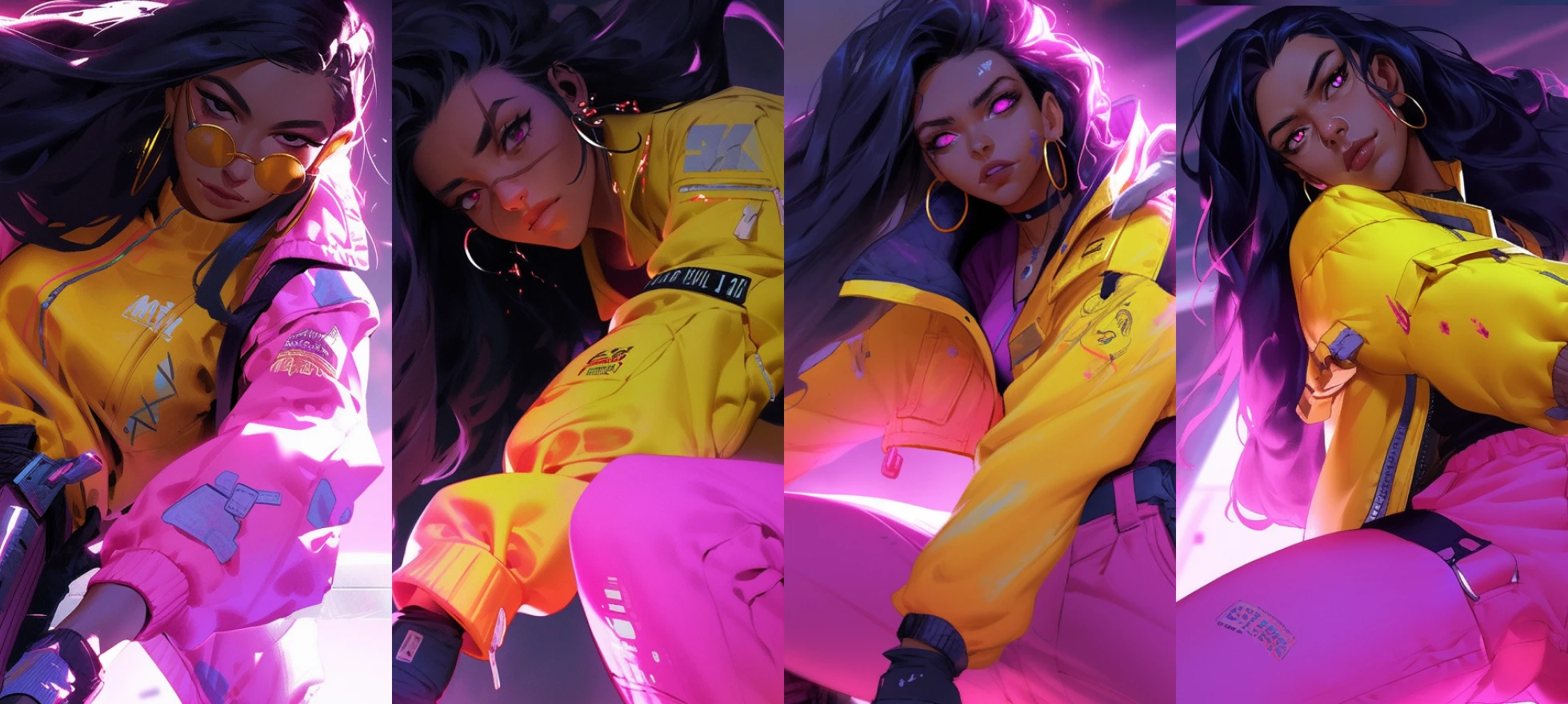
Character artwork with various poses
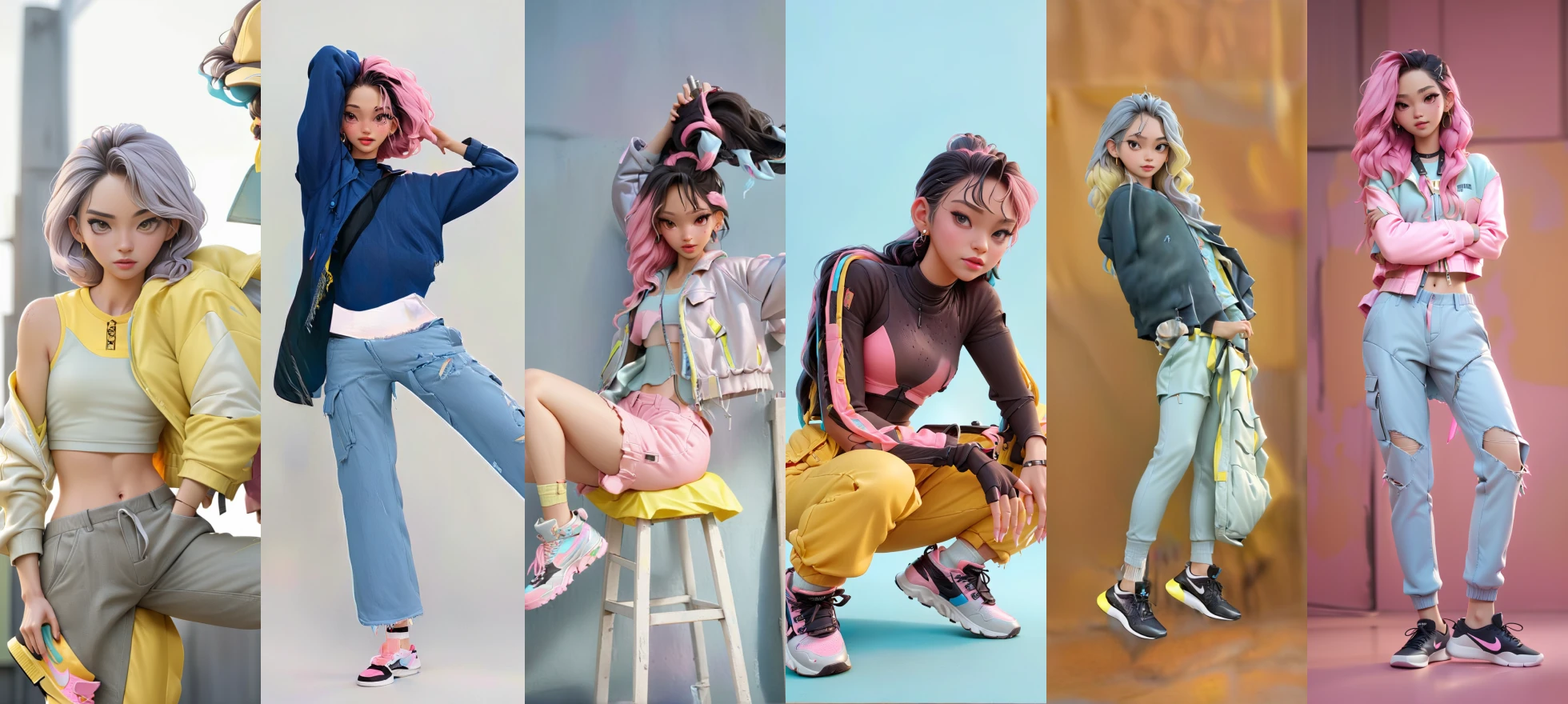
Various poses and background character artwork
Bonus. Character creation tip features
-
 Create character turnaround
 -
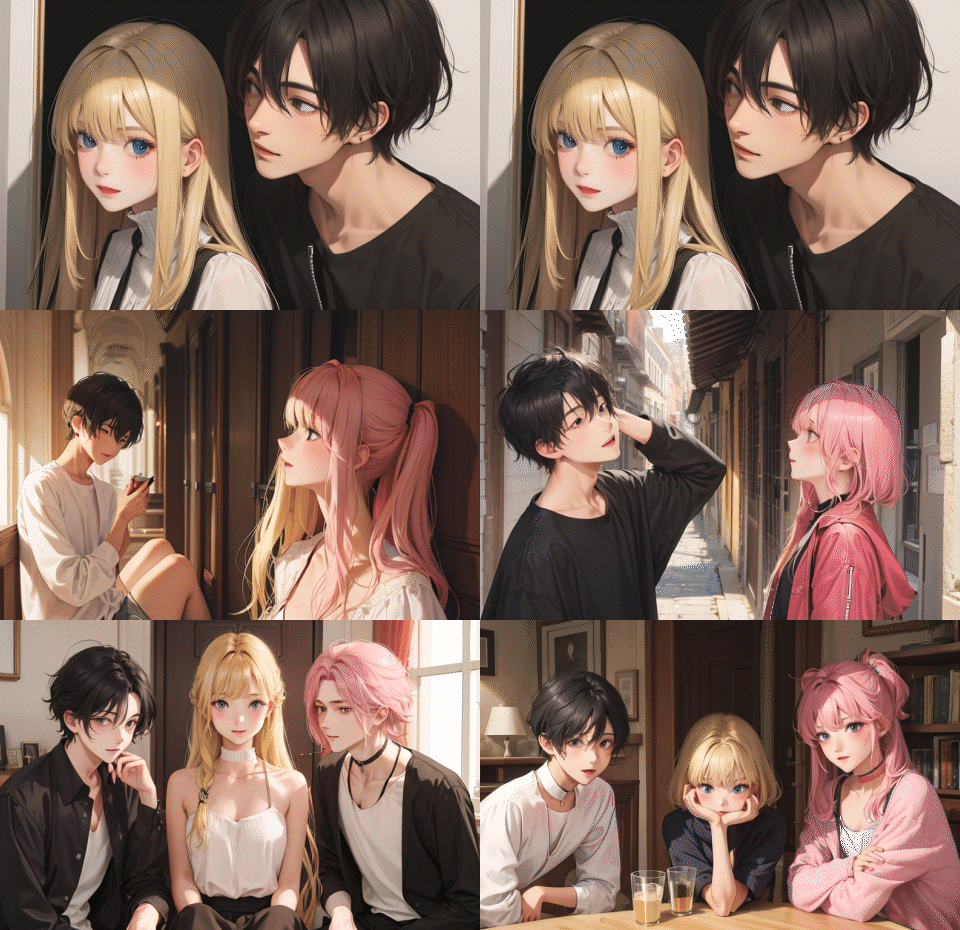 Create several characters at once
-
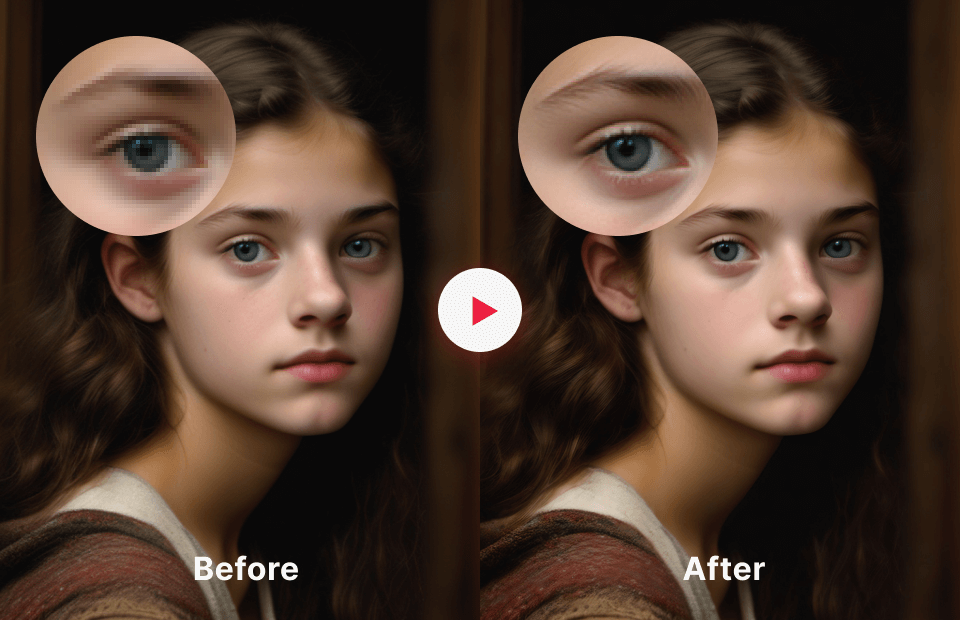 Up scaler
 -
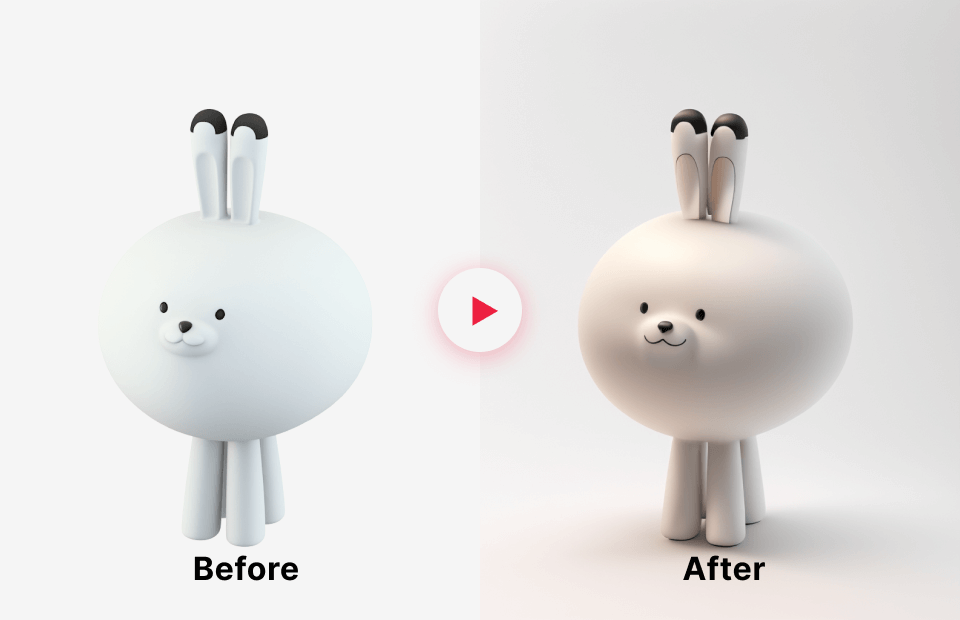 3D character lookdev
Background Creation
Part1. Create Backgrounds with Different Concepts
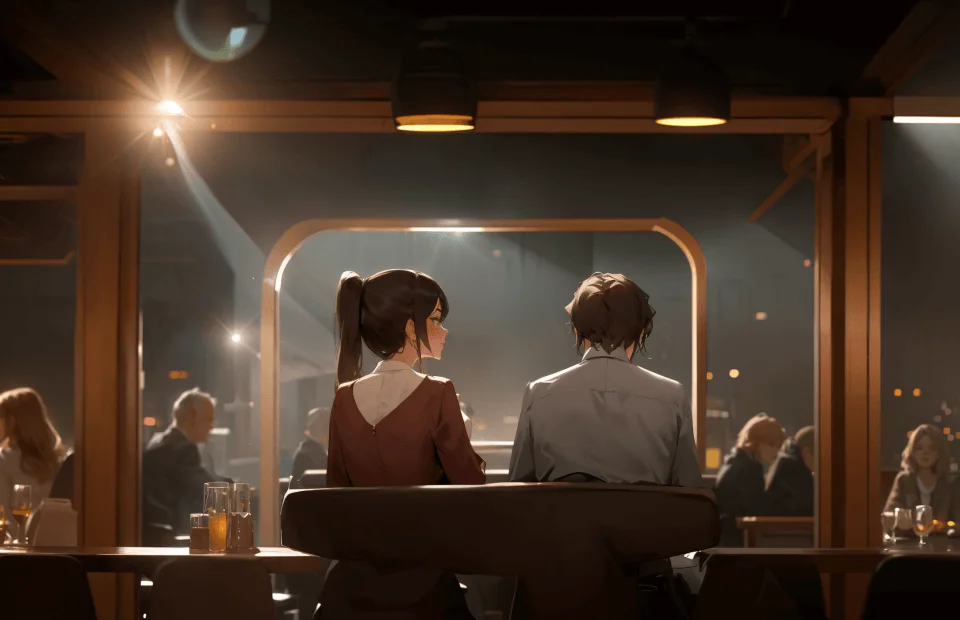
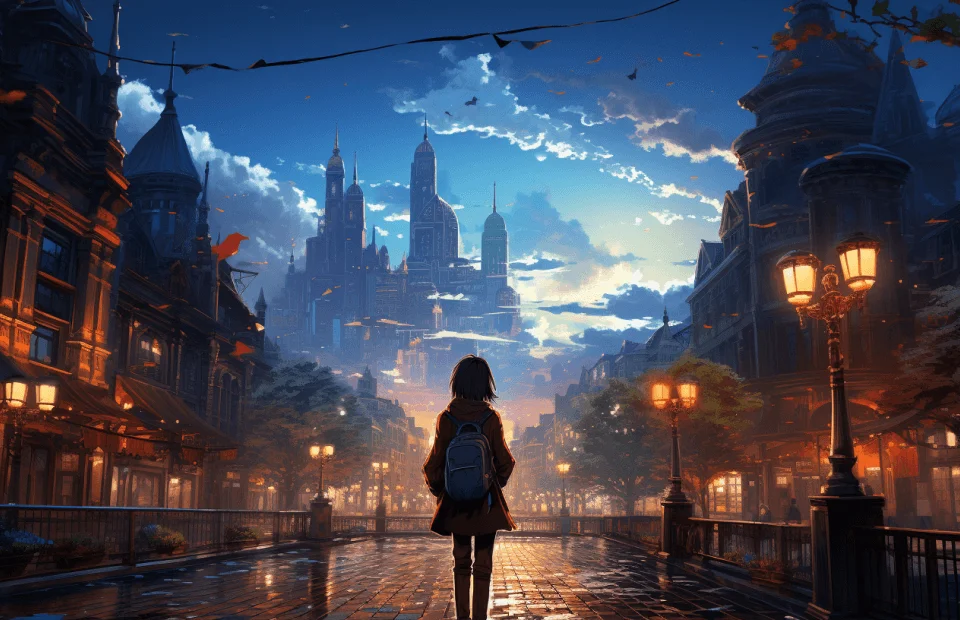
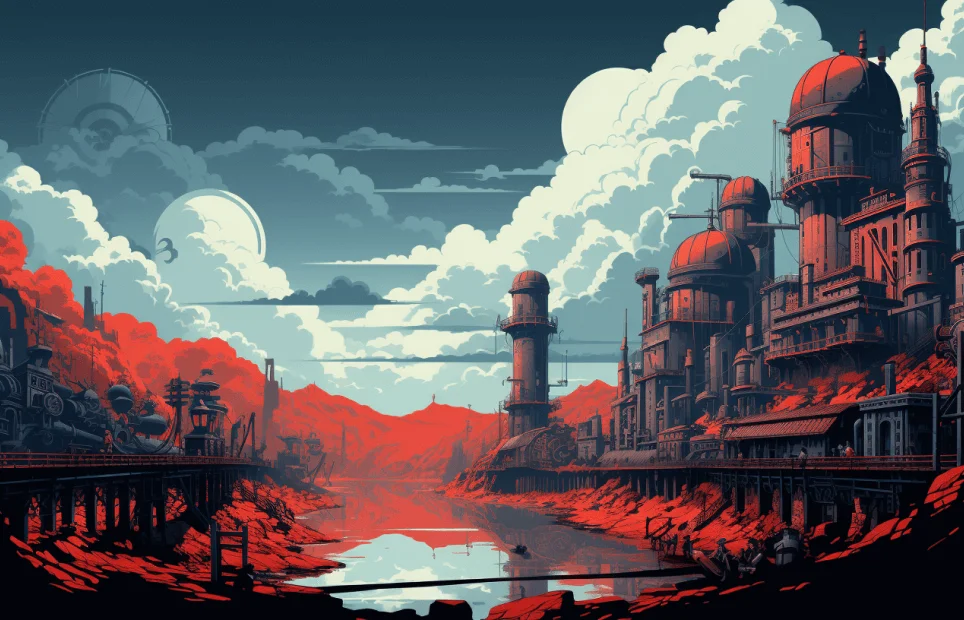
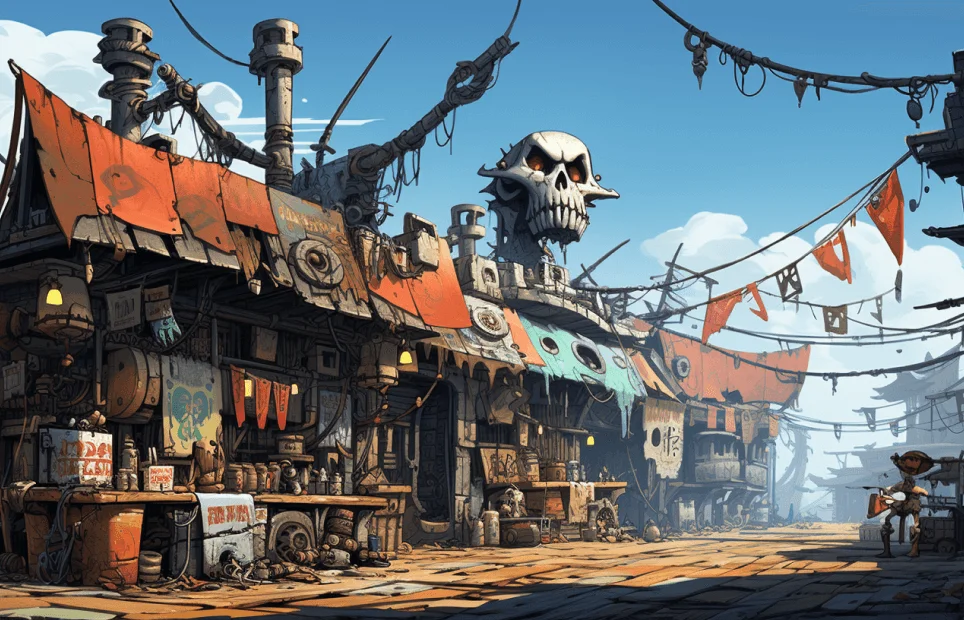
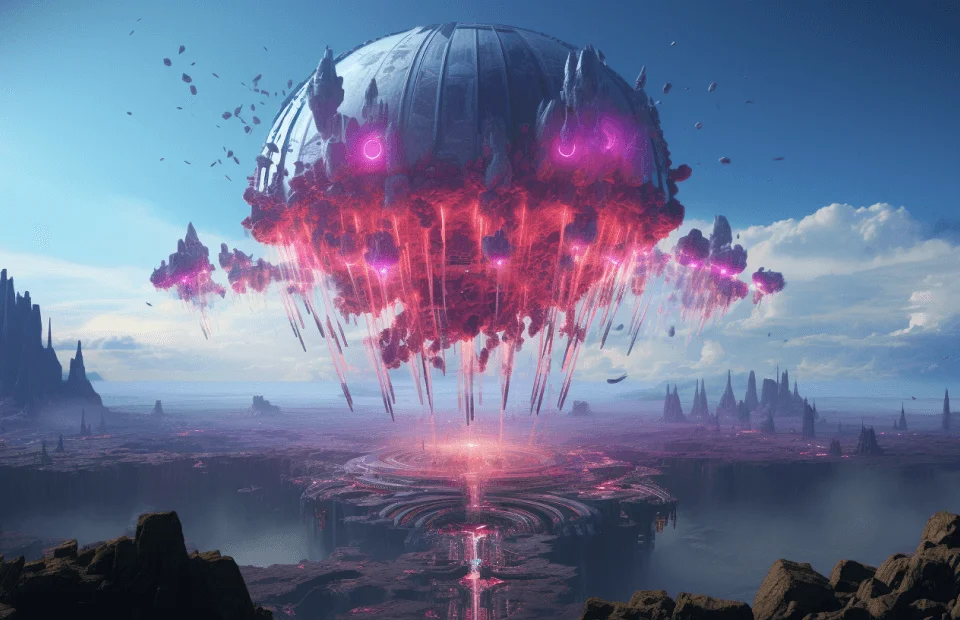
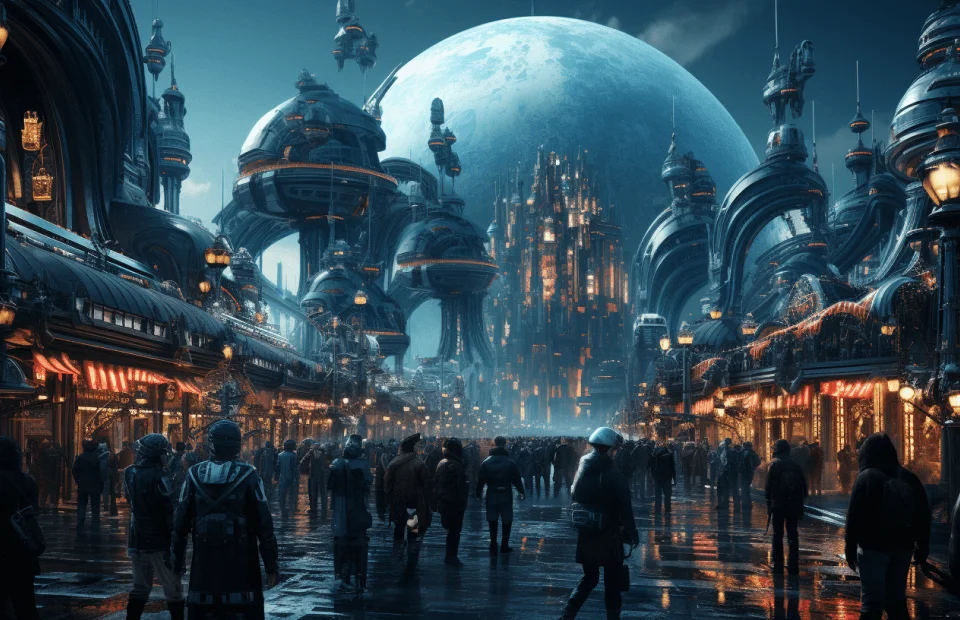
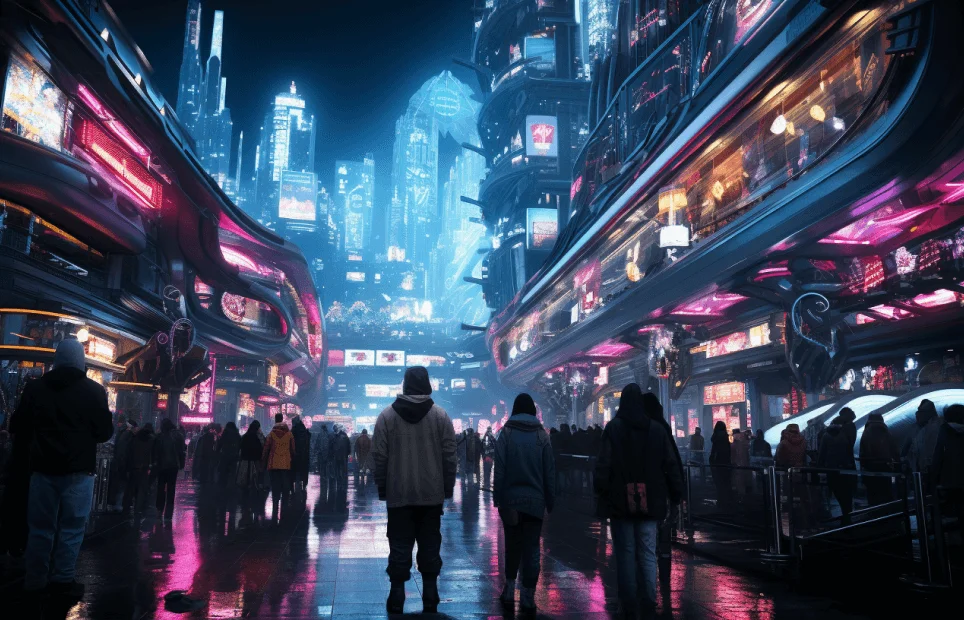
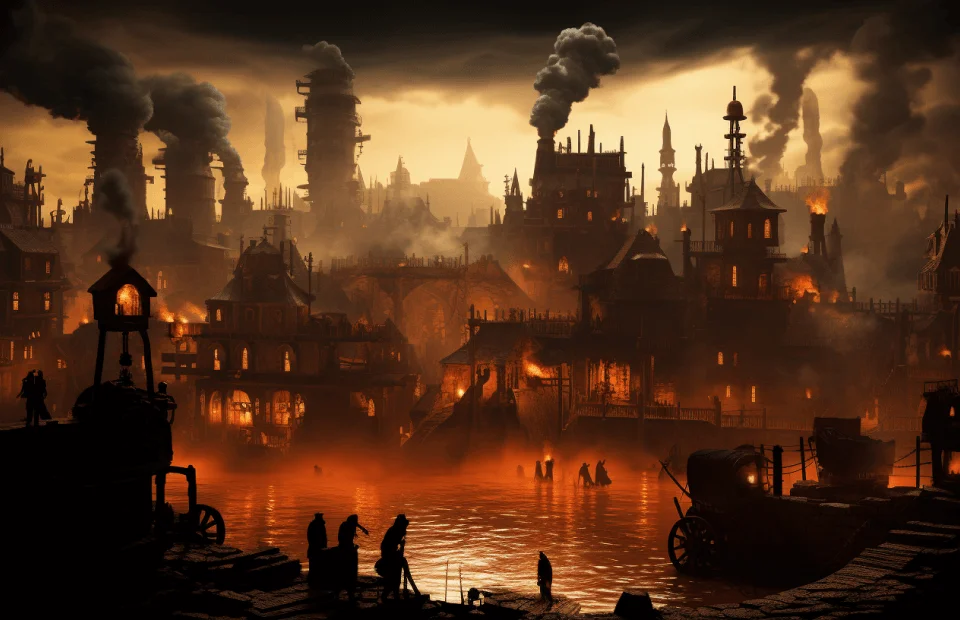
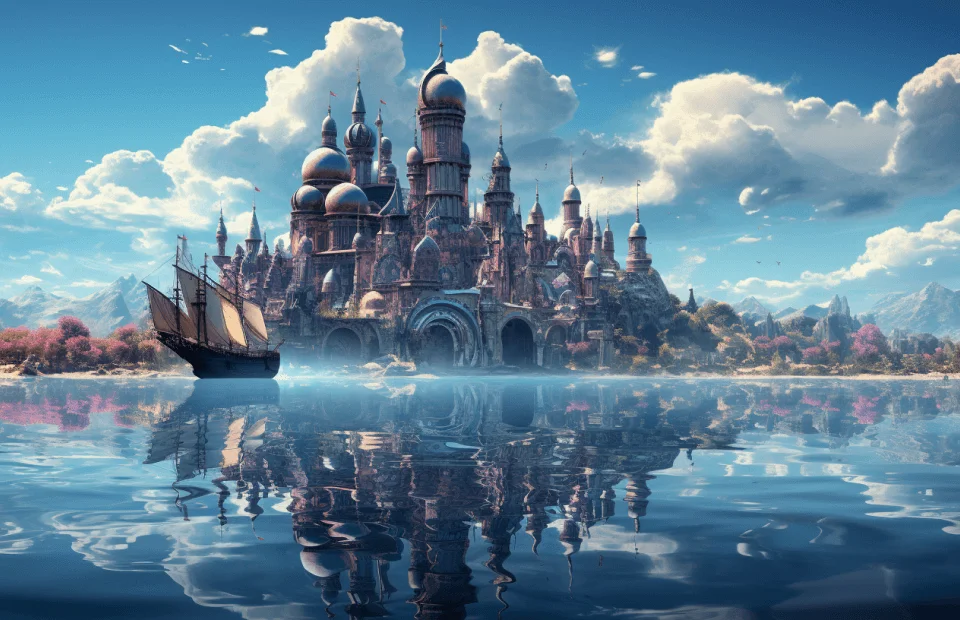
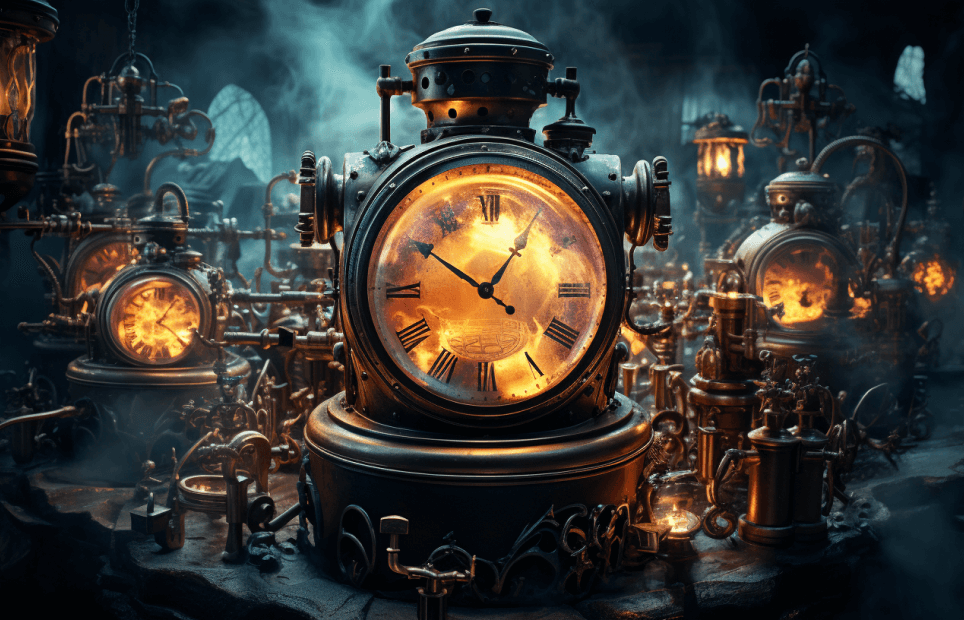
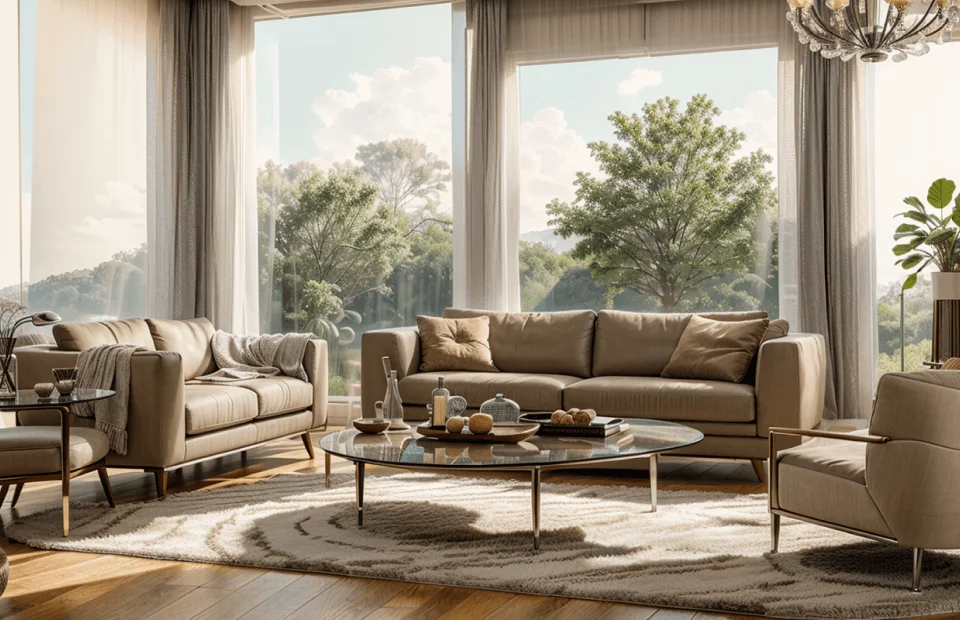
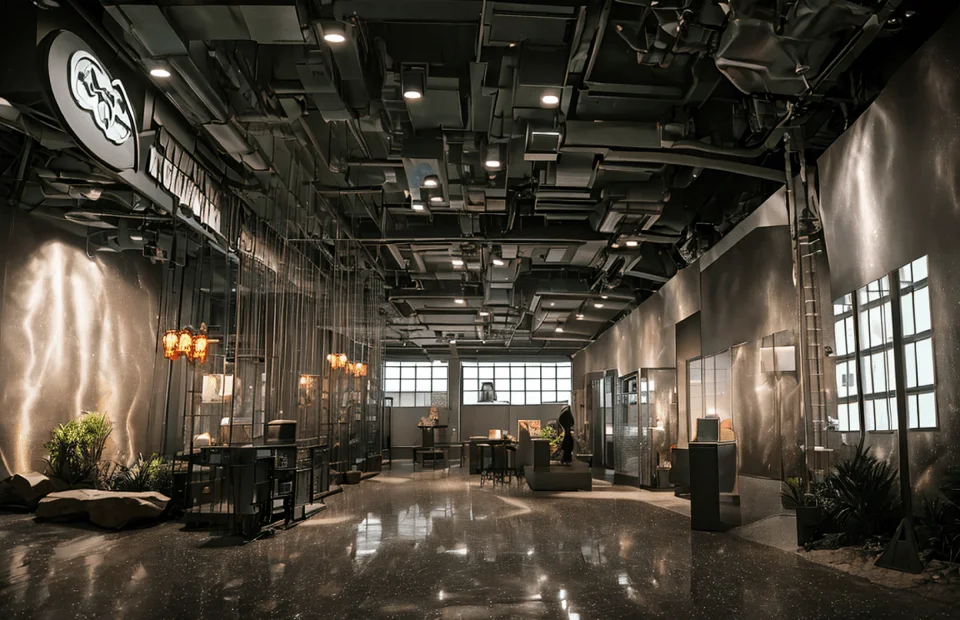
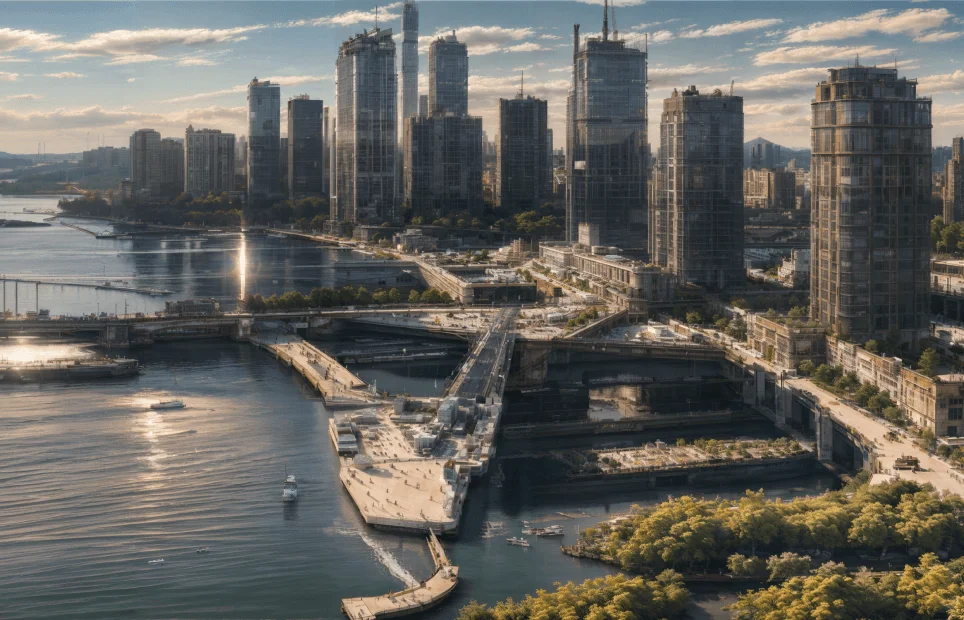
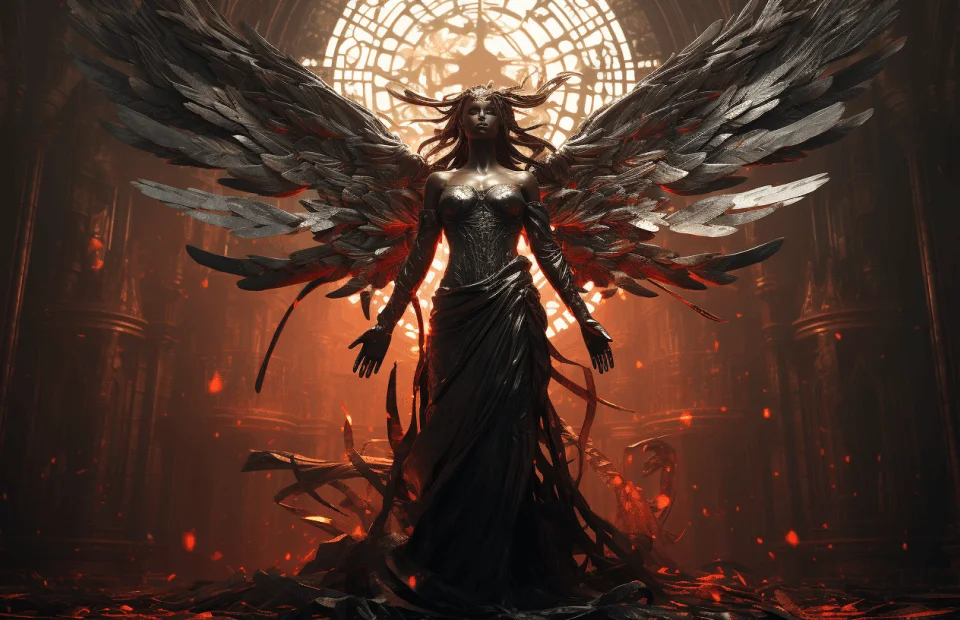
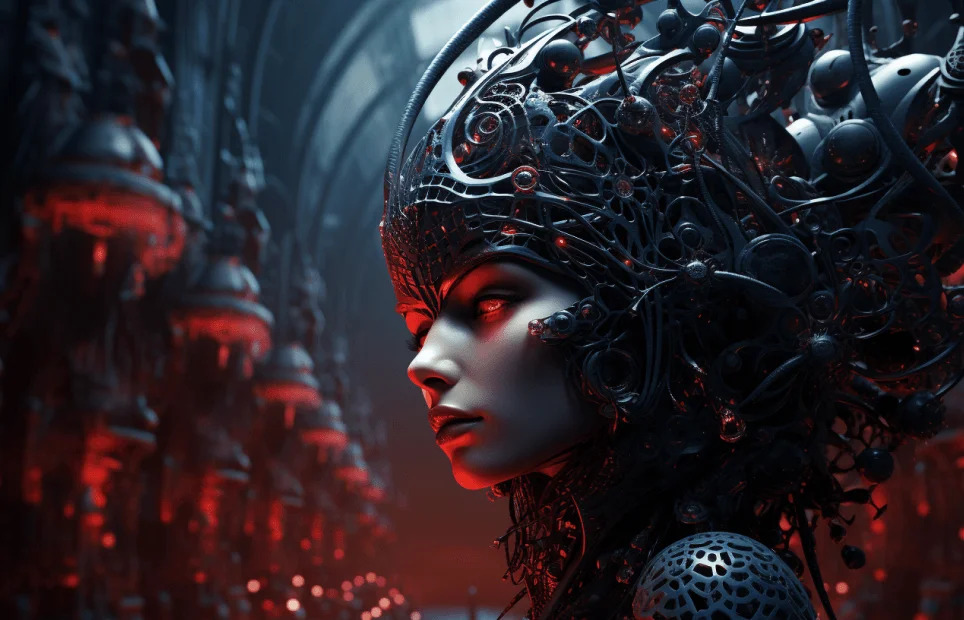
Part 2: Practical Application of Background Creation
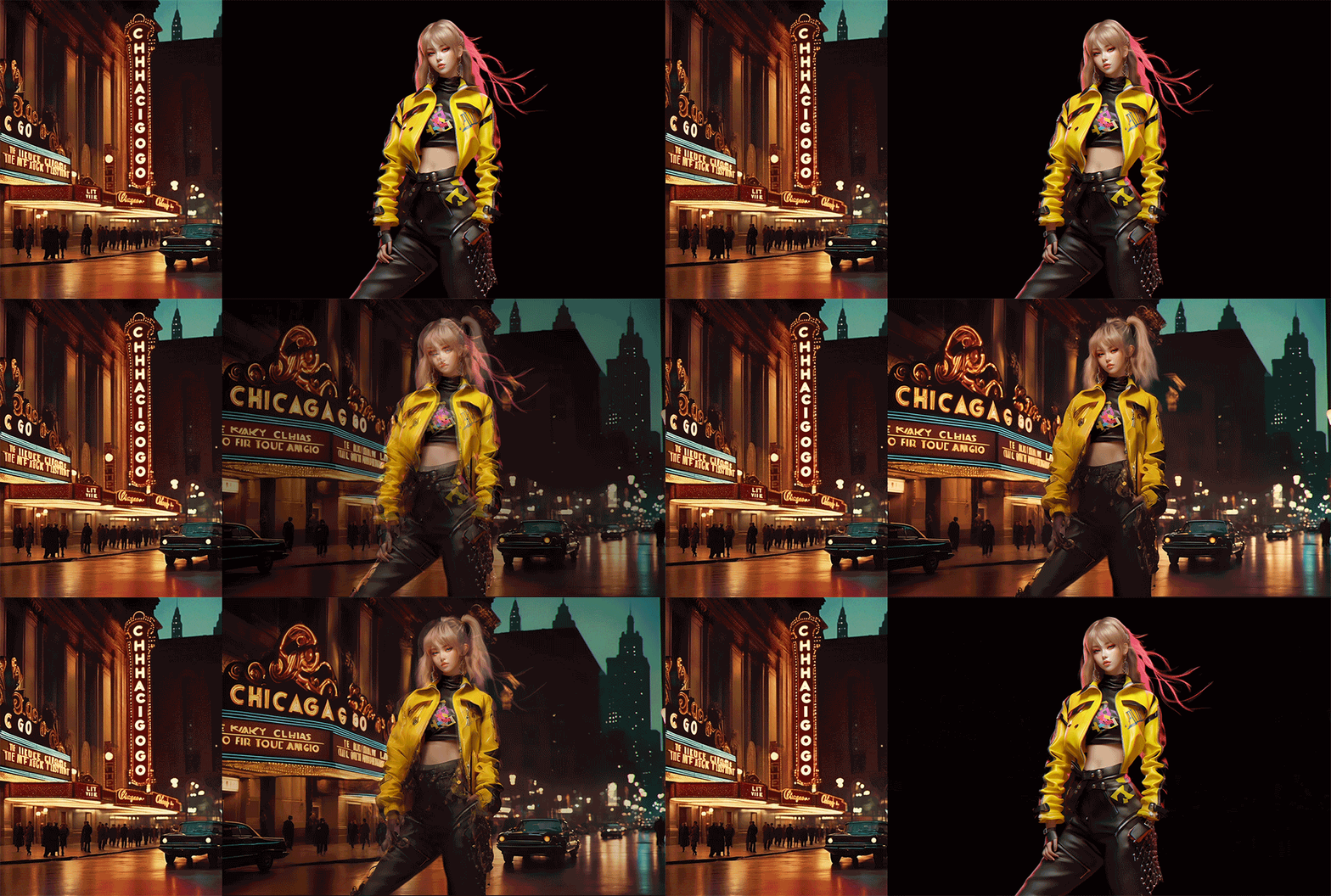
Synthesize backgrounds and people
Expand the world with the Zoom feature
Master ControlNet that you can use anytime and anywhere
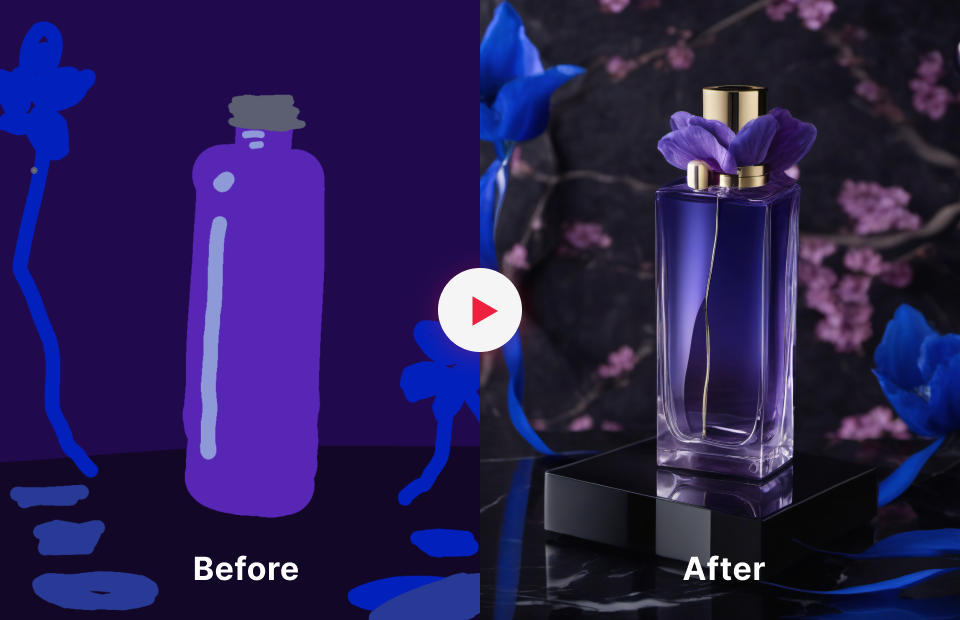
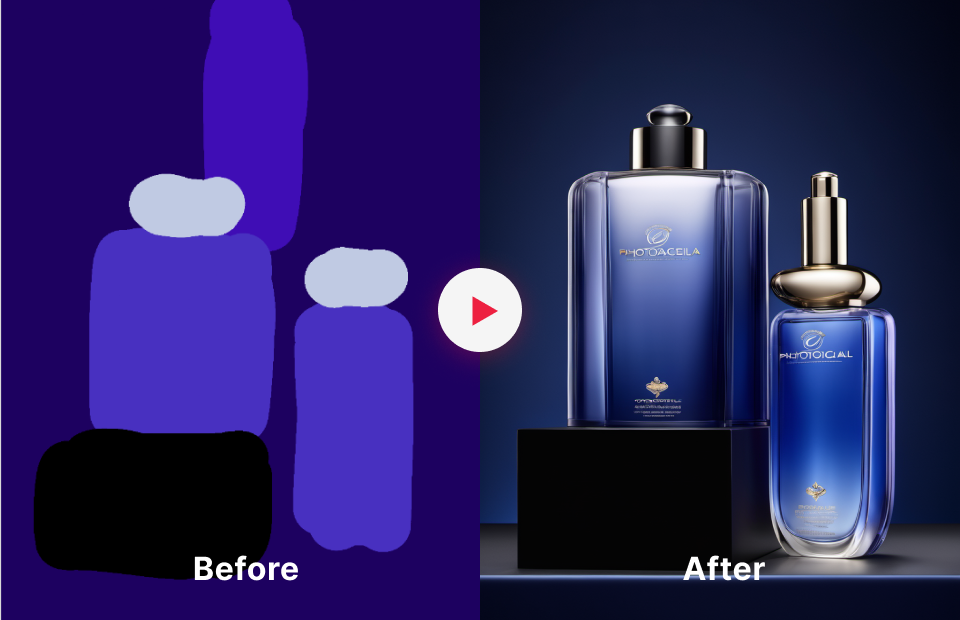
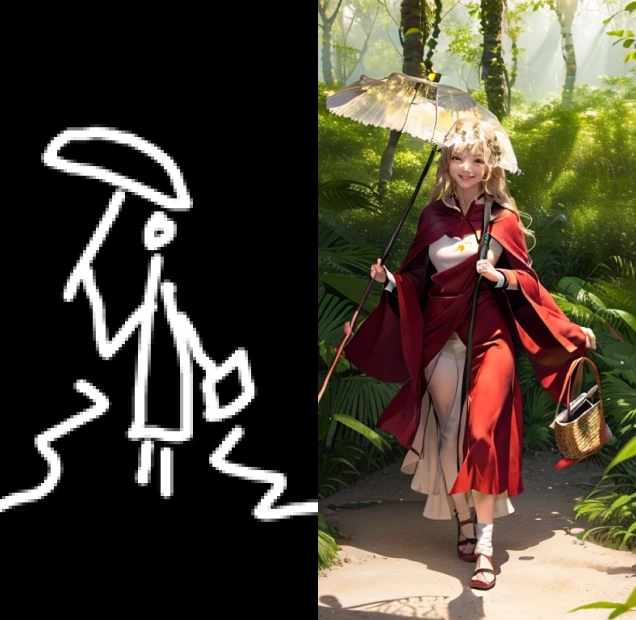
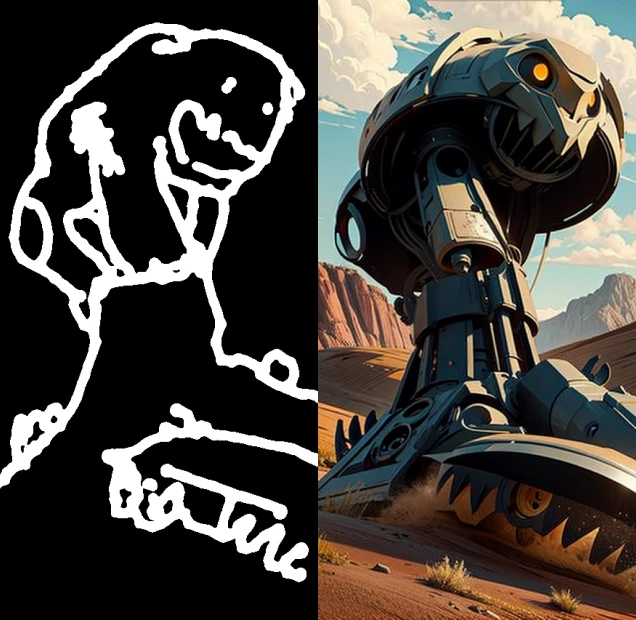
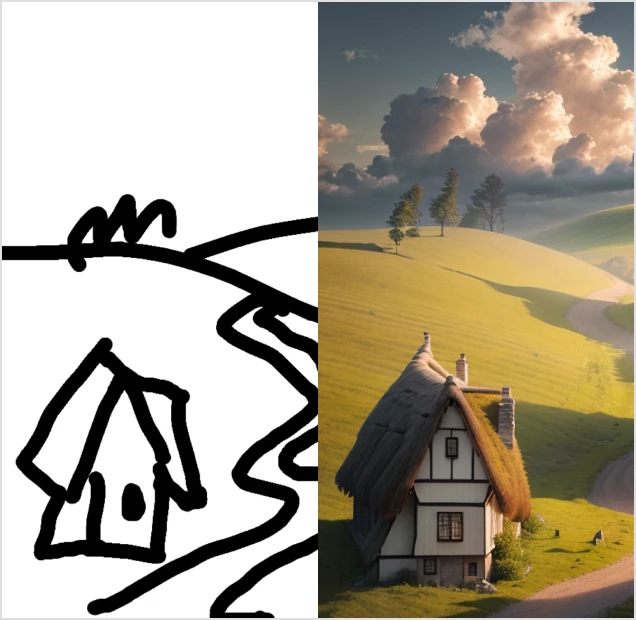
How to use the Scribble
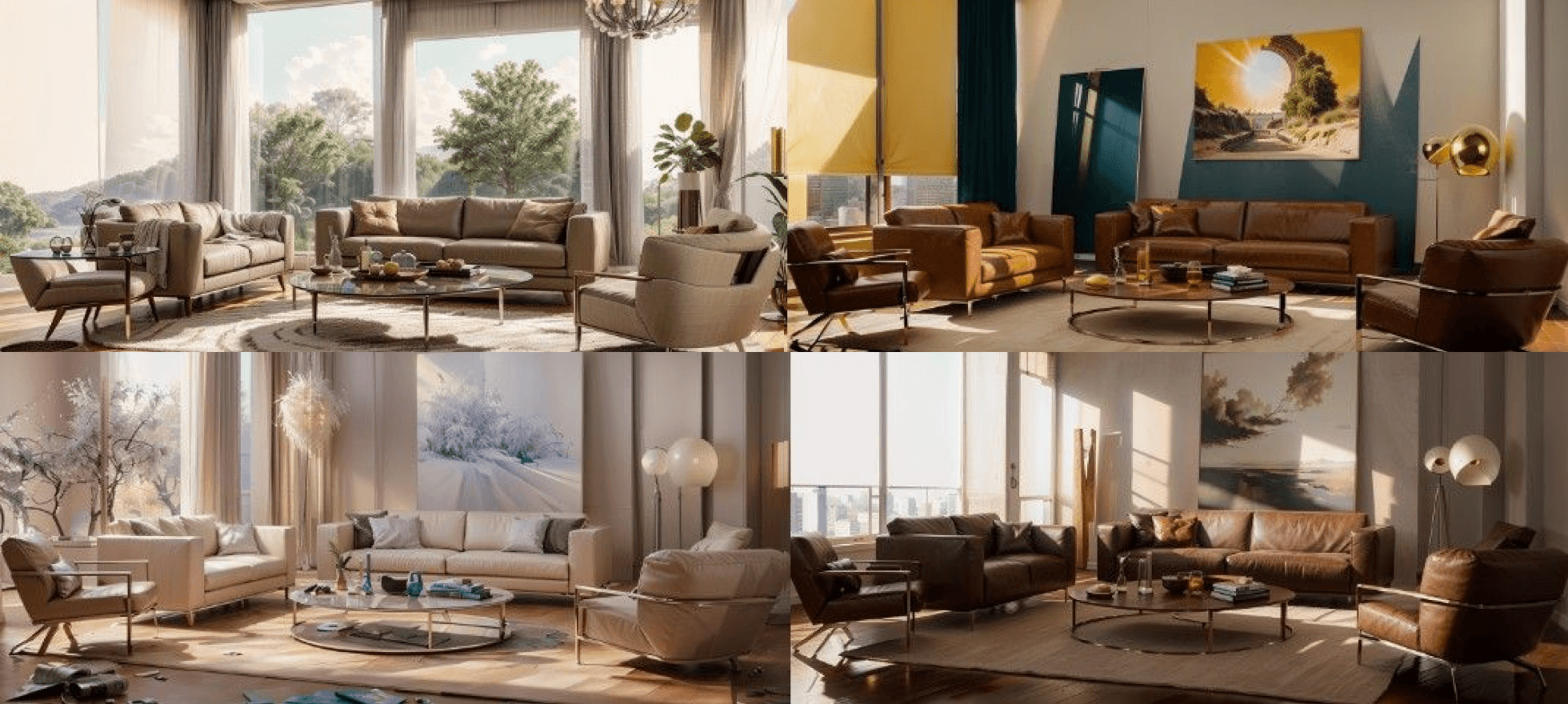
How to use the IP Adapter features
-
 Use texture embedding to change the colors of only the parts you want
 -

 Add character details with inpaint
 -
 Restore old photos with the Recolor feature
* The image is an example to illustrate the lesson and is subject to minor modifications because of the nature of generative AI tools.
Highlights
Class Highlights
Workflow for Creating High-Quality Images in 30 Minutes
Learn how generative AI generates images, learn “prompts that always work” in any situation, and learn various customization tricks to make your workflow easy and efficient.
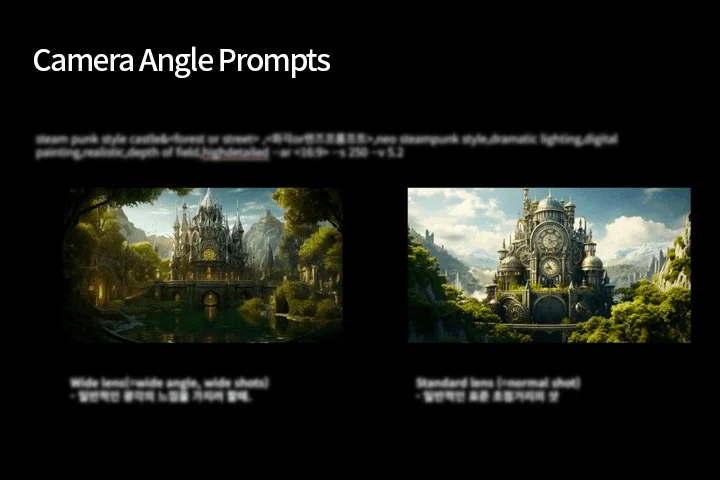
Explore Midjourney & Stable Diffusion with 60 Different Exercises
You can master ControlNet basics and applications to build a solid foundation! Learn LoRA to endlessly create your own Style, and explore iconic extensions through over 60 examples! Youngwoon Lee has compiled an AI Encyclopedia to help you apply, not just create.
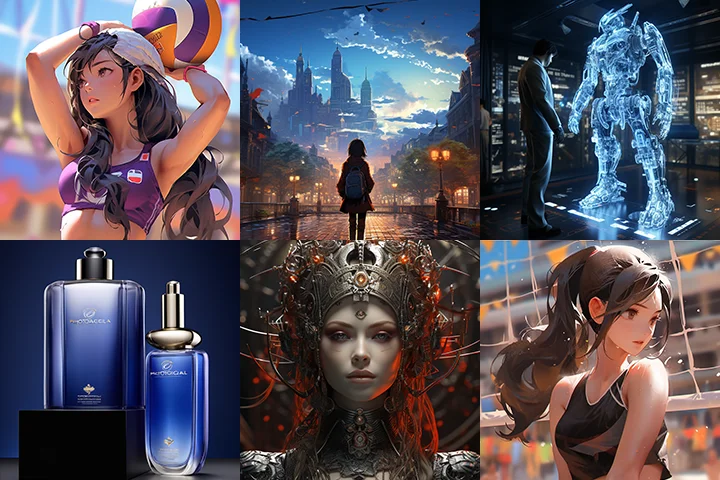
Unlock 238 Key Prompts Hand-Picked by Experts and Essential Knowledge from 55 Chapters
Gain access to 55 videos packed with essential knowledge, a 238-page guidebook featuring key prompts, and summaries of every lesson. Say goodbye to sifting through scattered information in the community to find what you need.
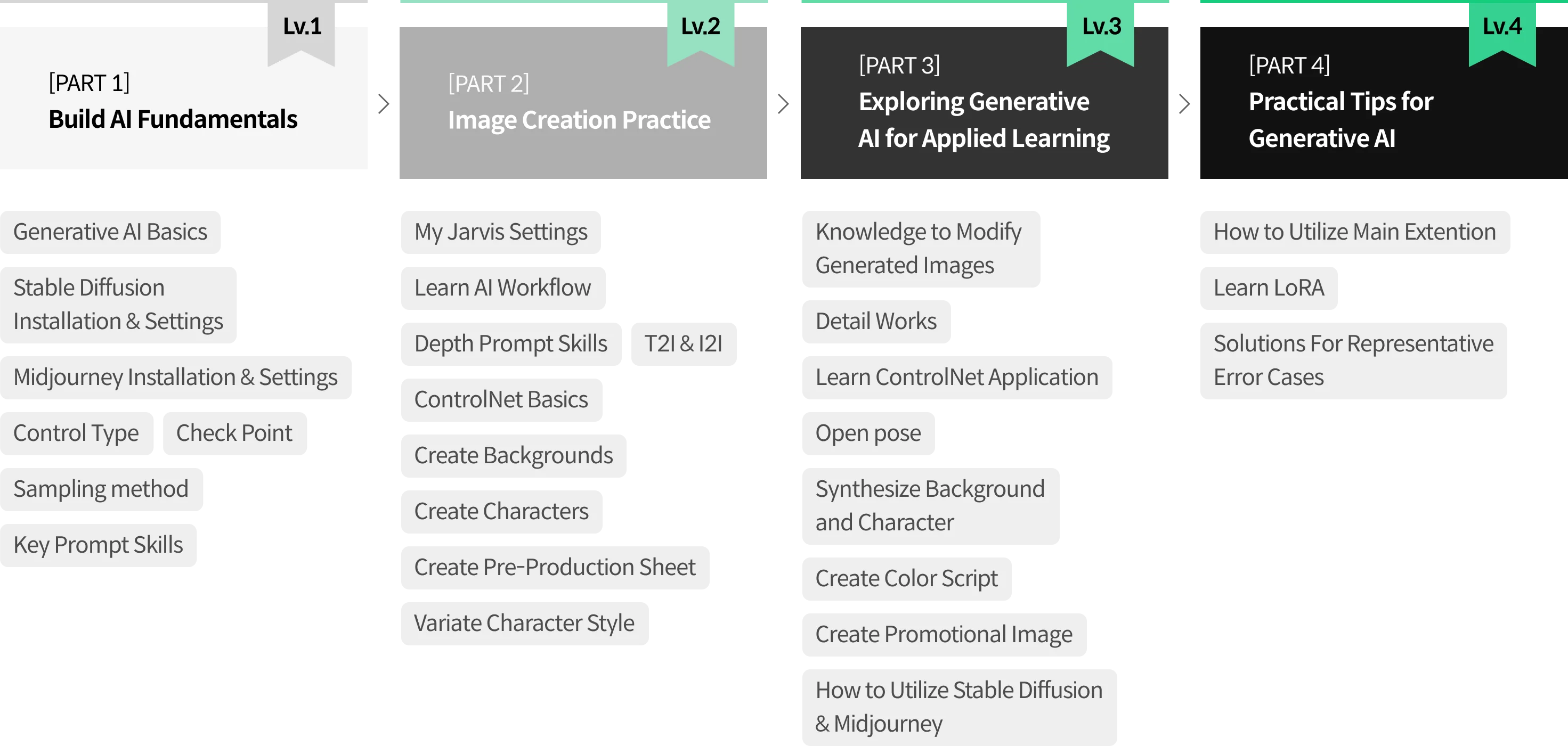
Roadmap
The Essential Guide to Generative AI
Creative Director
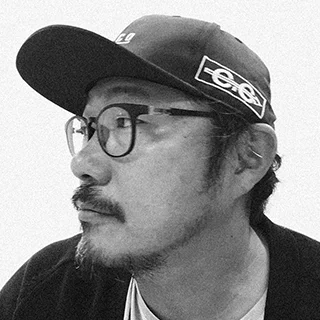
Youngwoon Lee
Greetings, I am Youngwoon Lee, the Concept Director. Over the past two decades, I have specialized in designing and directing videos, including projects such as the "Snowpiercer" prequel animation and the "Along With the Gods" preconcept. Currently, I am engaged in projects centered around architectural visualization.
Moreover, I oversee "AIcreator," Korea's largest image generation AI community, dedicated to sharing generative AI insights with creators.
In this course, I have distilled my extensive experience with generative AI into an organized and concise format. It is my aim that this lesson facilitates your mastery of the easiest and most efficient methods for creating desired images, empowering everyone to become creators.
Instructor
Creative Director
Youngwoon Lee
[Current]
CEO of H3ECO
AI creator (Facebook Group) Operator
[Former]
CEO of Studio Shop
Projects & Awards
[Projects]
- Co-author of AI Visualization Techniques
- Pre-concept concept design for "Along With the Gods"
- "Snowpiercer" Animation Art Director
- Concept Director of "The Little Penguin: Pororo’s Racing Adventure"
- Archage (MMORPG) concept design
- Director of NATIONAL OCEAN SCIENCE MUSEUM
- "Super Wings" concept design
- Several concept designs for Devy Bear
- "Celestial Grace" background design
- Art Director of Poongryugongjakso (MMORPG)
- Art Director of the movie "Flying Superboard"
- "Line Rangers" Animation concept design
- "Larva" Season 3 concept design
- Incheon Asian Games 3rd Opening Ceremony design
- Shanghai Expo Theme Video concept design
- Yeosu Expo Preshow concept design
[Awards]
- Silver Medal in Koizumi Lighting Design Competition
- Poongryugongjakso Awarded The Best Game
Class Details
You'll Learn
-
 From how AI generates images to the pros and cons of different features,There are tons of ways to get the look you want with AI tools. Understanding and operationalizing how AI learns and generates images is the key to moving beyond simple creation. From the basics of AI to the pros and cons of popular tools and the best tools to use in different situations, we’ll teach you everything you need to know before you start using AI.
 -
 How prompts work and how to choose core promptsLearn the basic principles of core prompts that determine the position of the person and camera to create the desired image. After learning the principles, you’ll learn how to apply the core prompts in a variety of ways with the Prompts guidebook and hands-on examples.
 -
 ControlNet: The Linchpin of Stable DiffusionLearn how to utilize ControlNet in the easiest and most efficient way to add detail to the images you create and customize them to your liking. Hands-on practice with ControlNet’s many uses with over 60 exercises to help you create any image.
-
 Your own optimized workflowsLearn how to use a mix of Stable Diffusion and Midjourney and connect with AI tools like Photoshop Firefly to create your own workflows that best optimize your desired results.
 -
 How to use Extensions to make your work easier and fasterYou’ll be introduced to the most popular extensions, as well as sub-AI tools that work well with Stable Diffusion and Midjourney, and learn how to use them in your own context.
 -
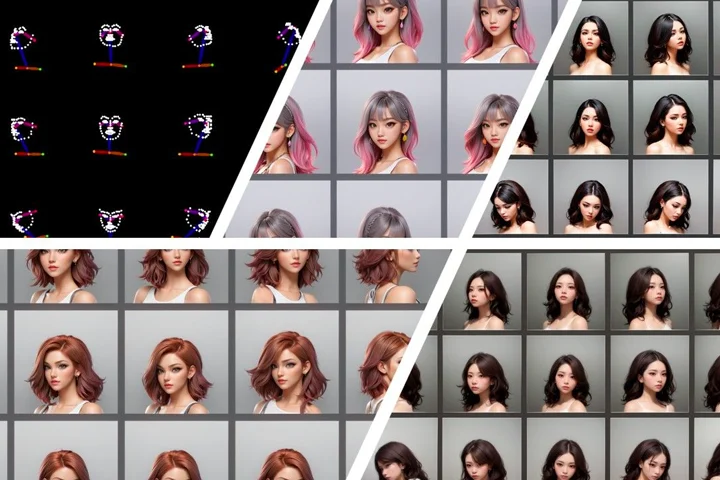 Learn Lora for your own AI toolsLearn Lora to create your own AI tool that can generate infinite images in your style. Learn the principles and application of “Lora Learning,” which allows you to render different poses and backgrounds while maintaining character consistency.
- Unlimited Access
- Best Price
Buy now, get unlimited access.
undefined undefined (UTC-7) Special offer ends soon.
This special offer ends soon.
Buy now and save!
Curriculum
Curriculum
In-Depth Look
Part 1. Generative AI Basic
Part 2. Stable Diffusion Basic
Part 3. Midjourney
Part 4. Generative AI Advanced
Part 5. Practical Application
Part 6. Outro
Interview with
Creative Director Youngwoon Lee

Question.01
What do you see as your strengths in your day-to-day work?
My strength is my experience with tons of projects. As an in-house designer for 10 years, a conceptual design studio owner for 10 years, and a freelancer for 3–4 years, I’ve worked with countless clients and projects to optimize their goals. This course also played to my strengths, focusing not just on teaching the tools but on utilizing the tools to “get the best out of them.”
Question.02
What makes your class different from other classes?
This course is strictly focused on “efficiency” and “deliverables.” We finalized the concept and organized the curriculum into a process that leverages AI to handle it most efficiently. Whether you’re new to design tools or already have them, we’ve organized the course with examples and techniques to help you create the best results in the most efficient way for your situation.
Question.03
What would be the most important takeaway from your class?
What many people struggle with when utilizing Stable Diffusion and Midjourney is how to modify and adapt it to their own needs. Of course, you can learn from the community, but we want you to spend less time sifting through which knowledge is relevant to your situation and gain the skills to use AI in any situation.
Required Programs
This course will use Photoshop, Midjourney, and Stable Diffusion. Please purchase and install these program(s) for an optimized course experience.
*These programs and/or materials will not be provided with the course.
*Computer requirements for an optimized course experience.
- Recommended Specifications: Above GeForce RTX 3080 16VRAM / Above SSD 500G
- Minimum Specifications: GeForce RTX 3060 12VRAM / SSD 250+Additional Harddrive
Recommended
Recommended Class
Like this class?
Then check these out!