3DArtist,SeokinYoon_3D 아티스트 윤석인 Details
introduction video
3D artist, Seokin Yoon
“Learn my own metaverse world know-how to reduce production resources and increase quality at Coloso now.”
We are now revealing the Real Metaverse World know-how with infinite utility.
The metaverse market is gradually expanding to include VR exhibitions, concerts, and media art, and among them, the real metaverse world still remains a blue ocean area!
Artist Seokin Yoon , who started out as a game background modeler and now runs a one-person VR/AR studio, invites you to this amazing world.
Free game engine Unity tool basics and settings, as well as URP/HDRP shading, asset application, program building, and distribution!
Check out the premium class containing all the metaverse world know-how you need at Coloso now.
Check out the premium class containing all the metaverse world know-how you need at Coloso now.
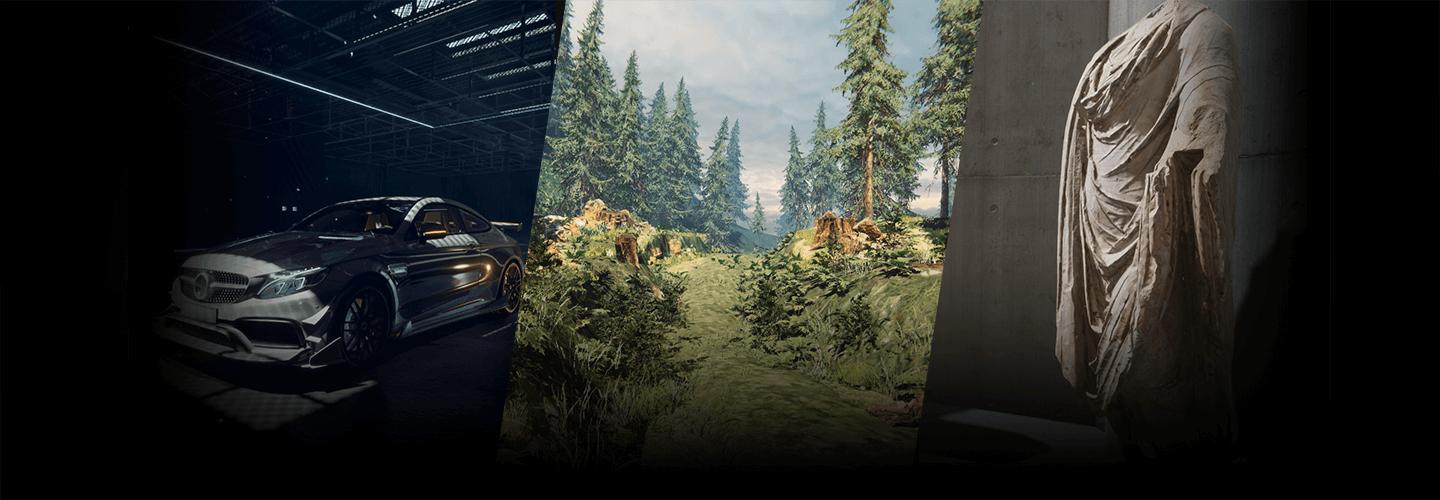
Portfolio of 3D artist Seokin Yoon
Why Take This Class?
The secret to creating the best metaverse world even with limited time and production costs!
In this class, you can learn everything from free highly useful assets and know-how to apply reference data to efficient work processes through linking with external tools such as 3ds Max, Quixel Mixer, and Photoshop .
Easy difficulty, short production time, high quality, and even optimized build!
Coloso, the premium Metaverse World online class, is the only one where you can experience all these skills and know-how.
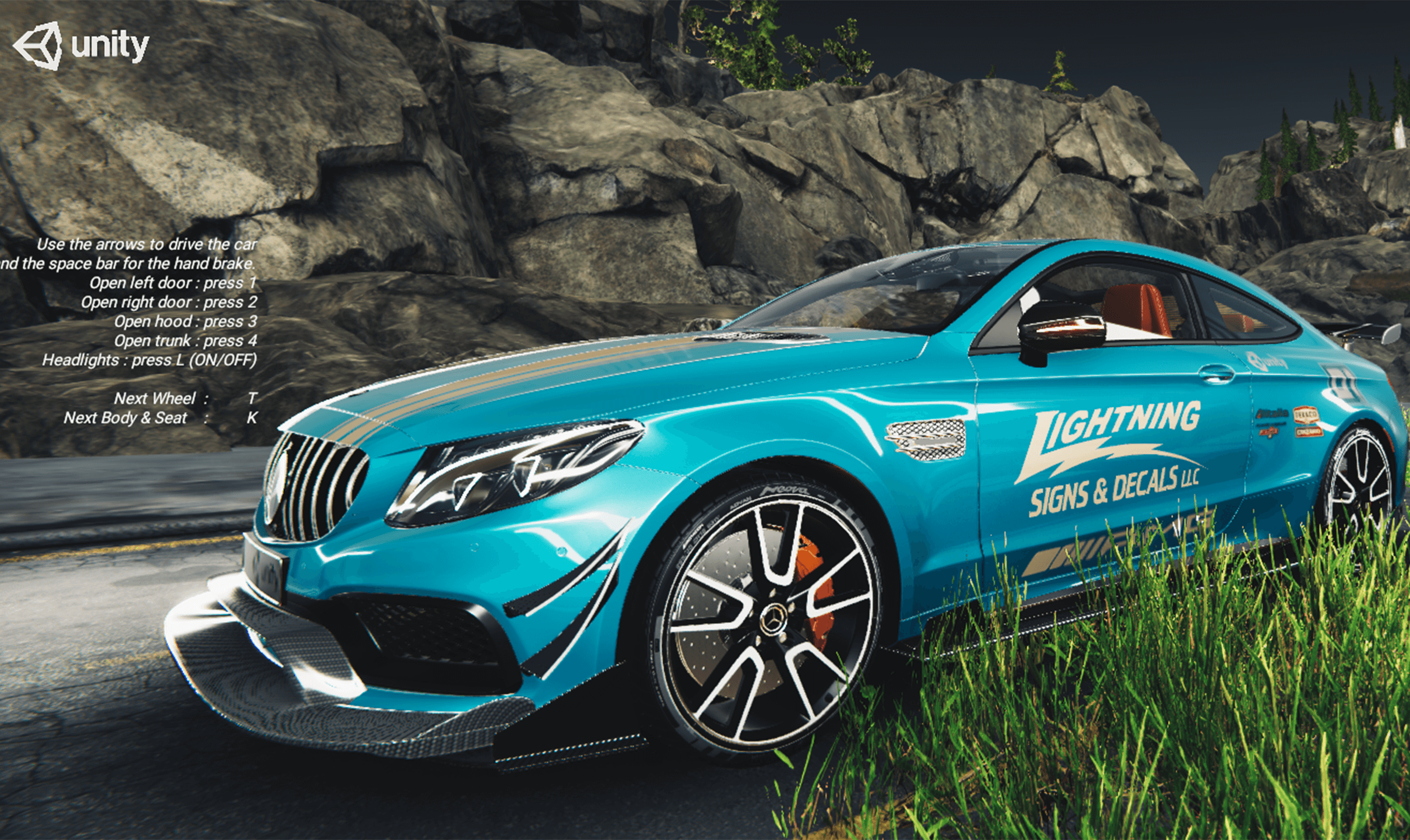
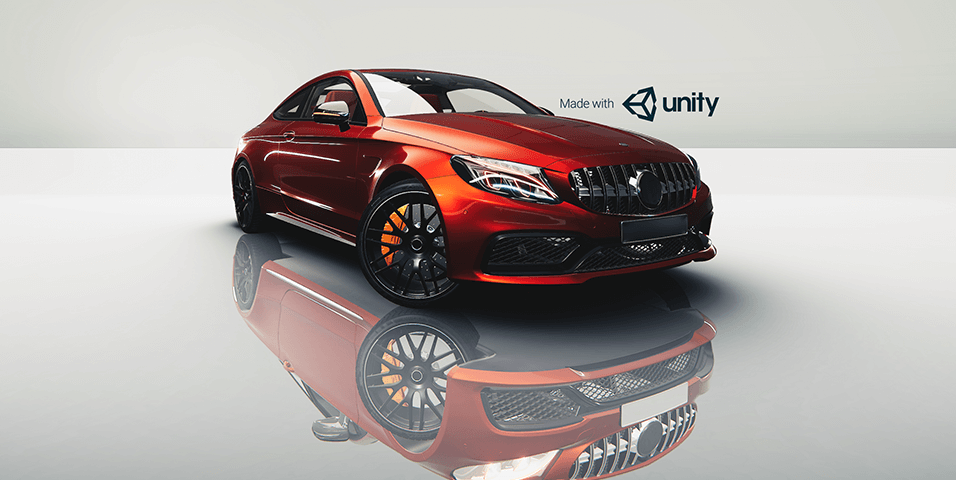
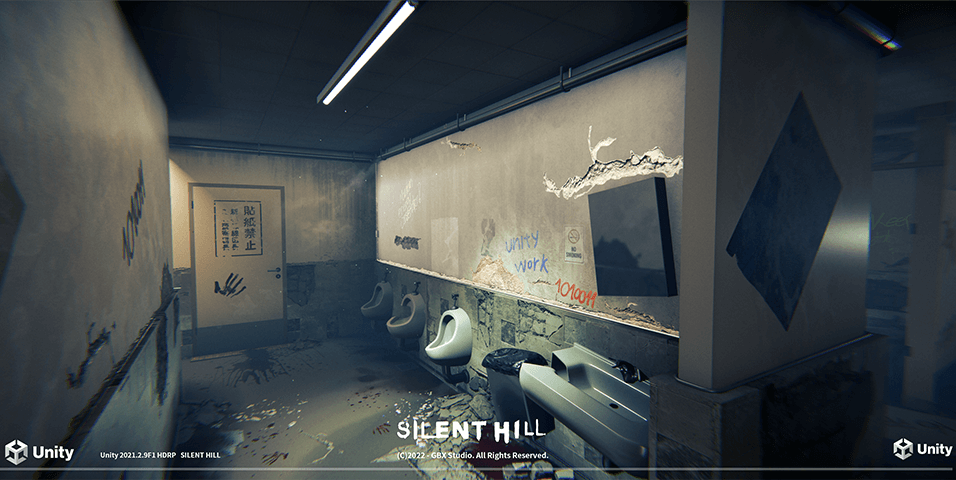
High-quality Unity 3D modeling learned through 10 examples
-
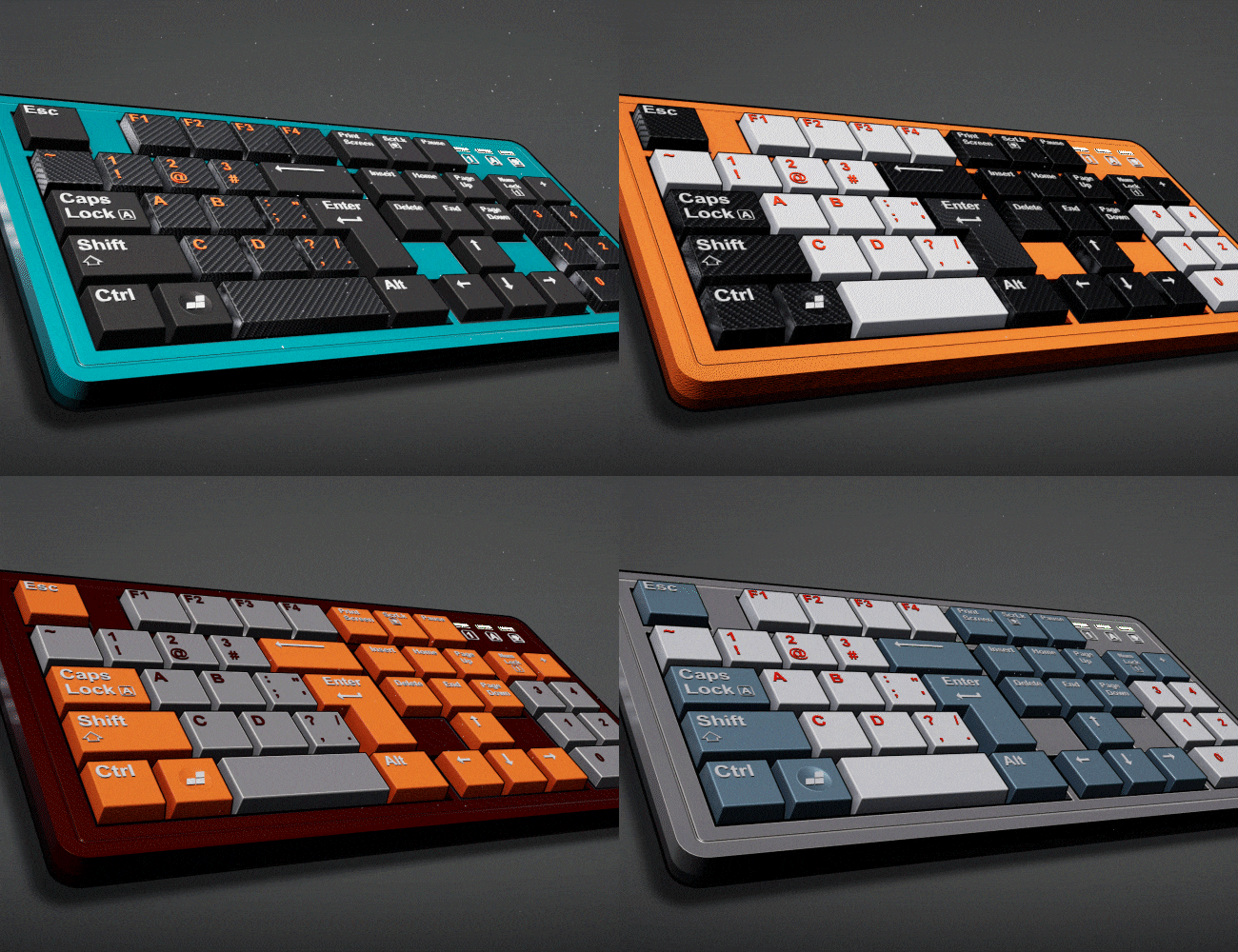
01. Keyboard (HDRP) -
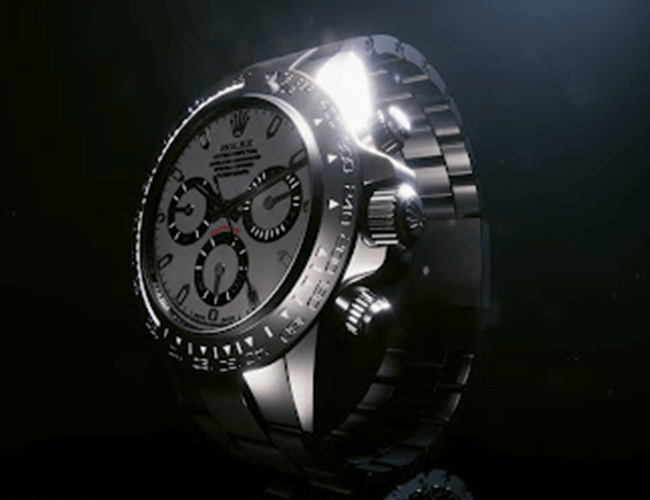
02. Clock (HDRP) -
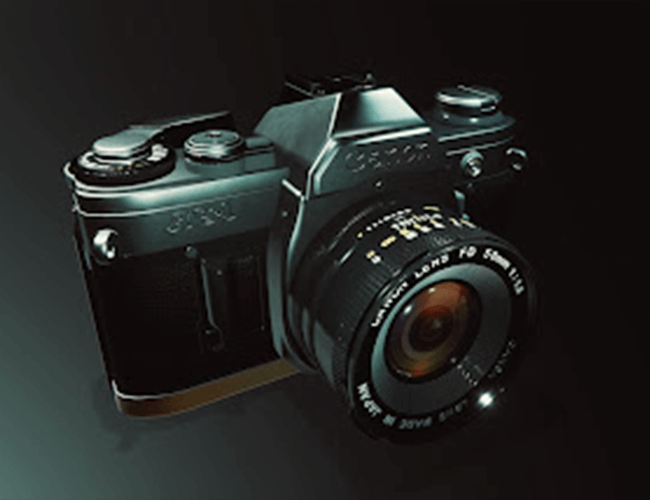
03. Camera (URP) -
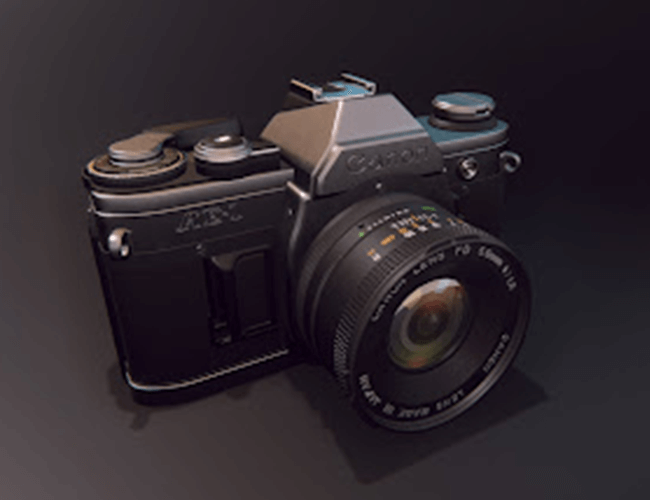
04. Camera (HDRP)
-
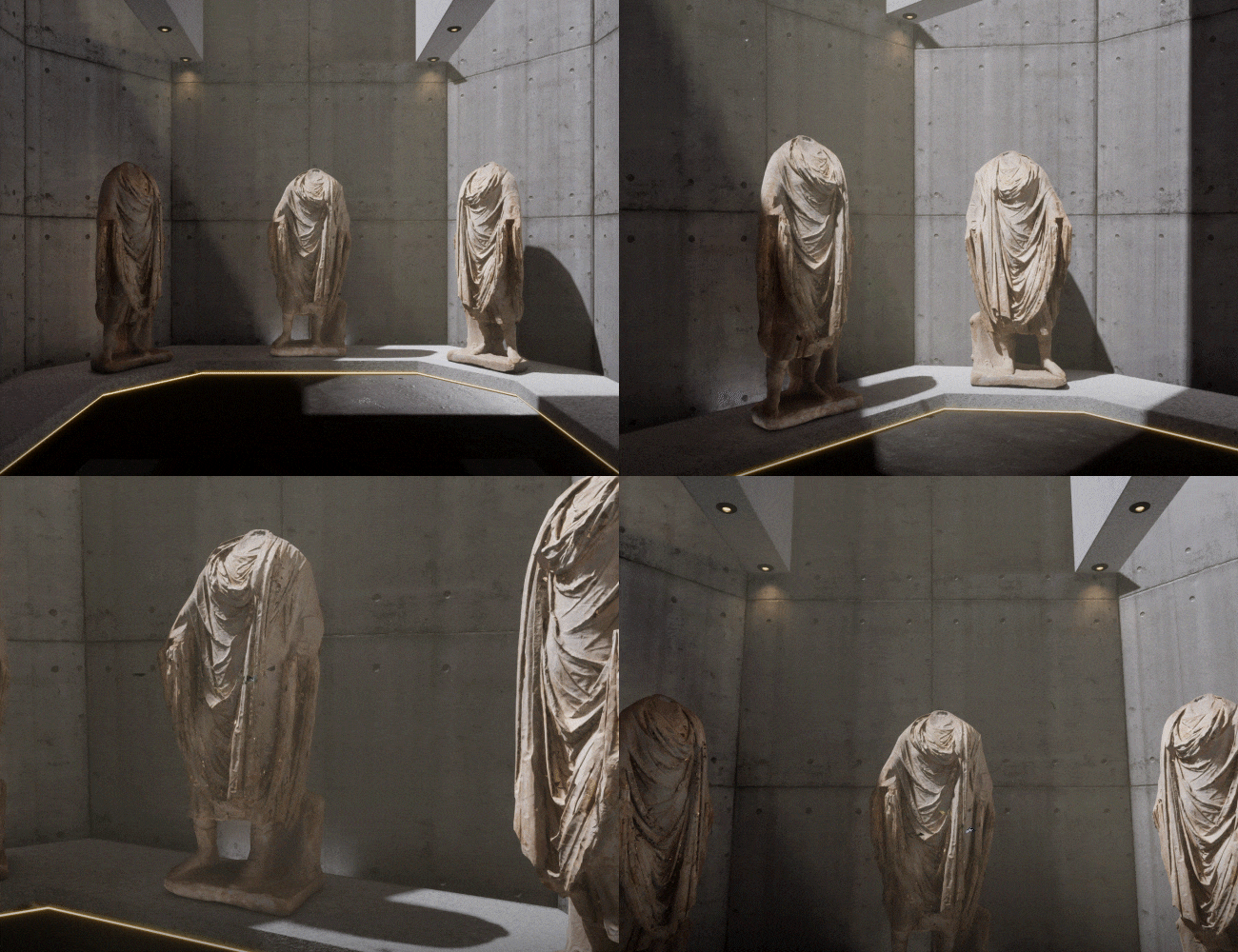
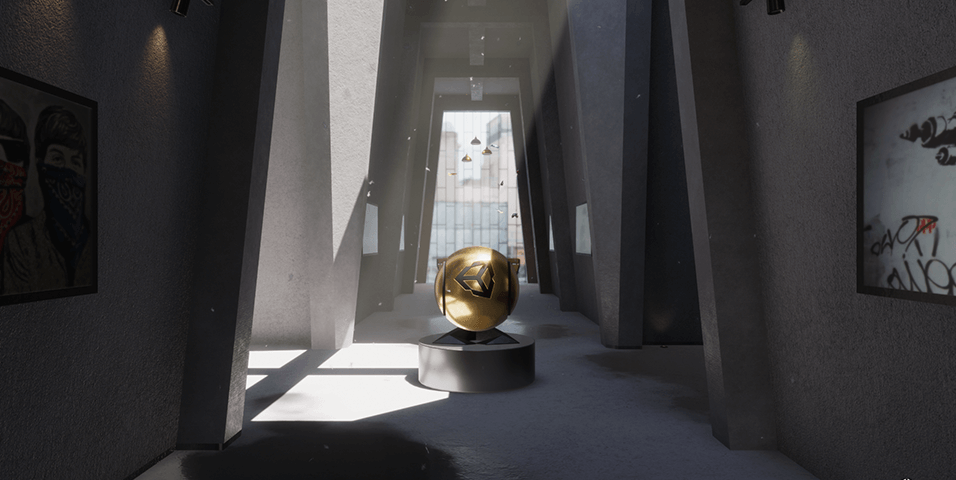
05. Interior Scene: Museum (HDRP) -
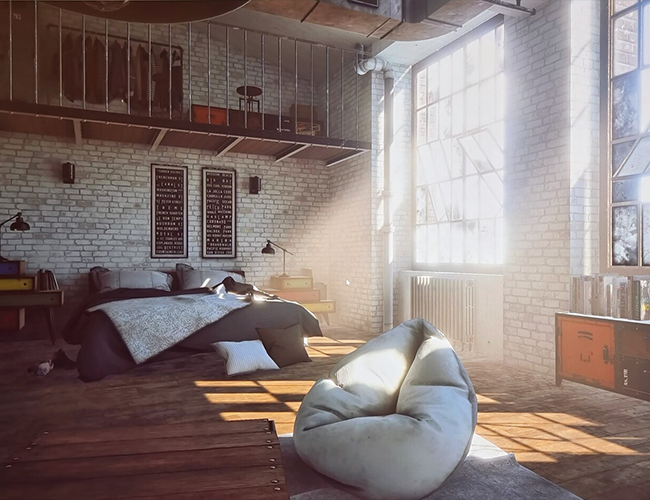
06. Interior scene: ArchViz (URP) -
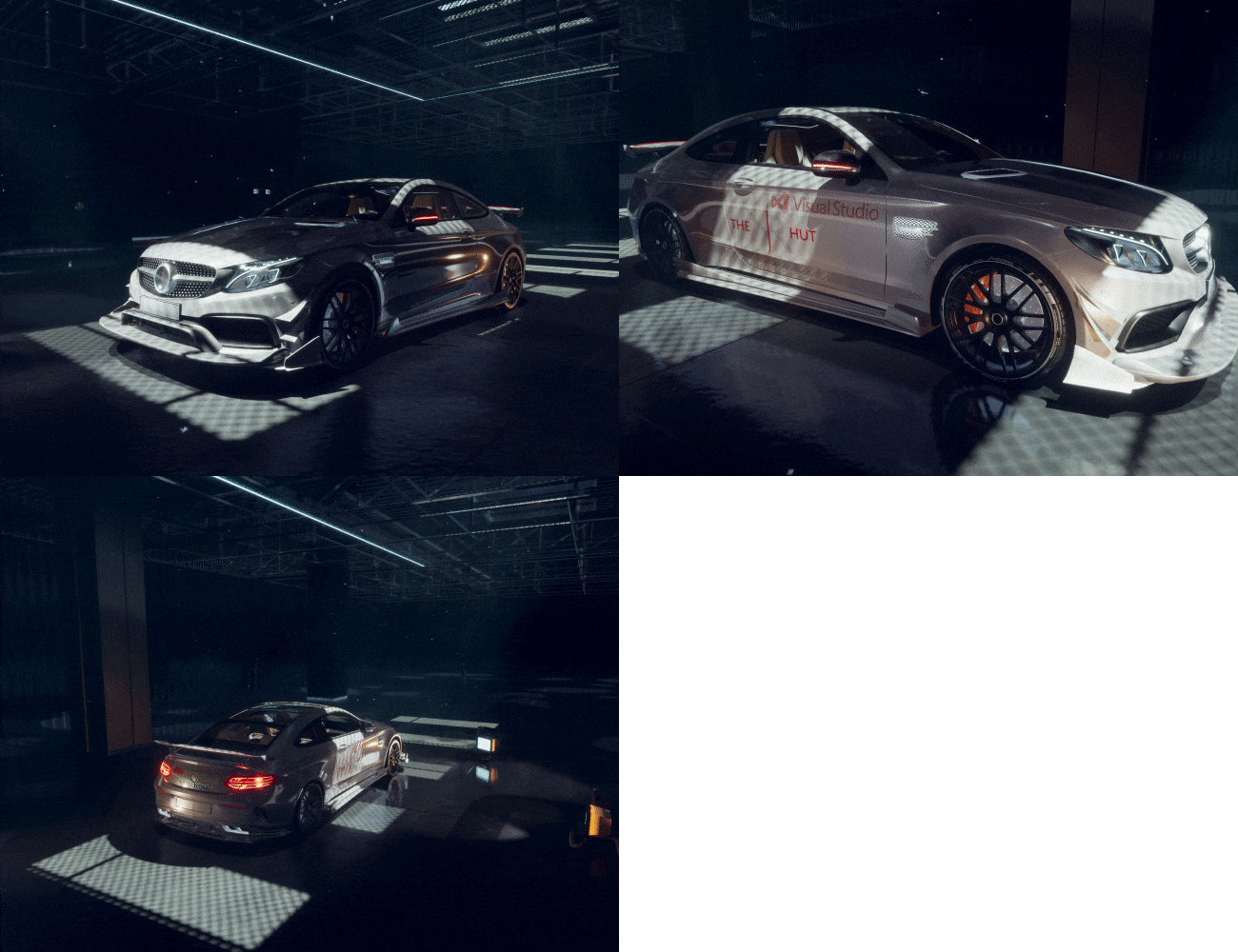
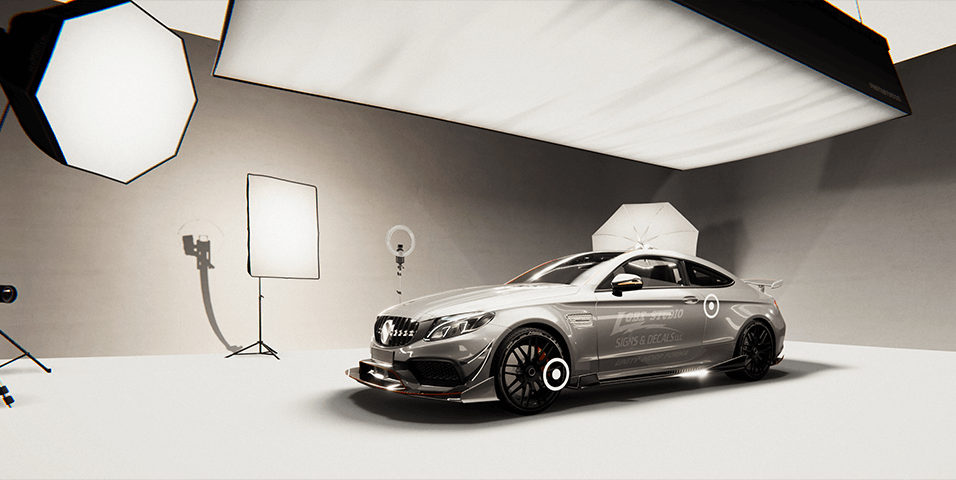
07. Garage (HDRP)
-
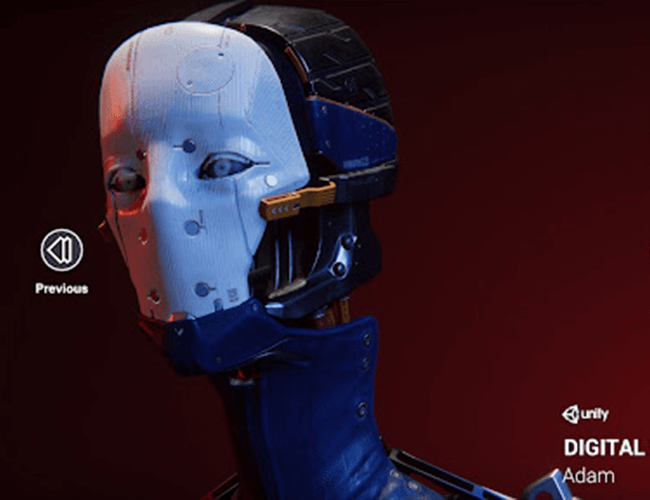
08. Digital Human: Adam (HDRP) -
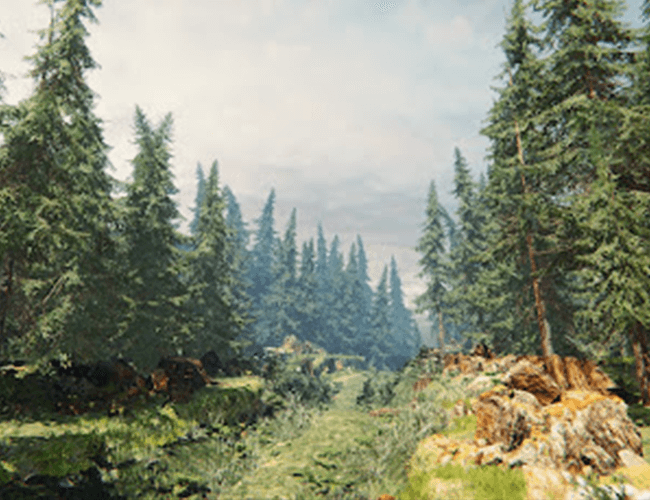
09. Terrain -
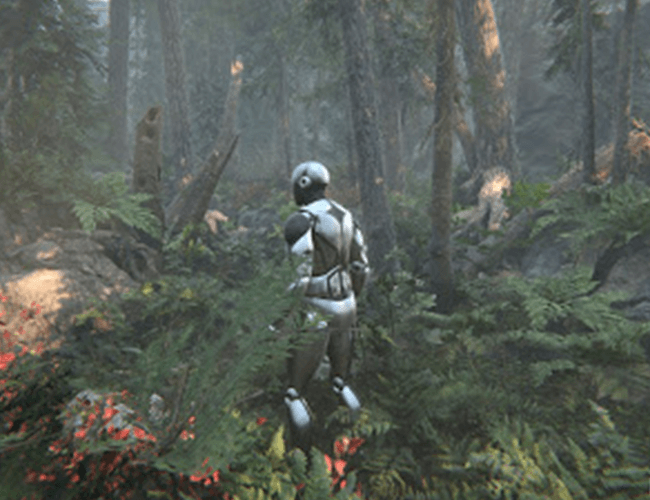
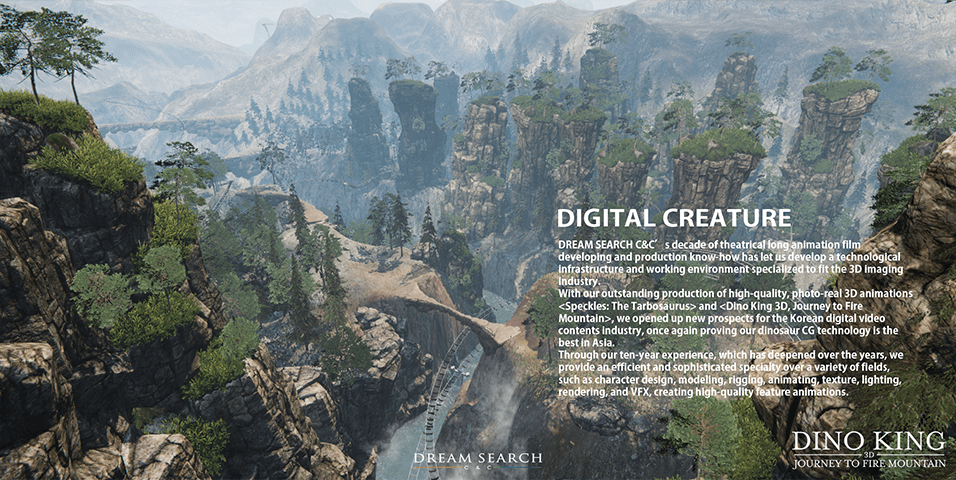
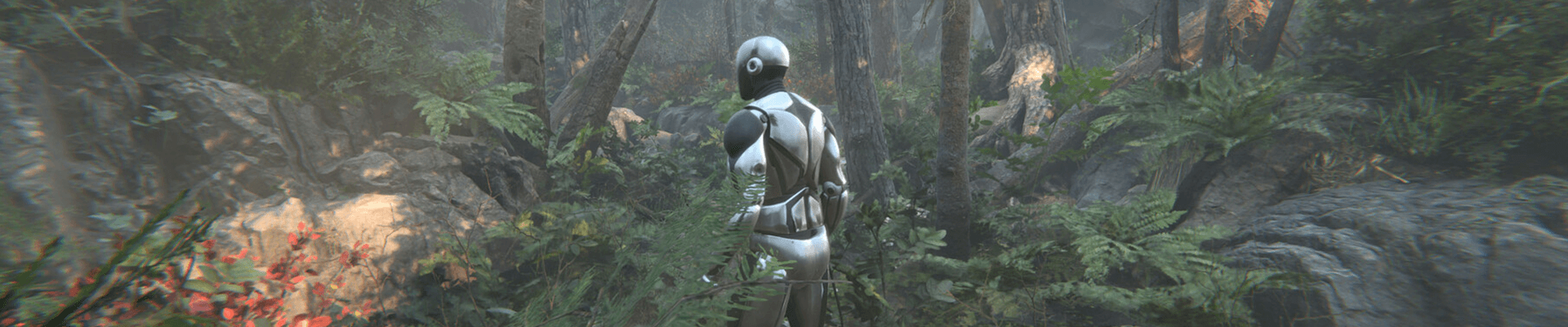
10. Natural: Book of the Dead (URP)
What is URP & HDRP
-
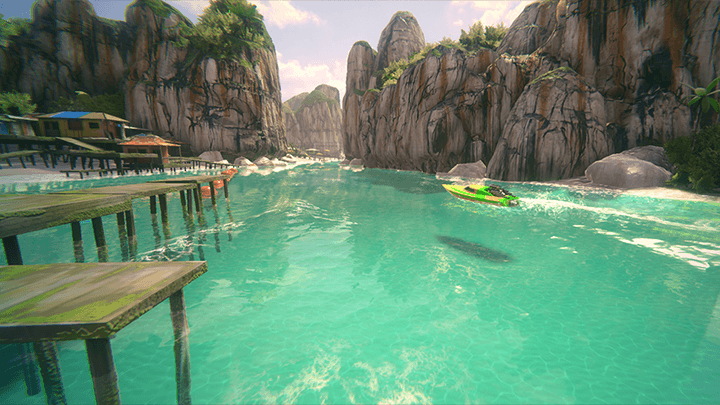 URP (Universal Render Pipeline)- Fast single pass forward renderer
- Old smartphones, tablets, XR devices, etc.
Rendering for low-end devices without shader technology support
- For medium-spec devices such as consoles and PCs
The advantage is that it can provide high-quality graphics and has low performance consumption. -
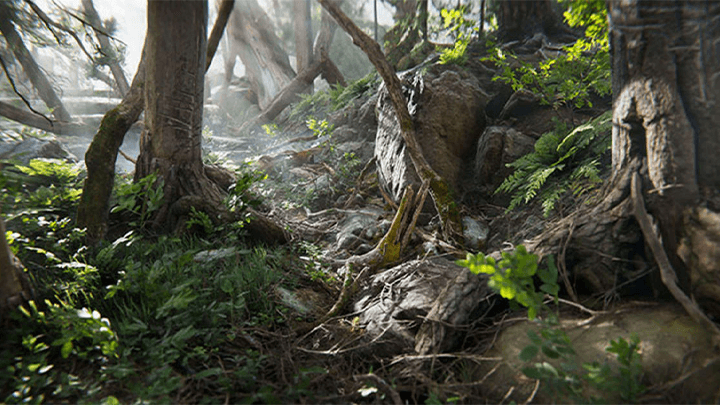 HDRP (High Definition Render Pipeline)- Hybrid deferred/forward tile/cluster renderer
- Provides advanced rendering and shading features
- Ideal for PC and high-end console projects that require high visual fidelity
Speaker introduction
3D artist
Seokin Yoon
Hello, this is 3D artist Seokin Yoon.
As a background modeler, I worked at an online game company for 10 years, entered the VR/AR field in 2015, and currently run a one-person studio, Inity Labs.
In addition to video design work, I am continuing various Unity engine-related activities, such as participating in various events and broadcasts such as Unite 2018 and 2020 Unity Webinar, and co-authoring books related to Unity techniques.
In this lecture, we will create and configure a metaverse world using several pipelines newly introduced in the Unity Engine.
We will walk you through everything from installing and configuring the Unity engine to using the Unity Asset Store, creating terrain and artifacts, and building and deploying programs.
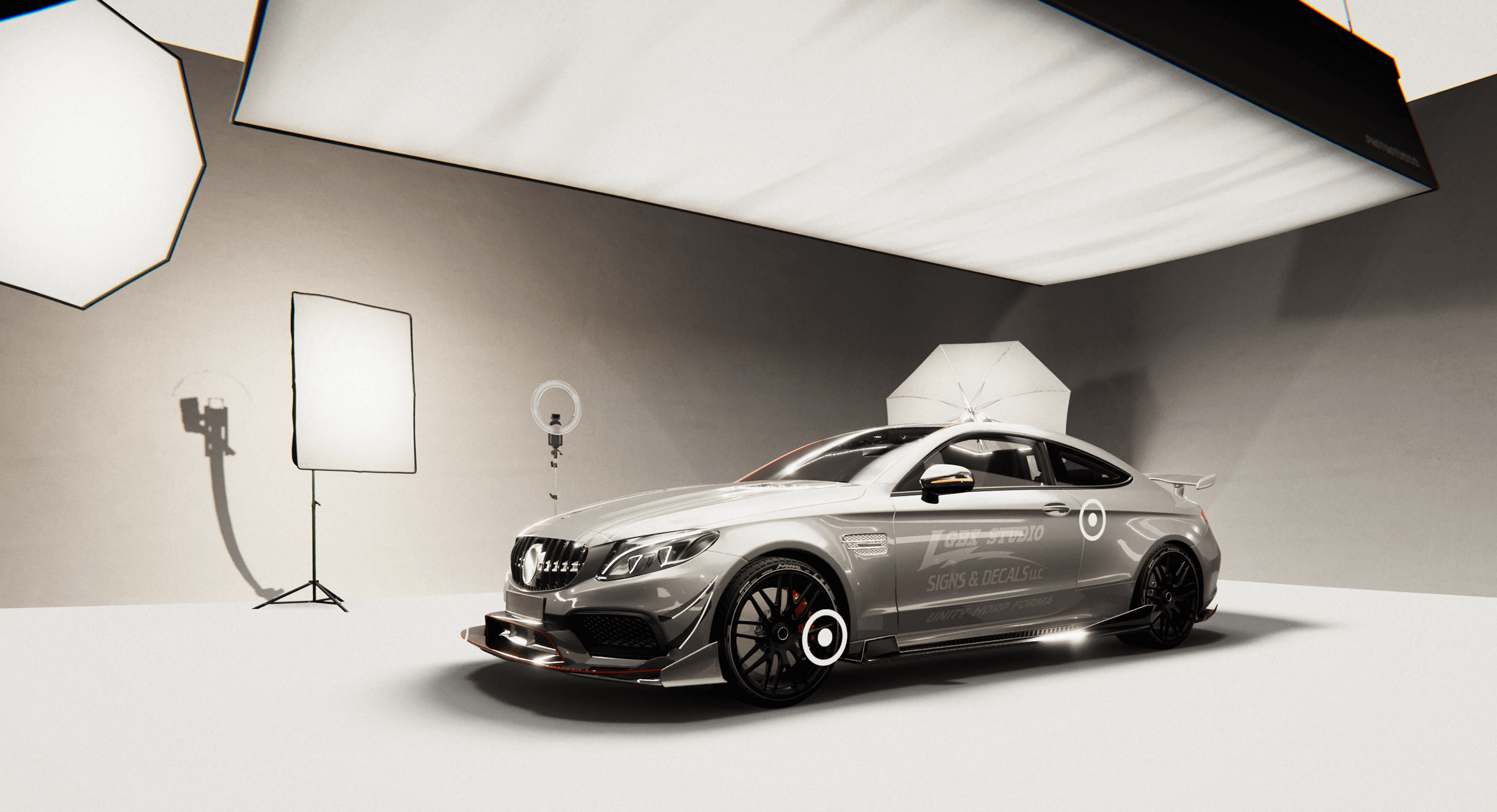
3D artist Seokin Yoon
Current) CEO of Initi Labs
View more history
[project]
2021 Museum VR Simulation - Sangju Nakdong River Museum VR simulation graphics work (Unity Engine URP) and delivery
2021 LG CES Background Graphics Work HDRP
2020 Samsung SDS HoloLens 2 museum graphic production
2020 Participated in co-writing, published Unity Visual Technique book, wrote “Configurator Car Production using Unity HDRP”
2020 Sole proprietor (VR/AR freelancer) Initi Labs startup
2017 Apartment fire and construction safety VR experience production
2016 Hyundai Motor Company Ioniq AR production
2015 SK Telecom Google Tango device content - SK Hynix safety experience center simulator production
[etc]
2022 Kicking CG Lecture - Creating XR Content Using Unity
2021 Gasan Medici Center KOCCA - NIPA Realistic Content Education
2020 Unity Webinar - “Building a Configurator Vehicle Using Unity HDRP” Process Presentation
2018 COEX Unite - Presentation on “Creating a roller coaster using Unity”
class features
class features
A guide to Unity Engine’s endless uses
We will systematically learn Unity, a powerful engine that has become a main tool not only in the game and video industries, but also in the metaverse ecosystem.
Unity world creation process to learn and practice in detail
You can experience everything from loading assets and setting up the URP/HDRP environment in detail to placement, shading, and lighting, and then through to the final deployment stage.
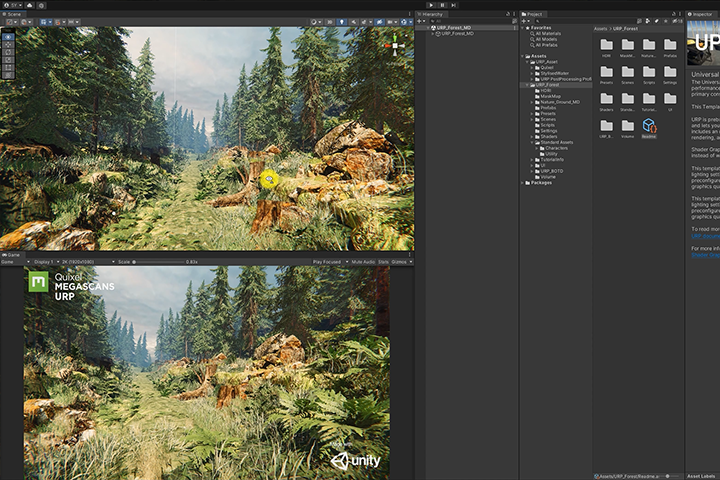
Free 3D assets needed for learning
So that you can fully focus on learning the Unity engine, all assets created by the speaker are provided along with the lecture.
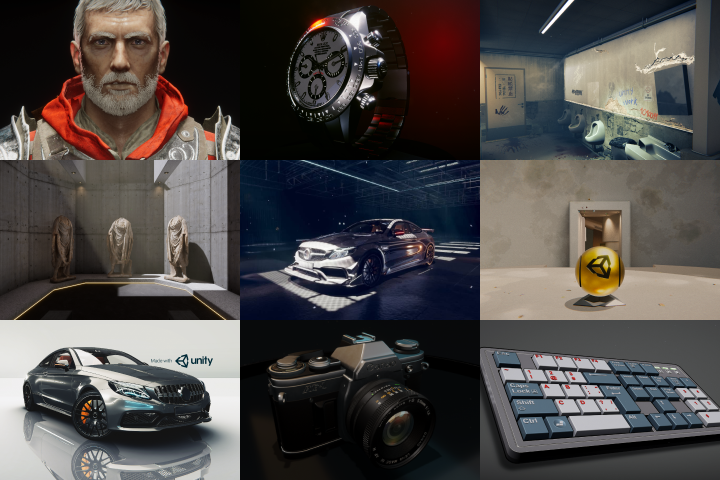
Class composition
learn this
-
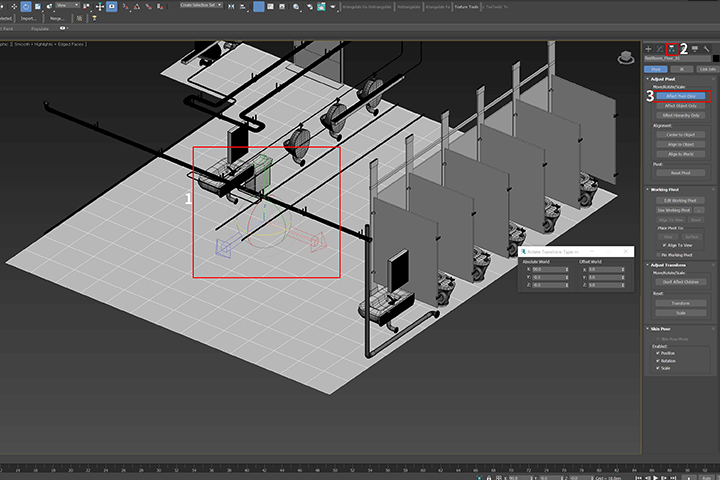 Unity Preferences in 3ds MaxLearn the basic settings required before exporting results created in 3ds Max to Unity, including unit setup and FBX.
 -
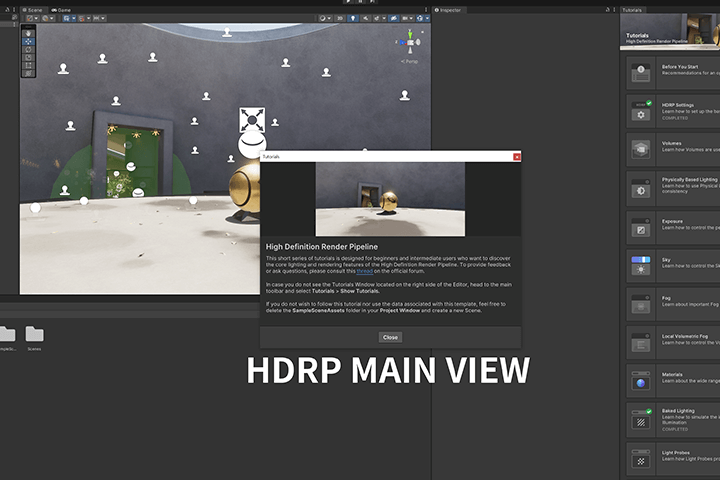 Unity’s URP/HDRP environment settingsLearn how to set up the environment/lighting in URP/HDRP to improve the quality of the background scene you want to compose.
 -
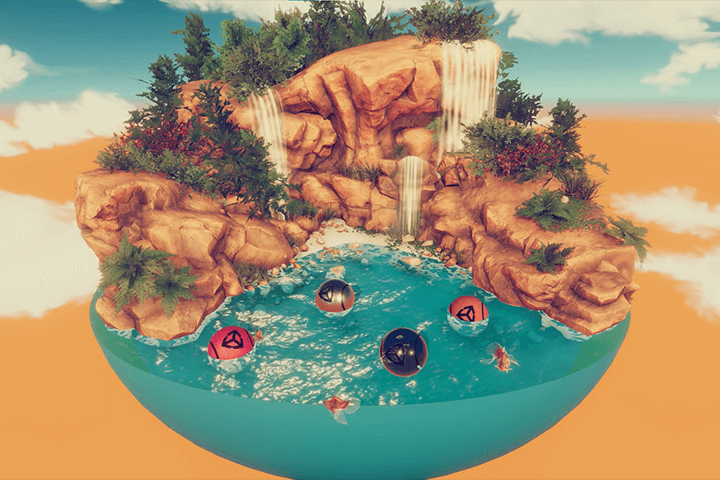 How to effectively use the Unity Asset StoreLearn how to make the most of free resources to add naturalness and dynamics to all Unity environments.
-
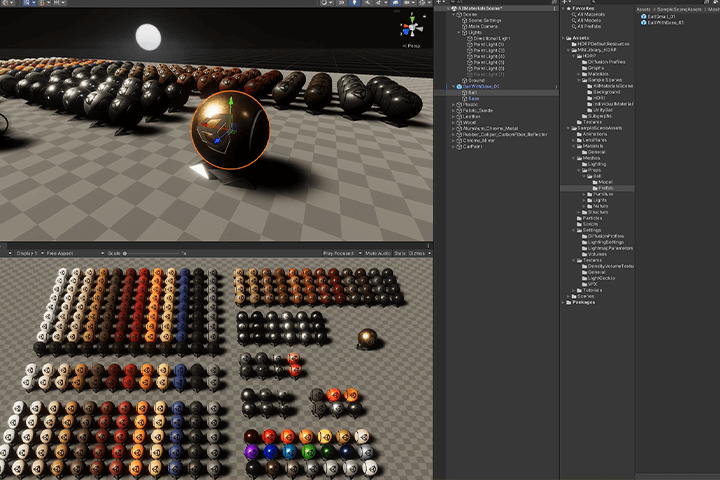 Using URP/HDRP MML ShadersLearn how to set up and apply shaders that can be applied to products or overall interior design.
 -
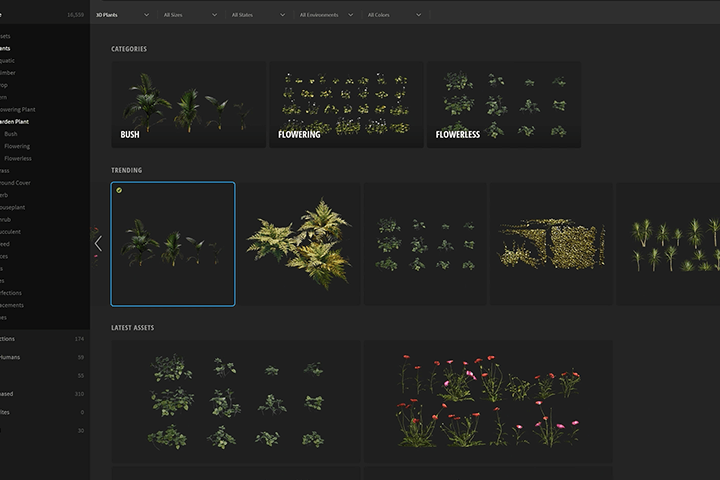 Using MegaScan and Quixel MixerLearn how to use freely available natural data in Unity and the basic know-how of using Quixel Mixer.
 -
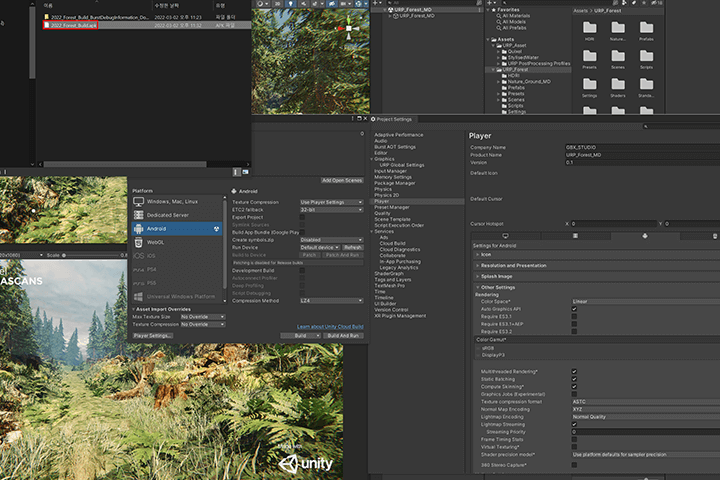 Build setup and deploymentLearn how to build and distribute the 3D asset data created in the lecture directly to your personal Android phone and PC.
curriculum
curriculum
Show me the curriculum
SECTION 01. Orientation
1. Introduction to Unity Engine
- Unity Advantages
- Introduction to content created with Unity
- Install Unity
2. Unity Editor Description
- Unity editor structure
- Functions of views and toolbars
- Shortcut key settings
SECTION 02. 3ds Max Default Settings
3. 3ds Max Settings
- 3ds Max modeling data pivot settings
- Export modeling data (FBX)
SECTION 03. Getting started with Unity
4. URP/HDRP settings
- Introduction to URP/HDRP
- Create and describe a project
- URP - Share HDRP reference site
- GitHub settings and description
5. Implementing and setting up HDRP volumes
- HDRP volume light layer implementation
- HDRP volumetric settings
- Apply Decal
6. HDRP Sky Settings
- Import HDRI Map
- Setting up a skymap in HDRP
SECTION 04. Utilizing the Asset Store
7. Unity Asset Store Overview
- Introducing the Asset Store
- Download free resources
8. Utilizing asset data
- How to use free data
- Download Unity GitHub data
SECTION 05. Setting up the car
9. Car basic settings and controller settings (HDRP)
- Download Asset Store Vehicles
- Vehicle's HDRP preferences
- Car wheel collider settings and settings
10. Setting up and running the car on the background track asset (HDRP)
- Convert background assets provided from the Asset Store to HDRP
- Car running on converted background track
- HDRP-specific post process applied
- Scene Play and PC Platform Build
SECTION 06. Creating samples with MML shaders (3 examples)
11. Simple keyboard implementation using MML (Measured Materials Library) (HDRP)
- Applying MML shaders to a pre-made keyboard
- Applying keyboard data in cartoon style
12. Making a watch using MML (HDRP)
- Implementing pre-made clock data in configurator style
- Setting lighting settings
13. Production of camera using MML (URP/HDRP)
- Implementing shared camera data in configurator style
- Setting lighting settings
SECTION 07. Creating a background scene
14. Creating a VR Gallery (HDRP)
- Apply Volumetric Fog to background data
- Setting lighting and environment in the background scene
15. Implementing an interior scene in HDRP (Museum)
- Import data from 3ds Max
- Apply shaders (MML) to background data
- Setting lighting and environment in the background scene
16. Implementing an interior scene with URP (ArchViz)
- Load background modeling
- Apply shaders (MML) to background data
- Lighting and environment settings for background scenes
- Play and Android Build
17. Implementing a background garage in HDRP (Garage)
- Import vehicle data
- Place props and assets in background data
- Volumetric settings and effect implementation
SECTION 08. Setting up digital characters with Unity
18. Digital Human (Adam Character) Skin and Implementation Settings (HDRP)
- Import characters from the Asset Store
- Applying and setting digital human skin shader
19. Implementing animations in Mixamo and using Unity
- Unity character animation settings
- Settings and downloads on Mixamo
- Applying .anim data received from Mixamo to Unity
- Character Controller Settings
SECTION 09. Terrain (world) production
20. Introduction to Terrain
- Unity Terrain Description
21. Creating Terrain
- Constructing terrain using the Unity Terrain tool
22. Implementing MegaScan data in Unity
- Unity settings using MegaScan Bridge
- Unity shader settings for MegaScan data
23. Constructing a simple terrain map using Quixel Mixer
- Introduction to the Quixel Mixer Program
- Create a simple terrain map using 3ds Max
- Exporting a terrain mesh created in 3ds Max to Quixel Mixer
- Building a Simple Terrain Map in Quixel Mixer
- Exporting data created in Quixel Mixer to Unity
24. Registration and placement of natural objects on Terrain
- How to register natural object data in the terrain tool
- Placing registered natural object data in the terrain tool
25. Creating built-in background data (Stand)
- Configuring the built-in background
- Implementing a water shader for the background
- Implementing flag animation
26. Drone data setting and controller production
- Get drone data
- Download Helicopter Controller from the Asset Store
- Applying a controller to drone data
- Apply and run a drone on a simple background
27. Creating URP natural object background data
- Production of background data exclusively for URP
- Registration and placement of BOTD (Book of the Dead) natural objects exclusively for URP
28. Post-processing settings for URP natural background data
- Introduction to post processing
- Create multiple effects with post processing
29. Simple player setup in the background (first person/third person)
- 1st person - 3rd person character camera settings
- Background Placement and Player Experience
SECTION 10. Deploy and run with Unity
30. Build and deploy URP background data (Windows/Android)
- Build and deploy URP background data
- Run Windows games and install and run Android phones
* Curriculum details may change before or after the video is released.
interview
The story of 3D artist Seokin Yoon
Question.01
What is the outlook for the Unity Metaverse field?
What is the outlook for the Unity Metaverse field?
Naver's Zepeto and SK's IfFriend, which are leading the domestic metaverse market, are all services built on Unity. Although it is still a field in its infancy, the market is expected to grow significantly in the next few years as mobile/PC hardware develops . 3D content within the metaverse will also require continuous R&D research to adapt to hardware, and in this class , you will be able to experience both URP, which is frequently used on mobile devices, and HDRP renderer, which can produce high-quality works .
Question.02
What is the most difficult part for Unity beginners?
What is the most difficult part for Unity beginners?
There are many cases where difficulties arise from setting up the basic environment of the Unity engine . There are appropriate light placement and properties, light map bake settings, etc. If you learn the basic settings and volume settings of the URP/HDRP renderer through this lecture, you will be able to complete everything from basic settings to high-quality results without much difficulty .
Question.03
What are the unique points of this course?
What are the unique points of this course?
The point is that you can improve how to utilize and apply free data . Among the free data, there are many features that will be of great help in working with Unity. You will learn how to properly utilize this data, find references, and apply the skills needed for actual work. In addition , game engine-based 3D data optimization and how to create rich backgrounds using megascan data are all included in the curriculum.
Question.04
Who do you recommend the course to?
Who do you recommend the course to?
I recommend it to everyone who wants to create a realistic metaverse world using the Unity engine and to those who want to learn about new Unity features in industries other than games .
We will guide you through the program to use.
This course is conducted using the program specified below. To ensure smooth participation, please purchase and install the program separately.
- Unity 2021.2.9F1
- Quixel Mixer Beta 1.2
- 3ds Max 2018
- Adobe Photoshop CS 2021
* Unity recommends using the same 2021 version.
* You can replace 3ds Max with Maya or Blender, but for beginners in modeling, we recommend using 3ds Max.
* Programs and materials are not provided separately.