ConceptArtist,ErakNote_애락노트 Details
Intro
Class Intro
Concept Artist, Erak Note
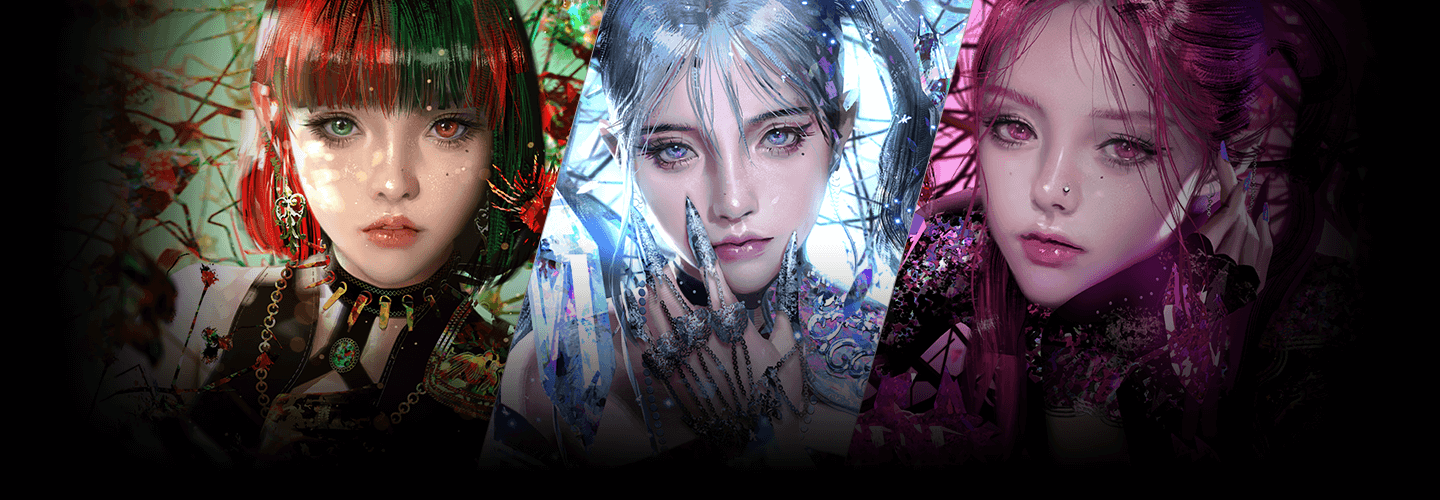
"Establish a realistic art style through well-defined faces and detailed coloring that resembles traditional paintings."
Class Preview
Still Not Sure?
Check Out Erak Note's Class Preview
Chapter 14.
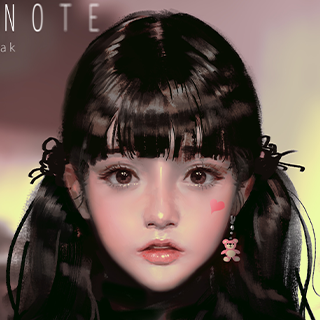
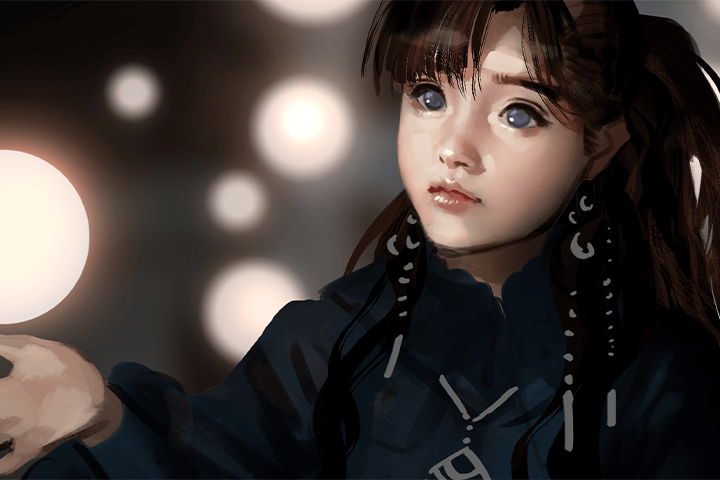
Coloring a Pretty Face
1. How to color softly
2. Adding variation in colors
3. Various usage of brushes
4. How to add details
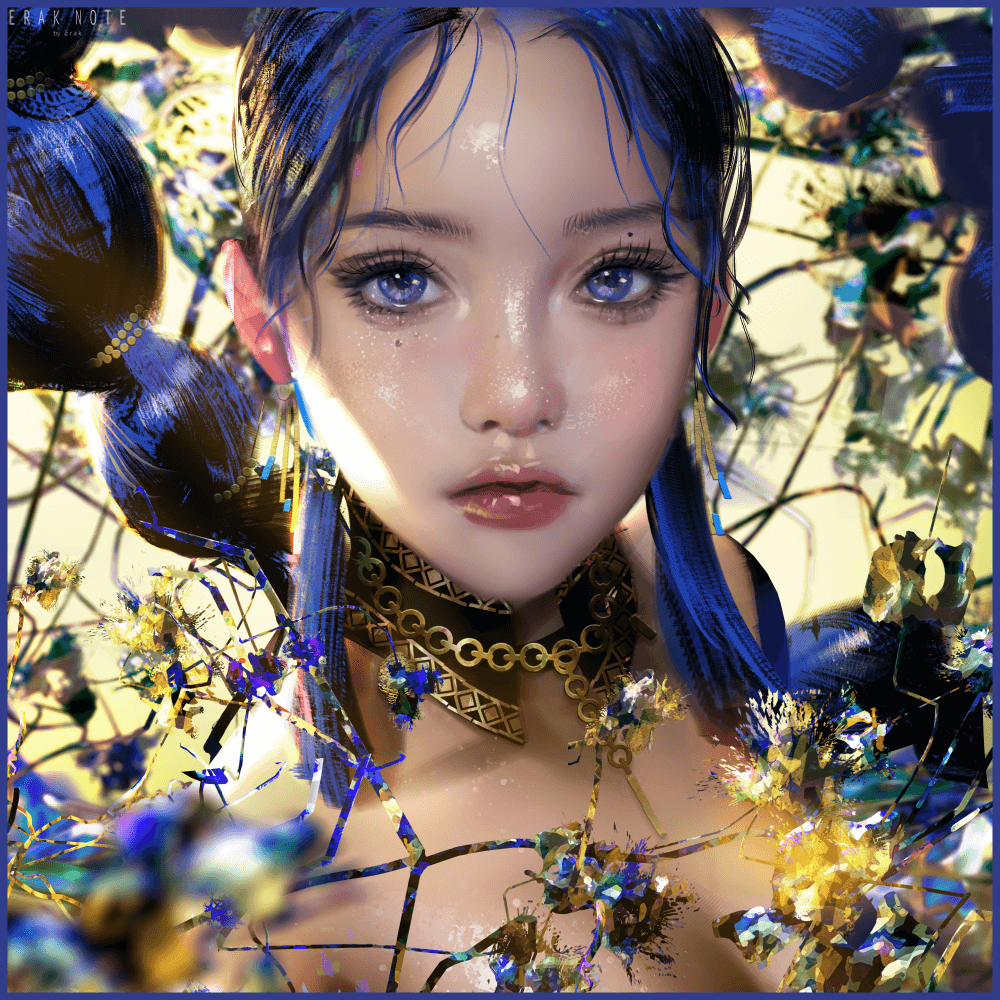
AAA Game Studio Artist’s High-Density Painterly Rendering
Want to create high-quality illustrations faster with a more efficient workflow?
Learn the professional coloring secrets of Eraknote, a concept artist with 12 years of experience on major titles like Lineage Eternal and Project TL.
Go beyond basic coloring. Master high-density painterly techniques including glazing, curves, and strategic layer management, to create breathtaking facial details and polished textures.
Elevate your art with Eraknote’s signature rendering process and create illustrations that are both breathtakingly beautiful and impeccably polished.
Concept Artist, Erak Note's Profile & Portfolio
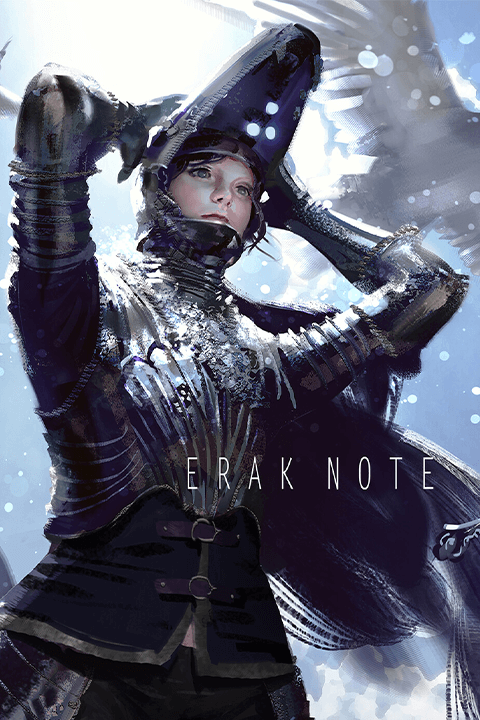
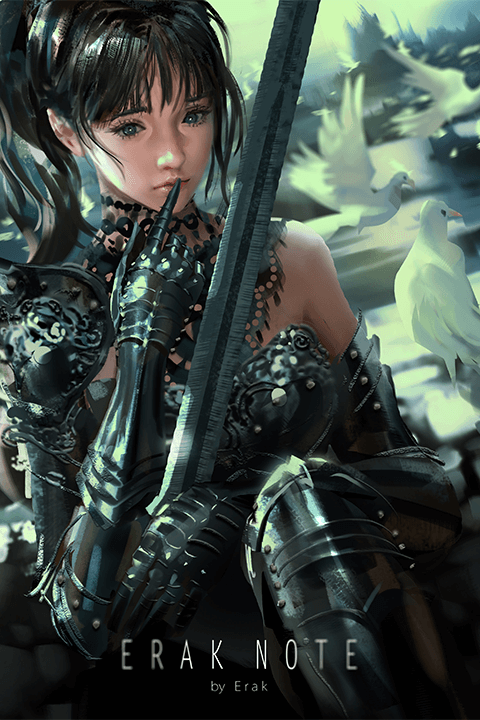
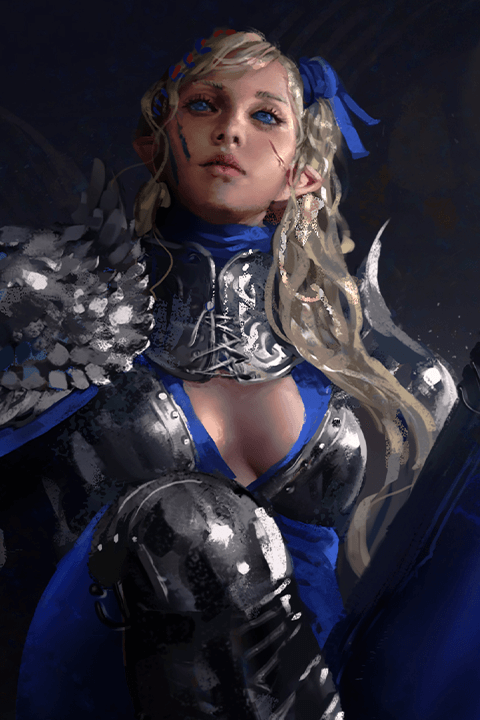
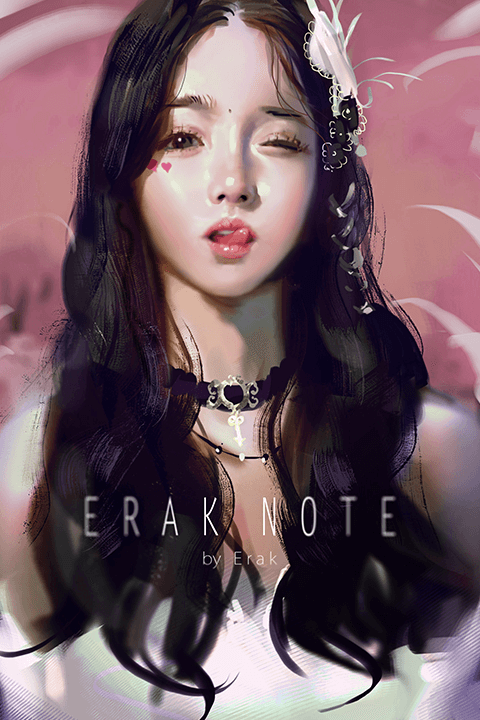
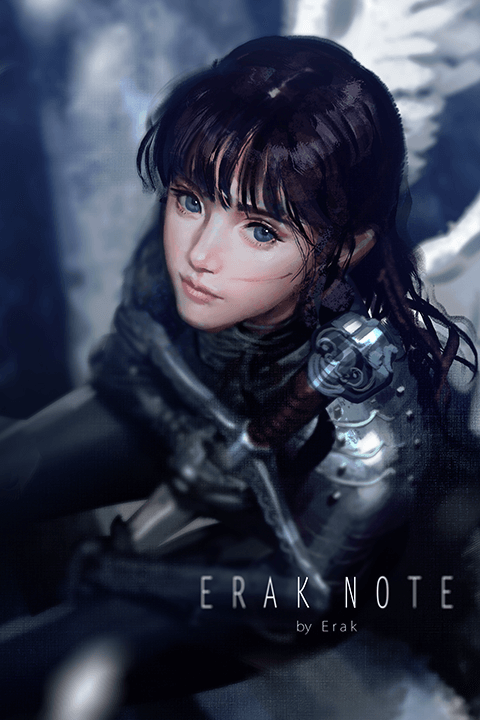
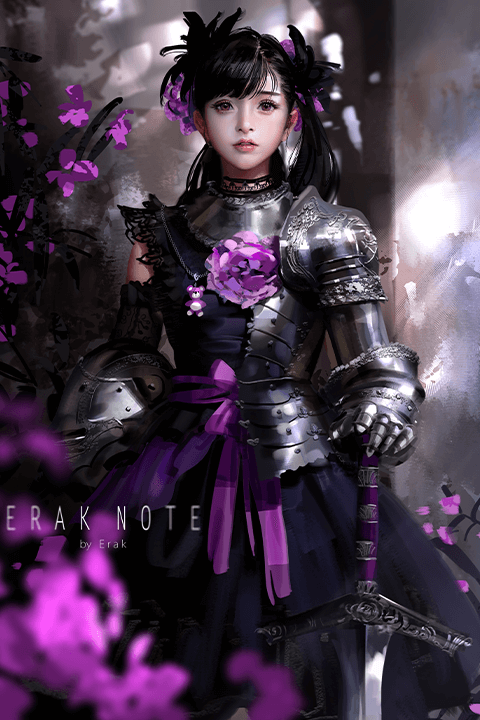
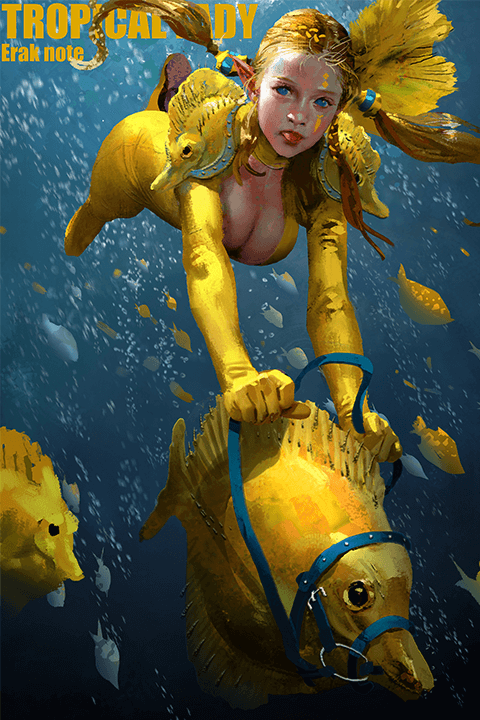
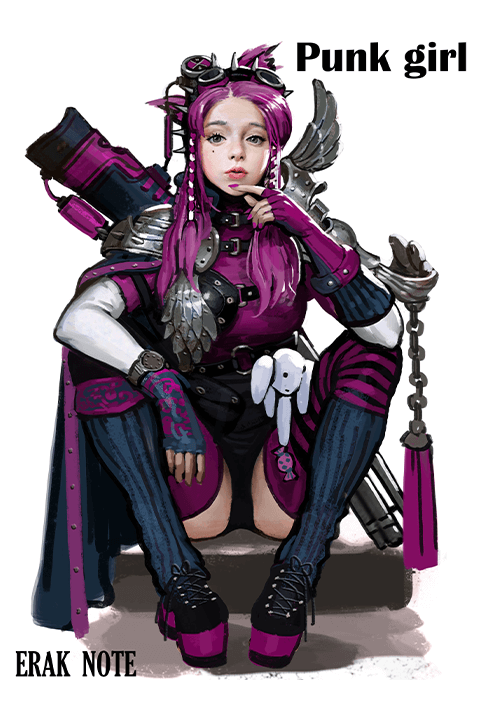
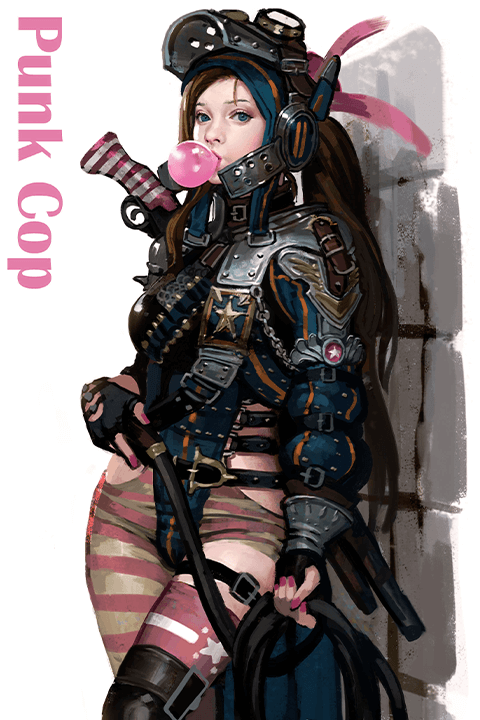
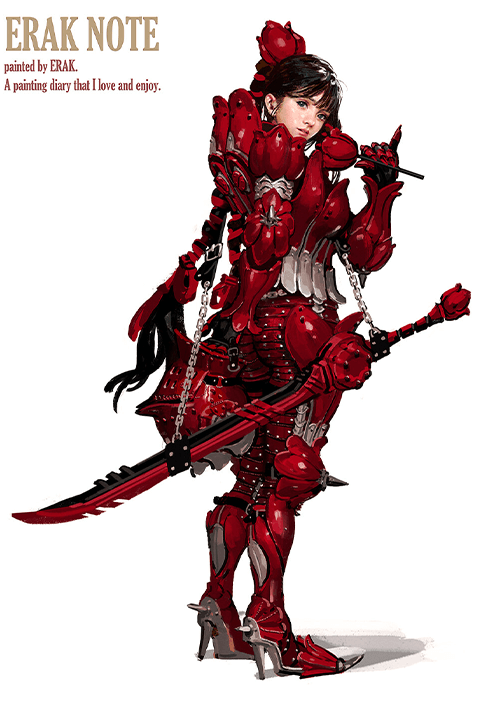
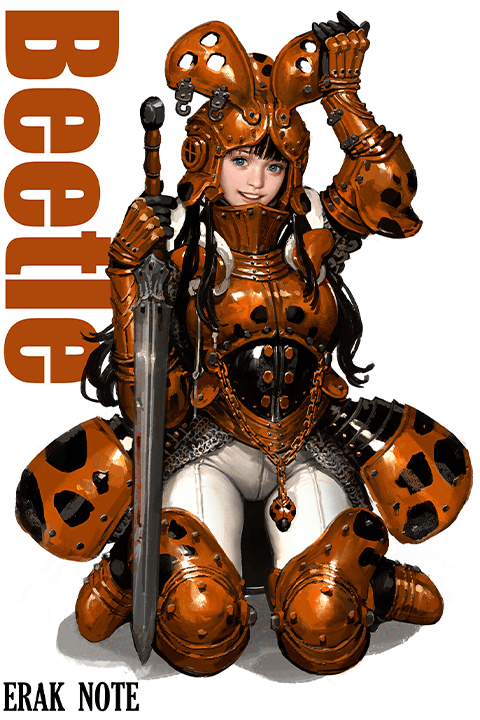
Instructor
Concept Artist
Erak Note
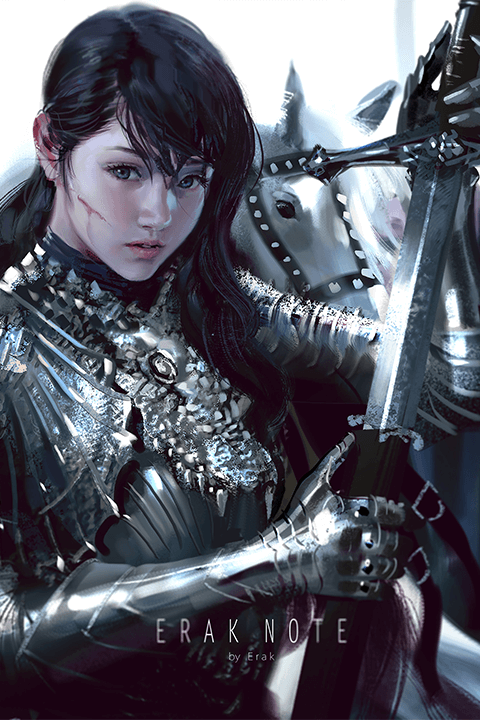
Hello, I am Erak, a freelance concept artist.
I have been working in the gaming industry at companies like NCSOFT for over 12 years, and have drawn various artwork throughout my career.
Ever since I made my sketchbook "Erak Note" in elementary school, I have spent most of my life drawing and painting. Even to this day, 'Erak Note' is getting more of its pages filled, and I would like to share those pages with you.
Since I have received many requests to make an online class, I will do my best to teach my techniques in a fun and easy way. I'm also going to provide files and brushes for this class, so don't worry and just follow my lead.
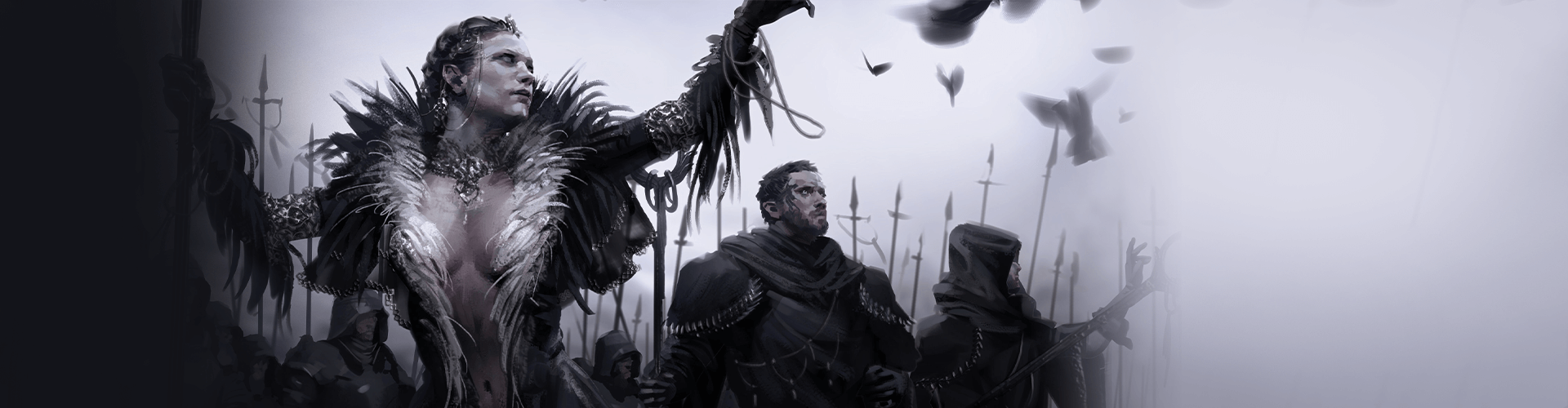
Concept Artist
Erak Note
[Current]
Freelance Concept Artist
Recognizable
Projects & Awards
[Former]
2017-2020 Artist at NCSOFT - Original Character Designs & Splash Art for “Project TL”
2013-2017 Artist at NCSOFT - Original Character Designs & Splash Art for “Lineage Eternal”
2009-2013 Artist at ESTSoft - Original Character Designs & Artwork for “Cabal 1,2”
[Projects]
Pearl Abyss - Character Concept Art for “Black Desert Online”
NX3GAMES - Character Concept Art & Illustrations for “Project R”
Boolean Games - Character Concept Art for “Dark Avenger 3”
LINE Games - Character Art for “Icarus Eternal”
Pixel Cruise - Character Concept Art for “The Vanshee”
Mojito Games - Character Art for “Uncharted Wars: Oceans & Empires”
Student Reviews
-
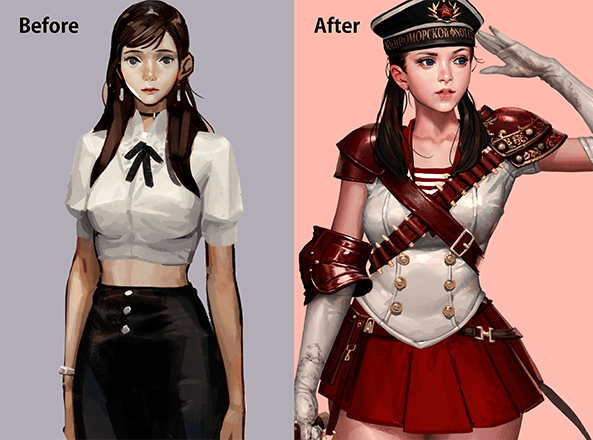 Student **KimI was worried that I wouldn't be able to follow along since I used to draw in a very different style. However, the curriculum was solid and helped me grow very quickly. It is optimized to improve every step of the work process and my performance improved dramatically.
 -
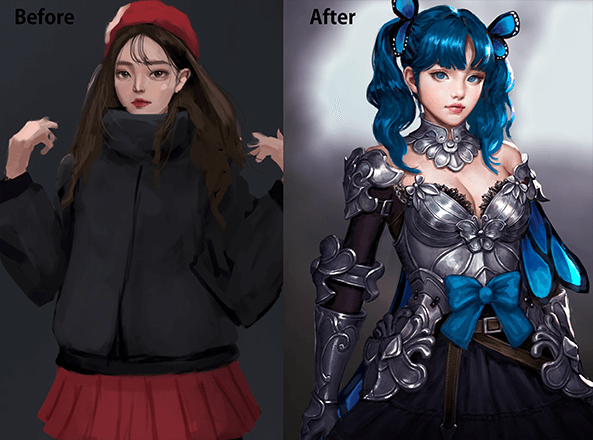 Student **DokOur instructor constantly reminds us of the importance of emotion, a key component many aspiring artists like myself often forget admist the pressures of job hunting. If you want to experience both the pure joy of drawing and working in the industry, I highly recommend you take this class.
 -
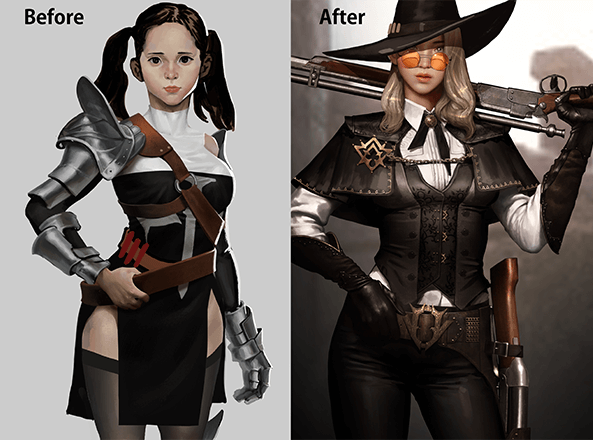 Student **SongIn this class, you can learn everything from building strong basics to using a traditional painting style. The instructor shares so many useful tips, it's like a new stage started in my drawing career after taking this class. This class helped address many of my unanswered questions and concerns.
Complete 1 Piece of Character Art
-
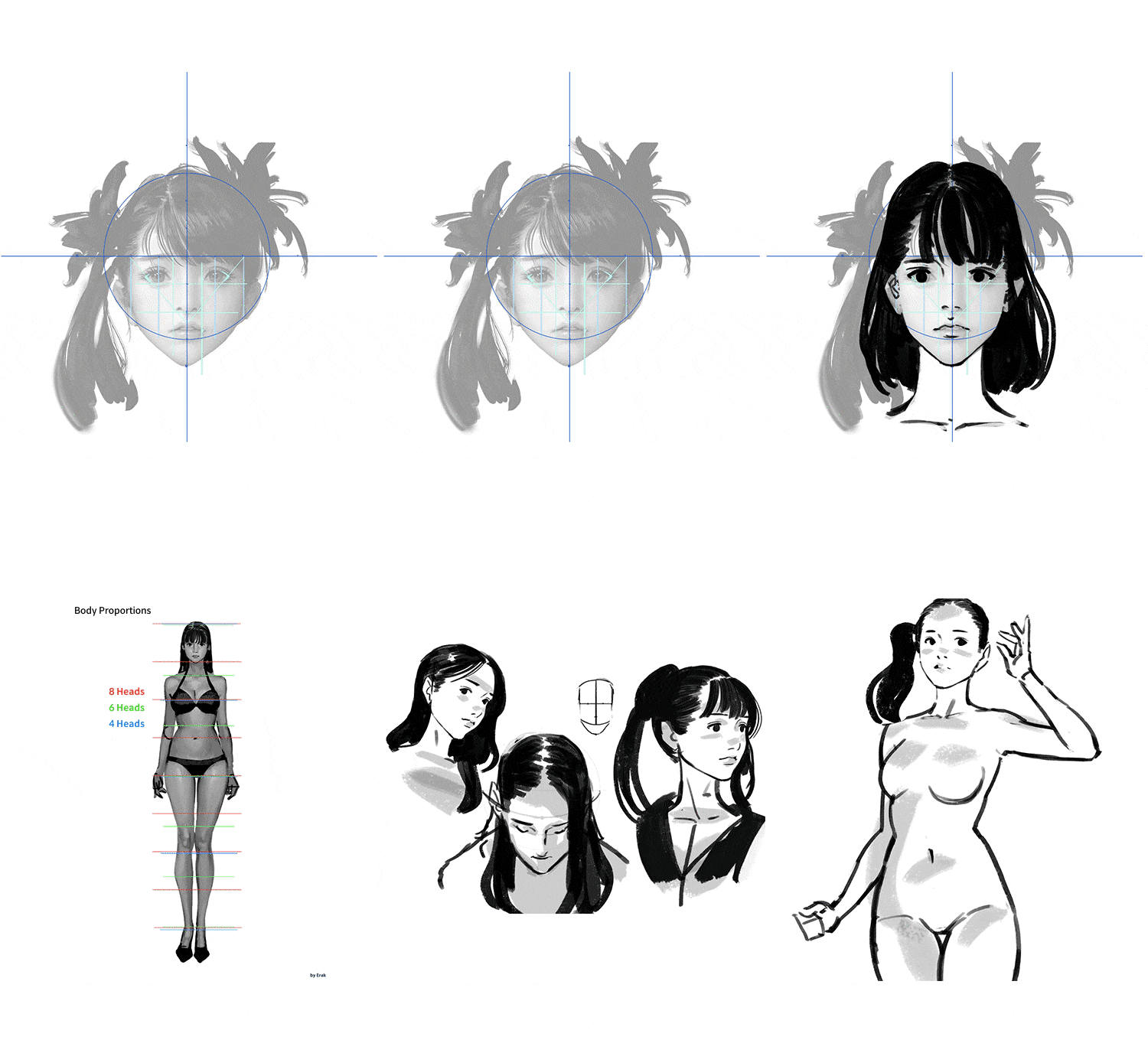 Facial Proportions and Full Body Sketch
 -
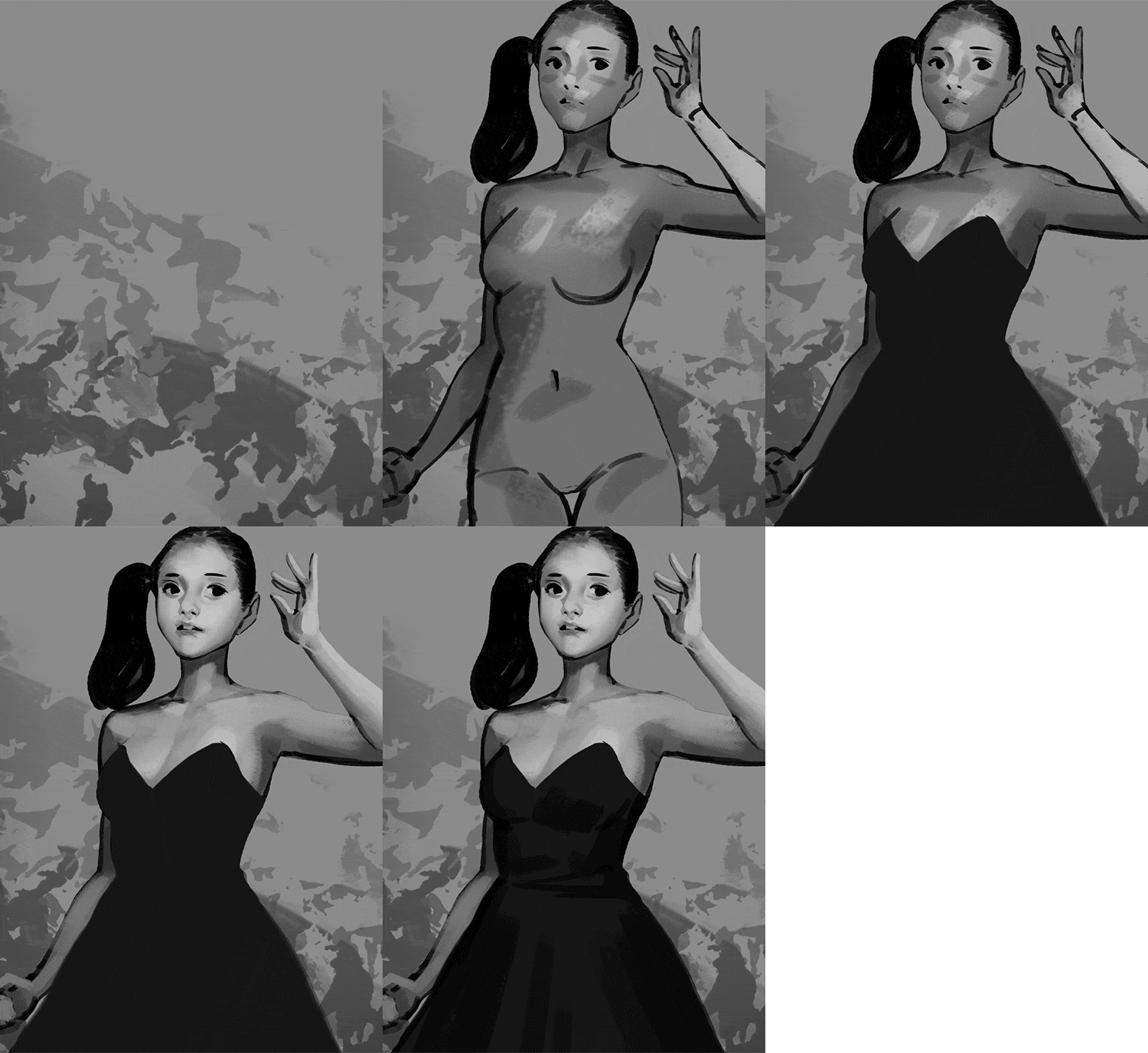 Separating the Human from Backgrounds & Grayscale Depth
 -
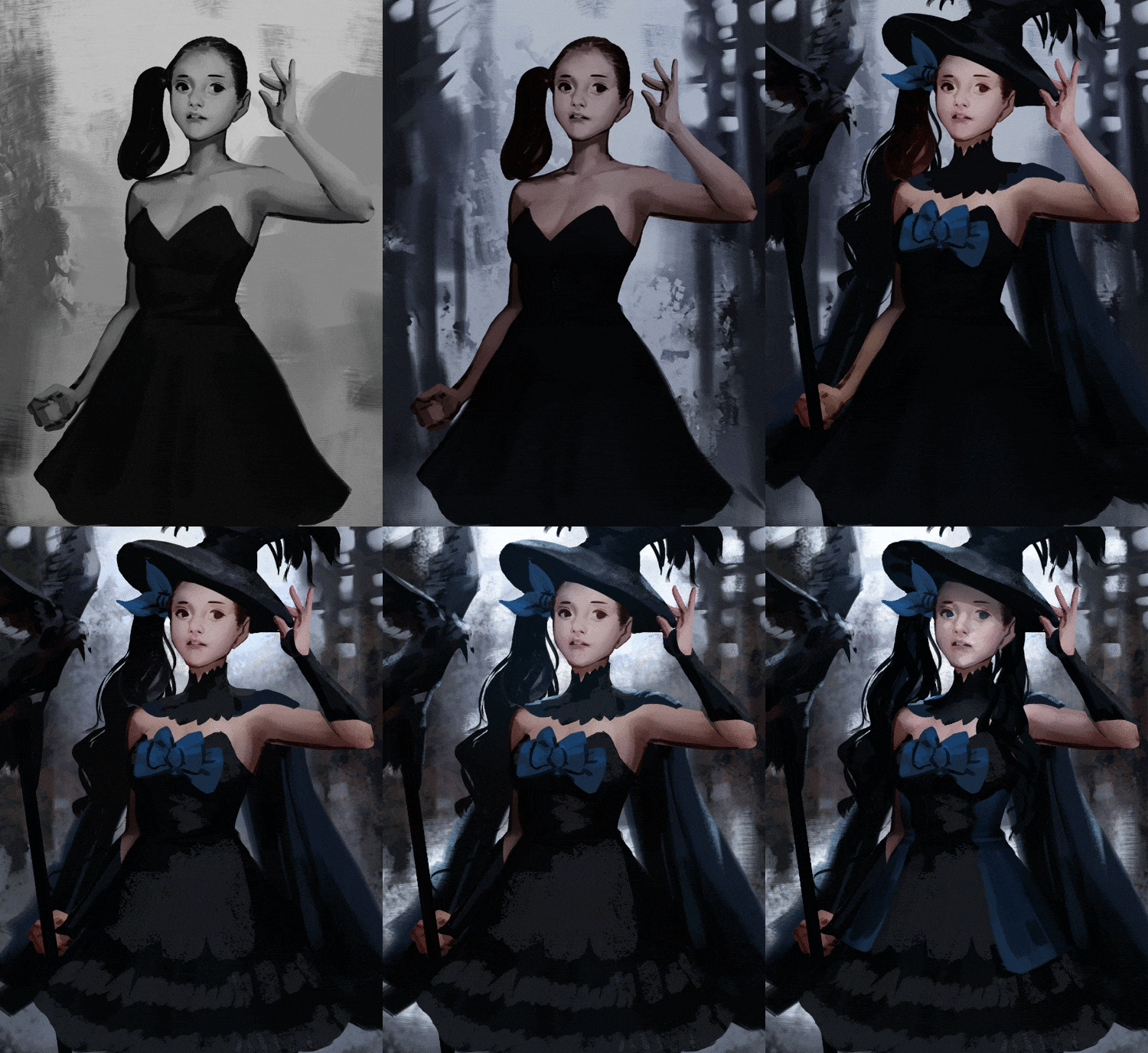
 Coloring Techniques with Glazing 1
-
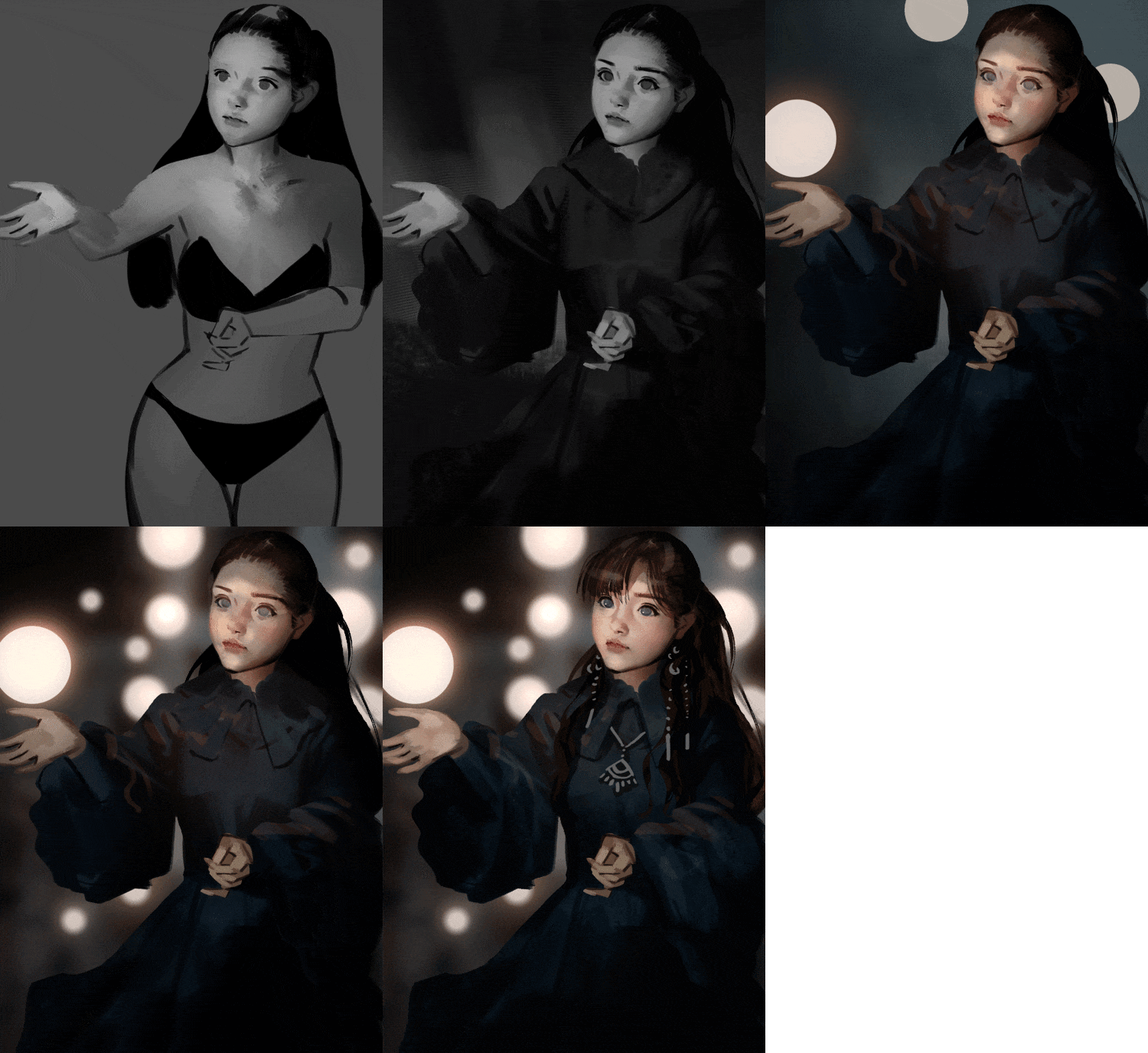
 Coloring Techniques with Glazing 2
 -
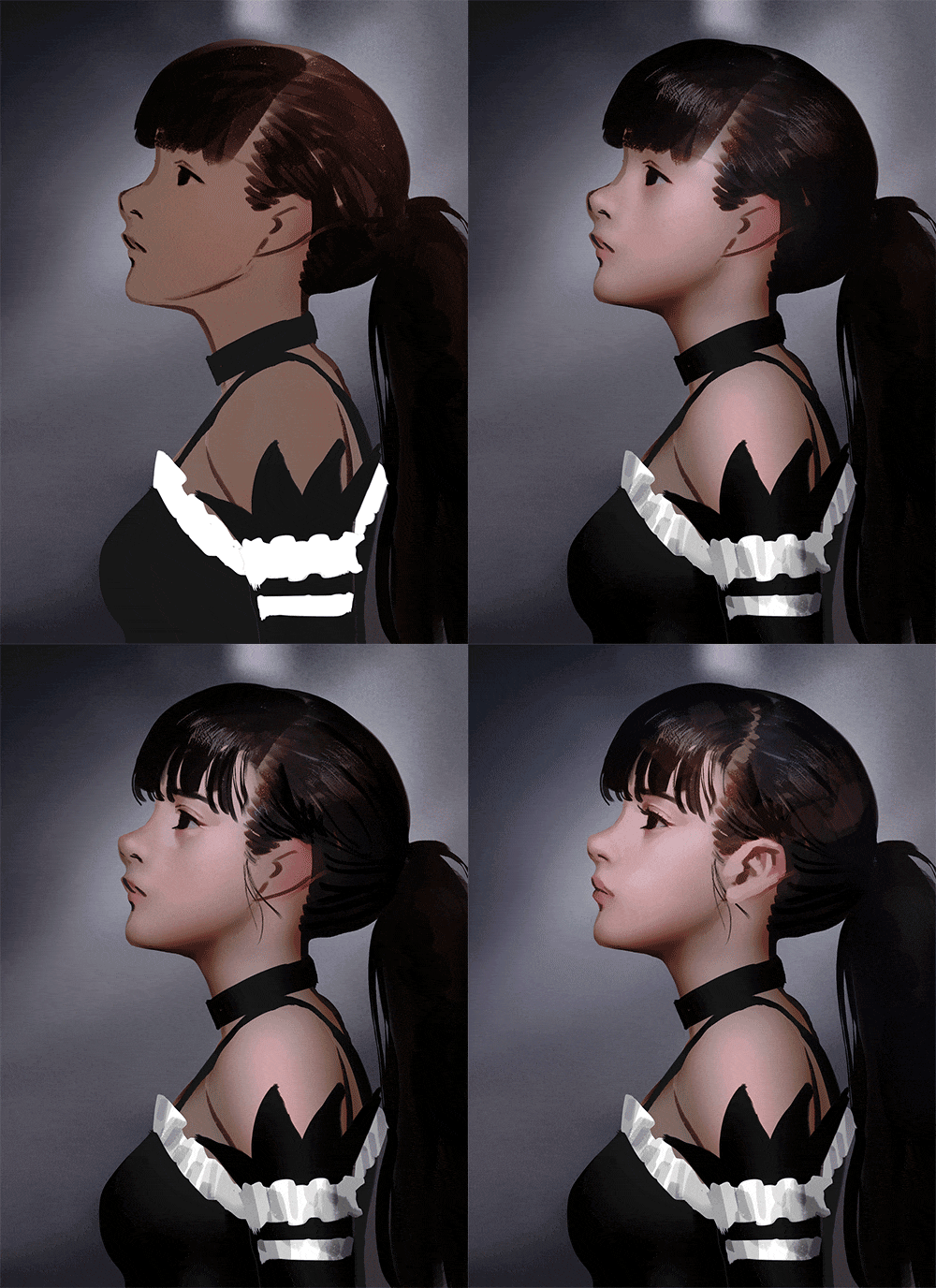 Coloring Techniques with Curves & Burn, Dodge, Sponge Tool
 -
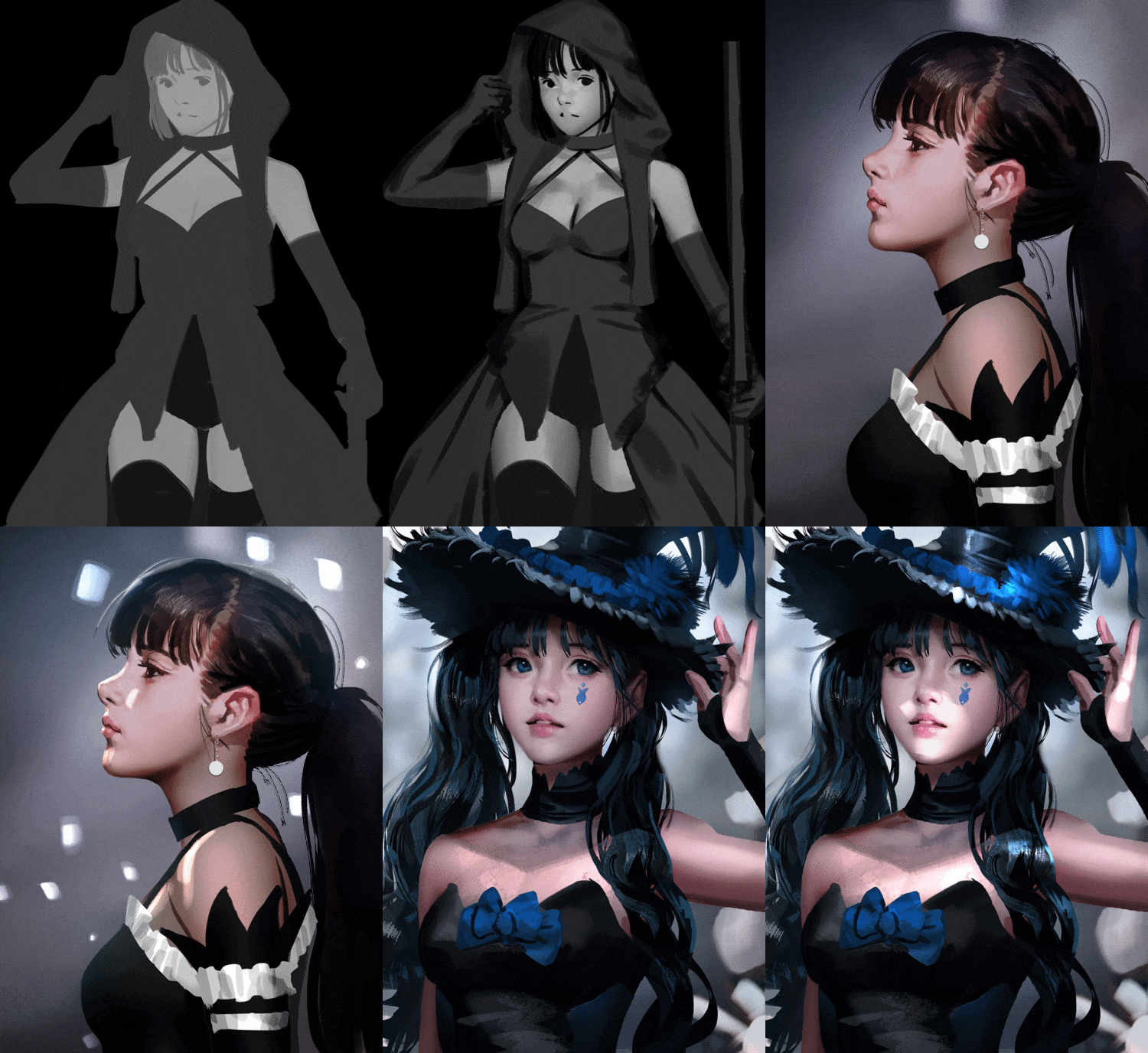 Painting Light and Shadow
-
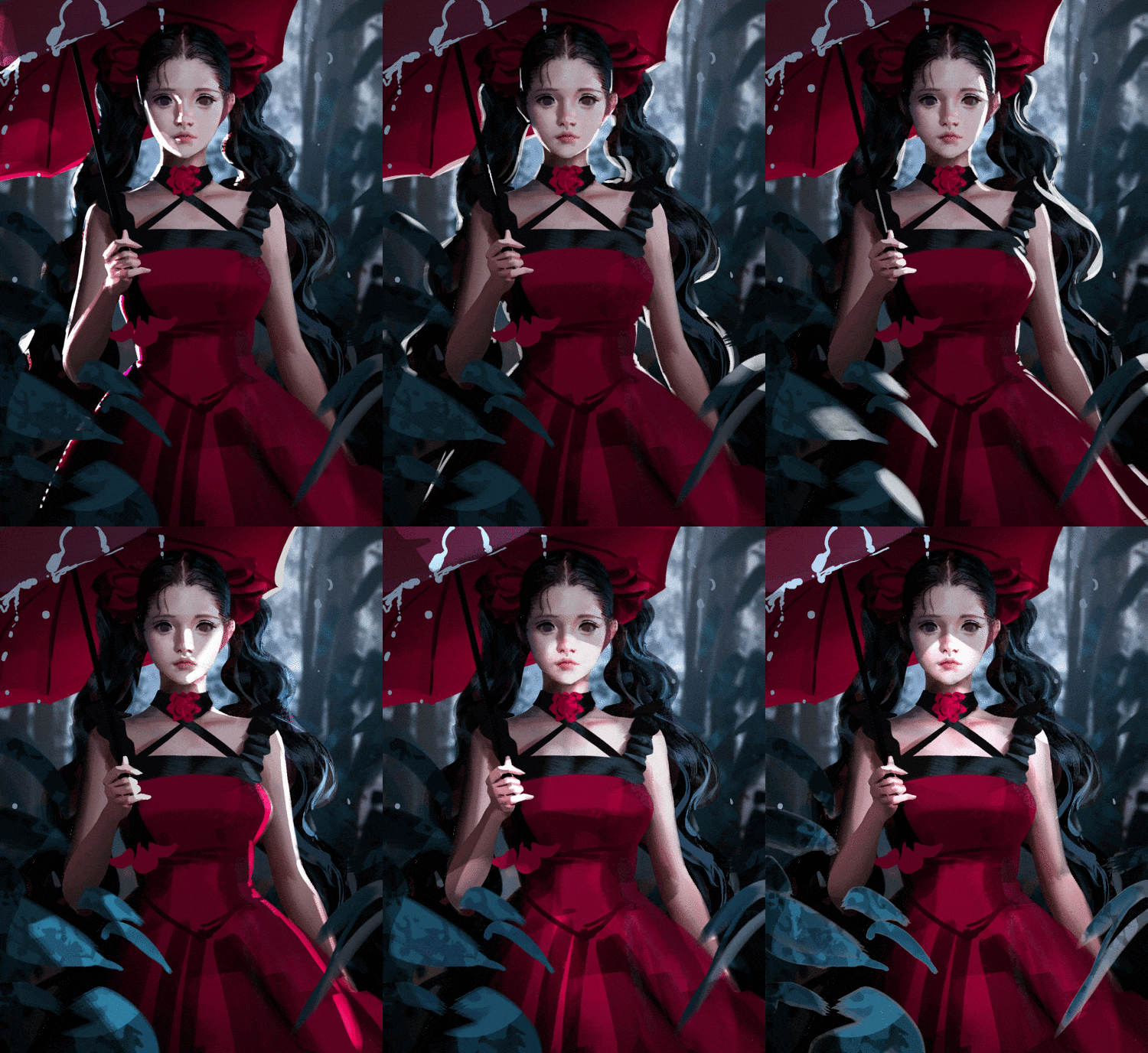 Effective Coloring Methods Based on Lighting
 -
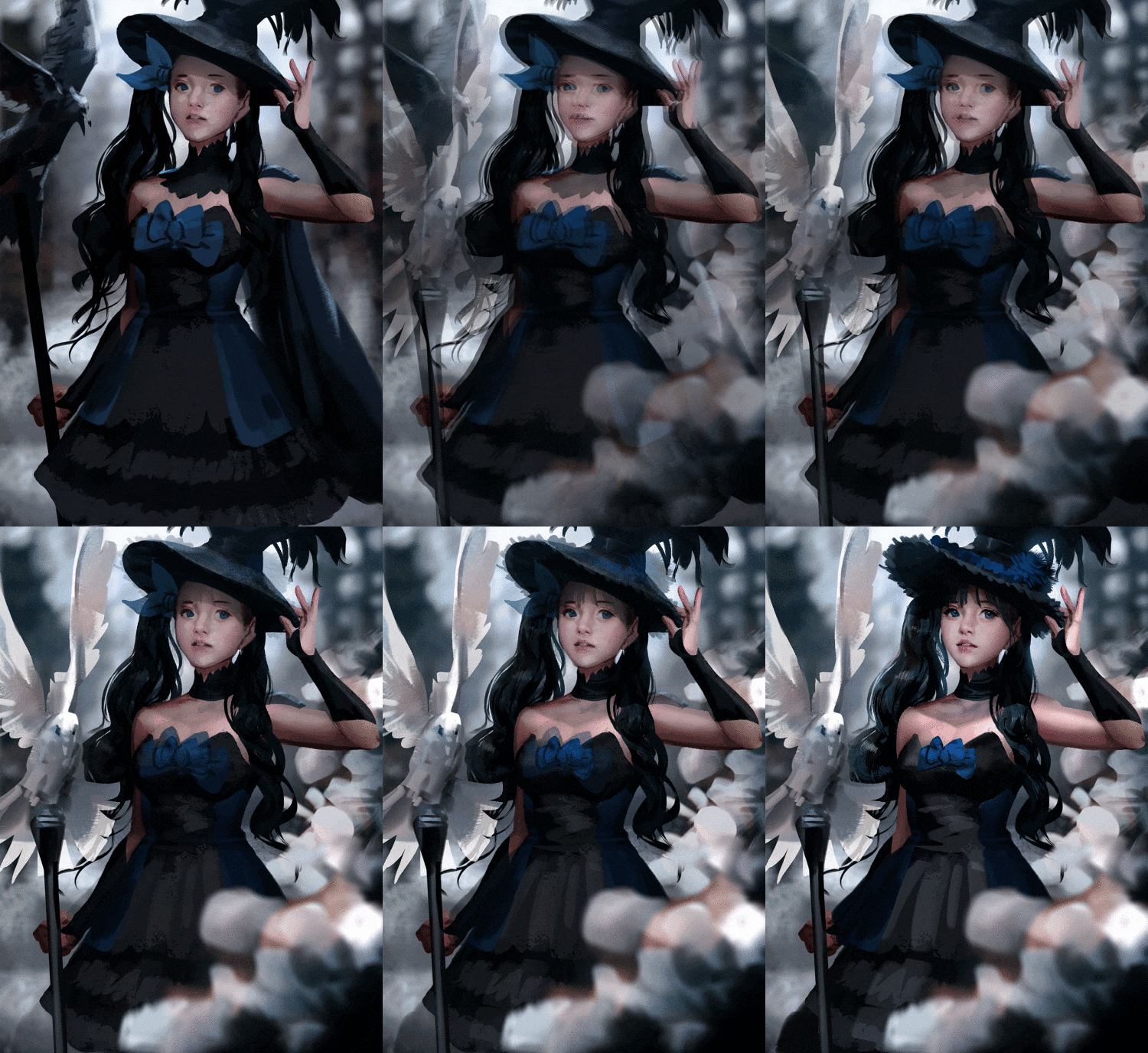 Normal Mixer Brush & Coloring Effects
 -
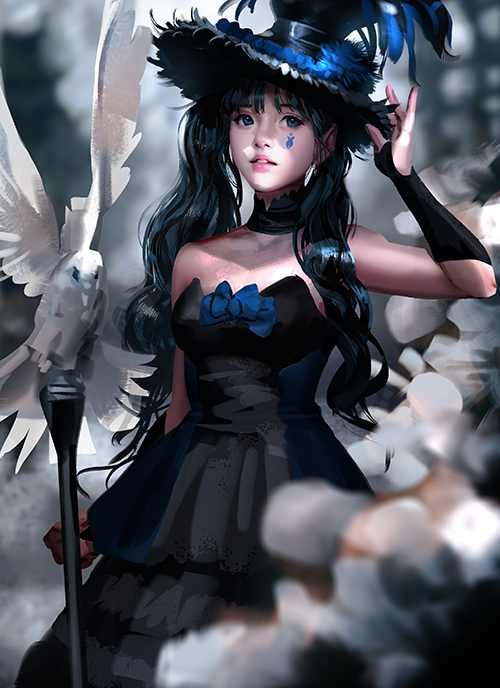 Final Female Character Portrait
Highlights
Class Highlights
Learn Erak Note's Entire Process + Brush and Layer Techniques
Through this class, you will be able to adopt the efficient digital drawing process of Erak Note, a professional concept artist with 12 years of industry experience.
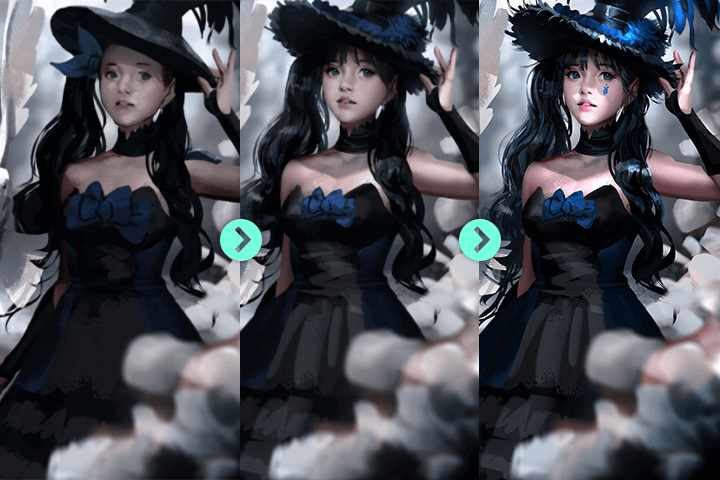
Master Traditional Coloring Techniques For Realistic Character Art
Through this class, you will pick up various tips like coloring in a traditional painting style and adding facial details, which are required to paint a high-quality realistic character.
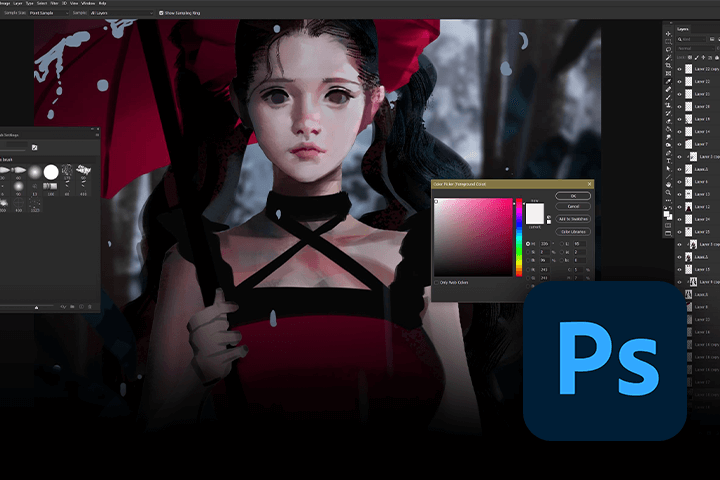
Acquire PSD Files and Brushes with Progressive Key Techniques
For this class, you will receive some of Erak Note's custom brushes and PSD files that will help you get a better understanding of the class chapters.
Class Details
You'll Learn
-
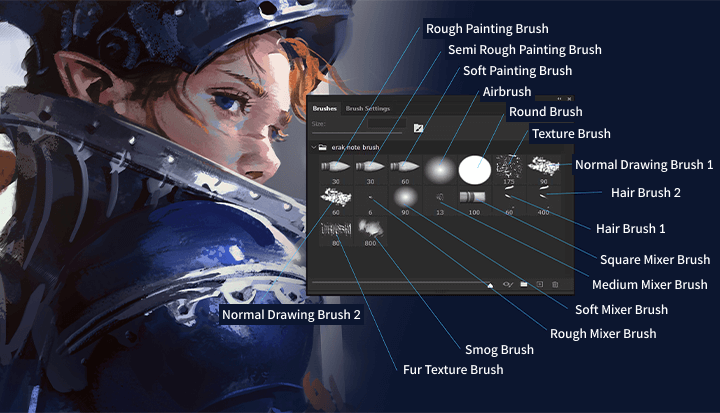 Learning Basic Photoshop Settings and Testing Brush FunctionsBefore we start drawing, we will not only go over the Wacom Tablet Control Panel and tips on personalizing Tablet Properties, but also setting Photoshop keyboard shortcuts as well as the features and attributes of the brushes.
 -
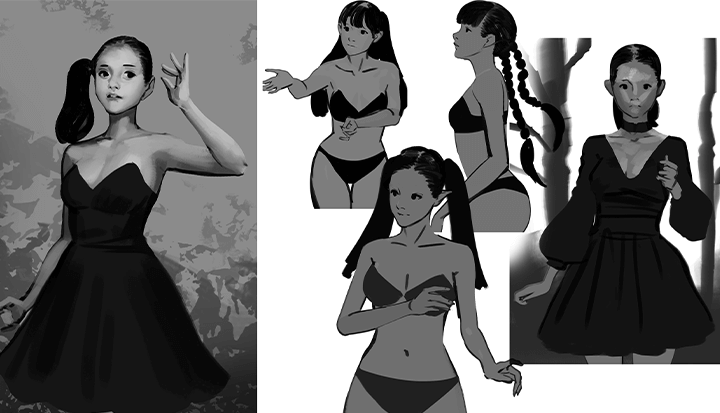 Basic Sketch for Realistic Character ArtYou will sketch a stable and proportionate face and body and learn how to separate the character and background with grayscale depth.
 -
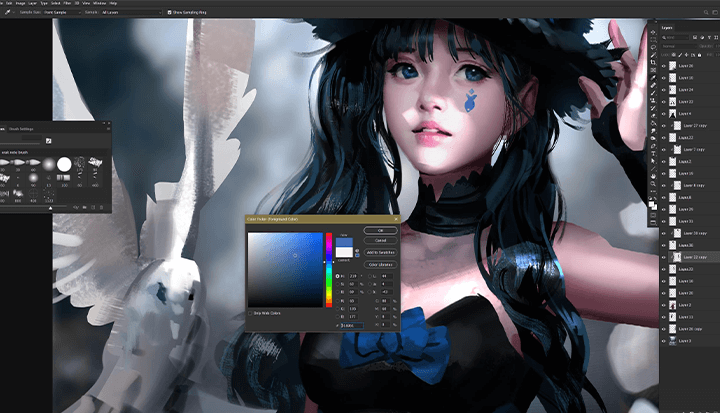 Practicing Coloring Techniques Using Various Photoshop FunctionsYou will use various coloring techniques and Photoshop functions like Glazing, Curves, Dodge, Burn and Sponge to apply colors to a character's face, body, and costume.
-
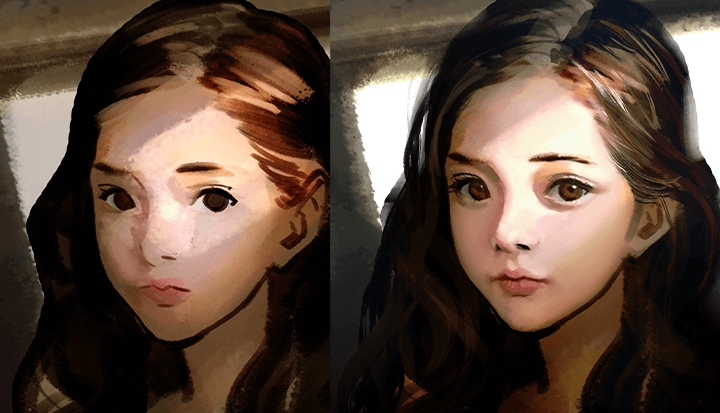 Using Light, Shadows, and Texture to Add LivelinessAfter learning how to draw efficiently with the understanding of light and shadows, you will use a pencil brush and blend modes to draw leather and metal to express realistic textures.
 -
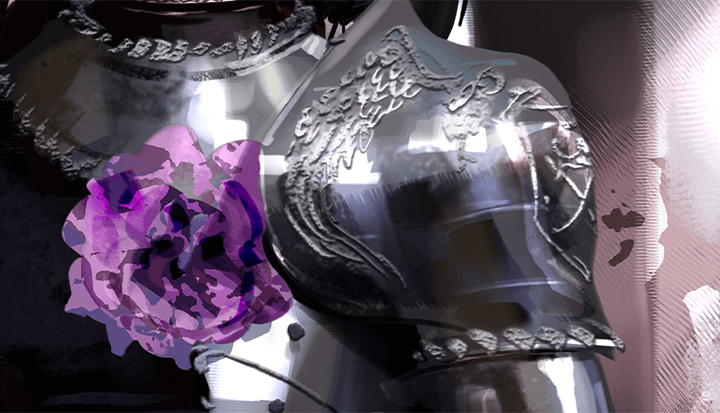 Adding Details with Patterns and AccessoriesFrom making patterns to drawing accessories with an effect brush, you will learn how to polish outlines and add fine details in your finishing stage to create well-balanced character art.
 -
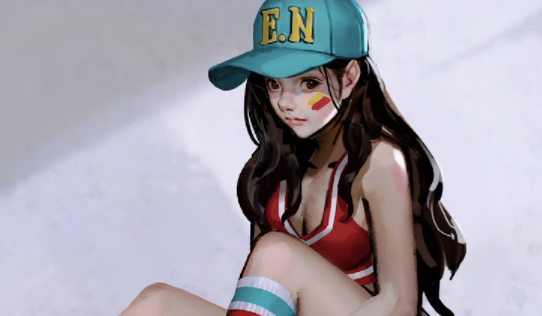 Additional Tips for Producing Professional Realistic ArtworkYou can learn practical tips Erak Note has picked up from 12 years in the industry, such as how to practice adding depth to your drawings, how to use layers and clipping masks, and how to memorize the color picker graph.
* Images shown above are examples used to give a better idea of this class.
- Unlimited Access
- Best Price
Buy now, get unlimited access.
12/31 (Sat) (UTC-7) Special offer ends soon.
This special offer ends soon.
Buy now and save!
Curriculum
Curriculum
In-Depth Look
SECTION 01. Tablet and Photoshop Settings
01. Intro
- Artist & class introduction
02. Tablet and Photoshop Settings
- Understanding the Wacom Tablet Control Panel
- Learning the Photoshop workspace and setting keyboard shortcuts
- Actions and how to set them
03. Brush Package
- Brush types
- Brush features & attributes
SECTION 02. Basic Drawing for Your Character Art
04. Body Sketch
- Proportions for a stable body
- Facial proportions
- Body sketch for your character art
05. Separating the Character and Background with Grayscale Depth
- How to separate the character and background
- Learn about the appropriate brightness
- Easily add depth with the dodge and burn tools
- How to use normal brushes and mixer brushes
SECTION 03. Coloring Techniques & Costume Design
06. Coloring Techniques with Glazing (1)
- Various blend modes
- Using the modified glazing technique
- Application on the face, body, and costumes
- How to add various colors
07. Coloring Techniques with Glazing (2)
- Various blend modes
- Using the modified glazing technique
- Application on the face, body, and costumes
- How to add various colors
08. Coloring with Curves, Dodge, Burn, and Sponge
- Adding colors with curves
- Understanding the dodge, burn, and sponge tools
- Making keyboard shortcuts
- Coloring example
09. Features and Effects of Various Normal & Mixer Brushes
- Finding the right brush for you
- Mixer brush settings
- How to use rough brushes and soft brushes
- Application on skin and hair
10. Expressing Light and Shadows
- How to efficiently express light and shadows
- Vivid light: Light
- Multiply: Shadow
11. Effective Coloring with the Understanding of Light
- Understanding ambient light
- Rim lighting
- Strengths of ambient light
12. Using Pencil Brushes and Blend Mode Brushes at the Same Time
- How to express textures
- Example with leather and metal
13. Using the Pattern Stamp tool for Coloring
- Making a pattern stamp with noise
- How to use the pattern stamp tool
14. Coloring a Pretty Face
- How to color softly
- Adding variation in colors
- Various usage of brushes
- How to add details
SECTION 04. Details and Corrections
15. How to Add Patterns
- Making custom patterns
- Loading brush patterns
- Using brush patterns
16. Painting Accessories: Effect Brush
- How to use effect brushes
- Utilizing effect brushes
- Applying it in patterns
- Applying it in your drawings
17. Finishing Touches
- Polishing the outlines
- Adding fine details to the face
- Adding details to the costume
- Well-balanced finish
18. Various Correction Methods
- Basic correction tools
- Utilizing blending modes
- Utilizing curves
- Using pin light
SECTION 05. Realistic Painting Style Tips
19. Practicing Depth and Volume
- Grayscale drawing
- Coloring the body
- Adding a costume to the body
- Color and design at the same time
20. Layers and Clipping Masks
- Using parent layers and child layers
- Locking layers
- Easy layer management through layer auto select
21. Local Colors and the Color Picker
- Importance of local colors
- How to use references
- Memorizing the color picker graph
22. Outro
- About concept art and illustration
- Message to all drawing enthusiasts
Interview with
Concept Artist Erak Note

Question.01
How Would You Describe Your Unique Differentiating Strengths?
Since I majored in western painting in art school, I believe my strengths are my concise yet high-quality coloring skills and my ability to emulate traditional painting styles. Other than that, I also have a unique workflow that I have built from my 12-year career in the video game character art industry.
Question.02
What is the Objective or Goal of This Class?
Creating beautiful realistic character art. Our objective is to establish a realistic art style through a greatly defined face and highly detailed coloring that resembles traditional paintings. I made this curriculum based on my vast experience from the industry to help reduce the unnecessary and help create a more efficient drawing routine.
Question.03
Who is the Target Audience of This Class?
This class will be helpful for not only field experts or aspiring artists preparing to join the industry, but also for people who just like drawing, want to draw their own characters, and want to add more detail and quality to their drawings.
Required Programs
This course will use Wacom Intuos and Adobe Photoshop CC.
Please purchase and install the latest versions of the programs for an optimized lecture experience.
*These programs and/or materials will not be provided with the lecture.