ConceptArtist,KETO2_케토2 Details
Intro
Editing and Composition
Techniques for Light and Texture
to Create Stunning Illustrations
Do your illustrations always look the same and seem to be missing something? Do you struggle with creating the lighting effect you want?
KETO, one of the most sought-after concept artists who created concept art for Dungeon & Fighter and many other notable projects, has come to your rescue with her illustration editing class.
KETO, one of the most sought-after concept artists who created concept art for Dungeon & Fighter and many other notable projects, has come to your rescue with her illustration editing class.
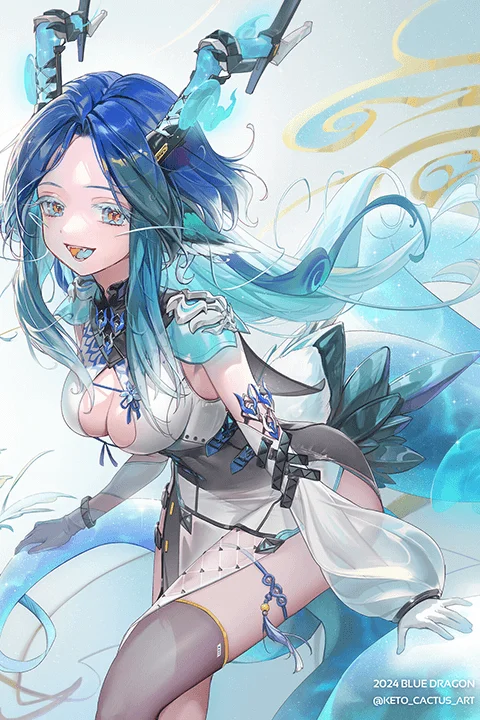
The key to mastering the basics of editing lies in light and texture, which is why you’ll work with light, shadow, texture, and detail to create diverse compositions.
Join KETO’s class now to find the missing piece to your illustration and level yourself up to an in-demand artist.
Join KETO’s class now to find the missing piece to your illustration and level yourself up to an in-demand artist.
Class Perks
Get These Coloso Exclusives
-
 Edit Your Character to PerfectionUnlimited Access to All 24 Chapters
 -
 Level up Your Illustration SpectrumOriginal Exercise Files (.psd)
 -
 Add Dazzling DetailsColoring Brush Set
Class Material Details
-
 Exercise File List (.psd)- Drawing light for different times of the day
- Drawing blocked light
- Drawing light on a cloudy day
- Finding shadow
- Drawing a character’s shadow
- Transparent and translucent objects
- Reflective objects
- Expressing transparency with lighting: Sample illustration
- Making light visible in a dark illustration: Sample illustration
- Nearby and distant characters
- Finished characters with texture and detail
- Various editing techniques
- Creating lighting through editing: Half-shadows, spotlights
- Creating lighting through editing: Underwater
- Creating lighting through editing: Neon signs at night -
 Theory Class Materials at a Glance (.pdf)- Light at different times of the day
- Light on a cloudy day
- Stages of shading
- Finding shadow
- Transparent and translucent objects
- Reflective objects
- Natural poses
- Nearby and distant characters
Recommendation
Who Should Take This Class?
Aspiring game artists who lack theoretical knowledge and need new editing techniques
Aspiring illustrators who want to produce detailed, high-quality illustrations at a professional level
Professional illustrators who need various exercises to improve the quality of their work
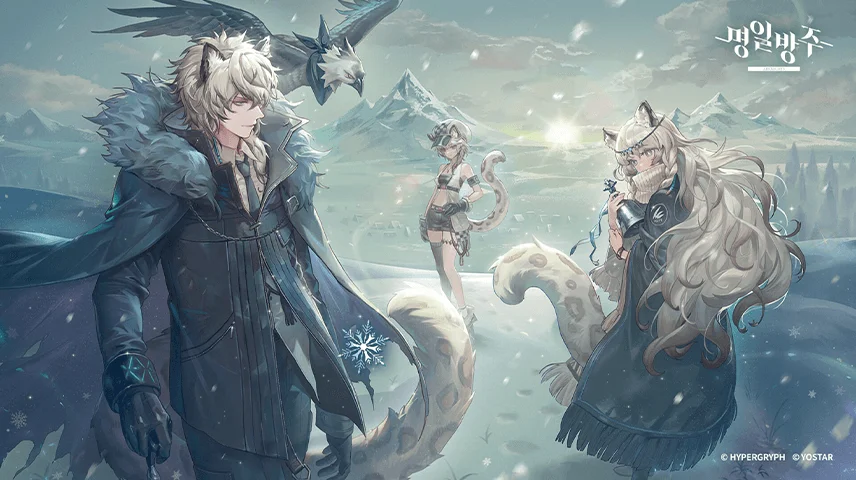
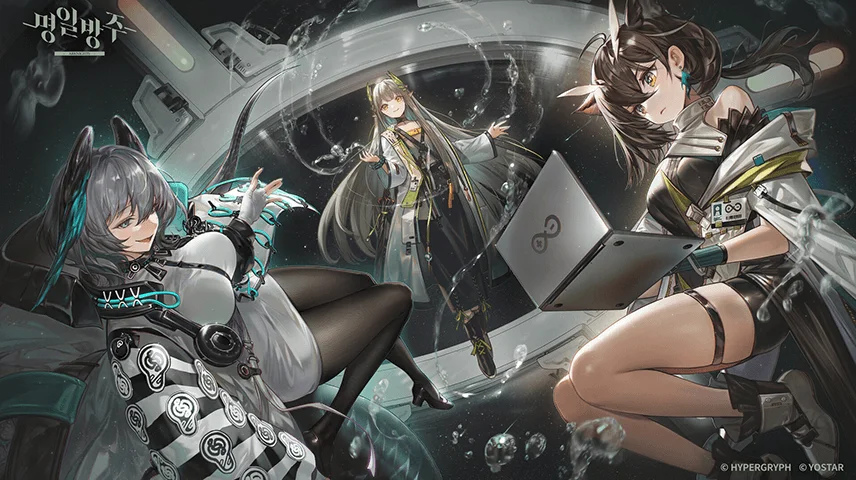
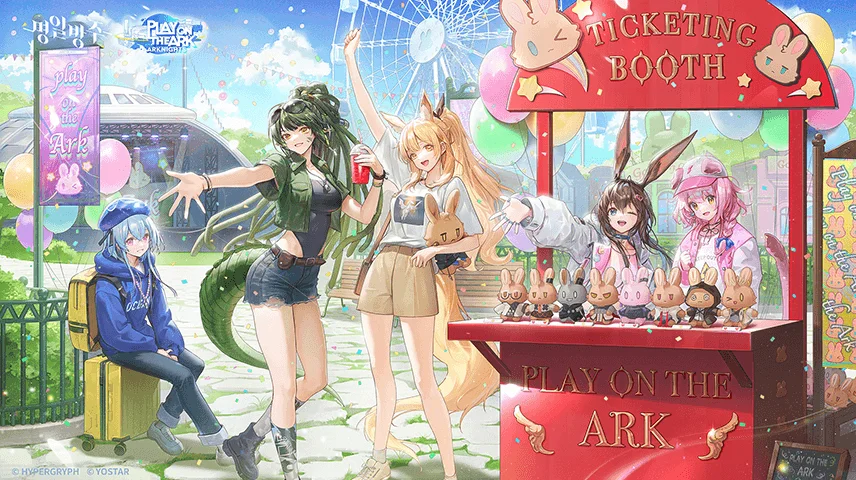
Expert Concept Artist KETO's Portfolio

Why Take This Class?
Do you want to create atmospheric blue skies and sunsets with lighting and color but keep failing to achieve the desired look? In KETO’s class, you’ll study editing theory and work on various hands-on exercises to turn your imagination into an illustration, as well as learn editing techniques to produce high-quality artwork and fill in any gaps in your skills.
After learning the fundamentals of editing, you’ll practice creating light and expressing the textures of common but tricky-to-draw materials like stockings and leather all by yourself. Plus, you’ll discover editing tips that will make your illustration look even more dazzling at the final stage. Join KETO’s class right now to master editing skills that will broaden your spectrum and make you an in-demand artist.

9 Class Exercises
-
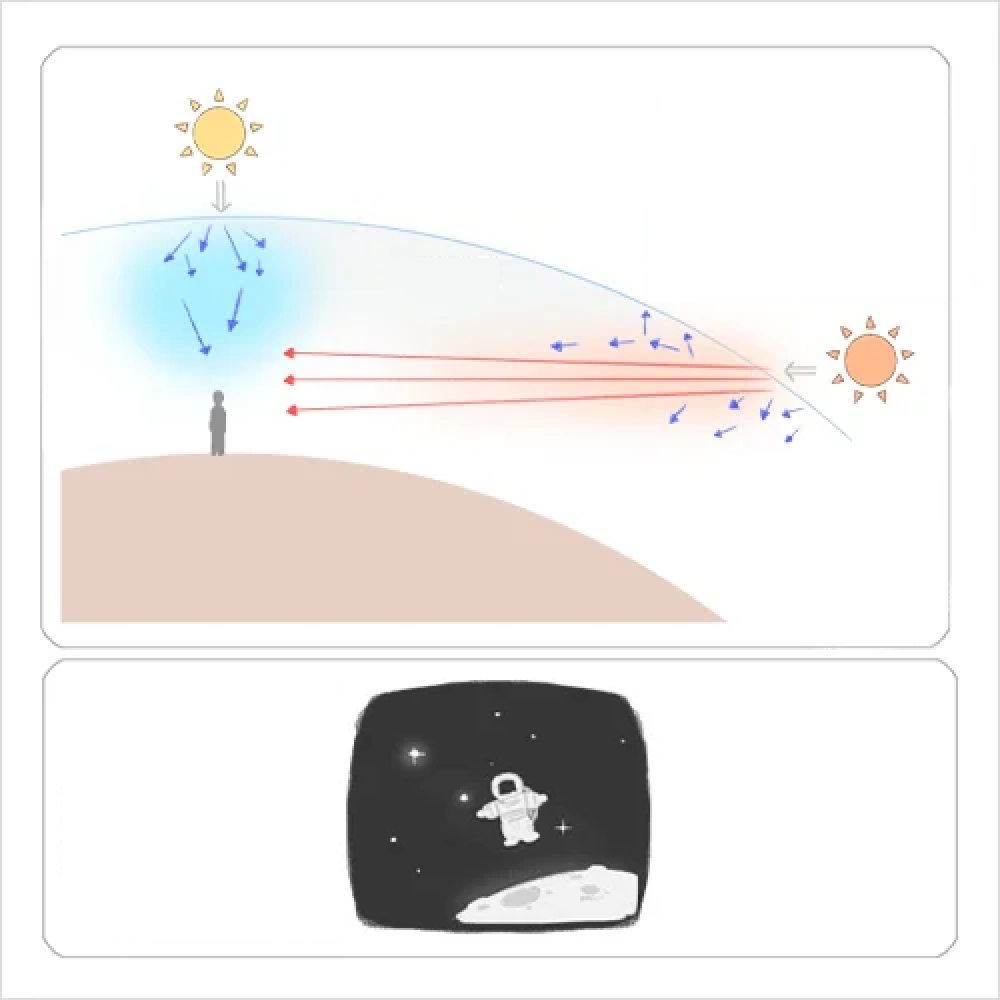 Light Theory
 -
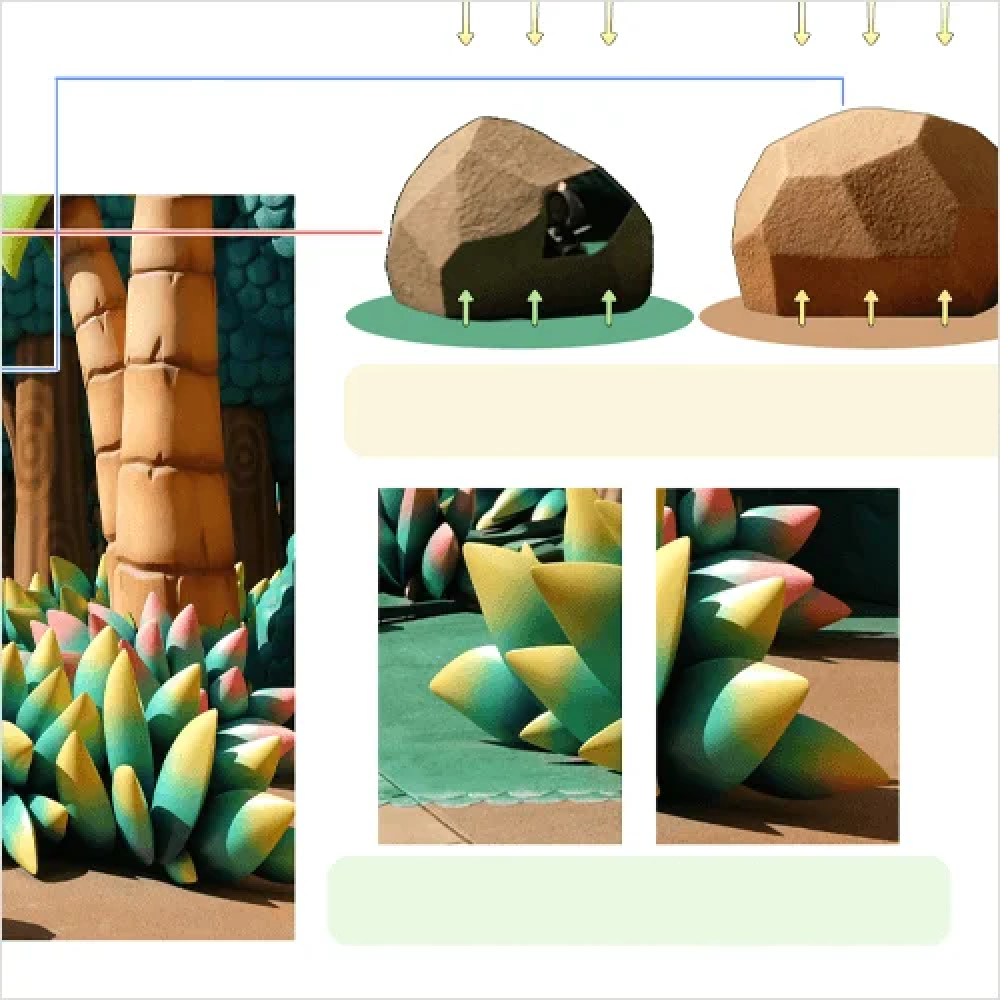 Examples of Light in Different Settings
 -
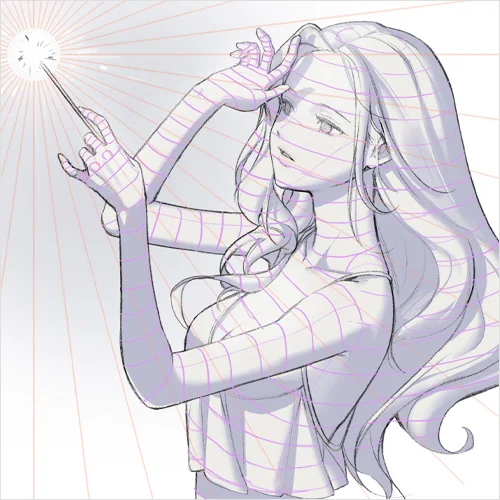 Positioning and Drawing Shadow in a Natural Manner
-
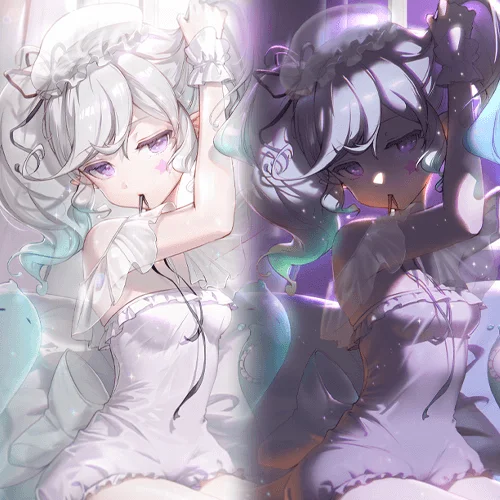 Creating Two Types of Light
 -
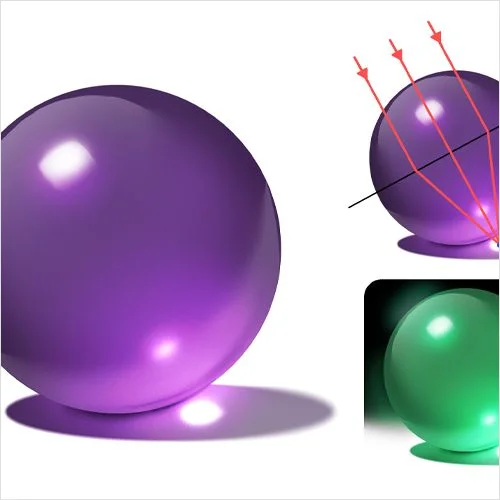 Creating Transparent-Looking Textures
 -
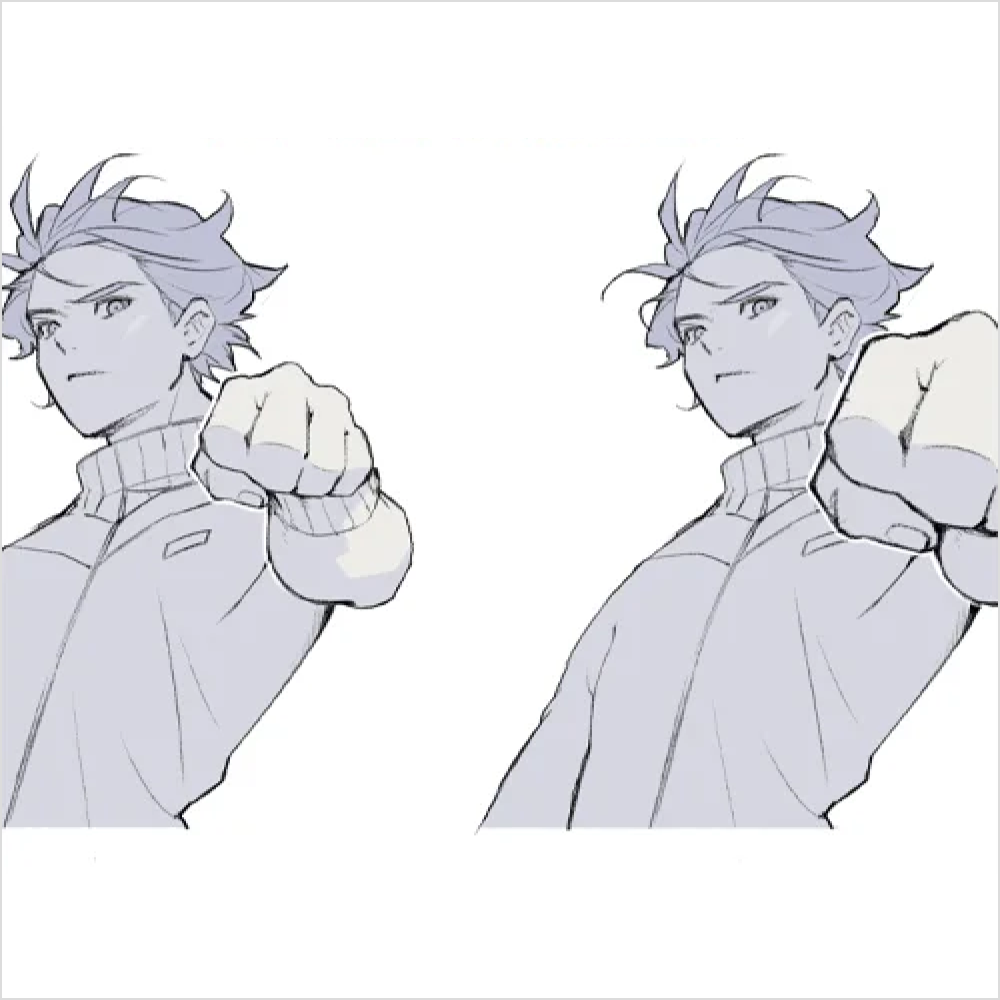 Drawing Dynamic Poses through Overlapping
-
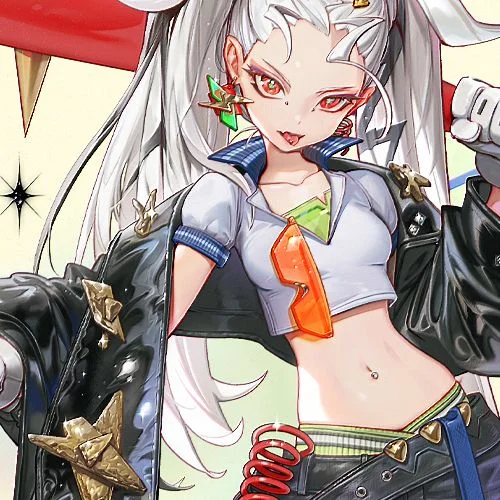 Creating Various Textures and Details
 -
 Final Edits
 -
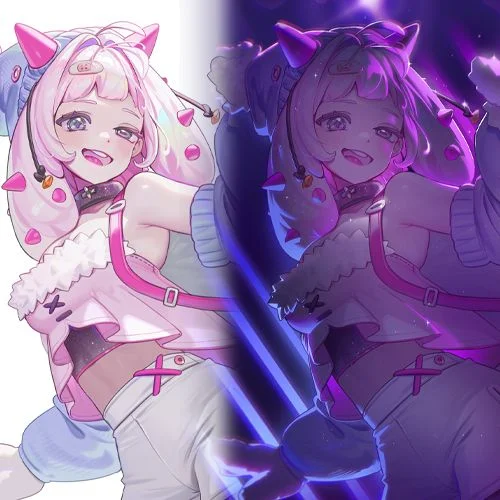 Diverse Lighting Effects
Instructor
Concept Artist
KETO
Hi, I’m KETO, a freelance illustrator, instructor, and concept artist. What makes the genre of illustration tricky is that, while it feels easy and fun at first, the more you learn about it, the more challenging it gets. However, having a solid understanding of basic theory and your own style will save you from such trouble.
This class is filled with the expertise I gained from working as a concept artist for a major game company and teaching character composition classes. I hope it equips you with the skills to create dazzling and detailed illustrations, as well as a strong sense of accomplishment.


Concept Artist, KETO
Current: Freelance illustrator
Current: Raum Academy Instructor
Projects & Awards
[Projects]
2017-2022: Neople’s Dungeon & Fighter concept artist
2024: NEON RUNNERS
2023: SOULERS
2023: Girls’ Frontline
2023: Azur Lane
2023-Present: The Goddess of Victory: Nikke
2022-Present: Arknights
and more!
Highlights
Class Highlights
Master Illustration Editing by Studying Key Theories
If your illustrations always look unnatural no matter how many new techniques you use, this step-by-step editing and composition class will show you the way with its focus on both theory and practice. It teaches you the core skills for creating high-quality illustrations, including light for different settings and times of the day, shadows varying by distance, and practical composition techniques based on theory.

Bring Your Illustrations to Life by Editing Them for Various Settings
Illustrate weather conditions that are hard to fully capture in drawings, whether it's bright daylight or a chilly, foggy day. Learn editing techniques to create concept art set in various weather conditions and times as vividly as in photographs, allowing you to enrich your illustration regardless of its setting.

Boost the Effect of Editing by Adding Details to Parts
Details enhance illustrations, which is why you’ll create the texture of various everyday materials such as metals, fabrics, leather, and translucent objects. In addition, you’ll use editing techniques to draw textures more easily and quickly, as well as exaggerate or simplify details to make your illustration more interesting and your workflow more efficient.

Class Details
You'll Learn
-
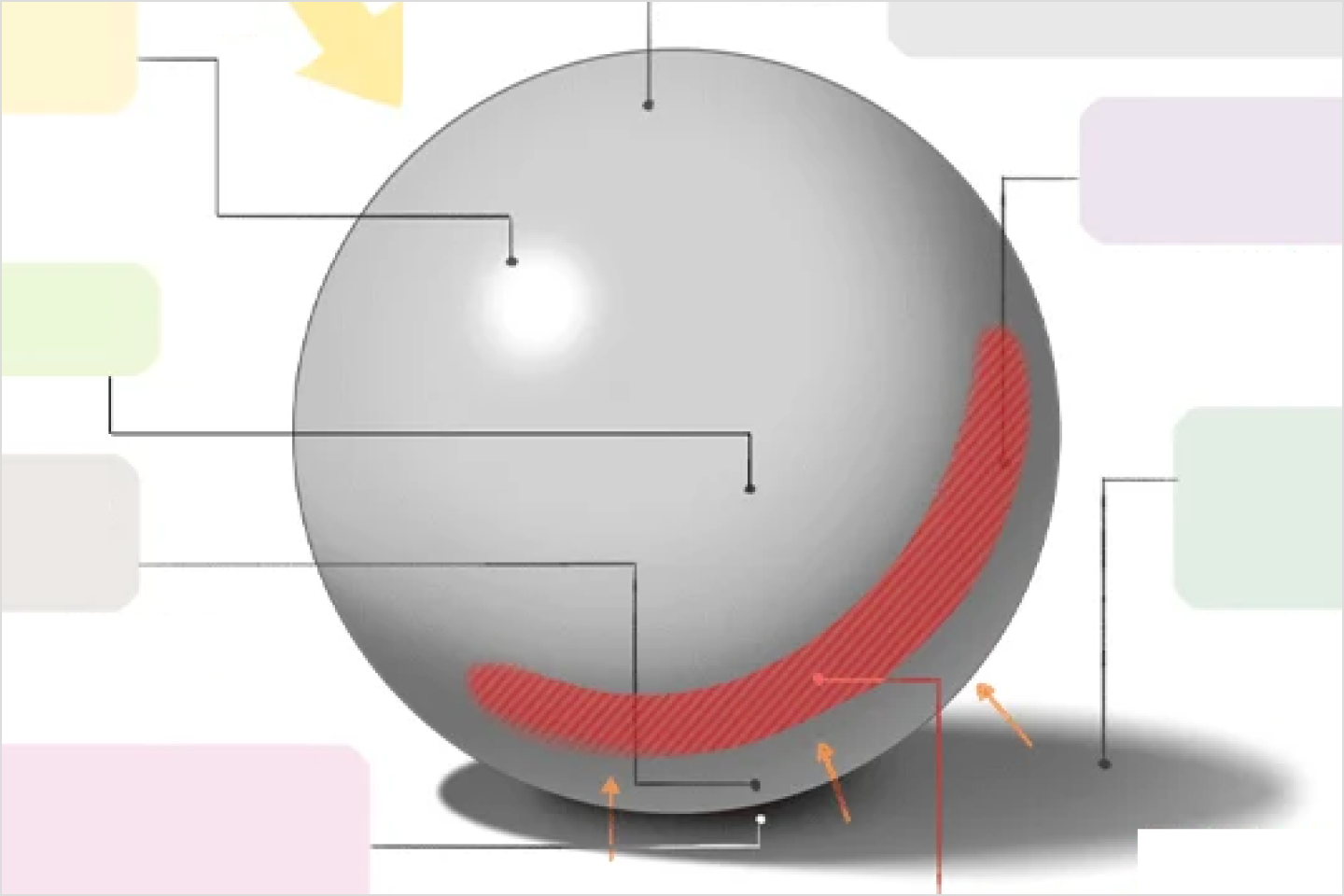 Using Light, the Key to Creating Various MoodsAmong the thousands of factors that affect an illustration, there’s nothing more important than “light” in creating the mood you envision. Learn the principles behind the formation of light and how it changes depending on external factors such as time and weather. By understanding how specific lights and shadows are formed, you’ll be able to master the core theories of illustration composition.
 -
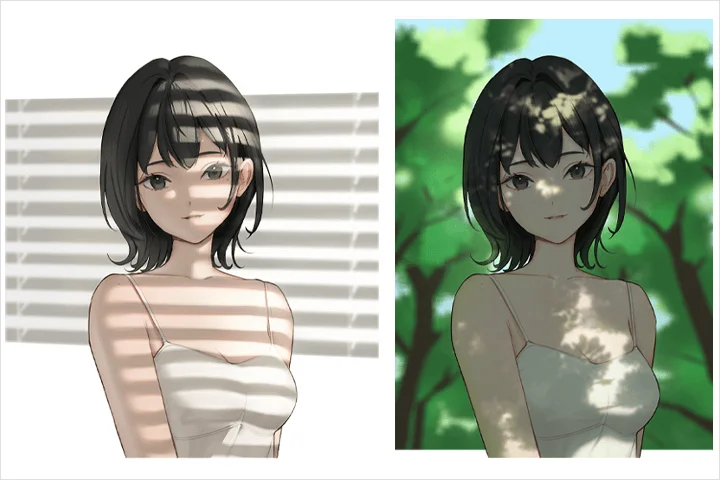 Creating Light for Different Settings through EditingFind out how you can use editing techniques to create light that helps your illustration convey a clearer concept. Light lets you bring your shining imagination to life and change an illustration’s mood based on factors such as distance to an object, angle, and weather. Explore the process of editing light step by step by creating light for different settings.
 -
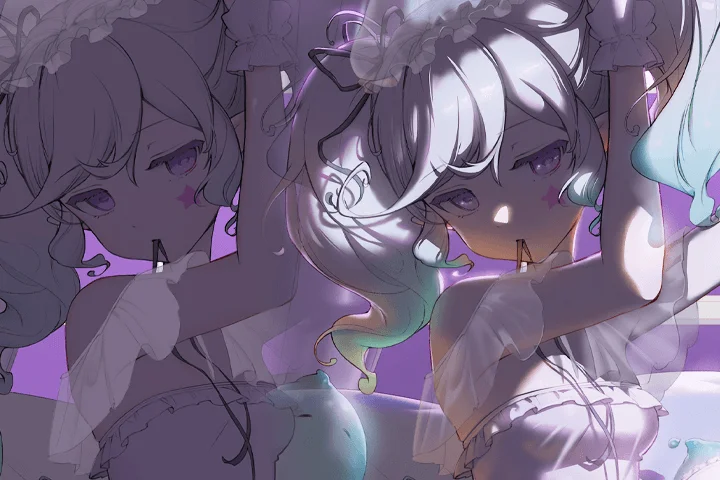 The Power of Adding Lighting Step-by-Step and How to Use it WellAdding light doesn’t automatically make an illustration beautiful and vibrant. Practice adding lights one by one to see in real time how they transform an illustration’s mood. You’ll also learn how to use lighting to suit an illustration’s intention and evoke various moods.
-
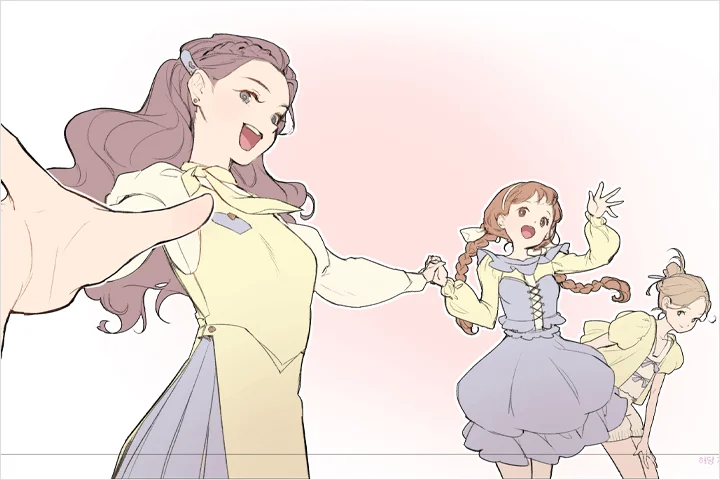 Creating Dynamic Illustrations with Poses and OverlappingFind out how you can create a more realistic look by adjusting the figure’s composition before moving on to the editing stage. Understand the differences made by changing a character’s center of gravity, angle, and distance to the viewer, as well as how to reposition the camera for figure drawing. With the right poses and overlapping elements, you can give your drawing a more dynamic, realistic look.
 -
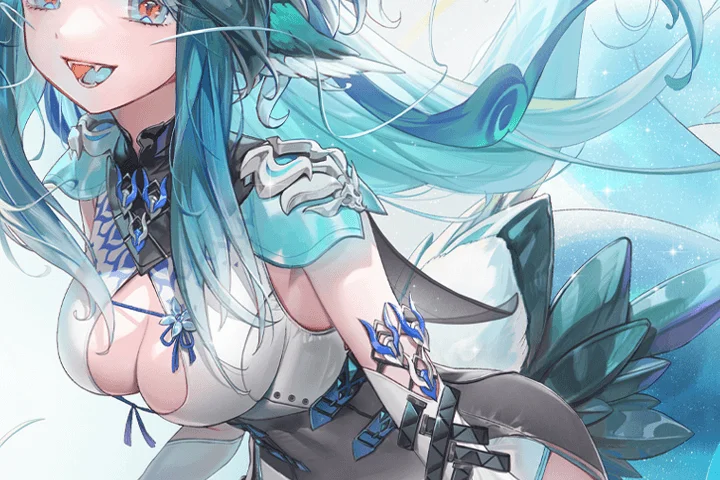 Practical Illustration with Useful Textures and Eye-Catching DetailsAre you searching for new brushes that will help you create various textures? Discover the eight most frequently used textures for illustration, as well as how to make them look realistic. You’ll also practice exaggerating and simplifying details in an illustration to emphasize them more effectively and grab the viewer’s attention.
 -
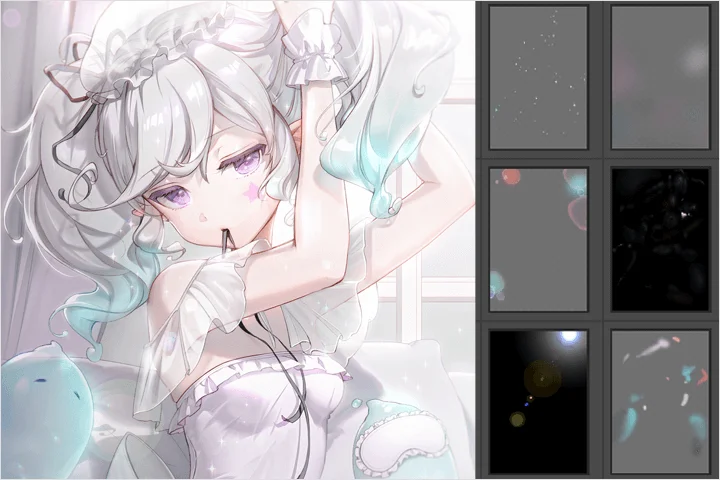 The Final Editing Process to Add Dazzling Finishing TouchesLearn about the final stage of illustration, where you add elements that catch the viewer’s eye and clarify your intention. Applying the three different editing techniques you’ve learned in this class, clarify the intended concept of your illustration and add the finishing touches.
- Unlimited Access
- Best Price
Buy now, get unlimited access.
12/31 (Sat) (UTC-7) Special offer ends soon.
This special offer ends soon.
Buy now and save!
Curriculum
Curriculum
In-Depth Look
Part 01. Basics of Editing Techniques
Part 02. Adding Interesting Elements to Your Illustration
Part 03. Advanced Techniques for Higher Quality
Part 04. Work Practically! Mastering Illustration Editing
*The release date of this class, curriculum images, and associated content can be changed without prior notice.
** Class videos may be seperated for a more streamlined viewing experience
Interview with
Concept Artist KETO

Question.01
What do you consider your strengths
when you work?
I believe my strengths lie in adding fine details, cleaning up, and editing. When it comes to the process, I especially enjoy the finishing stages and often spend a lot of time perfecting them. I also enjoy analyzing and organizing things, so I believe I can demonstrate a strong grasp of art theory as well.
Question.02
How are your unique strengths integrated into this class curriculum?
The curriculum covers the entire process of adding details to and editing an illustration, which I’ll demonstrate in the Chapters to provide a more diverse learning experience. This class delves into both theory and practice to help you understand both and apply what you've learned to your future illustrations.
Question.03
What is the purpose behind this class, and what do you think sets it apart from others?
I made this class to provide illustrators with a summary of theoretical knowledge that they may easily forget or neglect. I also based it on key correction theories and included a variety of hands-on exercises and class materials. They’ll help you add dazzling finishing touches to your illustration, which is what makes this class unique. Without frequent reminders, we’re likely to forget even what we already know and revert to our old habits. I hope this class serves as a “secret handbook” that you can refer to whenever you face difficulties as an illustrator.
Question.04
Please leave a message for students and junior creators.
Once you’ve built a solid foundation for illustration with this class, you’ll be able to identify and implement ways to improve your artwork. Everyone can achieve similar levels of basic skills, but it’s your own style that determines what happens after that stage. I hope the knowledge and techniques you learn from this class will help you create more diverse illustrations going forward.
Required Programs
This course will use
- Adobe Photoshop 2024 (English version)
Please purchase and install these program(s) for an optimized chapter experience.
*These programs and/or materials will not be provided with the chapter.