
[Course]cgdesigner,wogli_JP Details
Intro

Now in Your Language, Only on Coloso!
Learn from Japan's Top Master Creatives
-
A Coloso JP Class to Hit 15M KRW
in Sales in Just One Month! -
Designed for Beginners to
Intermediate Blender Artists -
Master Cel-Shaded Modeling
and Industry Level Workflow
Model Cel-Shaded Characters Right in Blender!
In this class, CG designer wogli, who works across various genres ranging from animation and promotional videos to movies,
shares his character modeling expertise by bringing together “cel-shaded styles” and “Blender,” starting from the basics.
shares his character modeling expertise by bringing together “cel-shaded styles” and “Blender,” starting from the basics.

First, you’ll create simple models to master the basics of Blender and familiarize yourself with modeling, and then move on to modeling methods for “base shapes,” “faces,” “clothing,” and other various parts, as well as how to add details.
Next, discover ways to make the finished character model look more charming by setting it up using Rigify, making animations, and compositing with After Effects.
So join this class on Coloso right now and get hands-on with cel-shaded modeling, one of the hottest trends in video design!
Next, discover ways to make the finished character model look more charming by setting it up using Rigify, making animations, and compositing with After Effects.
So join this class on Coloso right now and get hands-on with cel-shaded modeling, one of the hottest trends in video design!
Class Perks
Get These Coloso Exclusives
-
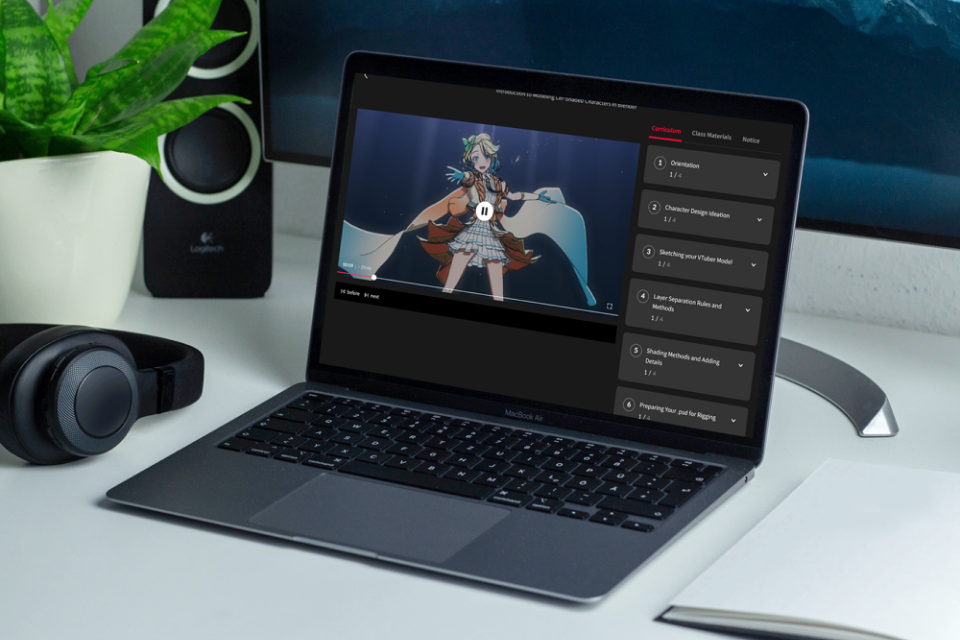 Unlimited Access to 32 Chapters Explore wogli's Various Know-How
 -
 Create 1 Work in Class
 -
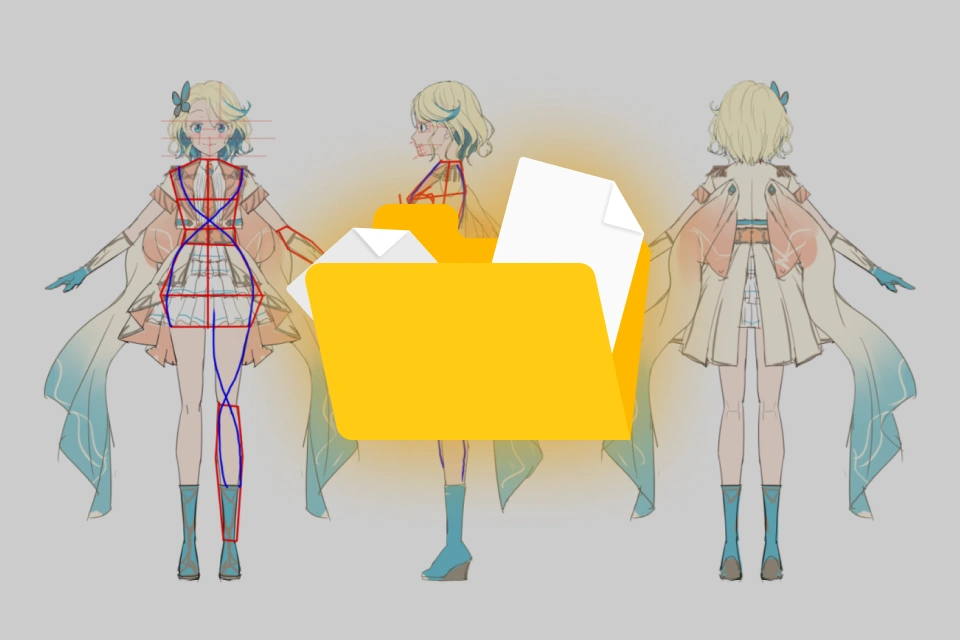 Includes Design Images for Three-View Sheets and Decorations
Class Material Details
-
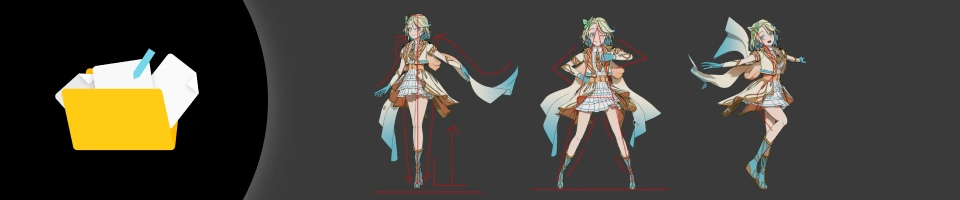 Design Images- Design images for three-view sheets and decorations
 -
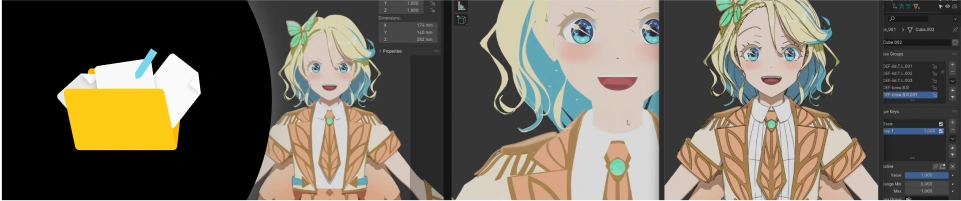 Files Used in Class- Files of models used in class
- Class content resources

Expert CG Designer wogli's Portfolio



Class Exercises
6 Class Exercises
-
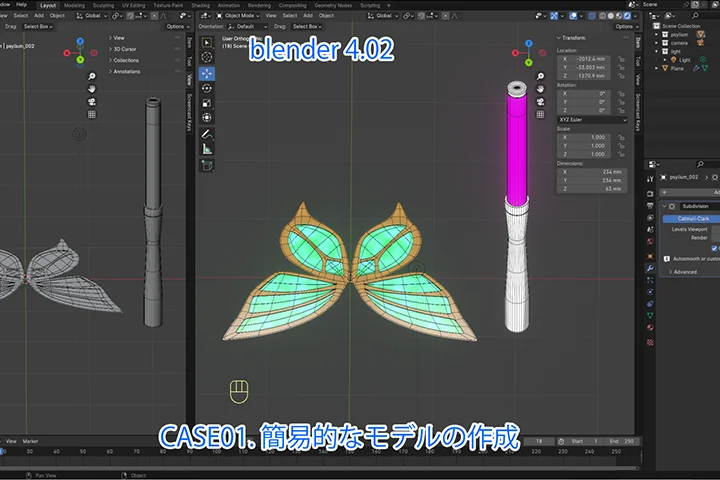 Modeling Basics
 -
 Figure Modeling
 -
 Exporting Lines and Character Modeling Using FreeStyle
-
 Setting Up with the Rigify Tool
 -
 From Creating to Rendering Animations
 -
 Compositing in After Effects
Final Work
※The character used in this class was created by Nobusawa Osamu.
Instructor
CG Designer
wogli
Hi, I’m CG Designer wogli. After graduating college, I worked as a generalist and director at an animation studio, and I now design CG on a freelancing basis, mainly using 3ds Max, Blender, and After Effects.
The aim of this class is to share my typical modeling process through demonstrations, specifically focusing on the basics of using Blender and the stages of modeling, rigging, posing, and compositing.
I hope it provides you with knowledge about cel-shaded modeling and helps you fall in love with CG design.


CG Designer wogli
[Current]
CG Designer
Projects & Awards
Animation studio CG designer in 2018
Participating in various projects, including animations, promotional videos, and movies, as a freelance CG designer
Highlights
Class Highlights

Learn Blender Basics Through Simple Modeling
Master the basics of using Blender by creating simple models, as well as how to better utilize the program and achieve a more detailed look, discovering the joy of modeling all the while.

Basic and Practical Cel-Shaded Modeling
After understanding the fundamentals of cel animation, you’ll apply them to add animation-style lines and learn how to avoid creating an overly CG-like look. Plus, discover the key points in modeling with FreeStyle, a built-in feature of Blender, and tips for 2D-to-3D transformation.

Posing and Compositing for More Appealing Modeling
Find out animation and compositing techniques that give an even more captivating look to the finished model. You’ll learn ways to make simple backgrounds, add effects, and utilize geometry nodes, gaining the ability to create what you want to express.
Class Details
You'll Learn
-
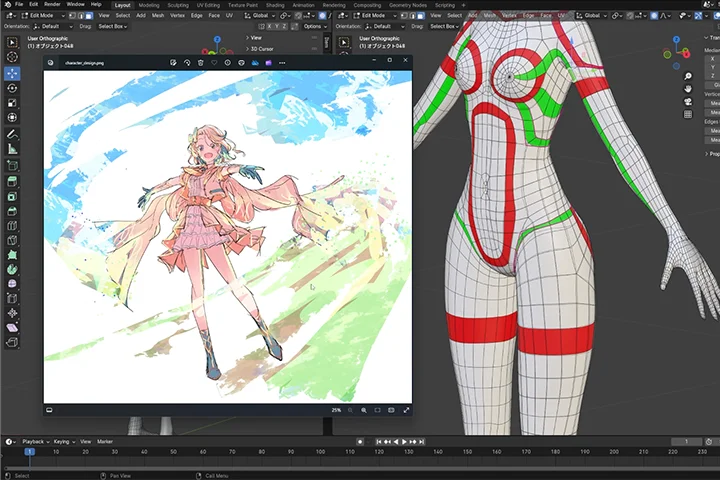 Figure Modeling BasicsDelve into the world of figure modeling, starting from the basics, especially focusing on the shape of the body, modeling workflow, and important things to note when making models.
 -
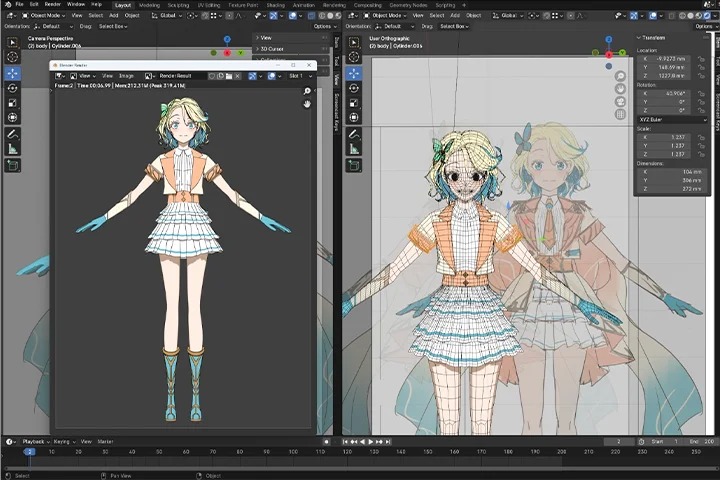 How to Create Character ModelsMaster efficient cel-shaded modeling techniques, including how to design hair and model clothing, in addition to the basics of making faces.
 -
 Shaders and Line Design for Cel-Shaded ModelingLearn how to add lines using FreeStyle, a default feature offered in Blender, as well as design techniques for creating a hand-drawn look and making shaders.
-
 Familiarize Yourself with Various FeaturesGet hands-on with a range of tools required for modeling, including particles, geometry nodes, After Effects, and Rigify, gradually familiarizing yourself with them.
 -
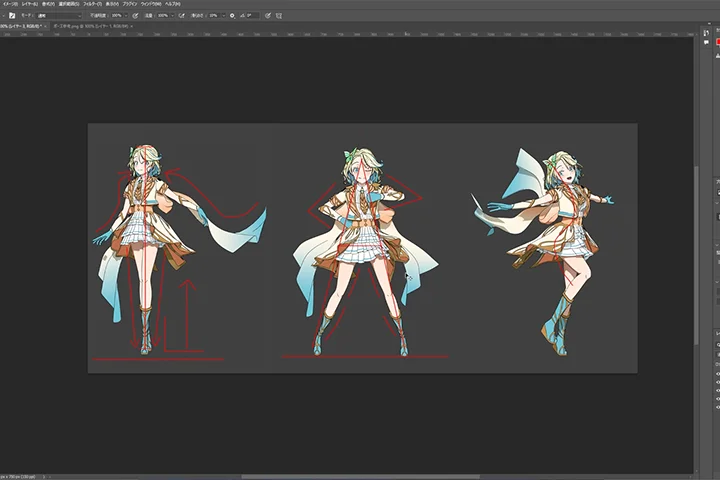 Posing and Composition for More Captivating ModelsOnce you have a finished model, you’ll learn to add various elements like backgrounds, effects, poses, and animations to make the character look even more charming.
 -
 Compositing for a More Quality VideoJoin wogli as he shares the ways of thinking required to create the video and view you want and compositing techniques using After Effects that boost the quality of your video.
- Unlimited Access
- Best Price
Buy now, get unlimited access.
10/26 (Mon) (UTC-7) Special offer ends soon.
This special offer ends soon.
Buy now and save!
Curriculum
Curriculum
In-Depth Look
**Class release dates and content are subject to change without prior notice.
Interview with
CG Designer wogli

Question.01
What is the biggest challenge faced by learners studying this field, and how can this class help overcome it?
I believe many people ask themselves questions like “How can I achieve a more hand-drawn look?” and “What should I do to make my work look nicely exaggerated?” when they model cel-shaded style characters, which is why I’ll explain things to note when making cel-shaded characters and the overall flow of modeling. This class is also ideal for beginners as it teaches you the basics of modeling, how to create cel-shaded models, and ways to give a more charming look to your model.
Question.02
What led you to start studying CG design?
The joy I felt when I animated my very first model, which I still remember vividly, led me to study CG. Learning something new and producing output using it makes me happy, and that’s the reason I continue to study to this day.
Question.03
What was the challenge you faced as a self-studying learner, and what effort did you put in to overcome it?
I once found myself in a slump because I kept creating models that looked all similar, without being able to achieve the hand-drawn look I wanted. To overcome this, I tried drawing models myself and also studied anatomy and line art, which allowed me to clarify my uncertainties and realize the importance of studying basics.
Question.04
What do you consider the most important point in creating CG design?
I pay particular attention to the contrast and proportions of characters. When it comes to cel-shaded models, people are likely to focus on their parts and symbols, and even if you’ve finished making them, they often don’t look as stylish or harmonious as you want. That’s why I think more about how to improve their quality as 3D models than obsessing about making them look more 2D.
Required Programs
This course will use
- Blender (We recommend using Blender 4.02 or a later version.)
You may also want to use
- After Effects (You may use the trial version, but we recommend using After Effects 2023 or later.)
Please purchase and install these program(s) for an optimized class experience.
*These programs and/or materials will not be provided with the course.