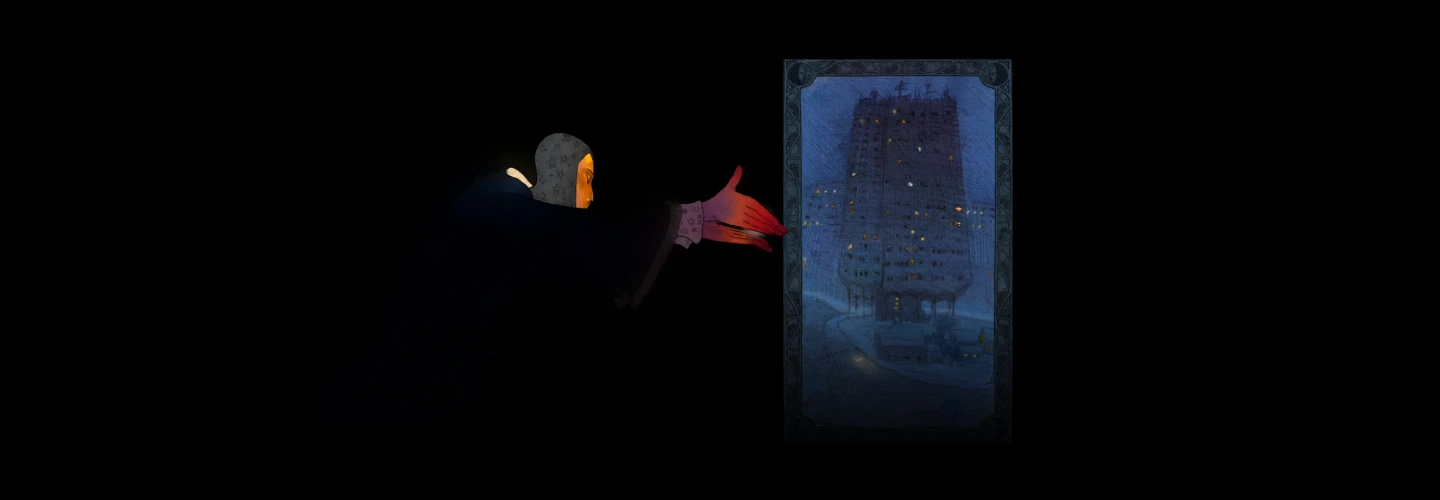
animationdirector,olivermottram Details
Intro
Class Intro
Animation Director, Oliver Mottram
"Capture the magic of traditional & digital art through mystical frame-by-frame animations!"
Unleash Your Creativity with Hybrid Animation!
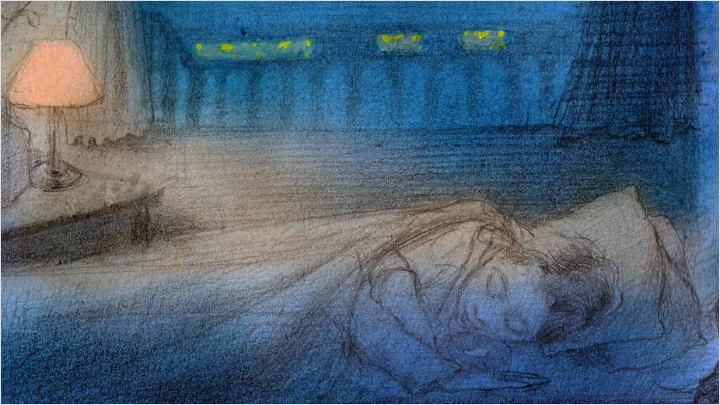
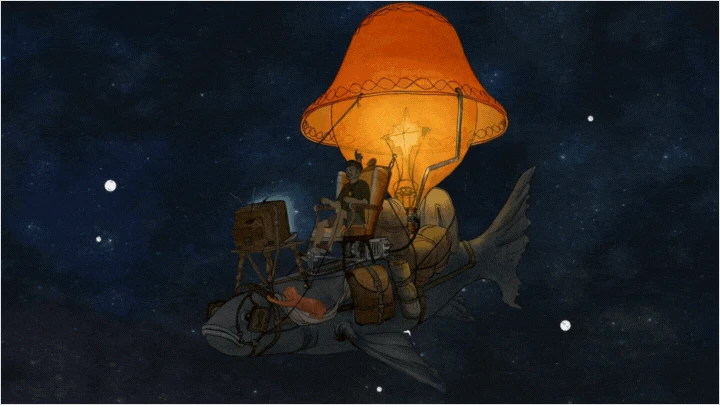
Animation is more than a movement! It’s the feeling a scene leaves behind. In this class, Oliver will show you how to create animations with hand-painted watercolor backgrounds, and how to weave in 3D tools like Blender to build depth and atmosphere of art-nuvoesque aesthetic.
You’ll start at the very beginning: shaping ideas and turning them into clear designs and illustrations. Then, step by step, you’ll move through the key stages of production including background painting, 2D character animation, 3D integration, effects, and finally, pulling everything together into one finished piece.
You’ll start at the very beginning: shaping ideas and turning them into clear designs and illustrations. Then, step by step, you’ll move through the key stages of production including background painting, 2D character animation, 3D integration, effects, and finally, pulling everything together into one finished piece.

Animation is more than a movement! It’s the feeling a scene leaves behind. In this class, Oliver will show you how to create animations with hand-painted watercolor backgrounds, and how to weave in 3D tools like Blender to build depth and atmosphere.
You’ll start at the very beginning: shaping ideas and turning them into clear designs and illustrations. Then, step by step, you’ll move through the key stages of production including background painting, 2D character animation, 3D integration, effects, and finally, pulling everything together into one finished piece.
You’ll start at the very beginning: shaping ideas and turning them into clear designs and illustrations. Then, step by step, you’ll move through the key stages of production including background painting, 2D character animation, 3D integration, effects, and finally, pulling everything together into one finished piece.
Class Preview
Still Not Sure?
Check Out Oliver Mottram's Class Preview!
Chapter 06. Understanding Color and Value
1. Exploring Color and Value Principals"
Class Perks
Special Gift from Oliver Mottram
Textures for Compositing
Overlay textures to merge digital and traditional elements.
High Resolution Painting Scans
Scans of the example paintings and step by step images.
Drawing Tools and References Links
Links to 3D models, books, and other reference videos.
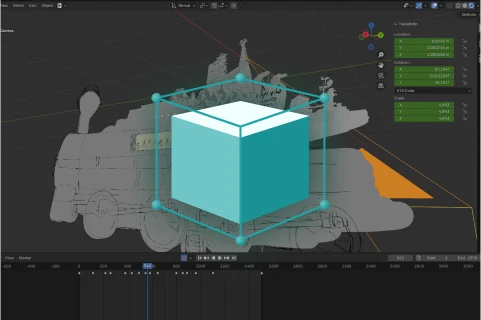
2.5D Environments Blender File
A Blender file with the arranged traditional illustrations.
Recommendation
Who should take this class?
Animation students interested in creating their own animated scenes from scratch.
Traditional artists looking to bring their creative ideas to life through animation.
Digital artists interested in combining traditional 2D, 3D, and digital tools.

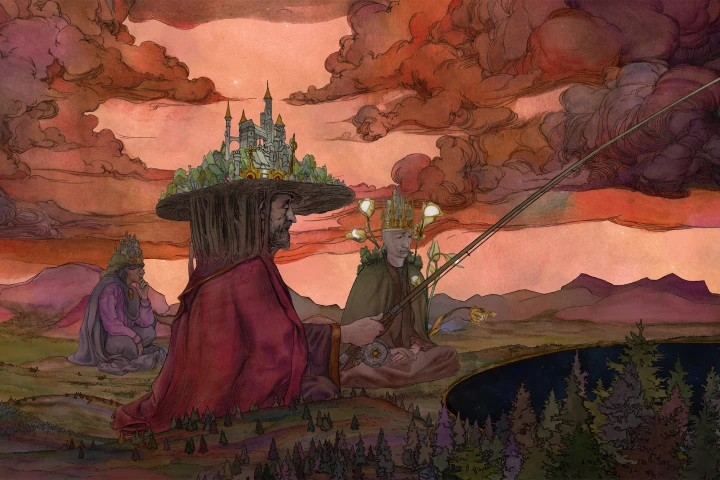
Expert Animation Director Oliver Mottram's Portfolio
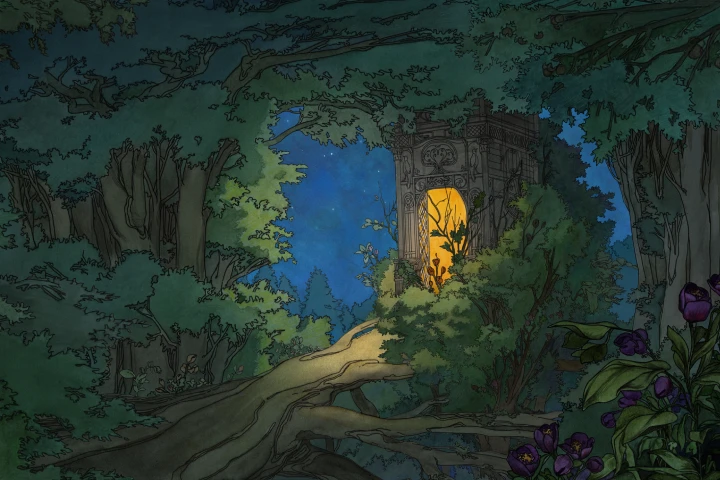


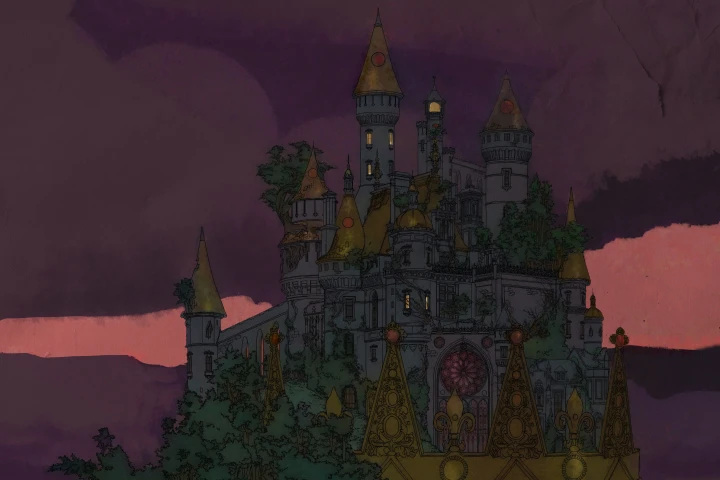
Why Take This Class?
In this class, you’ll learn to approach animation as a moving illustration, with a strong focus on composition and storytelling. Let's explore how to bring traditional media like watercolor and graphite into digital workflows, while also combining 2D and 3D elements for added depth.
You’ll also learn a complete start-to-finish process, from generating ideas and creating illustrations to compositing in After Effects. Along the way, you’ll develop your drawing skills, deepen your understanding of animation principles, and learn how to effectively use reference. Finally, you’ll discover how a craft-focused approach can give your work a unique, authentic, and handmade quality.
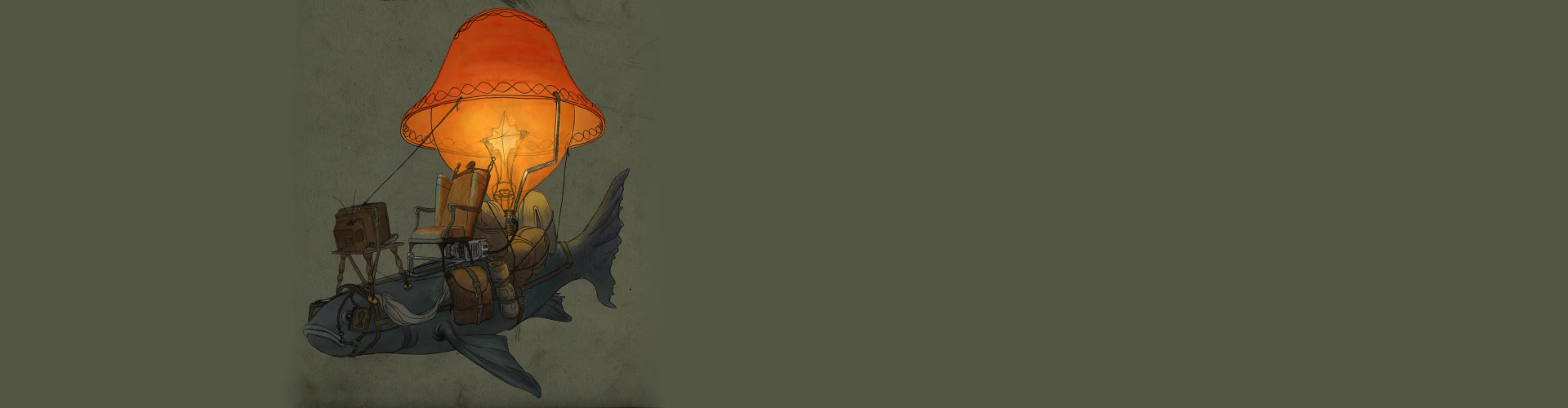
Get Ready for the Real-World
17 Class Exercises
-
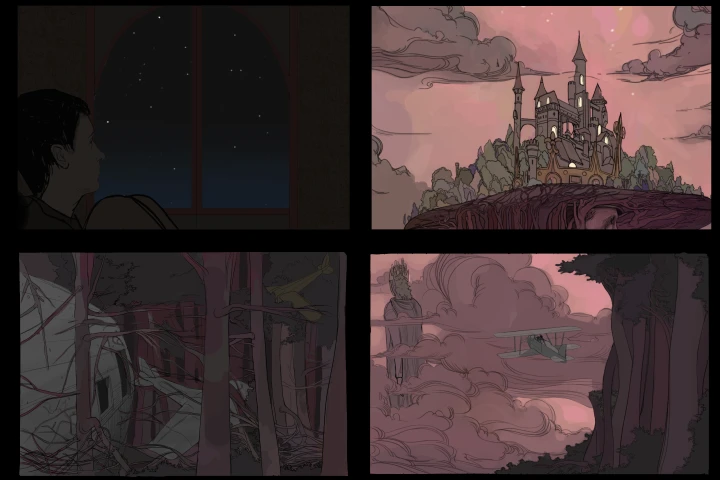 Finding Inspiration and ReferencesSearch for references with techniques discussed. Look into the artists you admire and trace their inspirations. Keep following this chain as a way to tap into richer sources of imagery.
 -
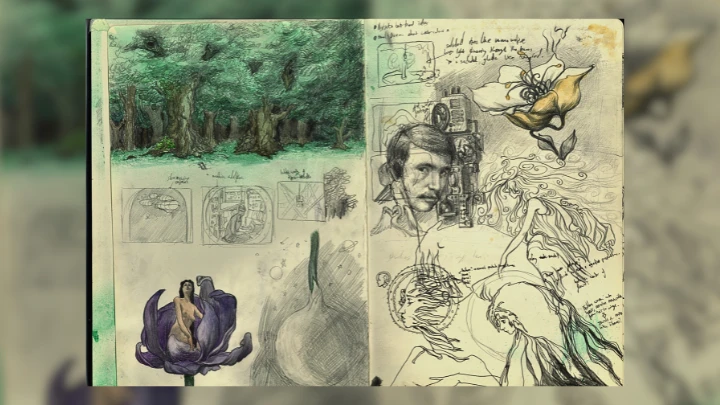
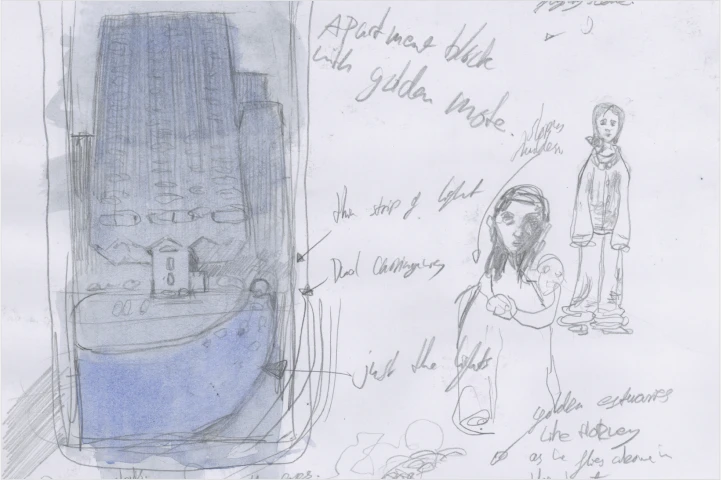 Drawing Through Free AssociationFill in sketchbook pages with free association drawings.
 -
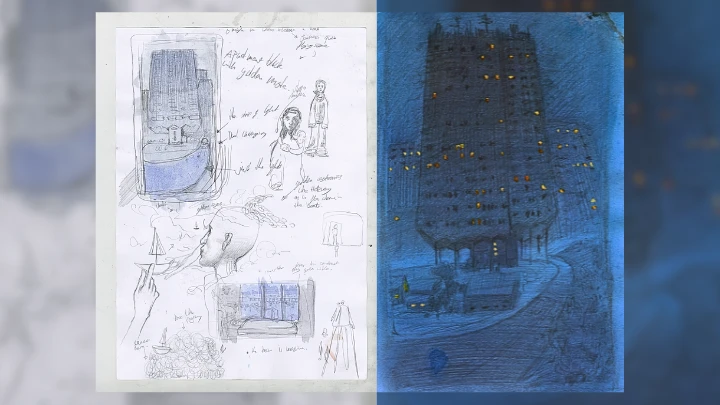
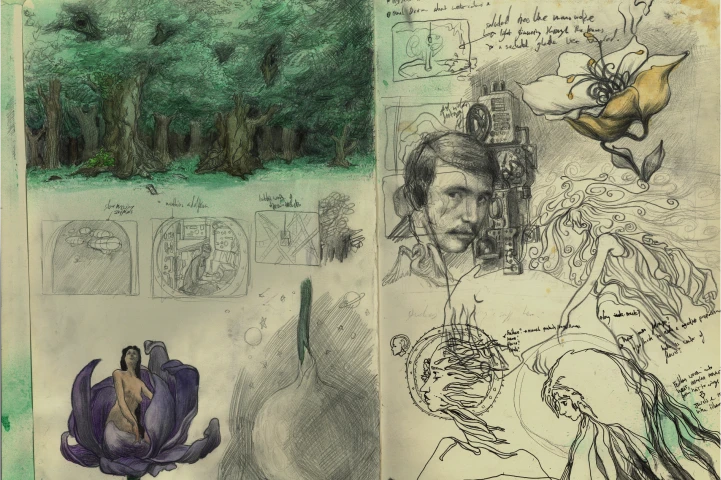 Refining Your IdeasCreate 3 drawings based on the sketches and refined with reference.
 -
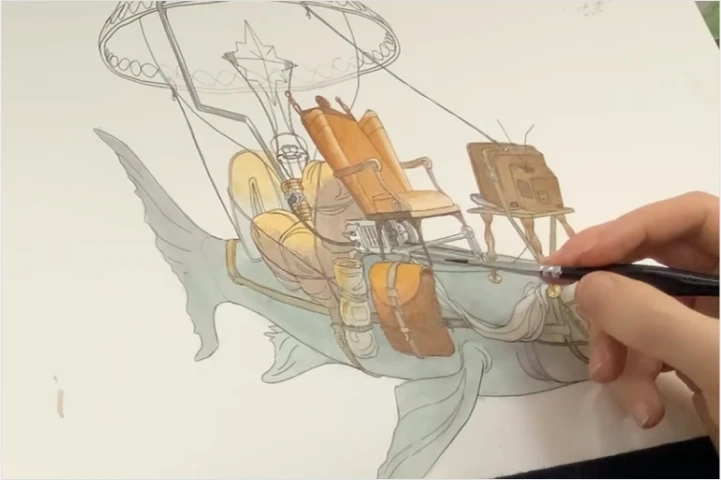 Practicing Watercolour and Graphite TechniquesPractice controlling the watercolor and graphite to achive different types of edges.
-
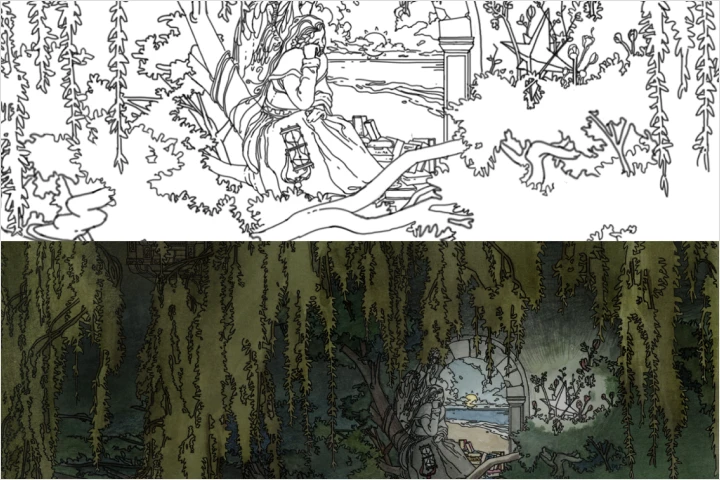 Creating Final CompositionCreate the final traditional composition based on the previous drawings.
 -
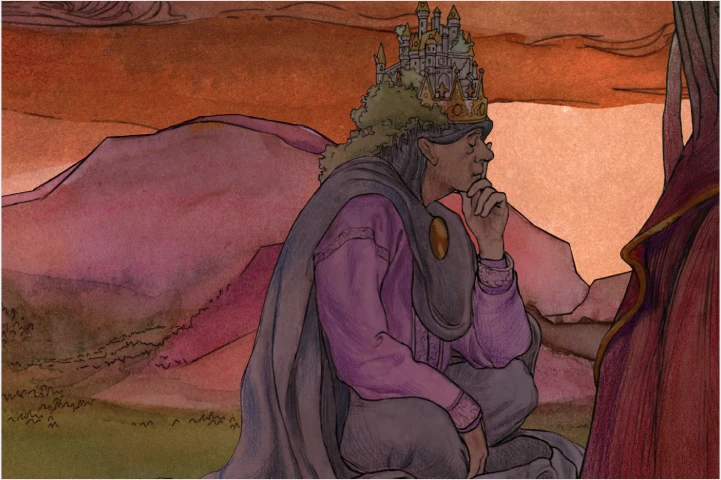 Processing the Image DigitallyApply photoshop processing to the scanned composition/ Illustration.
 -
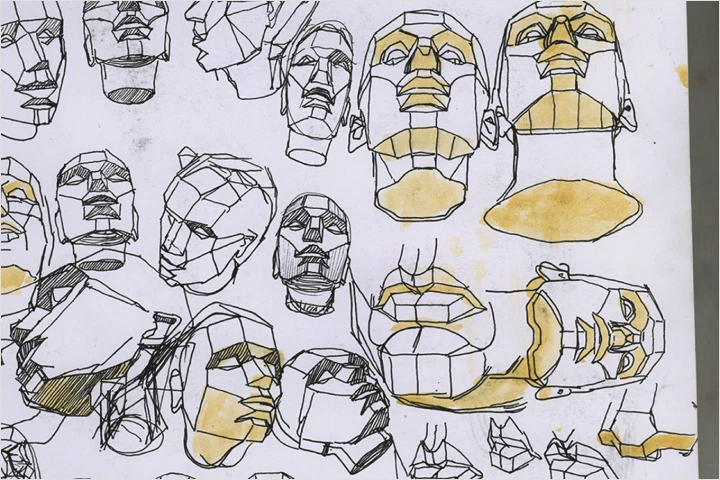 Understanding FormsGradually build up a drawing starting with basic forms plotted in perspective.
 -
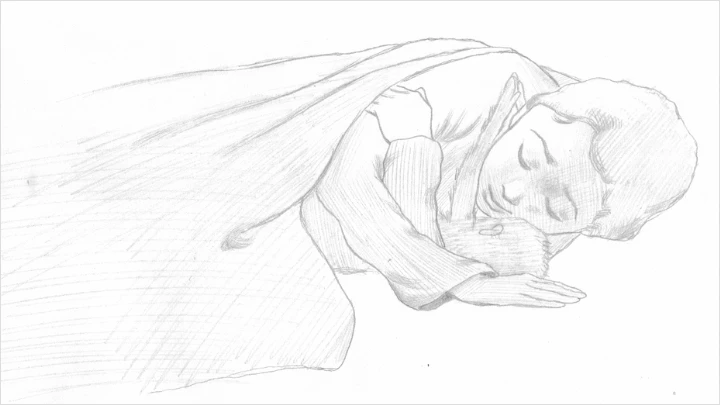
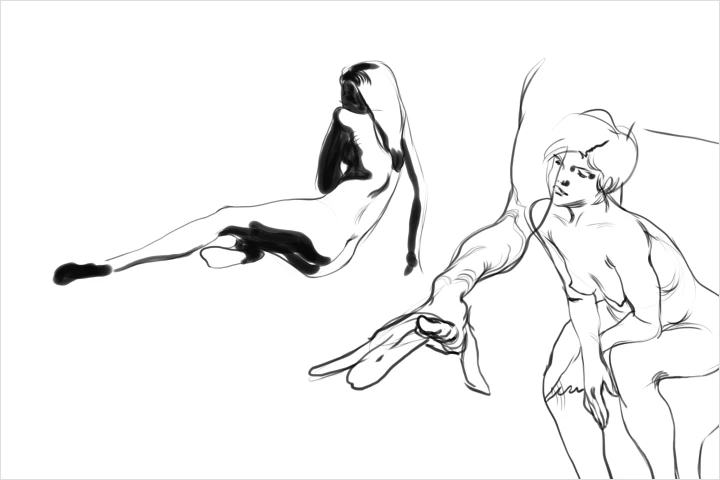 Exploring Gesture Drawing for AnimationCreate gesture drawings with the 'pillow method'.
-
 Understanding Traditional AnimationChoose one of the discussed exercises to complete, preferably one which relates to your final ideas.
 -
 Shooting a Reference for AnimationCreate a LAV- live action reference.
 -
 Creating Rough AnimationComplete rough character animation for your project.
 -
 Tie Down AnimationComplete tie down character animation for your project.
-
 Cleaning Up and Coloring AnimationComplete clean up character animation and color for your project.
 -
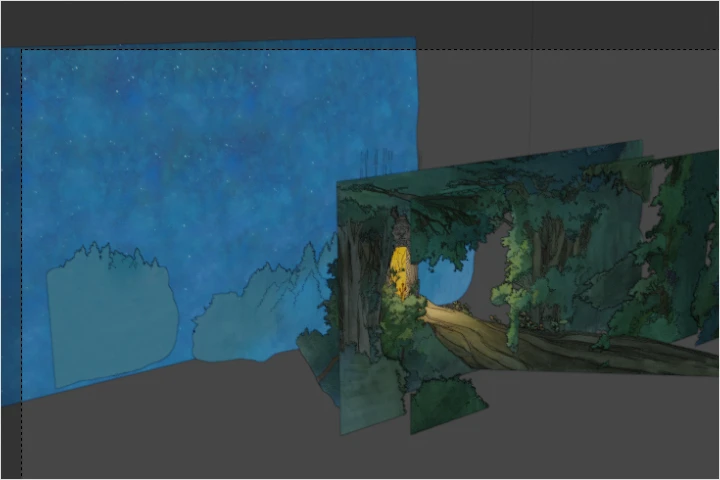 Creating 2.5D Backgrounds in BlenderCreate the 2.5D environment by manipulating traditional backgrounds as image plane in Blender.
 -
 Adding Camera Movement in BlenderDecide on and implement camera movement for your scene.
 -
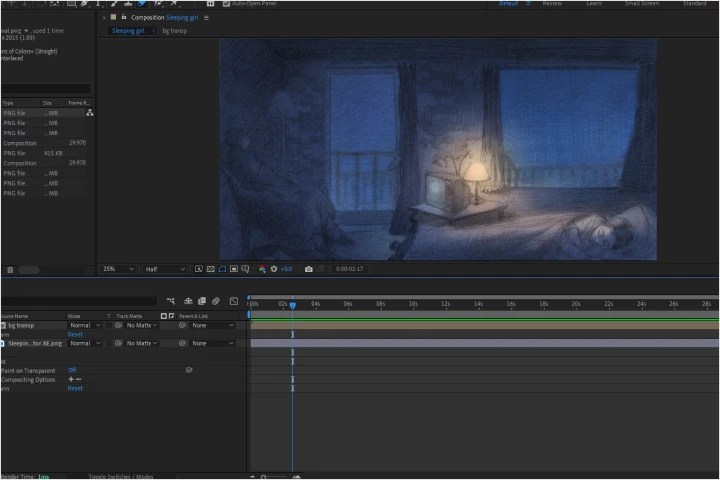 Compositing in After EffectsAdd textures, adjust colors and add any overpainting to your scene.
 -
 Exporting the Final SceneExport the final image sequence from After effects and bring into another editing software like Davinci Resolve.
Final Product
Final Product Title
1 Complete Animation with 2.5D backgrounds
Instructor
Animation Director
Oliver Mottram
Oliver Mottram is an animation director from Oxford, UK. His graduate film 'The Elevator' has been screened at animation festivals worldwide.
With a background in classical art—studying at the Barcelona Academy of Art before his undergraduate at The Arts University Bournemouth—he draws inspiration from the traditions of the old masters. This foundation shapes his short, atmospheric animations, often carrying a dreamlike quality.
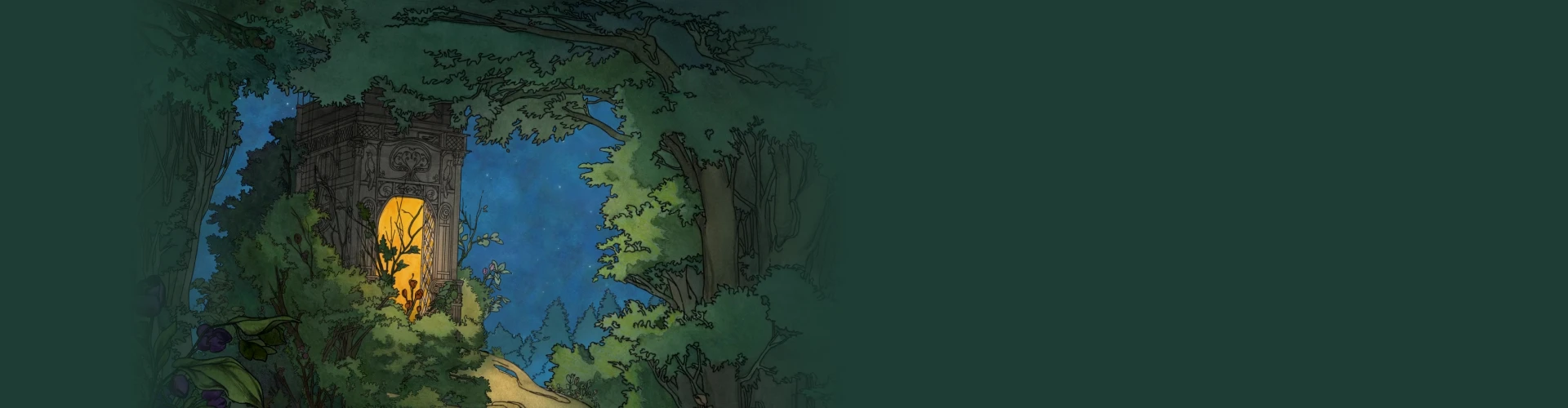
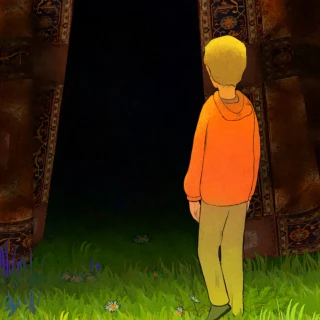
Animation Director, Oliver Mottram
[Current]
Freelance animation for various clients
[Previous]
- 2025: Animator and generalist at The Fruition Foundation
- 2023- 24: Director of 'The Elevator' Short film
- 2024: Animator at NFTS
- 2021- 2024: Arts University Bournemouth
Projects & Awards
[Projects]
- The Elevator Animated Film
- The Last Testament Animated Film
- Me You and Smoke Animated Film
- Night on Black Mountain, Illustration Work for OmenBringer Band
- The Mythologists Animated Film
[Awards & exhibitions]
- Purbeck Film Festival, Audience Award for Best Animated Short Film
- World University Animation Awards “Best Artistic” Special Mention
- Poikile, Vivarium Novum Scholarship and Exhibition
- Oxford Young Artists 2025 Exhibition
Highlights
Class Highlights
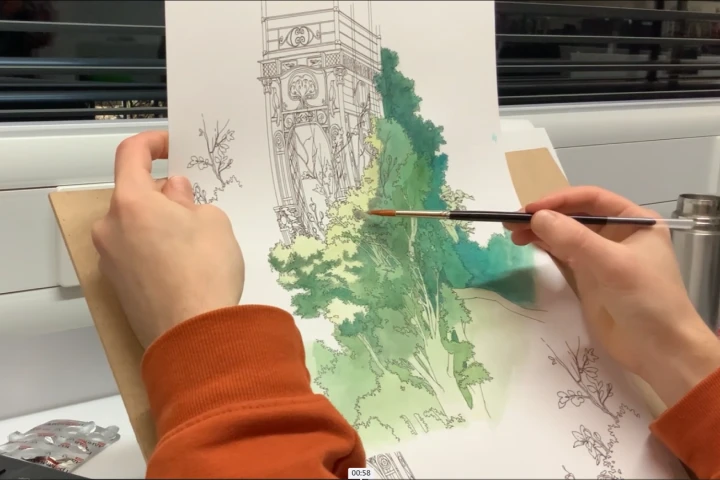
Traditional Illustration & Background Painting
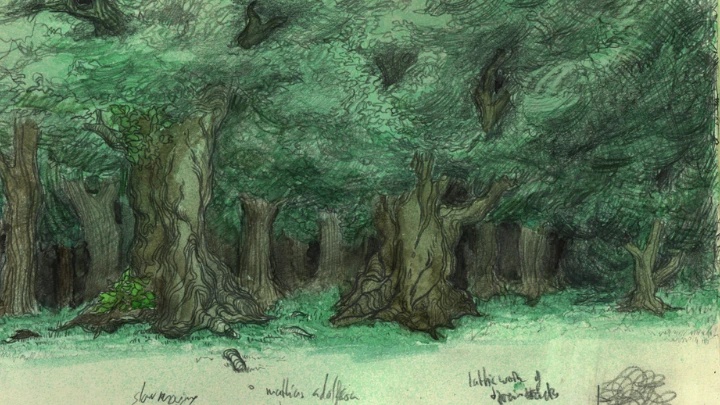
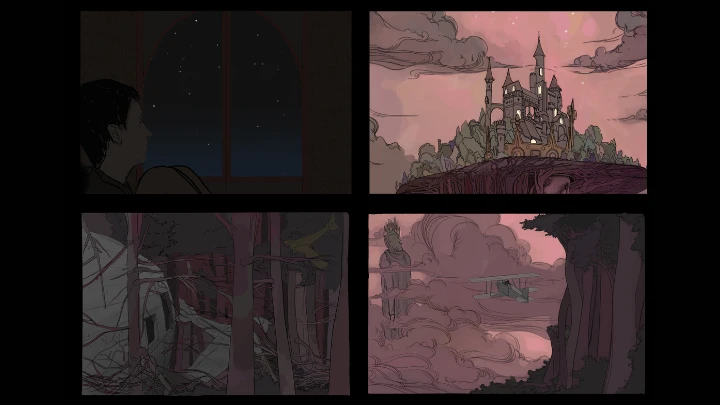
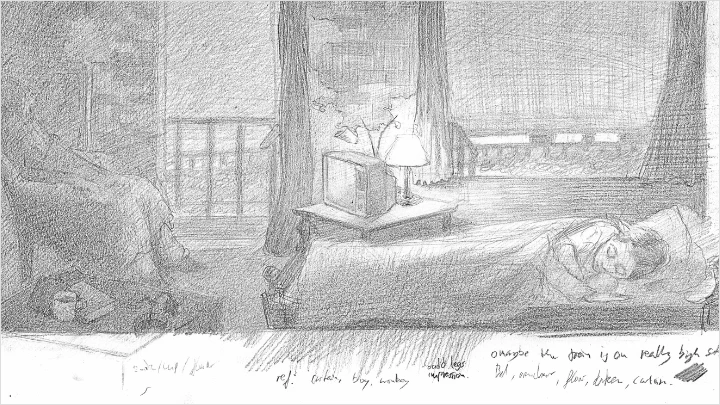
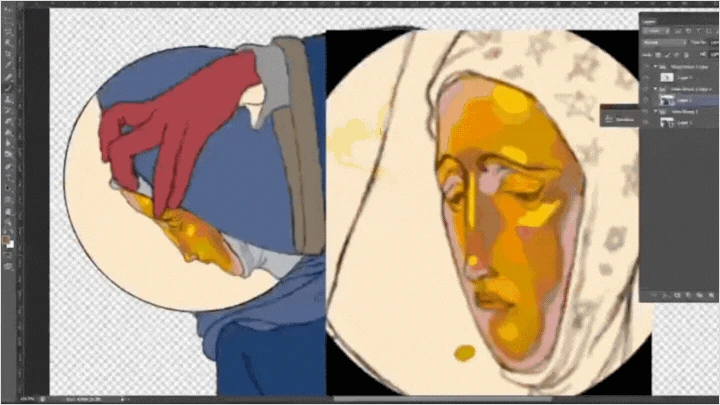
We will start with a rough layout drawing that establishes perspective and composition, then gradually work this up using washes, layers, and detailing to build up color, light, and atmosphere.
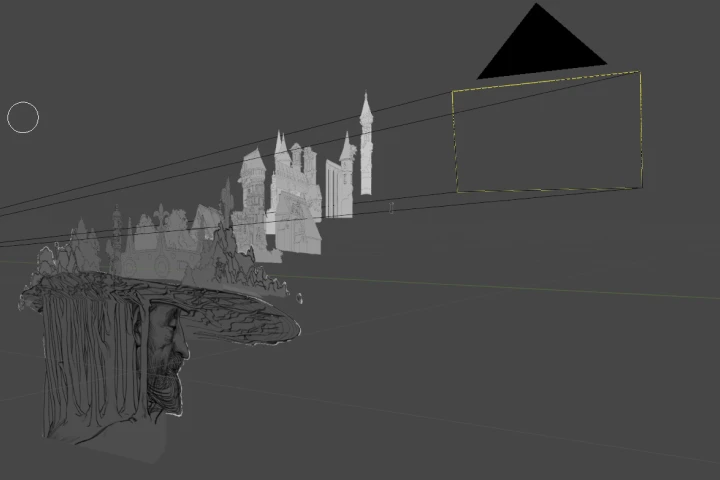
Creating 2.5D Environments in Blender
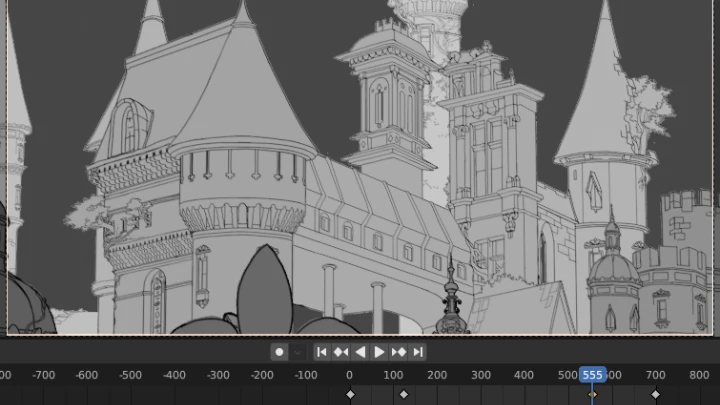
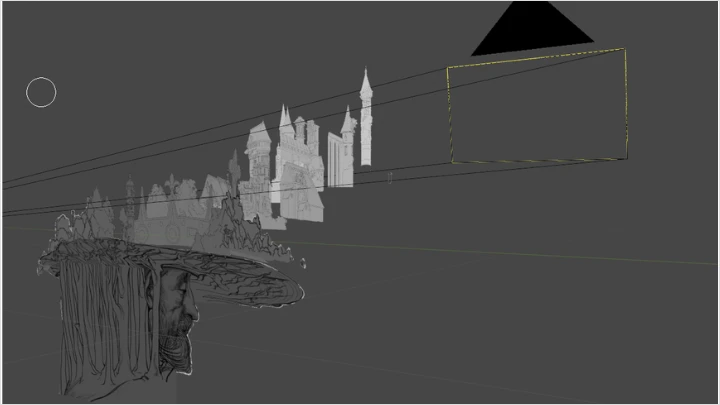
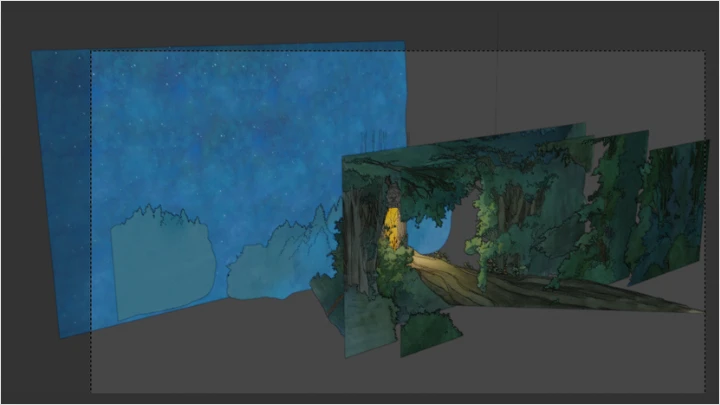
We’ll talk about how to arrange background planes in Blender to create a convincing 2.5D Environments, and discuss different techniques for using the parallax effect to create depth in the scene.
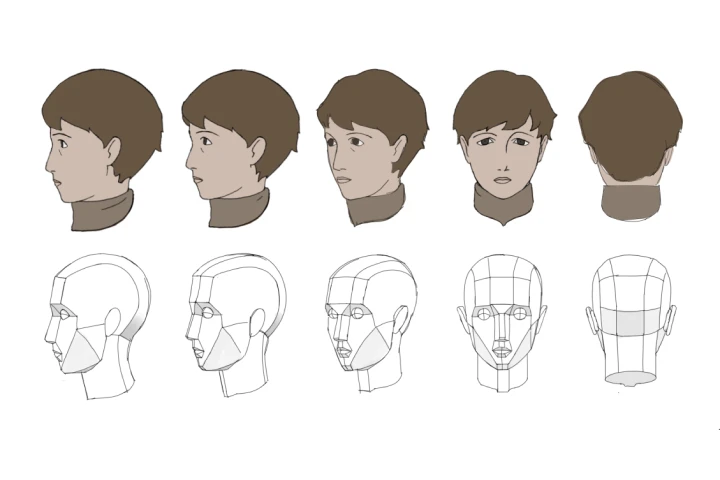
2D Character and Effects Animation
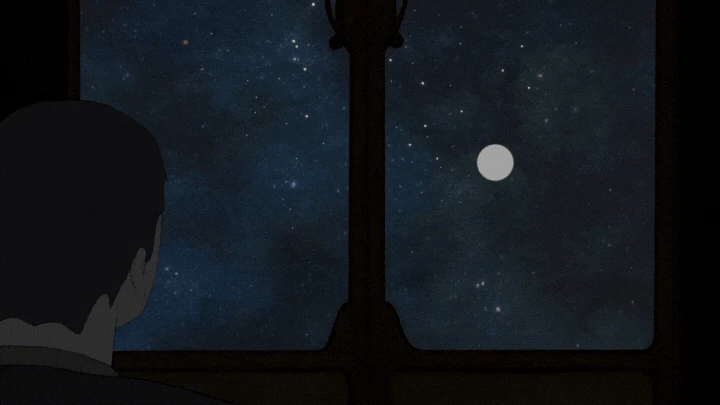
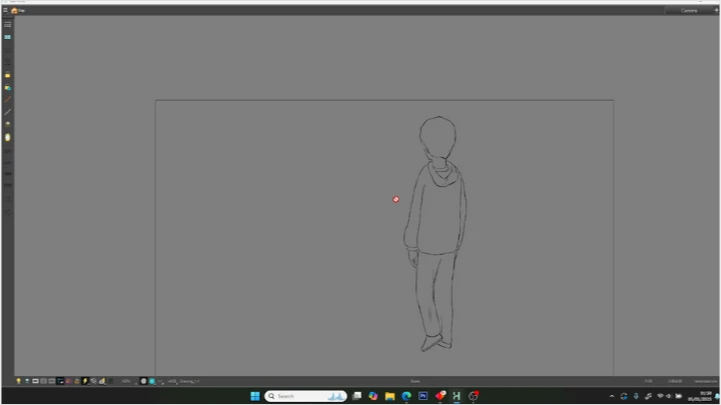
An overview of 2d character and effects animation. We'll start with going over fundamental 2d animation concepts, then cover the full process from shooting reference to cleaning and coloring animation.
Class Details
You'll Learn
-
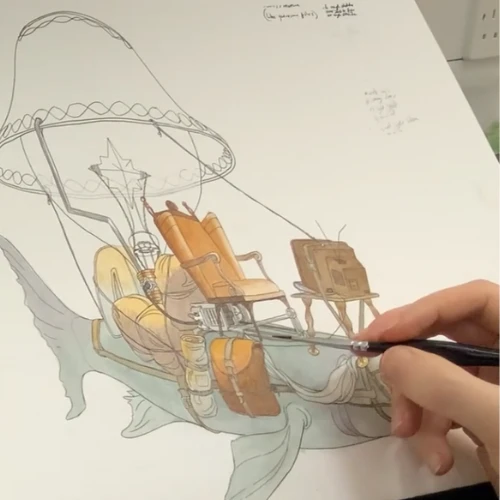 Generating Ideas & Finding InspirationComing up with strong ideas is the first step in any creative process. In this stage, you’ll learn methods to spark creativity, capture ideas and develop them into concepts with potential for animation.
 -
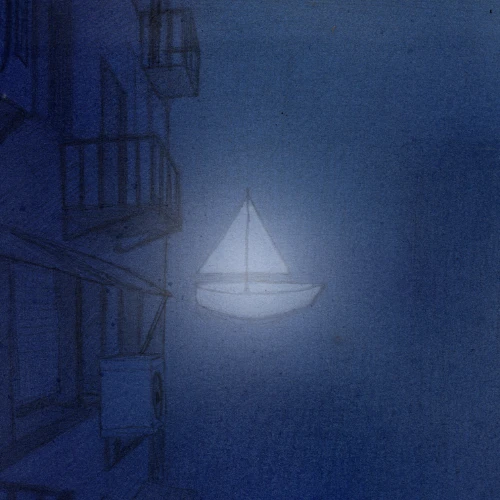 Creating Illustrative Background PaintingsWe’ll explore how to translate thumbnails and layout drawings into fully realized environments using composition, perspective, and color, while balancing detail so the scene supports the animation.
 -
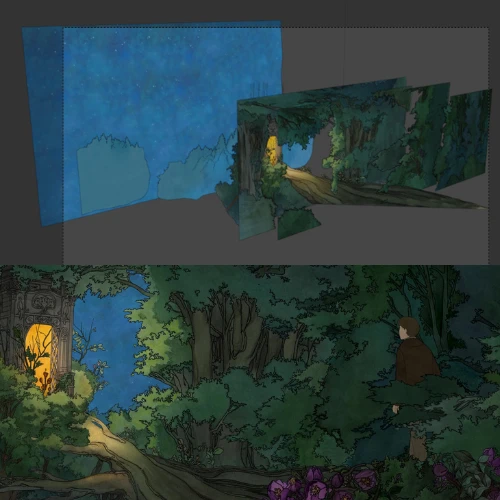 Creating 2.5D Environments in BlenderYou’ll learn how to import and layer painted backgrounds into Blender, set up cameras for parallax movement, and build scenes that enhance depth while retaining a 2D aesthetic.
-
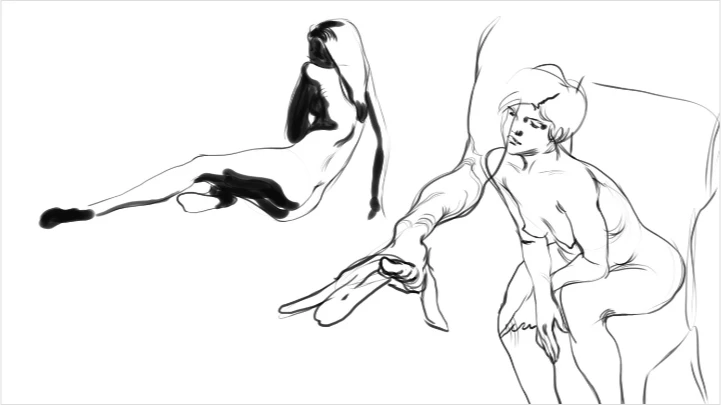
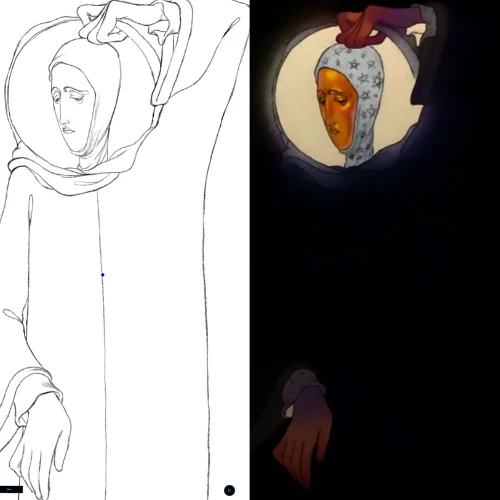 Fundamentals of Drawing For Character AnimationWe'll practice the essentials of anatomy, posing, and movement, learning how to simplify complex forms into clear, appealing drawings that are ready for animation.
 -
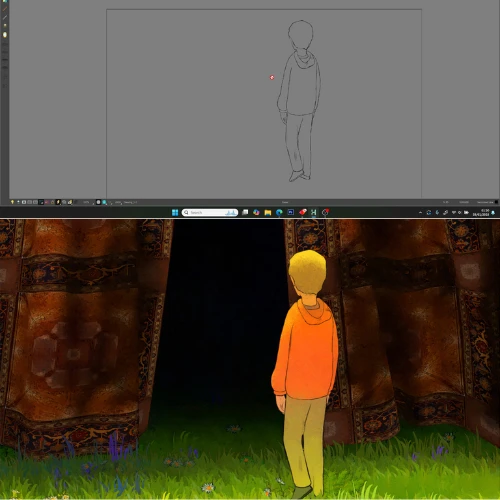 2d Animation - Character and FXWe'll go over the basics of 2d animation and take a piece of animation from rough drawings to final cleaned up animation ready for compositing.
 -
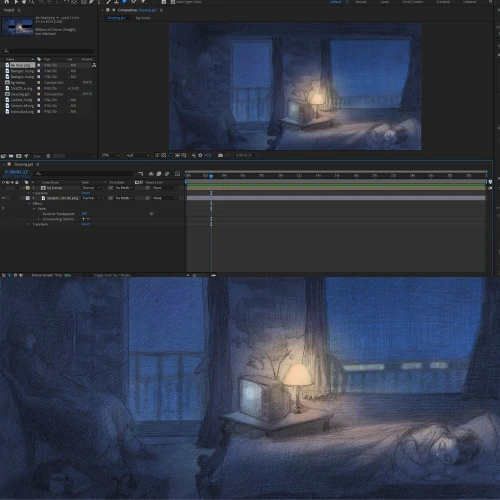 Compositing in After Effects for 2D AnimationCompositing is the process of combining multiple visual elements into a final, polished scene. In this section, you’ll learn how to use After Effects to layer and adjust these elements, apply lighting and color corrections, and control the camera.
Interview with
Animation Director Oliver Mottram

Question.01
How would you define success in this industry? What is the formula to success in your opinion?
For me, success comes when I surprise myself and discover something new. It might be an idea that turns out even better in practice than I imagined, or a drawing that teaches me something more about the craft.
In terms of the industry, I think it’s important to hold onto the belief that these small breakthroughs and moments of progress can eventually build up to a kind of critical mass, enough to capture the interest of others as well.
So, in a way, my formula for success is to stay grounded in the small wins: sharpening technique, learning through the process, and following the artistic path. For me, that path is about identifying and refining your own taste, and ultimately creating work you truly believe in.
In terms of the industry, I think it’s important to hold onto the belief that these small breakthroughs and moments of progress can eventually build up to a kind of critical mass, enough to capture the interest of others as well.
So, in a way, my formula for success is to stay grounded in the small wins: sharpening technique, learning through the process, and following the artistic path. For me, that path is about identifying and refining your own taste, and ultimately creating work you truly believe in.
Question.02
What are some essential skills or "must-have" tools in this industry,
and why?
I think it's important to have a wide range of references and a real understanding of what’s already out there in the animation world. Once you know the landscape, you can build on it by creating something unique while also blending in the qualities you admire from existing works.
Question.03
What are your thoughts on the industry's job market? What kind of industry developments do you foresee for the future?
I think we could start to see a shift towards individual artists who connect directly with the people their work speaks to. More than ever, it seems possible to build an audience and maintain that relationship yourself as an independent creator. In many cases now, it’s that direct connection with an audience that helps projects gain visibility and attract funding from other sources.
Required Programs
This course will use Adobe After Effects, Adobe Photoshop, Blender, and Toonboom Harmony.
Please purchase and install these program(s) for an optimized chapter experience.
*These programs and/or materials will not be provided with the chapter.