[Class]AuRoRaStudio_오로라스튜디오 Details
Class Intro
From character design to rigging for movement, designing broadcast screens, and producing debut presentations, this class covers all the necessary tasks for the birth of a virtual character.

AuRoRa Studio provides professional education in creating VTubers like Hayashi Iro and comprehensive training.
Class Perks
Get These Coloso Exclusives
-
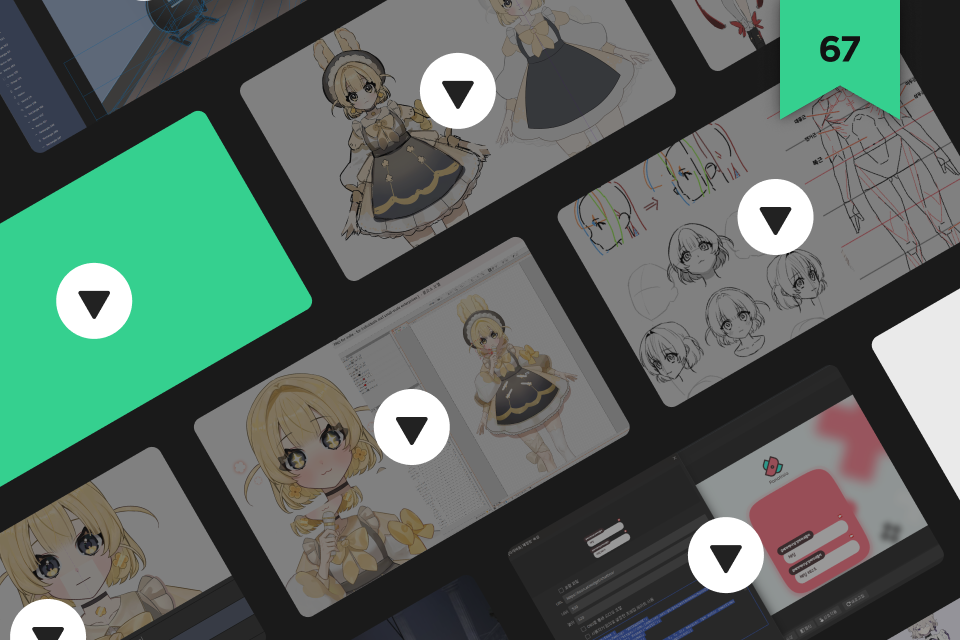
Lifetime access to 67 chapters -
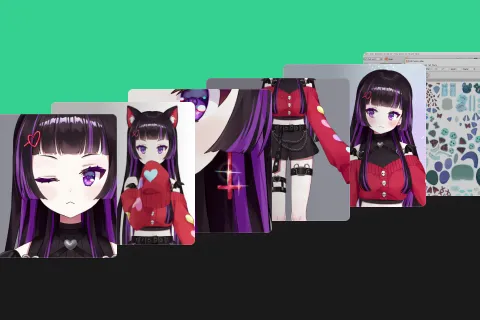
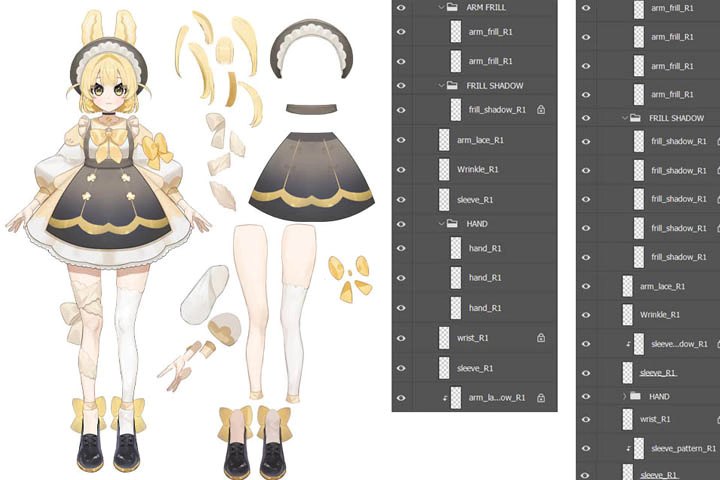
PSD illustrations for parts separation: 344 layers for Intermediate level, 273 layers for Beginner level -
A Rigging CMO3 file (Original model production file)
-
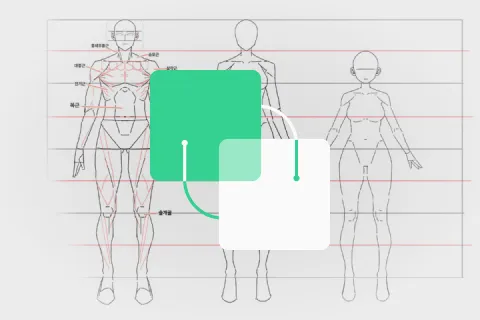
Additional guides for human body practice and rigging angles to develop an eye for three-dimensionality quickly -
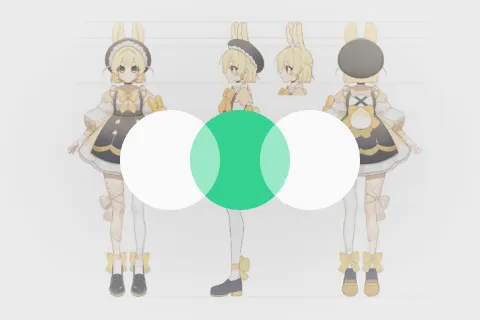
Character design proposal and three-view drawing PSD for design analysis and practice -
Figma design exercise-based assignments and real layouts
Recommendation
Who Should Take This Class?
For those who want to create their own characters as virtual characters.
For those curious about finding the right position for themselves in virtual character production, whether as illustrators, riggers, or others.
For those who want to produce virtual characters and enter the industry.
Expert Virtual Character Artist AuRoRa Studio's Portfolio
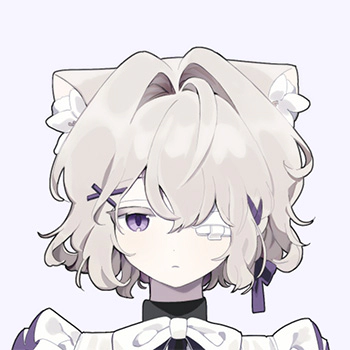
Illustrator BON
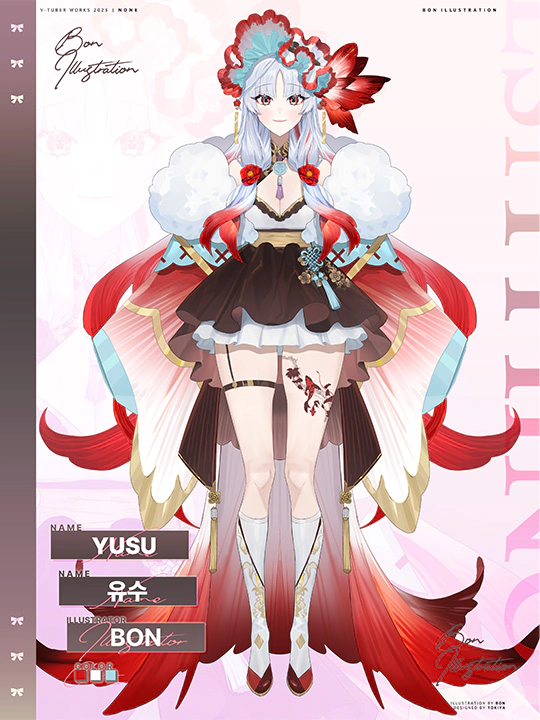
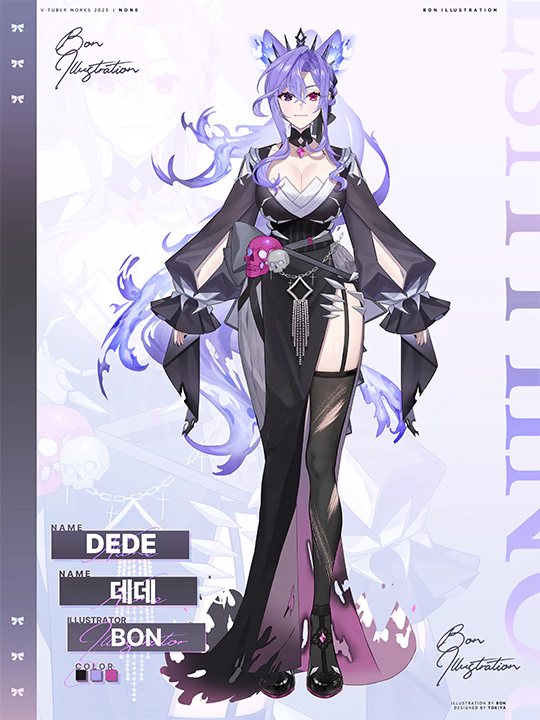
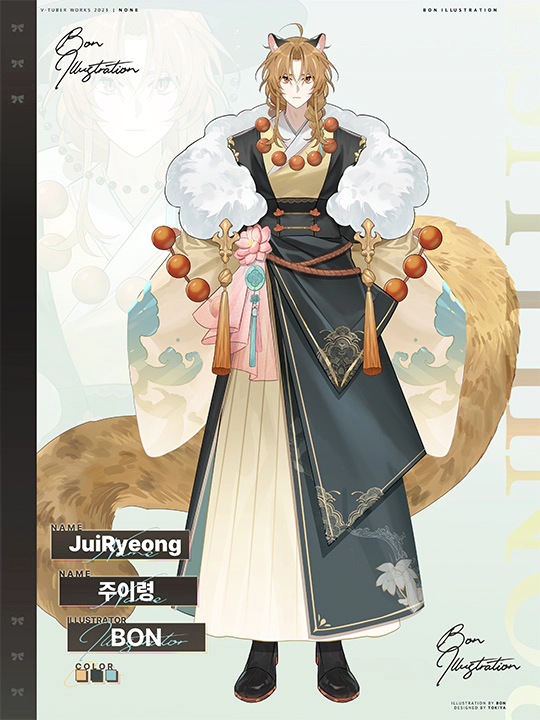



Rigger Jogoom

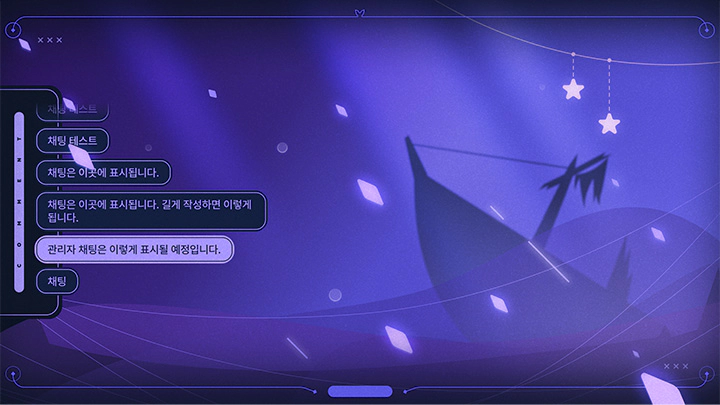
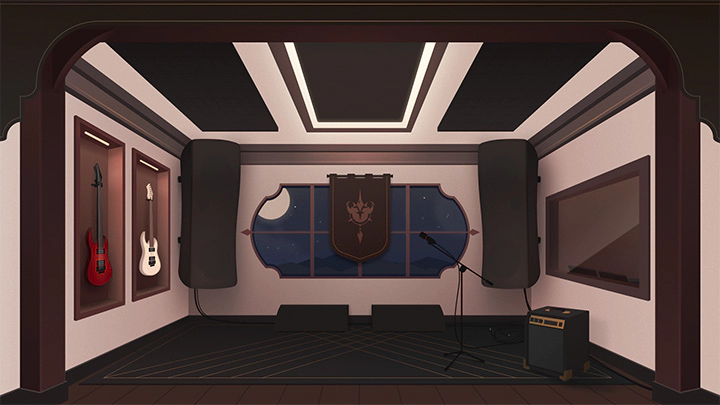
Designer N4ly


Want to Learn How to Improve the Quality of a Virtual Character?
Get Ready for the Real-World
24 Class Exercises
Part 1. Virtual Character Creation and Parts Separation: Illustrator BON
-
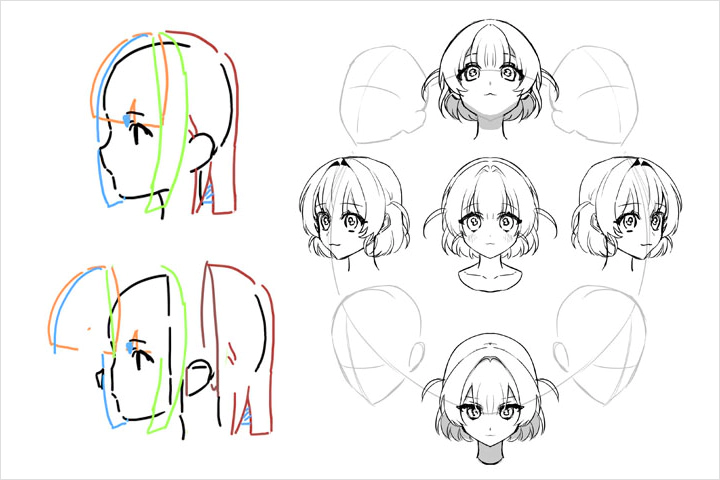 Practice for Three-Dimensionality
 -
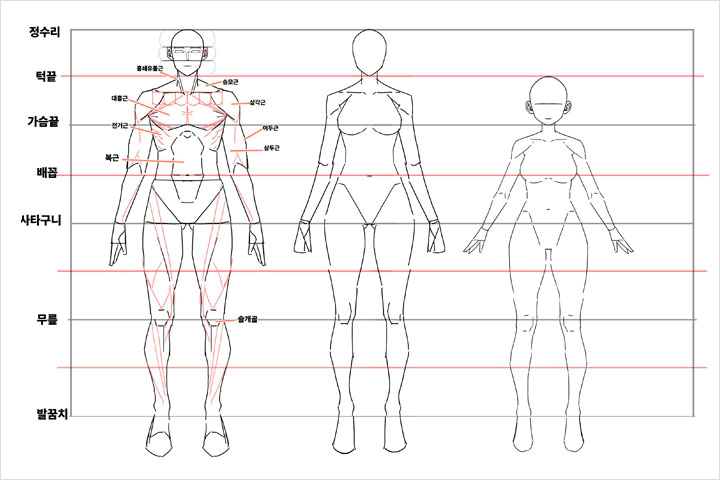 Human Body Drawing Exercises
 -
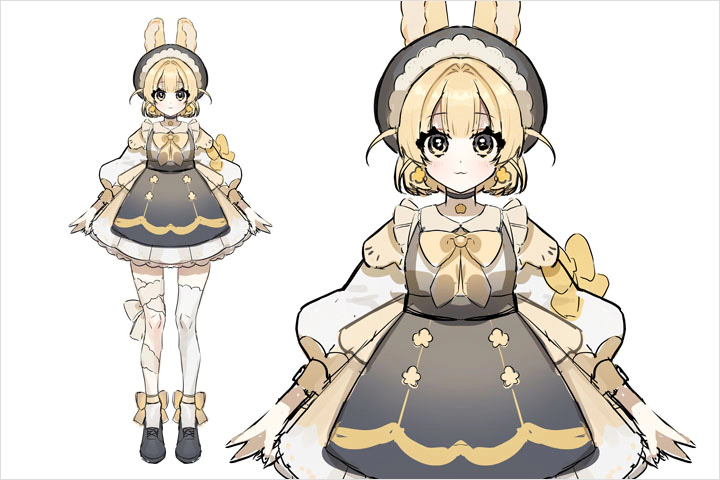 Character Rough Drawing
-
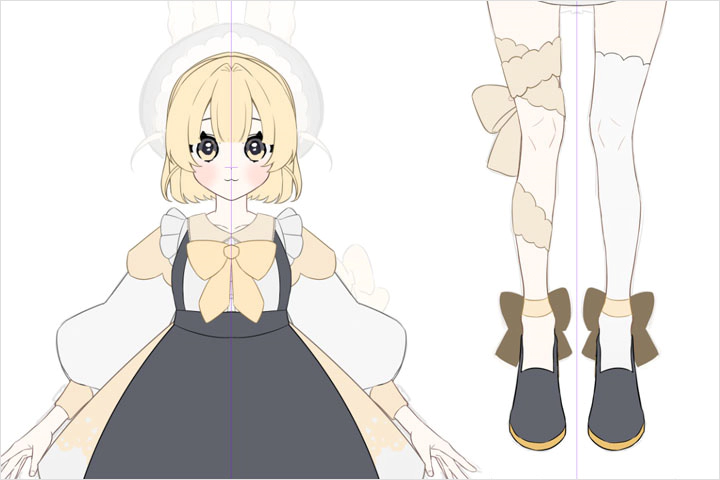 Separating Large Parts
 -
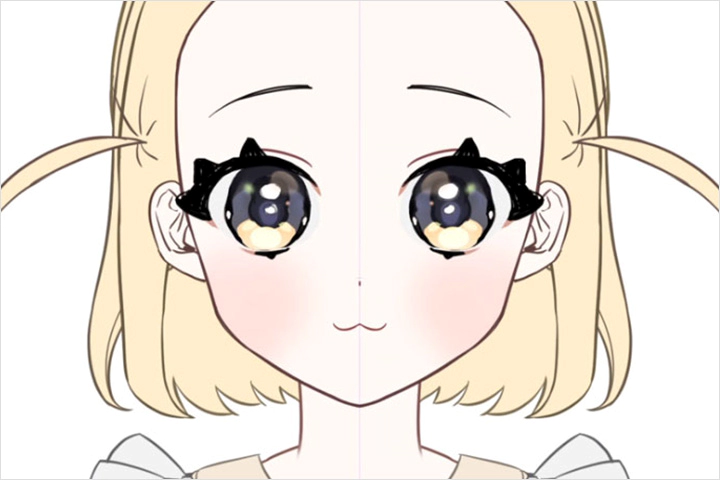 Separating Detailed Parts Such as Facial Features and Eyebrows
 -
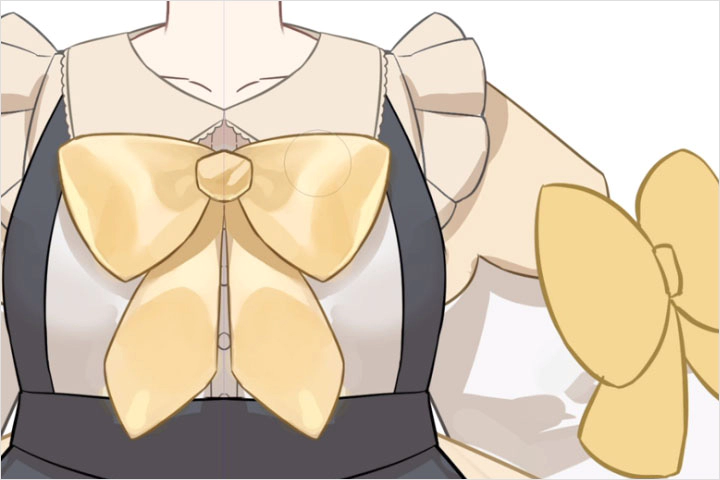 Separating Body and Clothing Parts
-
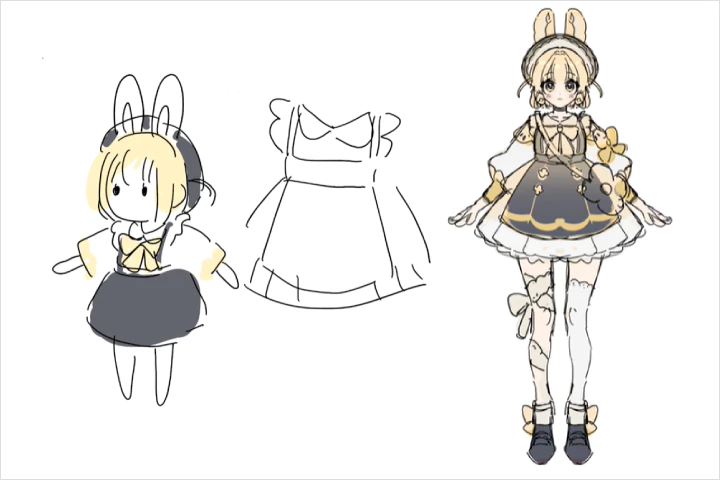 Conceptualizing Characters
 -
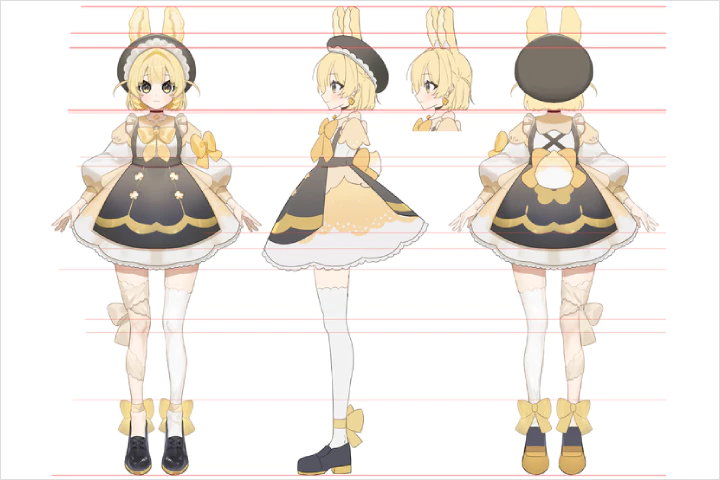 Creating a Three-View Drawing of a Character
 -
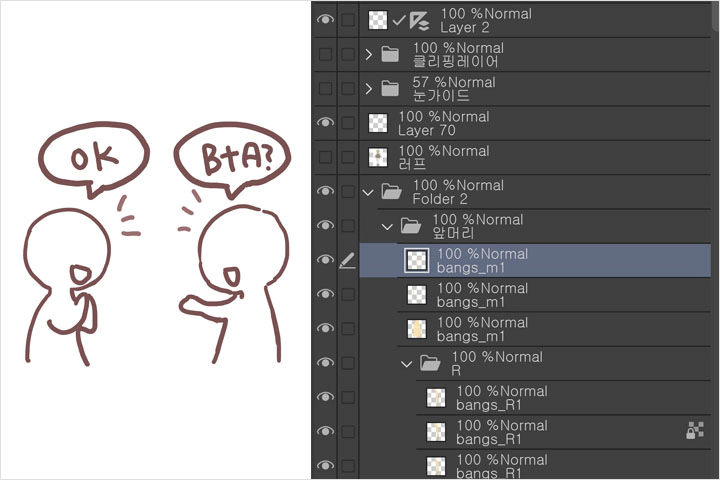 File and Layout Organization
Part 2. Live2D Rigging: Rigger Jogoom
-
 Eye Blinking
 -
 Facial Movements by Angle
 -
 Hair Movement
-
 Character Body Rigging
 -
 Clothing and Accessories Rigging
 -
 Application of Physics Calculations
-
 Token Creation
 -
 Loop, Operation Animation
 -
 Model Export
Part 3. Character Concept Analysis and Debut Work: Designer N4ly
-
 Exploring Figma
 -
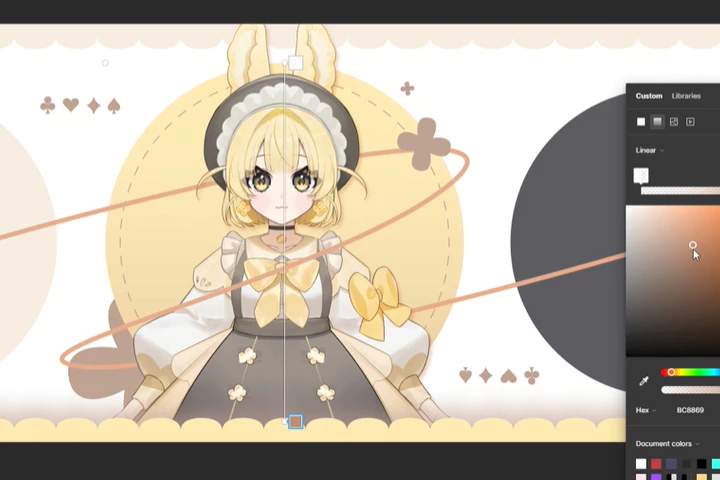 Character Analysis, Layout Planning
 -
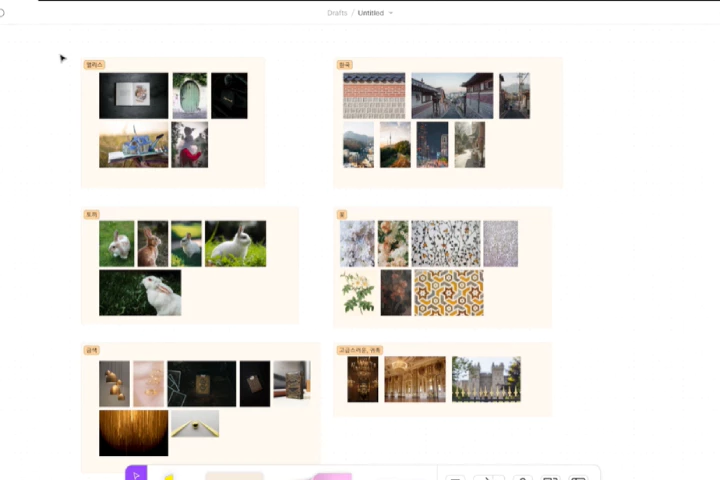 Creating Character Introduction Image
-
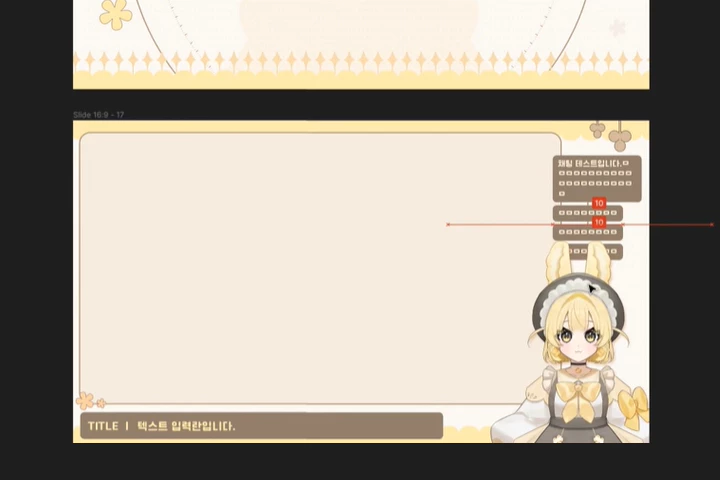 Creating Broadcast Screen Drafts
 -
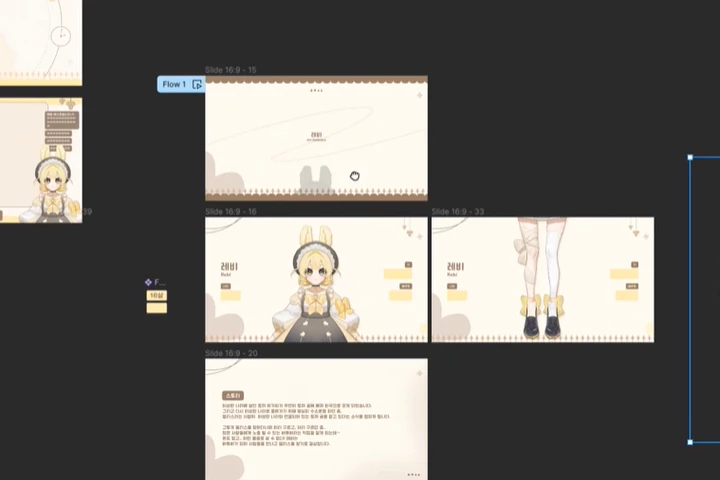 Debut Presentation
 -
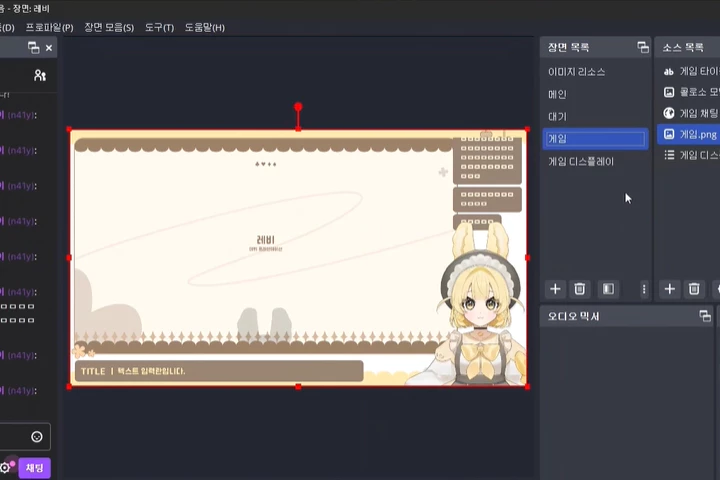 OBS Screen Composition for Broadcasting
Class Highlights
An Accessible Introductory Class for VTuber Production
Regardless of your experience in virtual character creation, you can follow along from the production initiation stage to finalizing characters, organizing layers, and final delivery with the professional instructors at AuRoRa Studio.

Customized Detailed Parts Materials Provided Per Difficulty Level
We provide materials that will assist your learning progress, ranging from beginning-level materials composed of simple parts to intermediate-level materials with complex parts, aiding in continued learning beyond introductory content.
Practical Tips for Faster Transition into a Pro
Apart from improving the quality of the character itself, you'll also be able to review various elements used during character broadcasting and delivery methods by experiencing the actual process of virtual character production in the industry.
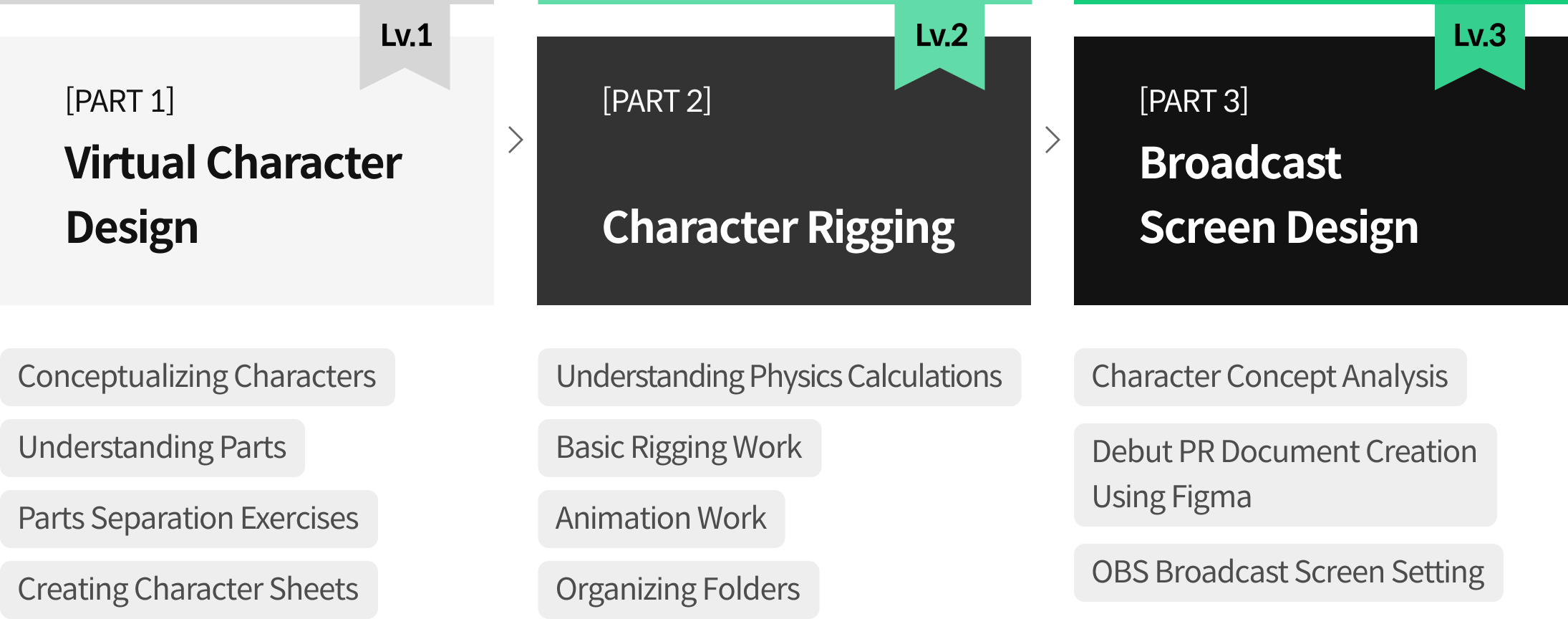
Roadmap
The Complete Encyclopedia on VTuber Production
AuRoRa Studio
Illustrator BON, Rigger Jogoom, Designer N4ly
Everything about VTube production! We are AuRoRa Studio!
AuRoRa Studio is the first institution in South Korea that offers classes for nurturing virtual creators. Our highly experienced instructors help students develop their ability in virtual creation and the practical skills required without any time or space constraints.


Illustrator
BON
[Current]
Freelance Illustrator
Instructor at AuRoRa Studio
"I'll guide you in mastering parts separation and designing to preserve character traits."
[Projects]
Illustration and cover work for “My In-laws Are Obsessed with Me”
Virtual character production for Minarae Studio's “Dede”
Virtual character production for V_HANA's “Haran”
Production of Younglaegi Live2D emojis
and numerous virtual model and cover designs.

Rigger
Jogoom
[Current]
Instructor at AuRoRa Studio
"I'll enhance your Live 2D experience with essential knowledge and technical tips."
[Projects]
hololive JP-夜空メル cover song Live2D animation |
AuRoRa Project Hayashi Iro
Wanderer of The Realms Ariyawna
PITAPAT Rev, Haruna.L
AmaLee [I'm Invincible] cover Live 2D animation
いれいす - 初兎】 回る空うさぎ Rap cover Live 2D animation
and numerous commissioned works of virtual model rigging and Live2D animation projects
[Awards]
2022 Live2D Creator Award Program
Designer
N4LY
[Current]
Instructor at AuRoRa Studio
"I'll guide you in crafting cohesive designs for virtual streaming, aligning them with the character concept."
[Projects]
Logo, broadcast screen, debut presentation for VRECORD's 2023 freshmen
Multiple events, including VRECORD's 24V Healing Live and Summer Record
AuRoRa Project: Hayashi Iro debut presentation
Find More About Me UI design for Molalalabs
Debut presentations for Listella Yato, Okaru Toka, Bavarois Amann
Link4U Seiyuu Pani, Liyi Chat Widget CSS Animation
and numerous individual VTuber logos and broadcast screen work
Class Details
You'll Learn
-
 Production Planning to Improve QualityIn character design composition, we will discuss how to reduce roughness and completion differences through communication with riggers during production, enhancing quality while removing unnecessary factors.
 -
 Intro to Parts Separation by StyleWe'll explore three different methods of parts separation for each illustration style and separate parts based on folder and layer organization.
 -
 Tips for Quick and Easy Parts ColoringLearn tips for coloring parts consistently while maintaining quality, working from large parts to detailed parts like the sclera, pupils, shimmering parts, and highlights.
-
 Breathing Life into Expressions and MovementsYou will understand the concept of ArtMesh, similar to sewing, and express movements of facial features such as basic blinking, smiling eyes, and smiles.
 -
 Natural Facial and Hair MovementsUnderstand three-dimensionality according to angles and produce faces that can move along the x, y, and z axes, as well as smoothly moving hair.
 -
 Debut Presentation Creation and OBS Screen CompositionUsing Figma, we will create high-quality PR documents and broadcast screens that match the character concept and demonstrate them in real time.
- Unlimited Access
- Best Price
Buy now, get unlimited access.
12/31 (Sat) (UTC-7) Special offer ends soon.
This special offer ends soon.
Buy now and save!
Curriculum
In-Depth Look
Part 01. Virtual Character Creation
Part 02. Character Rigging
Part 03. Character PR Document and OBS Broadcast Screen
*The release date of this class, curriculum images, and associated content can be changed without prior notice.
** Class videos may be separate for a more streamlined viewing experience.
Interview with
AuRoRa Studio

What is the purpose or primary focus of this class?
[BON]
This class is designed so that even beginners can easily follow along. It focuses on understanding the process rather than just following it mindlessly, especially when separating parts, which many people find difficult. This will enable you to advance further after taking this class.
[Jogoom]
You can learn all the necessary work skills and expertise, from creating movements or expressions that match the character's personality to physics calculations, completing the model, and setting up tracking software.
[N4LY]
The goal is to create a broadcast screen composition that provides a high-quality viewing experience that consistently highlights the character after presenting a design to captivate attention in the debut broadcast.
If there is a unique draw of this class, what would it be?
[BON]
It includes practical tips that can be directly applied in the field and advice on pre/post-work situations. This would be beneficial once you start working professionally. Specifically, I include communication with riggers who work together. I aim to teach how to fix any quality issues that occur during parts separation and how to collaborate efficiently.
[Jogoom]
Observe and learn work skills, points, expertise, and more from the workflow of an artist with various commercial request experiences, and learn how to improve and optimize the quality of Live 2D work.
[N4LY]
Figma is rarely used for graphic design and presentation work outside of UI/UX fields. Therefore, those new to Figma are expected to learn a lot about tool usage and application methods.
What abilities and skills would be good to have before taking the class?
[BON]
This class specializes in virtual illustrations, so it will be easier if you can draw a full-body character before enrolling in this class.
[Jogoom]
Basic sketching ability, understanding of three-dimensionality, and proficiency in digital graphic tools like Adobe Photoshop or Clip Studio for editing and layer utilization are needed. Knowledge of character illustration in a stylized art style and experience with 3D tools and animation would be helpful.
[N4LY]
Previous experience with graphic design tools will make understanding easier. However, I plan to cover all basic aspects at the beginning of the class, enabling anyone without design experience to participate.
Required Programs
This course will be conducted using the following programs. Please purchase and install the latest version of each program for smooth learning.
Part 1. Virtual Character Design
*Version used in the class: Clip Studio Paint 2.1(English Version)
*Acceptable lower versions: Clip Studio Paint 1.0, Photoshop
Part 2. Character Rigging
- Live2D Cubism Editor 4.2 (English Version)
- Live2D Cubism Viewer
- VTube Studio
Part 3. Broadcast Screen Design
- Figma
- OBS Studio
Please purchase and install these program(s) for an optimized lecture experience.
*These programs and/or materials will not be provided with the course.
*A webcam or iOS cam environment would be beneficial for basic tracking checks.
Recommended Class
Like this class?
Then check these out!