[Course]3dvirtualcreator,moraecat_모래캣KR Details
Intro
VTuber Starter Pack: The Warudo Blueprint for Your Ideal Setup
Set Up Your VTuber Environment with Warudo, the Hottest Virtual Broadcasting Software Right Now! Skip the complicated YouTube tutorials and English guides learn practical Warudo skills with 3D Virtual Creator Moraecat’s structured expertise. Master the solid fundamentals quickly and discover how to build your own personalized streaming environment.
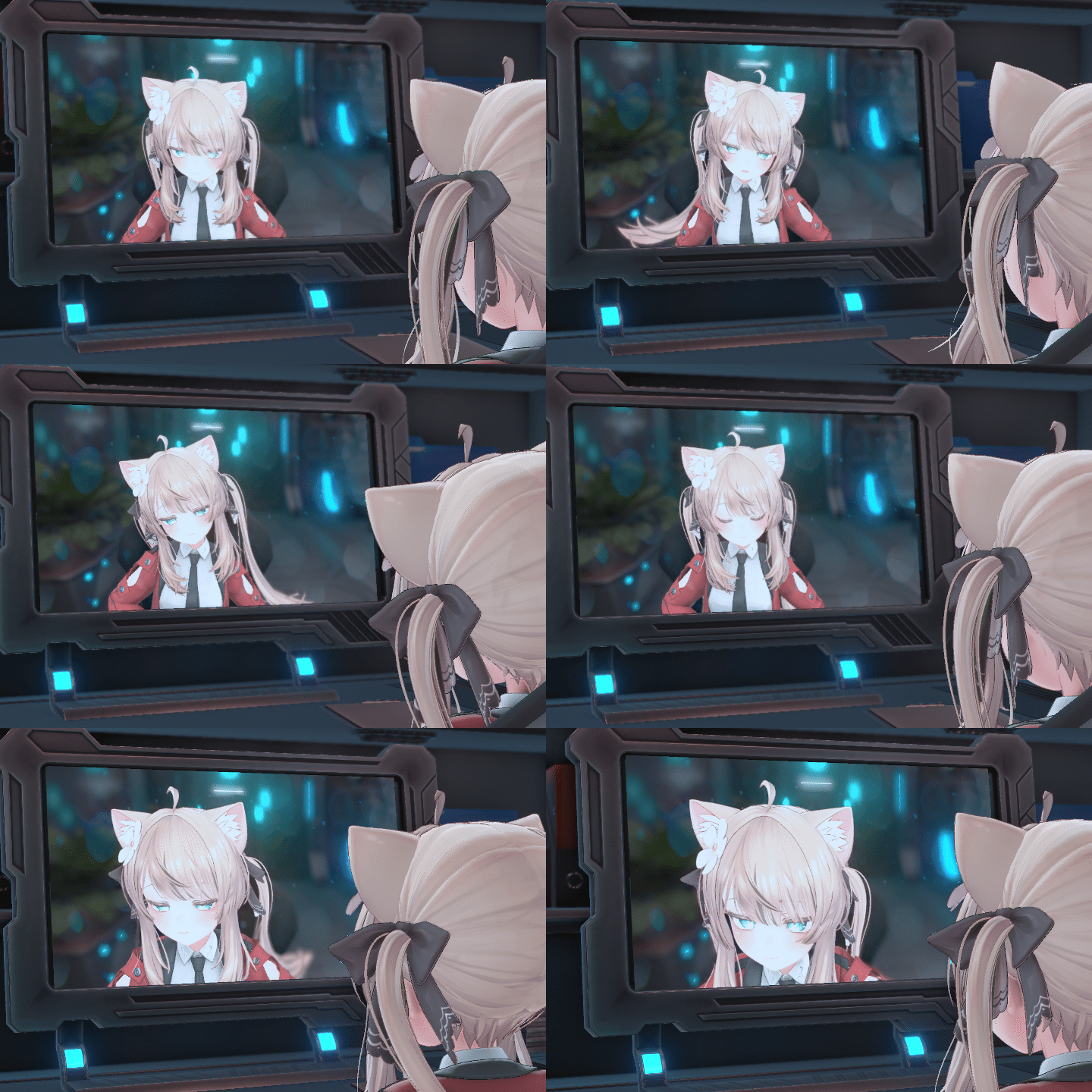
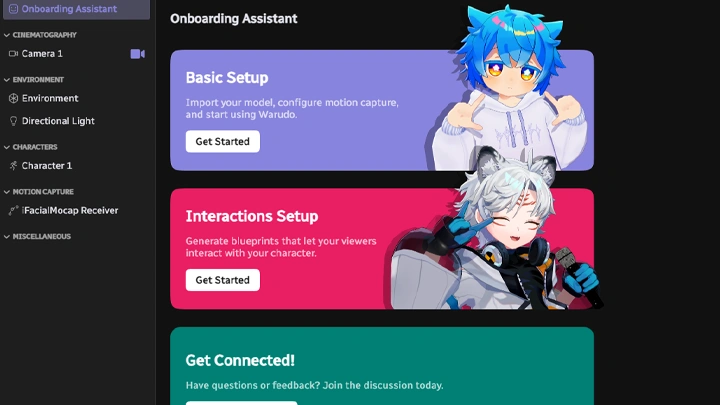
Learn Warudo Blueprints Step by Step, No Complex Coding Required! Easily apply Warudo’s powerful visual scripting system, Blueprints, to your own broadcasts. Customize everything to match your desired look and dive into the new world of interactive virtual streaming. Join Moracat’s class and start building your dream VTuber setup today!
Class Preview
Still Not Sure?
Check Out Moraecat's Class Preview!
01. Orientation
- Course objectives and structure
- Introduction to 3D VTubers
- Overview of broadcasting software for 3D VTubers
- Introduction to Warudo
- Introduction to 3D VTubers
- Overview of broadcasting software for 3D VTubers
- Introduction to Warudo
*The Korean language content in this class preview is translated into English in the class videos.
**The subtitles in this preview video are auto-translated. Please note that some content may not be accurately translated.
***Associated content is subject to change without prior notice.
Class Perks
Get These Coloso Exclusives
-
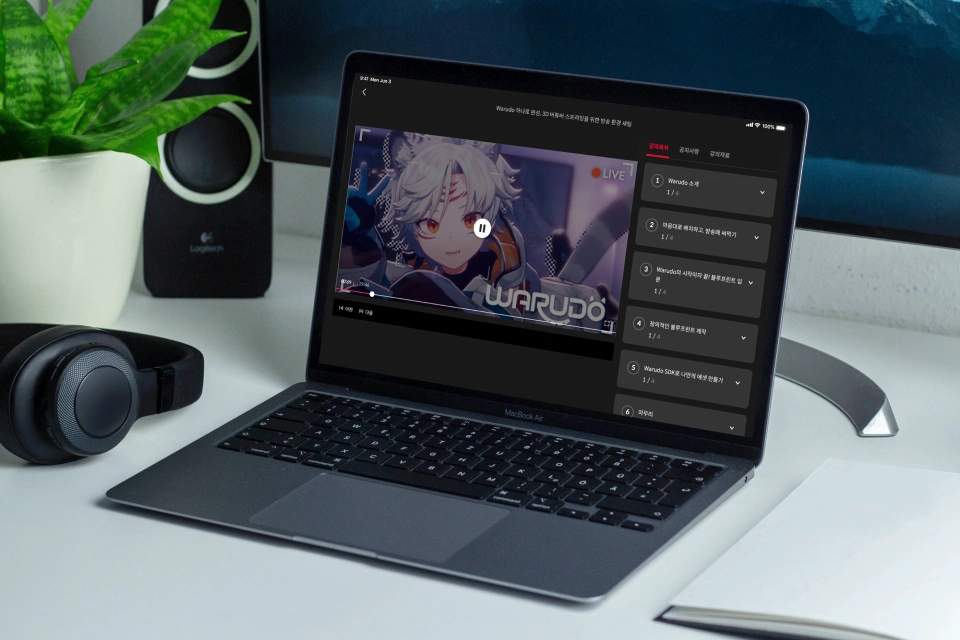 Unlimited access to all 30 chapters learn it all, fast, with Blueprints!!
 -
 Example scene project files ready to apply directly to your live broadcasts.
 -
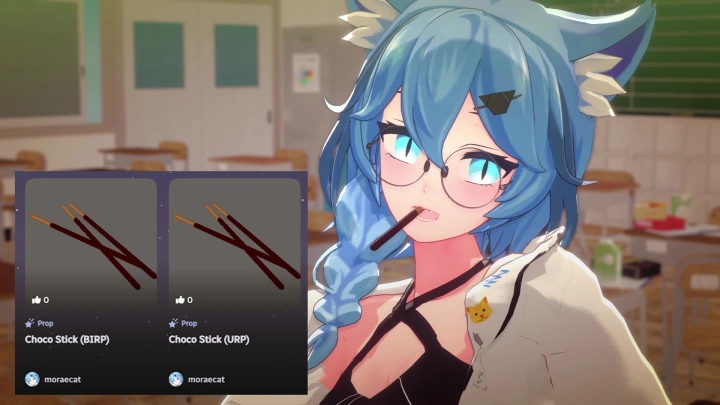
 Unity package files containing animated 3D prop models.
-
 Custom prop files for Warudo, tailored to perfectly suit your stream.
 -
 Fully set-up 3D characters with FBX, Unity, and Warudo files included.
 -
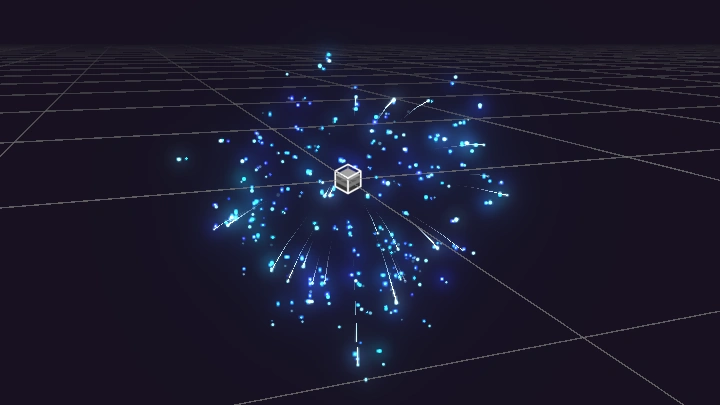
 Includes a custom Warudo particle mod file created by Moraecat.
Recommendation
Who Should Take This Class?
Aspiring virtual YouTubers who want to customize their own broadcasting environment
Beginner 3D virtual creators who want to deeply explore and master the diverse features of Warudo
Virtual artists who want to try using Warudo but feel overwhelmed about where to begin



Expert 3D Virtual Creator, Moraecat's Portfolio
Why Take This Class?
Warudo can be challenging to tackle alone but this course takes you beyond the surface, guiding you all the way to creating your own custom assets! Starting from the basics, you’ll learn how to customize assets using the Unity engine and Software Development Kit (SDK). Build features not available in standard broadcasting tools and design a truly creative virtual streaming environment, all with your own hands.
From custom characters to tailored props, backgrounds, special effects, and animations apply everything you need for your own broadcast using Unity and the SDK! Build a fully customized streaming layout and enhance your virtual setup with additional interactive elements. Create a polished, professional-grade virtual streaming environment only in Moraecat’s exclusive class!

Practical Warudo Examples Made Easy for Beginners
Part 01. Asset Placement & Broadcast Preparation
Character & Background Setup
-
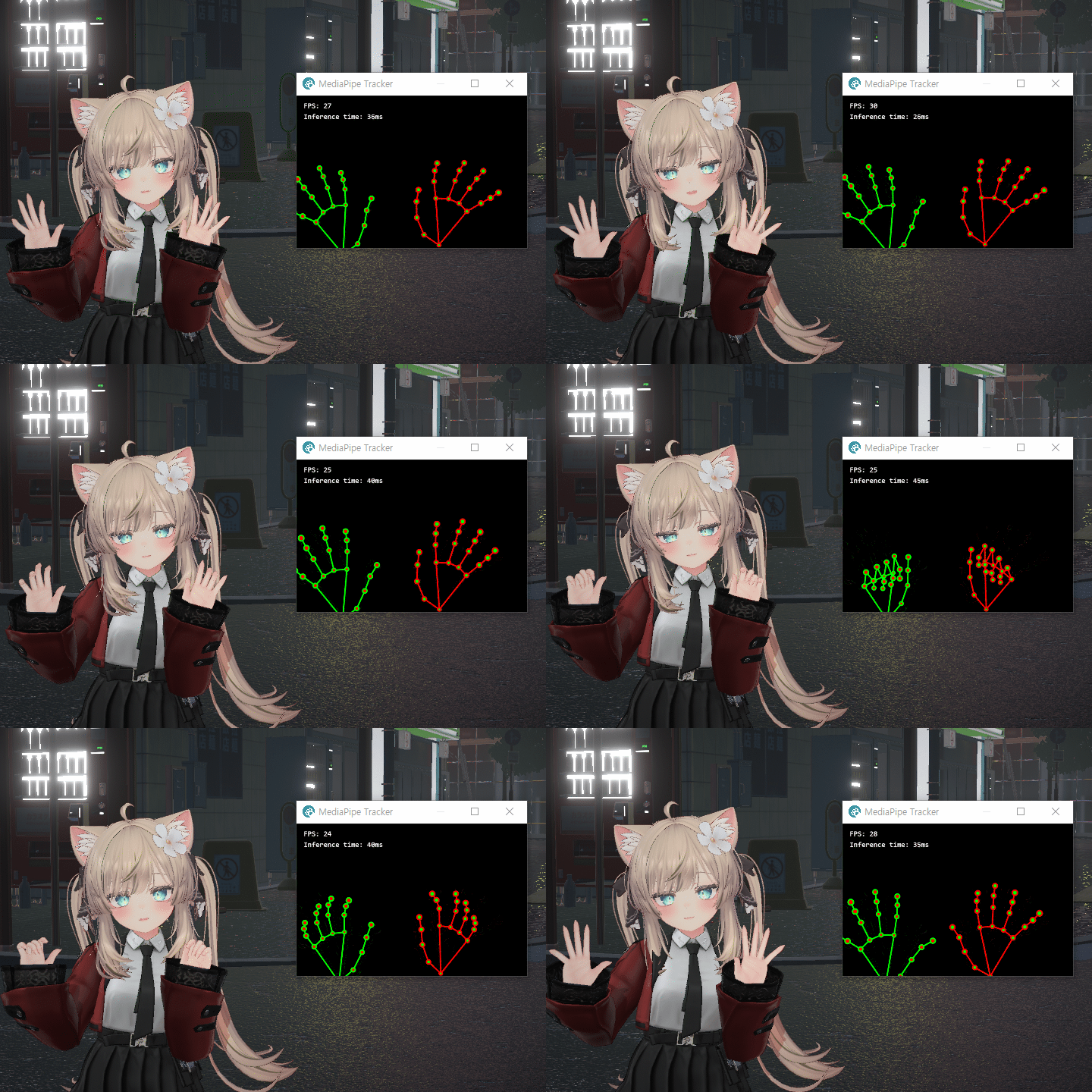 Webcam, iPhone, and Leap Motion Tracking Setup
 -
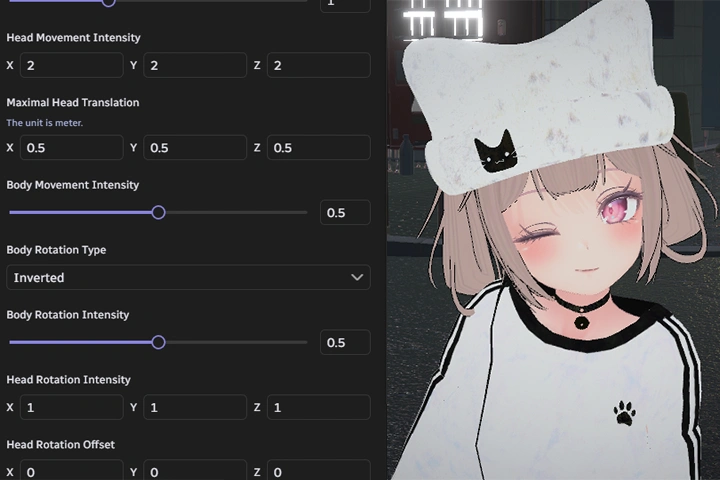 Character Facial Tracking Setup
 -
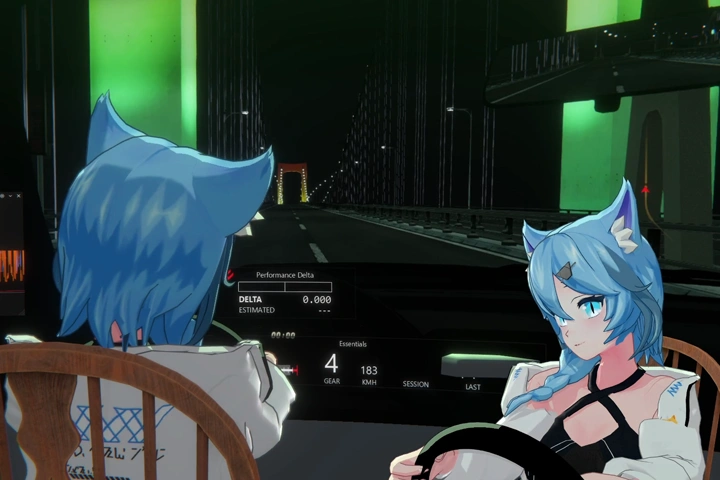 Using Multiple Cameras Simultaneously
Using Assets and Taking Snapshots
-
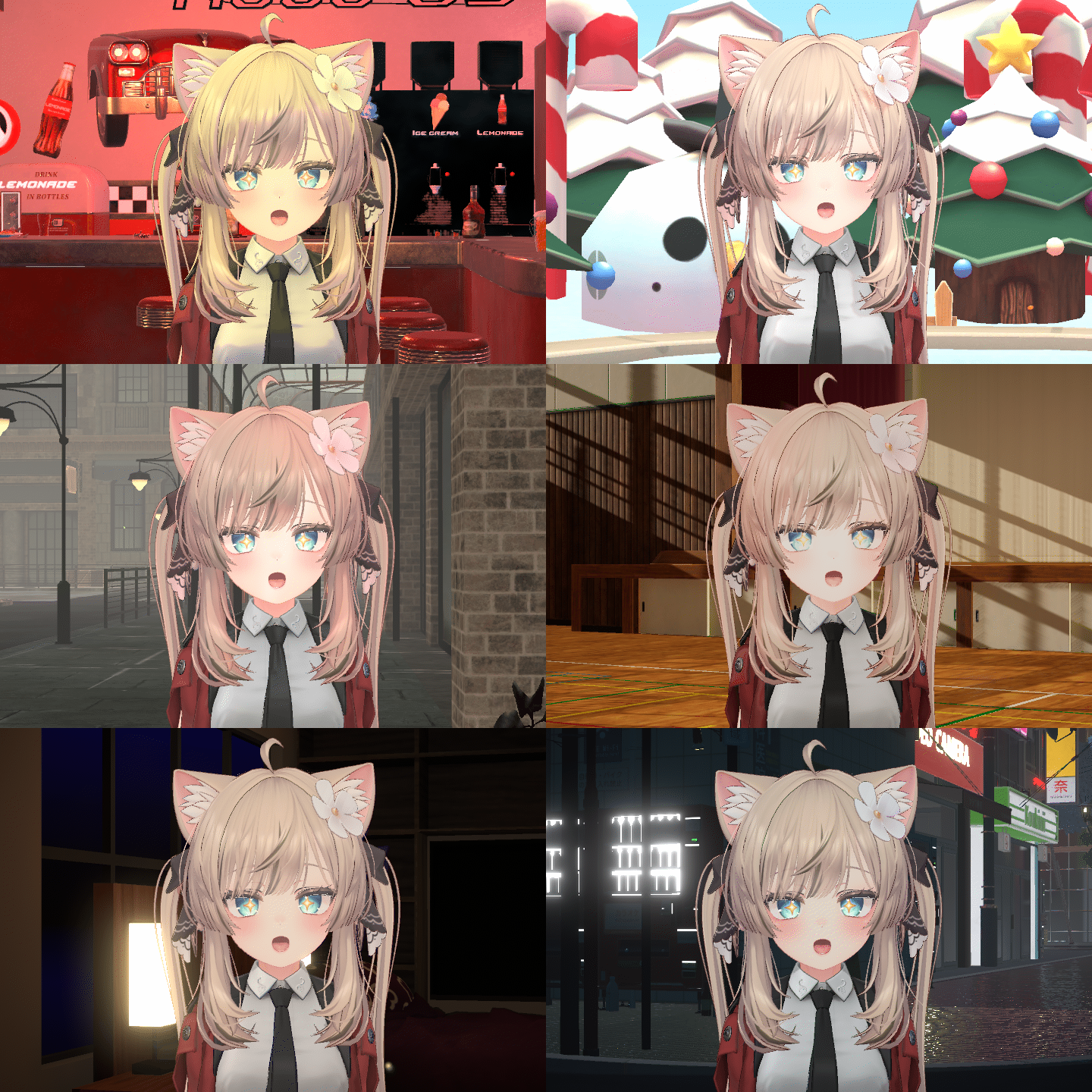 Environment asset
 -
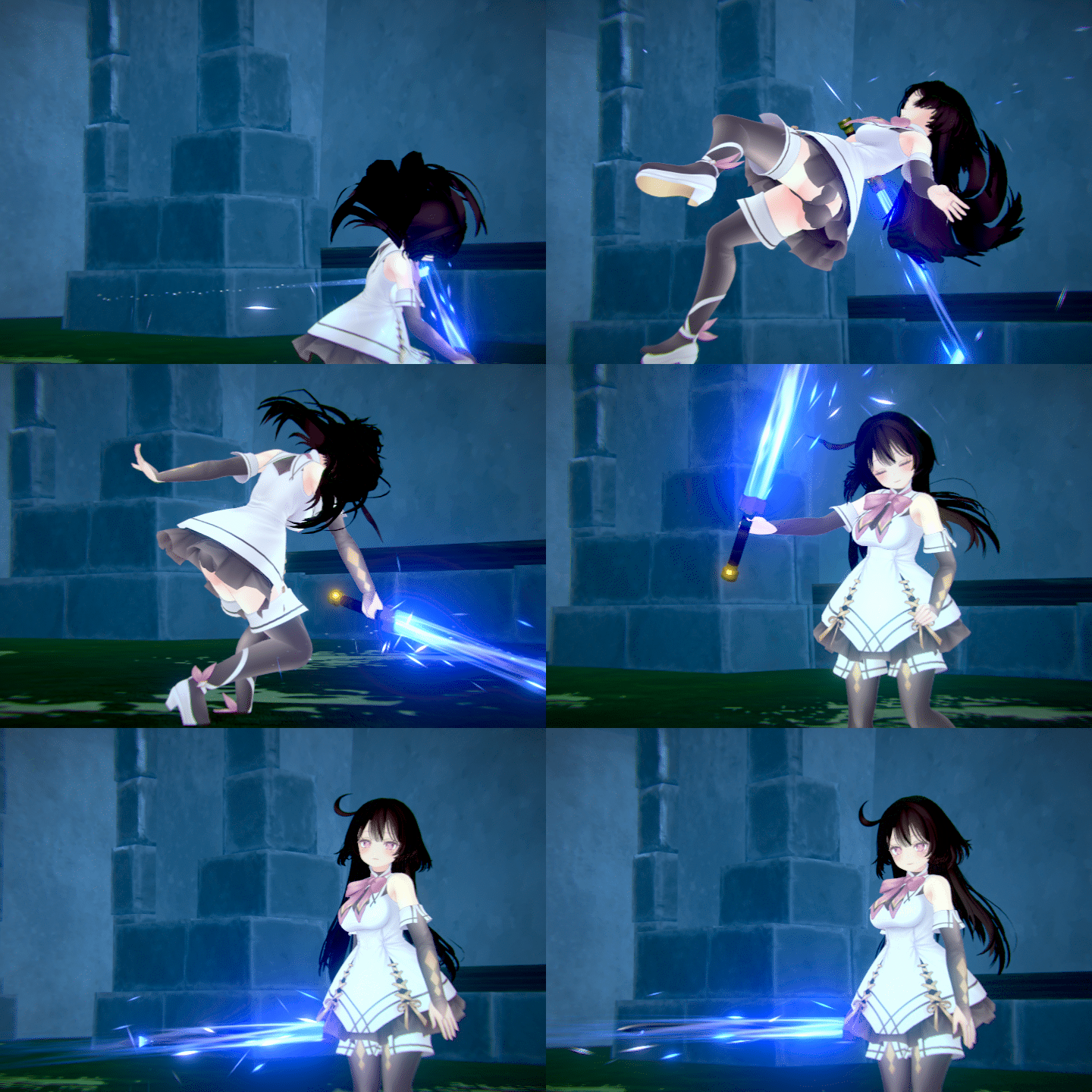 Prop asset
 -
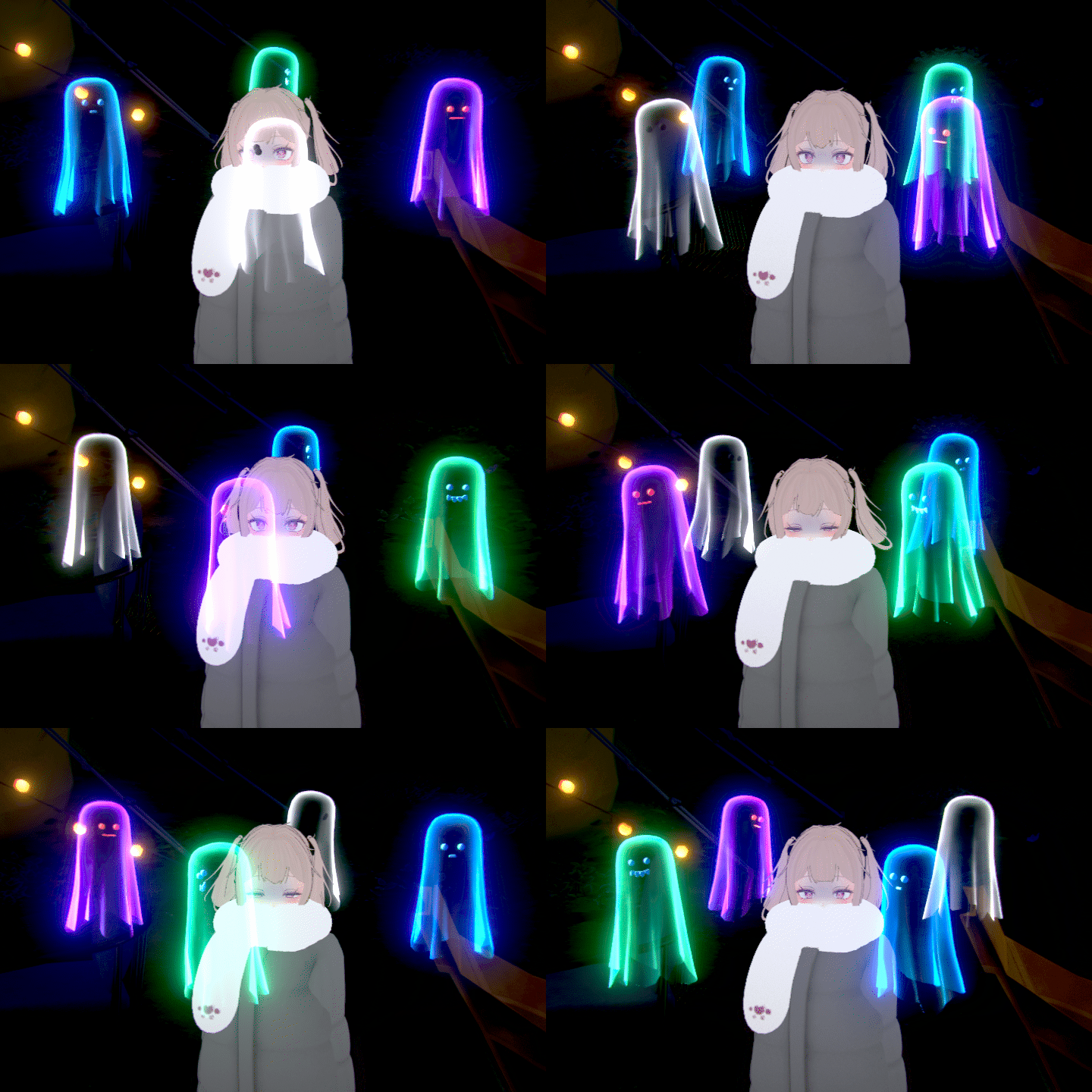 Anchor asset
-
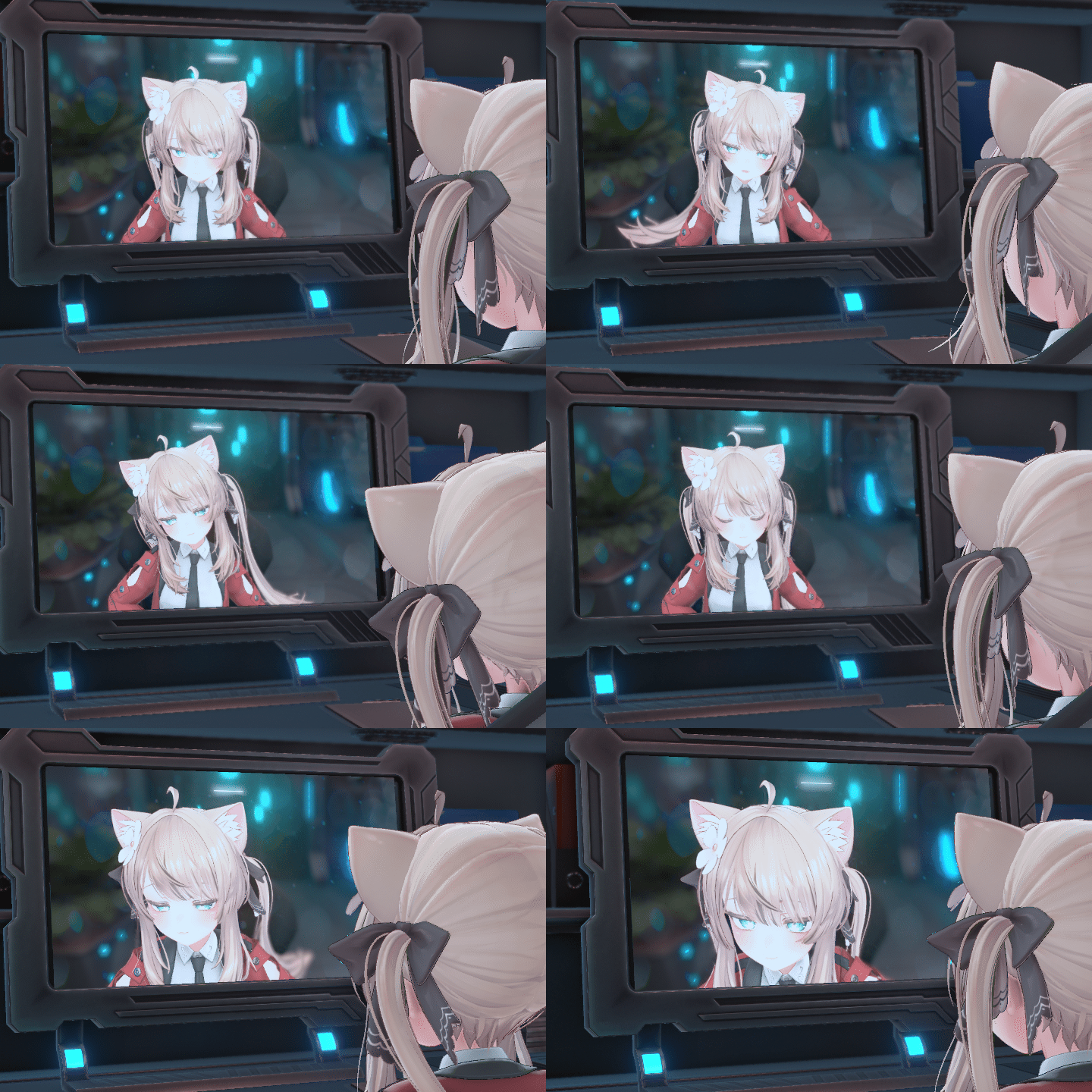 Screen asset
 -
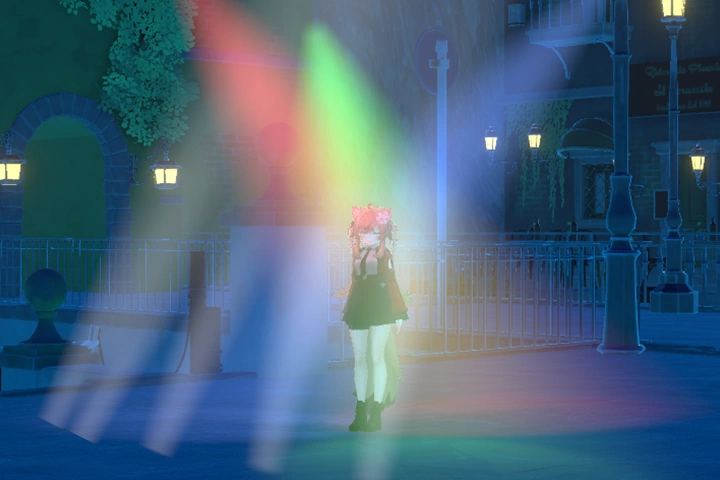 Light asset
 -
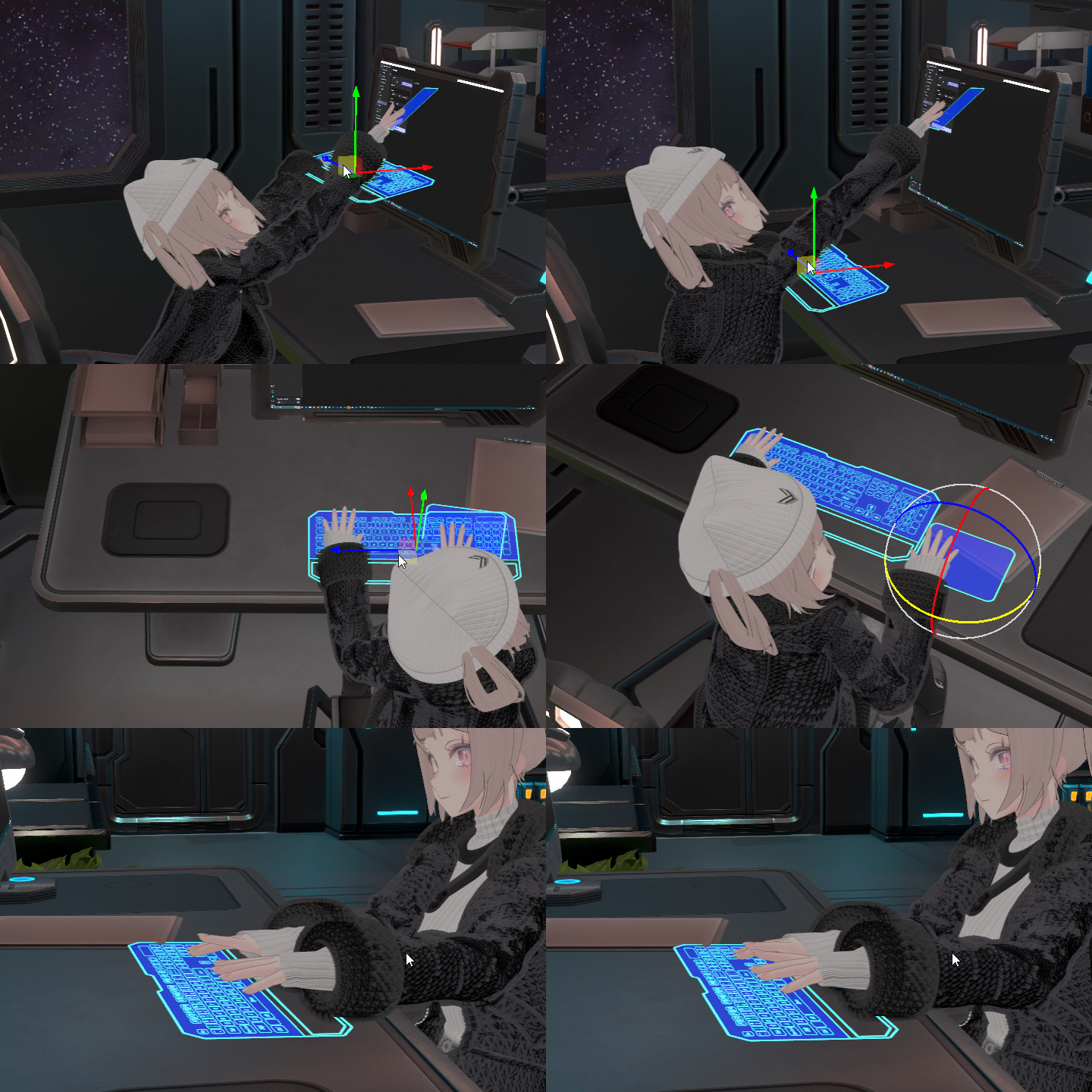 Keyboard/Trackpad asset
-
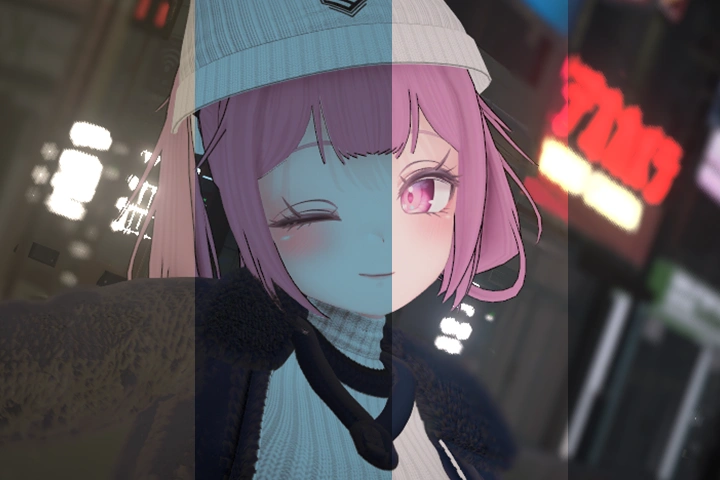 LUT
LUT -
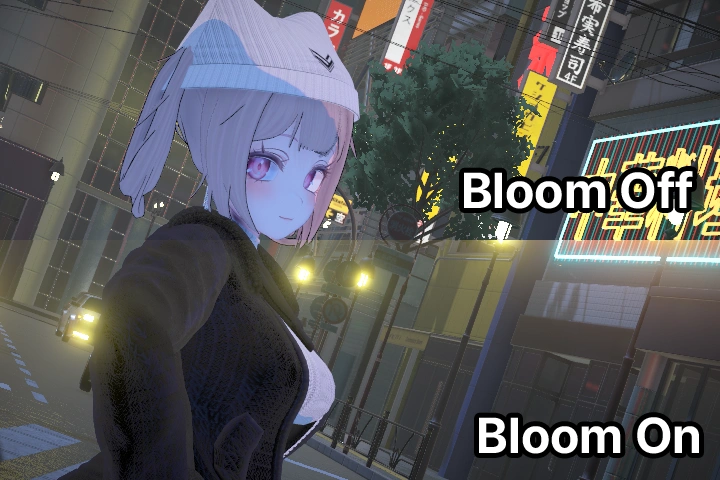 Bloom
Bloom -
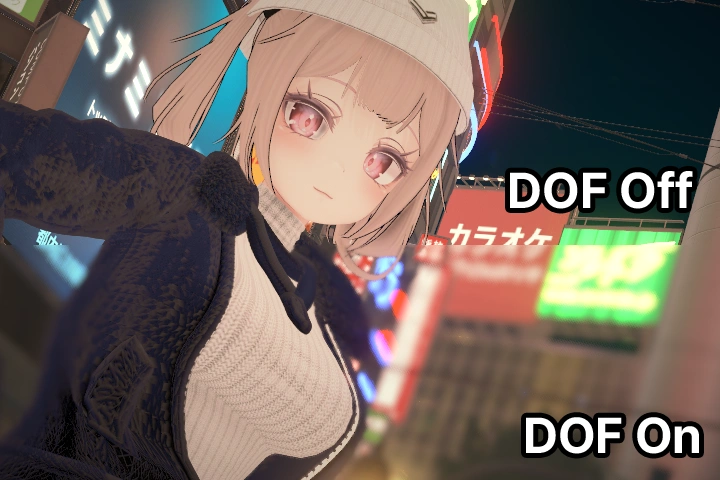 Depth of Field
Part 02. Warudo Blueprint Basics
Platform Integration and Broadcast Setup
-
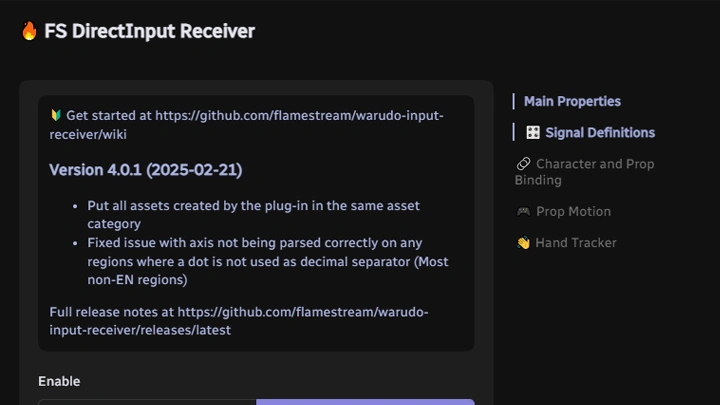
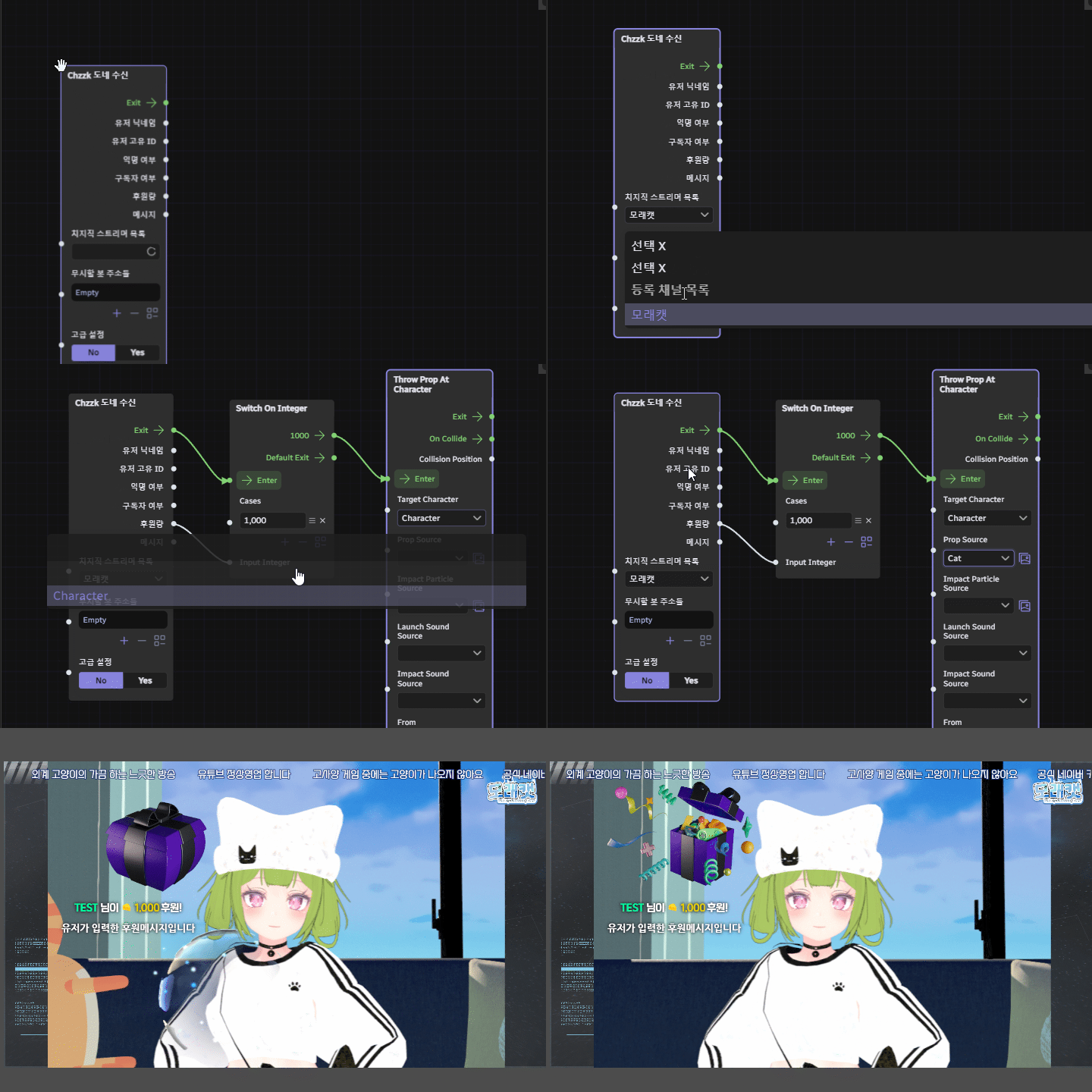 Streaming API IntegrationChzzk / SOOP / YouTube / Twitch
 -
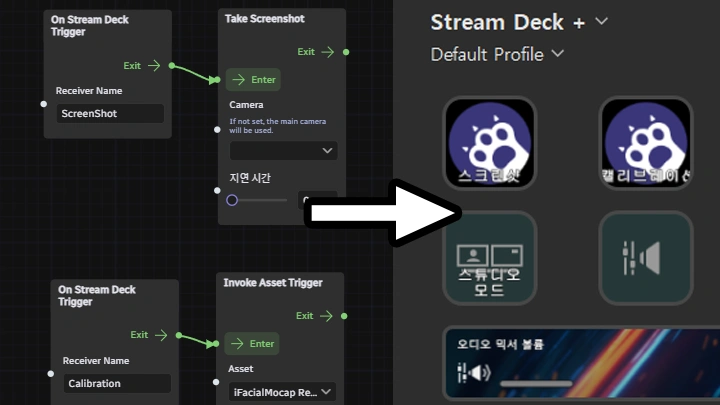
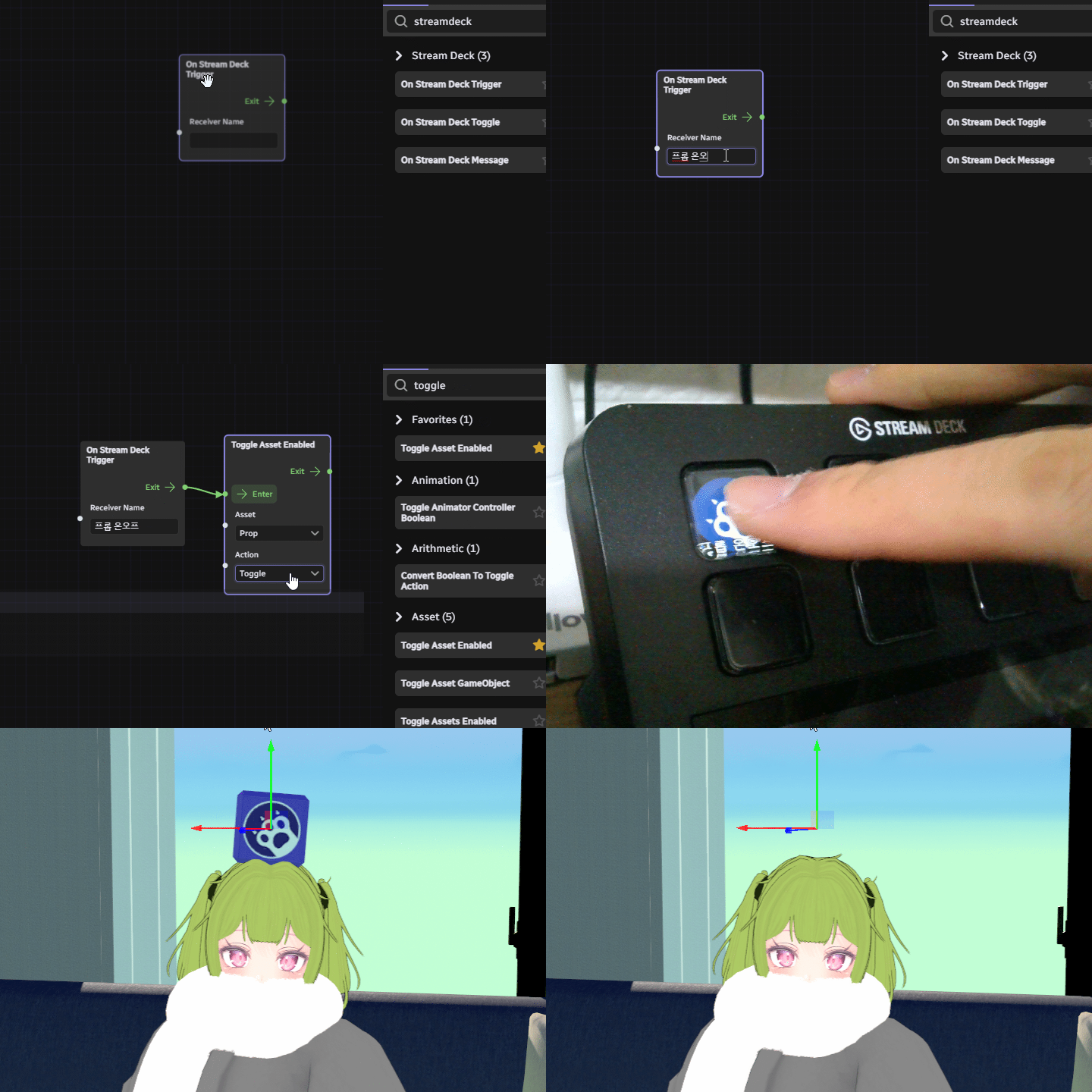 Stream Deck Integration
 -
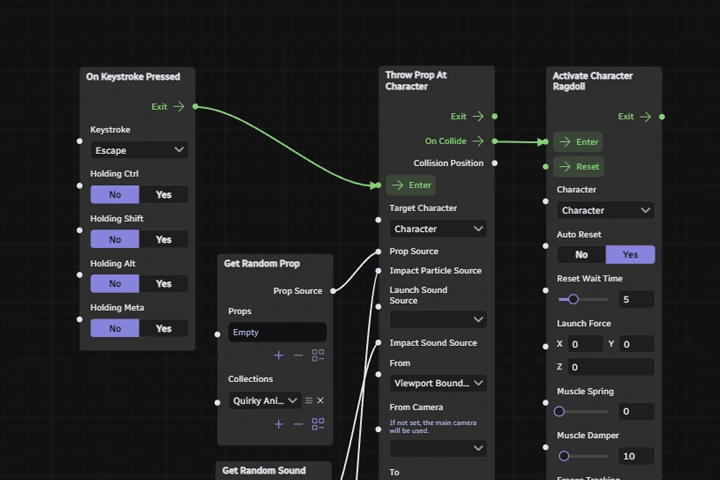 Reaction Node Setup
-
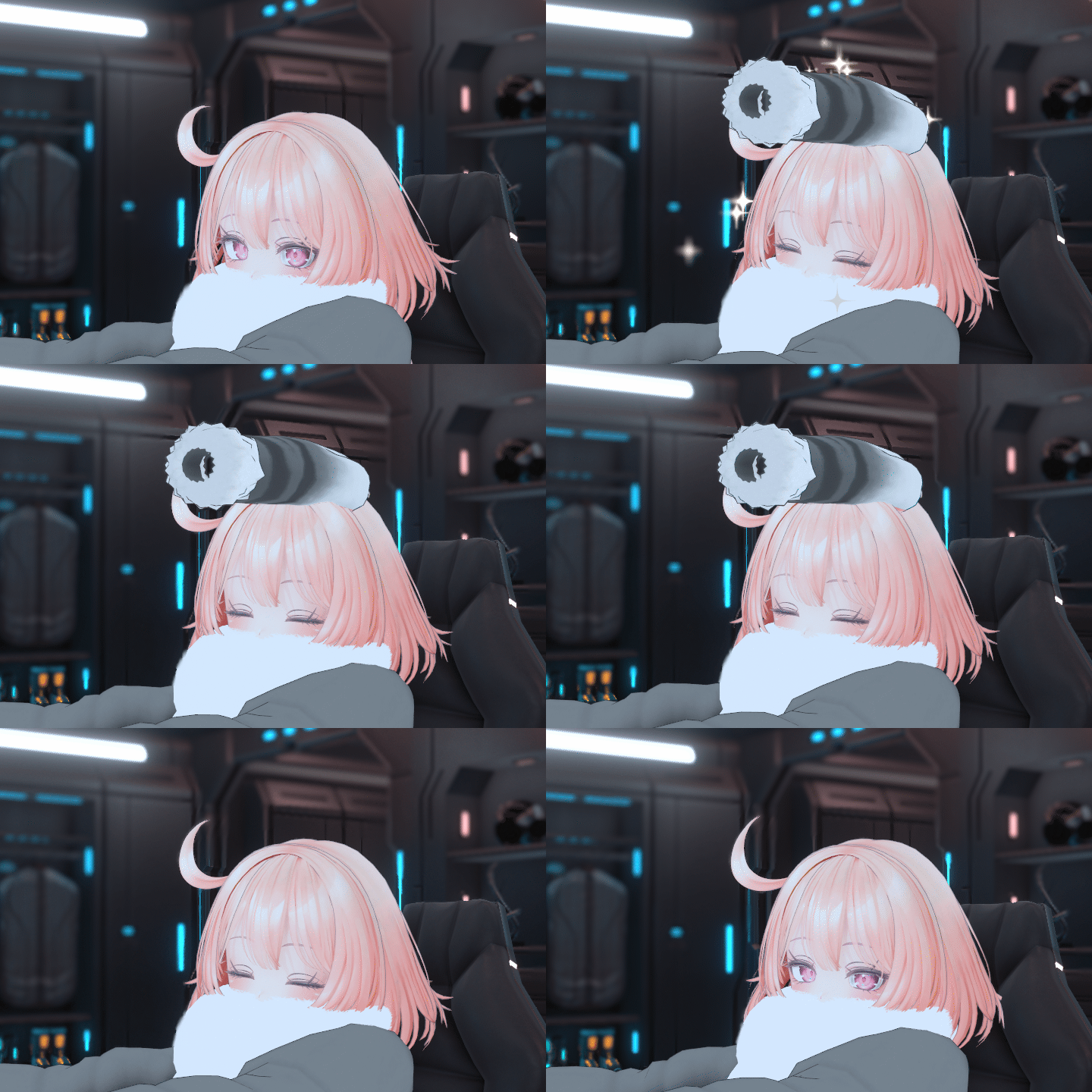 Head Pat Interaction
 -
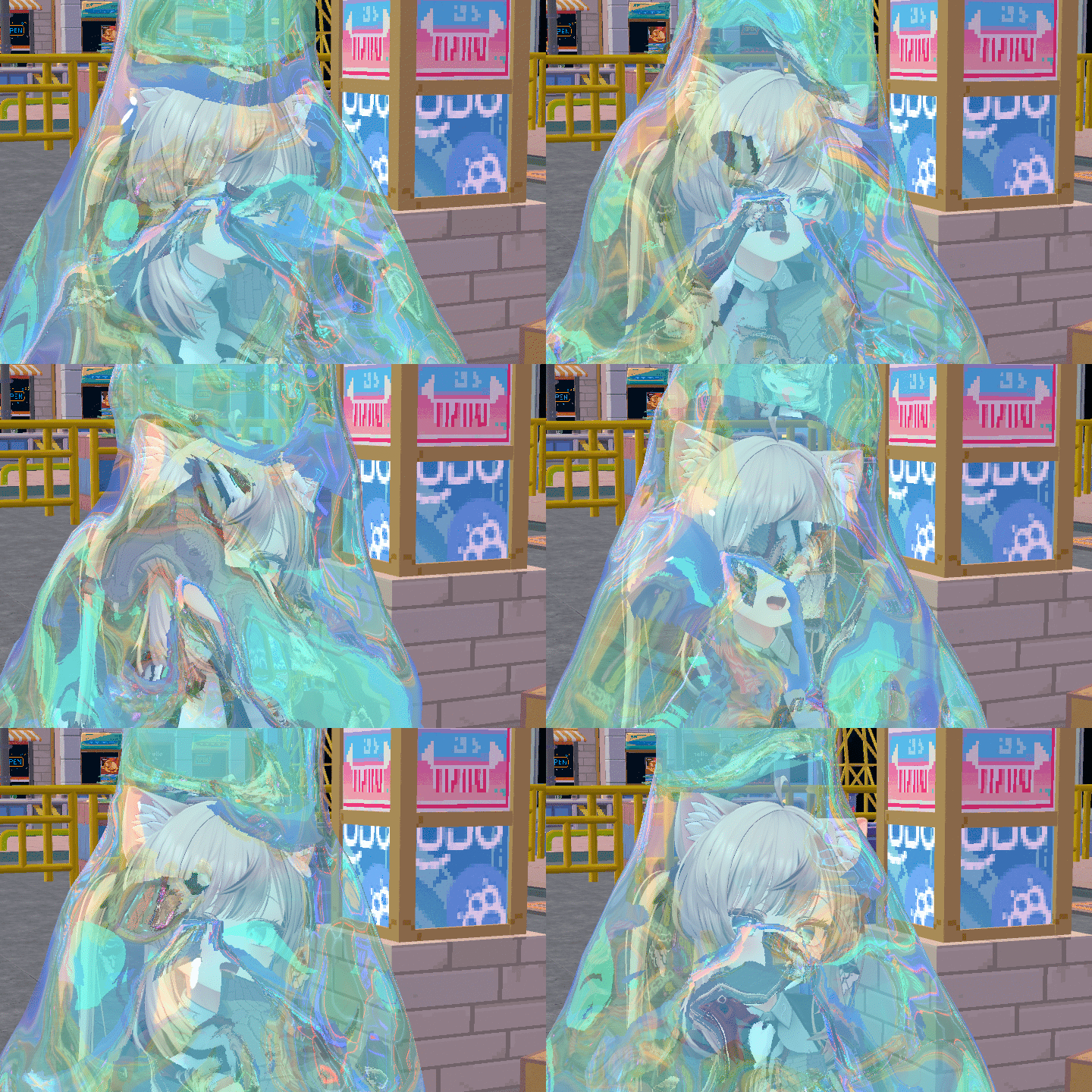 Splash Water Interaction
 -
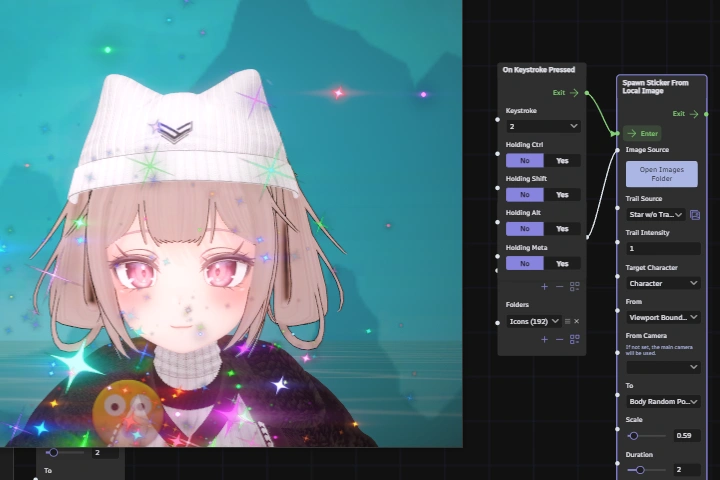 Scatter Stickers Interaction
 -
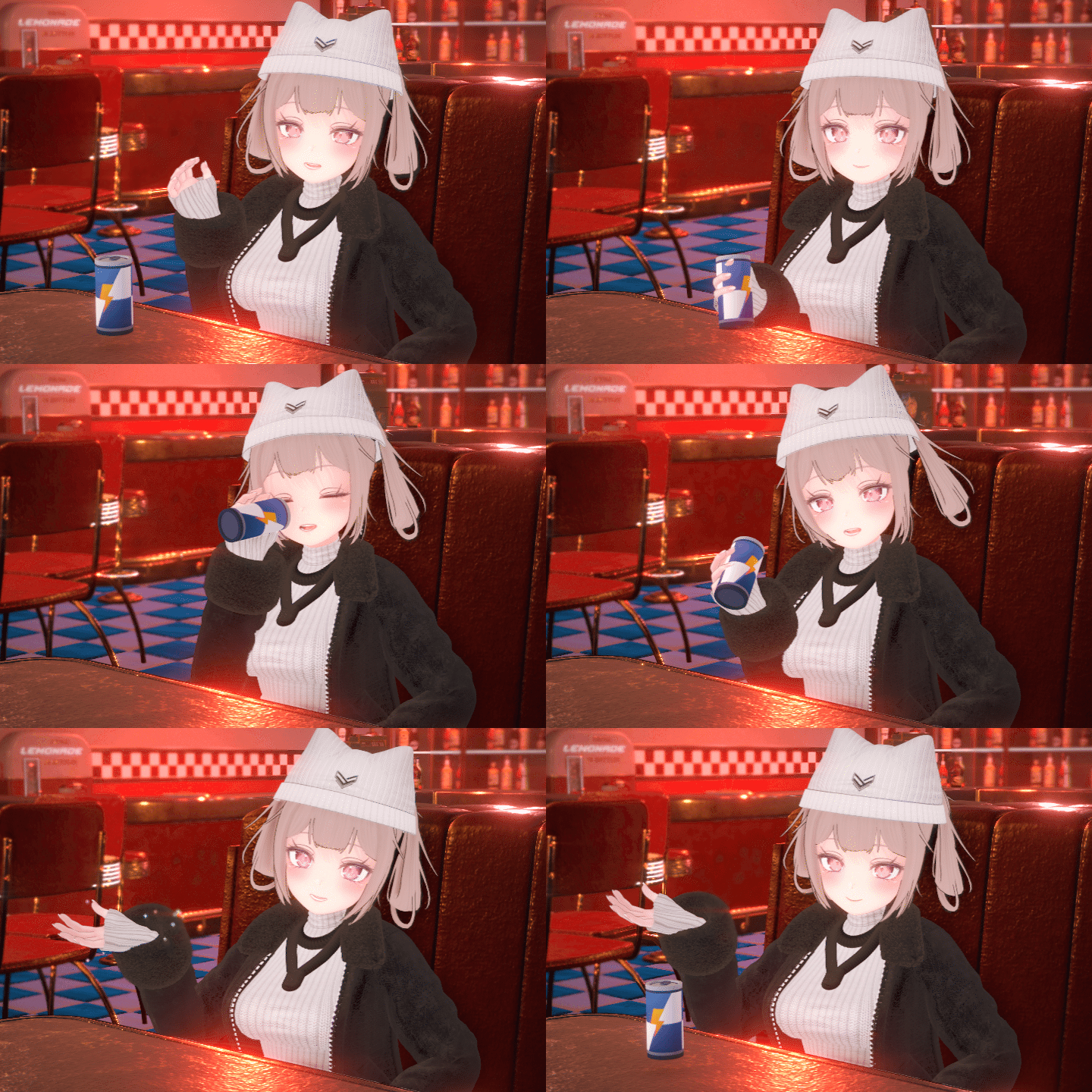 Grab Object Interaction
Part 03. Creating Warudo Blueprints
-
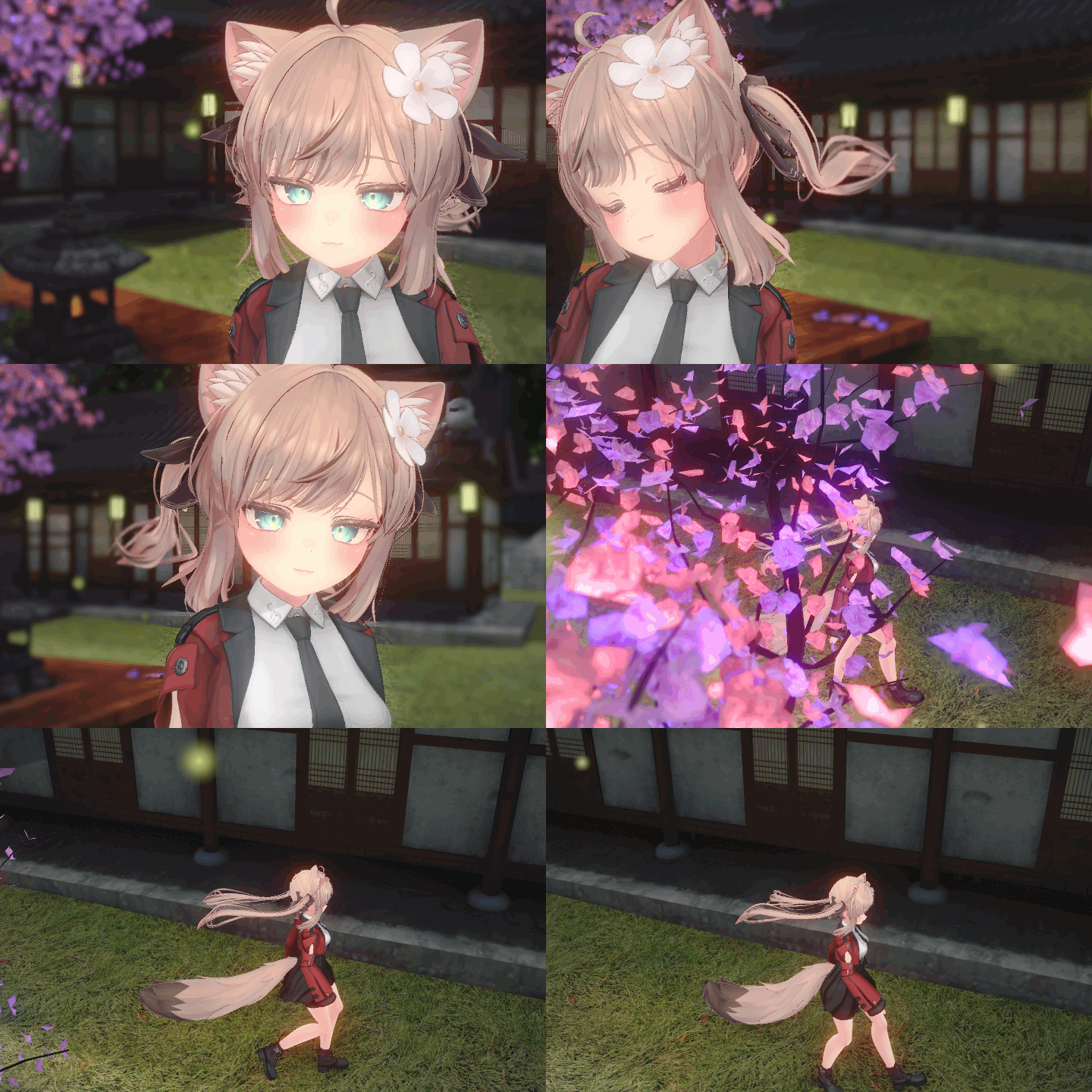 Walking System
 -
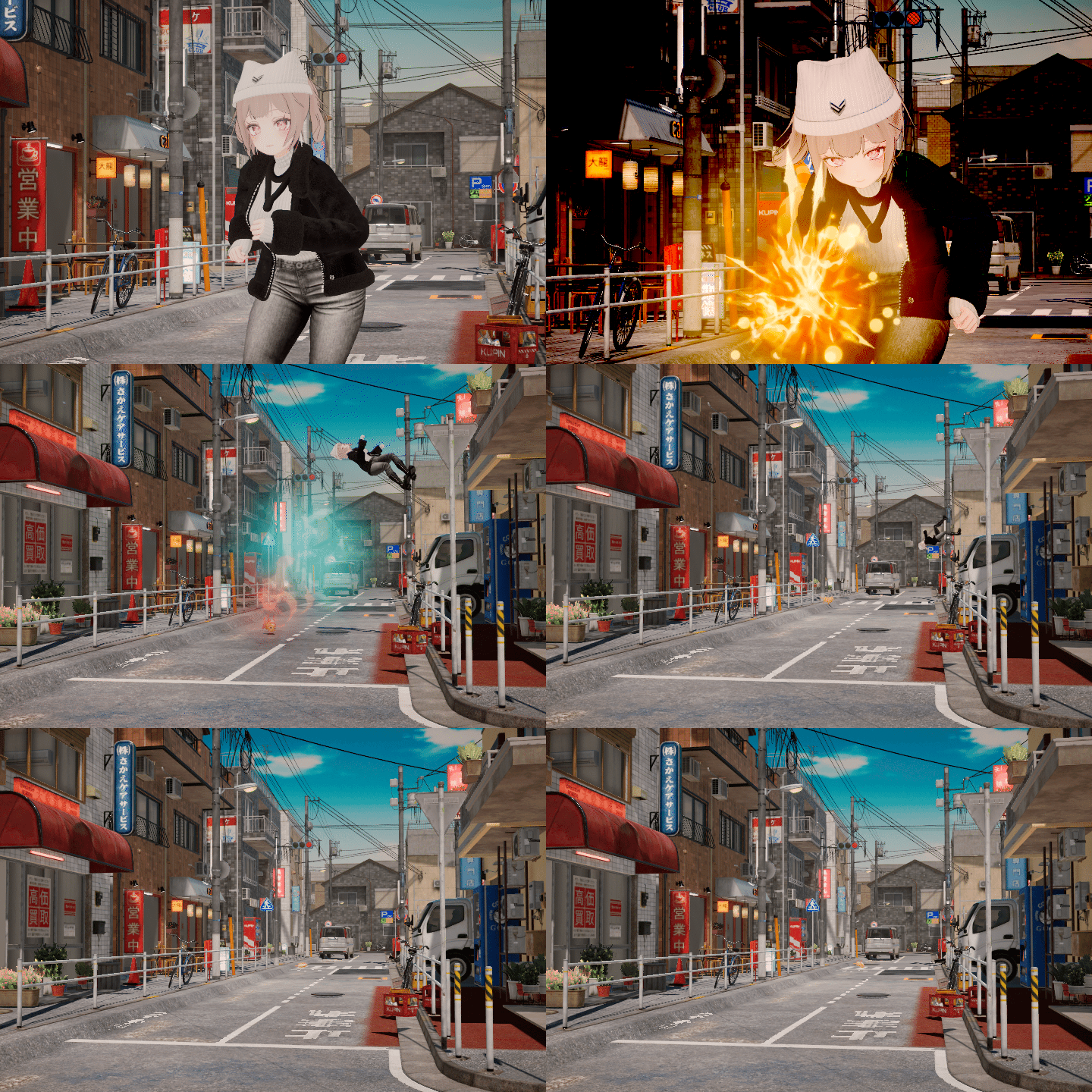 Camera
 -
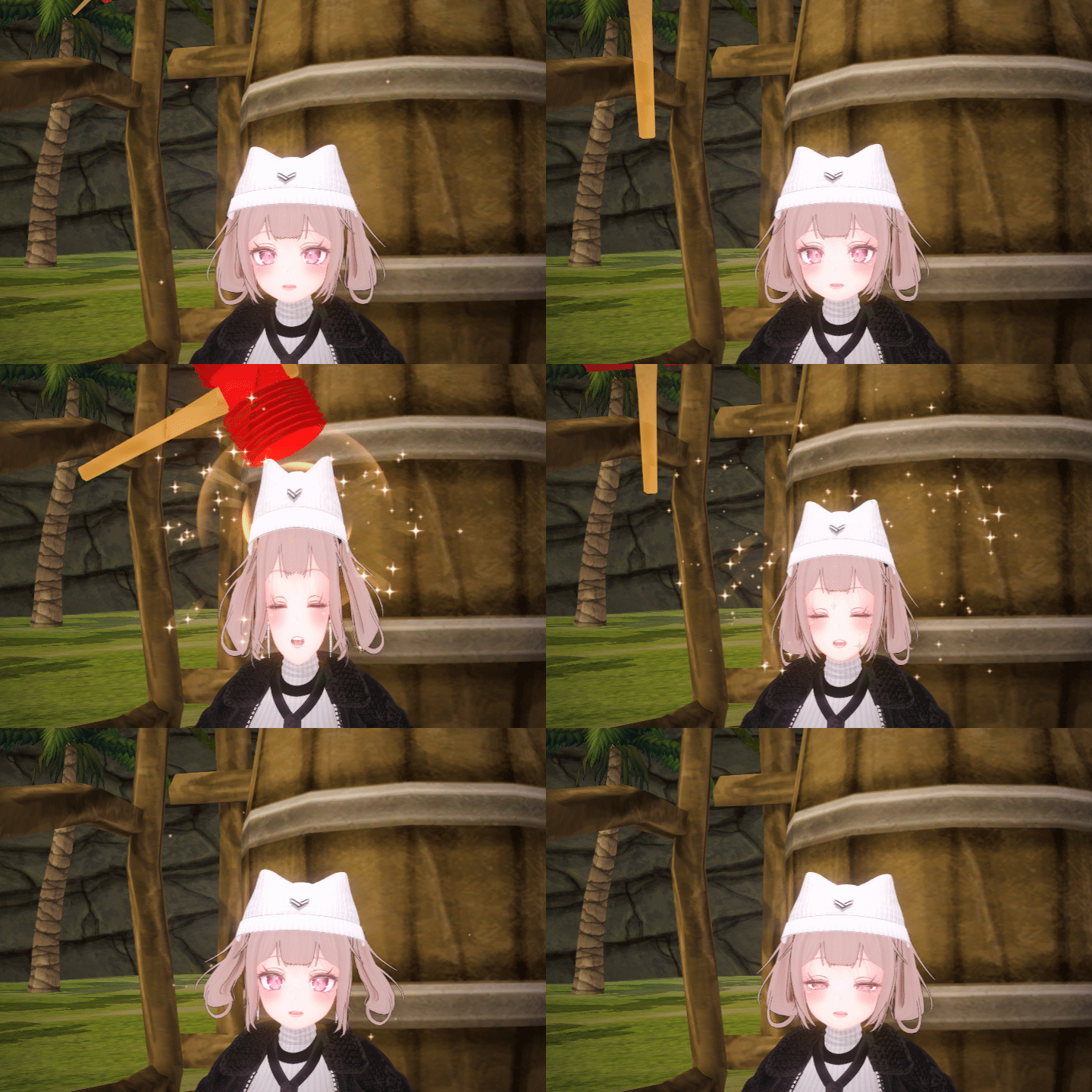 Toy Hammer
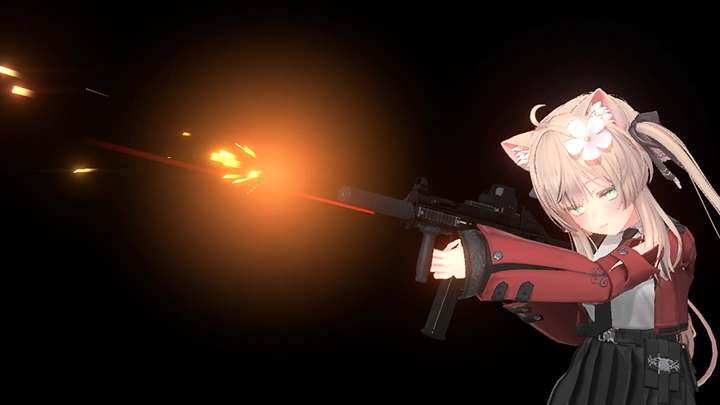
Gun System Creation
Part 04. Warudo SDK Asset Creation
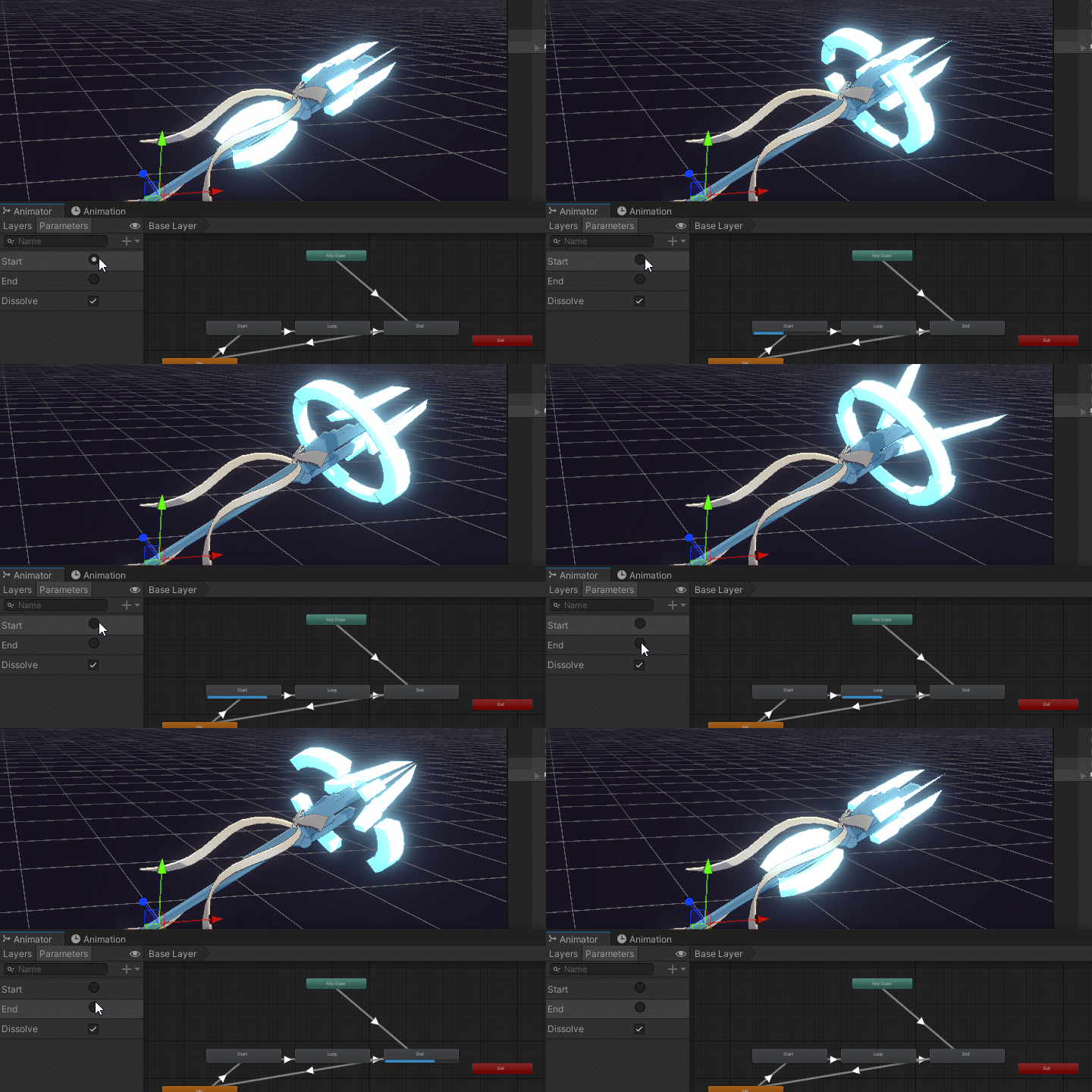
Creating Custom Assets
-
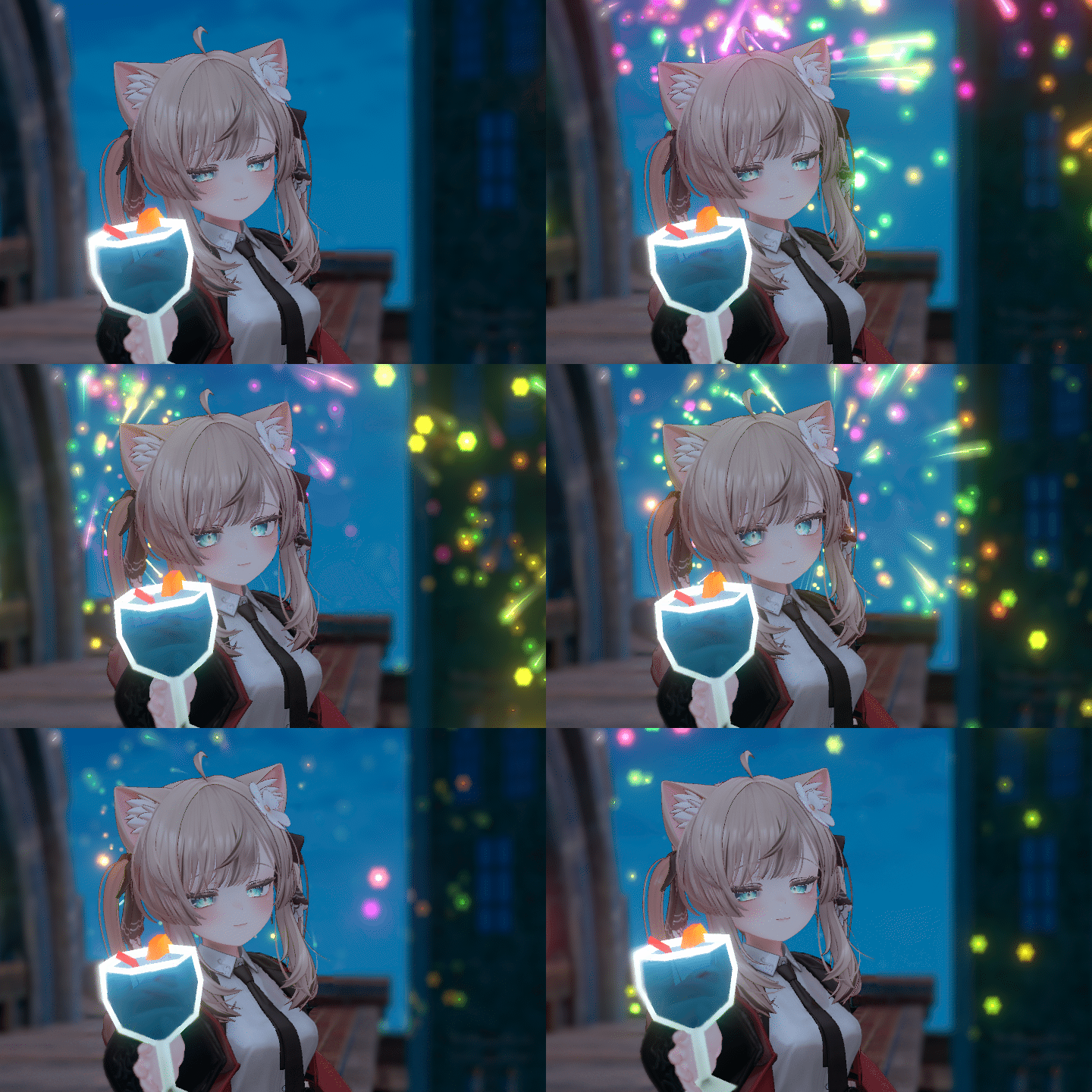 Creating Your Own Effects
 -
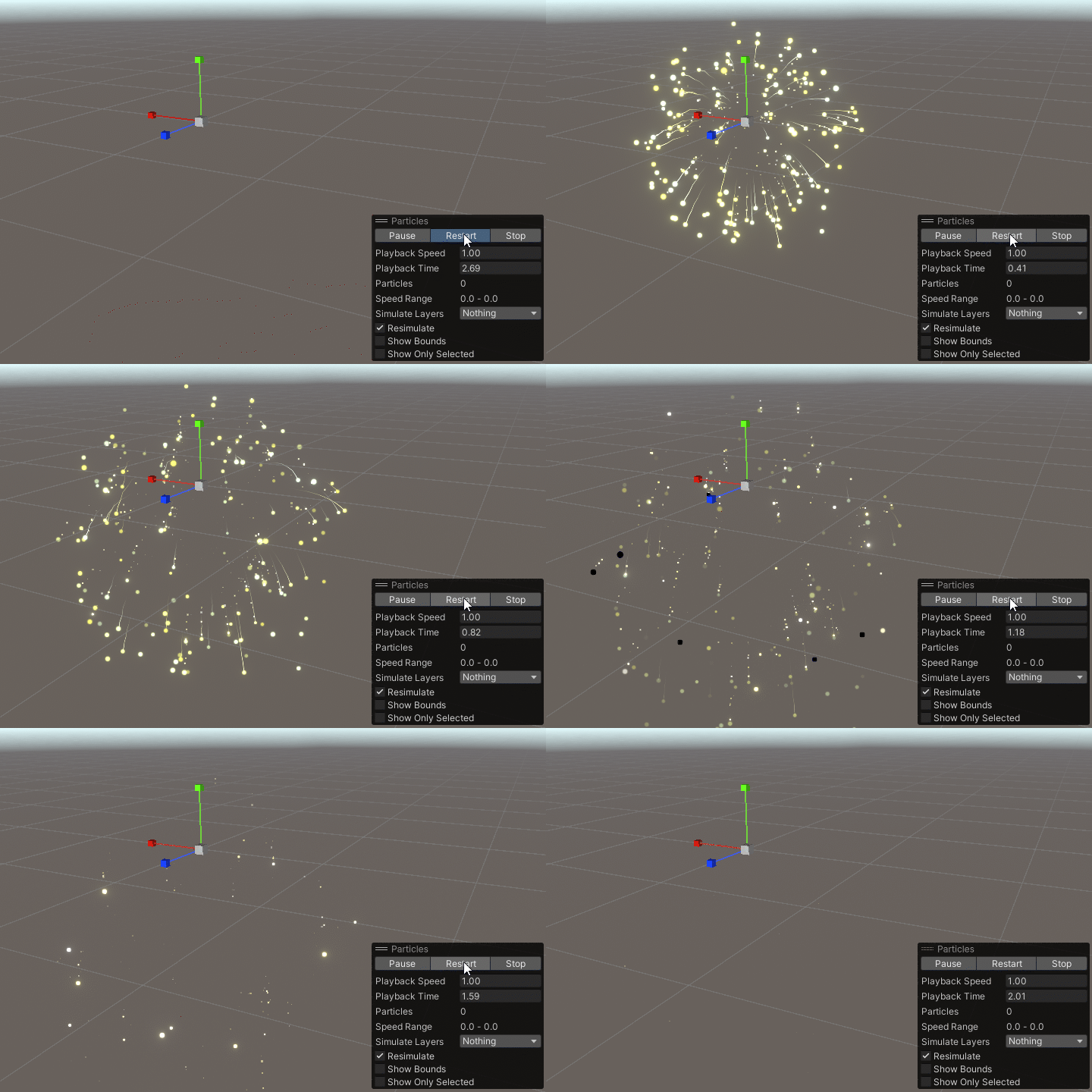 Unity Particle System
 -
 Mod Creation
Credits
*This class video was created with permission from the following creators and features their works:
진권 / ジンゴ (@jingo_1016, https://jingo1016.booth.pm/) – Manuka and Selestia characters:
velvetsky (https://velvetsky.booth.pm/) – Bleak outfit:
SOLSTICE (@SOLSTICE_VR, https://solstice.booth.pm/) – LEIRIA outfit:
#Relee (@relee_shop, https://relee.booth.pm/) – Daily Neco and Daily Long Puff outfits:
Mizu_3D (@Mizu_3d_order, https://mizuthecat.booth.pm/) – Ring Hair hairstyle:
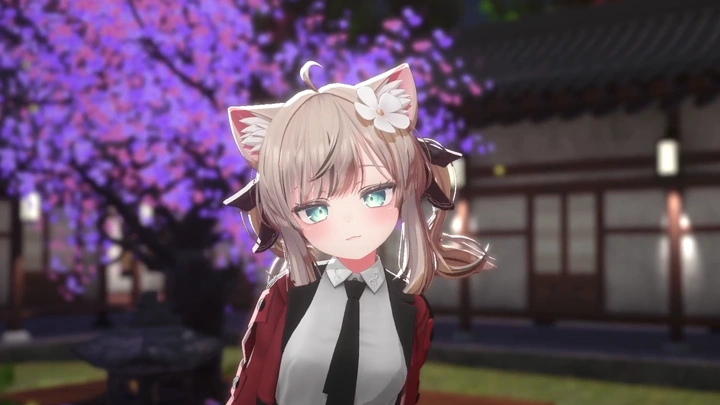
이노랑 (@2norang, https://2norang.booth.pm/), HiKa (@hika_247) – Traditional Korean house background for Warudo use
Instructor
3D Virtual Creator
MoraeCat
Hello, I’m Moraecat, a 3D virtual creator. I first became interested in VTubing in 2017 and officially started my YouTube activities in 2019, creating content focused on various virtual technologies. Currently, I’m working on a variety of collaborations and virtual streaming environment setups using Warudo, the next-generation 3D VTuber broadcasting software.
In the rapidly growing virtual content market, Warudo stands out as a tool with exceptional visual capabilities and limitless expandability. Through this class, I’ll introduce what exactly Warudo is, what it enables you to do, and the key advantages it offers. I’ll also help you easily understand its otherwise complex Blueprint system, making it more accessible even for beginners.
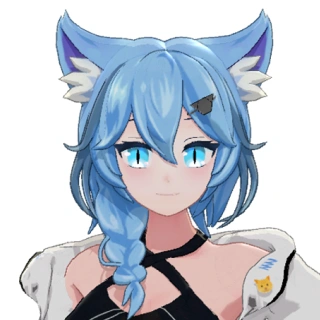
3D Virtual Creator, Moraecat
[Current]
Collaborative creator with NiloToon and Orvit ENT, the official Korean distributor of Warudo
Virtual creator and Warudo setup specialist
Projects & Awards
[Participated Projects]
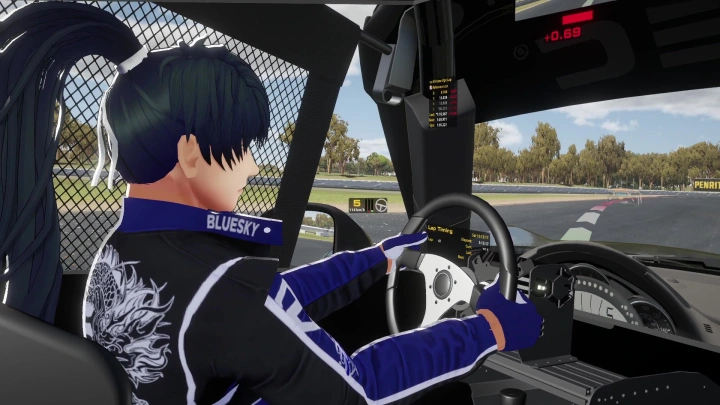
Virtual streamer Namgoong Hyuk – 6-DOF motion simulator racing stream setup
Virtual streamer Namgoong Hyuk – new outfit reveal stream setup and remote operation
Virtual streamer Doomung – new outfit reveal stream setup
Virtual group 'Project Horizon' 2nd generation members 'Miu' and 'Nia' – Warudo training and basic stream setup
Virtual streamers Hincok and Baeksong – stream setup
Subculture Festival 3rd Live Event (Kkokkamy, Doomung, Yoon Ije) – Warudo setup and remote operation
Donation API integration and Warudo streaming setup for:
- Rancho
- Nyami
- Baek Seohyang
- Yoon Ije (under BLEEZ)
- Strawberry Shumong-i
- Ui
- Todagi
- Floris Loe (under VRidge)
Highlights
Class Highlights
A beginner’s toolkit to overcome the initial hurdles of using Warudo for the first time in your life.
Dive into Moraecat’s comprehensive Warudo class! Perfect for beginners, this course starts with the basics and guides you step by step through Warudo’s powerful features so you can build skills and confidence as you go.
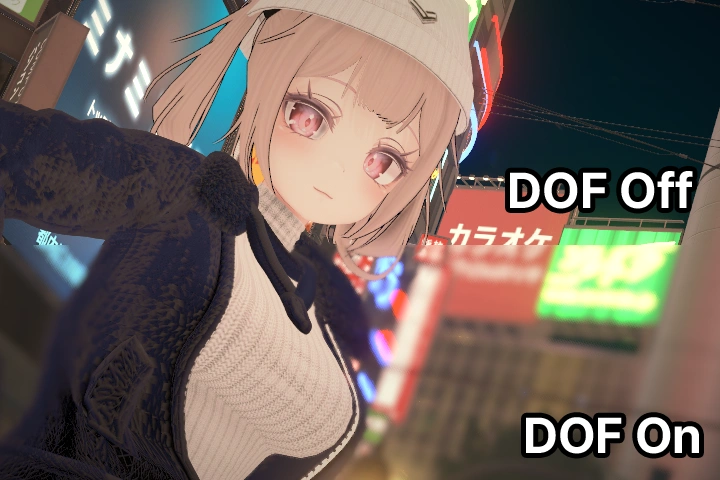
Easily understand Warudo’s Blueprint system with clear, beginner-friendly explanations.
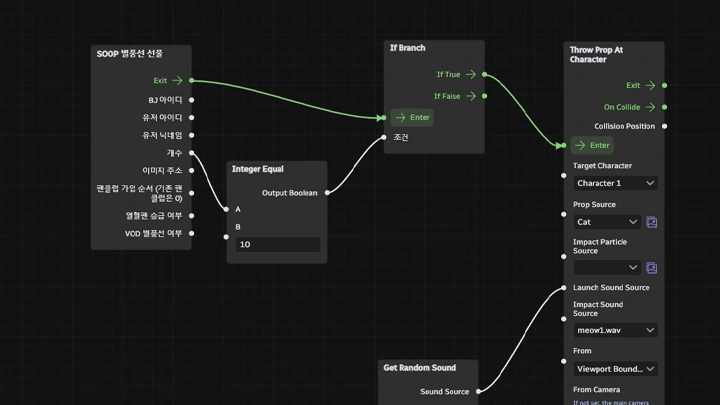
Blueprint, the core system of Warudo, lets you build custom features exactly the way you want! Connect multifunctional nodes with lines to create a flow and trigger your desired actions. Even if you’re completely new to coding, don’t worry through step-by-step examples and hands-on practice, you’ll assemble node-based systems like solving a puzzle and build your own interactive broadcast setup.
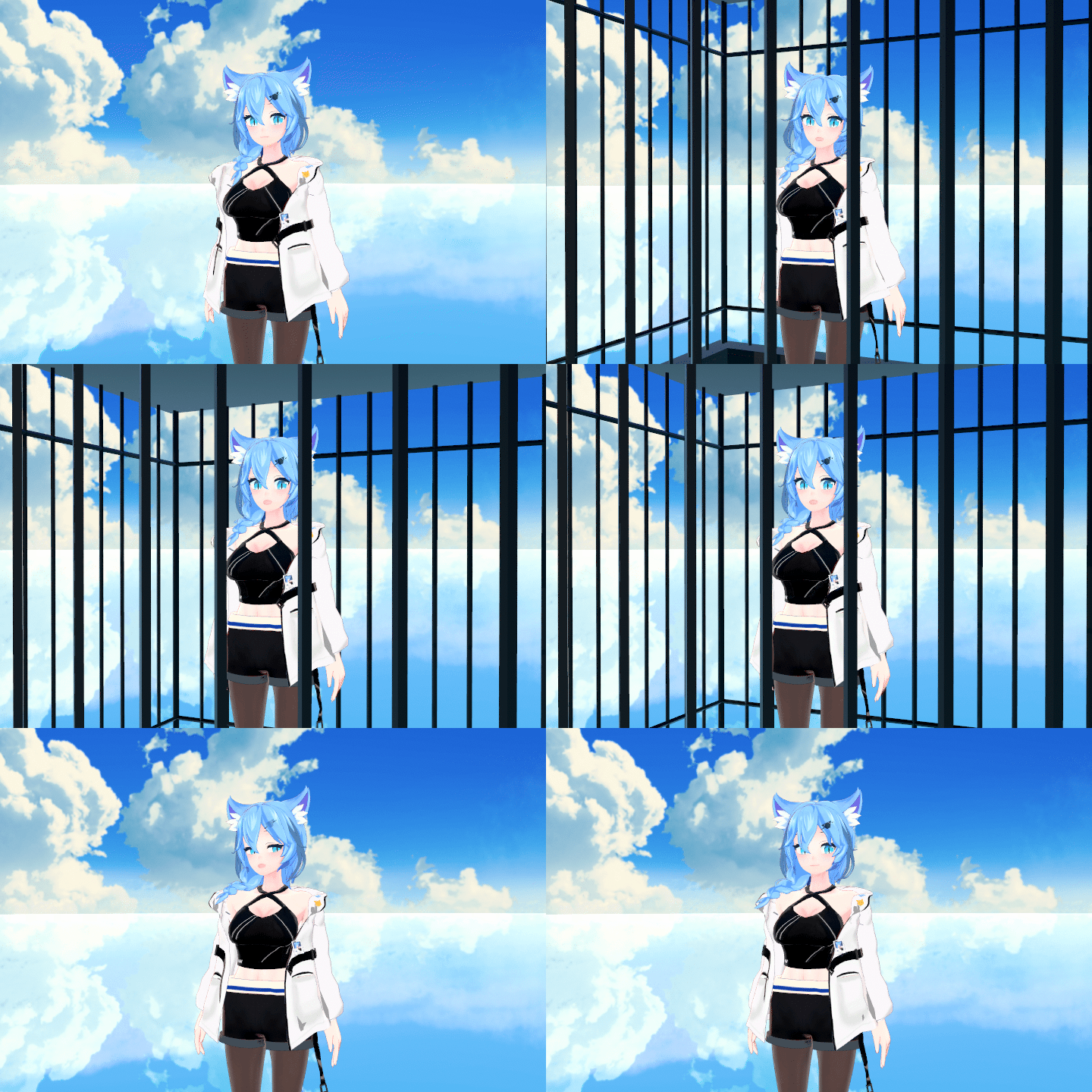
Creative API reaction practice to maximize broadcast entertainment.
The highlight of any virtual streamer broadcast donation features! Try implementing fun effects such as objects flying in when a donation is received, along with a variety of other creative reactions that enhance your show’s entertainment value. Based on Moraecat’s real-world examples, this session guides you through building interactive features that engage your audience and bring your virtual presence to life.
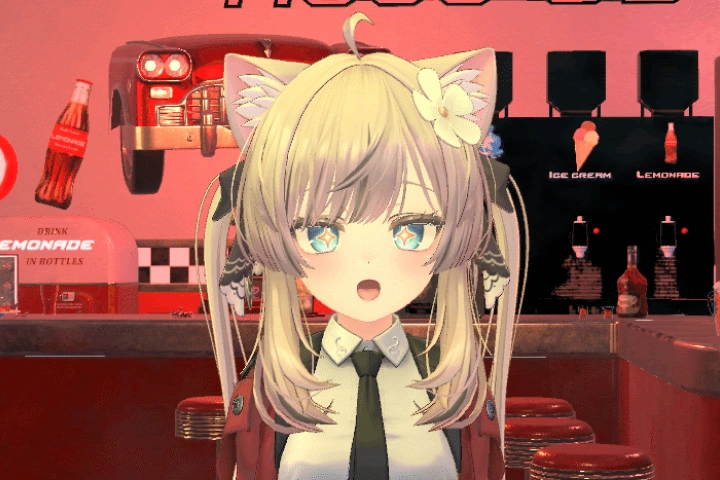
Class Details
You'll Learn
-
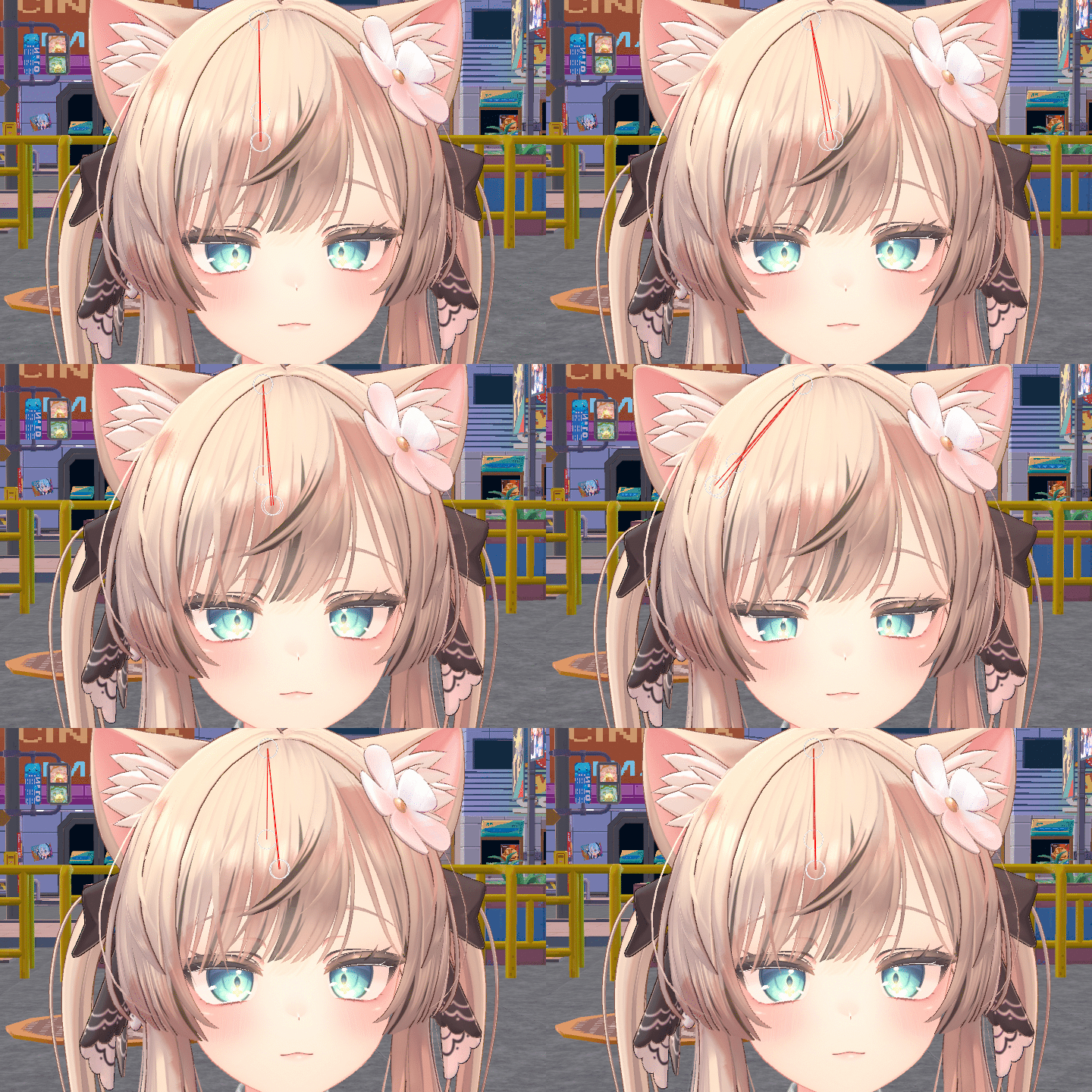 Easily set up your virtual broadcast environment with this beginner-friendly Warudo course!This is the most structured curriculum for learning Warudo fundamentals. Learn the essential features in detail: freely moving objects, facial and pose tracking compatible with various devices, importing screens from other games or cameras, and more.
 -
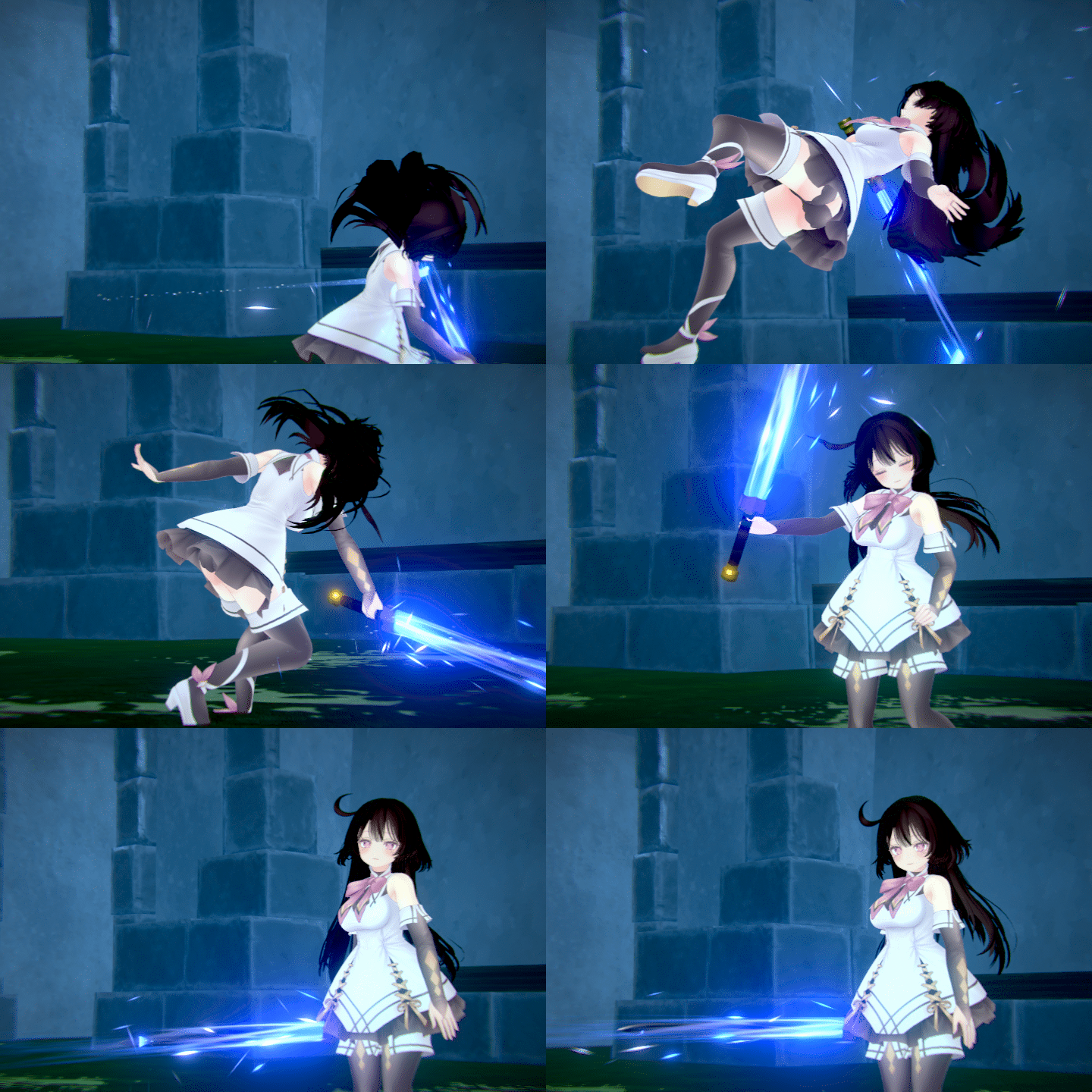 The limitless possibilities of Warudo! Explore the global user community.Discover a vast array of additional assets and plugins beyond the default offerings—many of which Moraecat has personally used in professional projects. Learn how to make the most of these essential add-ons to level up your virtual broadcasts and custom setups.
 -
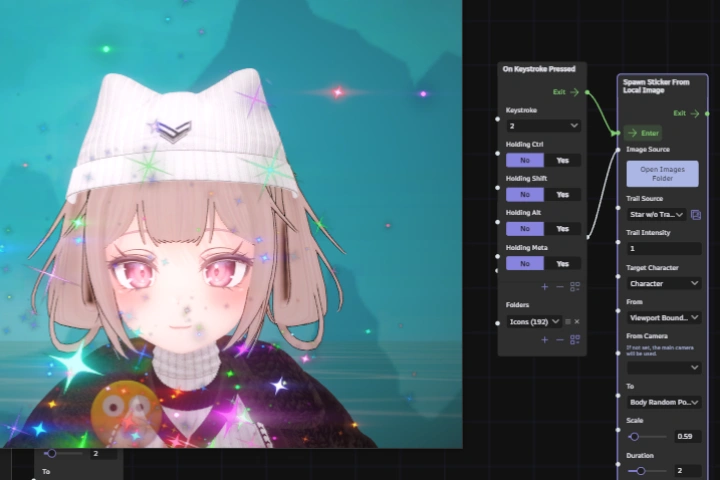 No coding skills? No problem! Easily understand the Blueprint system.Learn the essentials of Warudo’s node-based visual scripting system—even if you’ve never touched a line of code. This intuitive blueprint workflow is designed for beginners, making it easy to grasp how different nodes connect to create interactive features. Build your confidence as you explore a simple, visual approach to customizing your virtual broadcast setup.
-
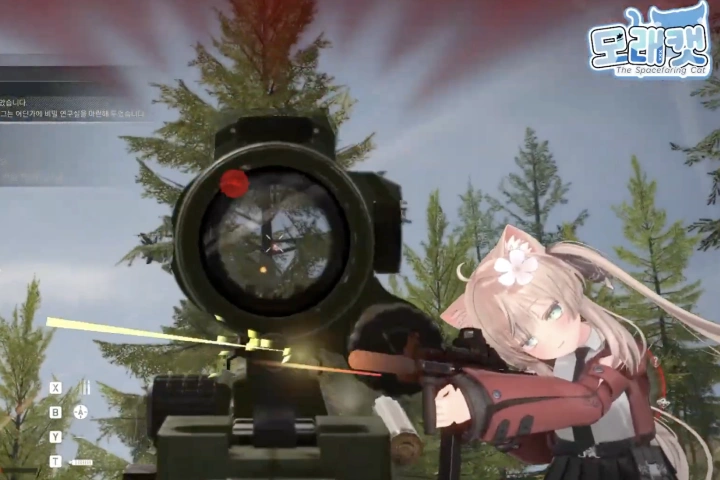 Practical Development Starts with Blueprints! Learn Through Proven ExamplesNot sure where to begin with Warudo’s Blueprint system? Start with hands-on practice using real-world examples inspired by features popular among streamers. Through a series of practical use cases, you’ll learn how to build and customize interactive functions that react in real time during your broadcast. Discover NN essential Blueprint examples and how to implement them directly into your own virtual streaming environment.
 -
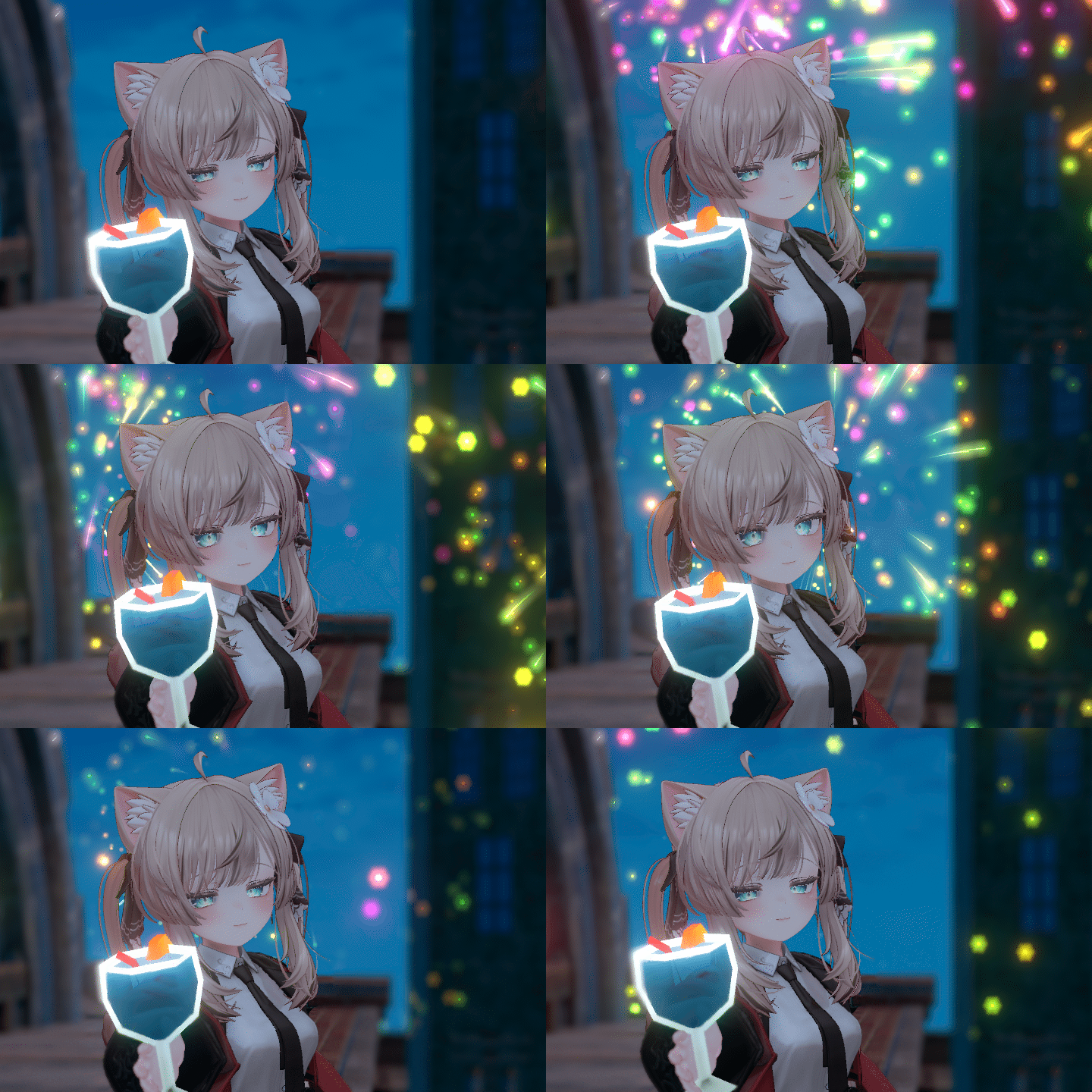 Create Your Own Custom Assets! Understanding Unity & Warudo SDK IntegrationMaster the essentials of building and applying personalized assets using the Unity engine and Warudo SDK. Learn how to design, import, and distribute custom props and features tailored to your virtual streaming setup. This module walks you through the basics of Unity, then dives into using Warudo’s SDK to craft and implement one-of-a-kind assets that make your broadcasts truly your own.
 -
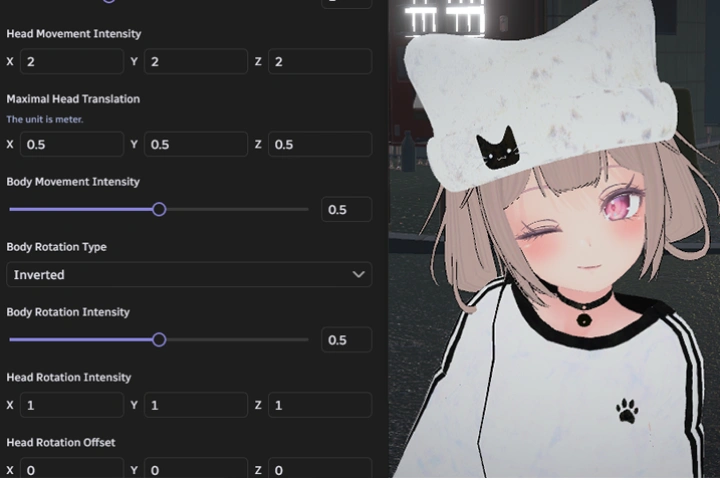 From Setup to Show: Building Your Own Virtual Streaming EnvironmentLearn how to create and customize your very own streaming setup from scratch! Whether you’re a virtual streamer aiming to deliver visually engaging content, or a creator collaborating across fields, this course guides you through practical techniques to design, implement, and personalize your broadcast environment. Unlock the know-how to craft a setup that reflects your unique style and enhances your viewer experience.
- Unlimited Access
- Best Price
Buy now, get unlimited access.
12/31 (Sat) (UTC-7) Special offer ends soon.
This special offer ends soon.
Buy now and save!
Interview with
3D Virtual Creator, Moraecat

Question.01
What do you consider to be your strengths when working on projects?
This course stands out by delivering creative and practical solutions based on real-world experience. I’ve spent a lot of time researching how to build engaging and entertaining virtual environments, and have applied those findings to both public content and commissioned projects. Thanks to the hands-on experience with various clients, I’m able to quickly identify issues and offer innovative solutions tailored to each setup. This know-how has been distilled into a course that focuses on what truly works in live virtual broadcasting.
Question.02
What is the purpose and main focus of this course?
Through past collaborations with various VTubers and technical clients, I often heard feedback like, “Warudo has a lot of features, but I don’t know how to use them,” or “Even when following YouTube tutorials, it’s still too hard.” There’s a common perception that Warudo is a powerful but difficult tool. Unlike edited videos, which often compress information to match pacing, this course aims to convey my intentions clearly and thoroughly. My goal with this lecture is to walk you through Warudo from beginning to end—without skipping any essential details—so that even beginners can gain a deep, practical understanding of how to use it effectively.
Question.03
What sets this course apart from others?
If VTuber-related assets were previously limited to modeling, illustration, rigging, and static broadcast background images, Warudo is a tool that enables far more. Real-time movement is just the beginning—depending on how you utilize Blueprints, it’s possible to implement virtually anything you can imagine within Warudo. Despite being such an infinitely expandable tool, Warudo has remained relatively unknown in Korea. Through this course, I aim to significantly lower the barrier to entry and help shape a new and growing market.
Required Programs
This course will use
- Warudo 0.12.17 (beta branch), Unity 2021.3.44
* Unity 2021.3.18 ver. or above is recommended.
Please purchase and install these program(s) for an optimized class experience.
*These programs and/or materials will not be provided with the course.