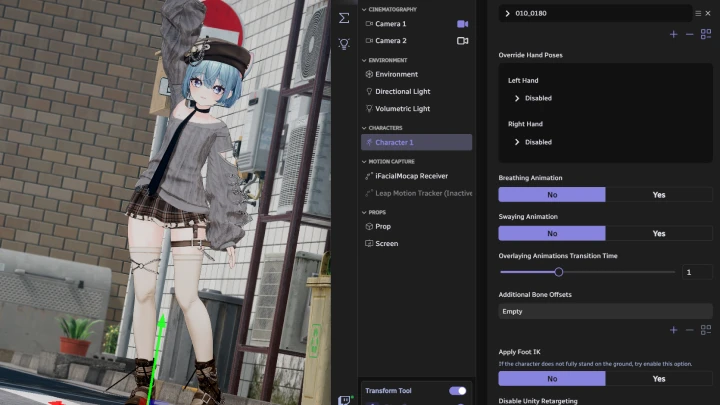
[Course]3dvirtualartist,kimraming_김라밍KR Details
Intro

Now in Your Language, Only on Coloso!
Learn from Korea's Top Master Creatives
-
 A Coloso KR Class to Hit almost 4.5M in Sales in Just One Month!
 *3/5~4/7
-
 Comprehensive Guide to 3D Virtual Avatars
 -
 Learn Basic Modeling to Advanced Customization
A New World for 3D Virtual Avatar Creation, with No Barriers to Entry! A Beginner’s Guide to 3D Avatar Customization
The quickest and cutest way to create your own virtual avatar! Instead of designing and modeling all of your resources, learn how to use avatar models to customize various hair and clothing to suit your style. Kim Raming will demonstrate a highly efficient avatar workflow that allows even beginners to achieve high-quality results!

This class focuses on avatar customization, which includes combining and modifying existing heads, outfits, and hair! Get ready to make your VTuber debut with a variety of tool settings and modifications, and don’t worry about modeling theories. Kim Raming’s class will teach you how to create your own charming 3D avatar to your liking!
Class Perks
Get These Coloso Exclusives
-
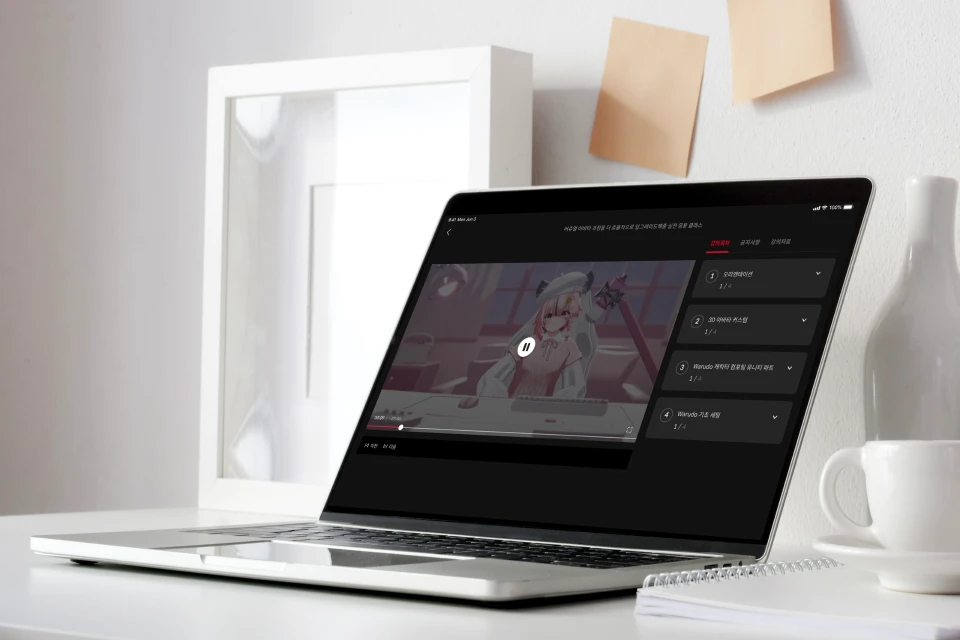
3D Avatar Customization Process
Unlimited Access to 28 Chapters -
Created by Kim Raming
Blender and Unity Plugins -
Following Along Exercises
Original Warudo Scene Files
Class Material Details
-
 Plugins That Reduce Unnecessary Mistakes and Time- Blender shape key automatic generation tool
> ARKit 52 automatic facial key generation
- Blender vertex selection tool
> Automatic selection function for precise work and minimizing manual work -
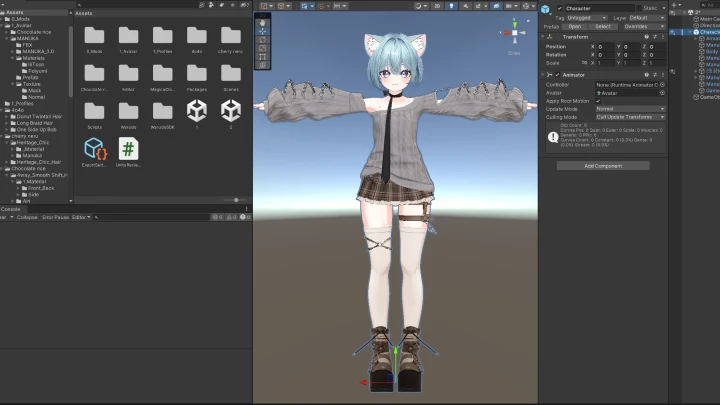
 Automation Plugins to Complete Tasks with One Click- Unity avatar customization tools for clothing and hair
> Minimize repetitive tasks by automating the application of clothing and hair
> Automatically remove PhysBones and unnecessary scripts
> Automatic weight-based bone (skeleton) detection
> Support for organizing parts in avatar files
- Unity material management tools
> Quick and easy shading settings
> Application of materials in bulk
- Unity component duplication tool
> Easily duplicate components on game objects -
 Following Along Exercises Original Warudo Scene FilesAdd Your Own Colors to the Completed Exercises
- Original Warudo scene project files provided
> Original Warudo scene files demonstrated in class
Recommendation
Who Should Take This Class?
Beginners in 3D virtual avatars who want to monetize themselves through asset and modification work
Current or prospective VTubers who want to set up their own avatars instead of outsourcing
Beginner 3D avatar creators who want to transform a purchased avatar into one they truly want
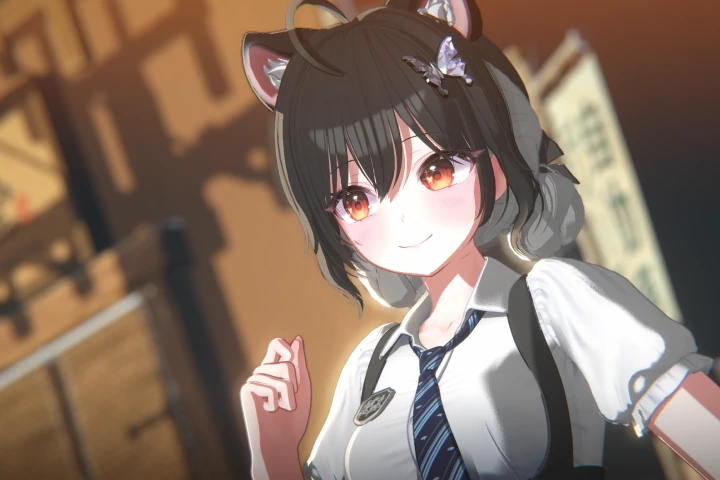
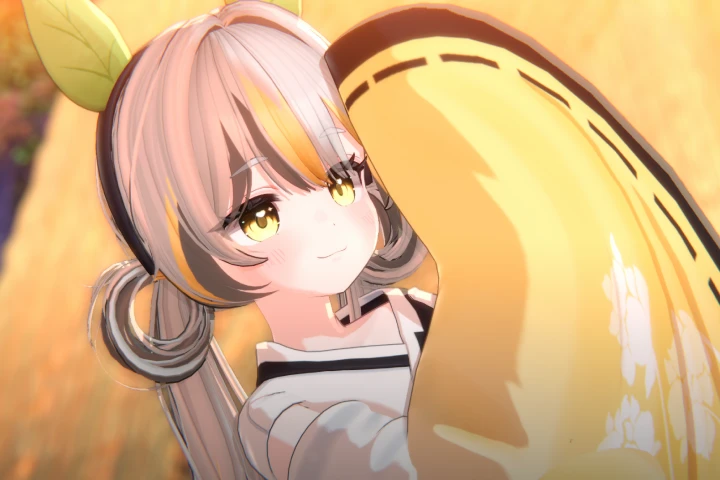
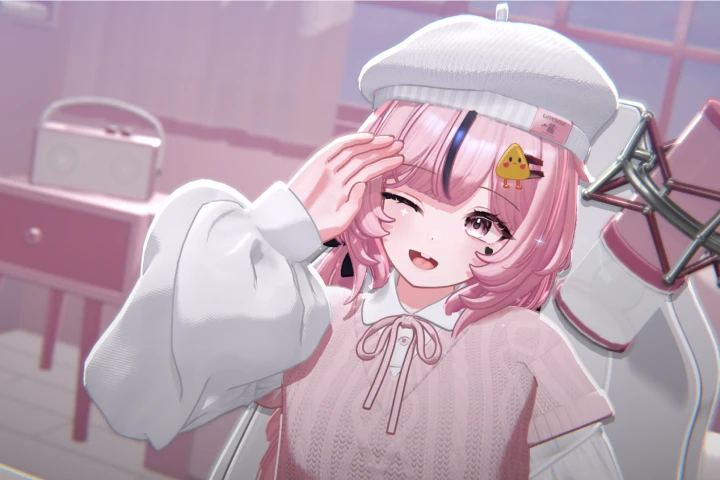
Expert 3D Virtual Artist Kim Raming's Portfolio
Credits
[Avatar Face & Body]
STUDIO JINGO
https://jingo1016.booth.pm/
[Clothes & Hair]
Neru0606
https://neru0606.booth.pm/
4o4o
https://4o4o.booth.pm/
Chocolate rice
https://chocolaterice.booth.pm/
* The examples in this class were used with permission from their respective creators.
Why Take This Class?
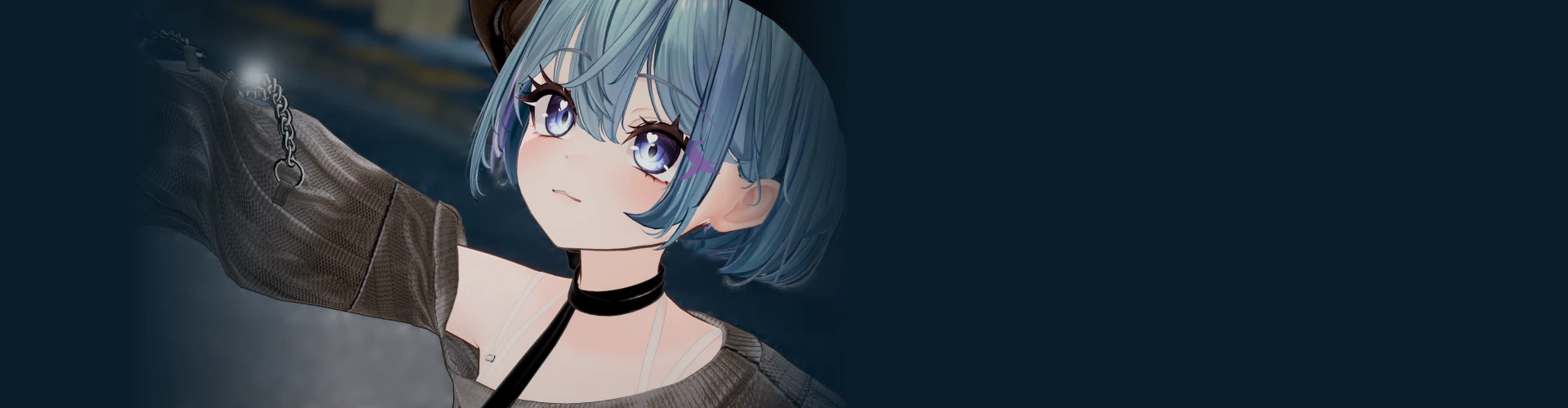
Personalize your 3D avatar with your own unique visuals! Create a variety of facial expressions that make your avatar unique. Customize your avatar's look with shape keys, then use motion capture with an iPhone to create a personalized avatar as detailed as the image in your head.
Learn how to mold Blender shape keys to reflect hair and eye color, age range, and animal features, as well as how to use iFacialMocap to work with facial textures and capture facial expressions. Start the process of creating 3D virtual avatars today, which even beginners can use right away in VRChat and Warudo!
22 Class Exercises
Part 1. 3D Avatar Customization
-
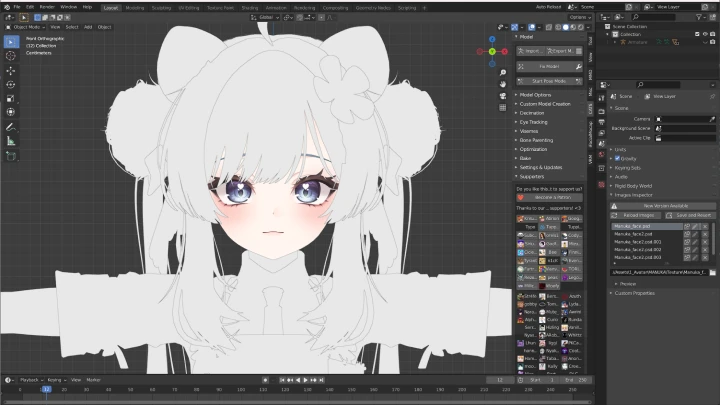
 Customizing Avatar’s Face Using Shape Keys
 -
 Creating Custom Shape Keys for Facial Retouch
 -
 Fixing Textures
-
 Creating Eyebrow and Eye Facial Shape Keys
 -
 Creating Lower Face Shape Keys
 -
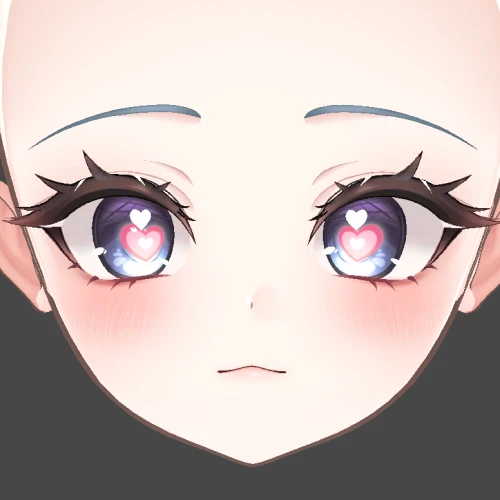 Dealing with Keys for Special Facial Expressions
Part 2. Warudo Character Converting: Unity Part
-
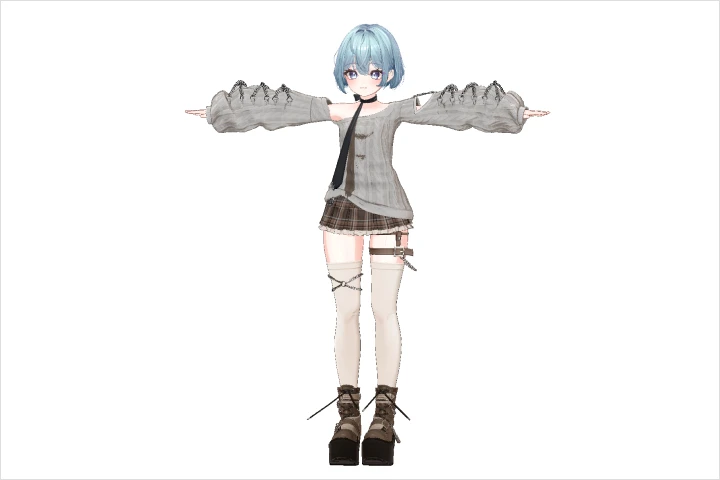 Dressing up Avatar with Clothes and Hair
 -
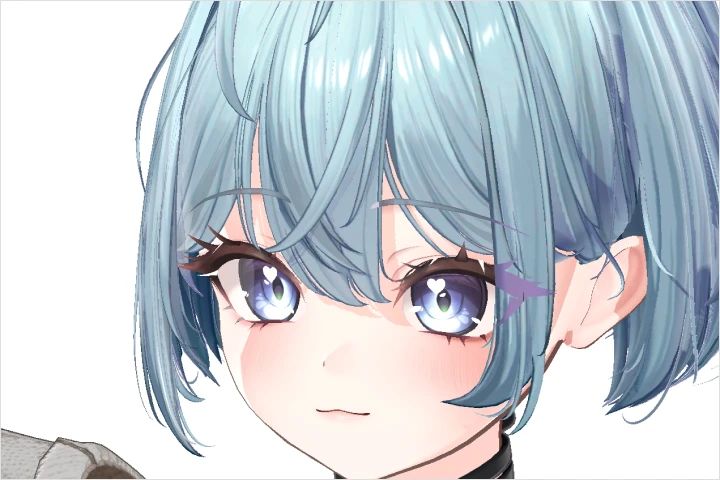 Avatar Cartoon Shadering
 -
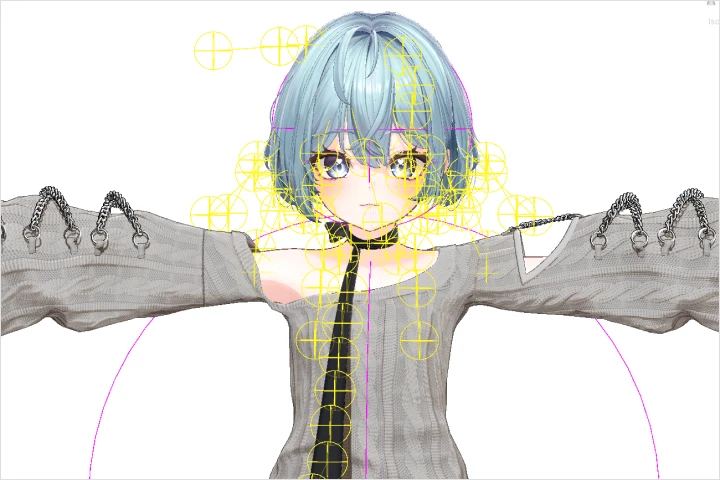 Clothing and Hair Physics Settings
Part 3. Basic Warudo Settings
-
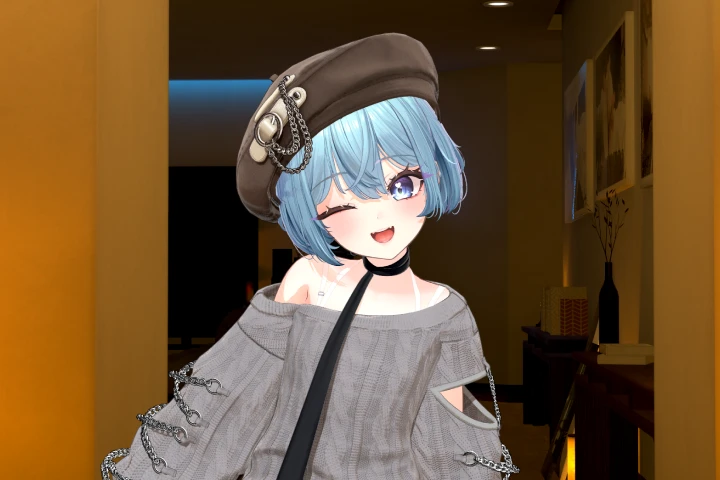 Characters and Background Settings
 -
 Pose Animation Settings
 -
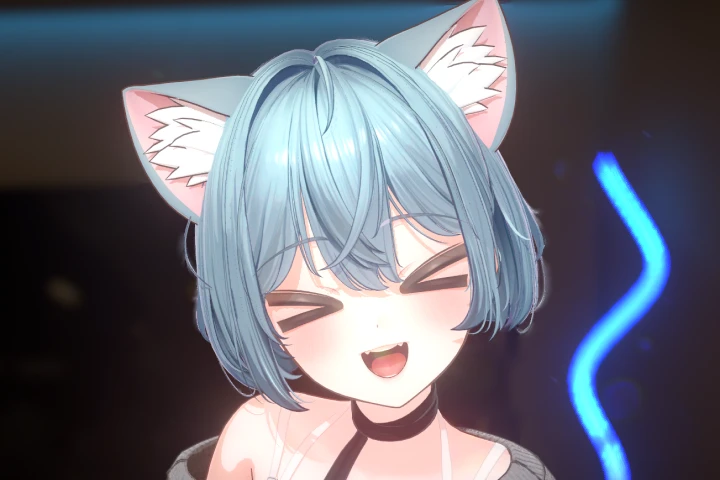 Facial Expression Settings
-
 Eye Shape Key (Eye Jiggle)
 -
 Animal Ear Movements According to Facial Expressions
 -
 Using Props
-
 Wardrobe Function and Turning Props On/Off
 -
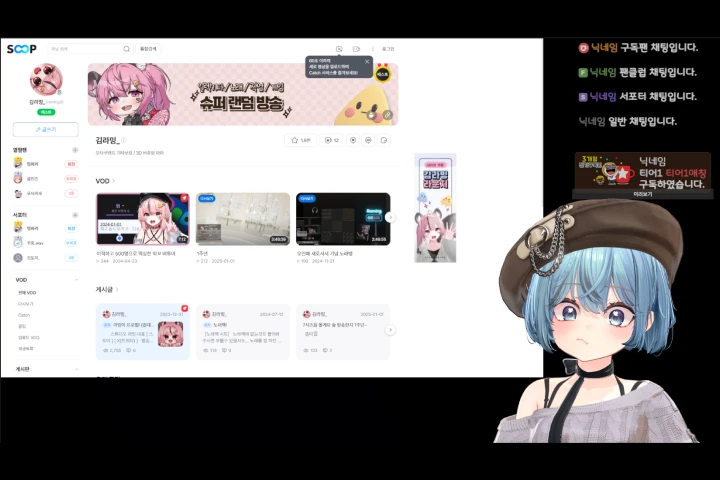 Setting up Cameras for Broadcasting
 -
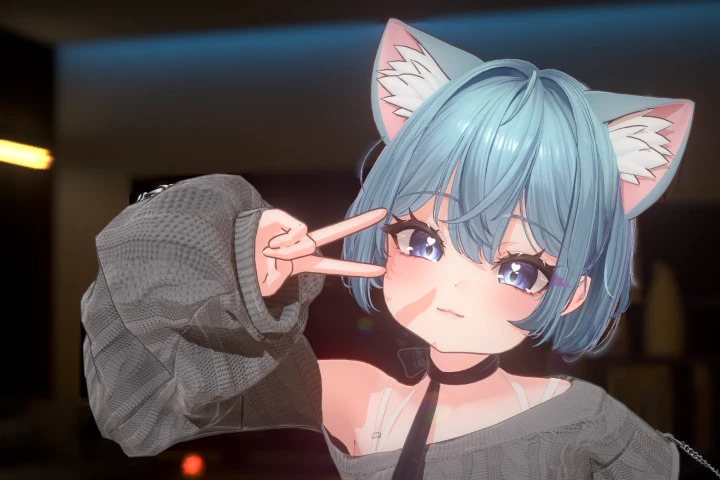 Post-processing: Screen Post-correction
Part 4. Taking Practical Application Photos
Instructor
3D Virtual Artist
Kim Raming
Hi, I'm 3D virtual artist Kim Raming. I currently run my own virtual design studio, StudioRaming, and I have over a year of experience working with my own models and broadcasting. I've also worked with ORVIT Entertainment on over 50 virtual avatars.
In this class, I’ll teach you how to quickly and easily create high-quality avatar models, even if you have no experience with 3D modeling or Unity. I’ll guide you through the first steps of virtual creation, from using ready-made models to adding your own colors.


3D Virtual Artist
Kim Raming
[Current]
CEO of virtual design studio StudioRaming
Collaborative creator for ORVIT Ent., Korea’s official importer of NiloToon and Warudo
Projects & Awards
[Original Head Production]
Chaenna
mmange2
[Avatar Design and Production]
Sah_yang
Yoon E Saem
lita282
su_ning
Saessack
RUKO
myang0315
Kitschy
[Other Projects]
Isegye Idol - VIICHAN
Psychord - oversleepZzz
V-llage - Yona
AkaiV - beemong
AkaiV - Yeorumi
AkaiV - Charmante
VLYZ - NANARING
singgyul
Yukira
Etc.
Highlights
Class Highlights
3D Beginners Welcome! Making Beautiful, Quick, and Easy 3D Avatars
Make the intimidating, perplexing world of 3D avatar creation as simple as a few keystrokes! From Blender to Unity, design, modeling, and rigging! Instead of complicated tools and professional techniques, use commercial assets that are easy to modify. Create high-quality 3D avatars in no time with Kim Raming’s unique asset customization expertise.
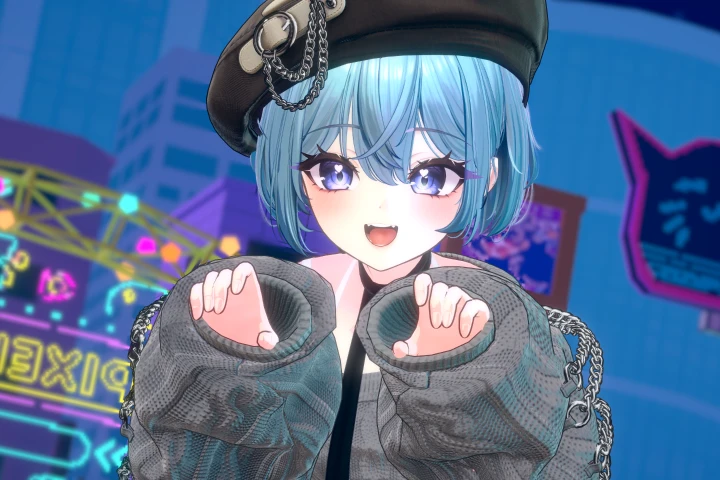
An Easy and Fun Process to Style Your Own Avatar
What if you could create virtual avatars the same way you customize characters? with a few simple slider adjustments and color changes, you can make your avatar as unique as you are. Create facial and expression keys, and test out a variety of fun expressions in real time to bring your character to life.
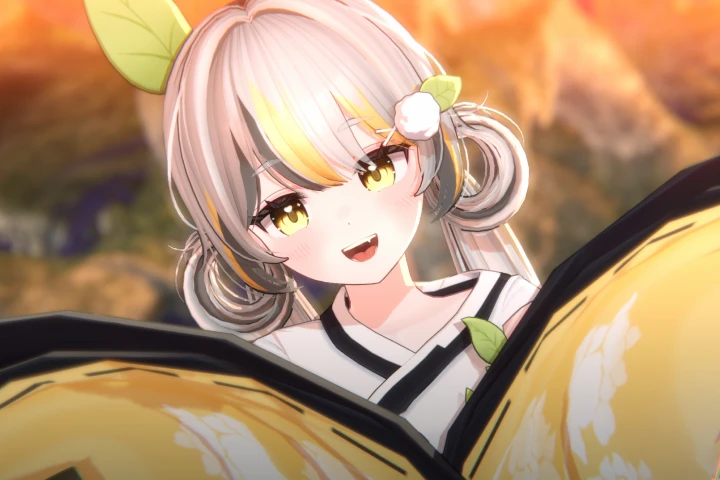
Follow Along and Learn the Secret to Becoming a VTuber Streamer
Were you never able to create content that could be used beyond examples, no matter how hard you tried to follow along with a class? Try various exercises to customize the face, hair, and clothing of your desired avatar. Learn the practical skills to create your own character that’s ready to go live.
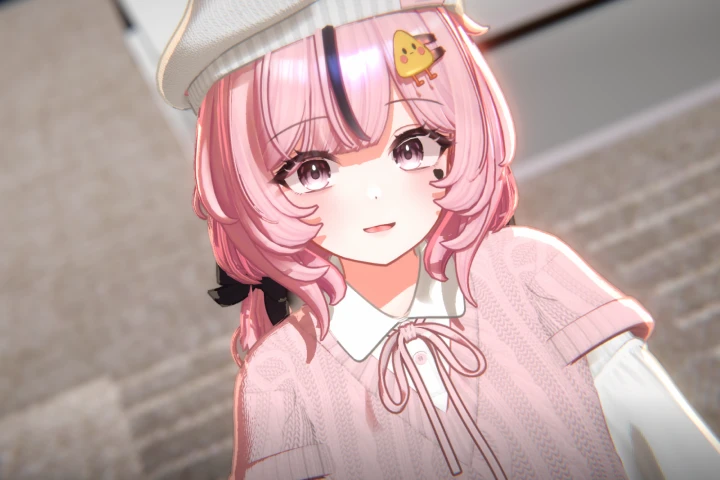
Class Details
You'll Learn
-
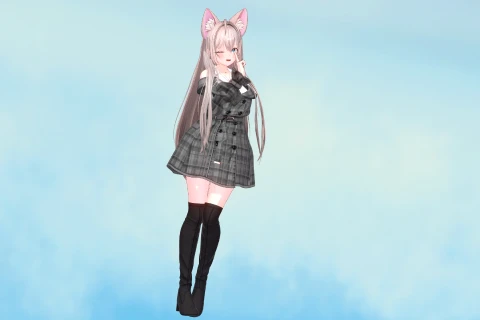 Proven High-Quality! How to Use Avatar Assets to Add Your Own Personal TouchBegin with a high-quality model chosen by tens of thousands of people to create your own avatar! Learn how to make a virtual avatar without any 3D knowledge. Perfect an avatar that reflects your personality by learning to use Blender, gaining basic avatar knowledge, and completing various hands-on exercises.
 -
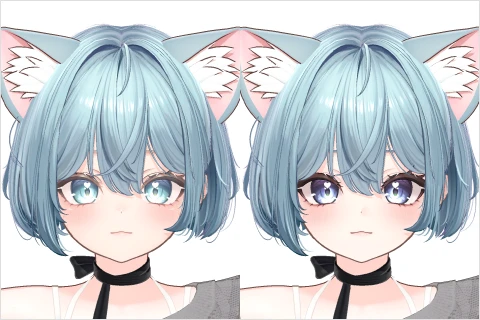 Avatar Creation Basics! UV and Shadering with Texture Modification and ShaderingLearn the basics of shadering to highlight your avatar’s best points! Modify the UVs and textures of a toon-style character to emphasize specific points while also getting a feel for the overall color and portrayal. Learn toon shadering methods step by step until you find a style you like.
 -
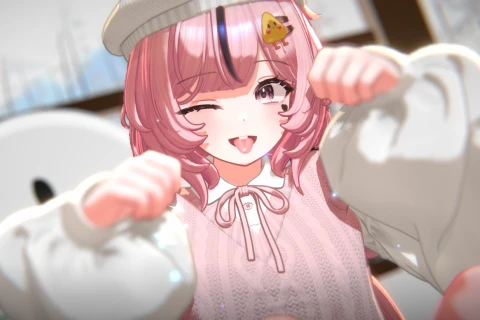 The Power of Facial Expressions in Creating a Beloved Personality! Facial Key Creation ProcessDid you know that everyone has a unique way of making facial expressions? Beyond character design, focus on facial expressions to bring out the individuality of your 3D avatar through vivid movements. Use an iPhone for detailed facial tracking to create distinctive faces.
-
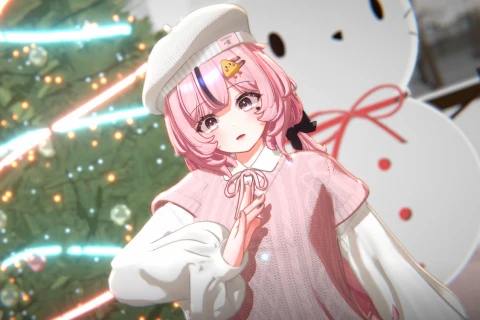 A Guide to Using the Trendy Warudo, a Must-Have Program for VTubersA crash course in the latest virtual tool, Warudo! Learn how to use Warudo for URP environments by customizing and leveraging its many features. Learn everything from basic converting to more user-friendly settings.
 -
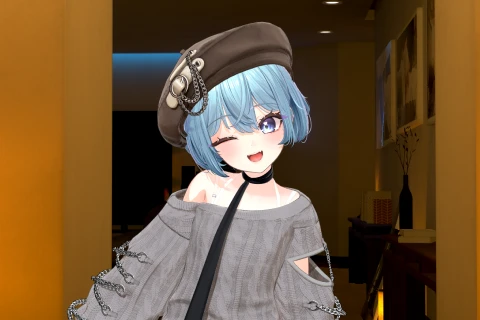 Succeed with Character Customization! Monetization Beginning with AvatarsCreate endless custom styles with avatar modification! Customize your avatar to reflect your character's desired age, facial features, style, and more. Armed with the basics of Unity and Warudo, you'll be ready to start monetizing your VTuber creations.
 -
 Tips for Using Essential Tools for Avatars That Even 3D Beginners Can MasterEven if you’re a beginner with no drawing or 3D modeling experience, you can use and adapt multiple sources to create high-quality avatars! Learn about the hottest 3D avatar models right now, and quickly get started with the essential programs for creating 3D avatars.
- Unlimited Access
- Best Price
Buy now, get unlimited access.
08/03 (Mon) (UTC-7) Special offer ends soon.
This special offer ends soon.
Buy now and save!
Interview with
3D Virtual Artist Kim Raming

Question.01
What do you consider your strengths when you work?
I've done VTubing myself and am highly interested in subcultures, so I have a good understanding of the virtual consumer base. I believe my strength is my ability to design to the preferences of both the VTuber and their viewers. I do my best to stay up to date on viewer demands and trends, making the VTuber’s job easier and more comfortable.
Question.02
What is the purpose of this class?
Many people want to enter the virtual market, but the barriers to entry can be daunting. To become a 3D avatar designer, you must have a wide range of skills, including character design, modeling, rigging, shape keys, and more. But even if you created all of these resources yourself, users often desire more customization. This is why we use public models, which are extremely efficient in terms of time and cost. with this in mind, I’ve designed a class where you can create your own avatar using public models and various assets.
Question.03
What are the unique points of this class?
This course is designed to help you quickly understand the basics of 3D avatars and apply what you learn, allowing you to become a freelance 3D artist without considerable knowledge acquisition. If you’re feeling overwhelmed by the thought of studying modeling, I’d like to show you that you can gain a lot through avatar conversion, and you can add more value by incorporating your own creativity through facial work.
Required Programs
This course will use
- Adobe Photoshop 2024
- Blender 2.93
- Unity 2021.3.18f
- Warudo
Please purchase and install these program(s) for an optimized class experience.
*These programs and/or materials will not be provided with the course.