Modeler,Byjin_모델러 바이진 Details
Class introduction
Class Intro
Modeler, Byjin
Master the Basics of 3D Modeling: Learn Cinema 4D and Create Your Own Objects
Even after looking up modeling tutorials, have you been confused about what functions Cinema 4D has and when to apply the appropriate functions to express shapes?
In order to actively implement objects, you must not only understand the characteristics of the tool and know how to apply it, but also have a solid grasp of modeling, which is the basis of 3D.
From the basic techniques of Cinema 4D that can be learned quickly with the intuitive user interface, to the structural understanding of tools for efficient work, to various types of modeling such as polygons, NURBS, and hard surfaces, and how to use them according to each situation!
From the basic techniques of Cinema 4D that can be learned quickly with the intuitive user interface, to the structural understanding of tools for efficient work, to various types of modeling such as polygons, NURBS, and hard surfaces, and how to use them according to each situation!
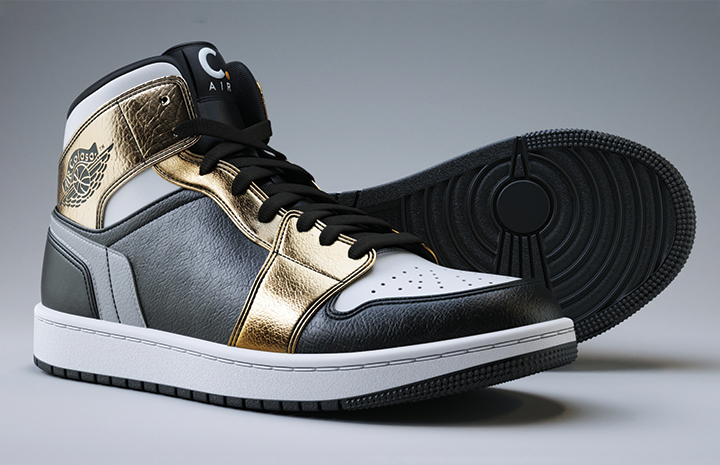
Modeler Byjin will teach you all the know-how for modeling, including the techniques needed to create your own assets, as well as scene object management methods, accessible modification methods, and practical work processes.
Meet the basic class that develops modeling production capabilities in almost the same form as the reference at Coloso now.
Meet the basic class that develops modeling production capabilities in almost the same form as the reference at Coloso now.
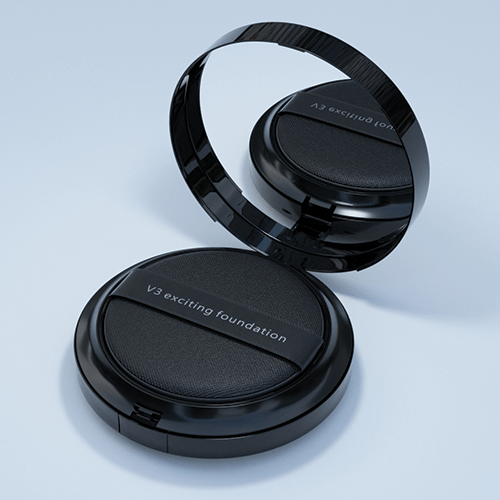
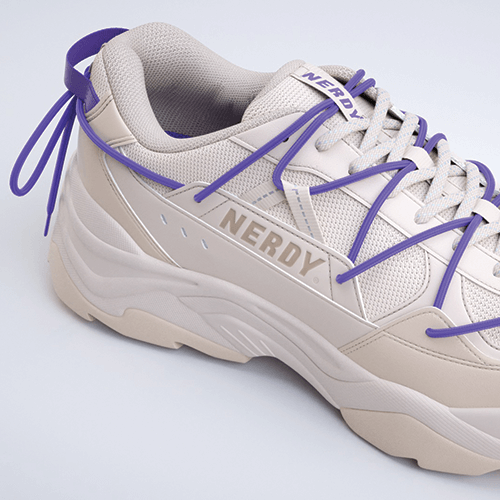
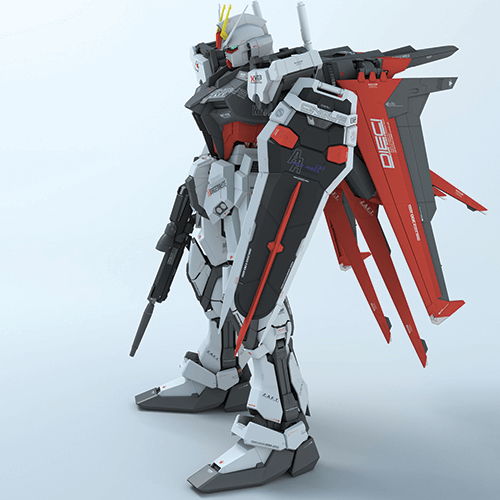
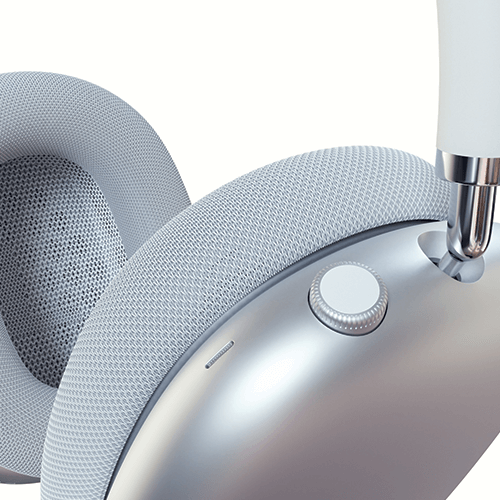
Expert Modeler Byjin's Portfolio




Why Take This Class?
Everything for fluid modeling that highlights shapes and materials, rather than just fitting together existing basic shapes!
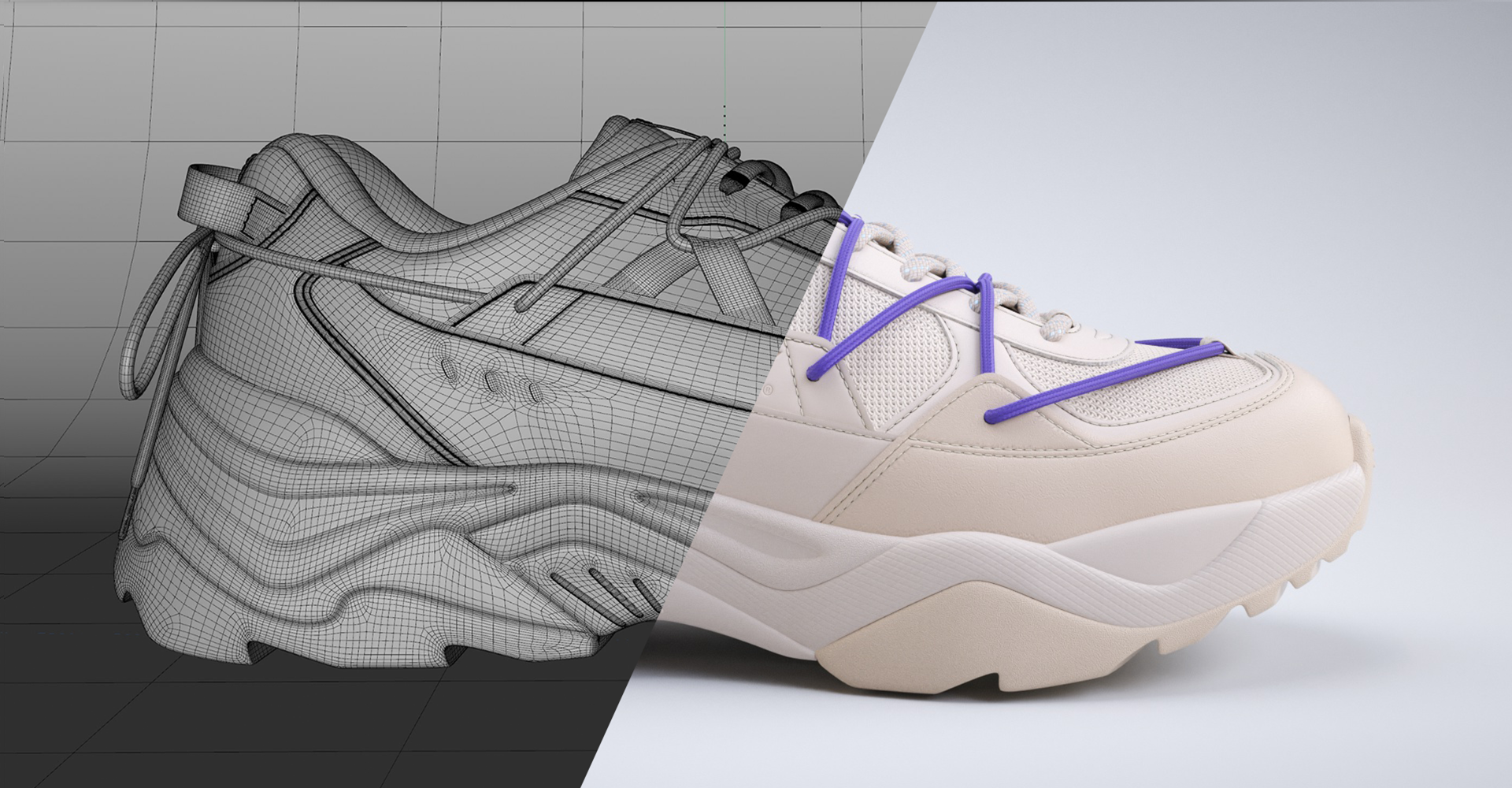
In Modeler Byjin's class, we will teach you everything from soft modeling to the expression of smooth curved surfaces, the final stage of modeling that is easy to modify, and subdivision surface modeling through practical examples with clear characteristics such as screws, plastic bottles, chairs, and shoes that are highly useful in practice.
Coloso is a class that completely conquers modeling and vividly embodies the practical workflow of Byjin, who is confident in the unique details.
10+ Class Materials
Part 01. Basic Modeling
Starting with the interface of Cinema 4D, a modeling tool, we will learn basic functions useful for modeling such as Mesh and Spline, and approaches that vary depending on the shape of the object.
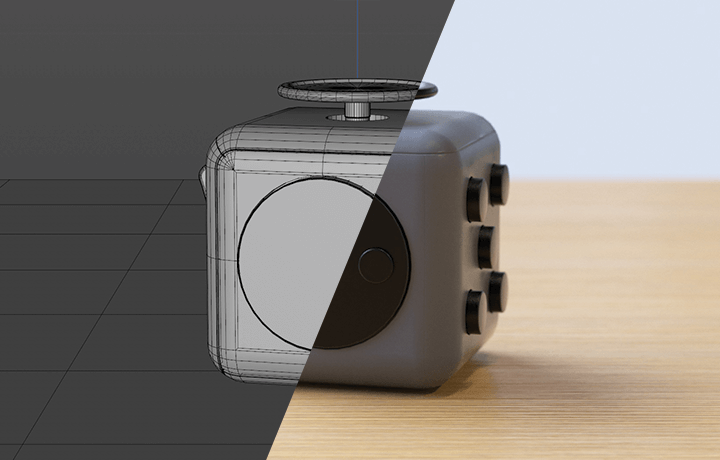
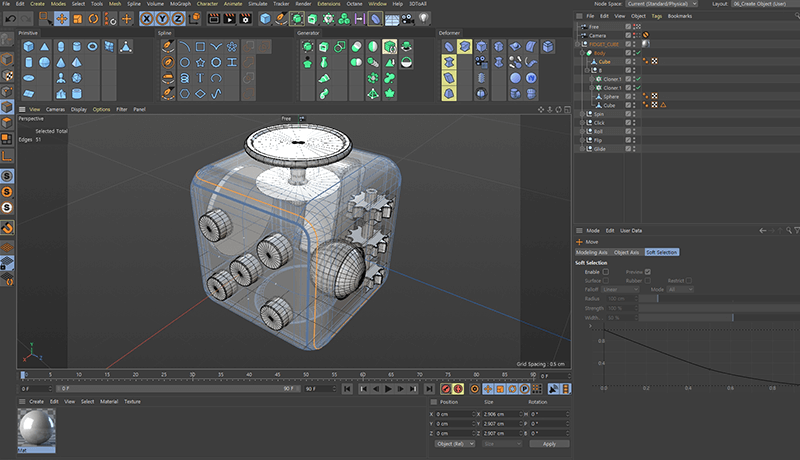
Example 1: Fidget Cube
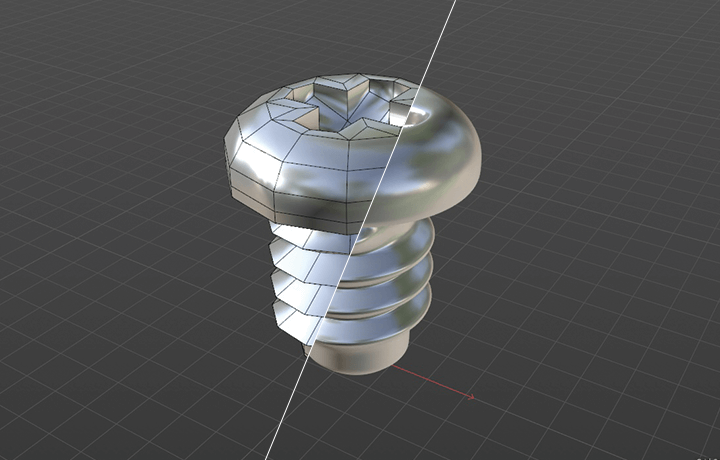
Example 2: Screw
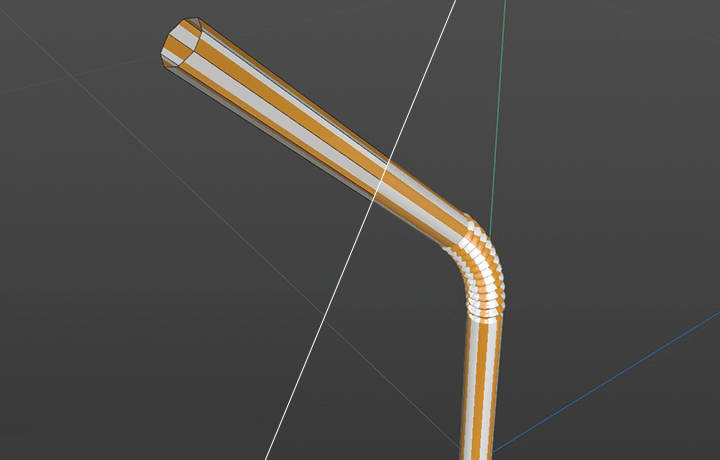
Example 3: Straw
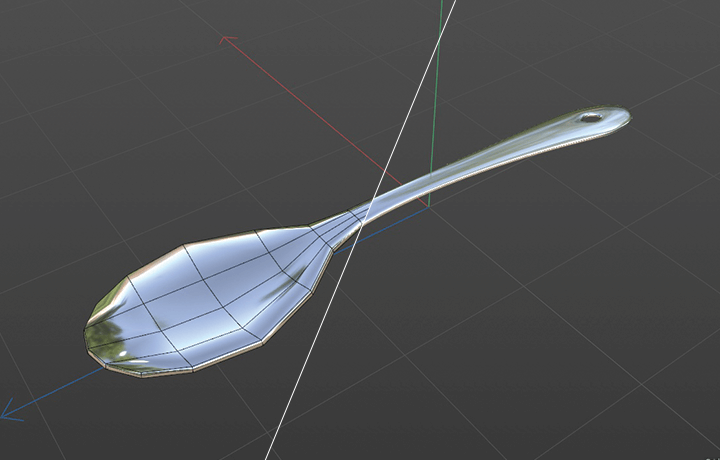
Example 4: Spoon
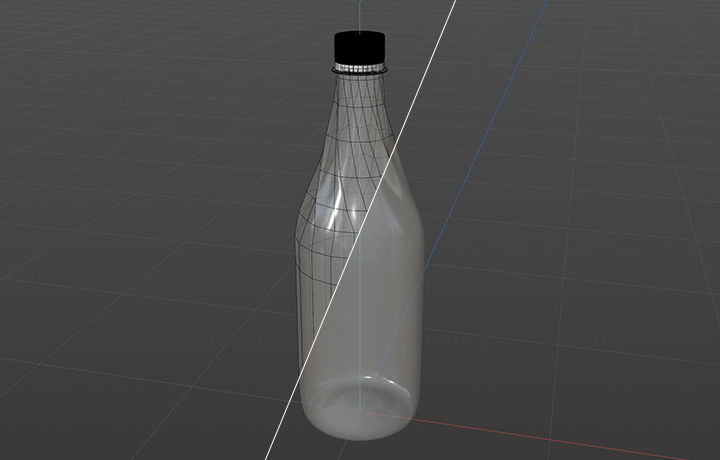
Example 5: Pet Bottle
Part 02. Hard Surface Modeling
Learn how to apply Cinema 4D for easy step-by-step modification and how to model the hierarchical structure by combining basic objects and generators.
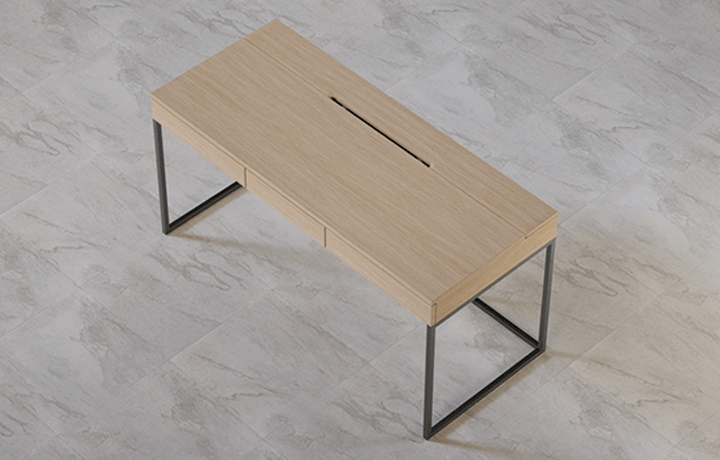
Example 6: Desk
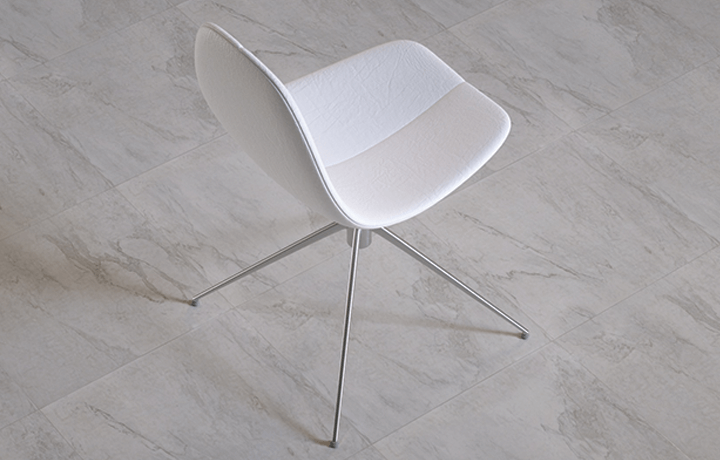
Example 7: Chair

Example 8: Mug Cup
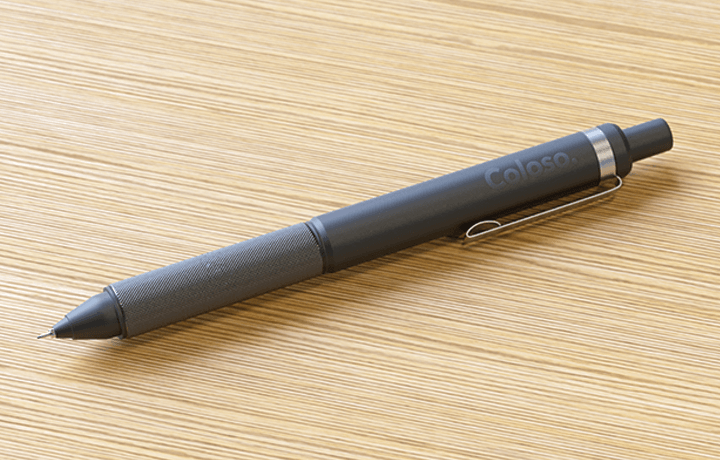
Example 9: Mechanical Pencil

Example 10: Headphone

Example 11: Plastic Snow Duck
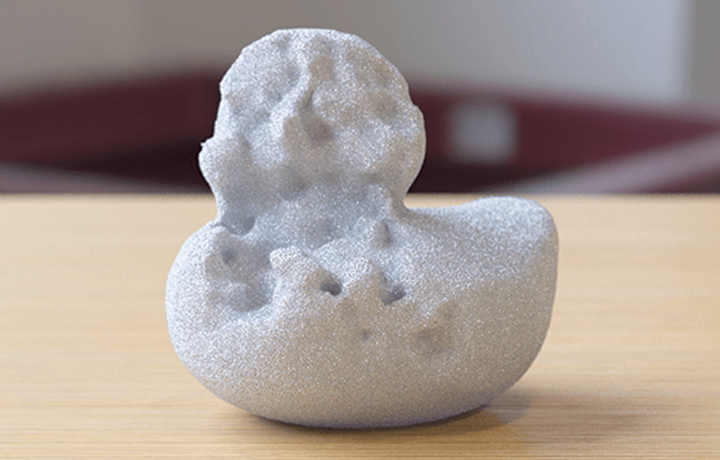
Example 12: Ice Snow Duck
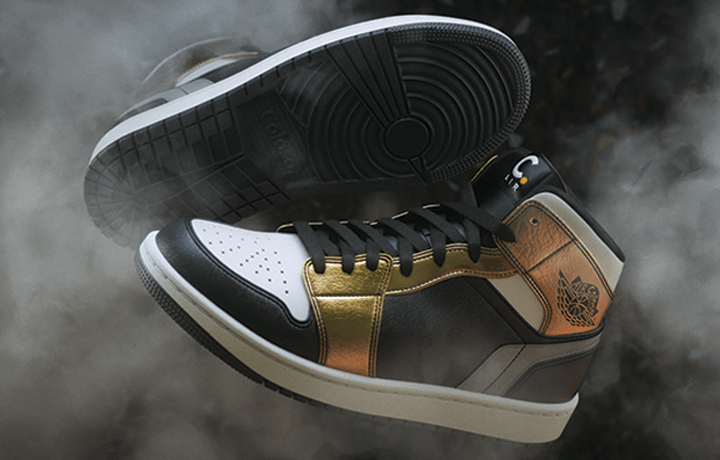
Example 13: Shoes
Speaker introduction
Modeler
Byjin
I have collaborated with leading companies such as Hankook Tire, LG, ADIDAS, NEPPA, and NERDY, specializing in rigging, rendering, and compositing. Currently, I am working on 3D CG projects at POLYGON Studio, where I primarily use Cinema 4D and Rhino.
Additionally, I continue to hone my skills as a modeler, taking on roles such as Cinema 4D import and modeling developer in mechanism design programs.
Through this class, you'll learn how to bring your ideas to life, from simple shapes to complex objects, by mastering the Cinema 4D modeling techniques. Let us guide you on your journey to becoming a skilled 3D artist.

Modeler, Byjin
[Current]
POLYGON Studio Manager
Projects & Awards
[Participated Projects]
- NERDY Zelig Shoes modeling
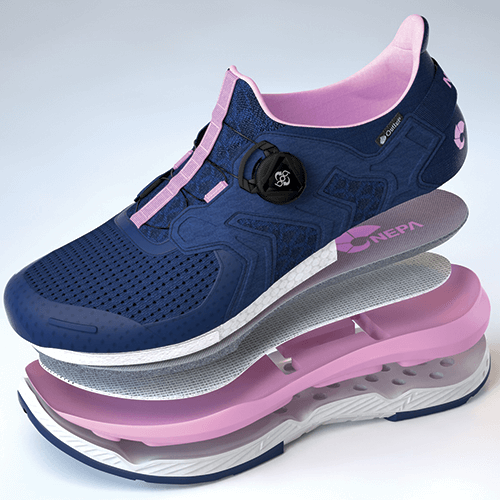
- NEPPA Pretta Shoes modeling
- ADIDAS Golf Shoes Modeling
- 2019 IFA LG ThingQ home modeling
- LG Object Collection modeling
- HankookTire Formula E Key Visual Layout, Rendering, Compositing
- HankookTire ST Tire Key Visual layout, rendering, compositing
- HankookTire Winter I-cept RS3 Key Visual Layout, Rendering, Compositing
class features
Class Highlights
From the concept of modeling tools to C4D UI and how to use core functions
In order to handle the main menu functions required for modeling, you will learn step by step from the basic interface of Cinema 4D, create everything from simple to complex assets, and learn how to use frequently used functions that are useful to know.
How to analyze references and apply them when modeling
We will teach you factors to consider when identifying the shape of a reference, how to respond to changes in detail, understanding polygons for easy-to-modify modeling that reduces work time, and retopology to optimize polygons.
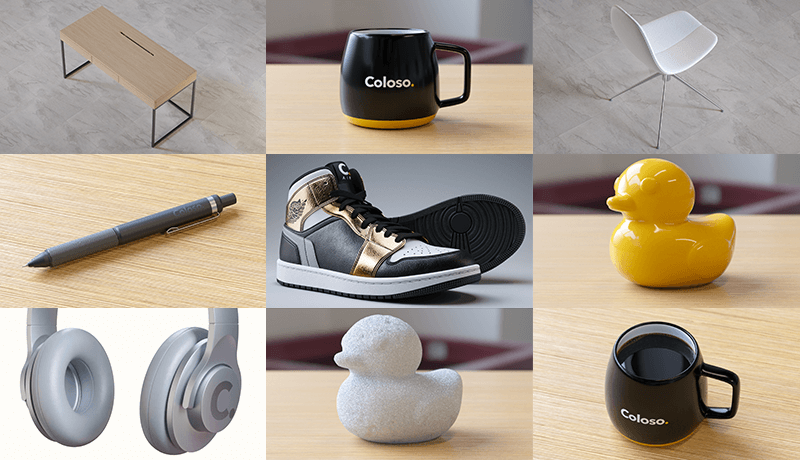
Learn various modeling with a total of 12 example files
We provide example files composed of highly useful objects such as fidget cubes, mechanical pencils, and headphones, to help you directly analyze and study the details of polygon and subdivision surface modeling.
Class Details
You'll Learn
-
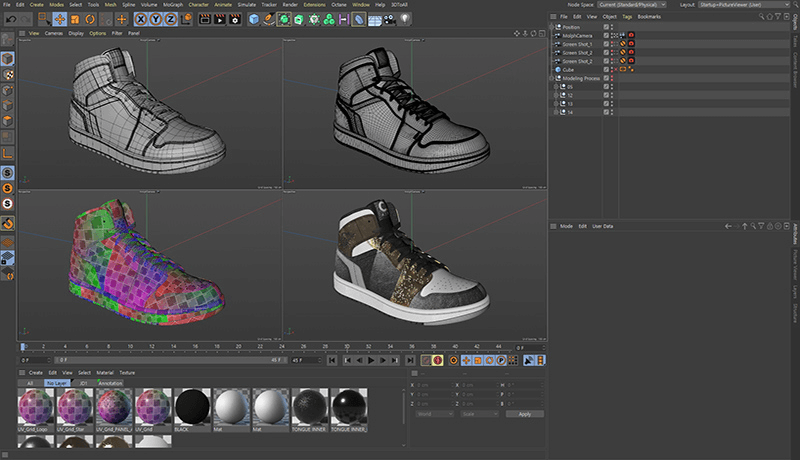
 Learn the Basics of 3D Modeling by Understanding and Utilizing Cinema 4D Basic FunctionsTo help you build the basics for modeling, you will understand the interface, basic functions, and characteristics of modeling tools, and learn modeling methods that can be applied according to the situation, such as modifying modeling sources or creating new complex modeling.
 -
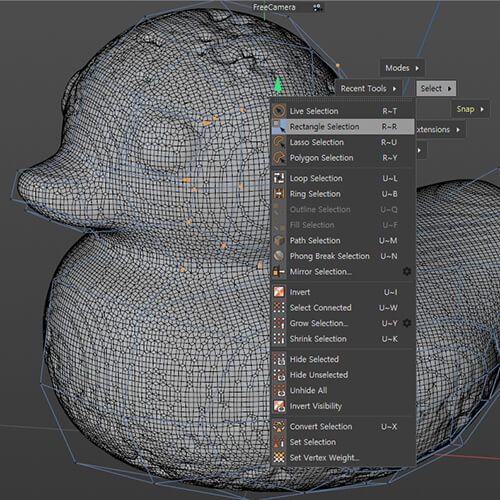
 Modeling Application Method That Varies Depending on the Shape Such as Polygon, Nurbs, and SubdivisionWe will try various modeling methods that vary depending on the completed form, such as object modeling of simple shapes as well as object modeling of complex shapes that reflect the tree structure characteristics of Cinema 4D, and learn more suitable and convenient methods.
 -
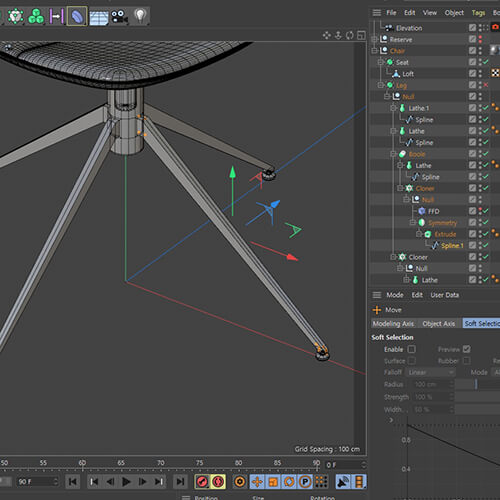 Systematization Process of Modeling That Allows Easy Modification and Increases the Degree of FreedomLearn how to reduce risk factors that may occur during modification by understanding the hierarchy structure that enables efficient scene object management and the interactions at each modeling stage, and learn efficient modeling methods.
-
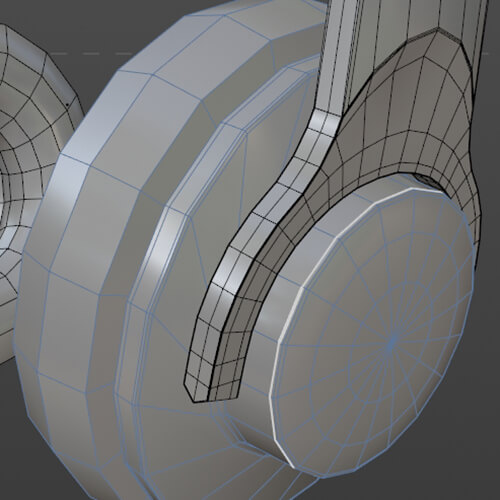 Polygon Adjustment Points in Subdivision Surface ModelingUnderstand the characteristics of hard surfaces, which are modeling that highlights the cross sections and angles of objects such as products, mechanics, and buildings, and learn how to divide surfaces by understanding how the arrangement and distribution of polygons affects the shape.
 -
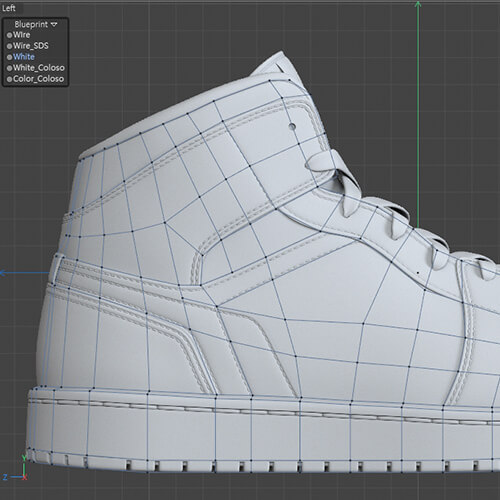 Important Topology Composition Methods When Modeling New Types of ObjectsUnderstand the concept of topology, which refers to the composition and arrangement of polygons, and how to optimize polygons. Learn how to distinguish faces based on references or blueprints, and learn in detail what you need to pay attention to when modeling. .
 -
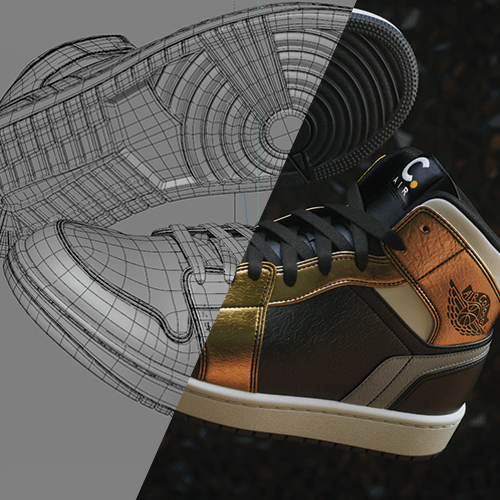 Unedited Shoe Modeling Work of over 16 Hours RevealedAlthough it is hard surface modeling, shoes, which are an object whose shape is difficult to implement because they overlap with the soft modeling of the leather part, are selected as an example and detailed modeling that is difficult to find elsewhere is shown step by step.
* The above results include both a practical portfolio and actual class examples using the functions to be learned in the class.
curriculum
Curriculum
In-Depth Look
SECTION 01. OT
01. Orientation
- Efficient Cinema 4D Modeling Process
- References, blueprints, shape and structure, proportions
SECTION 02. Cinema 4D Basics for Modeling
02. User Interface
- Introduction to user interface
- Modeling basic menu description
03. Preferences
- Default interface settings
- Viewport settings
- Work environment and object creation
04. Viewport
- Shading mode types and default lights
- Useful menus and shortcut keys when modeling
*Example file provided
05. Object Manager
- Relationship between the Object Manager's default settings and the Properties window
- Understanding hierarchy structure and setting modeling tags
06. Object creation
- Main settings for basic shapes, splines, generators, and deformers
- Understand the hierarchy structure correlation for each object type
- Default deformer settings changed in R23
07. Mode
- Modeling mode types and features
- Take advantage of snap and quantize options
- Understanding and utilizing axis systems
- Solo setting to show only selected objects
08. Select
- Selection tool types and differences depending on modeling mode
- Four basic selection options and their uses
- How to enable and use soft selection
09. Mesh
- Settings that change depending on point, edge, and polygon mode
- Mesh object tool types and usage
*Example file provided
10. Spline
- Types and uses of spline modeling tools
- Spline types and adjustment methods
*Example file provided
SECTION 03. Hard Surface Modeling
11. Desk
- Simple modeling using a generator on a cube object
*Example file provided
12. Mug Cup
- Mug modeling using splines and generators
- Modifying the basic form using the hierarchy structure as history
*Example file provided
13. Chair
- Symmetric structural modeling using a generator on splines
- Basics of modeling soft body chairs
*Example file provided
14. Mechanical Pencil
- Spline point adjustment when modeling subdivision
- Rhombus pattern modeling
*Example file provided
15. Headphone
- Shape with deformer for easy detail modification
16. Plastic/Ice Snowduck
- Low polygon character basic form
- VolumeBuilder modeling concept
*Example file provided
SECTION 04. Shoe Modeling
17. Shoes Modeling 1: Blueprint
- Overview of three-dimensional drawings
- Topology planning
- Create a basic shape
*Example file provided
18. Shoes Modeling 2: Basic Shape
- Upper, sole classification
- Creating left and right asymmetric shapes
- Creating the basic shape of the brush
19. Shoes Modeling 3: Separate Upper and Sole
- Sole detail, outsole separation
20. Shoes Modeling 4: Upper Panel
- Creating shapes to separate panels
- Creating the basic tongue shape
21. Shoes Modeling 5: Upper Panel Detail
- Shape modification and selection for panel separation
- Shape the inner part
22. Shoes Modeling 6: Topline
- Top line, inner detail
23. Shoes Modeling 7: Removing the Upper Panel
- Separate each panel and create details and stitch lines
24. Shoes Modeling 8: Tongue Detail
- Tongue detail
- Stitching using Spline Wrap and MoGraph
25. Shoes Modeling 9: Upper Panel Stitching
- Upper panel detail
- Stitching using Spline Wrap and MoGraph
26. Shoes Modeling 10: Separating Sole Details
- Separate insole, midsole, and outsole
- Parting line detail
27. Shoes Modeling 11: Outsole Detail
- Outsole drawing work and details
28. Shoes Modeling 12: Upper Panel UV Unwrap
- Set selection by panel texture type
- UV Unwrap for Texture Mapping
29. Shoes Modeling 13: Sol UV Unlevel
- Set selection by brush texture type
- UV Unwrap for Texture Mapping
30. Shoes Modeling 14: Displacement Map
- Set selection by brush texture type
- UV Unwrap for Texture Mapping
31. Shoes Modeling 15: Sole Mapping
- Mapping by pattern using set selection
- Displacement pattern mapping
32. Shoes Modeling 16: Upper Panel Mapping
- Mapping by pattern using set selection
- Panel, logo texture mapping
33. Shoes Modeling 17: Panel Library
- How to apply libraries for each type of shoe leather and fabric
* Curriculum details may change before or after the video is released.
Interview with
Modeler, Byjin

Question.01
What are the benefits of Cinema 4D?
What are the benefits of Cinema 4D?
If you model with Cinema 4D, step-by-step modification becomes very easy . First , the structural part of the tool allows easy management by utilizing mograph and instance functions for object arrangement and placement . Second, the application between modeling generators and deformers is flexible, so there are virtually no limitations in expressing accurate shapes . Additionally , as the scope of use is expanding, Cinema 4D will expand into various fields in the future .
Question.02
What are your strengths as a modeler?
What are your strengths as a modeler?
My strength is modeling exactly like references through the structural understanding and observation skills of 3D objects gained while majoring in industrial design. Starting with exhibition interior CG work, I became active as a modeler. Due to the nature of the industry, there are many cases where new design objects need to be implemented quickly rather than using modeling sources, so I am pursuing efficient modeling using Cinema 4D's unique user interface .
Question.03
What are the main points of this class?
What are the main points of this class?
Modeling is one of the most basic elements in 3D CG, so we created a curriculum so that you can ultimately identify references and implement detailed modeling in an appropriate manner . We paid particular attention not only to expressing the objects we produce in shapes and materials that are the same or similar to the reference as much as possible, but also to learn the modeling systemization process necessary to create a structure that is easy to modify .
Question.04
Who would you recommend this class to?
Who would you recommend this class to?
For those who are wondering how to start product modeling , for those who want to accurately understand the types and uses of modeling tools , for those who are not sure when to use which function even after learning Cinema 4D , and for those who have difficulty optimizing hard or subdivision surface modeling. I recommend it. I hope that through this lecture, you will find answers to what you feel is lacking in modeling .
Required Programs
This course will use
- Maxon Cinema 4D R23
- Octane Render 2020.2.3
Please purchase and install these program(s) for an optimized chapter experience
* You can use Cinema 4D R20 or later, and for optimal results, we recommend Octane Render version 2020.1.5 or later.
* Programs and materials are not provided separately.