3DDesigner,JinsungKim_프롬프트엔지니어 김진성 Details
introduction video
Video designer customized AI lecture!
“Let our clothes flutter in the air.”
Have you ever run a simulation until dawn in order to implement a simple request from a client, while listening to the computer's heat and noise as if it were going to explode?
If so, now is the time to change your video workflow.
If you've been watching the technological advancements of Midjourney and Stable Diffusion, now is the time to try them out before it's too late. Prompt engineer Jinsung Kim Kim's unique secret to maintaining high quality while reducing completion time and cost, which was completed through numerous tests, will be revealed in Coloso.
To all students
Special benefits exclusive to Jinsung Kim’s AI video production class
-
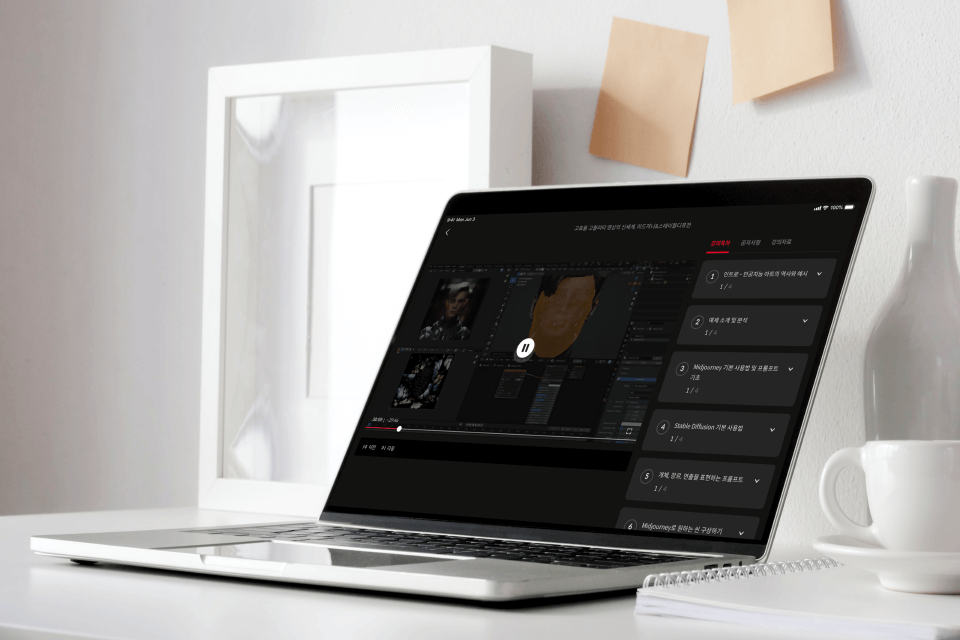 Prompt engineer explains how to use generative AI27th lecture infinite learning
 -
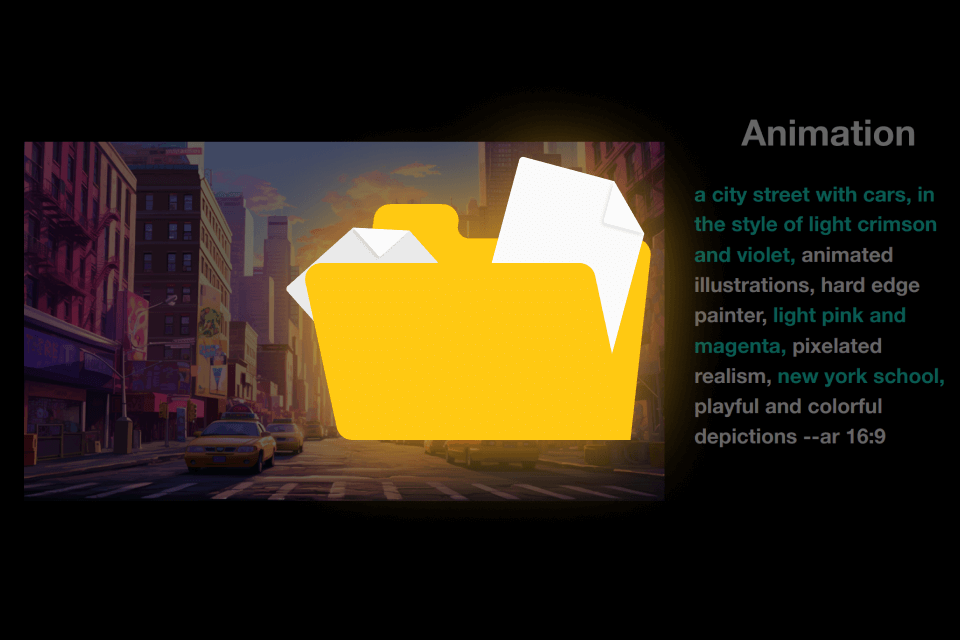 Infinitely customizablePrompt guidebook with a total of 65 templates
 -
 Take the latest classes that are continuously updated with a one-time purchaseWhen AI tools are updated, lectures are updated
List of Prompt Guidebooks provided
-
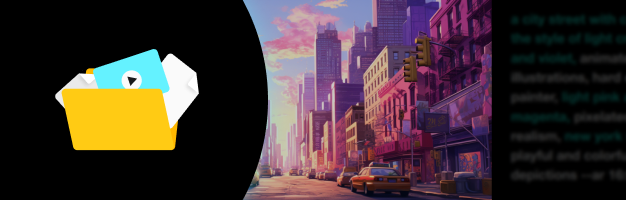 28 video production prompt templates- 5 templates for each representative video style
- 5 templates for each representative video genre
- 4 templates for each object
- 4 isometry templates
- 10 lecture example prompt templates -
 14 image prompt templates- Reference image template
- 5 character design templates
- 4 illustration templates -
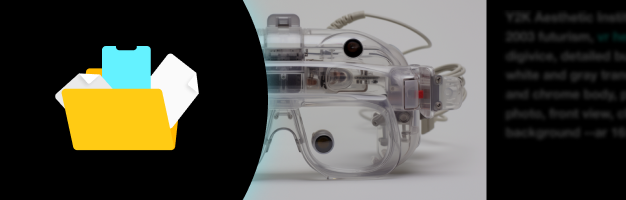 23 design prompt templates- 4 templates per Mokup
- 5 pattern templates
- 4 UX/UI design templates
- 5 icon templates
- 5 logo templates
*The update schedule may change flexibly depending on the lecture recording and editing schedule.
Class Recommendation
I recommend it to these people.
Video design practitioners who want to increase “productivity” and produce “high quality” videos by learning video workflow using AI
2D motion graphics designers who want to expand their expressive capabilities with 3D graphics but have difficulty learning 3D tools
Non-video majors and non-practitioners who want to easily and quickly implement their ideas into videos using AI








Portfolio of Prompt Engineer Jinsung Kim

Why this class is special
First reveal of how to use AI for video work beyond image creation
Beyond how to use AI for image creation, we are revealing for the first time a complete video design AI workflow that can be used in post-production stages such as character modeling, background, FX creation, rendering, and color grading.
It contains all the tips and know-how of speaker Jinsung Kim seong, a Prompt engineer who collaborates with various companies and directly utilizes AI in practice.
From modeling to textures, lighting, and post-processing, you can now experience the tasks that took a long time to do yourself in Coloso, an AI workflow that uses AI to work quickly and easily.

class example
High-quality motion graphics produced with generative AI and Blender
-
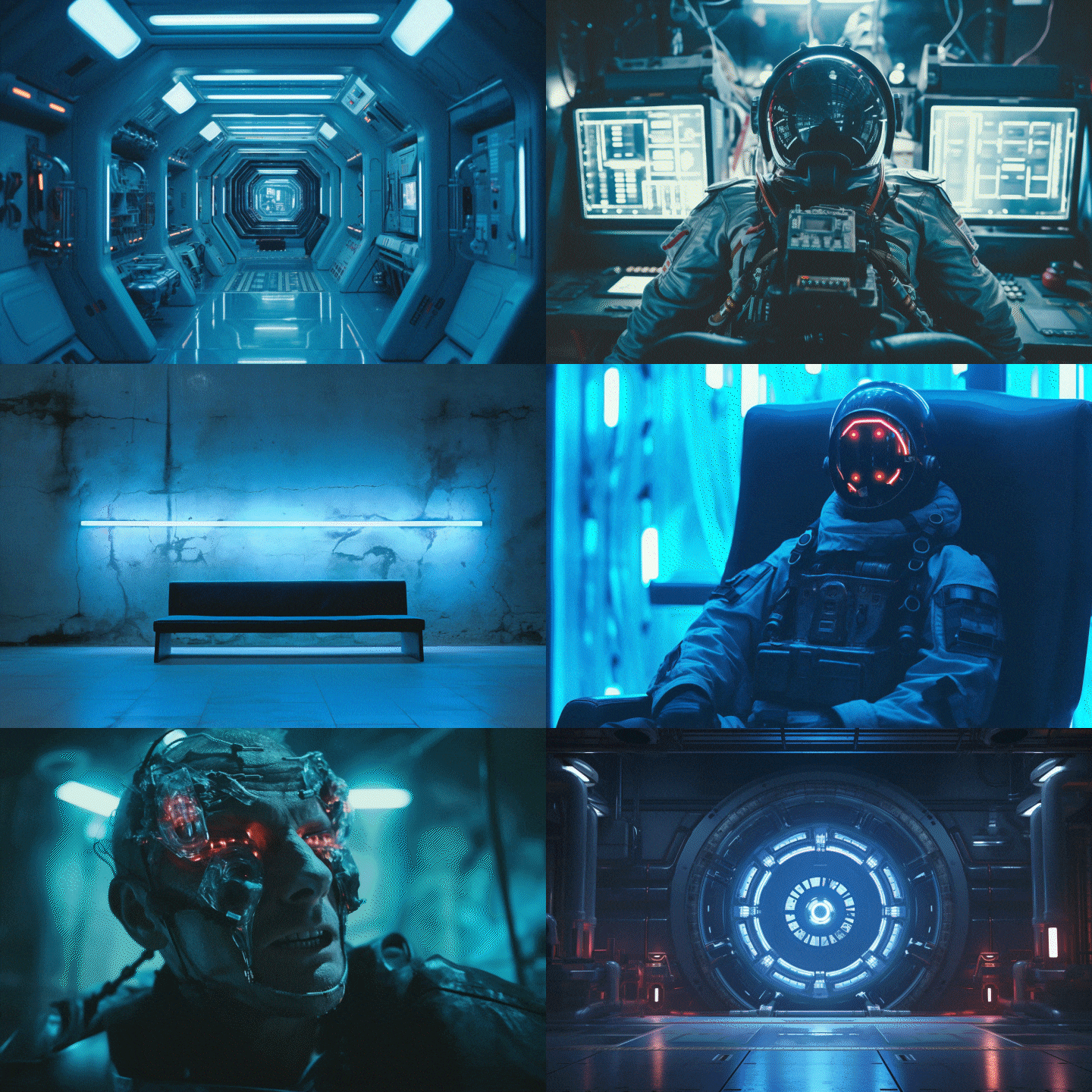
Storyboard/Concept Art -
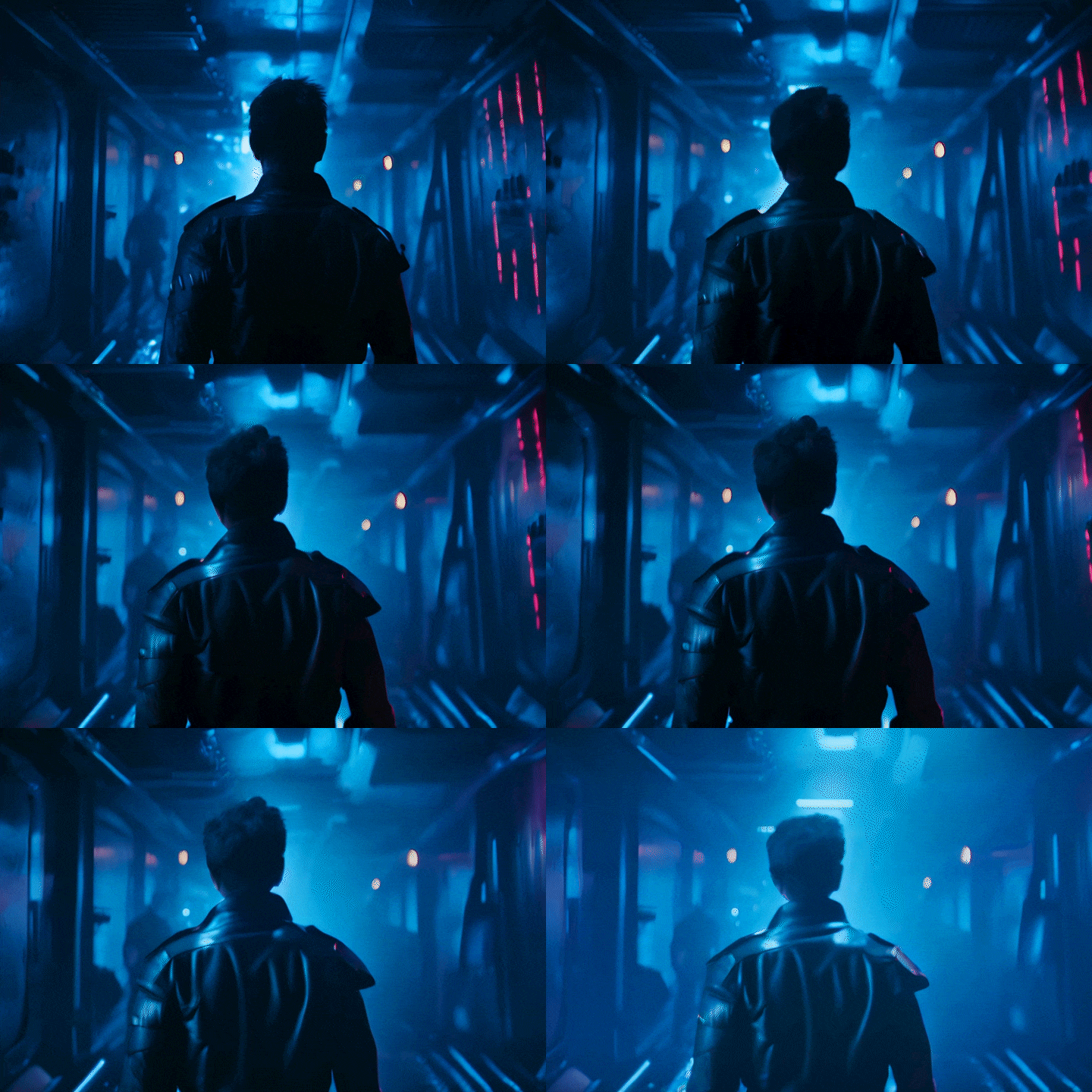
Scene creation using Gen2 -
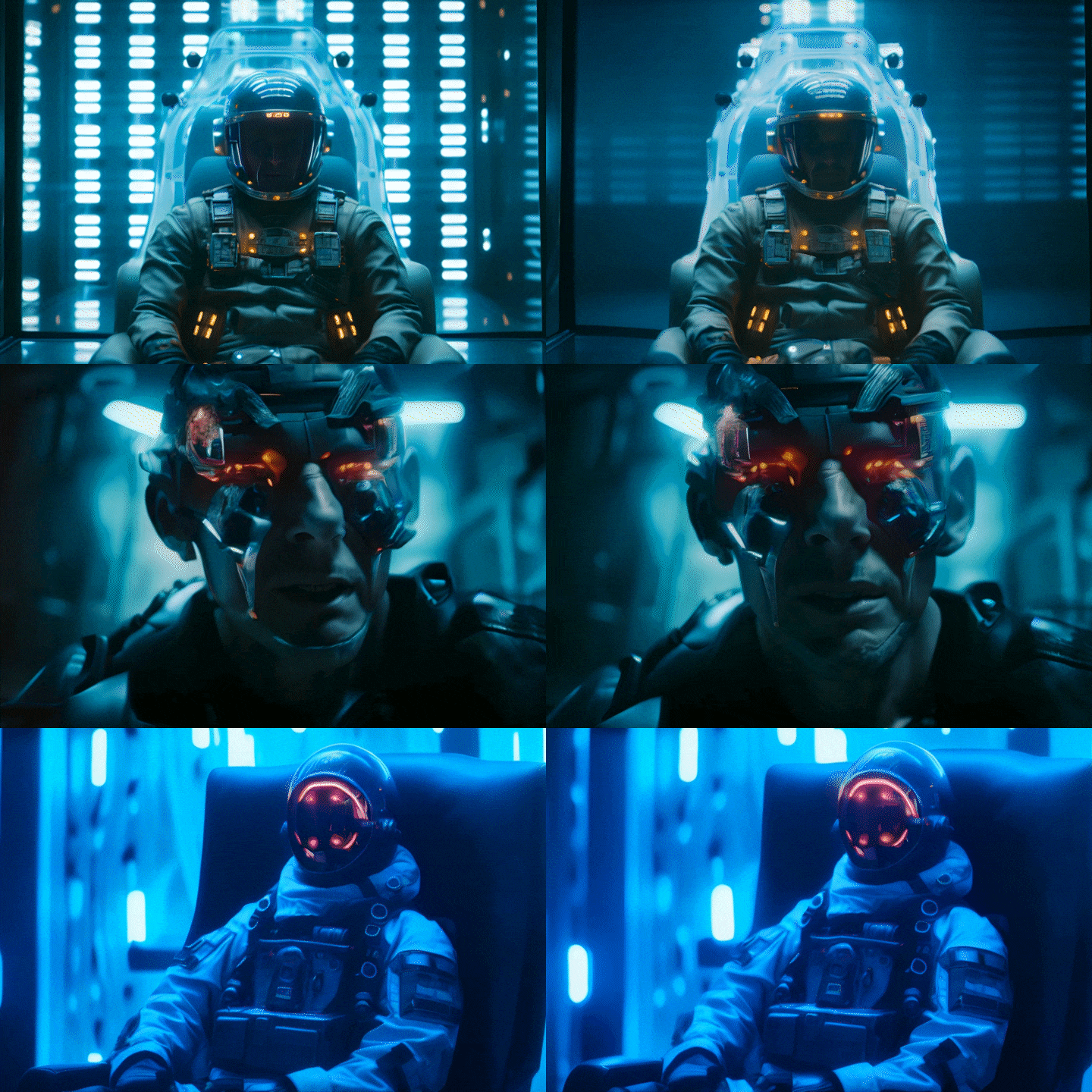
Create high-quality characters
-
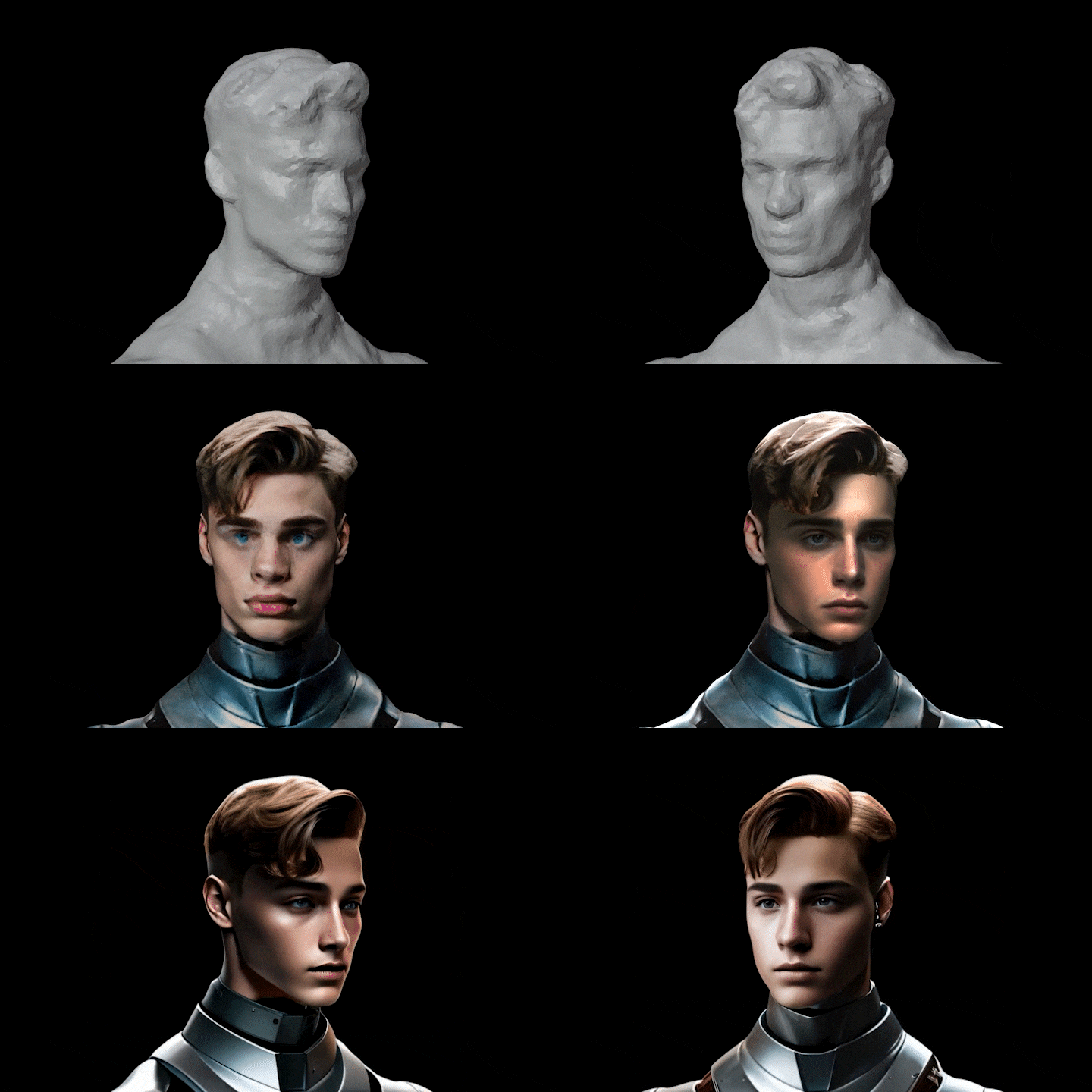
CRM character modeling -
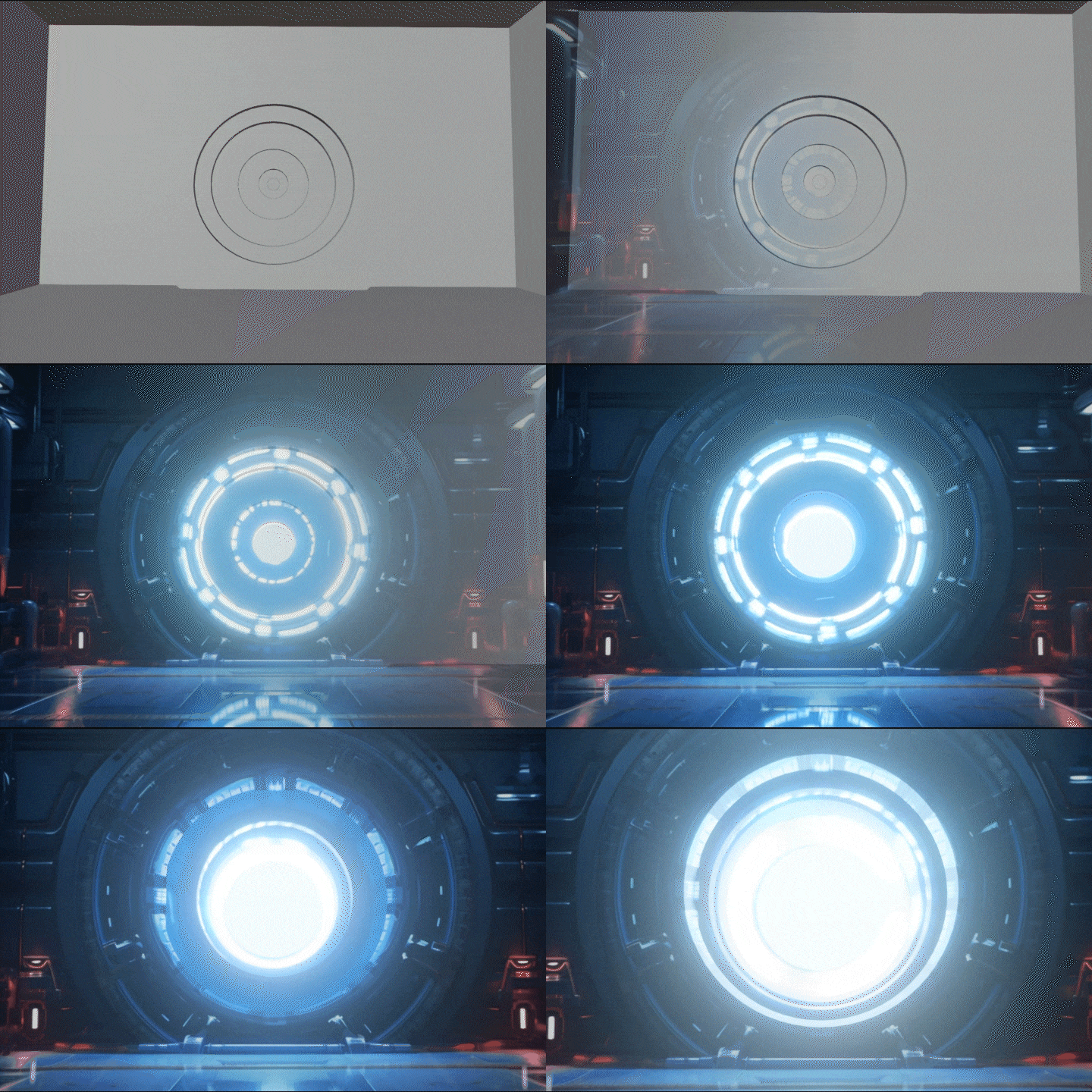
Background creation using projection mapping -

Background creation using depth map
-

FX production using Pika labs and Gen 2 -
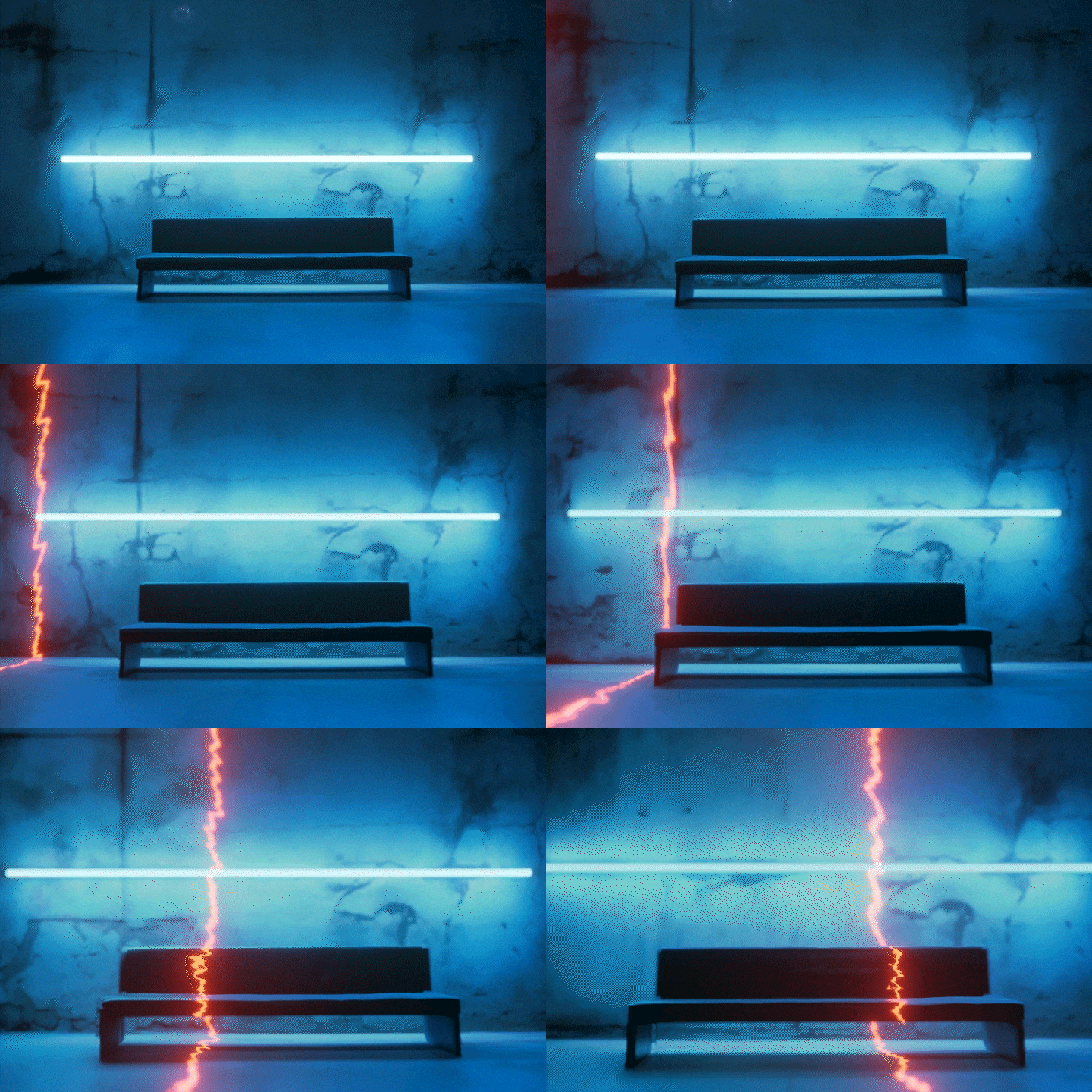
Create various video effects -
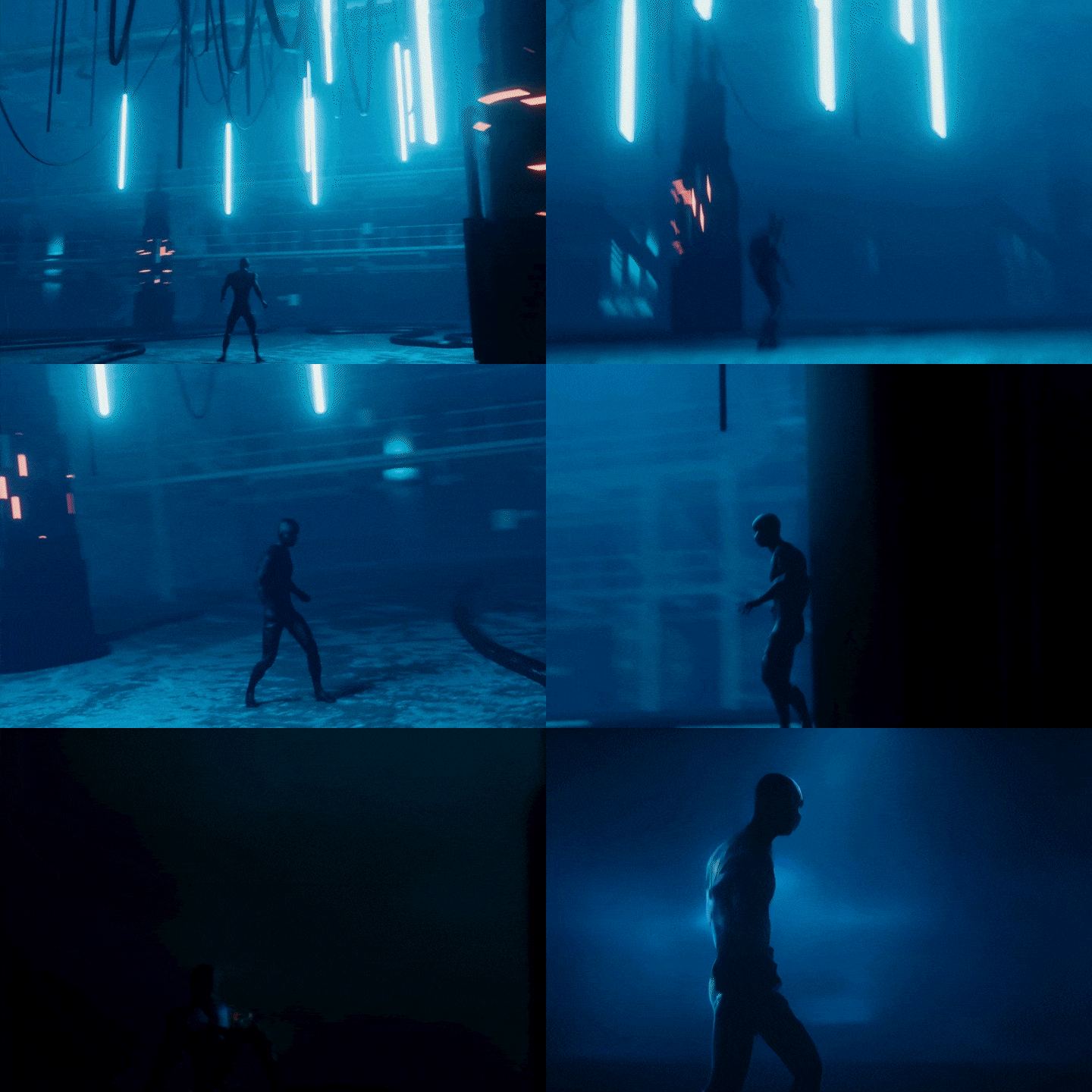
Rendering various looks using AI
Final result < Project V >
Jinsung Kim
prompt engineer
hello. My name is Jinsung Kim and I am a prompt engineer and 3D motion designer. He started his career as an art director at Studio Good, worked as a motion designer for various companies, and is currently the CEO of nouvo ai, which researches and develops generative generative image consulting and customized deep learning solutions for companies.
In this lecture, I included a video design AI work process that I completed after numerous tests that can be immediately applied in practice, and skills that link Blender and generative AI that are easy, intuitive, and can maintain high quality. I hope that through this lecture, many video designers will be able to free themselves from repetitive work, come up with ideas freely, and quickly realize the images they want.

Student Reviews
Prompt Engineer Jinsung Kim’s offline lecture review
-
 I am a working video designer. I took the course because I was curious about how Jinseong was applying generative AI to his work. It's really rare to get a chance to listen directly to a lecture from someone who is using AI in their field! It was great to hear Jinseong's knowledge and tips condensed from his numerous experiences, and most of all, I really liked the content because it was really practical-oriented, which is what I expected .
 -
 Since I am currently working in design, I can clearly see how to create generative AI. However, there was no place to ask people around me about the use of generative AI, and I was unable to study in depth as I was doing things on my own. Through Jinseong's lectures, which were systematically structured from the basics to practical work, I learned how to use AI as a tool to produce results more creatively and quickly . Thank you very much.
 -
 It was a perfect lecture. It was great to learn detailed tips and prompts for using generative AI. There were many difficulties I experienced when using stable diffusion for the first time last year, and I think I would have been able to try more if Jinseong's lecture had been there at that time. I think it was a very appropriate lecture for those who were unable to try generative AI such as Stable Diffusion or Midjourney because they found it difficult!
 -
 I am a beginner in generative image. Because the lecture topics and curriculum are densely structured, I moved to Jinseong's lecture after listening to other AI lectures. The topic was good, but I really liked the very clear and catchy explanation . It was a curriculum suitable not only for all AI beginners but also for those working in the field who want to make good use of it!
Prompt Engineer Jinsung Kim
Current) Nouvo.ai Co-CEO & Creative Director
Current) Korea Content Agency ‘New technology-based content lab operation support project’, artificial intelligence video instructor
Former) CJ ENM, Digital Media Department (Diggle) Video Editor
Former) Studio Good, Art Director
View more history
[Participating Project]
2023 Chungkang University Generative AI Special Lecture, Artificial Intelligence Art Instructor
2023 Chungnam Generative AI Digital Art Competition, keynote presentation and artificial intelligence video lecture, poster design production
2023 Monthly <Design> July issue, interview on the Prompt Cheat Sheet project, artificial intelligence work
2023 'Kodak Cambea Shoes', 3D motion design
2023 Walt Disney Company Korea, Hongik University industry-academia project, artificial intelligence video work
2023 IM, logo design
2022 NCT Dream 'Best Friend Ever' MV, concept art using artificial intelligence
2022 W Korea, Dolce & Gabbana’s Devotion bag advertising video, 3D motion design
2022 Satin advertising video, 3D motion design
2022 2022 Metaverse Expo, Paeta Meta booth branding and 3D video
2022 GQ korea, Adidas collaboration video, 3D video background production and vfx
2022 BMW official dealer Samchully Motors advertising video, 3D motion design
2019 Hongik University Painting Department 70th Anniversary Graduation Exhibition, Art Directing
2018 Yonsei University Higher Education Innovation Center, Branding
class features
Know-how to produce practical quality output that can be used in practice tomorrow
Generative AI is now more than just a novel and new technology, it is being used in practice. It contains the work process and skills using Blender, Midjourney & Stable Diffusion, which the speaker actually uses in his video work with various companies.
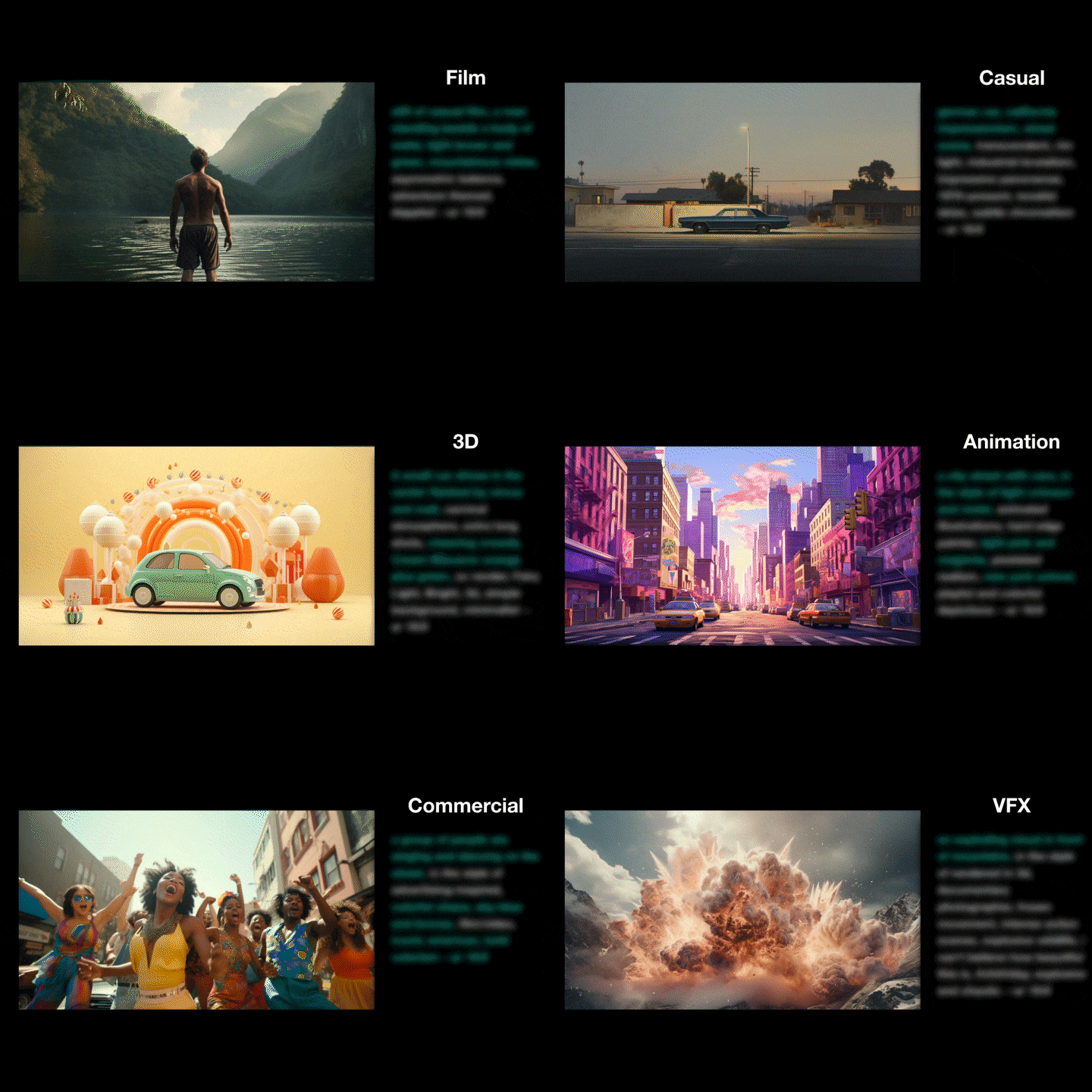
Prompt guidebook with a total of 65 templates provided
The core of generative AI is “prompt engineering.” We provide a prompt guidebook for each genre, style, and object so that you can customize and create images with the desired angle, brightness, and style.
Online lectures by speakers sought after by large corporations
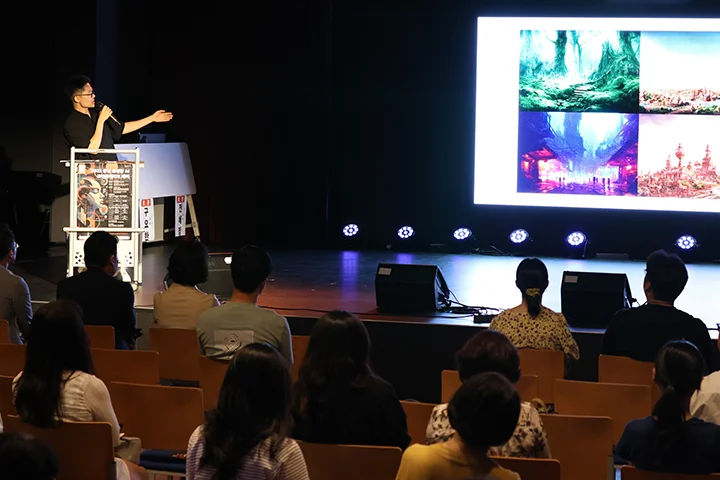
Meet speaker Jinsung Kim seong's lectures at Coloso, which is receiving a lot of requests for lectures from large companies such as N, G, and S companies to universities and public institutions. We teach you how to use AI practically with an overwhelming amount of content and a solid curriculum that is different from offline special lectures.
Class composition
learn this
-
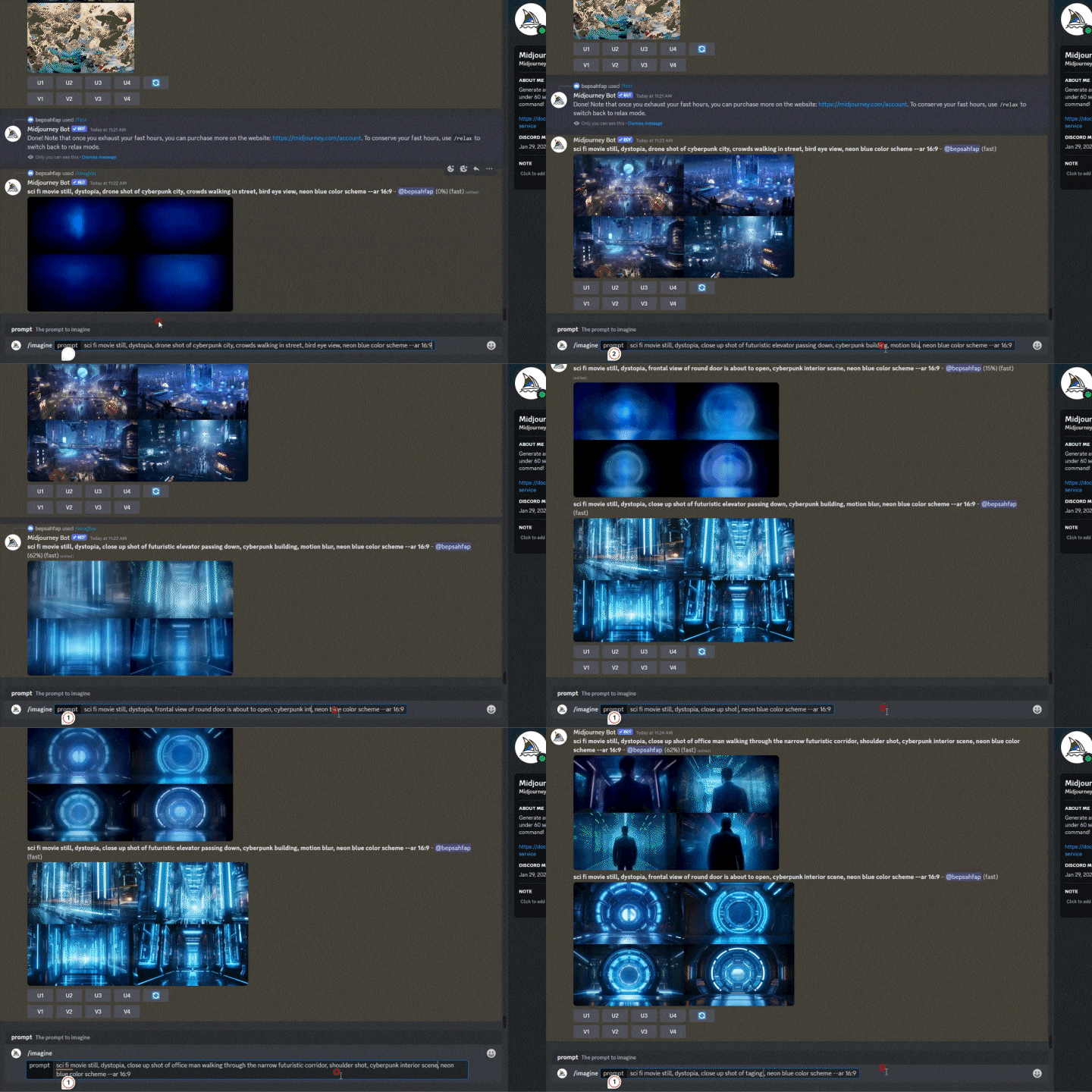 ‘Prompt engineering’ skill to freely create the desired imageCreate the scene you want using Midjourney, an artificial intelligence art program. In the process of visualizing genres, objects, angles, and colors that fit the planning intention through prompt engineering, you will learn the know-how to quickly and easily create the desired image rather than simply searching for references.
 -
 Checking simple motion using Gen 2We will produce images created through Prompt Engineering into videos using the Gen2 function of runwayml, an artificial intelligence video service. If you have gone into production by looking at storyboards made of sketches and text, you can see in detail how to produce a video through cuts made quickly and easily.
 -
 Creating backgrounds with Midjoureny and projection mapping in BlenderEasily create the 3D background you want through projection mapping. You can create the desired space as Midjourney through Prompt Engineering, and create a high-quality 3D background environment with simple modeling using fspy and Blender.
-
 Modeling using CSMLet's model one image through CSM, an artificial intelligence modeling service. After creating the desired image using Prompt Engineering, extract the modeling file in glb format using CSM. Import it into Blender and enhance it with projection mapping and texture painting.
 -
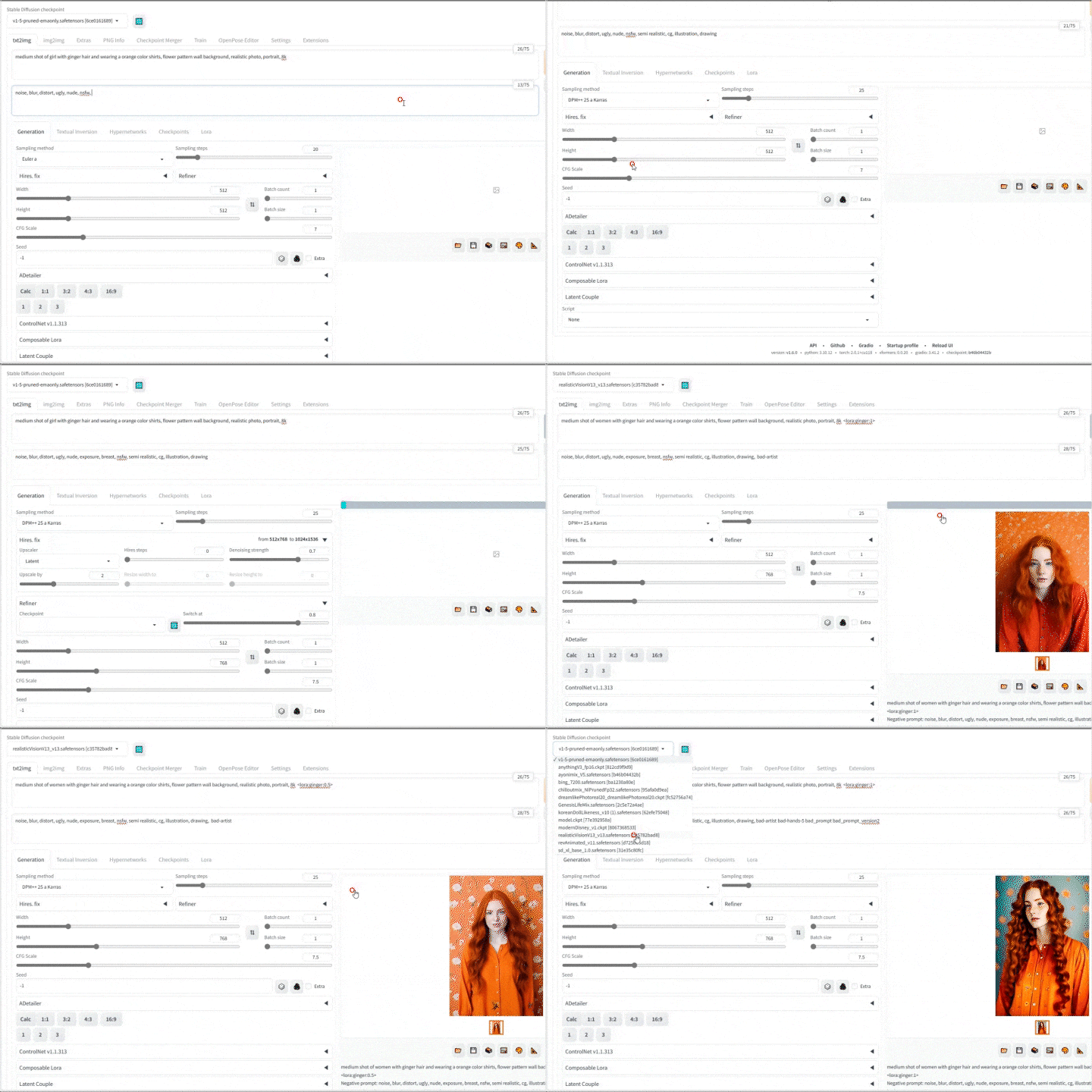 Learning Lora to Render with Stable DiffusionLearn how to make a roller that learns the desired drawing style and object using artificial intelligence. After printing the desired images with Midjourney, learn them as LoRa files and use them in Stable Diffusion.
 -
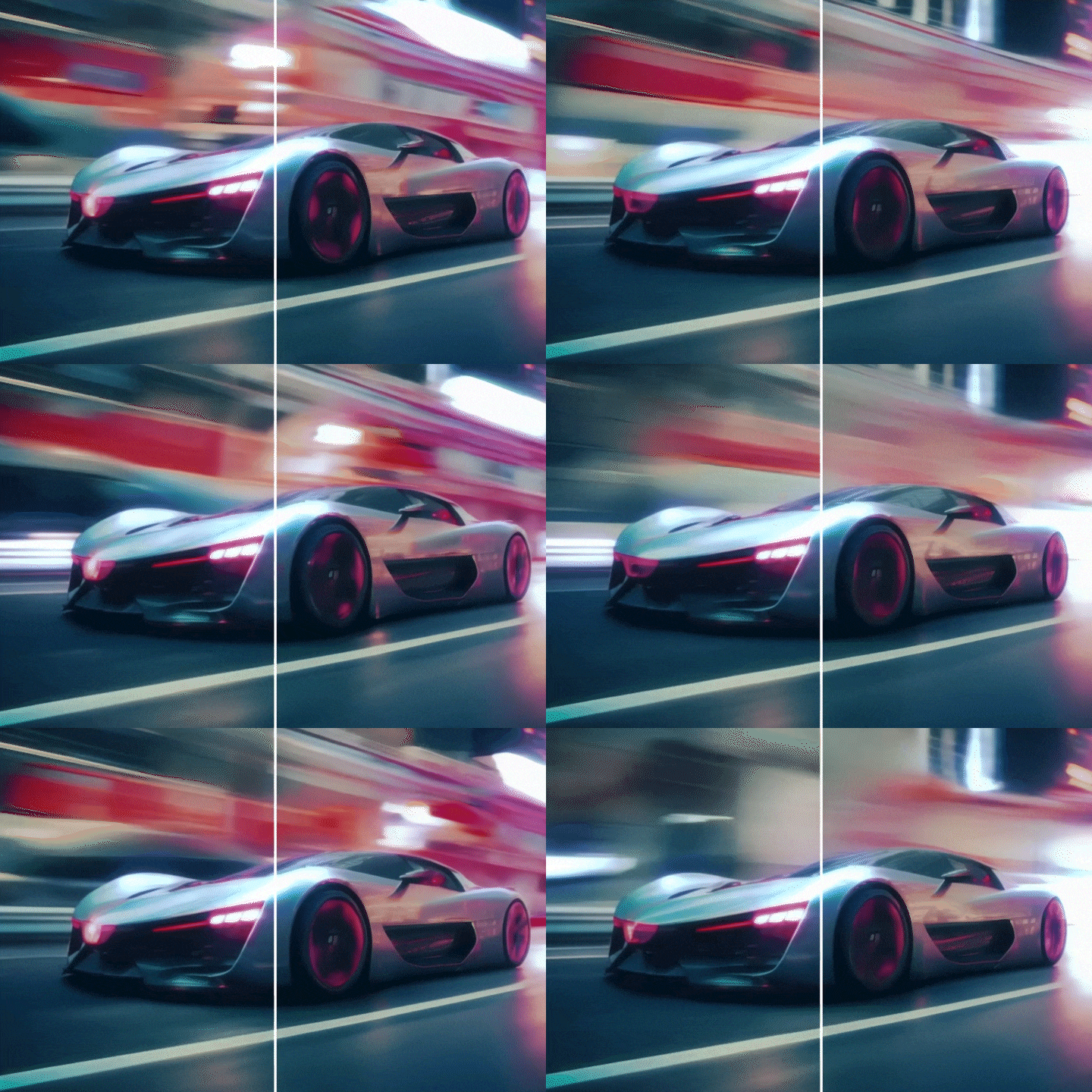 Frame interpolation workflow using artificial intelligenceLearn about the workflow of reducing render time by rendering at low frames and interpolating additional frames with an artificial intelligence program. Learn how to naturally increase the frame rate of videos created with an AI tool that only supports videos up to 8 frames.
curriculum
Show me the curriculum
SECTION 01. Intro
01. Intro - History and examples of artificial intelligence art
- What is generative art?
- Types of Generative Art Tools
- Examples of using generative art in practice
02. Example introduction and analysis
- Workflow analysis
- Tools and uses used in examples
SECTION 02. Midjourney & Stable Diffusion Installation and Basic Usage
03. Midjourney basic usage and prompt basics
- Sign up and install Midjourney
- Building a private server
- How to write the specific prompt you want
04. Basic usage of Stable Diffusion
- Sign up and install Stable Diffusion
- Basic understanding of controlnet
- Introduction and installation of extensions
SECTION 03. Pre-production 1. storyboard
05. Prompts expressing object, genre, and direction
- Collection of references from the desired scene
- Create a new scene based on references
- How to write a prompt suitable for composition and direction
06. Design the scene you want with Midjourney
- How to use the Describe function in depth
- Introduction to prompts commonly used in still cuts
- How to edit images using zoom and region
- Drawings of various facial expressions containing joy, anger and sorrow
07. Check simple motion using Gen 2
- Introduction and usage of Runwayml
- how to part hair
- Example of Gen 2
SECTION 04. Pre-production 2. Concept art
08. Prompt to express desired painting style
- Create using various picture prompts used in practice
- Image correction via multi-prompt
- Imitate the painting style of the artist you like
09. Creating concept art with Bing Chat, Chat GPT4, and DALL E3
- Compare multiple tools from the same prompt
- Create prompts with Chat GPT
- Modify an image in the desired direction using prompts
10. Utilize Midjourney’s zoom, pan, and inpainting functions
- Create dense images with the zoom function
- Creating space with the pan function
- Modifying specific parts with inpainting
SECTION 05. Pre-production 3. Character design creation
11. Prompt to express the composition and expression of the desired character
- Prompts for character composition
- Prompts for various facial expressions
- Editing characters with face it and inpainting
12. Learning characters with Stable Diffusion
- Create a painting style with various looks
- Learning with selected painting styles and characters Lora
- Apply lora learned to Stable Diffusion
13. Creating a character triangle with Stable Diffusion’s controlnet
- Setting the desired three-sided openpose skeleton using Stable Diffusion's controlnet
- Creating a three-sided view of a character using the openpose skeleton
- Modifying a three-sided view through inpainting
SECTION 06. Production 1. background
14. Creating backgrounds with Midjoureny and projection mapping in Blender
- Creating images suitable for projection mapping with Midjourney
- Installing and using the fspy tool
- AI image projection mapping with fspy in Blender
15. Create background with depth map of Midjounrey and Stable Diffusion
- Creating background images with Midjourney
- Extracting depth map using Stable Diffusion’s controlnet function
- Setting up 3D space based on depth map in Blender
16. Production of HDRI environment using artificial intelligence
- Create desired HDRI in skybox
- Compensating with Stable Diffusion’s inpainting function
- Import into Blender and set up lighting
SECTION 07. Production 2. modelling
17. Artificial intelligence motion capture using Wonder Dynamics
- Introduction to Wonder Dynamics features and how to use them
- Turn people in live-action video into 3D characters
- Extract motion capture files from Wonder Dynamics to Mixamo and Blender
18. Modeling using CSM
- Introduction and installation of CSM
- Modeling using CSM with images created in Midjourney
- Editing the Model in Blender
19. Video production using modeling created with artificial intelligence
- Constructing a scene with HDRI created in skybox
- Rigging a character modeled with CSM using Mixamo
- Making a video in Blender
SECTION 08. Production 3. motion
20. Creating an artificial intelligence virtual human using HeyGen
- Introduction to HeyGen’s features and how to use them
- Compare the virtual human creation methods of D-ID and HeyGen
- Create a virtual human video saying the lines you want with HeyGen
21. Render using Gen 1
- Analyzing the Introduction and Examples of Gen 1
- Create the look you want with prompts
- Create various looks for videos made with Blender with Gen1
22. Production of FX video source using Gen 2
- Create prompts to create FX scenes such as water, fire, and smoke
- Introduction to Gen 2 and learning how to use it
- Compositing in FX video blender made with Gen 2
SECTION 09. Post-production 1. render
23. Video production using Pika
- Create a video with images and text
- Changing camera settings with parameters
- Improve video frame and quality with Topaz Ai
SECTION 10. How to use AnimateDiff
24. Using AnimateDiff with AUTOMATIC1111 version
- Learning various UIs from Stable Diffusion
- Install and run AUTOMATIC1111
- Installing AnimateDiff on Stable Diffusion
- Create the video you want with AnimateDiff
25. Using AnimateDiff with ComfyUi version
- Introduction to ComfyUI and installation of manager version
- Image creation using SDXL
- Run ComfyUI through localtunnel
26. Import various AnimateDiff settings
- Producing a video with txt2img settings
- Producing a video with prompt travel settings
- Producing a video with ControlNet settings
SECTION 11. Outro
27.Outro
- Concluding the lecture
- Opinions on the future of AI tools
interview
Prompt Engineer Jinsung Kim

What are the planning intentions and points of this lecture?
The core of this lecture is the know-how to create videos easily, quickly, and with good quality using generative AI. The curriculum has been designed so that you can easily and intuitively learn various ways to use AI for high-quality results, and acquire efficient work processes that can be immediately applied in practice through practice. Starting with the basic operating principles of generative AI and prompts, I have included all my experiences and tips on how to use AI in all processes of pre-production, production, and post-production, which is the overall video design workflow.
What can students gain from the lecture?
In this lecture, I have included the video design AI work process that I completed after numerous tests and can be immediately applied to practice, as well as the skills to link Blender and generative AI, which are easy, intuitive, and can maintain high quality. I hope that through this lecture, many video designers will be able to free themselves from repetitive work, come up with ideas freely, and quickly realize the images they want.
Lastly, please leave anything you would like to say to the students and junior creators.
All technologies are the result of those who have advanced through repeated failures at the forefront of the industry, and I believe that AI will become a natural technology and tool in the future like Photoshop, C4D, and Blender. I feel that in order to pass on better technology to the next generation, creators living today also need the mindset and effort to pioneer new paths. I hope that through this lecture, you will be able to get rid of any vague fears about AI and use it as a tool to express your creativity.
We will guide you through the program to use.
This course is conducted using Blender and a generative AI program. To ensure smooth participation, please install the latest version of the program separately.
Blender
Midjourney
Stable Diffusion
runwayml - Gen2
*Programs and materials are not provided separately.