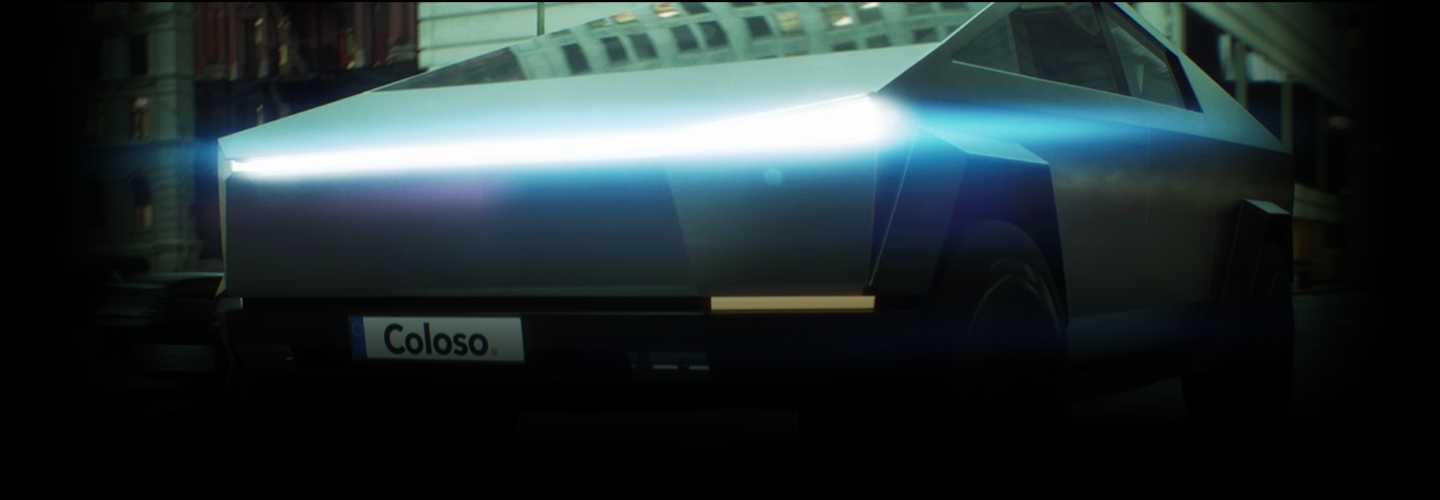
3DArtist,YoungjoCho_조영조2 Details
Intro
Class Intro
3D Artist Youngjo Cho
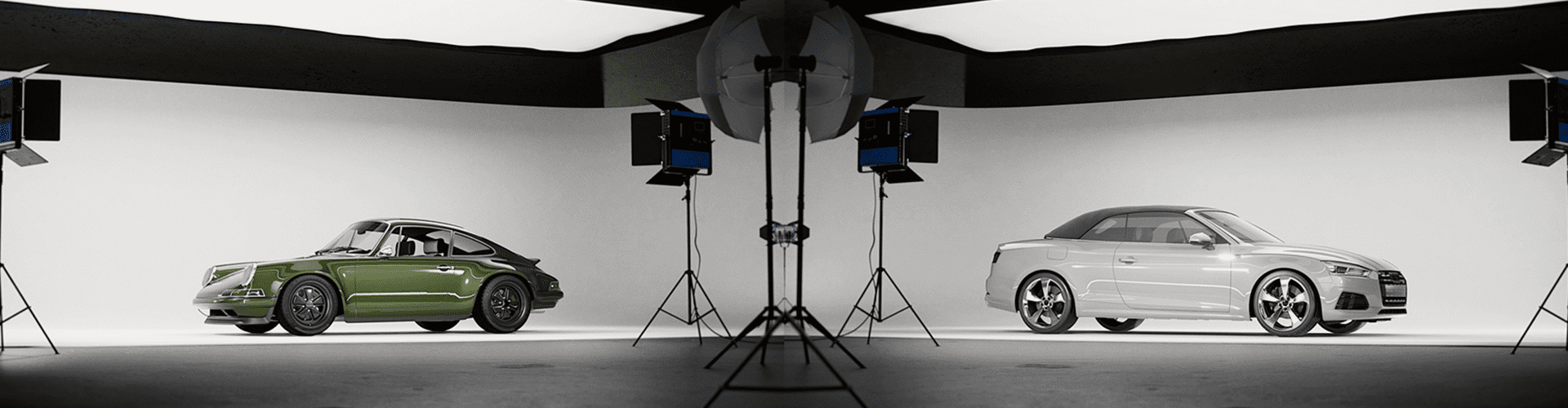
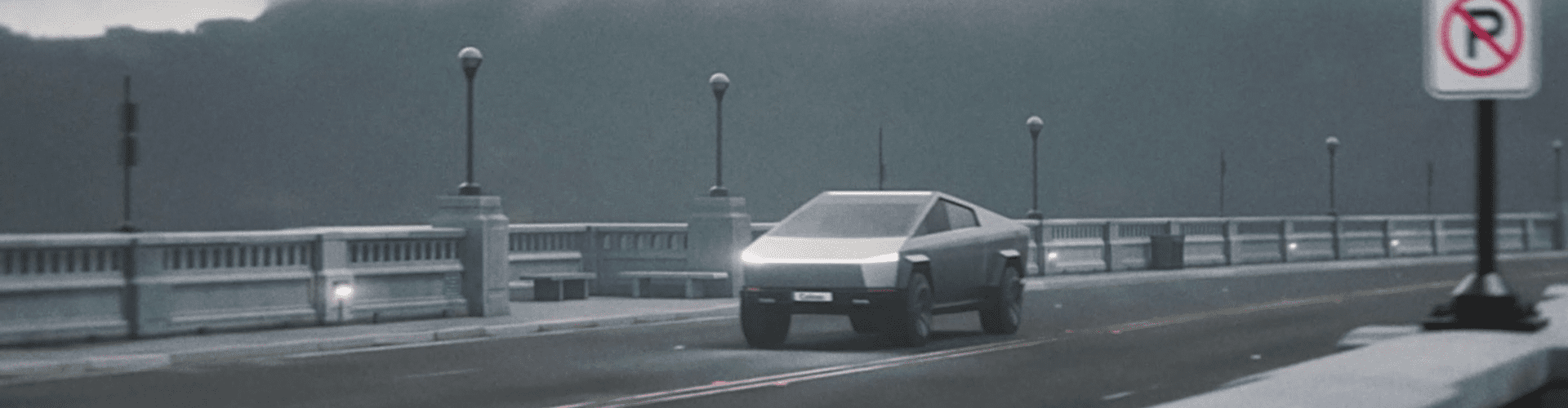
Cyclorama wall studio. Busy roads. Direct vehicle sequences in real time using Unreal Engine using the cinematic idea.
High-Quality Automotive Cinematic Content
Delivered through Detailed Real-Time Rendering
Ready to experience intensive real-time rendering skills using Unreal Engine?
Unreal Engine is actively used in the advertising and virtual production industries as it allows instant revisions with real-time verification.
Unreal Engine is actively used in the advertising and virtual production industries as it allows instant revisions with real-time verification.
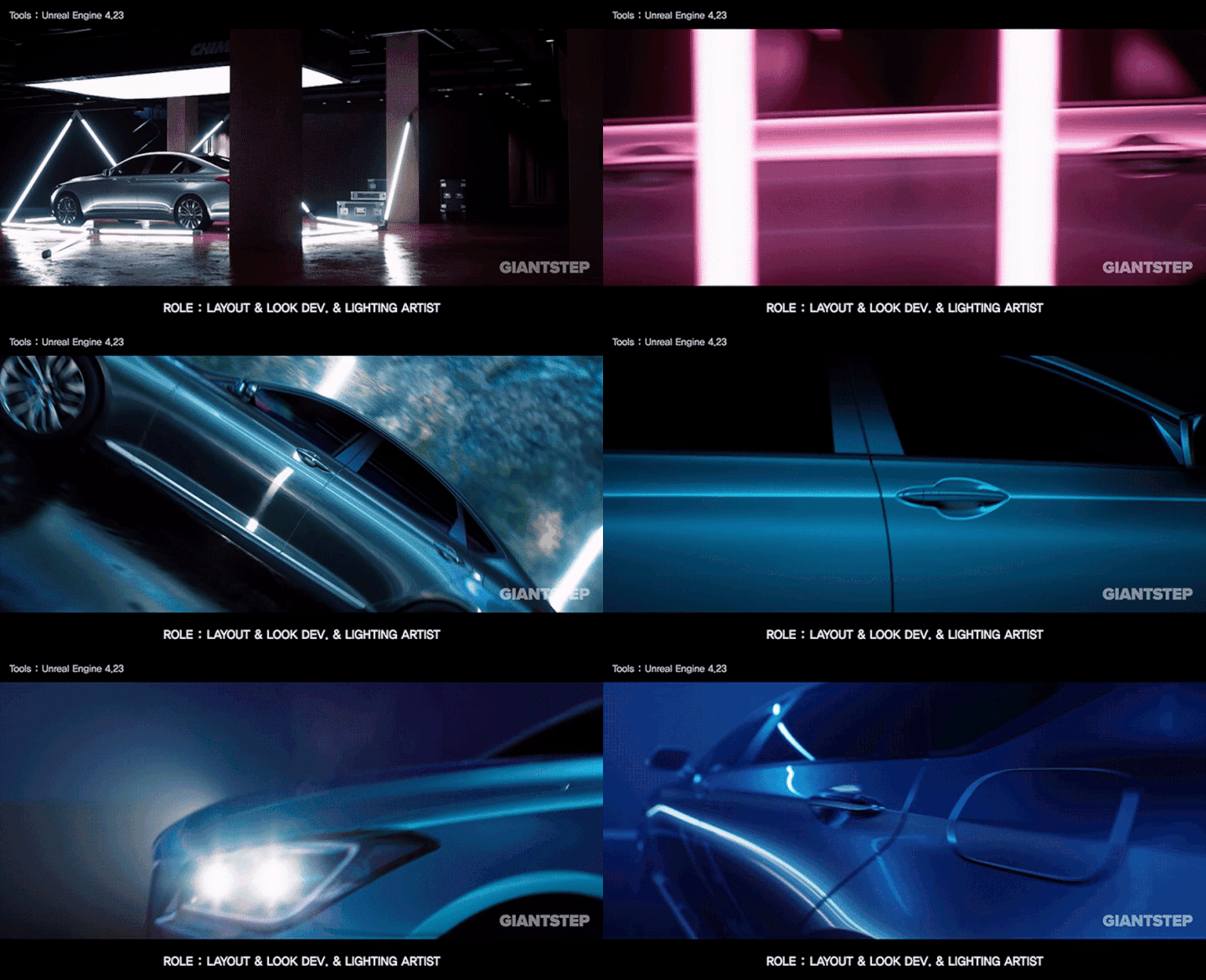
Unlike its previous focus on natural environments, version 5.1 updates now allow a realistic portrayal of reflective materials like metal and glass through advanced LookDev skills. 3D artist Youngjo Cho will teach you everything there is to know.
Learn how to use rendering methods such as Ray/Path Tracing and Lumen that are ideal for the cinematic notion, whether in interior studios, outdoors, or huge cities. Learn everything about virtual character generation, motion capture data use, and the cutting-edge 3D anamorphic illusion technology.
Learn how to use rendering methods such as Ray/Path Tracing and Lumen that are ideal for the cinematic notion, whether in interior studios, outdoors, or huge cities. Learn everything about virtual character generation, motion capture data use, and the cutting-edge 3D anamorphic illusion technology.
Class Perks
Get These Coloso Exclusives
-
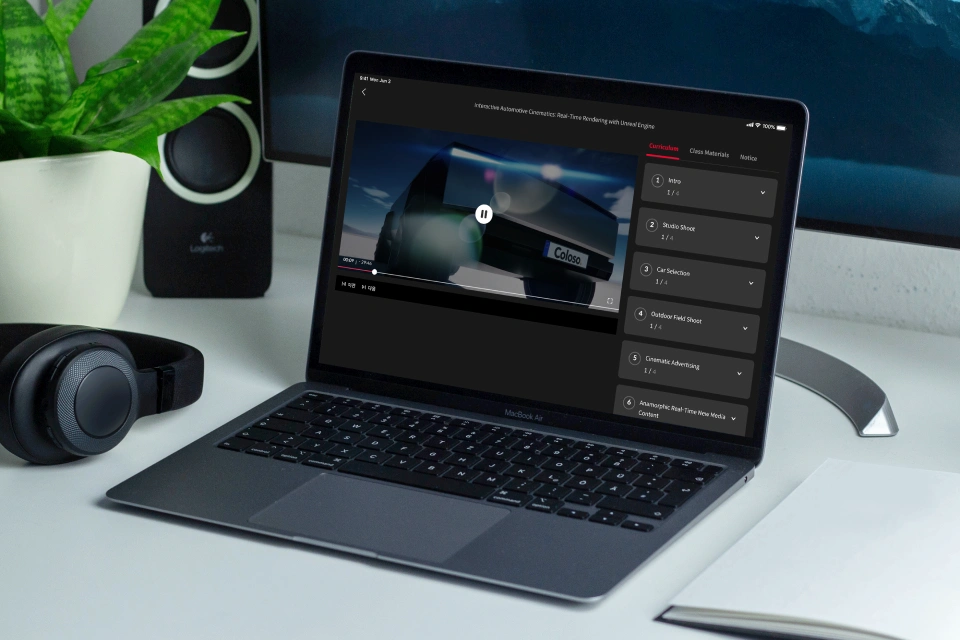
Unlimited Access to 15+ Hrs & 26 Chapters of Content -
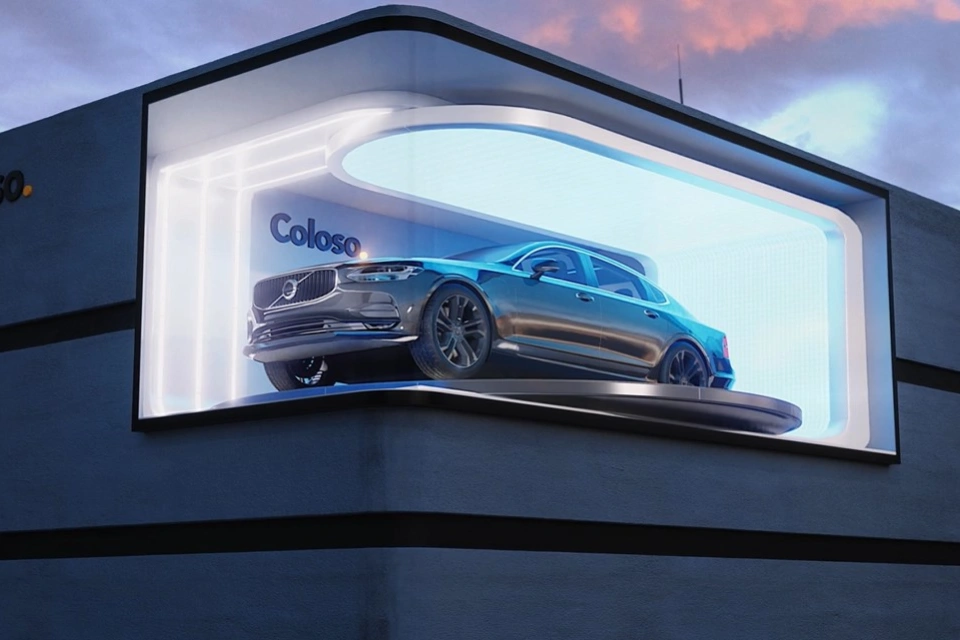
Essential Techniques from a Professional Artist -
Study Material Files Used in Class Exercises
Expert 3D Artist Youngjo Cho's Portfolio

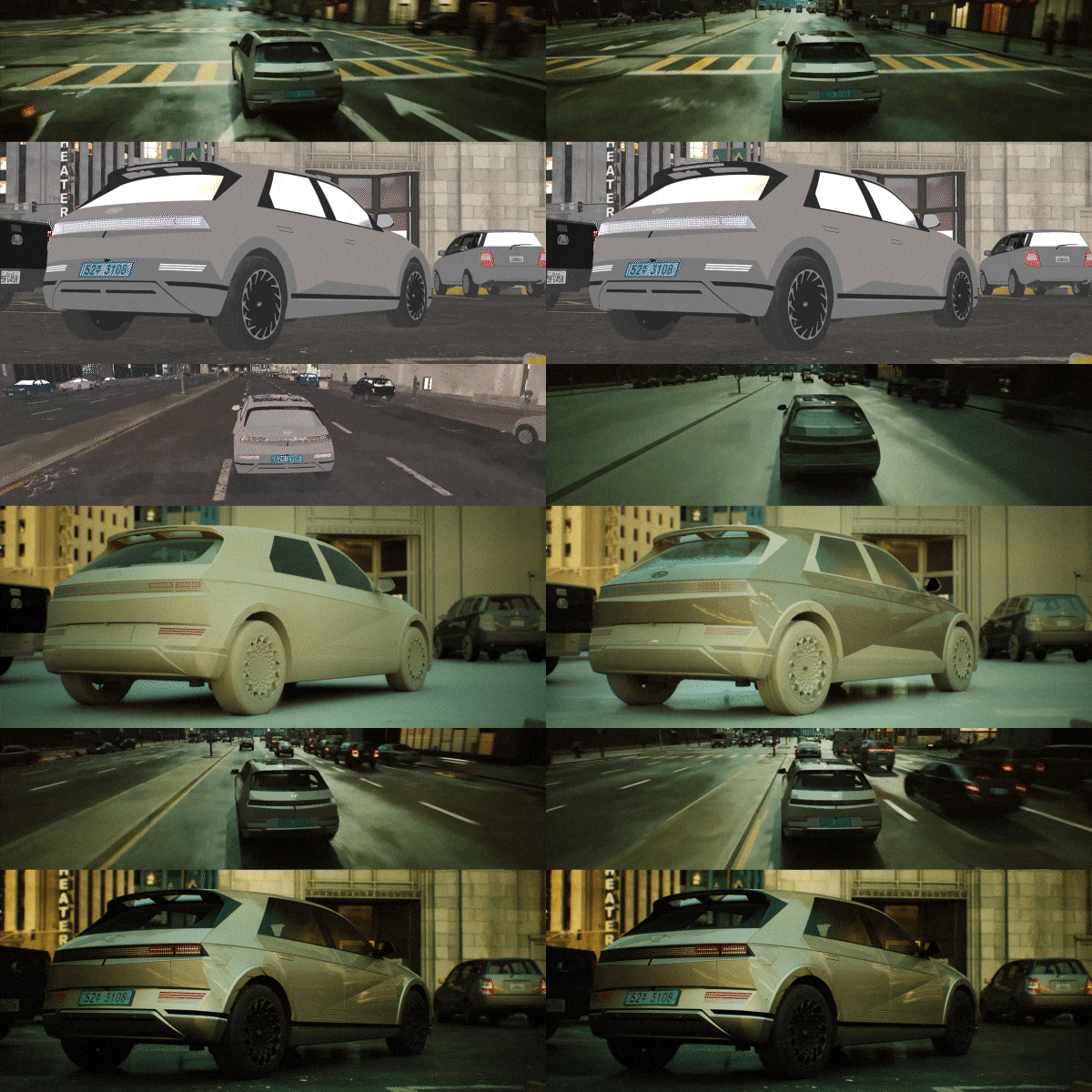
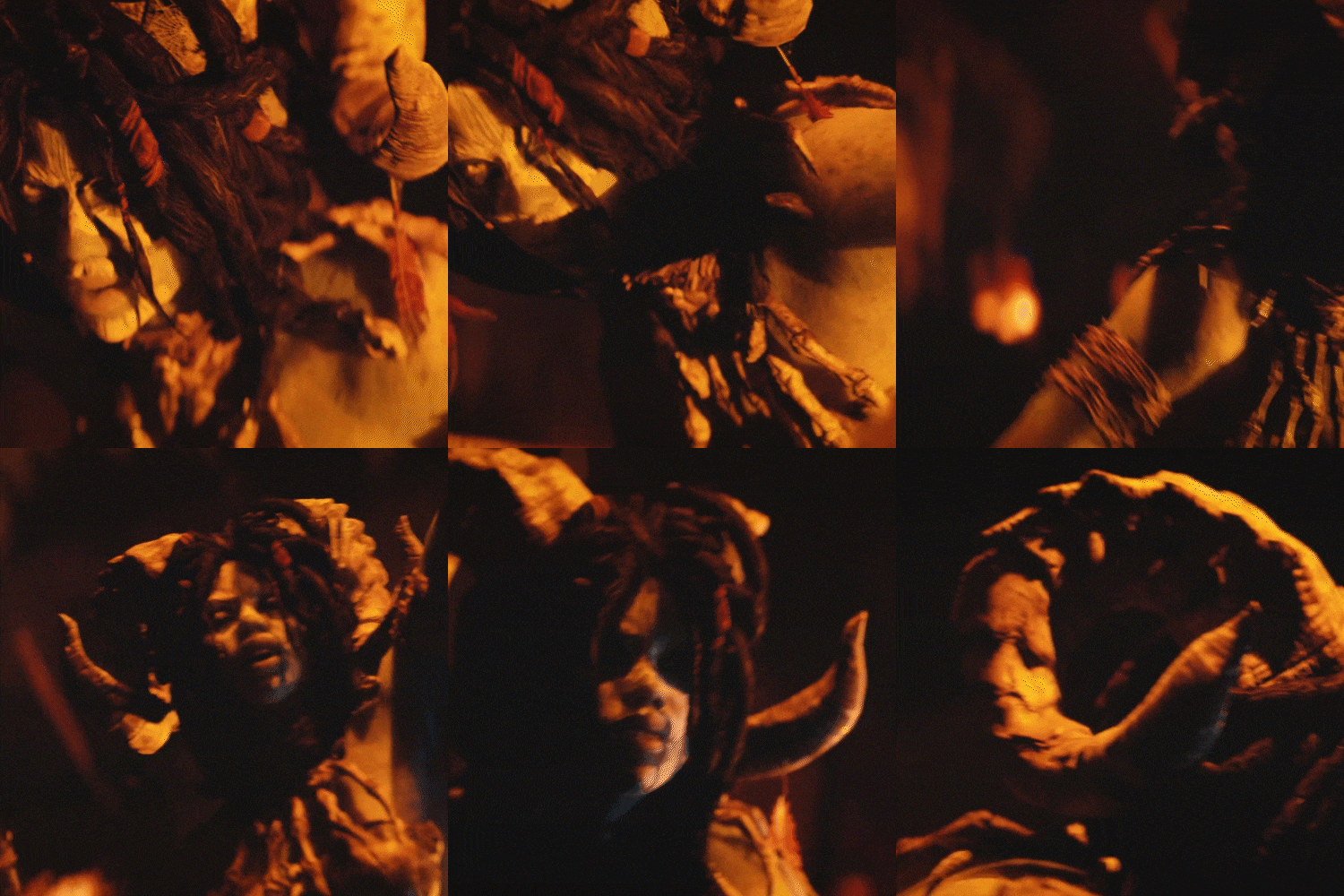
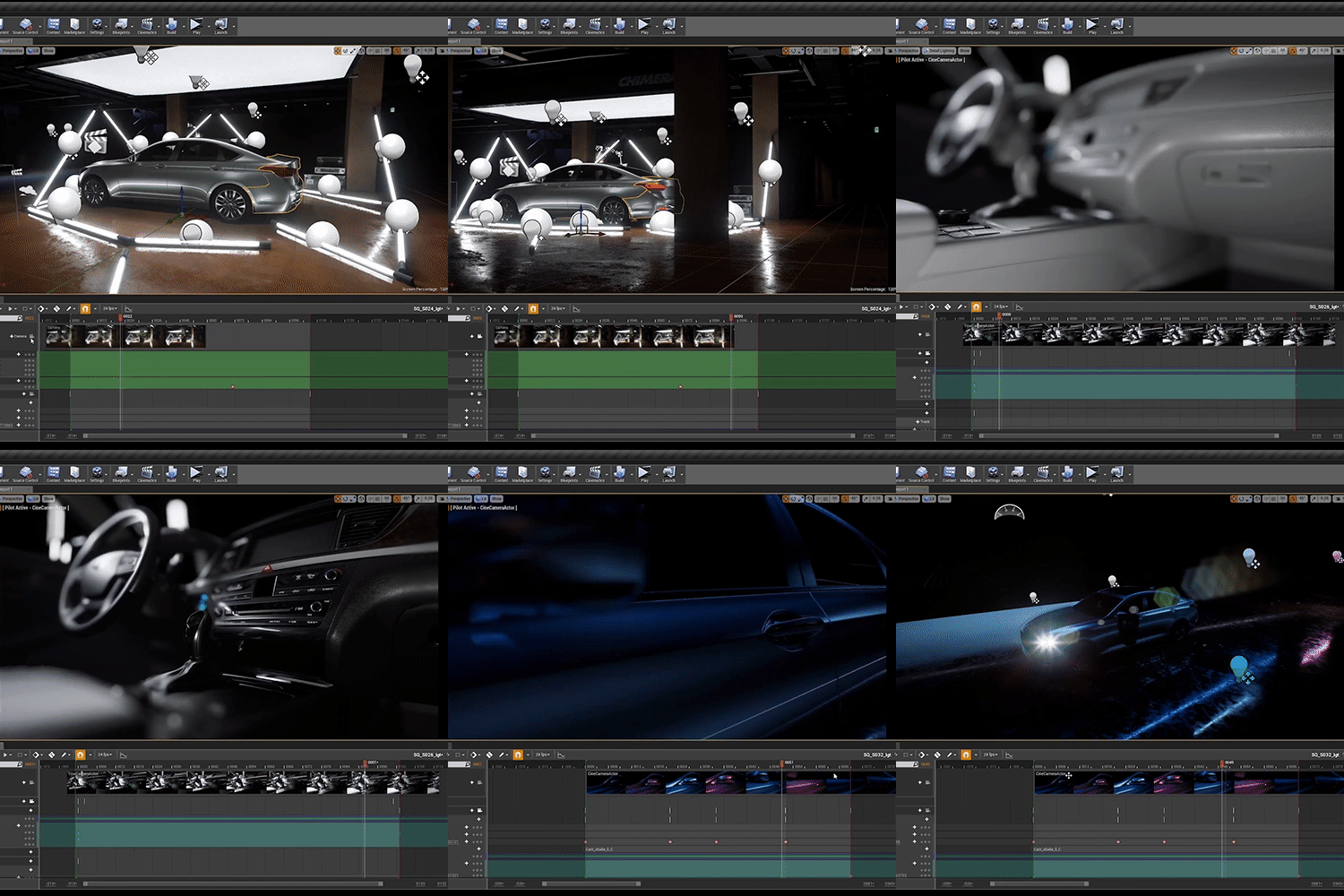

Why Take This Class?
The goal of this class is to go over the essential skills to boost your creativity and design abilities.
Our focus is on two key areas: conceptualization and color theory. First, we will explore techniques to generate compelling concepts and develop a unique vision for your designs. Then, we'll analyze color theory principles and how to apply them in unconventional and unique ways.
By the end of this class, you will learn to create compelling and visually striking artwork and to use those designs to create your original merchandise.
5 Class Exercises
In this class, you will create five automotive cinematic exercises.
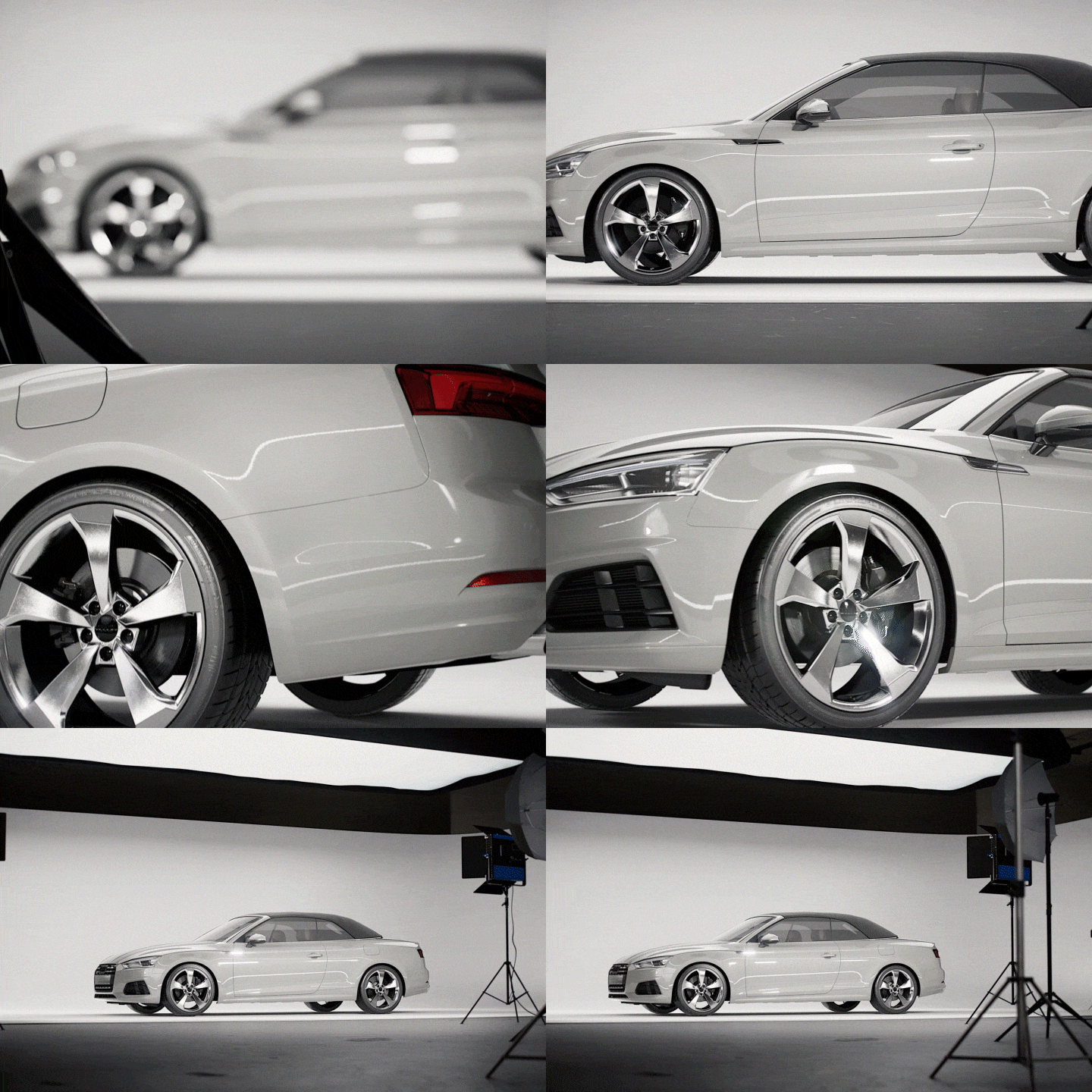
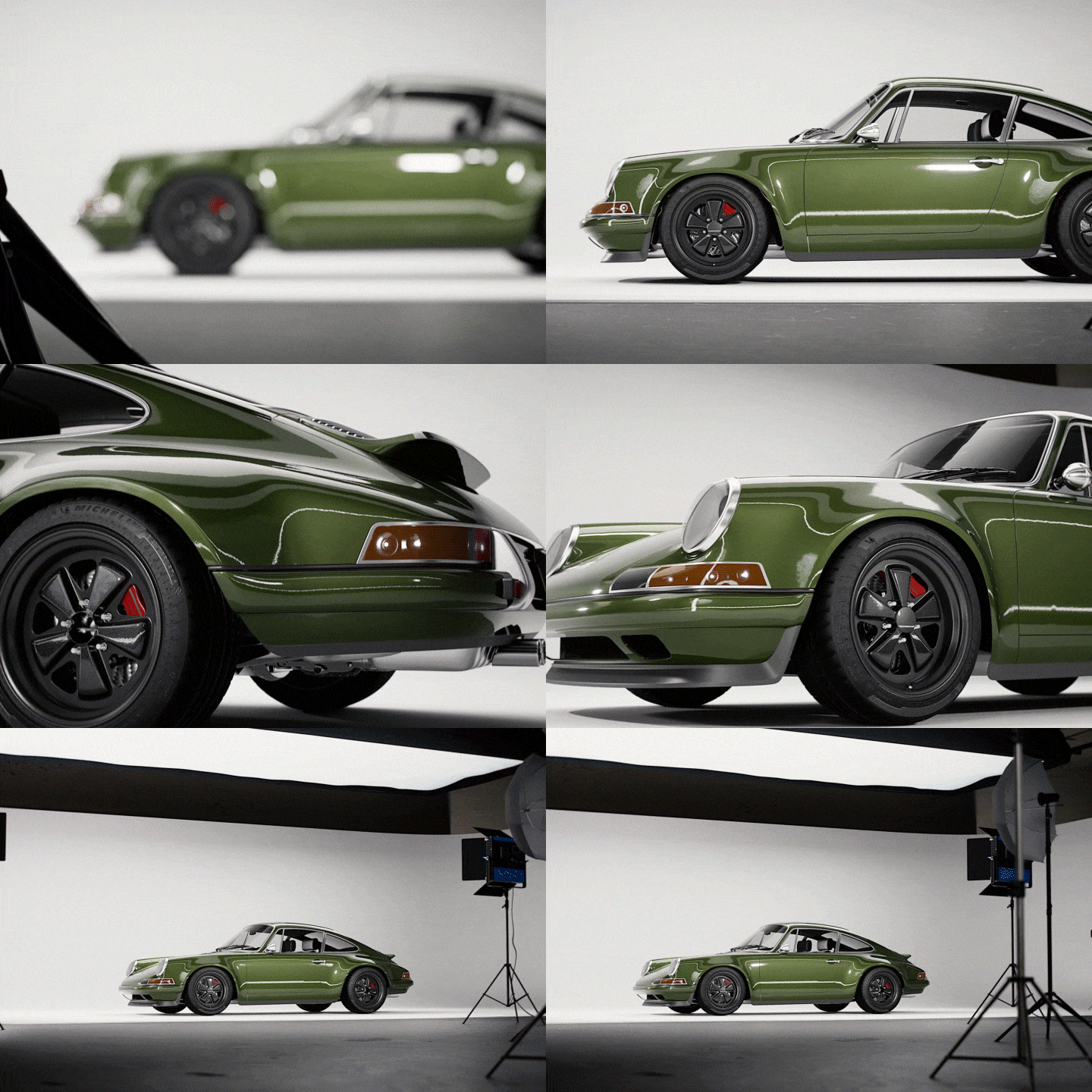
Cyclorama Wall Studio: Reflection Expression
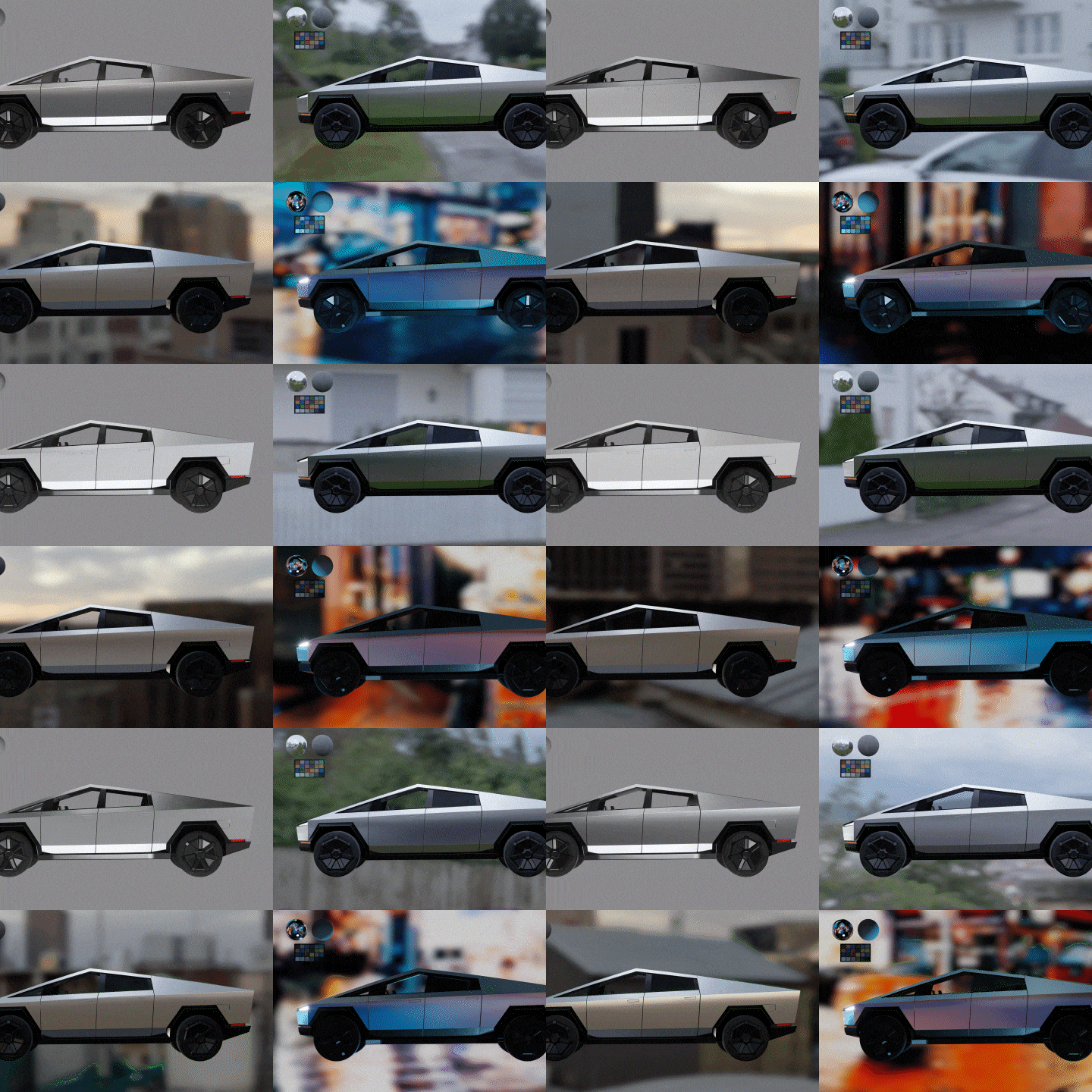
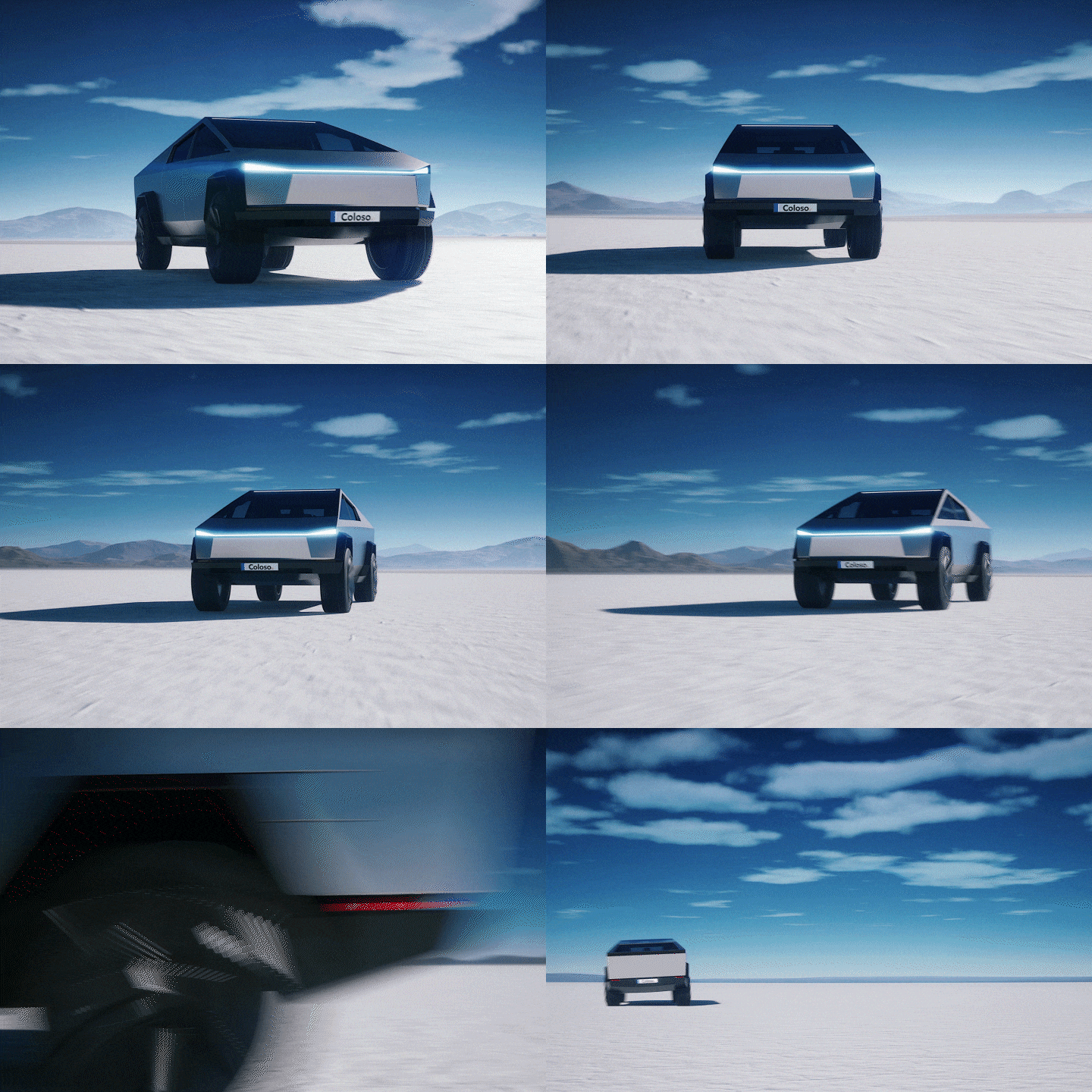
Outdoor Scene: Gameplay Creation
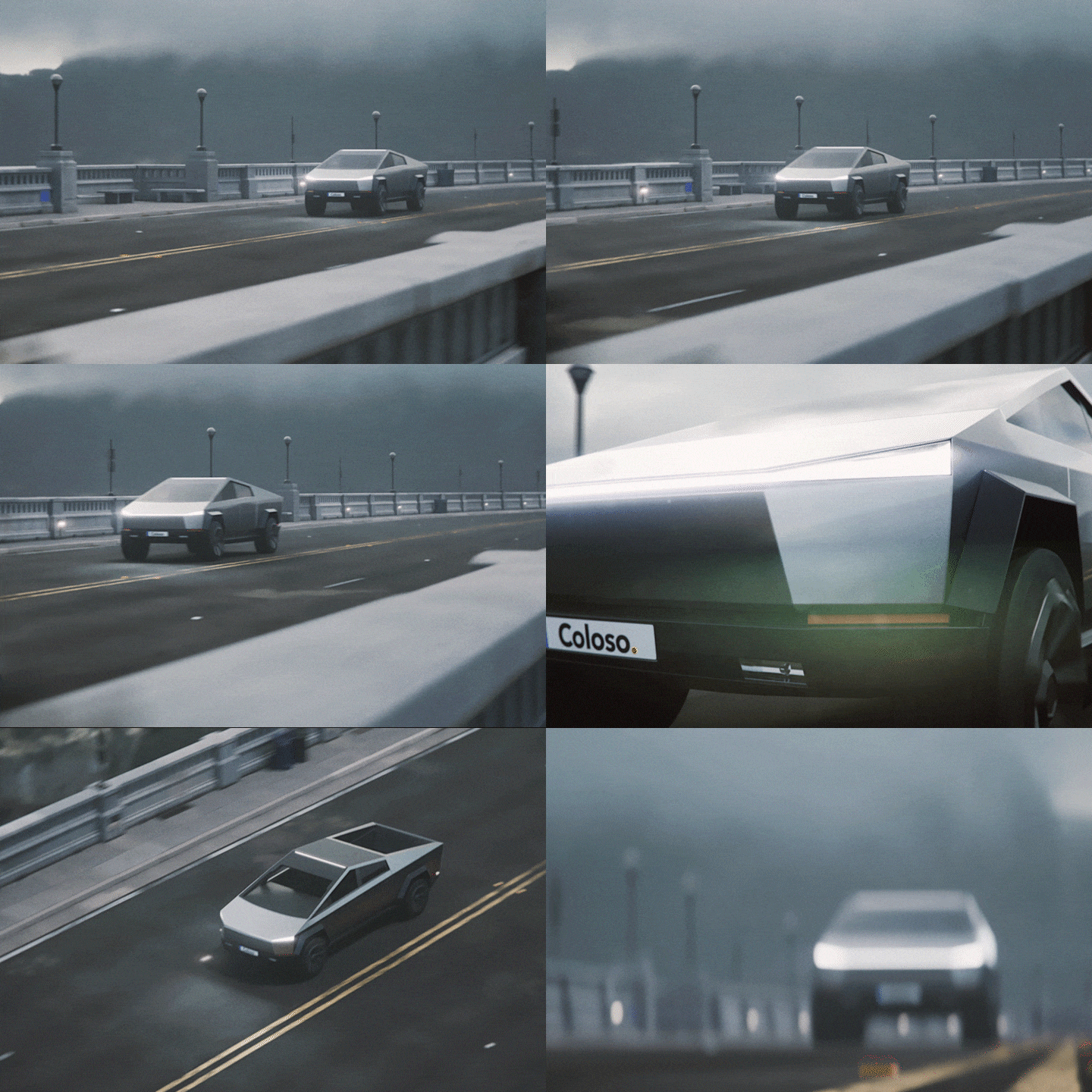
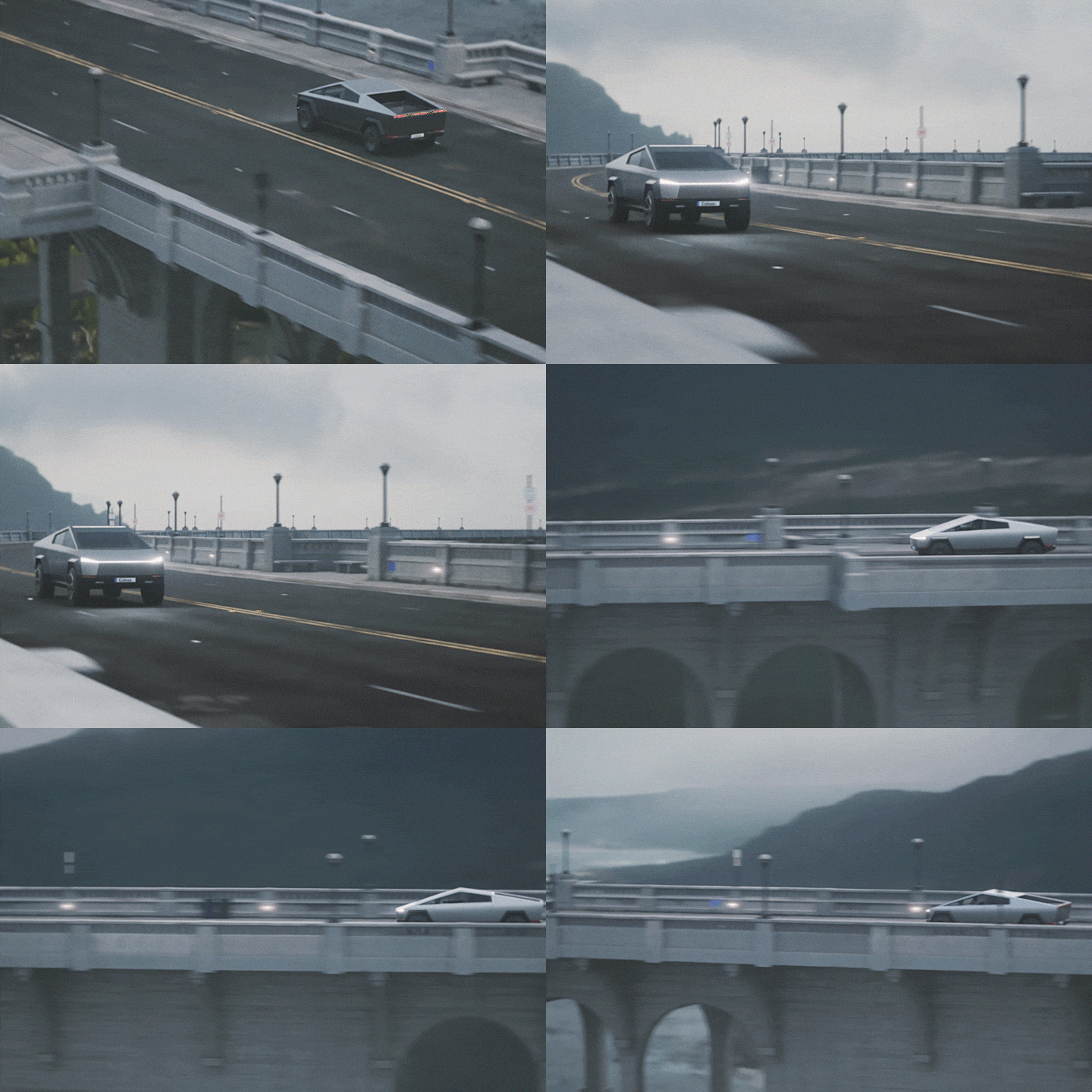
Complex Road Scene: Various Situational Lighting
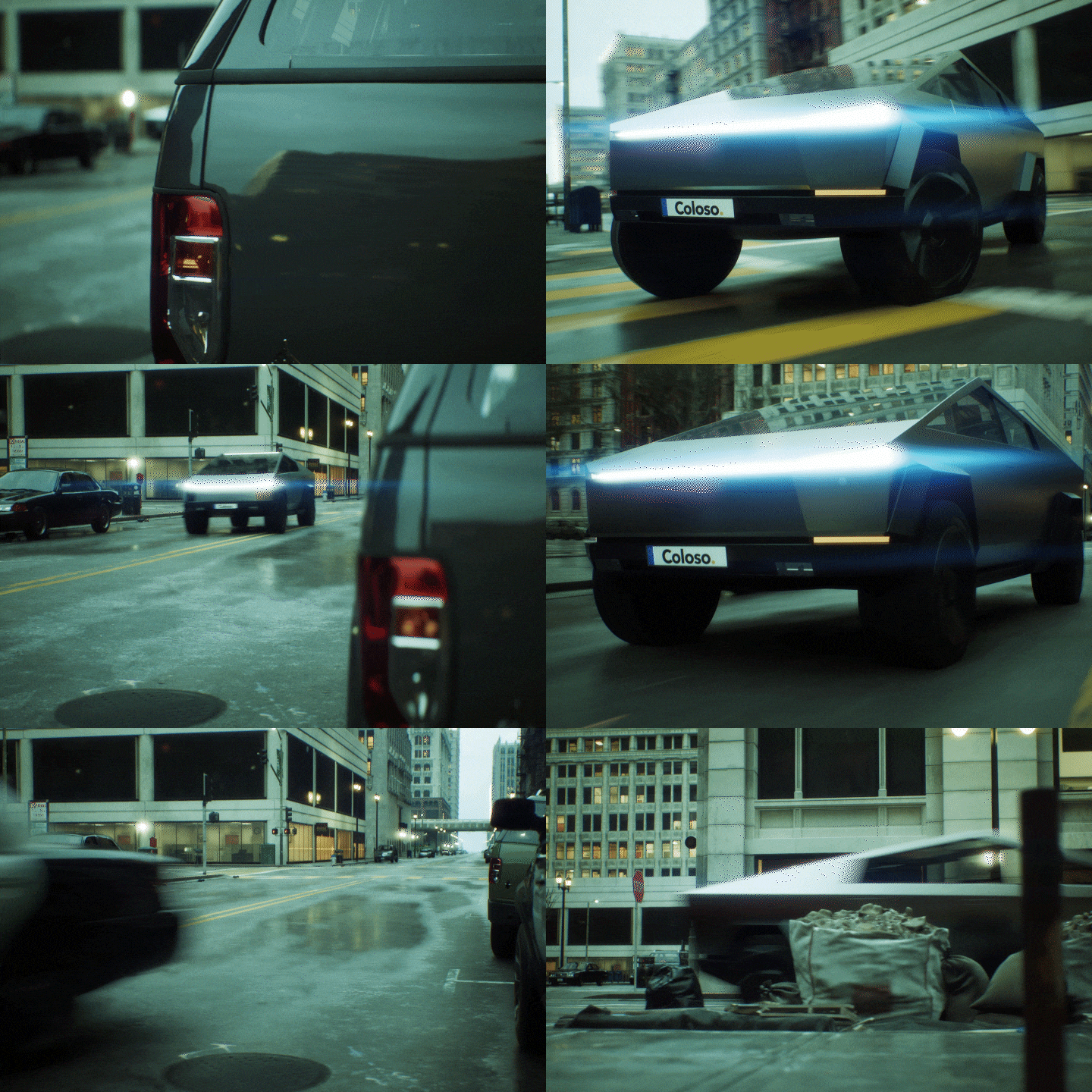
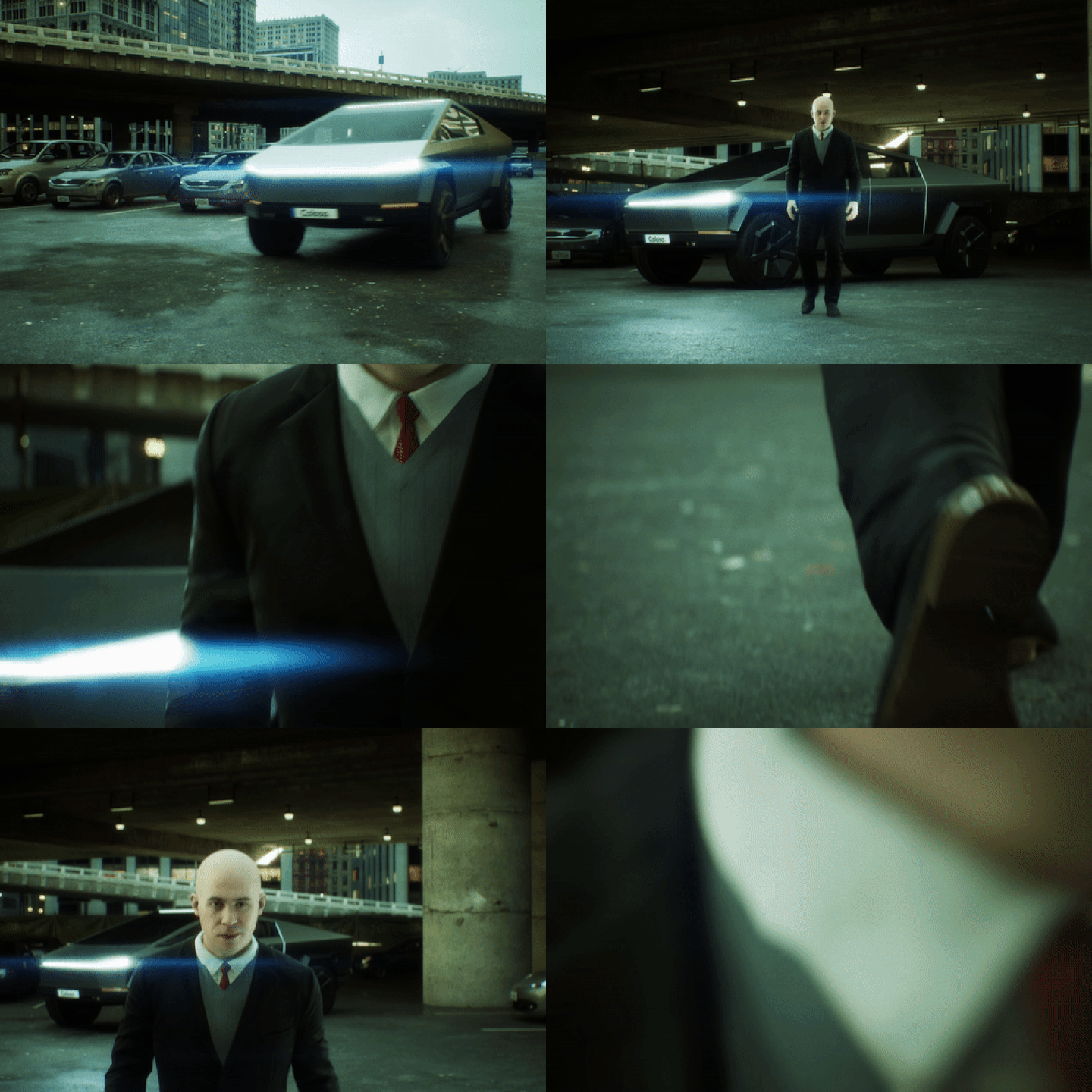
Cinematic: Car Chase
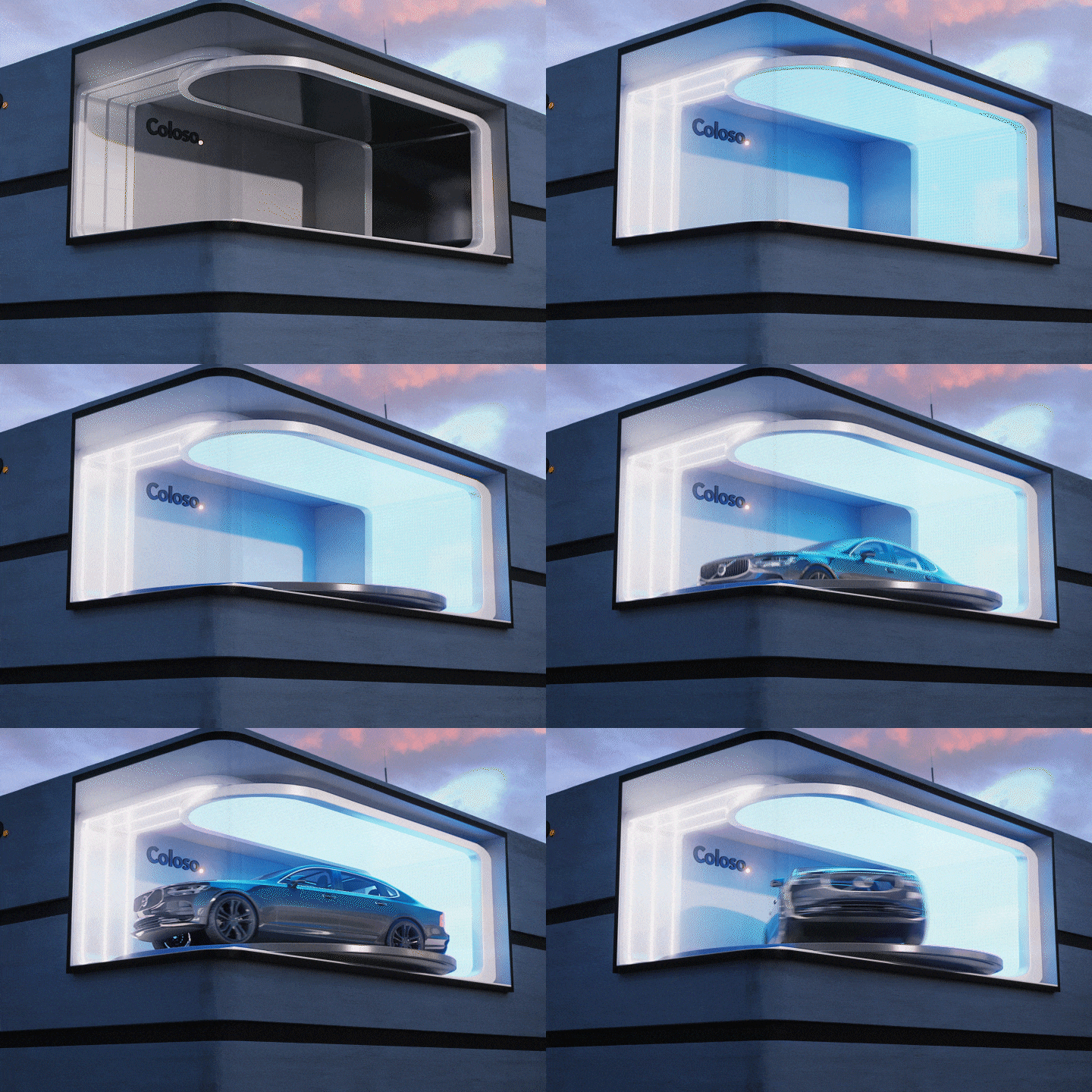
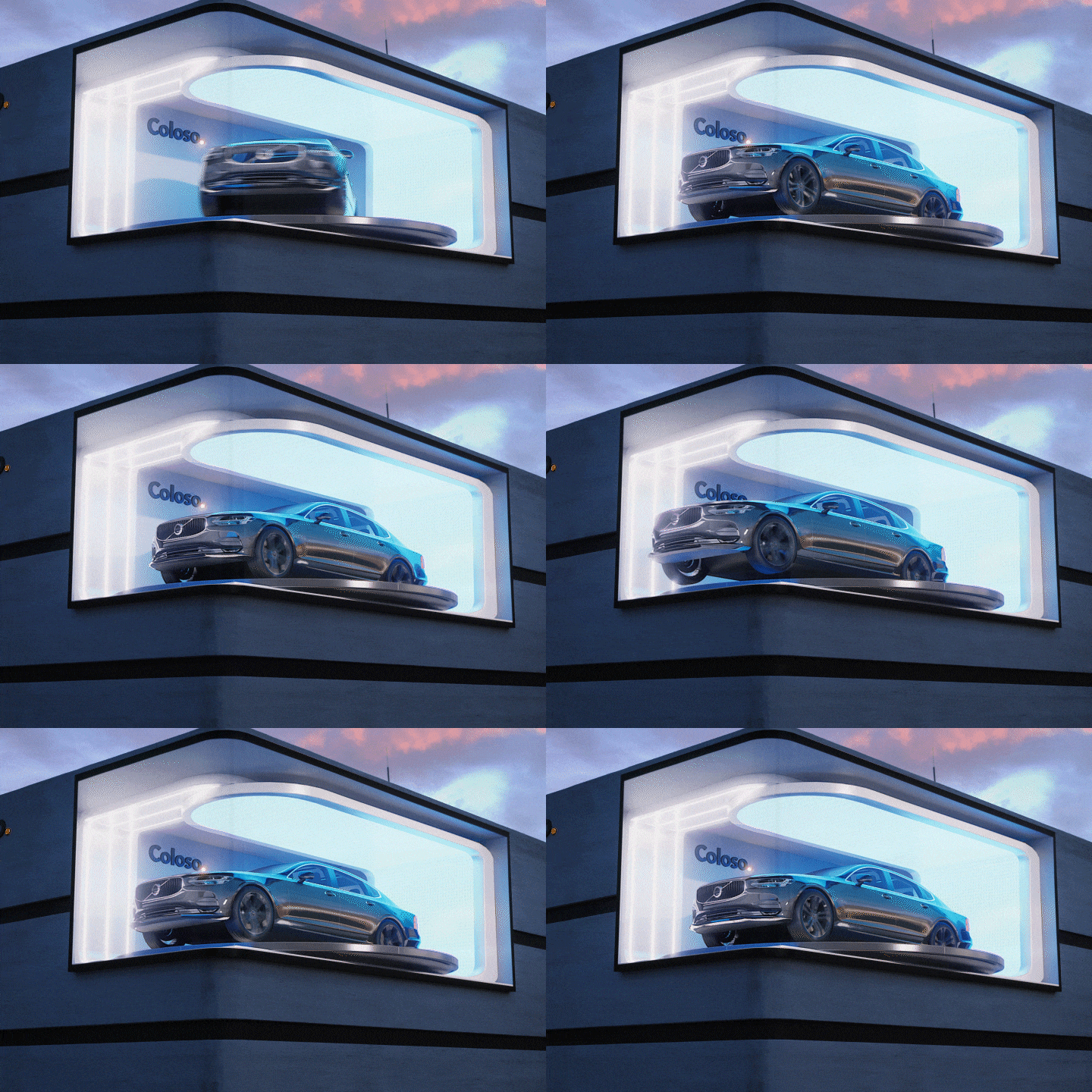
Real-Time Anamorphic Illusion
Student Reviews
Class Recommended by Youngjo Cho's Students
Instructor
3D Artist
Youngjo Cho
Hello, I'm 3D Artist Youngjo Cho.
Until recently, I led a team that implemented visuals and conducted R&D on new media content and technologies in the entertainment industry.
Currently, I’m working on various projects as a freelance 3D artist.
Unlike my previous class, this class will focus on advanced rendering processes to help you create realistic and high-quality images.
This class covers not only video content production but also utilizes the strengths of Unreal Engine, a real-time game engine to demonstrate interactive techniques and expertise.
3D Artist Youngjo Cho
[Current]
Freelance 3D Artist
[Previous]
Metaverse Entertainment VT Team Leader
Netmarble F&C Lighting Department Head
SHIFT UP Lighting Artist
GIANTSTEP Real-Time Content Team
MOFACT Lighting Artist
.mill 3D Generalist
Projects & Awards
[Projects]
MMA2021 Melon Music Awards Opening Intro
PUBG Season 10 Teaser Hide, Seek, Survive
PARAGON: The Overprime Teaser
PROJECT AUTOMOTIVE
2020 Samsung Odyssey
Paradise City Media Facade Show
[Other]
MAVE: PANDORA - Music Video
Special Exhibition at the Buyeo National Museum - Splendid World of Designs on Baekje Tiles - New Media Content
[Lectures and Mentoring]
2023 Special Lecture on Metaverse Content Production at Hanyang Women's University
2022 Special Lecture on Human Character Utilization for XR Content Research at DMC Open-Lab
Special Unreal Engine Lecture for the Culture Hub Live Animation Lab at Seoul Institute of the Arts
Special Lecture on Unreal Engine Real-Time Rendering at Dongseo University
Autodesk (SCK) Video Visualization Optimization Online Seminar
Seminar on Creating Real-Time Videos with Ray Tracing Using Unreal Engine 4 at Mofac Academy
Content Impact Specialist Mentoring and Education at Korea Creative Content Agency
Virtual Space Production Specialist Training Expert Mentoring at Korea Animation Industry Association
Highlights
Class Highlights
Playable Automotive
Use the Unreal Engine's real-time capability to freely apply desired actions while driving cars in games, completing the scenes you've created.
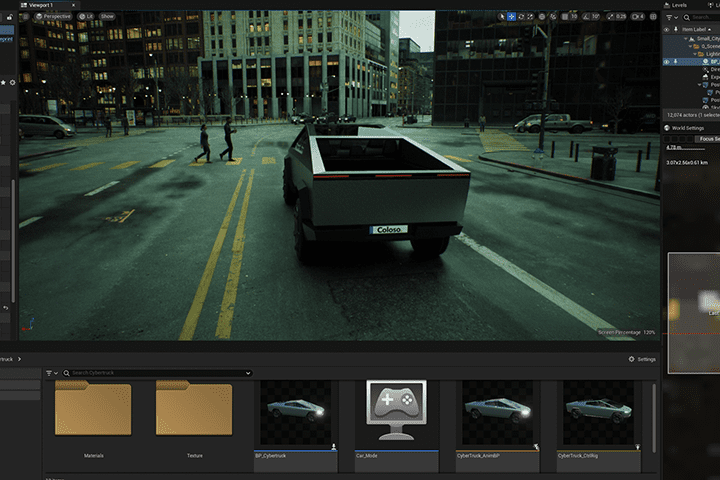
Unreal Engine Rendering Knowledge That Allows Realistic Expression
This class explains the entire real-time rendering process, which may initially appear sophisticated and tough. Learn step-by-step how to select the best rendering approach for the situation.
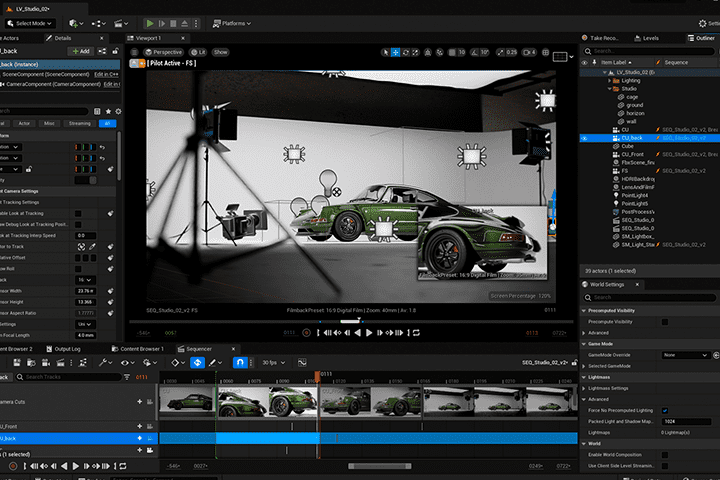
First Reveal of Anamorphic Illusion Production Method
Real-time anamorphic illusion allows you to quickly create realistic new media material without the need for long video rendering times.
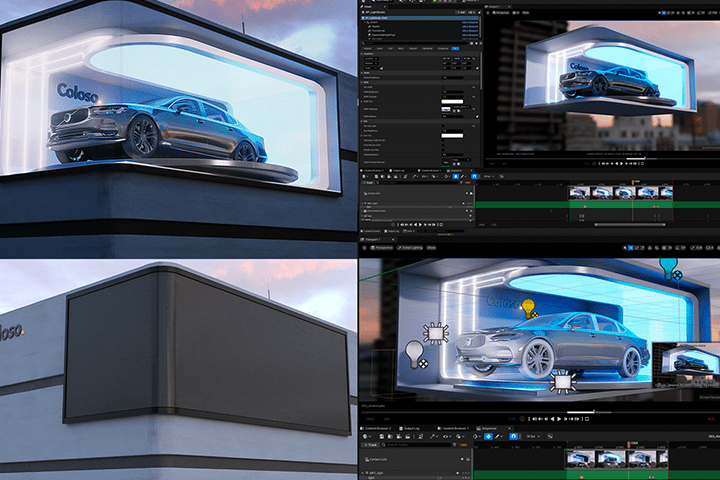
Class Details
You'll Learn
-
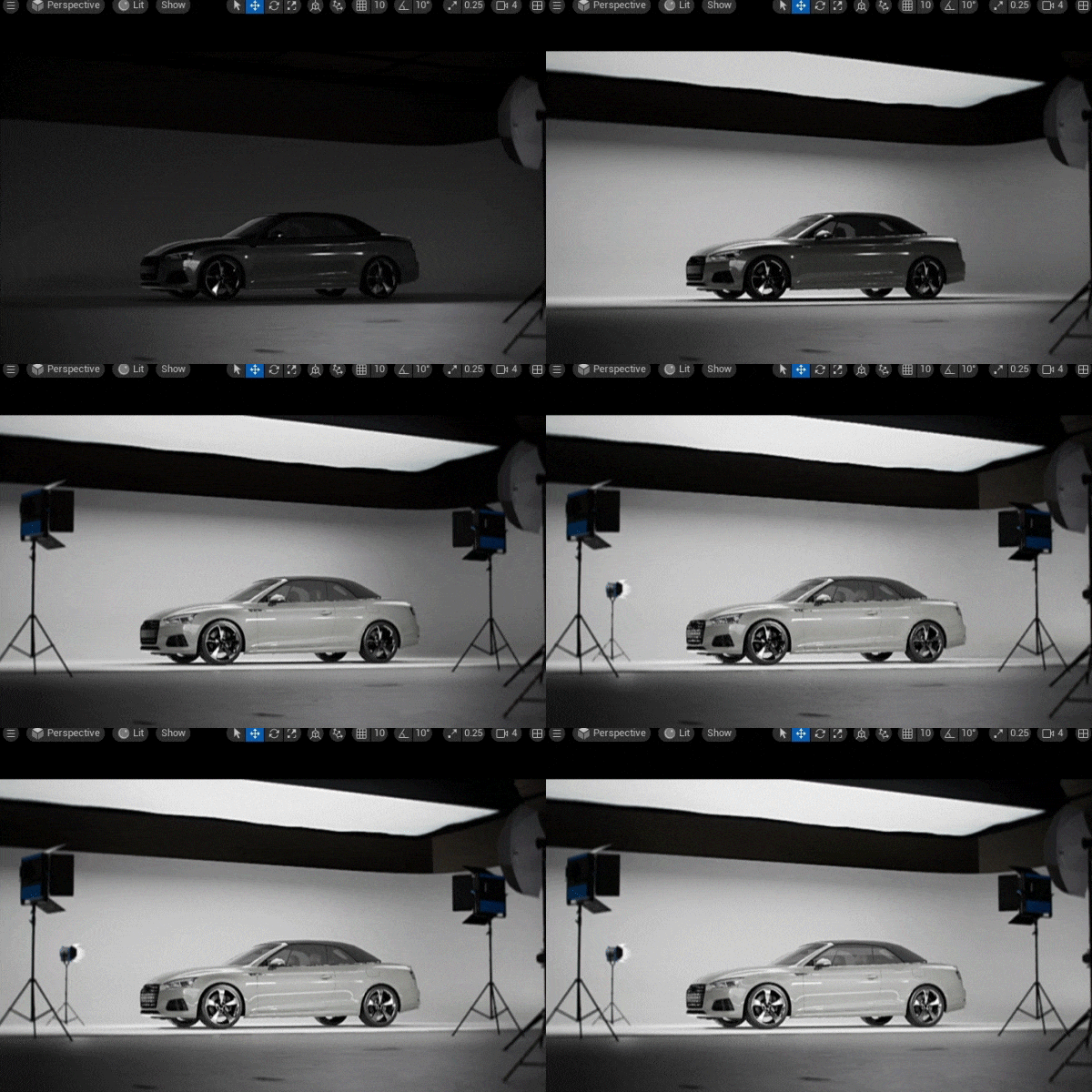 Technical Lighting Knowledge for Various EnvironmentsAcquire detailed automotive lighting expertise for both indoor and outdoor applications. Apply proper rendering solutions and understand how to create high-resolution visual images.
 -
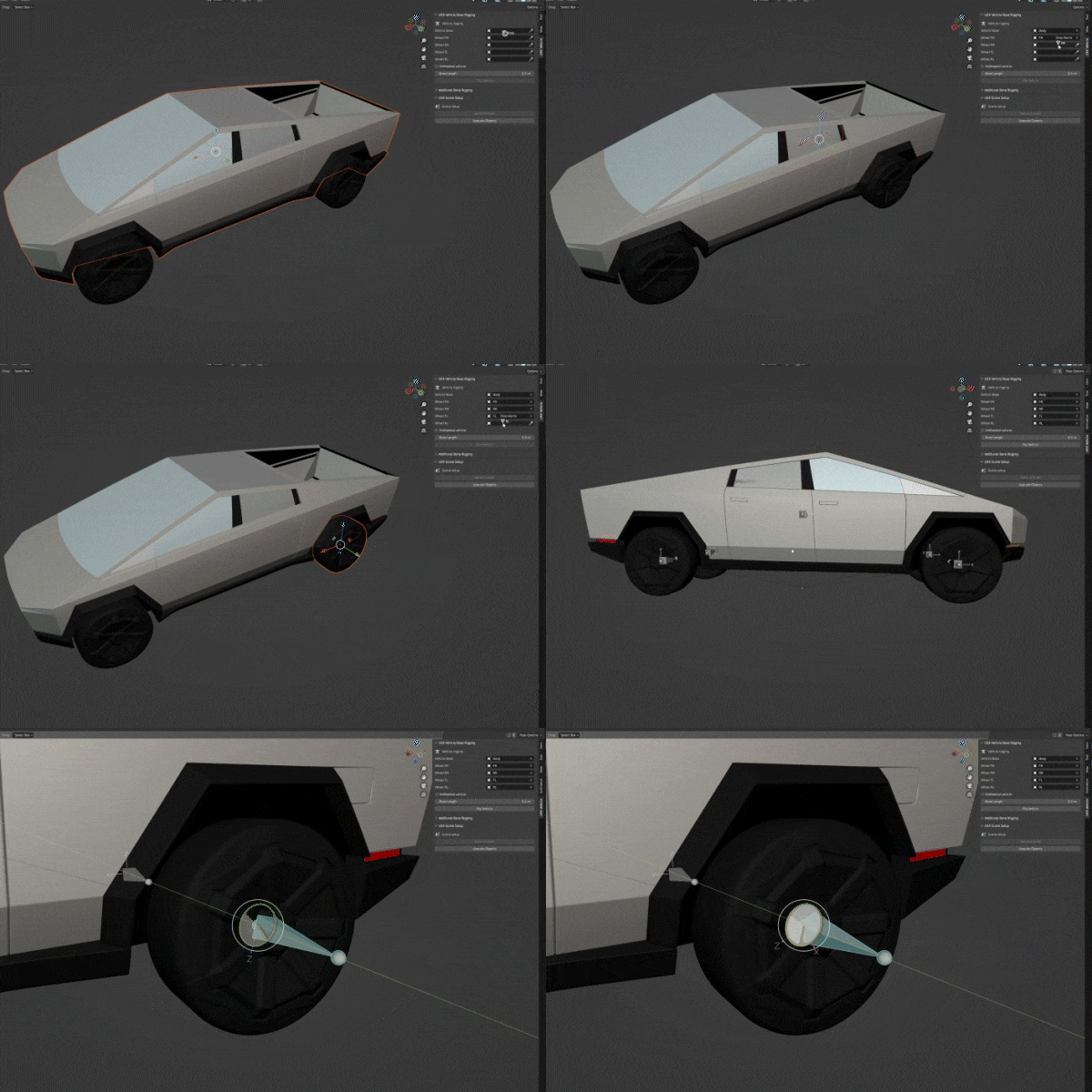 Easy-to-Learn Car Rigging Using BlenderDetailed explanations of vehicle rigging that are simple to implement and follow using the free 3D application Blender, even for individuals with no previous expertise or knowledge of car rigging.
 -
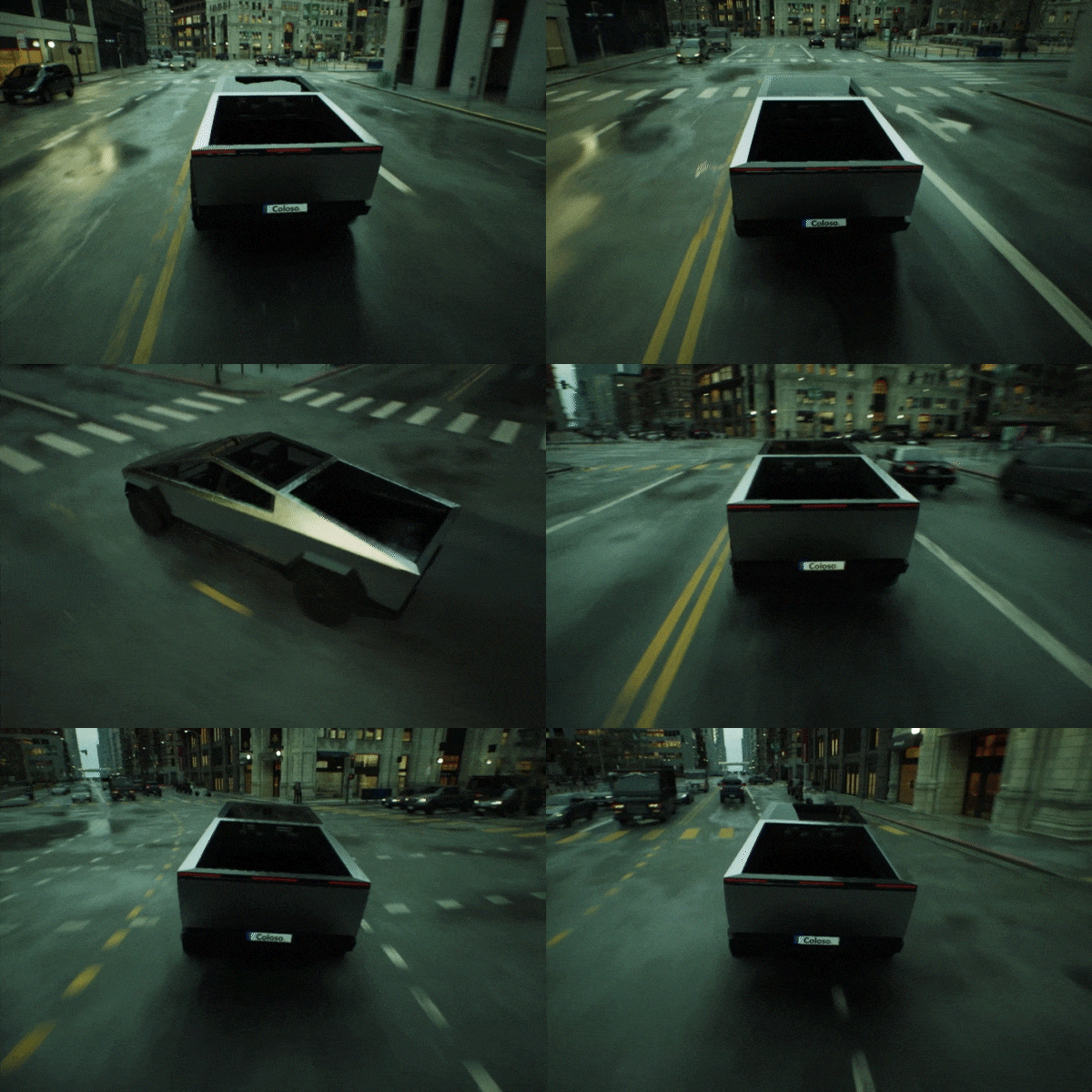 Interactive Car Animation through Vehicle Physics SimulationSharing a revolutionary production process that uses animation in real-time gaming in Unreal Engine instead of pre-made animations in DCC software.
-
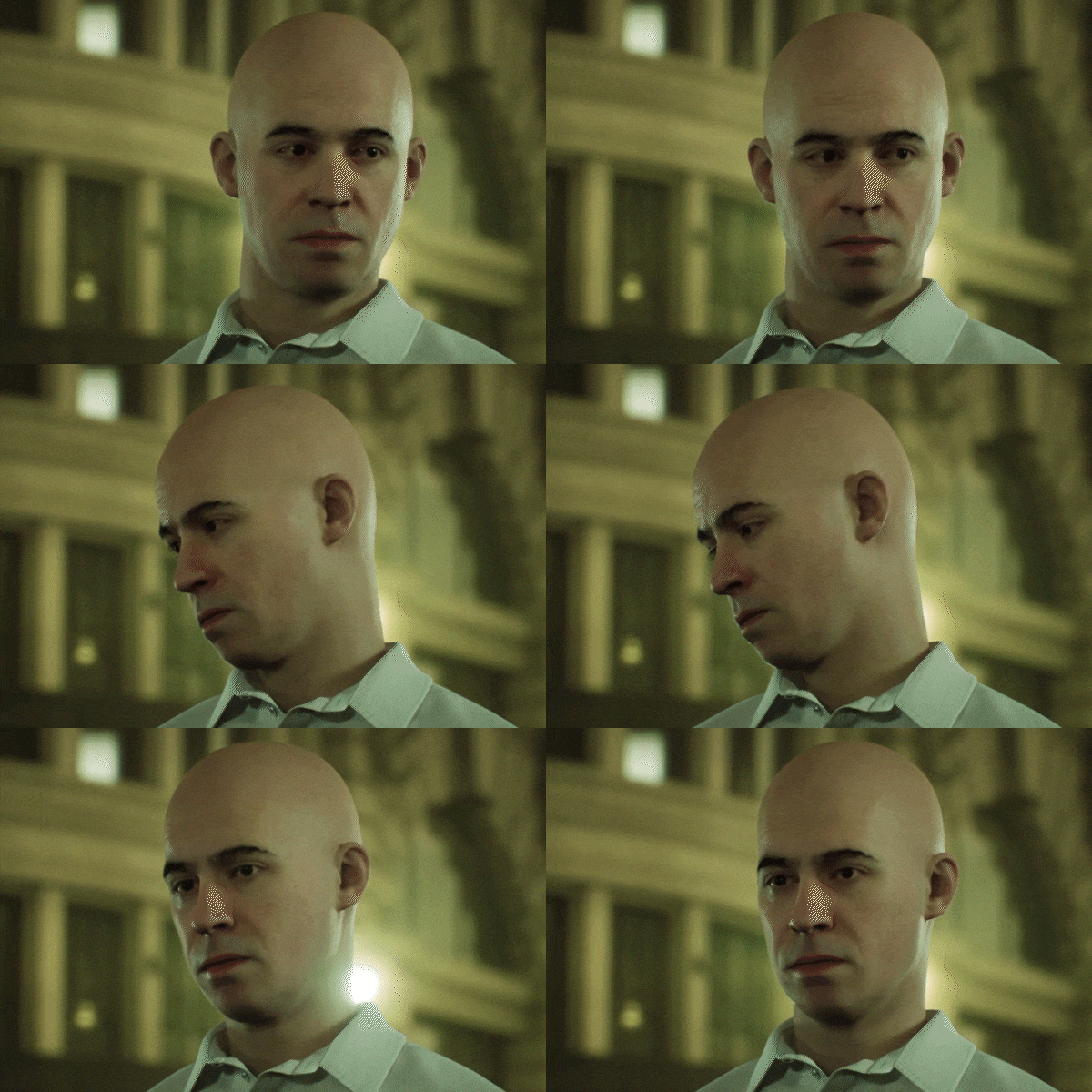 Custom Digital Human Creation Process Integrated with Scan TechnologyImplement different and simple scan techniques, as well as MetaHuman approaches, to create original virtual characters and freely lead your own story in virtual places.
 -
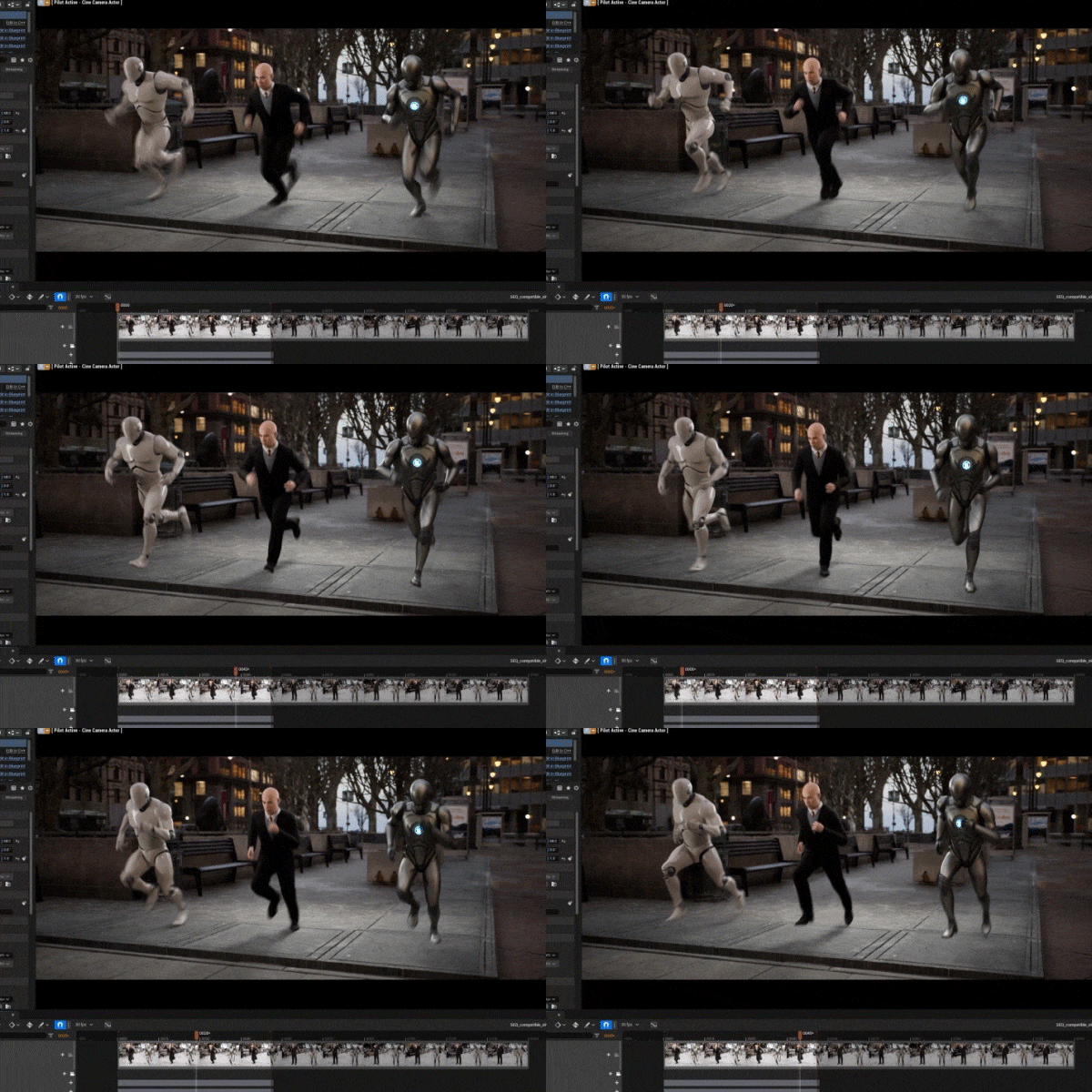 Enhanced Animation Compatibility Features of Unreal Engine 5.1Actively use new animation tools introduced with Unreal Engine 5, such as retargeting motion capture data and making effective use of diverse character movements.
 -
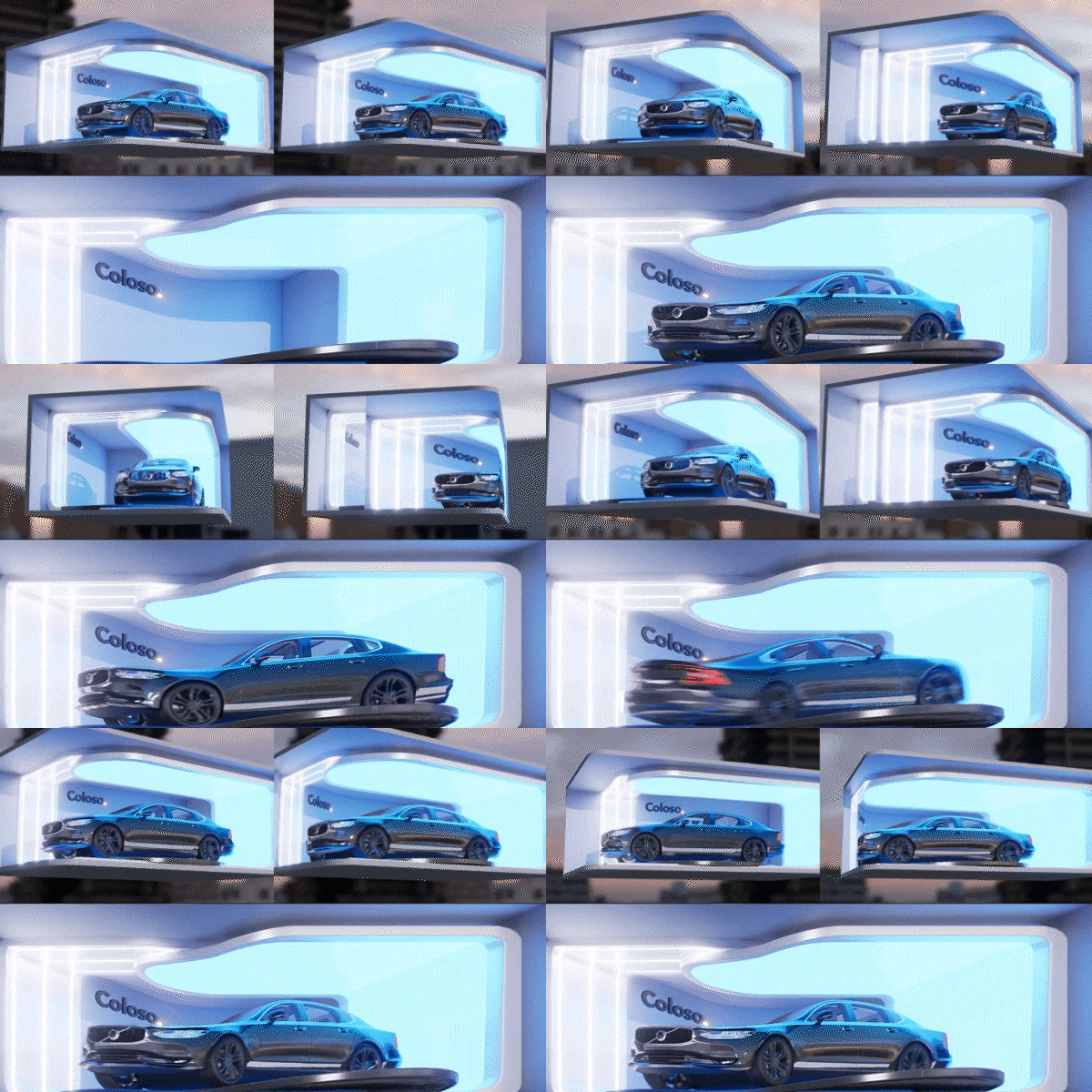 nDisplay and In-Camera VFX, Optimized for Anamorphic ContentImplement anamorphic illusion art, which is popular in the media art industry, using real-time projection mapping with nDisplay and In-Camera VFX, and then export it with the required video spec sequences.
- Unlimited Access
- Best Price
Buy now, get unlimited access.
12/31 (Sat) (UTC-7) Special offer ends soon.
This special offer ends soon.
Buy now and save!
Curriculum
Curriculum
In-Depth Look
Section 01. Intro
01. Orientation
- Instructor introduction
- Class direction
- Curriculum overview
02. Automotive content utilizing Unreal Engine
- Reasons for choosing Unreal Engine
- Introduction to automotive content references using Unreal Engine
- Installation of essential software for the class
Section 2. Studio Shoot
03. Car assets and cyclorama wall scene setup
- Importing car assets
- Setting up studio scenes using cyclorama wall and commercial assets
04. Light sources for technical lighting
- Realistic lighting using light textures and IES
- Configuring light blueprints using light objects
05. Studio lighting setup
- HDRI setup for natural indirect lighting
- Using Rect Lights for soft shadows
- Reflection lighting for product details
- Utilizing light channels
06. Comparison of Ray Tracing, Lumen, and Path Tracing
- Types and methods of real-time rendering
- Enhanced rendering features in Unreal Engine 5.1
- Hybrid rendering techniques
- Differences between DCC tools and other renderers
07. Production of high-quality and high-definition still images
- High-resolution tiled rendering
- Rendering details using console commands
- Quality development techniques according to anti-aliasing settings
- Tips for removing rendering noise
Section 3. Car Selection
08. Car selection
- Introduction to free car assets
- Introduction to paid car asset sales sites
- How to choose the desired car asset
- How to check if a car asset is suitable for rigging
09. Setting up car rigging for animation production
- Basic Blender interface
- Reconfiguring assets suitable for rigging
- Classifying materials
- Car rigging using Blender Addon
- Exporting in a form usable in Unreal Engine (skeletal)
10. Shading and look development techniques for cars using Unreal Engine
- Understanding Automotive Materials
- Classifying materials needed for car assets
- Techniques for developing custom materials
- Environmental lighting settings for look development
- Applying materials to selected car parts
11. Creating a turntable
- The process of car look development according to light and environmental changes
- How to set up a turntable for lighting checks
- Using Sequencer to create environment-specific turntables
Section 4. Outdoor Field Shoot
12. Chaos Vehicles plugin
- Applying Chaos Vehicles
- Configuring physics assets
- Creating vehicle and wheel blueprints
- Implementing features such as engines, wheels, steering, brakes, and handbrakes
- Vehicle control mapping
13. Directing car actions
- Creating a vehicle game mode
- Making control rigs
- Testing car operation
- Using Take Recorder and Sequencer
14. Car scenes in nature
- Designating collision areas in Salt Desert levels
- Setting up cinematic camera layouts
- Developing environmental lighting
- Post-correction with post-processing
15. Bridge car driving scene
- Collision settings based on bridge assets
- Using HDRI backdrops
- Setting up multi-cinematic camera layouts
- Creating lighting suitable for Path Tracing
- Setting Path Tracing with post-processing
16. Path Tracing rendering using Movie Render Queue
- Techniques for Path Tracing render settings
- Configuring anti-aliasing suitable for Path Tracing
- Methods to reduce render time
- Outputting ProRes Mov
Section 5. Cinematic Advertising
17. Creating virtual characters
- Introduction and demonstration of mobile scan software (RealityScan, Luma AI, etc.)
- Creating 3D face mesh
- Making custom MetaHumans using the Mesh to MetaHuman plugin
- Implementing realistic MetaHumans using MetaHuman Creator
- Importing MetaHumans into Unreal Engine via Quixel Bridge
18. Markerless motion capture using video
- Introduction and demonstration of video-based AI motion capture software
- Exporting motion capture data suitable for Unreal Engine
19. Utilizing motion capture data
- New retargeting system in Unreal Engine 5
- Utilizing skeleton compatibility features
- Animations fitting the MetaHuman skeleton structure
20. Directing car chase scenes in the city
- Optimization of City Sample for cinematic production
- Virtual production level for creating urban chase scenes
- Setting up multi-car play scenes using Take Recorder
- Configuring and editing multi-take sequences
- Environmental and local lighting
21. Car scenes featuring characters
- Importing custom MetaHumans
- Blueprint of custom MetaHuman in business attire
- Configuring and applying motion capture data and compatible animations
- Designing vehicle and character hierarchy
- Developing car chase scenes
22. Final rendering and color grading using Lumen
- Developing environments and configuring hybrid rendering with Lumen
- Creating realistic moods with post-processing
- Editing cuts using DaVinci Resolve
- Color grading and correction
Section 6. Anamorphic Real-Time New Media Content
23. Extracting virtual cameras from images using fSpy
- Camera matching process based on still images using fSpy
- Converting camera data extracted with fSpy to Blender
- Importing camera data into Unreal Engine Sequencer
24. Recreating a studio car scene in an outdoor LED advertisement style
- Design process for levels suitable for LED outdoor advertisements
- Expanding spaces according to camera perspectives
- Layout maximizing the anamorphic illusion effect
- Composing animations using Sequencer
25. Using nDisplay and In-Camera VFX for anamorphic content
- Real-time projection mapping
- using nDisplay and In-Camera VFX
- Implementing the final product without multiple rendering processes
- Choosing a rendering method (Ray Tracing, Lumen, and Path Tracing)
26. Real-time nDisplay broadcasting and video outputting
- Configuring local nDisplay using nDisplay Launch
- Broadcasting real-time anamorphic content using nDisplay
- Outputting anamorphic content video in standard sequences
Interview with
3D Artist Youngjo Cho

Question.01
What is the market potential for automotive content created with Unreal Engine?
I believe the most polished content that real-time rendering technology can showcase today is automotive cinematics, as they maximize realistic reflections and global illumination effects, especially with reflective surfaces like cars. Therefore, with the recent stabilized features in Unreal Engine 5.1, it is expected to offer significant scalability.
Question.02
What prompted the planning of this course?
Although there is a strong demand to create realistic advertising content using Unreal Engine in the industry, many feel limited due to fragmented and unorganized approaches. Through this class, I aim to share my unique knowledge and real-time rendering techniques, enhancing my students' technical capacity so that they can actively use them in practice.
Question.03
What are the key points of this class?
Beyond reviewing the basic functions of Unreal Engine, the curriculum is designed to focus on realistic product advertising centered around automotive and new media production techniques combined with real-time anamorphic illusion, offering insights not commonly known outside professional circles. Unlike traditional cinematic video production methods, I will show you how to direct stories by playing with cars in virtual spaces.
Question.04
Who would you recommend this class to?
This class is recommended not only for Unreal Engine beginners eager to create high-quality 3D content but also for those who want to quickly and easily implement various video pipelines independently and grow as trend-savvy generalists. It's also ideal for current 3D artists who want to understand the different rendering methods available in Unreal Engine and develop the ability to solve typical problems that arise depending on the situation.
Required Programs
This course will use
- Unreal Engine 5.1
- Blender
- DaVinci Resolve
Please purchase and install these program(s) for an optimized chapter experience
* Blender 2.8 (used in chapters 9 and 23), DaVinci Resolve 18 (used in chapter 22)
*These programs and/or materials will not be provided with the lecture.
Recommended
Recommended Class
Like this class?
Then check these out!