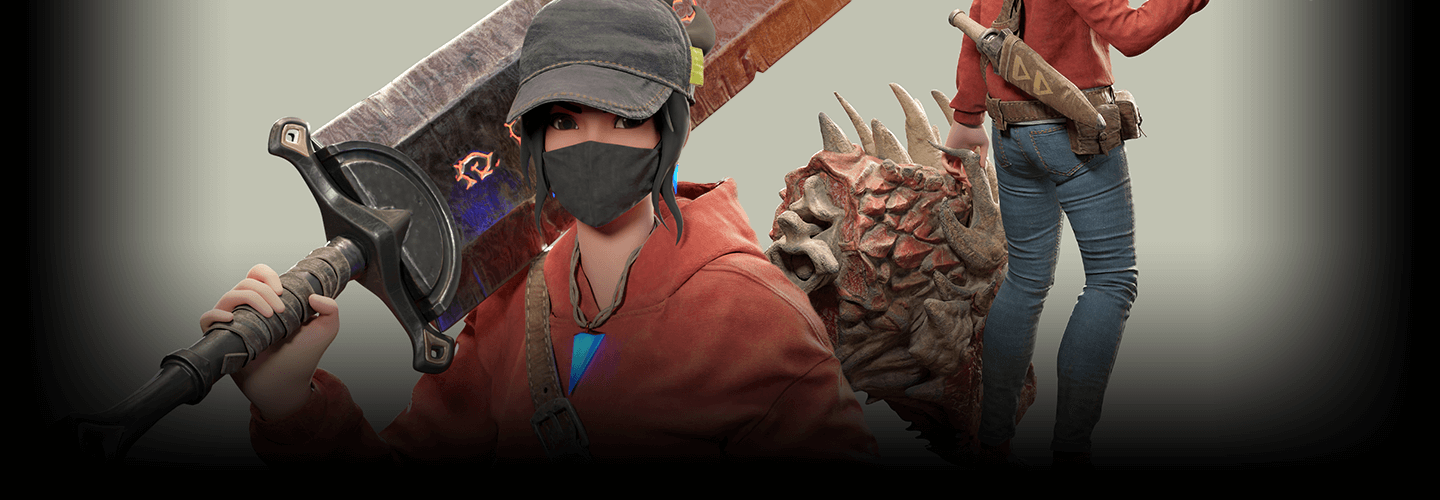
3DCharacterArtist,Gosari_고사리 Details
Intro
Class Intro
3D Character Artist Gosari
Explore the entire workflow
from importing models
to exporting textures,
and gain practical knowledge to help you
perfect your 3D modeling skills.
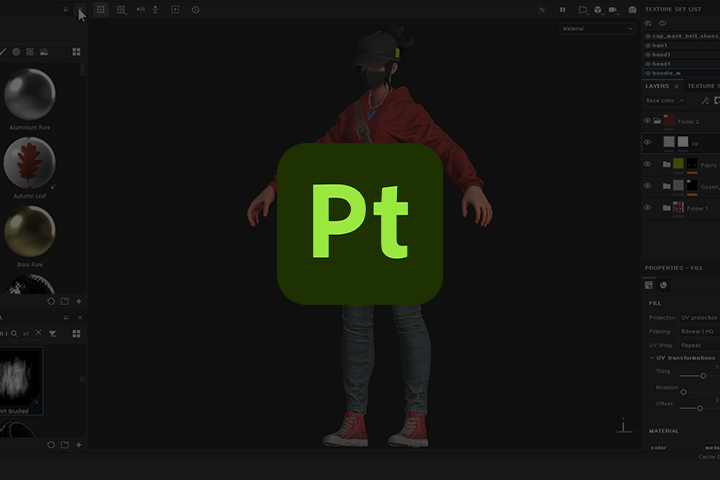
The All-in-One Substance Painter Class
You’ve Been Waiting For!
Substance Painter is
a go-to tool in the 3D industry,
including games and film,
for its ability to create lifelike,
realistic textures.
However, countless beginners have struggled to find a class that goes beyond the basics and have resorted to studying independently. What they really needed was a comprehensive class.
However, countless beginners have struggled to find a class that goes beyond the basics and have resorted to studying independently. What they really needed was a comprehensive class.
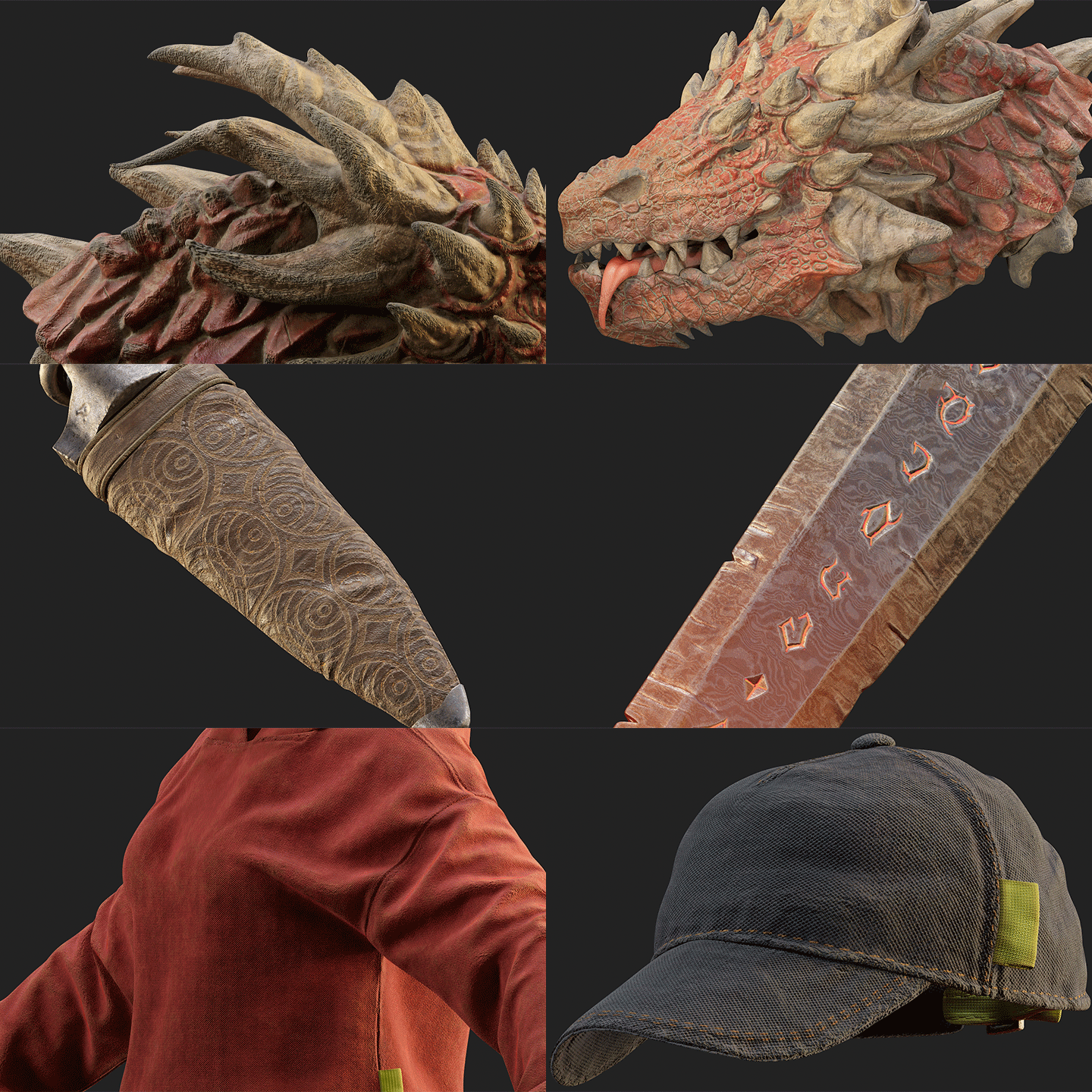
This class focuses solely on Substance Painter, exploring the basic concepts and how it works, the essential features used in the field, effective data management skills, and so much more.
Plus, it comes with modeling and Smart Material data directly applicable to your portfolios!
Beginners, entry-level students, and professionals looking to improve their skills will want to take advantage of this opportunity to learn the tool the right way.
Plus, it comes with modeling and Smart Material data directly applicable to your portfolios!
Beginners, entry-level students, and professionals looking to improve their skills will want to take advantage of this opportunity to learn the tool the right way.
Class Perks
Get These Coloso Exclusives
-
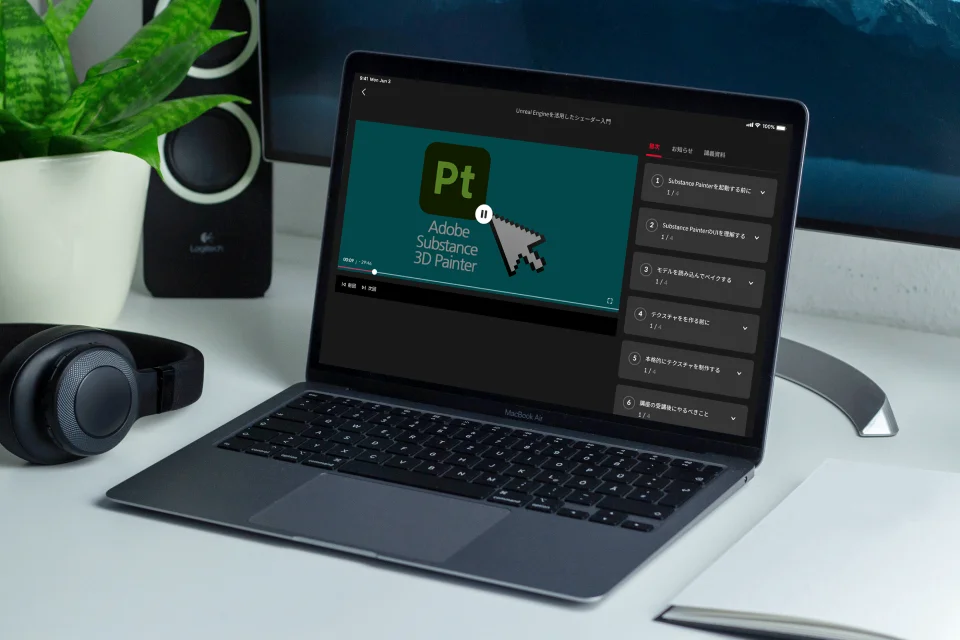
Unlimited Access to 14+ Hrs & 50 Chapters of Content -
Essential Techniques from a Professional Artist -
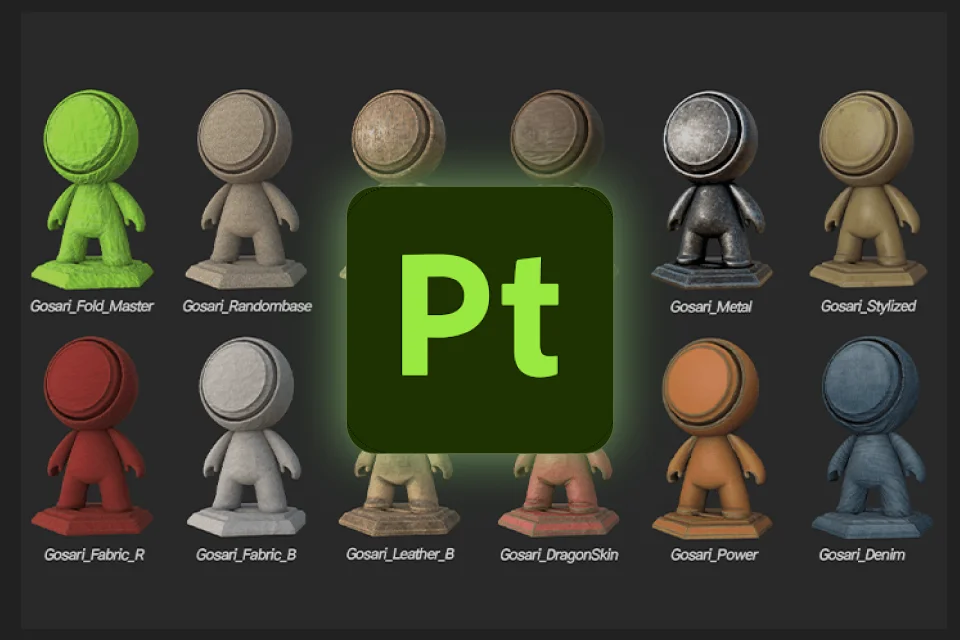
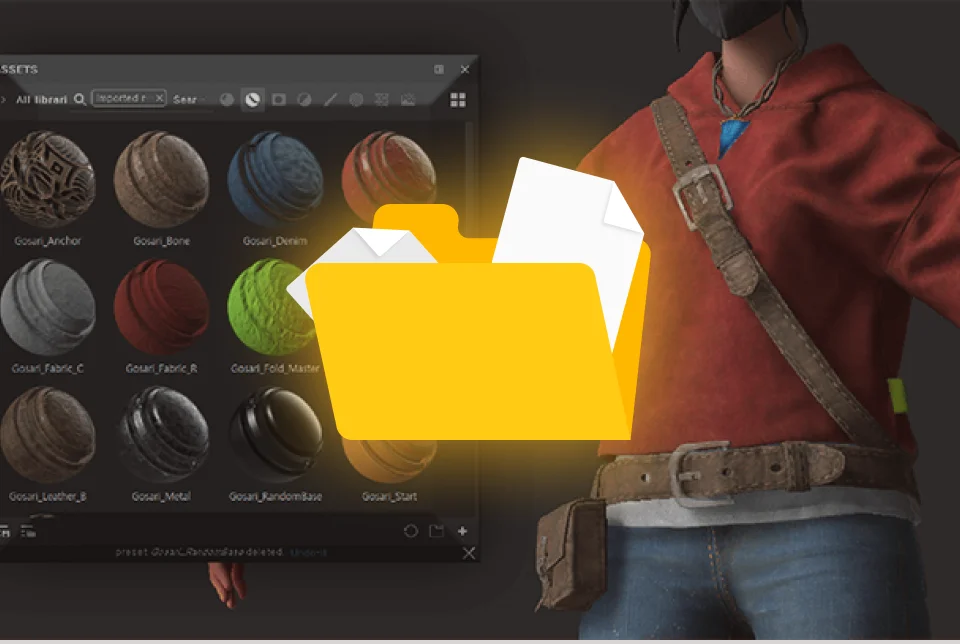
Study Material Files Used in Class Exercises
Student Reviews
Class Recommended by Gosari's Students
Why Take This Class?
Have you tried studying on your own
and felt overwhelmed by the tool’s
countless features and long, boring lectures?
Gosari’s compact class on Substance Painter
and essential skills is created so that
even beginners can quickly learn
to create AAA-level textures.
With a curriculum consisting of
50 short, intensive lectures,
Gosari will walk you through everything
from the basics to advanced skills,
sharing efficient texturing techniques
and making sure you have fun while doing it.
Explore the complete workflow in depth
and learn the tips and tricks that will
boost your efficiency
while sticking to the principles.
Join the class now to learn
and have fun with the Substance Painter
expert with numerous AAA projects
under his belt: Gosari.
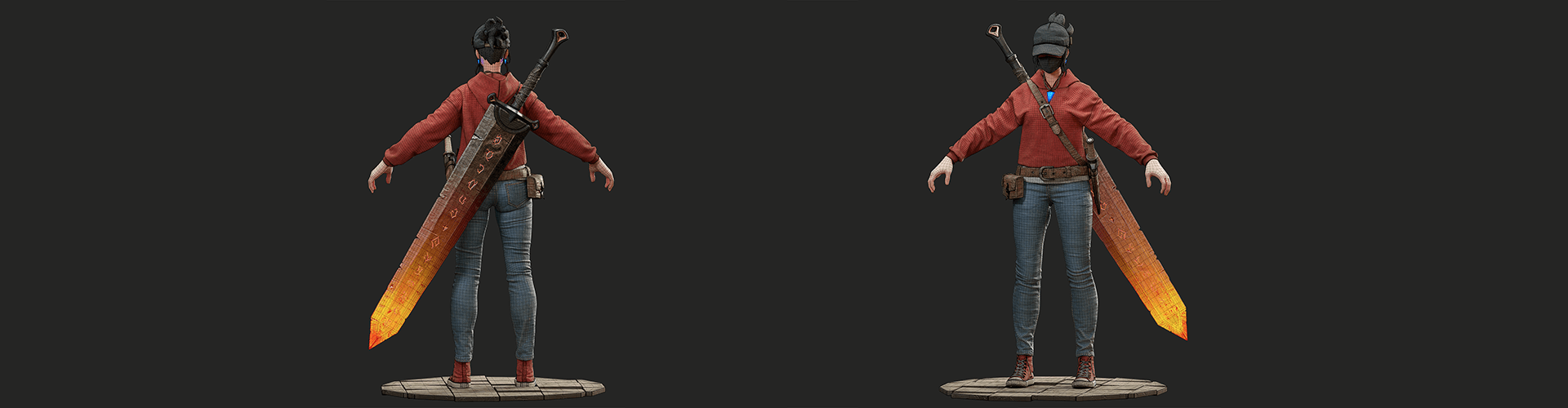
10+ Class Exercises
-
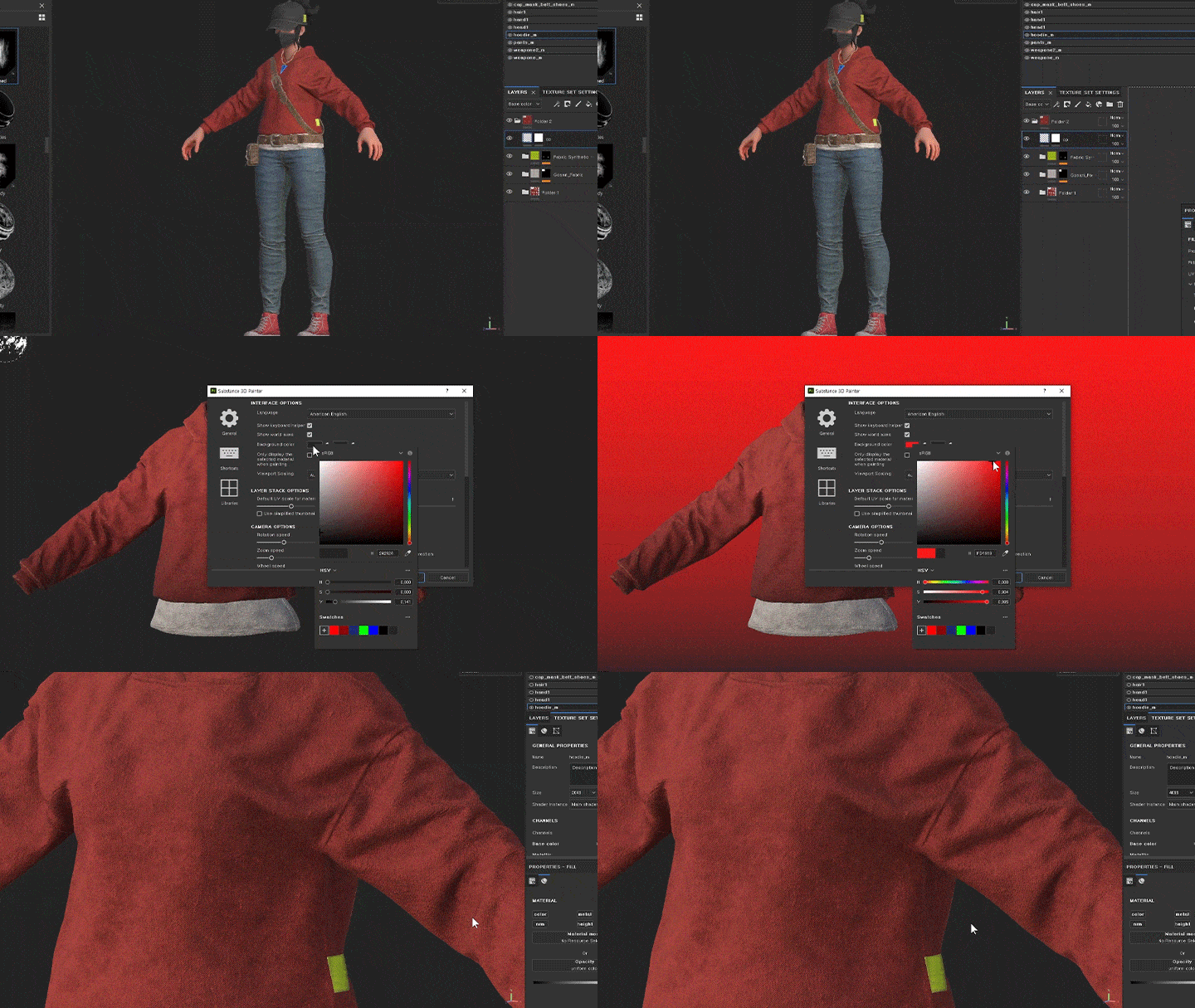 Part 1. Exploring Substance Painter Set up your own UI, including background colors, shortcuts, and resolution
 -
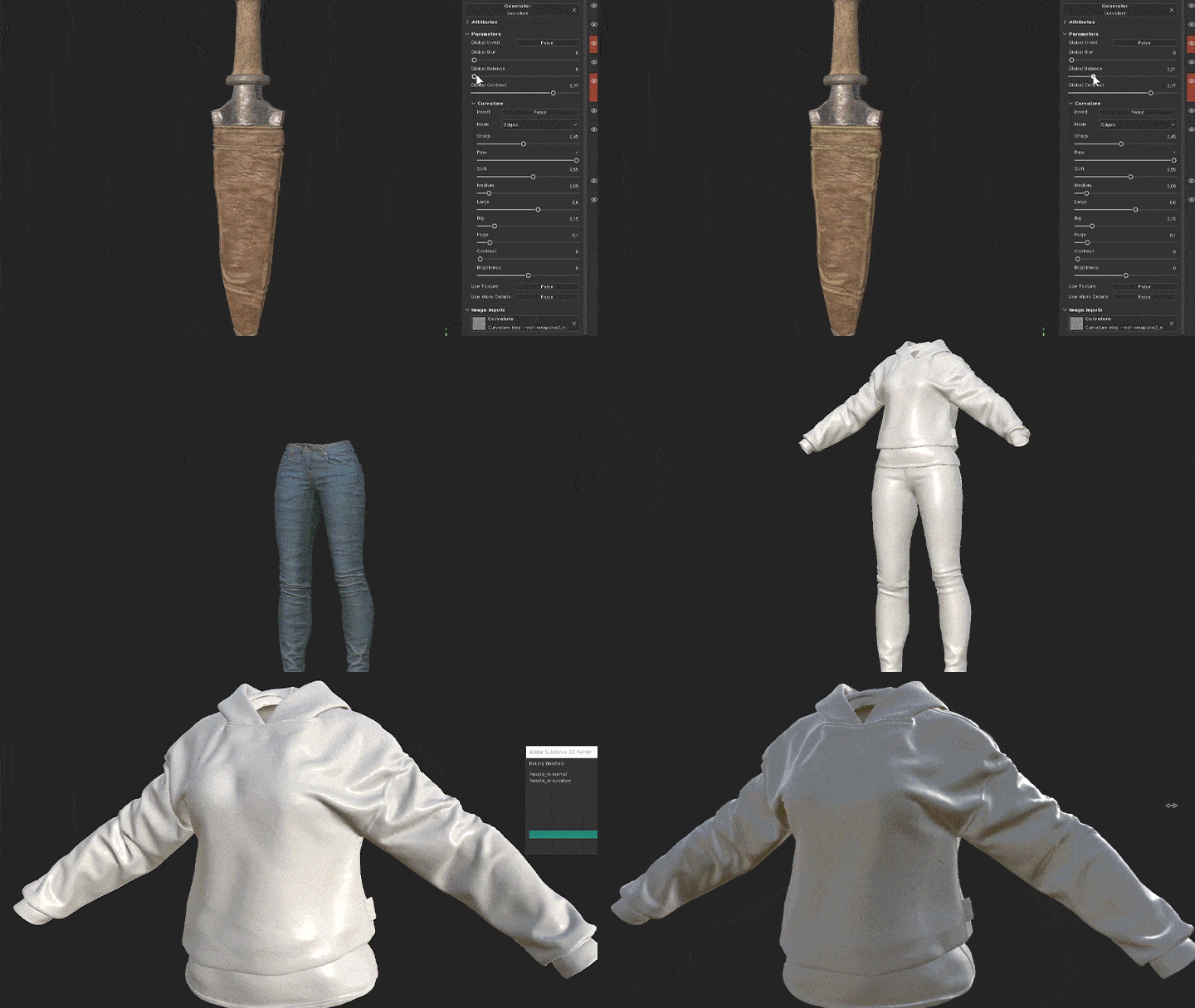 Part 2. Modeling and Baking From importing models to baking and utilizing mesh maps
 -
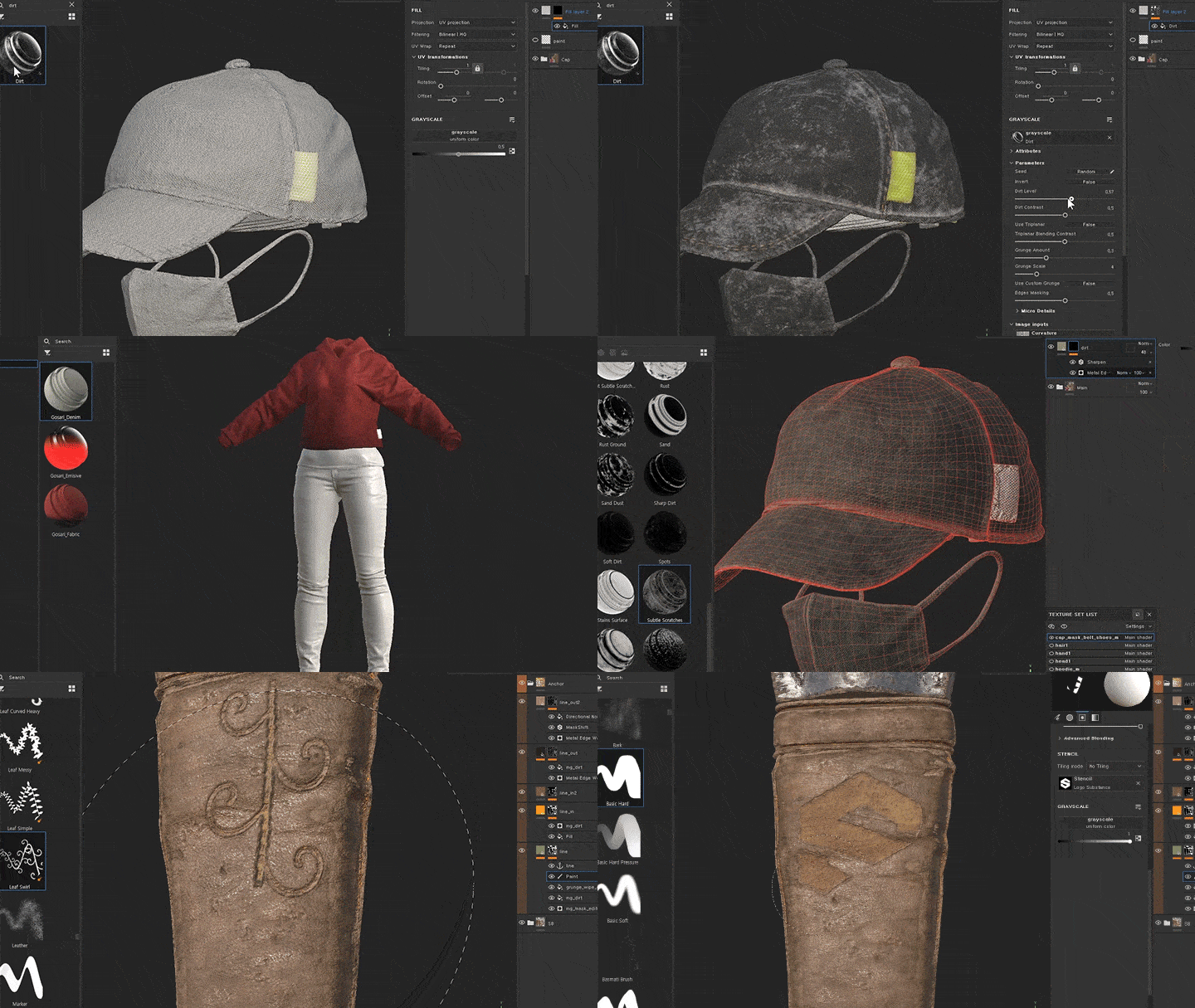 Part 3. Learning About Texturing Features Look into key texturing features, including layers, Smart Materials, and Smart Masks
Part 4. Applying Various Textures and Finishing up
-
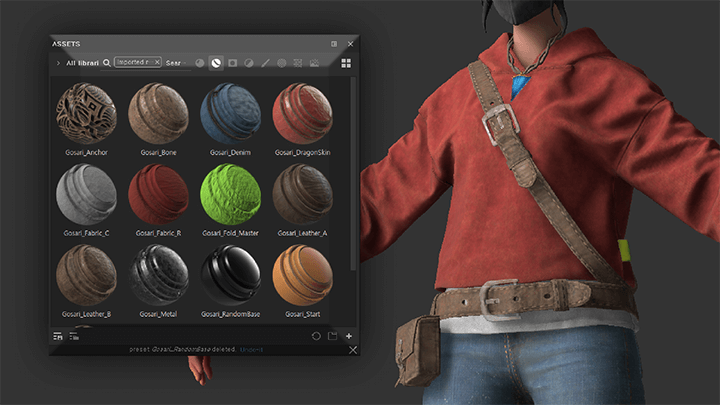
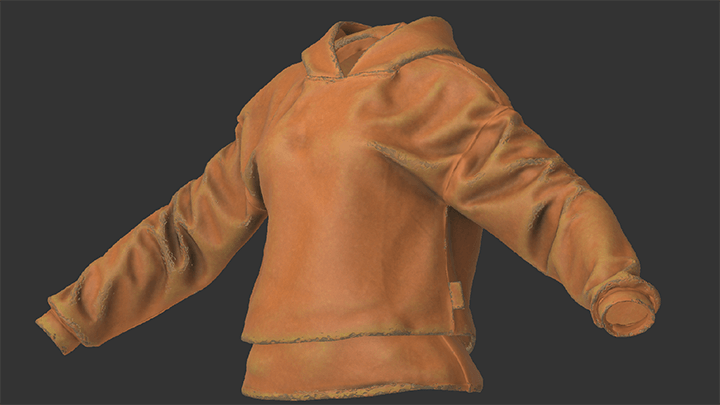 1. StartThe most basic texture
 -
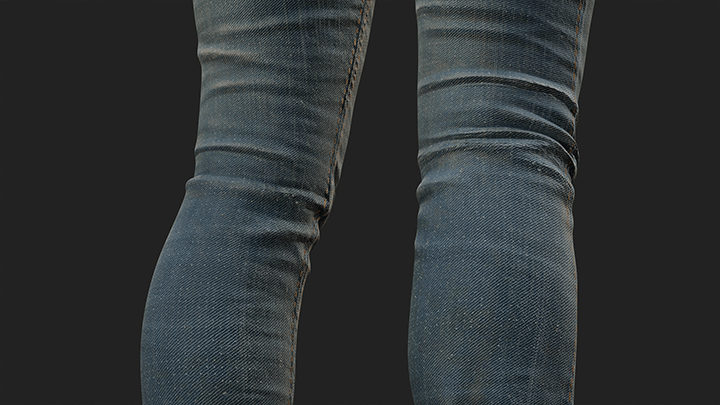 2. DenimUseful for denim patterns
 -
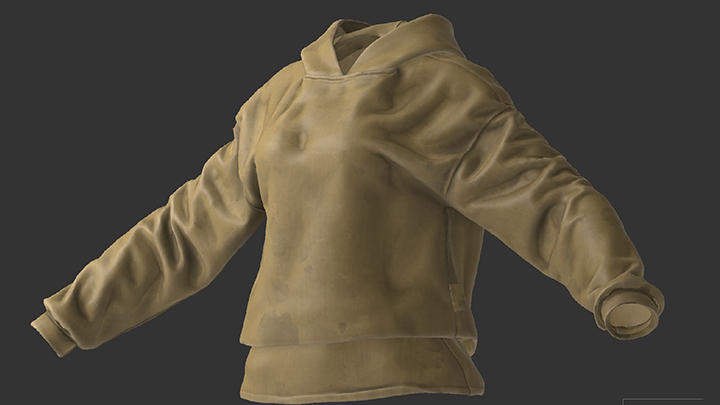 3. StylizedOverwatch-style suits, stylized concept art
-
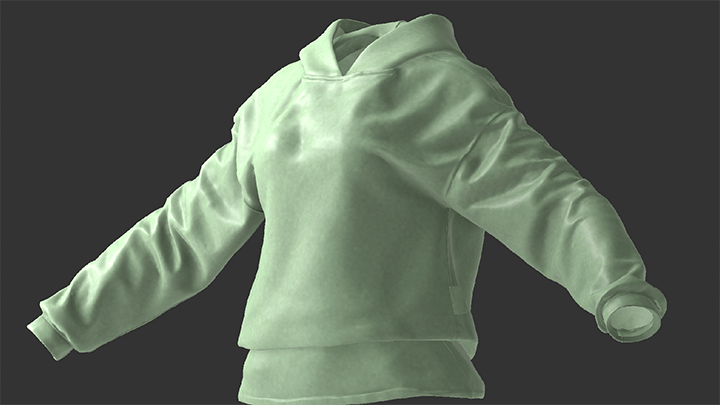 4. RandomBaseEnhances the base color so it looks natural
 -
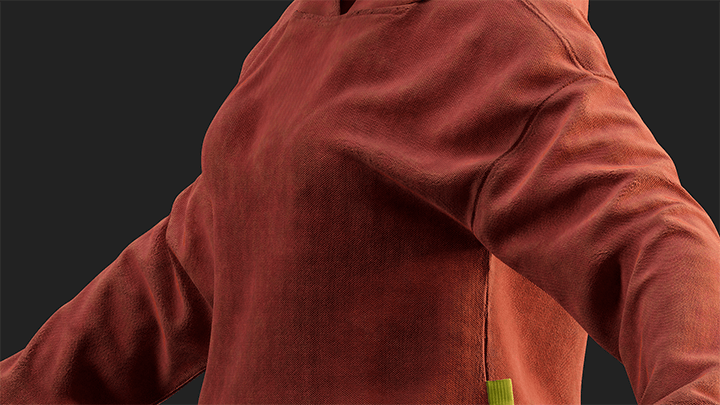 5. Fabric RFor red-colored fabrics
 -
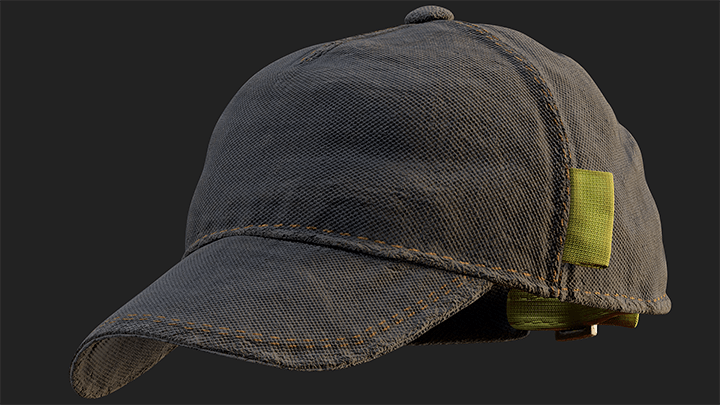 6. Fabric BFor fabrics of white or other achromatic colors
-
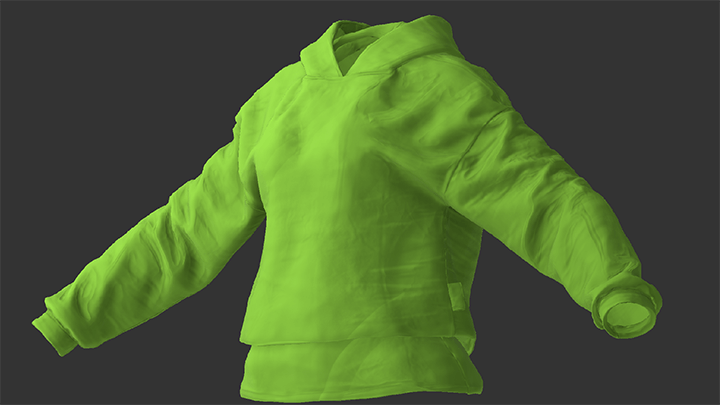 7. Fold MasterFor creating folds in fabrics and leather
 -
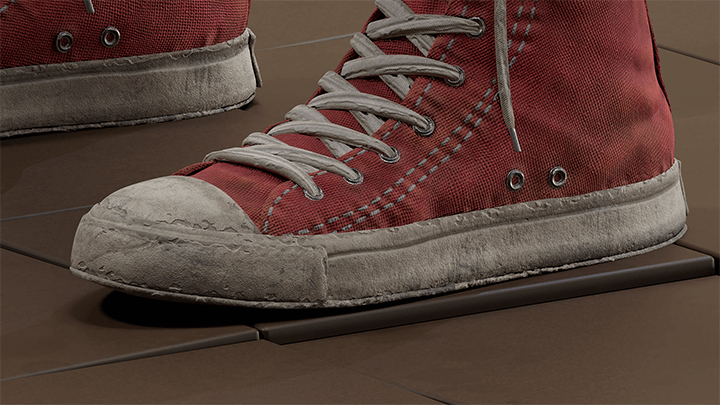 8. RubberFor dry rubber materials like a tire and shoe’s sole
 -
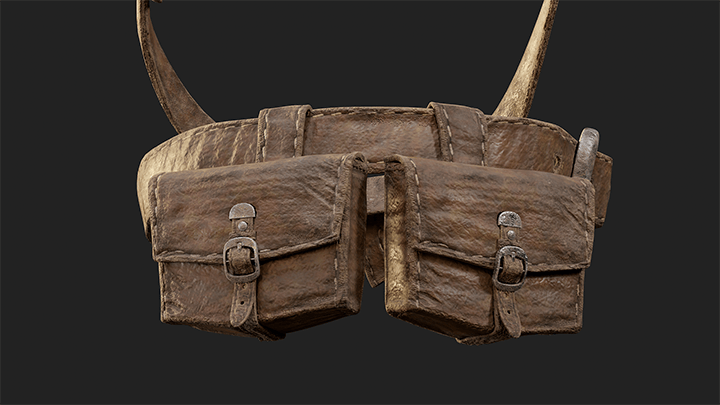 9. Leather AFor leather with a smooth surface
-
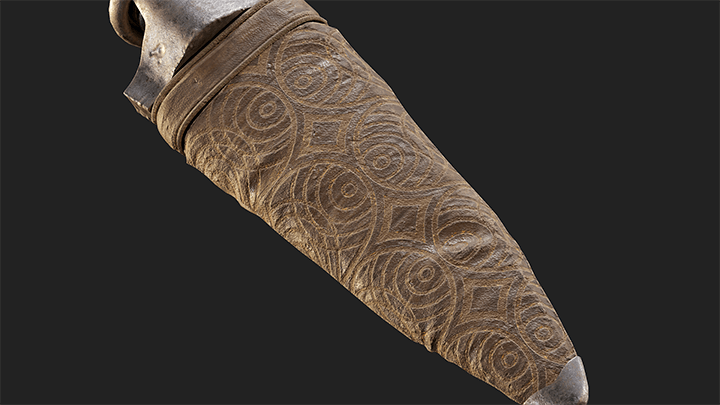 10. Leather BFor worn-out leather
 -
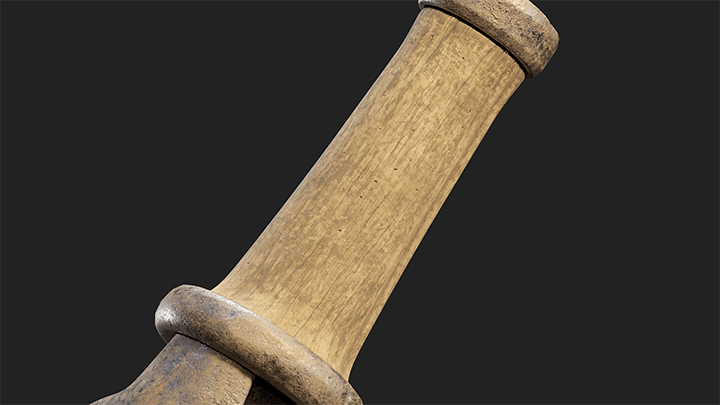 11. WoodWood with a slightly worn look
 -
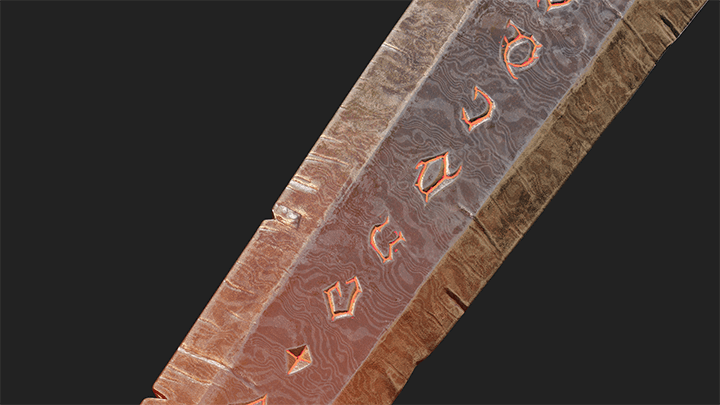 12. MetalFor metal with a weather-beaten look
-
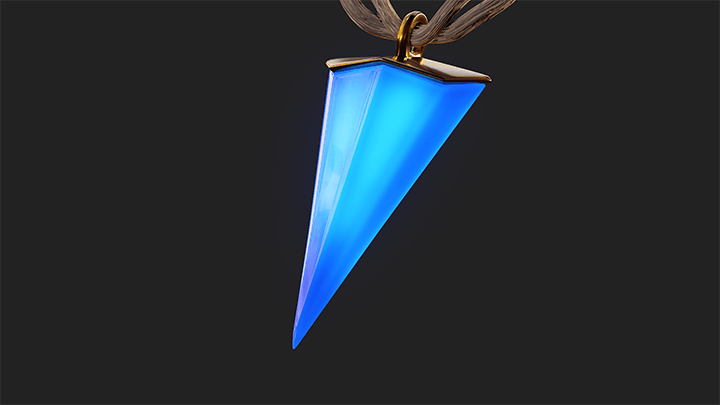 13. CrystalA crystal-like texture that creates shine through mesh maps and emissive colors
 -
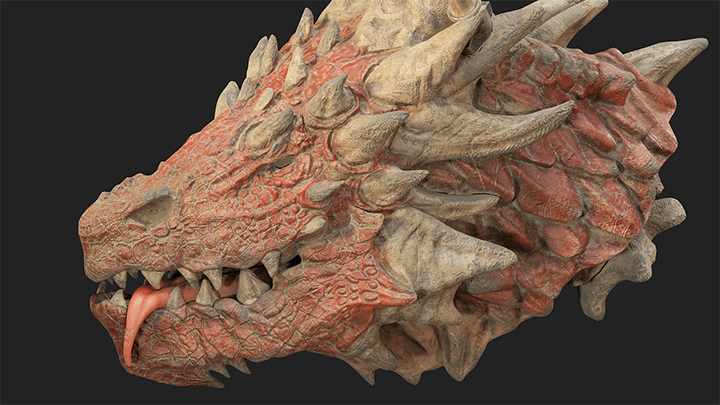 14. Dragon ScaleFor reptile scales and monster skin
 -
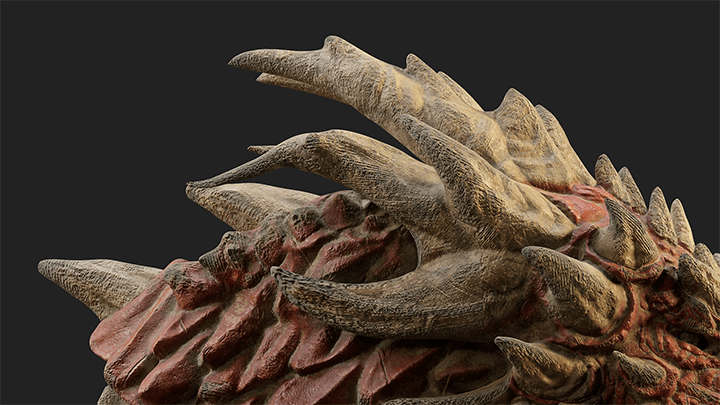 15. BoneFor a dry surface and bone-like look
-
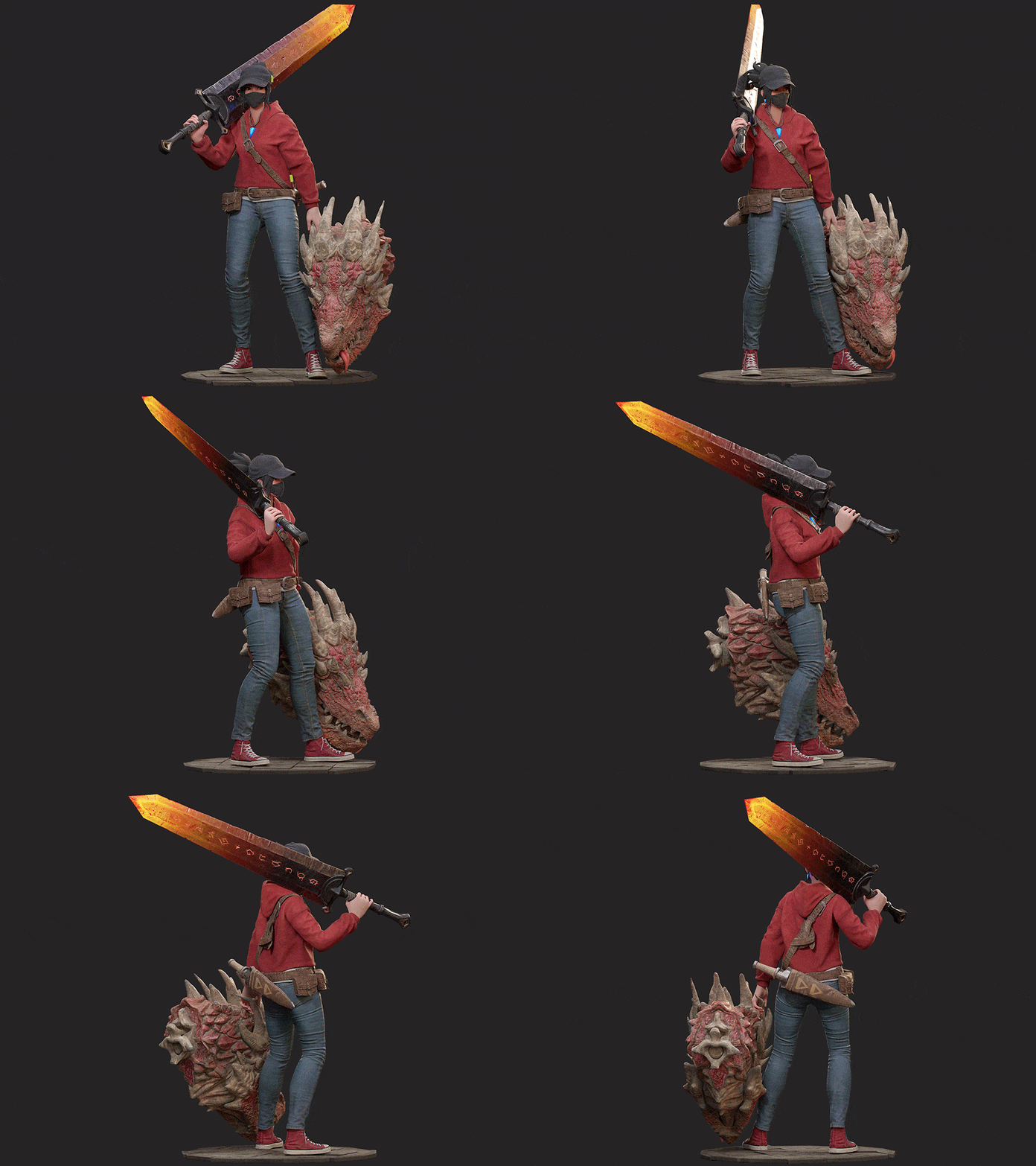 Final Result: Lisa
*The character’s base body is based on the proportions and data from Epic Games’ Fortnite.
Instructor
3D Character Artist
Gosari
Hello.
My name is Gosari, and I am a 3D character artist
with a passion for Substance Painter.
I’ve spent the past seven years
working on various AAA projects
to build my career as a character modeler,
and I can confidently say that I’m one of
the most experienced artists
when it comes to the practical use of Substance Painter.
While Substance Painter enables quick,
simple creation of photo-realistic textures,
many beginners find the tool difficult to learn on their own.
If you’re new to Substance Painter,
it is essential to learn it correctly from the start,
which is why this class starts with
understanding the basics
so that you can drastically
improve your skills as it progresses.
After taking this class, even those
who have never used the software
will be able to efficiently and
confidently create AAA-level textures.


Gosari,
3D Character Artist
[Current]
7 years of expertise in character modeling, now working on global AAA projects as a 3d character artist.
Projects & Awards
- Developed assets for AAA projects as a member of the character modeling team.
- Lectured at the art sessions of gaming conferences.
- Interviewed by several mags
Highlights
Class Highlights
Master the Workflow to Create Photorealistic Textures in Substance Painter
Substance Painter is so much more than a 3D painting tool! Discover the optimum texturing workflow, going through simple brush-painting skills and how you can manage masks and pattern maps more effectively.
Efficient Texturing Skills for Substance Painter
Do you want to create photorealistic textures simply and quickly? Master the key features of Substance Painter, the most powerful texturing tool today, and produce high-quality textures more quickly than anyone else.
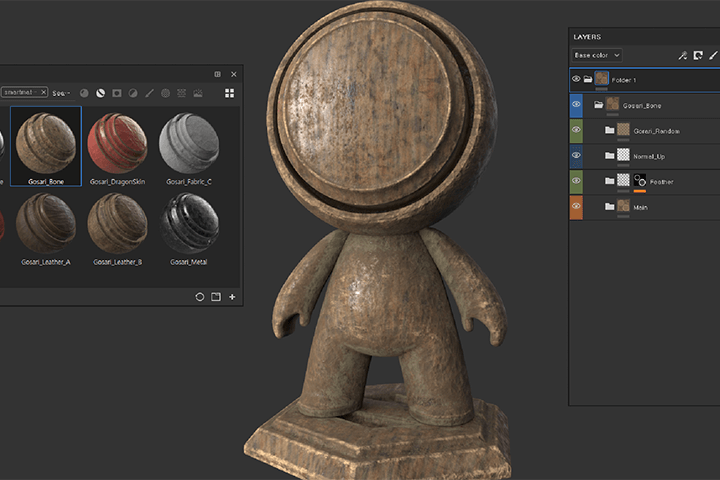
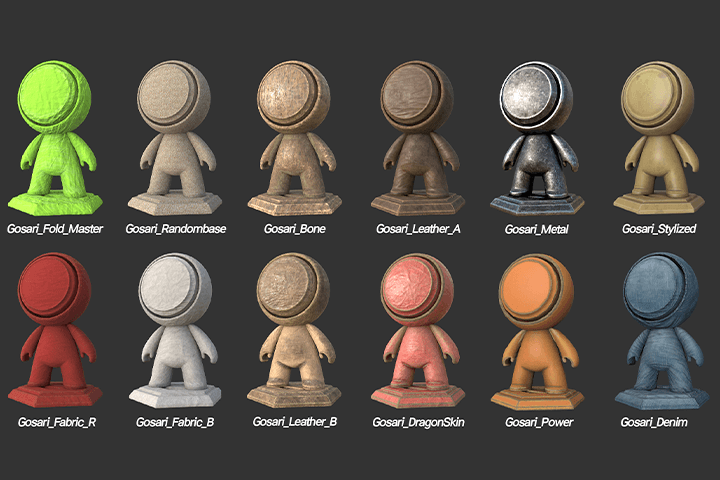
Includes AAA-level Smart Materials and Practical Modeling Data
Special benefits only for those taking Gosari’s class! Get exclusive access to 13 Gosari-exclusive Smart Materials directly applicable in practical work as well as nine types of modeling data that offer insight into the game industry’s trends.
Class Details
You'll Learn
-
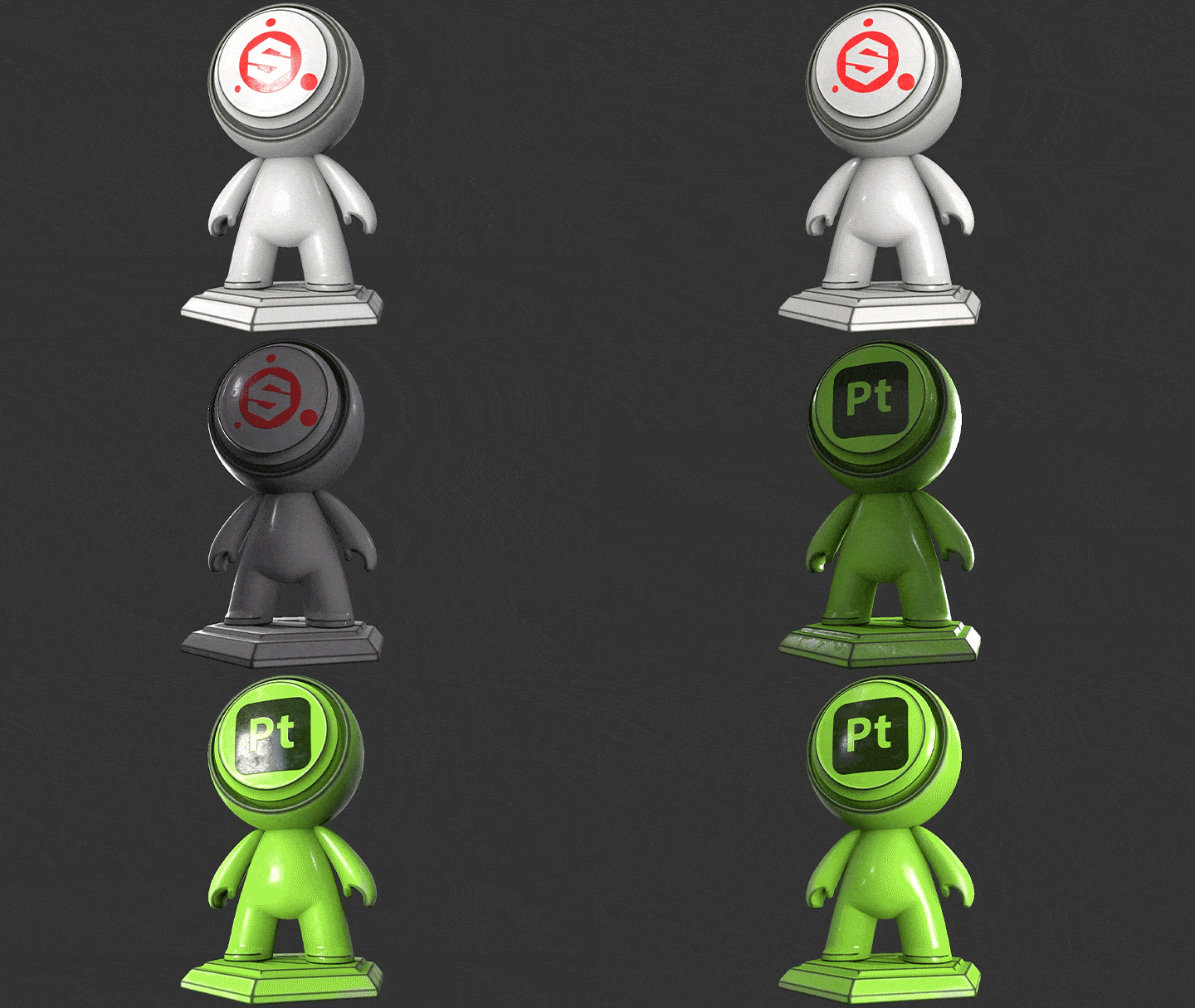 Master the Basics of Substance PainterBefore working on full-scale projects, you will learn the program’s UI and basics as well as in-depth fundamental texturing concepts to build a strong foundation in Substance Painter.
 -
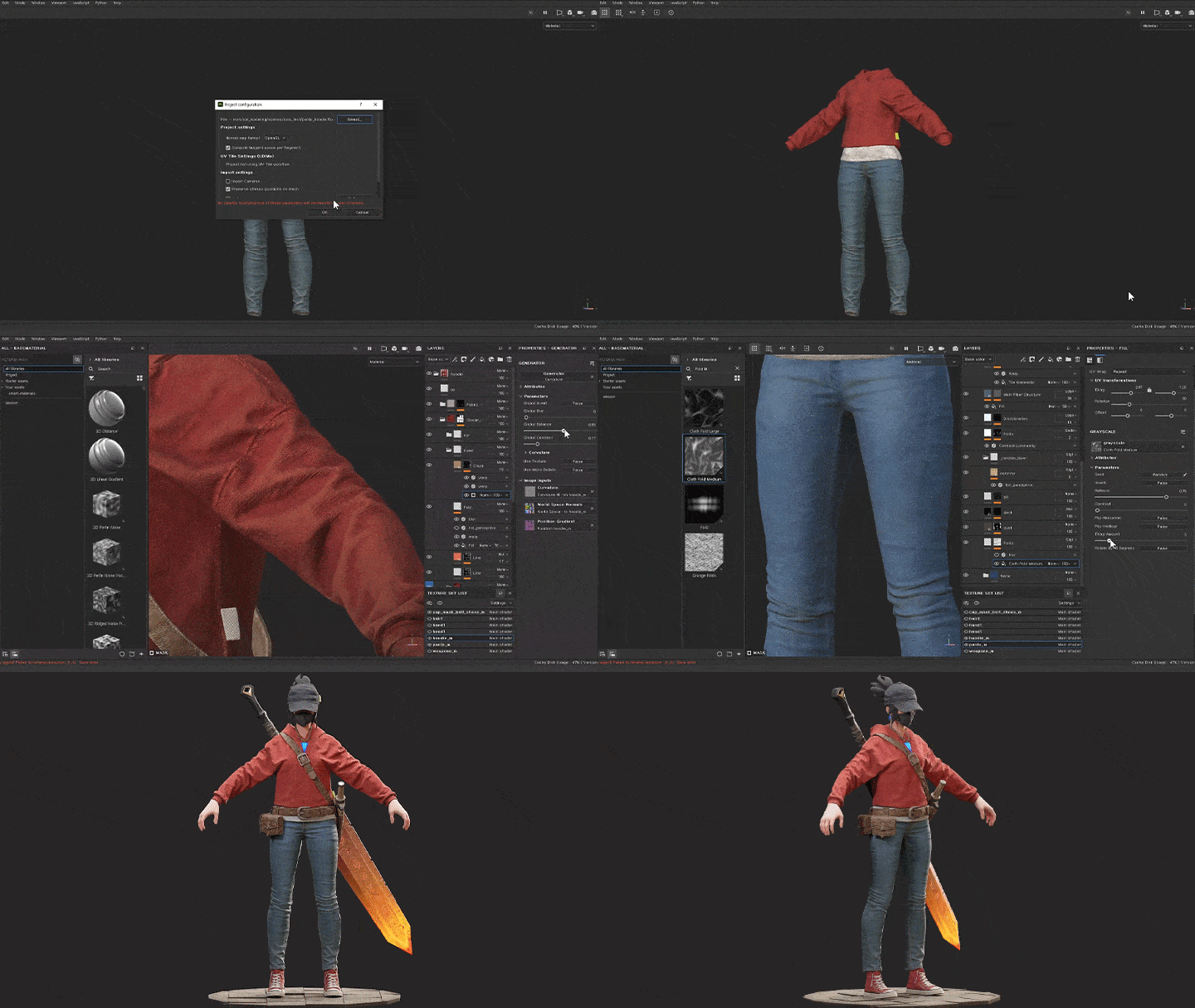 A 50-Chapter Curriculum Covering Basic to Advanced SkillsWith 50 chapters covering every step of the workflow—from importing models to exporting textures—the course covers fundamental concepts and more advanced skills applied in real-world projects.
 -
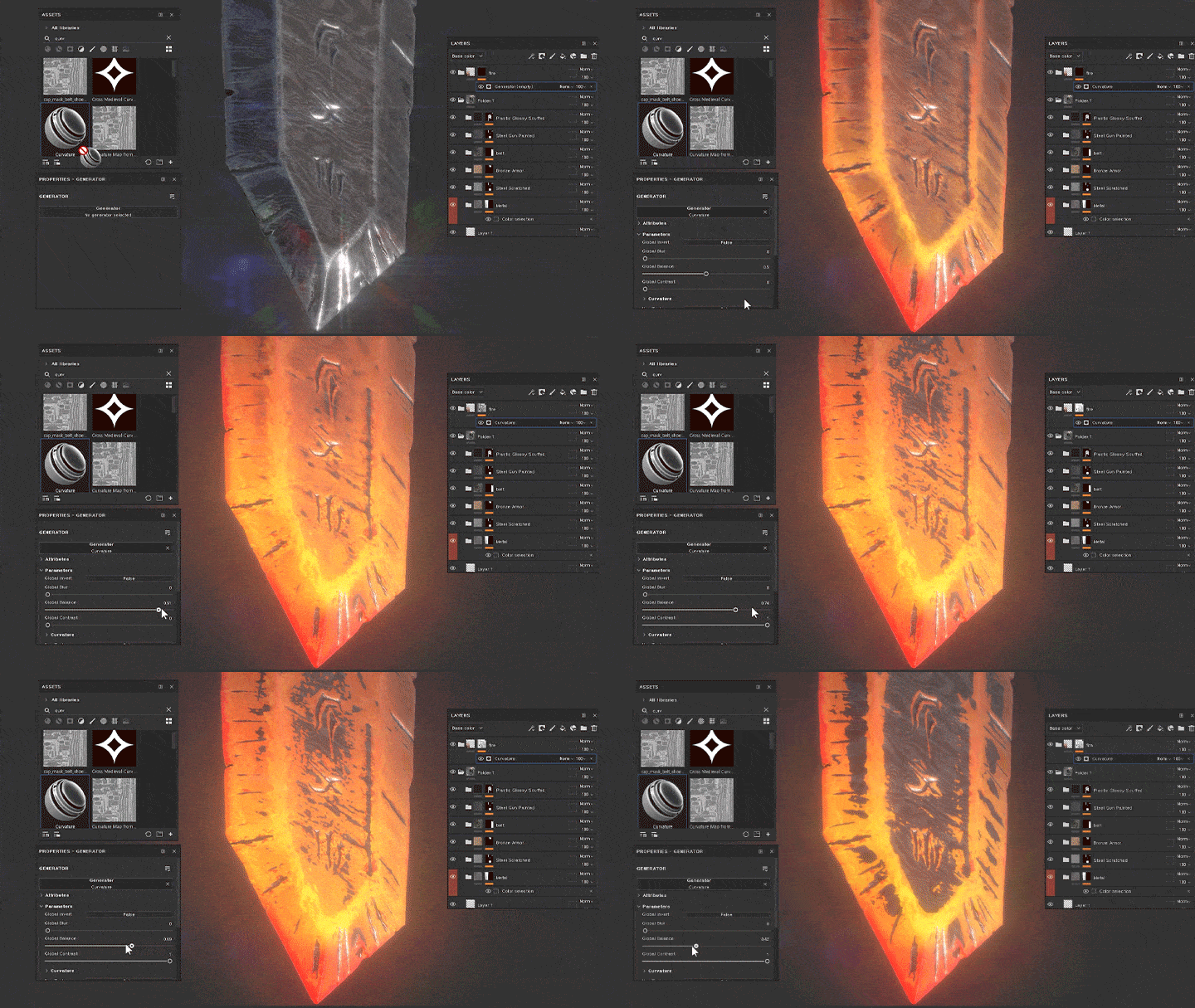 Practical Principles of Substance PainterAmong the numerous features available in Substance Painter, this class efficiently focuses on the essential ones used in real-world projects, including filters, generators, Smart Materials, and Smart Masks.
-
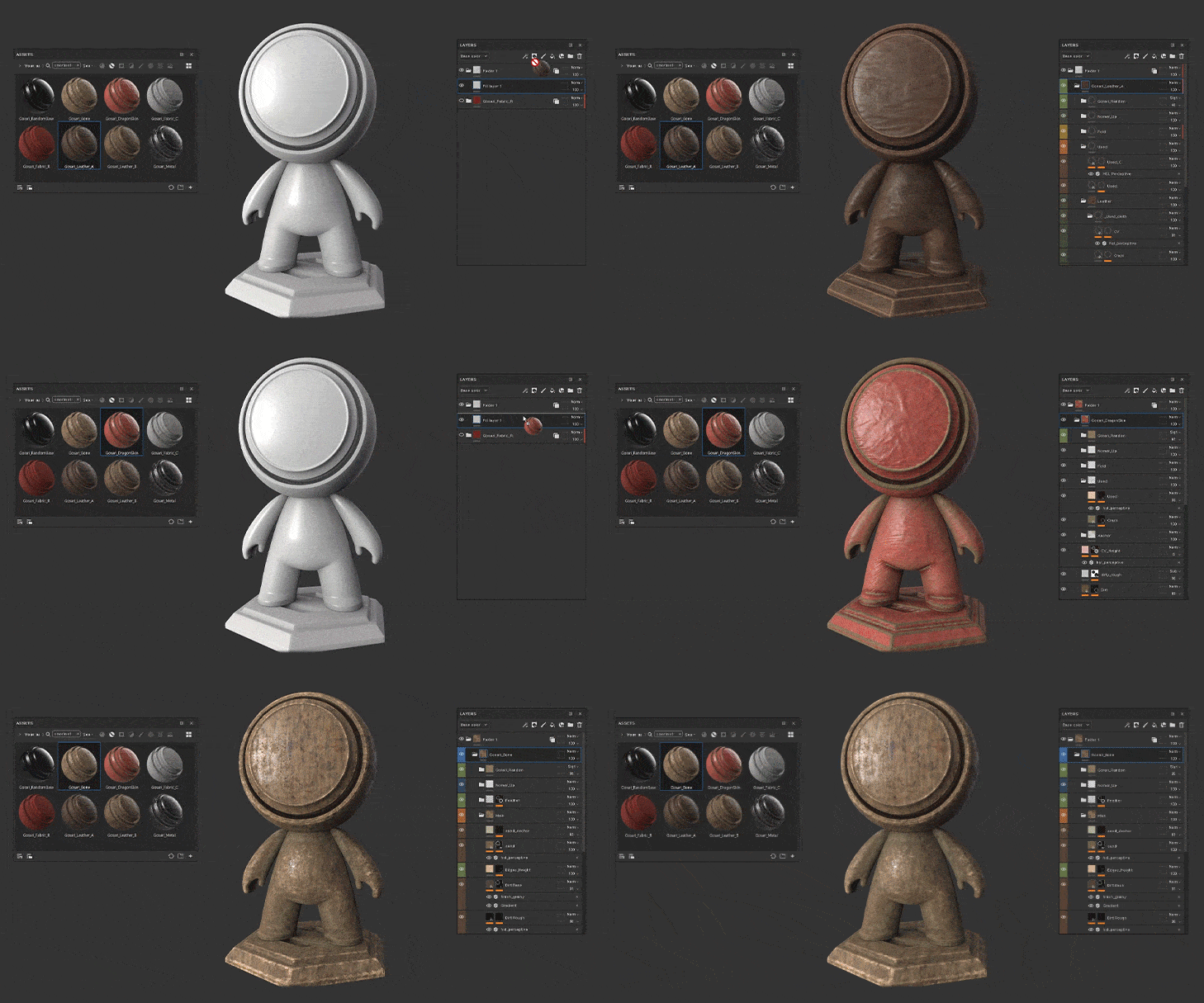 Strengthen Your Understanding of the Tool for More Efficient TexturingRather than simply learning theory, you will look at how each feature can be applied in the modeling process, exploring the inner workings of the tool and developing skills to create module data that promptly adapt to any textures.
 -
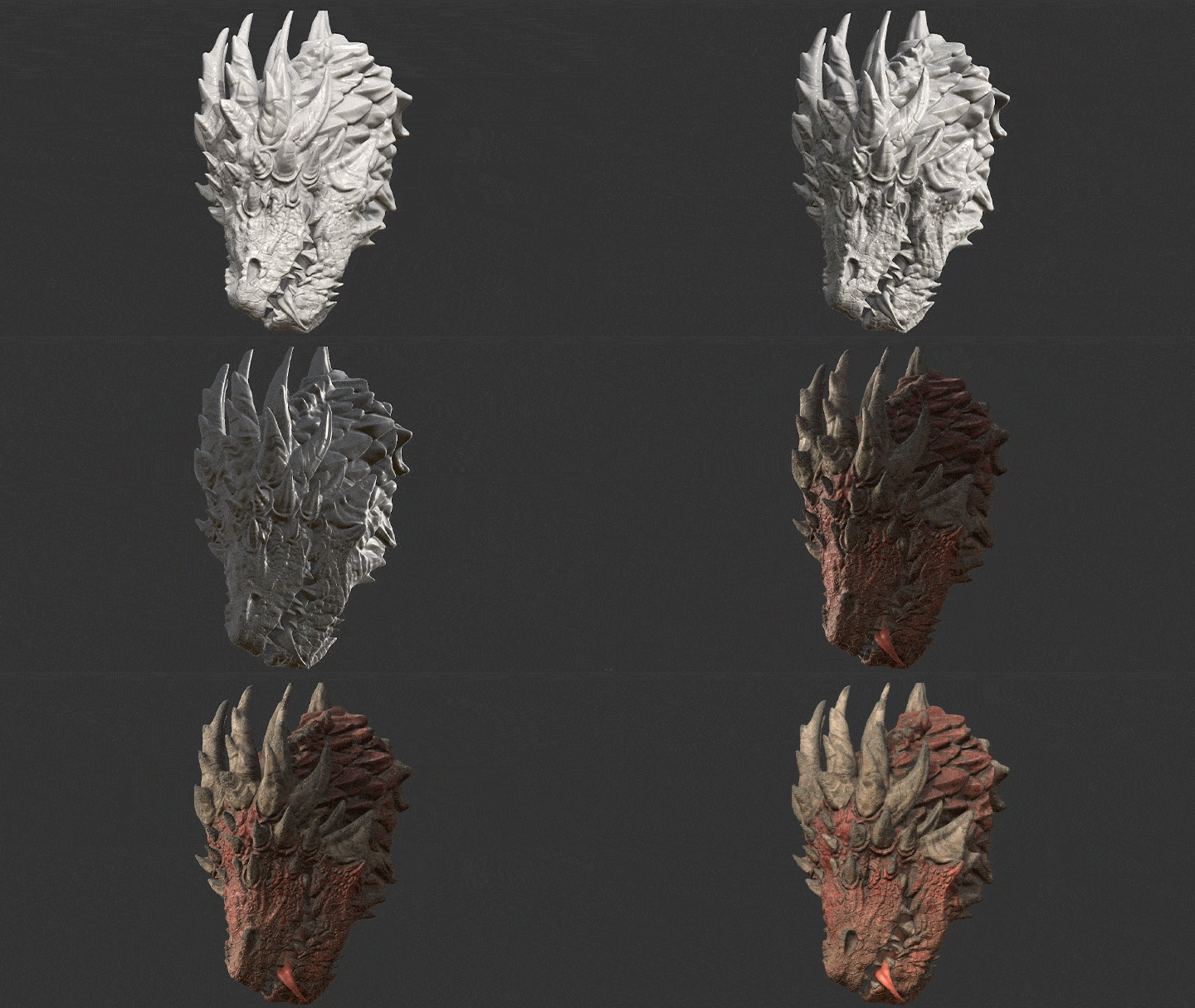 Create High-Quality Textures with Your Own HandsProduce realistic textures using built-in materials and baked mesh and pattern maps, learning about details that boost their quality to match those in AAA projects.
 -
 Data Management Techniques for a Trouble-Free WorkflowThis class doesn’t stop at creating a single model. It also shares tips for organizing and managing your data by texture and layer so you can easily use it for your next project.
- Unlimited Access
- Best Price
Buy now, get unlimited access.
12/31 (Sat) (UTC-7) Special offer ends soon.
This special offer ends soon.
Buy now and save!
Curriculum
Curriculum
In-Depth Look
SECTION 01. Before Running Substance Painter
SECTION 02. Deep Dive into the UI
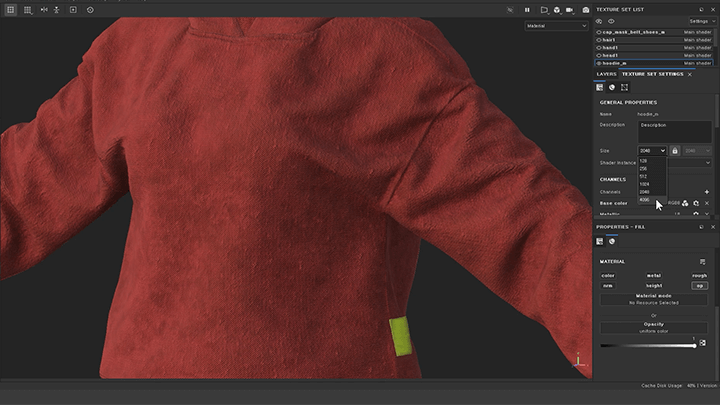
SECTION 03. Creative Coding: JavaScript
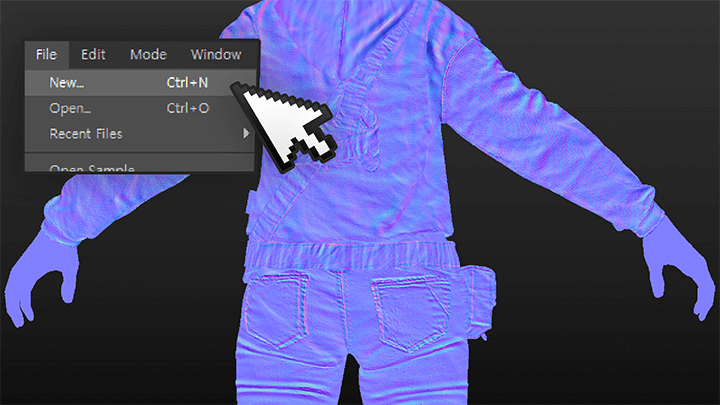
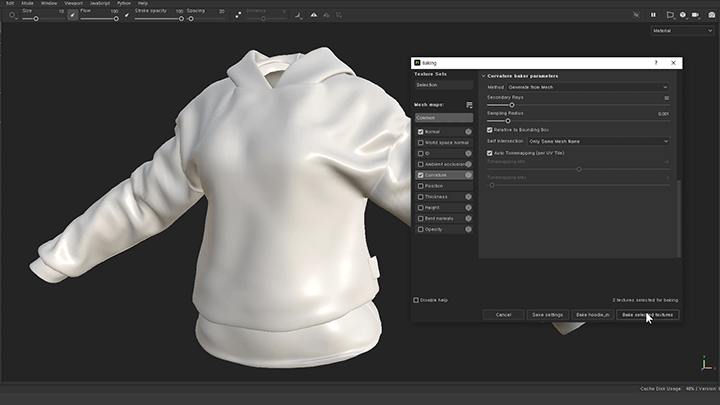
SECTION 04. Exploring Features Before Texturing
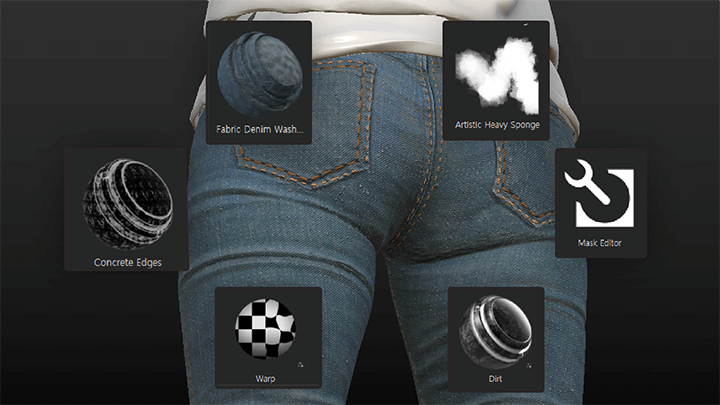
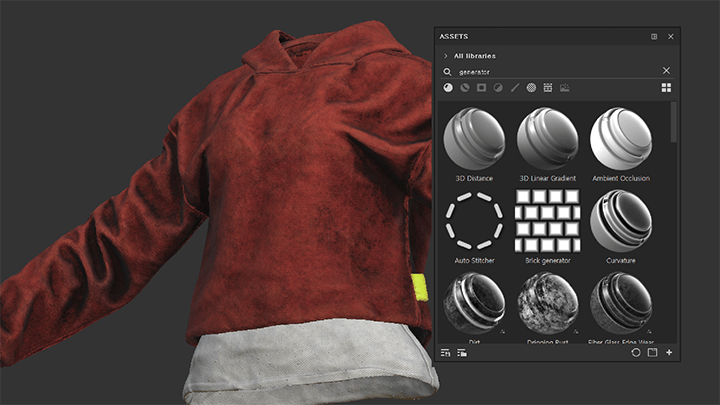
SECTION 05. Starting Texturing
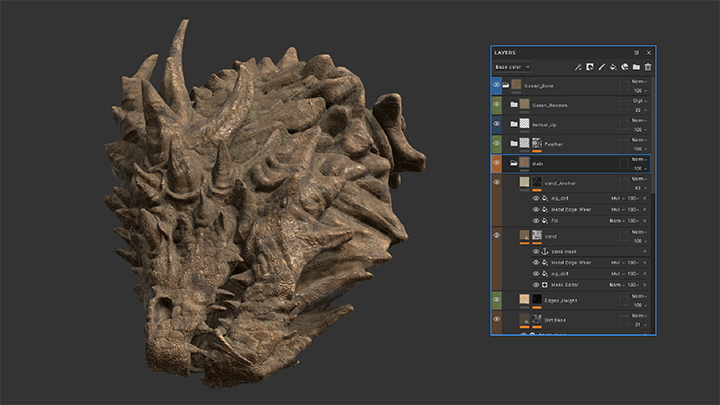
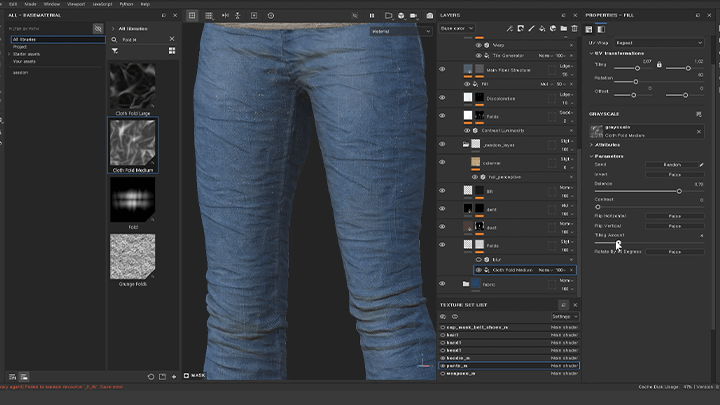
SECTION 06. What You Should Do after Finishing This Class
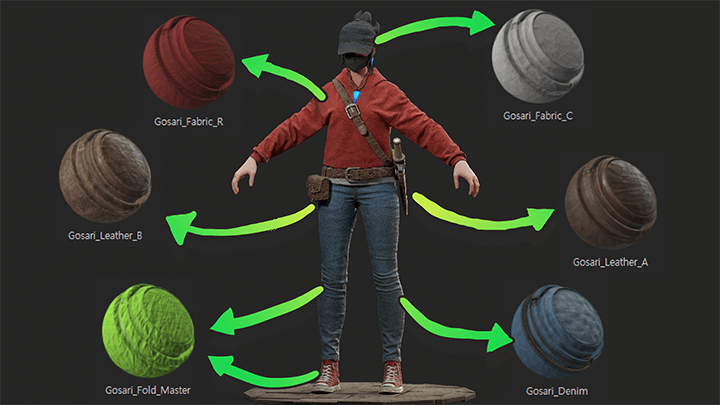
Interview with
3D Character Artist Gosari

Question.01
What are the industry’s views on the marketability
and future of Substance Painter?
A tool tailored to physically based rendering (PBR), Substance Painter enables the creation of physically accurate textures and is widely adopted in game and film production across the globe. It suits all aspects of concept art, including photorealistic texturing, utilizing scanned data, and stylized hand-painting, which is why it is an essential tool to learn for aspiring 3D modelers.
Question.02
What is the most challenging aspect of Substance Painter for beginners?
While Substance Painter is commonly known to be intuitive and easy to use, it requires a significantly different workflow from other texturing tools. You need to learn the basics correctly from the start. Learners are bound to face a range of challenges by blindly relying on YouTube and Google Therefore, I’d like to help beginners build a strong foundation in Substance Painter by understanding its basic concepts and how it works.
Question.03
What makes this class unique?
This course aims to teach aspiring 3D character artists new to Substance Painter and those currently employed in the industry how to create AAA-level textures from the beginning to establish solid foundations and work habits. The curriculum consists of 50 short chapters that focus on the essential knowledge required for beginners to more advanced learners. With this class, you’ll be able to master the basics as well as practical applications of Substance Painter.
Required Programs
This course will use
- Substance 3D Painter 8.1.2
As example data may not be opened or displayed in lower versions, we recommend taking the course with version 8.1.2.
Please purchase and install these program(s) for an optimized chapter experience.
*These programs and/or materials will not be provided with the chapter.
Recommended
Recommended Class
Like this class?
Then check these out!