3DCG Creator, Ocowa_오코와 Details
Intro
Class Intro
3DCG Creator, Ocowa
Use Blender to create
3D character animation
that looks hand-drawn
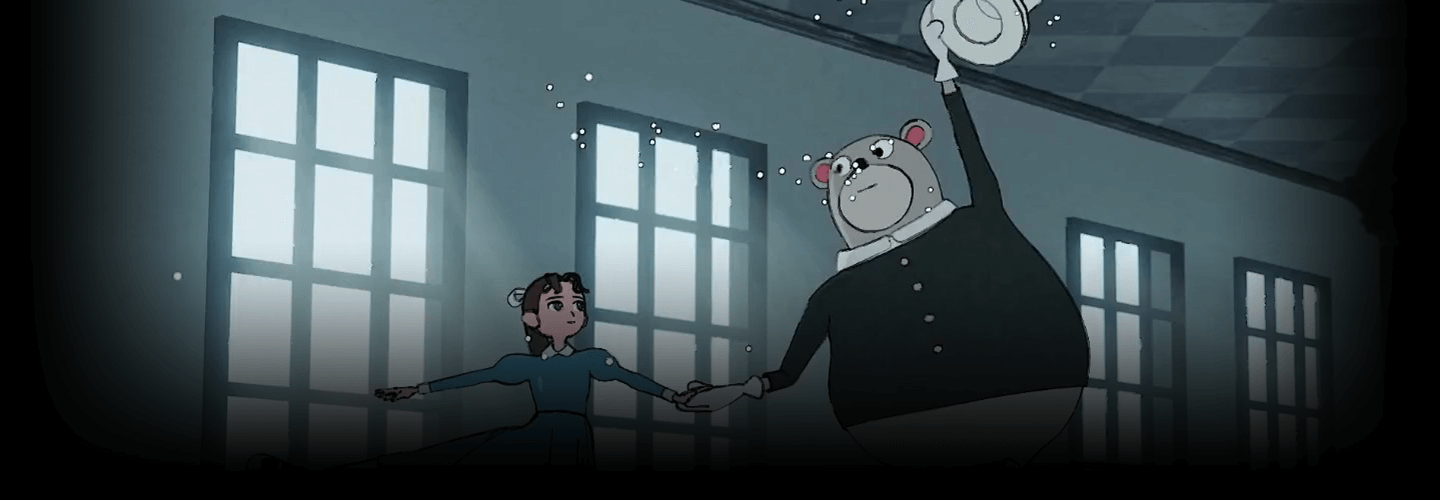
3D Character Animation with a Cel-Shaded Style and Cartoonish Movements
In this class, well renowned 3DCG creator Ocowa will teach you the basics of creating 3D animation with a cel-shaded look using Blender.
The class will guide you through the initial setup and basic operations in an easy-to-understand manner, so that even beginners can create animations using Blender.
The class will guide you through the initial setup and basic operations in an easy-to-understand manner, so that even beginners can create animations using Blender.
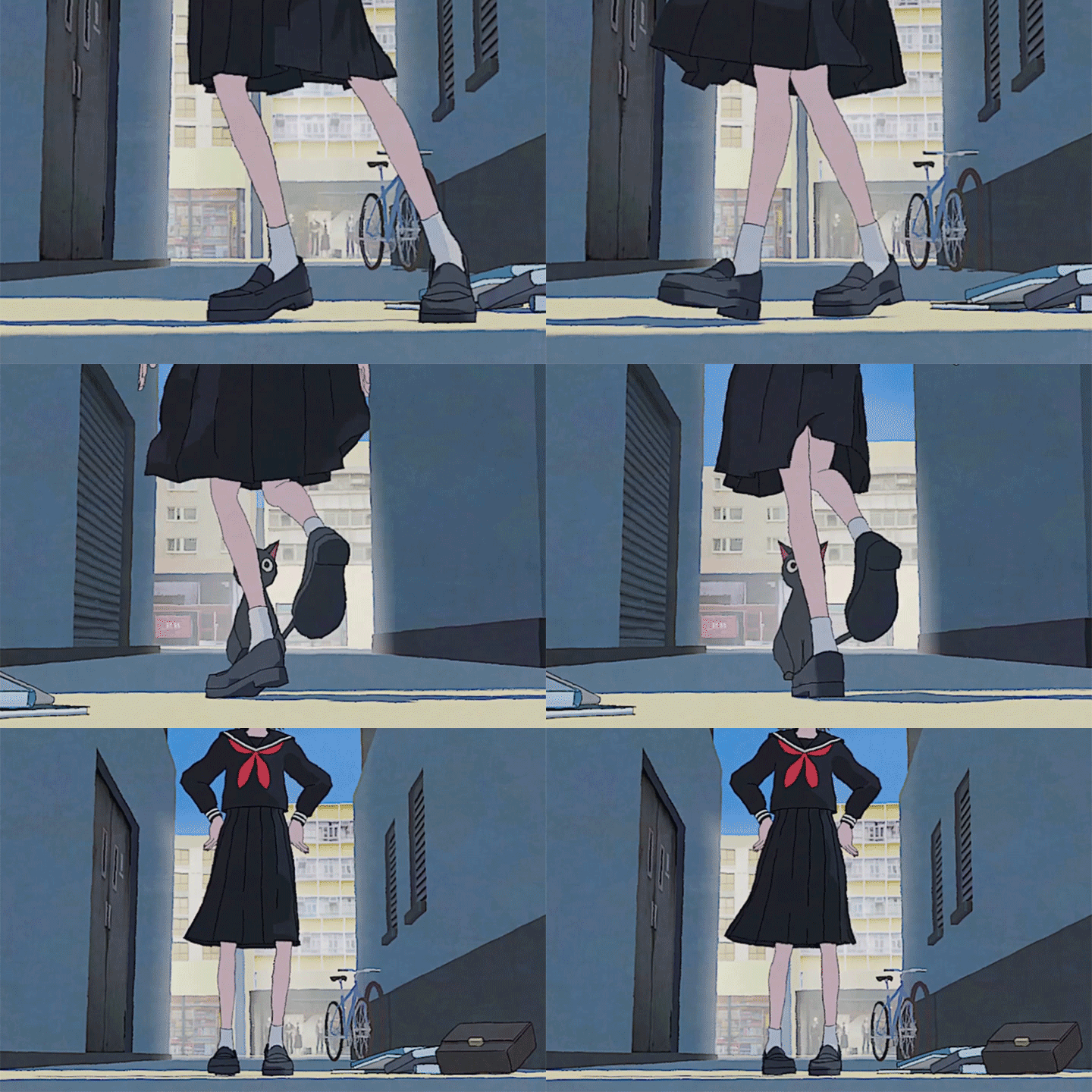
Master the skills to create animation by following a practical process, from character modeling to making outlines and texturing, which are key to making characters look hand-drawn.
Once you fully understand the flow of animation production, challenge yourself by creating a full-fledged 3D animation. You’ll learn how to create backgrounds that express mood and the way light enters, and how to enhance your character's personality to increase your animation quality.
Discover the secrets to 3D animation production with a cel-shaded style that’s gaining worldwide attention. Only at Coloso!
Once you fully understand the flow of animation production, challenge yourself by creating a full-fledged 3D animation. You’ll learn how to create backgrounds that express mood and the way light enters, and how to enhance your character's personality to increase your animation quality.
Discover the secrets to 3D animation production with a cel-shaded style that’s gaining worldwide attention. Only at Coloso!
Class Perks
Get These Coloso Exclusives
-
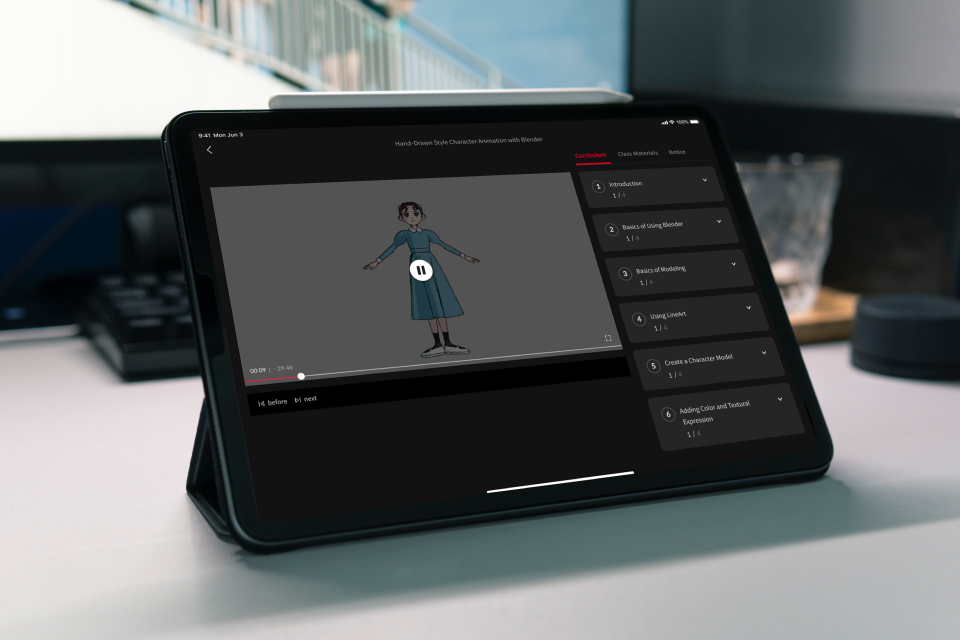
Unlimited Access to All 20 Classes -
PDF Files -
Blender Files
Class Material Details
-
 PDF Files with Details- PDF containing exclusive tips for cel-shaded character animation (.pdf)
 -
 Hands-On Blender Exercise Files- 2 Blender practice files to create complete, hands-on animation projects on your own (.blend)
Expert 3DCG Creator Ocowa's Portfolio
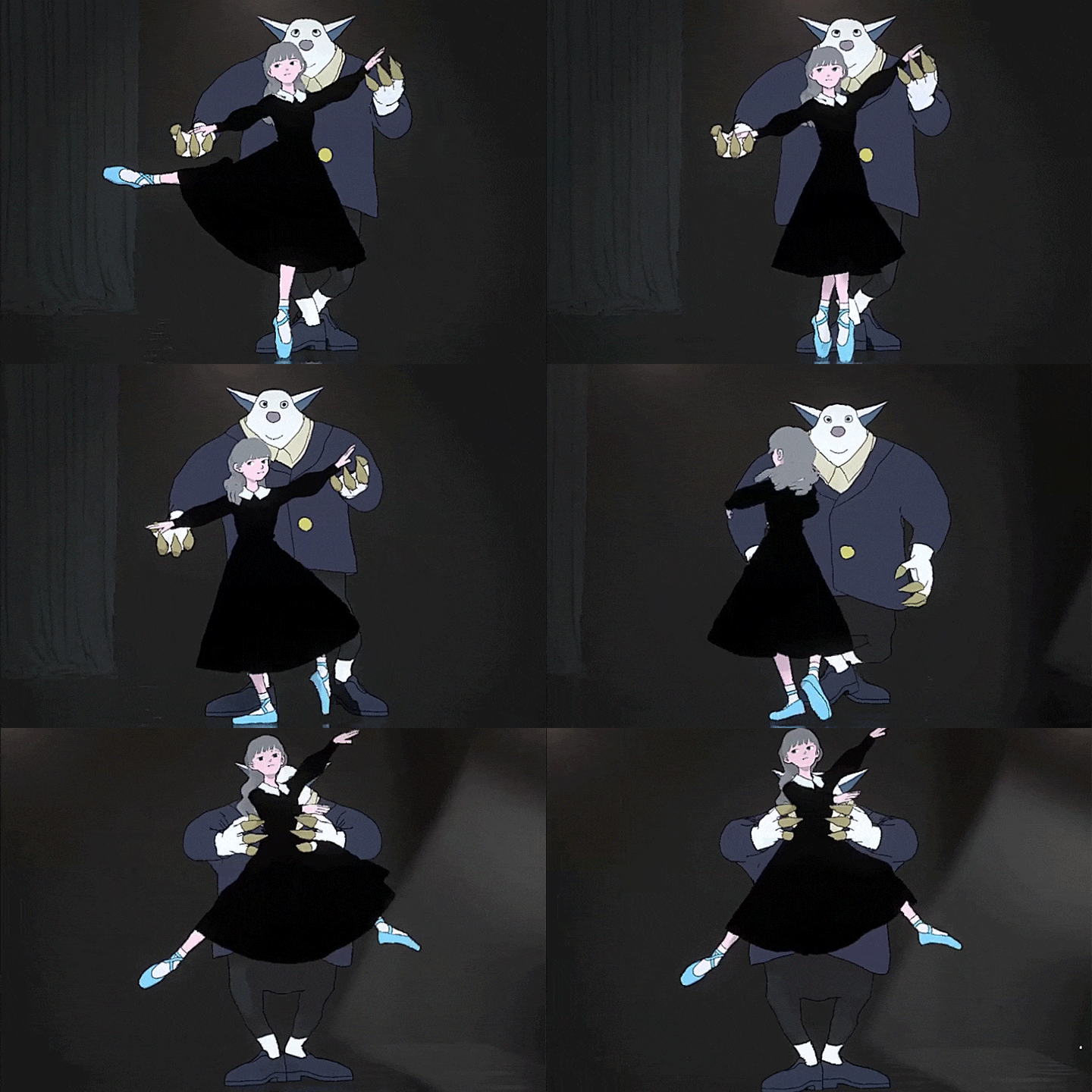
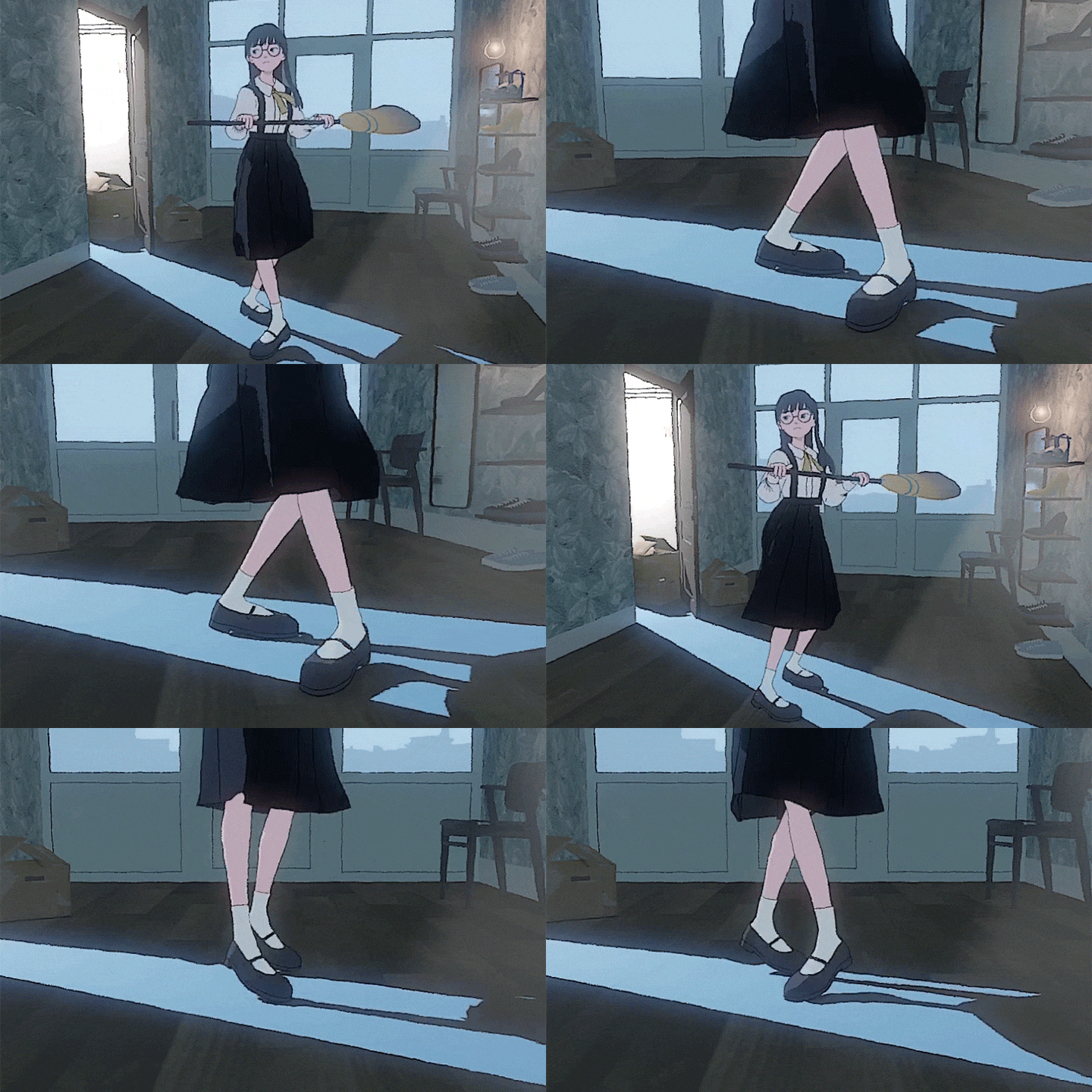
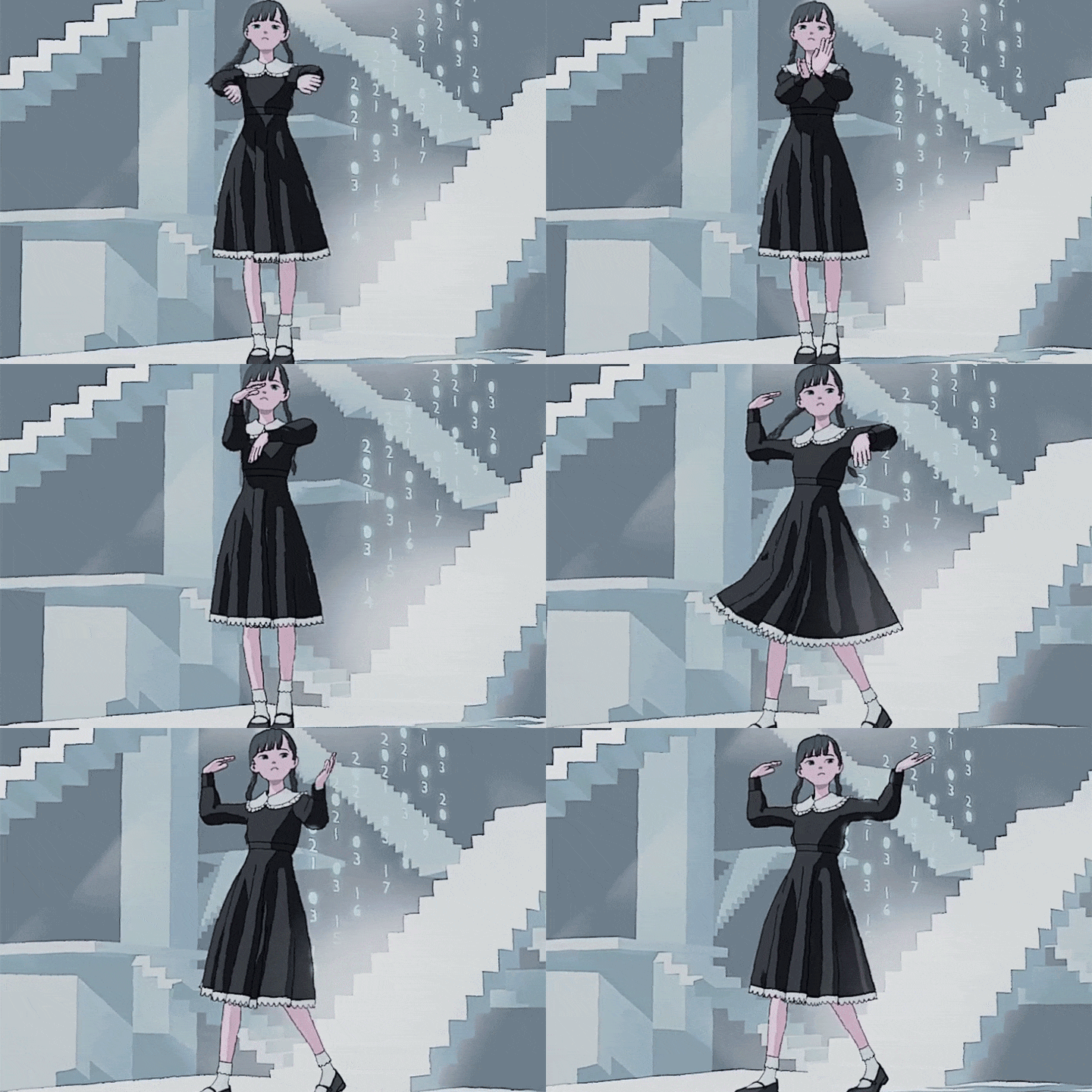
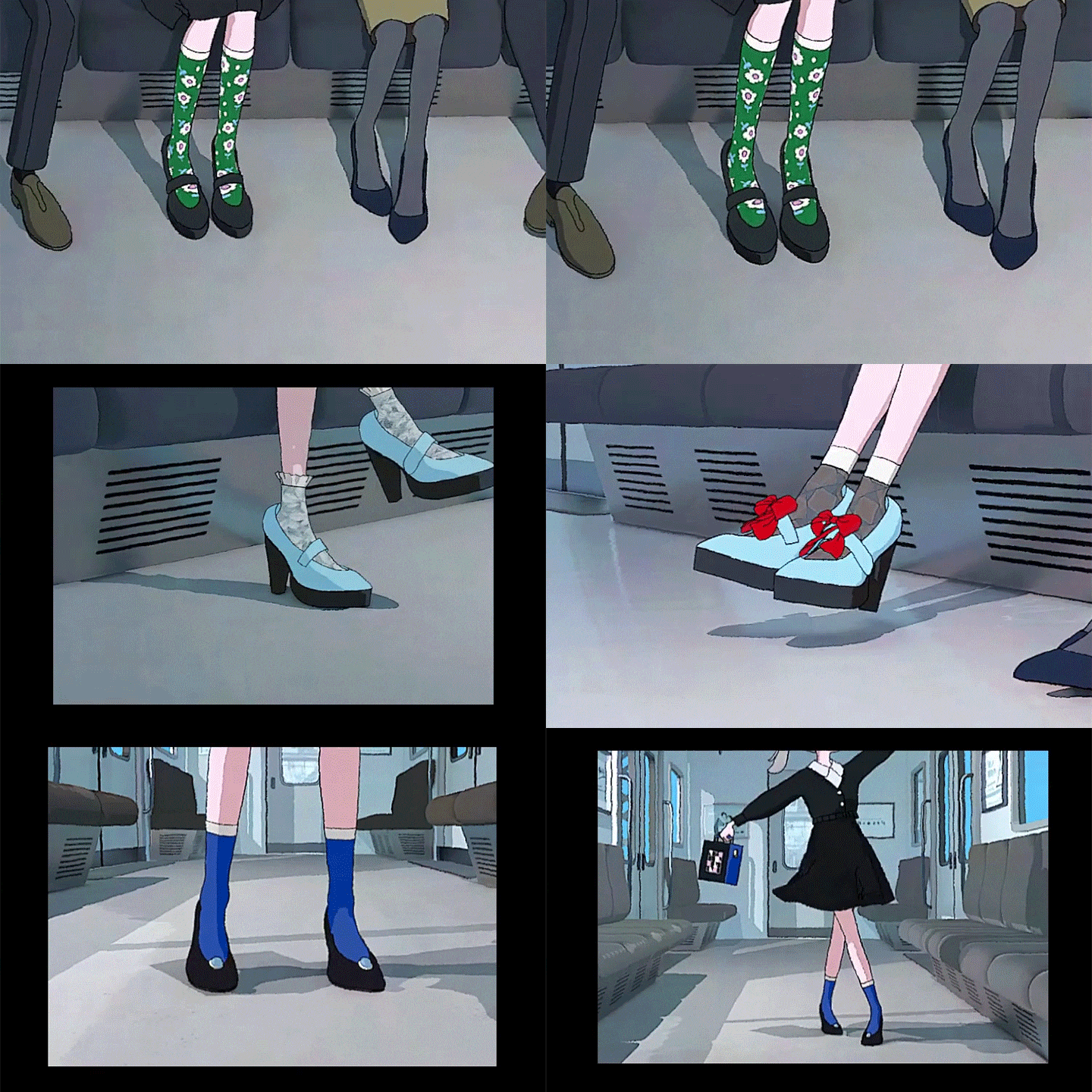
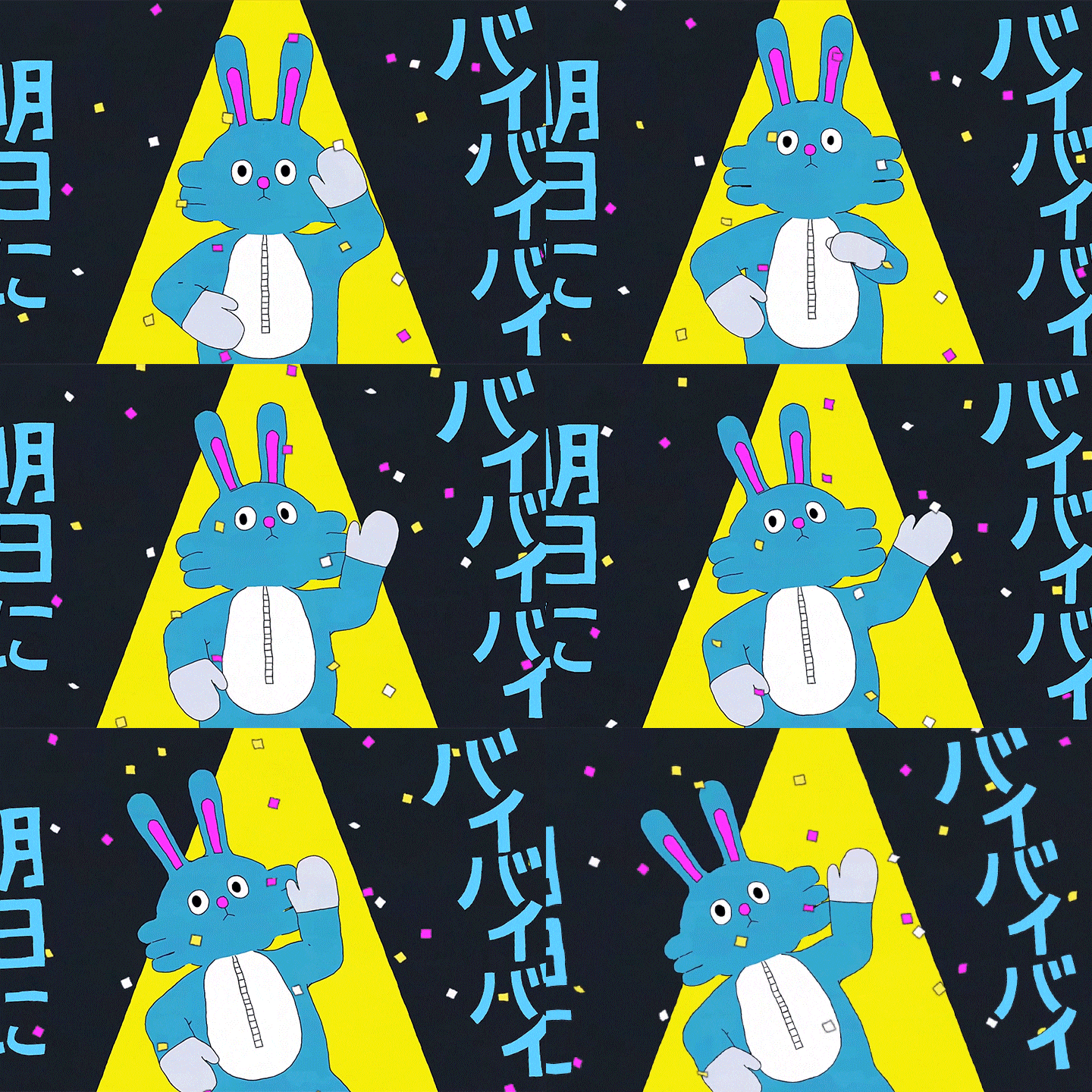
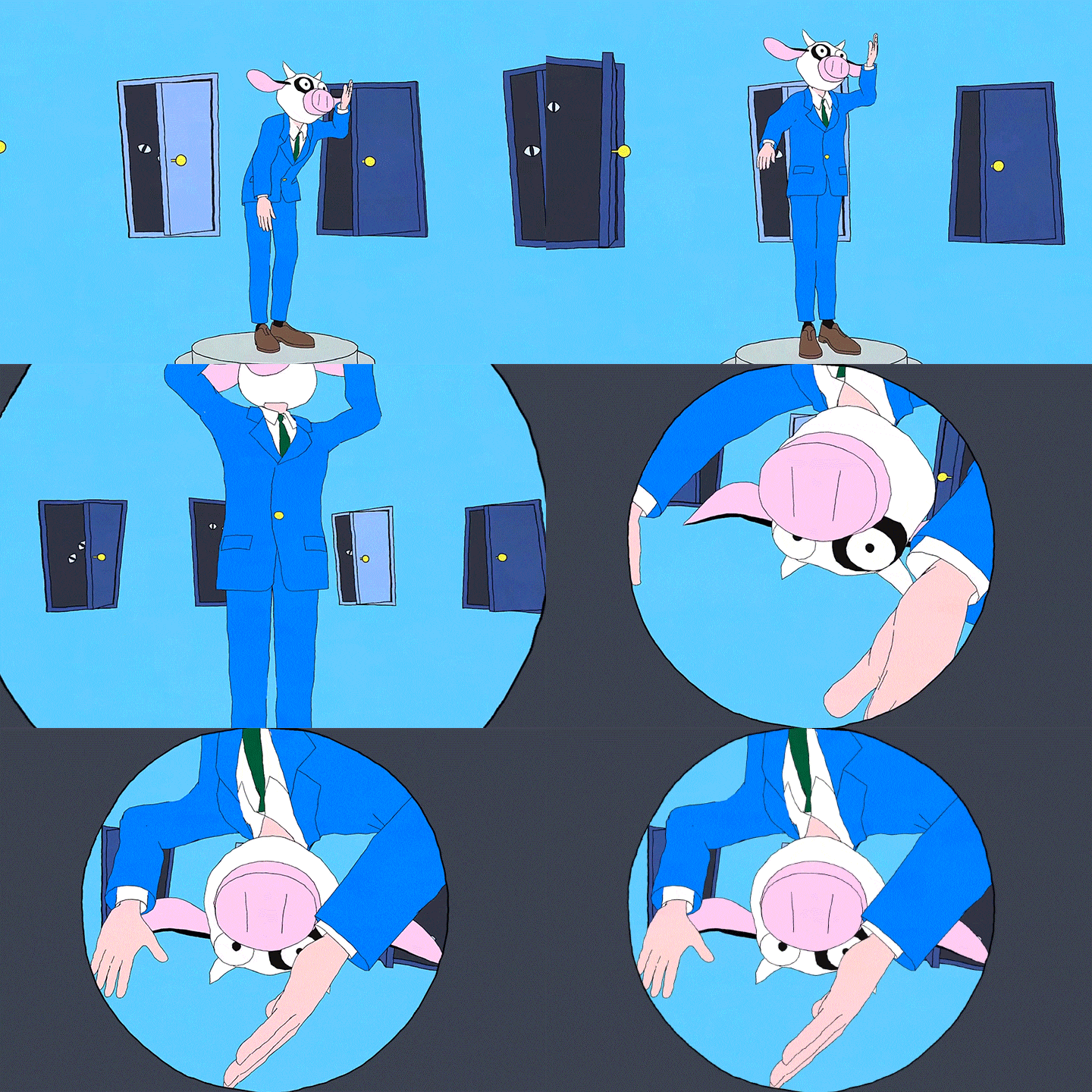
6 Class Exercises
-
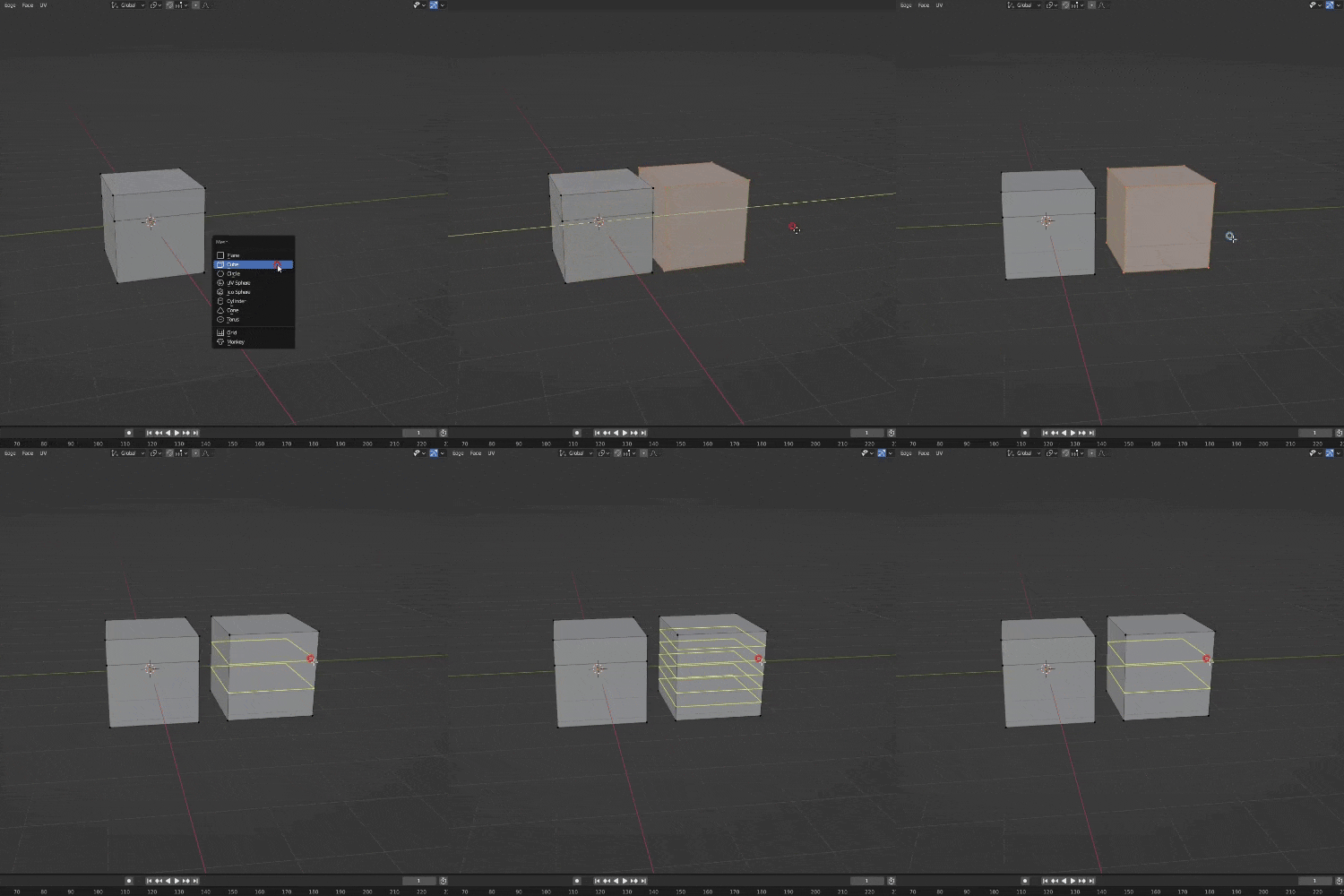 Basics of using Blender
 -
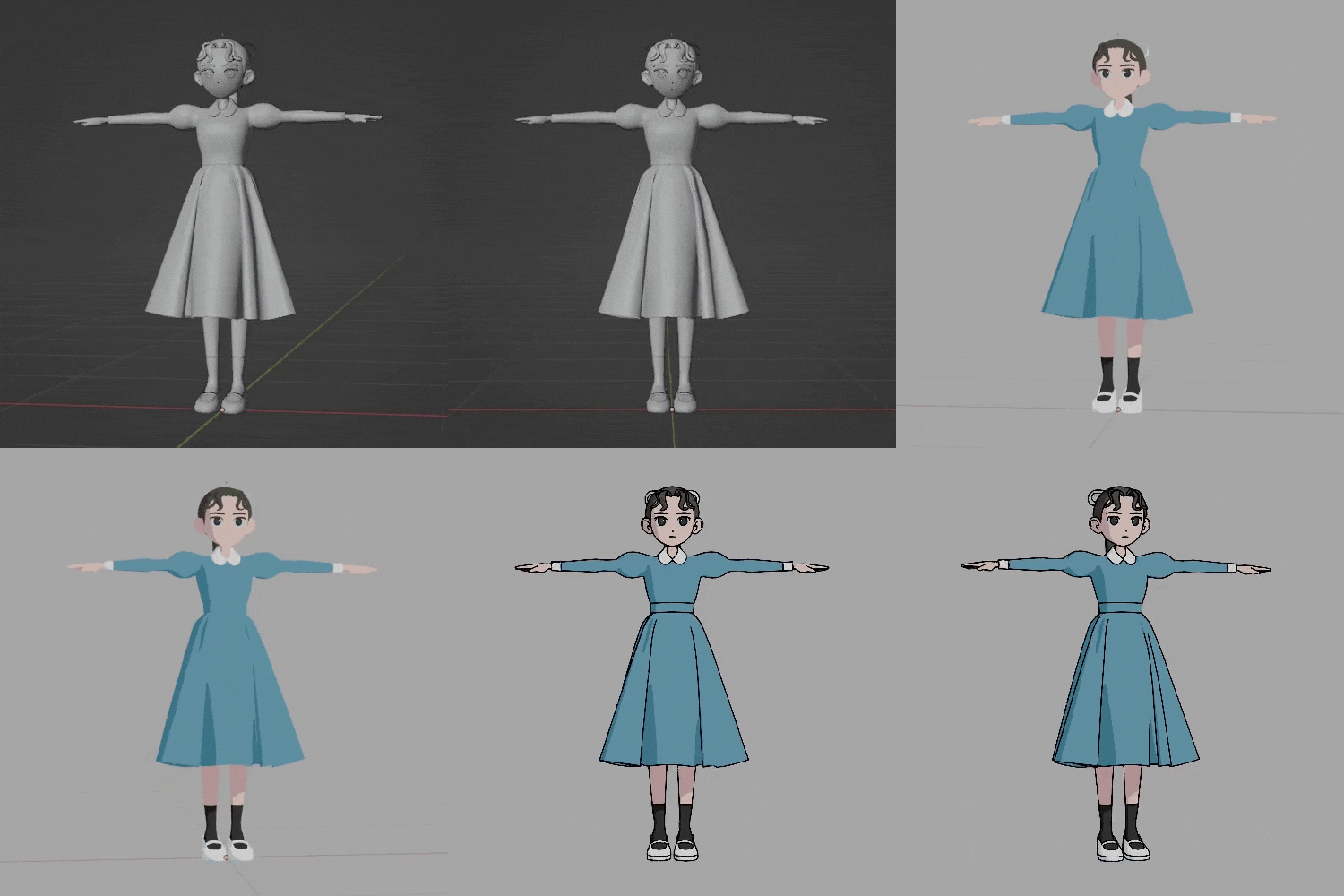 Character modeling
 -
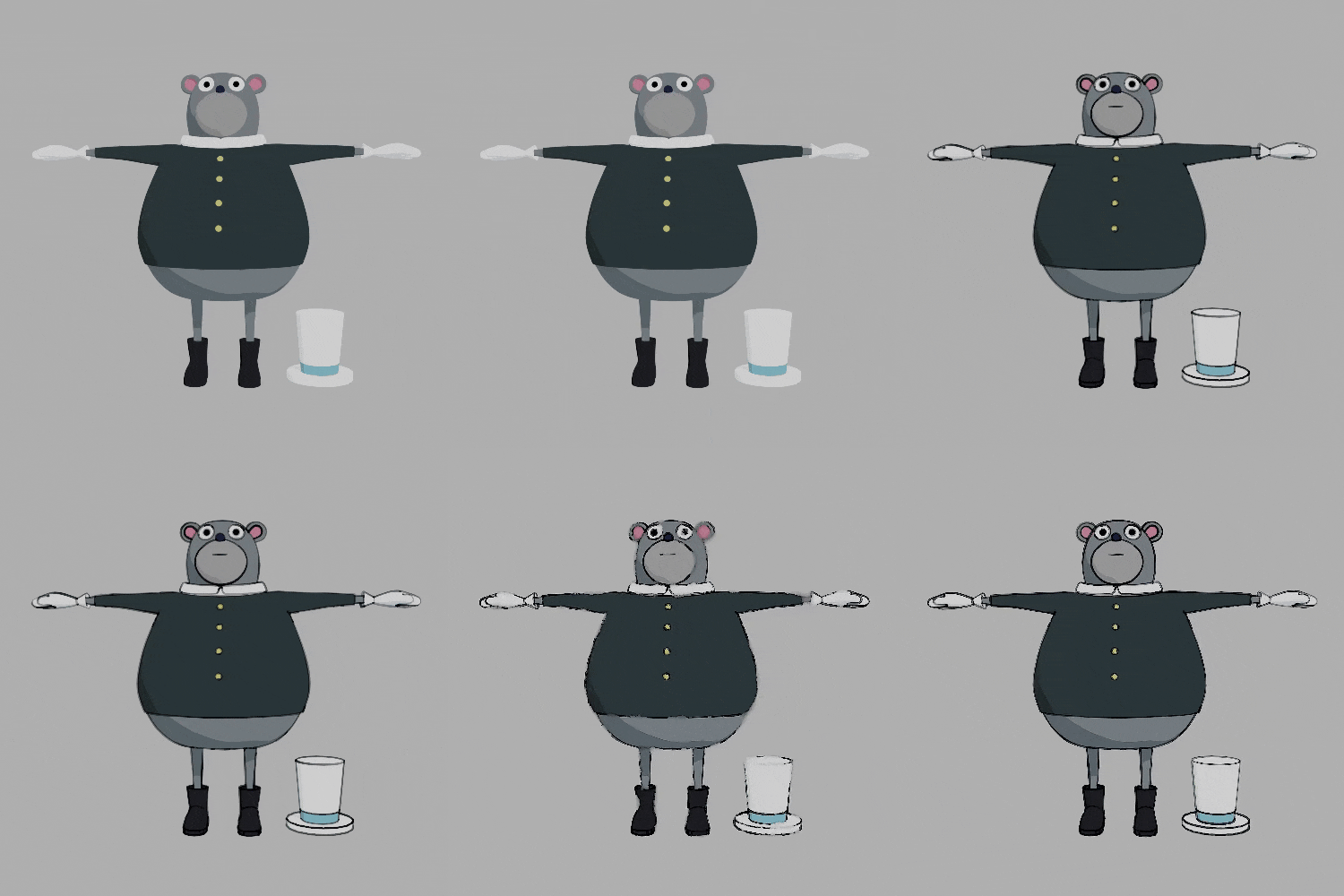 Rendring techniques that are unique to cel shading
-
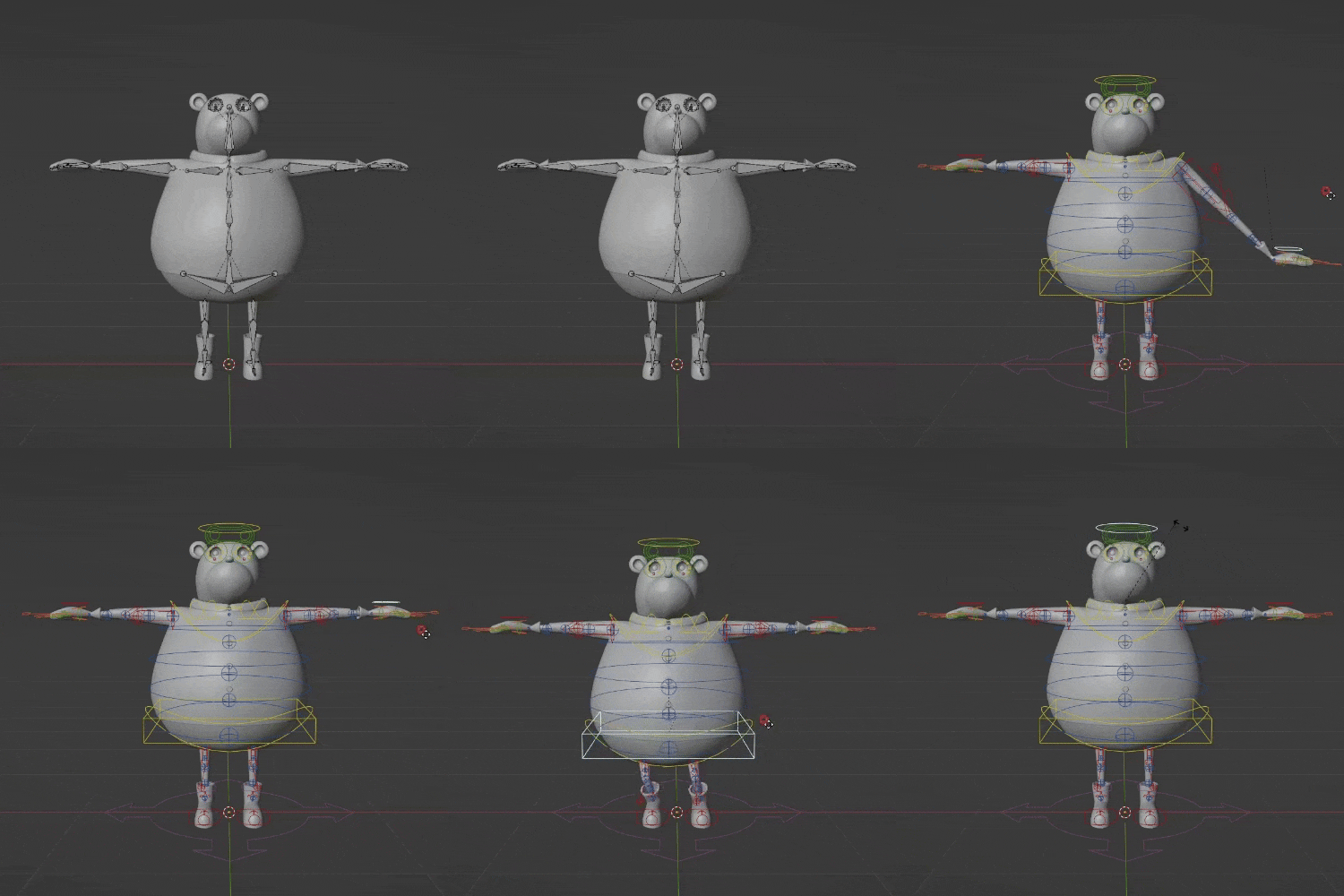 Rigging using the rig tool Rigify
 -
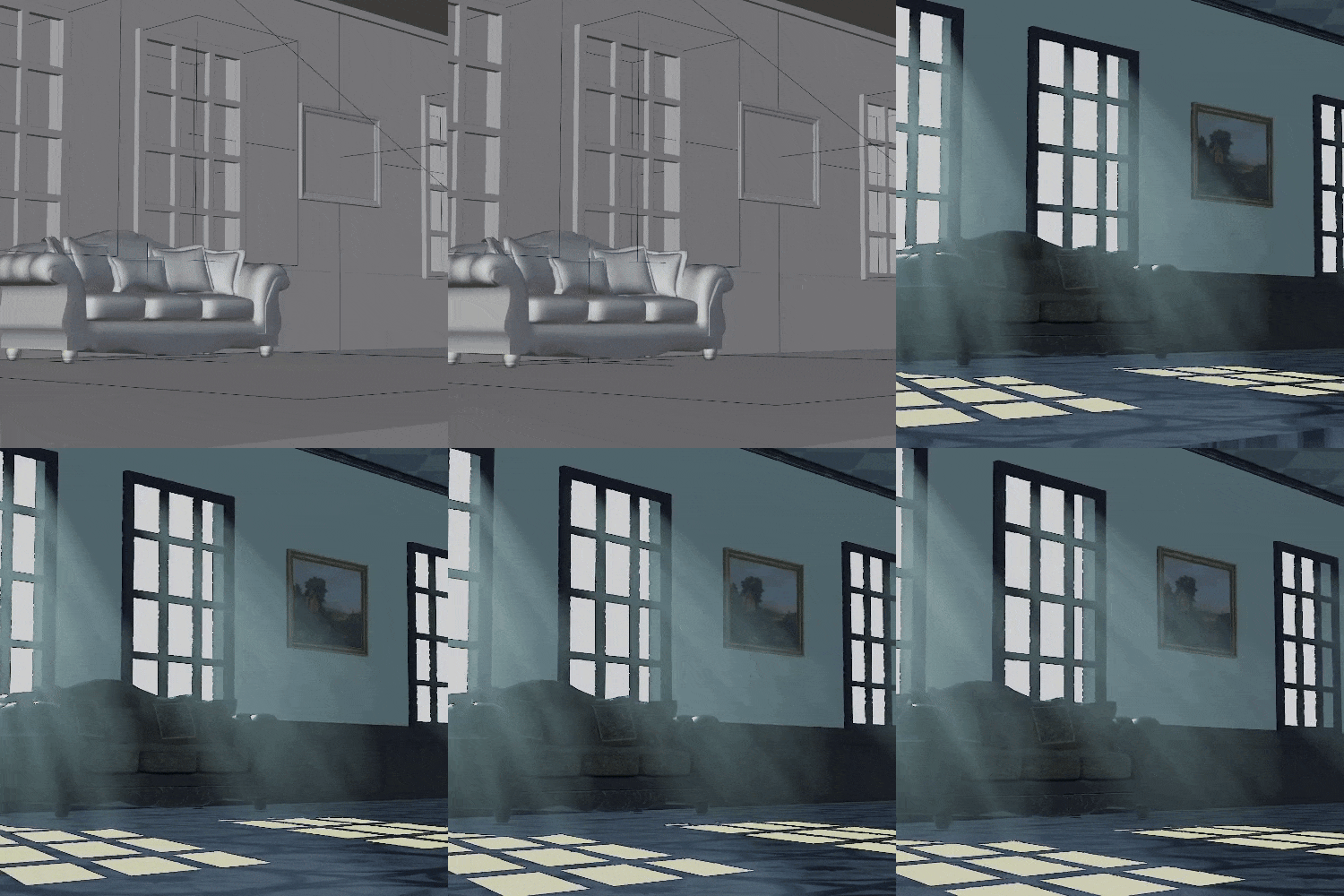 Ways of rendering light
 -
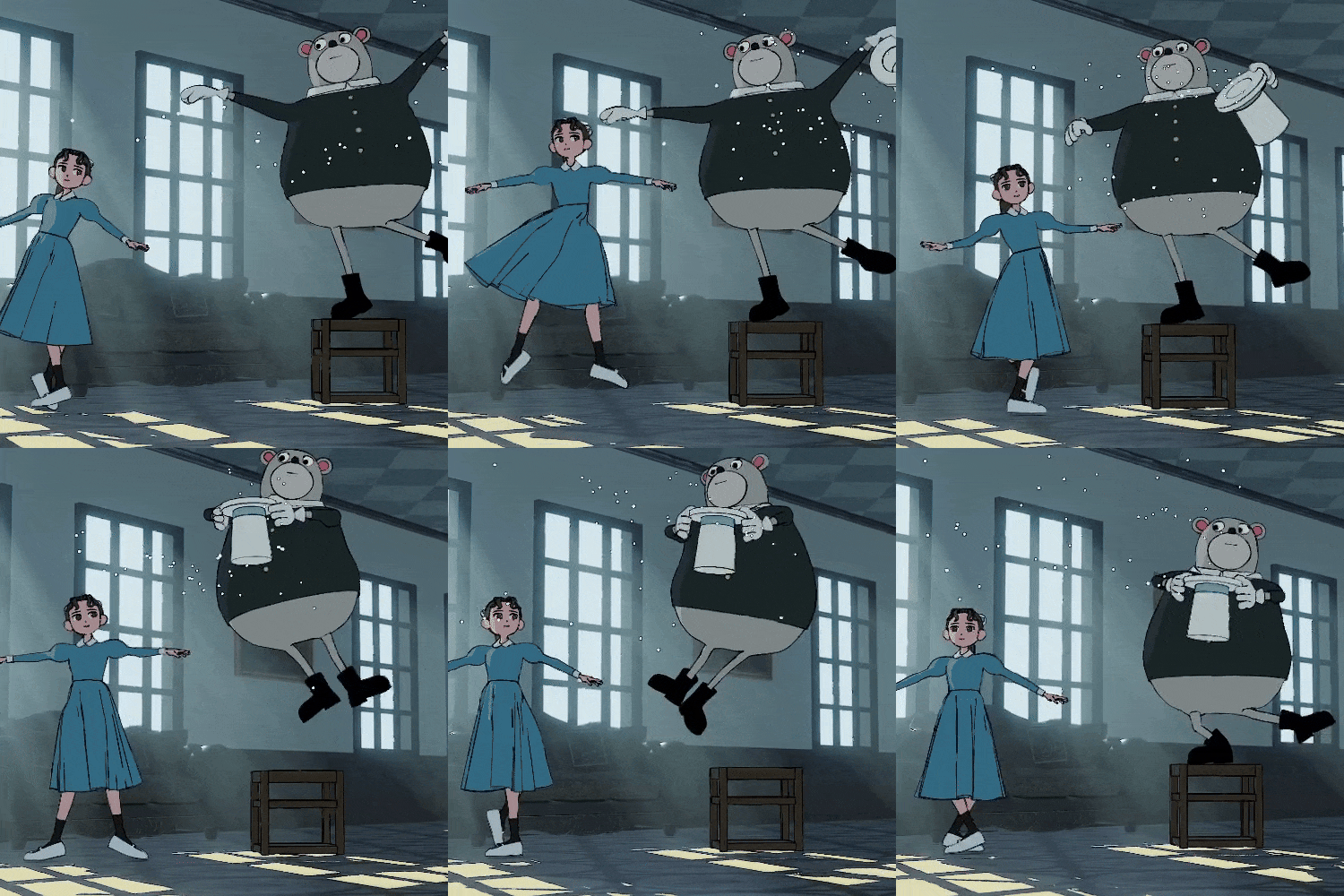 Character animation
Final Project 1
Final Project 2
Instructor
3DCG Creator
Ocowa
Hello.
I’m 3DCG Creator Ocowa.
I produce animation and videos using 3DCG.
I am also involved in music video production and publishing independently produced video works.
In addition to expressing movement, I’m interested in techniques to create non-realistic expressions in 3DCG, as well as other forms of expression aside from videos.
As I produce my work, I search for my own workflow that could successfully integrate the expressions I want to show, and capture them in video.
Through this class, I hope to help you and give you ideas on how to achieve what you want to draw.
Please look forward to it!
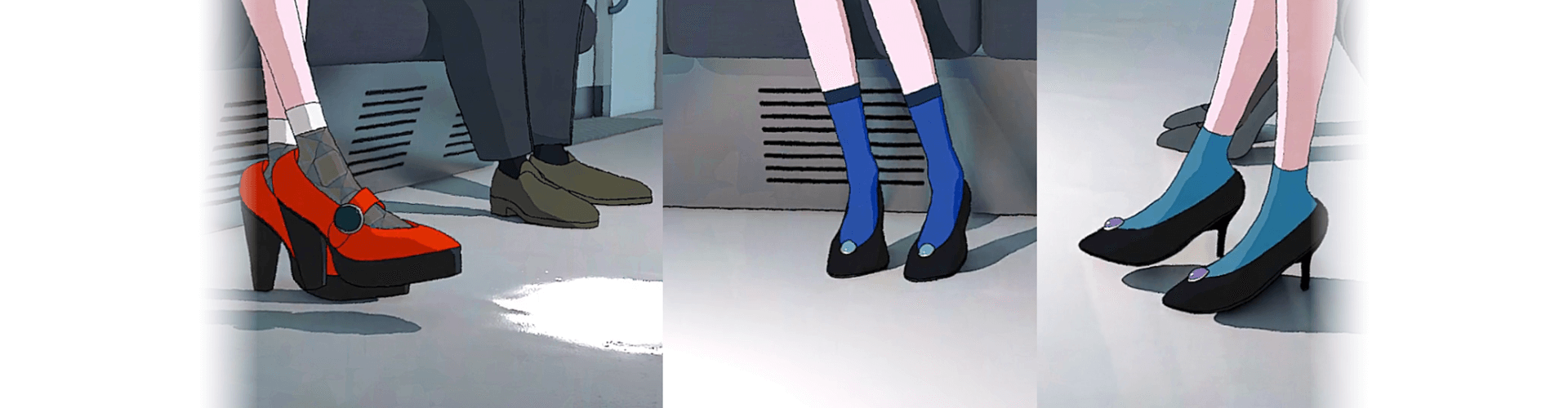
Ocowa
[Current]
3DCG Creator
Ego Rock (Long ver.) Music Video by Surii
Glitch Music Video by Takeaki Wada
Rollin’ Soul, Happy Days Music Video by Pop Never Dies
Kira Killer (feat. Mori Calliope) Music Video (3DCG) by ZUTOMAYO
Numerous others
Highlights
Class Highlights
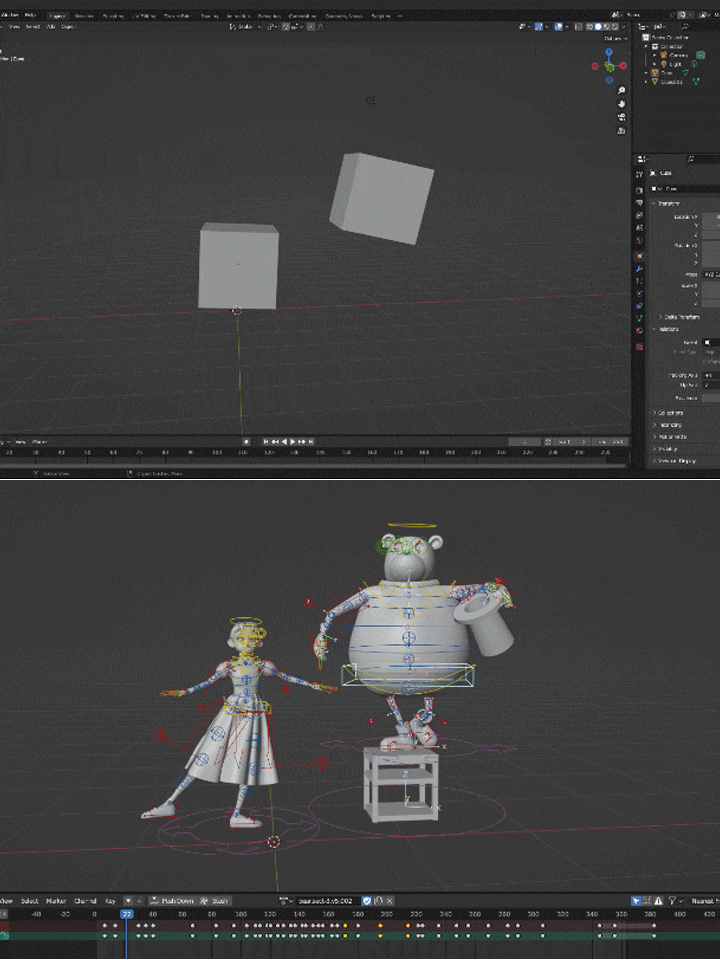
Learn Blender Basics and Practical Skills
In addition to the basics of using Blender, this class will also teach you in-depth operations needed to create and combine various expressions. In particular, it will focus on the functions you need to produce the animation in this class, with notes and techniques.
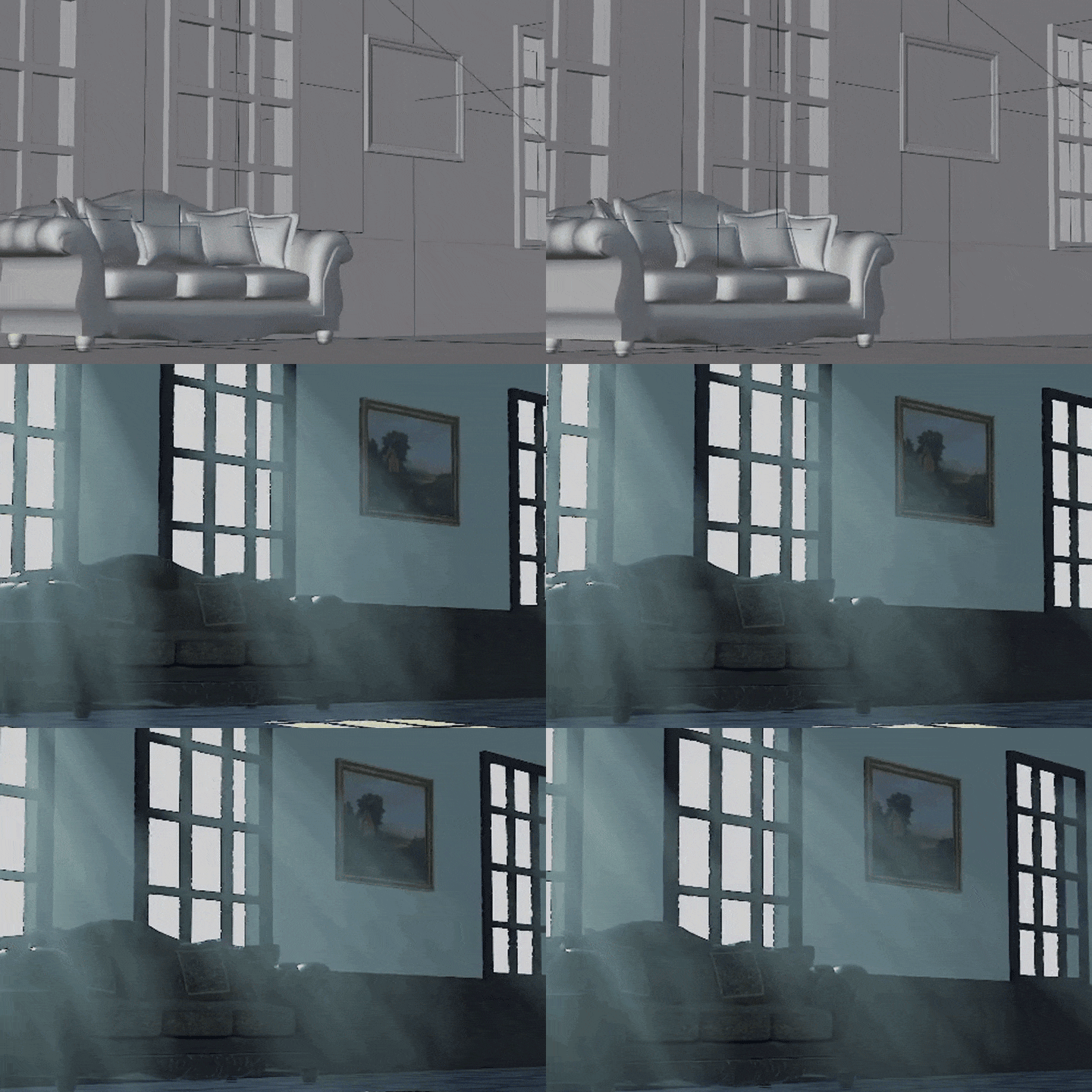
Different Techniques for Rendering Texture and Light
To render light and mood and make your work look hand-drawn, you’ll need to add extra effort to the basic process. This extra effort is a key element that greatly changes the look of your final output. That’s why, in this class, you’ll learn various techniques to achieve that.
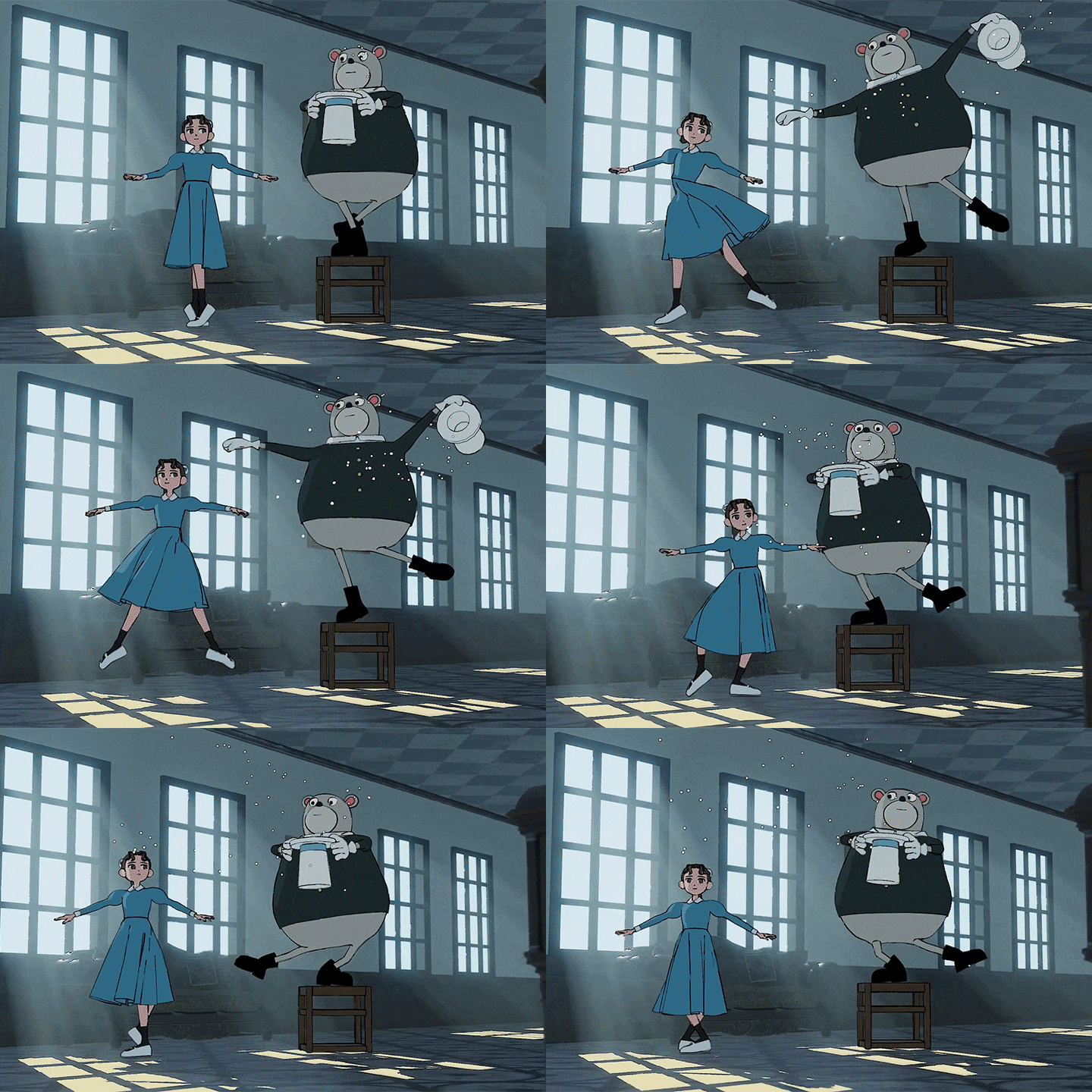
Poses and Animation That Bring Out a Character’s Personality
The class will teach you the skills to create 3D character model movements by hand. This also includes secrets to adding personality to characters through the cartoonish movements and poses unique to Ocowa.
Class Details
You'll Learn
-
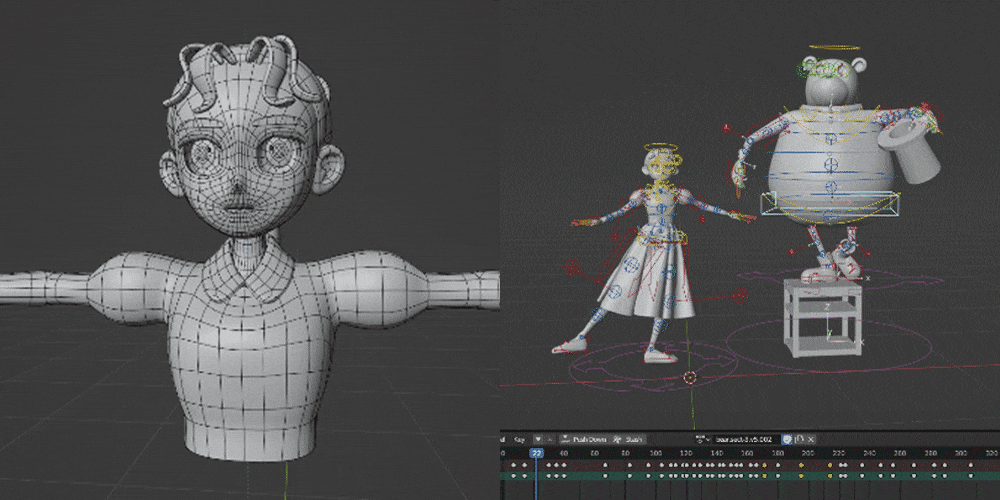 Video Production on BlenderThe class will explain how to create character models and animation using Blender, which can be used free of charge, and then output them as video. You’ll also learn about the many functions and operations in Blender, and specific ways of using them to create different expressions.
 -
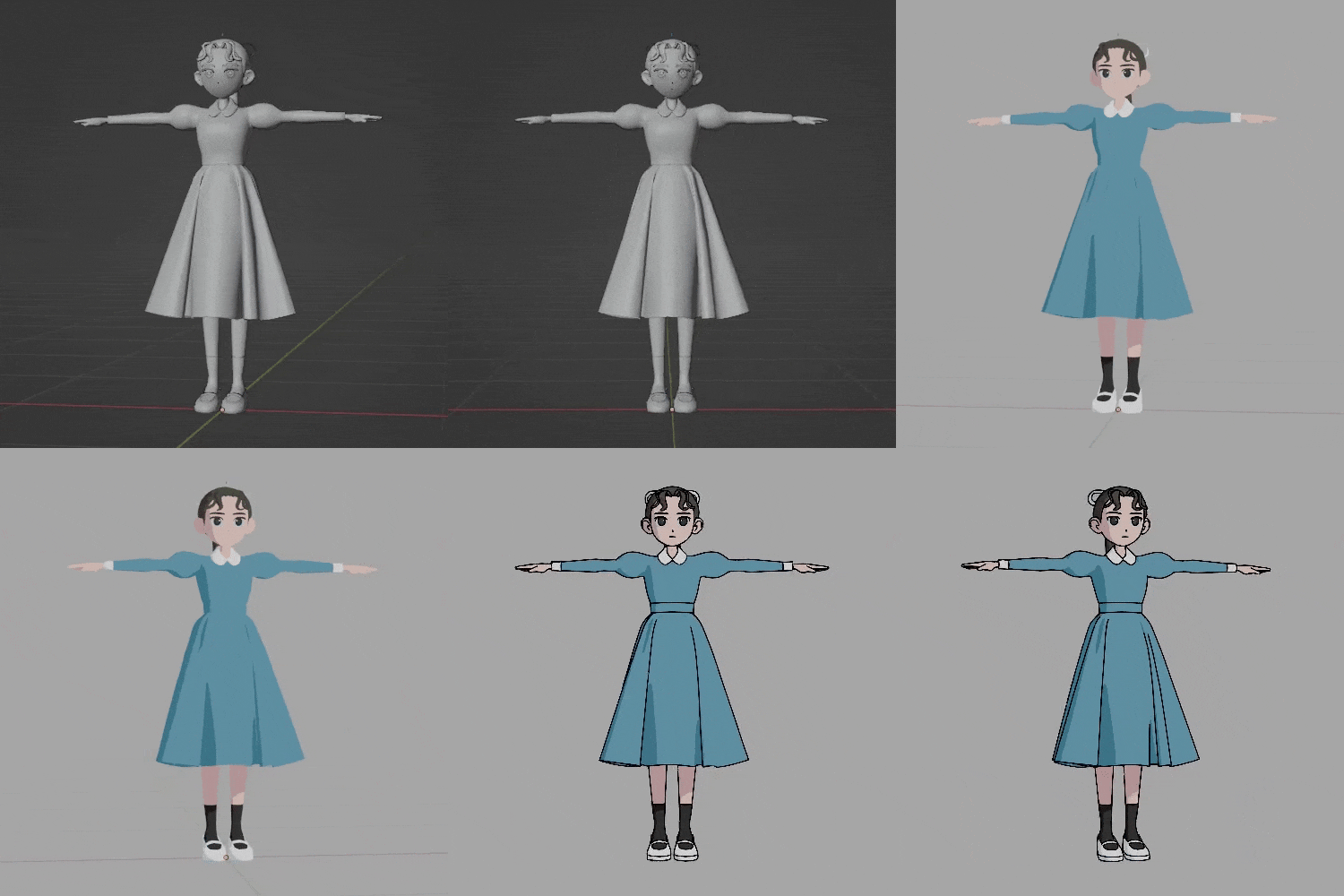 Character Modeling Made with a Cel-Shaded StyleLearn character modeling using rendering unique to cel shading. This class will teach you the process of modeling while controlling outlines and shading using LineArt so that it looks natural when viewed from any angle.
 -
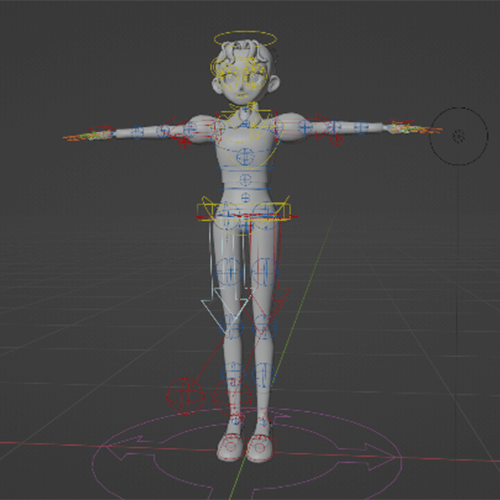 Rigging Using Rig ToolsLearn how to rig character models using Rigify, which comes pre-installed on Blender. You’ll also learn how to use weight paint to make adjustments that would remove any awkwardness when your character model transforms.
-
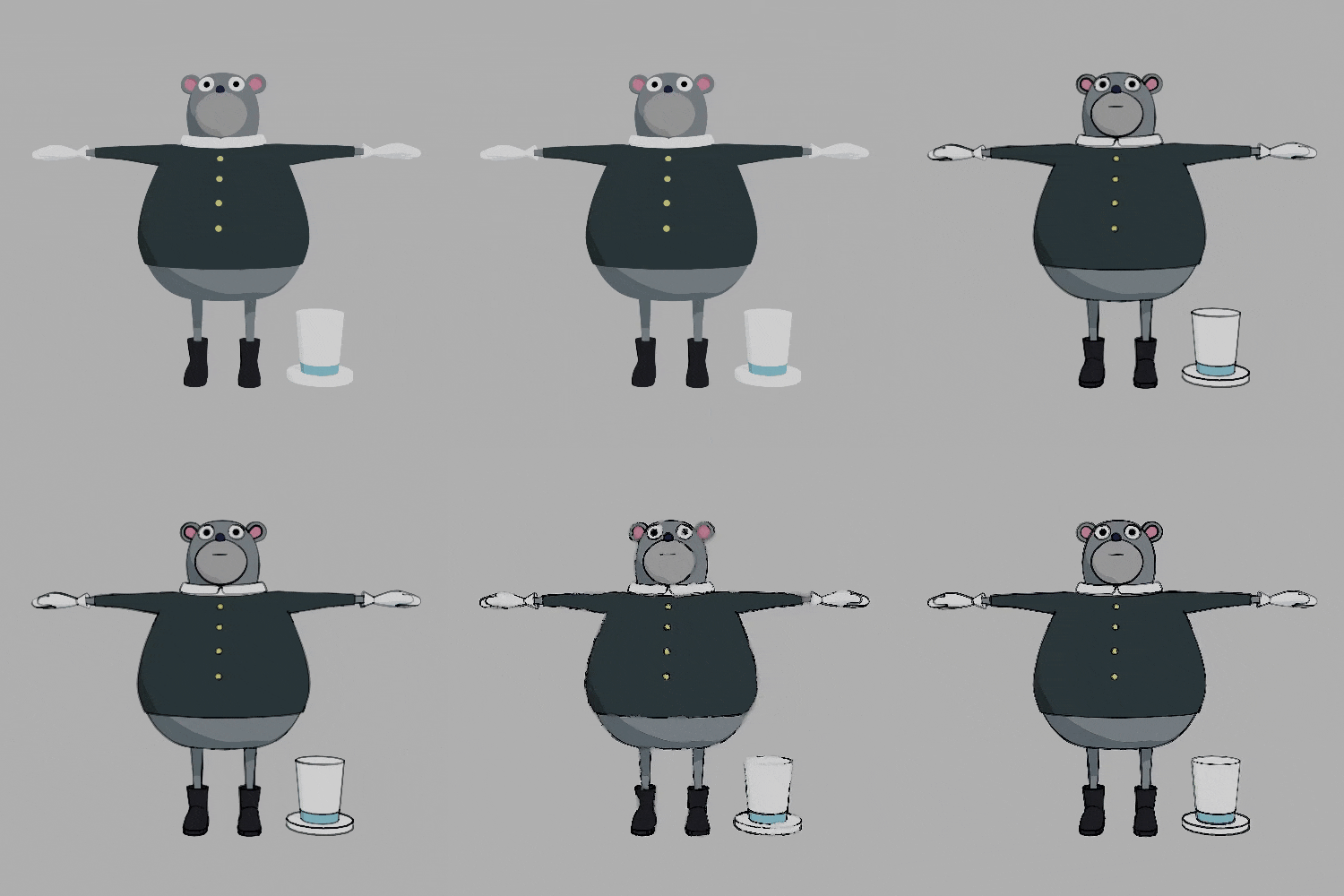 Creating Images That Look Hand-DrawnYou’ll have to put it some extra effort to not only recreate that uneven, imperfect style from drawing by hand, but also make your images uniform and regular. The class will explain how to vary the weight of outlines and how to create variation and blur in the overall image.
 -
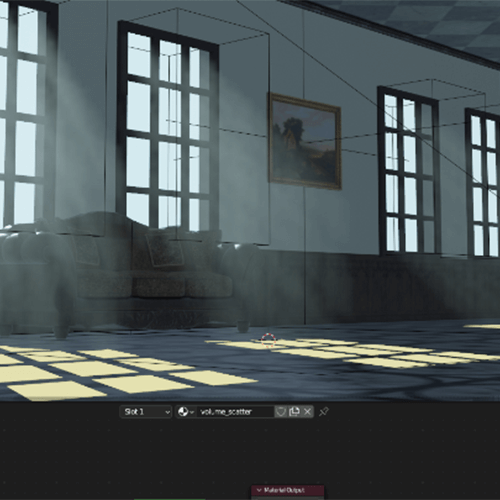 Tips for Rendering Light and Adding MoodTo create drawings that look natural, you’ll acquire different techniques for rendering light and adding mood. You’ll learn not only how to use functions, but specifically where to use them when creating drawings.
 -
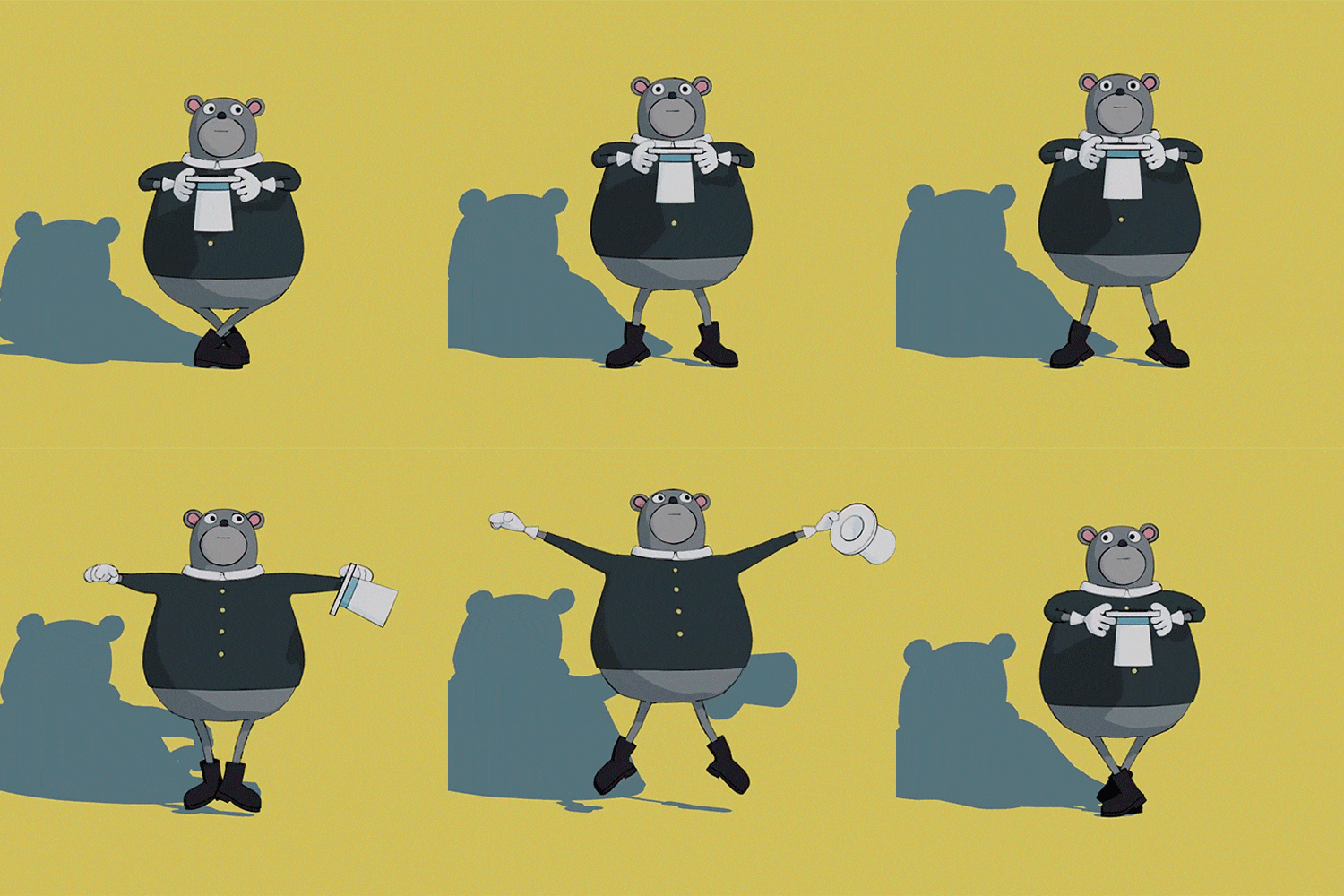 Animation Production That Shows off Your Character’s PersonalityThe impression you get from a character isn’t just from their general movements. It also changes depending on their small gestures, the timing of their actions, and their poses. This class will show you how to add twists to your character’s small gestures and poses and give them more personality.
- Unlimited Access
- Best Price
Buy now, get unlimited access.
12/31 (Sat) (UTC-7) Special offer ends soon.
This special offer ends soon.
Buy now and save!
Curriculum
Curriculum
In-Depth Look
SECTION 01. Introduction
01. Introduction
- Self-introduction
- Overview of the class and its process
- Installing Blender and initial setup
SECTION 02. Understand the Creation Process
02. Basics of Using Blender
- UI and key editors
- Setup and operation of the viewport
- Simple object operation
03. Basics of Modeling
- Basic operations in modeling
- Modifiers used in modeling
04. Using LineArt
- Basics of rendering
- Camera basics
- How to output the outline
- Stylizing the outline
05. Create a Character Model
- Create a simple character model
06. Adding Color and Textural Expression
- Light basics
- Material basics
- Material settings unique to cel shading
- Textural expression using compositing
07. Rigging Basics
- What is rigging?
- Armature basics
- Basic bone editing
08. Create a Rig Using the Rig Tool
- What is the rig tool?
- Basics of using Rigify
09. Set and Adjust Weights
- How to use the weight paint tool
- Set and adjust weights
10. Basic Operations in Creating Animations
- Use keyframes
- Optimize viewport view
11. Create an Animation (Part I)
- Considerations when creating movement
- Add animation to your character
12. Create an Animation (Part 2)
- Add animation to your character
- Export video file
SECTION 03. Animation Production
13. Create a Character Model
- Create a human character model
- Using custom normals
14. Rigging Using Rig Tools
- Create a rig using Rigify
- Set and adjust weights
15. Expressing through Physics Simulations
- Basics of physics simulations
- Create a character skirt
- Create particle effects
16. Create a Background (Part 1)
- Background modeling
- Texture basics
- Place a rigged model on a background
17. Create a Background (Part 2)
- Light setup
- Different ways of rendering light
18. Add Animation (Part 1)
- Considerations when creating movement
- Add animation to your character
19. Add Animation (Part 2)
- Add animation to your character
- Export video file
SECTION 04. Improve Quality
20. Useful Information and Conclusion
- Useful information to improve quality
- Conclusion
*The release date of this class, curriculum images, and associated content can be changed without prior notice.
** Class videos may be seperated for a more streamlined viewing experience
Interview with
3DCG Creator Ocowa

Question.01
What do you think is the most difficult aspect of your respective field for those studying it, and how can this class help solve that?
It's difficult to practice the skills that help you create your own unique style, or develop problem solving skills just by practiving through the basic methods of using a tool. I myself had often been troubled because there were too many methods and I couldn’t find any simple articles or materials. Because of that, in this class I will share how I address problems and express my style, and tips for finding solutions.
Question.02
Tell us how you started learning 3DCG.
When I was trying out 2D illustration and animation, I learned that there was a 3DCG technique called cel shading. While I felt it would be difficult to fully reproduce the beauty of hand-drawn animation, I got more interested in exploring the interesting expressions that can only be done in 3D. So, I started learning on my own.
Question.03
What were some of the difficulties you encountered in your studies, and what efforts did you make to solve them?
In terms of a style perspective, there were times I often felt there was something missing in my work, but I didn’t quite know what it was. So while trying to imitate and create the styles I consider good, I recognized what was missing and made up for it. From a technical perspective, I also learned how to research and organize information. Even when I thought I really couldn’t find anything, I found information that served as clues and solved my problems from there.
Question.04
Please give a message
to your students.
I created this class with the idea of helping each student achieve the style they want to draw and give them ideas. Some of the methods I use may not be widely used, but I want people to know that there are different unconventional ways to use tools. In addition, I won’t just teach you how to use tools and functions, but also give you ideas on how to develop the sensibility needed in production. I hope this class can help students who wish to express themselves!
Required Programs
This course will use
- Blender 3.4.0
Please purchase and install these program(s) for an optimized chapter experience.
*For an optimized lecture experience, please download Blender ver. 3.4.0.
*These programs and/or materials will not be provided with the chapter.
Recommended
Recommended Class
Like this class?
Then check these out!