3DCGCreator,Nonolu_노노루 Details
Intro
Class Intro
3DCG Creator, Nonolu
Join Nonolu's class on Coloso right now and discover the secrets to creating 3D music videos in Unity, starting from the beginning!
Create 3D Music Videos with Your Own Characters in Unity—Hands-On, Step-by-Step!
3DCG creator Nonolu has made music videos for many VTubers. She is known for creating lifelike character animations with Unity, using natural motions and varied facial expressions.
Drawing on her own experience mastering Unity, Nonolu explains every step you need to create natural, professional-looking character animation and 3D music videos featuring fantastical backgrounds.
Drawing on her own experience mastering Unity, Nonolu explains every step you need to create natural, professional-looking character animation and 3D music videos featuring fantastical backgrounds.
The class starts by exploring the fundamentals of the video creation process, including the main tools in Unity and how to set up its UI. Then, learn the Terrain tool and particle systems to design terrain and space. Create a sense of depth and atmosphere as you gain the skills to produce a realistic background. After exploring the background creation process, you’ll learn how to make emotive facial expressions, key to upping the quality of a 3D music video.
Finally, Nonolu will teach you skills to give a more finished look to your video, such as how to portray hands holding objects and reflections in mirrors.
Finally, Nonolu will teach you skills to give a more finished look to your video, such as how to portray hands holding objects and reflections in mirrors.
Class Perks
Get These Coloso Exclusives
-
 Course Materials PDFAccess comprehensive class materials in PDF format.
 -
 Unity Package Data and VRM Model DataObtain Unity package files to support your learning process and VRM model data for practical use.
 -
 Final Video DataGain the final video data to review and study the completed production.
Expert 3DCG Creator Nonolu's Portfolio
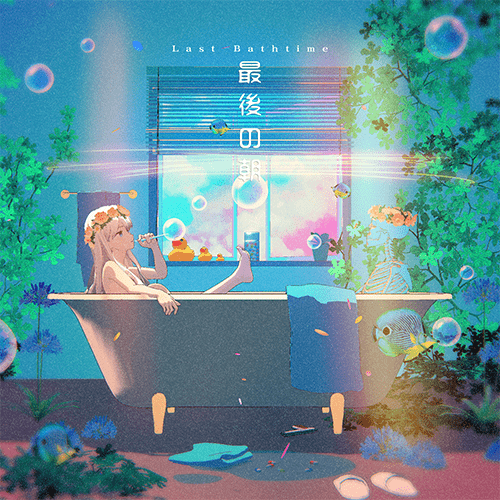
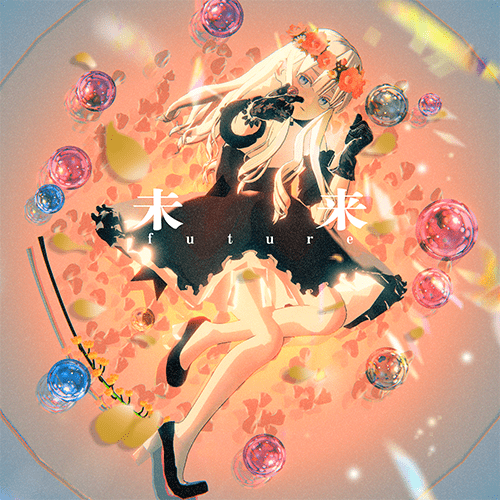
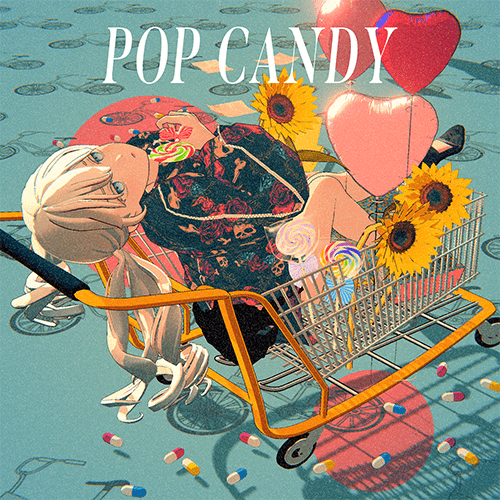
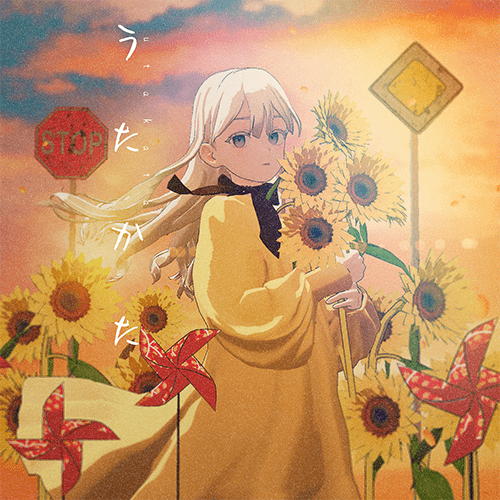
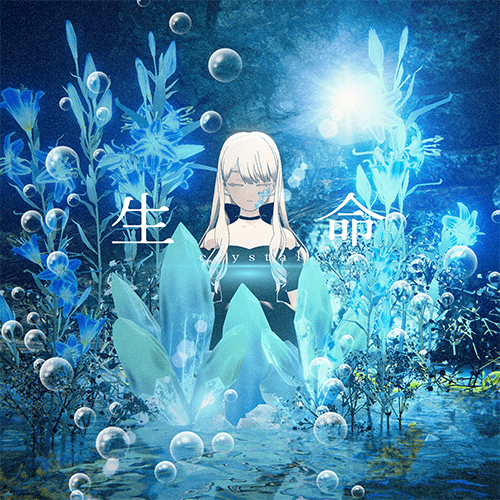

7 Class Exercises
-
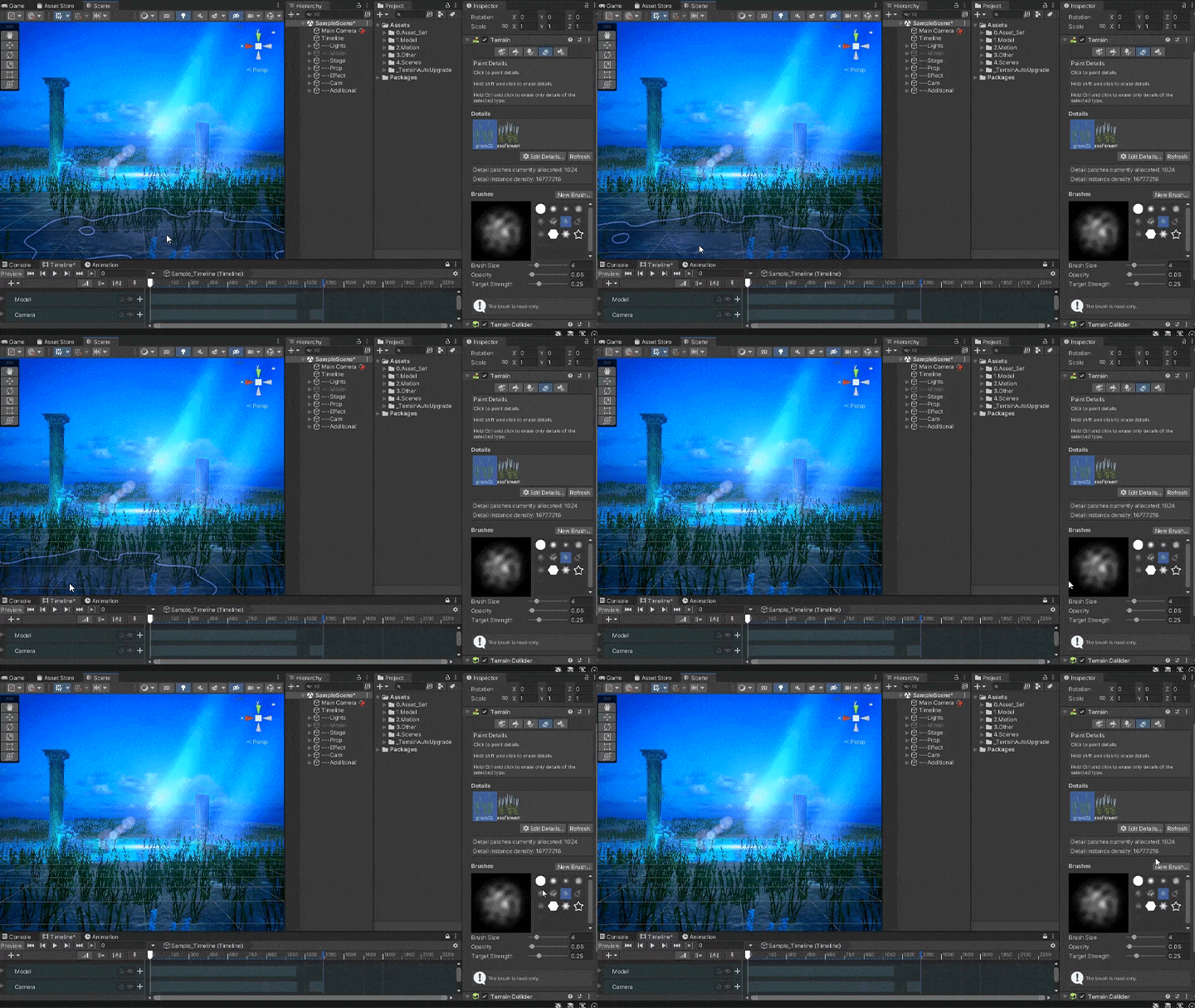 Terrain
 -
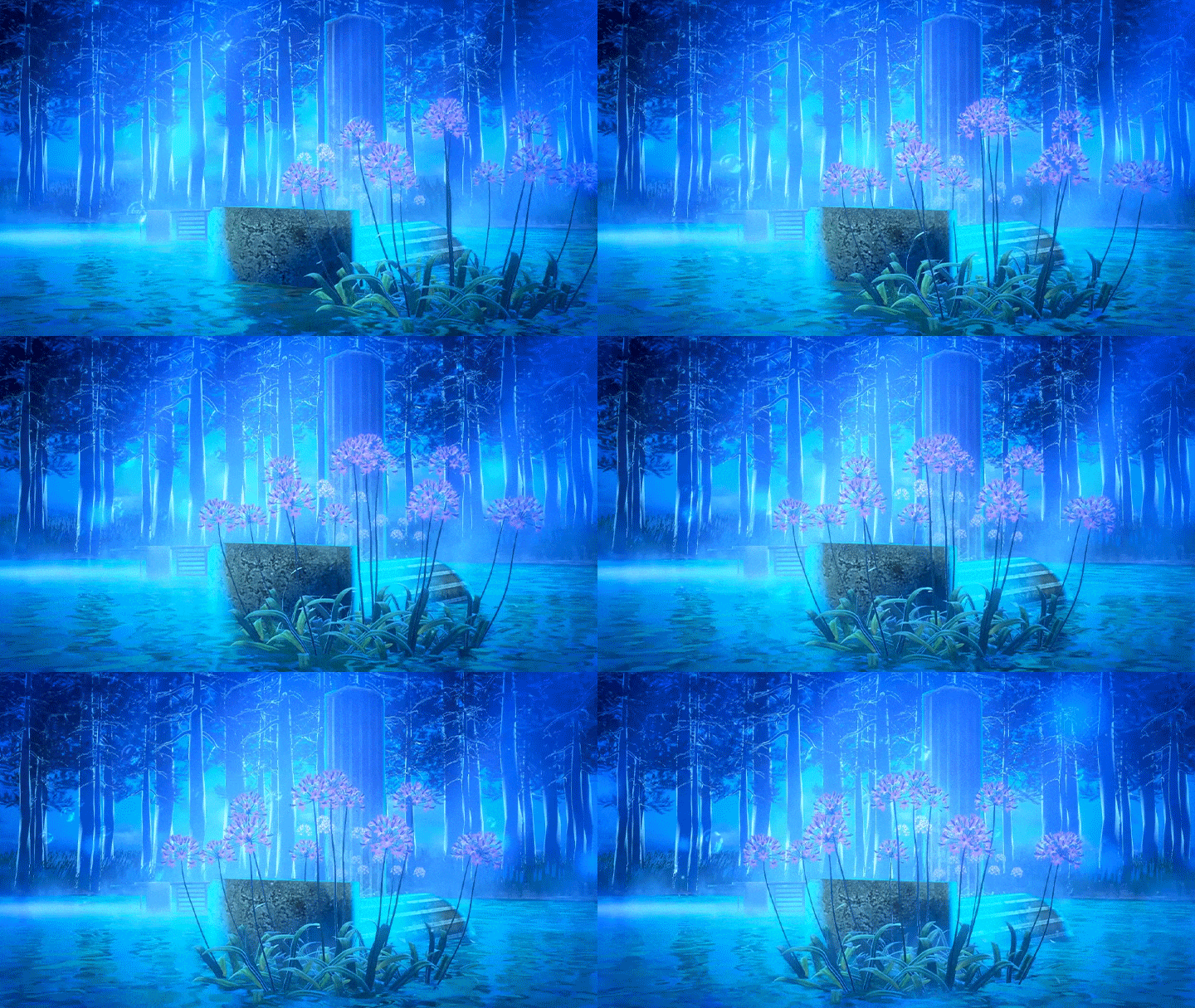 Arranging Props on Your Stage
 -
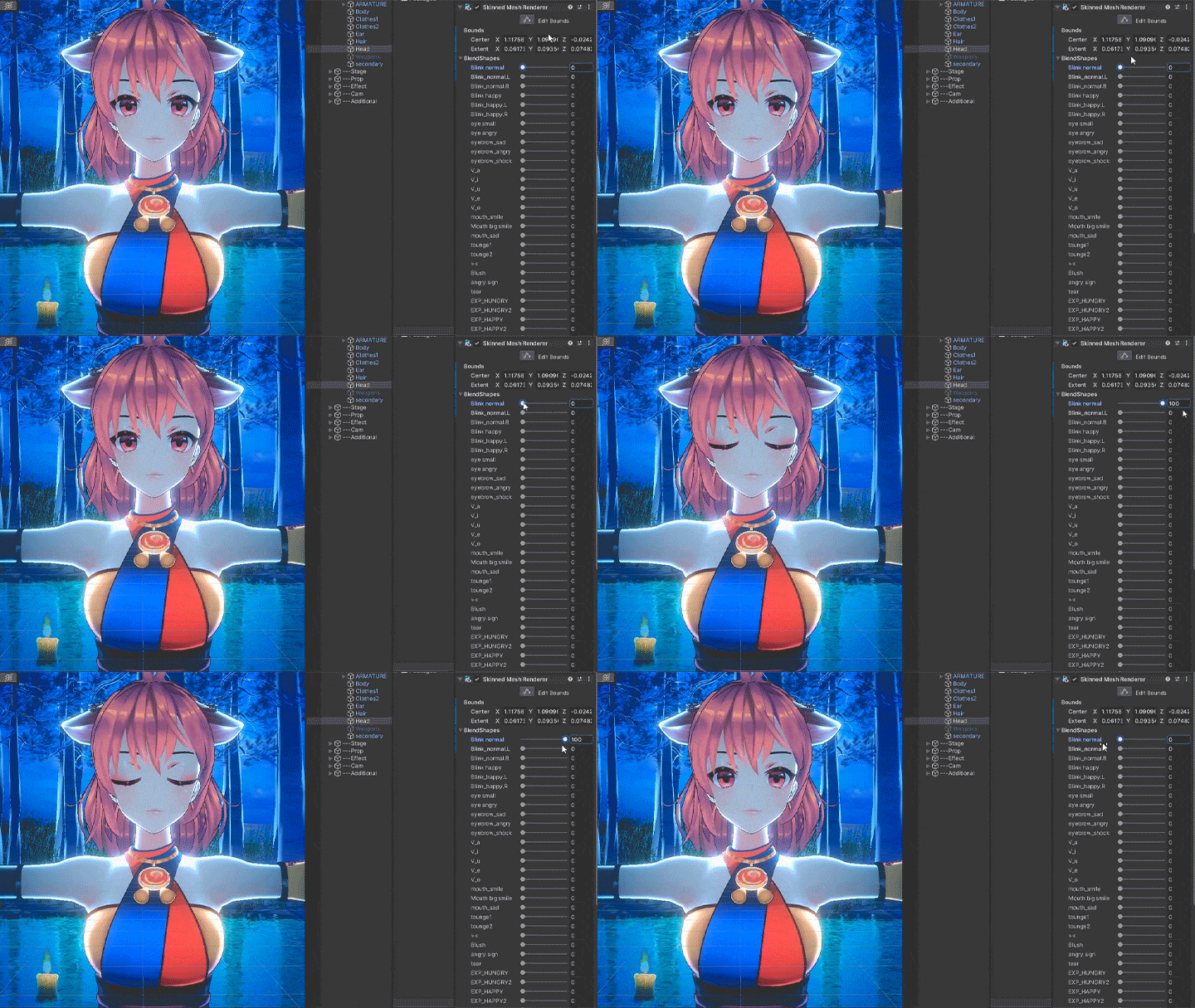 Making Facial Expressions
-
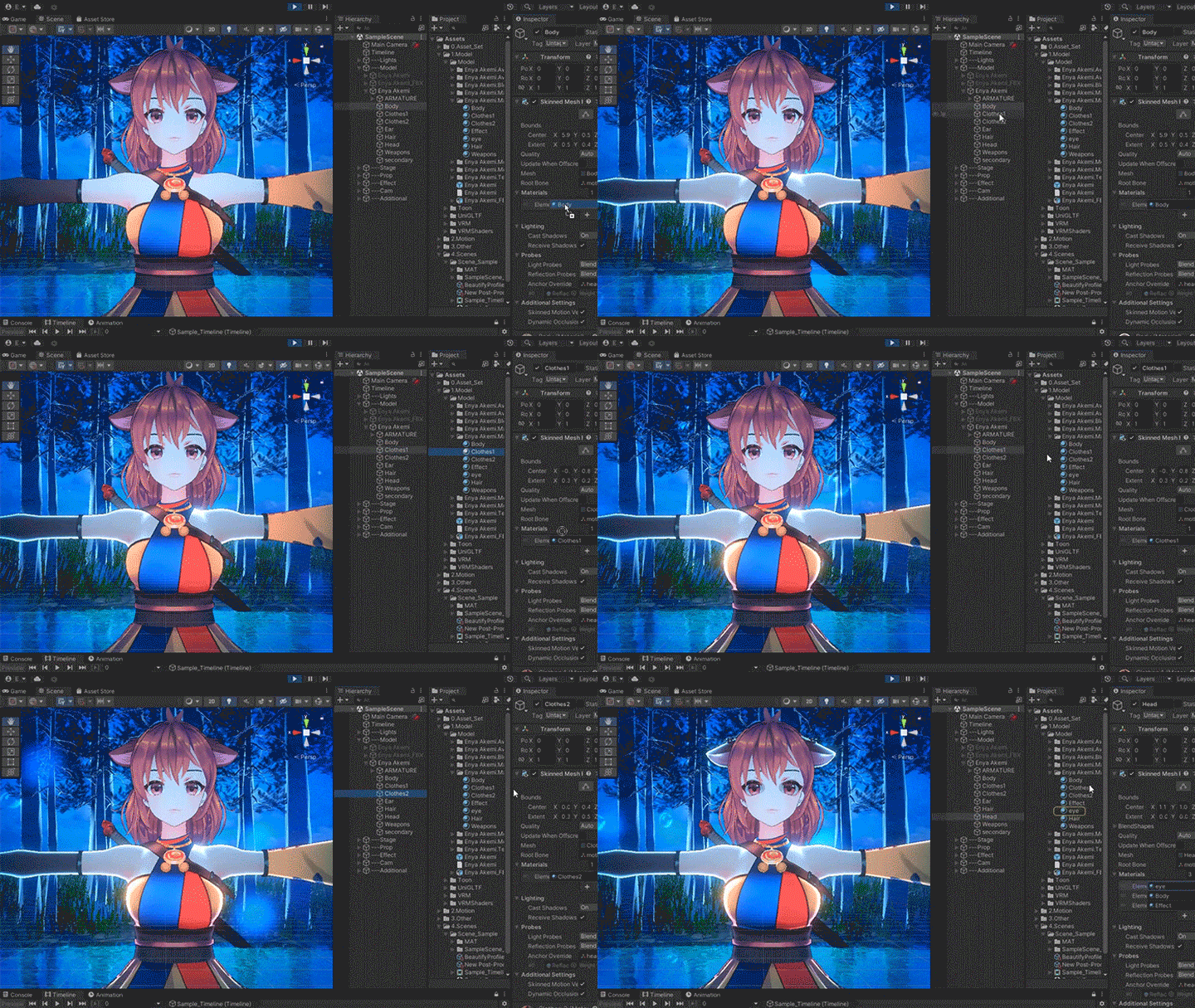 Changing Materials
 -
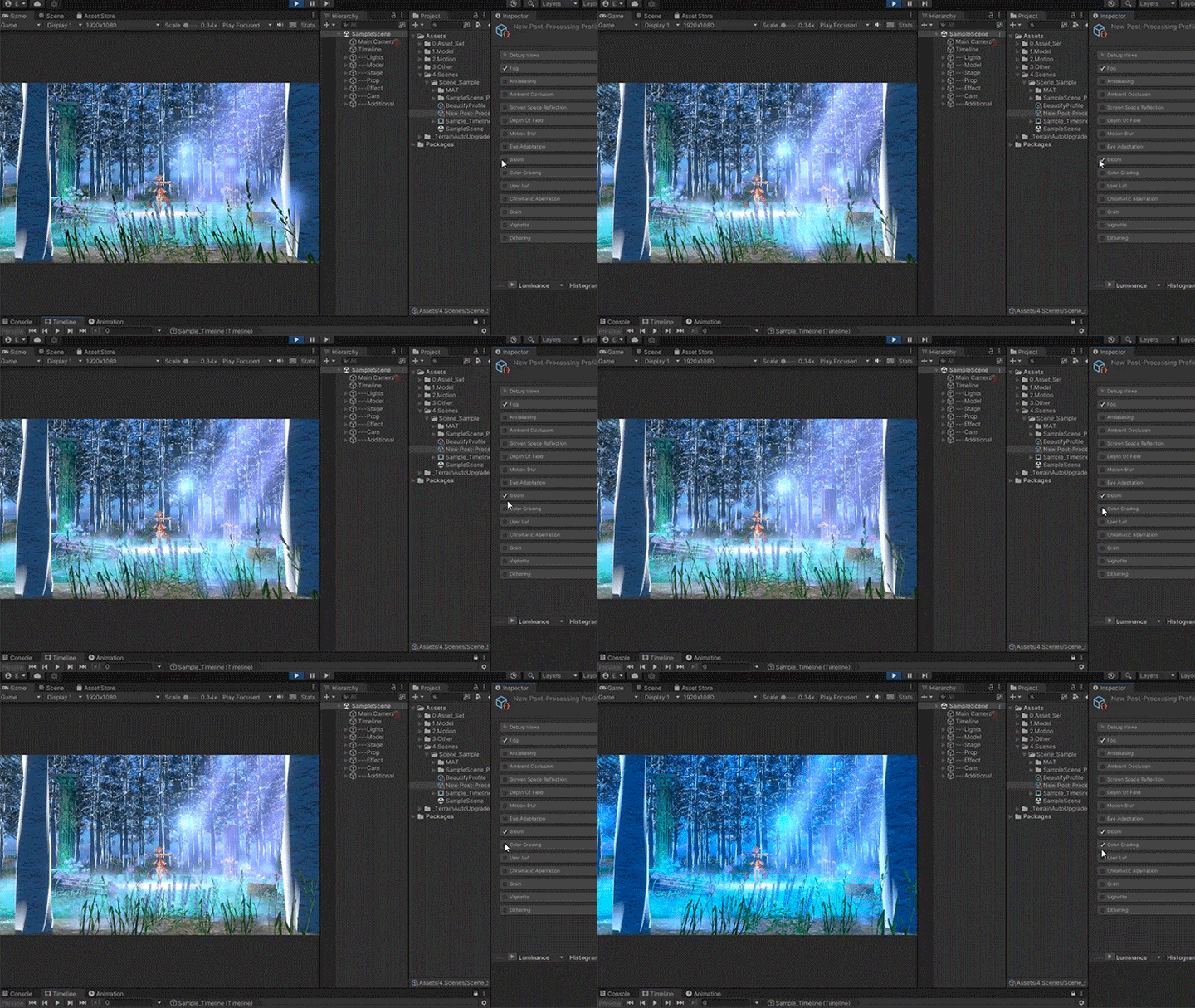 Effects
 -
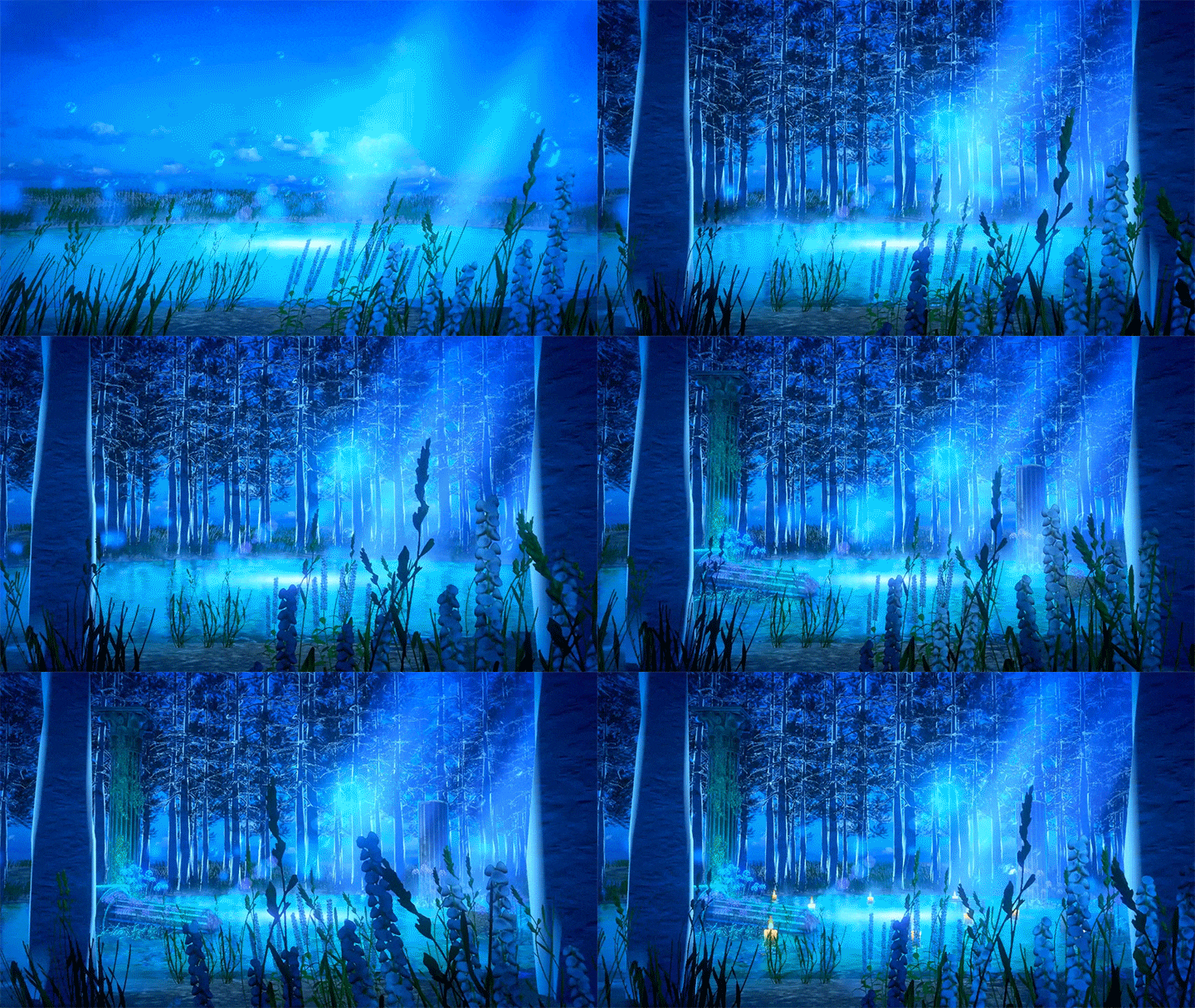 Stage Design Process
Final Completed Work
*This class uses characters designed by Rika Mardjaja of Artemiz Studio.
*The images above are provided as examples to illustrate the course.
Instructor
3DCG Creator
Nonolu
Hello, I’m Nonolu, a freelance 3D artist specializing in music videos for VTubers. I’m self-taught in 3DCG, and I began my journey with Unity for professional projects. To date, I’ve created over 100 music videos.
Many people assume that making a 3D music video in Unity requires extensive training. While I’ve had the chance to work on numerous projects, I started out just like you—with no prior experience using Unity.
With the rise of tools that make it easier to animate 3D models at home, more people are eager to create their own music videos. In this class, even if you're new to Unity, you’ll learn how to produce a complete music video from scratch. We’ll cover the software’s basics, stage design, and facial and camera animations.
3DCG Creator, Nonolu
[Current]
3DCG Creator
Projects & Awards
[Background]
Nonolu learned 3D design basics and Unity on her own and creates 3D music videos for VTubers as a freelancer.
She also designs merchandise, stages for VTubers, and artwork.
[Noted Works]
・ Kizuna AI, The Miracle
・ AMENOSEI, Yabumi no Signal
・ HACHI, HONEY BEES
・ Tsunomaki Watame, Zero no Ashiato
・ Yukihana Lamy, Fleur
・ Shiranui Flare, Yggdrasil
Highlights
Class Highlights
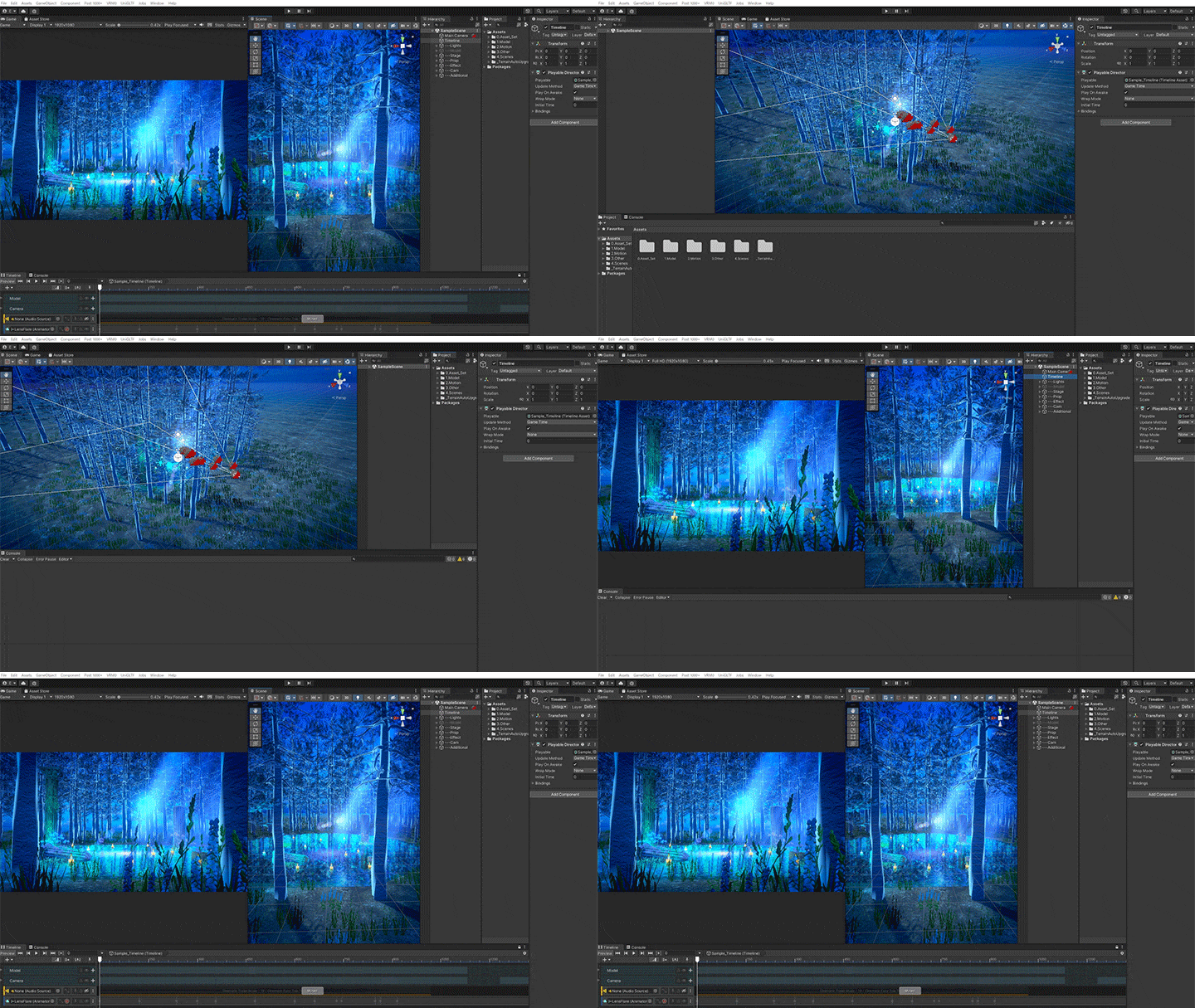
Beginners’ Guide to Unity’s Main Tools and UI Setup
Learn everything you need to create a music video as a Unity beginner, including the main tools, settings, UI setup, and how to add Package Manager.
Camera Settings That Make Your 3D Model Look Professional
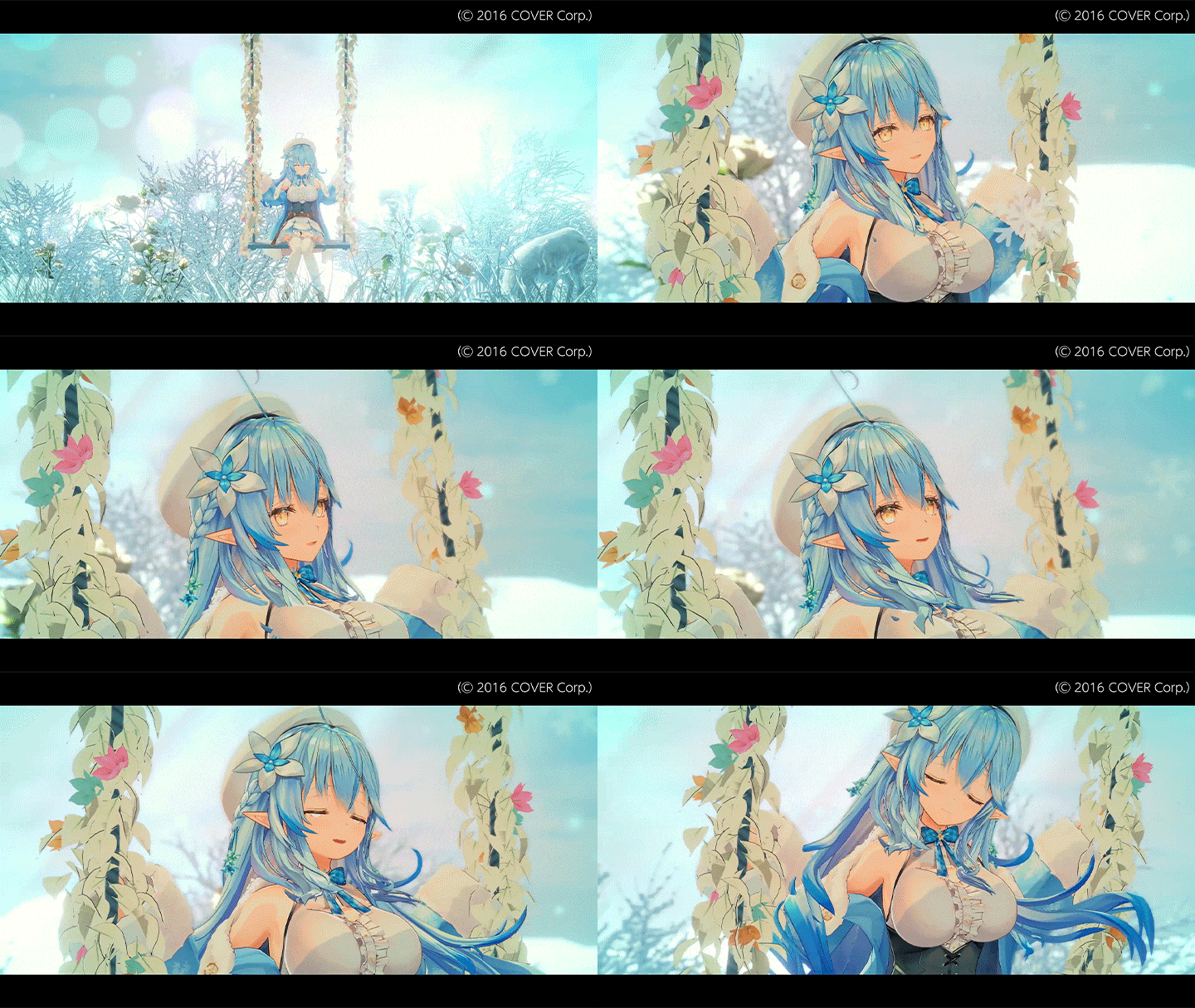
When it comes to camera animations, what’s more important than creating a beautiful background is to film your 3D model from an angle and perspective that shows it off. Learn recommended types of perspective and camera angles to avoid while studying the basics of working with Cinemachine.
Tips for Building a Fantastical Stage
Discover the ways to design a stage that has depth and a fantasy atmosphere by layering lights and effects. You’ll get tips for setting the atmosphere and even portraying temperature, and see how to use particle systems.
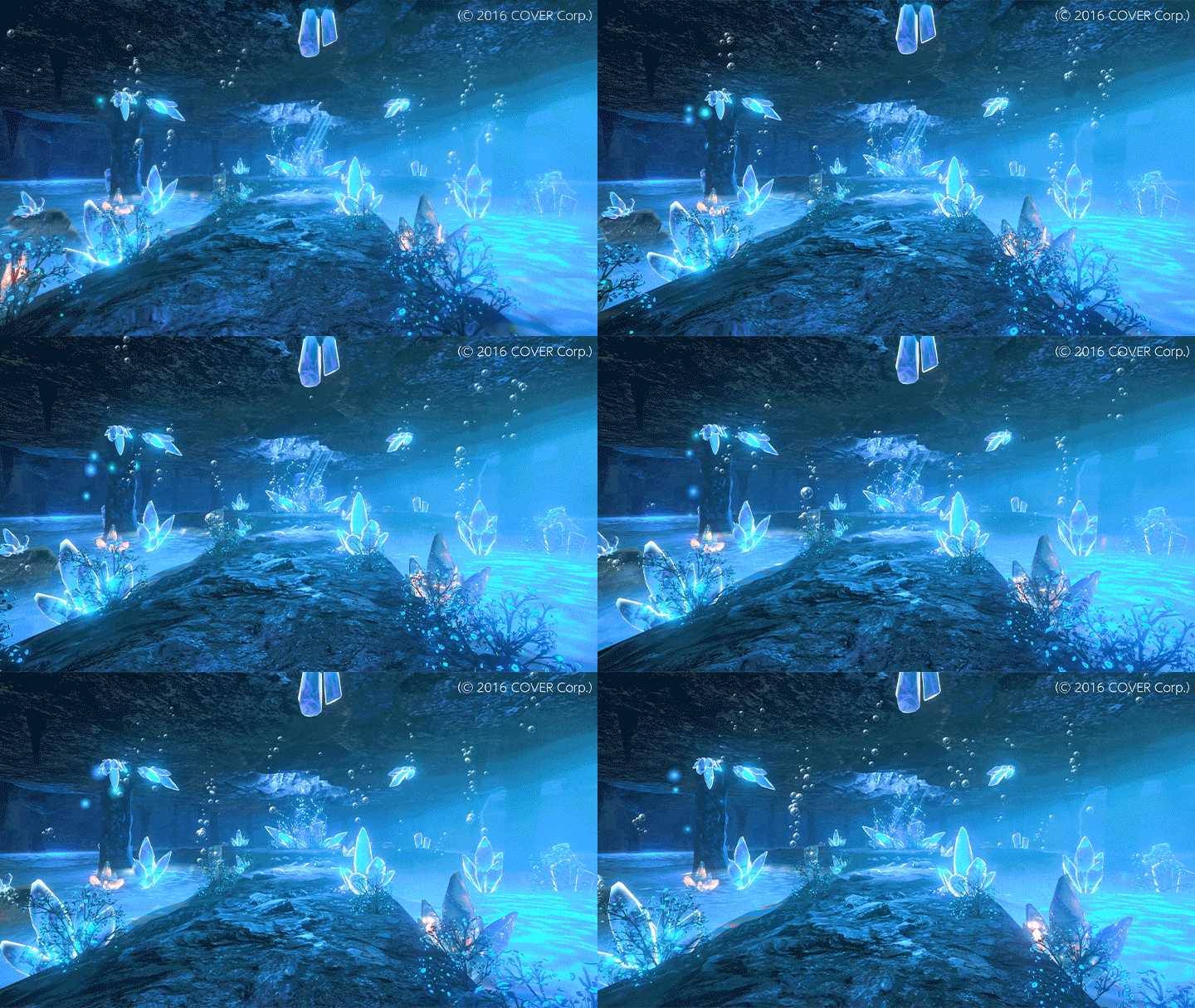
Class Details
You'll Learn
-
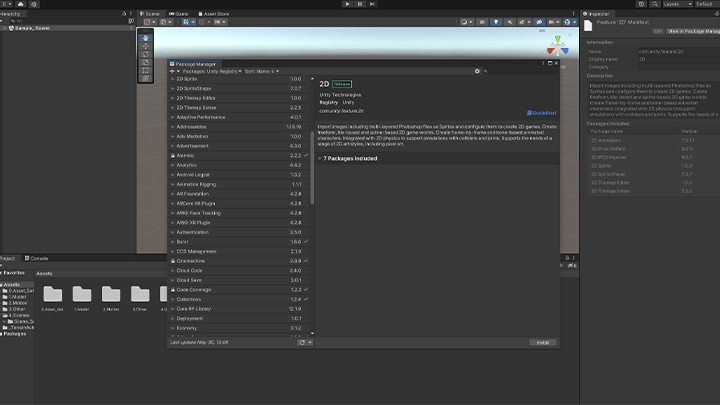 Basics of UnityGain the basic knowledge that will fully prepare you for the video creation process. Explore the main tools and settings of Unity, set up its UI, and add Package Manager.
 -
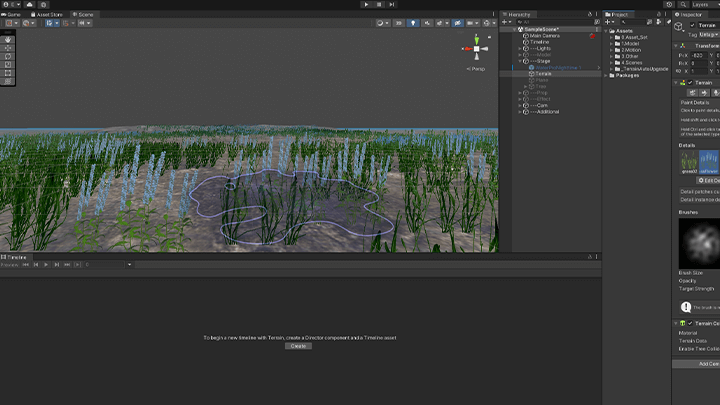 Creating Terrain With the Terrain ToolSee how to create terrain using Unity’s Terrain tool. You’ll focus on the steps to setting up land textures, creating bumps, and installing plants and trees using a brush.
 -
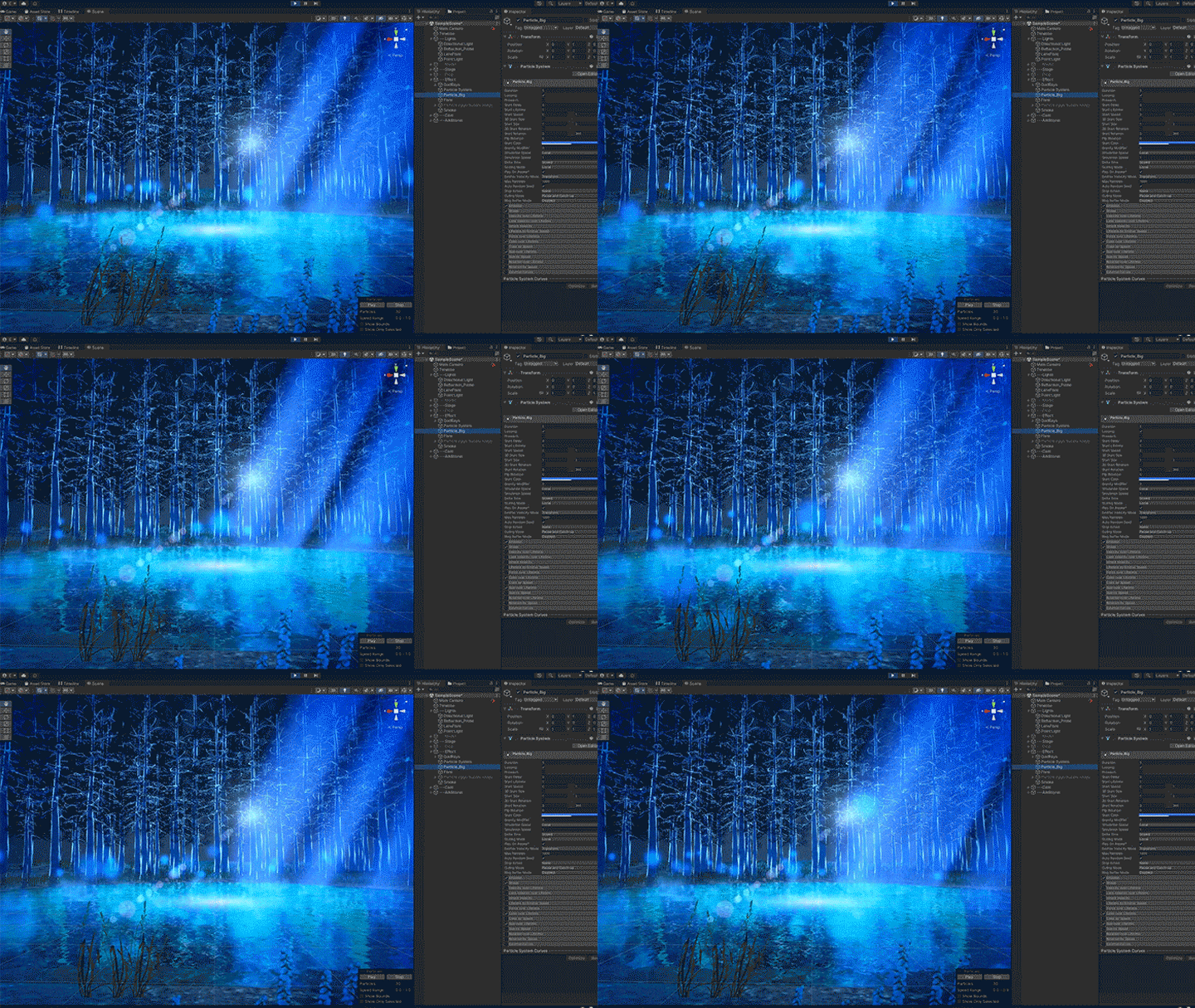 Enrich Your Background With Particle SystemsParticle systems allow you to add various effects to a screen. Find out how you can achieve a sense of depth and atmosphere with useful particles like dust, light, and smoke floating in the air.
-
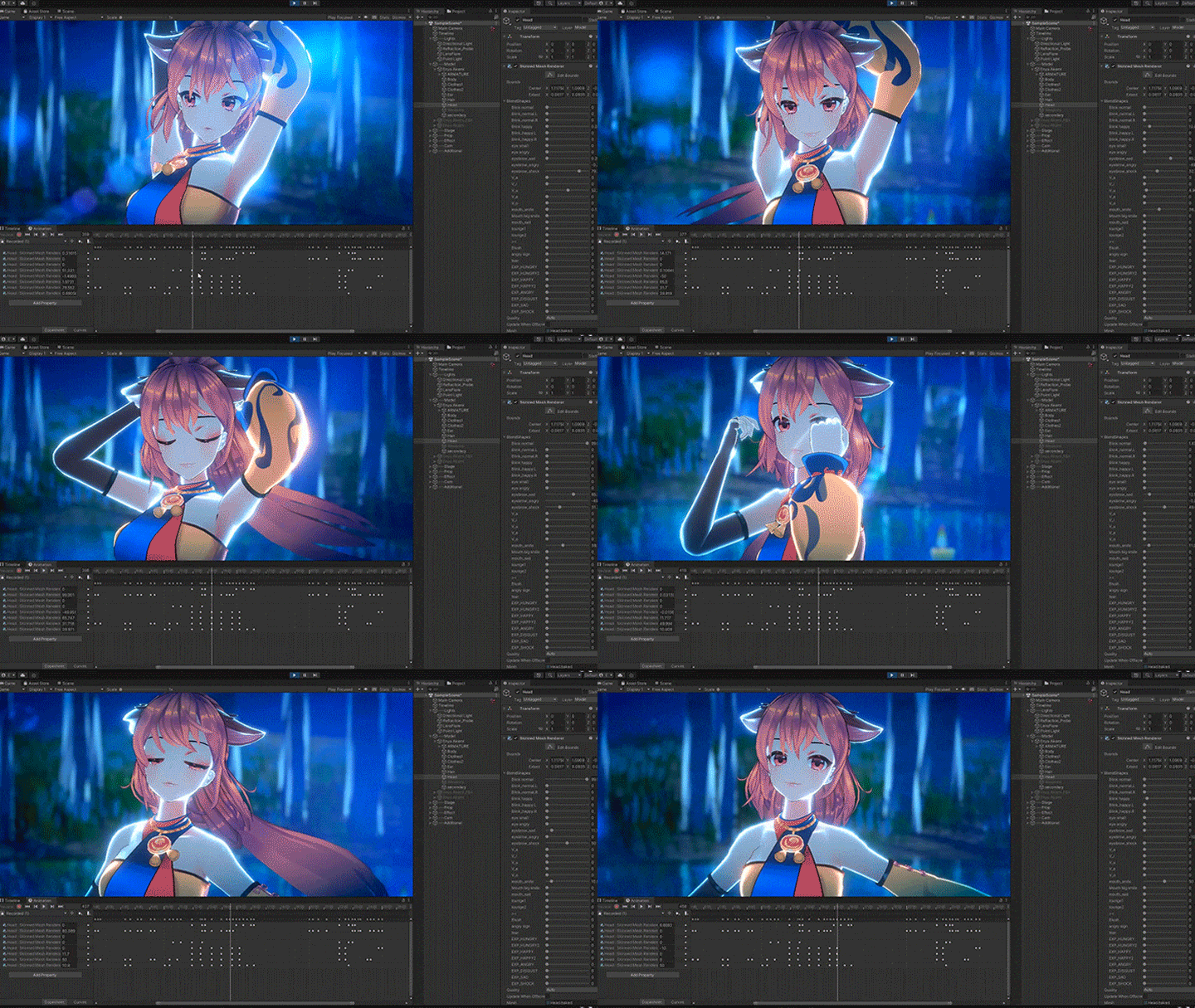 Natural and Expressive Facial AnimationLearn about one of the most important elements of a 3D music video: facial animation. You’ll study how to position blend shapes and mix multiple parameters in Timeline in a way that makes a facial animation look more expressive.
 -
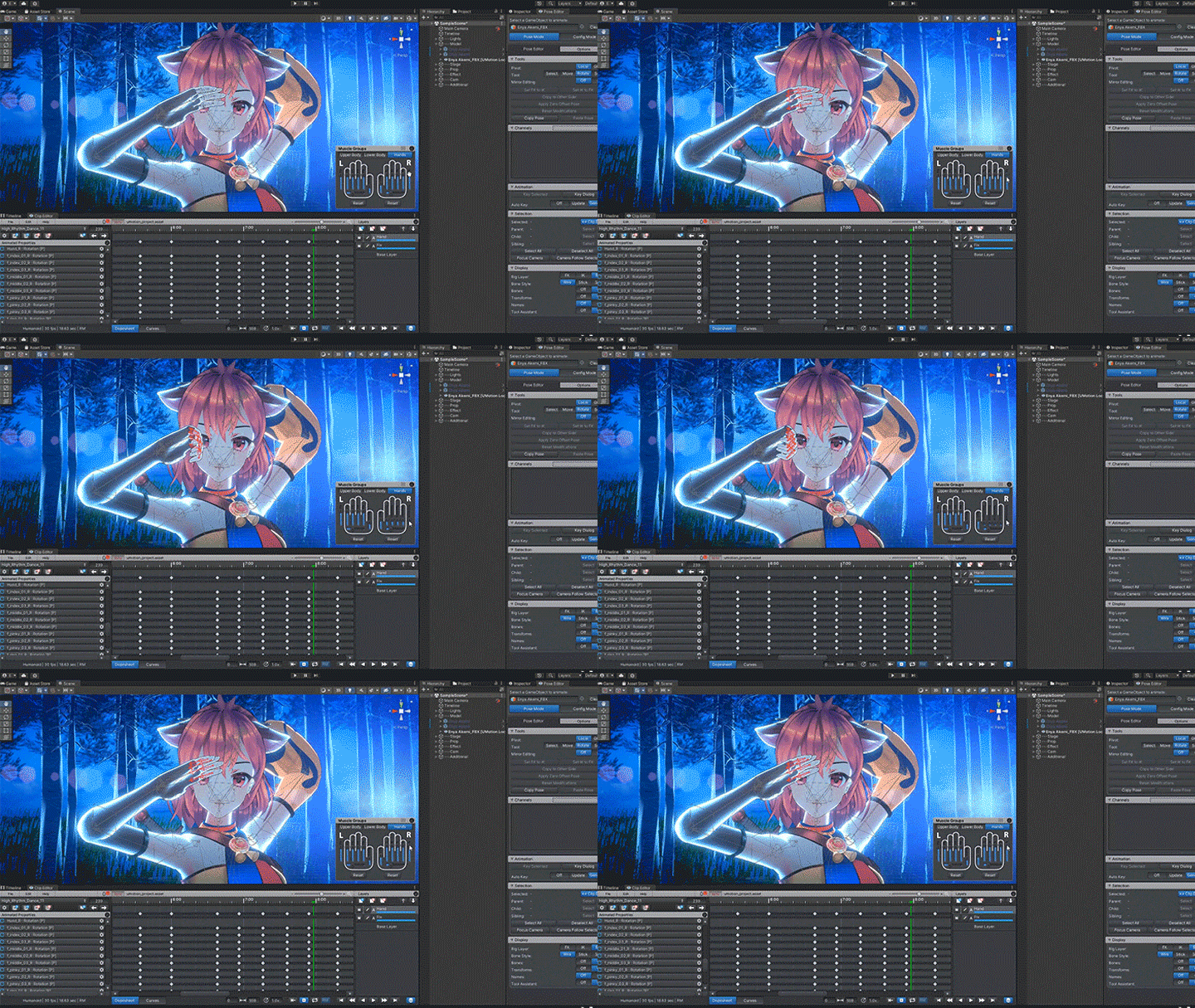 Modifying Motions Using UMotionExplore the process of making changes to VRM and FBX models. See how you can save time when working with multiple characters by using AnimationClip for fingers.
 -
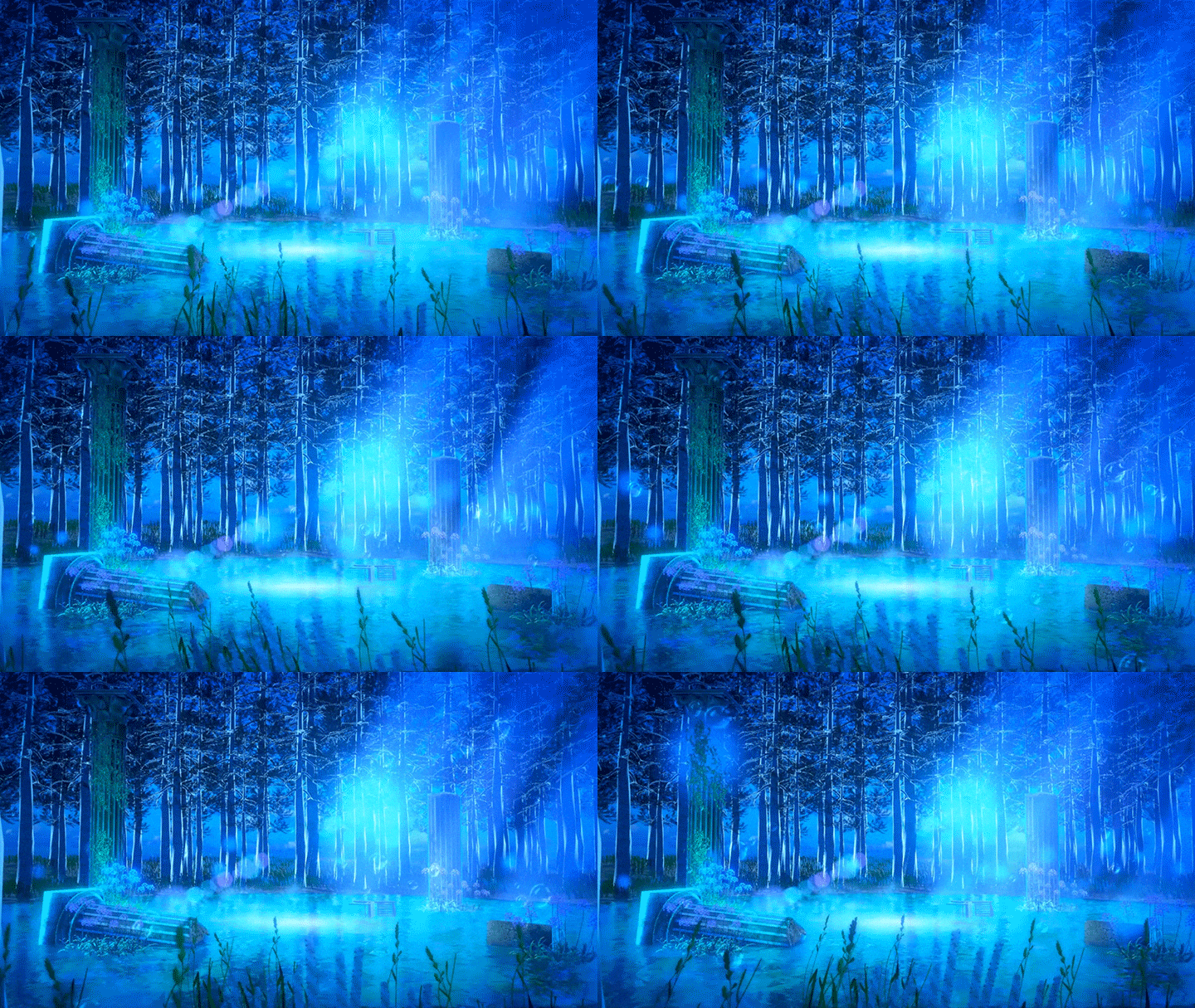 Exporting With Recorder and Compositing in After EffectsDiscover the export methods and features available in Unity’s Recorder. Get helpful tips for managing unfinished scenes and learn what to watch for when sharing a package.
- Unlimited Access
- Best Price
Buy now, get unlimited access.
12/31 (Sat) (UTC-7) Special offer ends soon.
This special offer ends soon.
Buy now and save!
Curriculum
In-Depth Look
SECTION 01. Self-Introduction
01. Self-Introduction
- About my artwork
- About the course
SECTION 02. Introduction
02. Downloading Video Creation Tools
- Installing Unity with explanation of Built-in, URP, HDRP
- Installing Package Manager
03. UI Optimization
- How to organize the UI
- About each UI type
04. Importing Assets
- Importing assets into Unity
- Importing assets purchased from external 3D materials sites
- Importing VRM models
SECTION 03.Scene composition
05. Scene Creation
- Scene creation
- Scene features and capabilities
- Importing scenes purchased from external 3D materials sites
06. Building a Scene
- Importing necessary elements into a Scene
- Building a Scene
SECTION 04. Stage Design
07. Creating Terrain With the Terrain Tool
- Understanding the Terrain tool
- Creating a terrain and installing plants and trees
08. Creating a Forest With the Terrain Tool
- Creating a forest
- Setting up fog
09. Placing Objects
- Placing props and models
- About materials
10. Effects
- Adding effects
- Understanding different effects
11. Lighting
- Types of lighting
- How to work with lighting masks
12. Adding Particle Systems
- Particle System basics
- Practical application of Particle Systems
SECTION 05. Video Creation With Timeline
13. Setting up the Motion of a 3D Model
- FBX motions
- Setting up AnimationClip
- Installation in Timeline
14. Adjusting Materials
- Understanding the basic materials of a model
- Changing materials
- Creating a mask
15. Modifying Motions
- Modifying animations with UMotion
- Converting VRM to FBX
- Designing finger motions and blending in Timeline
16. Creating Cameras
- Attaching a camera using Cinemachine
- Making camera animations in Timeline
17. Making Facial Expressions
- Facial animations in Timeline
- AnimationClip conversion and blending in Timeline
18. Exporting
- Understanding the features of Unity Recorder
- Export methods
- Encoding with After Effects
SECTION 06. Bonus Chapter on Unity
19. Useful Standard Features
- How to create hands holding objects
- Specular reflection
- Recommended paid effects that enhance your artwork
- Application to actual artworks
SECTION 07. Conclusion
20. About Creating 3D Videos
- Course summary
- A message to those who’ve finished this course
- A message to those who want to start creating videos
*The release date of this class, curriculum images, and associated content can be changed without prior notice.
** Class videos may be separated for a more streamlined viewing experience
Interview with
3DCG Creator Nonolu

Question.01
What motivated you to study 3DCG?
I always wanted to express the imaginary world in my head, but after trying things like illustration and writing novels, I wasn’t satisfied. I found out about 3DCG by chance and studied it for several years as a hobby. Now it’s become my profession, and I’ve created over 100 works so far. I think we live in a time where it’s easier than ever to do what you love as a career, so I strongly recommend you give it a try if it interests you.
Question.02
When it comes to expression in 3DCG, what are the important points?
To me, the biggest advantage of 3DCG is that it lets you experience and feel things more wholly, sometimes in a way that’s impossible in a 2D world. When I design a stage, I imagine myself existing in the world I am creating. I imagine walking on the stage and see the view, breathe the atmosphere, and feel the temperature there. I look at how the light falls, sense whether it’s warm or cold, and notice what kind of sound the water and trees make.
Question.03
Please describe the marketability and prospects for your field.
In the past, music videos featuring 3D characters were usually thought to be something that only highly skilled professionals could make. While that’s still somewhat true, the emergence of the VTuber genre made it possible to do motion capture at home, and there is a growing number of motion capture studios for any budget. As a result, the field of 3DCG has become more accessible than ever. Nevertheless, it’s still relatively hard to find those who can create music videos with Unity, which means you will find yourself in high demand as long as you have the right skills and talent. Learning Unity not only improves your marketability, but lets you build worlds for your original model or VTuber, and this will give you a tremendous advantage.
Question.04
Do you have a message for prospective students?
As a self-taught learner, I’ll be so happy if my class can be a starting point for 3DCG beginners or aspiring 3D music video creators. You may think 3DCG and Unity are difficult, but this path led me to the projects that transformed my life. Above all, the 3D world taught me that there are technologies that allow me to express myself with no geographical limitations, which made my life richer and more colorful. So I hope this class helps you take the very first step to changing your world.
Required Programs
This course will use the following software:
[Primary tool]
- Unity 2021.3.17f1
- After Effect 22.0.0
[Secondary software]
- Photoshop 22.2
*Texture files are provided separately.
*Photoshop is required for creating rim and emission masks. Clip Studio Paint or Paint Tool SAI can be used instead.
*The following paid plug-ins are used in some lectures, but you can also complete your work without them.
① Motion data
Dance MoCap 04 1.4
② Plug-in for modifying motions
UMotion Pro - Animation Editor 1.29p02
*Please purchase and install these program(s) for an optimized class experience.
*These programs and/or materials will not be provided with the course.