[Course]3dartist,minstin_민스틴KR Details
Intro

Now in Your Language, Only on Coloso!
Learn from Korea's Top Master Creatives
-
 A Coloso KR Class to Hit 16M KRW
in Sales in Just One Month!
A Coloso KR Class to Hit 16M KRW
in Sales in Just One Month!
*24/12/11~25/1/11
-
 Create Highly Detailed and Realistic 3D Artwork
 -
 Model Complex Environments and Architectural Structures
Learn From Minstin, a 3D Genius Who Creates Ultra-Realistic 3D Artwork with Blender
3D artist Minstin, who creates breathtaking computer graphics using Blender, has finally launched his own class! Discover his unique 3D design workflow for making creative and sophisticated artwork in realistic styles. Learn the skills needed to turn a real-world space into realistic 3D artwork following a beginner-friendly, step-by-step curriculum.

From modeling, texturing, and shading to physical simulation and exporting the final video, get hands-on experience with Minstin’s optimal workflow. This process minimizes the use of complicated nodes while still achieving intricate details. Join his class on Coloso right now and learn the tips, tricks, and secrets to producing realistic artwork of incredible quality!
Class Perks
Get These Coloso Exclusives
-
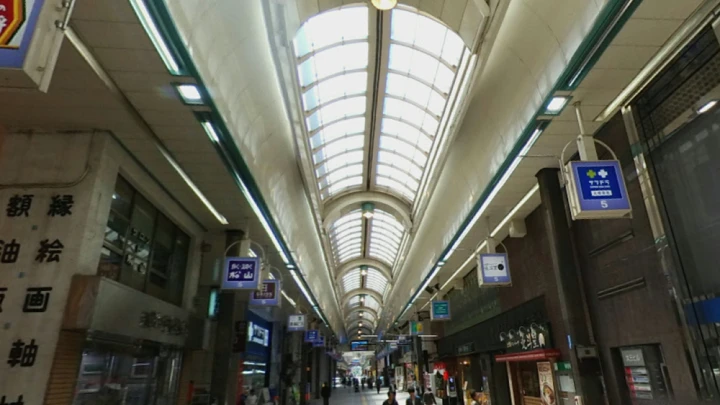
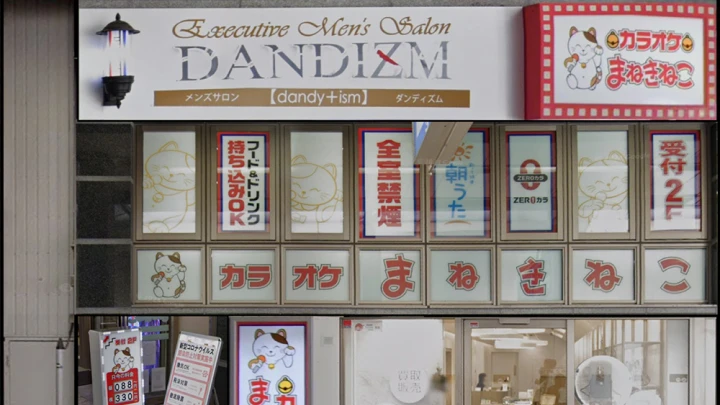
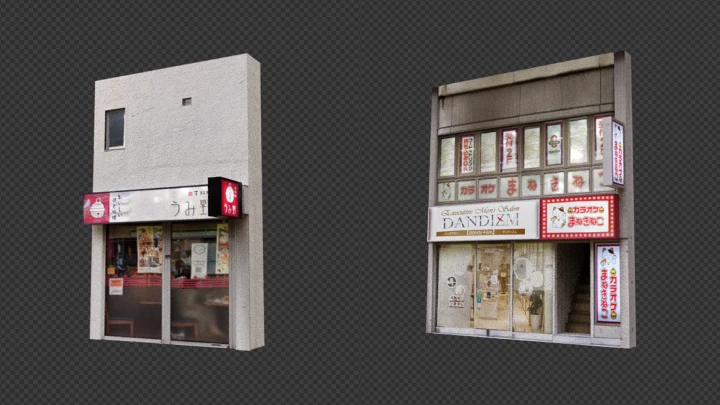
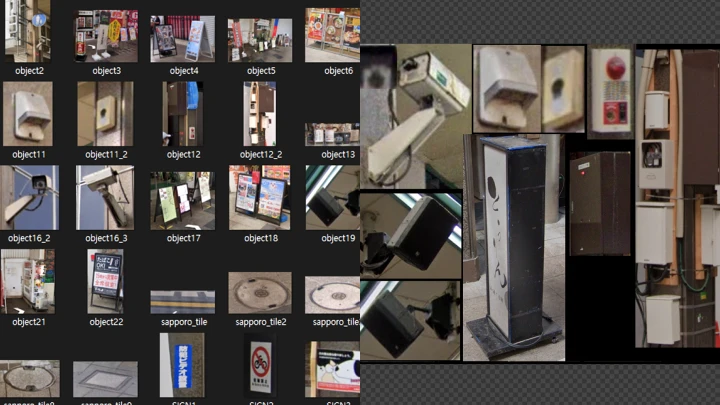
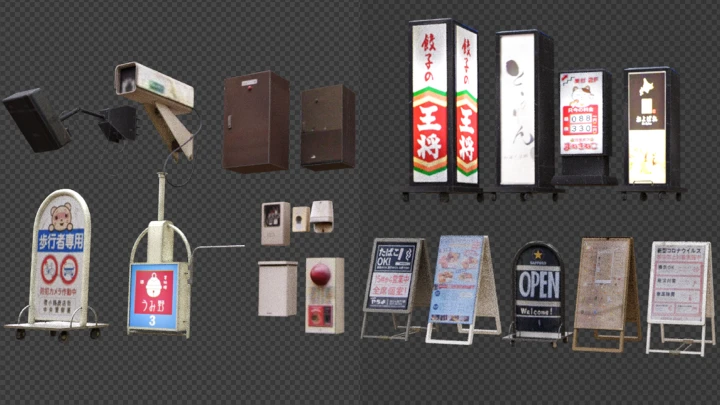
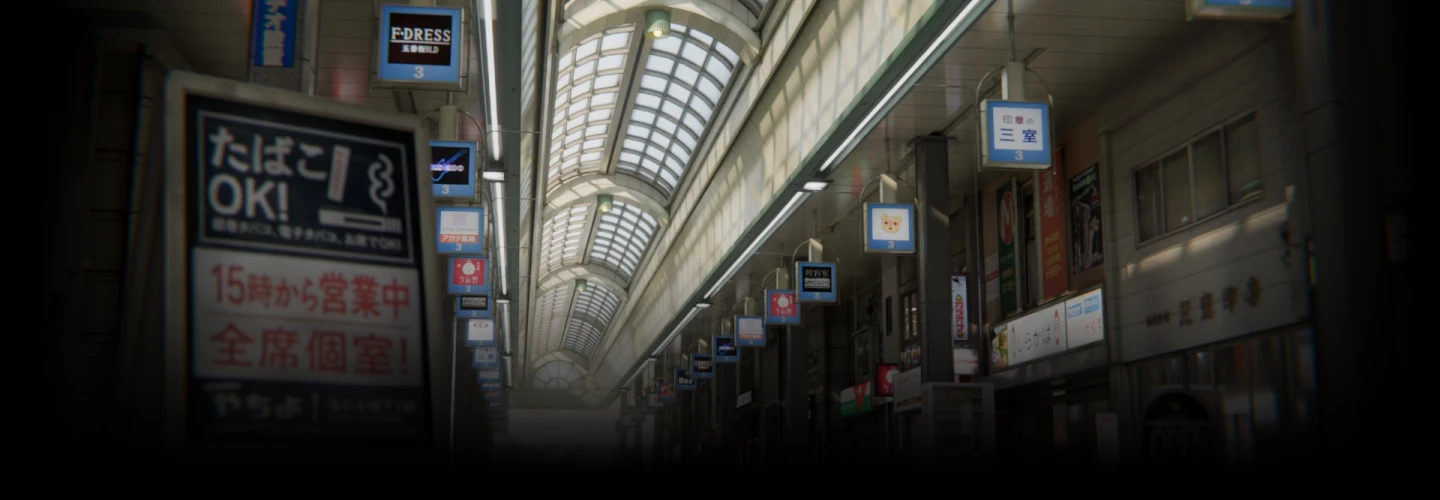
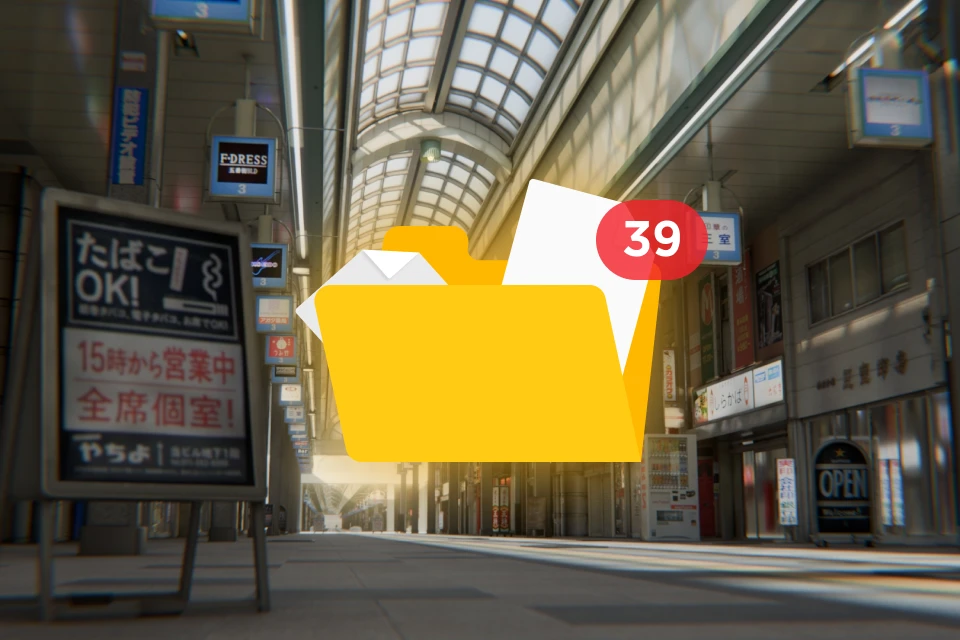 Create a Shopping Street in Sapporo With39 Modeling Assets
 -
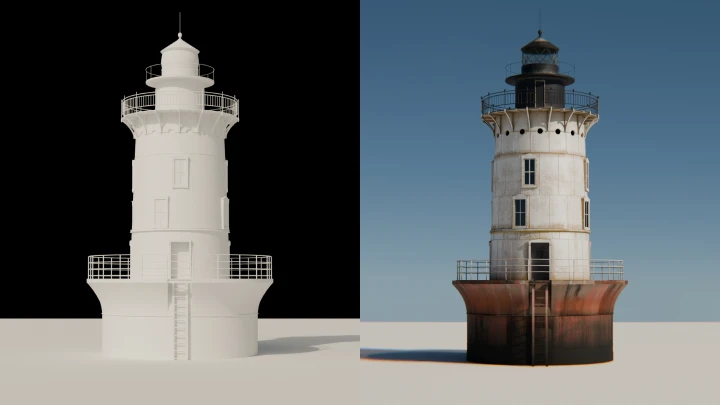
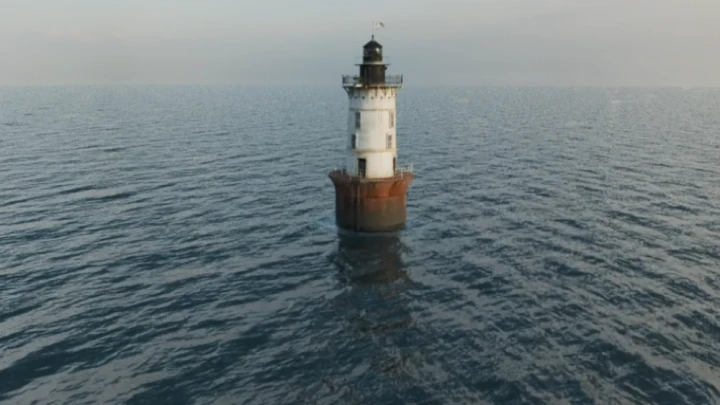
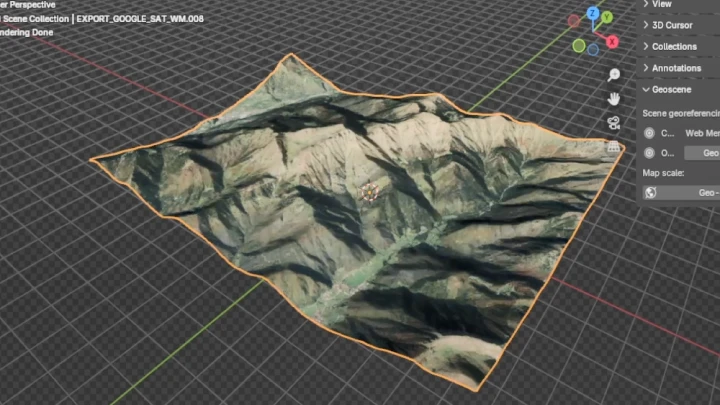
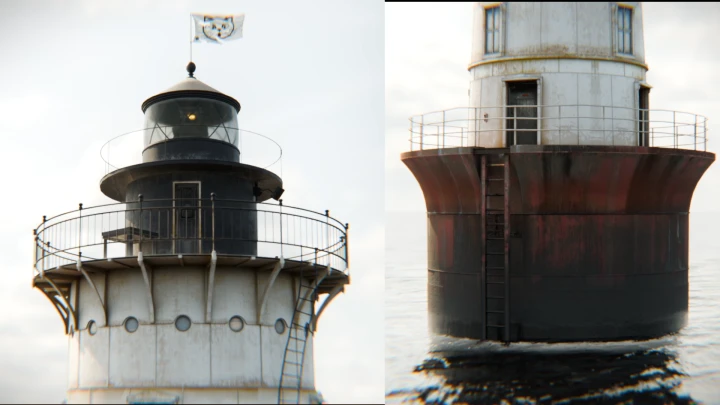
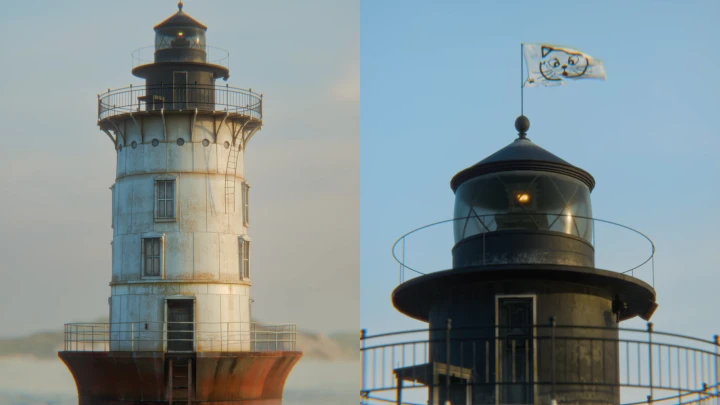
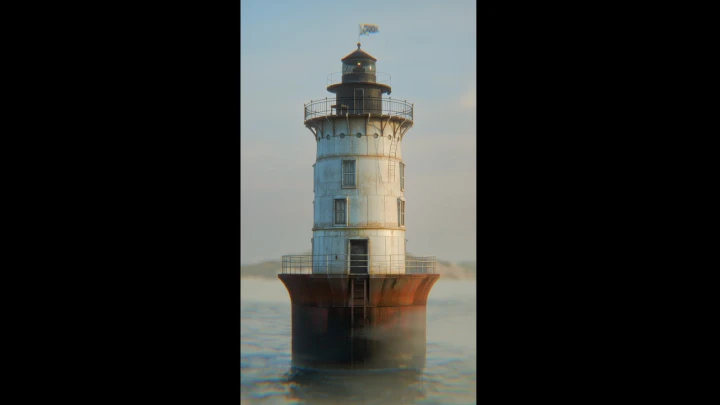
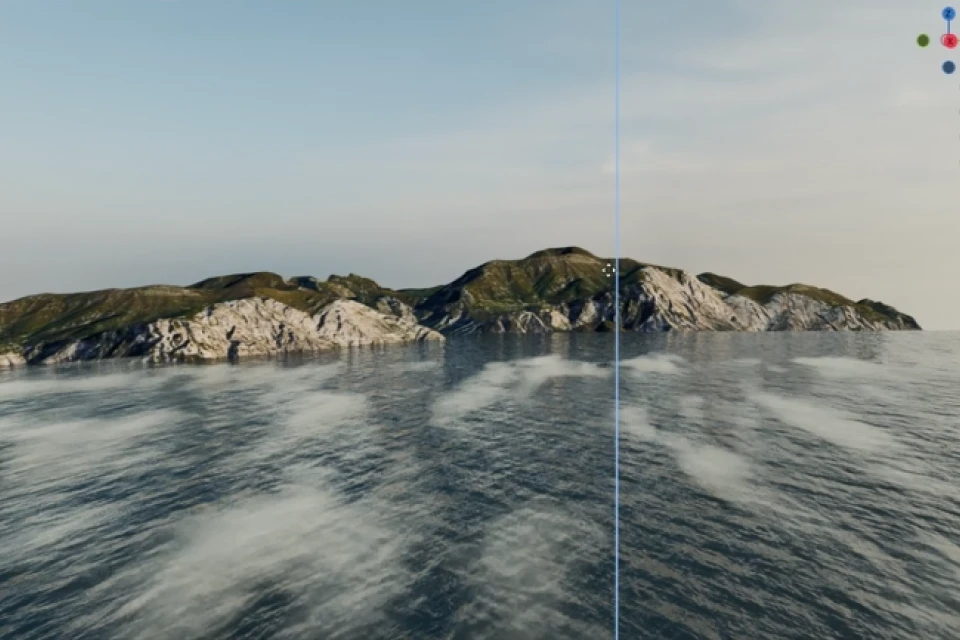 Create the Hooper Island Lighthouse WithTerrain Data Models
 -
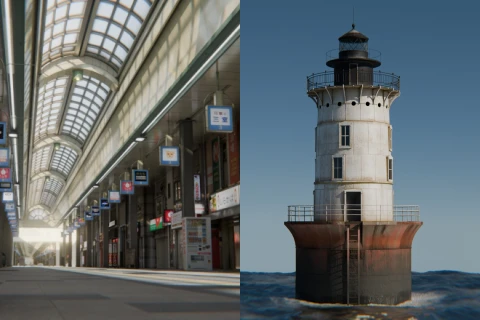 Recreate the Real World in Incredible Quality WithTwo Final 3D Artworks
Recommendation
Who Should Take This Class?
3D artists who want to learn Minstin’s unique 3D design workflow process and realistic texturing techniques
Blender users who want to make photorealistic artwork
Blender beginners who want to create refined, high-quality artwork beyond learning the basics
Expert 3D Artist Minstin's Portfolio
-
 Fan Art of Lotte World’s Lori
 -
 Fan Art of the Ellinia Library from “Maple Story”
 -
 Fan Art of the Abandoned Tunnel from “Spirited Away”
-
 An Alley in Jongno 3-ga
 -
 A Coastal Road Inspired by “The Blue Lagoon”
 -
 The Amalfi Coast, Italy
-
 Deer
Deer -
 Coffe punks
 -
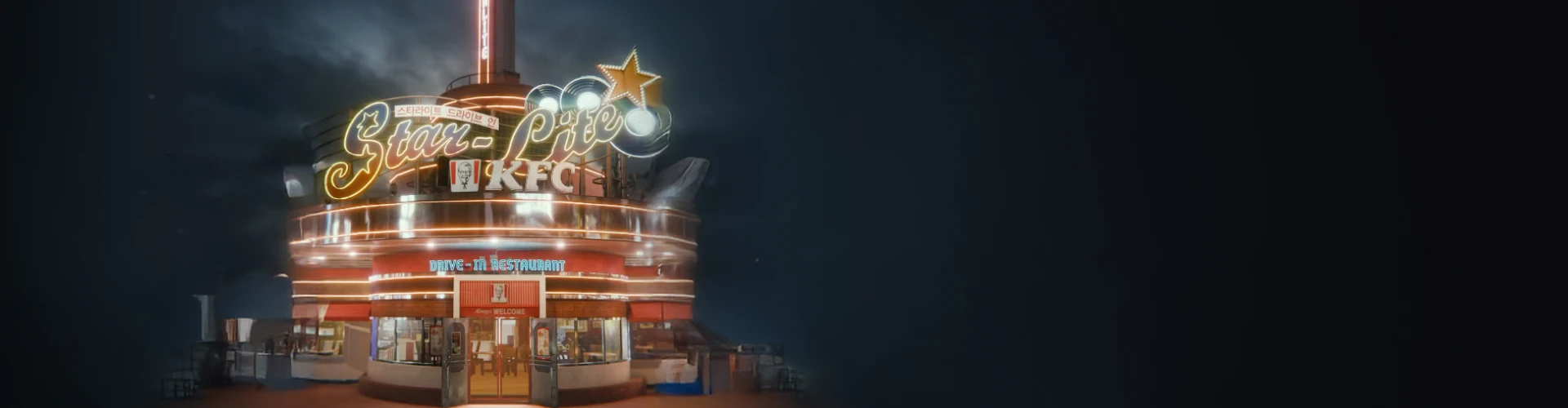
 Everland’s Starlight Drive-in
Why Take This Class?
Grab the rare opportunity to create breathtakingly sophisticated 3D artwork with your own hands with this class on creating realistic 3D art in Blender, exclusively on Coloso! Join Minstin as he shares his signature texturing and shading skills to give a highly refined look to objects and spaces.
From efficient 3D design techniques utilizing Google Earth and terrain scanning to detailed texturing techniques using the structures of shader nodes, discover the guide to broadening your spectrum by going beyond Blender’s limitations, gaining the skills for creating realistic artwork, and putting together a high-quality portfolio that will grab everyone’s attention.
21 Class Exercises
Part 1. A Shopping Street in Sapporo
-
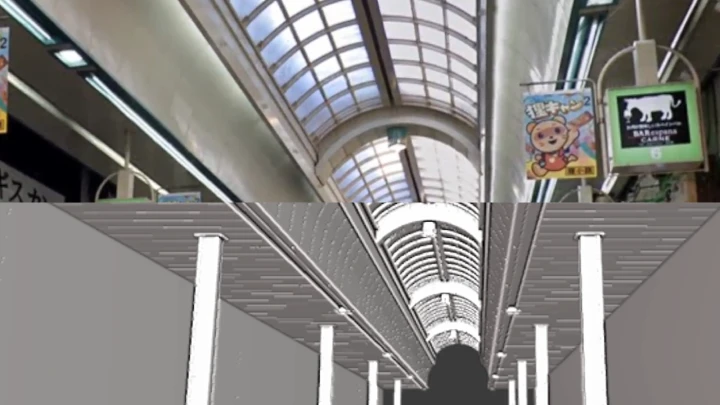
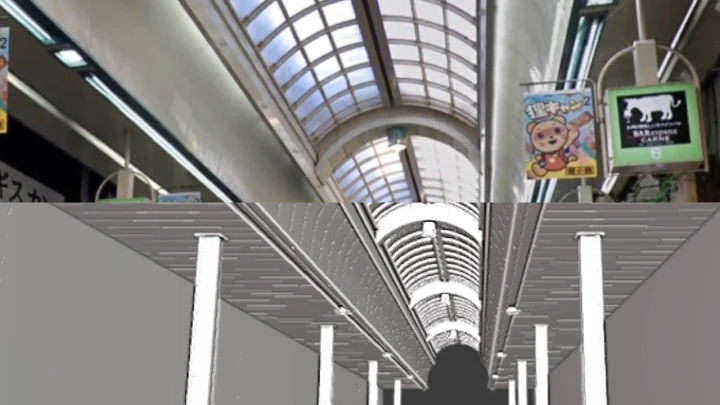
 Previsualization Development Using Google Earth
 -
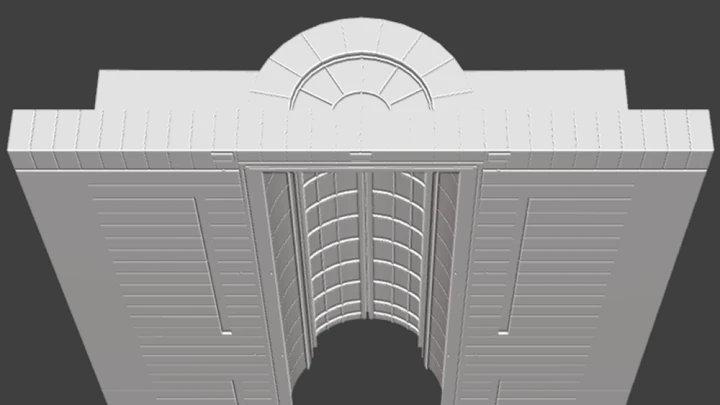
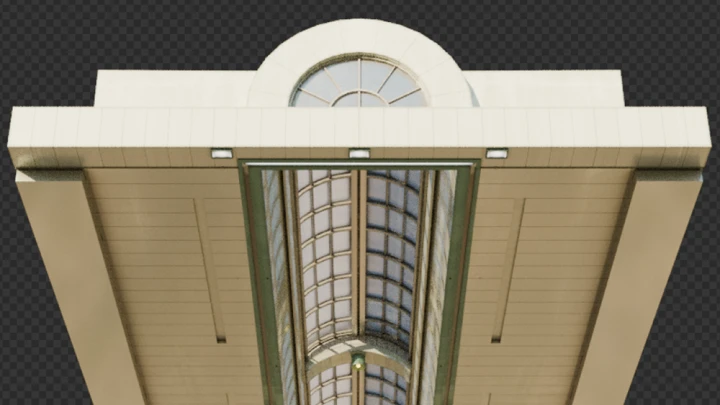
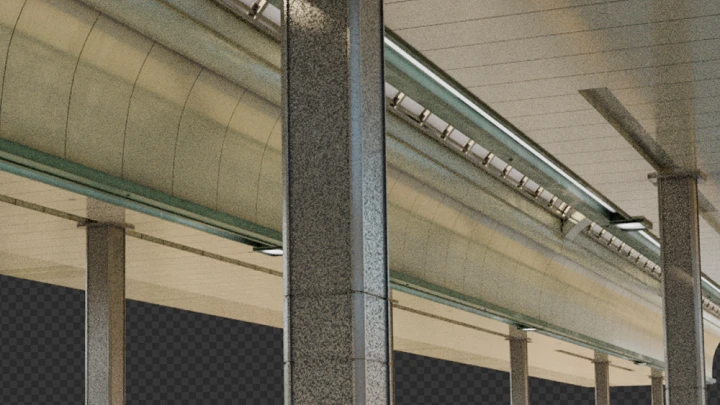
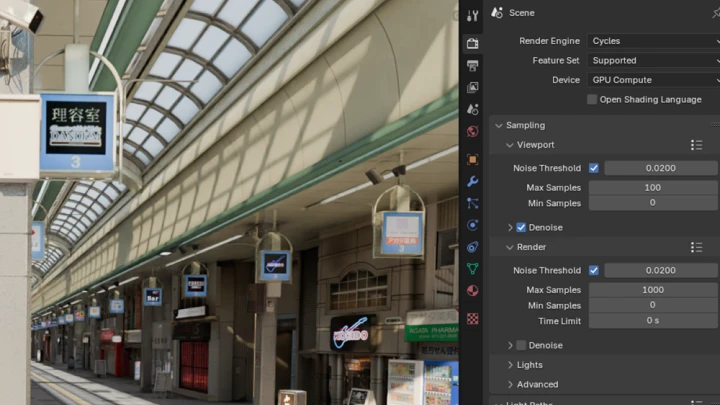
 A Ceiling Structure on a Shopping Street
 -
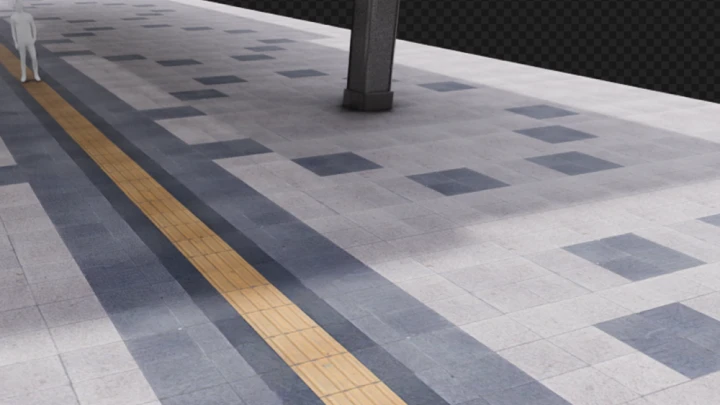
 A Pedestrian Street
-
 Processing Image Sources for Commercial Buildings Using Google Earth
 -
 Assets for Commercial Buildings 1
 -
 Assets for Commercial Buildings 2
-
 Assets for a Shopping Street
 -
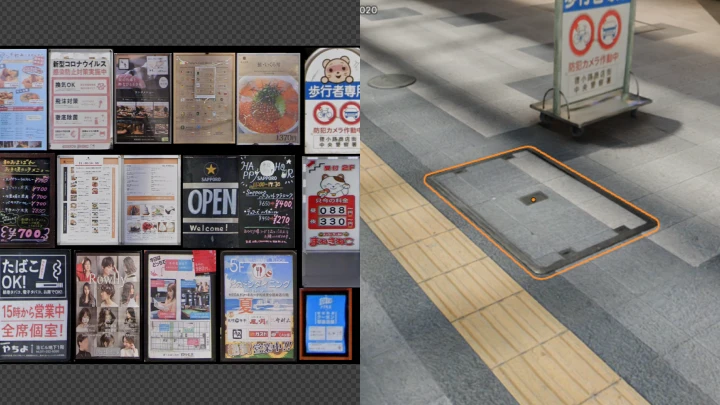
 Signs, Posters, and Manholes for a Shopping Street
 -
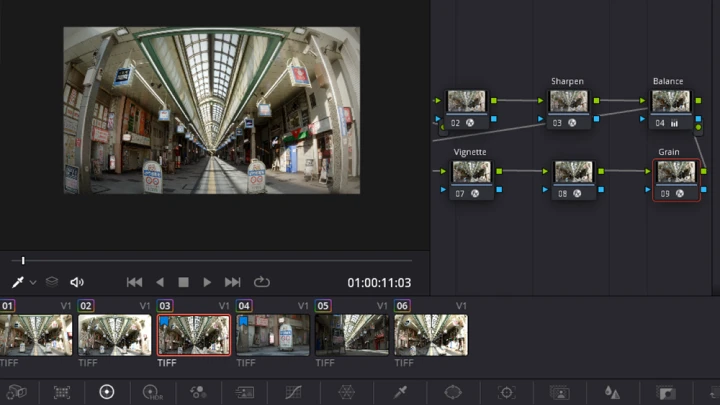
 Color Grading and Export

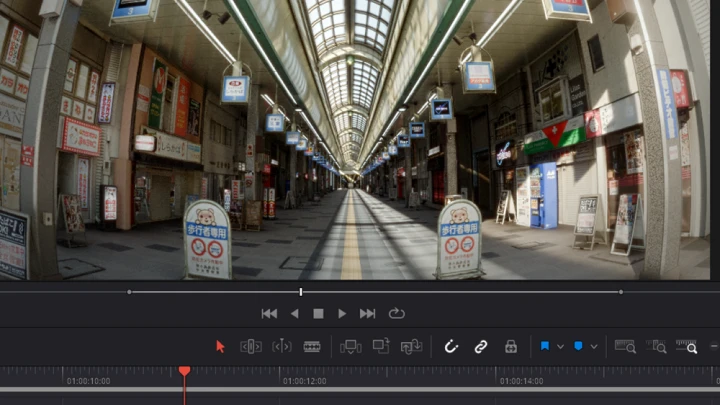
Artwork of a Shopping Street in Sapporo
Part 02. Hooper Island Lighthouse
-
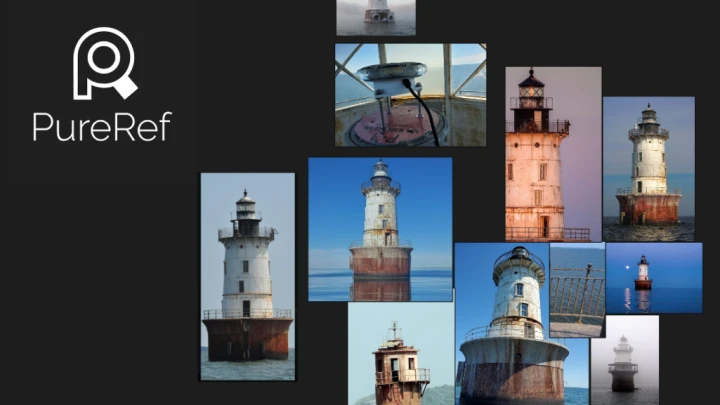
 Utilizing PureRef
 -
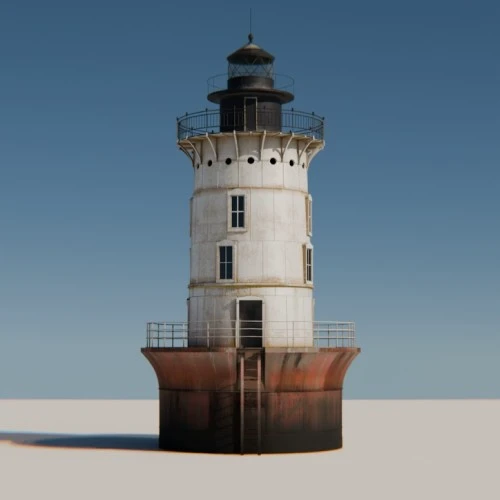 Modeling a Lighthouse
 -
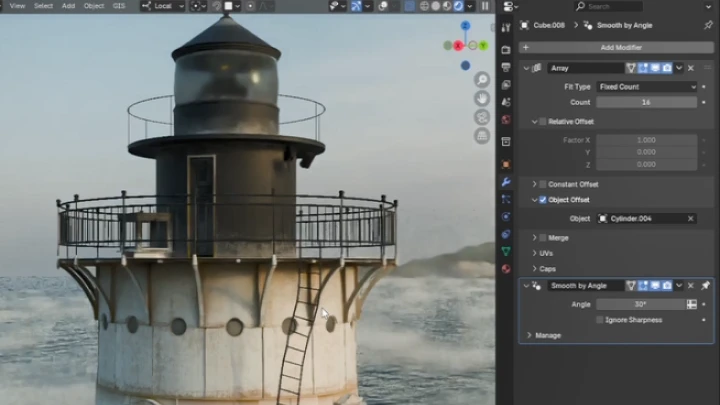
 Steel-Made Details for a Lighthouse
 -
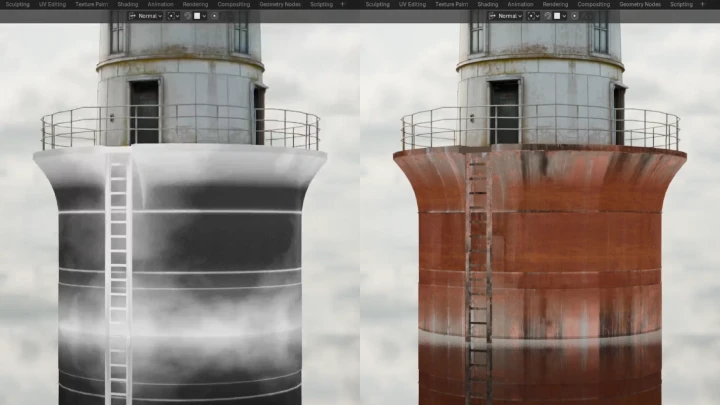
 Texturing an Old Lighthouse
-
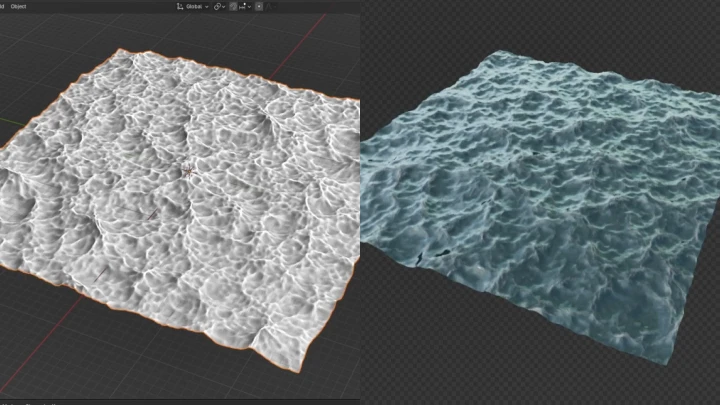
 Creating Materials for Realistic-Looking Waves
 -
 Creating a Flag Using Cloth Simulation
 -
 Previsualization Development Using Google Earth
 -
 Previsualization Development Using Google Earth

Final Artwork of the Hooper Island Lighthouse
Instructor
3D Artist
Minstin
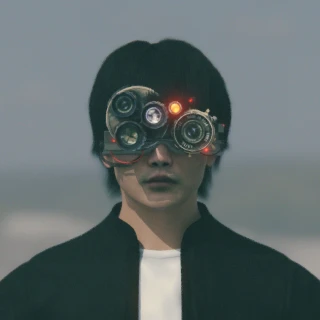
Hi, I’m 3D artist Minstin. I work mostly on Instagram and YouTube and make creative content using 3D graphics, including fan-made videos that feature 3D versions of famous figures, tutorials for recreating real-world/virtual spaces in 3D, and personal NFT projects.
In this Coloso class, I will share my workflow process for creating realistic 3D artwork using nothing but Blender. By creating the 3D versions of a shopping street in Sapporo and the Hooper Island Lighthouse, which both exist in the real world, I’ll guide you through the process of creating high-quality artwork.
3D Artist Minstin
[Current]
Freelance CG Artist
Projects & Awards
2022 PAETA MOVEMENT: Enter the Metaverse
2022 GALLERY ANDTREE: Fresh Buns
2022-2023 Created branded content for BYN BLACKYAK’s “bcc” project
[Background]
2024 Technical advisor for 3D graphics at Blooming Grace
Highlights
Class Highlights
Ease into Creating High-Quality Artwork that Looks Realistic Yet Unique
Turn real-world spaces into realistic 3D artwork using sophisticated Blender techniques! Master from basic to advanced practical skills for creating photorealistic art in a systematic manner. You’ll learn the practical process of working on your personal projects, producing designs that match their real-life counterparts 99% while adding decorations.
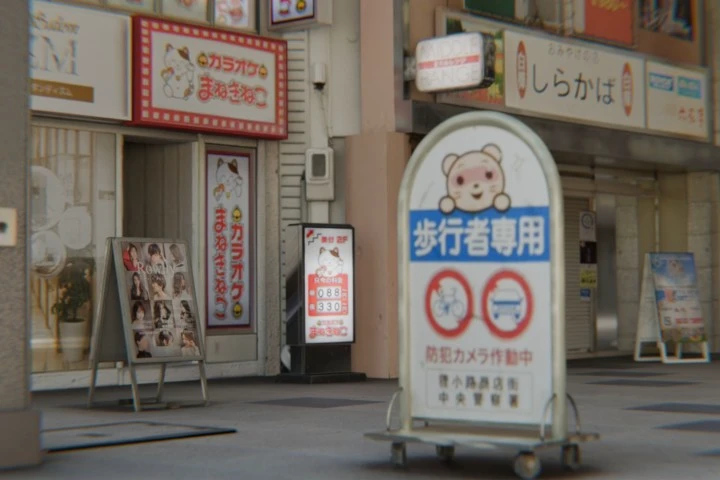
Discover Minstin’s Signature Techniques: Realistic Texturing and Shading
How can you create powerful and realistic 3D artwork through texturing and shading? Delve into the techniques needed to achieve realistic details using texturing and shader nodes. Experience firsthand how Minstin gives a more detailed, sophisticated look to objects and backgrounds using Blender, producing artworks that are both immersive and realistic.

Practical Workflow Design Skills for Self-Studying Blender
Delve into Minstin’s high-efficiency work process for creating quality 3D artwork in just three days! You can now learn the self-taught Blender expert’s effective workflow process via his Coloso class, in addition to getting practical tips that you can apply right away to make complicated 3D artwork in a short time.

Class Details
You'll Learn
-
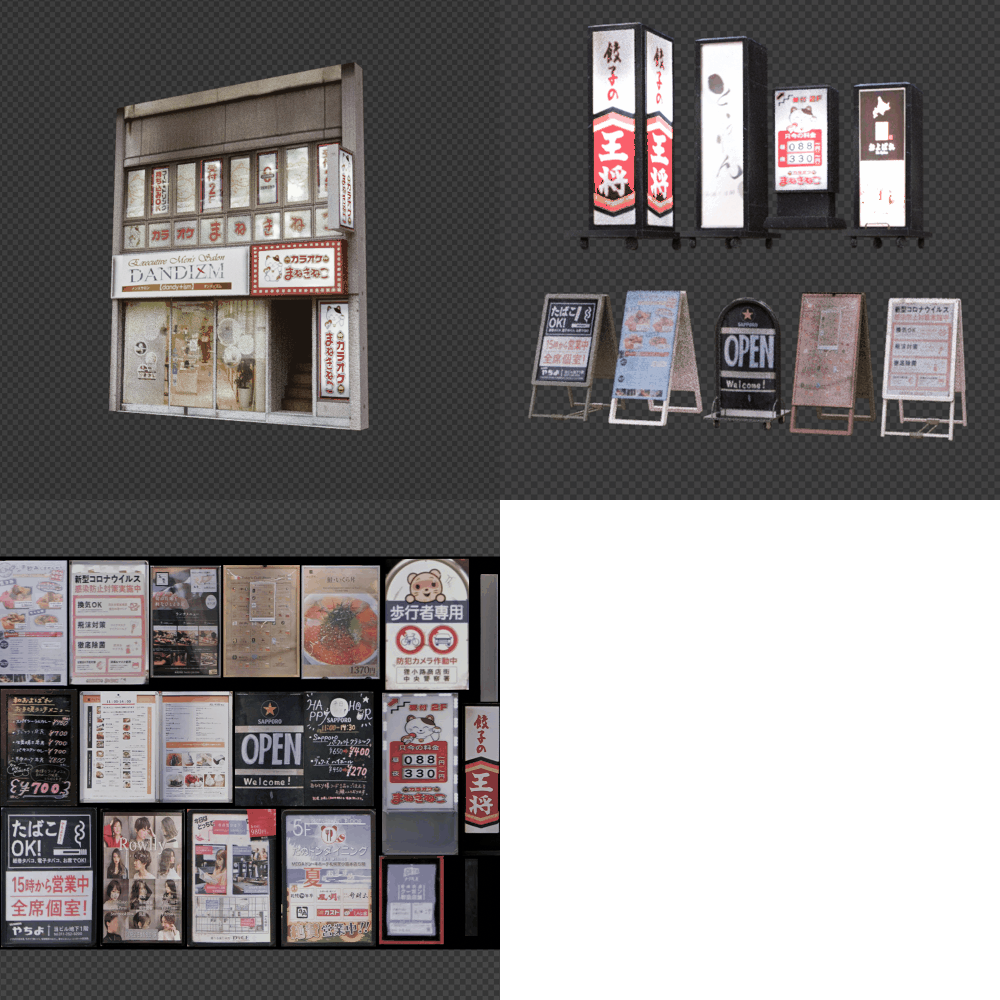 Get Hands-on with Various Blender Modeling Skills through 39+ ExercisesFrom basic modeling to creating intricate details using modifiers, study the process of modeling in Blender with step-by-step exercises. Design various objects such as structures, commercial buildings, roads, signs, and lighthouses to learn modeling techniques for creating sophisticated details.
 -
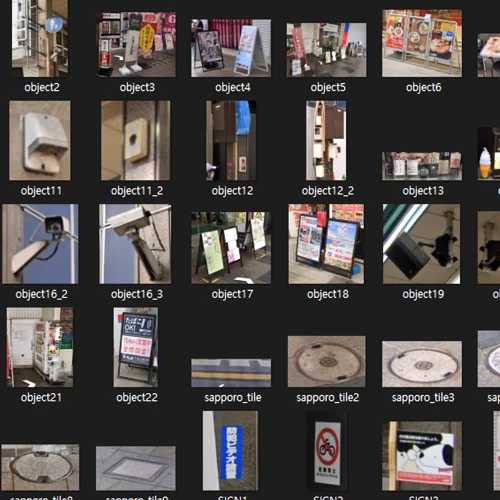 High-Efficiency Texturing Using Google Earth DataLearn how to process image sources by utilizing data from Google Earth! You’ll collect image sources for your 3D artwork and process them in Blender efficiently, getting tips for producing realistic textures.
 -
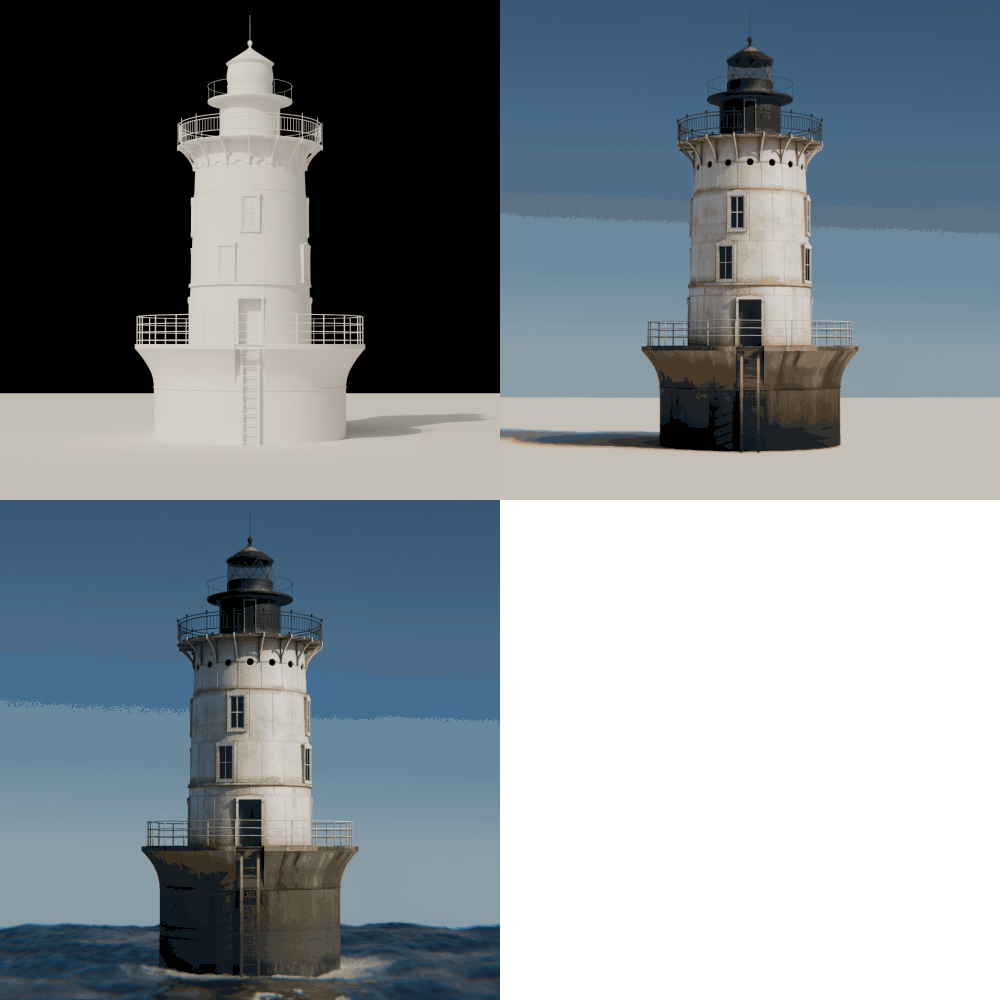 Realistic Shading Techniques for More Detailed TexturesFind out ways to design shader node trees so you can create quality, intricate, detailed textures that require more than basic texturing! Improve the quality of your work using detailed textures of old metals and worn-out-looking buildings.
-
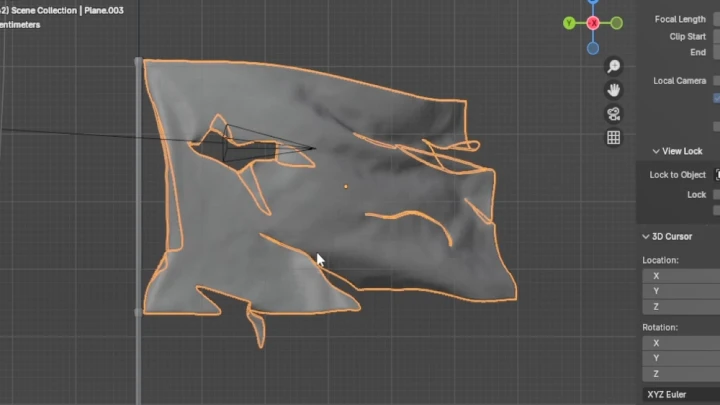
 Cloth Simulation to Overcome Physical LimitationsCreate vibrant physical movements using Blender’s cloth simulation. From animating a fluttering flag to adding a realistic, worn-out look to it, learn everything you need to create more immersive artwork by adding lifelike details to dynamic objects.
 -
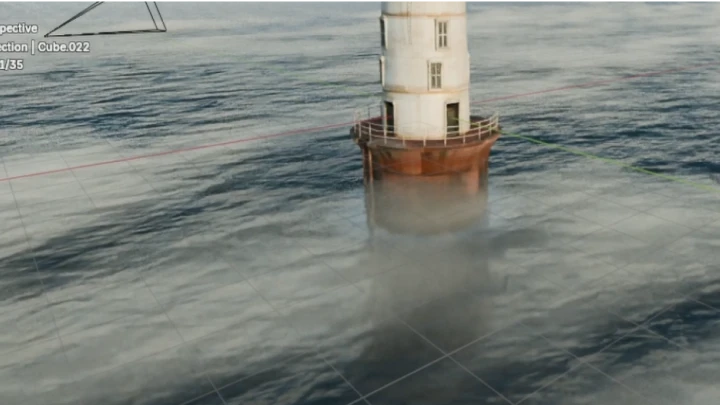
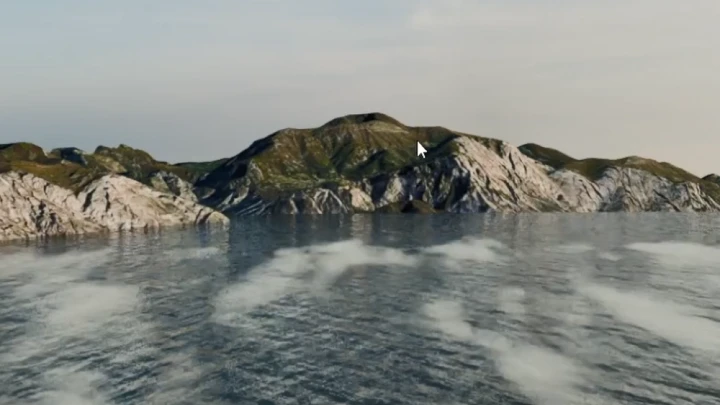
 Advanced 3D Design Techniques Using Minimum ResourcesDiscover how to create a realistic ocean using Blender’s Ocean modifier and volume shaders, and learn efficient techniques for producing a detailed ocean with minimum resources, including dynamic ocean waves, a vast surface of water, and natural effects resembling sea mist.
 -
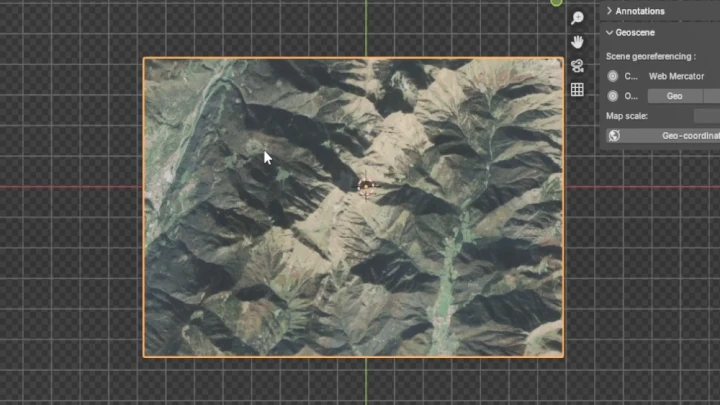
 Tips for Scanning Terrain Data Models with Add-OnsFind out how to use the add-on BlenderGIS to import terrain data from Google and make a terrain model. Using real-world terrain data, you will create more natural-looking horizons and add sophisticated details to terrains, building a realistic environment applicable to your 3D projects.
- Unlimited Access
- Best Price
Buy now, get unlimited access.
12/31 (Sat) (UTC-7) Special offer ends soon.
This special offer ends soon.
Buy now and save!
Interview with
3D Artist Minstin

Question.01
What do you consider your strengths when you work?
I think one of my strengths as a 3D artist is the ability to create content that has popular appeal. Some examples are the series featuring famous figures and my personal NFT projects, which drew a lot of attention on social media. I also complete all work processes in Blender and have an efficient workflow process for achieving the best quality with minimum resources, which allows me to share the various expertise I’ve accumulated with you.
Question.02
What are the purpose and unique qualities of this class?
This class is designed to help beginners carry out modeling and texturing and recreate real-world places in a realistic 3D style using Blender, without any paid programs. Since using multiple programs from the beginning may make the learning process more confusing and stressful, we’ll first focus on developing the ability to complete all stages only with Blender. Once you gain a deep understanding of working with Blender, I’ll help you build a solid foundation for utilizing other programs in a professional and efficient manner.
Question.03
What did you specifically focus on while designing the curriculum of this class?
I have created a range of content using Blender for a long time, which led me to fully realize the importance of creative problem-solving skills. This is also why I carefully designed this class to help you master the general features of Blender in a systematic manner and experience various approaches to the program firsthand. I hope it helps unleash your creativity freely and diversely for your own projects.
Required Programs
This course will use
- Blender 4.3
- Davinci Resolve
- Google Earth
* Davinci Resolve is only required for exporting artwork, which can also be carried out with the free version.
* Chapters that preview the artwork creation process use PureRef.
Please purchase and install these program(s) for an optimized class experience.
*These programs and/or materials will not be provided with the course.