3DAnimator,HyeonseokYang_3D 애니메이터 양현석 Details
Class Introduction
Mastering 3D Character Animation: Achieving Intuitive Poses and Perfect Timing
The quality of 3D animation can be improved only by incorporating animation principles based on a structural understanding of various objects.
Learn everything from basic theories including the 12 principles of animation, acting and poses, core expression methods using Maya, and audio lip-sync animation practical workflow that has been difficult to find.
We will help you build your basic capabilities, which are the source of animation skills, rather than just technical skills. Discover the 3D animation class now at Coloso that enables snappy and tight animation suited to the type of object and situation.
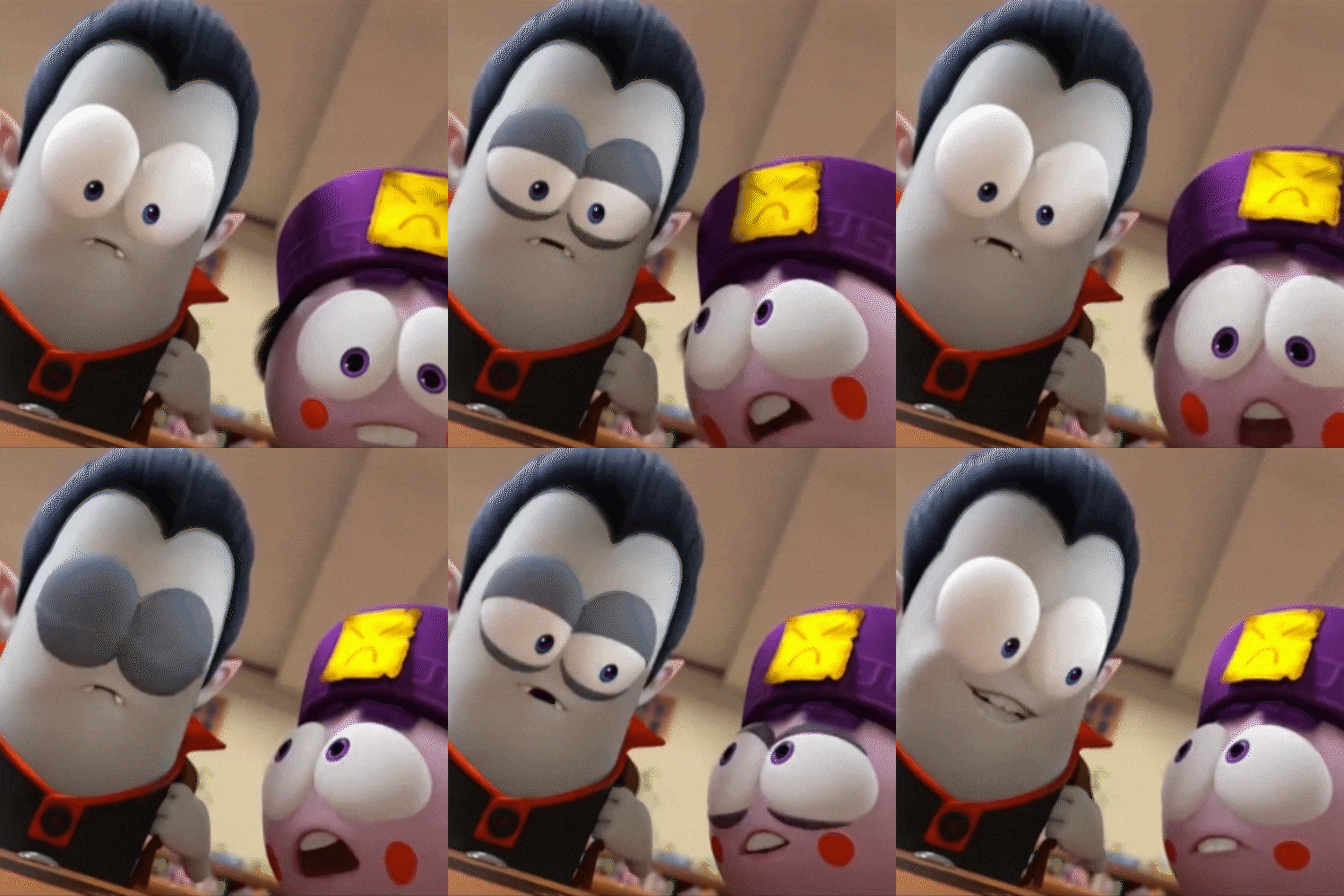
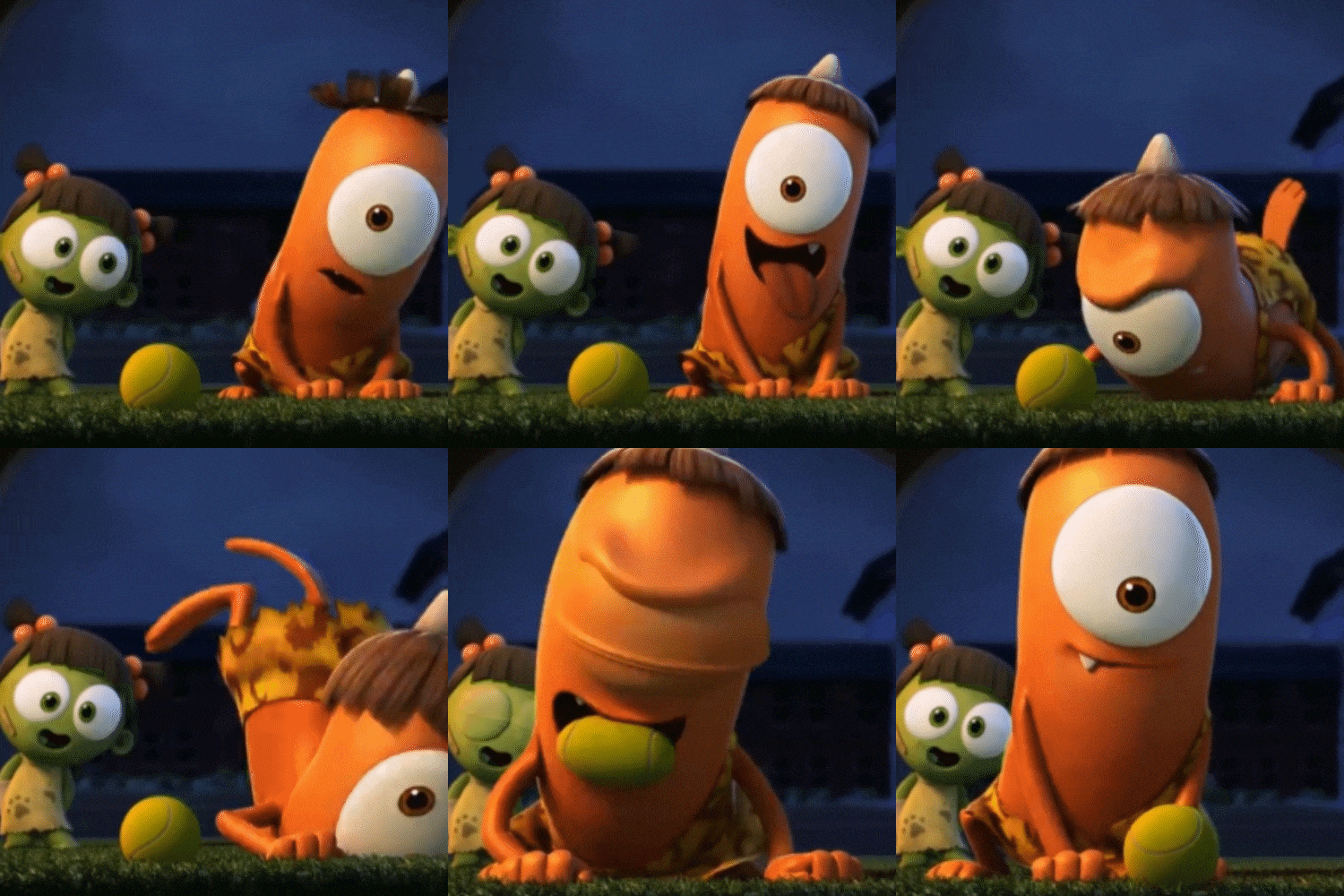
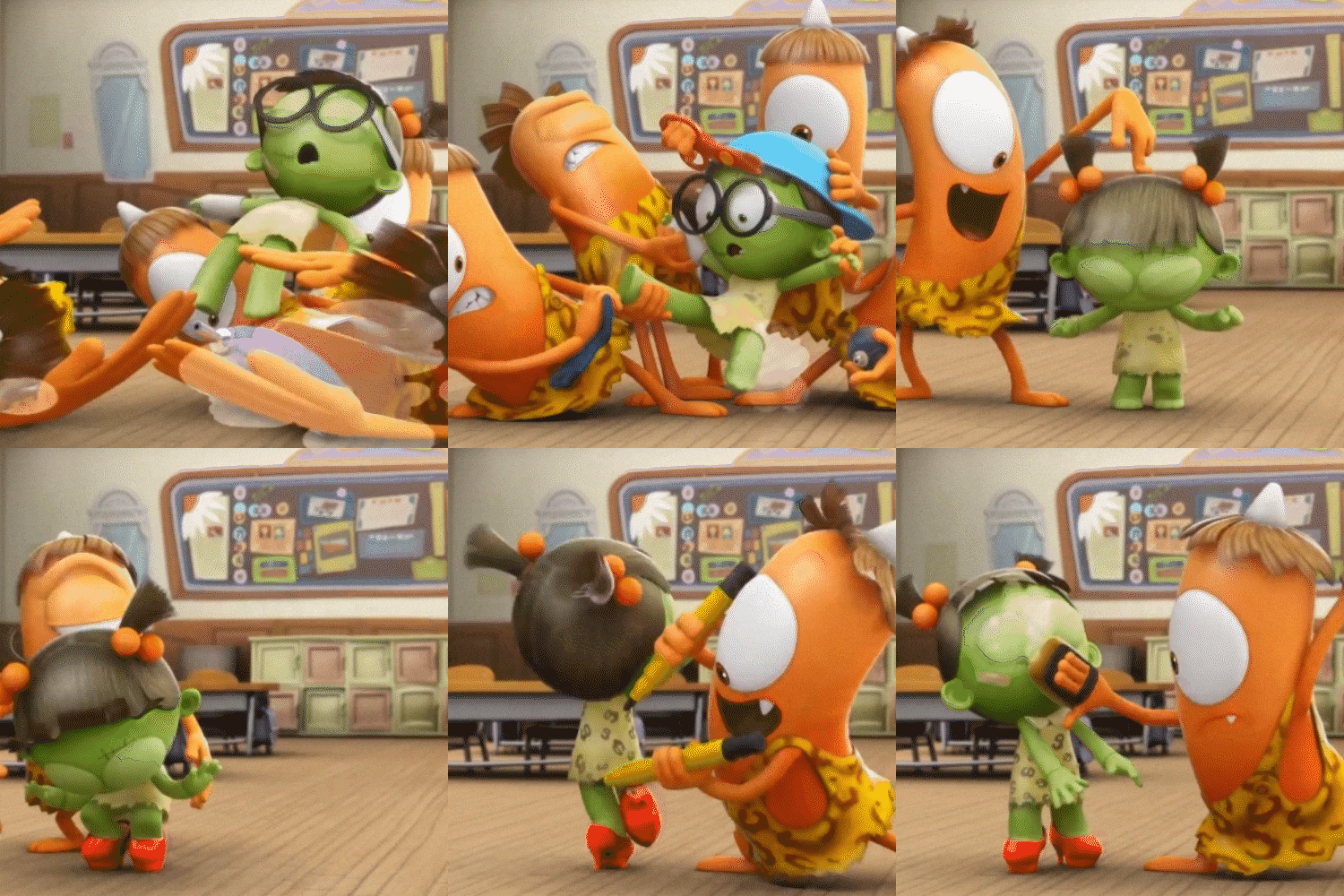
Expert 3D Animator Hyeonseok Yang's Portfolio



Why Take This Class?
Do you want to make your own 3D animation skills that are used in practice? If you develop your skills based on a fundamental understanding of animation rather than just technical aspects, you can create 3D animation that retains the characteristics of objects regardless of the type and style of animation.
In 3D animator Hyeonseok Yang's class, we will teach you everything from the basic principles of animation suitable for 3D, how to implement character body and facial animation using Maya, which is difficult even for current animators, and a practical pipeline that includes highly useful character poses and acting. If you are preparing for the 3D animation part, Hyeonseok Yang Yang's Maya 3D animation class, Coloso, is the only one that includes the essential concepts and practices.

7 Class Exercises

Example 1: Ball Animation
Ball bouncing animation using basic animation principles
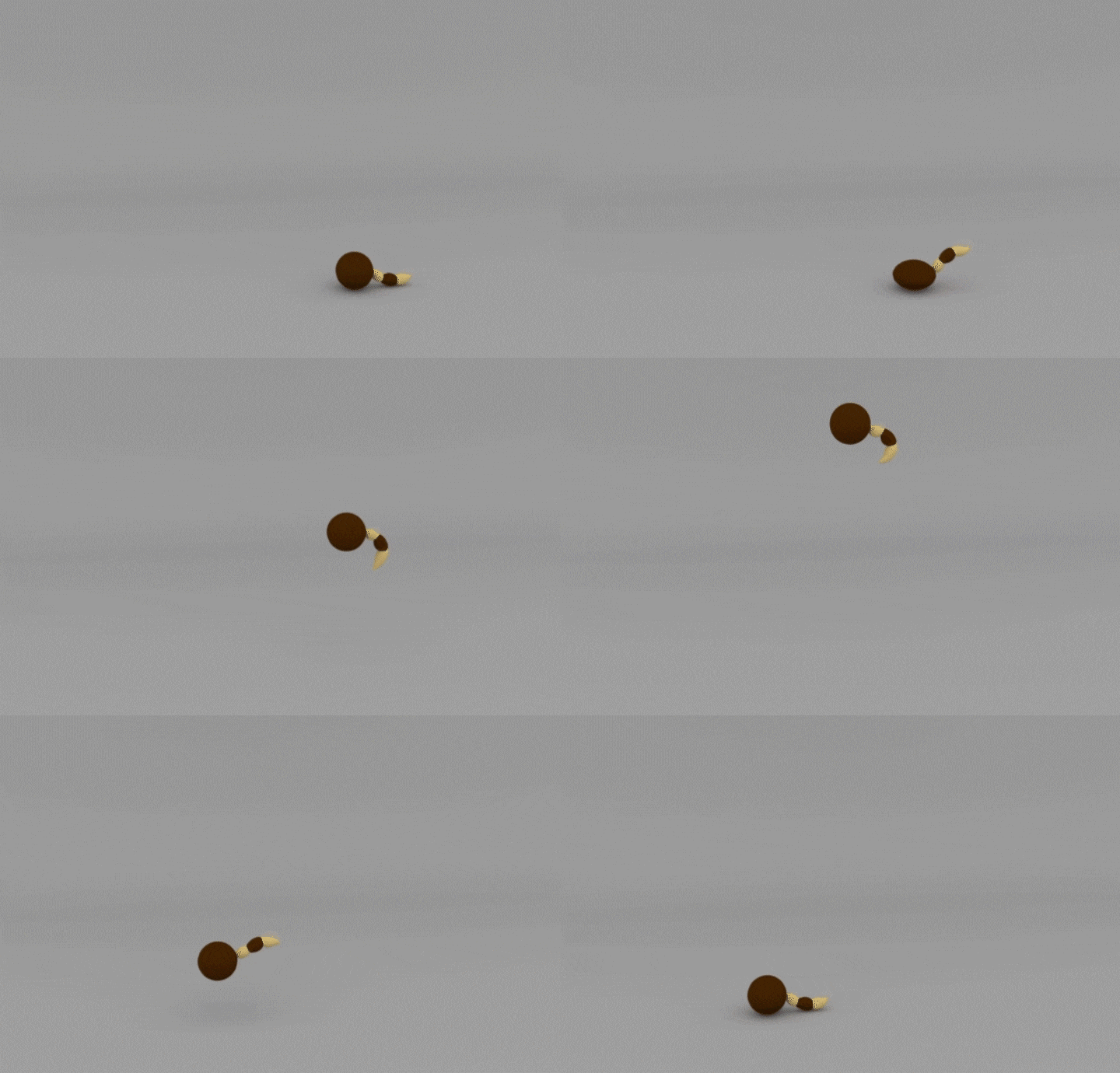
Example 2: Tail Ball Animation
Tailball animation that expresses energetic acting and action

Example 3: Pendulum Animation
Pendulum animation that moves according to the structure of the object
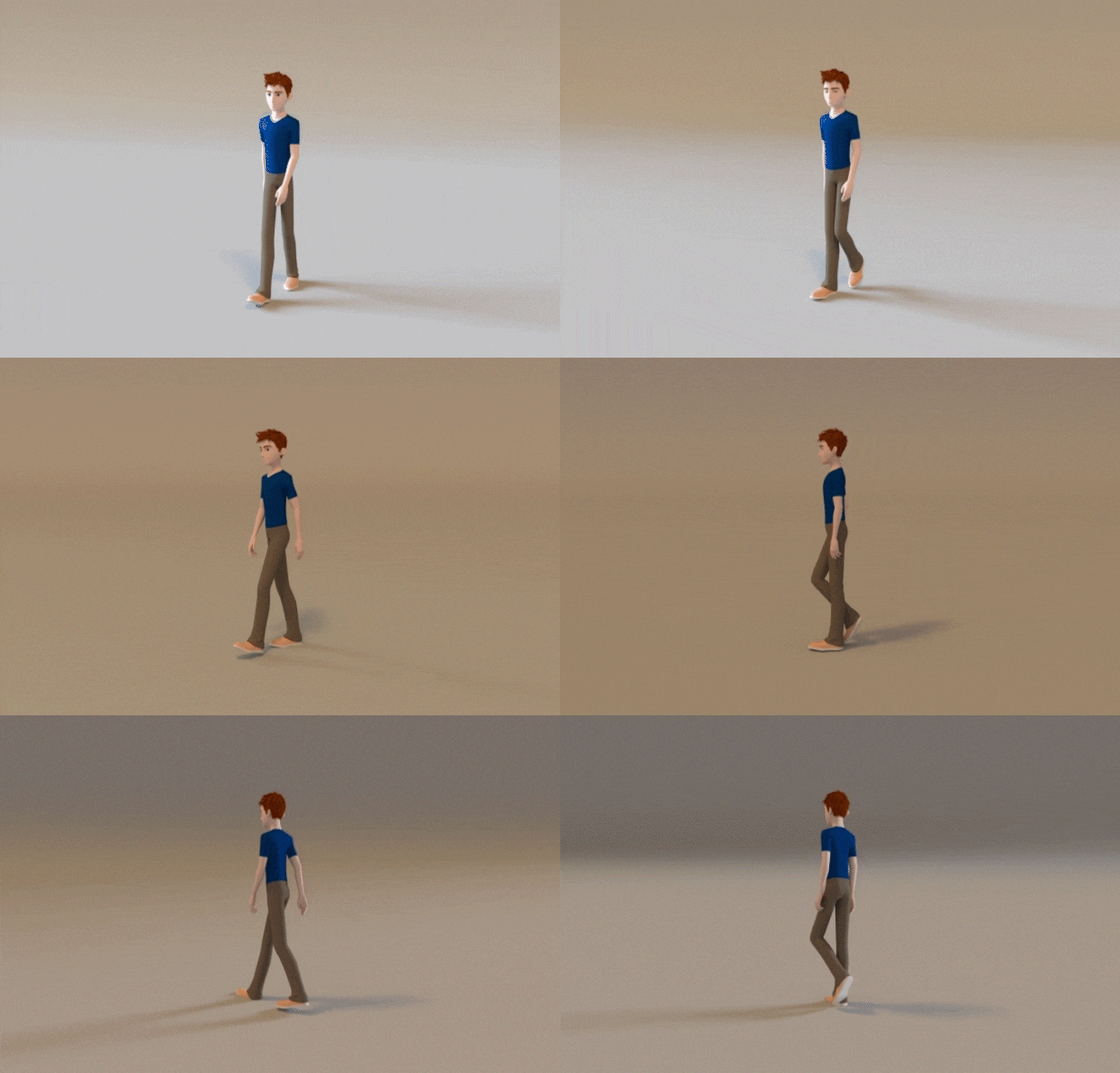
Example 4: Walk Cycle Animation
Character animation that utilizes the characteristics of the human body
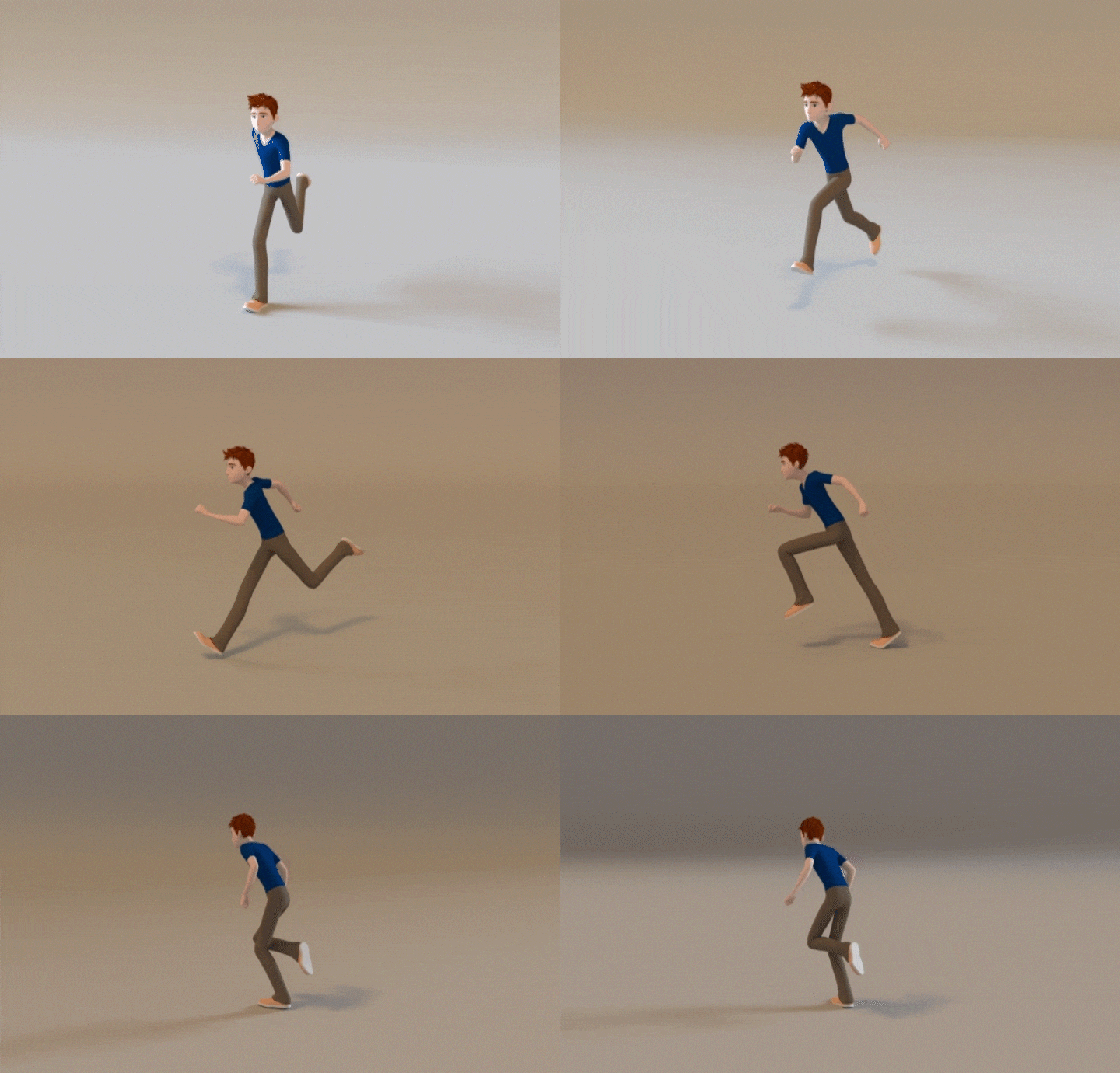
Example 5: Run Cycle Animation
Character animation that expresses weight and kinetic energy using beats and poses
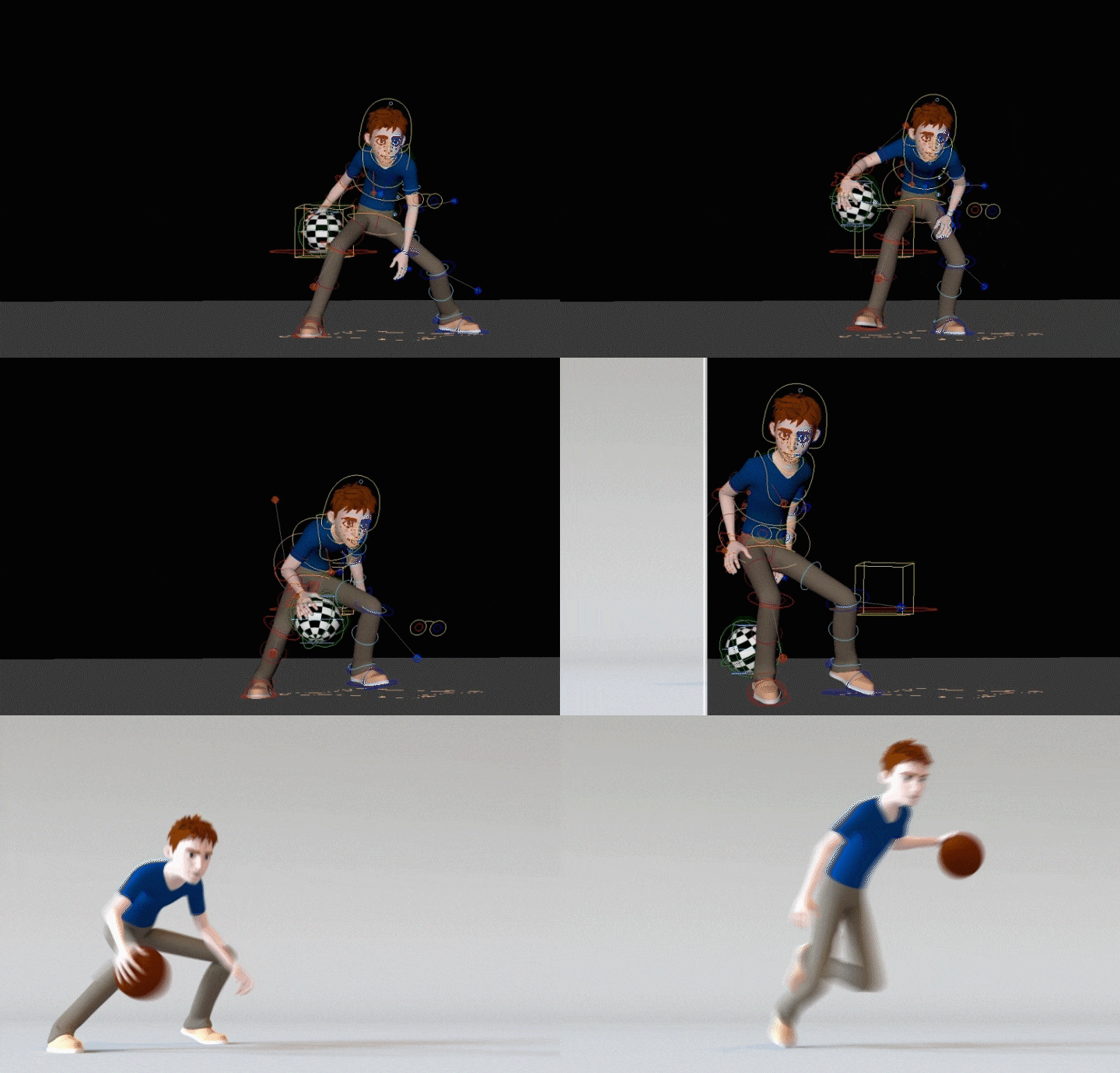
Example 6: Character Animation 1
Character animation with a vivid flow between posing, silhouette, and movement
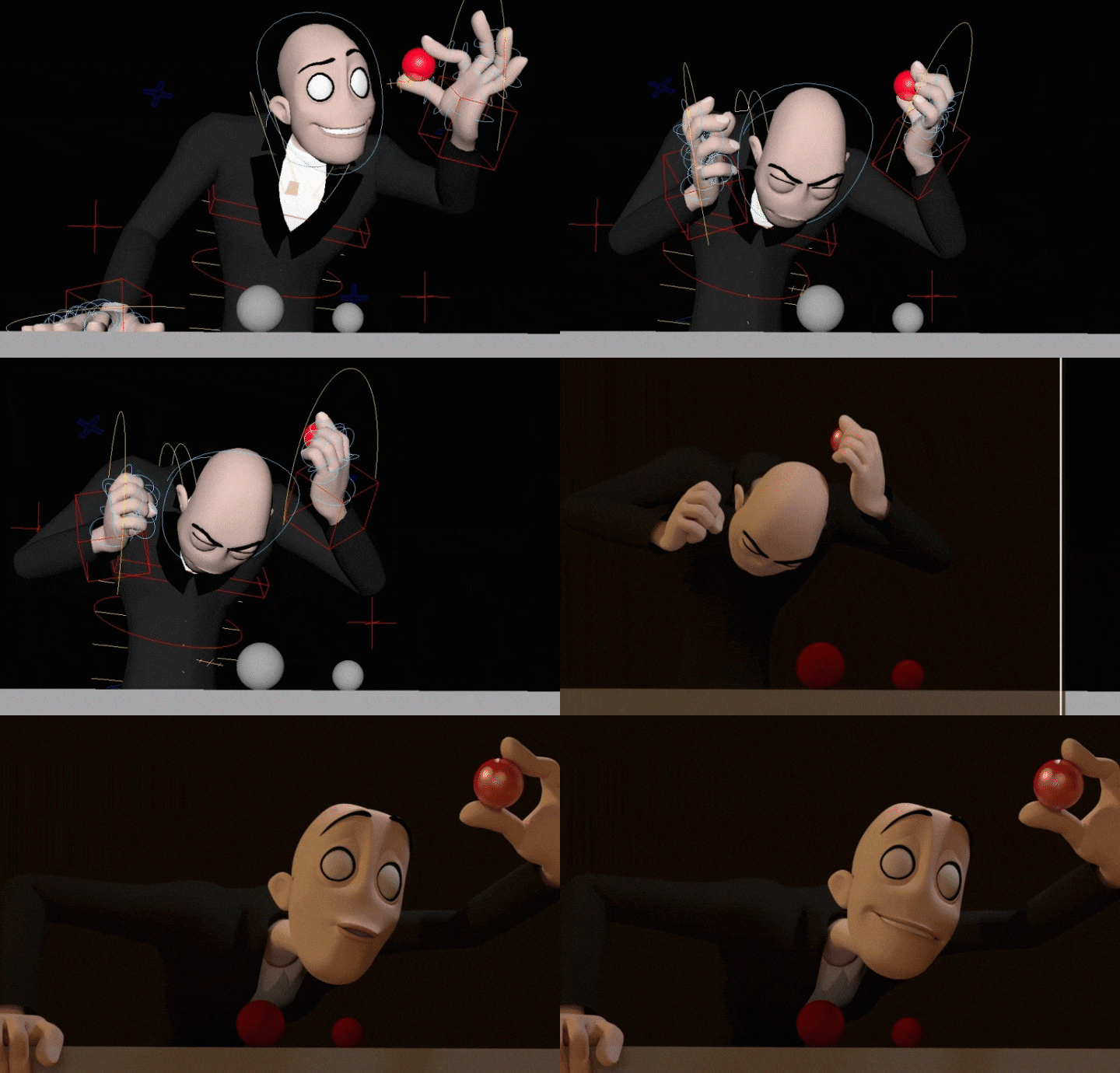
Example 7: Character Animation 2
Character animation with effective layouts and poses suited to the story and situation
Speaker introduction
3D Animator
Hyeonseok Yang
Hello, this is 3D animator Hyeonseok Yang. Starting with Disney's Sophia the First, a TV series animation, we have worked on various projects such as the Spookiz series, the movie version, Pinkfong, and Pucca. He also participated in the production of Nexon game cinematic videos, and is currently active in the 3D animation field, taking charge of various advertising projects such as Hyundai Global TVC and Samsung TVC in post-production.
Through this class, we will help you understand basic animation elements, implement 3D animation in Maya, and learn various expression methods.
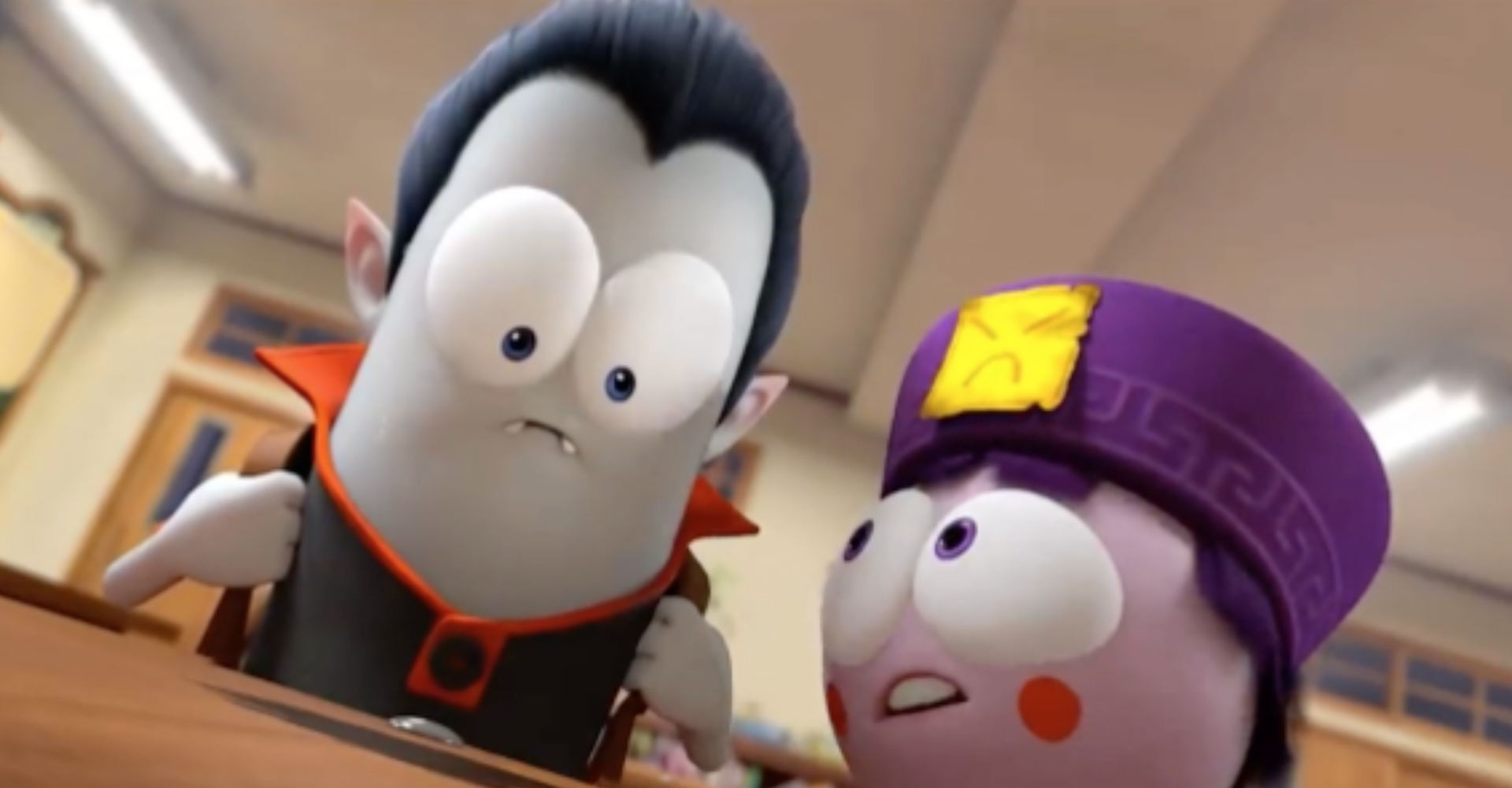
class features
Class Highlights
From Motion Theory Required for 3D Animation to Maya Core Functions
You can learn the basic principles of animation using basic rigging assets, and learn how to use Maya in practice through practical examples.
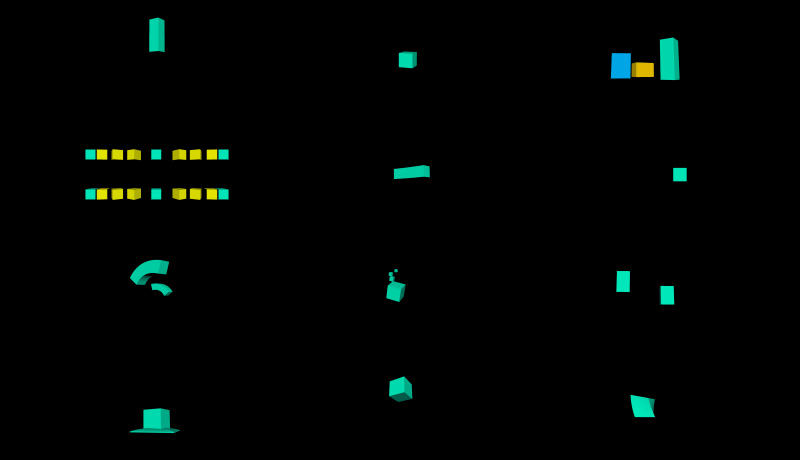
Understanding and Applying Natural and Smooth Live-Action Base Animation
Actively use references to understand the most important body mechanisms in character animation, and practice and express them based on the practical pipeline.
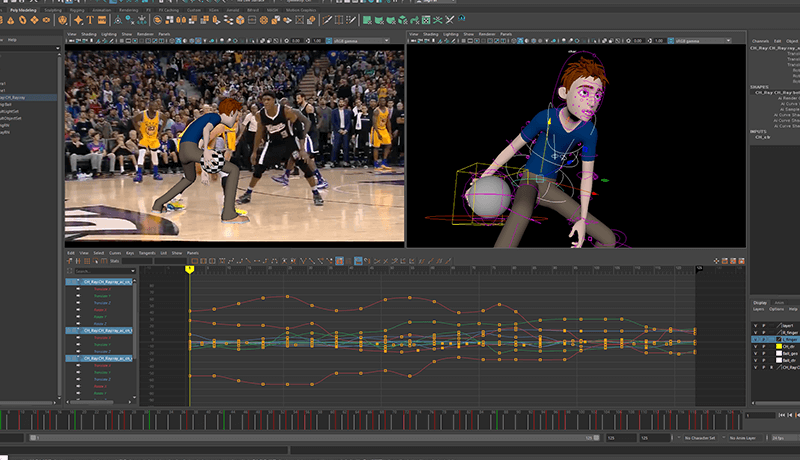
Unrivaled Cartoony and Snappy Animation Style
You will learn a variety of things, from poses and timing that can effectively express a character, to dynamic facial expressions, and how to produce animation using audio sources.
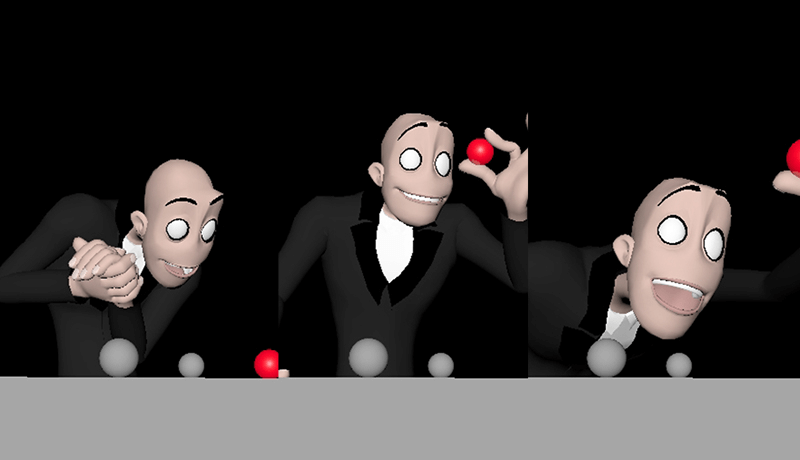
Class Details
You'll Learn
-
 Basics Optimized for 3D AnimationBased on an understanding of basic animation elements, we will use Maya, a 3D animation tool, to develop basic skills so that we can experience practical animation areas in advance.
 -
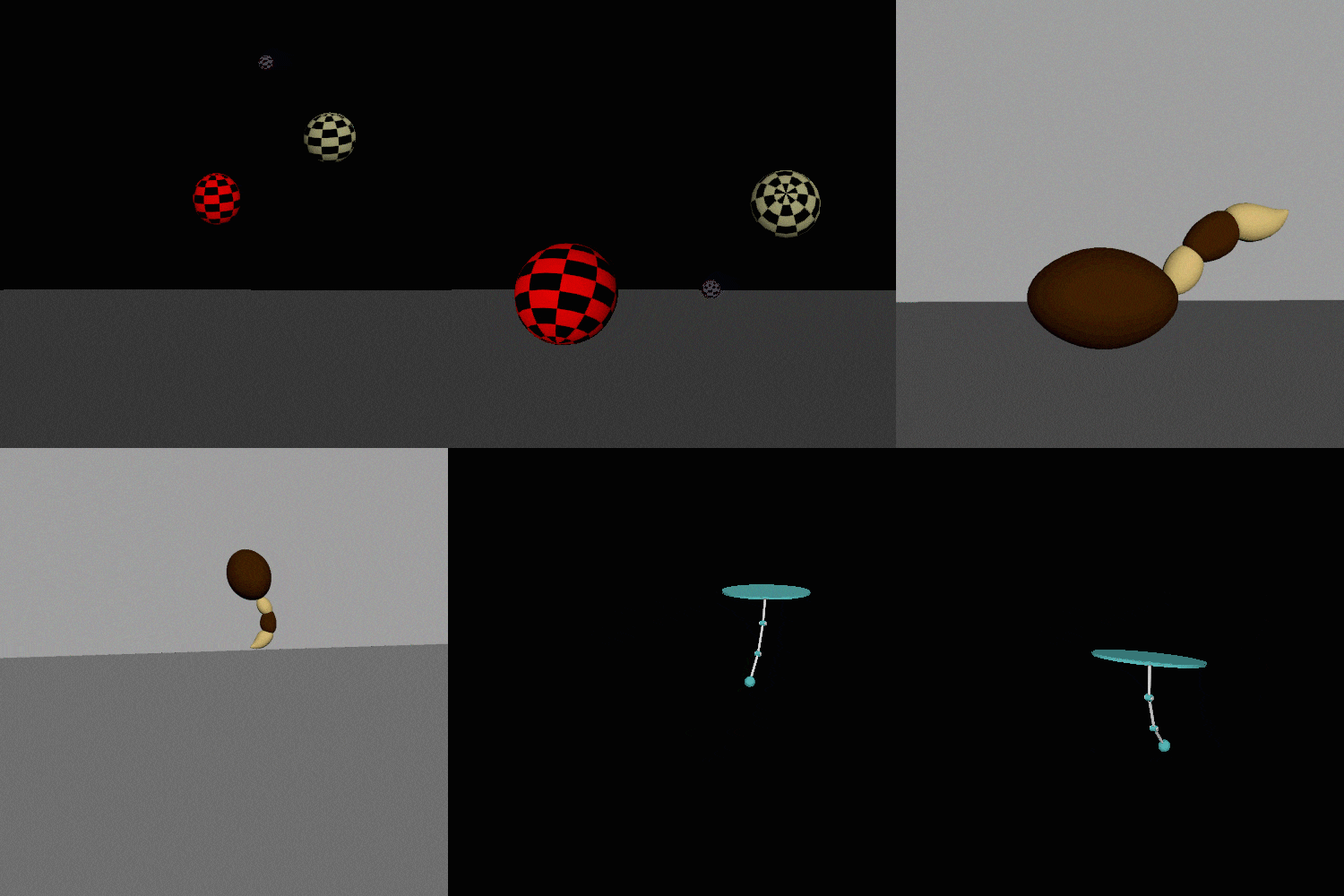 Basic Animation Using Rigging AssetsBy directly animating basic examples such as Ball, Tail Ball, and Pendulum, but containing points that are divided into living and non-living objects, we learn the mechanisms of each object according to vitality and material.
 -
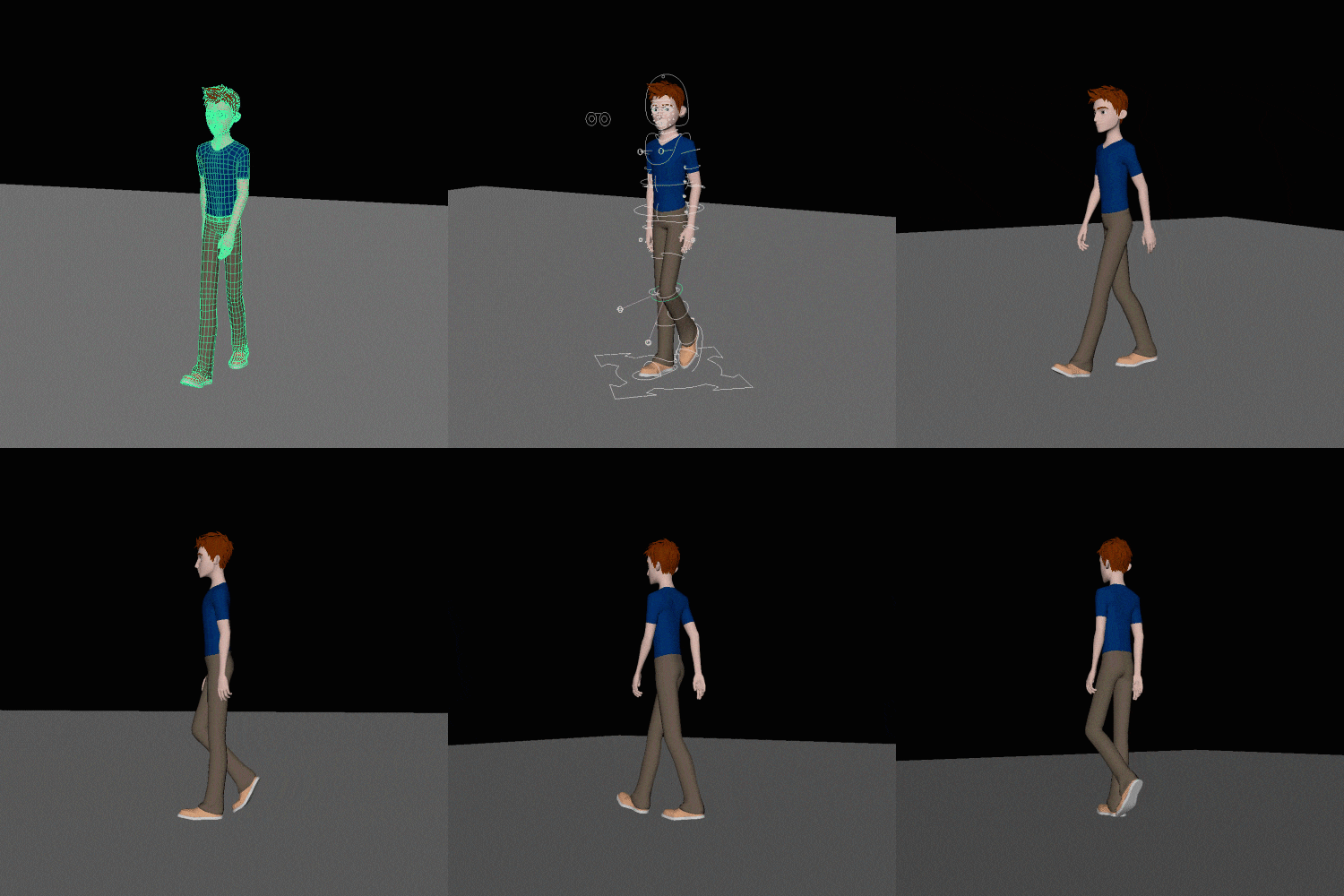 Understanding and Practicing Character Walk Cycle AnimationThrough walking animation, an essential element of character animation, we will understand the structural parts of the human body and learn beats and poses that highlight the character's personality or situation.
-
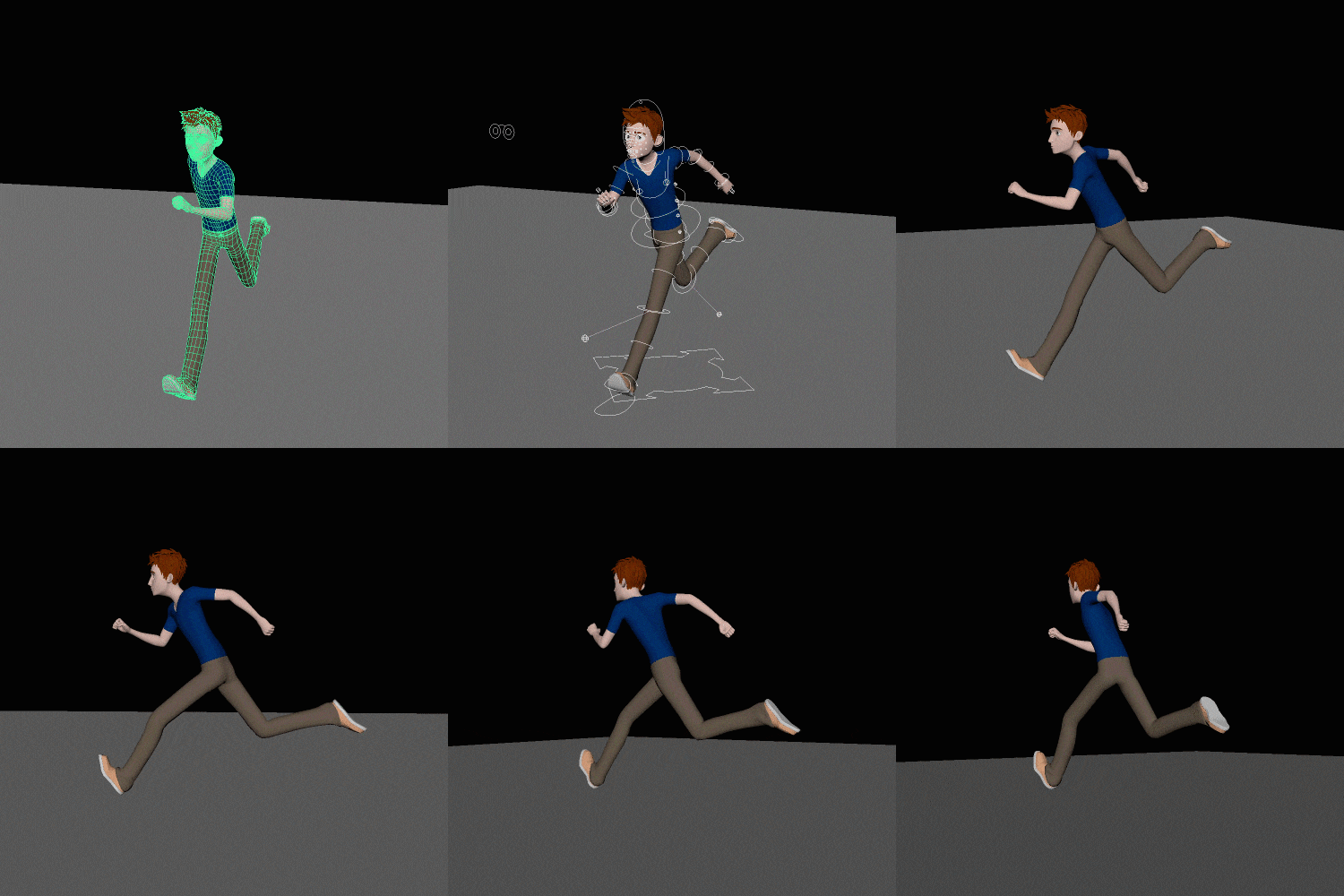 Understanding and Practicing Character Run Cycle AnimationLearn essential poses and principles according to time and flow, such as the beginning, middle, and end, which are the most difficult for animators, and check the differences between walking animation and running animation.
 -
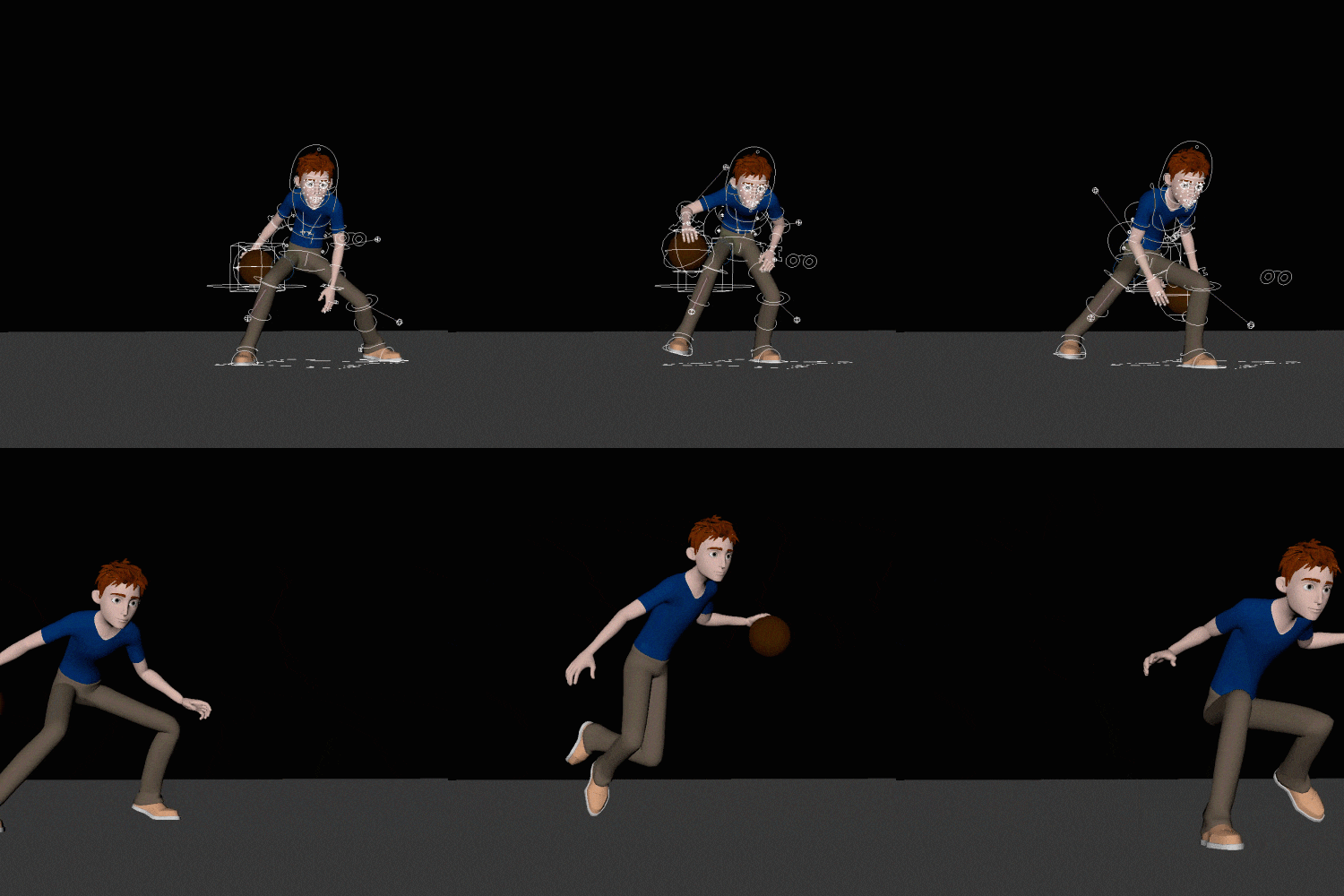 Body Animation Production Process Using ReferencesWe will reveal a method to express a character's natural movement and weight through body animation, and a practical pipeline that expresses animation principles using prepared references.
 -
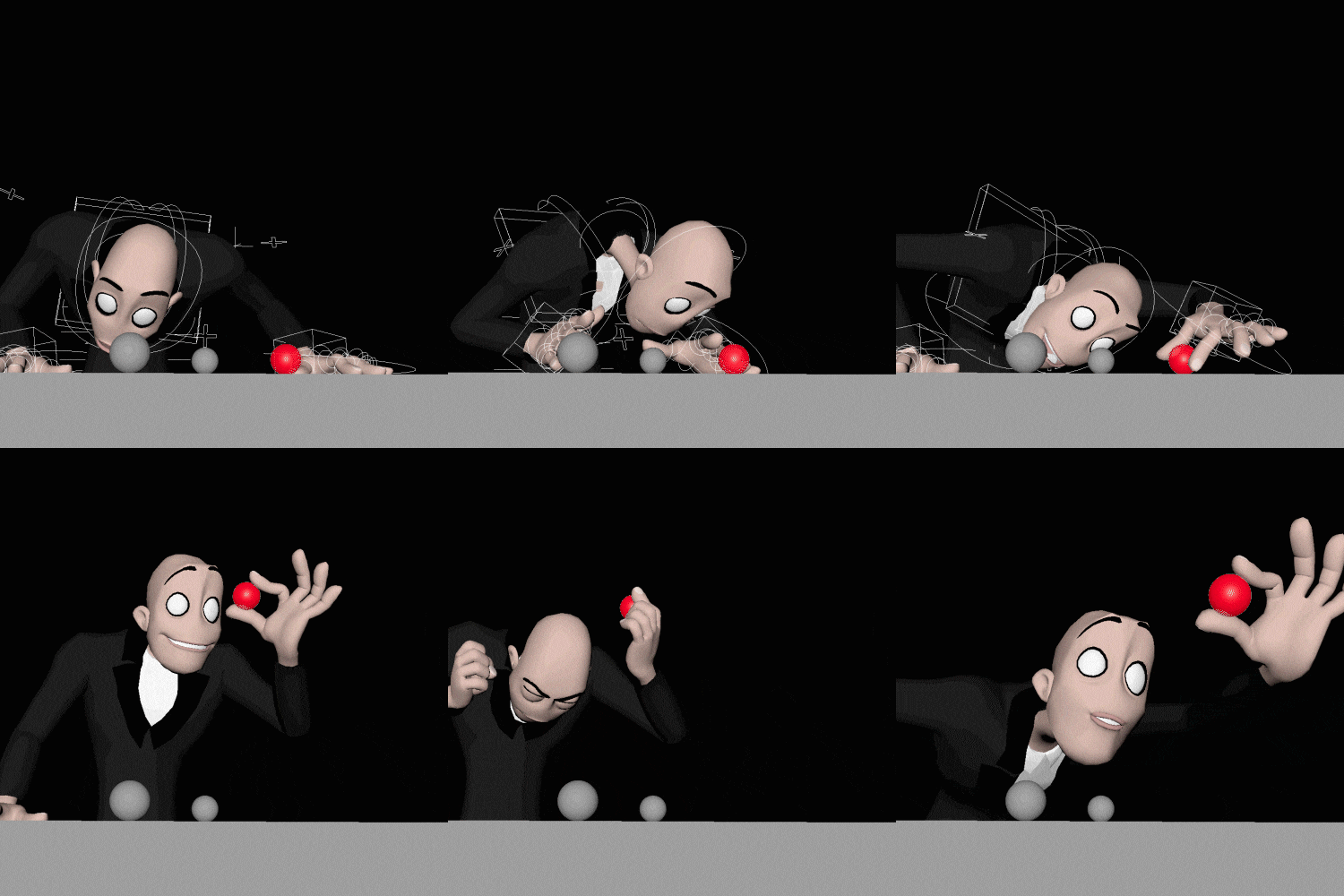 How to Express Character Animation Using SoundIn addition to acting and actions suited to the character's personality, you will learn planning, poses, timing, lip sync, facial animation, etc. appropriate for the sound source, and learn how to express yourself effectively and stylishly.
Curriculum
In-Depth Look
SECTION 01. OT
01. Orientation
- Instructor introduction
- What is 3D animation?
- Introduction to 3D animation work process
SECTION 02. Maya Animation Basic Theory
02. 12 principles of animation
- Learn the 12 principles of animation
- Introduction to terms used in practice
03. Maya graph editor
- Learning the Maya Interface
- Understanding the movement of objects in the viewport using the graph editor
04. Ball Animation
- Creating a ball bouncing animation
- Learn animation elements such as spacing, timing, squash, and stretching
- Learn how to express yourself effectively
* Example file provided
05.Tail Animation
- Expressing character using a tailball with a will
- Learn animation elements such as arc, follow-through, anticipation, etc.
* Example file provided
06. Pendulum Animation
- Expressing the structural parts of a pendulum
- Learning animation elements such as overlapping, spacing, easy-in, and easy-out
* Example file provided
SECTION 03. Character body animation
07. Walk Cycle Animation 1: Basic posture
- Set beats and poses that fit your character’s personality
- Advantages and Disadvantages of Pose to Pose & Straight Ahead
* Example file provided
08. Walk Cycle Animation 2: Movement and weight
- Understanding body mechanics through character walking animation
- Learning and expressing the movement characteristics of each human body part
09. Run Cycle Animation 1: Basic posture
- Set beats and poses that fit the character’s personality or situation
- Find out the key poses that should be expressed in running animations
* Example file provided
10. Run Cycle Animation 2: Movement and weight
- Expressing the character’s kinetic energy
- Applying the weight of a character
SECTION 04. Practical character animation
11. Character Animation 1: Basic Process
- Learn animation production steps according to the pipeline
- Constructing a scene using camera settings and the Maya reference editor
- Applying Animation References to Maya Viewports
* Example file provided
12. Character Animation 2: Breakdown
- Use references to understand the flow between breakdown, posing, silhouette, and movement.
- Constructing a layout
13. Character Animation 3: Timing
- Construct a blocking scene according to timing that matches the reference.
- Introduction to scripts and plugins used in practice
- Various practical tips and know-how
14. Character Animation 4: Detail
- Introduction to animating methods for detailed animation
- Learn how to express animation effectively
15. Character Animation 5: Final
- Quality check method for final animation
- Introduction to points to check
16. Character animation using audio sources 1: Sound & Motion
- Find effective audio sources
- Learn how to select and direct characters suitable for audio.
* Example file provided
17. Character animation using audio sources 2: Layout
- Setting up staging based on the planned storyline
- Expressing appealing poses and facial expressions
18. Character animation using audio sources 3: Timing
- How to effectively animate using draw over
- Learn how to quickly choose action and modify timing
19. Character animation using audio source 4: Detail
- Learn accurate lip sync animation methods and know-how
- Learn about eye-catching animation
20. Character animation using audio source 5: Final
- Details for final animation used in practice
- Learn about organizing methods such as graph editor and scene files.
* Curriculum details may change before or after the video is released.
Interview with
3D Animator, Hyeonseok Yang
Question.01
What is the outlook for 3D animation?
What is the outlook for 3D animation?
As computer graphics technology develops , 3D animation will be used not only in VR but also in various other areas, so I think it has a hopeful outlook. Moreover, the animation industry has a lot of demand and supply in various fields such as games, movies, and advertisements , so it is a good idea to familiarize yourself with Maya, which is used in the field, in advance.
Question.02
What are your strengths as a 3D animator?
What are your strengths as a 3D animator?
My biggest strength is that I have worked on a variety of projects, including character animation, live-action animation, and motion capture, while receiving rave reviews for my snappy and tight animation . It has a reputation for using character actions, poses, and effective layouts that are appropriate for a given story or situation .
Question.03
What are the main points of this class?
What are the main points of this class?
The curriculum has been designed so that students can understand animation theory, which is the basis of 3D animation , and use Maya to create personal portfolios as well as experience practical areas in advance . You will be able to learn everything from various animation styles, actions and acting to suit the character's personality, and even the practical pipeline .
Question.04
Who do you recommend this class to?
Who do you recommend this class to?
Even non-majors will be able to follow along without difficulty because we will teach you everything from animation principles to advanced courses step by step . I also recommend it to 3D animation majors who have had difficulty with timing and posing . We will create the basis for animation to express the motion you have only imagined in your head .
Required Programs
This course will use
- Maya version 2018 (ver. 2015 to 2020 are recommended)
Please purchase and install these program(s) for an optimized chapter experience.
*These programs and/or materials will not be provided with the chapter.