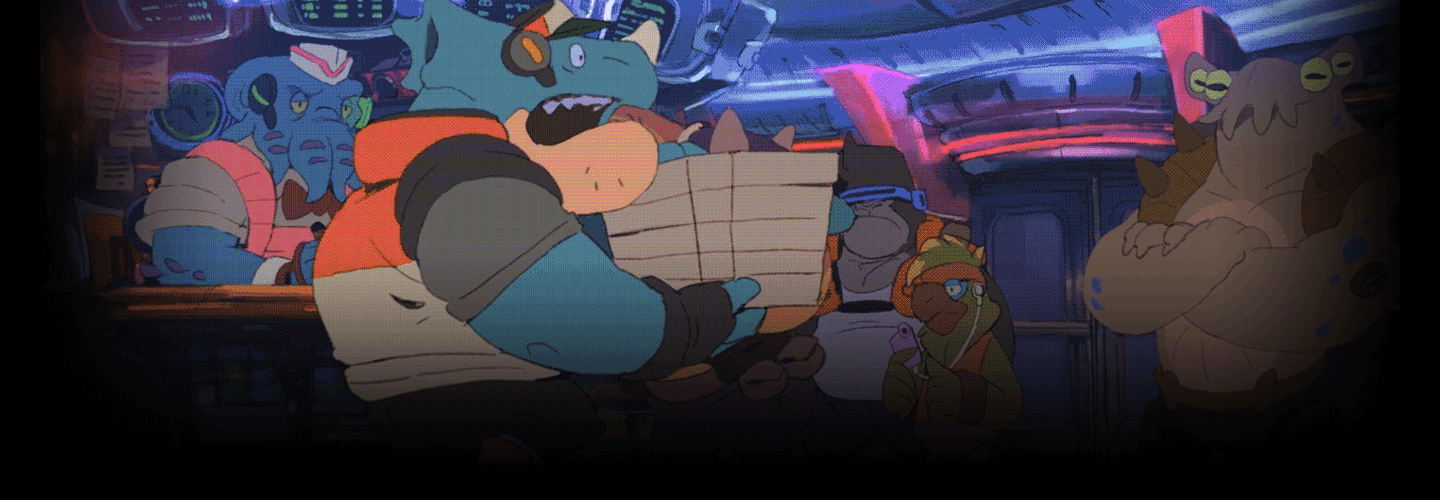
2D Animator,Michinoku-toge_미치노쿠토게 Details
Intro
Class Intro
2D Animator, Michinoku-toge
Are you ready to make the jump into the world of 2D animation? Start by getting the skills you need, from planning and developing a story to producing your own animation, take your work efficiency to the next level with a class from Michinoku-toge.
This class is more than just a simple tutorial, Michinoku-toge has gathered all the insights from his years of experience in 2D animation production, and he's sharing it all —only at Coloso.
This class is more than just a simple tutorial, Michinoku-toge has gathered all the insights from his years of experience in 2D animation production, and he's sharing it all —only at Coloso.
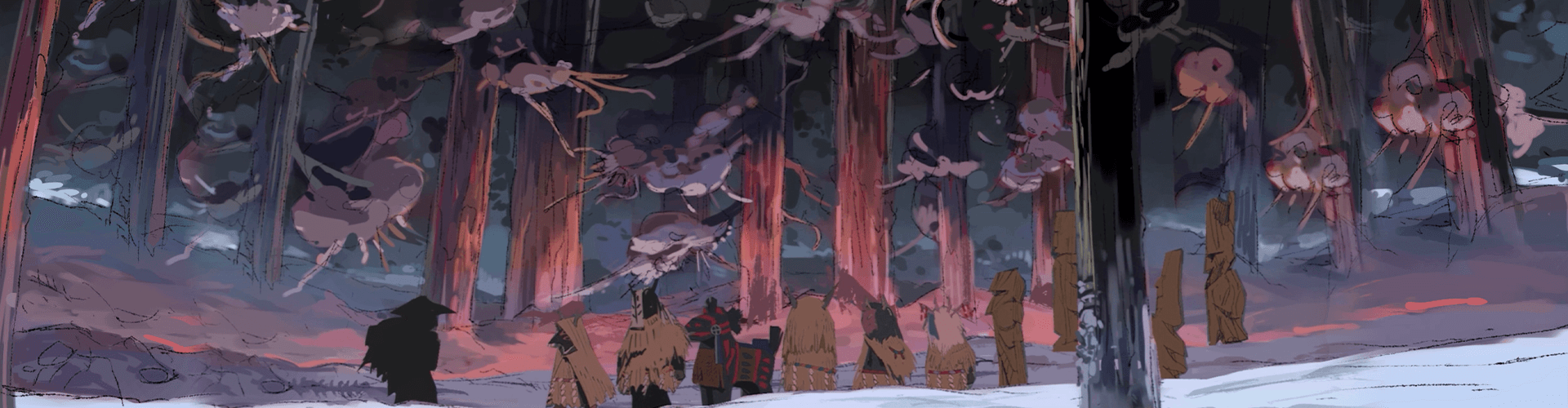
Expert 2D Animator Michinoku-toge's Portfolio
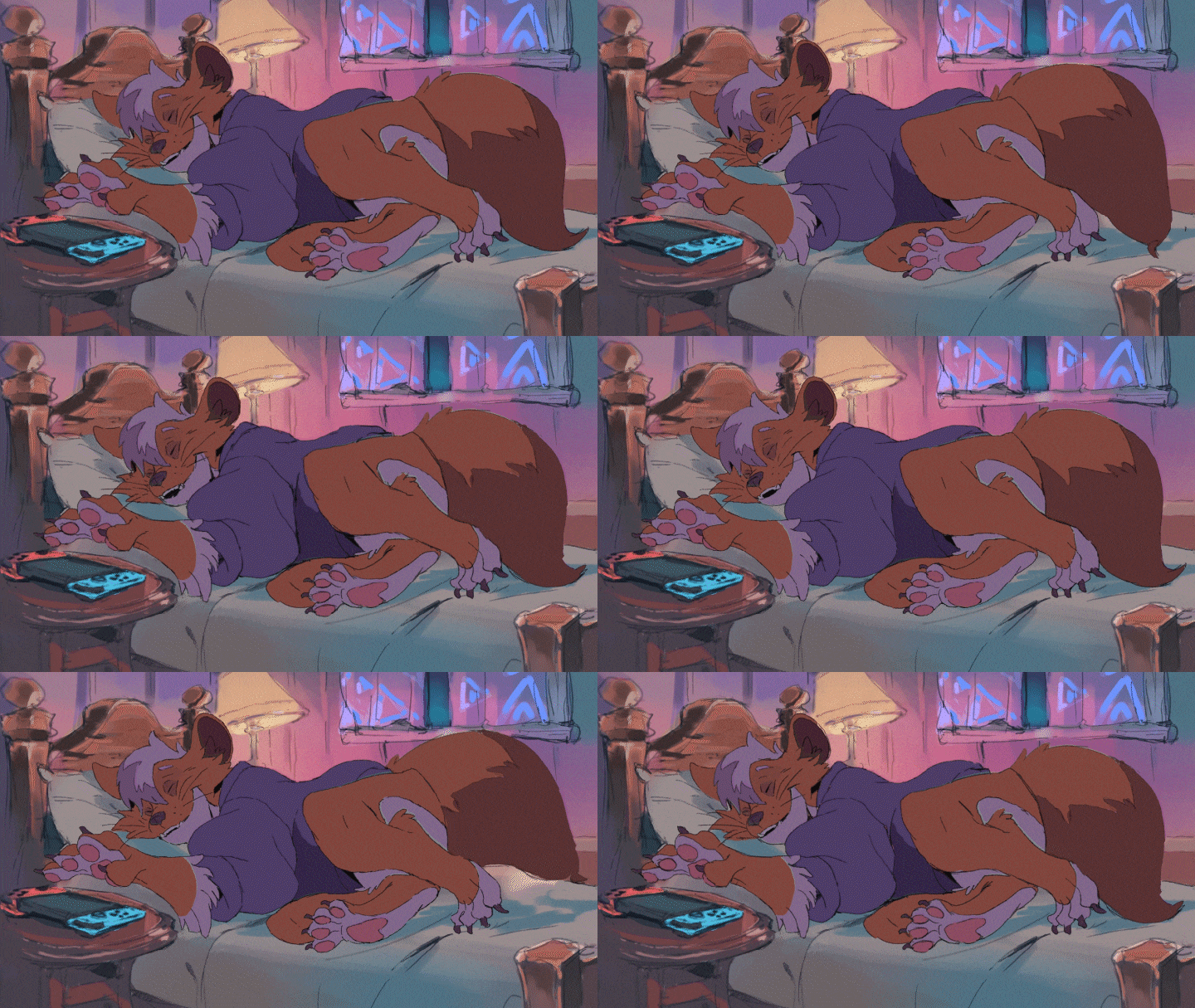
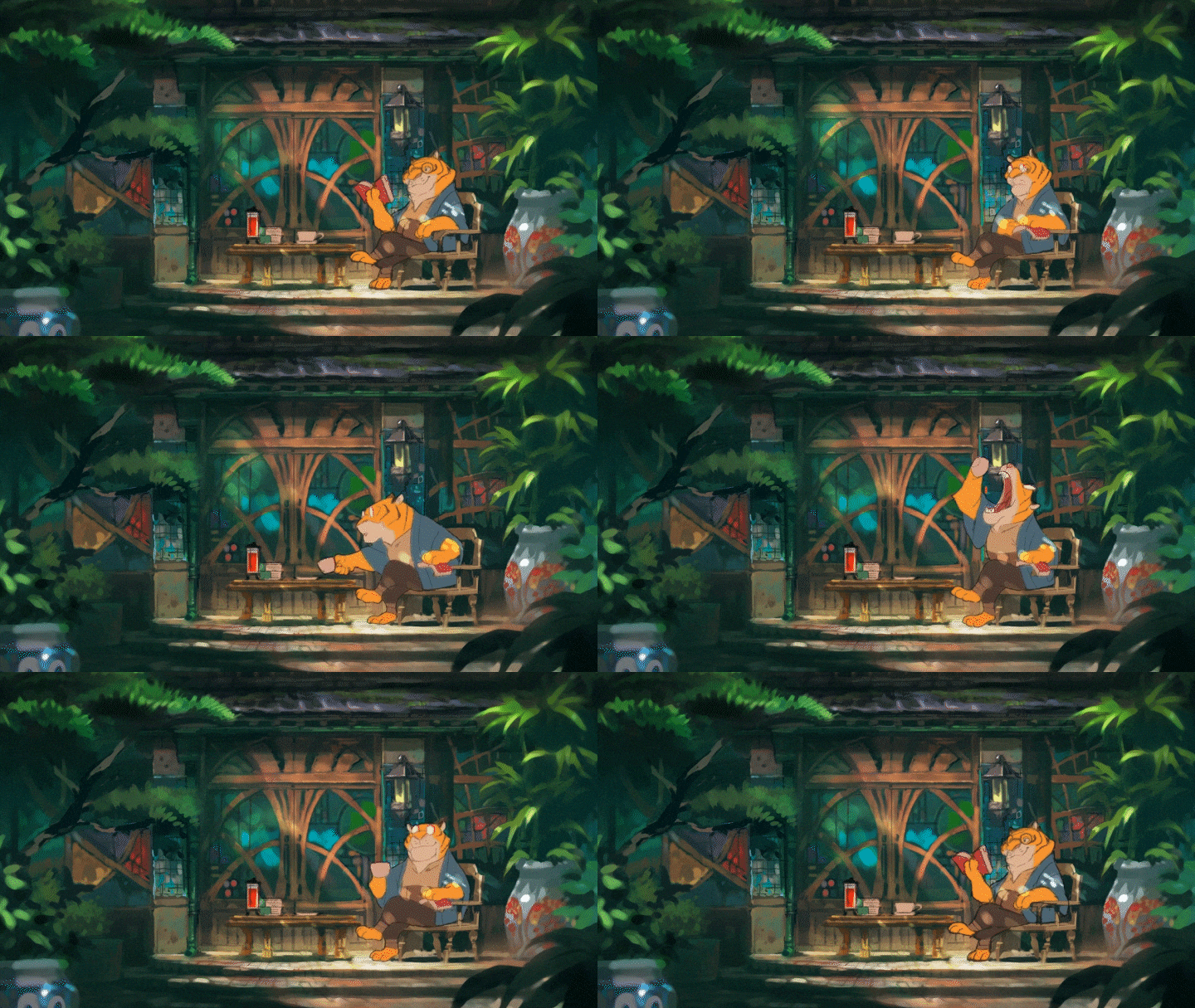
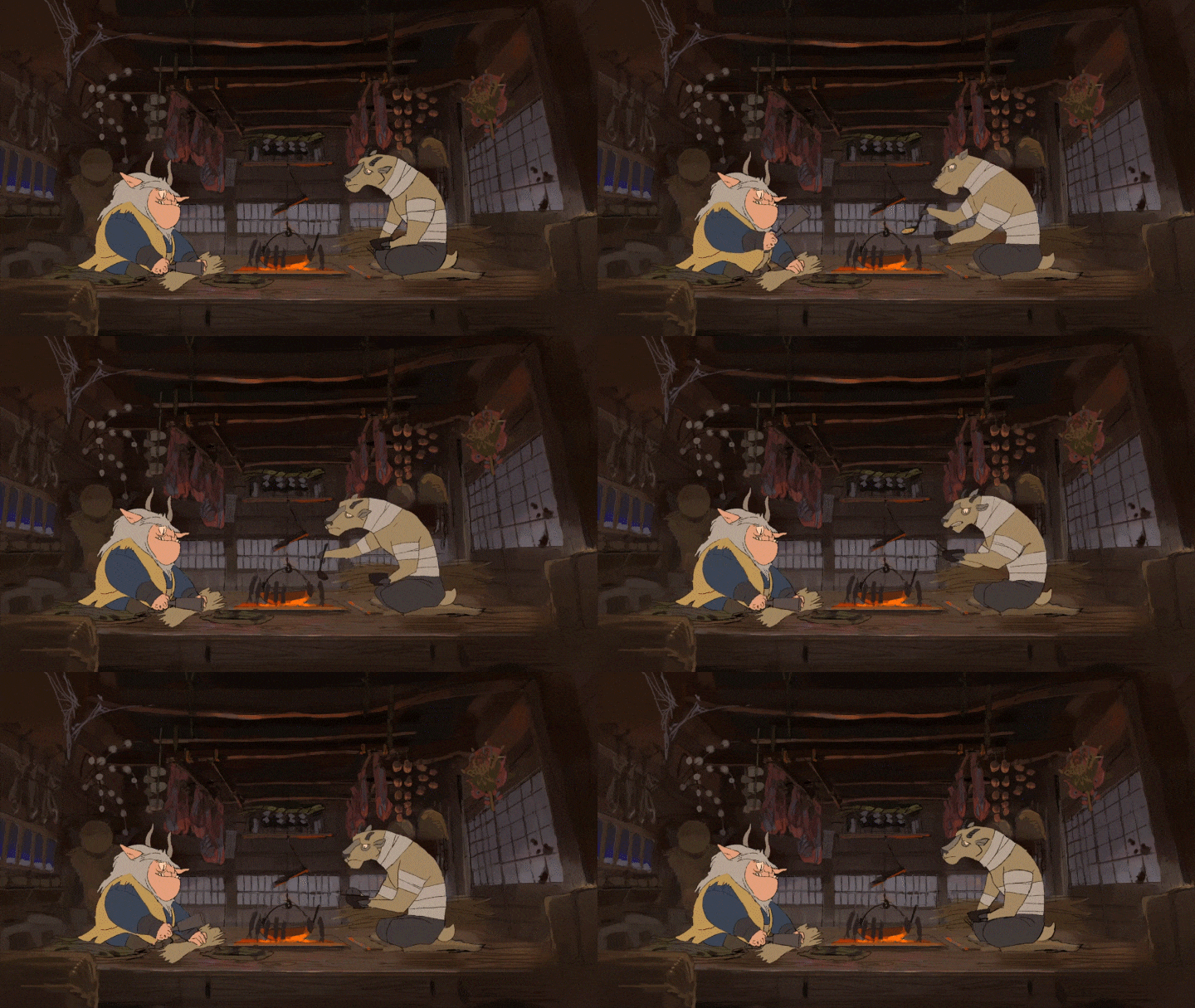
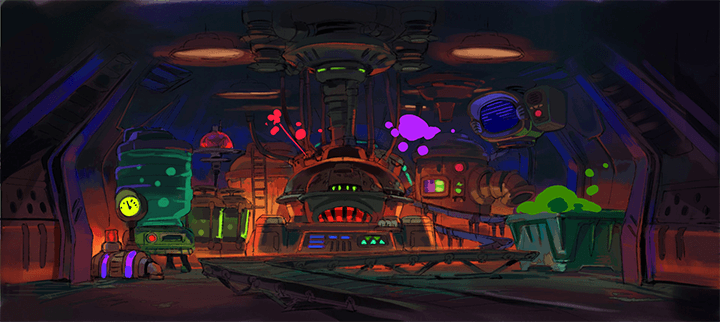
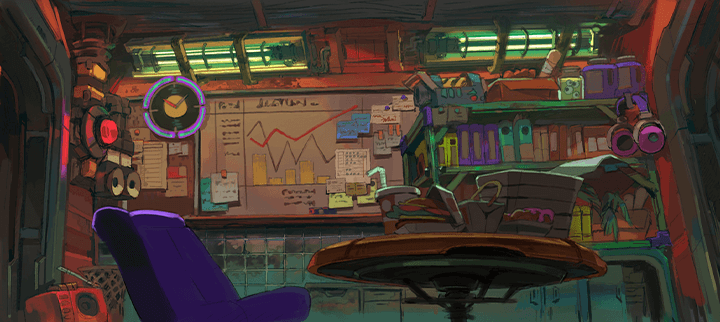
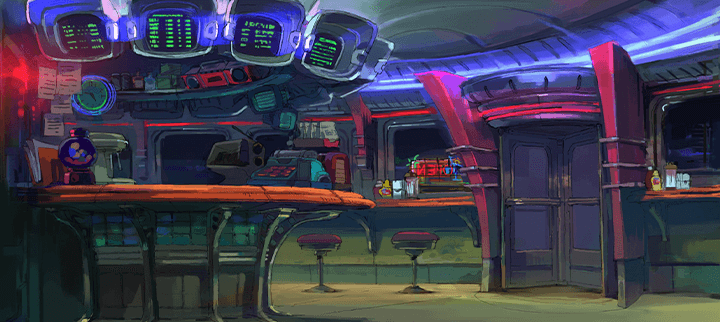
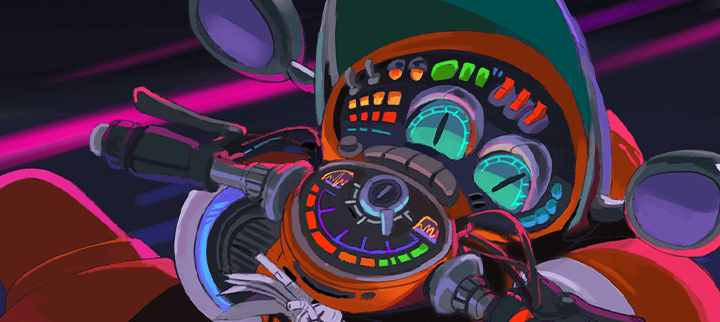
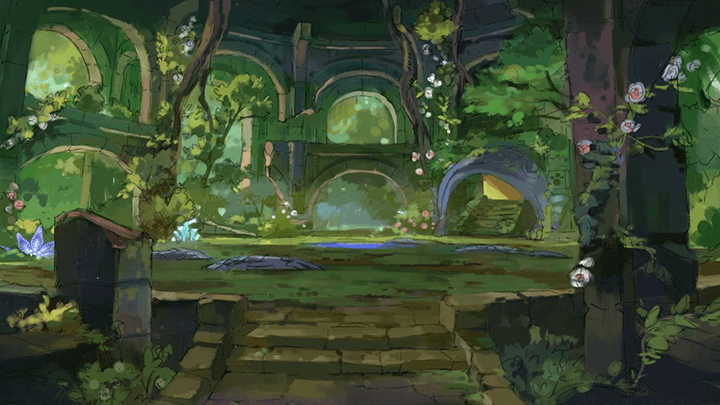
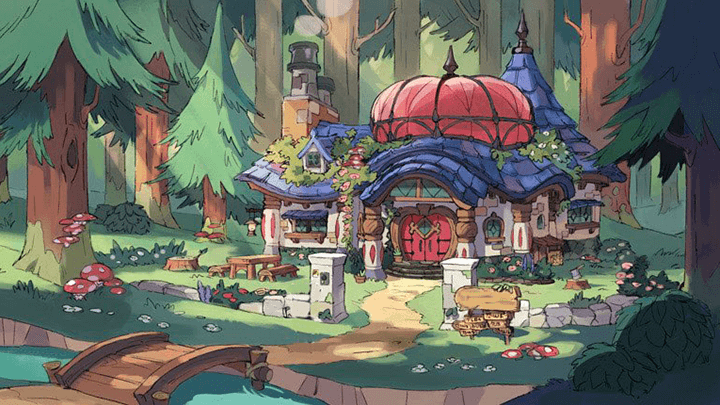
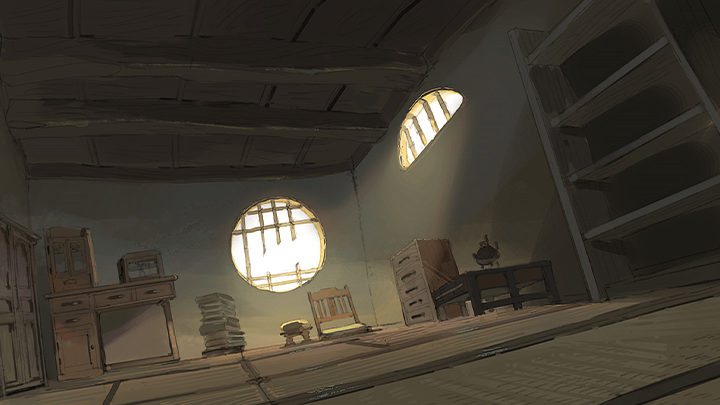
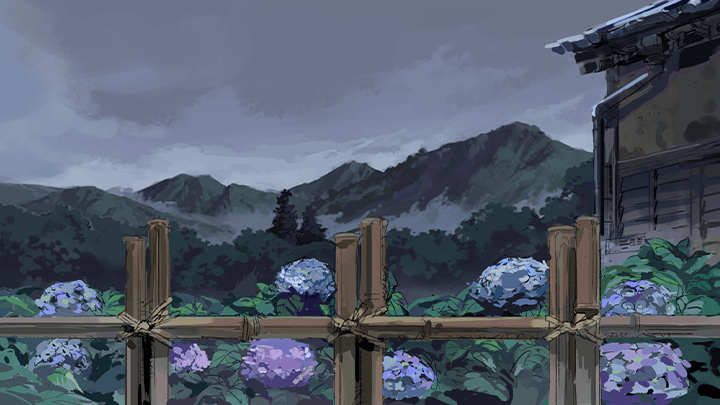
Why Take This Class?
Countless people aspire to work in the animation industry. However, if you want to create an original animated film with a unique style, just knowing how to use the right software isn't enough.
You need to know everything from developing a story and deciding on a concept to choosing the right background and creating natural, dynamic character movements. And that's just the beginning.
Training is vital, but there's a limit to acquiring the skills you need with practice alone. Michinoku-toge will be sharing
key aspects that he feels will help you efficiently improve your skills while offering effective methods and shortcuts.
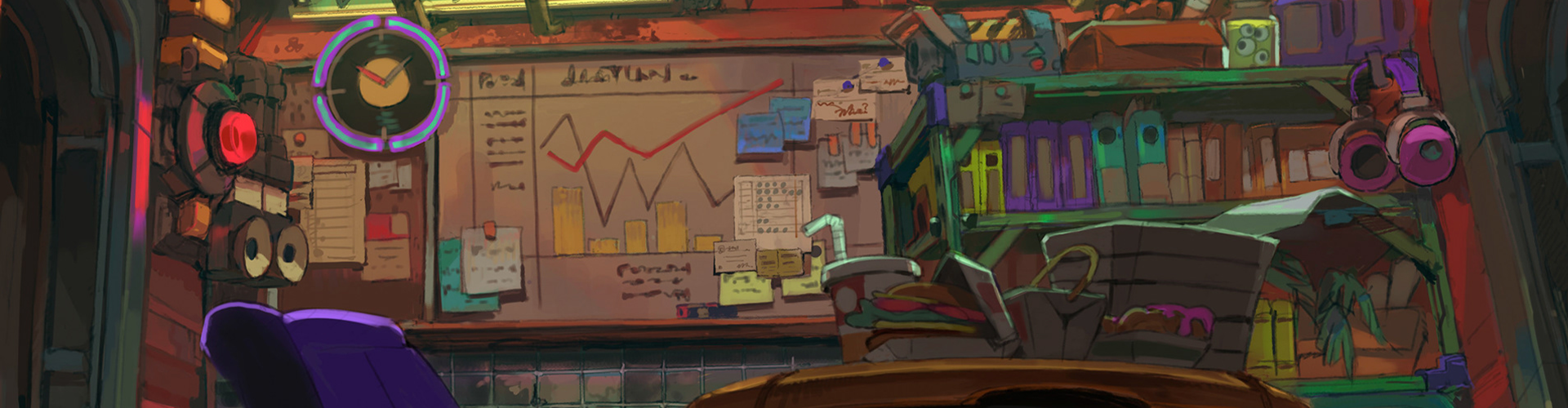
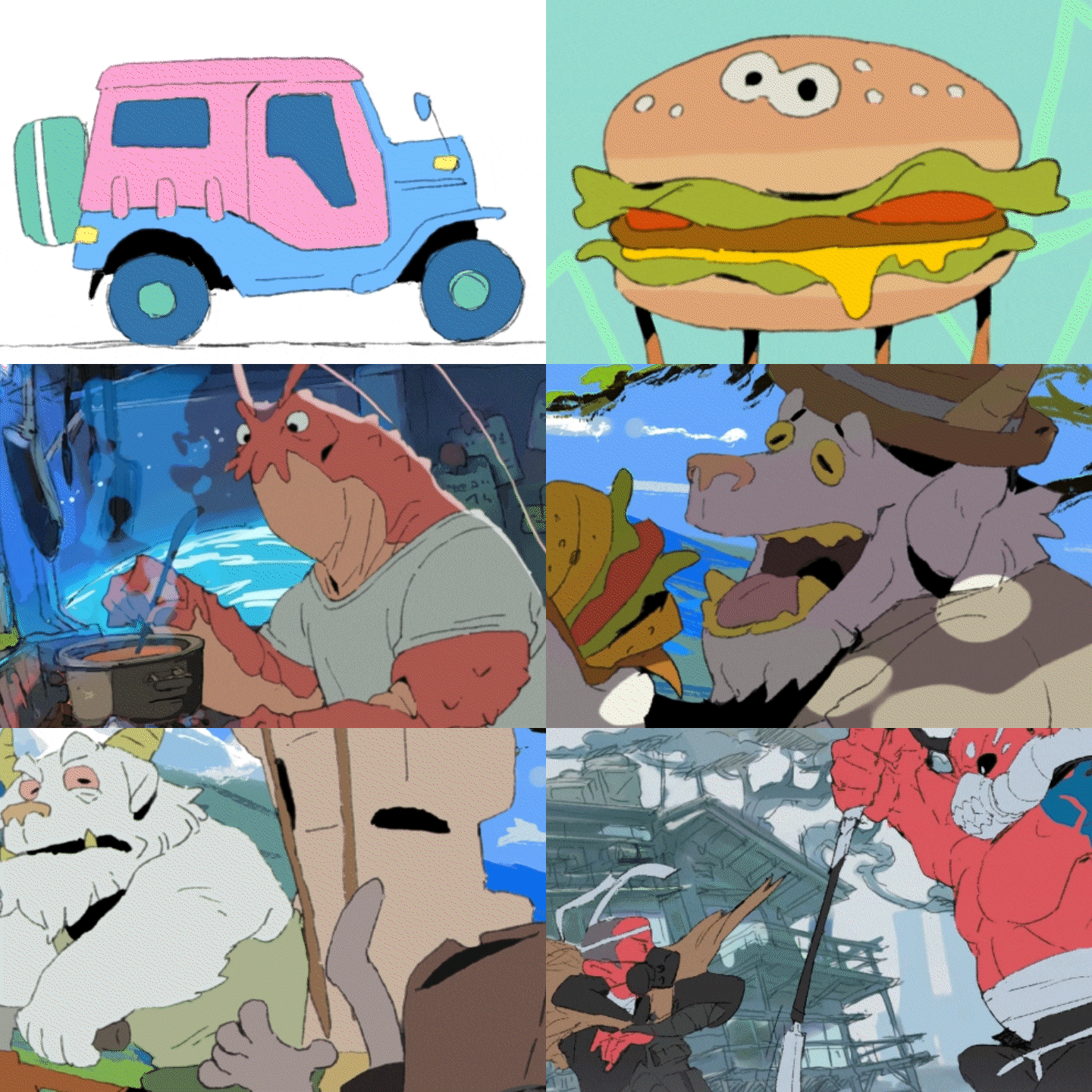
5 Class Exercises
-
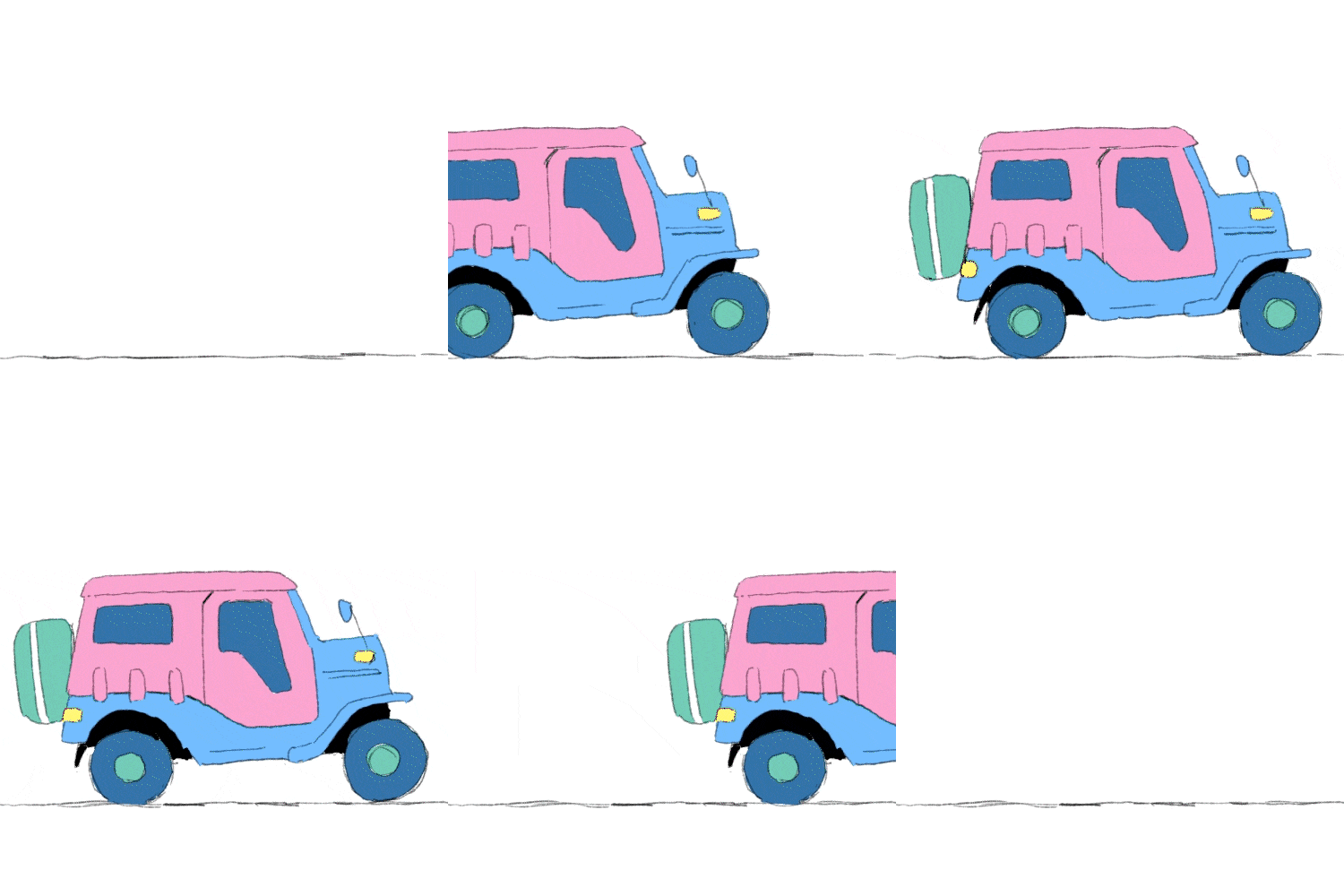 Line Drawing Animation
 -
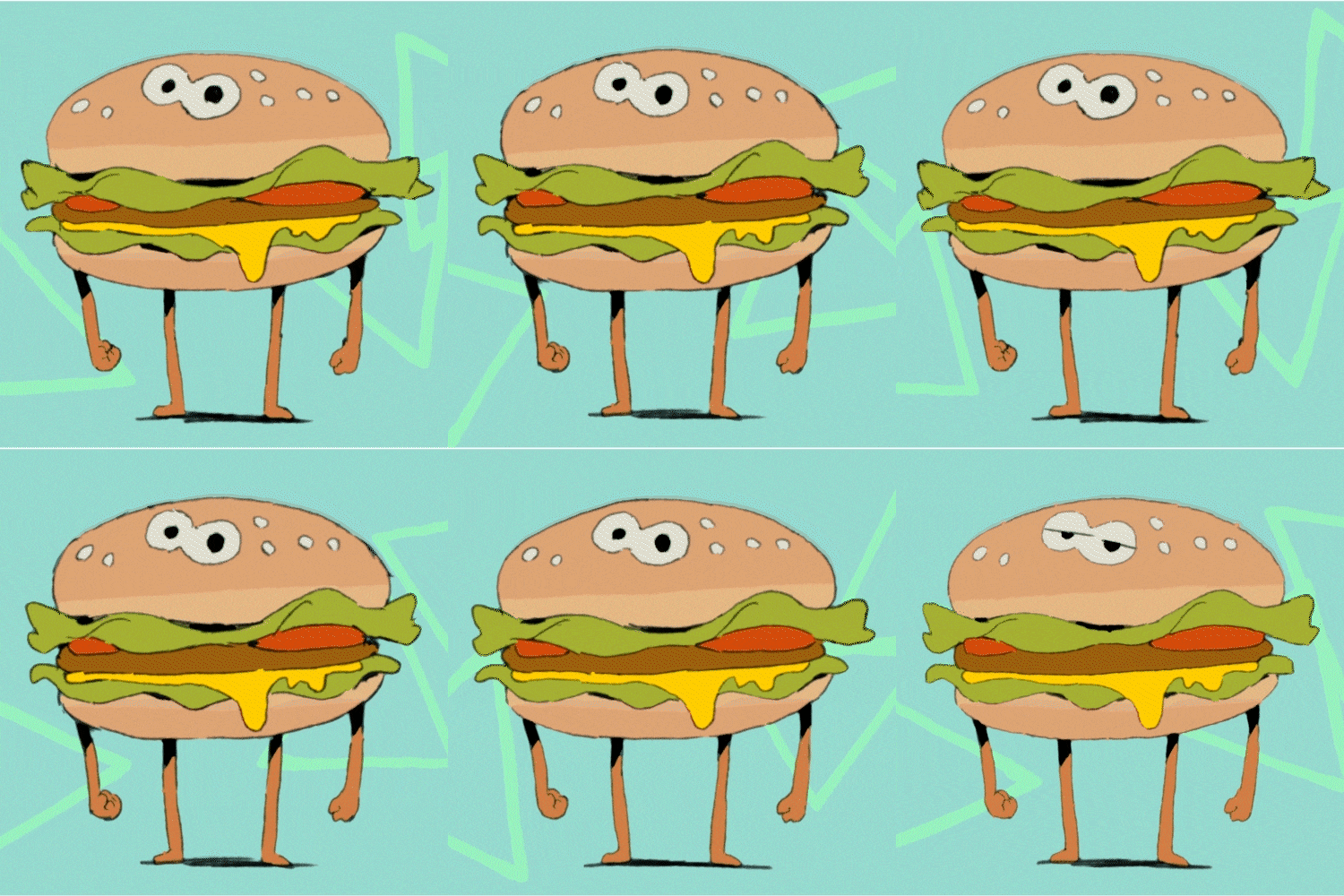 Animating & Rendering Simple Characters
 -
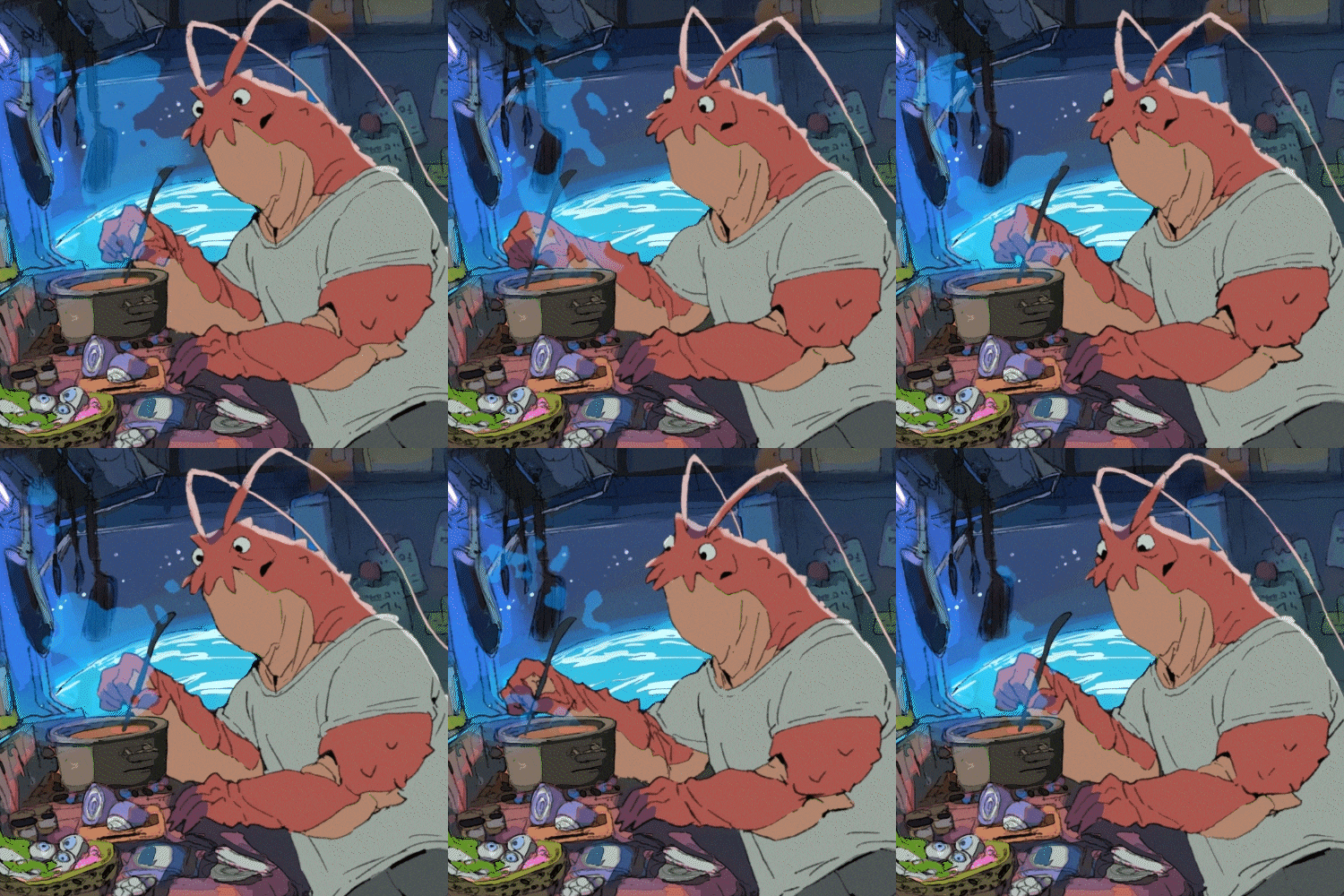 Animating Complex Shapes & Characters
-
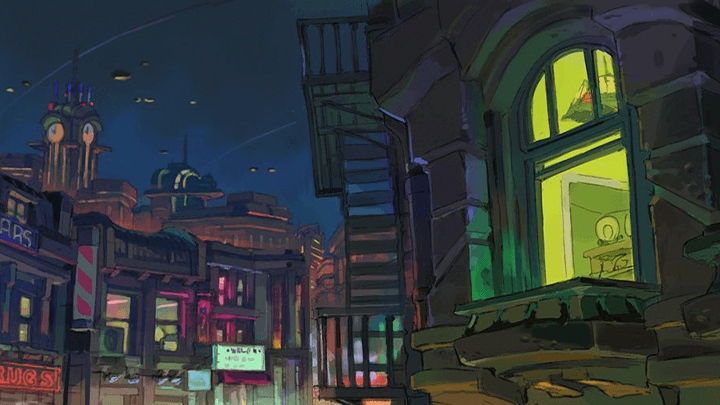
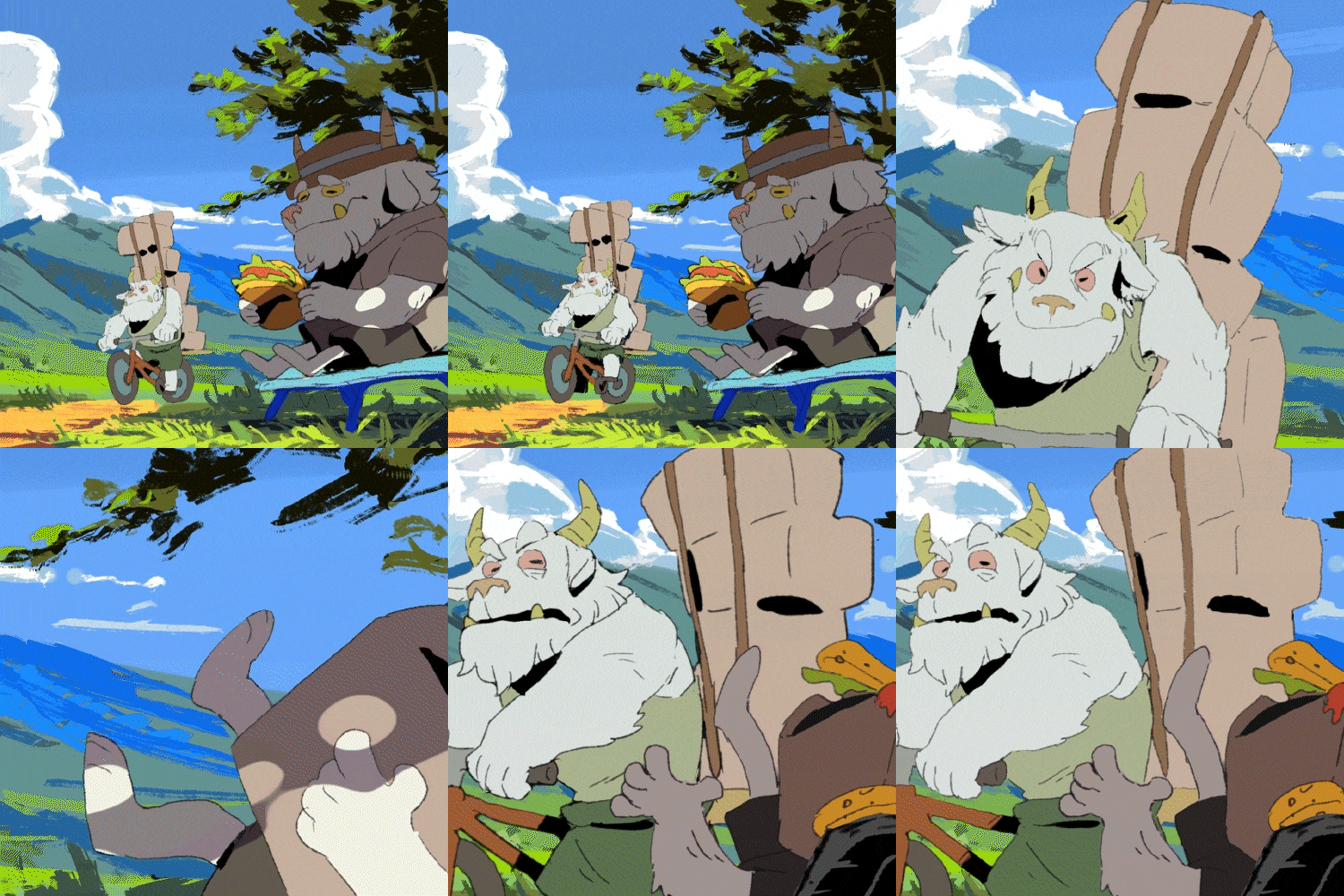 Background Work for Animated Characters
 -
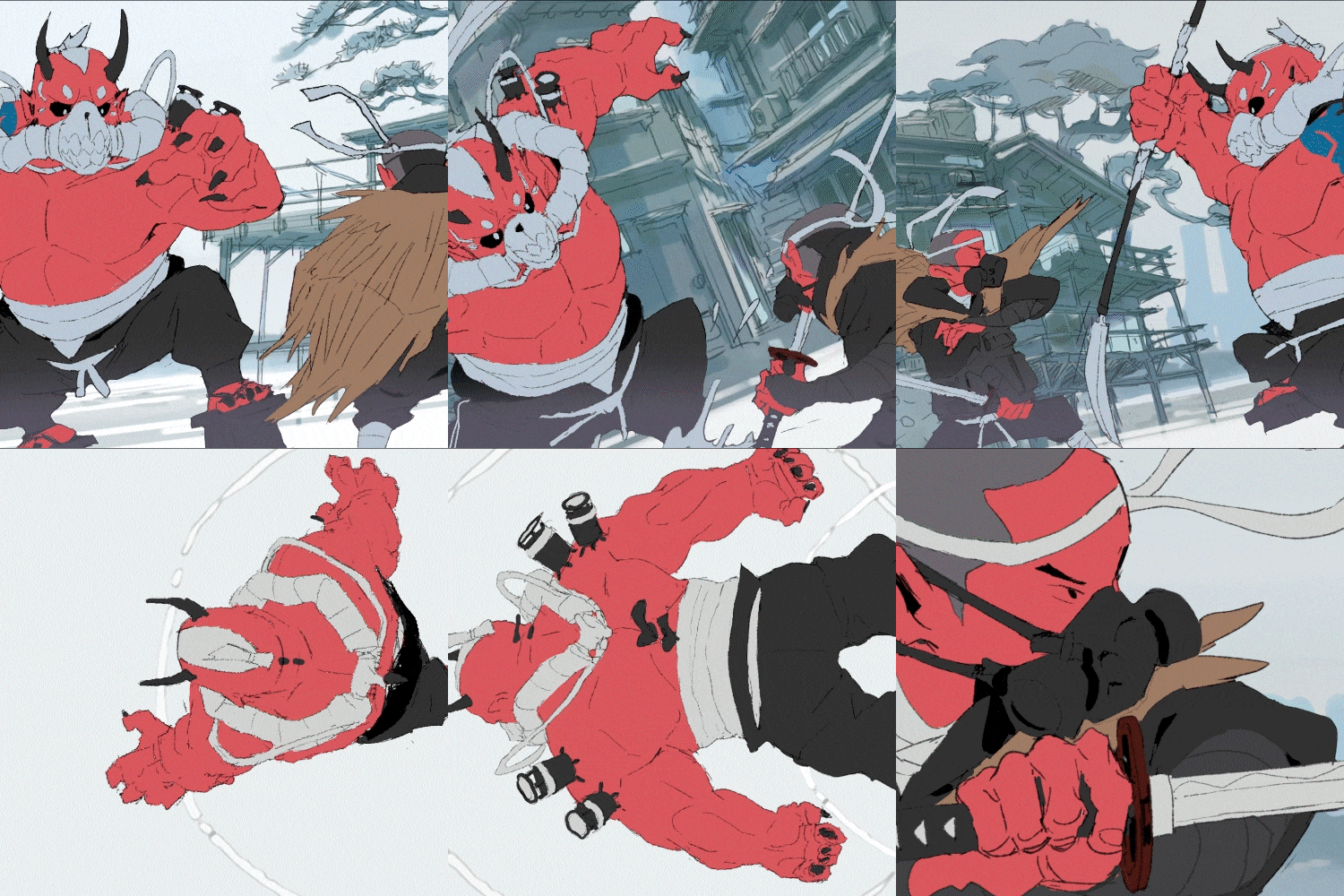 Using Motion Graphs & Efficient Techniques
 -
*These are sample images for better understanding.
Instructor
2D Animator
Michinoku-toge
Hello, my name is Michinoku-toge and I work as an animator and game art designer. I've worked at a gaming company as a concept artist drawing backgrounds and characters. Later on, I decided to use the experience I acquired at my art university to create a wide variety of original content as an animator. Now, I produce animations and do concept design work in a number of consumer games and movies.
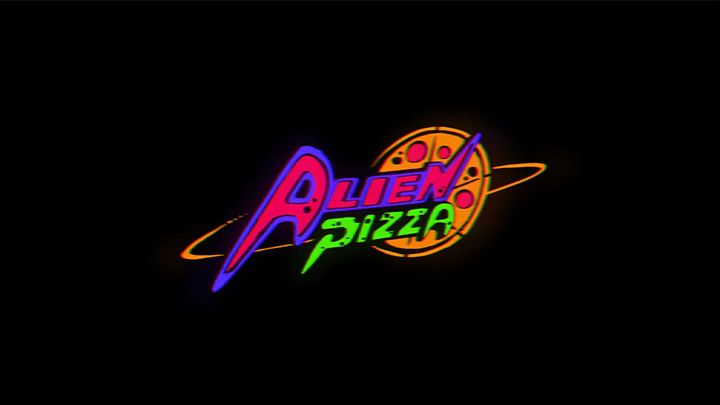
My most famous work is an original film called Alien Pizza. My unique approach to storytelling and composition, combined with my creative take on visual beauty, has been well-received in the industry. This recognition has led to features in, not only the well-known French animation media website Catsuka but a wide range of other social media outlets.
In this class, I will cover everything from the basics to scene construction in 2D animation and teach you the basics of the tools as well as the concepts that you need to know in order to develop your skills.

2D Animator
Michinoku-toge
[Current]
Freelance 2D Animator
[Former]
Concept artist (background /character)
Recognizable
Projects & Awards
[Main Project]
ALIEN PIZZA
Michinoku Pass/Michinoku-Toge
Introduced on the animation information site Catsuka
[Participated Projects]
TV anime "ODDTAXI" non-credit OP (until the title appears)
Snail's House "SUPER GIRL" MV
Urban legend YouTuber "I want to drink milk tea" OP
Don't repeat boredom - Eve MV
Sketchfab "Bike-original0000"
Highlights
Class Highlights
Animation Techniques
Find out how to create a balanced workflow when animating on your own using Clip Studio and After Effects, the basic tools of animation production.
Get a Detailed Understanding By Completing 5 Exercises
Take on 5 animated pieces that will help you gain a detailed understanding of character design and background selection, two skills which are normally difficult skills to grasp.
Learn How to Think Like an Animator
Learn straight from Michinoku-toge, a talented freelancer who got his start at a gaming company. This class consists of 24 chapters and is not only great for aspiring artists but also for those aiming to move onto the next level in the field of animation.
Class Details
You'll Learn
-
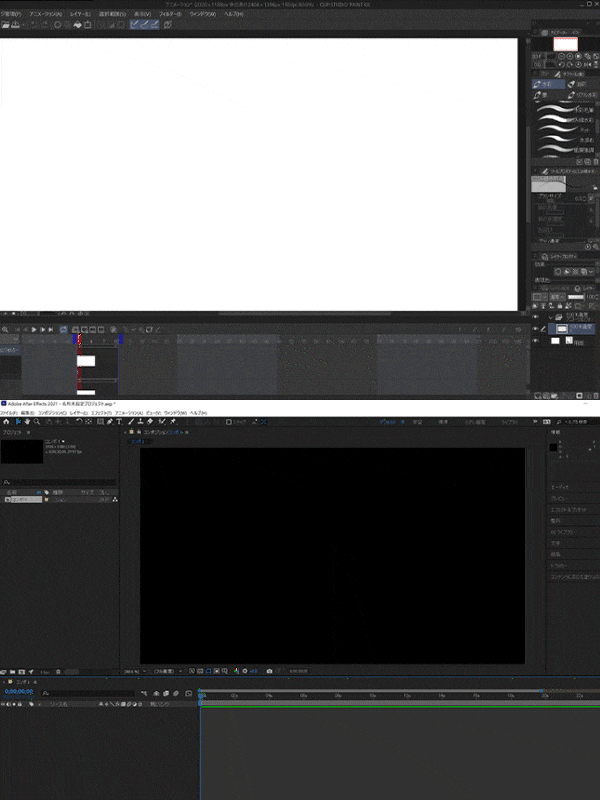 Basic Operation Of Clip Studio and AEYou will become accustomed to creating animation from scratch by going through tutorials and get specific instructions on how to use Clip Studio and After Effects.
 -
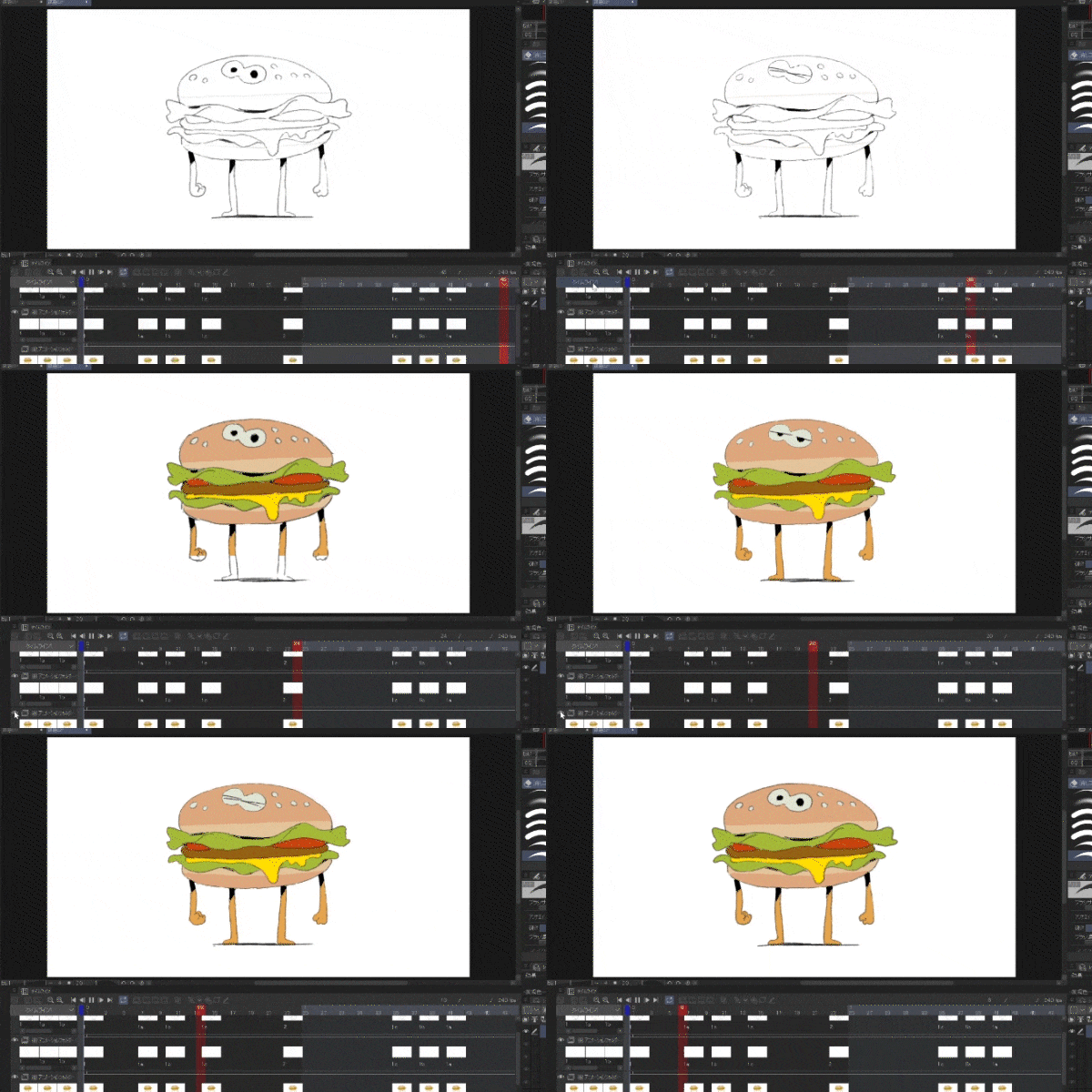 Get to Know Basic Movement Through Character BreathingYou will learn the basics of character design for animation by creating breathing movements with a simple character.
 -
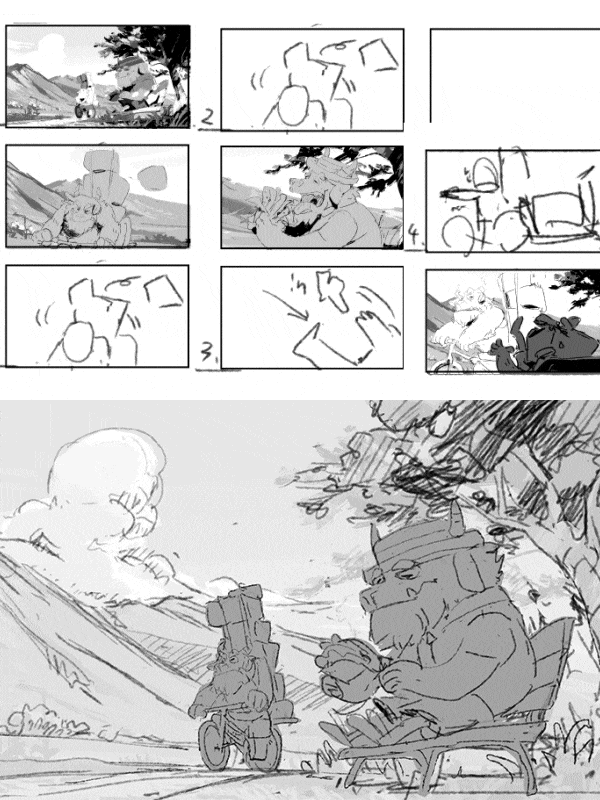 Prepare Character Reference Sheets That Fulfill a Given PurposeLearn about different layouts, storyboards, and background compositions for animation, games, and other purposes.
-
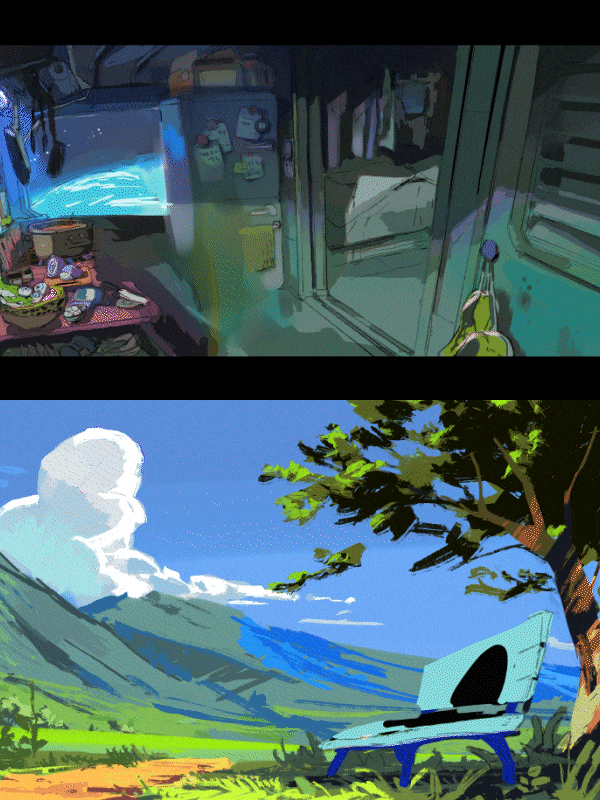 Creating Characters & Animating Them In Different EnvironmentsYou will learn how to render your animation and make it easier to understand what the character is doing by placing them inside various environments, like rooms and nature.
 -
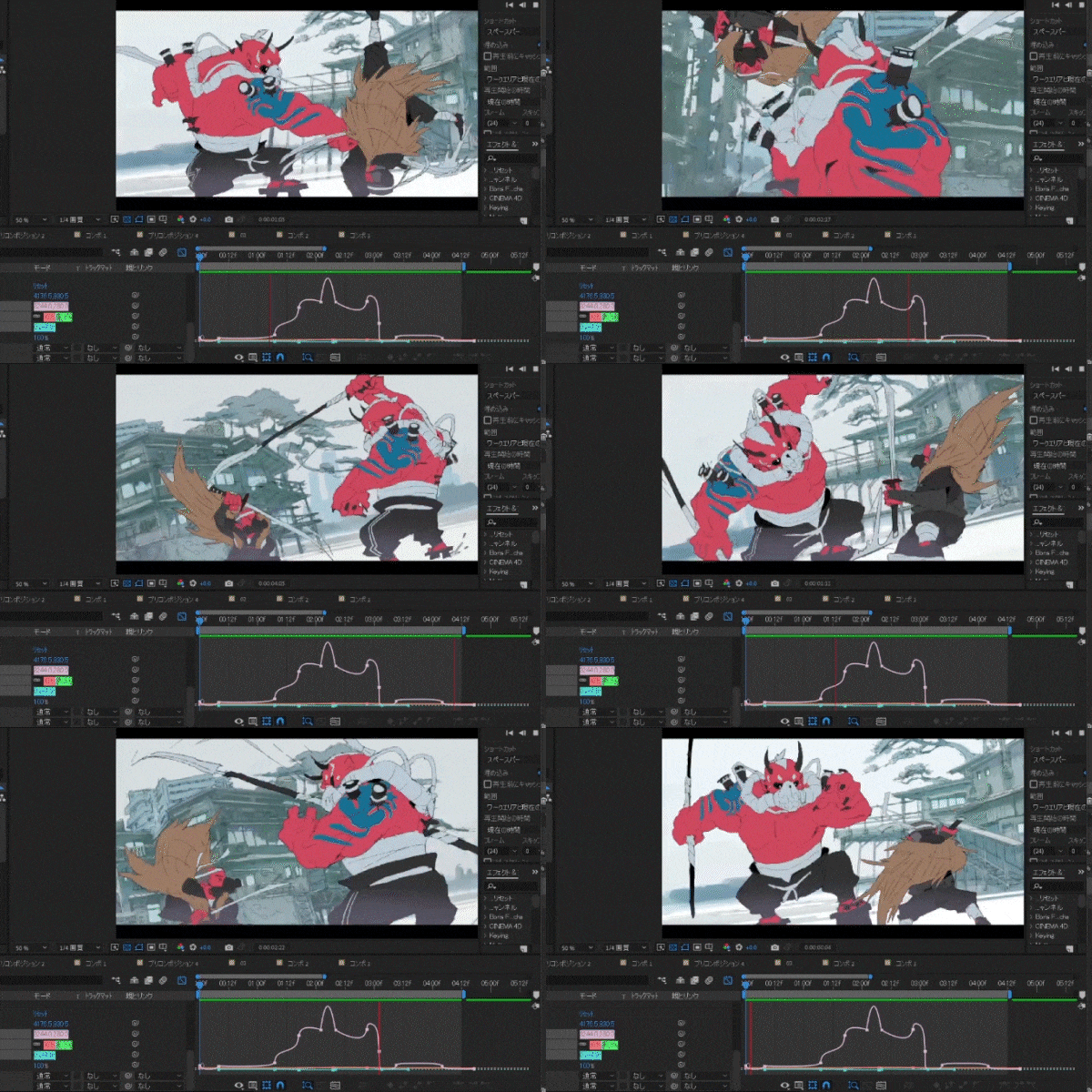 Construct an Action Scene Using Highly Detailed CharactersYou will learn how to draw complex perspectives and actions as well as how to add more details to complete dynamic action scenes.
 -
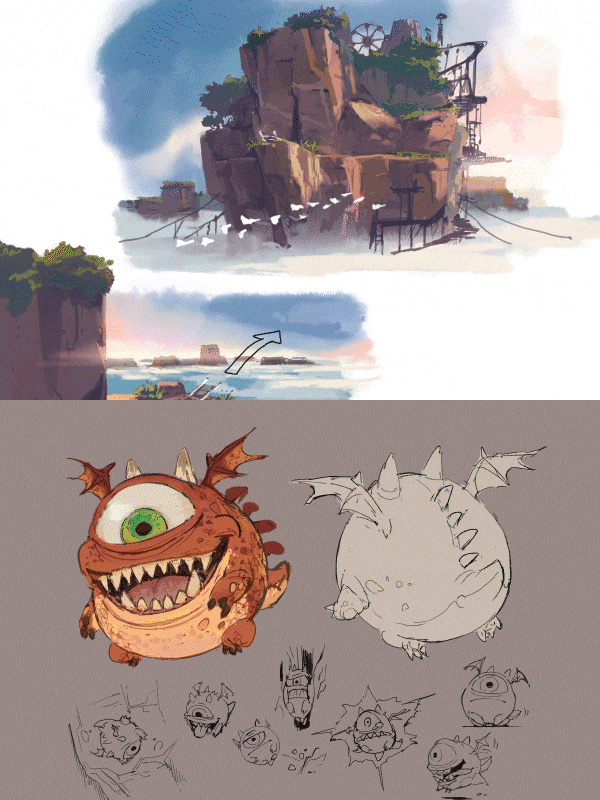 Find Out How to Think Like an AnimatorLearn not only how to create animations, but also how to think and work specifically as an animator.
- Unlimited Access
- Best Price
Buy now, get unlimited access.
12/31 (Sat) (UTC-7) Special offer ends soon.
This special offer ends soon.
Buy now and save!
Curriculum
Curriculum
In-Depth Look
SECTION 01. Basic Operation of Clip Studio and AE
01. Basic Operation of Clip Studio Paint
- Introduction (Chapter Objective, Format, etc.)
- Clip Studio Paint Tutorial
02. Basic Operation of AE
- AE Tutorial
03. Brush Features, Commonly Used Tools, Shortcuts, and Environment Settings
- Preparing a work environment and coping with rapid changes in tools
- Selecting equipment and tools
Section 02. Getting Accustomed to Animation
04. Clip Studio Paint: From Line Drawing to Coloring
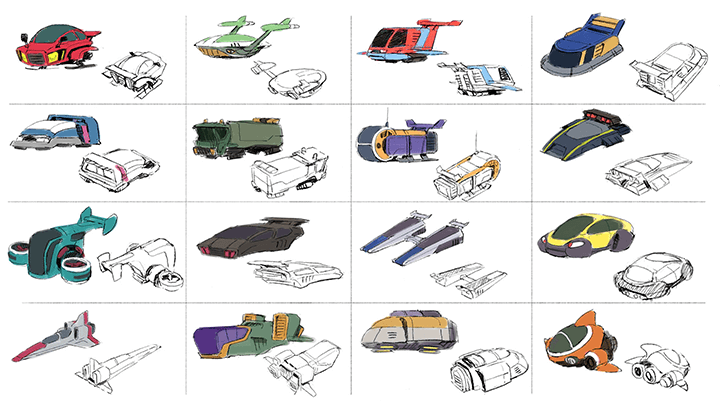
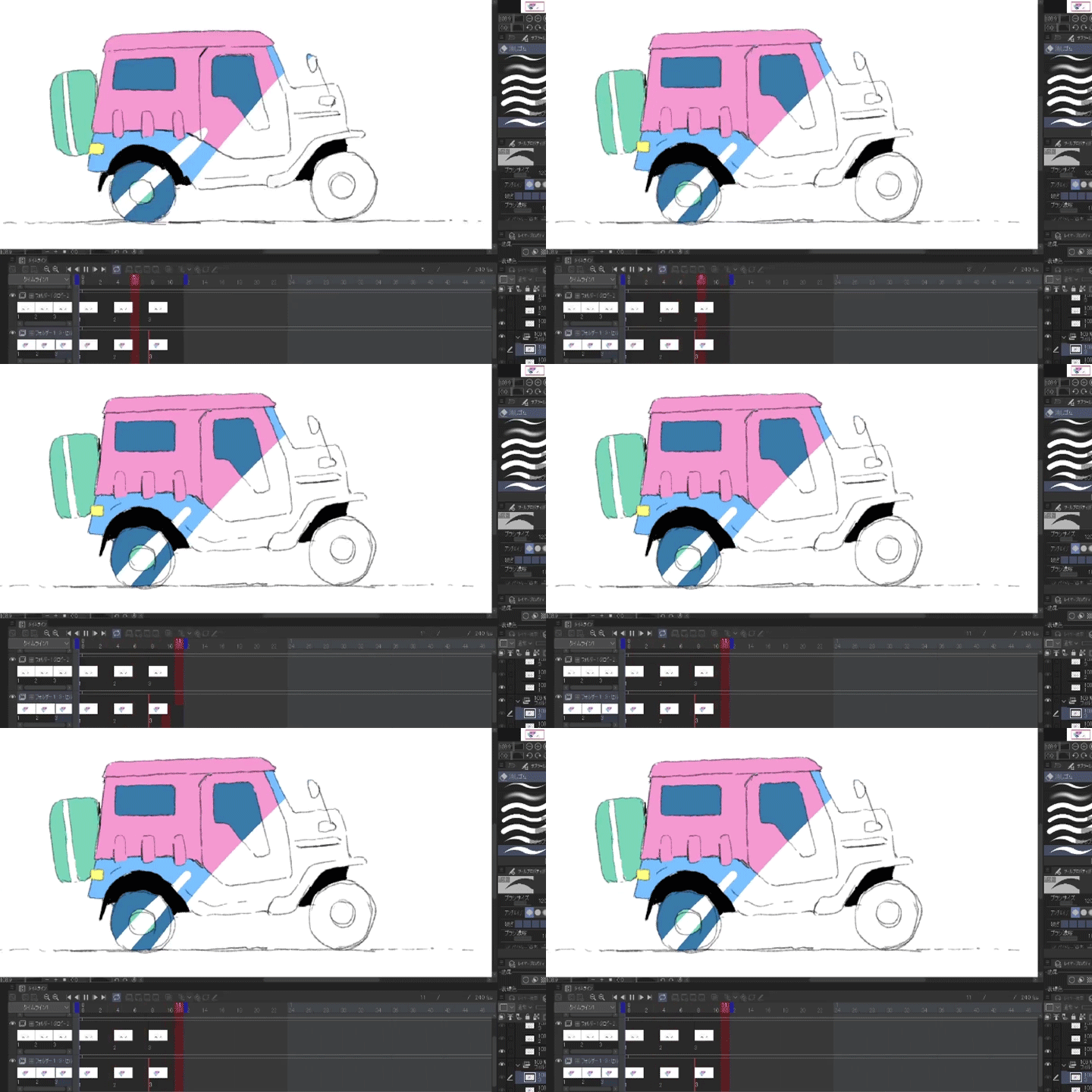
- Drawing and coloring a simple car
05. AE: Importing, Slide Movement, Supplementing Hand-Drawings, and Animating (Rendering)
- The significance of using AE
Section 03. Animating Simple Character Breathing
06. The Entire Workflow Sequence
- Flowchart from conception to visualization
07. Character Design for Animation
- Character reference sheet (elements of character design)
08. Clip Studio Paint - Simple Character Breathing Animation
- Drawing and coloring
- Slow in/out, constant velocity, and squashing/stretching a drawing
- Changing brushes according to your preference
09. Rendering Animation on AE
- Color composition of the screen
- Simple backgrounds
SECTION 04. Animating Characters in a Room
10. Setting up Your Artwork
- Putting together a character reference sheet that fulfills a given purpose for animation and games
11. Screen Layout
- Composition, background drawing, and atmosphere creation.
12. Drawing Characters
- Animating complex shapes
13. Finishing Up with AE
- Filter effects
- Basic file management methods
Section 05. Animating Characters in Nature
14. Storyboards and Video Direction
- Montages
- Jump cuts
- 4-Panel comics (intro, development, turn, conclusion)
- 2-Panel comics (intro + punchline)
- The smallest unit of a story
15. Screen Layout
- Background
- Medium distance
- Composition (landscapes seen from afar)
16. Depicting Natural Objects
- From undercoat to finished product
17. Drawing Characters
- Acting (creating the illusion of movement)
18. Finishing Up with AE
- Masking (detailed explanation of commonly used features such as precomposition)
Section 06. Highly Detailed Characters & Action Scenes
19. Animatics
- Building a framework with AE
- Putting together panning shots (intense motion shots, interactive light focusing, defining camera work from scratch)
20. City Backgrounds
- Techniques for drawing scenes with complex perspectives
21. Drawing Action Scenes
- A collection of techniques related to stylistic beauty and other aspects of drawing
22. AE
- Mastering motion graphs (wigglers, frame drops, etc., motion systems, distortions, etc.)
23. AE
- Useful techniques (such as fire & rain effects)
(Lesser-known techniques, shortening drawing time, handling
plug-ins, shortening application time by processing live-action
animation material, and automatic mid-splitting)
24. The Most Important Thing about Production
- Scheduling: Cost = Time
- Making sure your work is completed
- Boosting motivation
Interview with
2D Animator, Michinoku-toge

Question.01
How does the future look like for 2D animation?
I feel that animators in general tend to focus on line drawing and are therefore unable to cover a wide range of fields. As AI technology continues to eliminate more and more parts of the production process, I believe that the key to survival in this industry is to refine the more creative parts of the process, meaning those that are not automated.
Question.02
Which area poses the biggest challenge for someone studying in your field?
It’s difficult to look at one’s drawing skills objectively, and controlling your feelings on top of that is the hardest part. It’s crucial to look at great examples and use them not to torment ourselves but to improve our skills. I don't see any reason to suffer and stagnate by comparing one’s own work with that of others. I think self-suggestion, positive reaffirmation, and keeping up your motivation are the most important parts of the creative process.
Question.03
What was the most difficult part of your study,
and what efforts did you make to solve it?
While studying, I like to keep in mind the ideas of controlling your feelings and learning/taking from good examples. In a sense, I've managed to get rid of my habit of giving up easily as well as my pride and desire for attention. I’ve been consistently working hard to improve my skills by copying others. I believe that one step toward improvement is not only to have someone teach you, but to learn with the mindset of taking their skills for yourself.
Question.04
What makes your class different from other classes?
In this class, you will learn animation techniques as well as design elements, creative elements, and methodologies. Also, division of labor is the norm in animation production. That means that this field is one where it’s difficult to find a jack of all trades. It is also necessary to look at the balance of the entire work process when creating animation. This class will also teach you how to develop your ability to assess the general flow of production.
Required Programs
This class uses Clip Studio Paint EX (ver 1.5.0 or higher) and After Effects.
Please purchase and install these program(s) for an optimal learning experience.
*These programs and/or materials will not be provided with the class.
Recommended
Recommended Class
Like this class?
Then check these out!