
live2dmodeler,xeapher Details
Intro
Class Intro
Live2D Modeler, Xeapher
"I'll be breaking down the full process to create more expressive avatars, add flowy physics, and set up custom toggles"
Draw, Cut, Rig and Chibi-fy
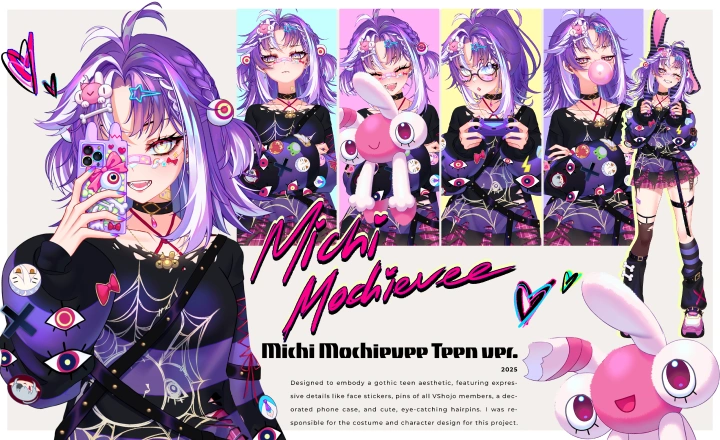
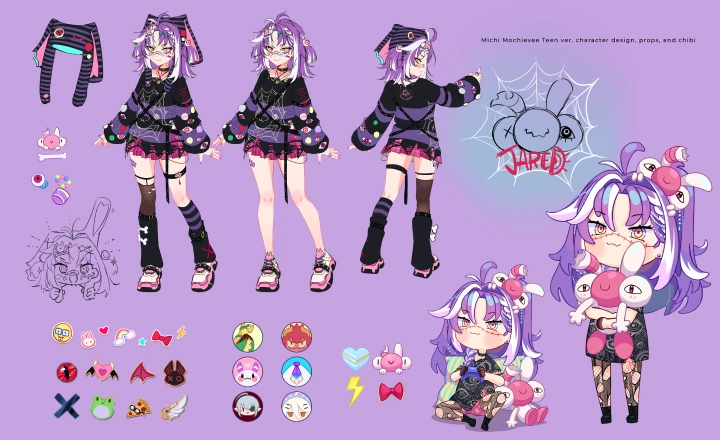
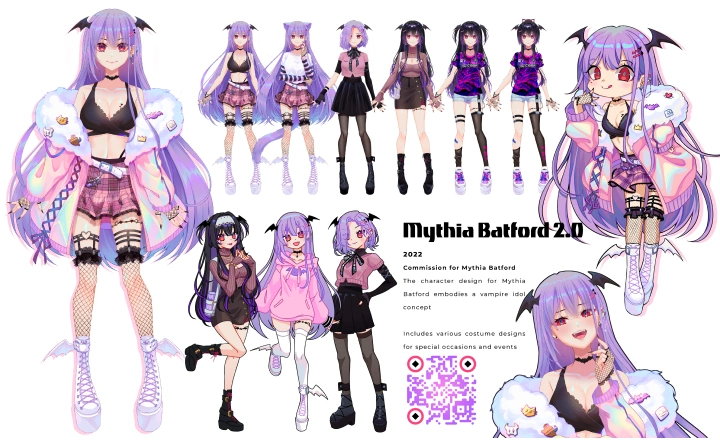
Learn Live2D from Xeapher, a professional Live2D artist and rigger with years of experience bringing characters to life. Xeapher has worked with Live2D Inc. and has created models for major VTubers like Mythia Batford, MAHA5, and Michi Mochievee.
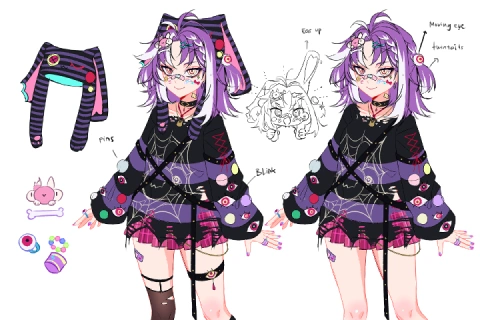
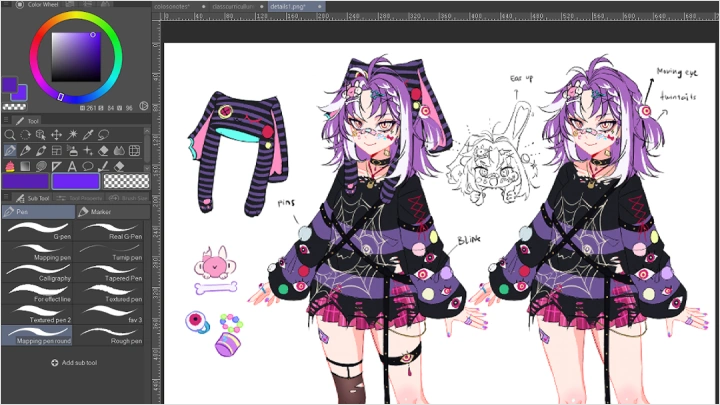
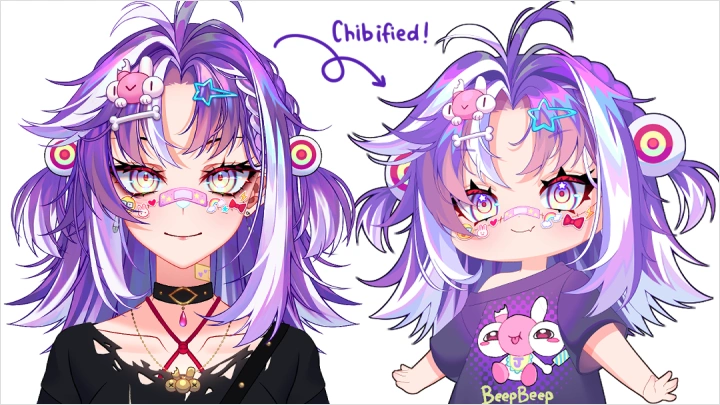
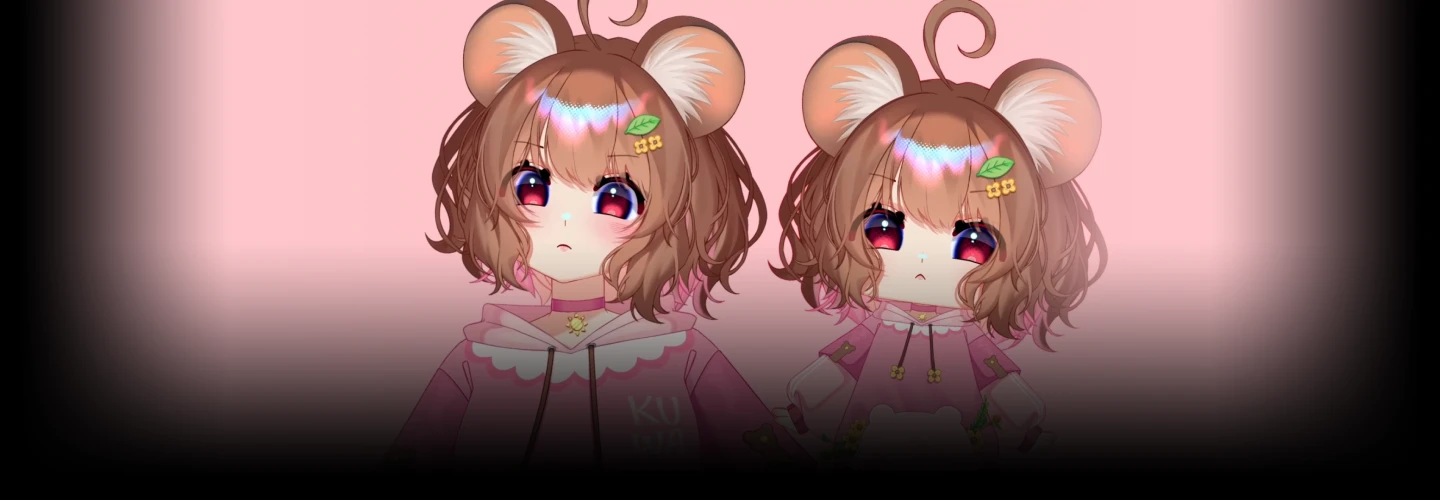
This 26-chapter course will guide you through every step of creating a VTuber model. You’ll learn how to sketch and clean illustrations, cut parts precisely, and master the fundamentals of rigging. The fun twist of this class is that you’ll also create a chibi version of your character. It’s going to be a cute, playful alternative that adds an extra personality on stream, letting your viewers adore the cuter side of you.
Practice poses, expressions, and movements while applying Live2D techniques and design know-how with various hands-on exercises. Later, you’ll have four finished projects: a rendered illustration, a fully rigged model, a chibi version of your model, and a showcase animation. With what you learn and with just a bit of effort, you’ll be ready to bring your VTuber to life. From there, start taking commissions and kickstart your journey in the VTuber industry!
Practice poses, expressions, and movements while applying Live2D techniques and design know-how with various hands-on exercises. Later, you’ll have four finished projects: a rendered illustration, a fully rigged model, a chibi version of your model, and a showcase animation. With what you learn and with just a bit of effort, you’ll be ready to bring your VTuber to life. From there, start taking commissions and kickstart your journey in the VTuber industry!
Class Preview
Still Not Sure?
Check Out Xeapher's Class Preview!
Chapter 20.
1. Full body to chibi transition breakdown
2. Chibi face and body reshape
2. Chibi face and body reshape
Class Perks
Special Gift from Xeapher
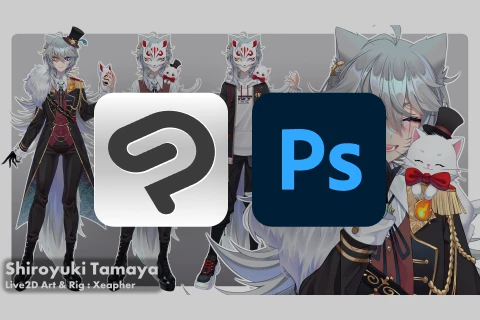
Body Template Sample
- Body template in .clip/.psd format
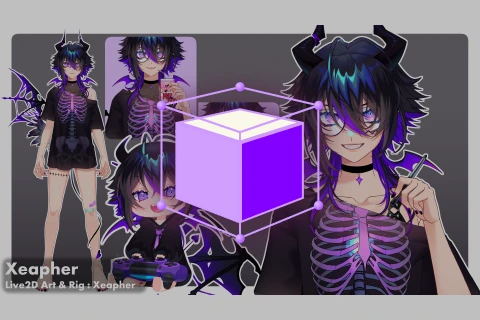
Ready to Rig Live2D Model Sample
- Live2D model sample in .psd format
Rigged Study File
- Class study files in raw Live2D project format
Exported Model Files
- Ready to be used VTube Studio files
Recommendation
Who should take this class?
Artist and Digital Illustrators who want to bring their art to life. Perfect for artists who want to turn their static illustrations into expressive, animated characters using Live2D, from sketch to final rig.
Aspiring VTubers who want a unique, personal model. Ideal for creators who wish to design and animate their own Live2D avatar with expressive movements and adorable chibi toggles that enhance on-screen personality.
Freelancers and Rigging Enthusiasts aiming to expand their skills. Perfect for understanding the full Live2D workflow. This class covers model preparation, part separation, and rigging, helping you deliver professional-quality works and attract new opportunities.
Expert Live2D Modeler Xeapher's Portfolio
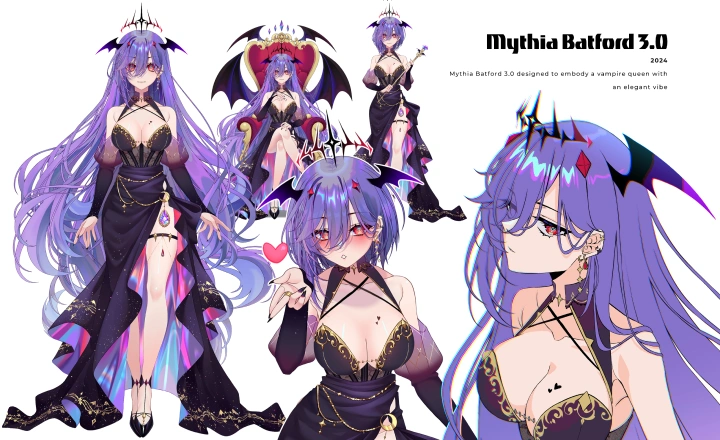
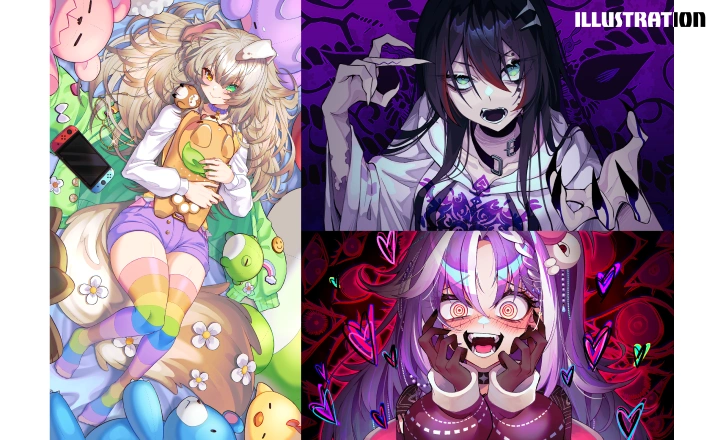
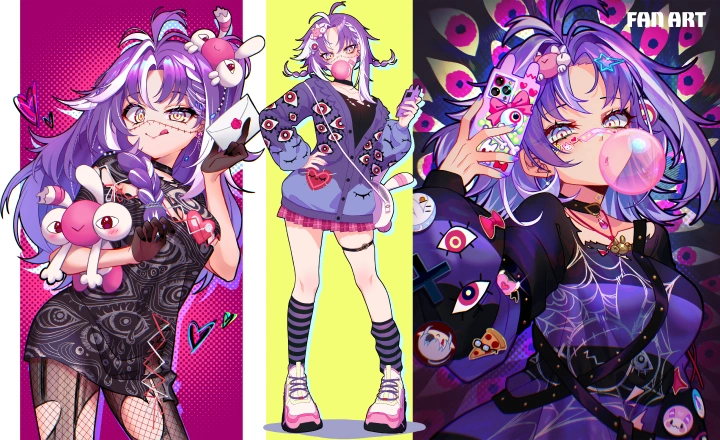

Why Take This Class?
Looking for a practical way to create your own VTuber model? Then this course is the one for you. Xeapher brings years of professional experience as a Live2D artist and rigger, combining proven teaching skills in this all-inclusive course.
Xeapher walks you through a personal workflow, clever problem-solving strategies, and rigging techniques that even beginners can pick up. You’ll also learn how to cut parts properly and create a chibi toggle that's just too cute to handle. Make your characters more expressive, flexible, and most importantly, ridiculously adorable.
Live2D is not just about getting images to move. Xeapher believes it's more about bringing out the emotion, personality, and charm that make your characters feel alive. By the end of this course, you'll be able to create VTubers that people will love and remember, characters that can become a viewer’s best friend on stream.

Get Ready for the Real-World
13 Class Exercises
-
Rough Sketch of VTuber Model Art
-
Finalized VTuber Model Art
-
Eyes & Brows Rigging
-
Mouth Rigging
-
Angle X, Y, Z Rigging
-
Body Z Rigging & Breathing
-
Head Physics
-
Body Physics
-
Expressions & Handpose Toggles
-
Chibi Toggles
-
Idle Animation
-
Exported VTube Studio File
-
Video Showcase
Final Product Examples
-
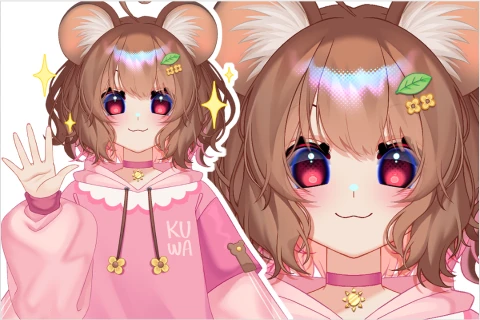 Rendered Live2D Model ArtA fully illustrated and polished VTuber model created from scratch, complete with clean part separation and proper naming.
 -

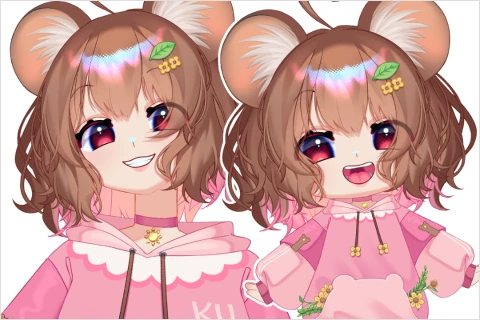 Fully Rigged Live2D ModelA complete Live2D rig with expressive facial movements, smooth body animations, physics setup, and optimized parameters that work seamlessly in VTube Studio.
 -
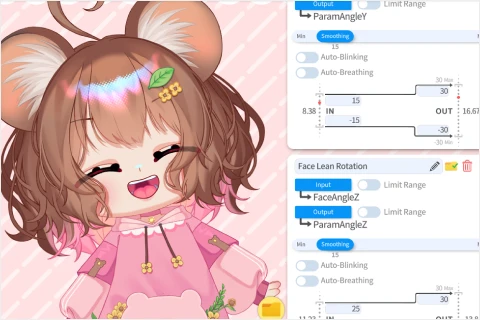 Chibi Toggle VersionA fun, adorable chibi version of the model, including the transition rig and additional parts. This cute toggle enhances personality, stream appeal, and viewer engagement.
Showcase Animation
A short showreel demonstrating the model’s expressions, movements, physics, and chibi toggle.
Perfect for your portfolio, social media, or presenting the final result of your work.
Highlights
Class Highlights
In-Depth Pre-Rigging Setup
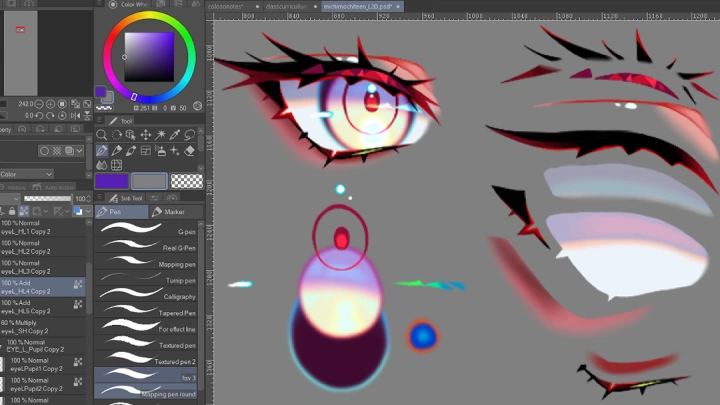
Learn to plan your Live2D model the right way—from character design and clean model cutting to naming and organizing layers properly. Prepare expressive toggles and optimized parts that make the rigging process smoother.
Making Characters More Expressive
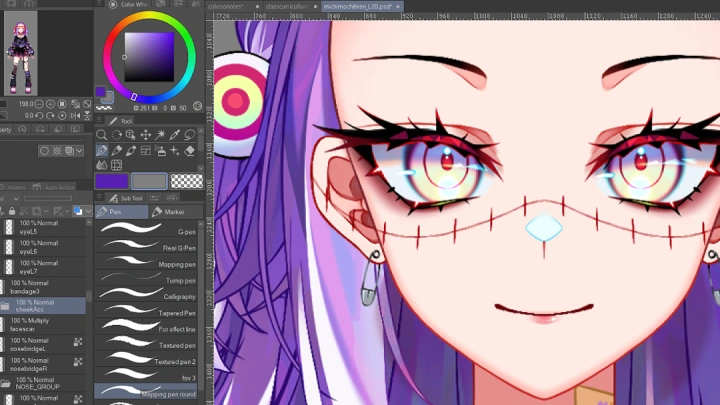
Add depth and emotion to your VTuber with detailed facial expressions. Discover how to use VBridger parameters for natural, responsive face tracking that brings every smile, blink, and subtle movement to life.
Adding a Fun Chibi Toggle
Give your model extra charm with a cute chibi transformation! Learn how to design and rig smooth transitions between full-size and chibi versions to enhance your VTuber’s personality and on-stream appeal.