Live2DArtist,Kiru Details
Intro
Class Intro
Live2D Artist, Kiru
"This class covers everything you need to know for creating a fully-rigged model from scratch, leaving you with a ready-to-use VTuber model perfect for livestreaming. I'll be providing you with all the insights I wish I knew when I was starting out but couldn't find the resources for when I was still learning."
Enter the Limitless World of VTuber Creation with Live2D
Tailored for all artists and VTuber enthusiasts, well-experienced Live2D artist Kiru offers you a roadmap to master the art of VTuber creation, from sketching to complete VTuber animation.
This class provides invaluable insights and practical skills while delving deeply into rigging and physics in Live2D.

Kiru's hands-on approach will teach you the skills necessary to create and bring your character to life. With a combination of rigging techniques and industry insights, this course will help you learn how to transform your illustrations into dynamic and attractive VTuber characters. Hop on this journey for a comprehensive course and maximize your creativity in the trending world of VTubers!
Class Perks
Get These Coloso Exclusives
-
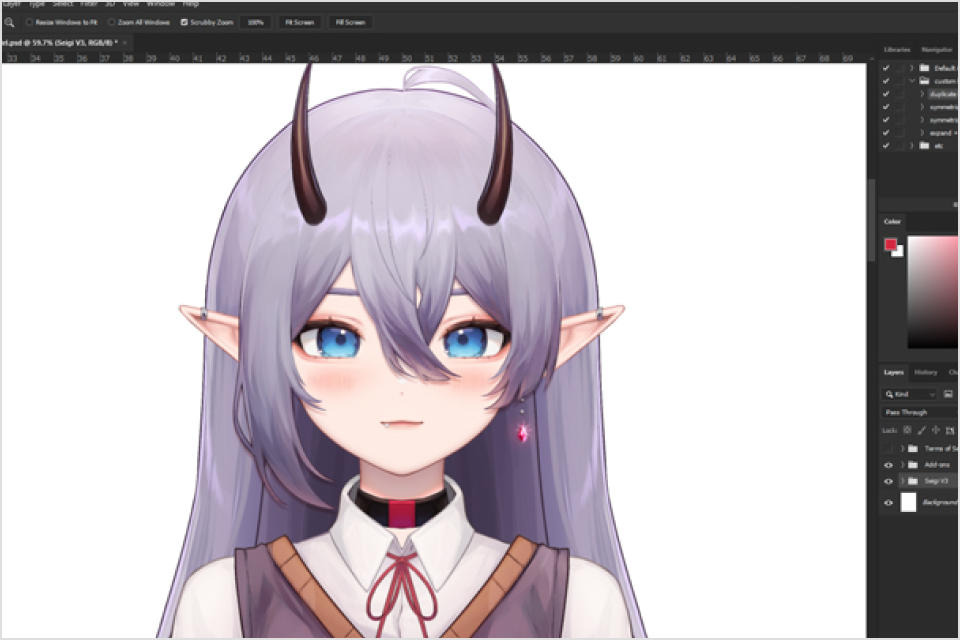
Model Illustration Speedpaint & Exercise Sheets -
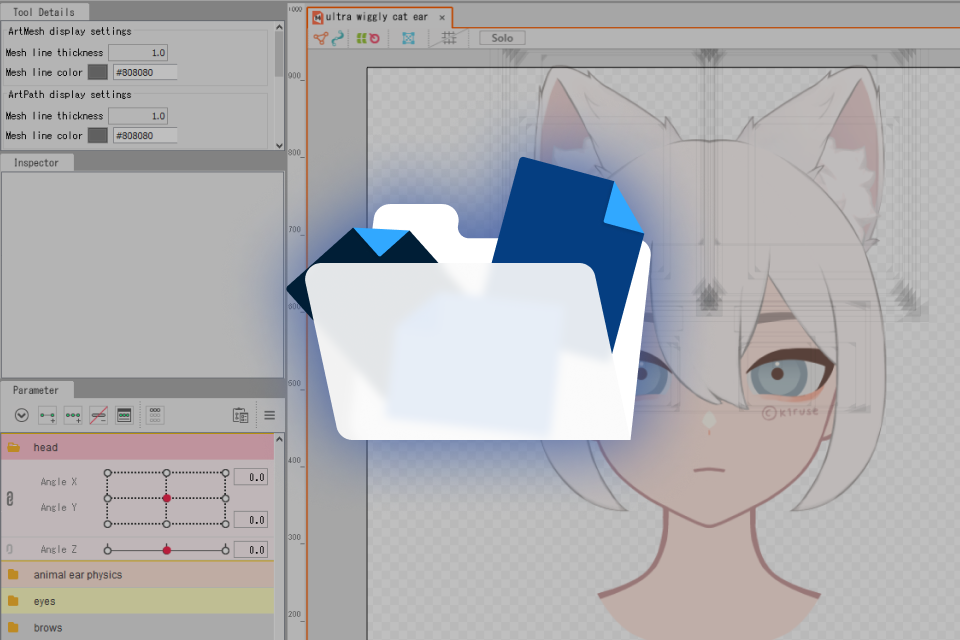
Kiru's Store Live2D & PS Resources -
Ready-to-Rig Model PSD for the Class
Class Material Details
-
 Model Illustration Speedpaint & Drawing Exercises- Fast-forwarded model drawing video
- Simple character design exercise
- Layer separation exercise
- Hair shading exercise -
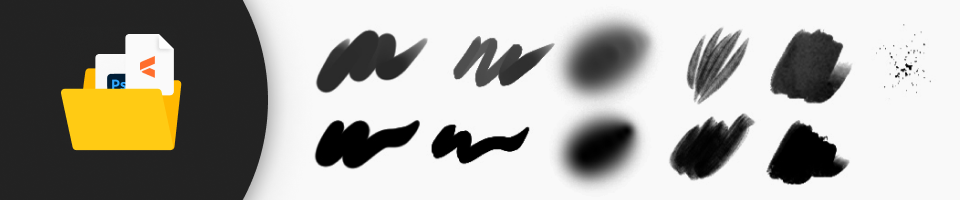 Kiru's Store Live2D & PS Resources- PS custom actions
- PS brushes
- Live2D base parameters
- Live2D physics Settings
- Live2D “Cat ears + Head angles” study file -
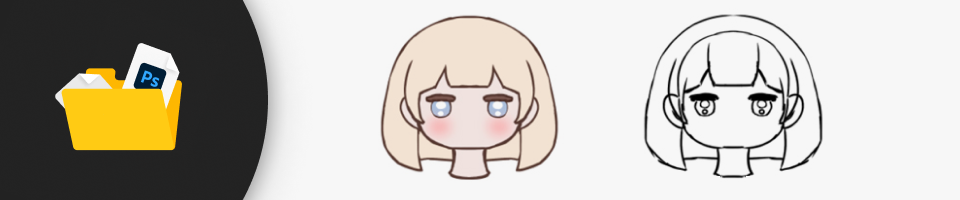 Complete VTuber Model PSD- Including separated layers
- PSD with proper layer names
- Simple expression and pose layers
Expert Live2D Artist Kiru's Portfolio
-
 Lilpoogi
 -
 Bing Hayu (Illustration by @Michelan_0)
 -
 Monchi
 -
 Powdur
-
 Valak
Valak -
 Foxplushy
 -
 Kiruse
 -
 Orenda


Why Take This Class?
Learn How to Master Vtuber Creation Using Live2D
and Build Your Own Freelancing Career!
Start planning your freelancing journey by enrolling in this class. Gain practical skills, commissioning insights, and the secrets behind crafting expressive VTuber animations. Whether you're an aspiring illustrator or VTuber enthusiast, this course will open the gateway to personalized rigged models and potential career opportunities within the thriving VTuber community.

Student Reviews
Read the reviews from enrolled students!
-
Akimei⛧

Kiru is my teacher!! ฅ^ >ヮ<^₎ I cannot recommend her enough, her Live2D course is extremely detailed and amazingly simple to follow along with.
The pace in which Kiru teaches is perfection, never too fast or too slow, I never felt overwhelmed with the way she handles things.
She covers LITERALLY everything u could ever need to get started on ur journey and way beyond.
It's always ideal to learn from MANY sources to find ur own style and identity as u learn but I just want to say that Kiru is such a massive part of my journey and I have so much love and appreciation for what she has done for me
I also want to thank my kamioshi @dyarikku for inspiring me endlessly, I wouldn't be where I am today without discovering my love of rigging through watching her work for many hours to create absolute master pieces
There are SO many artists and riggers who inspire me daily and I'm always thankful my timeline is blessed with many creative minds sharing their craft with the world. -
vae ☆*✧・゚:*
Kiru's Coloso class was a game changer for me. I have been a fan of Kiru's work for a few years now and it's amazing seeing how much love and effort she puts in, it really reflects in how much the class covers.
After being in the Live2D scene for 3 years, I hadn't thought it was possible for me to improve so significantly, yet Kiru's class taught me so much that has made rigging a much tidier and smoother process!!
Kiru covers how to create a model from scratch, keyboard shortcuts that will save your life, techniques that are incredibly smart, and teaches how to rig a model professionally from start to finish.
Whether you're brand new to Live2D, or already intermediate/professional, I don't doubt for a second that you'd learn something really useful from this class.
This class seriously sets you up for a professional model + rig, and even prepares you to be ready to offer commissions!
I will preach this class forever, thank you again Coloso + Kiru!!
14 Class Exercises
-
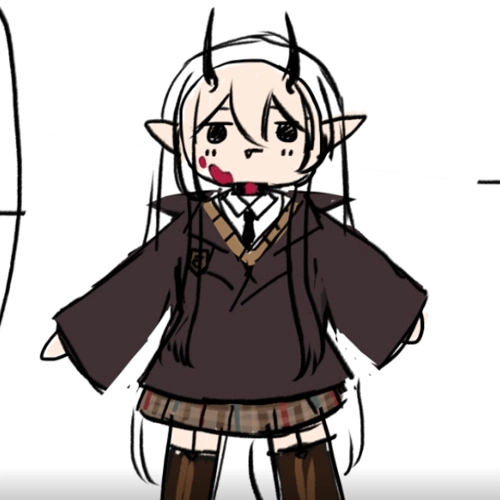 Quick Character Design (Optional)
 -
 Model Sketch (Optional)
 -
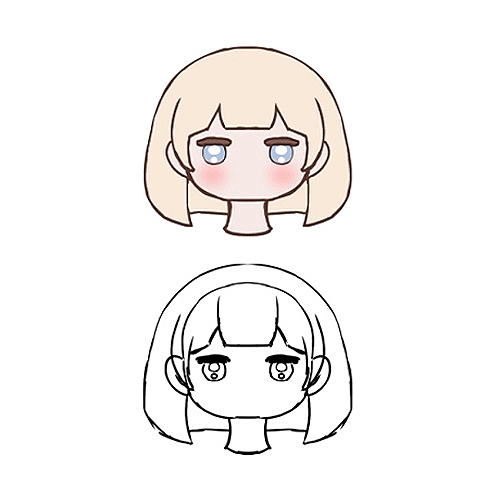 Understanding Layer Separation (Optional)
-
 Model Illustration (Optional)
 -
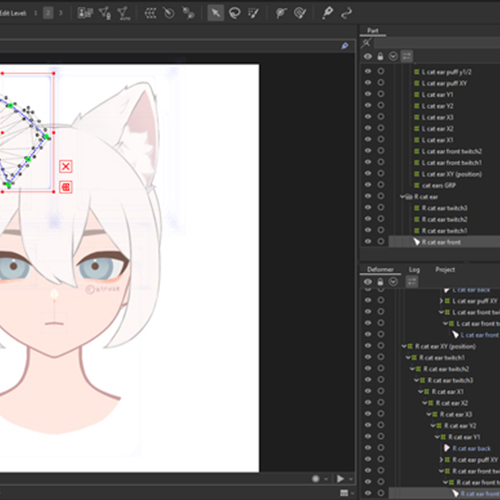 Understanding Live2D Basics
 -
 Rigging: Preparing the Model
-
 Rigging: Facial Features
 -
 Rigging: Head Angles
 -
 Rigging: Body Angles
-
 Rigging: Physics
 -
 Rigging: Toggles
 -
 Rigging: Clean Up and Refine
 -
 Rigging: VTubeStudio
 -
 Commissioning and Becoming a Pro
**Optional = May use the psd provided instead of making your own
Instructor
Live2D Artist
Kiru
Hello, I'm Kiru, also known as Kiruse. I am a full-time independent freelance illustrator and Live2D artist/rigger.
Drawing has been my passion since I was a kid but I ended up majoring in 3D and graduating with a 3D animation diploma.
After a long search for my lost passion, I realized that my heart was always drawn to anime-styled illustrations and 2D animation.
Since then, I've immersed myself in VTuber commissions, collaborating with over 30 fantastic VTubers. I'm excited to share my experiences and knowledge with fellow artists who wish to embark on their Live2D journey. Whether you're looking into creating your own rigged model or dreaming of turning VTuber creation into a full-blown career, I'm here to guide you every step of the way.

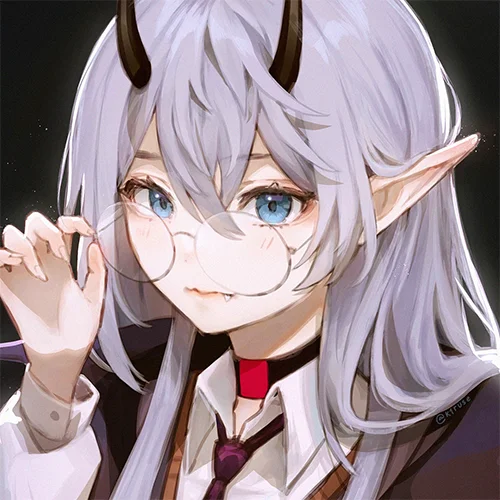
Live2D Artist, Kiru
[Current]
Freelance Illustrator & Live2D Rigger
Highlights
Class Highlights
Making a Well-Prepared Model
Learn how to fix anything that may lead to problems in rigging and prepare your PSD fully as you equip yourself with a failproof foundation for rigging so that no issues will be faced once you bring it to Live2D. From Meshes and Vertices to Deformers and Parameters, get the most comprehensive yet thorough guide for your future VTuber creation!

Appealing in Every Angle
When rigging, maintaining the intended essence of your character is important! You will learn methods to ensure accurate anatomy and perspective when warping layers to avoid your character looking like someone else from another angle. You'll also learn how to clearly bring out your character's personality in the way the model blinks, talks, and moves.

Efficiency: Less is More
The key to a great model is not always about having the most layers or complexities, but rather working smartly with optimized methods of layer separation and rigging to achieve the best result in less time. Learn how to separate layers, rig, and refine efficiently to prioritize the parts of the model that will be seen the most.

Class Details
You'll Learn
-
 The Guidelines For VTuber IllustrationWhat's different about a VTuber illustration? Let's understand canvas setup, layer separation, naming conventions, shading tips, and other guidelines to help create a model illustration ready for the rigging process.
 -
 Introduction to Live2D BasicsLearn right away how to use Live2D's most fundamental tools and functions, such as meshes, deformers and parameters.
 -
 Create Expressive and Attractive Facial MovementRig your character's eyes, brows, mouth expressively. Allowing them to show the character's personality and range of emotions without the use of toggles.
-
 Head and Body AnglesRigging the head and body turns with a believable 3D effect, while avoiding a stiff and papery-looking result.
 -
 Use Physics to Add Liveliness!Learn how to express weight and material as realistically or as stylized as you wish, creating a model that is satisfying to watch in motion. Physics allows hair, clothes and body to react (bounce, flow, drag) as the model moves around. Uniquely, you can create expressive eyes and animal ears with the use of physics, tying their movement to your blinks.
 -
 Spice Up Your Model with Toggles and AnimationsDecorate your model with different expressions, poses, outfits or hairstyles! Learn how to use these toggles in conjuction with VTube Studio hotkeys.
Curriculum
Class Preview
Check out Kiru's Class Preview
Curriculum
In-Depth Look
*Certain example images shown in the curriculum are only representational and may not be part of the actual class content.
SECTION 01: Intro
01. Orientation
- Introducing your instructor
- What you will learn
- Helpful websites and software programs
02. Kiru's Recommendations (What Videos to Skip)
- What videos to skip / watch for efficient learning
- Kiru's recommendations before starting the course
SECTION 02: Let's Create a Character
03. Character Design Ideation
- Character design ideation: Keywords and Moodboard
- Drawing out a quick design
- Talking about taking inspiration in the VTubing space
04. Canvas Settings, Keyboard Shortcuts and Custom Actions
- Recommendations on setting up the canvas (Important!)
- Useful Keyboard Shortcuts
- Kiru's Photoshop Actions
05. Sketching Your VTuber Model
- Full process of sketching the model
SECTION 03: Model Illustration Guidelines
06. Layer Separation Rules and Methods
- The two ways of separation (Cutting / Drawing separately)
- Rules for layer separation - How to avoid issues when rigging
- Layer separation follow-along exercise
07. Lining the Sketch
- Complexity of separation (Don't over separate! Do it smartly)
- Most of the lining process
- Explanation of “Underfill” – When to separate the lineart (not a requirement)
08. Hair Shading Method
- How I shade hair + shading exercise
- Comparisons between flat / rendered style in rigging (creating the illusion of 3D form)
- Incorporate your personal style
09. Prepare Your .psd for Rigging
- Layer naming conventions
- Fix anything that may lead to problems in rigging
SECTION 04: Familiarizing Yourself with Live2D
10. Learning the Basics of Live2D
- My Live2D Keyboard Shortcuts
- Explanation of Live2D main functions and tools
- Layer preparation required to start rigging (Draw Order, Clipping)
11. Troubleshooting Guide For Common Live2D Issues
- How to fix common issues that might be faced during rigging
- Refer to this video if you get stuck during the course
12. Setting up Meshes/Vertices
- Auto Mesh - When & How to use it
- Manual Mesh - When & How to use it
- Explanation on Edit Mesh Tools
SECTION 05: Making the Model Move
13. Starting with the Eyes & Brows (Deformers and Parameters)
- Basics on deformers and parameters
- In-depth explanation on efficient eye rigging
- Expressive Eyes -- Blink, Smile, Widen and Eye Physics
- Brows: Form, Angle, Y
14. Importance of Deformer Hierarchy
- Understanding the purpose of deformer hierarchies
- Cautions when creating deformers
- How to achieve a clean result
15. In-depth Mouth Rigging
- Setting up Mouth Meshes and Deformers
- How to rig the mouth expressively (open, smile, frown)
- Additional mouth movements -- Mouth X, Cheek Puff, Tongue Out (Note: For iOS tracking only, this course does *not* cover VBridger)
16. Face Angles & More
- Head angles X, Y, Z explanation
- Rigging head angles with Deformers
- Create natural looking face angles
17. Hair and Other Accessories
- Rigging hair and accessories to follow the head
- How to avoid a "floating" looking rig
- How to create 3D depth effectively
18. Let's Export the Model for Testing
- How to setup texture atlas
- Optimization and troubleshoot textures
- Exporting your model from Live2D
19. Introducing VTube Studio
- Why use VTube Studio
- How to import your model
- Must-know features and setup
- How to begin using VTube Studio - The Basics
20. Body & Clothes Angles XY
- Body Angles XY
- Clothes Angles XY
21. Additional Body Movements
- Body Z rigging - Applying gravity
- How to rig hip sways
- How to rig stepping of legs
SECTION 06: Adding life to Your Model
22. Adding Body Physics
- Head / Body Bounce Physics
- Booba Physics
- Wiggly Ear Physics
23. Hair Physics
- Short Hair/Cloth X+Y Physics
- Long Hair/Cloth X+Y Physics
- Draping/Tilt Z Physics
24. Clothes and Accessory Physics
- Physics for skirt, ribbons, earrings, etc.
25. Rigging an Expression
- Setup of Expression Toggles
- How to change the form of eyes, brows, mouth
- Exporting an expression as a toggle
- Importing a toggle to VTube Studio
26. Rigging an Animated Pose
- Rigging a simple arm pose and preparing it for animation
- How to use the Animation Tab
- How to export animation sequence + import to VTube Studio
SECTION 07: Refining
27. Fine Tuning in VTube Studio
- Import updated model files to VTS
- How to add hotkey toggles
- Finetuning parameters for your face movement
- How to use your model with OBS
28. Making Things Feel Right
- Getting the right weight and feel
- Fixing issues, neaten file
- Optimize file for export and reduce lag, etc.
SECTION 08: Outro & Farewell
29. Taking Commissions as a Live2D Artist/Rigger
- Putting yourself out there + promoting your work on social media
- How to price Live2D commissions
- Breakdown of the commissioning process
30. Words of Encouragement
- Thank you and good luck!
*The release date of this class, curriculum images, and associated content can be changed without prior notice.
** Class videos may be seperated for a more streamlined viewing experience
Interview with
Live2D Artist Kiru

Question.01
Why did you choose this specific topic?
I chose this topic because it's what I've been doing full-time. I've often received requests for taking on apprentices, so I thought this class was a great opportunity to share my process in detail. I felt that I could share my tips and insight from years of trial and error with those who want to become Live2D riggers. Live2D and anime-style illustrations are both things I have a great fondness for, and I'm always thankful to be able to work in an industry where my passion lies. I hope to help artists achieve the goal of doing what they love as a career.
Question.02
What makes your class different from other classes?
After creating a multitude of VTubers, I've developed a personal art and rigging style that I think is plushy and vibrant. Although the class is mainly focused on rigging, it will also cover illustration tips for a well-rendered and separated model. It may be suited for artists who want to draw and rig their own models or try a more painterly style for their models. Included in the class is everything I wish I had known starting out but couldn't find the resources for while I was still learning.
Question.03
What would be the most important takeaway from your class?
This class will cover everything required to create a fully-rigged VTuber model from scratch in the most efficient and optimized way. The class will leave you with a ready-to-use model for livestreaming and the knowledge of how to make a high-quality model and rig. Allowing you to venture on your journey as a Live2D artist or rigger and begin taking commissions right as you complete it.
Required Programs
This course will use Live2D 5.0, Photoshop 2020 (Any other drawing programs that allow you to export PSD such as Clip Studio, Paint Tool SAI), VTube Studio 1.27.8.
Please purchase and install these program(s) for an optimized chapter experience.
*These programs and/or materials will not be provided with the chapter.
Recommended
Recommended Class
Like this class?
Then check these out!