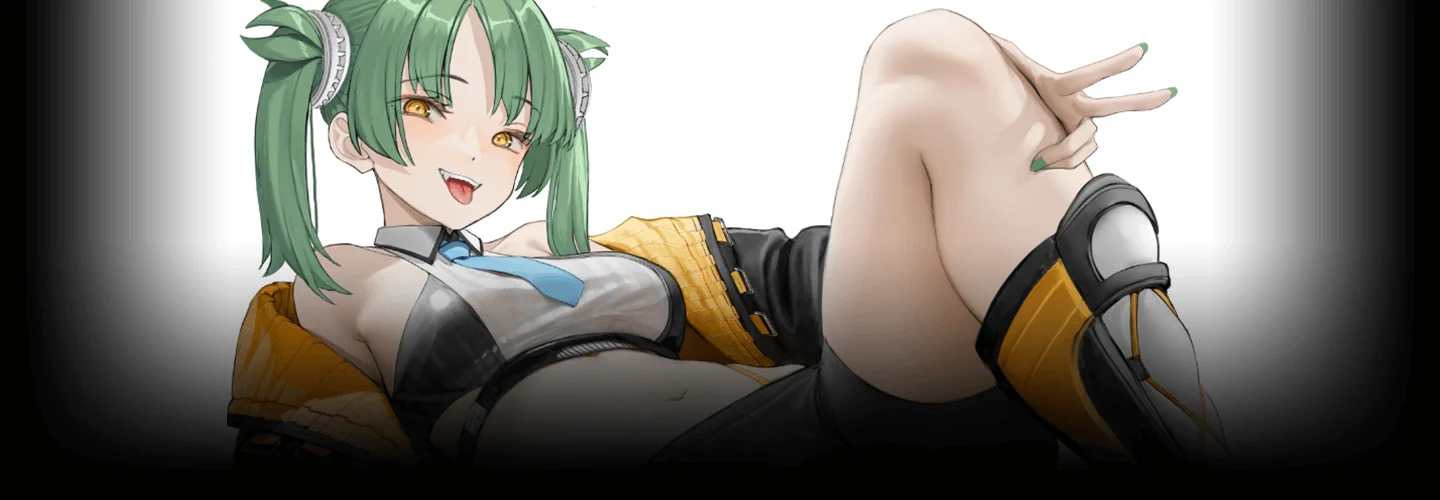
ZH-illustrator,nyatabe_냐타BE_JP Details
Intro

Now in Your Language, Only on Coloso!
Learn from Japan's Top Master Creatives
-
 Master Realistic Female Skin Rendering
 -
 Enhance Your Illustration with Grayscale Techniques
 -
 High-Quality Visuals with 3D and Photo Compositing
Class Intro
Illustrator, NyataBE
From grayscale lighting fundamentals to 3D compositing and efficient CSP workflows, master realistic female skin rendering and high-level illustration techniques to elevate your creative skills.
From Grayscale Techniques to the Latest 3DCG Tools!
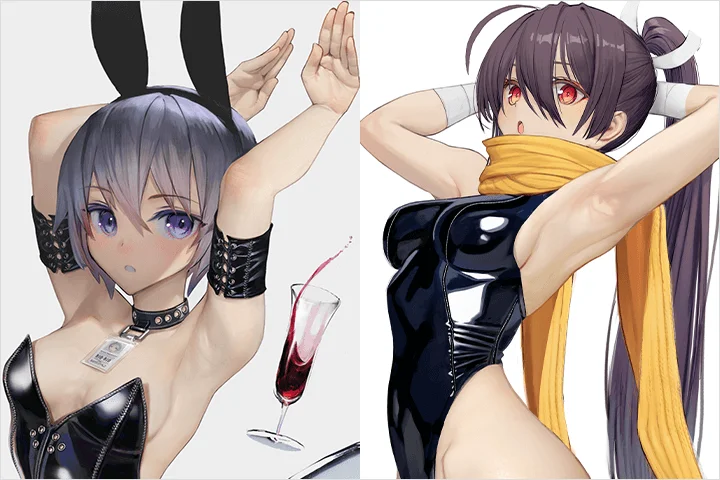
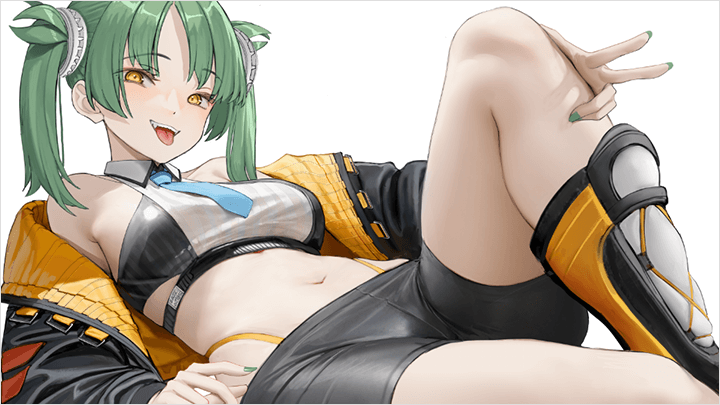
Illustrator NyataBE, renowned for capturing irresistibly realistic skin textures in female characters, has won the hearts of countless fans.
In this course, NyataBE reveals a signature grayscale painting method combined with powerful 3DCG tools—an efficient, professional workflow for creating captivating female character illustrations.
In this course, NyataBE reveals a signature grayscale painting method combined with powerful 3DCG tools—an efficient, professional workflow for creating captivating female character illustrations.
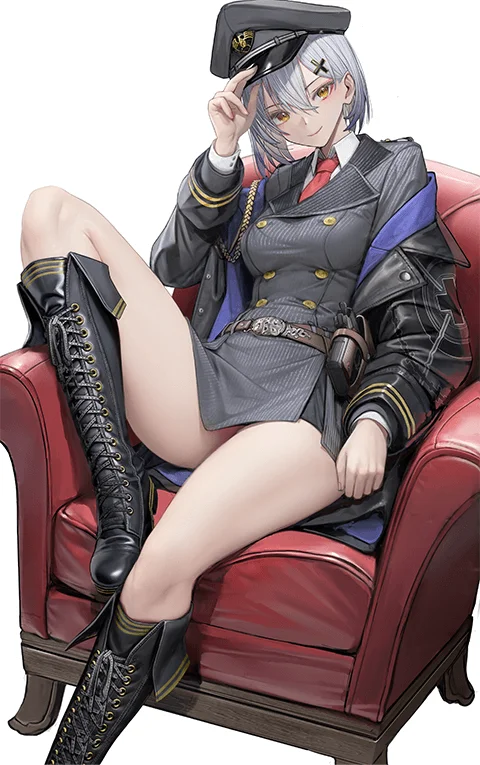
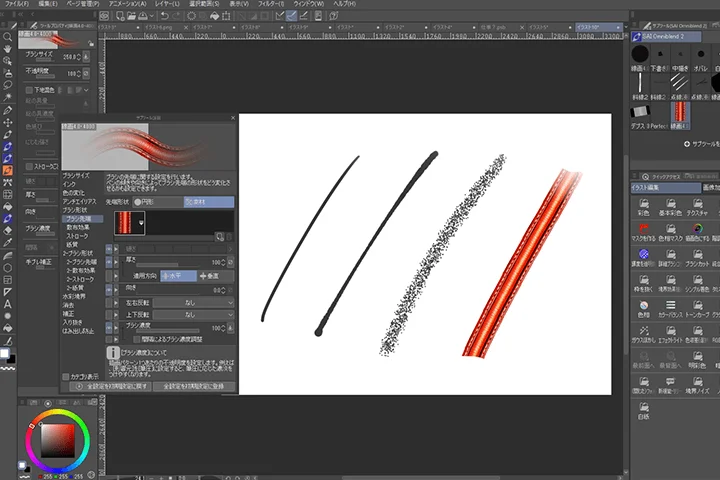
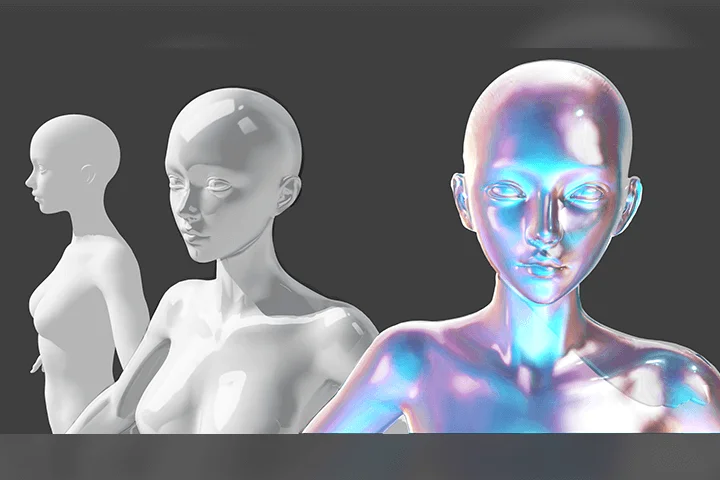
We begin with Clip Studio, then move into Blender to explore material creation and lighting setups, building a strong technical foundation from the ground up.
Next, you’ll dive into NyataBE’s exclusive grayscale coloring techniques. Through 3D integration and photo compositing, you’ll learn advanced skills including figure drawing, background modeling, and crafting dynamic light and shadow based on specific light sources—step by step, culminating in a scroll-stopping character illustration.
Join Coloso and experience NyataBE’s unique, high-efficiency illustration workflow firsthand!
Next, you’ll dive into NyataBE’s exclusive grayscale coloring techniques. Through 3D integration and photo compositing, you’ll learn advanced skills including figure drawing, background modeling, and crafting dynamic light and shadow based on specific light sources—step by step, culminating in a scroll-stopping character illustration.
Join Coloso and experience NyataBE’s unique, high-efficiency illustration workflow firsthand!
Class Preview
Still Not Sure?
Check Out NyataBE's Class Preview!


10. Light and Shadow Explanation
- Explanation of light attenuation on objects
- Explanation of light source and angle
- Explanation of light source and angle
Class Perks
Special Gift from NyataBE
-
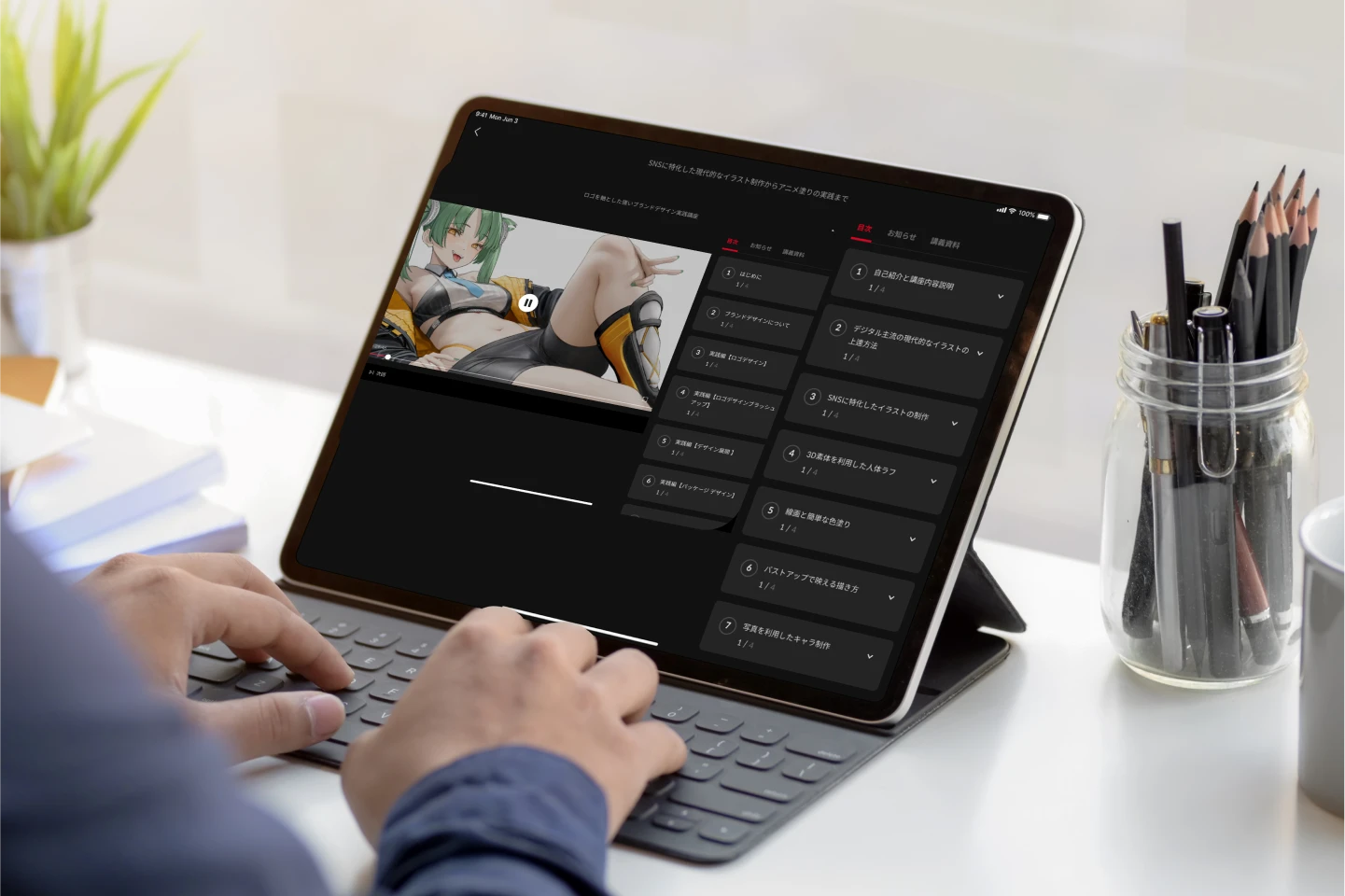 Unlimited Access to 25 Chapters
 -
 Complete One Character Illustration Through the Course
 -
 Provide Final Artwork PSD File, Custom Brushes, and a Variety of Exclusive Resources
Class Material Details
-
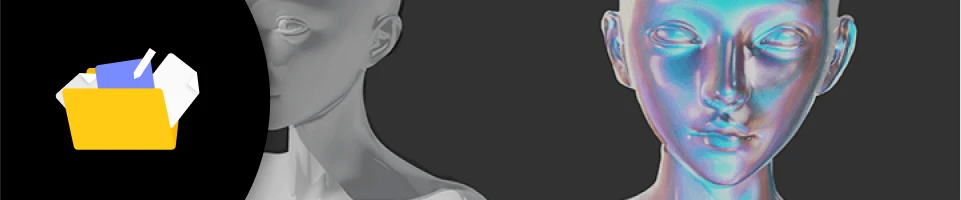 Various Auto Actions- Color
- Texture
- Separation
- Blank Canvas
- Chrome -
 Illustration-Dedicated Creative Tools- 4 Custom Brushes (Blending, Smudge, Color, and More)
- 5 MatCap Materials -
 Exclusive Course Materials- Final Illustration PSD File
- A Curated List of Essential Reference URLs
Expert Illustrator NyataBE's Portfolio
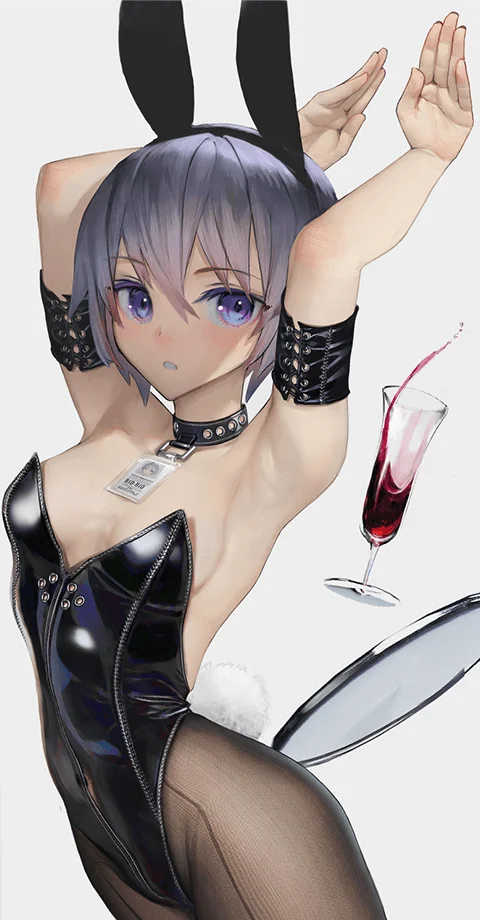
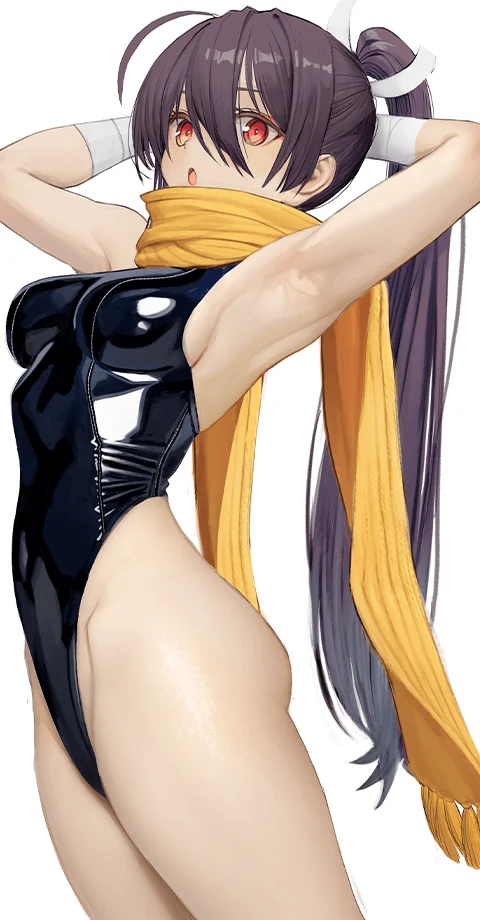
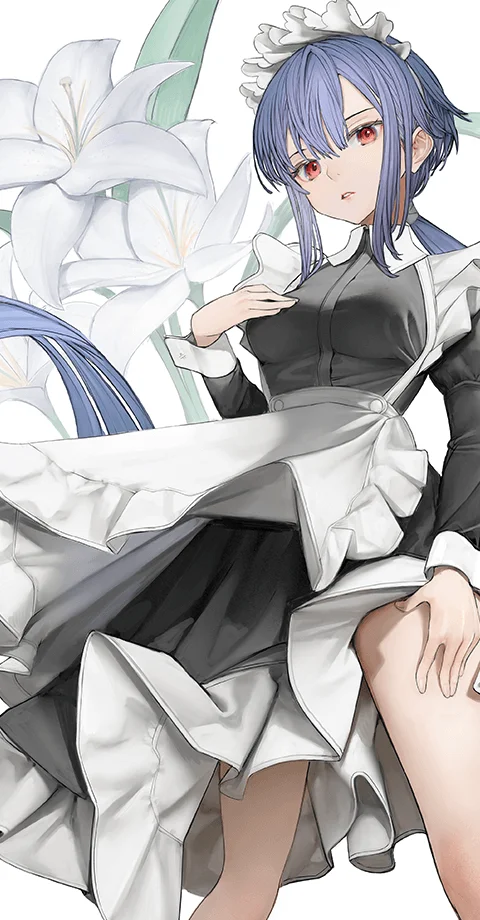
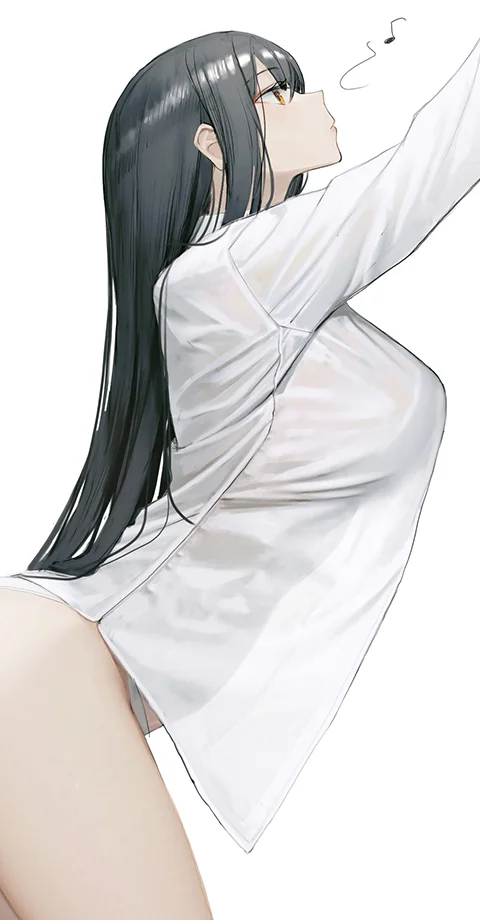

9 Class Exercises
Master Grayscale Illustration Through Practical Examples
-
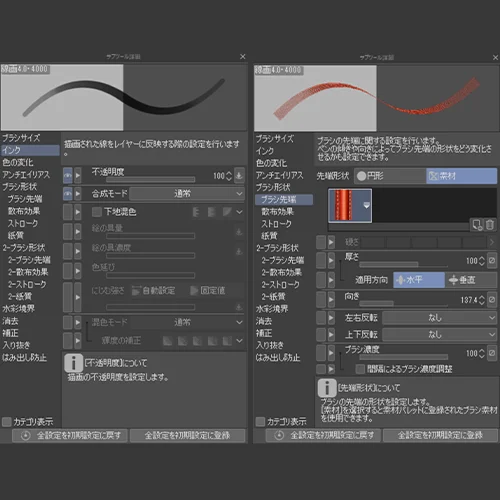 Brush Setting Techniques
 -
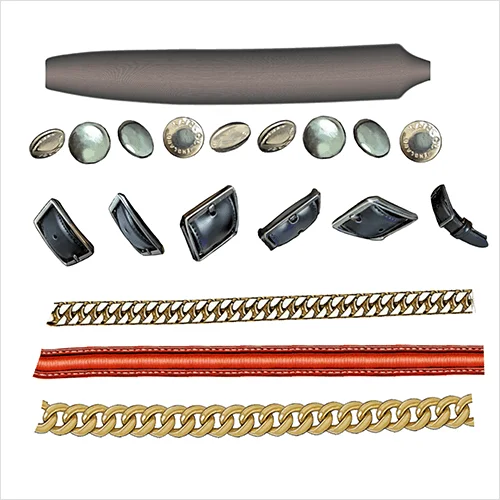 Custom Brush Creation Methods
 -
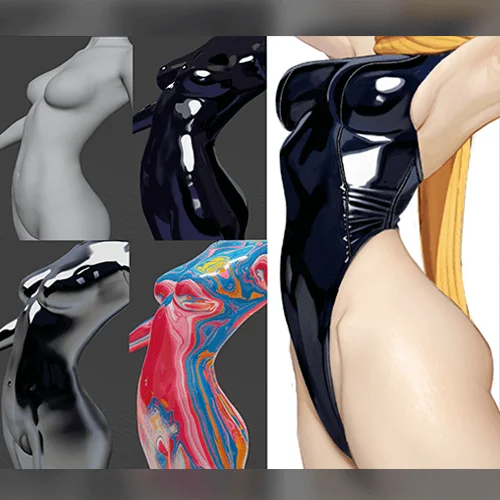 Creating Materials in Blender
 -
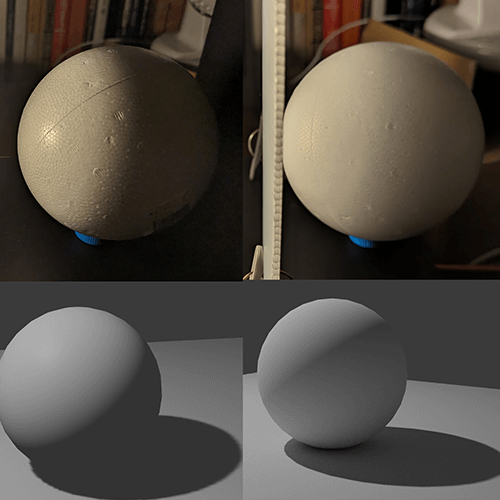 Coloring 3D Models Effectively
-
 Blending Real Photography with 3D for Dynamic Lighting
 -
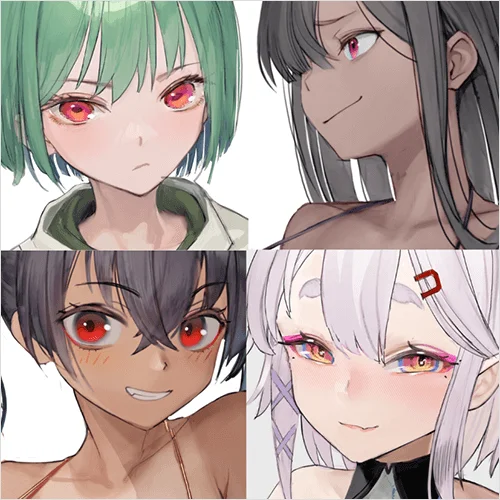 Drawing Expressive Eyes Based on Character Personality
 -
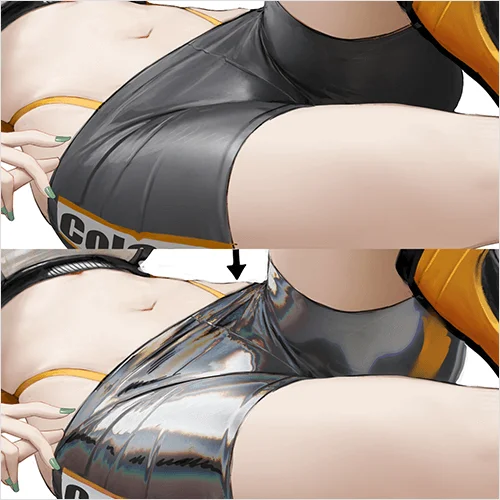 Advanced Selection and Adjustment Techniques
 -
 Simple 3D Modeling for Illustration Use
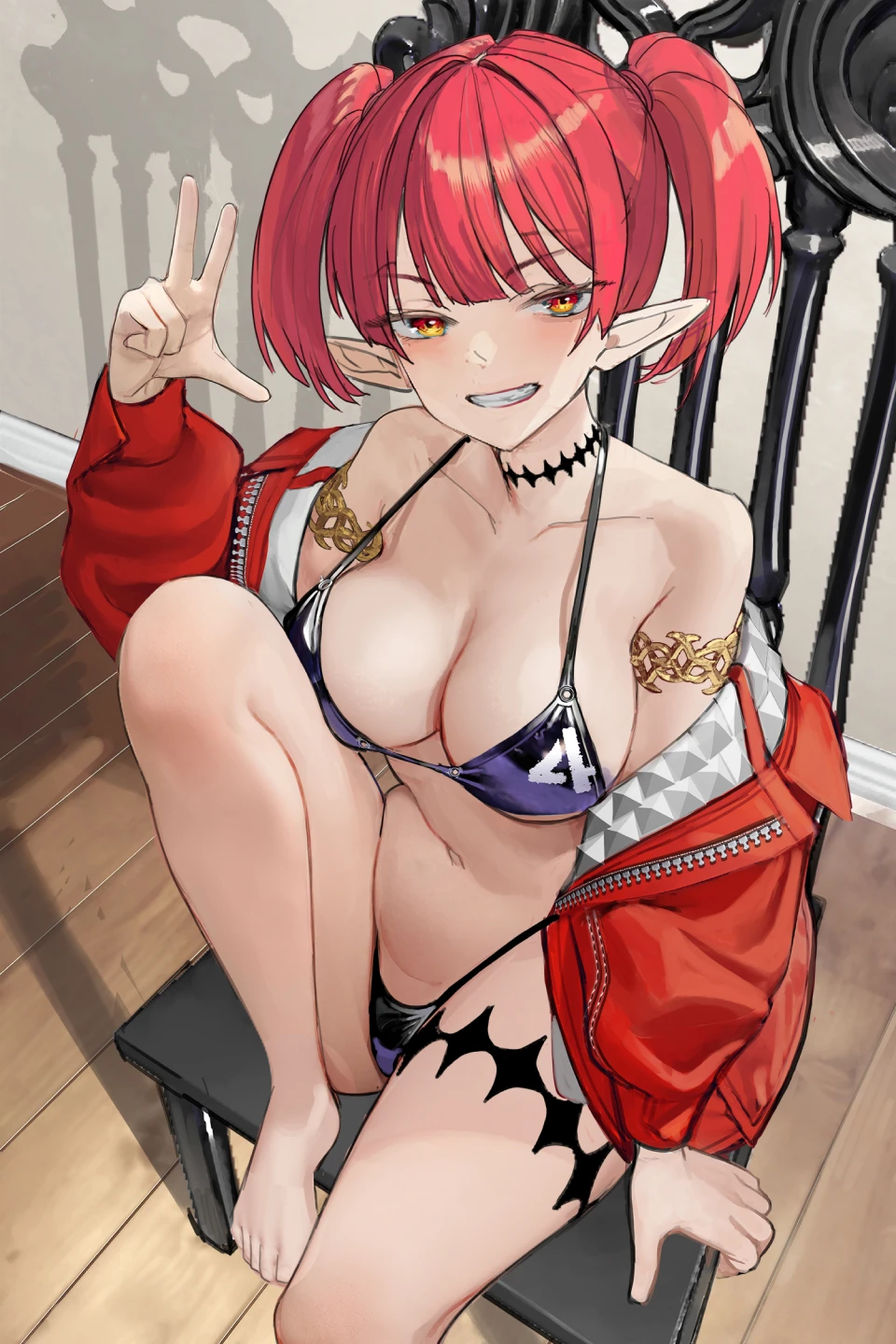
Final Product
Highlights
Class Highlights

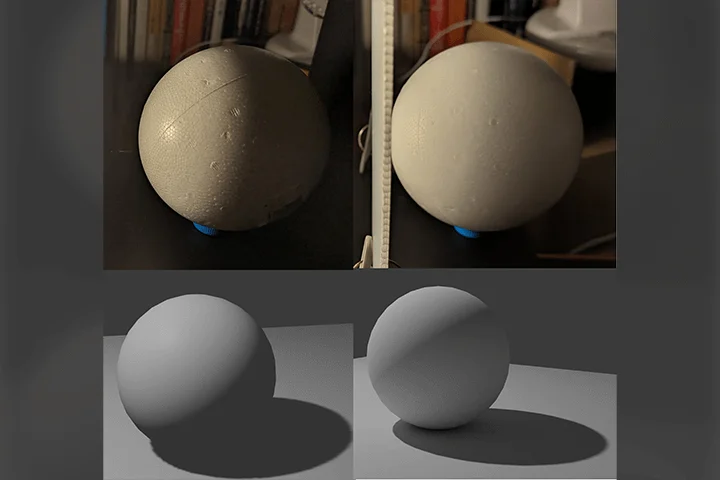
Master the Principles of Light and Shadow Through Grayscale Techniques
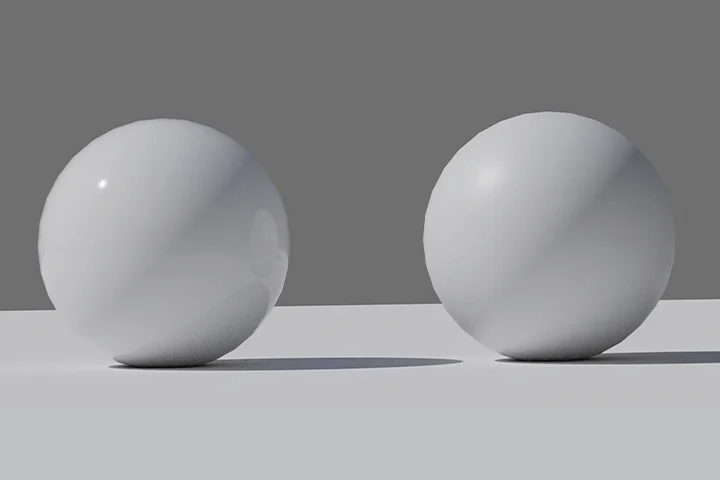
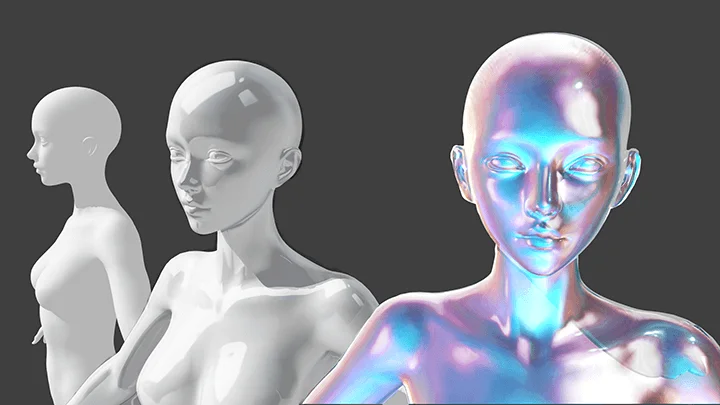
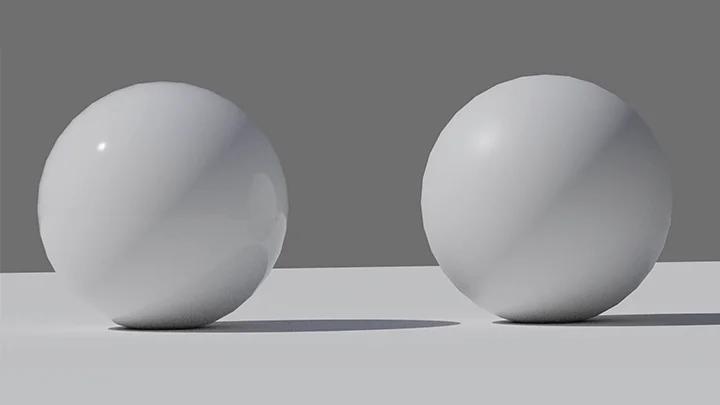
Develop a deep understanding of lighting behavior and material properties—and learn how to apply them effectively within a grayscale workflow. Gain professional knowledge of point light sources, surface roughness, highlights, reflections, and more to elevate the realism and depth of your illustrations.
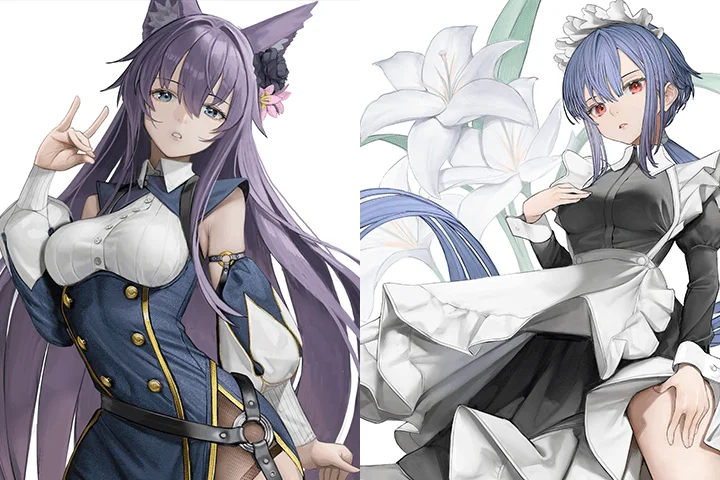
3D × Photo Compositing: Create Distinctive Asian-Style Illustrations
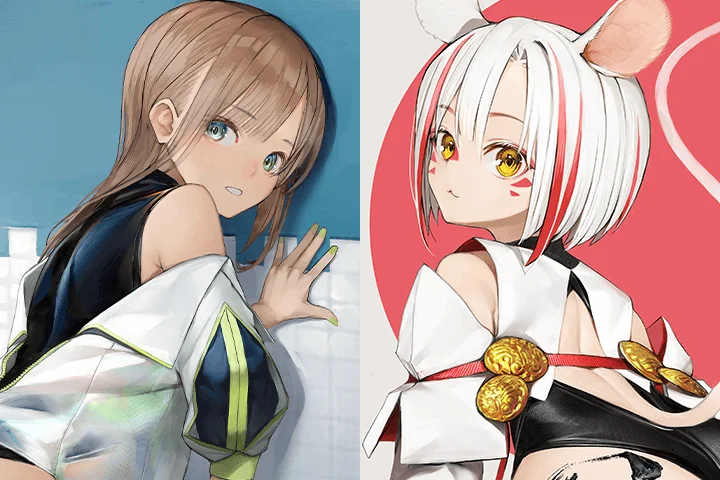
Explore the differences between Western-style 3D photo compositing and Asian-style illustration aesthetics. Learn how to integrate 3D assets and photographic resources to craft refined, high-level character illustrations with a uniquely Asian visual identity.
Practical, High-Impact Illustration Techniques
Dive into the versatile features of Clip Studio and discover workflow strategies designed to significantly reduce time-consuming traditional processes—so you can create more efficiently without compromising quality.