GraphicDesigner,SeyoonJung2_그래픽디자이너 정세윤2 Details
Class introduction
introduction video
Graphic designer, Seyoon Jung
“We have prepared not only the core Blender skillset for brand designers, but also a variety of examples that can be used immediately in practice.”
The best way to skill up your brand design practice efficiency and Blender capabilities
For designers, 3D skillsets are no longer an option, but a necessity!
Are you a designer who is new to Blender, want to master key features such as modifiers and nodes, or want to upgrade your 3D skills?
Are you a designer who is new to Blender, want to master key features such as modifiers and nodes, or want to upgrade your 3D skills?

Beyond simple artwork production, 3D graphics include logos, brand key visuals, card news, character design, iconography, package design, mock-up production, brand moving posters, and even motion graphic videos!
Practice with a virtual branding project and acquire the 3D graphics capabilities required by a designer.
We are now revealing all the necessary Blender core skillsets and know-how for practical use in various cases so that you can immediately apply what you have learned in practice.
Practice with a virtual branding project and acquire the 3D graphics capabilities required by a designer.
We are now revealing all the necessary Blender core skillsets and know-how for practical use in various cases so that you can immediately apply what you have learned in practice.
Class Perks
Get These Coloso Exclusives
-
 Contains a practical branding project31st lecture infinite learning
 -
 The speaker's work process is reflected inExample original file (ai. blend.)
 -
 Can be used as is in practiceCollection of presets and source files
Class Recommendation
I recommend it to these people
Learn more 3D graphics skills with Blender
Students who want to write in their portfolio
Practical use of 3D graphics suitable for my occupation
Designer who wants to use it quickly
You can follow along by watching the graphic video, but
Students/designers who find application difficult


Portfolio of graphic designer Seyoon Jung


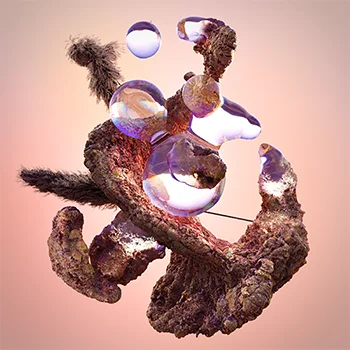
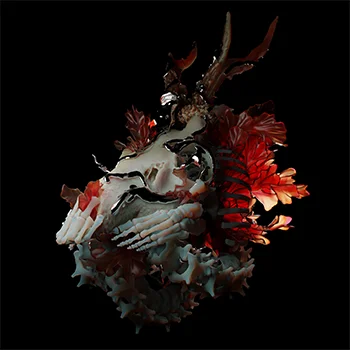
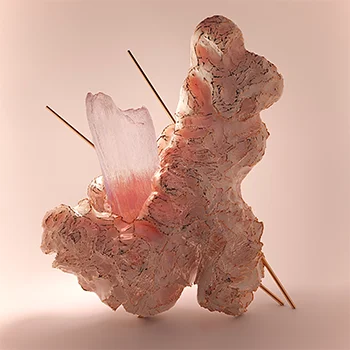
Why Take This Class?
We have prepared specific examples of how 3D graphics can be used smartly and efficiently in practical projects!
How to express brand key visuals through brand motif derivation, logo design, card news that defines brand essence and materials, and brand character design.
From brand 3D iconography design to package design, mock-up production method, and 3D poster & moving poster production method.
And motion graphics practice that expresses the brand essence and key visuals through animation and video is a bonus!!
Check out Coloso now for detailed practical usage methods that go beyond artwork!

Let’s create 20 brand design results ourselves.
Part 01. Brand key visual
Define your brand essence, motifs and design a 3D logo.
We design card news using abstract shapes, 3D assets, and textures that fit the brand tone.
-
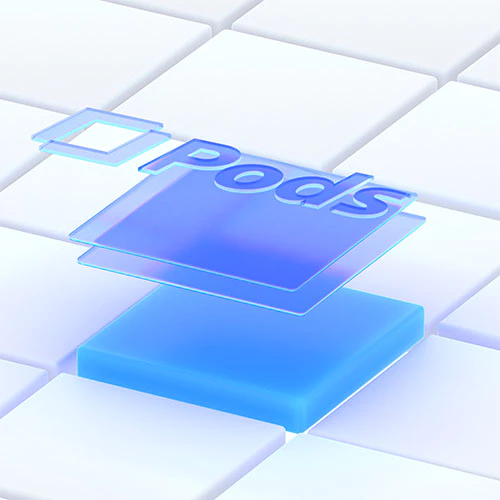 3D logo
 -
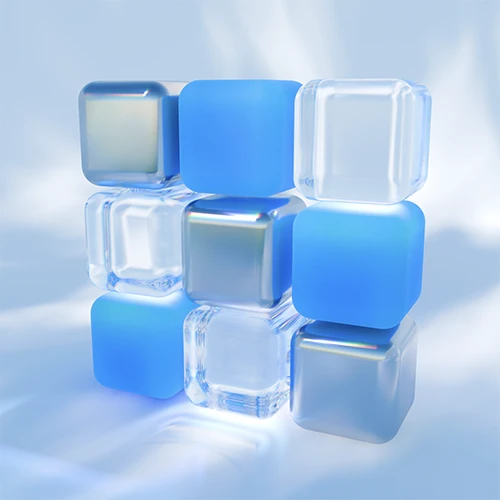 3D motif
 -
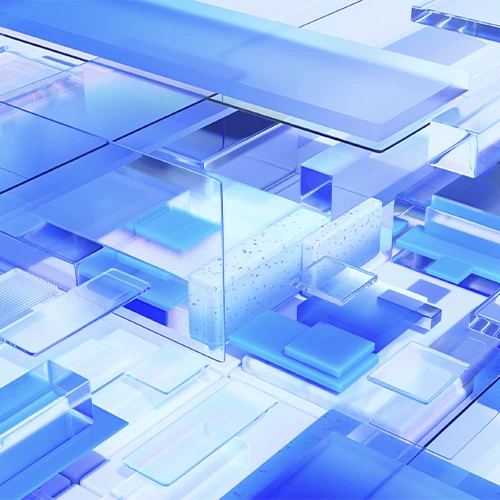 3D key visual
 -
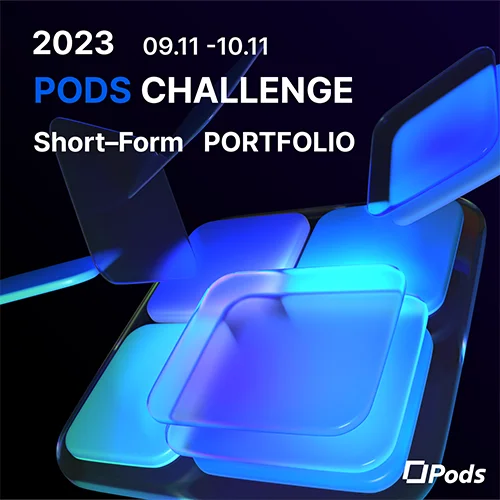 Card News 01
 -
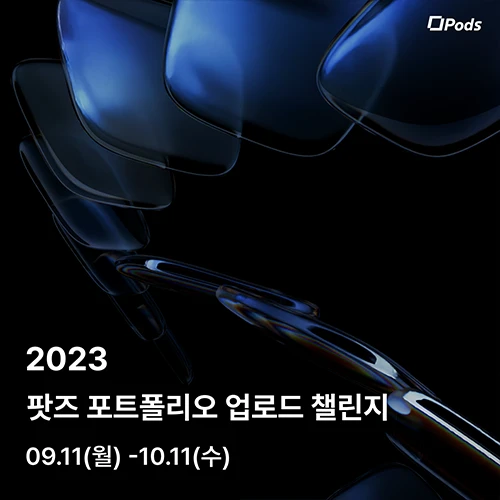 Card News 02
Part 02. Brand character design
Design a character that fits your brand and add motion to it.
-
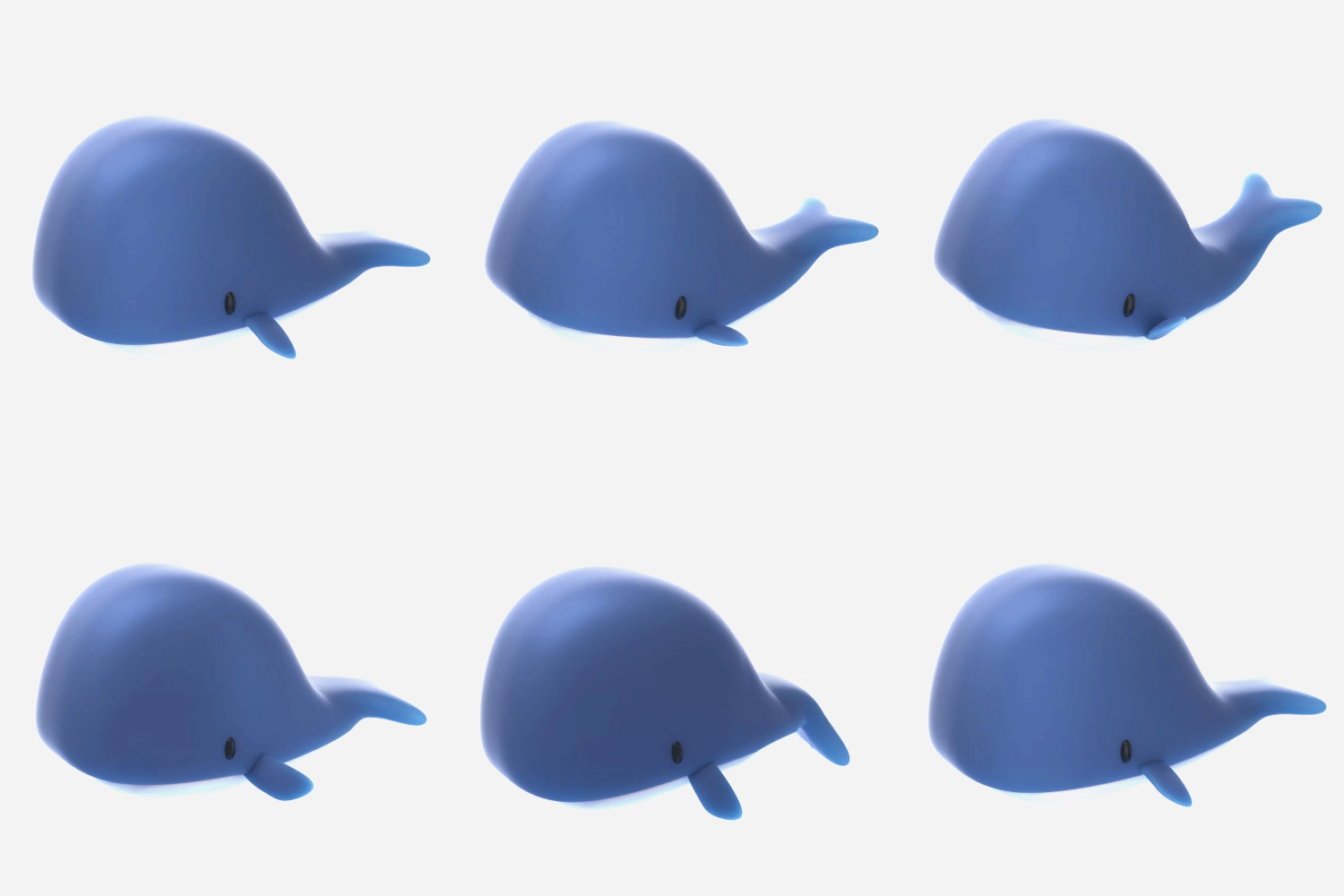 Animal Character - Whale
 -
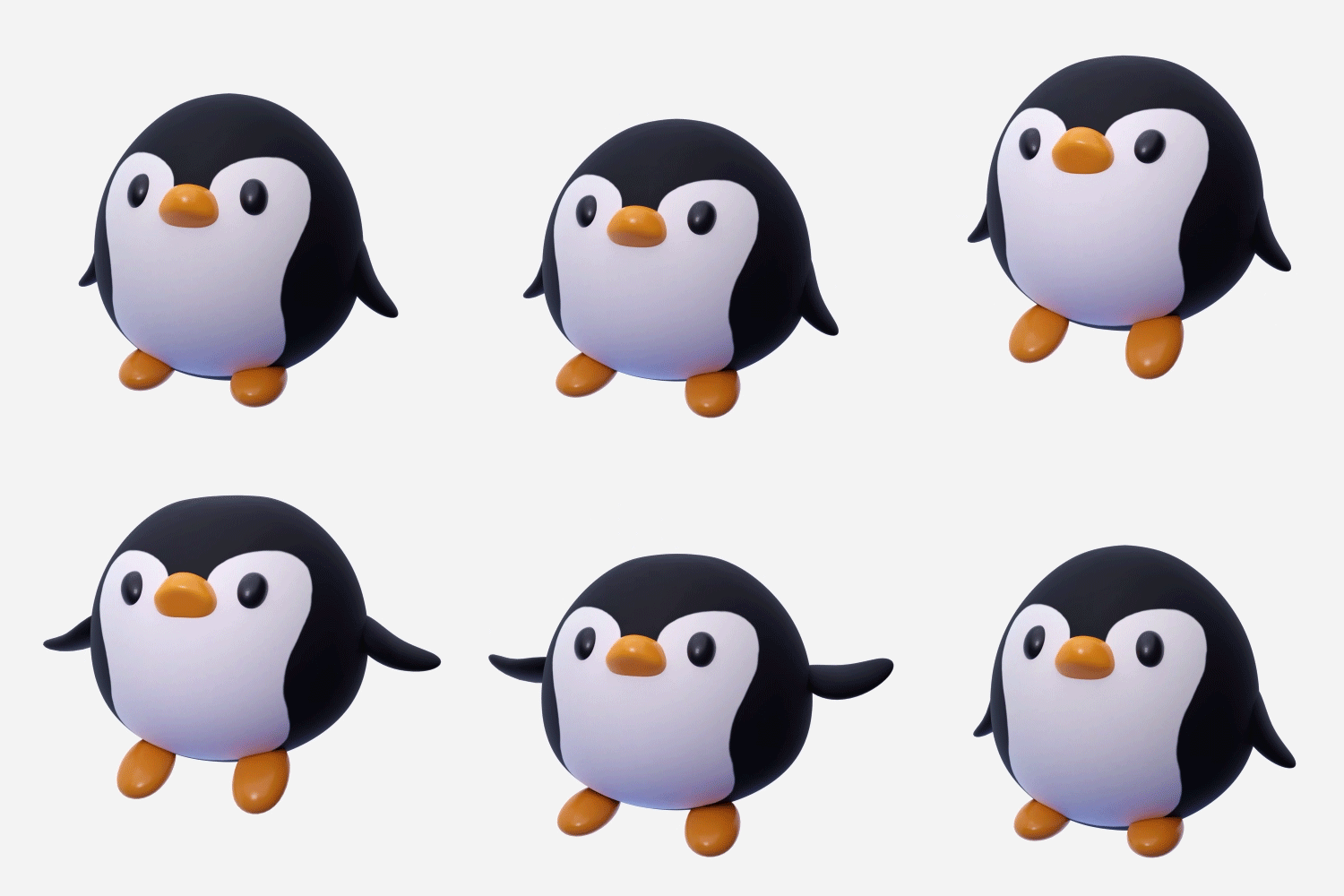 Animal Character - Penguin
 -
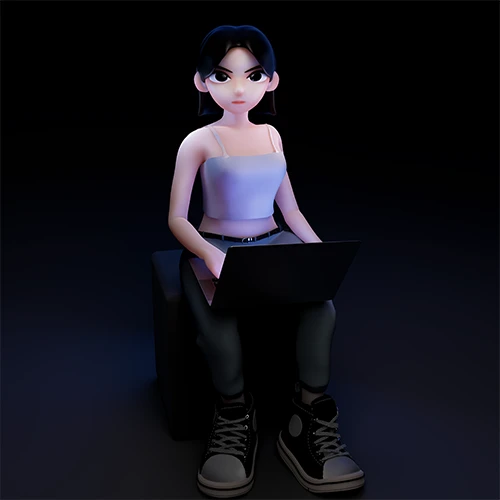 humanoid character
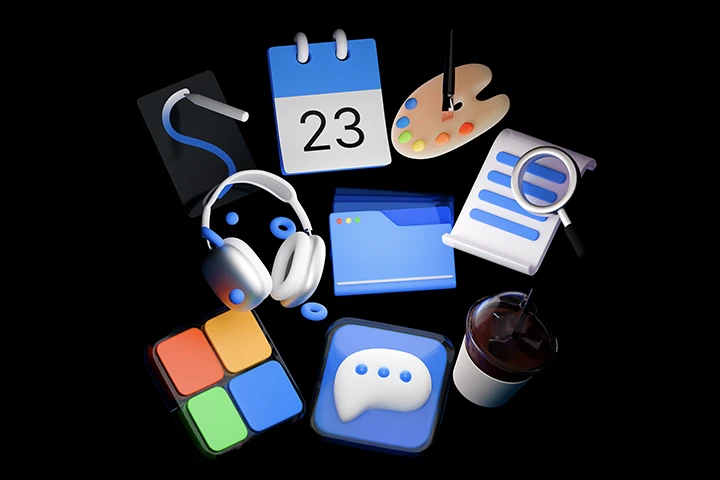
Part 03. Brand iconography
Examining the uses and effects of brand 3D iconography
We will use it as a graphic source through icon sketching, modeling, and shading.
-
 Coffee
 -
 Headset
 -
 pad
pad
-
 Portfolio
 -
 Chat
Chat -
 Pallete
-
 Article
 -
 Folder
 -
 Calendar

Part 04. Brand motion graphics
Organize the motion storyboard and moodboard,
Learn basic animation using keyframes, modifiers, and geometry nodes.
Part 05. Brand Package
Develop a package that fits the brand, implement it with 3D graphics, and
Let’s create a space where the package design can stand out.
-
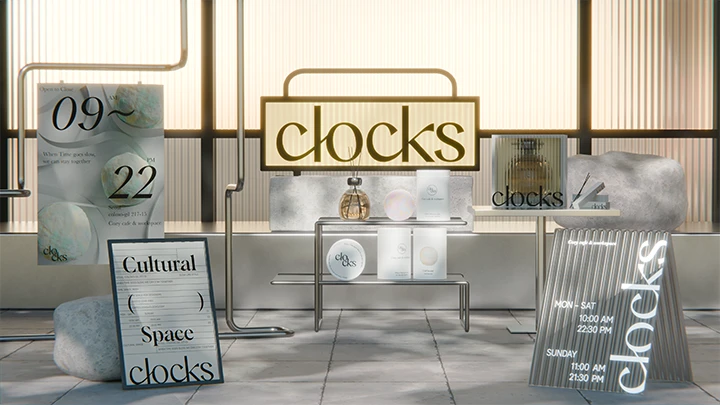 Space production
 -
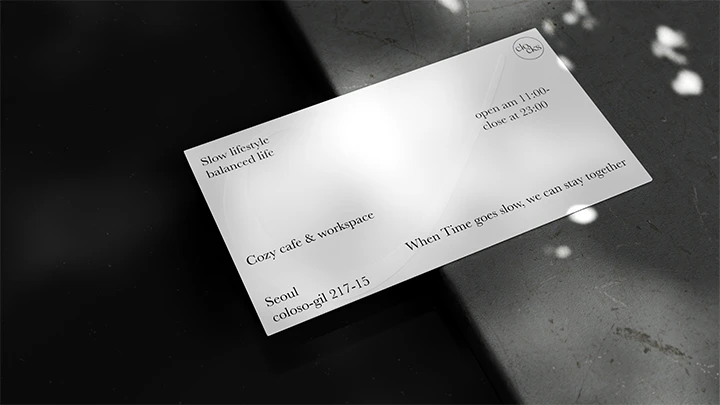 Business Card
-
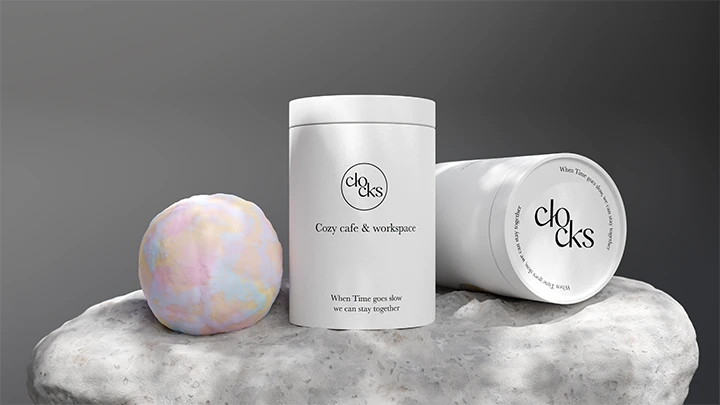 Package 01
 -
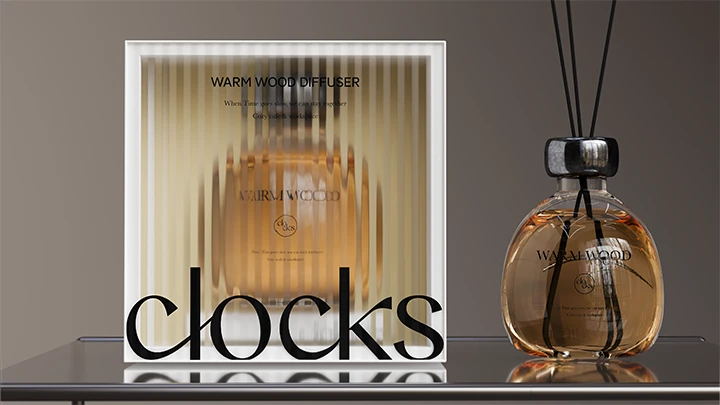 Package 02
-
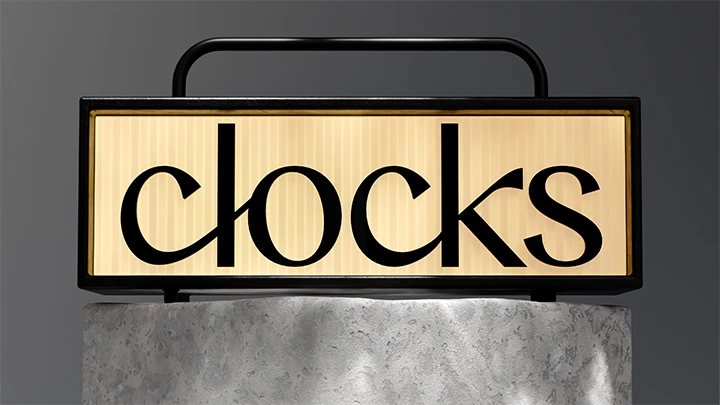 Signage
 -
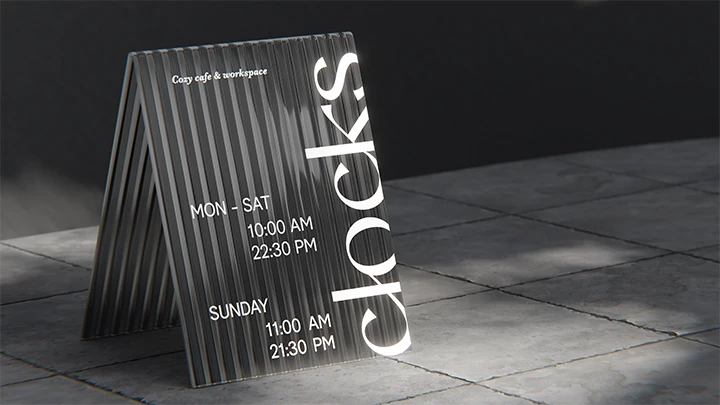 Billboard
-
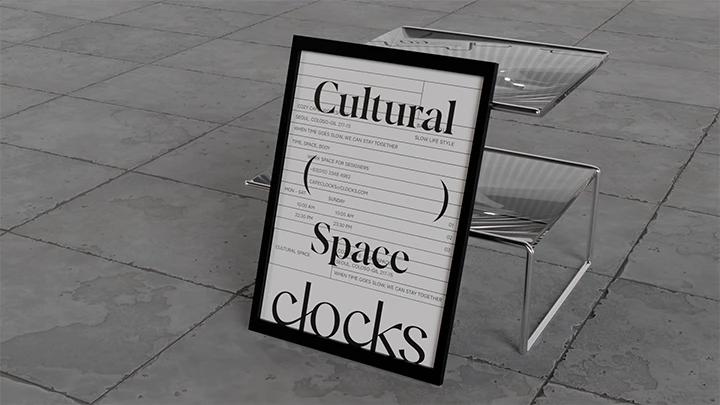 Poster Mockup 01
 -
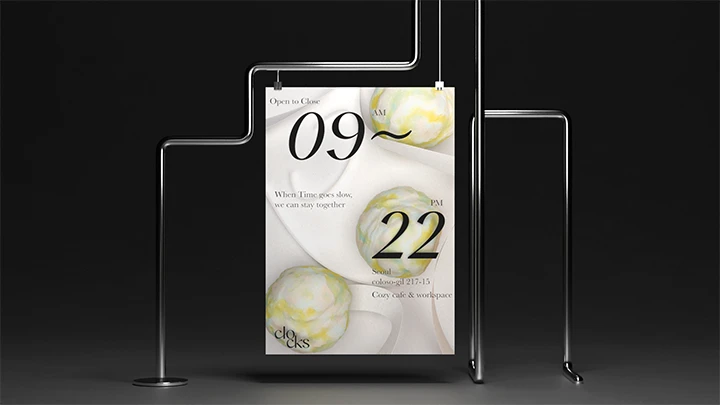 Poster Mockup 02


Part 06. Brand poster
3D image poster using brand motif
We design a moving poster that gives movement.
-

Moving Poster 01 -
Moving Poster 02 -
Moving Poster 03 -
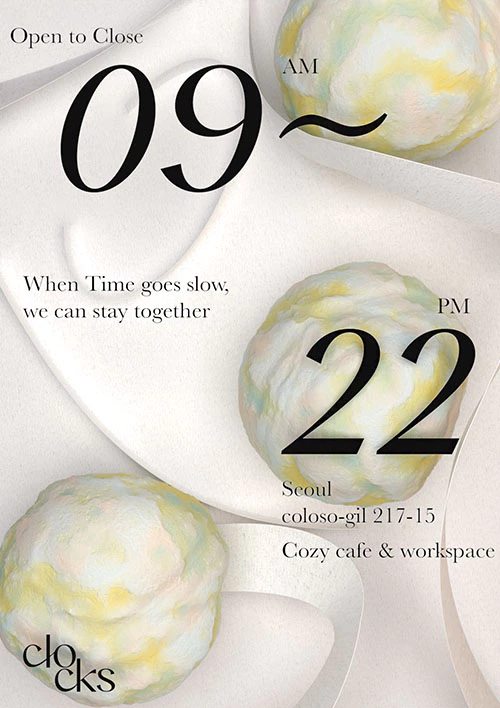
Image Poster 01
Speaker introduction
3D graphic designer
Seyoon Jung
Hello, I am Seyoon Jung, a 3D graphic designer. I am currently working as a freelance designer and am working on a variety of 3D works using 3D graphics, including artwork, posters, packages, characters, BX, UX/UI, media art, and illustrations.
Above all, I am fascinated by Blender, which can implement a wide range of graphics and express colorful materials, and have been continuously researching ways to move away from typical 2D graphic design and naturally incorporate 3D.
Through this class, I will teach you how to use Blender for 'graphic designers' as well as my own Blender know-how that I have developed over the years by focusing on practical use.


Coloso GraphicDesigner SeyoonJung
Current) Freelance 3D graphic designer
View more history
[exhibition]
2023 Unknown Ocean 'Object Safari'
2022 Digital Nomad ‘YCK 2022’
2021 SKT ‘TUAF’
[workshop]
Blender 3D Workshop for Graphic Designers
3D mockup creation workshop for visual designers
Hongik University Vacation Special Lecture Moving Poster Production Workshop
class features
class features
Now an essential competency, 3D graphics! Free Tool Blender Guidance
3D graphics are no longer an option, but an essential competency! For designers preparing for 'job hunting', check out the Blender tool guidance that can provide sufficient depth and performance as paid tools.
3D&Blender core skillset including modifier, geometry node, and shading
We will point out only the core Blender skillset required for graphic and brand designers, from motif shape modeling to texture expression with high-brightness gradients and glossy textures, and effective motion & animation production.

Focusing on ‘practical results’ beyond artwork
Practical branding project practice
We have prepared 200% practical examples ranging from card news production using brand key visuals, brand character design, brand iconography, brand package design and mock-up work, brand posters, and brand motion graphics.
Class composition
learn this
-
 How to use Blender through practical examplesTo help you quickly use Blender in practice, we will teach you in detail how to set up Blender UI, modeling, texture, camera, and lighting.
 -
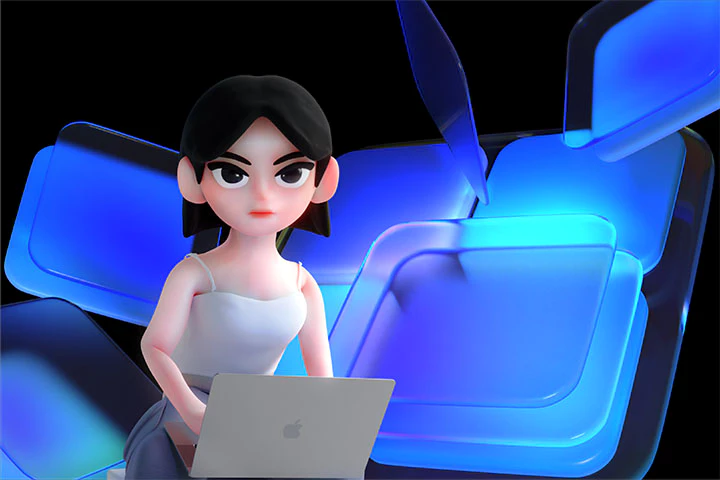 Brand motif and 3D key visual designWe design key visuals that determine the brand's impression and implement them into card news and characters. We will practice everything from creating a brand logo using the grid system, deriving motifs with abstract shapes, developing assets containing the brand essence, and using character design.
 -
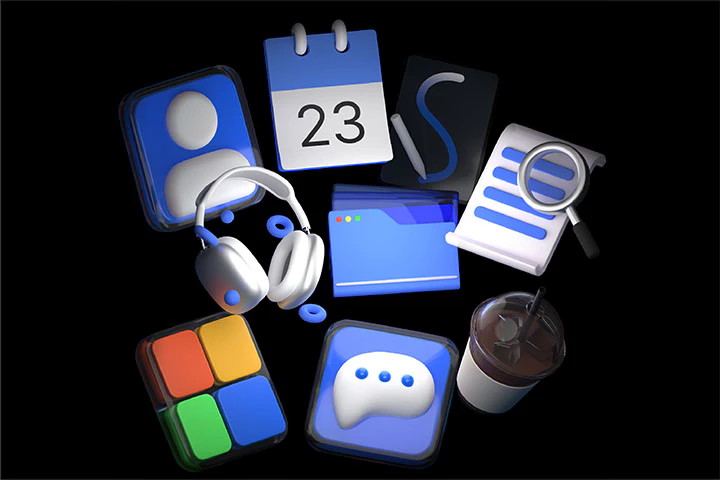 9 3D iconography designsWe create 9 different 3D icons that contain the essence of your brand. Learn how to use icons in practice by sketching, modeling shapes, and shading with textures using Illustrator.
-
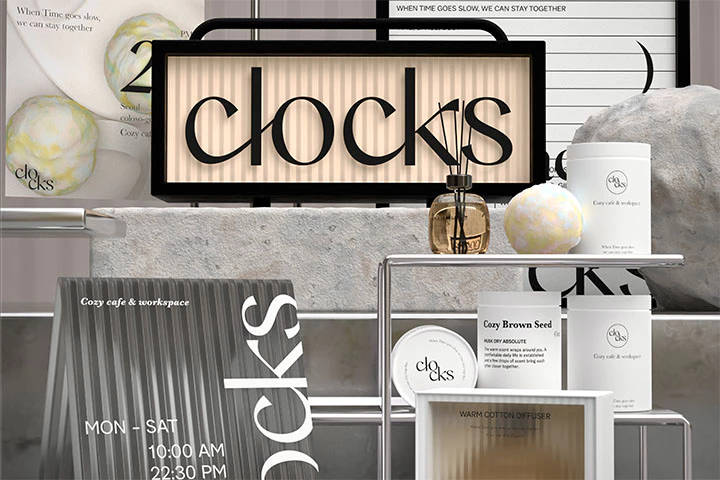
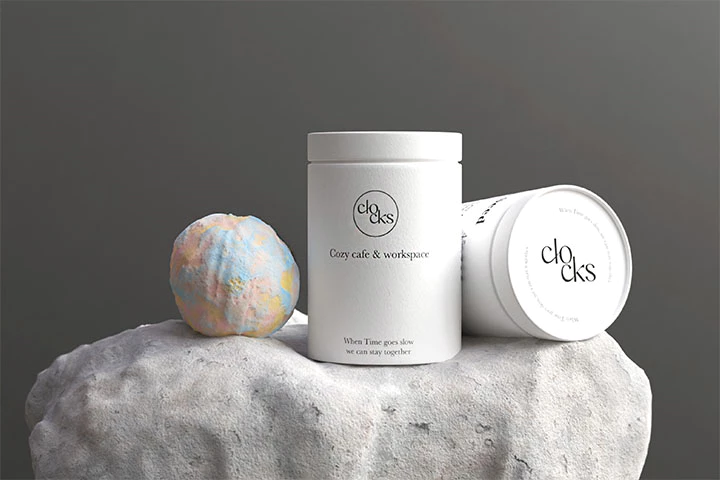
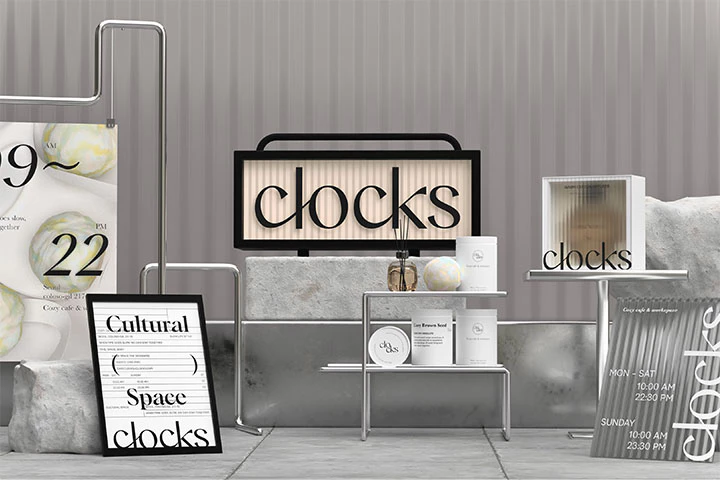 Package design and 3D mock-up productionLearn how to use Blender to visualize brand images and product features through package design and create space.
 -
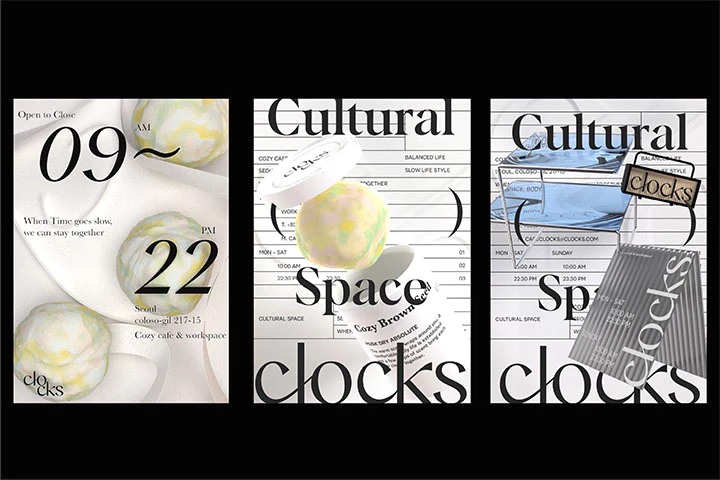 brand poster designWe create images and moving posters that can effectively convey the brand story and mood. We sketch which 3D shape will be expressed with what movement, implement the motion, and create a poster.
 -
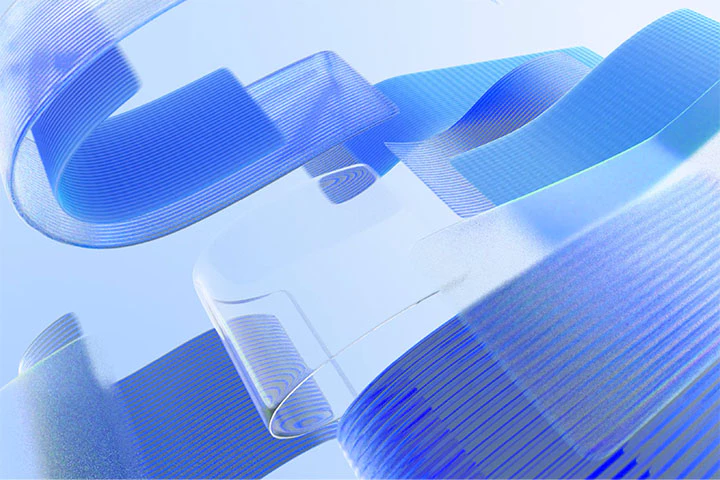 3D motion graphic designLearn how to convey the unique story and value your brand wants to convey through video. Learn animating using keyframes and modifiers, and implement procedural motion graphics design using geometry nodes.
- Unlimited Access
- Best Price
Buy now, get unlimited access.
12/31 (Sat) (UTC-7) Special offer ends soon.
This special offer ends soon.
Buy now and save!
curriculum
curriculum
Show me the curriculum
SECTION 01. Intro
01. 3D assets in brand design practice
- Lecture introduction
SECTION 02. Brand 3D motif
02. Brand design - 3D motif
- 3D assets for brand design
03. Brand design - 3D motif concept setting
- Introduction to Pods Identity
- Pods 3D motif concept setting
04. Brand design - 3D motif practice
- Material motif example practice
- Advanced material expression method practice for practical use
- Understanding Solid-Subsurface Scattering
- Glass -Understanding Caustics and Dispersion
- Understanding Metal - Anisotropic
05. Understanding color management
- Understanding color management, color gamut, and HDR rendering for practical quality.
06. AGX profile installation and 3D key visual production
- AGX application and 3D key visual practice
07. Card news practice
- Card News 01 - Texture Application
- Card News 02 - Modifier Application
SECTION 03. Brand character design
08. 3D character design - animal-type character 1
- Brand character development
- brand character modeling
- Learn lighting know-how that blends well with 2D graphics
- Rigging and Animating
09. 3D character design - animal-type character 2
- Brand character development
- brand character modeling
- Shading - Texture Painting Basics
- Smooth animation using Shapekey
10. Pods - Humanoid character practice - Head modeling
- Character head modeling using sculpting
11. Pods - Humanoid character practice - Body and clothing modeling
- character body modeling
- character costume modeling
12. Pods - Humanoid Character Practice - Shading and Lighting
- Character Shading - Texture Painting Basics
- UV mapping and how to use assets
13. Pods - Humanoid character practice - Rigging and product contact application
- Rigging practice using Rigify
- Lighting and Rendering
- How to use design contact points
SECTION 04. 3D iconography
14. 3D icon concept set
- 3D iconography of brand design
15. 3D Icon Modeling - A
- Icon modeling - portfolio, chat, coffee
16. 3D Icons - Modeling - B
- Icon Modeling - Articles, Calendars, Folders
17. 3D Icons - Modeling - C
- Icon modeling - headset, palette, pad
18. 3D icon - shading and lighting setup
- Consistent shading using material motif assets
19. 3D Icons - Animating - A
- Animating Icons - Portfolio, Chat, Folders
- How to use shape keys and animating graphs
20. 3D Icons - Animating - B
- Icon Animation - Article, Calendar, Pad
- How to use shape keys, modifiers, and shading interactions
21. 3D Icons - Animating - C
- Icon Animation - Headset, Palette, Coffee
- How to apply consistent render shots using camera and lighting setup
- How to use it as a design contact point
SECTION 05. Brand motion graphics
22. Motion graphics concept setting
- Understanding brand motion graphics
- Motion graphics in Blender
23. Pre-production - topic selection and storyboard planning
- Motion graphics story planning and storyboard
24. Pre-production - Style frame production - Modeling
- Style frame creation - modeling using geometry nodes
25. Pre-production - Style frame creation - Shading
- Creating a style frame - Lighting secrets that increase practical texture and quality
26. Scene Animation 1
- How to work with keyframe animation and graphs
27. Scene Animation 2
- Animating using geometry nodes
28. Scene Animation 3
- Animating using curves
29. Scene Animation 4
- Final animation that improves quality
30. Post-production - Rendering and compositing
- Color grading and compositing methods
SECTION 06. Deepening brand 3D mock-up
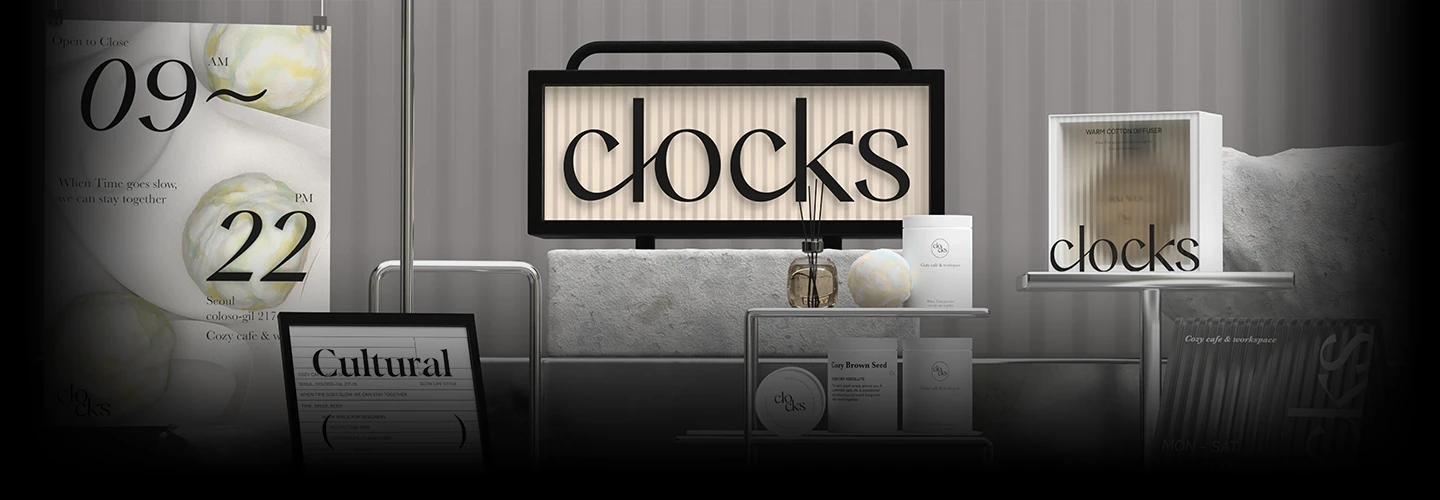
31. Conceptual setting of 3D mock-up and introduction of Clarks
- Brand offline design contact point and introduction of Clarks
32. 3D Mockup - Pressed business cards and photo-realistic renderings
- Implementation of type pressure and practical rendering skills practice
33. 3D mock-up - detailed product modeling and production
- Directing method using product modeling, lighting, and camera setup
34. 3D Mockup – Diffuser and translucent package
- Developing a package that fits the brand essence
- Modeling and Rendering
35. 3D Mockups – Signage and Billboards
- Signage design and mock-up 3D rendering
36. 3D Mockup – 3D space composition
- Organizing key visuals with space composition
SECTION 07. Brand moving poster
37. Moving Poster A
- Create motion based on planning
- Lighting settings and shading
- Rendering and post-processing
38. Moving Poster B
- Create motion based on planning
- Lighting settings and shading
- Rendering and post-processing
39. Moving Poster C
- Create motion based on planning
- Lighting settings and shading
- Rendering and post-processing
SECTION 08. Outro
40. Concluding the lecture
- Epilogue
interview
3D graphic designer Seyoon Jung

Question.01
What are the planning intentions and points of this lecture?
What are the planning intentions and points of this lecture?
We have planned a lecture that is more suited to brand design practice . Iconography, key visual production, and motion graphics, which were unfortunately not included in the last lecture, are included. We have planned styles that fit the brand contact points of various industries and hope that it will greatly help students improve their design skills .
Question.02
What is the biggest difference from the existing first lecture?
What is the biggest difference from the existing first lecture?
While the first lecture was a basic lecture on learning rough Blender skills and applying them to graphic design, this lecture focuses on brand design, creating 3D graphics for related design contact points, and allowing you to immediately apply the skills you have gained to practical work. has been configured.
Question.03
What can students gain from the lecture?
What can students gain from the lecture?
In brand design, you will gain skills to create key visuals that are more trendy and competitive , and you will also learn about high-quality material expression methods used in practice .
We will guide you through the program to use.
This course will be conducted using Blender 3.3.0, Adobe Illustrator 2022, Photoshop 2022, and Adobe After Effects programs. To ensure smooth participation, please purchase and install the latest version of the program separately.
*Programs and materials are not provided separately.