3DCharacterArtist,MinjeongShin_신민정2 Details
Intro
Class Intro
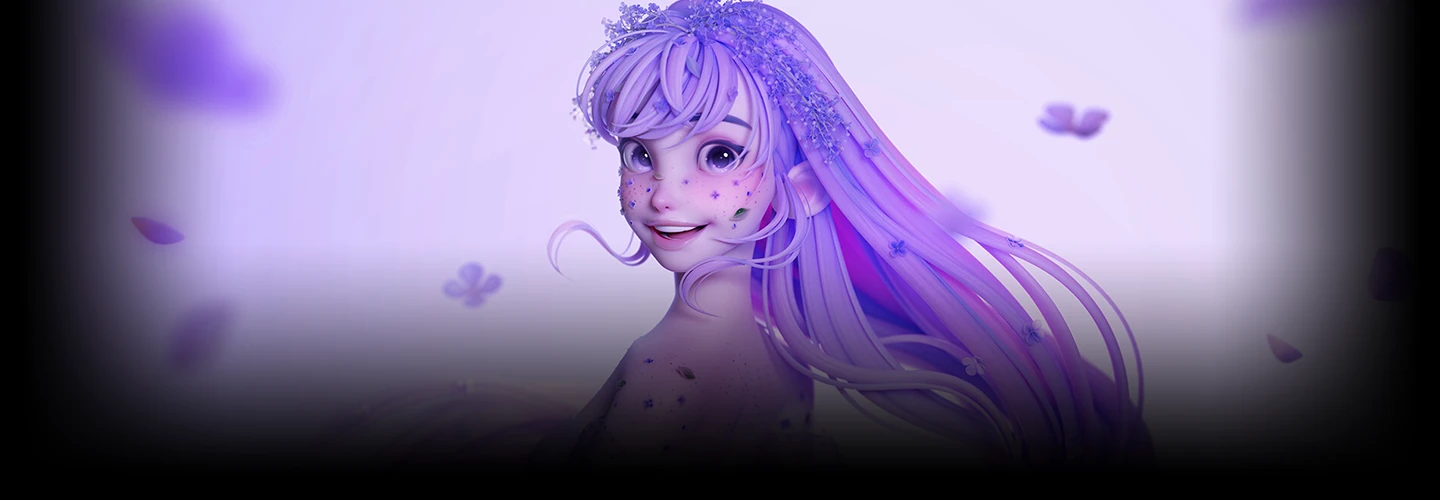
3D Character Artist, Minjeong Shin
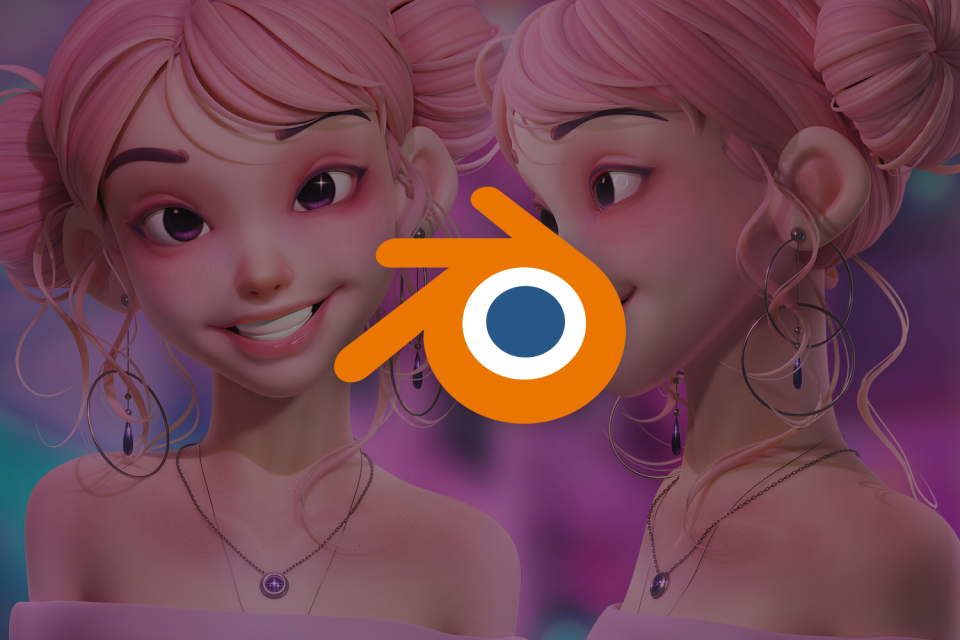
“Explore the entire process of creating a full character by learning even more advanced skills, which now include sculpting and retopology.”
*This trailer features dubbing in English. Please note that the course videos are not dubbed.
The Long Awaited Blender Class
by Minjeong Shin
Meet the hottest class among Blender users, with over 9,000 cumulative students and a satisfaction rate of 99%!
It’s the class that every learner at Coloso has been waiting for! The legendary artist Minjeong Shin is back with her second class on character stylization in Blender, which goes even deeper and expands more than her previous class.
It’s the class that every learner at Coloso has been waiting for! The legendary artist Minjeong Shin is back with her second class on character stylization in Blender, which goes even deeper and expands more than her previous class.

“When is the second class coming out?” “I want to learn to create a full character!” If you took Minjeong Shin’s first class and have been asked the same questions, are new to Blender, or want to create more advanced characters, don’t miss this opportunity!
Join legendary 3D character artist Minjeong Shin as she reveals her signature skills and expertise, which she has built through years of working with Blender, following a step-by-step roadmap. The second part of the Minjeong Shin Series begins right now!
Join legendary 3D character artist Minjeong Shin as she reveals her signature skills and expertise, which she has built through years of working with Blender, following a step-by-step roadmap. The second part of the Minjeong Shin Series begins right now!
Class Preview
About the Minjeong Shin Series
1. Understanding the Basics of Character Design
- The direction of the Minjeong Shin Series
- About sculpting and retopology skills taught in Part 2
- Why pose sculpting is important
- Coming soon: Part 3
*The Korean language content in this class preview is translated into English in the class videos.
**The subtitles in this preview video are auto-translated. Please note that some content may not be accurately translated.
***Associated content is subject to change without prior notice.
Class Perks
Get These Coloso Exclusives
-
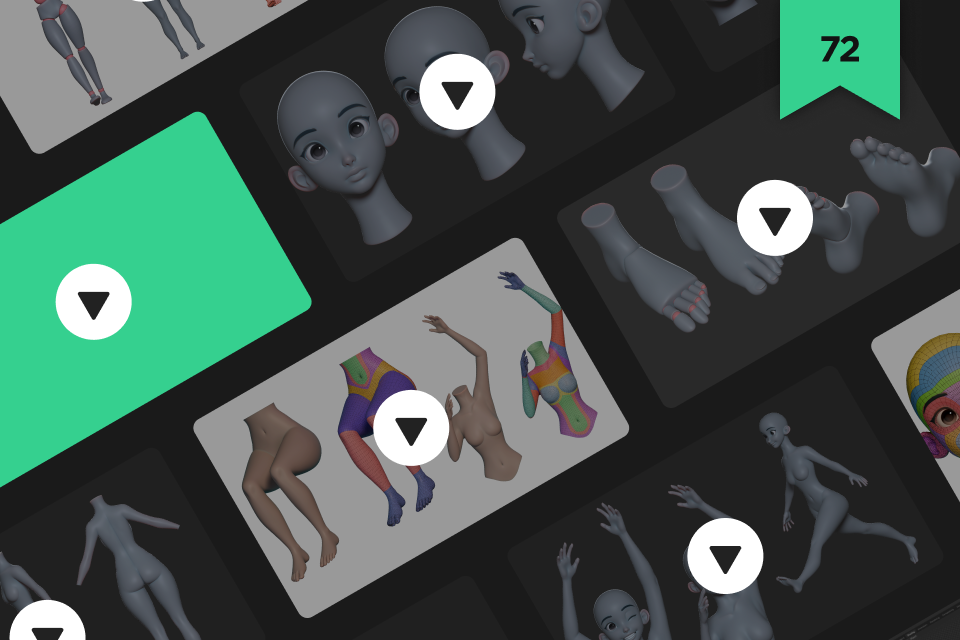
Lifetime Access to the 72-Chapter Class by Top-Tier Blender Artist Minjeong Shin -
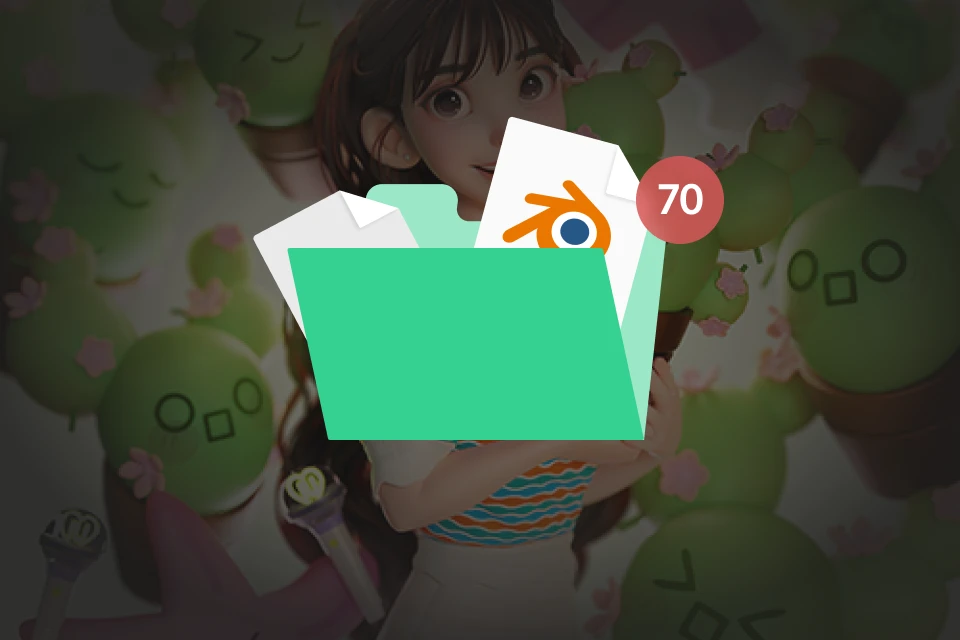
Hands-on Exercises on Detailed Face and Body Parts through 70+ Files -
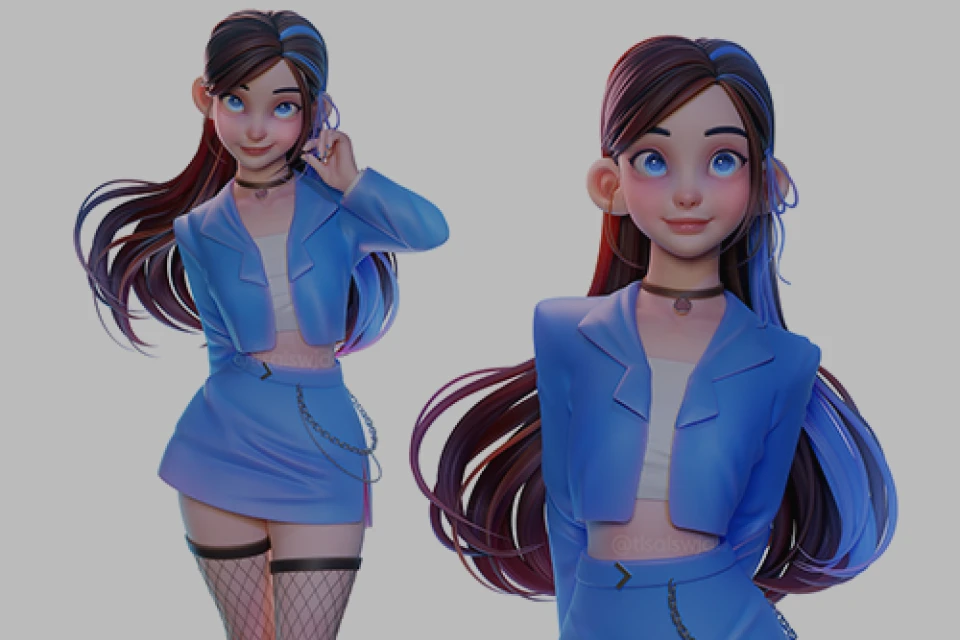
Various Eyes and Irises Sample Projects
Recommendation
Who Should Take This Class?
Have you been waiting
for a full-character design class by Minjeong Shin?
Learners who want to create characters that look natural and lively from the face to the body
Are you looking for an advanced character design class that goes beyond working on exercises?
Learners who want to create more diverse eyes, noses, mouths, ears, facial shapes, facial expressions, bodies, hands, feet, and poses for their characters
How on earth do I do sculpting and retopology?!
Learners who want intensive training on efficient sculpting and retopology skills, Minjeong Shin’s specialties
3D Character Artist
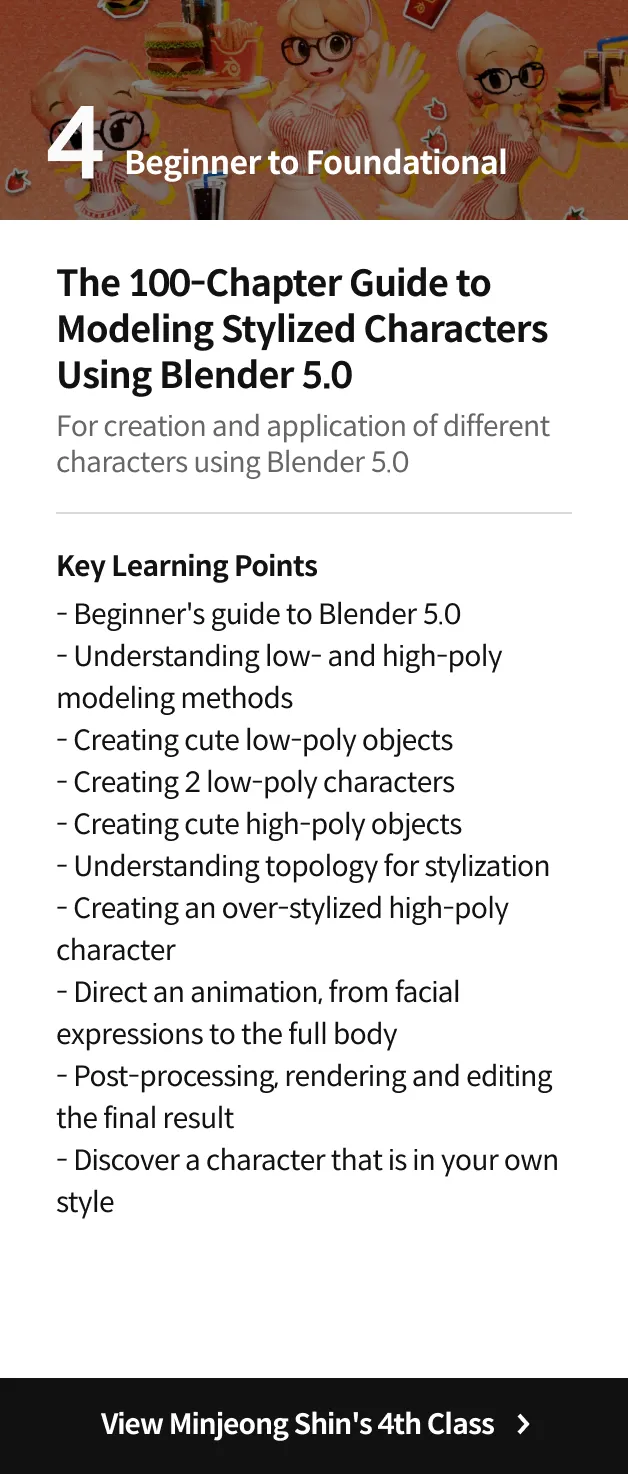
Minjeong Shin's Class Series
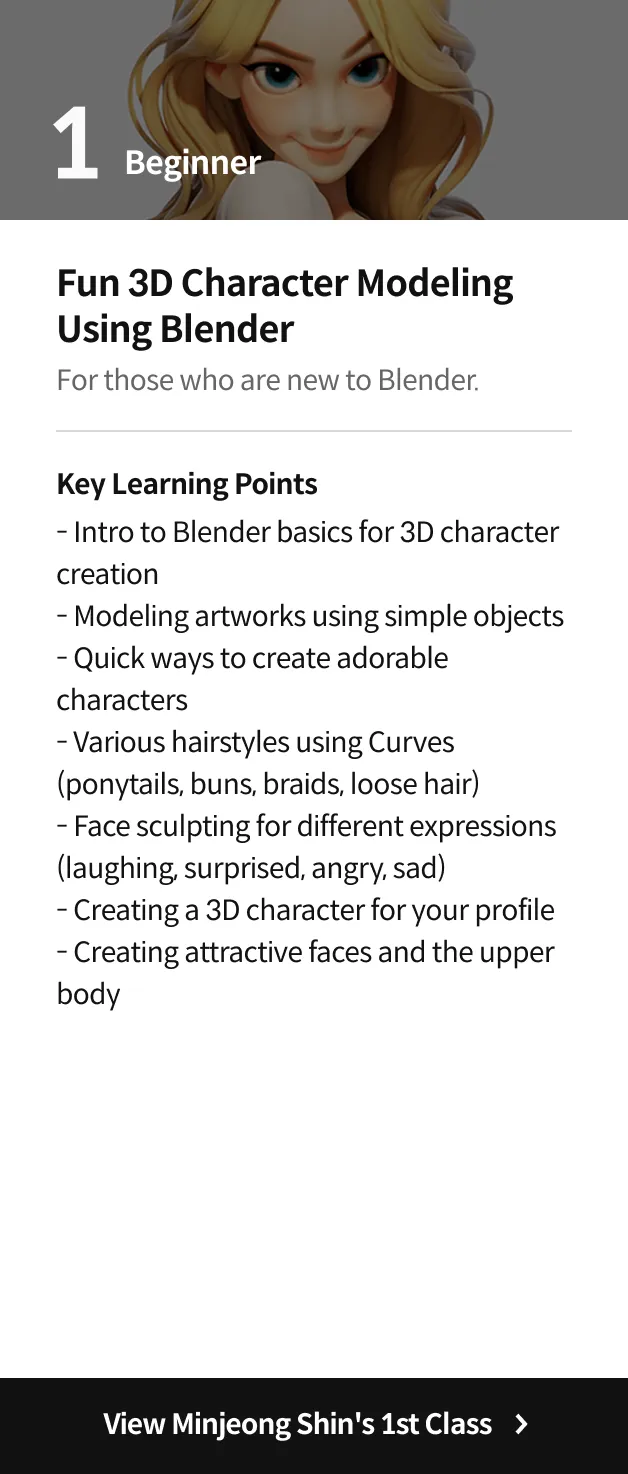
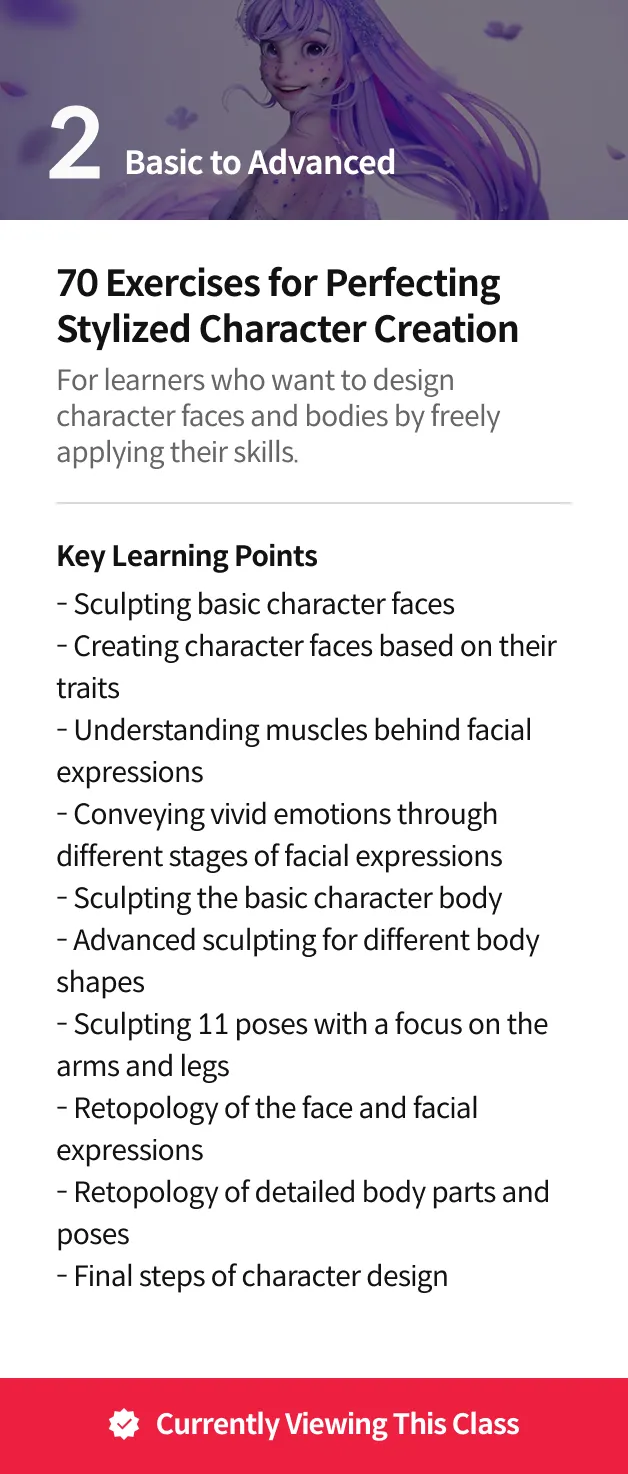
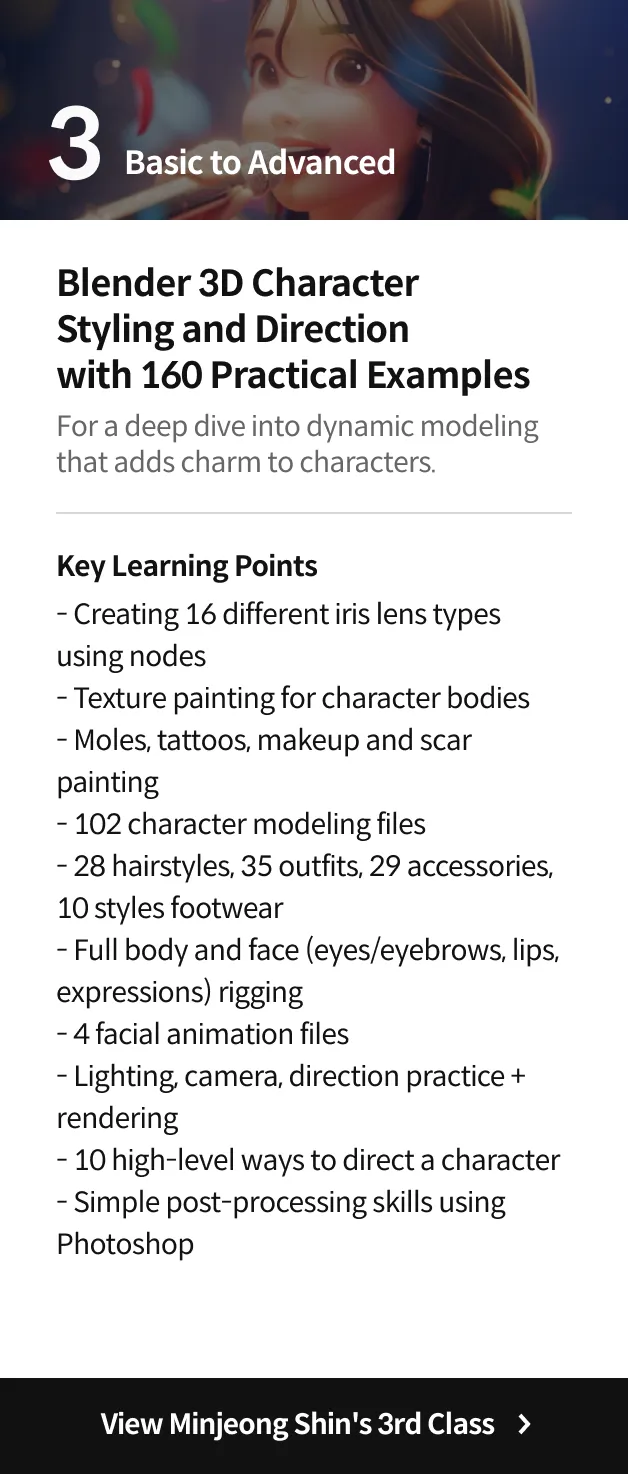
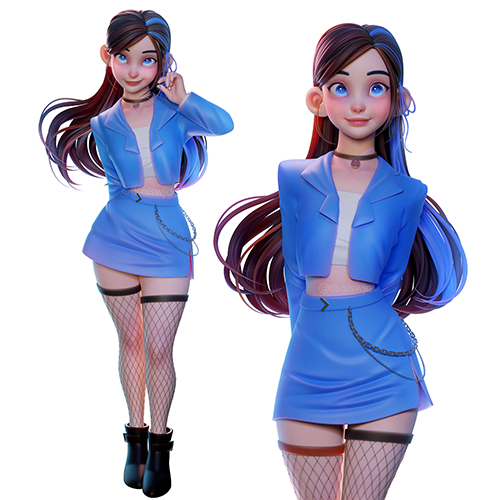
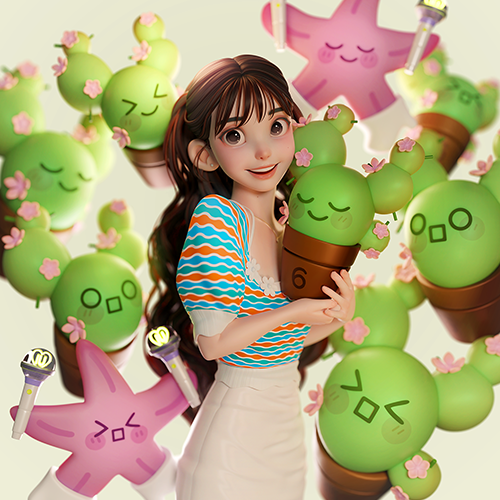
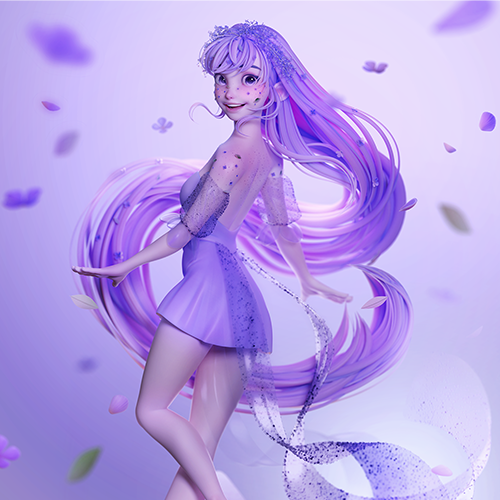
Expert 3D Character Artist, Minjeong Shin's Portfolio
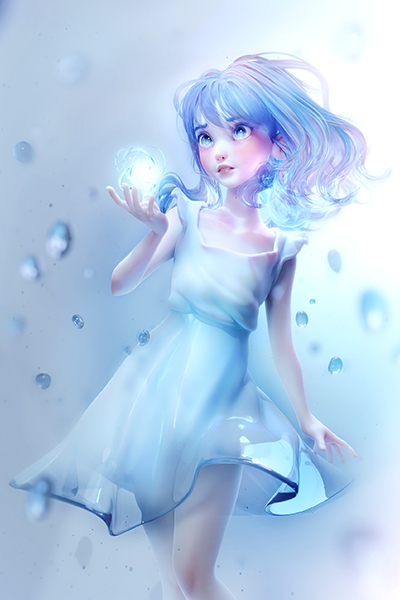
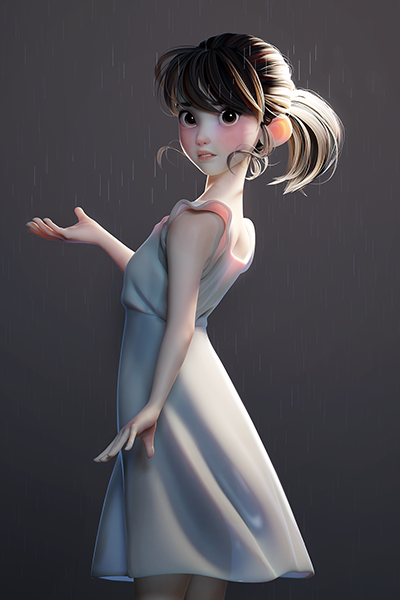
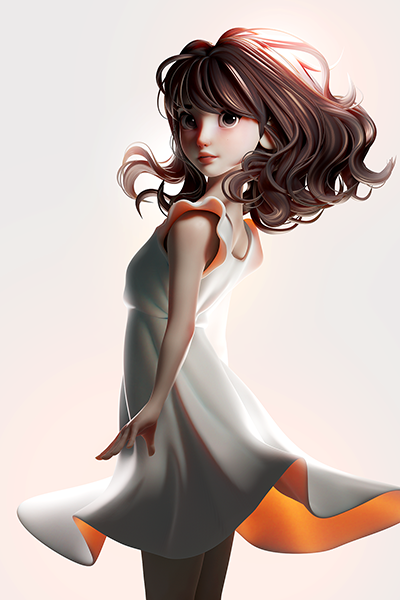
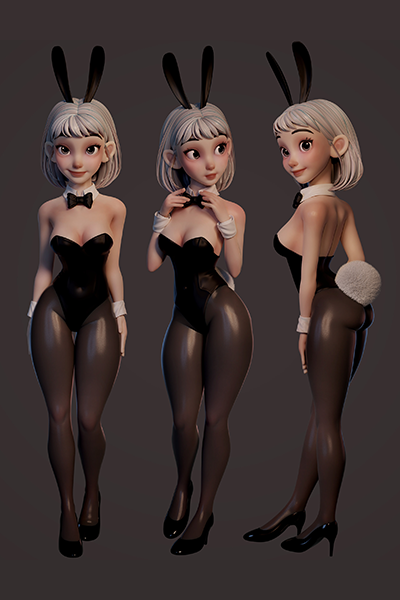
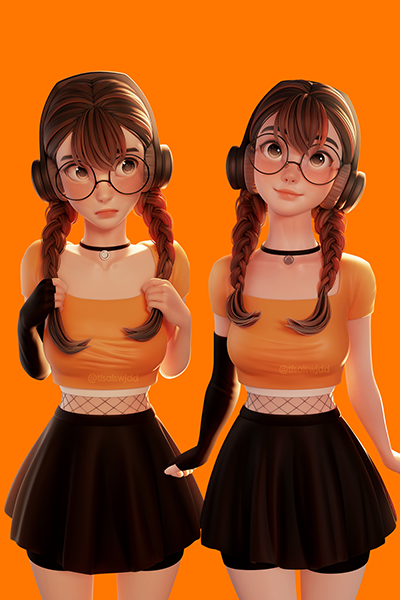
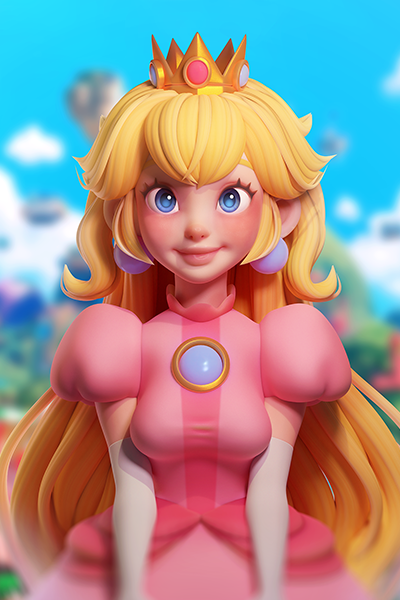
Why Take This Class?
An Advanced Blender Workflow for Creating Your Own Characters
Say goodbye to unnatural, haphazard-looking characters! Did you know sculpting, the very first step, is what determines a character’s quality? In this class, Minjeong Shin guides you through different parts of the face and body, including the eyes, nose, mouth, facial shape, shoulders, arms, legs, hands, and feet, and shares efficient sculpting and retopology methods.
With a total of 72 chapters and 70 exercises, you’ll get hands-on experience with not only facial characteristics and expressions but also bodies and poses.
Available exclusively on Coloso, this ideal curriculum by Minjeong Shin will equip you with everything you need to create all the details you’ve ever imagined, and even those you never dreamed of, for your characters.
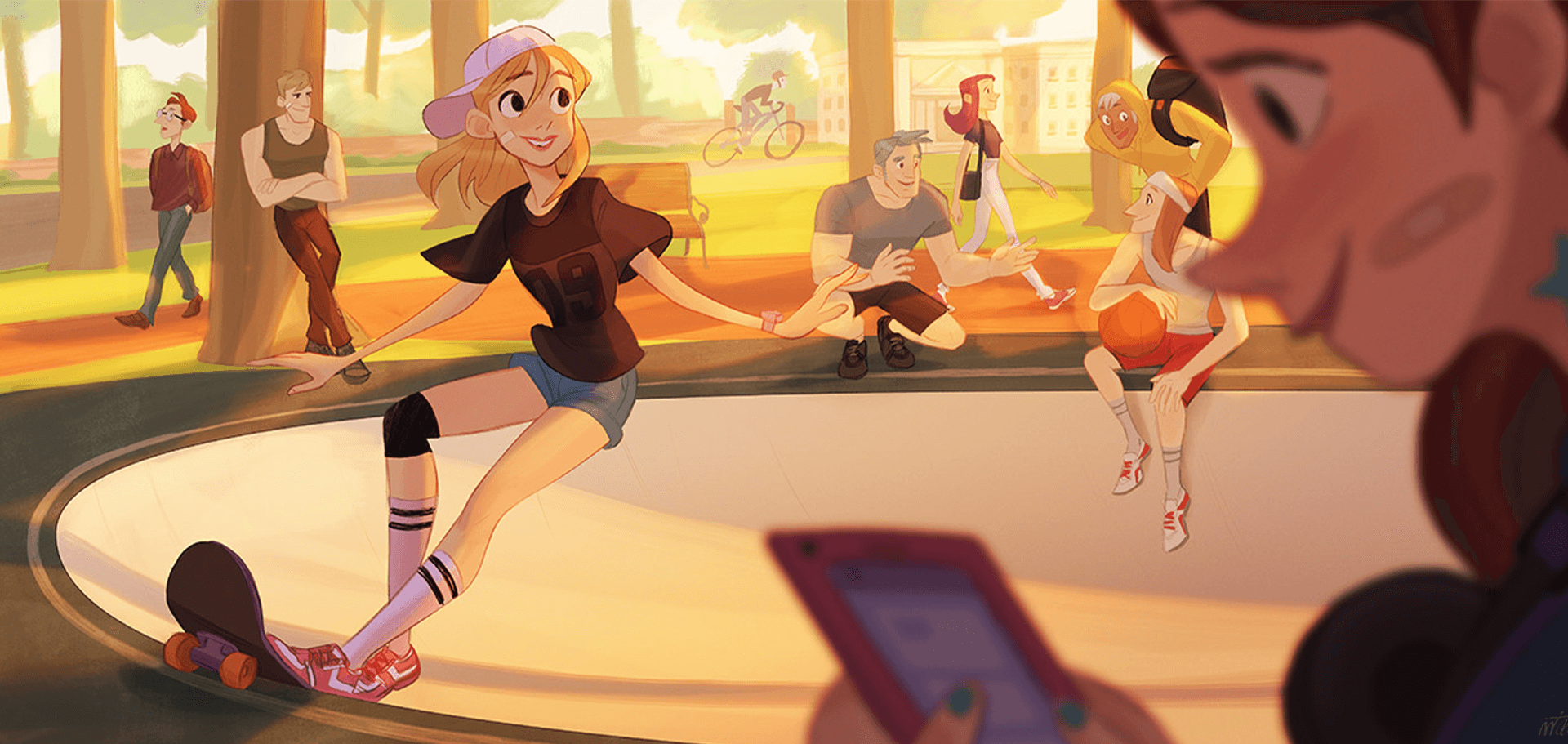
70+ Class Exercises
Part 1. Faces
-
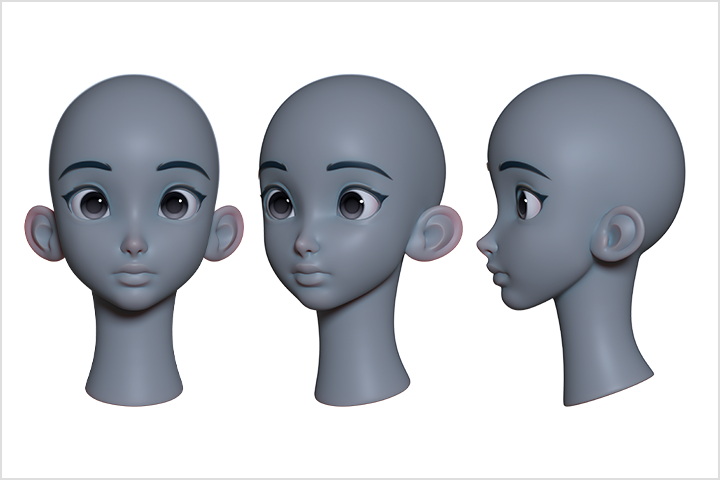 Basic Faces
 -
 Face Sculpting Process
 -
 Creating Faces with Different Characteristics
-
 Eye Movement
(Closing, Smiling) -
 Iris Movement
(Up, Down) -
 Eyebrow Movement
(Angry, Sad, Surprised)
-
 Mouth Corner Movement
 -
 Open Mouths
 -
 “Ah,” “Ee,” “Oo”
-
 Stages of Facial Expression
(Joy, Sadness) -
 Stages of Facial Expression
(Astonishment, Anger) -
 Stages of Facial Expression
(Disgust, Fear) -
 Advanced Facial Expression:
(Half and Half, Mixed)
Part 2. Human Anatomy
-
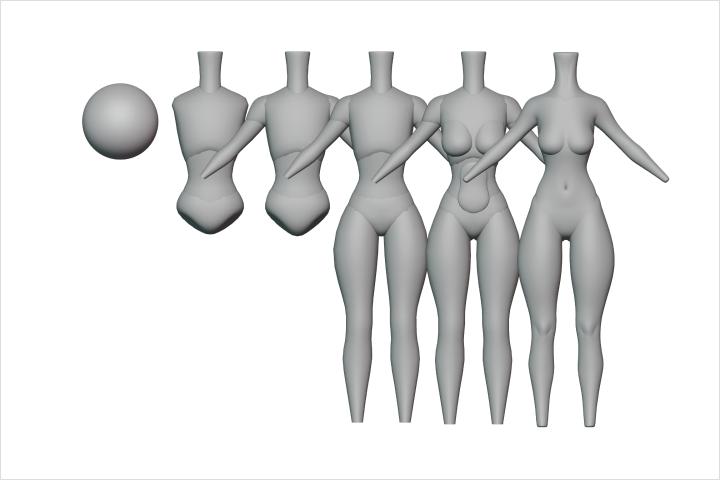 Basic Bodies
 -
 Full-Body Sculpting Process
 -
 Various Body Shapes
(Basic, Thin, Chubby)
-
 Hands
Hands -
 Feet
Feet -
 Hands and Feet
-
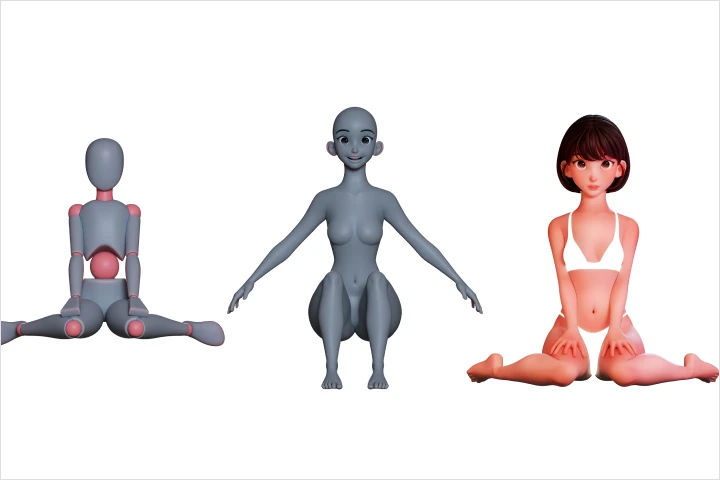 W-sitting
 -
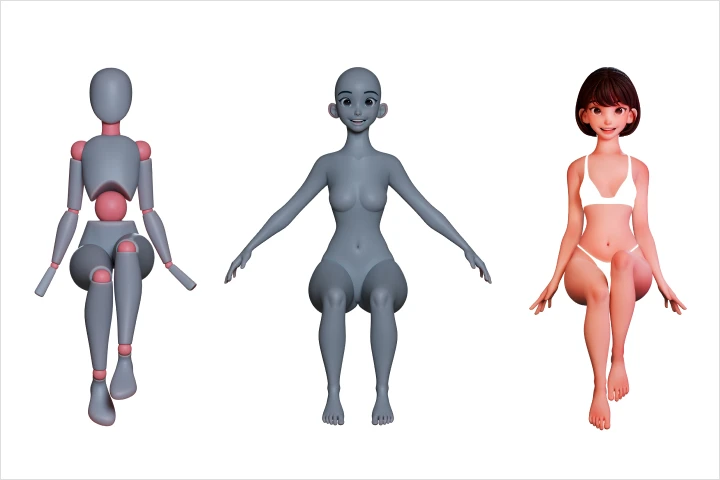 Sitting
 -
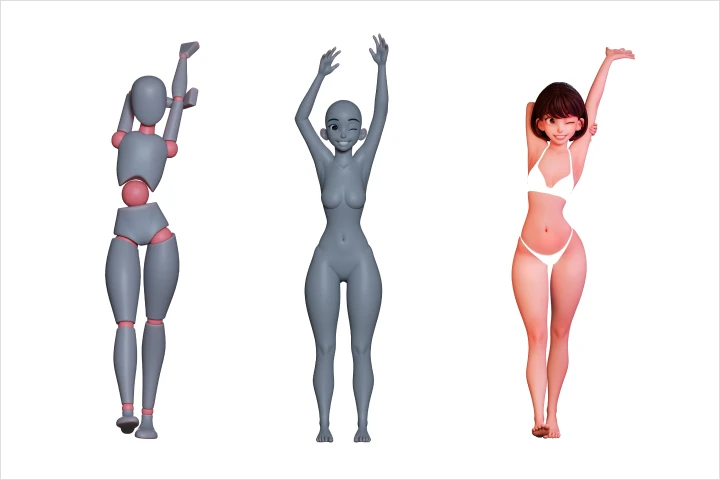 Stretching
 -
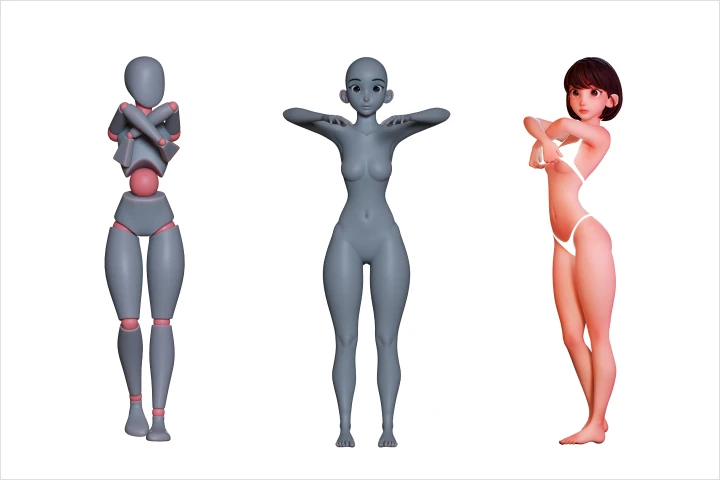 Undressing
-
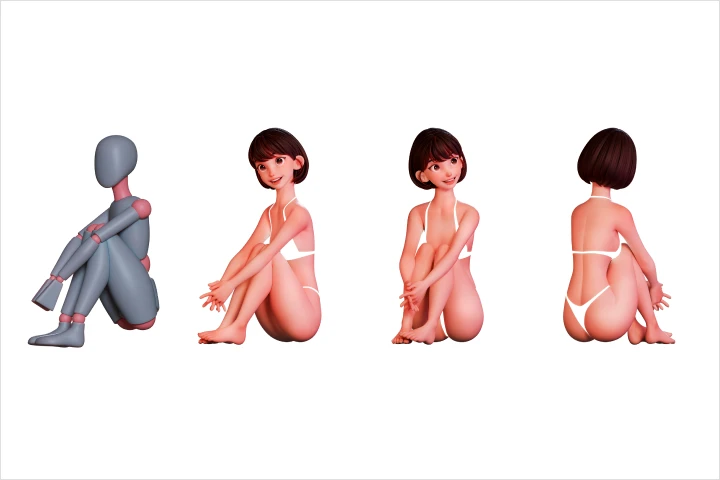 Sitting on a Floor
 -
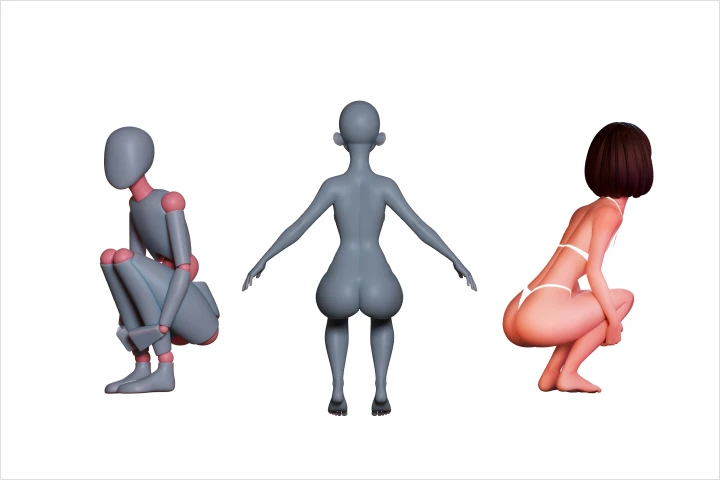 Crouching
 -
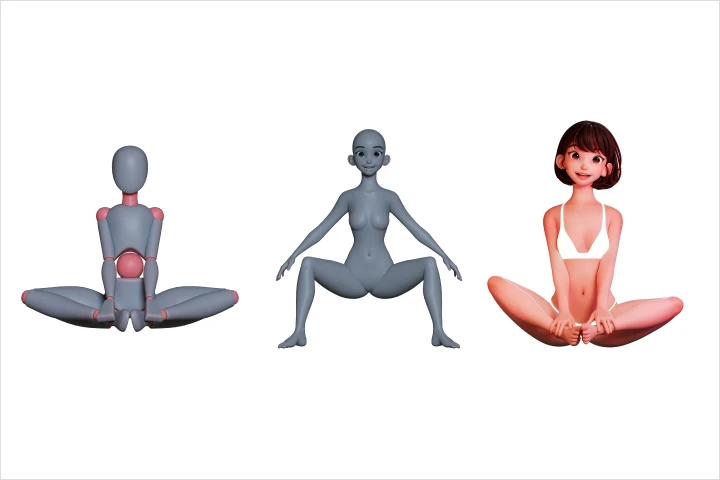 Sitting Cross-legged
 -
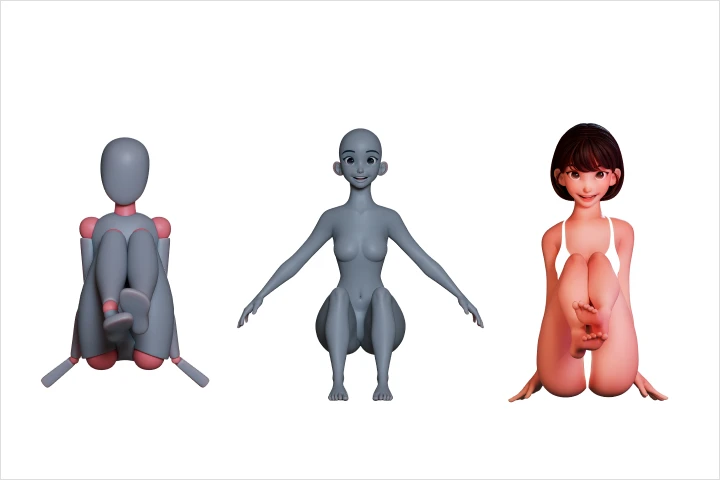 Lifting Feet
-
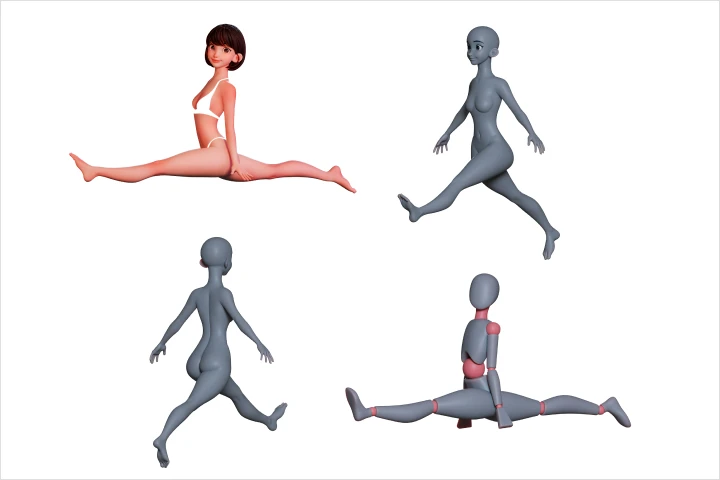 Splits
 -
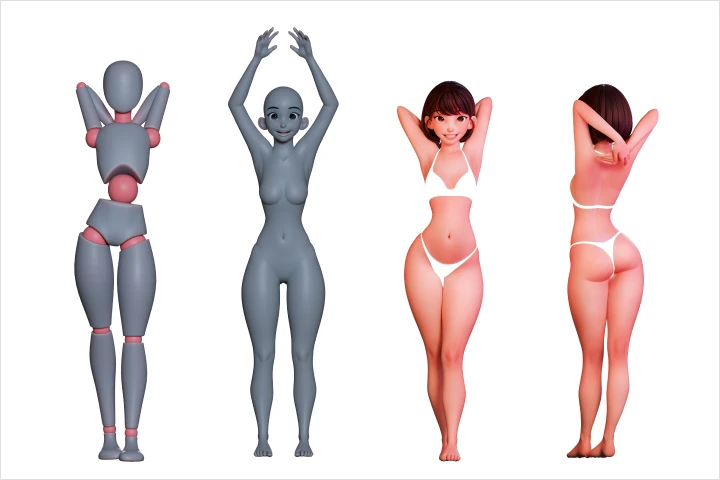 Raising Arms
 -
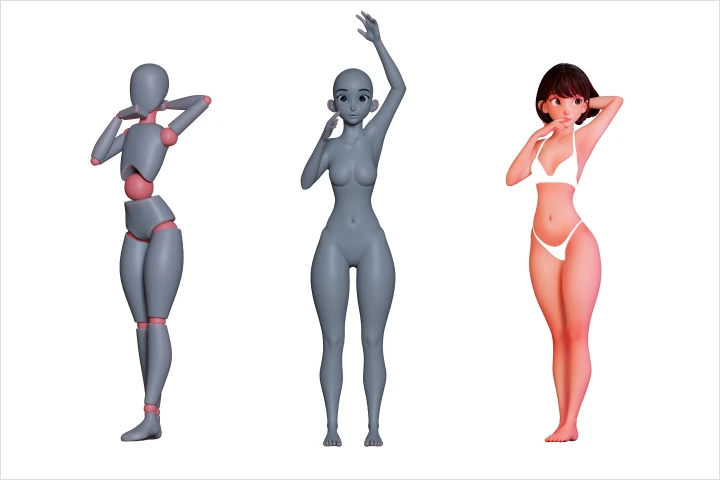 Raising One Arm
Part 3. Retopology
-
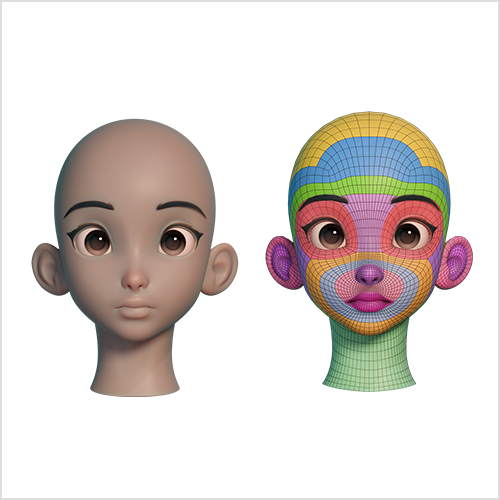 Retopology of the Basic Face
 -
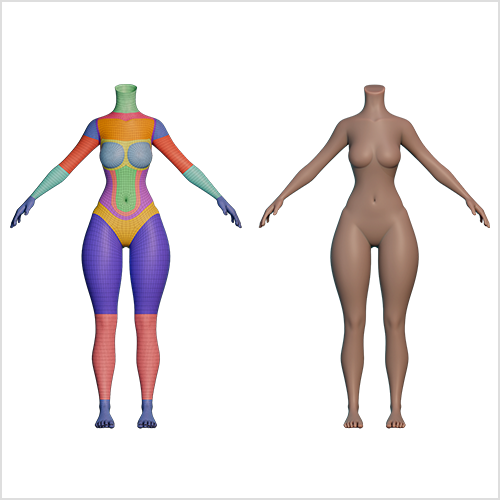 Retopology of the Basic Body
 -
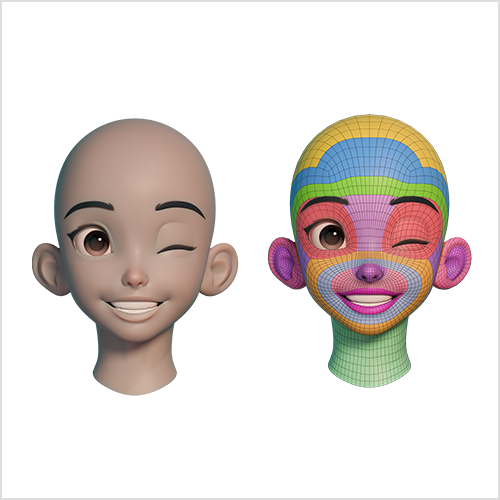 Advanced Retopology of Facial Expressions
 -
 Advanced Retopology of the Arms and Legs
* The above images are actual class exercises you’ll create in the class.
Roadmap
The Complete Masterclass on Sculpting and Retopology for Blender!
Instructor
3D Character Artist
Minjeong Shin
Hello, my name is Minjeong Shin and I am a 3D character artist. I teach 3D character design for Blender through lectures and books and also create and post content about 3D characters on YouTube and Instagram.
In this class, I will explain every stage of my actual workflow so you can create 3D characters like mine. You will learn sculpting techniques to stylize characters in appealing ways, efficient retopology skills, and how to create a full character, which I couldn’t cover in the previous class. Discover advanced character design methods for producing quality results, taking it one step at a time.
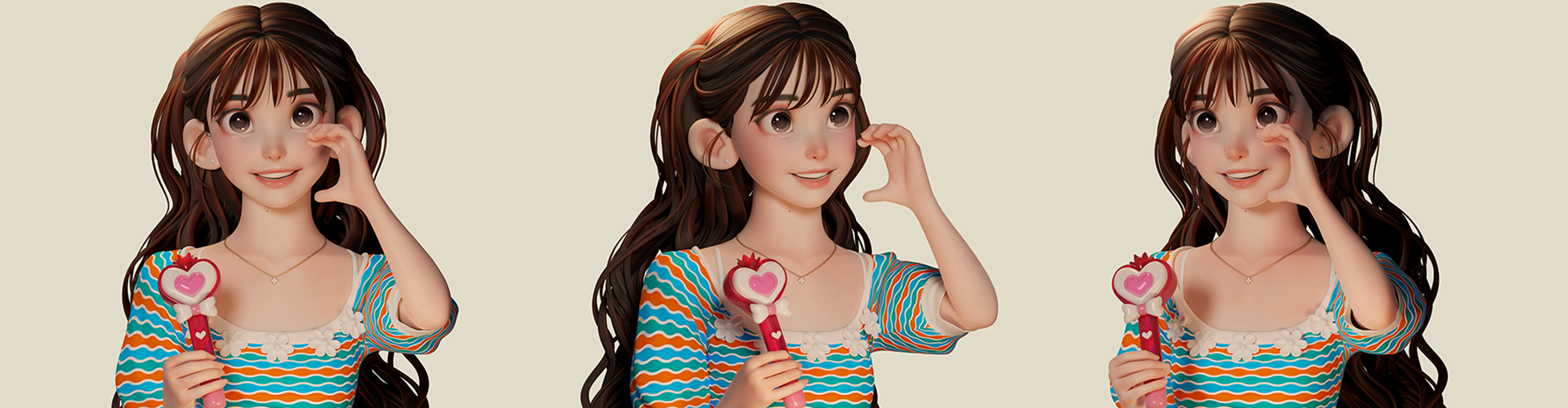
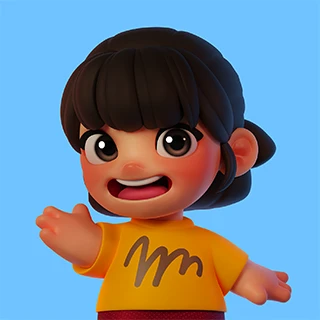
3D Character Artist, Minjeong Shin
[Current]
3D Character Artist
Highlights
Class Highlights
Create Basic Stylized Bodies, the Starting Point of 3D Blender Characters

The look of a 3D character depends on the quality of its “basic shape.” Using the full body of a stylized character as the base, you will study faces and bodies, as well as various parts like hands and feet in depth.
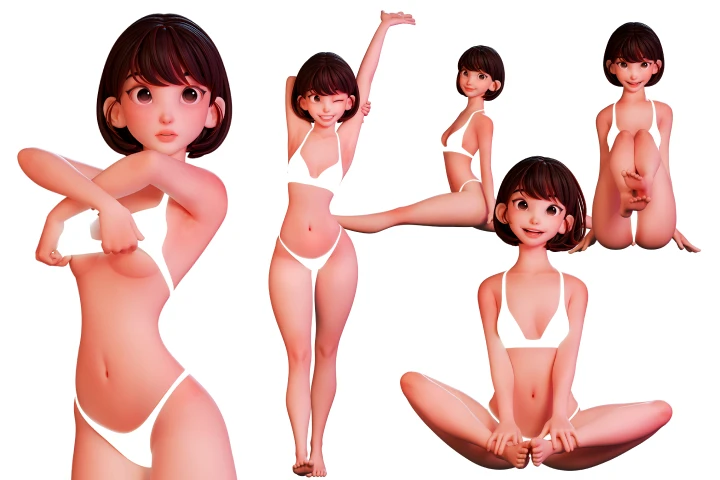
Design Your Own Characters with Various Details While Building Application Skills
The ability to create good details for a character allows you to broaden the spectrum of your 3D character design. You will build faces, emotions, poses, and every other element of a character that you can imagine, developing skills that you can apply to your own characters as well.

Master Sculpting and Retopology, the Keys to Character Design!
You can’t create natural and attractive characters without going through the process of sculpting and retopology. Join Minjeong Shin as she shares every bit of her sculpting and retopology skills for improving quality and efficiency, the secret weapons that took her years to build.
Class Details
You'll Learn
-
 Learn the A to Z of Sculpting Skills That Boost Your Character’s Look with Small DetailsIf your character looks different from the example despite following the same process, it’s because you’ve missed the details. Study the concept of sculpting and useful tips about brushes and masking, and reflect on Minjeong Shin’s sculpting skills to create more details in less time.
 -
 Design Diverse Characters with Varying CharacteristicsCreate natural-looking, basic faces, as well as faces that have different proportions and characteristics, including the eyes, nose, mouth, eyebrows, and eyelashes. Apply and combine various elements to develop the ability to create any face you want.
 -
 Learn Different Stages of Facial Expression through 50 ExercisesAfter gaining an understanding of muscles that control facial expression, learn about ways to convey vivid emotions through facial expression. In addition to basic expressions, create complex expressions that include multiple emotions step by step.
-
 Understanding the Human Body to Create a Full CharacterWhen it comes to creating a full character, there’s nothing more important than “understanding the human body” and “the skills to customize it as you want.” Learn the principles of creating the body by exploring how to turn it into geometric shapes and natural-looking proportions, as well as customizing methods for three main body shapes, various body types and poses, the body, upper body, parts of the lower body, poses, hands, feet, and any other element of the body.
 -
 Understand Body Sculpting to Create Natural PosesFind out how the body should look when folding or moving the arms or when bending or spreading the legs, building the foundation for posing a character in various, natural-looking ways.
 -
 Retopology Tips for Optimizing Numerous MeshesRetopology, a crucial yet difficult process, now made easy! Study the basic flow of the retopology process for texturing and rigging, with the instructor sharing every useful tip that only she knows.
- Unlimited Access
- Best Price
Buy now, get unlimited access.
11/02 (Mon) (UTC-8) Special offer ends soon.
This special offer ends soon.
Buy now and save!
Curriculum
Curriculum
In-Depth Look
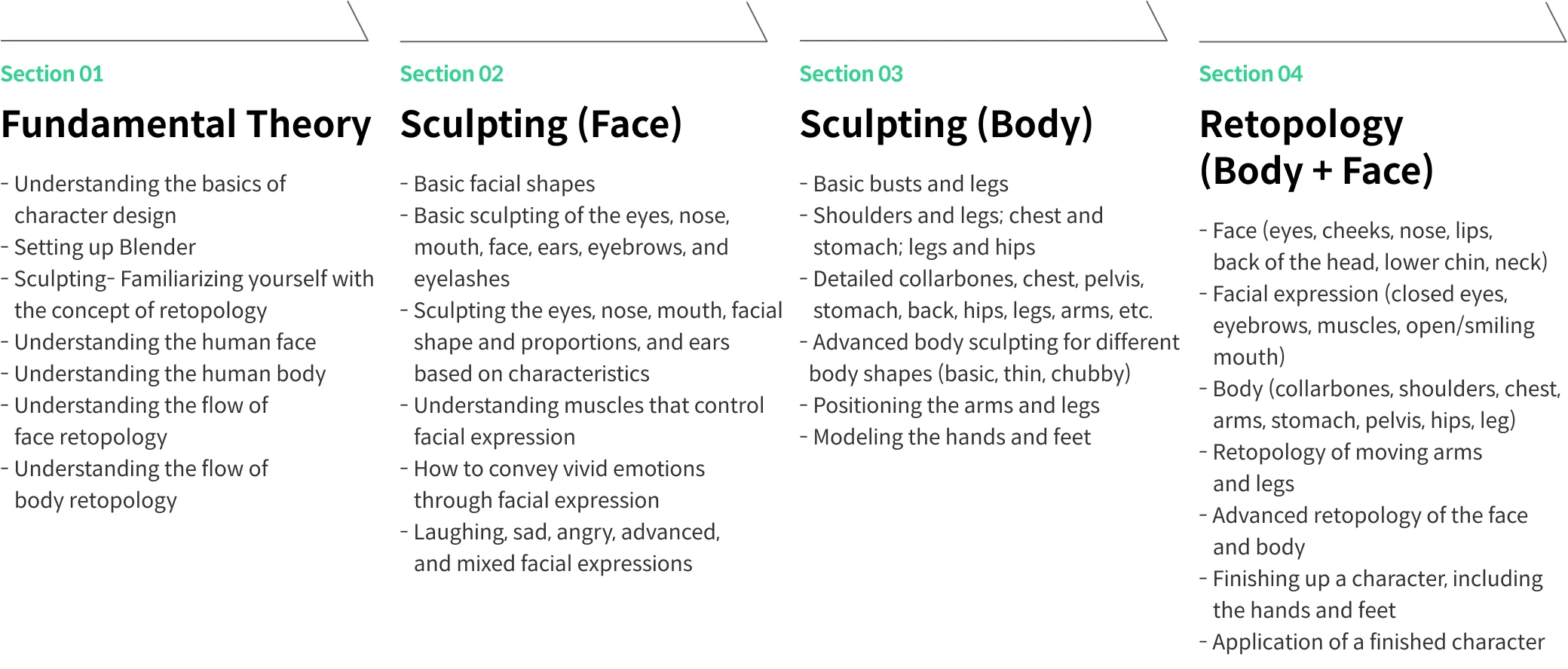
Part 01. Character Design Basics
Part 02. Character Face Sculpting
Part 03. Character Body Sculpting
Part 04. Retopology
*The release date of this class, curriculum images, and associated content can be changed without prior notice.
**Class videos may be separated for a more streamlined viewing experience
Interview with
3D Character Artist Minjeong Shin

Question.01
What is the purpose of this class, and what makes it different from others?
This class explores the entire workflow I use to design a 3D character. It is designed for learners who want to create 3D characters in the same style as mine and helps them follow my design process step by step. By the time you finish this class, you will be able to create the base of a fully stylized character using only Blender.
Question.02
What would be the most important takeaway from your class?
I will demonstrate how to create the basic body of a fully stylized character, which serves as the base for 3D character design, as well as how to create various characters using basic shapes. You will also learn sculpting and retopology skills that can be used in Blender, and different facial expressions and postures by working on a range of step-by-step exercises.
Question.03
Who do you think should take this class?
I recommend this class to those who wish to create American-style 3D characters, turn a 2D character or someone they like into a 3D character, or study 3D character design in depth. You will work on different exercises, not just creating characters but also applying them for various purposes.
Required Programs
This course will use Blender 4.0. Please purchase and install Blender of the same or higher version for an optimal learning experience.
*Make sure to prepare a tablet for the sculpting process.
*These programs and/or materials will not be provided with the chapter.