3Danimator,minusT Details
Class Intro
Class Perks
Get These Coloso Exclusives
-
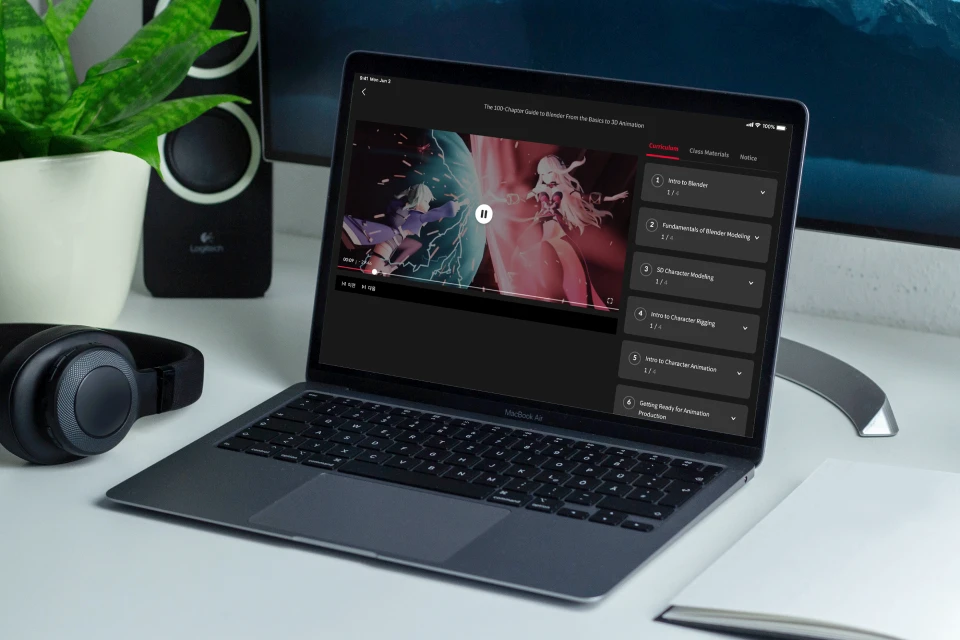
Unlimited Access to 90+ Hrs & 100 Chapters of Content -
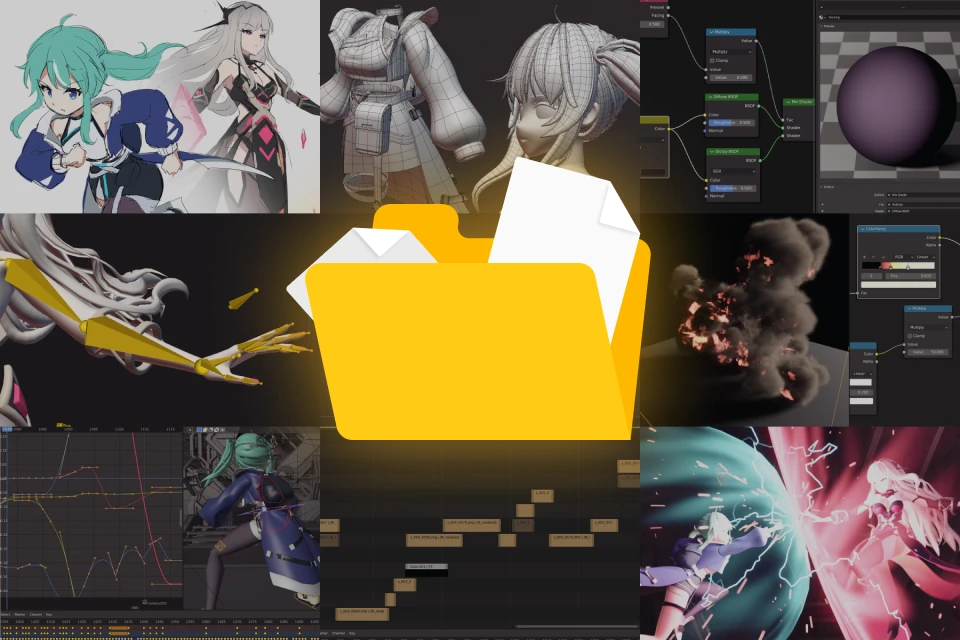
Study Material Files Used in Class Exercises -
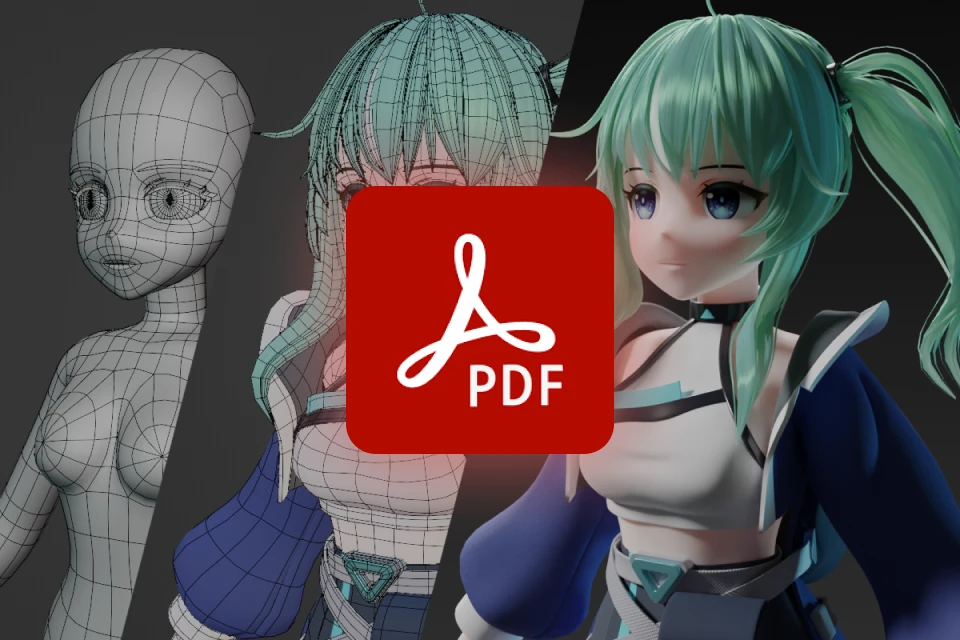
Comprehensive Course Summary PDF Files
Class Material Details
-
 (1) Exercise Materials (.pdf)- Concept Art
- Character Design
- Storyboard -
 (2) Example Files- Blender Project Files for Each Example (.blend)
- Resource Files for Each Example (.png, .jpg, .exr, etc.) -
 (3) PDF Summaries of Course Content- 18 Documents Summarizing Key Concepts by Section (.pdf)
Recommendation
Who Should Take This Class?
Beginners who want to start creating 3D artwork using Blender
Intermediate-level artists seeking to develop their own 3D creations
Anyone finding it challenging to create animations using Blender independently

Struggling to learn Blender on your own? Let's make it easier!
Get Ready for the Real-World
46 Class Exercises
Part 01. Blender Basics for Beginners
-
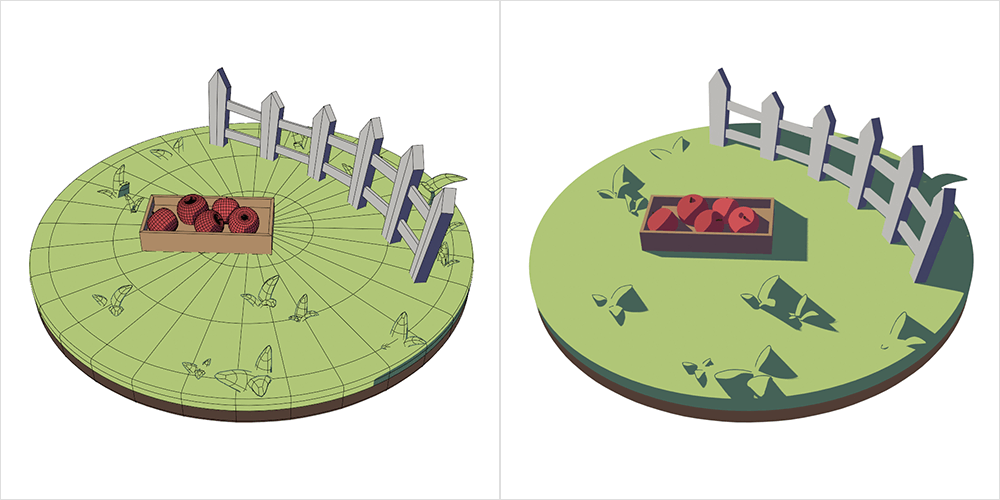 Background
 -
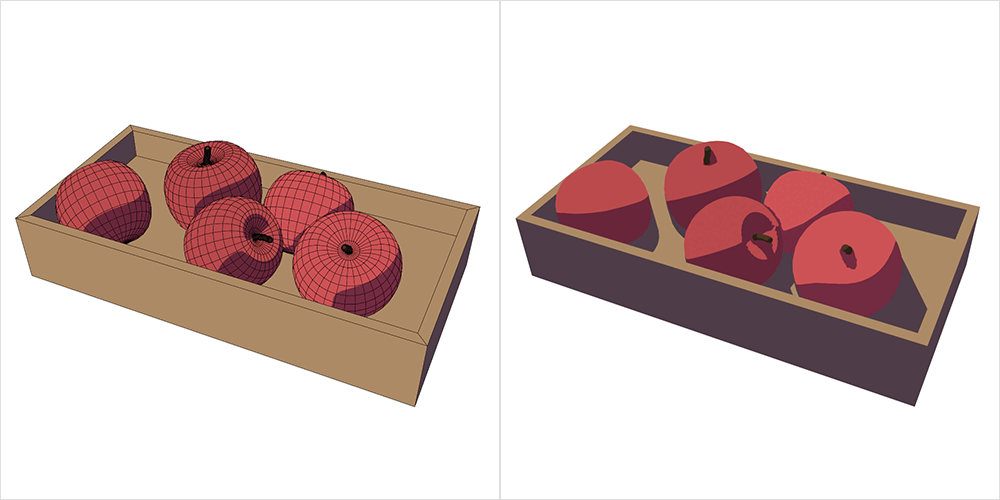 Apple box
 -
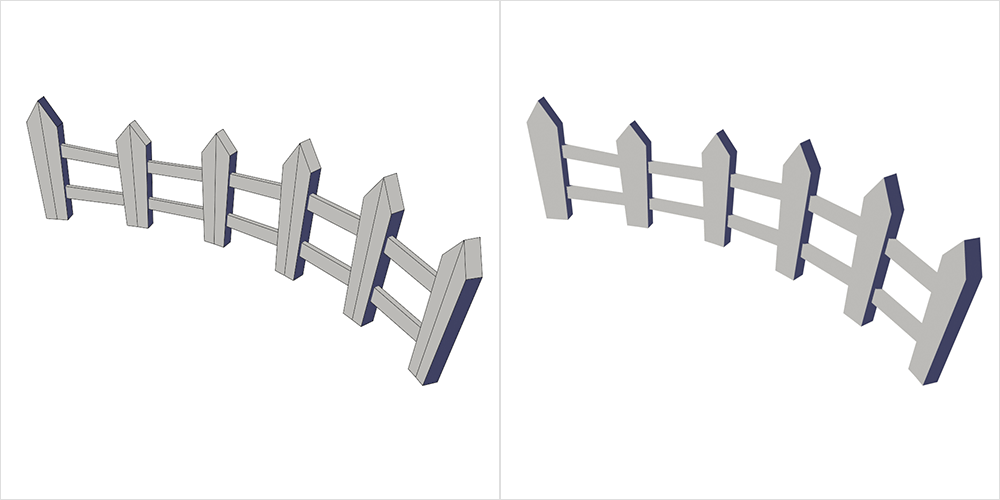 Fence
Fence -
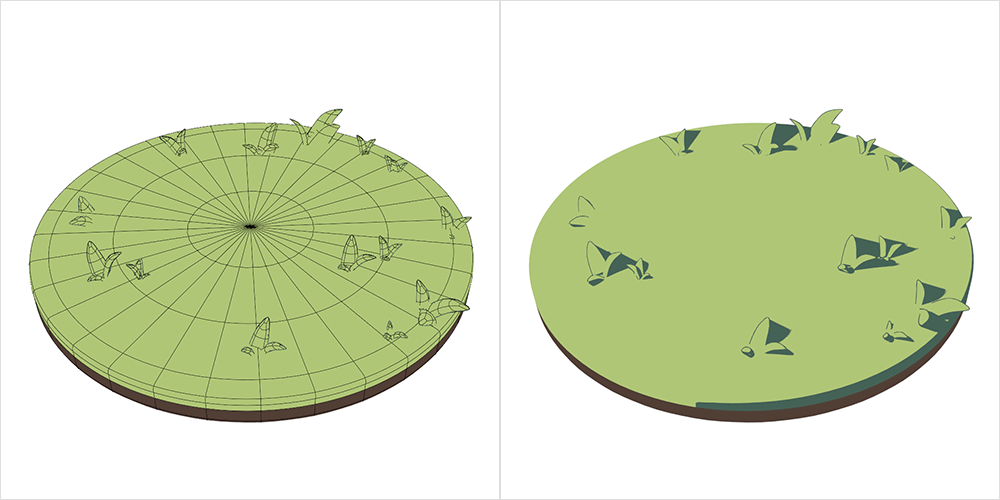 Grass floor
-
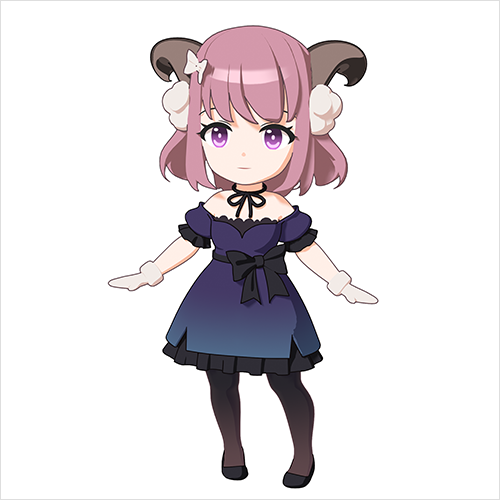 SD character
 -
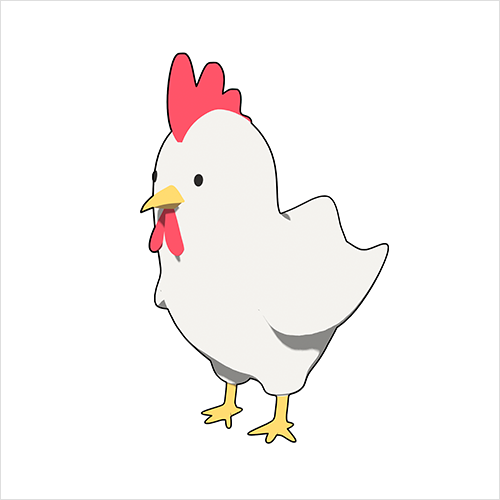 Rooster
 -
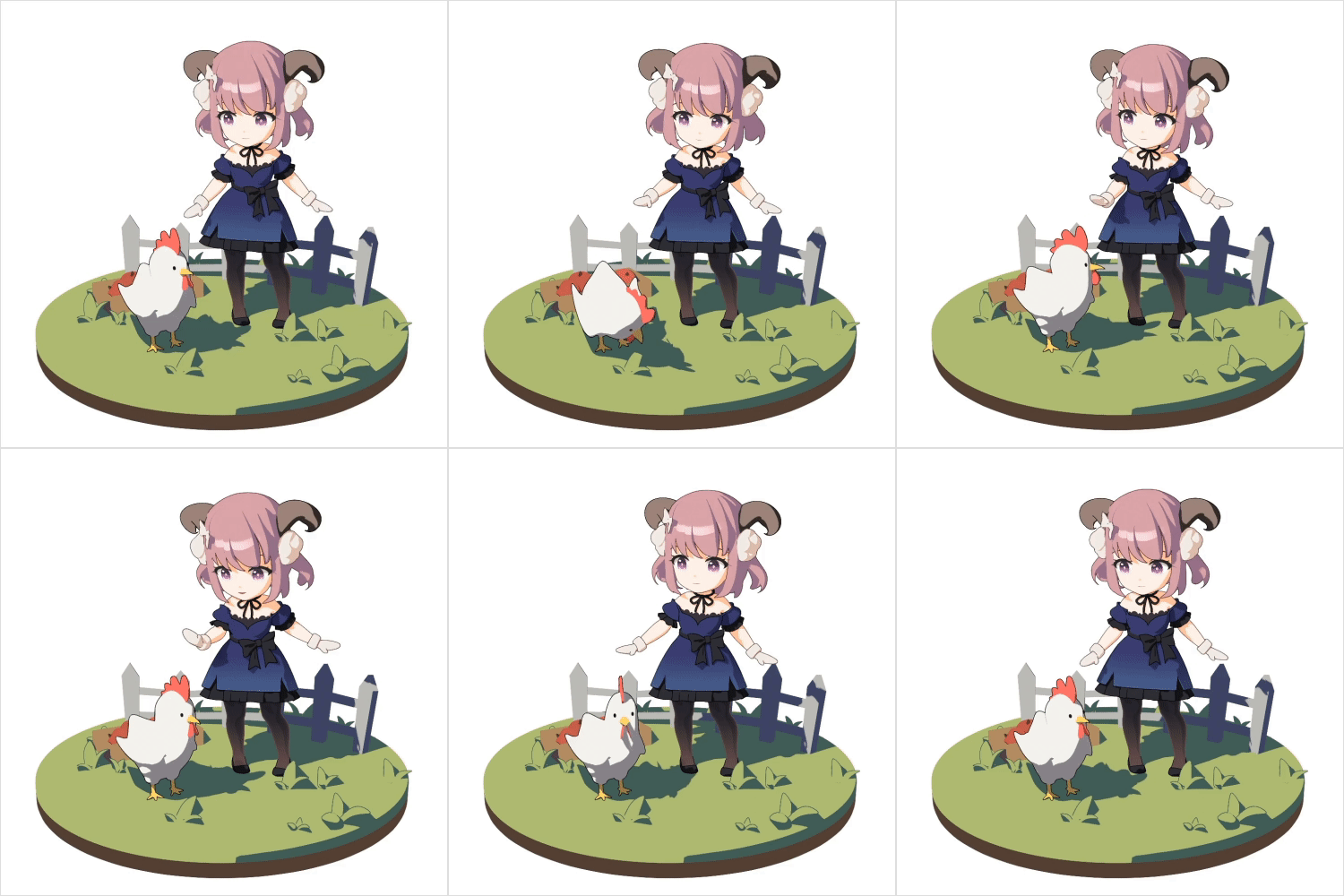 Simple animation
Part 02. Animation Concept Design
-
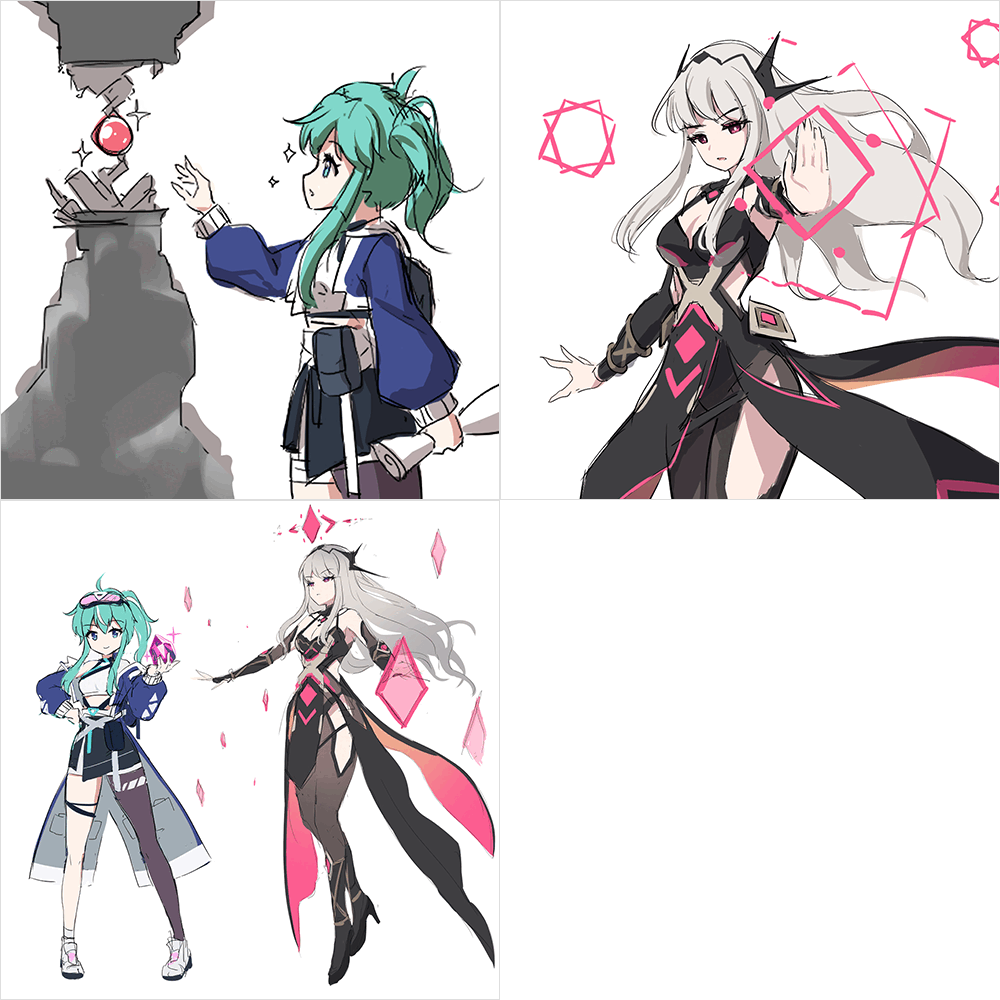 Concept development
 -
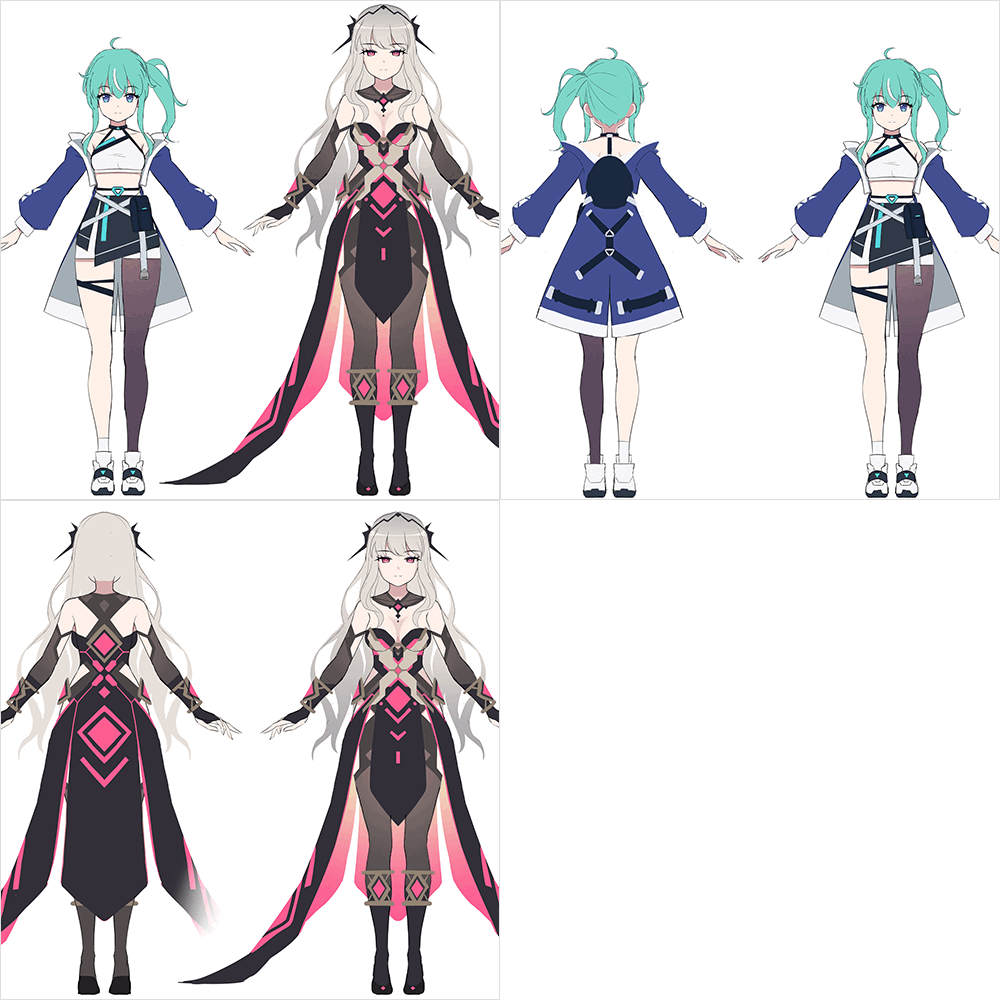 Character design
 -
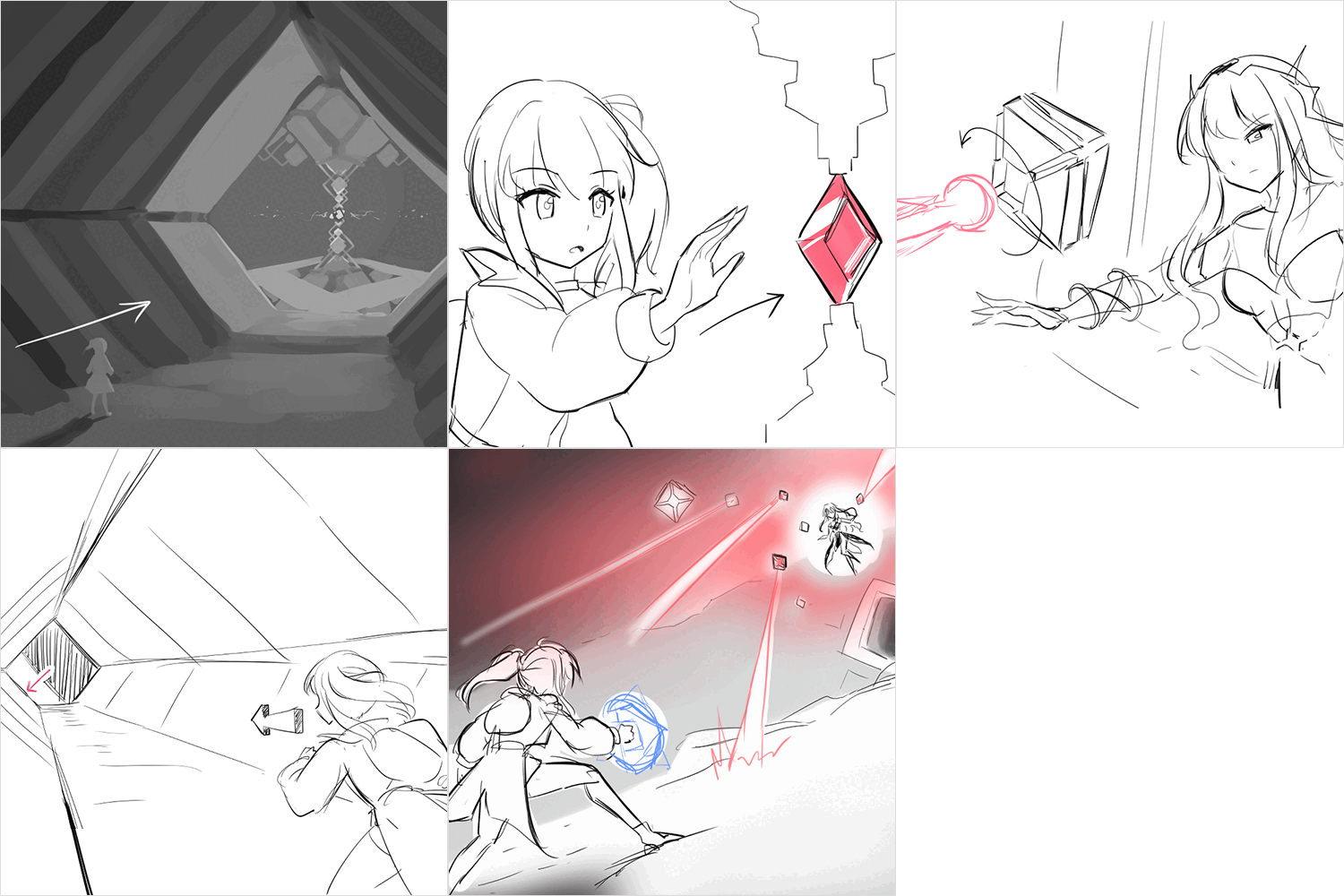 Storyboard
Part 03. 3D Character Modeling
-
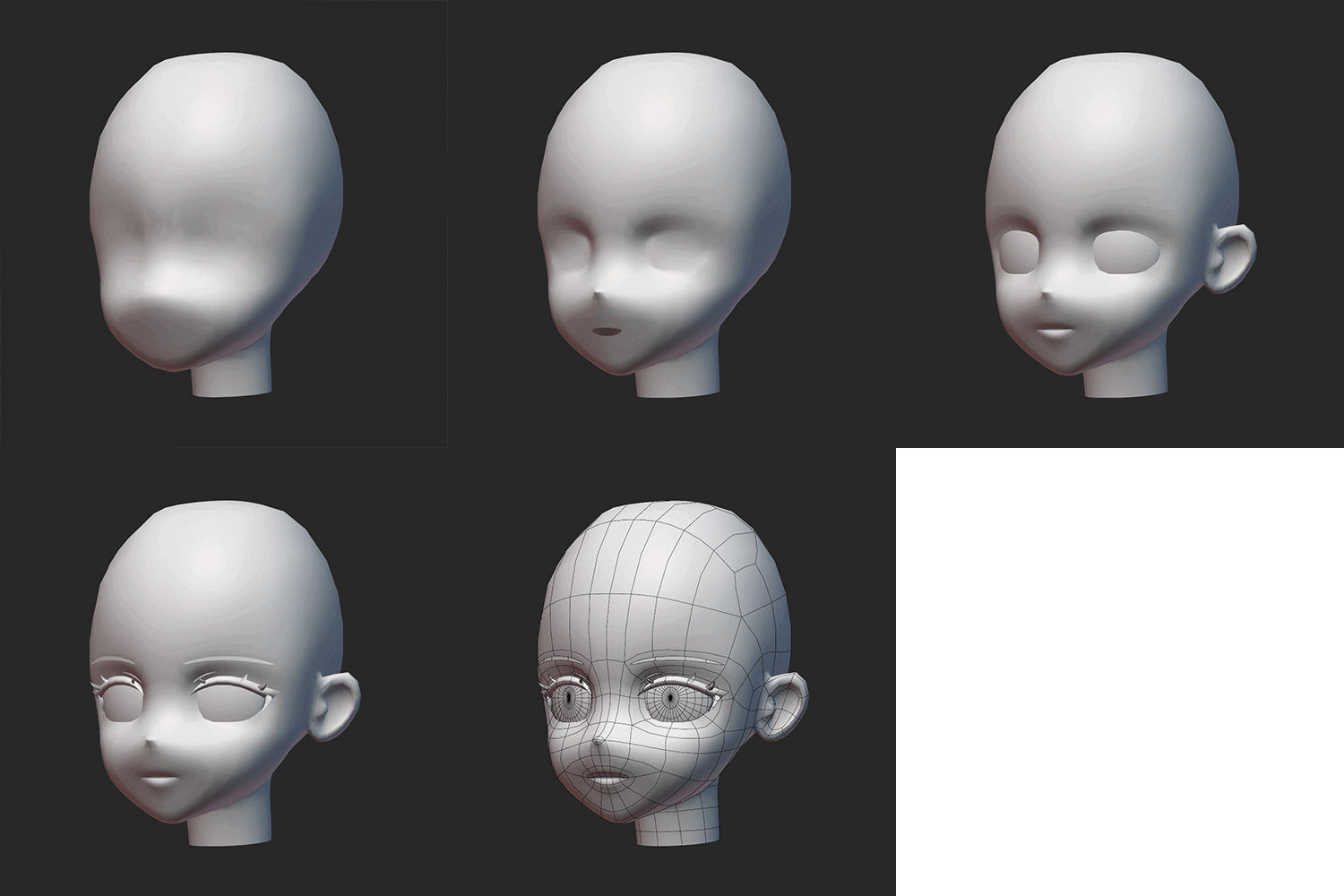 Face
Face -
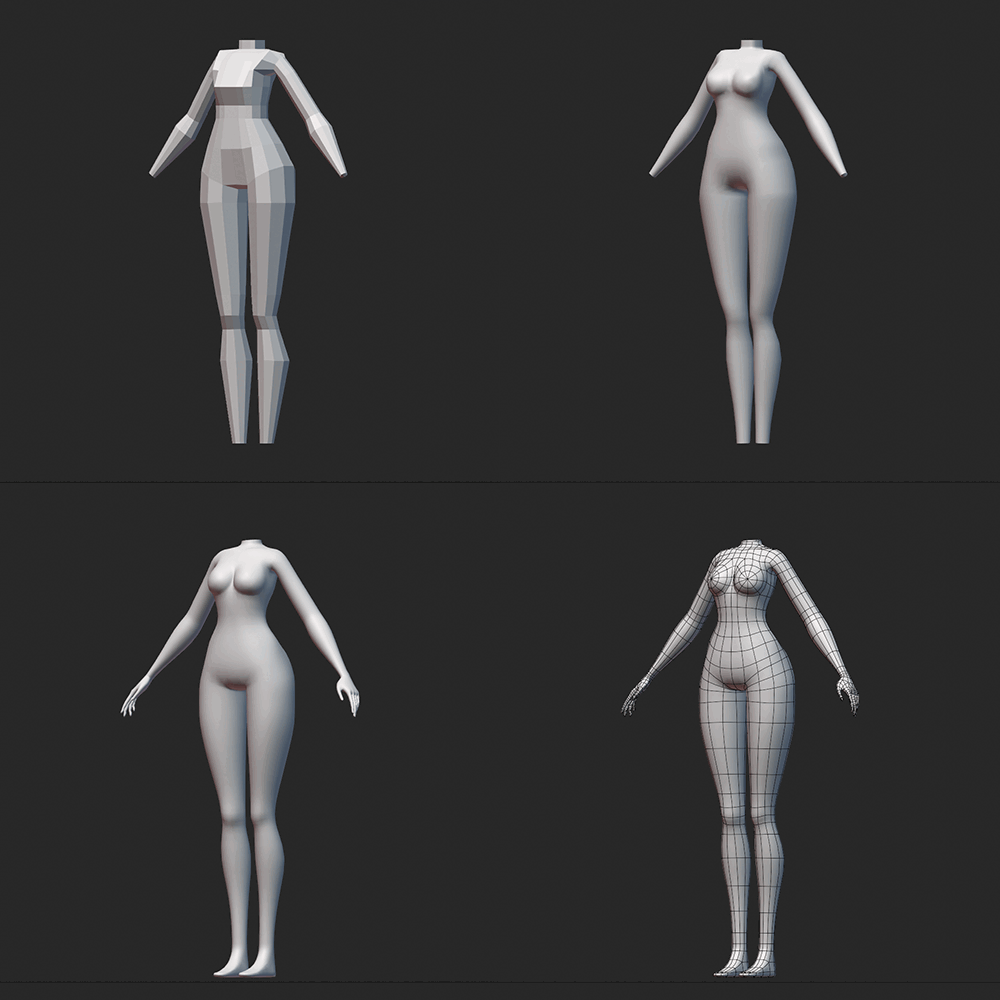 Body
Body -
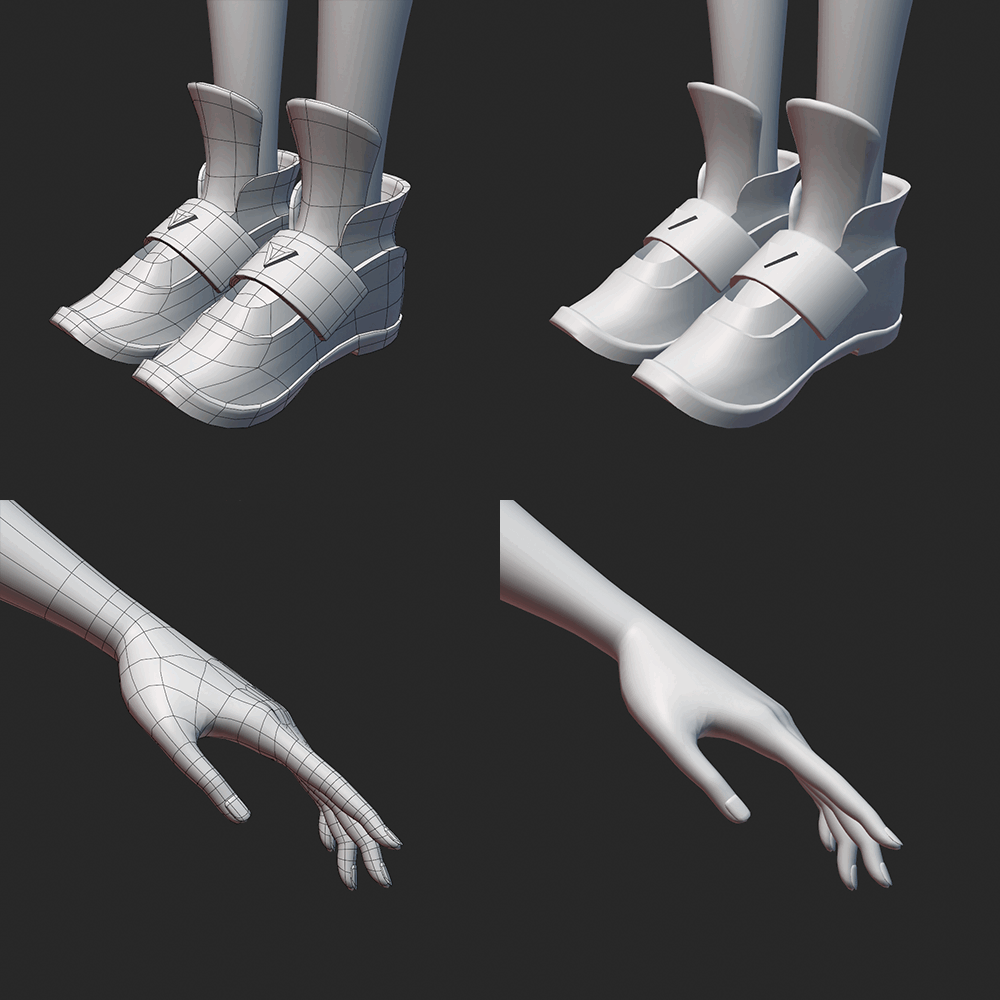 Hand and foot
 -
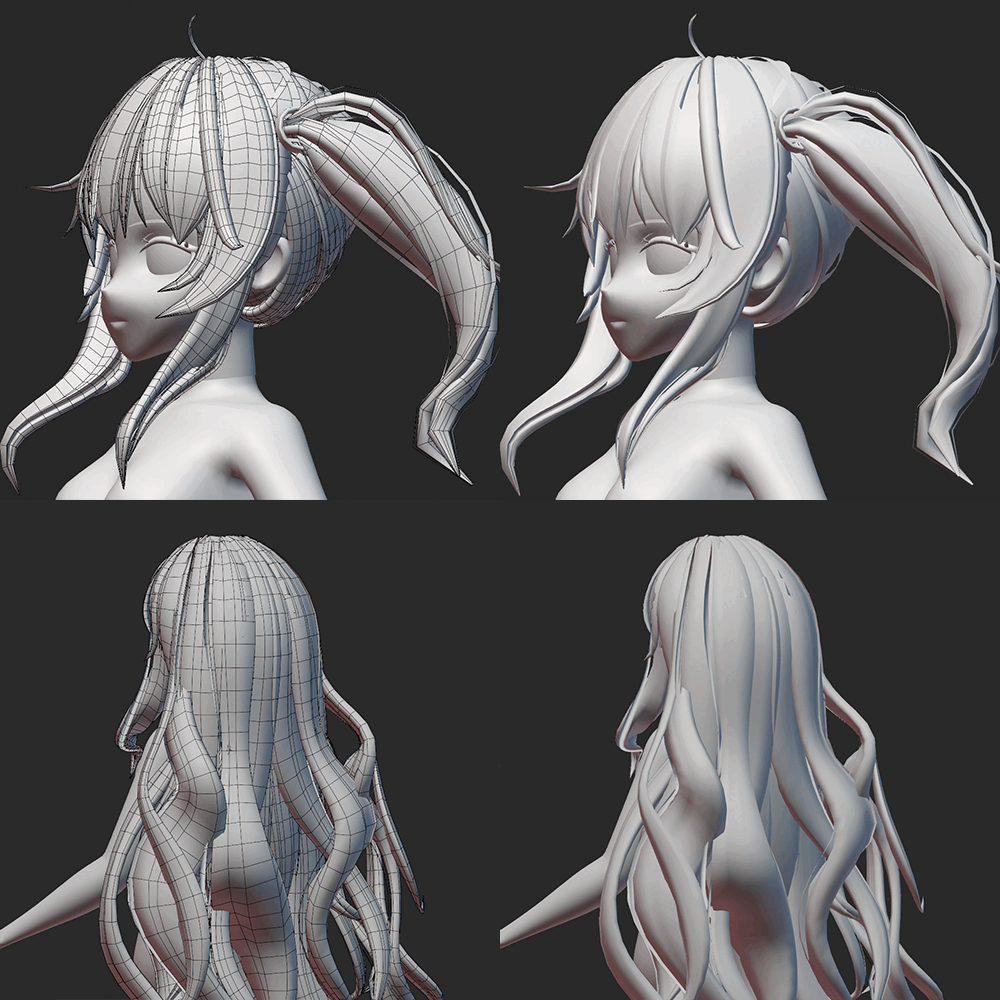 Hair
Hair -
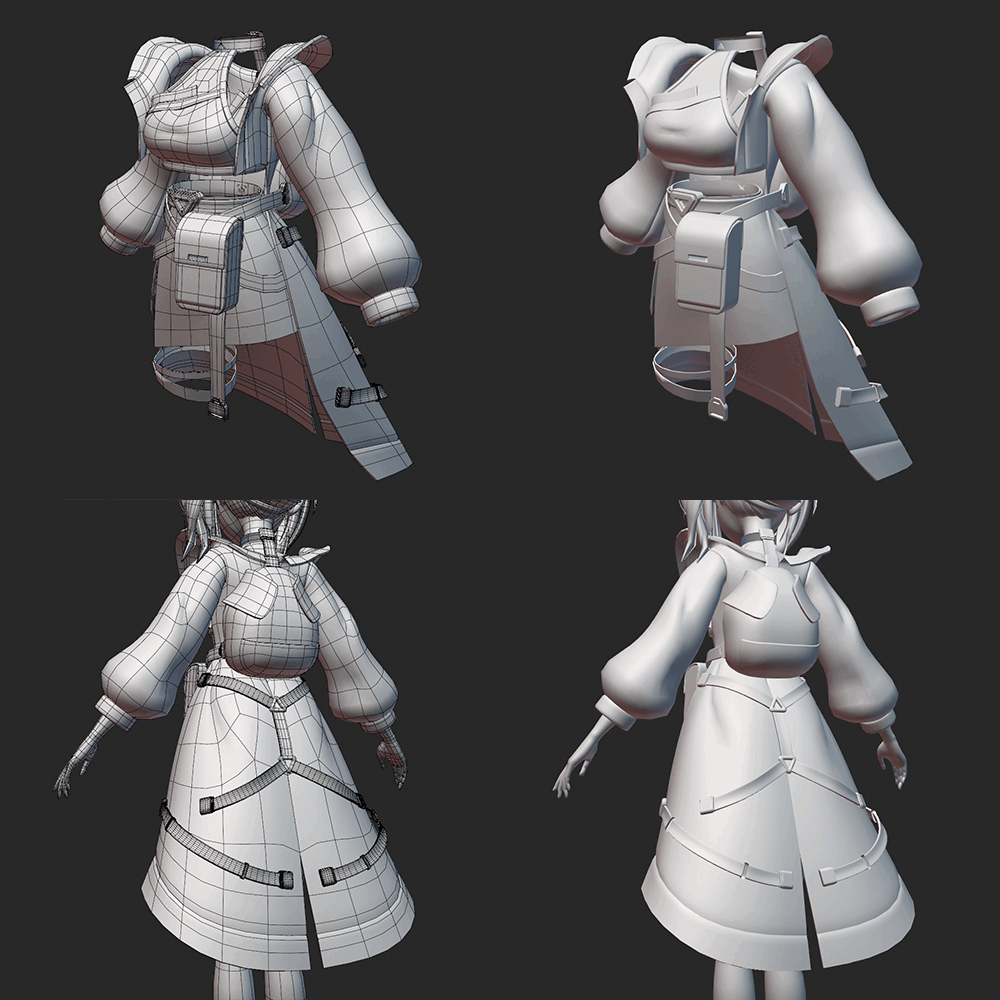 Outfit 1
 -
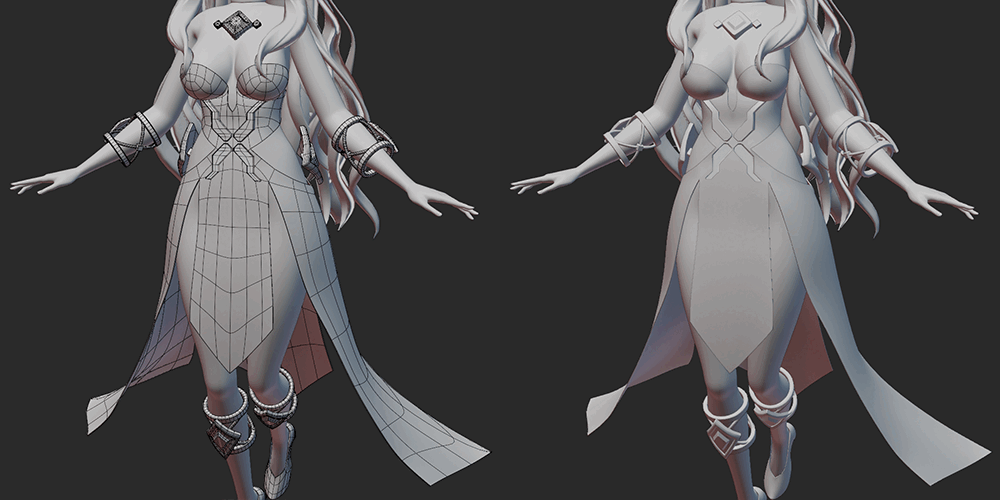 Outfit 2
-
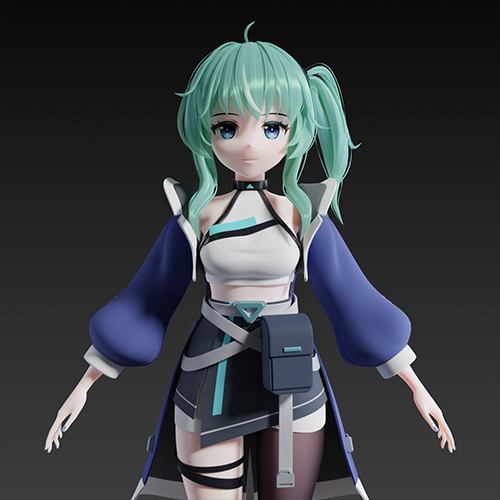 Character 1. Mint
 -
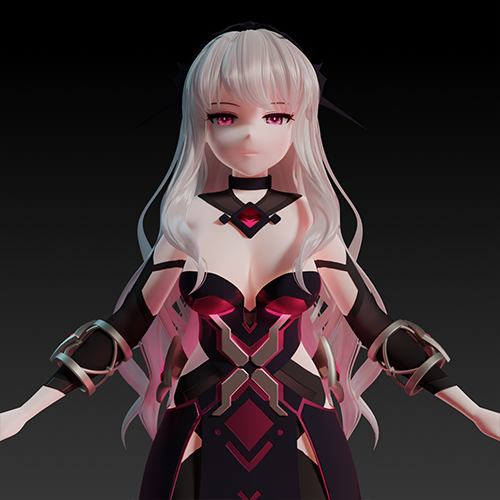 Character 2. Guardian
 -
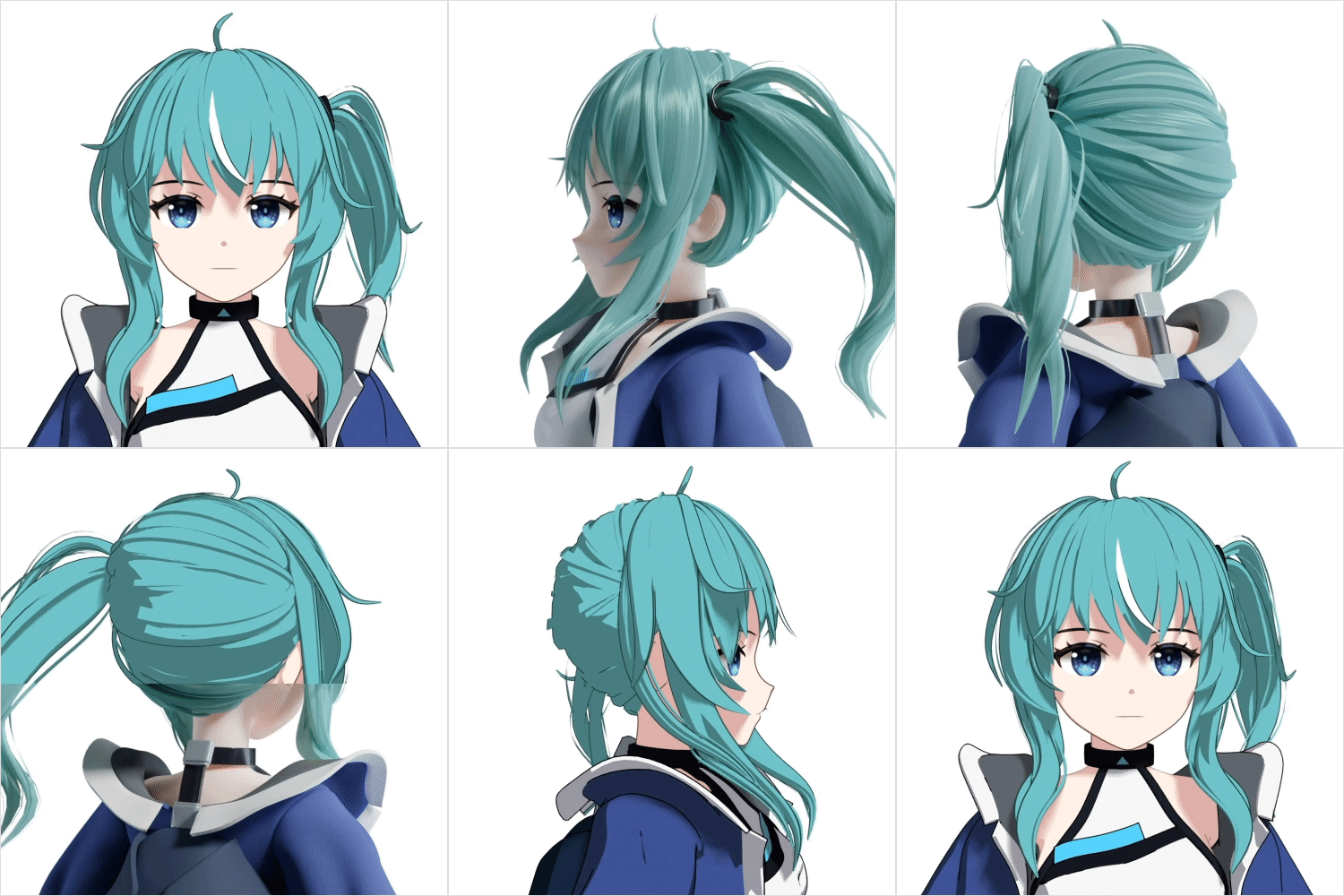 Shading
 -
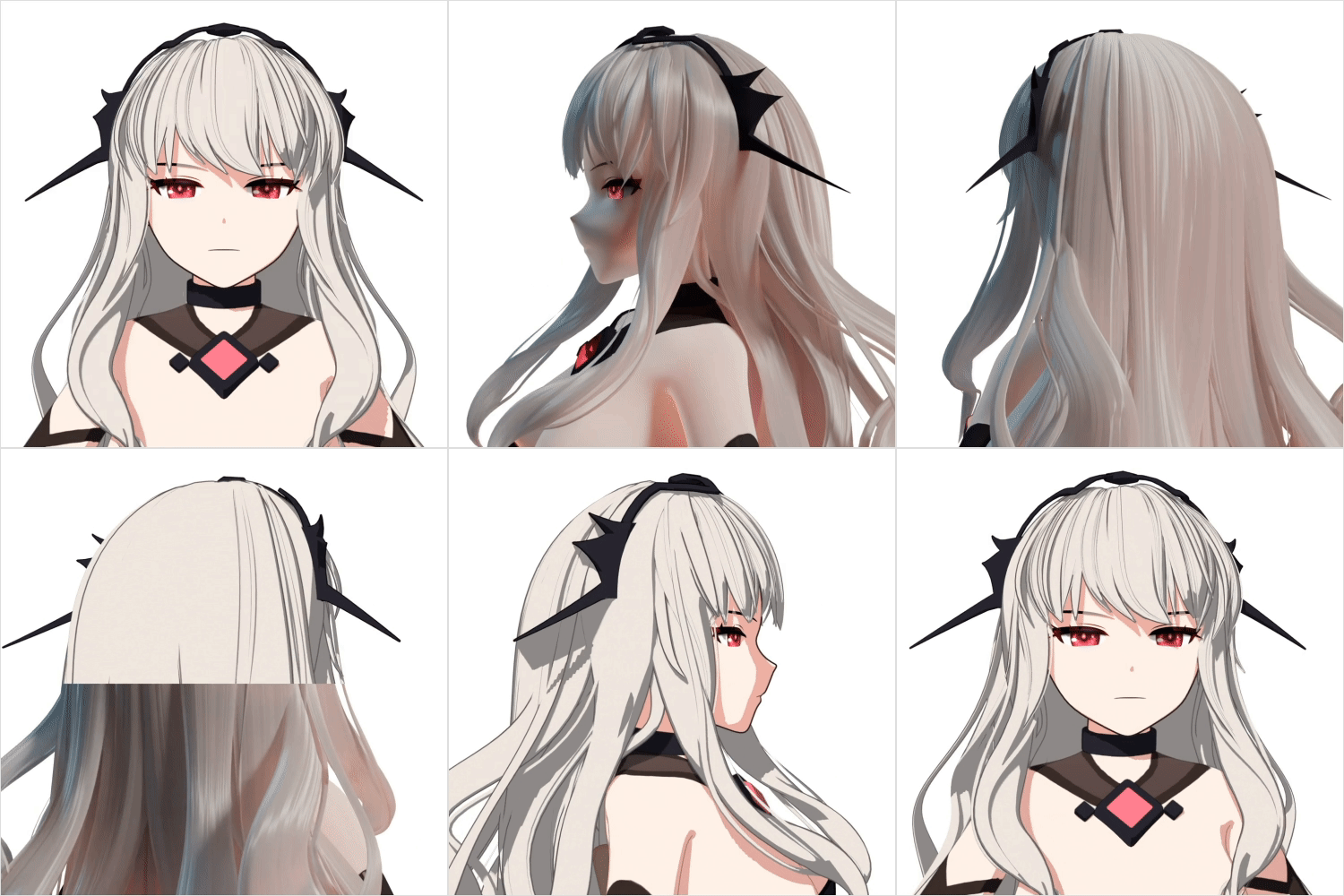 Shading
Part 04. Rigging and Animating
-
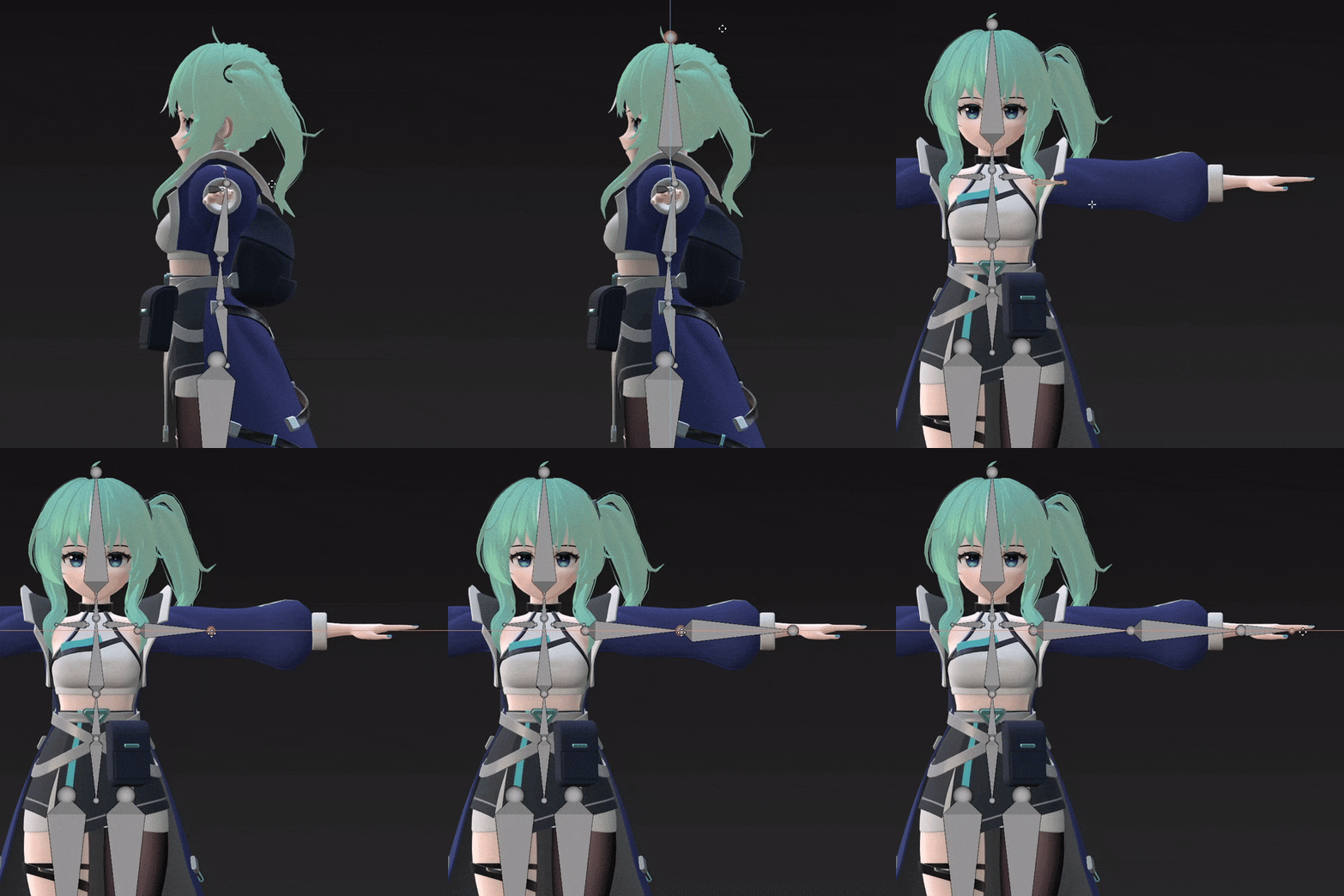 Creating a structure
 -
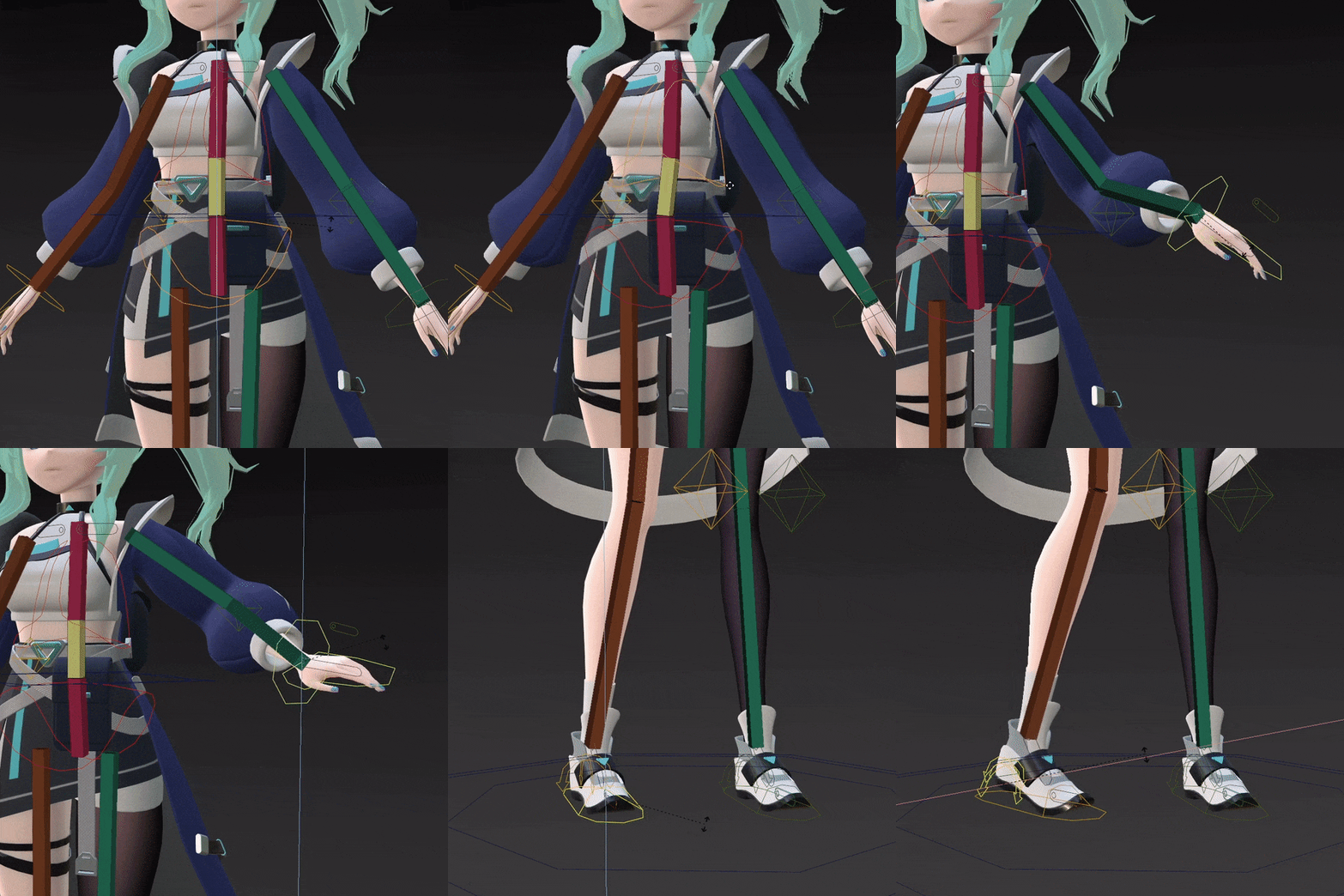 IK settings (body)
 -
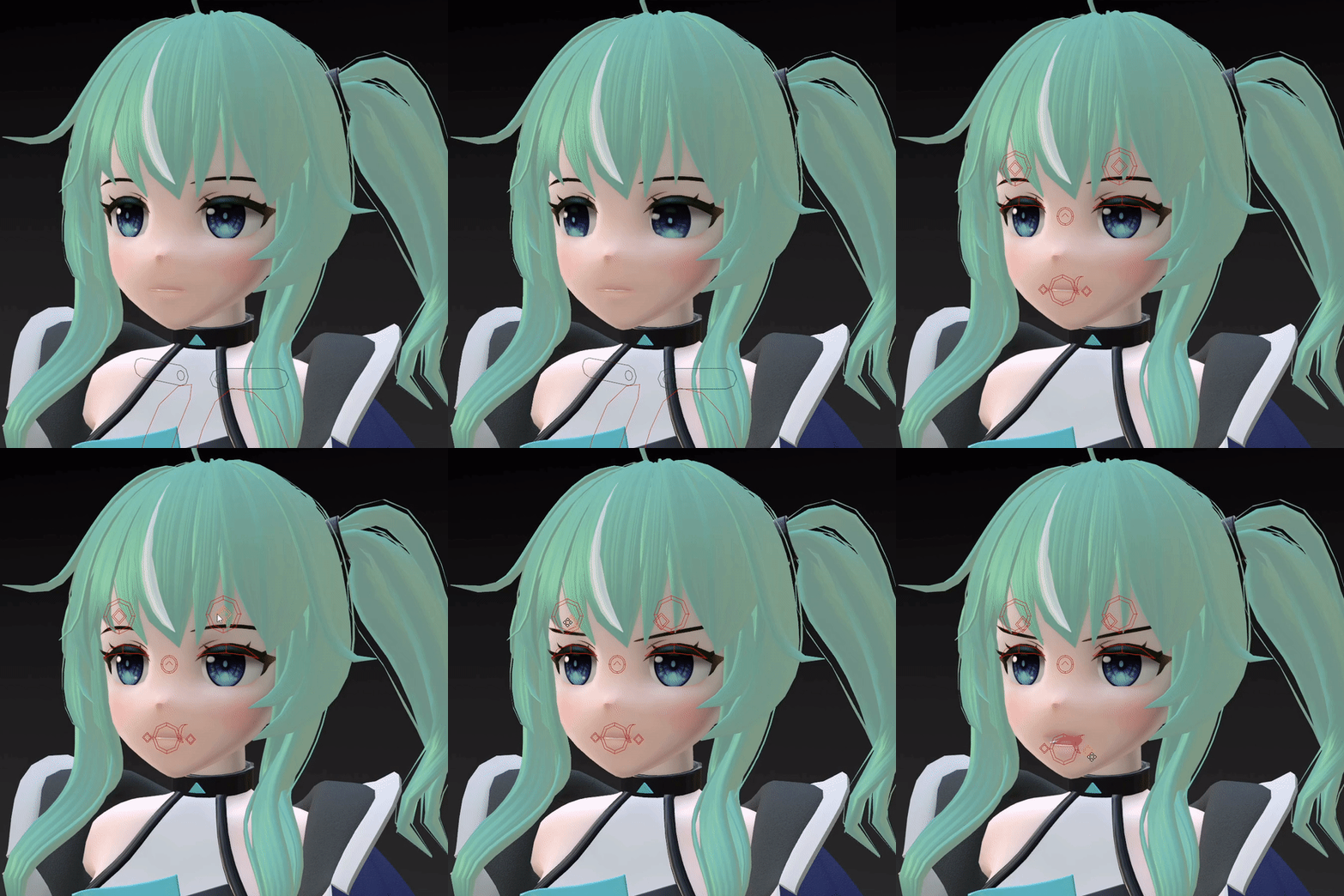 Face/expression rigging
 -
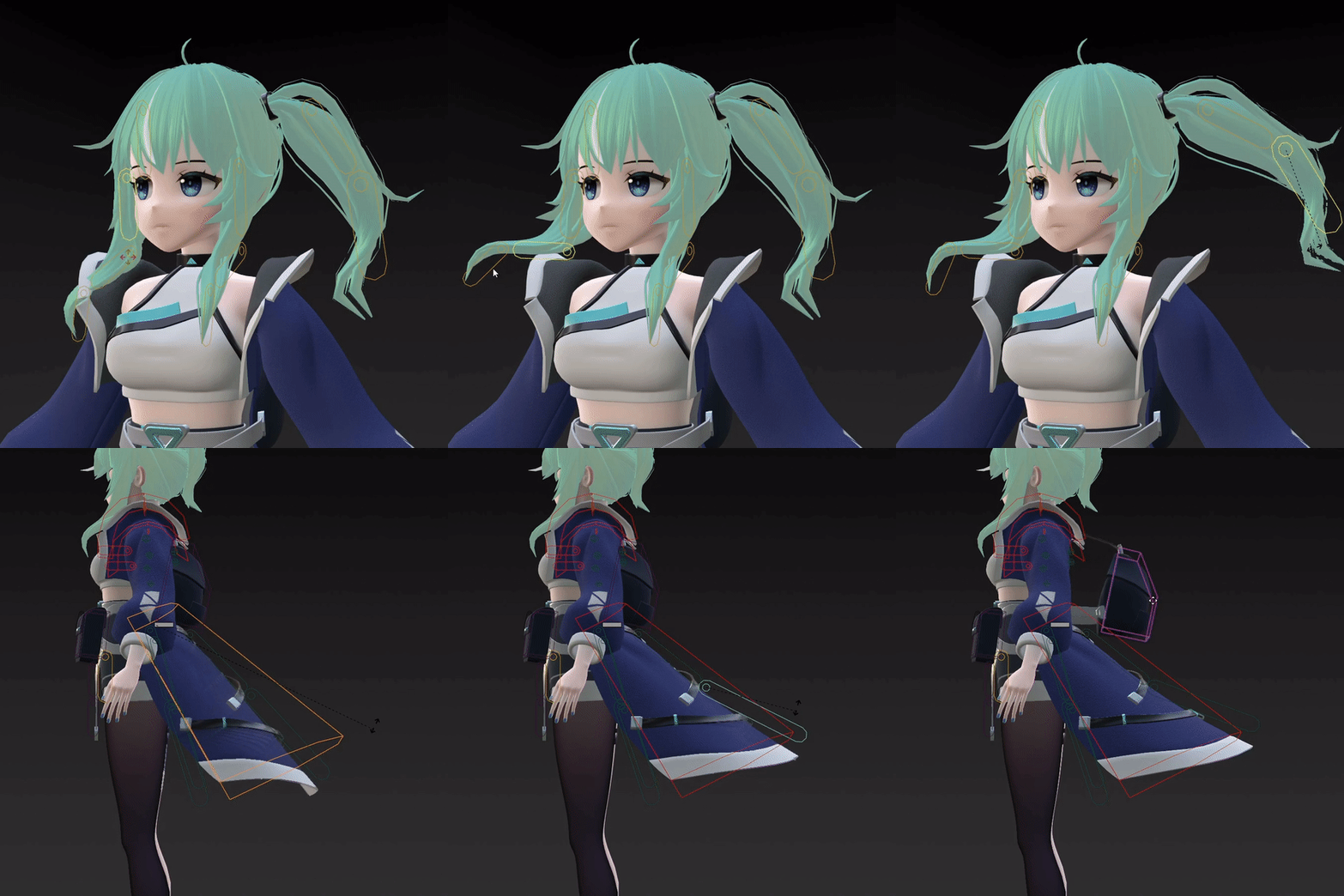 Hair/outfit rigging
-
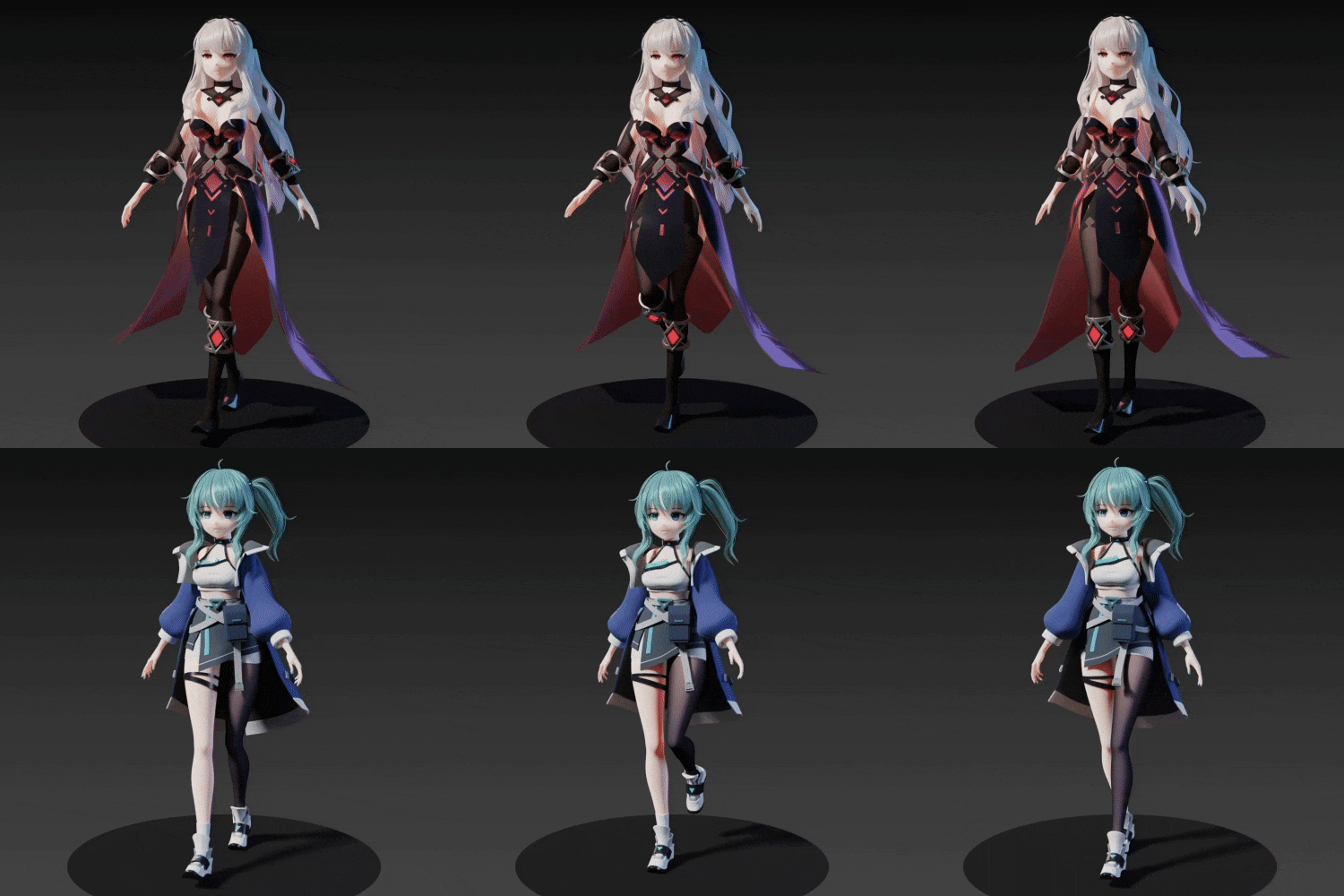 Walking
 -
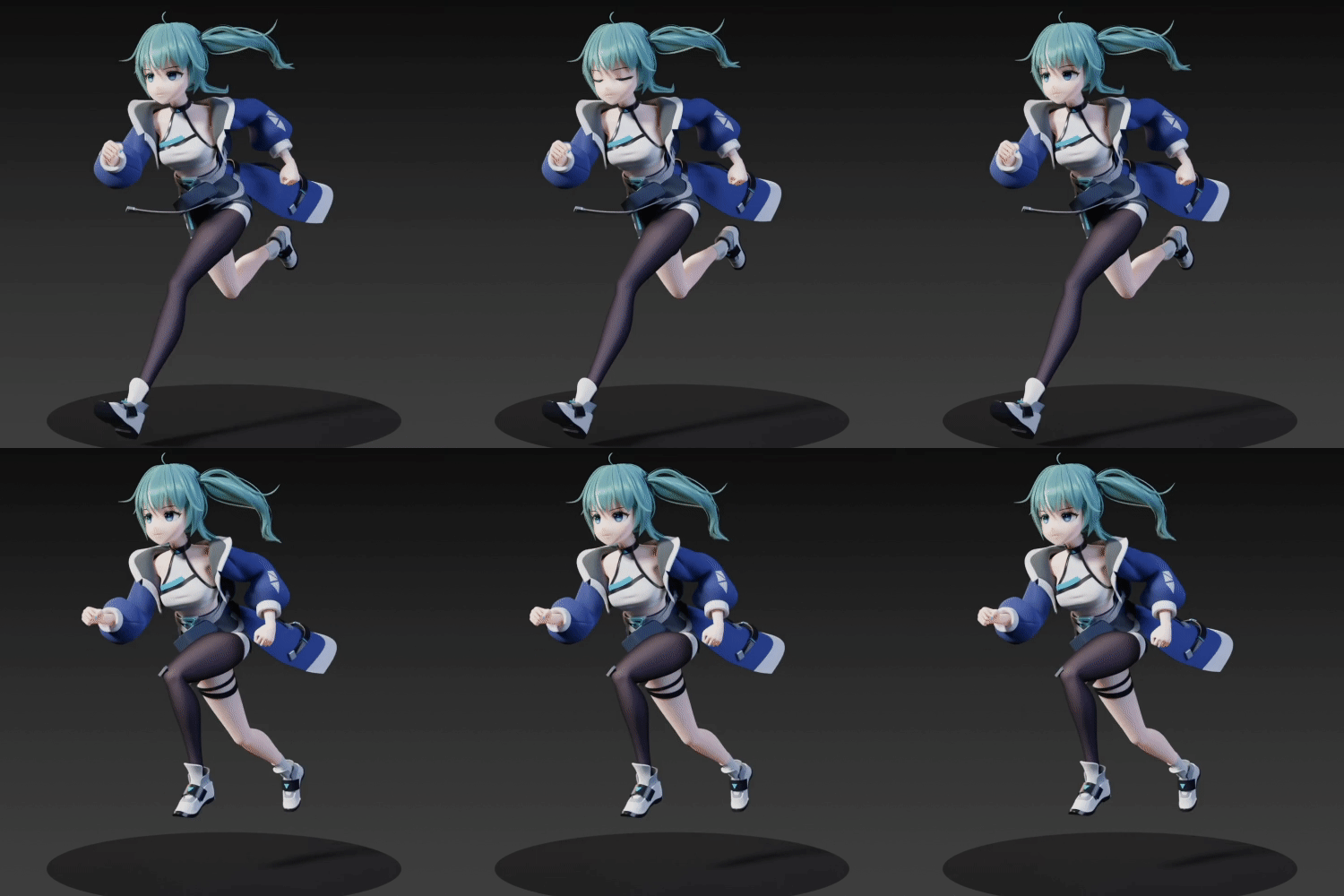 Running
 -
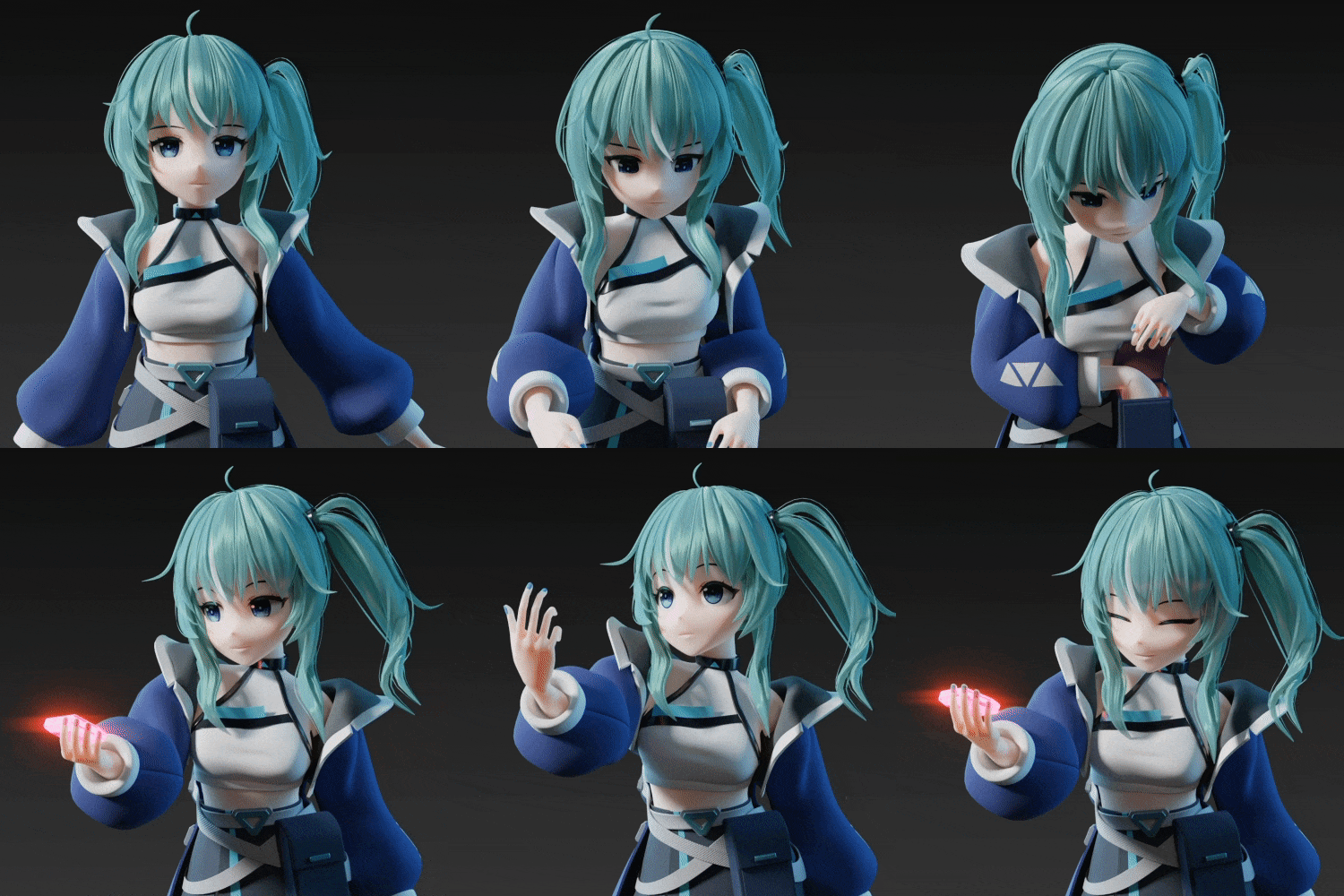 Test animation
 -
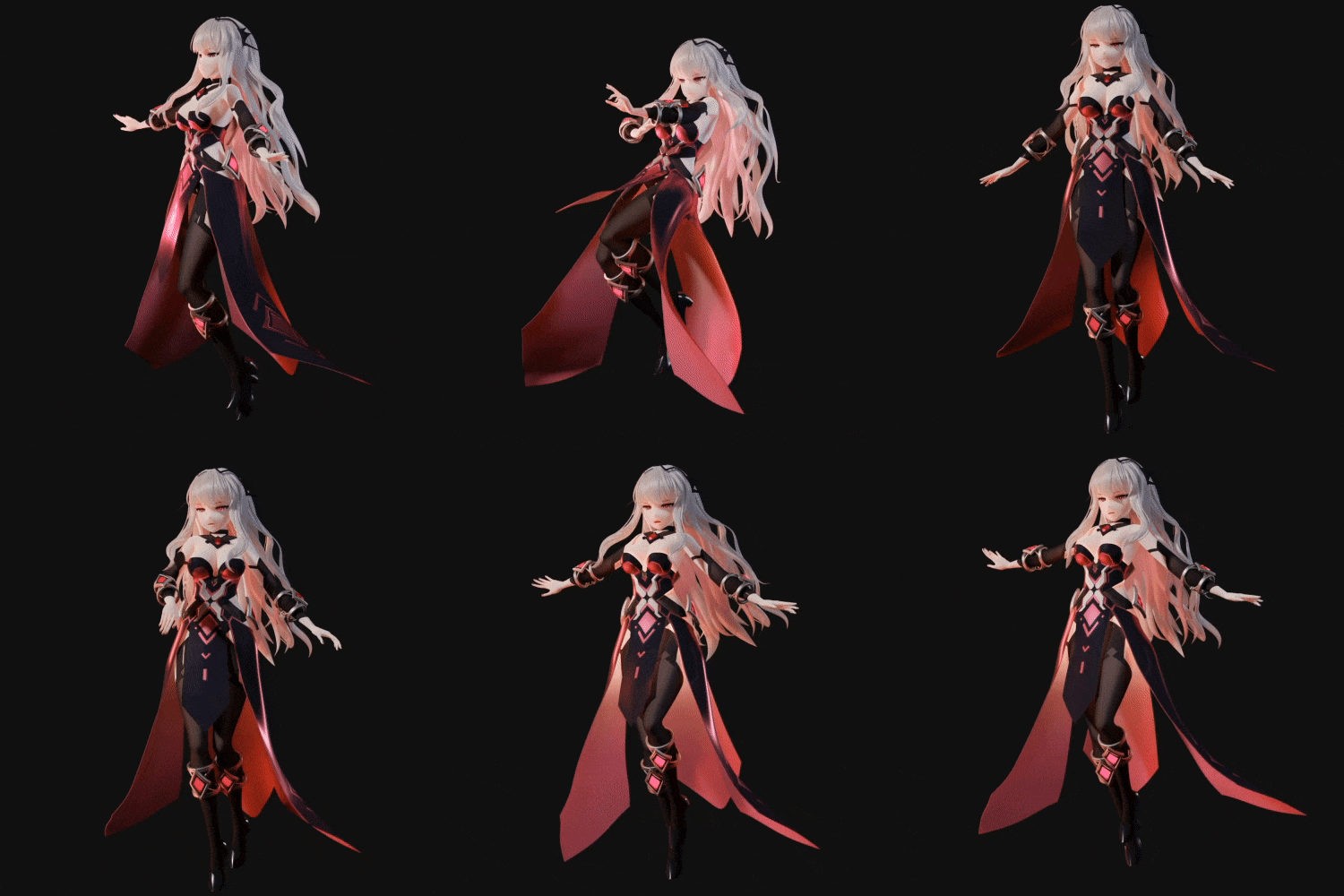 Attack/float motion
 -
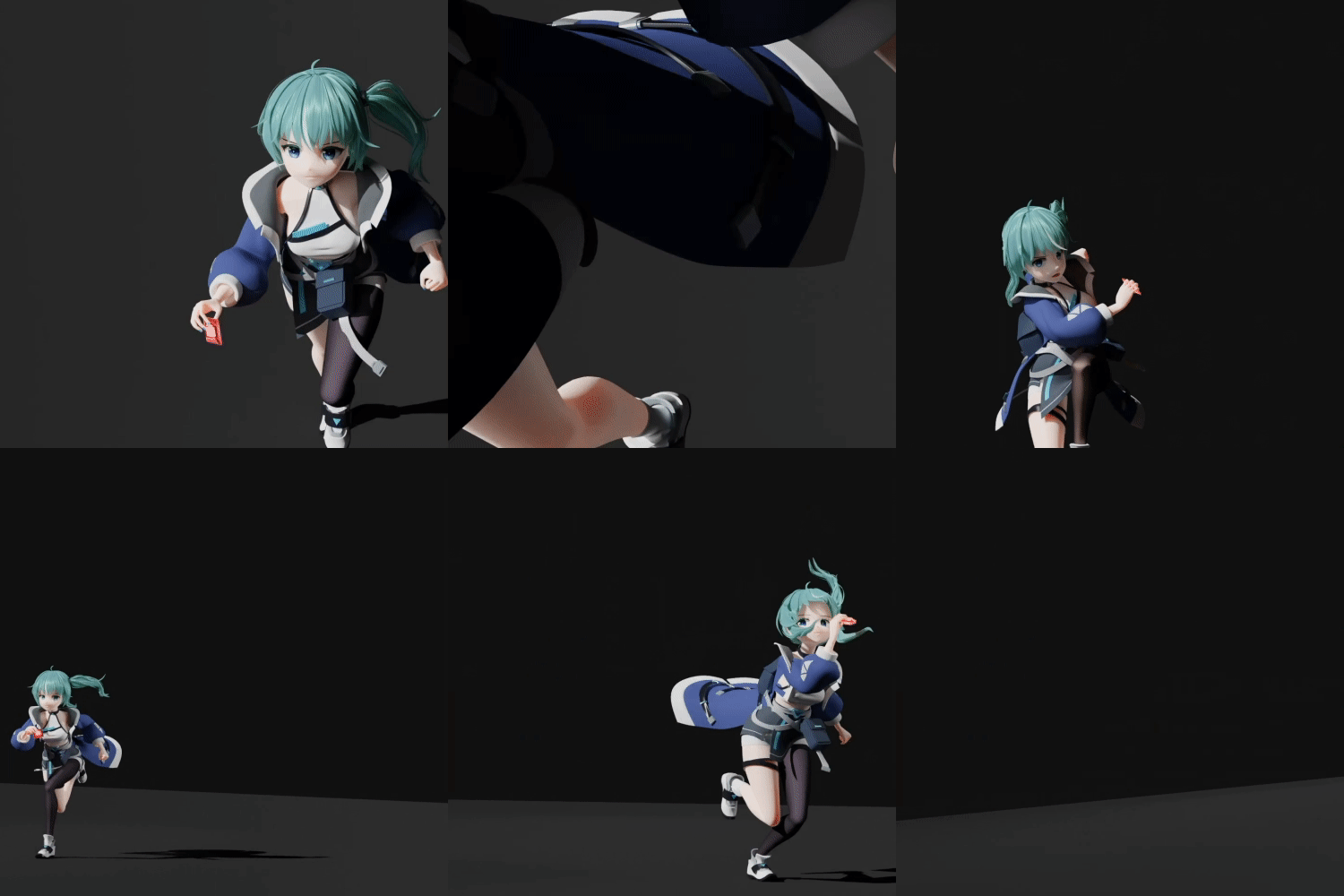 Attack/dodge and run
Part 05. Create Background
-
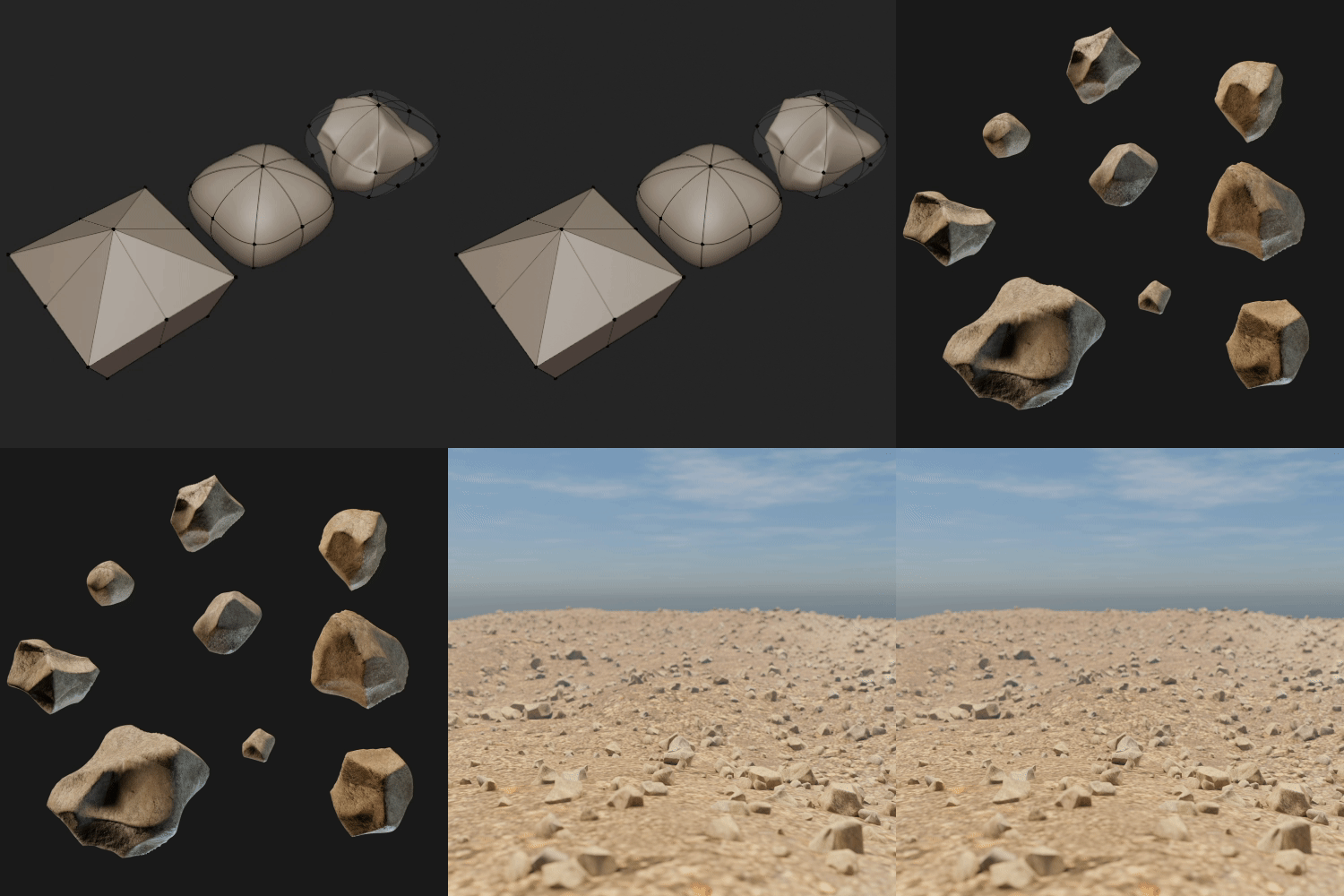 Rock
Rock -
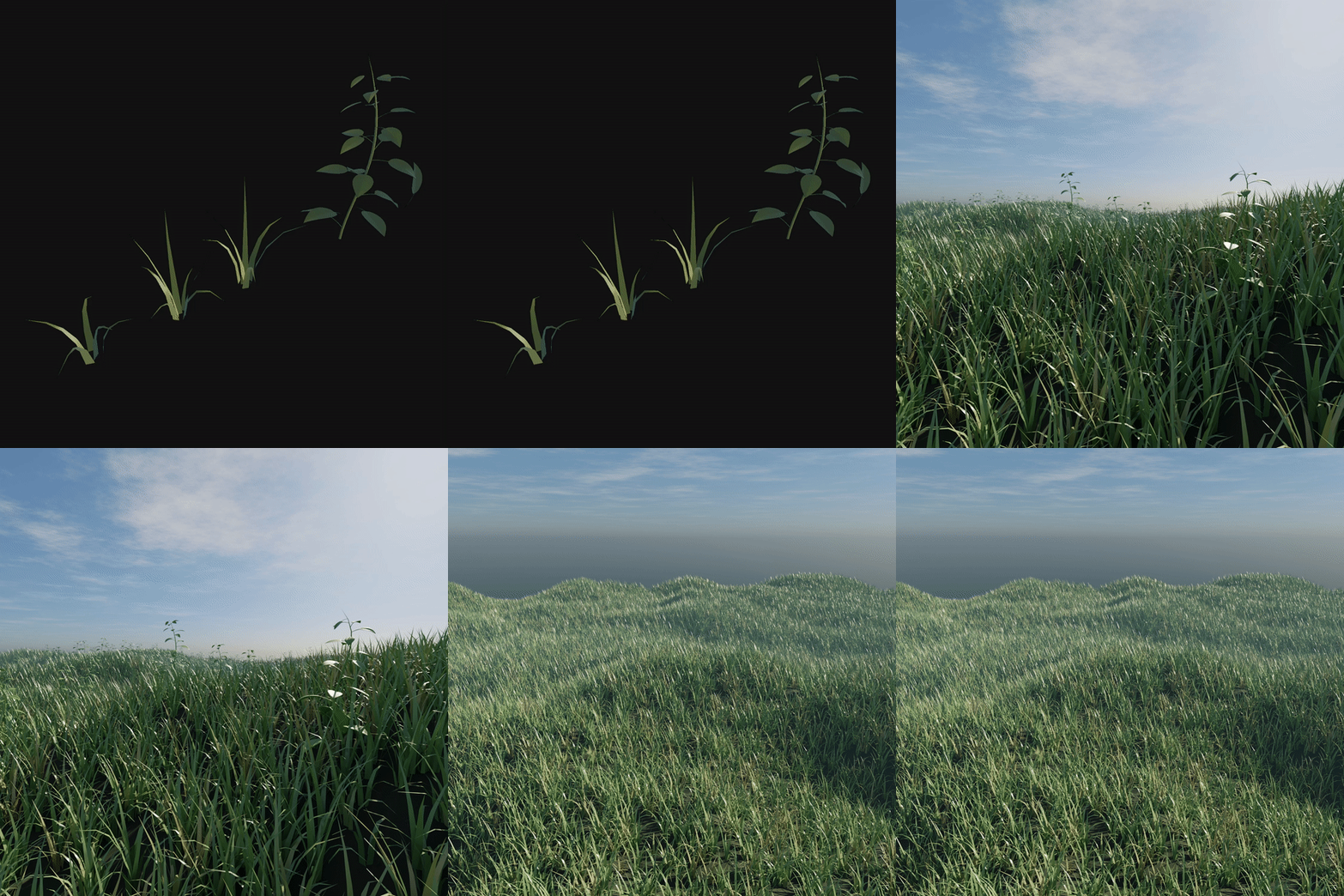 Grass
Grass -
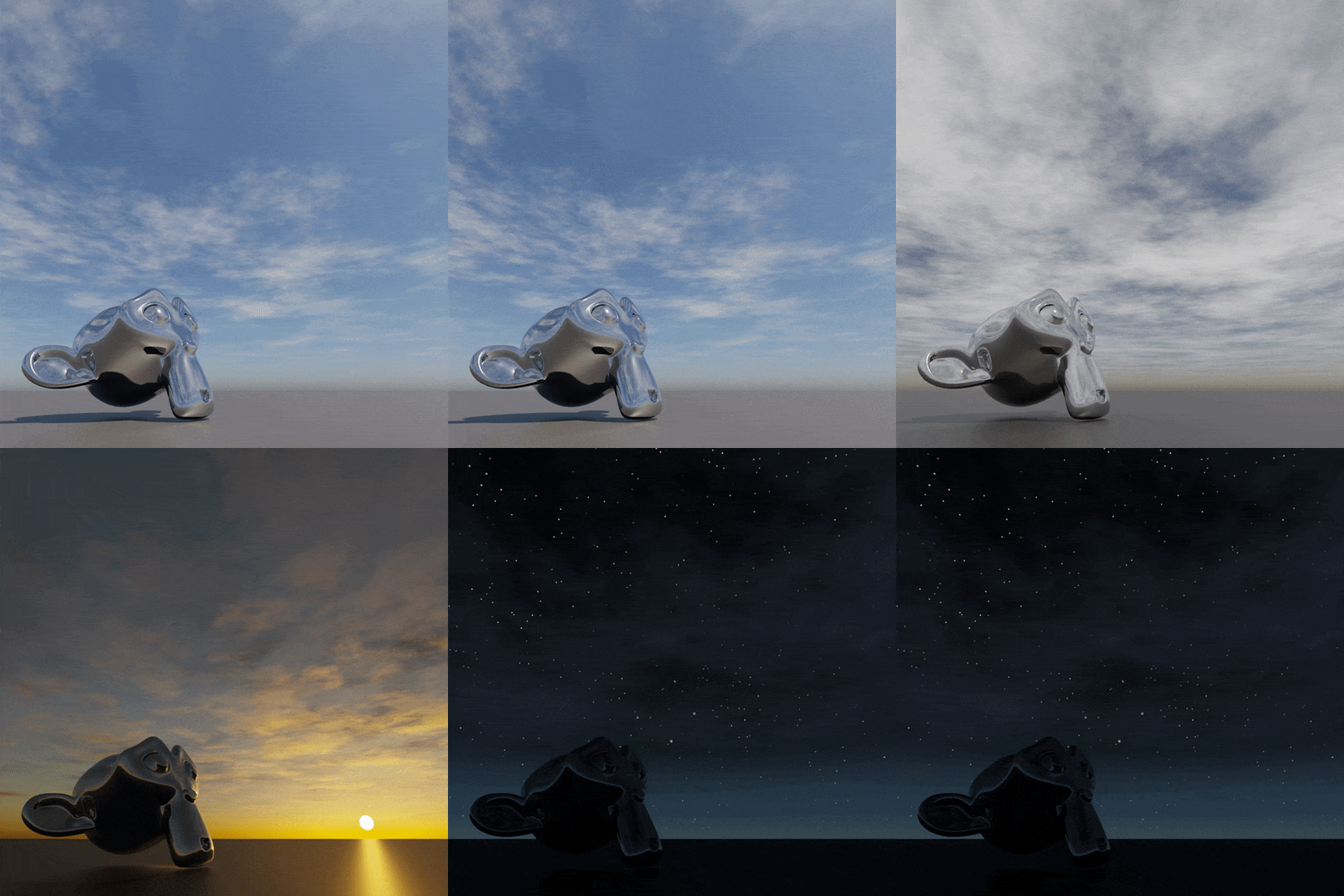 Sky
Sky -
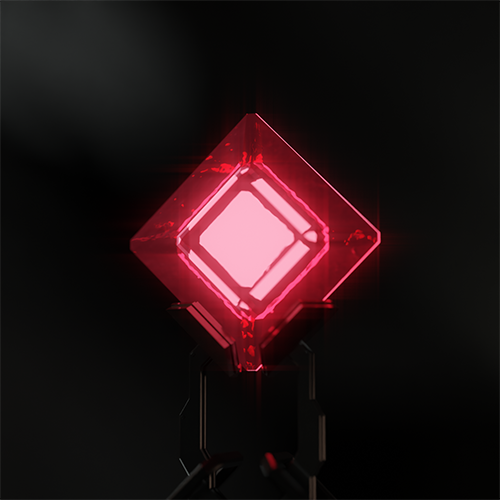 Item
Item -
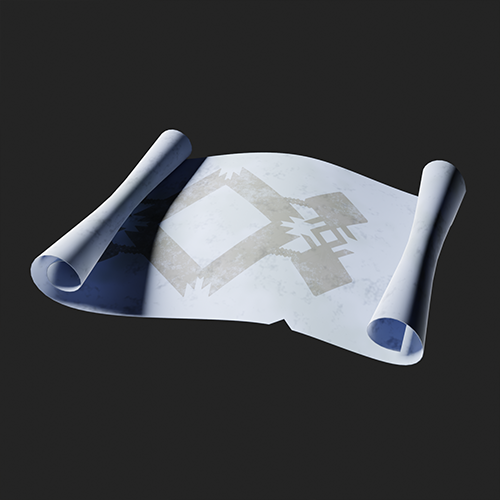 Map
Map -
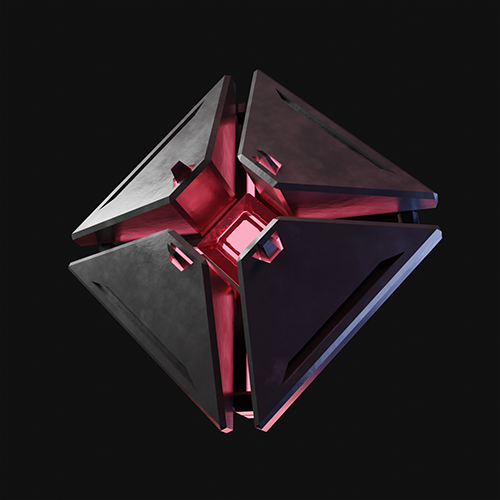 Drone
Drone
-
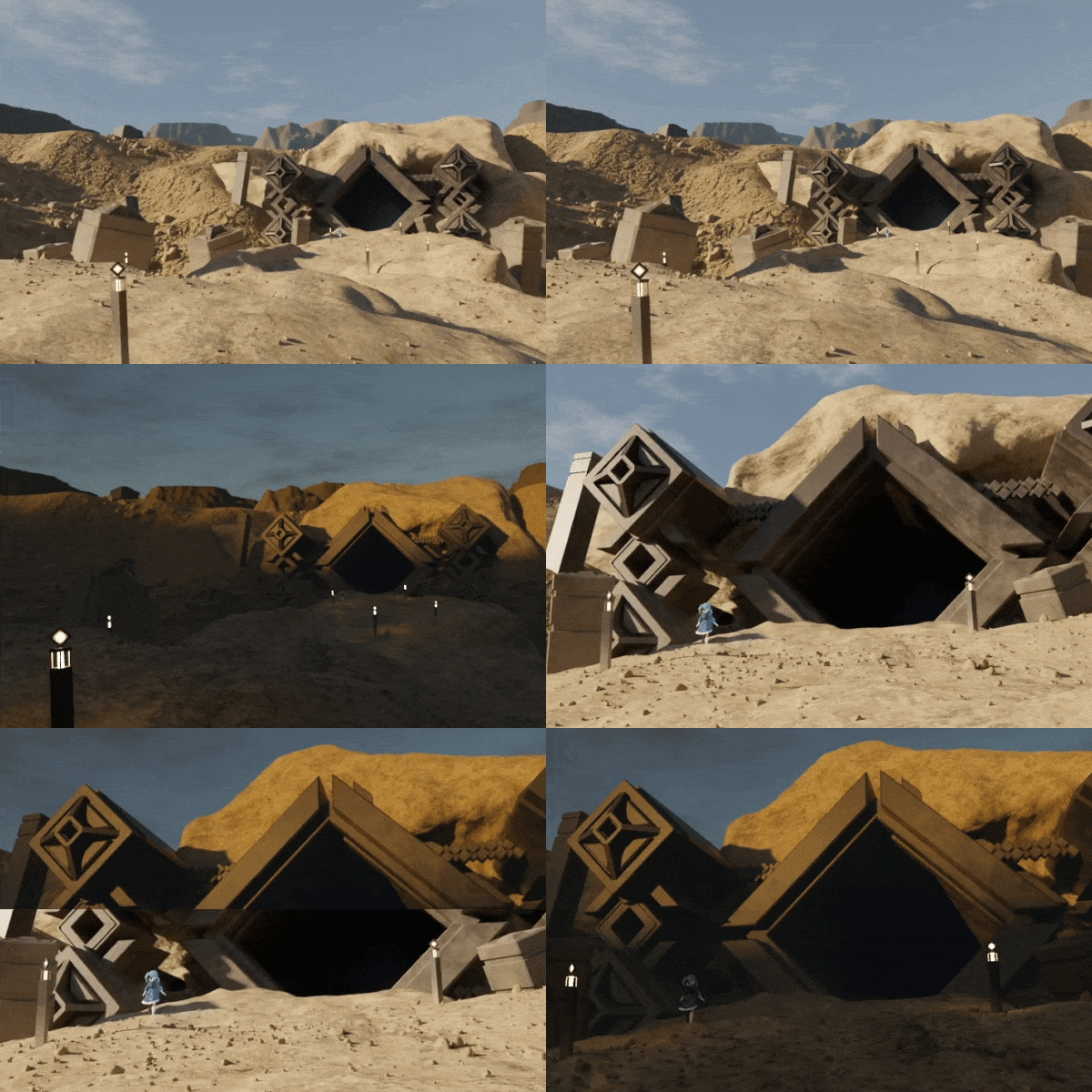 Outside
 -
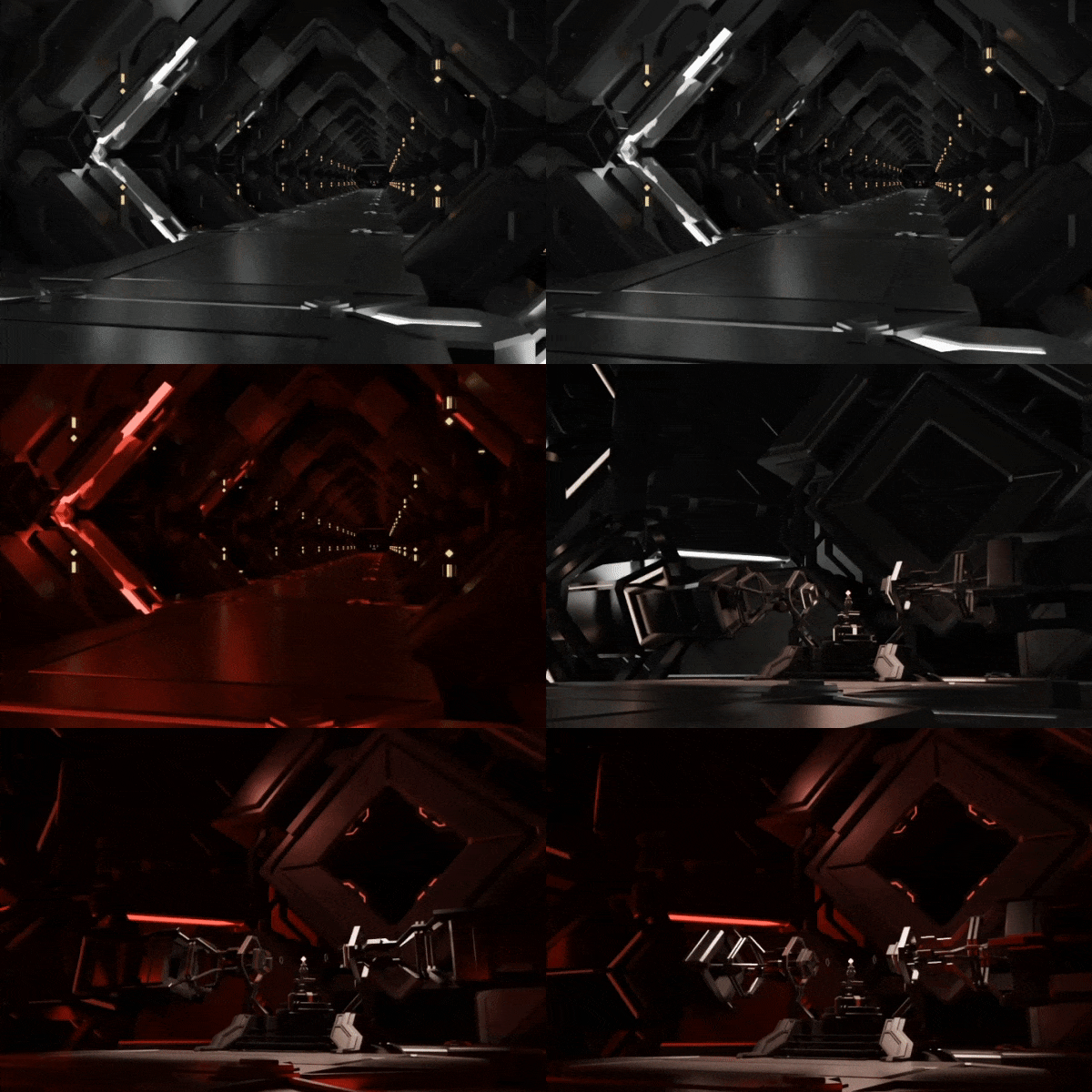 Inside
Part 06. Create effects
-
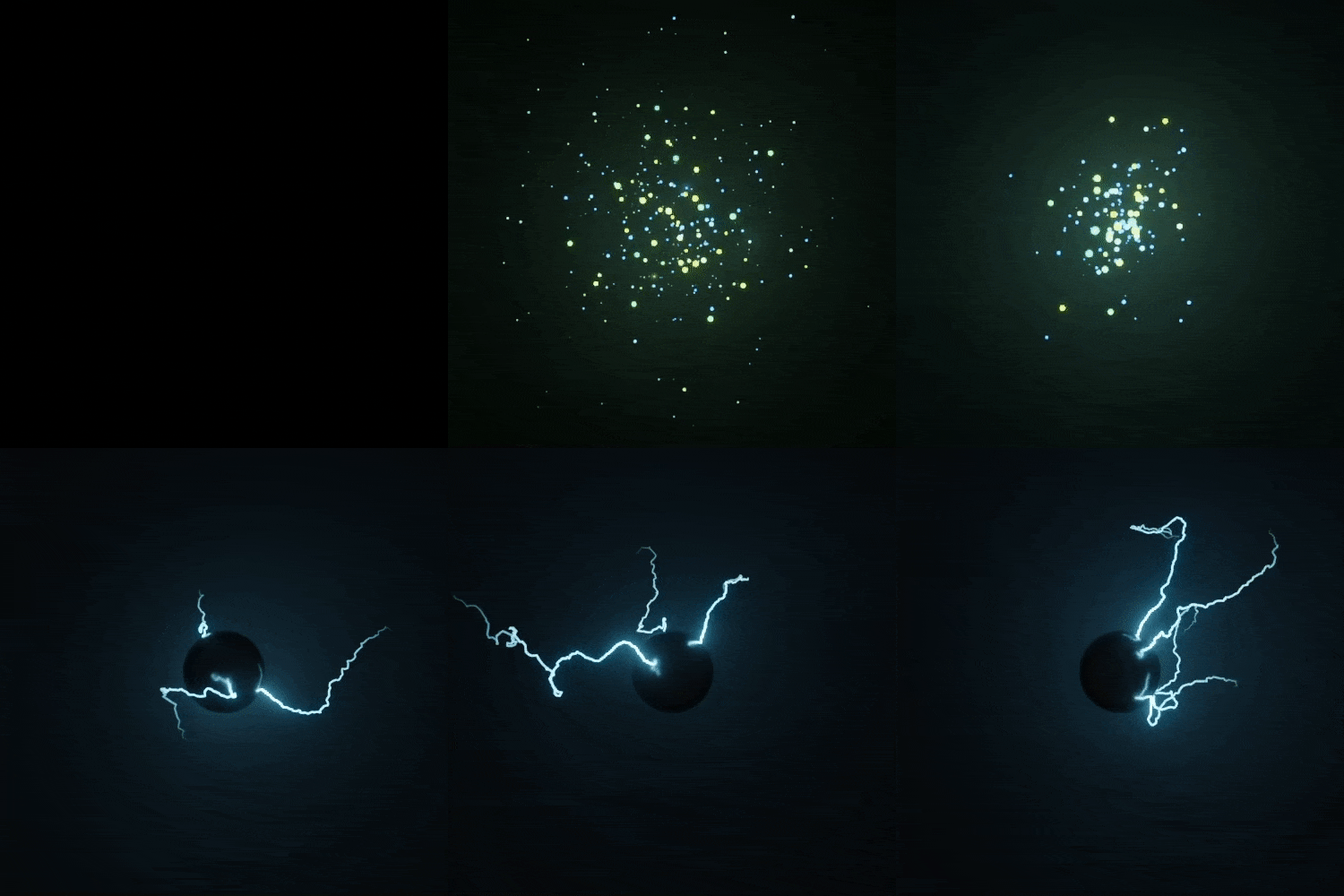 Geometry Node
 -
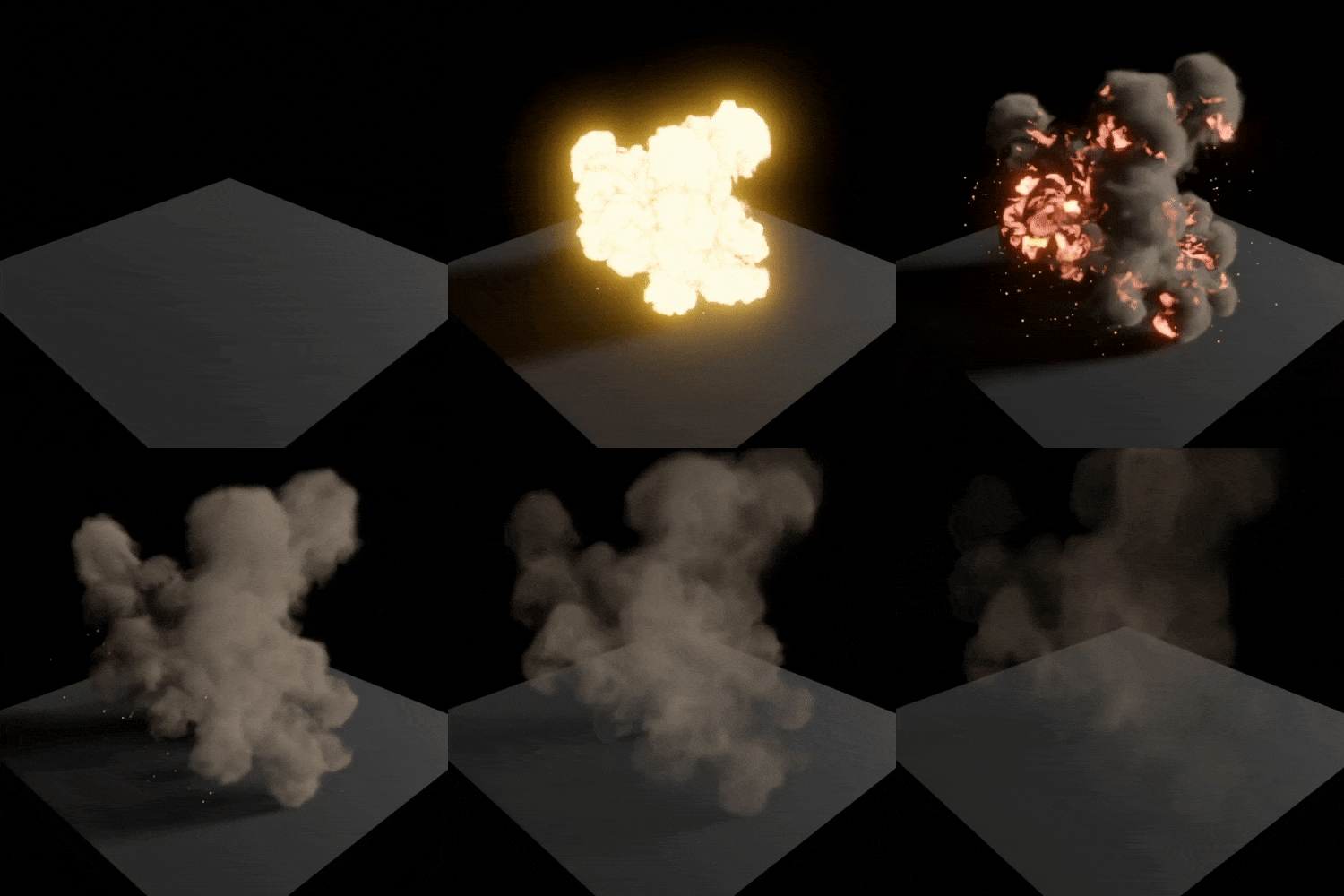 Fluid Simulation
 -
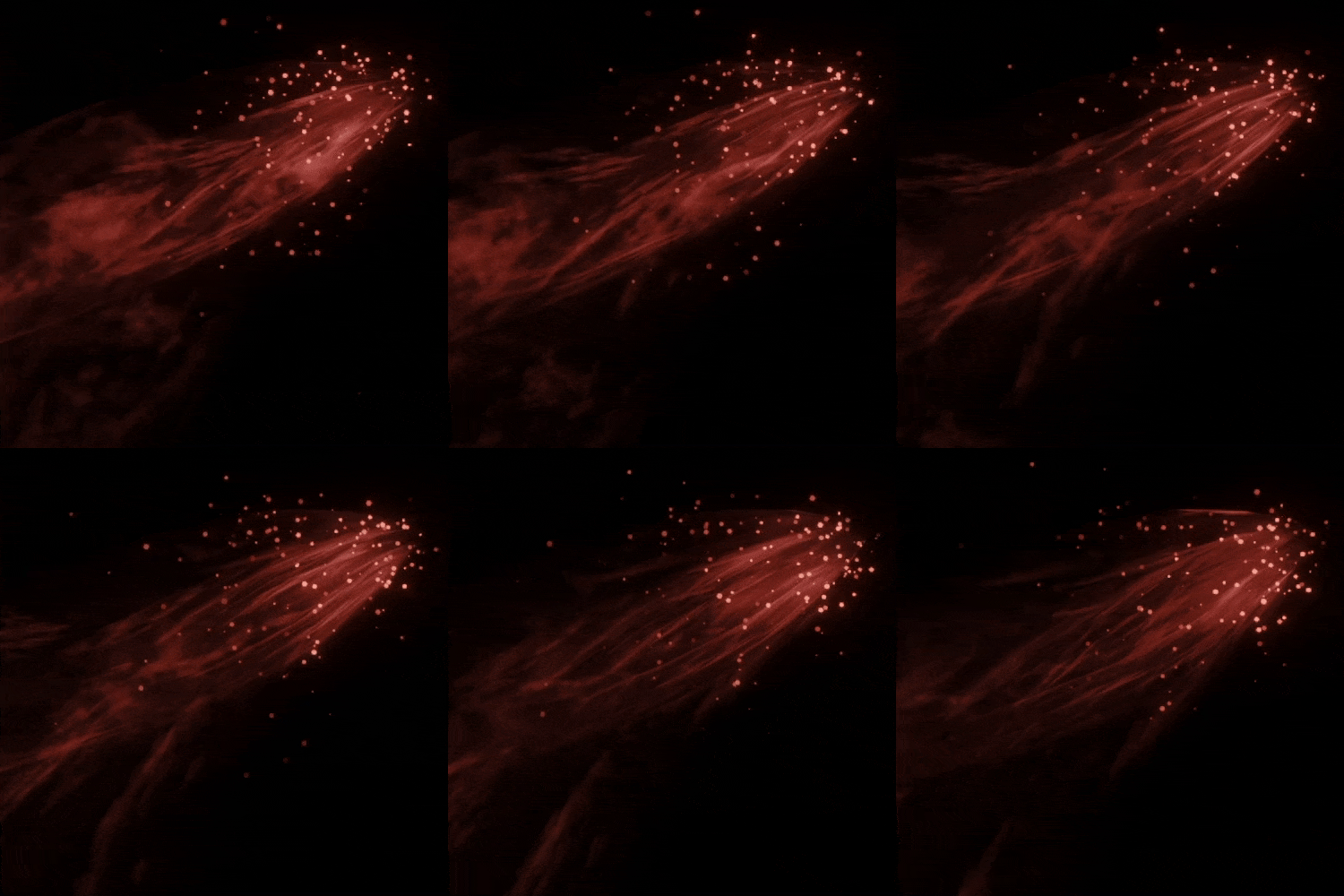 Shader Node + Particle system
 -
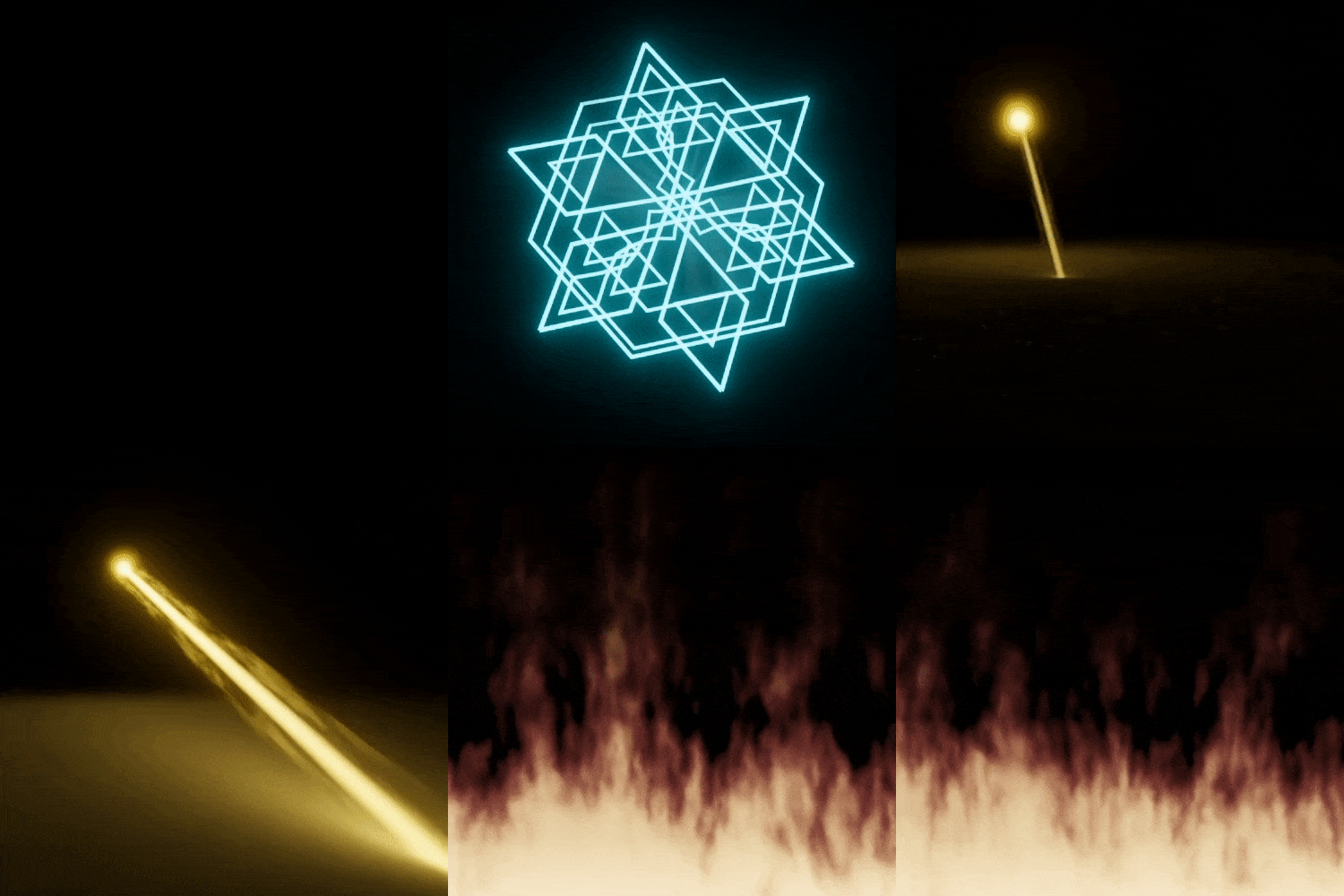 Shader Node
Part 07. Final animation
-
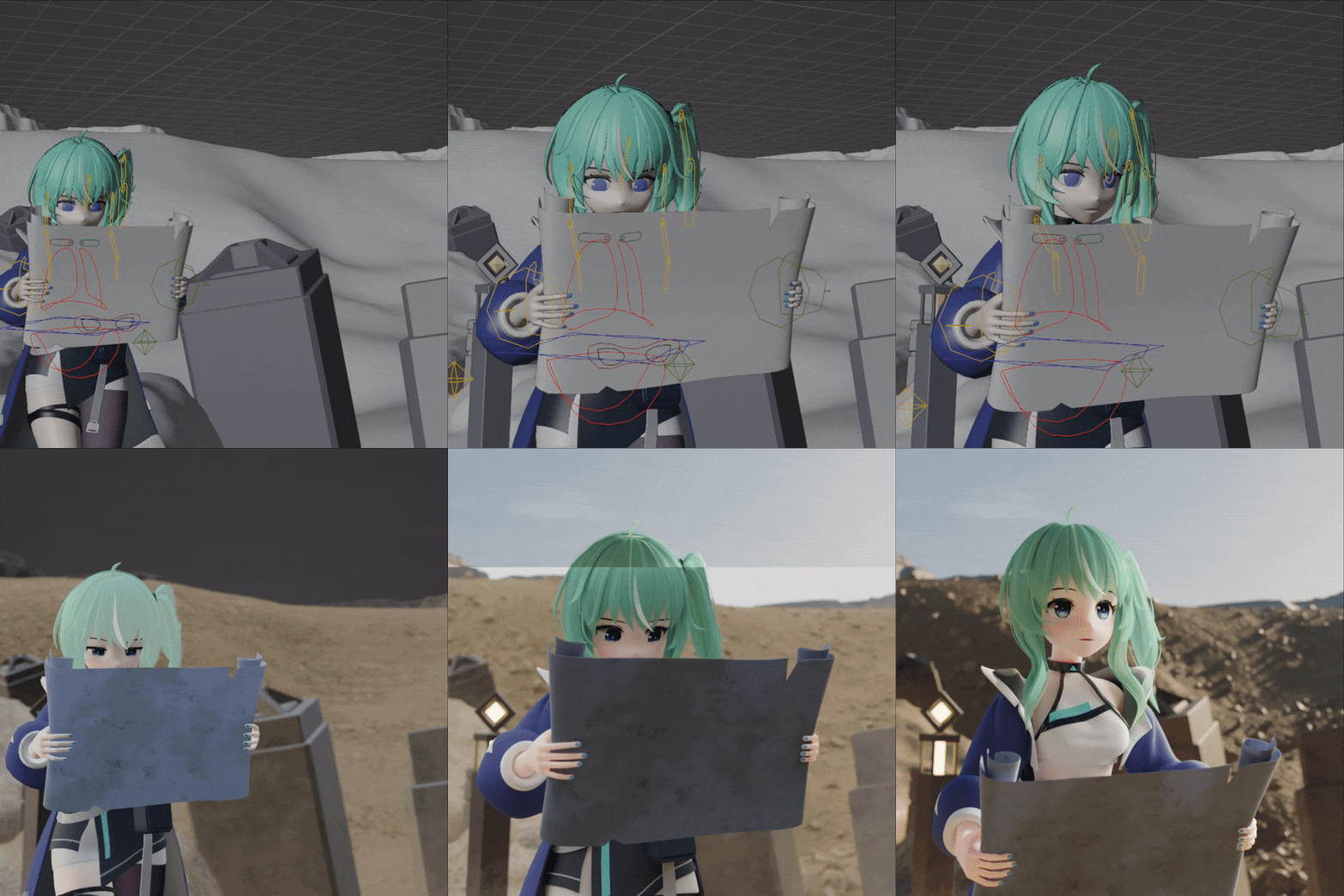 Key 01. Intro scene
 -
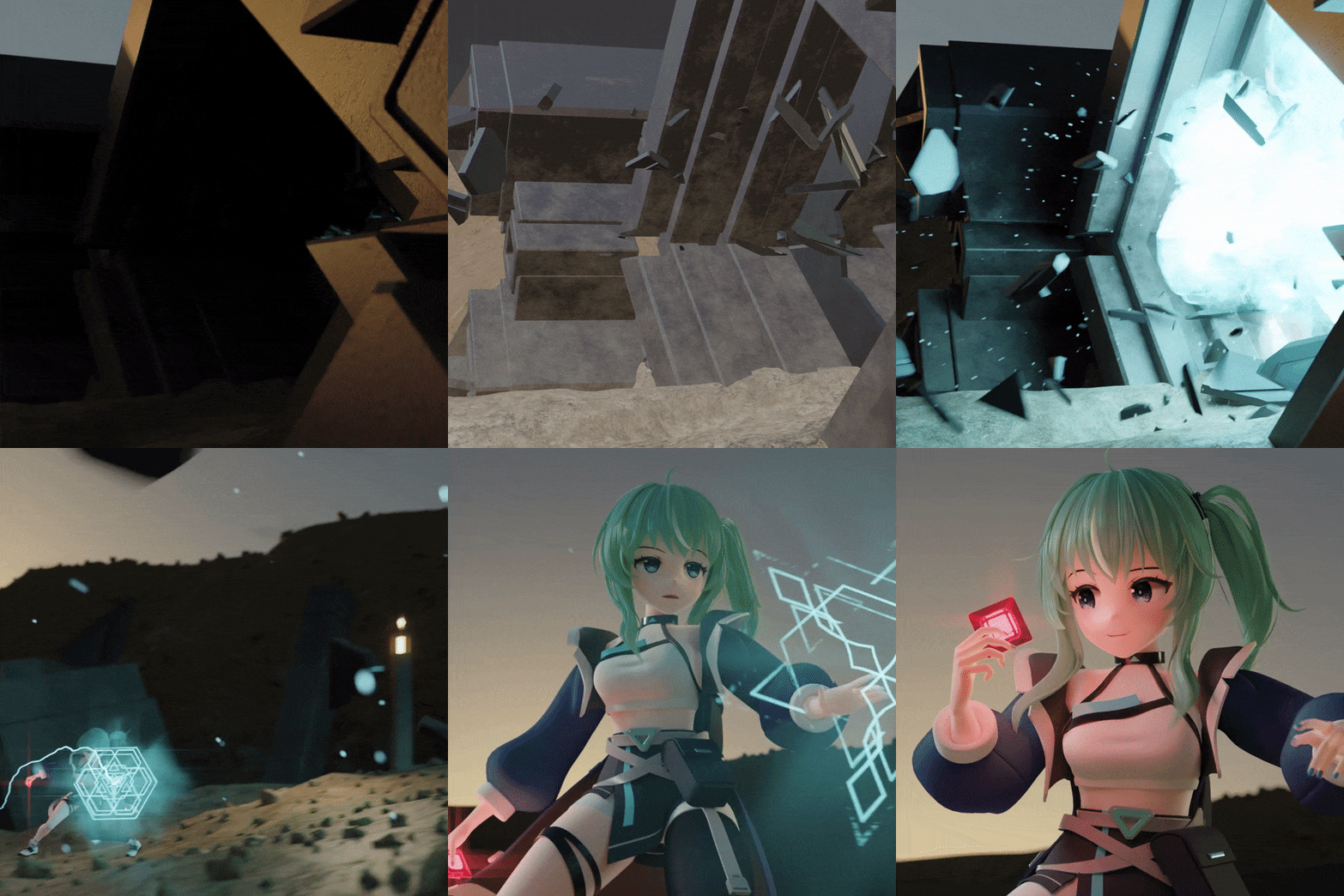 Key 02. Explosion scene
 -
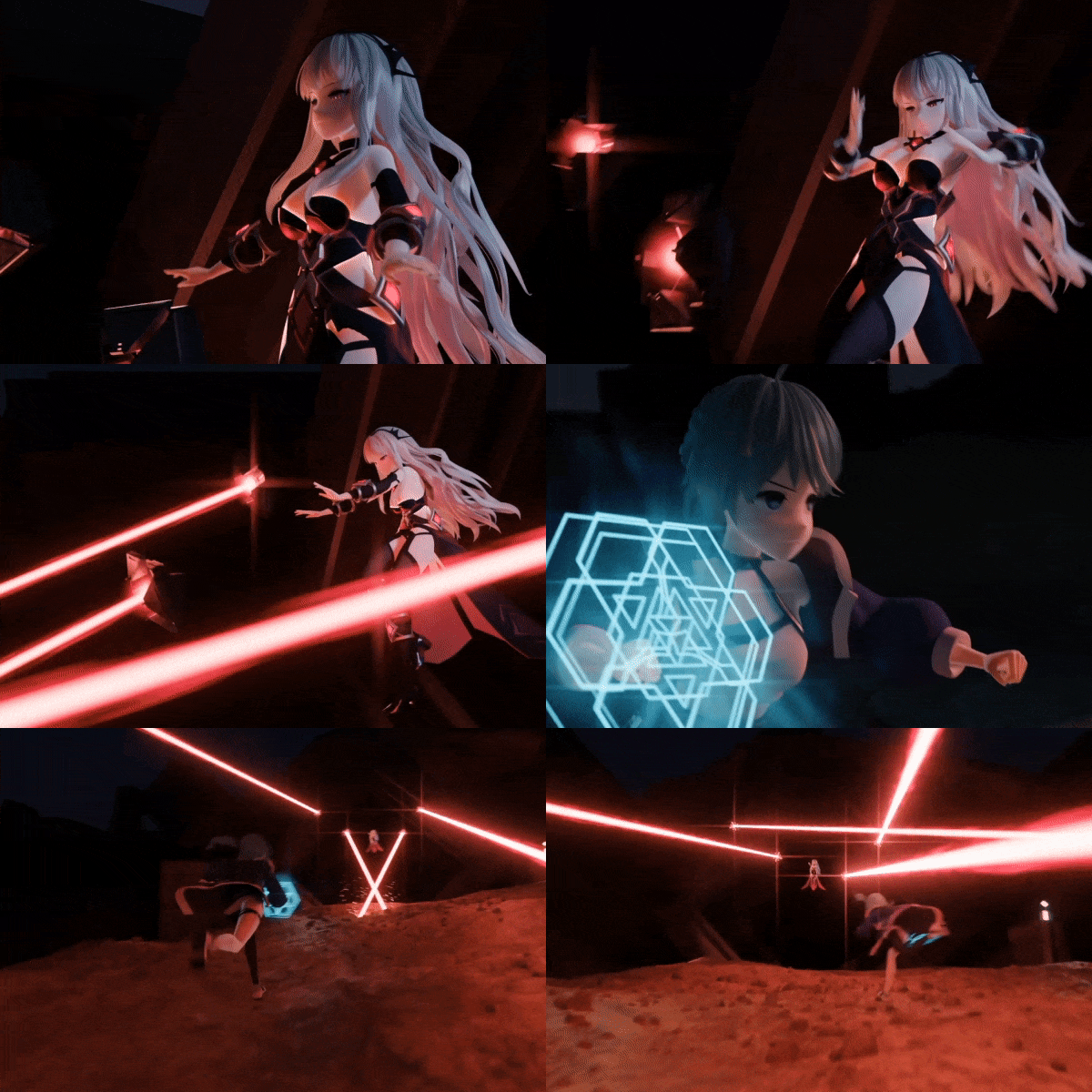
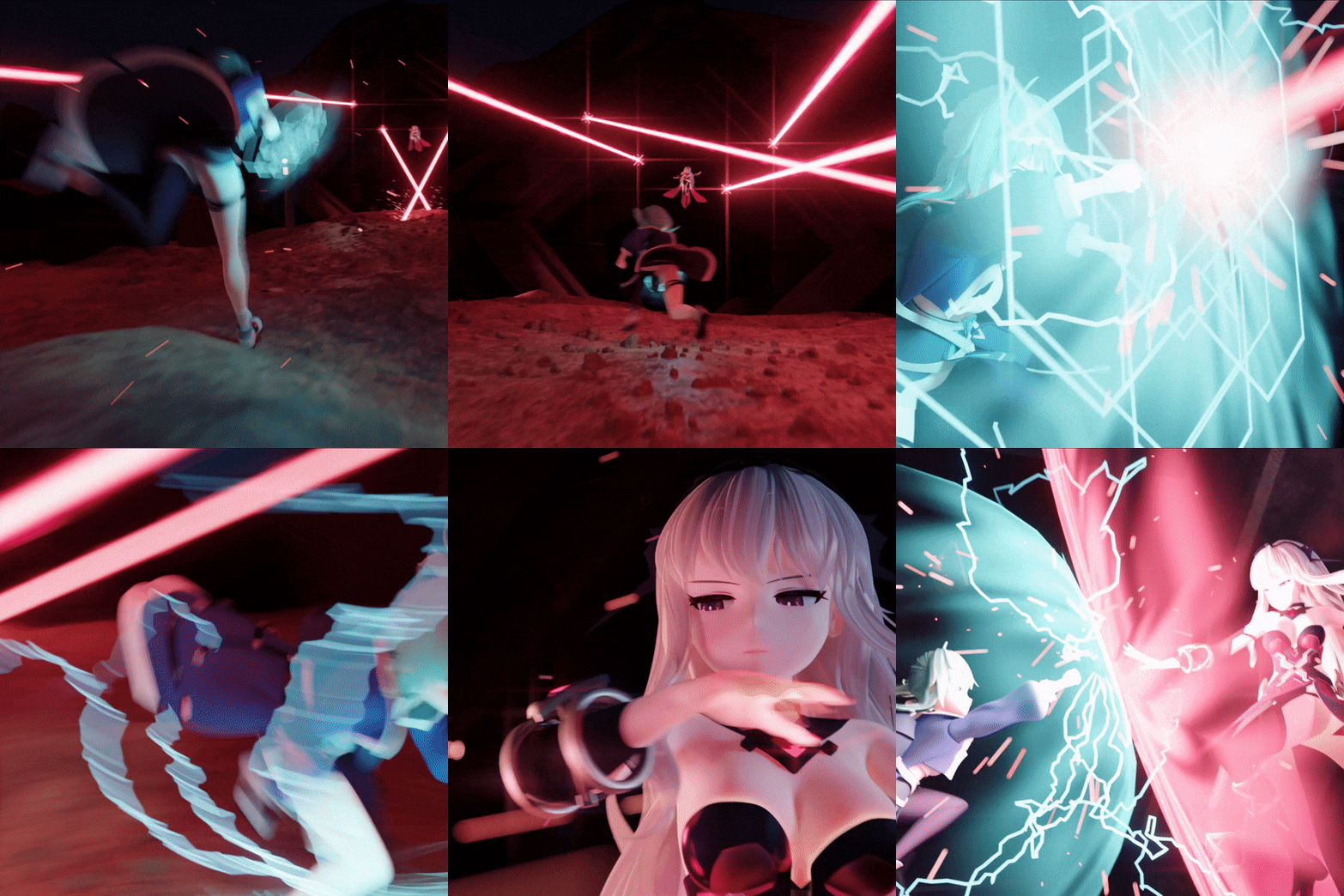 Key 03. Combat scene
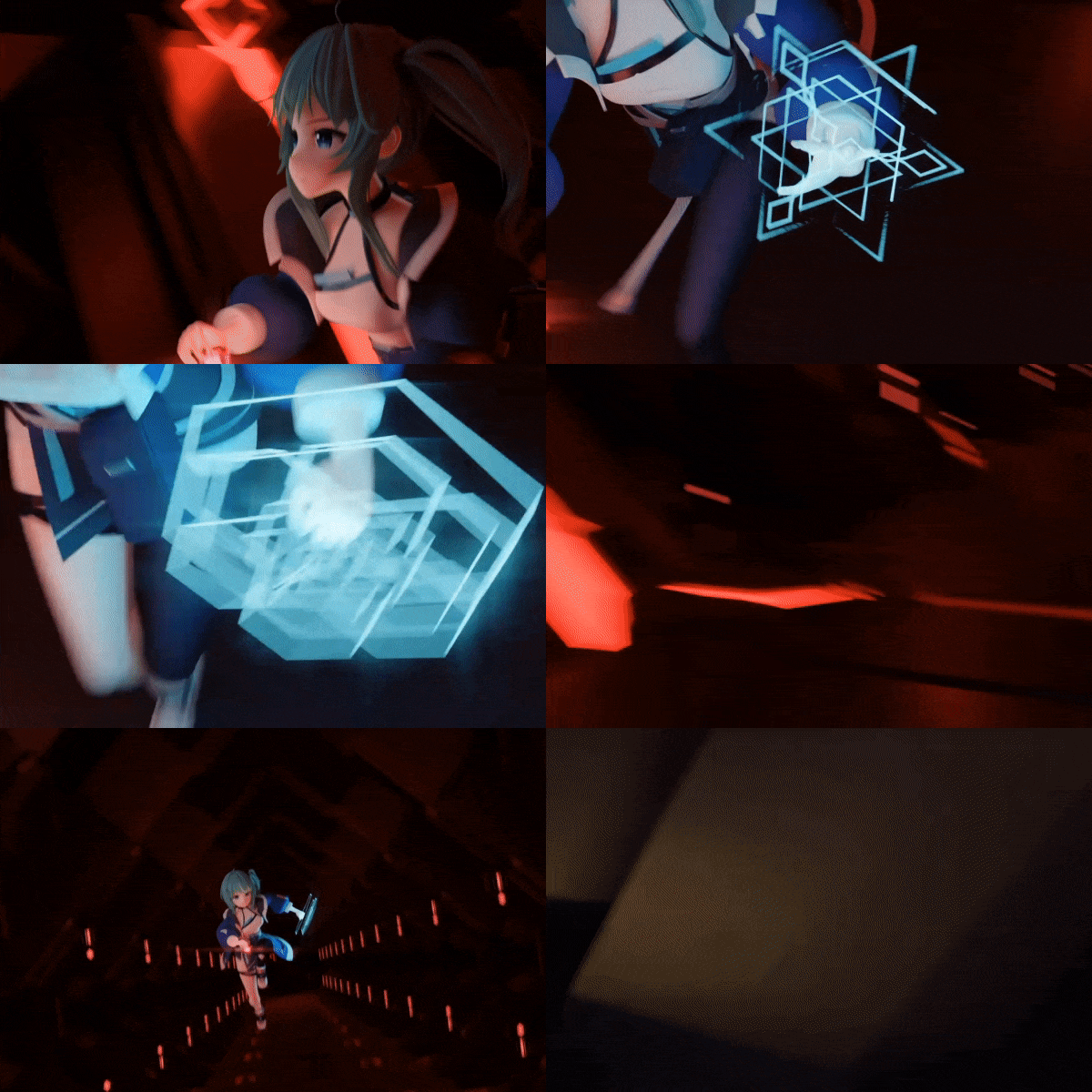
[Story]
Mint, an explorer who came to steal an item from ancient ruins,
inadvertently disturbs its peace, awakening the protector of the ruins, Guardian.
Now, she faces a battle she never anticipated ...
* The 3D illustration above is an example of a project actually done in the class.
Class Highlight
The Only Blender Basics & Applications Guide You’ll Need! Master Blender in Just 100 chapters
From beginners to intermediate Blender users! Upgrade your skill set now. From the basics of modeling to rigging, animation, and FX! All the essential 3D Blender skills have been condensed into this single 100-chapter class.
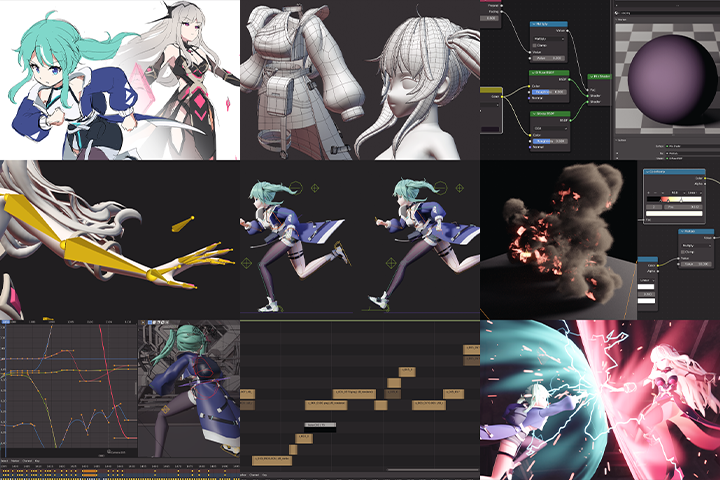
Animating Subculture Characters Currently in High Demand in the Industry
Do you want to learn the key skills you will need to use Blender, the specialized software for creating 3D animations? Explore specialized modeling techniques for subculture characters and master character animation, employing cartoon and PBR shading, and rigging methods.
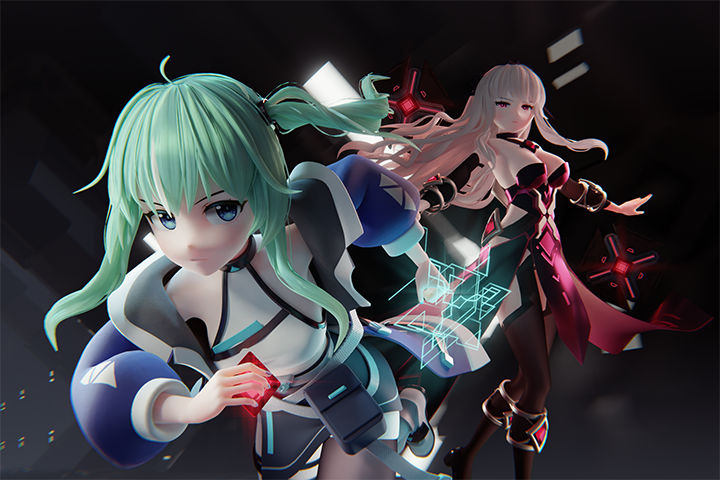
Unveiling Tips from minusT, One of the Most Skilled Blender Experts
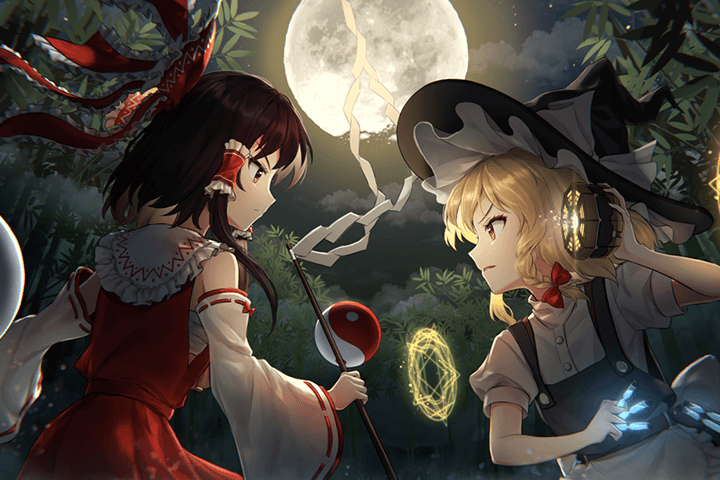
The legend behind fan-made animations of Touhou Project, minusT is here to share all his tips with you. Join minusT, a YouTuber with more than 170K subscribers to his channel on 3D animation, and elevate your learning experience. Access his years of expertise in Blender and animation production workflows, crafted by the artist himself based on his own experience, to create captivating subculture animations.
minusT
3D Animator
Hello,
I’m minusT, a 3D animator.
I’m a 3D animation YouTuber as well.
My videos are primarily made with Blender
and feature subculture characters.
Blender is a great tool for beginner 3D artists,
but I’ve seen many people struggle
due to the lack of materials available
on subculture styles and animation production.
Drawing on 14 years of studying Blender on my own,
I will share my experience and expertise,
from the basics of Blender
to character modeling, rigging, creating backgrounds,
adding effects, and animation.
I have designed the curriculum
to cover the entire process of
3D animation production using Blender alone,
which I guarantee that you will find easy and fun.
After completing this class,
you'll have the skills you need to independently create
subculture characters and animations filled with captivating stories.
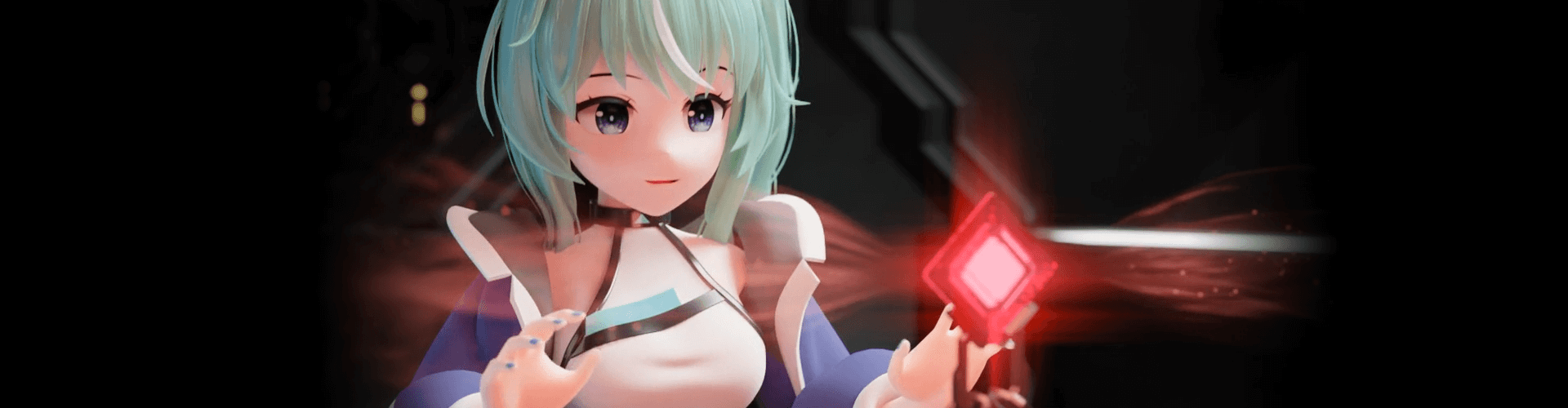
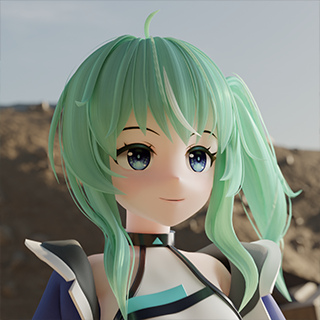
Expert 3D Animator minusT's Portfolio

Class Details
You'll Learn
Step 01. Master the Basics of Creating Animation using Blender
-
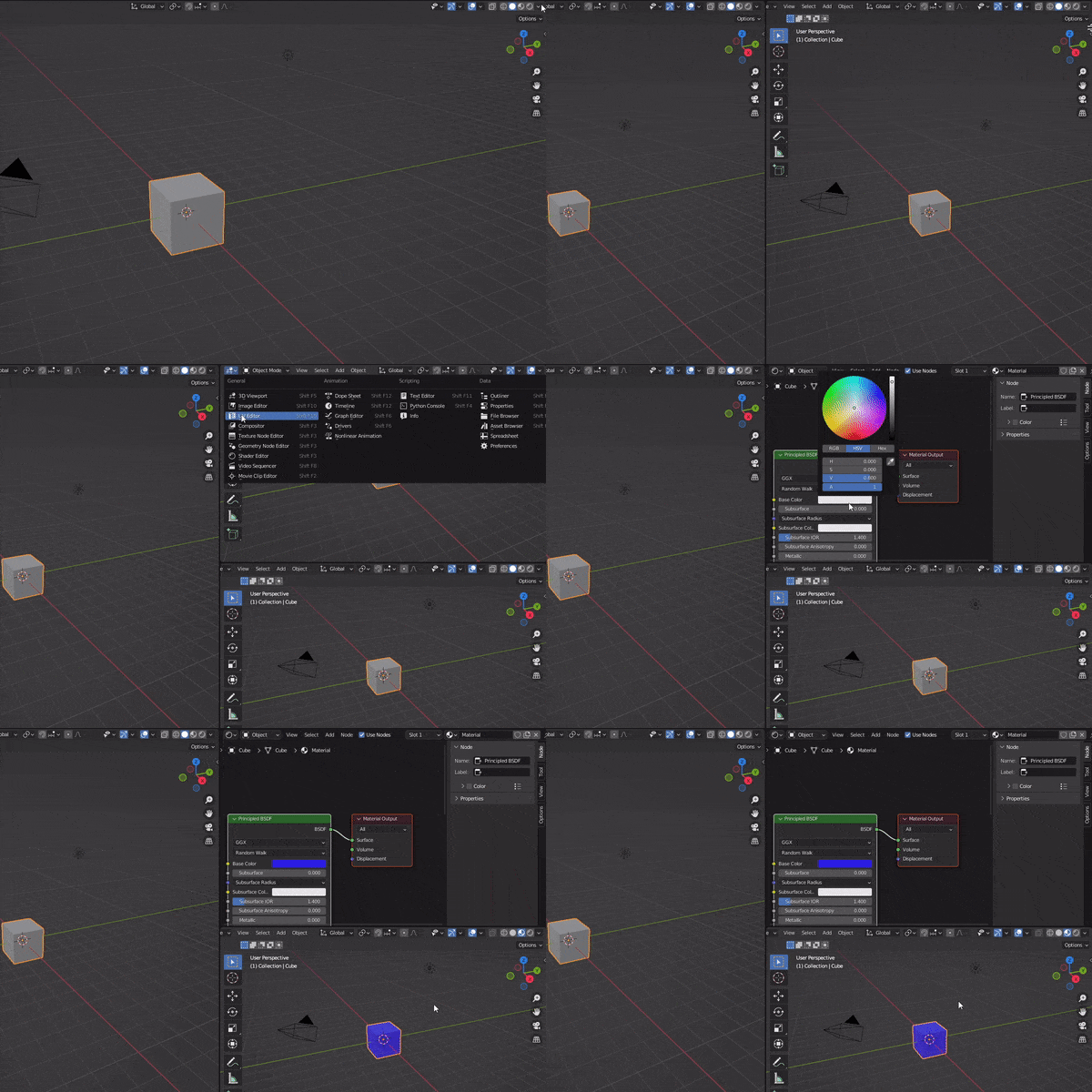 Understanding BlenderDiscover how to set up and work with Blender, and familiarize yourself with the fundamental features of the software through basic modeling exercises.
 -
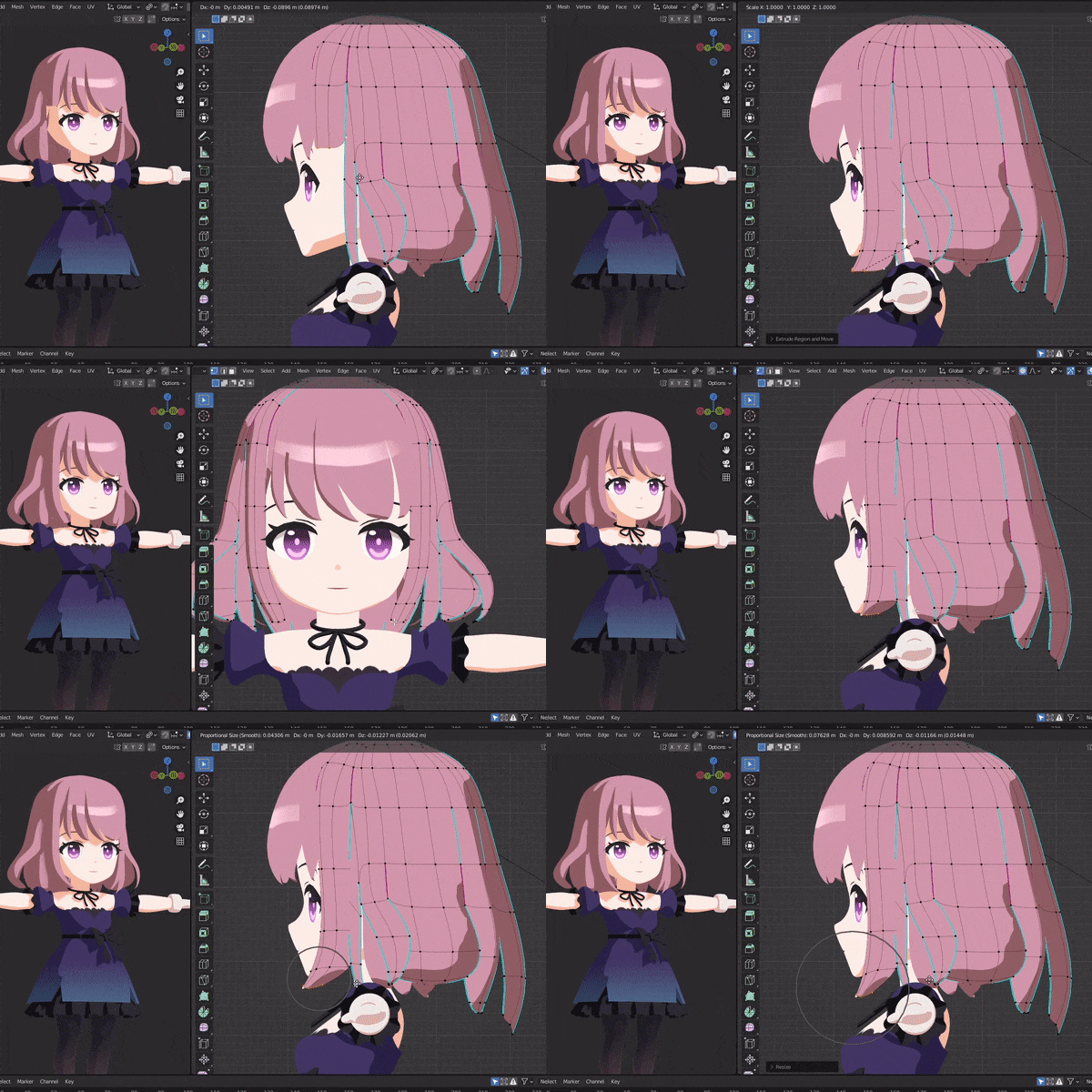 Enhance your Character Modeling SkillsFamiliarize yourself with the basics of character modeling using simple objects and SD characters.
 -
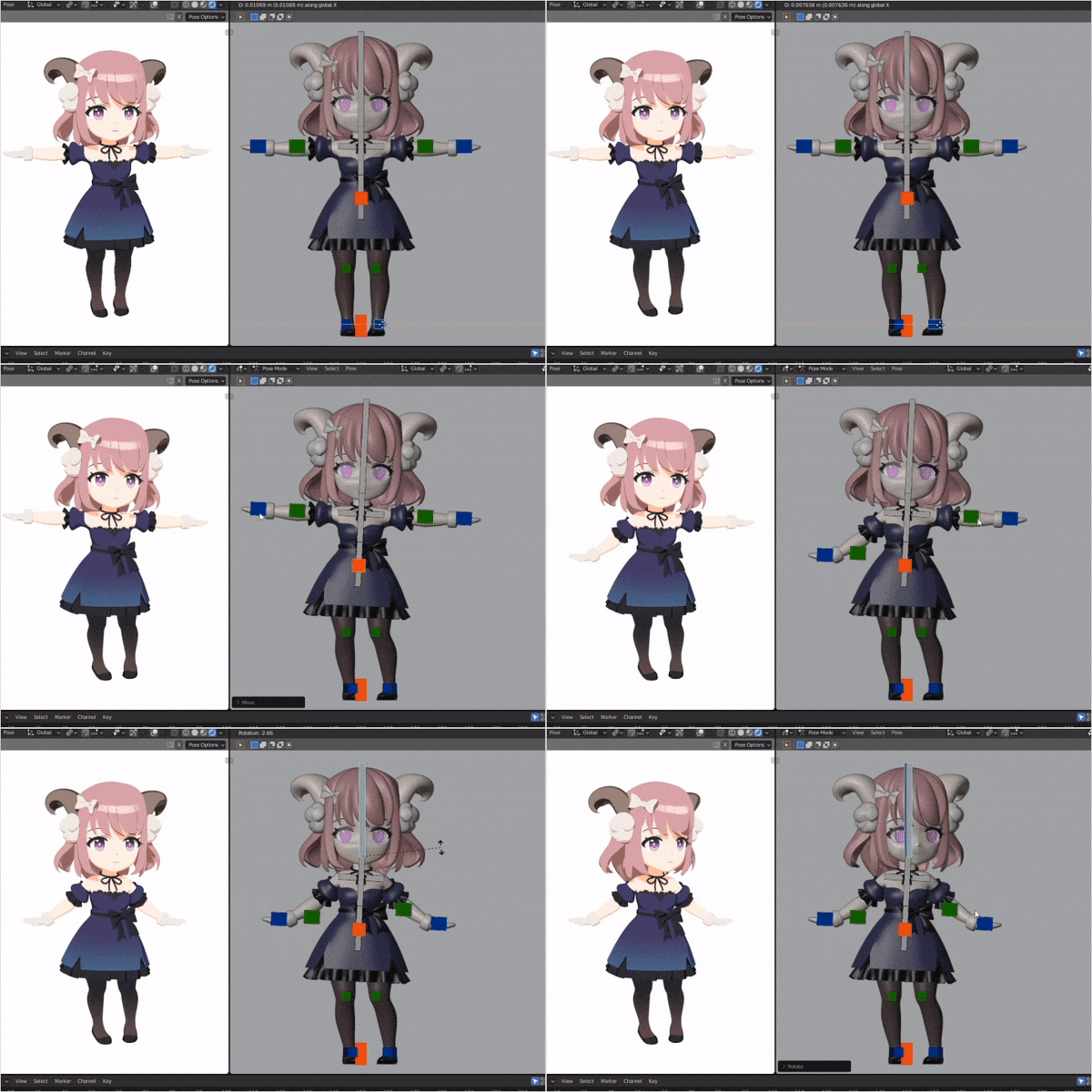 Boost your Animation SkillsLearn the basics of physics and principles of motion, set up armatures for your character, and add keyframes to animate the character.
Step 02. Character Modeling, Shading and Rigging
-
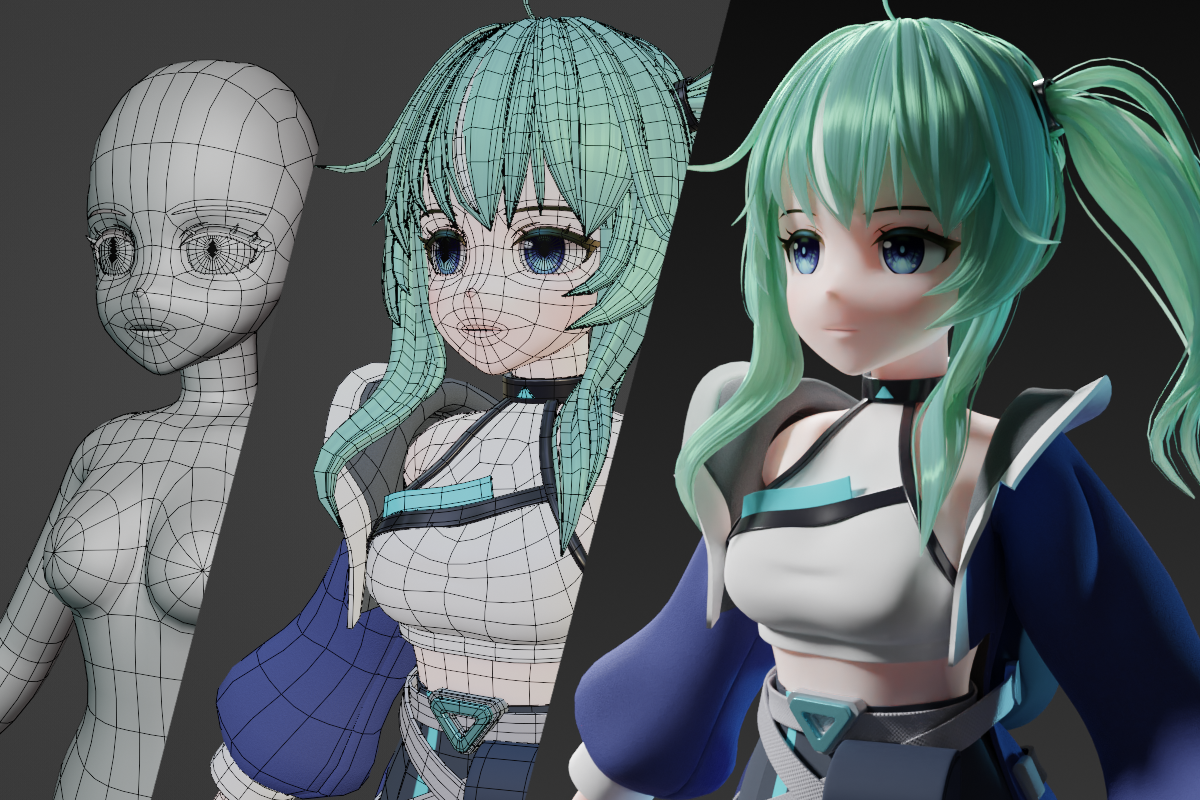 Subculture Character ModelingExplore the key aspects that make up subculture character modeling, from the different body parts of the character to its outfit. Use modifiers to create your character.
 -
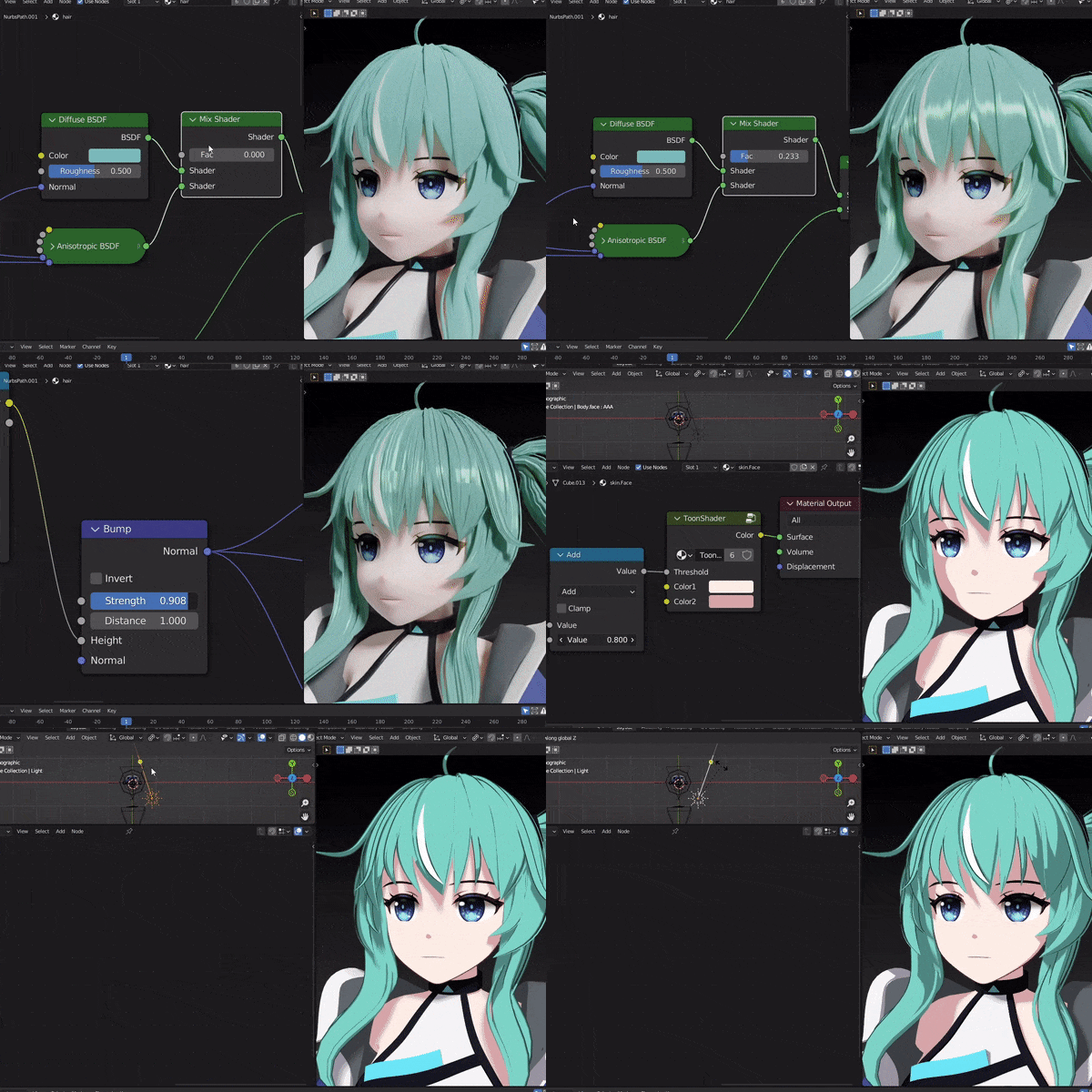 Understanding Shader NodesFrom PBR shaders that use Cycles to cartoon shaders that utilize the EEVEE rendering engine, learn how to set up various shader nodes.
 -
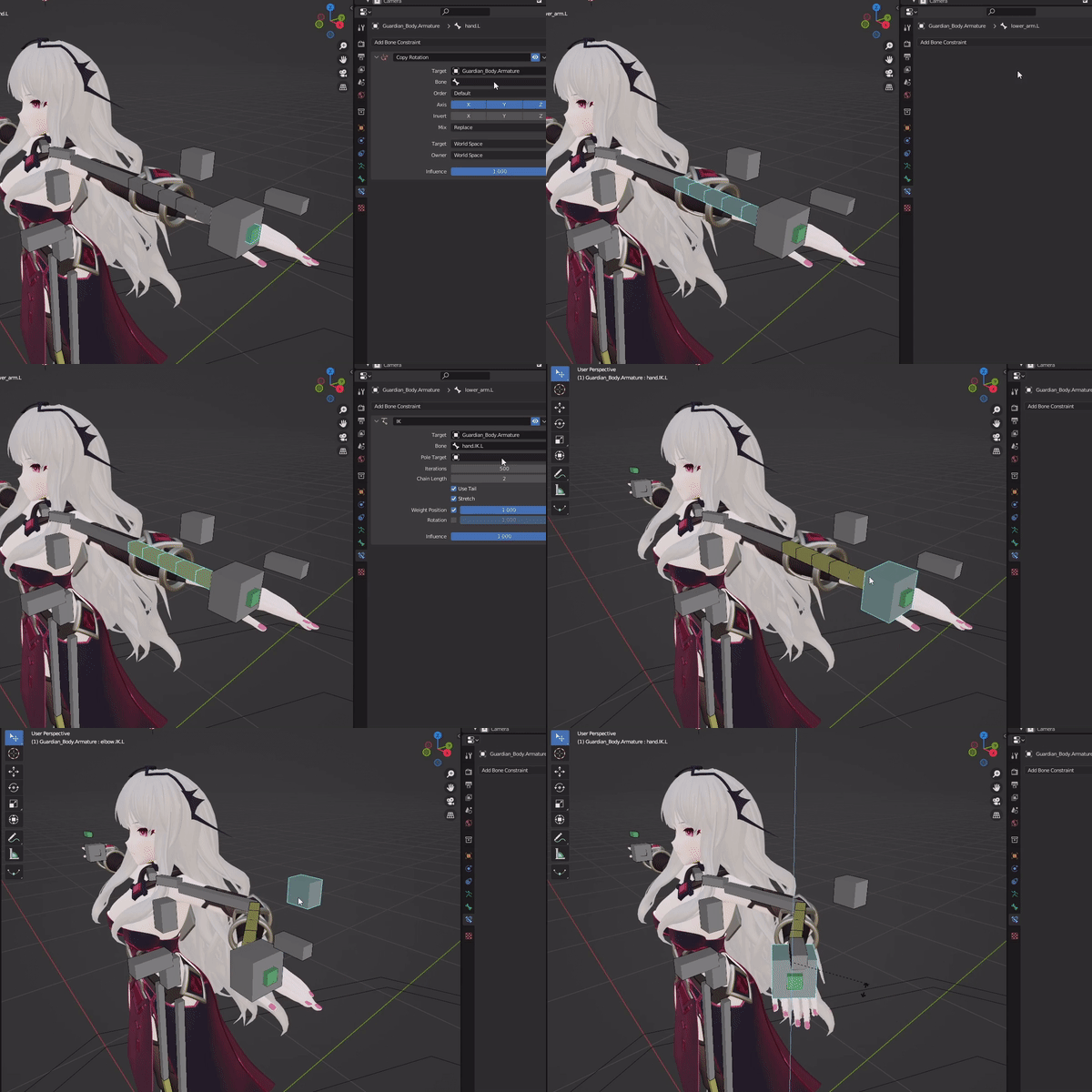 Learn Rigging the Correct WayDelve into the fundamental concepts and constraints required for rigging. Apply efficient rigging for different parts of the body, such as FK/IK, and use the shape key and the driver function to rig expressions or effects.
Step 03. Background & Effects
-
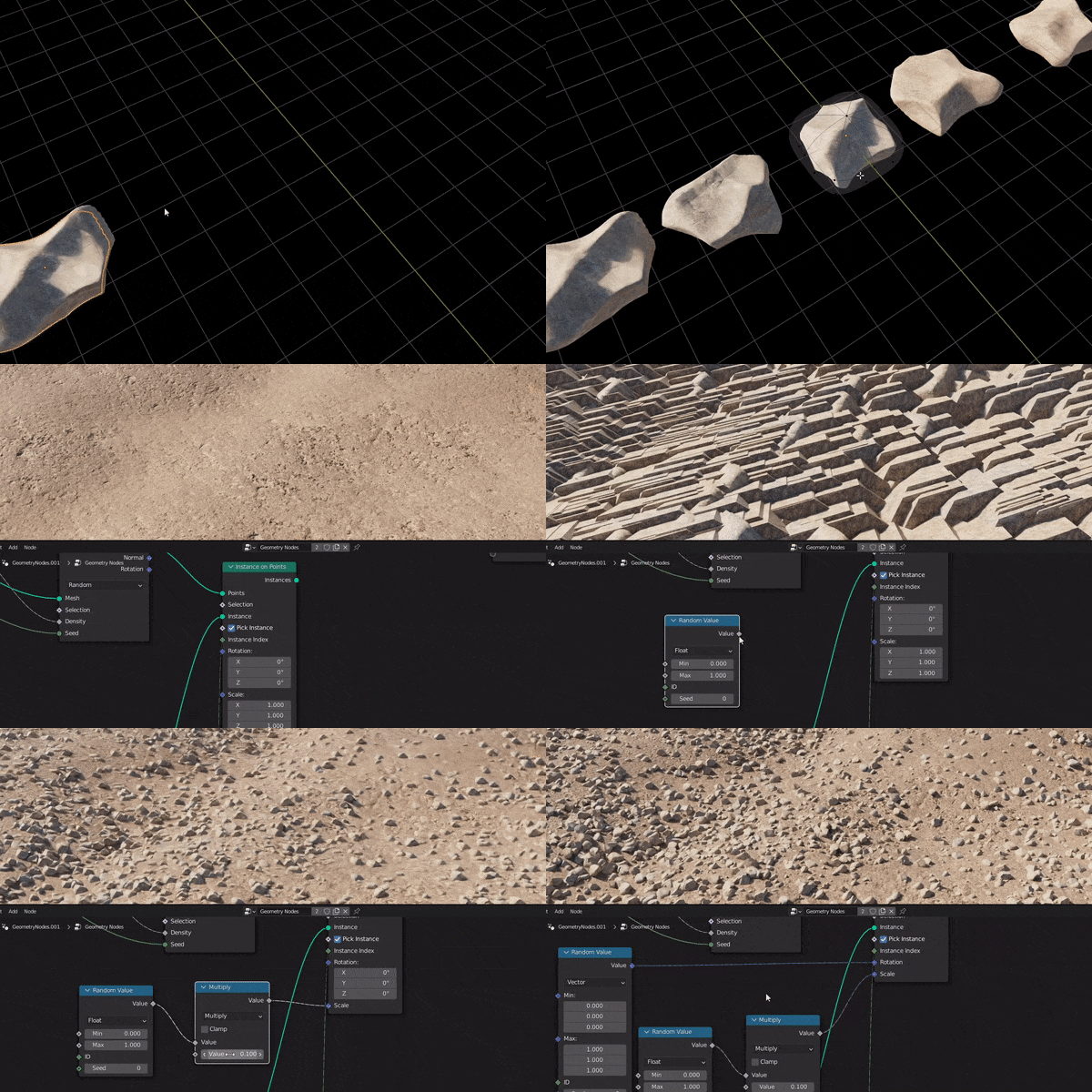 Creating and Utilizing Background ElementsCreate frequently used background elements, such as rocks or grass, and use the geometry node to place them in the background.
 -
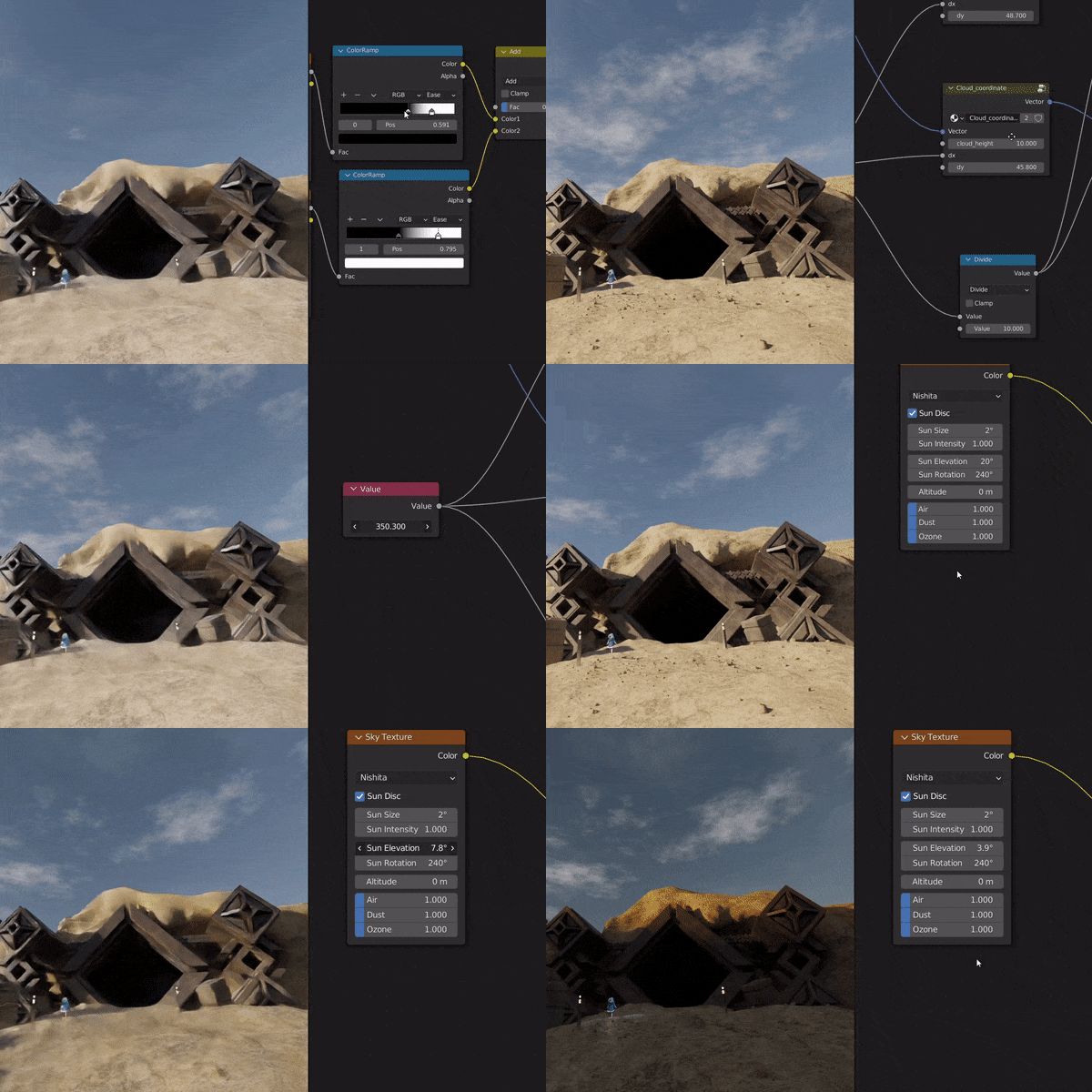 How to Create Backgrounds that Enhance the Mood of the AnimationUse shader nodes to create the sky, and modifiers to make geographical features and structures. Experiment with lighting settings to create a variety of moods.
 -
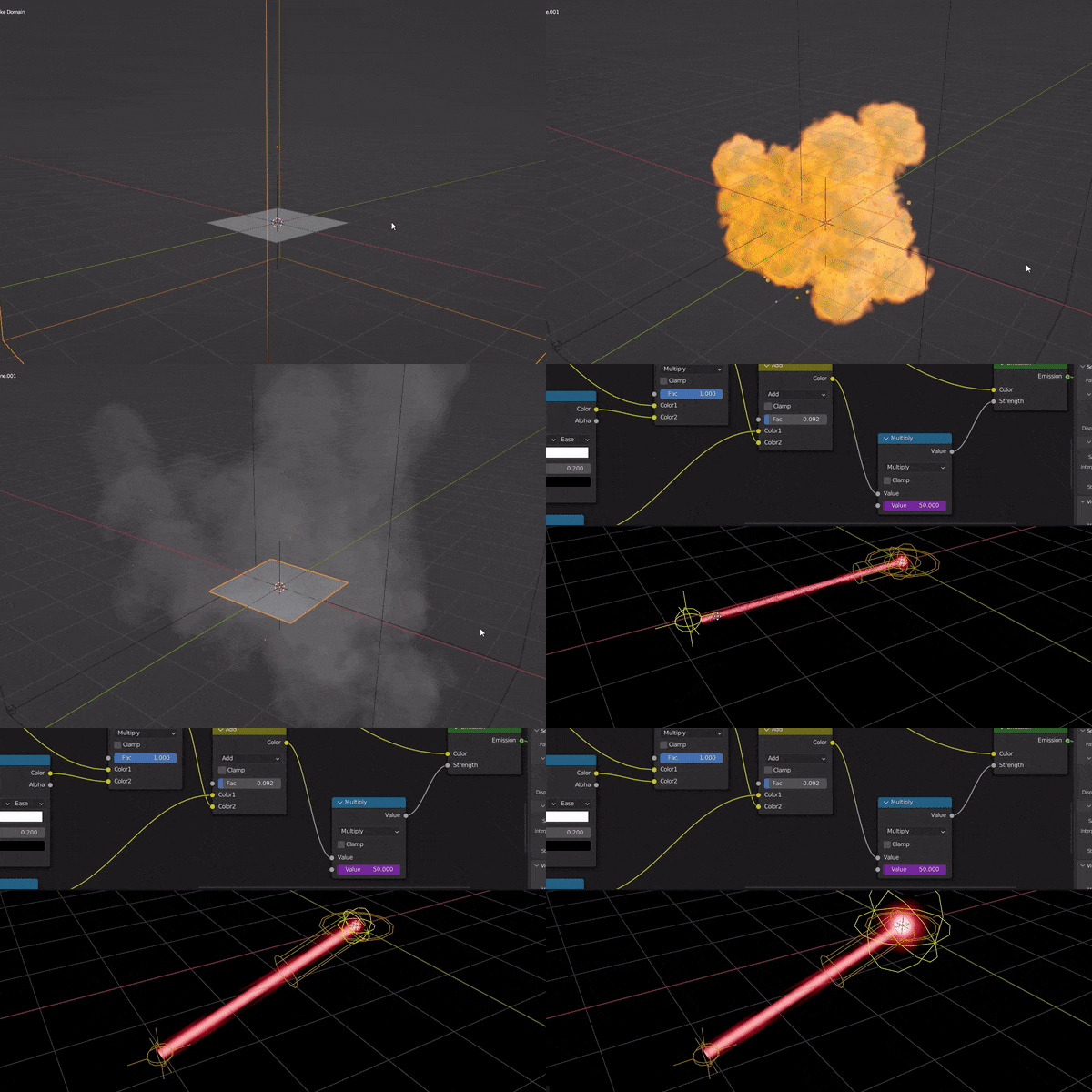 Subculture Character ModelingDiscover the techniques you can use to generate effects with shader nodes. Master the different features available in Blender, including the particle system, fluid simulation, and geometric nodes.
Step 04. Animation
-
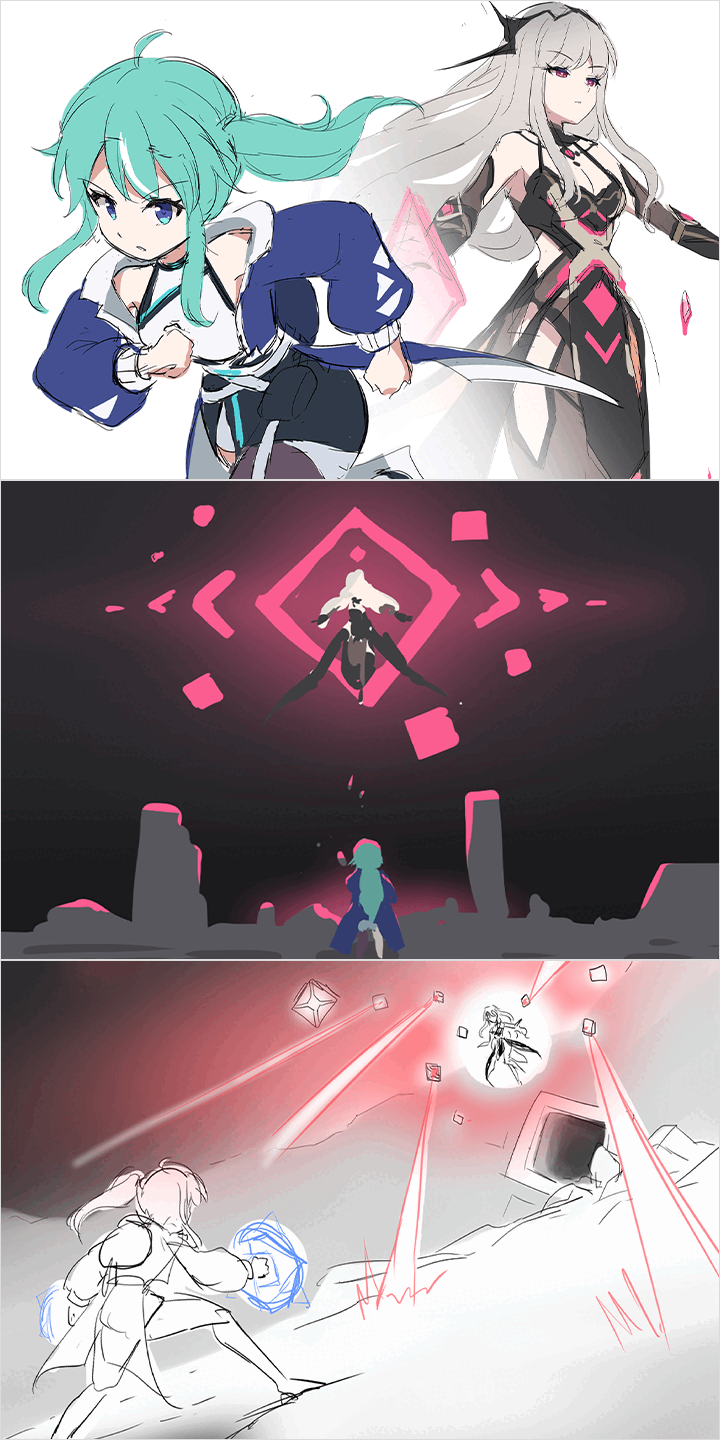 Animation Design and Concept DevelopmentPlan out character design and animation elements. Explore the entire process of animation production, and boost your skills in concept development and implementation.
 -
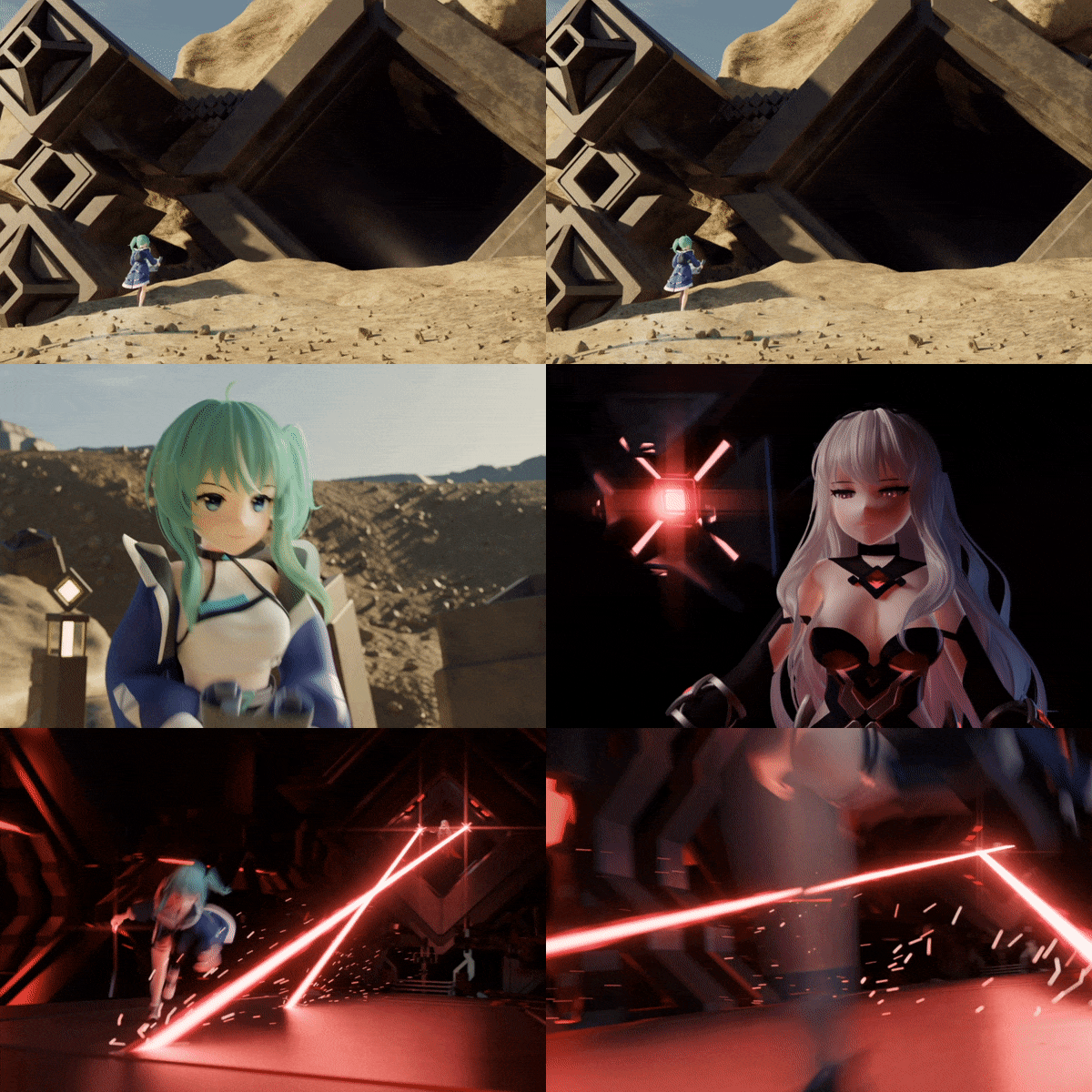 Animation ProductionLearn the character animation production process, ranging from different expressions of characters to action scenes. Familiarize yourself with lighting, scene transitions, camera work, and other factors that can increase the quality of your animation.
 -
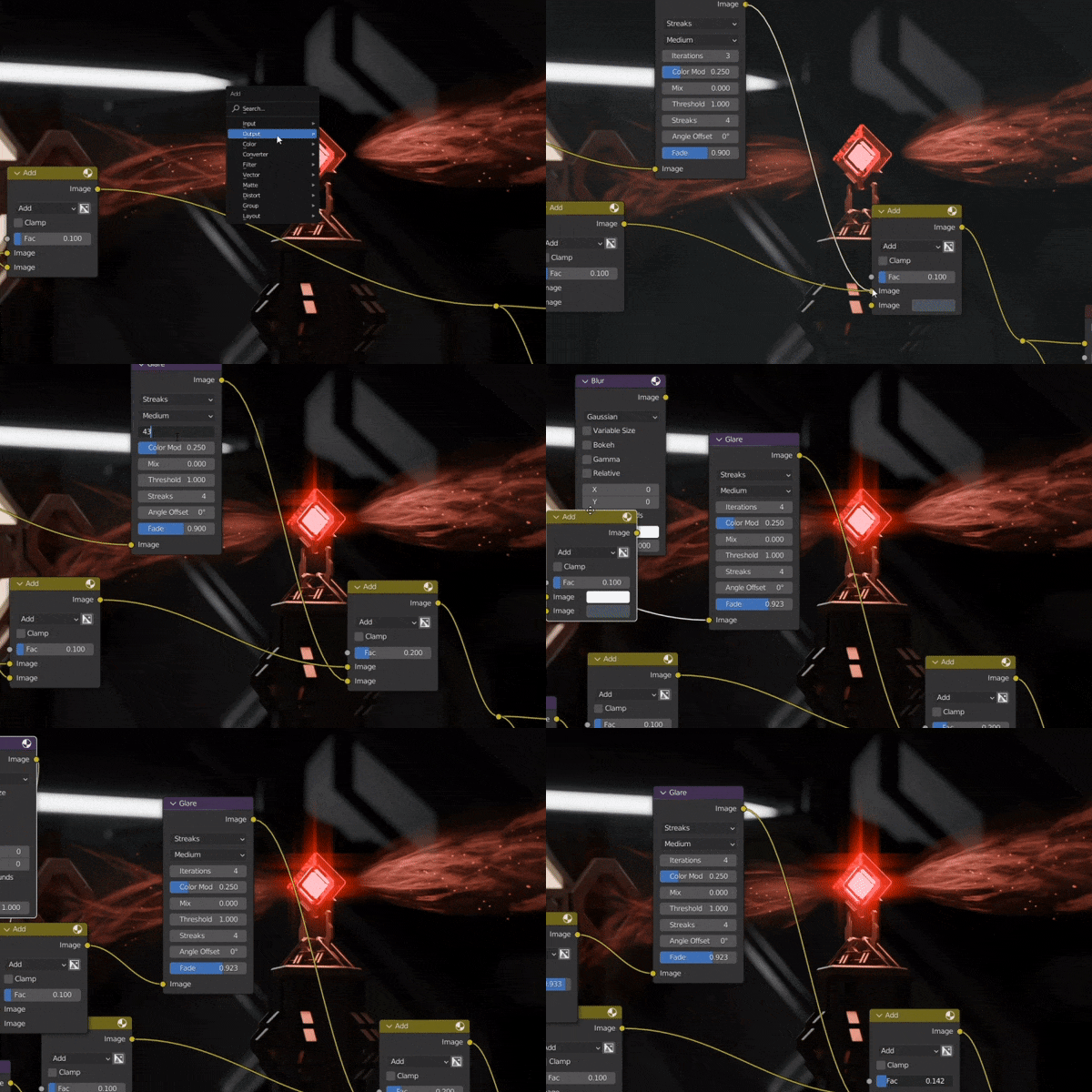 Edit and Post-correct your AnimationLearn how to render your animation and make post-corrections using compositing nodes. Edit using Blender's Video Editor feature to complete your animation.
Roadmap
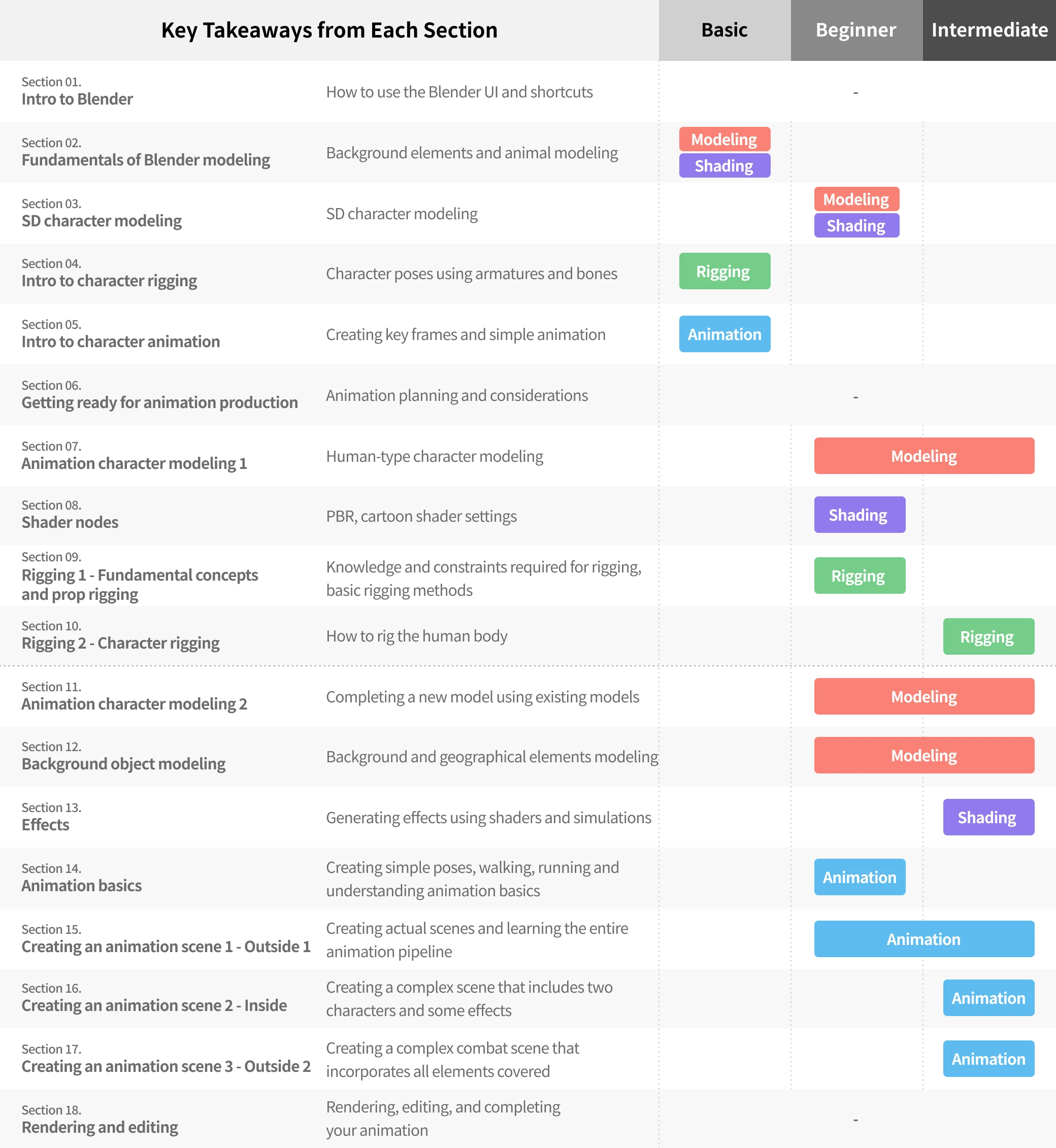
From beginner to advanced Master the Entire 3D Animation Process using Blender
- Unlimited Access
- Best Price
Buy now, get unlimited access.
06/15 (Mon) (UTC-7) Special offer ends soon.
This special offer ends soon.
Buy now and save!
Curriculum
In-Depth Look
Part 01. From Basic Modeling to Animation
Part 2. Character
Part 3. Background & Effects
Part 4. Animation
Interview with
3D Animator minusT

What would be the most important takeaway from your class?
The curriculum is structured with a focus on subculture characters, emphasizing the key elements in creating characters in ways that incorporate the advantages of 3D animation while maintaining that 2D feel. From character modeling to rigging, animating, and implementing the backgrounds and effects necessary for creating animations, everything you need to know to make your 3D artwork using Blender is included in this class.
What makes your class different from other classes?
The class covers everything from familiarizing yourself with Blender’s features to practices you can actually use to complete your own 3D animation. Animation production using Blender requires knowledge of the entire work process, which involves modeling, shading, rigging, and animating. Many find that to be overwhelming. Through 100 lectures, this class comprehensively covers Blender's foundational concepts and the complete workflow, guiding you through step-by-step exercises to master the features essential for crafting your animation artwork. Whether you are a beginner or an intermediate 3D artist, I guarantee you will take something away from this class.
Who do you recommend this class for?
I recommend this class to everyone from beginners who want to start creating 3D artwork using Blender, to intermediate-level artists seeking to develop their own 3D creations, as well as anyone finding it challenging to create animations using Blender independently. You’ll get to learn the entire production process of 3D animation using Blender. And in the process, you will familiarize yourself with Blender’s key features and acquire a range of techniques you can apply to character modeling and animation.
Required Programs
This course will use Blender 3.3.
Please purchase and install these program(s) for an optimized chapter experience.
Some parts of texture painting may require Clip Studio Paint or Photoshop. Texture painting might benefit from using a tablet PC, but you may also work with a mouse.
*These programs and/or materials will not be provided with the lecture.
Recommended Class
Like this class?
Then check these out!