

Question.01
What are the key points of this class?
[FreeCourse]VisualDevelopmentArtist,HyesungPark_박혜성 Details
Intro
Class Intro
Art Director, Hyesung Park
Already understand the basics
but still aren't sure how to create
unique and exciting animations?
Create concept art that incorporates
your talent and personality!
Start by learning how to add
rich emotion to your work through
artistic stylization, color temperature,
and expressive lines.
Then get tips on lighting and retouching
that will help you bring life and originality
to your animation.
Expert Art Director
Hyesung Park's Profile & Portfolio

Instructor
Hyesung Park
Art Director
Hello,
I'm a Art Director Hyesung Park.
For the past 14 years,
I've worked as a commercial and TV animation director
and art director on a wide range of media
and animation genres.
I continued my career in Film Animation
at Blue Sky Studio, which is known for their "Ice Age" series
and now, I'm working as an Art Director
at Pixar Animation Studios.
A visual development artist
sets up the overall atmosphere of a game or film,
so you have to be able to look at and judge work
from various positions and perspectives.
During this class, I will show you
how to create artwork that clearly shows
individuality and creativity.
I'll share practical insights
that will improve your ability to create completed work
based on the knowledge I've acquired
as a designer and director.
I'll also share insights I learned from my experience
at renowned film animation studios in the United States.

Art Director,
Hyesung Park
[Current]
Art Director, Pixar Animation Studios
Recognizable
Projects & Awards
[Former]
Visual Development Artist, Pixar
Blue Sky Studios: Visual Development Artist
- Spies in Disguise
Hornet: Director and Art Director
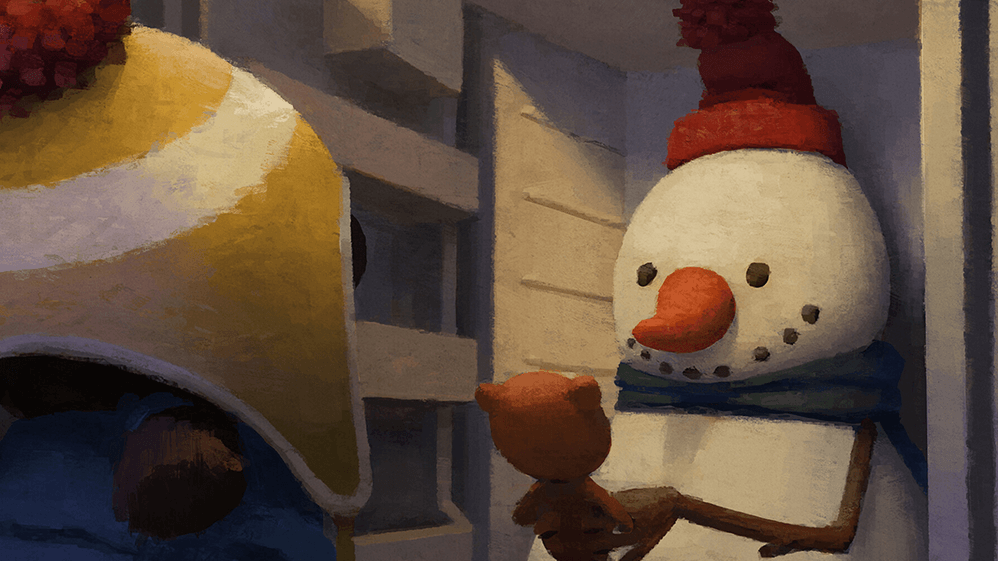
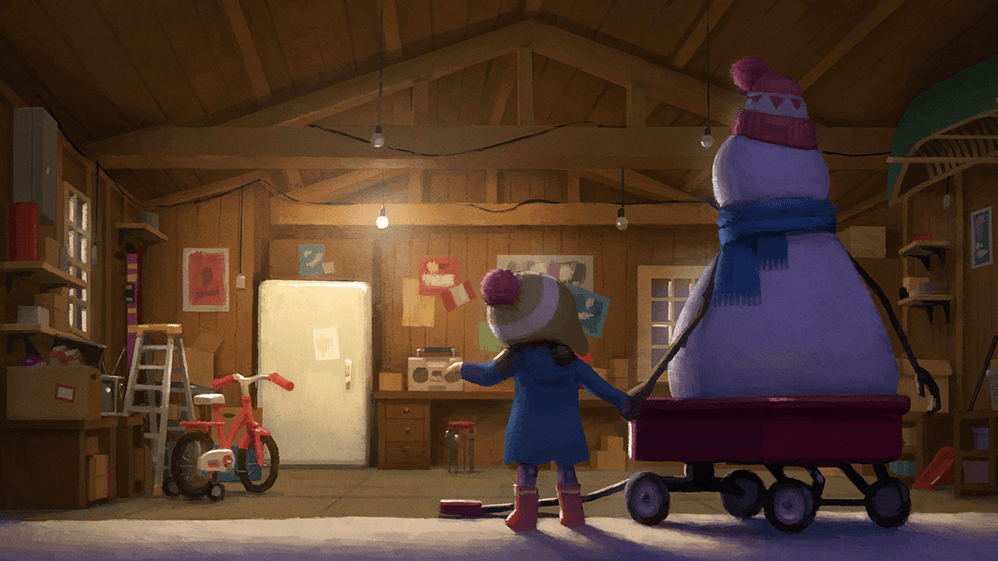
- Lily and the Snowman
Psyop: Art Director
- Fanta, Chobani, and other advertisements
[Awards]
Lily and the Snowman
Cannes Lions Finalist
Cyclop Finalist
Communication Art Winner
The One Show Merits
New York Festival Merits
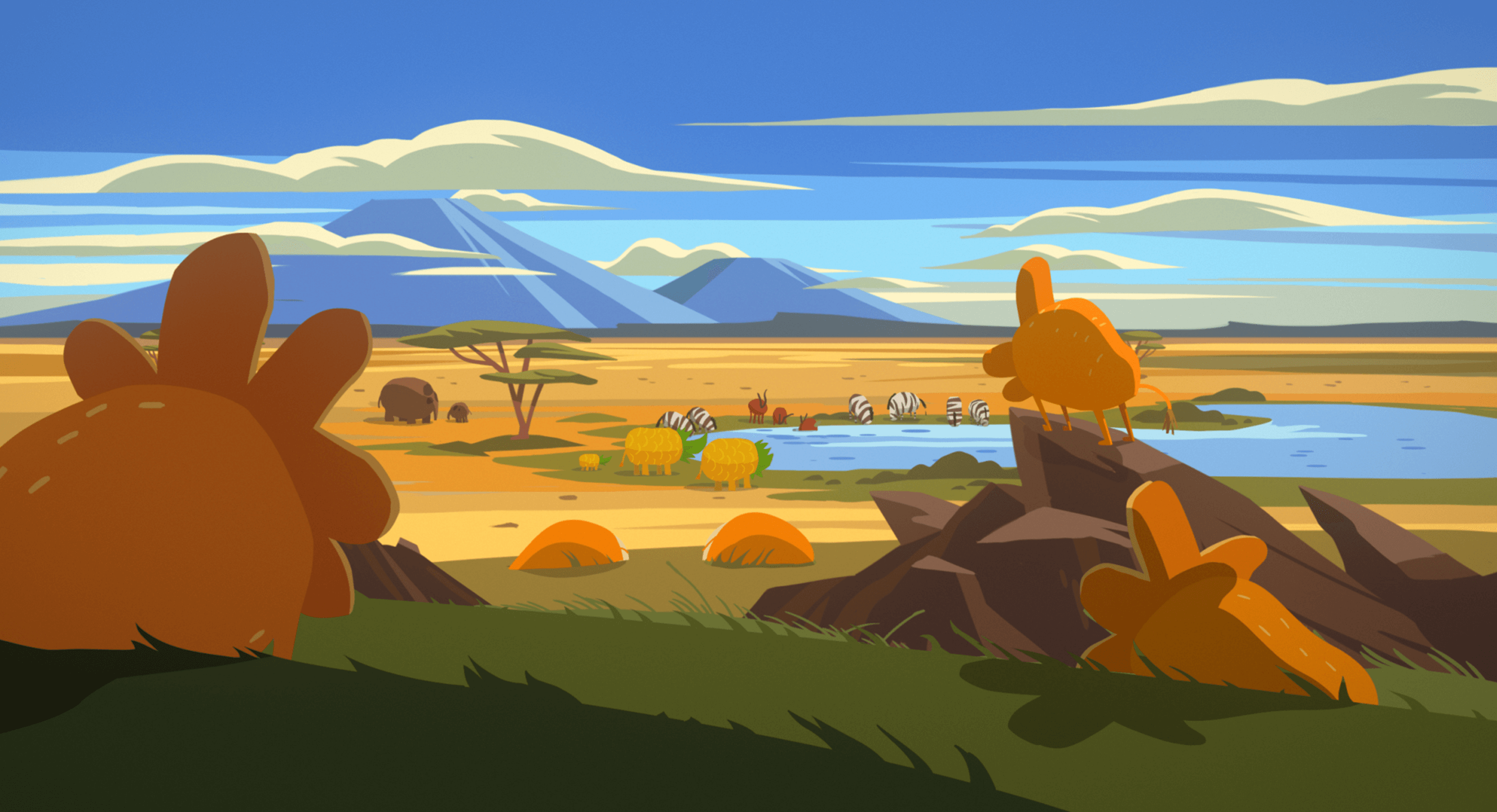
9 Class Exercises
Understanding Concept Art
-

Understanding Concept Art 1 -
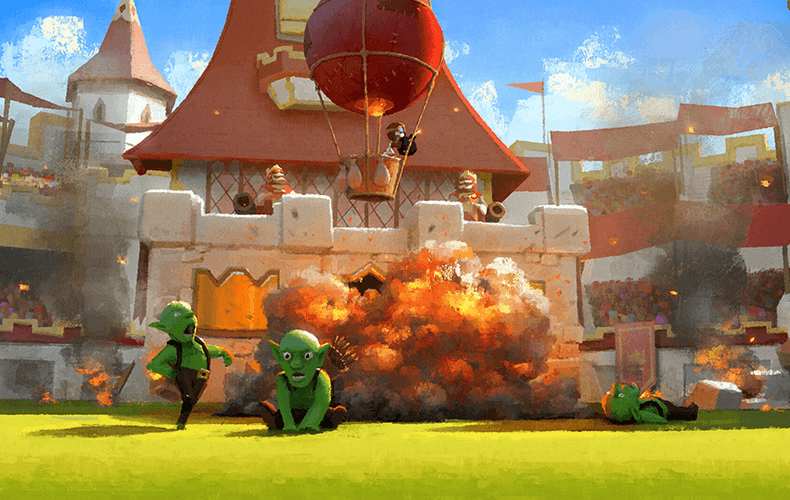
Understanding Concept Art 2 -
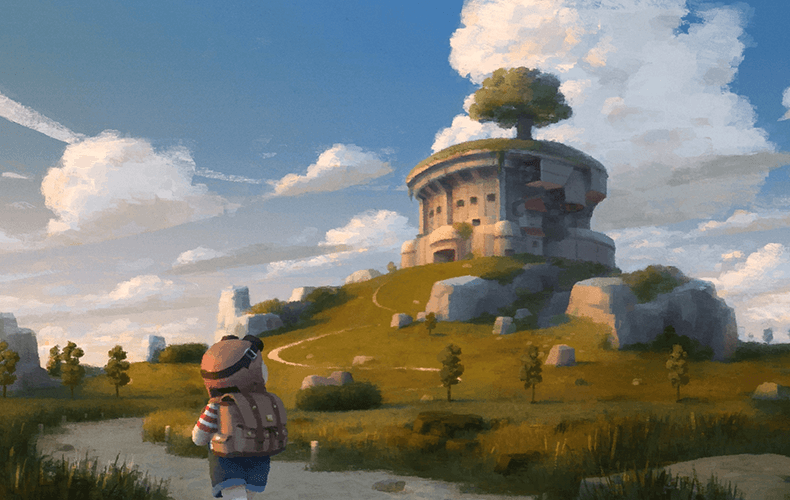
Understanding Concept Art 3
Character Stylization
-
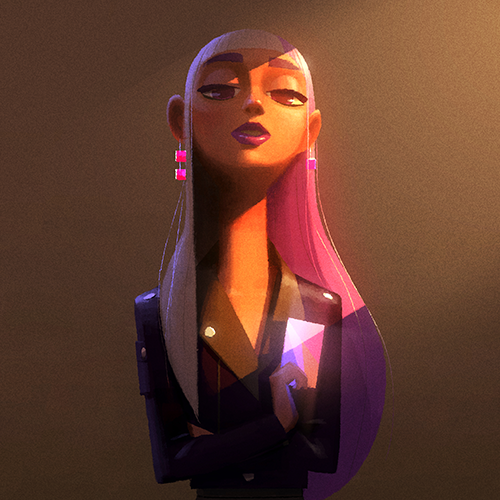
Stylization 1 -

Stylization 2 -

Stylization 3 -
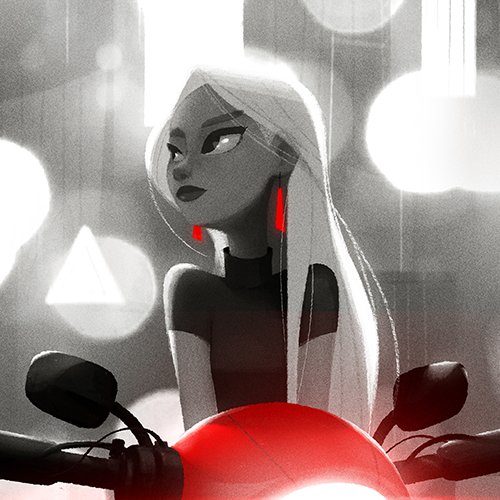
Simplifying Value -
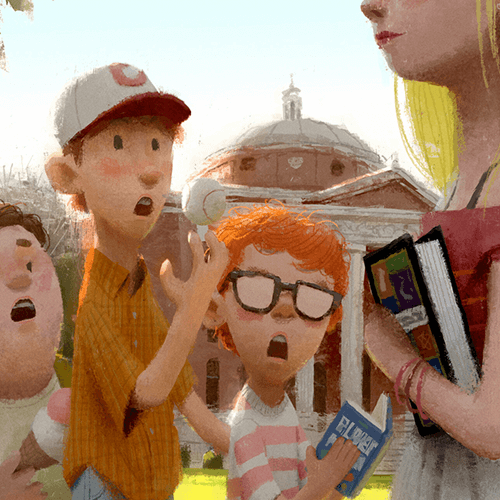
Understanding and Expressing
Depth of Field
How to Use Color & Light
-

Understanding Color Temperature 1 -

Understanding Color Temperature 2 -
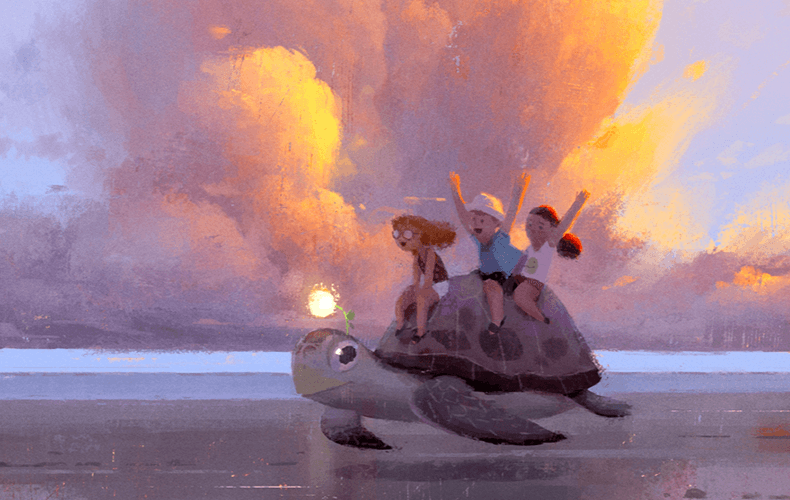
Light and Exposure 1 -
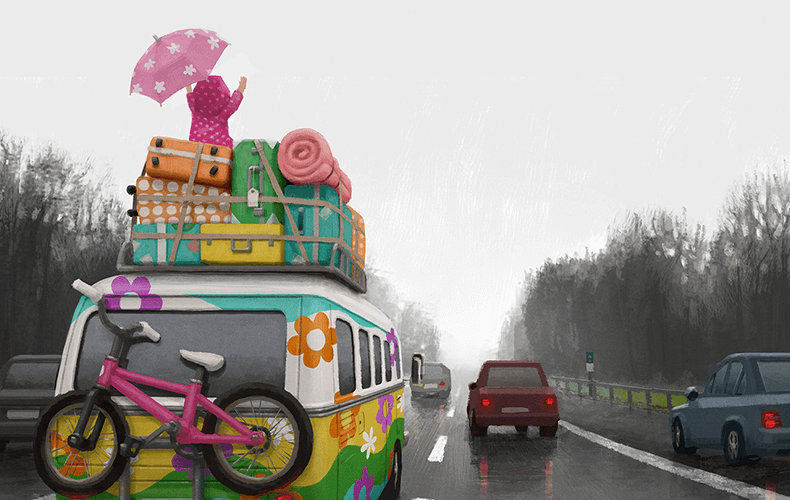
Light and Exposure 1 -
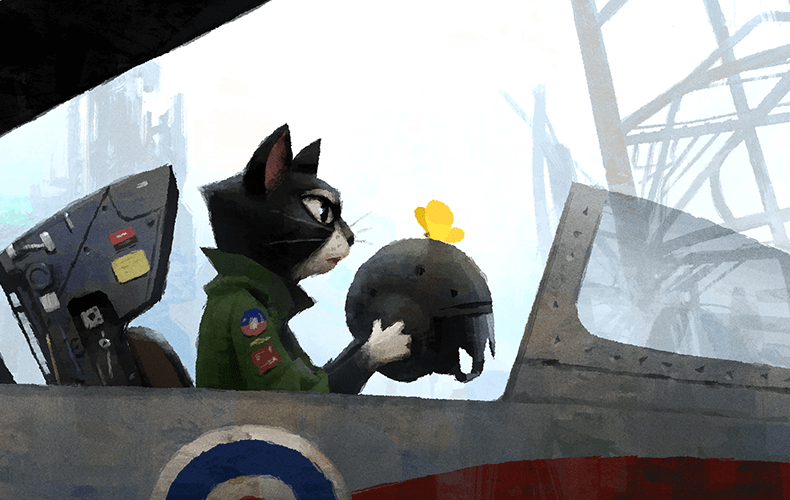
Light and Exposure 3
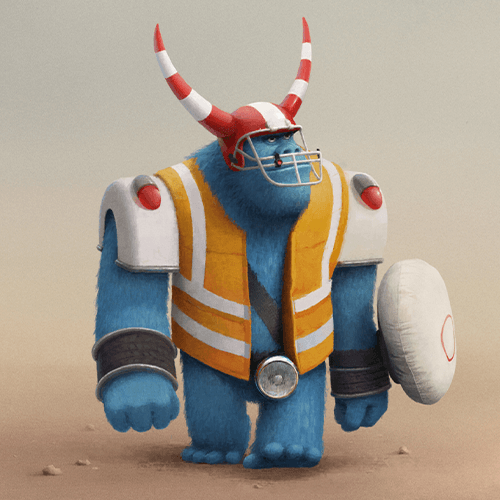
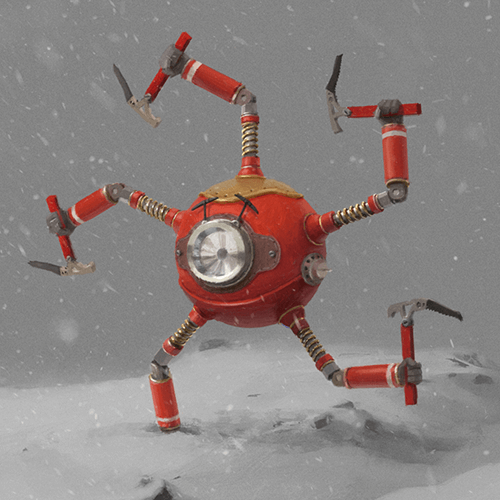
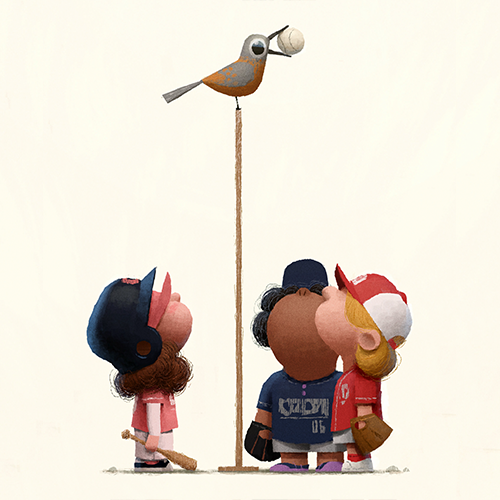
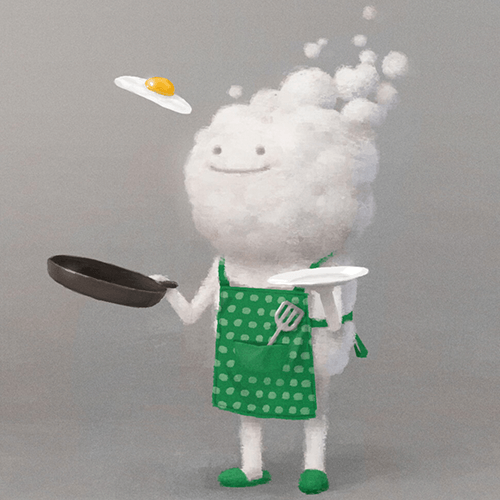
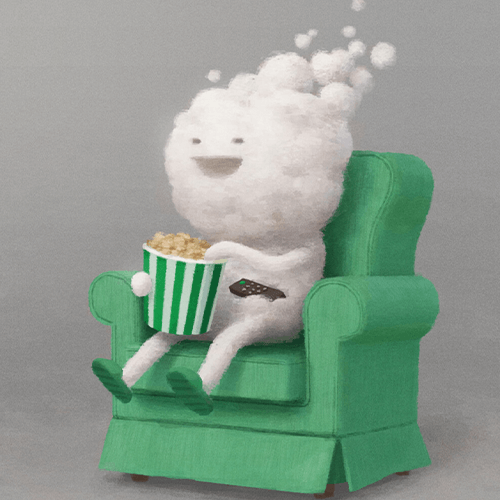
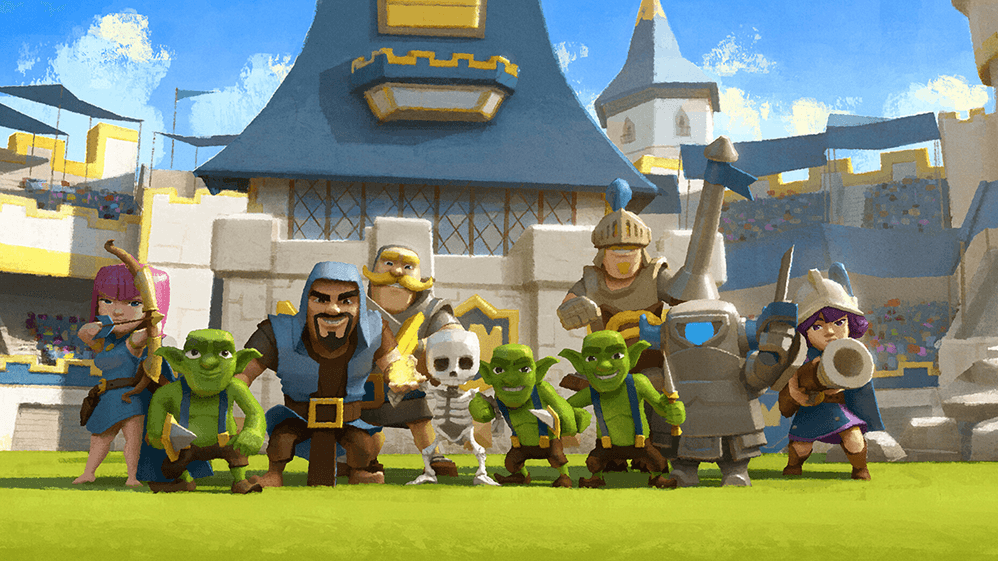
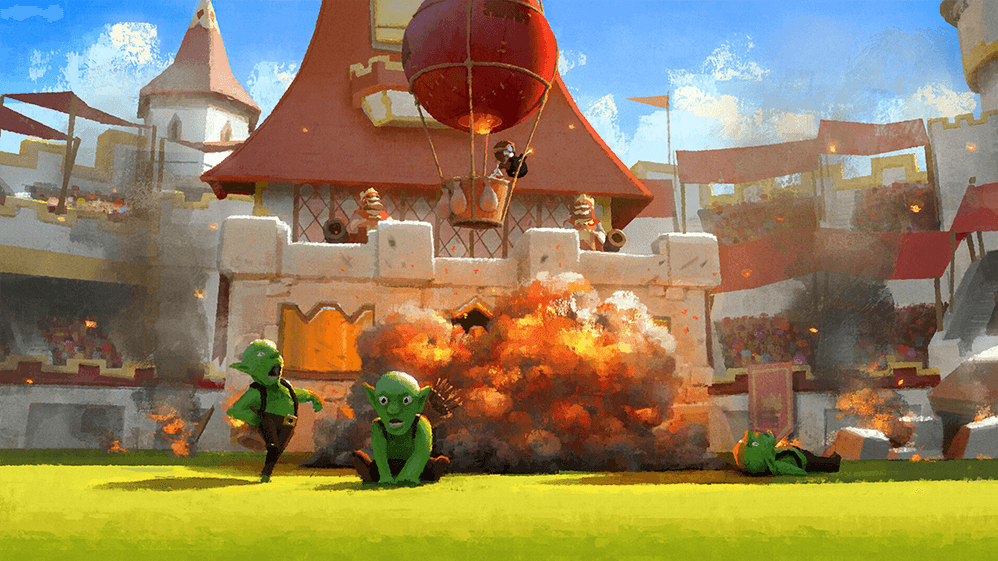
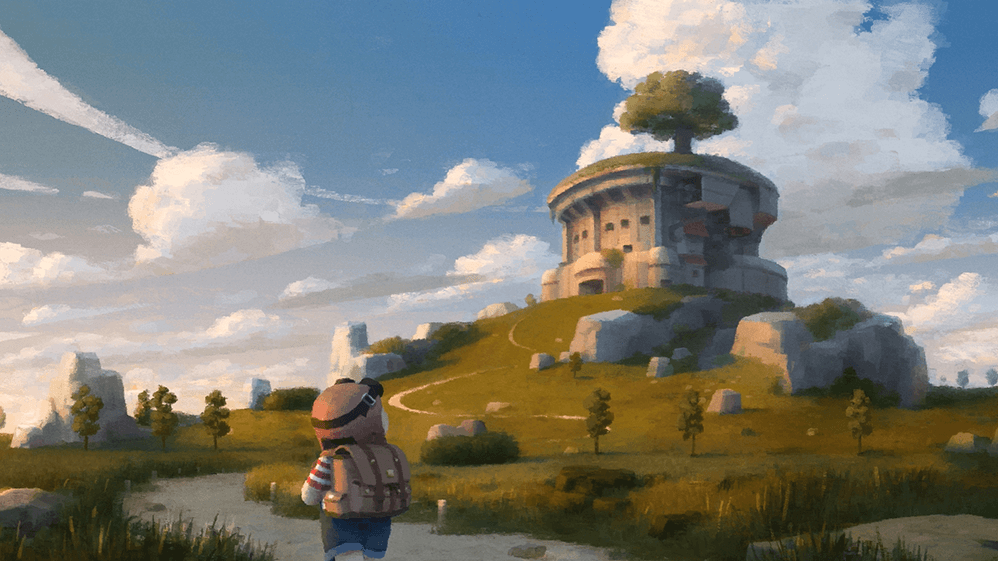
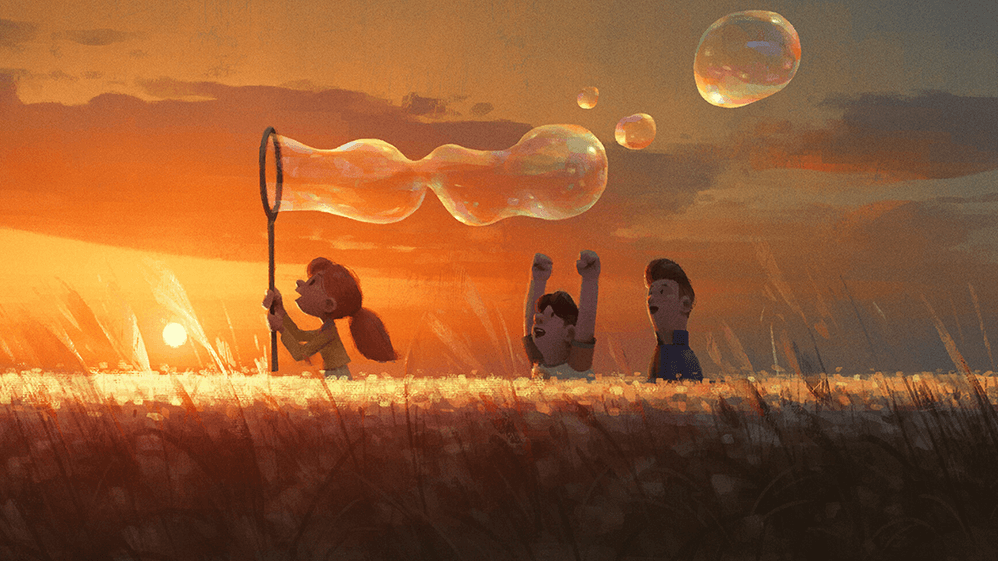
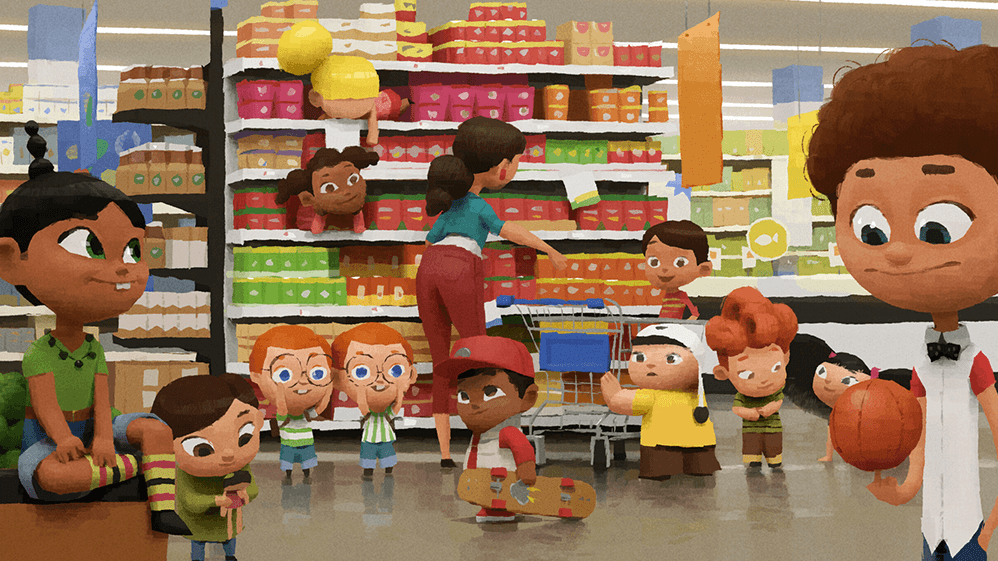
*These are example images for better understanding.
Highlights
Class Highlights
Create a One-Of-A-Kind Design With Your Point of View
Avoid creating designs that resemble others' work by incorporating your point of view and a splash of your unique personality into every design you create.
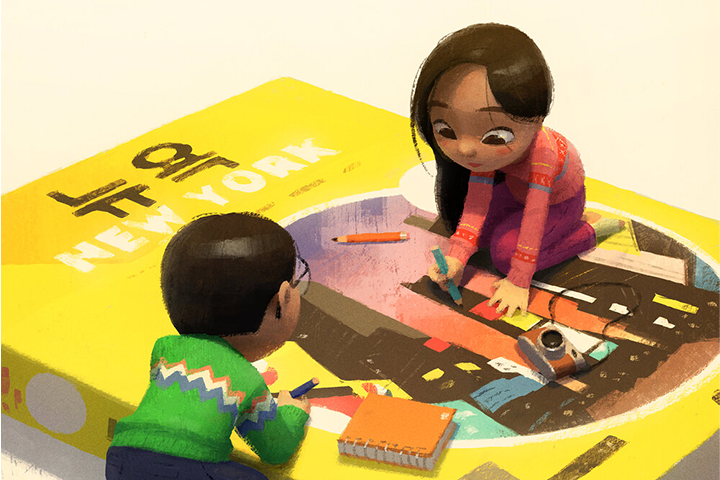
Capture a Spectrum of Emotions In a Single Picture
Emotional expression is essential in animation concept art! Value and depth can help you incorporate more complex emotions. I'll take you through a variety of exercises that will show you how to capture a wide range of emotions.
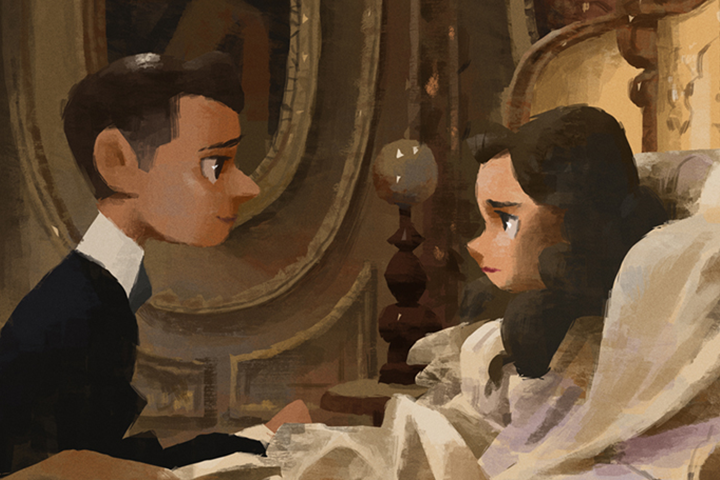
Color Insights That Will Bring Your Story & Characters to Life
In this class, each student will be given more than 20 brushes that are tailored to the characteristics of each material so that they can improve their ability to express materials quickly and effectively.
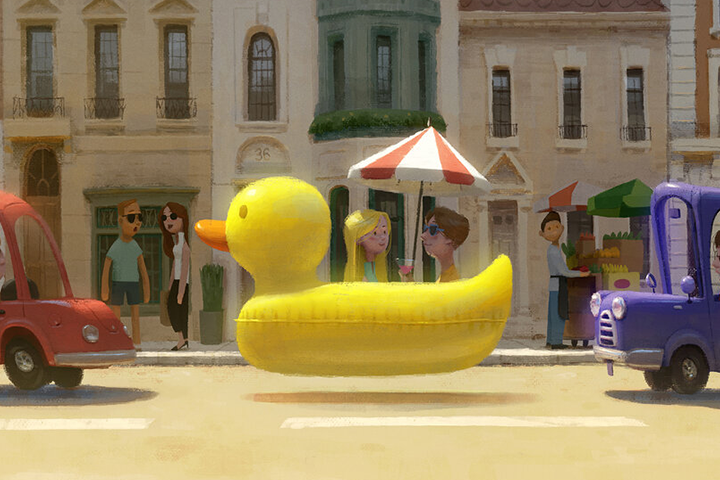
Class Details
You'll Learn
-
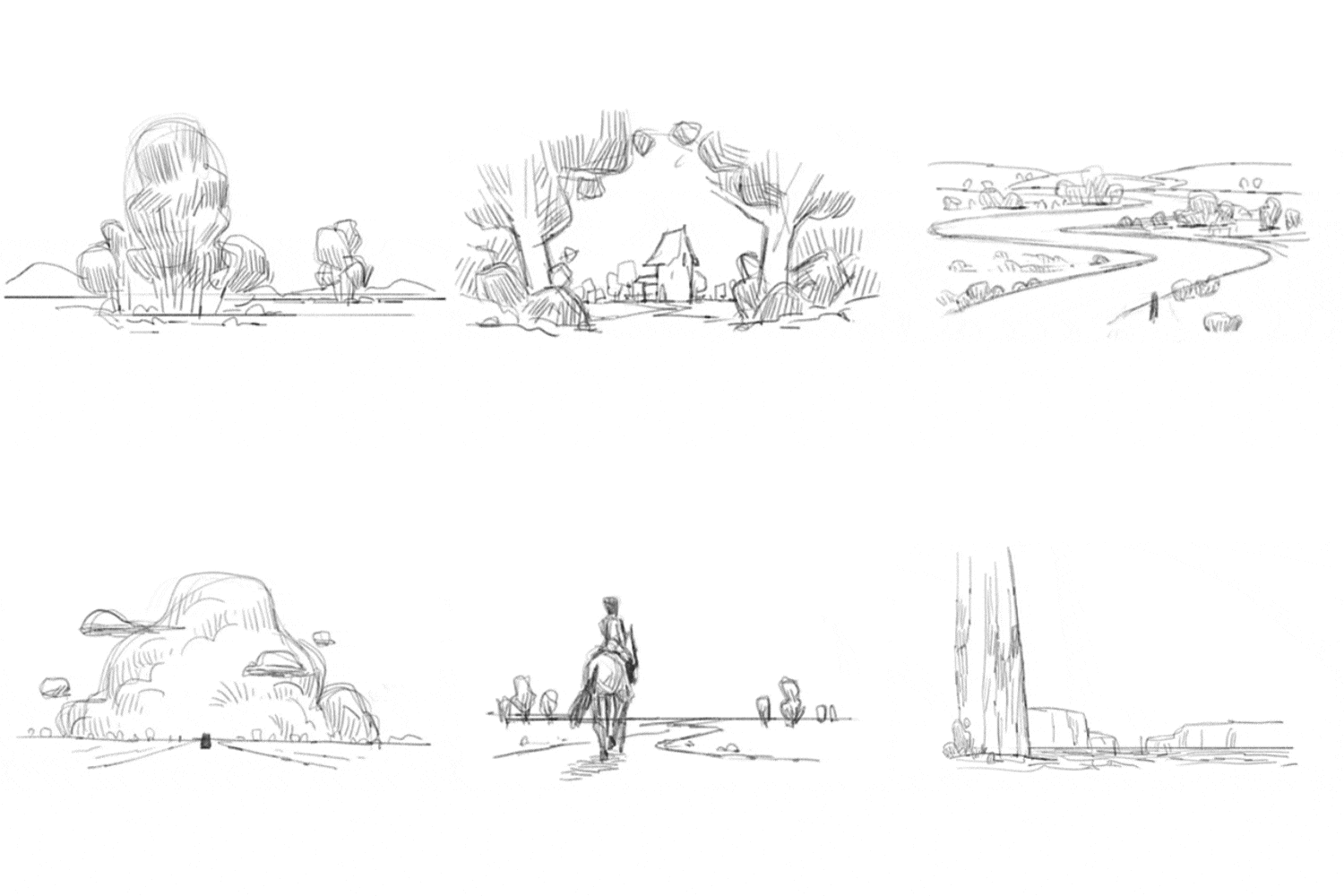 Discover Art Styles and Compositions That Correspond to the StoryDiscover Art Styles and Compositions That Correspond to the Story Find an art style that complements your work and learn how to choose the appropriate composition for your story.
 -
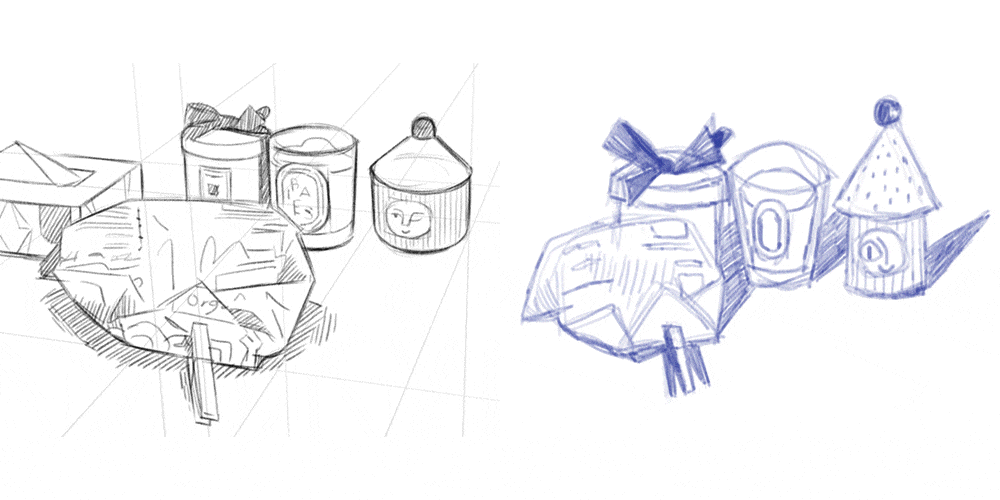 Stylization to Create
a One-Of-A-Kind DesignPractice stylization using various characters and still life. This will help you incorporate your own ideas into the design and go beyond creating realistic expressions. -
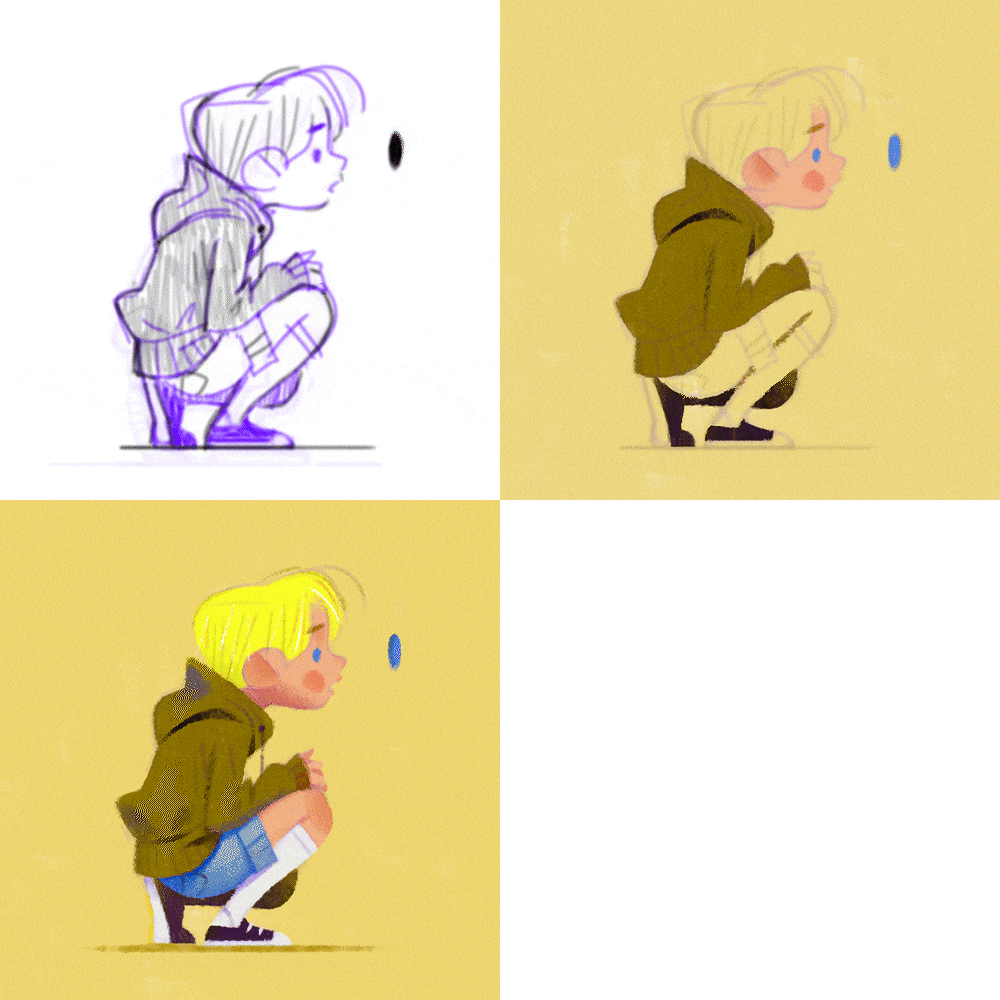 Character Design Exercise that shows IndividualityPractice how to show individuality in character design by simplifying the shape and using caricatures.
-
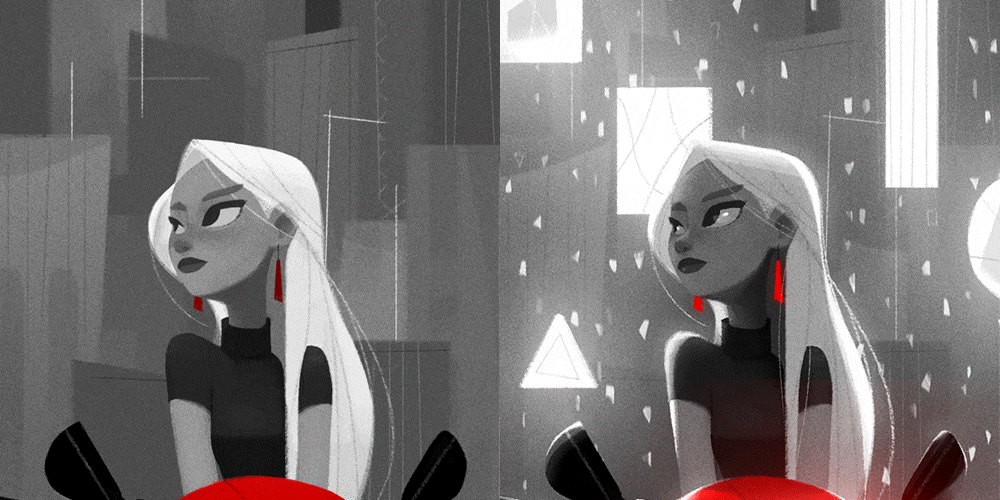 Simplification of Value and Understanding of DepthWe will examine famous paintings to understand the simplification of value and conduct practical exercises with still objects and landscapes. After that, we will learn various expressions using depth.
 -
 The Difference in Texture Exercise: Rough Surface and Smooth SurfaceLearn the textural differences between rough and smooth surfaces and internalize them through the exercises provided.
 -
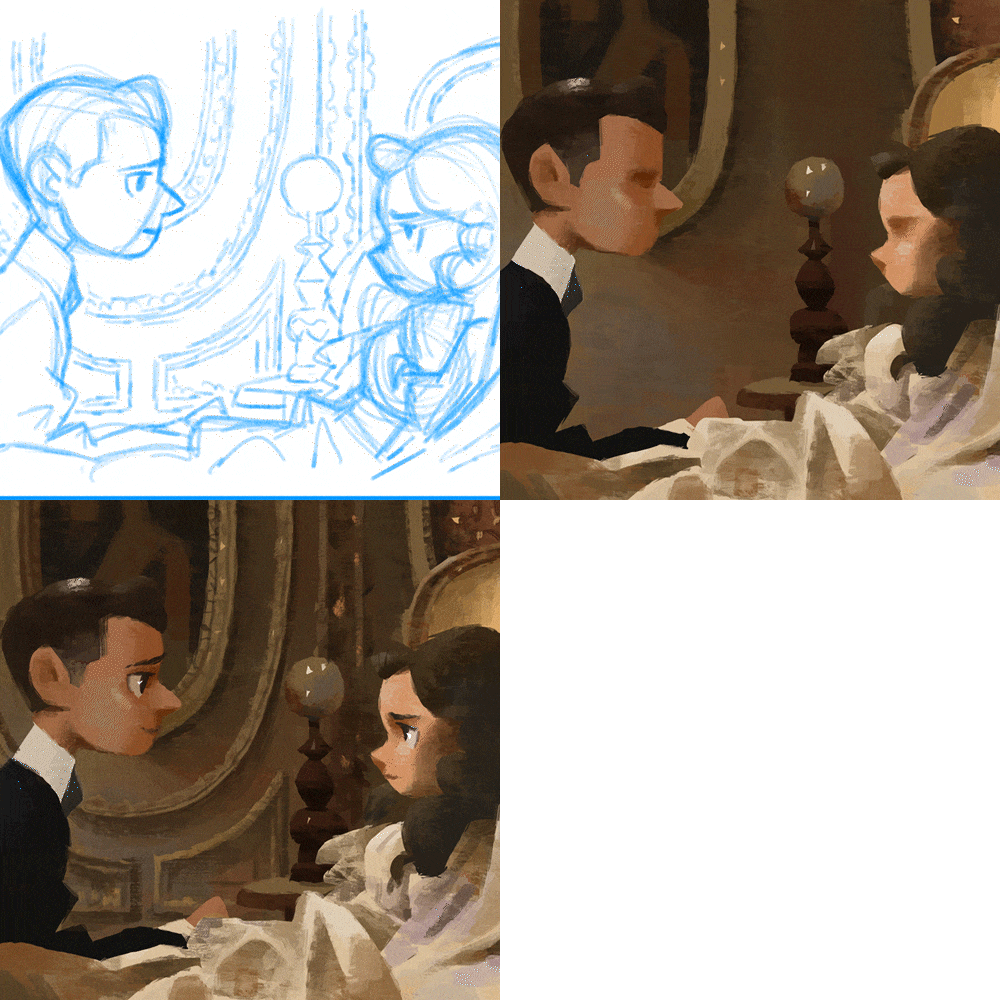 Telling a Story by Copying a Scene from a FilmWe'll copy a scene from a film using the design elements we learned earlier to create a rich story.
Curriculum
Curriculum
In Depth-Look
SECTION 01. Curriculum
1. Orientation
- About the Instructor
- Curriculum
Interview
with
Art Director Hyesung Park

You can learn how to create designs that are unique to you and how to convey a wide range of emotions. With the increasing importance of character personality and narrative in animation, I think this class will give you a distinct advantage.
Question.02
What are your strengths
as an art director?
What are your strengths
as an art director?
I have worked extensively in almost all areas of film animation. My professional experience has equipped me with the capacity to assess and evaluate works from a variety of perspectives. Throughout the class, I will share with you the knowledge I gained while working at a major studio. I'll share everything I know with you so you can make art that expresses your individuality and creativity.
Question.03
What are some essential skills you need to become an art director?
What are some essential skills you need to become an art director?
Visual development artists are artists who contribute greatly not only to characters but also to the background, overall story, and atmosphere. Therefore, you should learn the principles and basics of characters, background design, and color. Additionally, you should understand human anatomy and the interaction between light, color, and objects. The more color knowledge you have, the better off you will be.
Question.04
Who would you recommend
this class to?
Who would you recommend
this class to?
It will be helpful for all students who have basic understanding and skills in drawing but have difficulty creating works that focus on story and character expressions, such as animation and movies. Through this class, I will teach you all the skills you need to create artwork that shows individuality and creativity. So, you can definitely look forward to it.
Required Programs
This course will use Photoshop CC.
Please purchase and install these program(s) for an optimized lecture experience.
*These programs and/or materials will not be provided with the course.
※ Please Note
- We recommend that you use the same program as in this course,
but you can also use Photoshop CC or a lower version, Procreate, and other similar programs.
Recommended
Recommended Classes
Like this class?
Then check these out!
[IMPORTANT NOTICE]
*Please note that the information on this page is subject to change without prior notice.
*Would you like to learn more about our refund policy? Please check here.
*Please check our FAQ for Copyright and Proprietary Rights, User-Generated Content, Security, and Violation information.