ZH-vtuber,kyoshipaa_쿄우시파아JP Details
Intro

Now in Your Language, Only on Coloso!
Learn from Top Creative Experts Worldwide
-
 Practical Insights Taught by an Active VTuber
 -
 Thumbnail and Visual Design for a Unique Worldview
 -
 VTuber Branding and Design Strategy
Class Intro
VTuber, Kyoshi Paa
From VTuber personality and worldview to brand strategy, create visual branding that captures fans at first glance.
Learn From an Active VTuber: Design Planning and Production Workflow That Enhances VTuber Brand Value
Active VTuber Kyoshi Paa builds strong first impressions for VTuber activities through design while reinforcing overall brand identity.
This course provides a complete workflow for visualizing a VTuber’s personality and story through design creation that effectively attracts fans. In addition to building solid practical design skills, learners will also gain branding strategies that directly influence the success of VTuber activities.

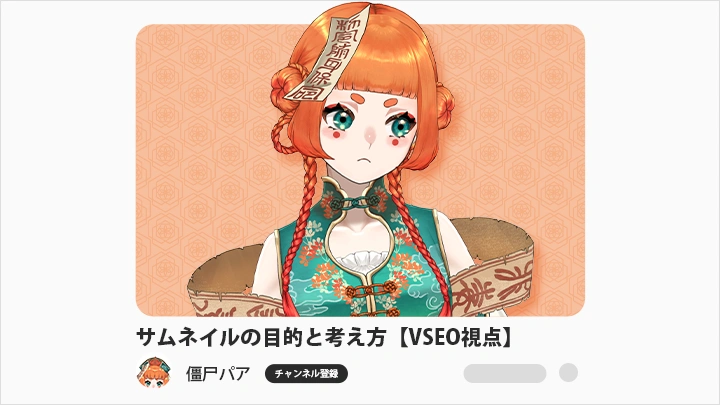
First, you will thoroughly learn the VSEO (Video Search Engine Optimization) mindset used in VTuber design, along with thumbnail design logic: who it is for, what message it conveys, and what kind of impression it creates. By learning this way of thinking, you will establish a strong foundation in core design principles.
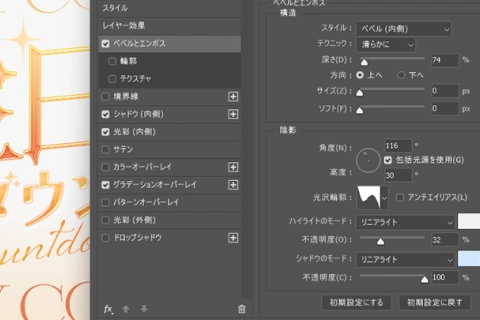
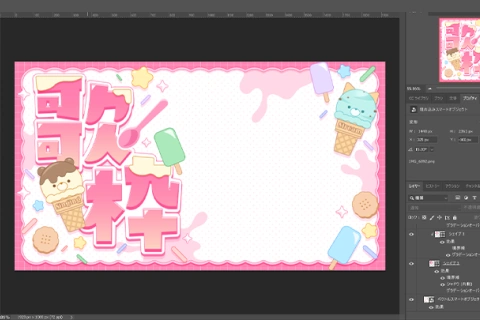
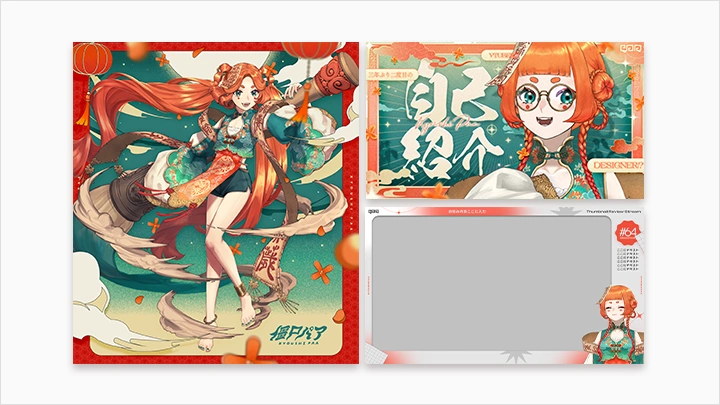
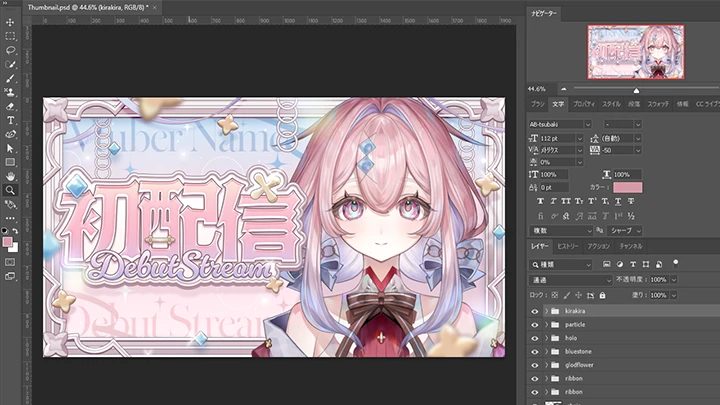
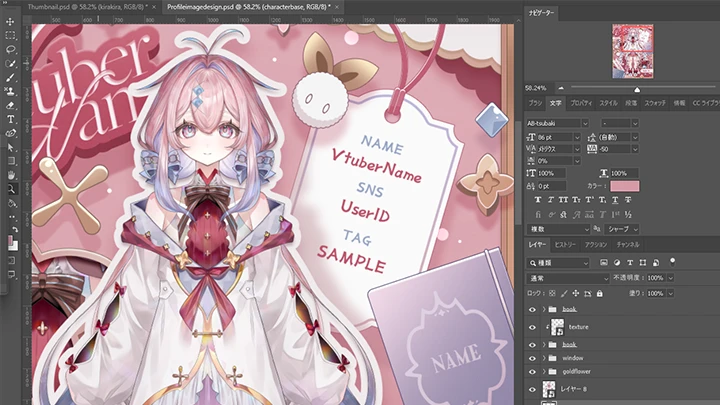
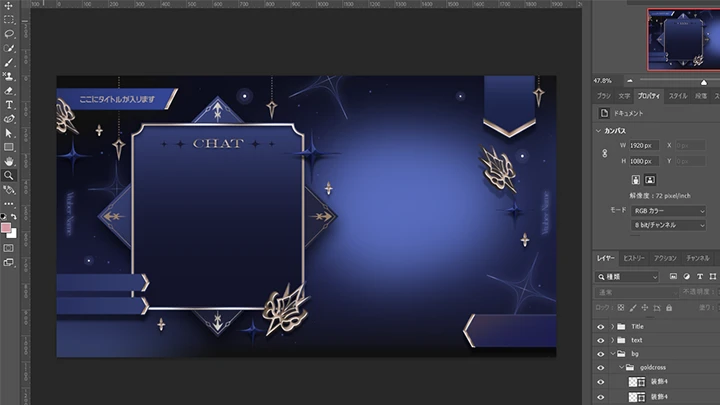
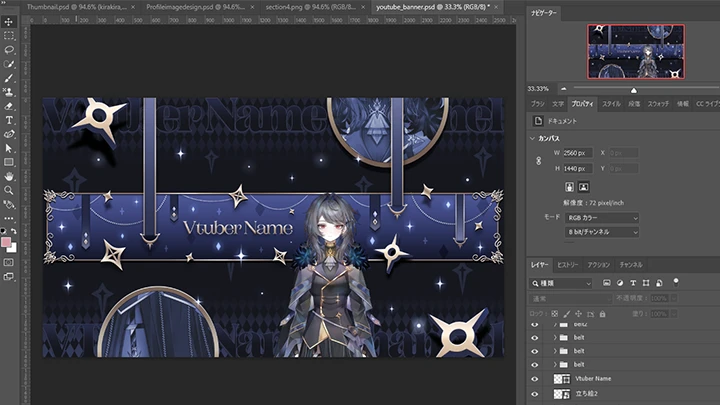
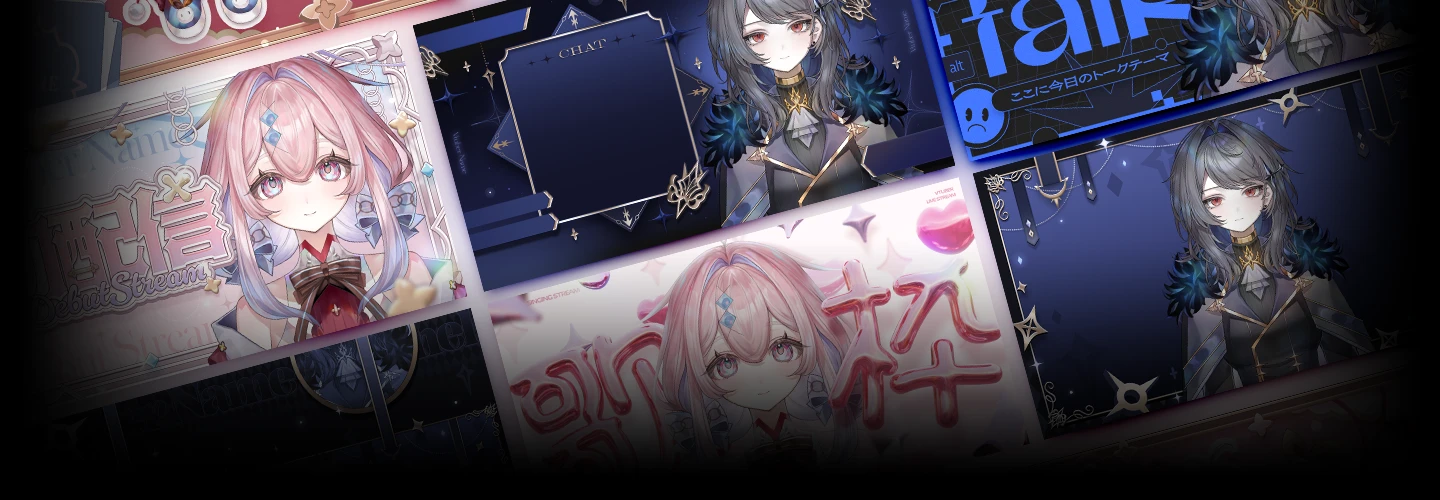
Next, through creating key visual assets such as thumbnails, profile icons, stream overlays, and social media banners, you will learn how to build a unified world through illustration. The course guides you step by step through composition, text decoration, and decorative element creation techniques to improve the overall quality of your work.
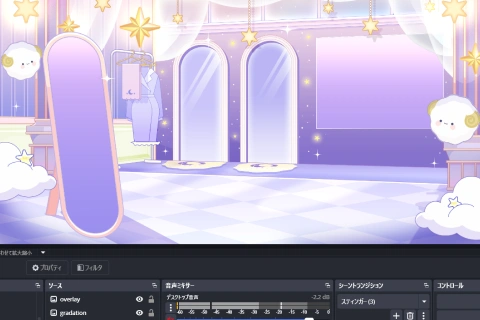
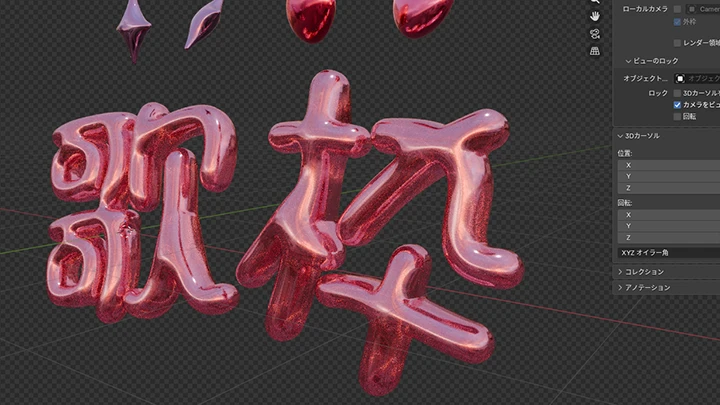
Finally, the course explains practical knowledge for applying completed designs to OBS and YouTube, along with banner extension techniques for maintaining brand consistency. You will further develop practical template design thinking and learn how to create 3D elements using Blender to expand both versatility and expressive range in your design work.
Experience design thinking and practical skills on Coloso that help you achieve the strongest possible visual results.
Next, through creating key visual assets such as thumbnails, profile icons, stream overlays, and social media banners, you will learn how to build a unified world through illustration. The course guides you step by step through composition, text decoration, and decorative element creation techniques to improve the overall quality of your work.
Finally, the course explains practical knowledge for applying completed designs to OBS and YouTube, along with banner extension techniques for maintaining brand consistency. You will further develop practical template design thinking and learn how to create 3D elements using Blender to expand both versatility and expressive range in your design work.
Experience design thinking and practical skills on Coloso that help you achieve the strongest possible visual results.
Class Preview
Still Not Sure?
Check Out Kyoshi Paa's Class Preview!
10. Personal Image Design and Creation to Enhance the Charm of Illustrations (Part 2)
- Design methods and final assignments based on role positioning
Class Perks
Special Gift from Kyoshi Paa
-
 Unlimited Access to 25 Chapters
 -
 Complete 5 Artworks Through This Course
 -
 Course Materials Such as PSD Files- Materials PSD Files
- Chinses Translation Note
Class Material Details
-
 PSD Files for VTuber Illustrations
 -
 Files for 5 Practice Examples
Expert VTuber Kyoshi Paa's Portfolio

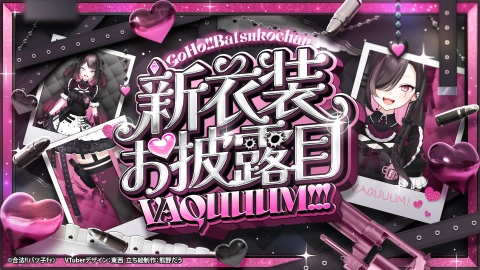
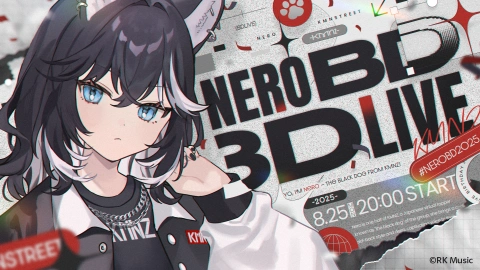


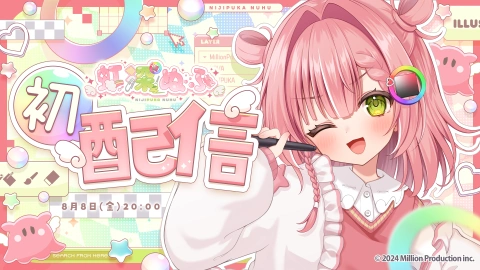
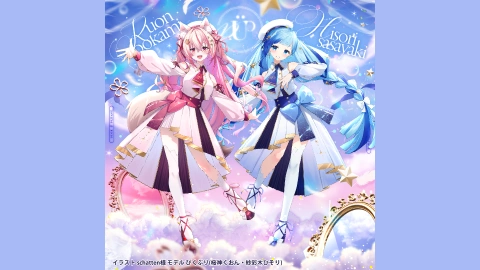
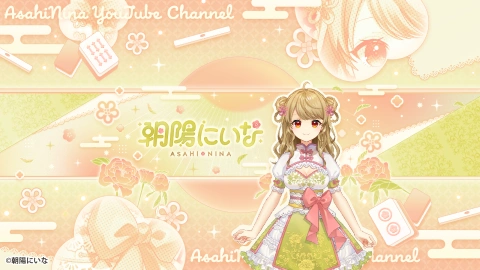
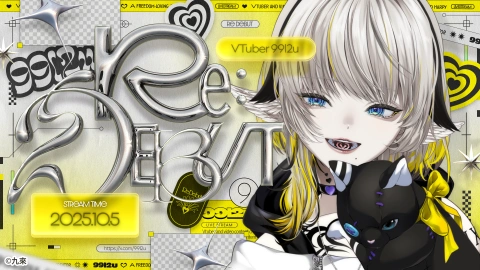
Get Ready for the Real-World
Learn Design Production to Strengthen VTuber Branding
-
 Thumbnail Design With 3D Elements
 -
 Creating Detailed Theme Elements That Capture Attention
 -
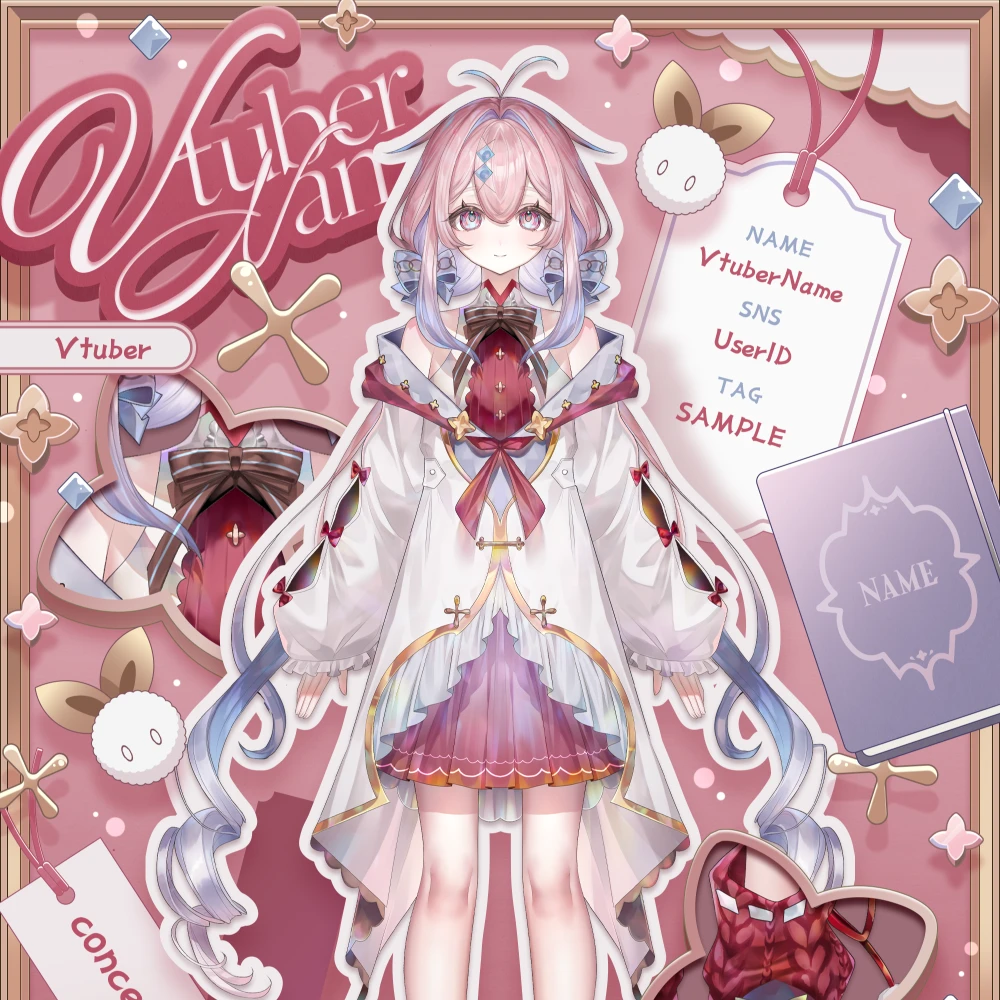 Profile Design That Enhances the Appeal of Illustrations
-
 How to Create Background Assets
 -
Stream Overlay Design Planned for OBS Functions
-
Channel Banner Design for VTubers

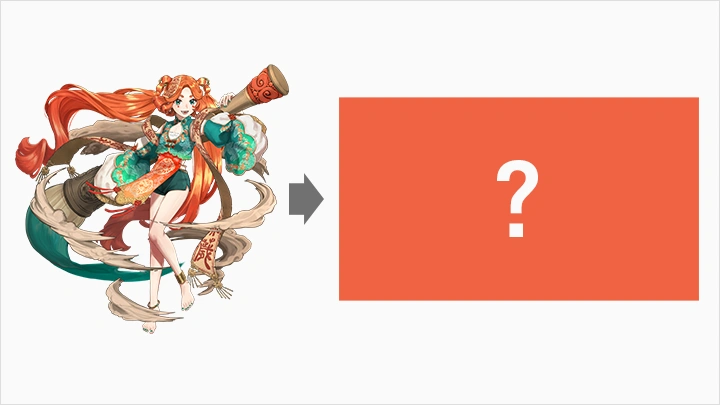
Create Worldview-Focused Thumbnails for VTuber Model
Highlights
Class Highlights
Essential Design Skills for Building a Distinctive VTuber Culture
When incorporating the unique worldview and fan culture of VTubers into design, many designers often feel uncertain and encounter challenges. This course systematically explains how to unify visual worldview, design efficient templates, and make effective choices in color and composition, helping you develop practical design skills that support VTuber activities. Beyond visual aesthetics, you will also learn how to concretely express a VTuber’s personality and narrative, leading to design methods that encourage the formation of fan communities.
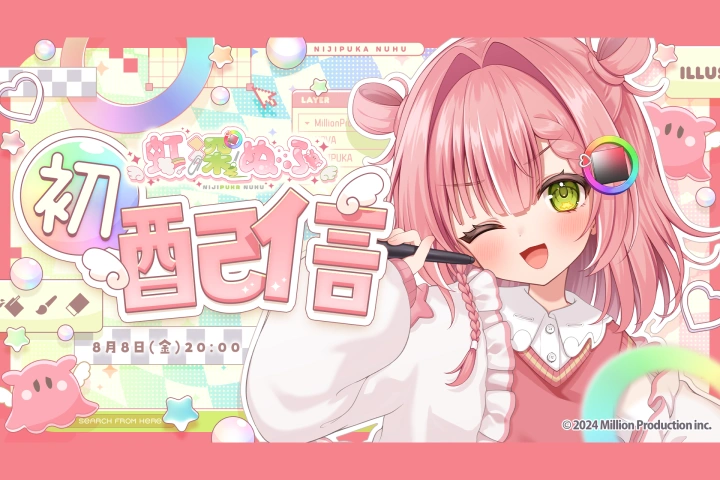
Build a Cohesive Visual World Through Illustration
You will learn how to construct a visual world that makes each VTuber’s illustration assets more compelling. The course explains in detail the design intentions behind composition, as well as methods for selecting colors and typography, helping you establish practical standards and decision-making skills during production. Through a systematic learning process that begins with design thinking, you can develop versatile design skills applicable across a wide range of projects.

The Importance of Design in VTuber Branding
Design is a key element in VTuber activities, shaping first impressions and defining points of interaction with fans. Through this course, learners will go beyond visual design itself and develop design thinking aligned with VTuber brand strategy.