[enrolltounlock]UXDesigner,Semdesign_UX/UI디자이너 셈디자인 Details
Class introduction
Class Intro
UX/UI Designer, Sem Design
“You will experience all four representative styles of traditional fantasy, casual fantasy, casual, and science fiction, create your own working-level examples, and even learn the game UX/UI process.”
Success story in Game UX/UI design.
Game UX/UI design is growing in importance and value in the industry day by day! What if you couldn't even try because there were a lot of additional skills you needed to learn and it was difficult to find a place to learn them?
This is the moment when you need a class from Sem Design, a veteran designer with 18 years of experience in the industry and a popular art instructor with a 100% employment rate. Even if you are unfamiliar with the UX/UI field, or even have no knowledge at all, it’s OK!
It contains not only the basics of game UX/UI design, but also tips for creating your own portfolio based on 20 icon design practices based on 4 different styles.
It contains not only the basics of game UX/UI design, but also tips for creating your own portfolio based on 20 icon design practices based on 4 different styles.
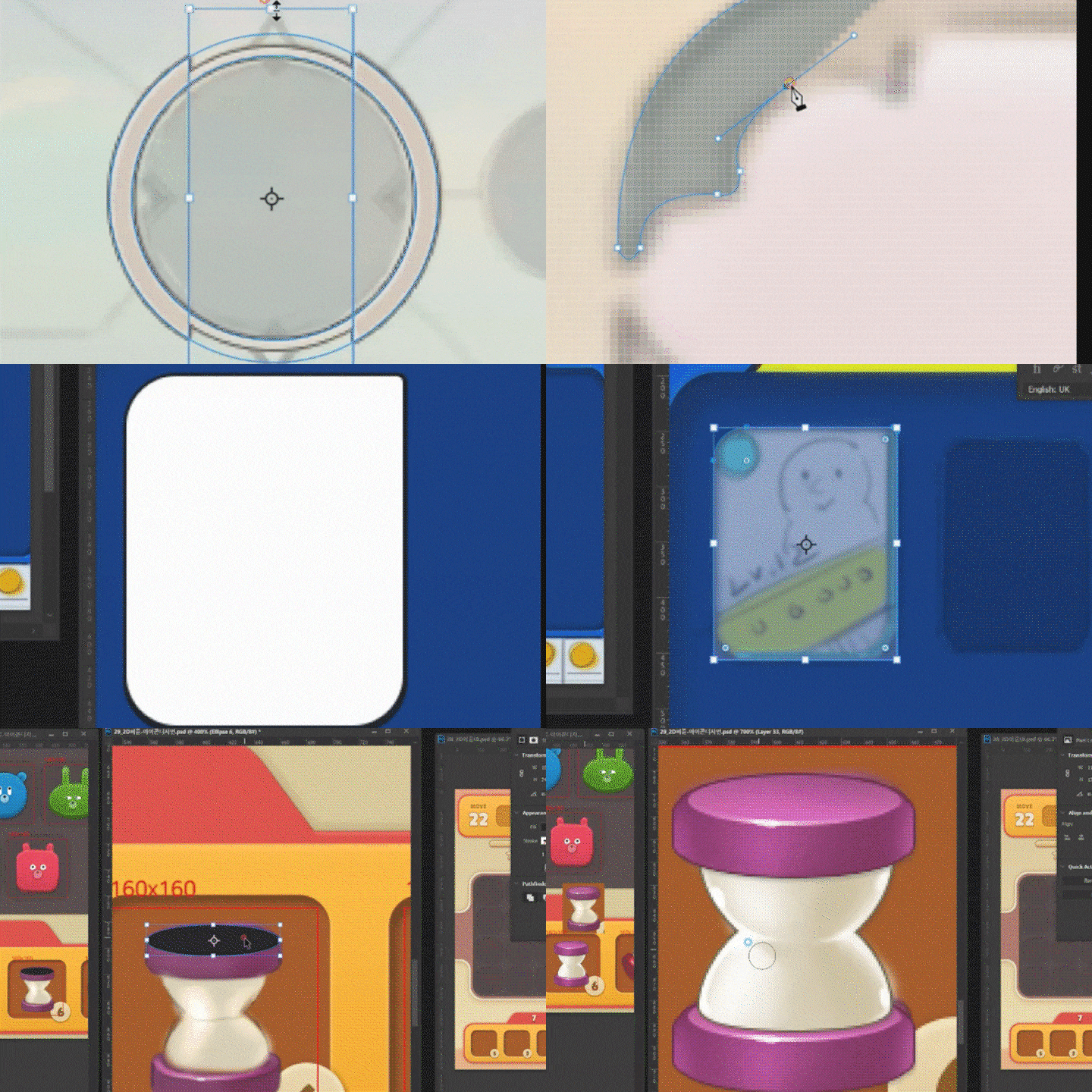
From UI skills for art and design elements to in-depth UX knowledge from an information design perspective! Check out the complete curriculum that will make you a UX/UI design expert at Coloso now.
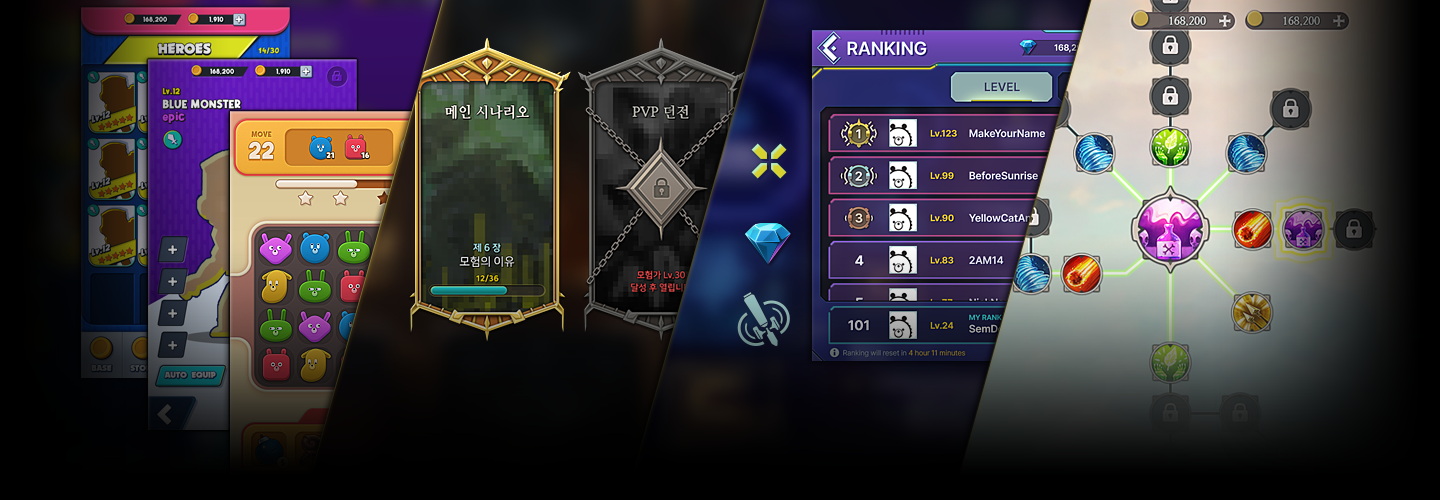
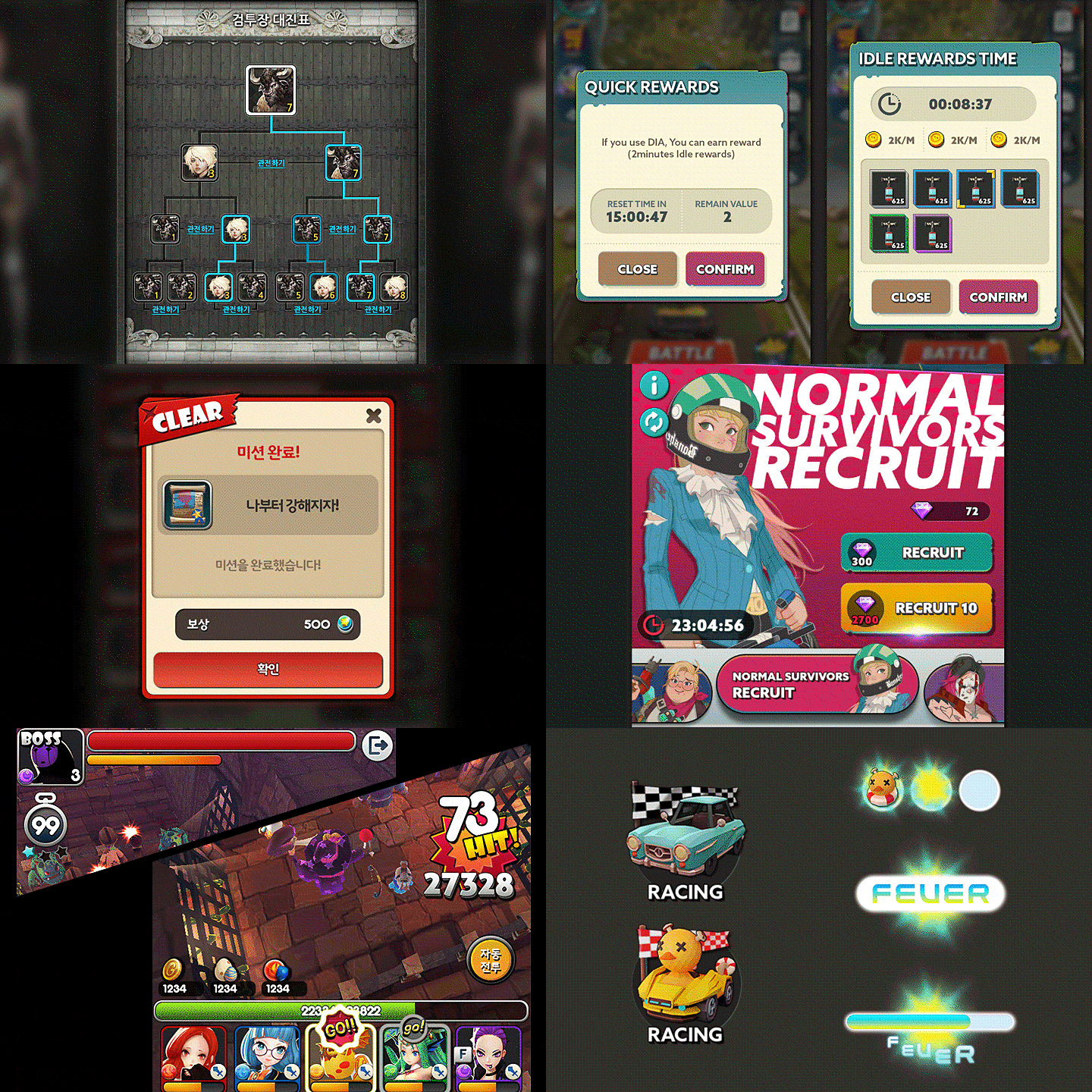
Expert UX/UI Designer Sem Design's Portfolio
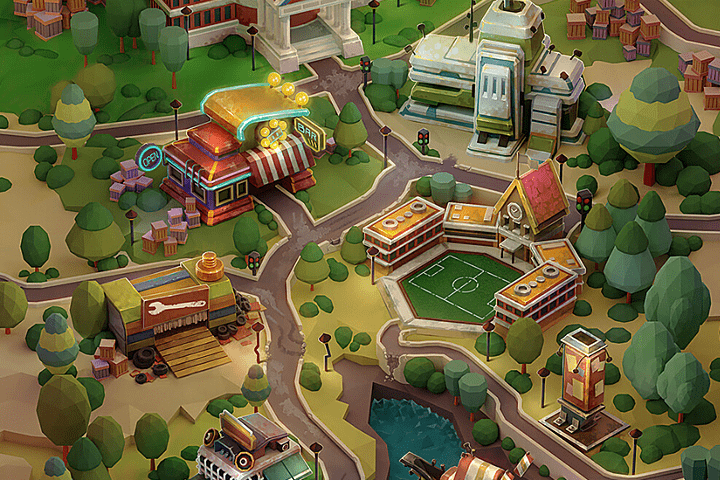
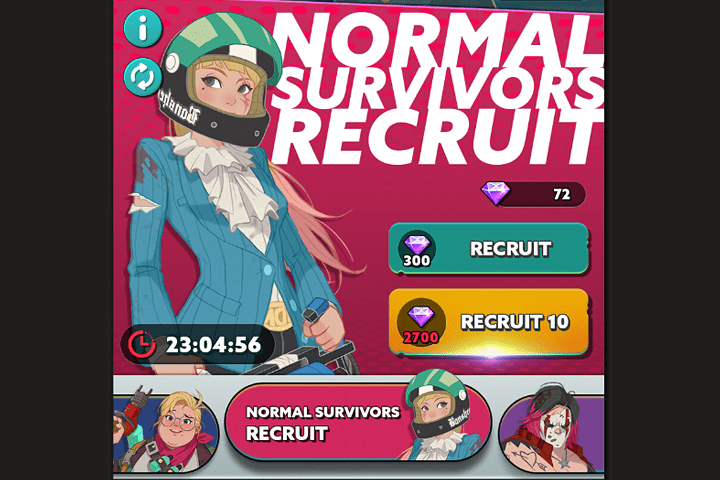
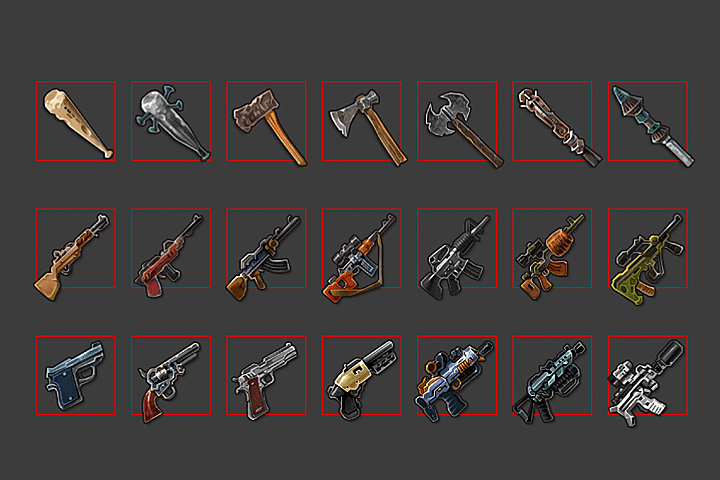
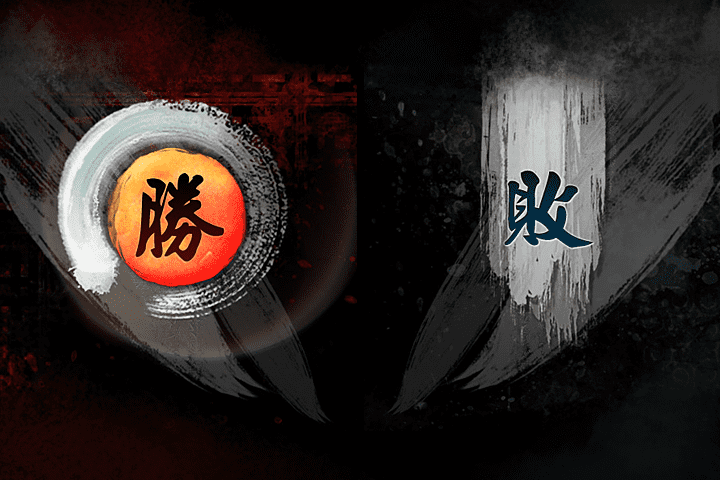
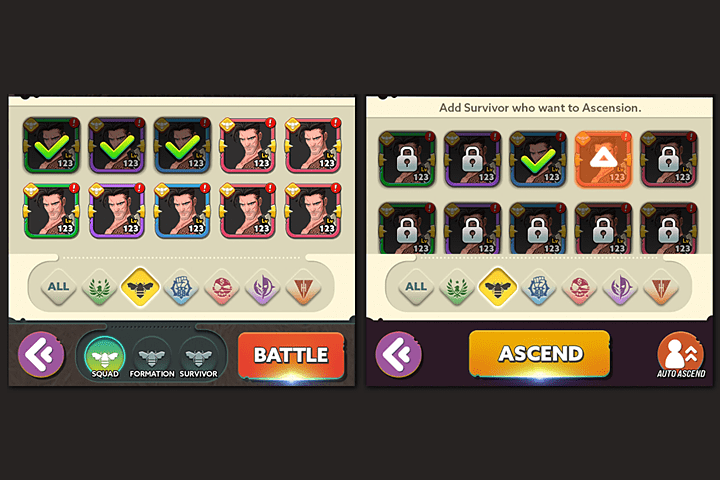
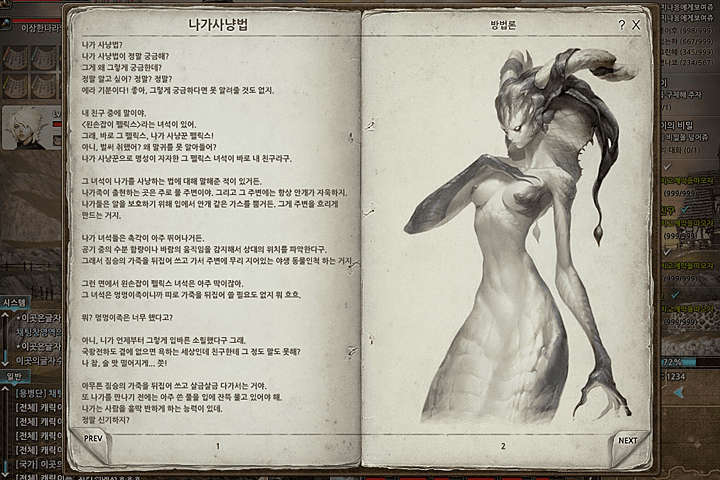
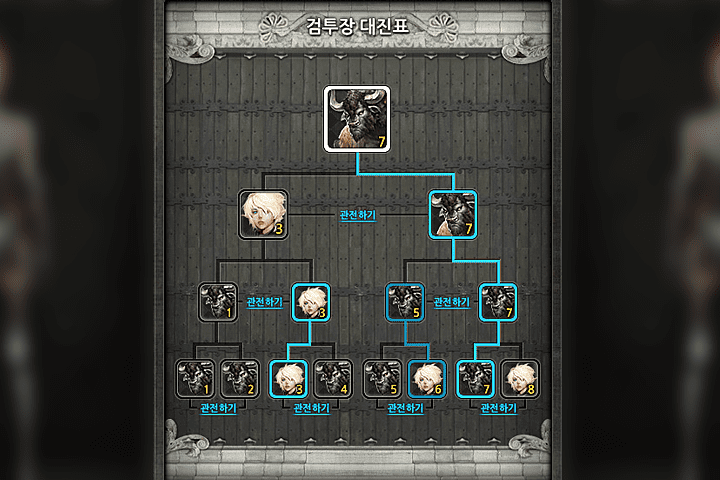
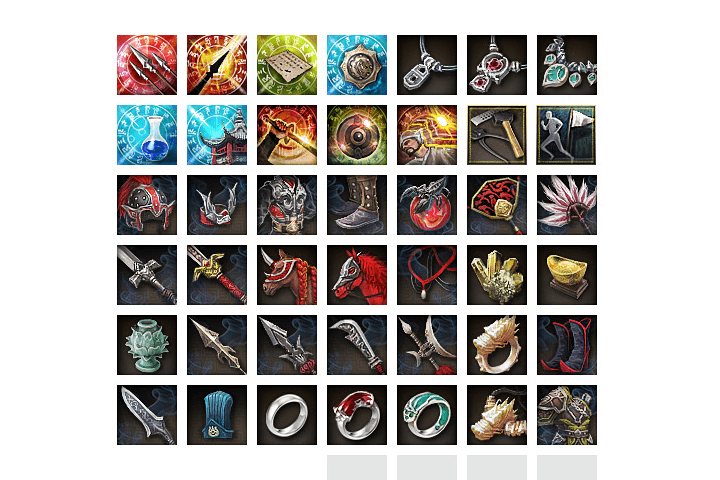
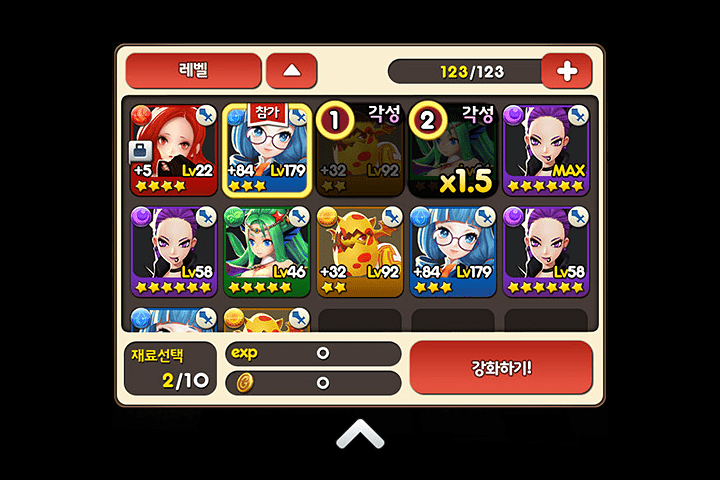
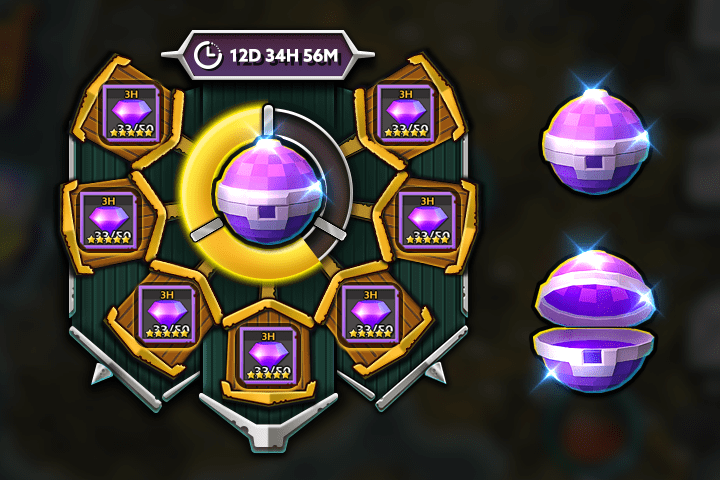
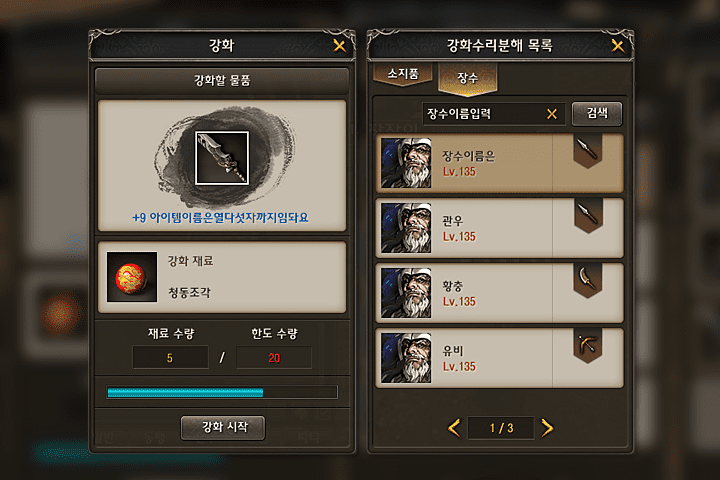
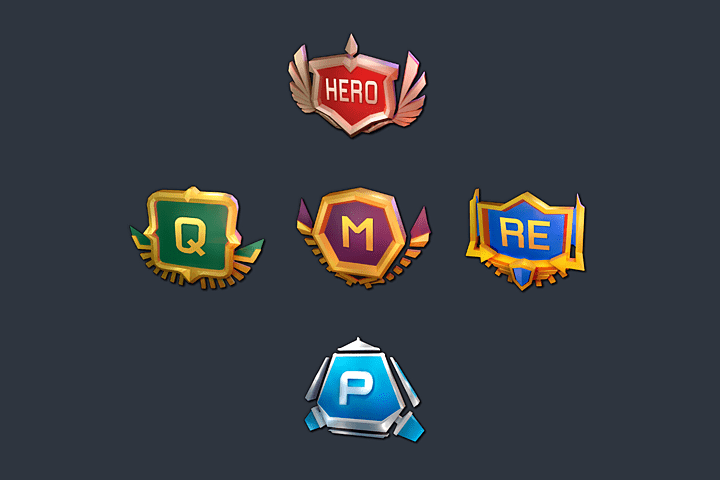
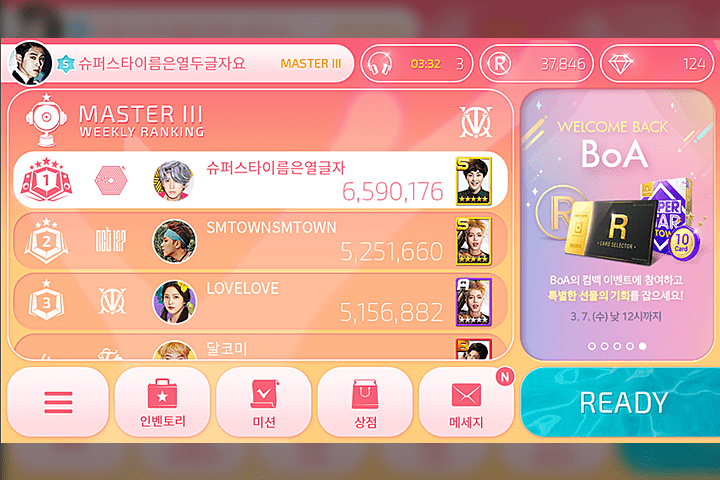
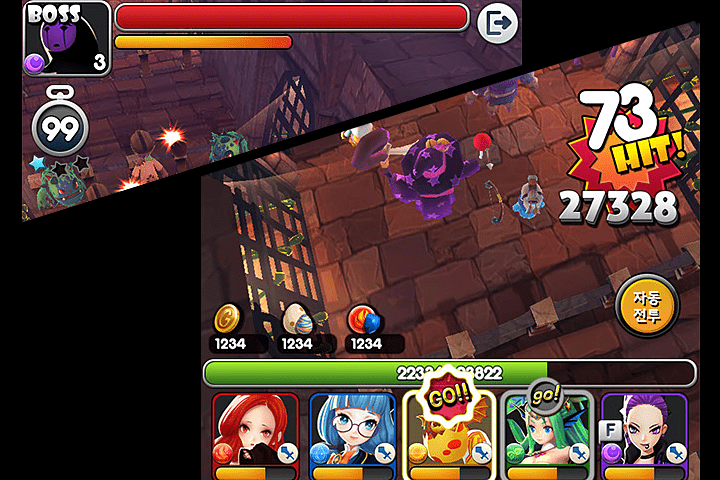
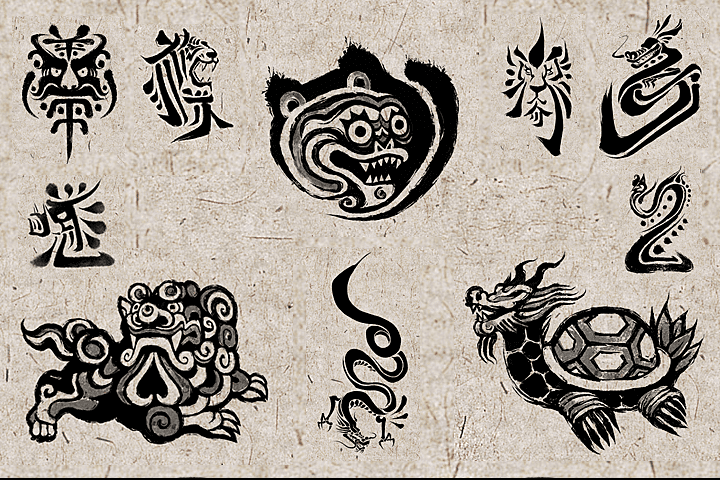
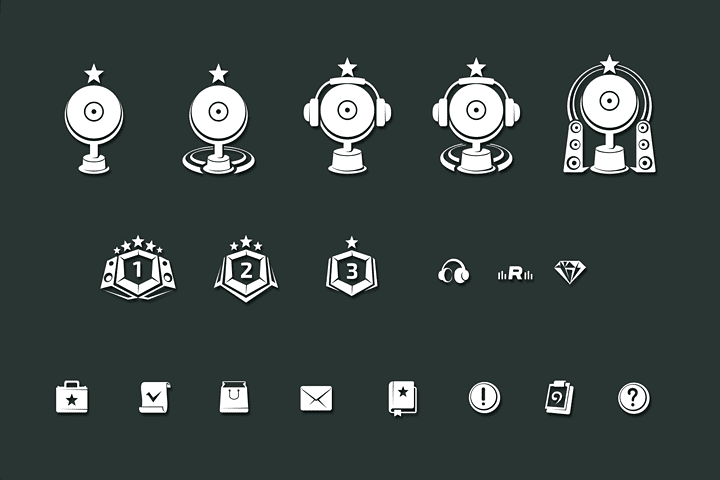
Why Take This Class?
Premium offline lectures that only a small group of less than 30 students can take are coming to you as a lifetime viewing class. In this class, based on the speaker's 18 years of current work experience and 4 years of design lecture experience, you can learn a variety of know-how that cannot be easily heard anywhere, including UX/UI expertise, market conditions, trends, and practical tips for employment. .
Discover a systematic curriculum at Coloso that allows you to establish your portfolio direction just by following the lectures step by step.

10+ Class Exercises
Part 01. Getting started with UI basics and design
-
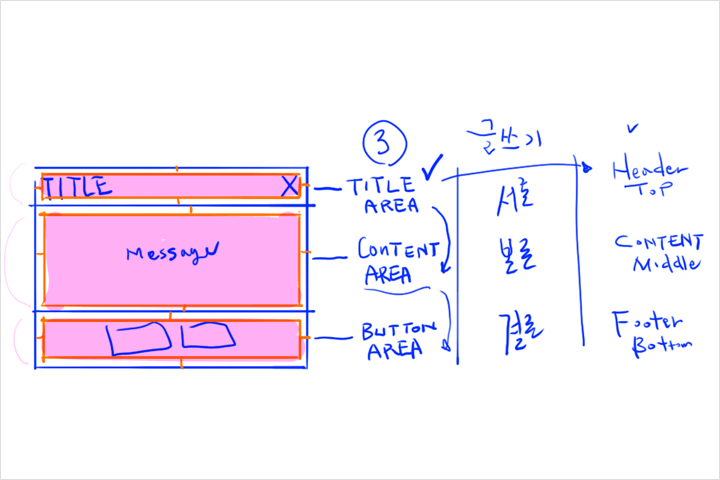 Game UI and Photoshop Basics
 -
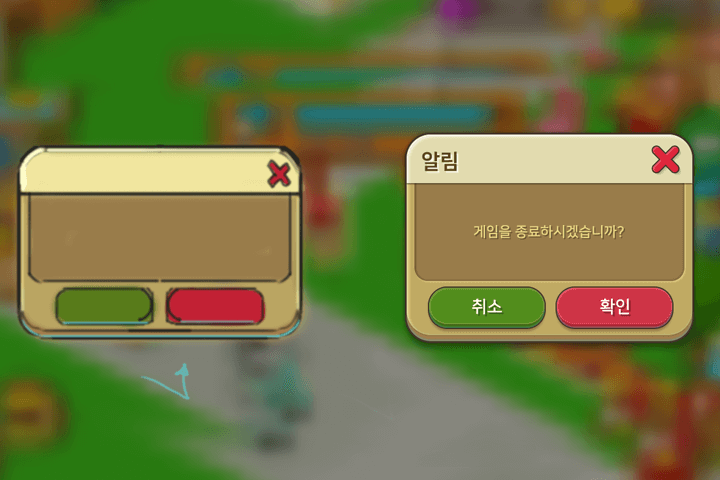 3 types of pop-up windows
(casual style) -
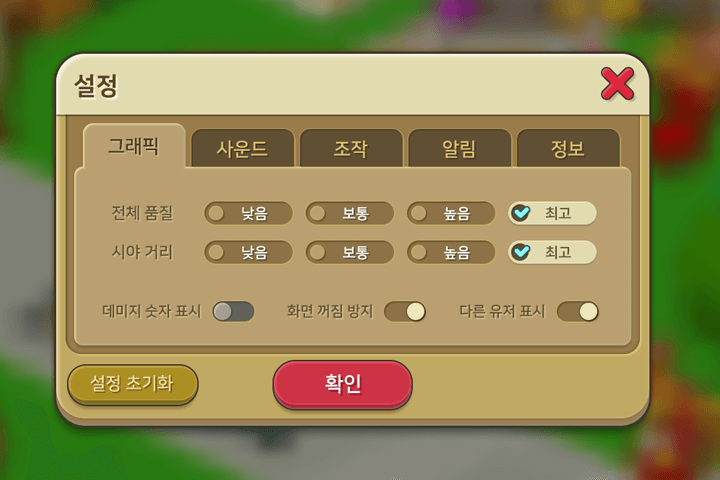 System settings window
(casual style)
Part 02. Scroll List
-
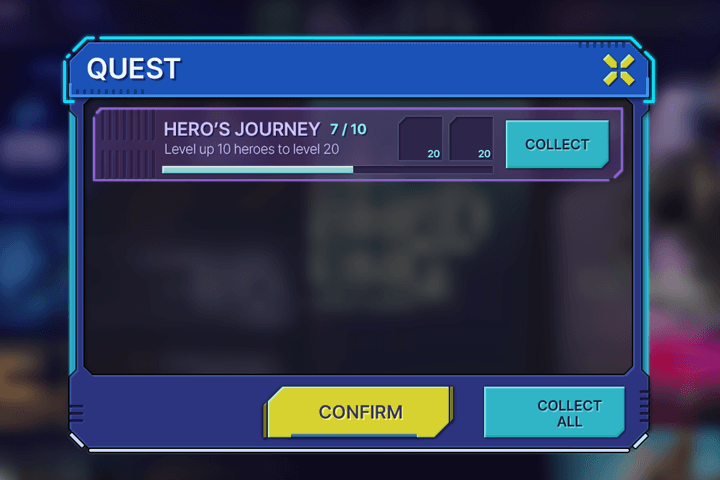 Quest UI
(science fiction style) -
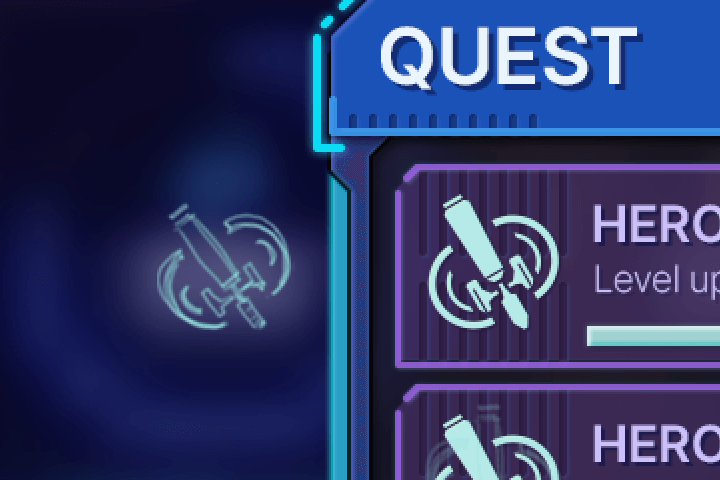 Quest item icon
(vector) -
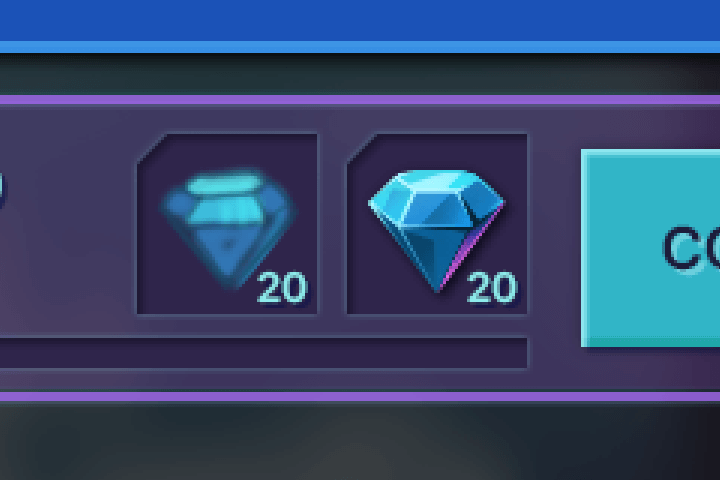 Reward item icon
(drawing)
-
 Get all icon
(vector) -
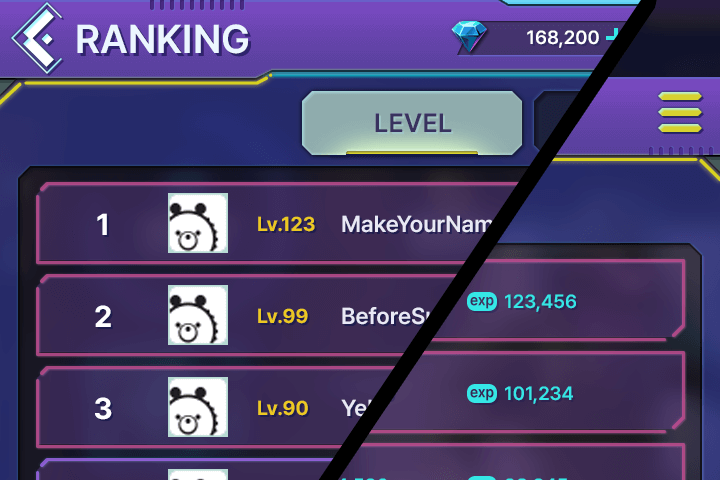 League Ranking UI
(science fiction style) -
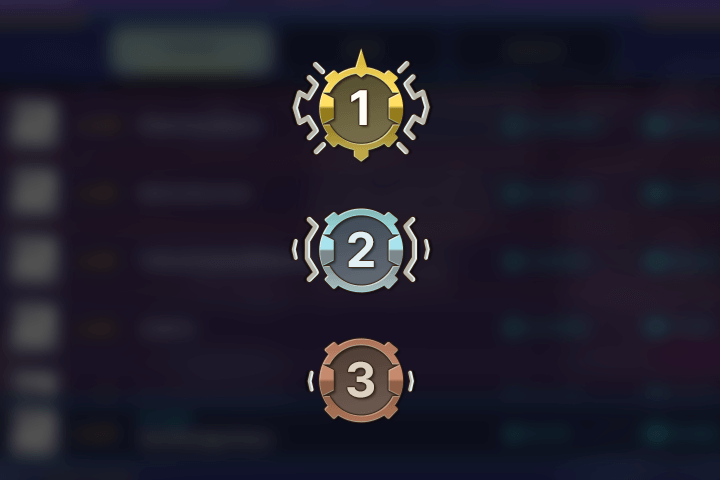 ranking icon
(vector)
Part 03. Pattern and frame design
-
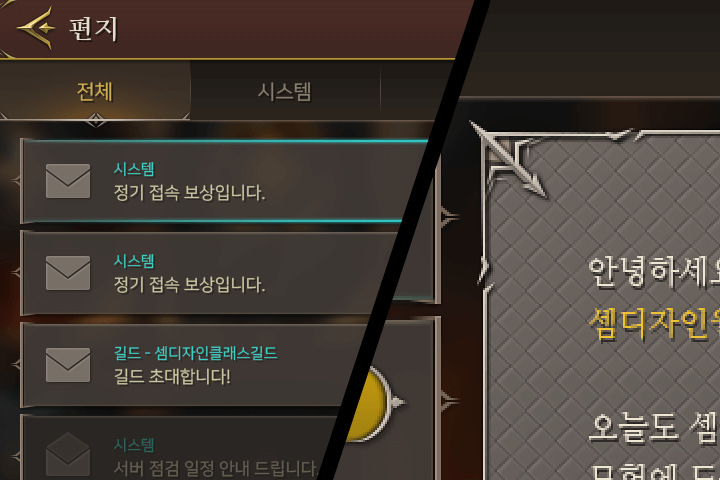 Letter UI design
(pattern image) -
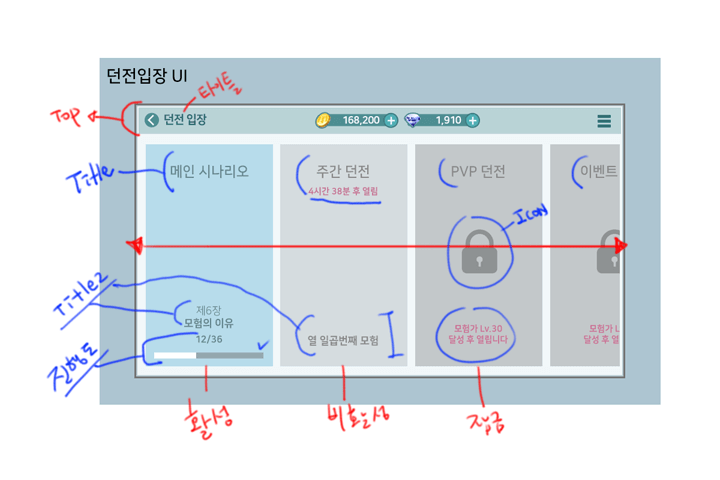
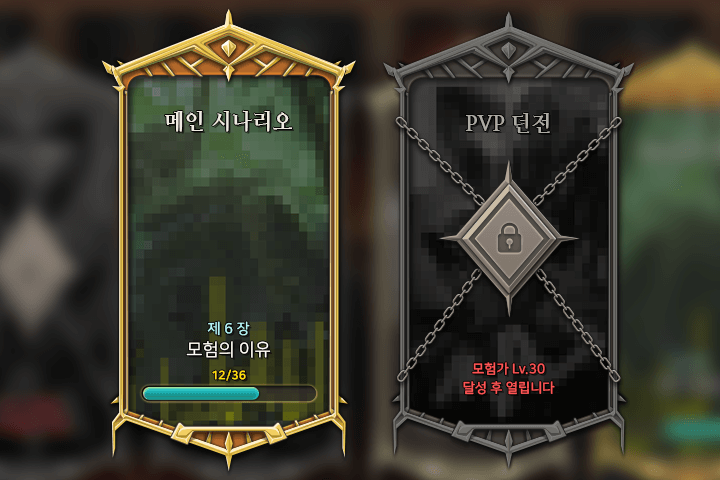 Dungeon entry UI
(Authentic fantasy style)
Part 04. UI production planning
-
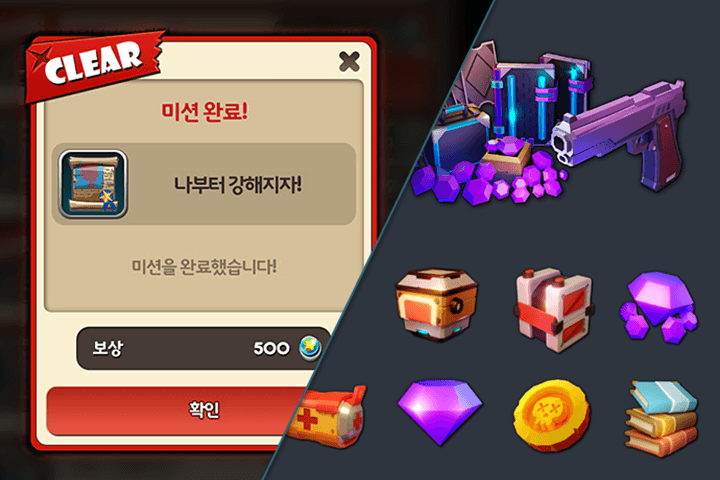
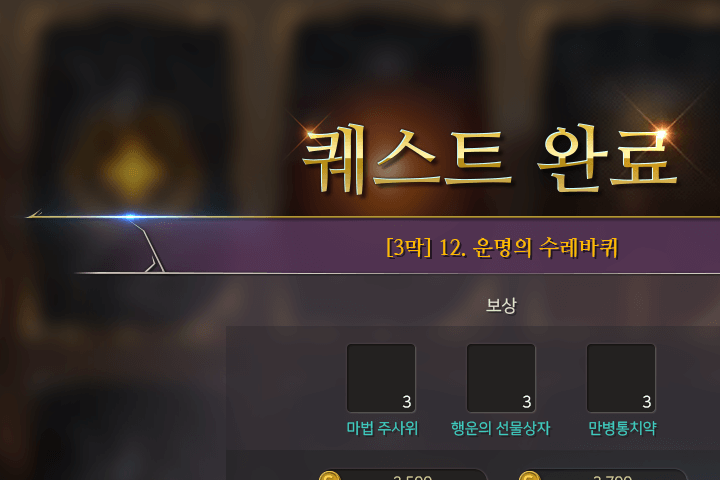 Notification window UI
(Authentic fantasy style) -
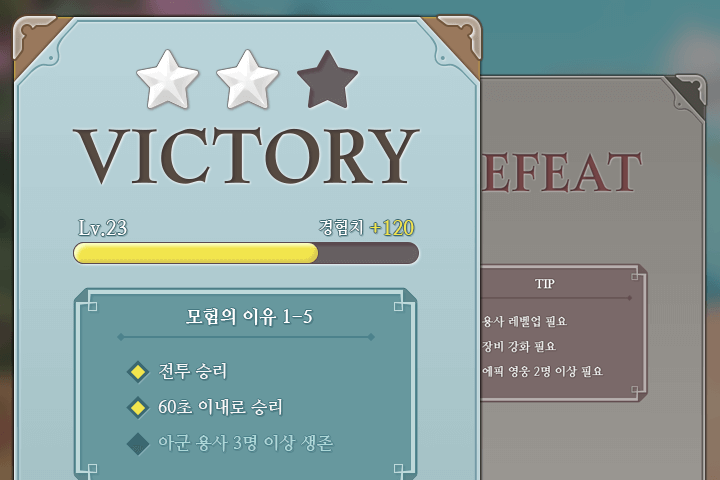 Battle results UI
(Casual fantasy style)
Part 05. UI Flow
-
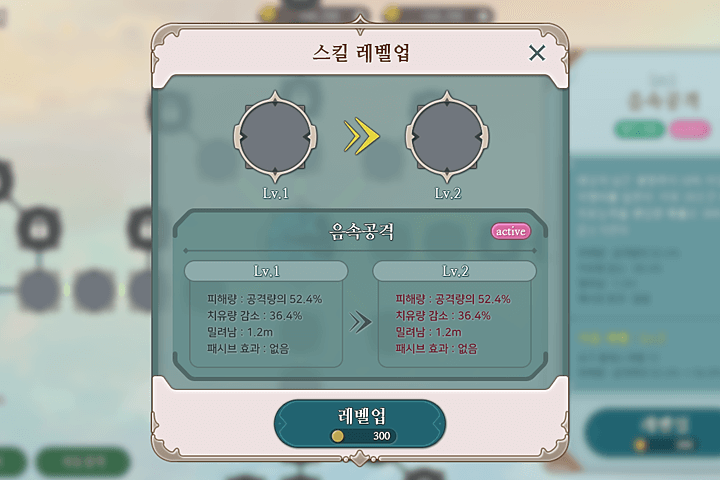 Skill UI
(Casual fantasy style) -
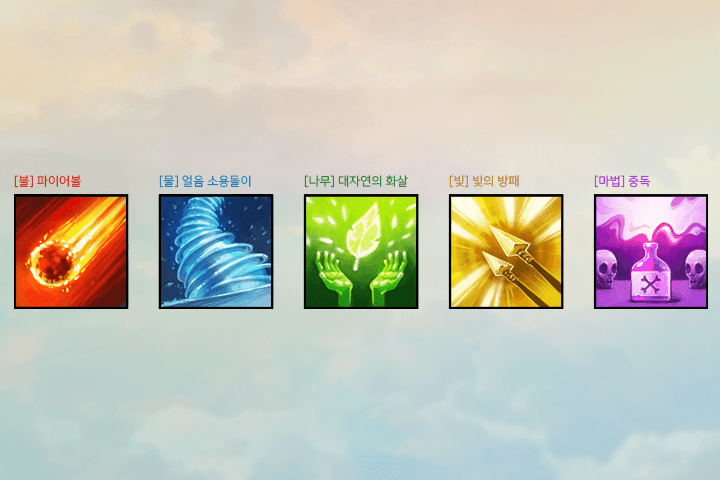 skill icon
(drawing) -
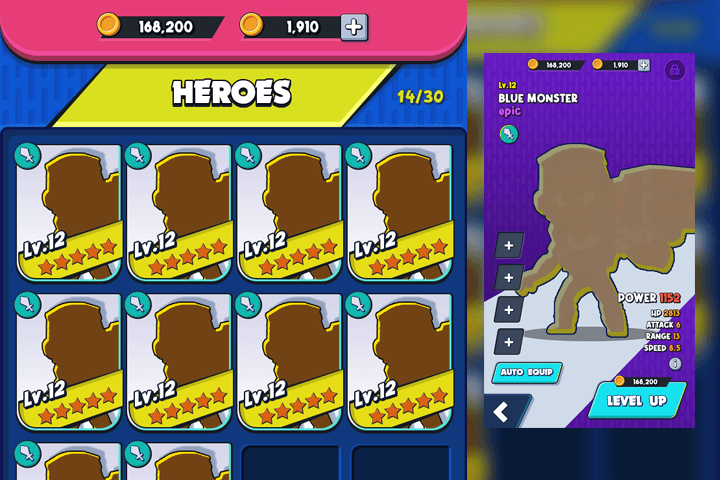 Character information UI
(casual style)
Part 06. 2D game graphics and UI
-
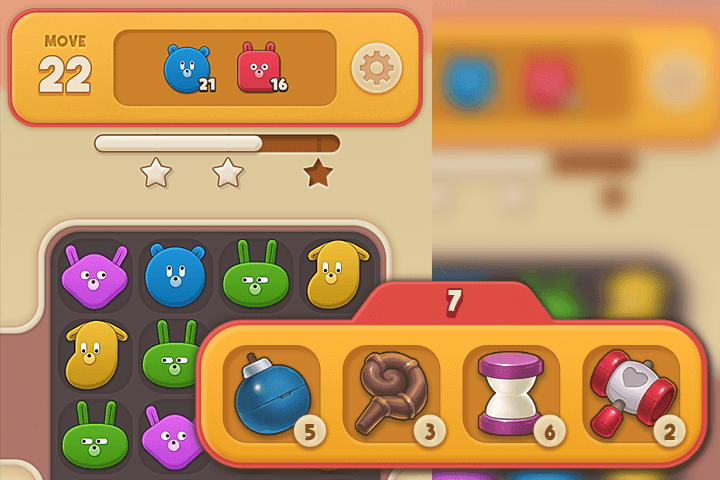 2D puzzle game in-game UI
(casual style) -
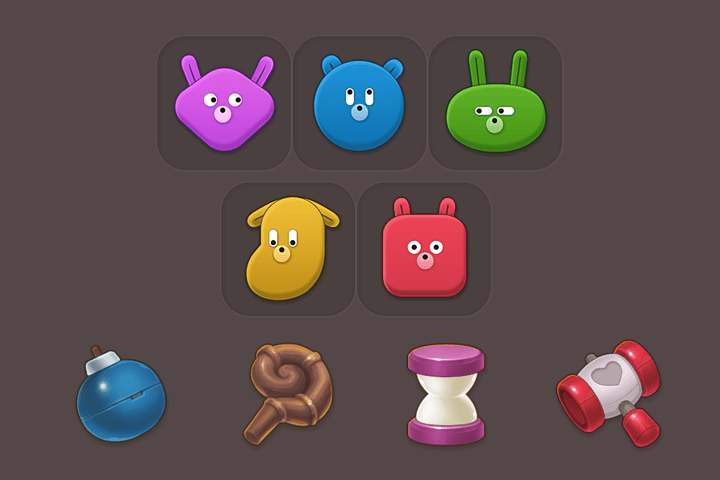 Puzzle block & item icon
(drawing)
Speaker introduction
UX/UI designer
Sem Design
Hello, this is UX/UI designer Sem Design. For 18 years, I have been working on UI design and directing for various game projects such as MMORPG, casual, and rhythm action in PC, console, and mobile device environments.
Currently, as a UI designer and game artist, I am directly involved in design practice for mobile game development and live services, and share information and know-how about game UI design through a class called 'Sem Design Class'.


UX/UI Designer,
Sem Design
[Current]
Freelance Game Artist,
Game UX/UI Designer
‘Sem Design Class’, a specialized lecture on game UX/UI design (Art in G)
Projects & Awards
[Participated Projects]
Doubleu games
Lead UX/UI Designer, Game Artist
Dalcomsoft
Art Director, Lead UX/UI Designer, Game Artist
Cocoonbeat
Lead UX/UI Designer
NDoors
Lead UX/UI Designer, Game Artist
Sony Computer Entertainment Korea
Lead Concept Artist, UX/UI Designer
class features
Class Highlights
Professional lectures on game UX/UI design in easy language
Using easy, everyday concepts and words that anyone can understand, you will learn everything from the basic theories to start game UI design, practical design skills, and the expertise needed to become a long-running designer.
Comprehensive collection of practical examples with a variety of styles
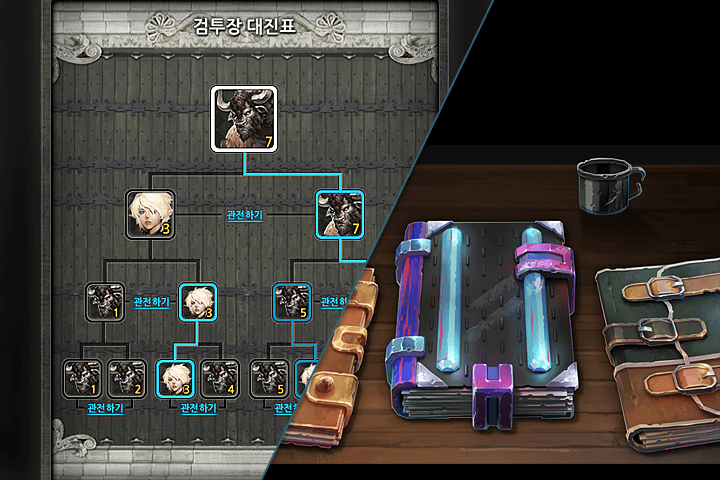
Let's create 20 examples based on four representative styles: traditional fantasy, casual fantasy, casual, and science fiction. You will learn everything from how to analyze and digest designs, how to work effectively and improve quality, and the process of producing results quickly and efficiently.
Game artist growth know-how that enabled a 100% employment rate
Even if you don't have any basic knowledge, if you study in the right way, you can complete a competitive portfolio and take your first steps into the gaming industry! Let's make the know-how of a veteran game artist with project experience in various genres and platform environments our own.
Class Details
You'll Learn
-
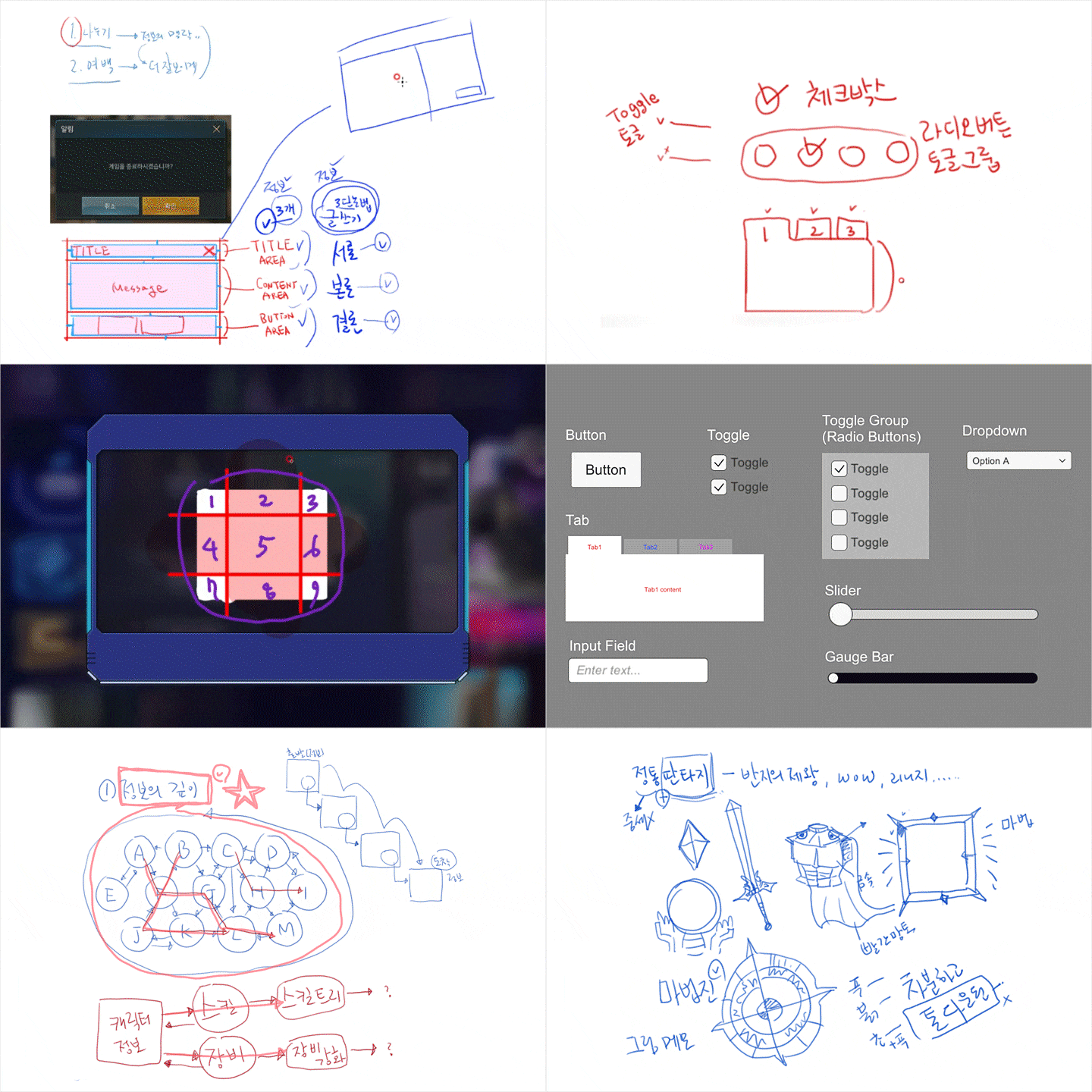 Game UX/UI design basicsLearn the basic theories that will form the framework of game UX/UI design, and learn about Photoshop functions focusing on the most commonly used techniques.
 -
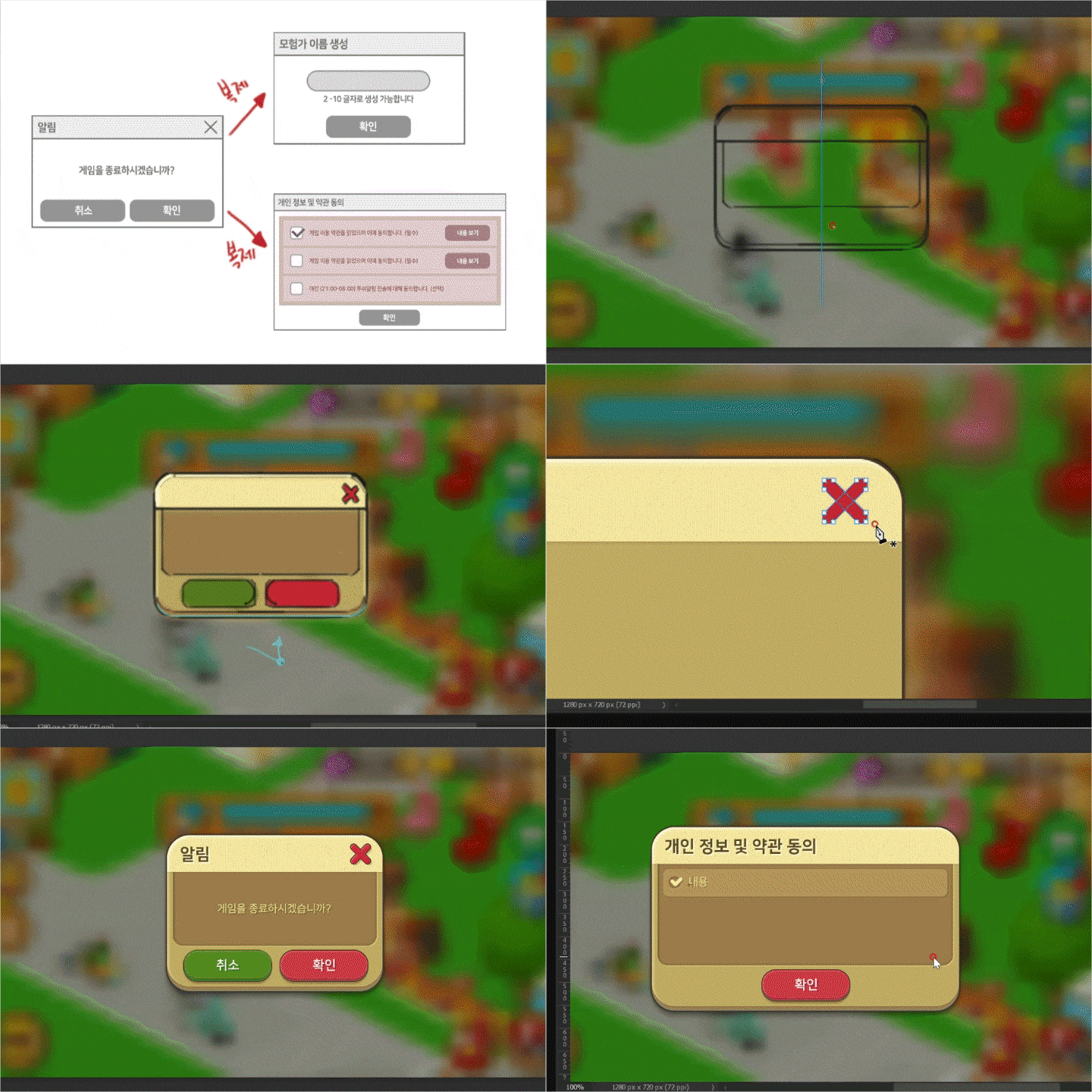 Game UI design that starts with a small pop-up windowBy creating your own pop-up windows in a casual game style, you will review what you learned in the basic course and look at the basic elements that make up the game UI.
 -
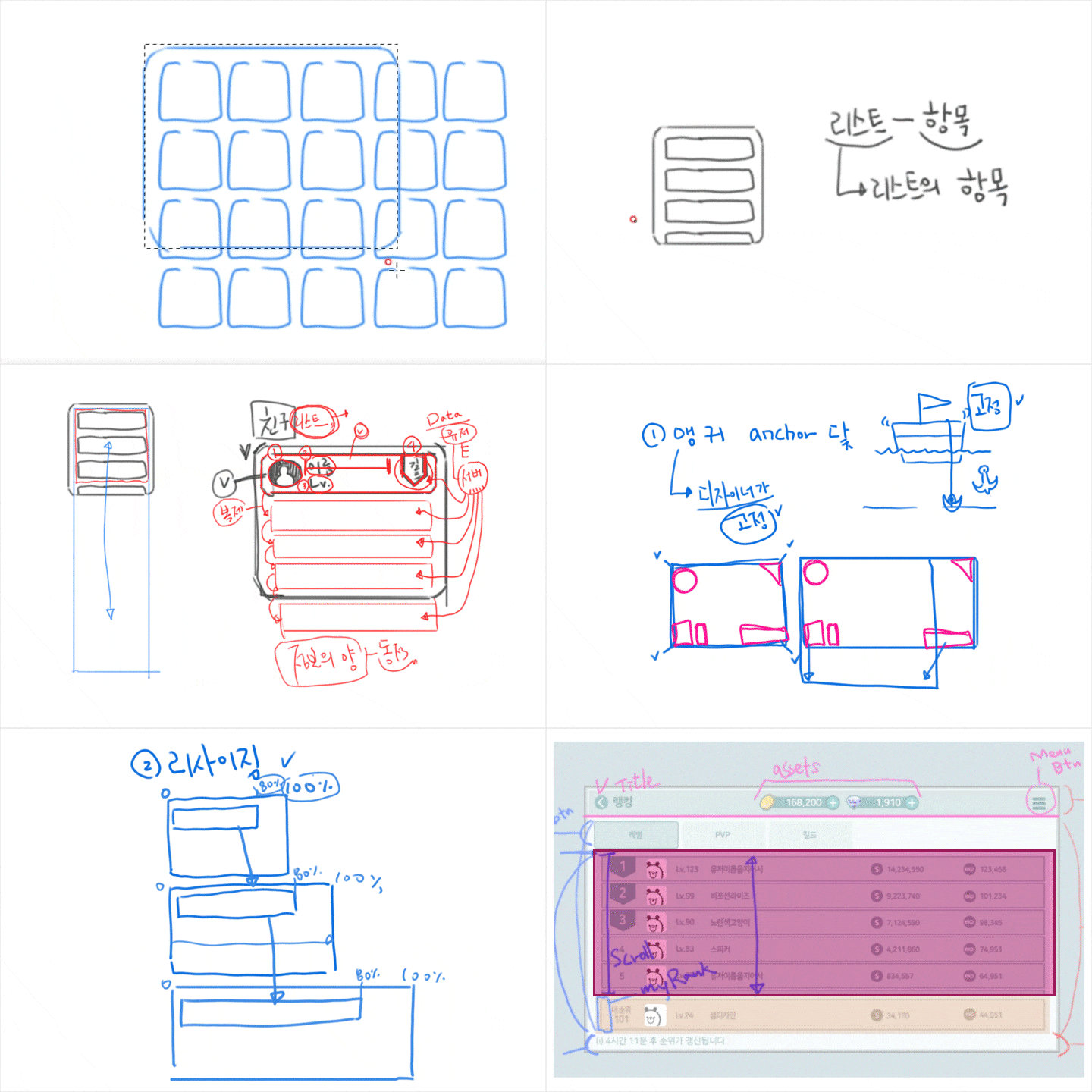 Scroll list UI and full screen UIBy creating a quest UI in the style of a science fiction game, you will learn the concept of a scroll list. By creating a league ranking UI, you will learn the concept of resolution response for full-screen UI.
-
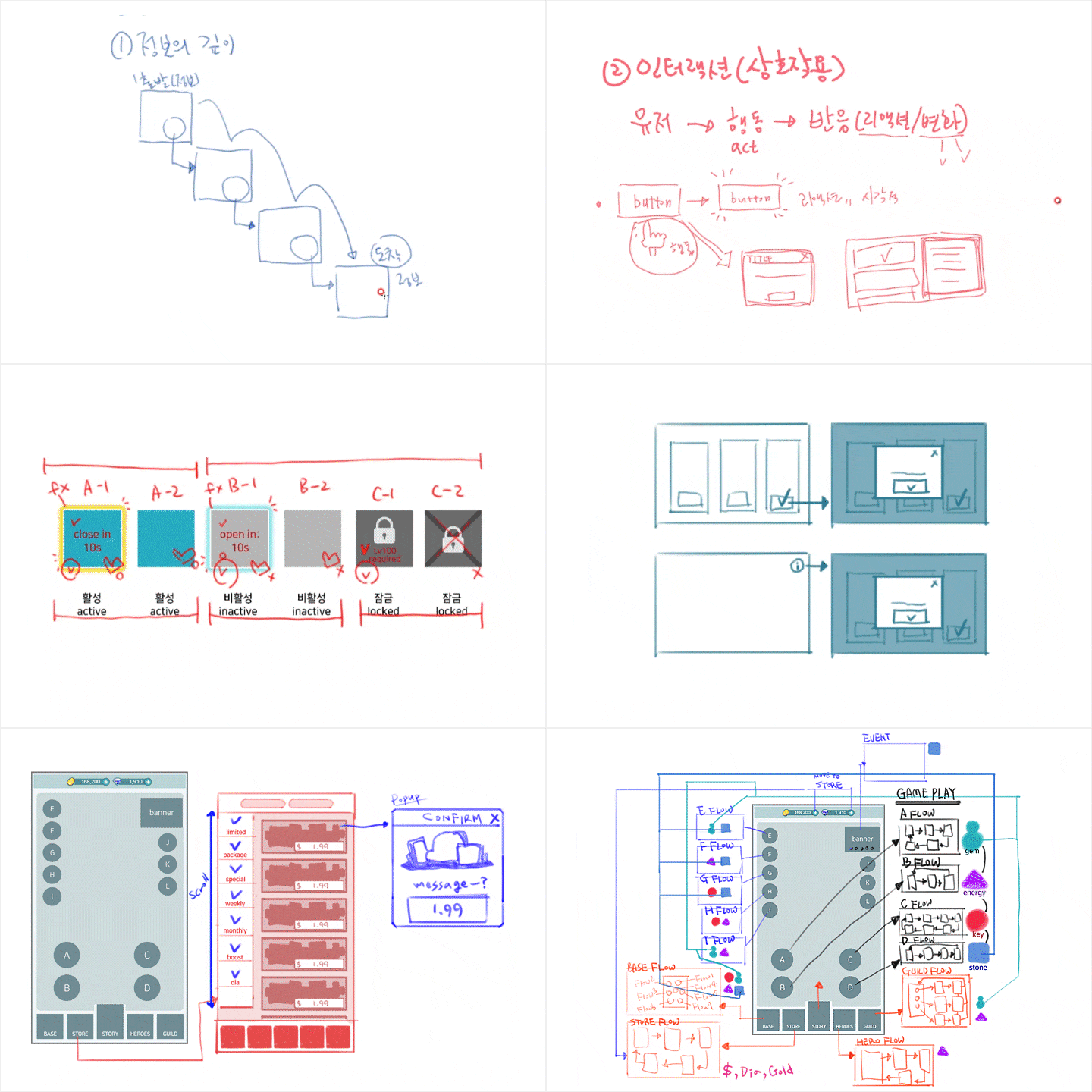 Depth of information and UI FlowLearn about the concept of depth of information through an authentic fantasy-style letter UI, and learn about flowing UI by creating a casual game-style character information UI.
 -
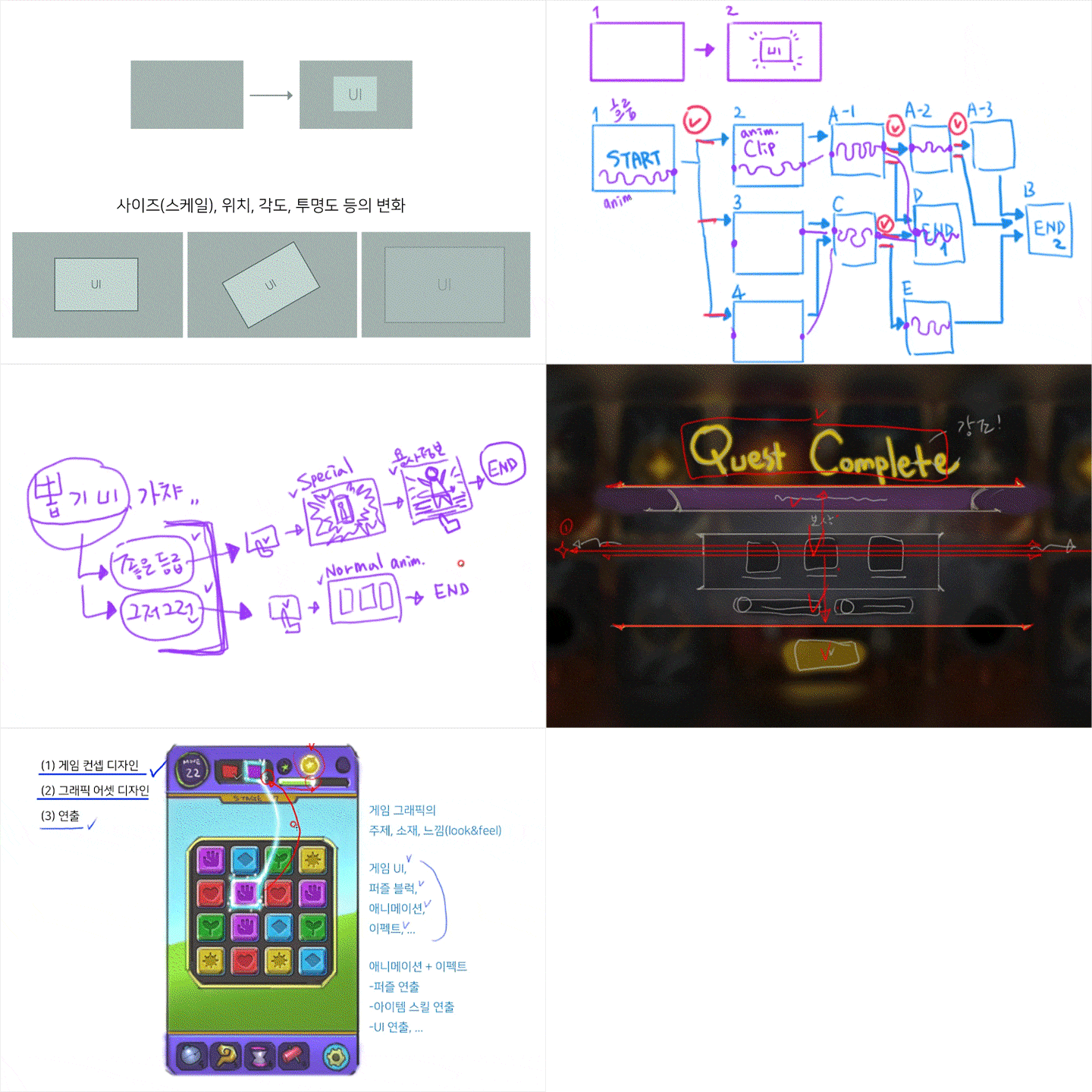 UI production planningWe will look at how to create a notification UI in the style of an authentic fantasy game and apply a simple UI design to planning and design results based on this. In addition, we will consider creating a UI with a more complex flow through a casual fantasy game-style battle result UI.
 -
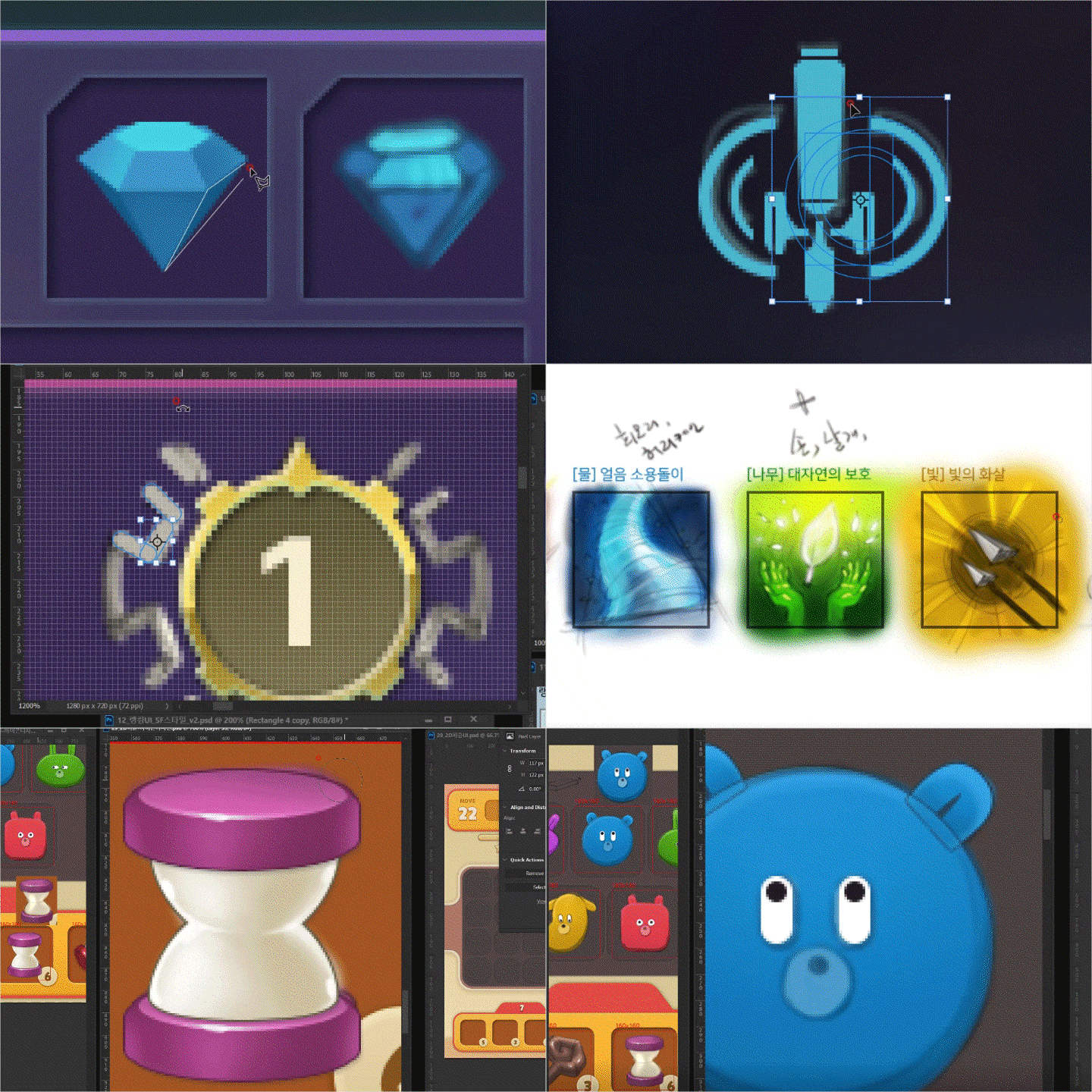 Various icon and graphic design practicesLearn a wide range of vector/drawing icon design by creating various styles of pictograms, items, and skill icons. You will develop your design skills by creating a style of UI that requires structural object design.
curriculum
Curriculum
In-Depth Look
SECTION 01. Orientation
01. Class Introduction and Game UI
- Instructor introduction
- Game UI? UX?
- Introduction to lecture curriculum and study methods
SECTION 02. Game UI Design Basics
02. Basic Theory to Start Game UI Design
- grid
- Information design (colors, fonts, decoration elements)
- Use of references
03. Photoshop Basics to Start Game UI Design
- Get familiar with Photoshop
- layer properties
- Bitmaps and vectors
- Shape tools and pen tools
- Explore layer effects
- Font effects used in game UI design
SECTION 03. Getting Started with Game UI Design
04. Preparation for 3 Types of Basic Pop-up Windows
- Structure of pop-up window
- Setting work direction and planning UI
- The importance of organizing layers
05. 3 Types of Basic Pop-up Window Designs (Stylized)
- concept design
- 3 basic pop-up window designs
- Layer organization
SECTION 04. Game UI Basic Components
06. Preparing to Work on the System Settings Window
- Game UI basic components: buttons, tabs, toggles, sliders, etc.
- Setting work direction and planning UI
- Tips for organizing tabbed UI layers
- concept design
07. System Settings Window Design (Stylized)
- System settings UI design
- Organize tab structure UI layers
SECTION 05. Scroll List + Icon Design 01
08. Preparing for Quest UI Work
- Scroll Areas and Lists
- Setting work direction and planning UI
- concept design
09. Quest UI Design (SF Style)
- Quest UI design
- Layer organization
10. 9 Grid and Icon Design
- 9 Grid
- Quest item icon (vector)
- Reward item icon (drawing)
- Get all button icon (vector)
SECTION 06. Resolution Response + Icon Design 02
11. Preparing for Ranking UI Work
- What is resolution correspondence?
- Setting work direction and planning UI
- concept design
12. Ranking UI Design (SF Style)
- Ranking UI design
- Organize entire screen layers
13. Icon Design 02
- Ranking icon (vector)
SECTION 07. Creating UI+Pattern Images with Depth of Information
14. Preparing to Work on the Letter UI
- Depth of information and interaction
- Setting work direction and planning UI
- concept design
15. Letter UI Design (Authentic Fantasy Style)
- Letter UI design
- Create a pattern image
SECTION 08. UI State Classification + Frame Design
16. Preparing for Dungeon Entry UI Work
- UI state classification (active/inactive/locked state)
- Setting work direction and planning UI
- concept design
17. Dungeon Entry UI Design (Authentic Fantasy Style)
- Dungeon entry UI design
- frame design
SECTION 09. UI Direction Planning 01+Effect Expression
18. Preparing to Work with the Notification UI
- UI presentation plan consisting of one sequence
- Mindset as a game UX/UI designer
- Setting work direction and planning UI
- concept design
19. Notification UI Design (Authentic Fantasy Style)
- Quest clear notification UI design
- Effect expression
SECTION 10. UI Production Planning 02
20. Preparing for Battle Results UI Work
- UI design plan with flow
- Setting work direction and planning UI
- concept design
21. Battle Results UI Design (Casual Fantasy Style)
- Battle result UI presentation
- design work
SECTION 11. UI Flow 01+ Icon Design 03
22. Preparing to Work on the Skill UI
- UI Flow
- Setting work direction and planning UI
- concept design
23. Skill UI Design (Casual Fantasy Style)
- Skill UI Design (Skill Tree)
- Skill level up information pop-up UI design
24. Icon Design 03
- Take a look at the skill icon layout
- Skill icon (drawing icon)
SECTION 12. UI FLOW 02
25. Preparing to Work on Character Information UI
- UI Flow
- Setting work direction and planning UI
- concept design
26. Character Information UI Design (Stylized)
- Character list UI design
- Character details UI design
SECTION 13. 2D Game Graphics and Game UI + Icon Design 04
27. Get Ready for 2D Game Graphic Design Work
- Scope of 2D game graphics work
- Setting work direction and planning UI: Setting simple game rules
- concept design
28. 2D Puzzle Game In-Game UI Design
- 2D puzzle in-game UI planning
- design work
29. Icon Design 04
- puzzle block design
- item icon
SECTION 14. Portfolio Creation and Study Tips
30. Become a Competitive Game UX/UI Designer
- A study method that leads to strong skills
- Create a good portfolio
- Game artist attitude
Interview with
UX/UI Designer, Sem Design

Question.01
What do you think are your unique strengths as a UX/UI designer?
What do you think are your unique strengths as a UX/UI designer?
Game UX/UI design is dealt with in depth not only from the perspective of art/graphic design that makes images look pretty, but also from the perspective of information design, so you can lay the foundation for building competitiveness and expertise as a game UX/UI designer. It will. By actually designing various styles of game UI screens with an instructor, you can learn work processes and know-how that can be used immediately in practice.
Question.02
What are the unique points of this course?
What are the unique points of this course?
We would like to share information on game UX/UI areas that are not easy to access and know-how that can be used in portfolio creation or practical work. Even those who have no basic knowledge can complete a competitive portfolio and take their first steps into the gaming industry by studying in the right way. But the goal is not employment. Aim to grow into a designer who can play an important role in game development! Game UX/UI design lectures containing many years of know-how are available online.
Question.03
Who do you recommend this course to?
Who do you recommend this course to?
Those who want to become a game UI designer but are frustrated because they don't know where to start, those who want to work in the game industry as a game UI designer by creating a high-quality portfolio, and those who want to further develop their design skills will receive knowledge and information that will be directly helpful to them. It contains know-how.
Required Programs
This course will use Photoshop CC 2022. Please purchase and install these program(s) for an optimized chapter experience.
* Photoshop CC or later version is recommended.
*These programs and/or materials will not be provided with the chapter.