CreativeDirector,DayoungJung_크리에이티브 디렉터 정다영 Details
Lecture Guide
Revealing 30 UX/UI know-hows that can be infinitely applied to my portfolio!
Did you think that a curriculum that covers tools and design theory while also providing UI-based design know-how and practical skills that can be immediately used in a portfolio was greedy?
Meet Dayoung Jung Jeong, the CEO and creative director of Duotone, Korea’s leading UX/UI agency, right now.
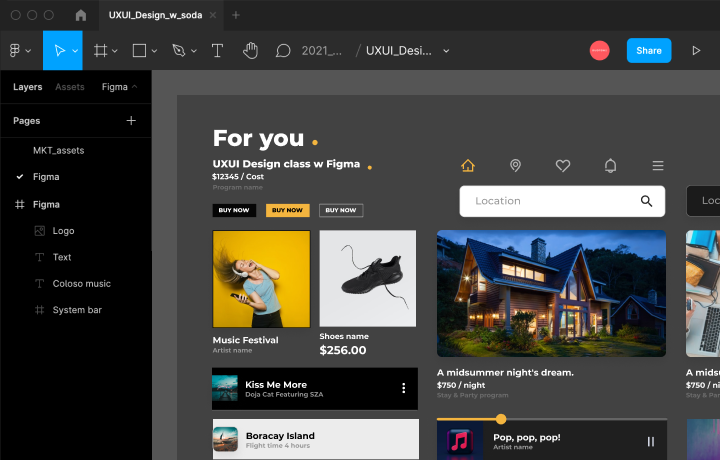
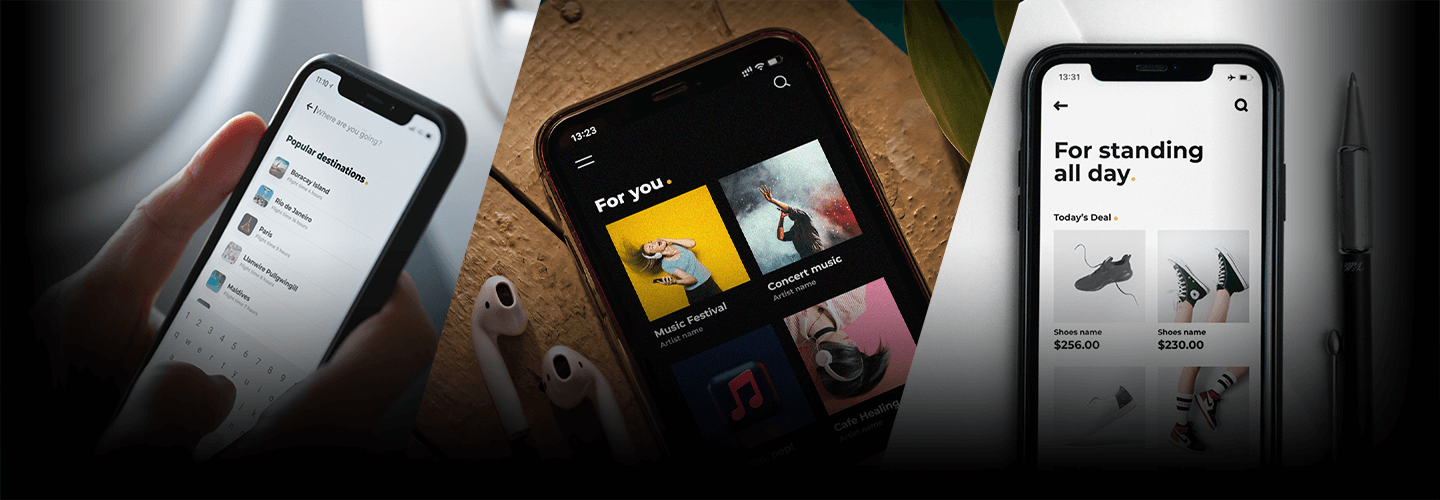
Completely mastering Figma, an essential collaboration tool in the UX/UI industry, from tutorials and essential work process theories to useful tips for composing UI design through practice in creating examples of different apps such as travel/music/shopping!
Discover 30 UX/UI design curricula that will satisfy everyone, from UX/UI beginners to job seekers and current junior/senior designers, at Coloso now.
Discover 30 UX/UI design curricula that will satisfy everyone, from UX/UI beginners to job seekers and current junior/senior designers, at Coloso now.
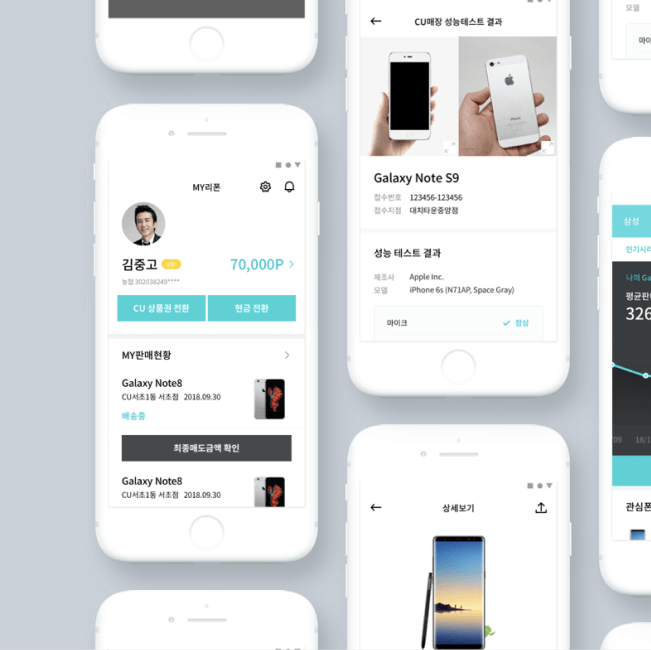
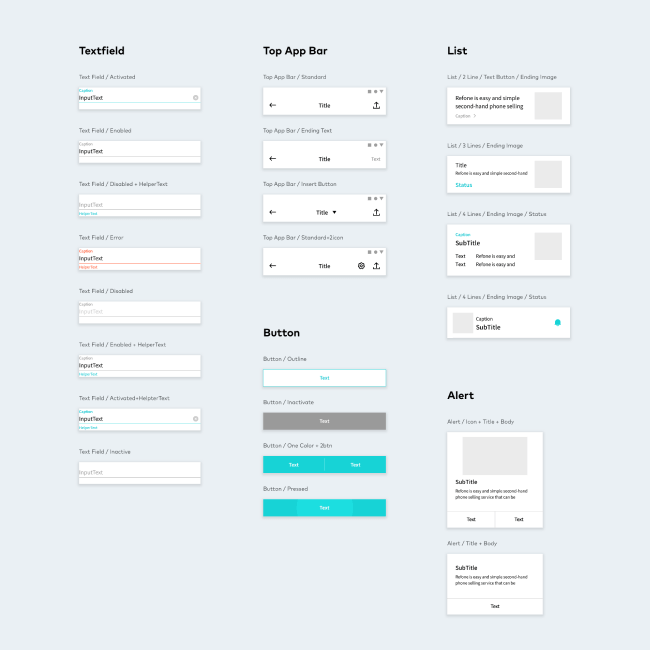
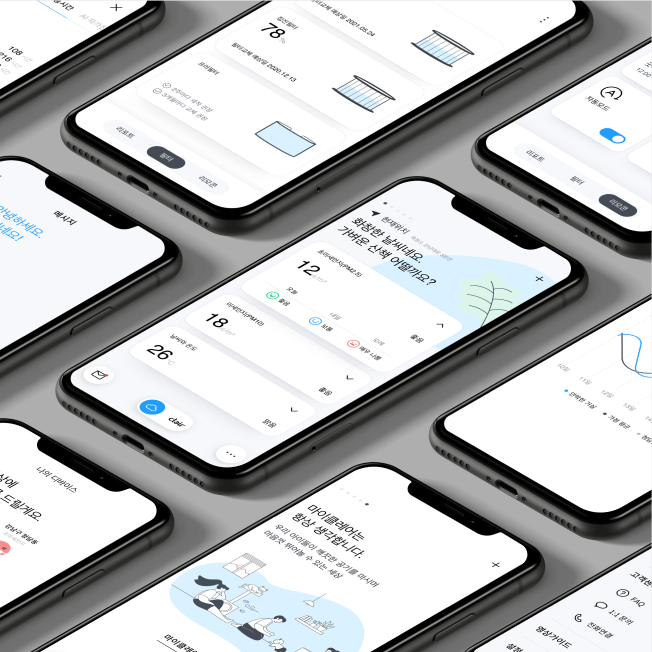
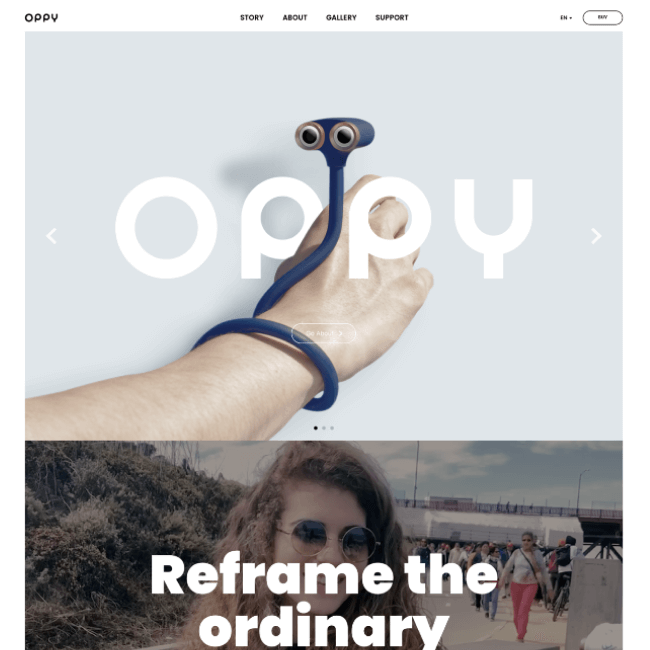
Creative Director Dayoung Jung young Speaker's Portfolio
Why Take This Class?
If you only focus on “how to design,” you will inevitably lack planning and application skills.
The important thing is why, that is , “Why should we design it this way!”
Designer Dayoung Jung 's class provides a foundation for creating a much more complete portfolio by constantly asking 'Why' questions about UI design that you may have overlooked, such as research, UI element learning, and icon design.
Coloso is the only UX/UI design class that makes UX/UI theory and skills, which you only vaguely know, yours.
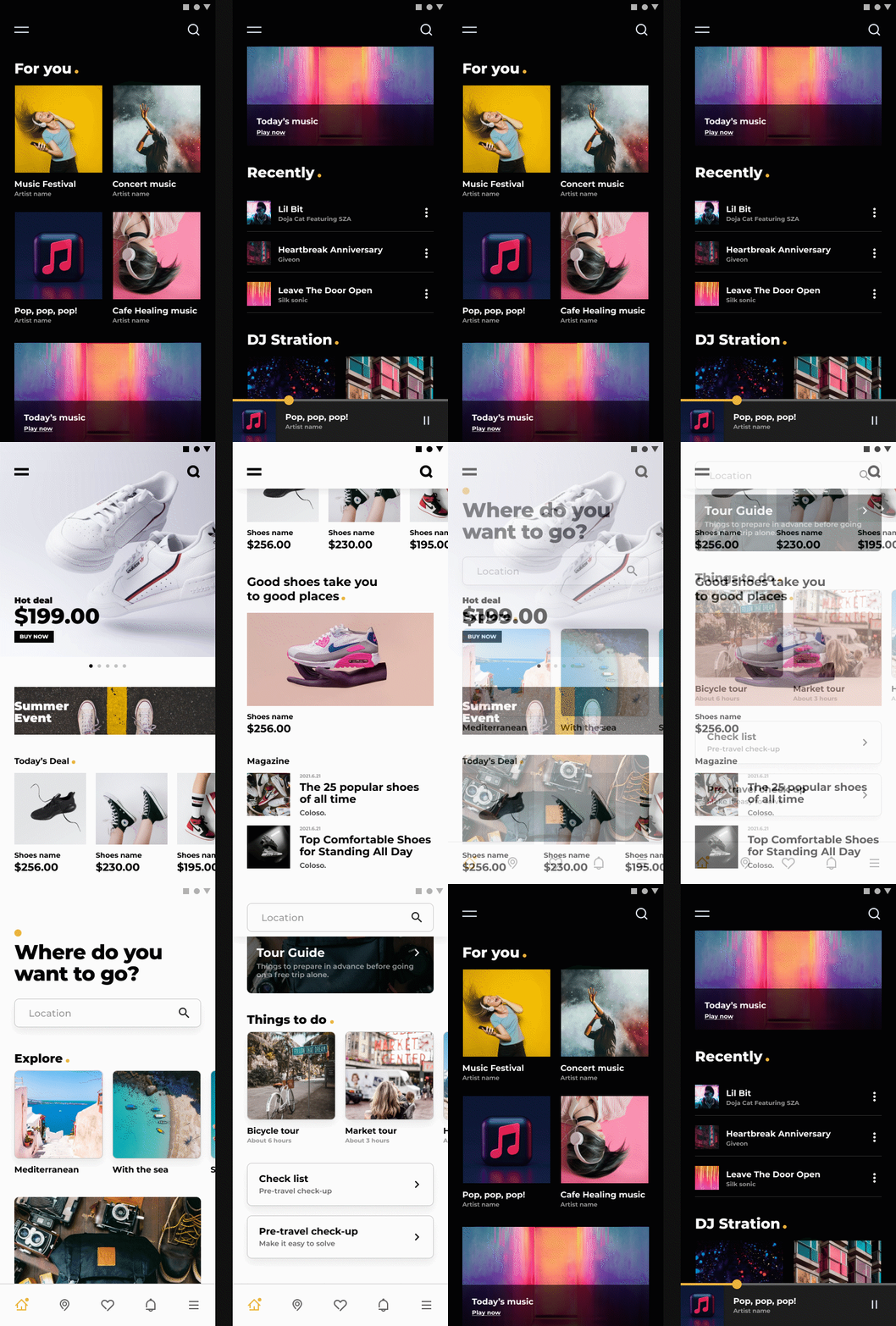
We introduce six main screens of the application examples that you will create in this class.
-
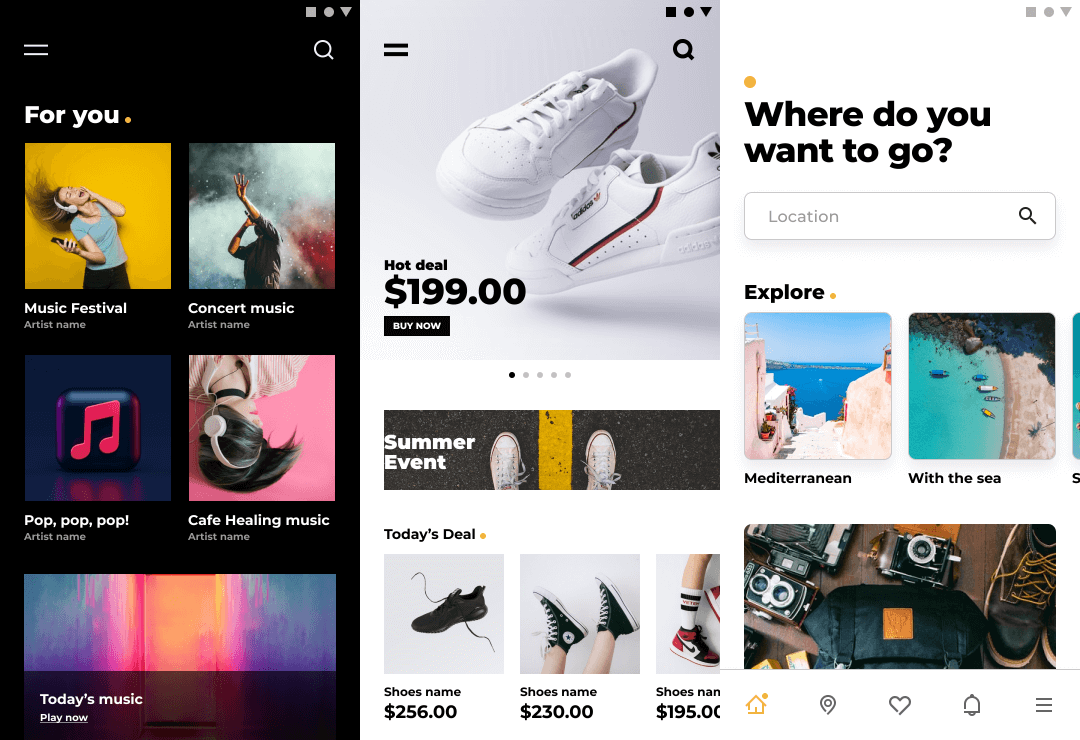 01. Main 01- Composed of content that reflects key messages and characteristics of the app
- An example to develop the application ability to implement the functions of another app by simply arranging information through the same component. -
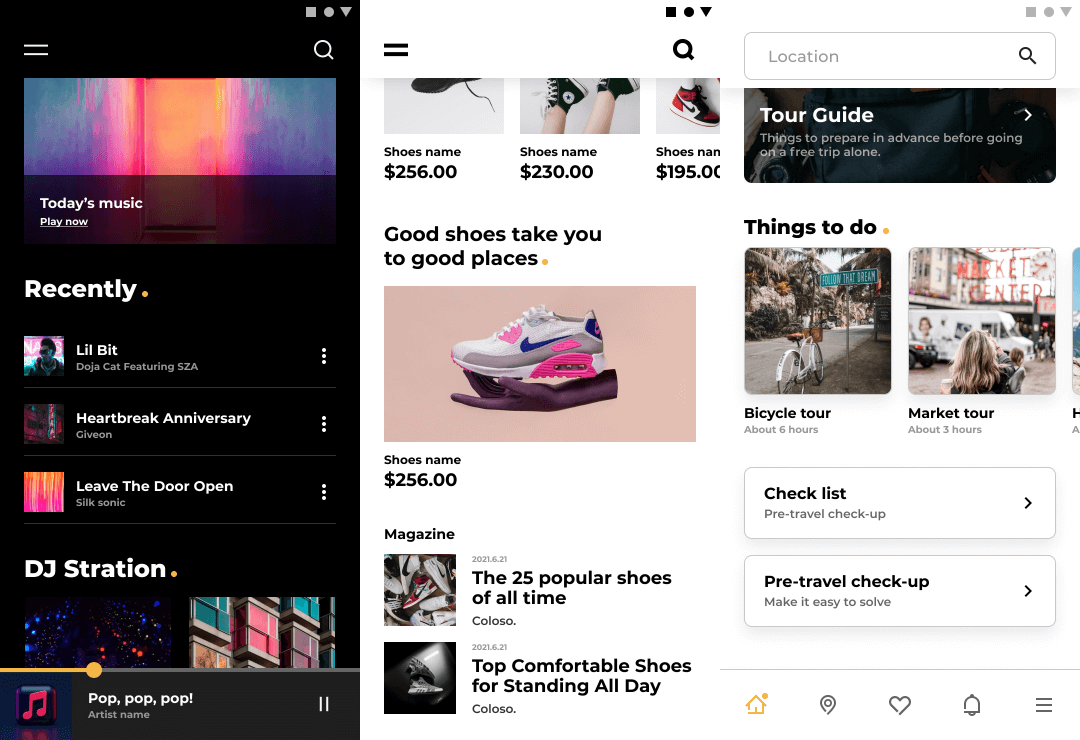 02. Main 02- As a content hub, a lot of information is organized to be suitable for implementing the app's functions.
- Card UI and each text information are arranged efficiently -
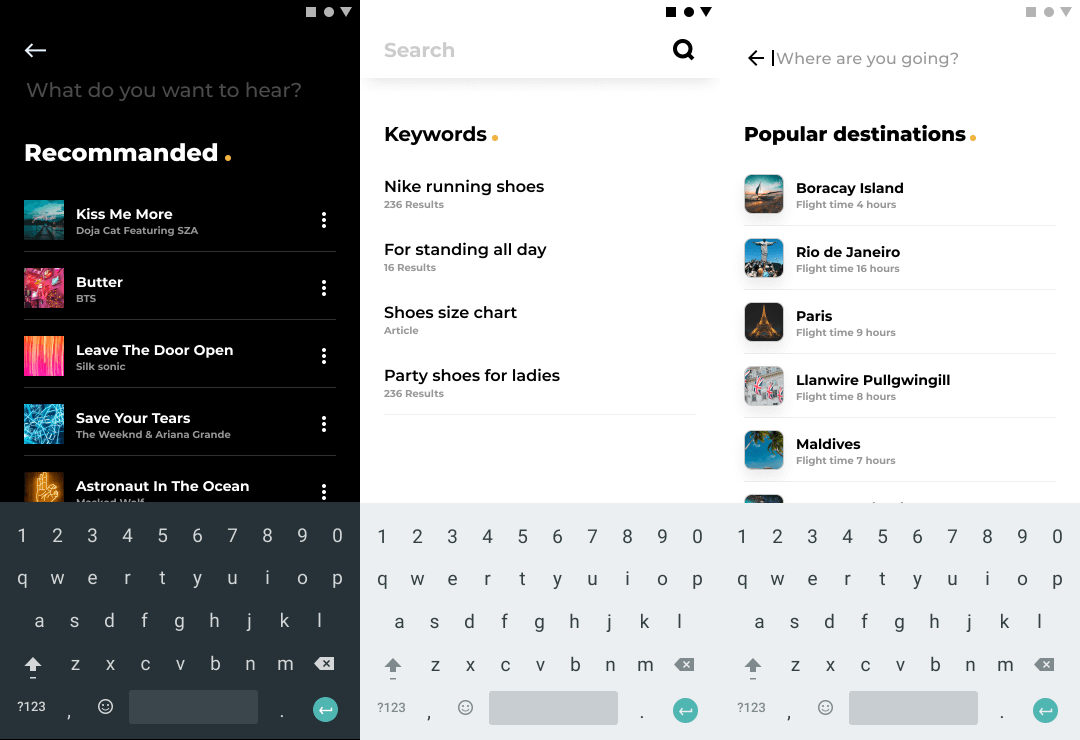 03.Search- List UI composition and text placement implementation
- Configure the screen layout with the QWERTY keyboard at the bottom in mind.
-
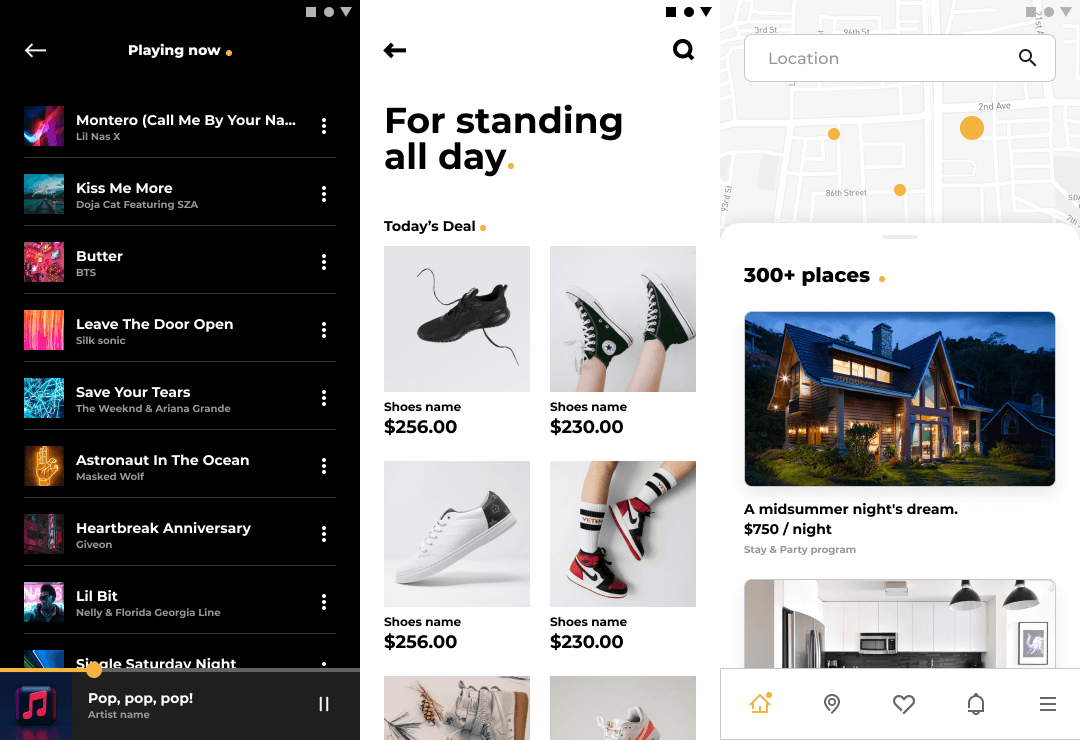 04. Product Details 01- Placement of card UI and text
- Learn about image cases/overall content composition tailored to each service -
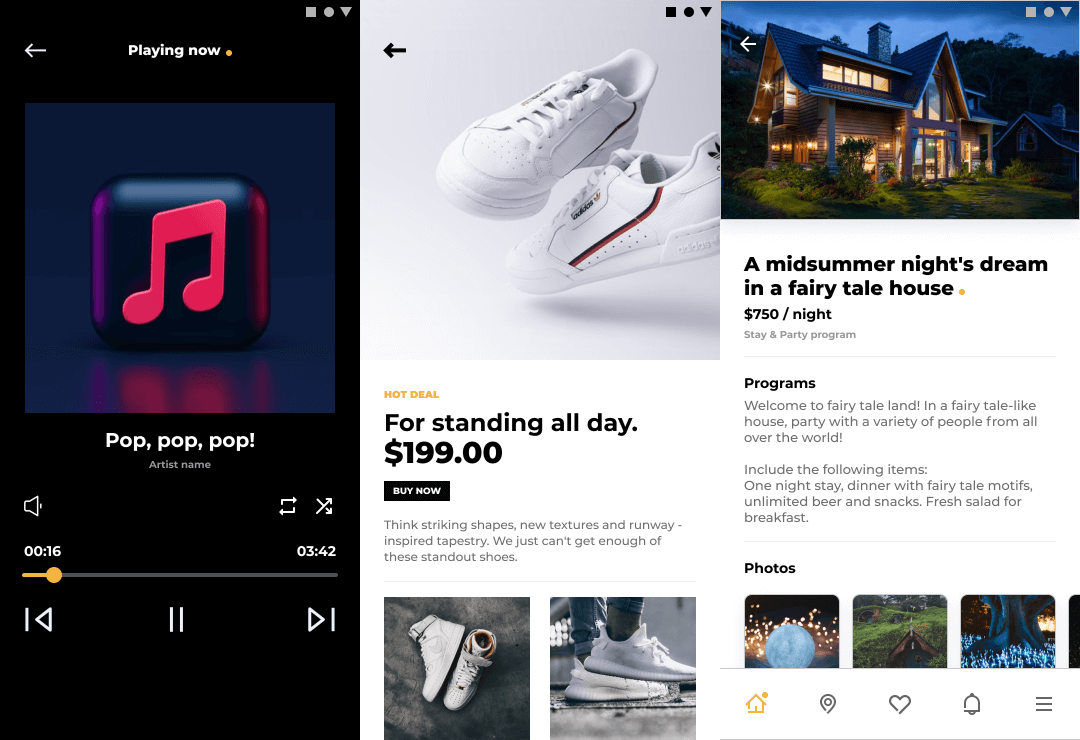 05. Product Details 02- Content arrangement technique practice screen
- Effective information delivery through text information grouping -
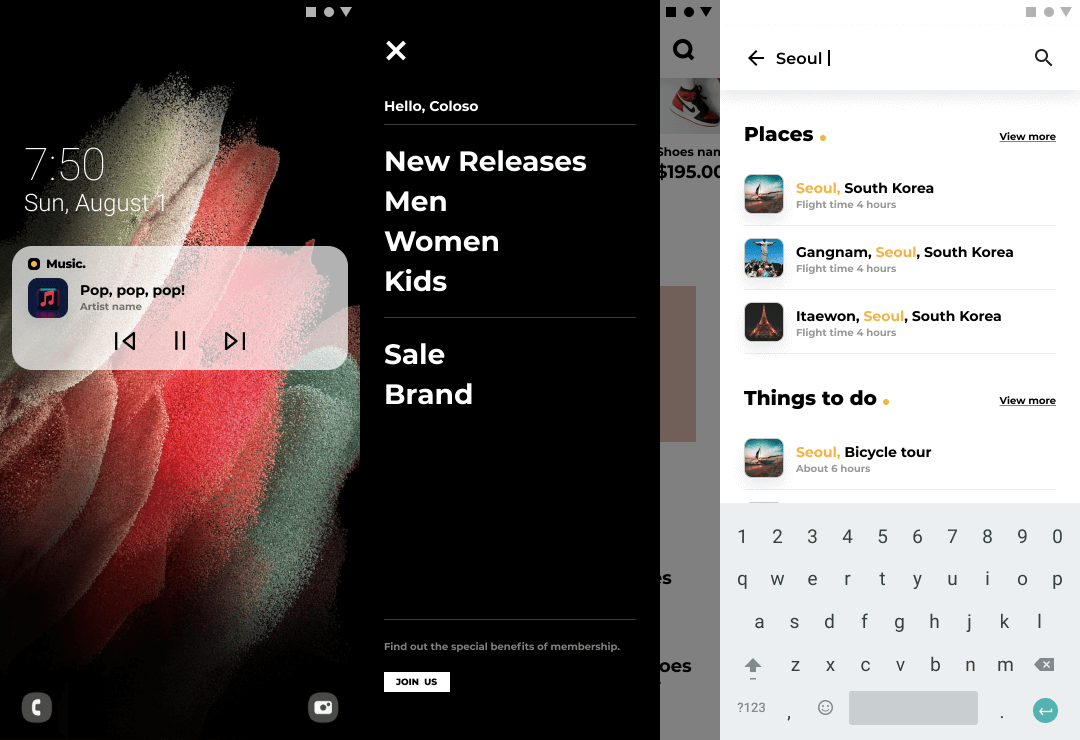 06. Unique Function- Creation of special screens for each topic
- Music: Tap to play music outside the app screen
- Shopping: GNB (Global Navigation Bar) screen practice
- Travel: Recommended search result highlights
final result
-
 01. Music listening application
 -
 02. Shopping application
 -
 03. Travel application
Speaker introduction
creative director
Dayoung Jung
I am the co-founder of Duotone, a digital-based UX/UI design studio, and the creative director of the Experience Design Center.
At the same time, we are constantly communicating with many designers through various platforms such as publishing design-related books, university and corporate training, and conferences.


Coloso DayoungJung
Current) Duotone Co-founder, Creative Director
Current) OPENPATH Founder
Former) Senior Researcher, Wireless Business Department, Samsung Electronics
Former) CJ E&M Art Director
Former) NAVER designer
Former) D'strict designer
education history
[Book]
<Photoshop Design Lecture>, 2015, Hanbit Media
<Flash, the web comes alive with just a touch>, 2006, Jungle Press
[Education history]
OPEN PATH UX General Course,
Fastcampus UX, UI Camp / GUI Lab, etc. training courses
Coloso UX,UI online conference, KIPFA Web trend conference,
Attend lectures at conferences such as Future conference and Web world
Myongji University, Hongik University, SADI, Kaywon University of Arts, Osan University and
Conducted training for many companies and special lectures at universities
class features
class features
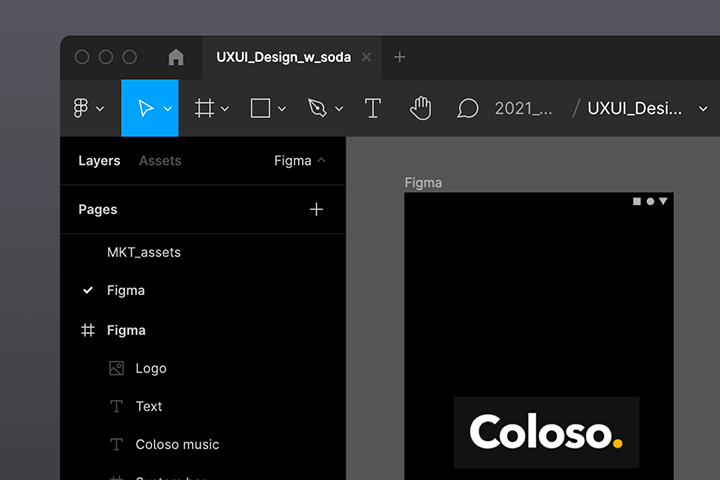
Conquer Figma, an essential tool for UX/UI designers
Learn from tutorials on Figma, the tool with the largest share of the product design market, to practical functions for efficient UI design.
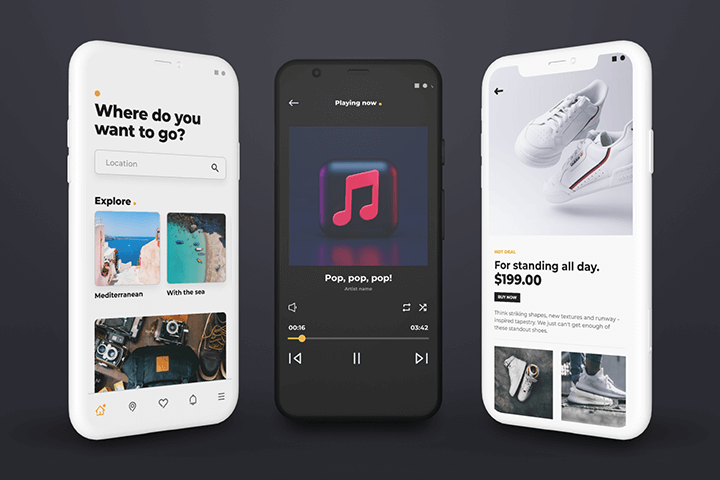
Understanding and applying UI design through music, travel, and commerce app creation
By learning the theory and components of UI design, you will develop the ability to grow and develop yourself no matter what task you are given.
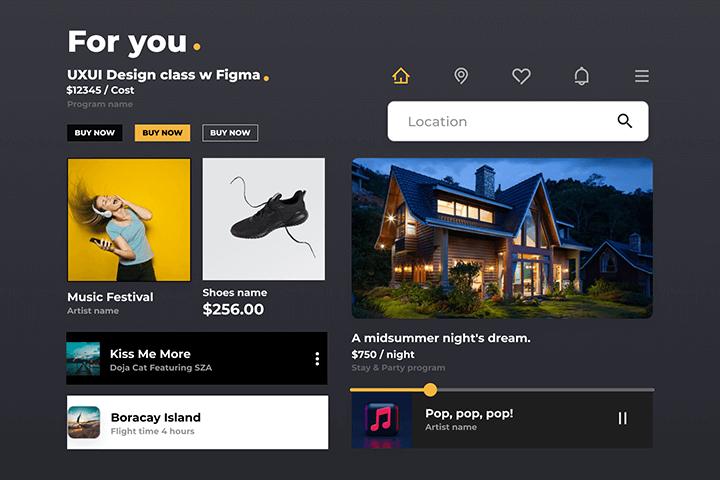
Know-how to create a design system with consistency, efficiency, and flexibility
Learn how to create UI components that can be used flexibly according to service characteristics, and create a design system library that reflects this.
Class composition
learn this
-
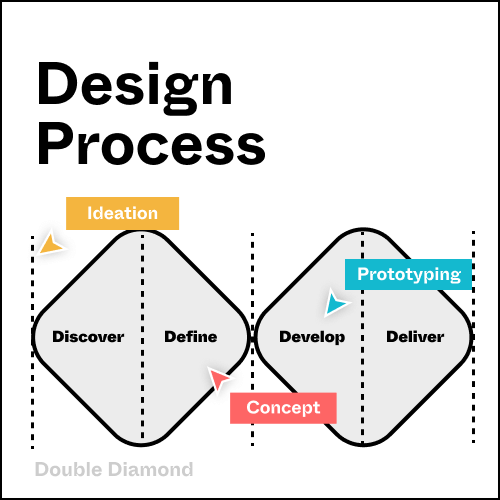 Practical UI design Understanding the ProcessWith vivid field cases, you will learn not only the practical UI design process, but also the basic techniques that you should not miss step by step.
 -
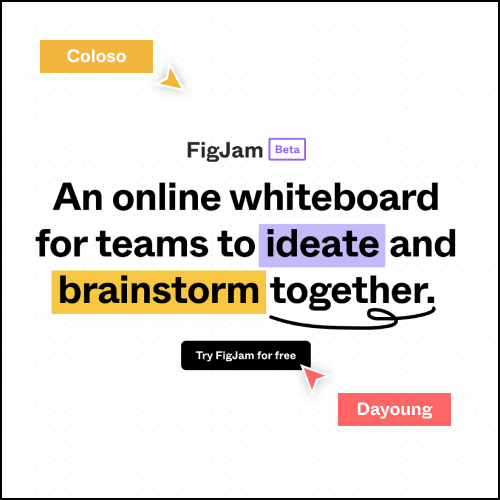 for online collaboration How to use FigjamLet's learn how to use Pig Jam, which allows ideation, analysis, and UX workshops to all be conducted online.
 -
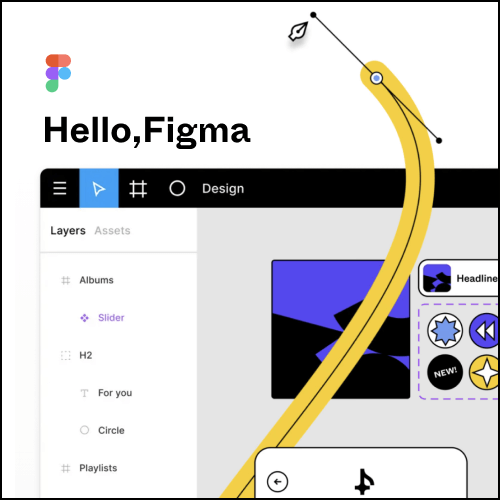 Building a solid foundation from the ground up Figma TutorialFrom how to use basic tools to advanced functions, we will solidify the basic skills necessary for UI design and develop application skills to utilize them.
-
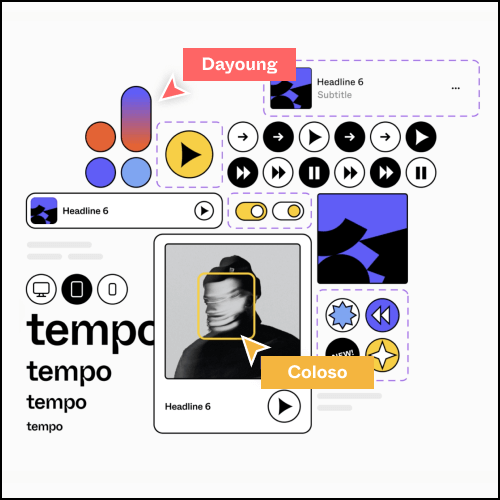 Using Google Material Guide Building a design systemLearn the definition of a foundation that preserves brand identity and the concept of components for consistent UI design, and define a design system by creating a UI library using these.
 -
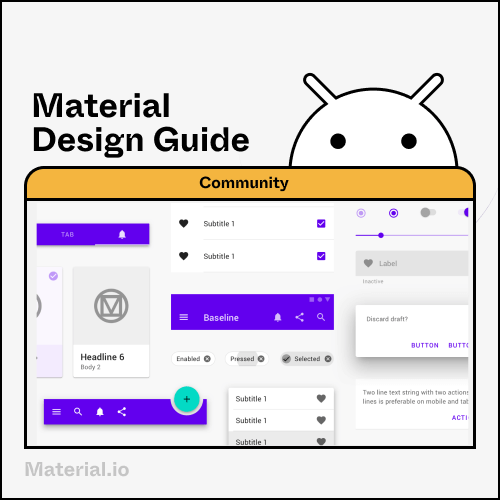 Maximizing work efficiency UI component production know-howLearn how to create a UI design that can respond to changes by using Figma's various functions that can be applied according to the characteristics of the service.
 -
 Highly usable common UI Pattern Case Study and Applied PracticeLearn what to pay attention to when designing screens that frequently appear in UI design, such as navigation and search, and learn how to use them through production practice and various cases.
curriculum
curriculum
Show me the curriculum
SECTION 01. OT
01. Orientation
- Instructor Introduction
- Select a topic (each person selects a project topic to proceed with)
- Understanding the design process
02. Define UX service purpose
- Define the purpose of the service (Golden Circle)
- Define target users and USP
SECTION 02. UX Design Process
03. UX Workshop
- UX Research & Analysis Process
- Explore UX project examples
- View examples of workshop types
04. Figjam Tutorial 01
- Take a look at Pigjam interface & basic functions
- Research Analysis Workshop (Affinity Diagram)
- Ideation Workshop (Crazy 8)
05. Figjam Tutorial 02
- Keyword Workshop (Keyword Map)
- Mood Board Workshop
SECTION 03. Figma Tutorial
06. Design concept
- Visual Concept Case Study
- Define color
- Define a font
07. Figma Tutorial 01
- Take a look at Figma interface & basic functions
- Create and manage projects and files
- Collaborate with Figma
08. Figma Tutorial 02
- figma community
- Download resources & install plugins
- Utilizing plugins (Unsplash)
09. Figma Tutorial 03
- Understanding basic shape tool properties and drawing tools
- Create an icon
- Export icon
SECTION 04. UI design basics
10. Design system
- Understanding the Design System
- Explore design system examples
11. Figma Grid & Layout
- Grid and layout basic settings (Android)
- Component production practice tailored to the grid
12. Understanding Figma Style
- Register a style
- Utilize and manage style features
13. Use Figma style
- Registering and utilizing color/font/shadow styles
14. Understanding Figma components
- Registering components
- Utilizing and managing component functions
15. Using Figma components
- Create basic components (App bar)
- Apply using component property values
16. Understanding and utilizing Figma Autolayout
- Develop the basics of Auto layout
- Create components using Auto layout (Chips)
17. Understanding and utilizing Figma Variations
- Variations Strengthening the basics
- Create components using Variations (Buttons)
18. Understanding and using Figma Constraints
- Develop Constraint Basics
- Multi-device component using constraints (Botton navigations)
SECTION 05. UI design practice
19. UI design basics
- Develop UI design basics
- UI design considerations
20. Login UI Design
- Creating a Splash Screen (Splash)
- Create a login page (Sign in & out)
21. Navigation UI Design
- GNB Case 1 (App bar & Navigation drawer)
- GNB Case 2 (Bottom navigation)
- Creating LNB (Tabs)
22. Card UI Design
- Card UI Case 01 (Travel App)
- Card UI Case 02 (Music App)
- Card UI Case 03 (Shopping App)
23. List UI Design
- List UI Case 01 (Travel App - Popular Search Terms)
- List UI Case 02 (Music App - Playlist)
- List UI Case 03 (Shopping App - Recommended Content List)
24. Content UI Design
- Content UI Case 01 (Travel App - Travel Destination Detail Page)
- Content UI Case 02 (Music App - Play Screen)
- Content UI Case 03 (Shopping App - Product Detail Page)
25. Search UI Design
- Search UI Case 01 (Travel App - Recommended Travel Destination)
- Search UI Case 02 (Music App - Recommended Search by Item)
- Search UI Case 03 (Shopping App - Search Results)
SECTION 06. UI design completion
26. Service application
- Explore various service applications
- Create a benchmarking list for each touch point
27. Completing the travel application
- Create a travel application by combining UI components
28. Completing the music application
- Create a music application by combining UI components
- Production of music app specialized pages (Banner, Notofications)
29. Completing the shopping application
- Create a shopping application by combining UI components
- Production of shopping app specialized pages (Sheet, Filter)
30. Conclusion
- Export completed UI design elements
- Examine examples of communication for collaboration
- closing greetings
interview
What Creative Director Dayoung Jung young wants to say

Question.01
What are your strengths as a creative director?
What are your strengths as a creative director?
Because I started out as a non-major, it was difficult to explain design abstractly, and I focused on theory to solve this problem. As a result, my lectures have the characteristic of focusing more on such theories and logical grounds and explaining them in depth . If you are having difficulty finding the basis for your design because it is abstract, this class will be of great help.
Question.02
What do you pay most attention to when working on UX/UI?
What do you pay most attention to when working on UX/UI?
I mainly work on UX strategy and consulting in the digital side and design system design in UI Design. As this is the case in the industry, when I look at the work, I often review it from the perspective of how logically the problem is solved, whether the derived concept is truly valid, and whether the UI design was designed with consistency/usability in mind.
Question.03
What is the unique point of this class?
What is the unique point of this class?
It is a lecture that talks about not only how but also why . Of course, we also cover 'what elements should be included in this design', but before that, we structured the curriculum so that the necessary why and 'why this design should be done' are met first. Although the title of the curriculum appears to be the same on the surface, the perspectives on the content are different, so I think it will be helpful in fundamental basic learning .
Question.04
Who do you recommend this class to?
Who do you recommend this class to?
It is recommended not only for juniors who are starting UX/UI design for the first time, but also for senior designers who feel that they still lack the basic skills . I think that solidifying the basics is not about learning something new, but about connecting and organizing knowledge that you partially know but have not properly combined and utilized . This class will not only be something you listen to once, but will be a class where you can practice the basics over and over again.
We will guide you through the program to use.
This class will be conducted using Figma and Figjam .
To ensure smooth course participation, please install the corresponding version of the program separately.
* Figma is available at a level that can be used as a free version.
* It can be used on PC and iMac, and can be run through a web browser or app.