UXUIDesigner,SeongminLee_UX/UI디자이너 이성민 Details
introduction video
UX/UI Designer, Seongmin Lee
“We will generously share with you the skills and know-how that allowed us to achieve a 99% passing rate.”
AZ of UI design portfolio creation, from creative layout composition to interaction design
We have prepared this for those who have no idea where and how to start when creating a portfolio for employment or job change.
A systematic UI design online class by Seongmin Lee Lee, a UX/UI designer who has been selected as the most curated individual on Adobe Behance, more than 60 times!
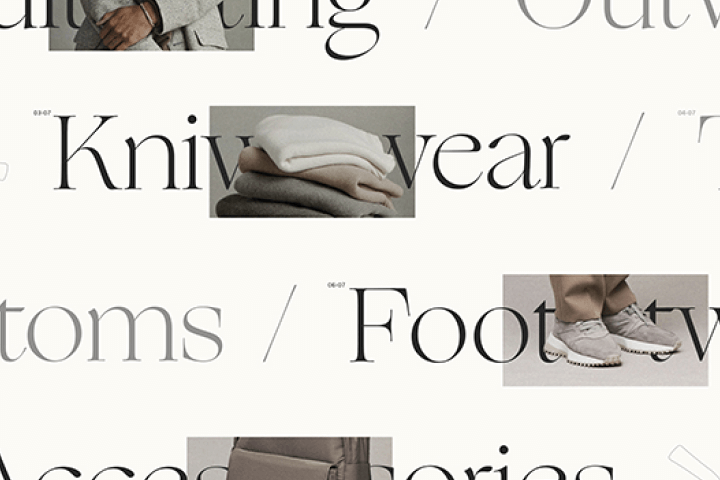
From understanding typography and typeface systems and Figma’s functions and usability design.
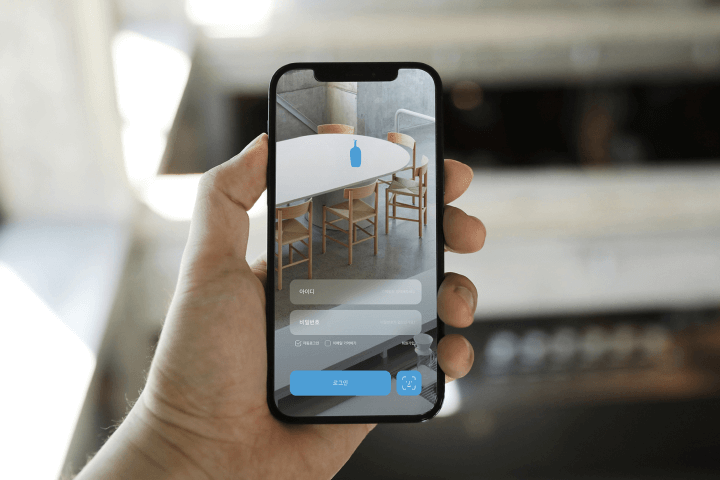
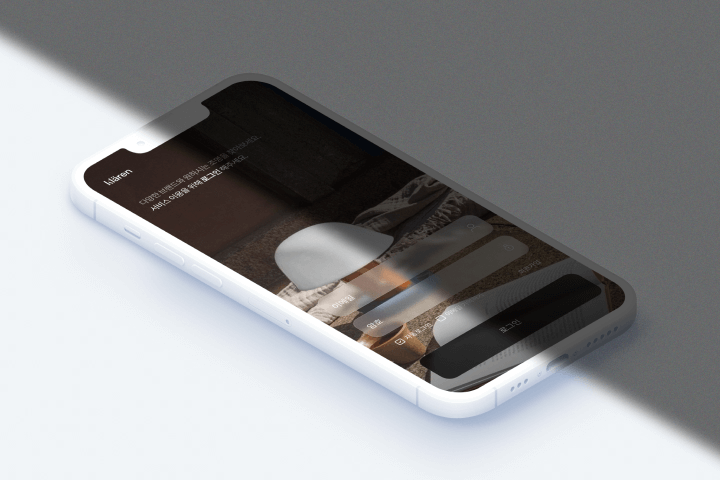
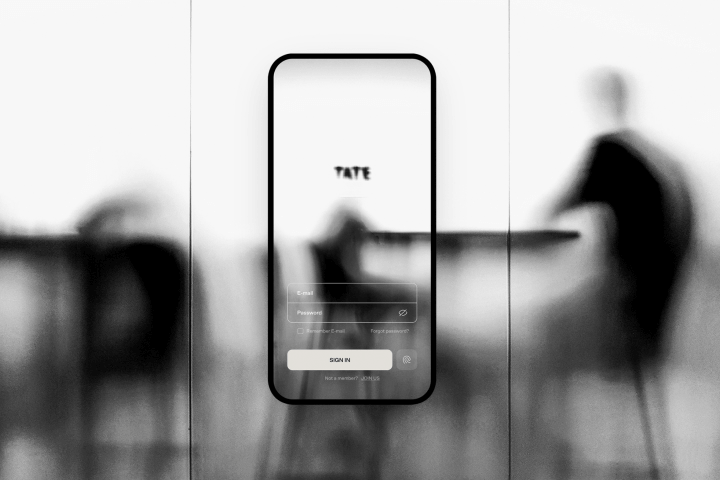
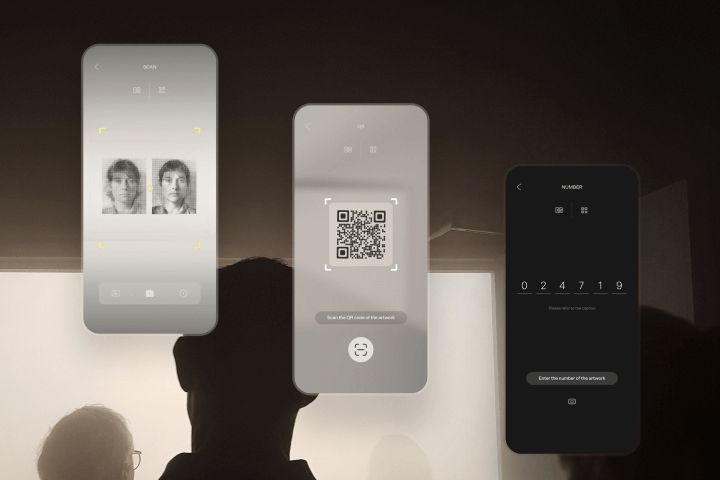
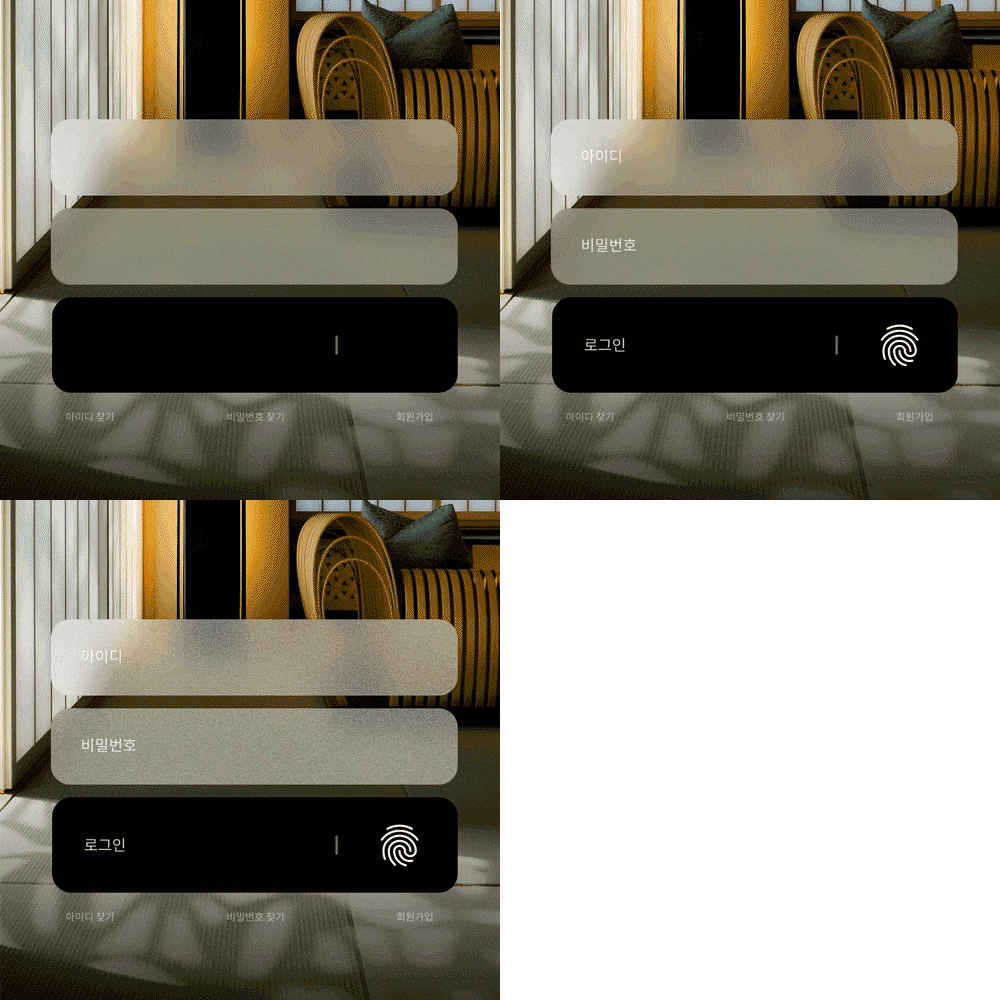
App design practice for five mobile screens, including login and sign-up pages, detail pages, and payment pages,
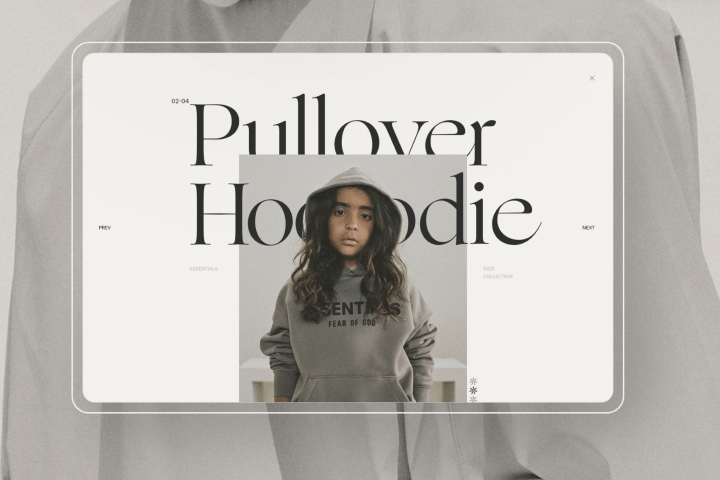
Portfolio layouts from Intro to Outro and the know-how to be selected for Behance curating!
Coloso is now revealing the UI design know-how from a Behance portfolio expert and how to create a portfolio that will get you job offers from famous companies.
App design practice for five mobile screens, including login and sign-up pages, detail pages, and payment pages,
Portfolio layouts from Intro to Outro and the know-how to be selected for Behance curating!
Coloso is now revealing the UI design know-how from a Behance portfolio expert and how to create a portfolio that will get you job offers from famous companies.
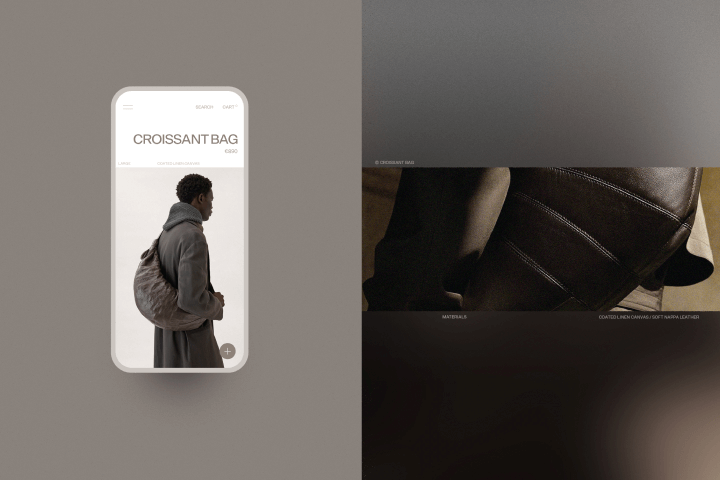
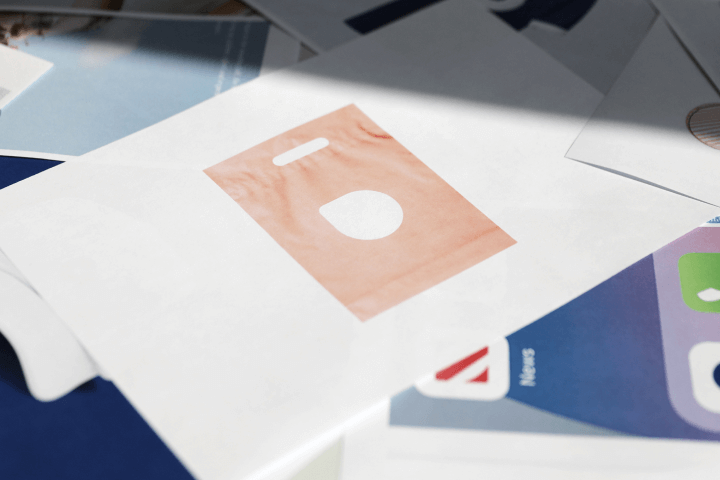
Designer Seongmin Lee ’s portfolio received love calls from various brands
Why Take This Class?
UX/UI designer Seongmin Lee Lee is a speaker with proven design skills and portfolio quality as well as teaching skills.
'Direction Studio', run by designer Seongmin Lee, who has been providing education for more than 10 years, has been used by OIOI, Ten by Ten, Neople, Amoeba Agency, etc.
We have a systematic curriculum and high-quality lecture materials on portfolio creation, so that practitioners from various brands at home and abroad visit us.
Students are achieving a portfolio passing rate of over 99% for design agencies, in-houses, etc.
In this class, designer Seongmin Lee Lee's portfolio creation know-how, which allowed him to receive job offers from major service brands that are attracting attention in the industry, such as Toss, Coupang, Amazon, and Blank Corporation, will be showcased through a systematic curriculum focused on practice.
If you are worried about your portfolio as a UX/UI designer, don't miss this class!

In this class, we will practice 11 examples.
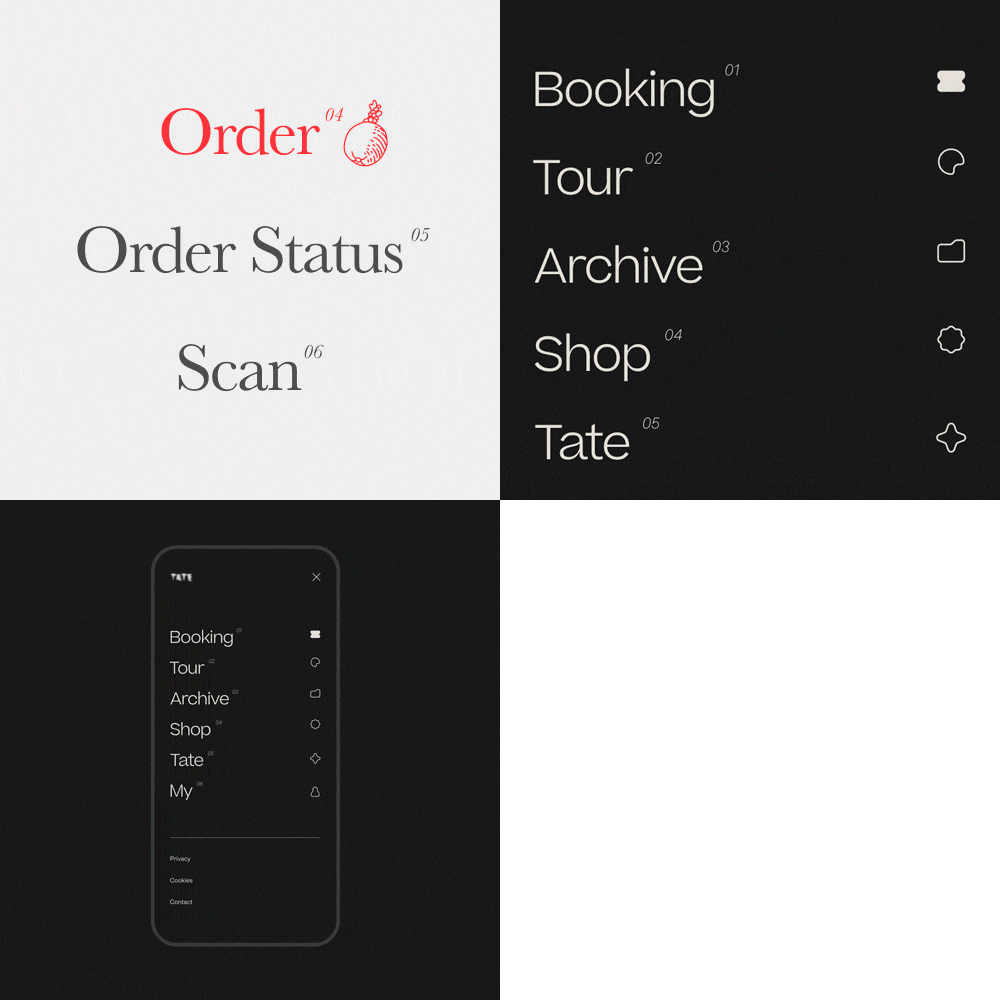
5 app design exercises
-
 intro
intro -
 main page
 -
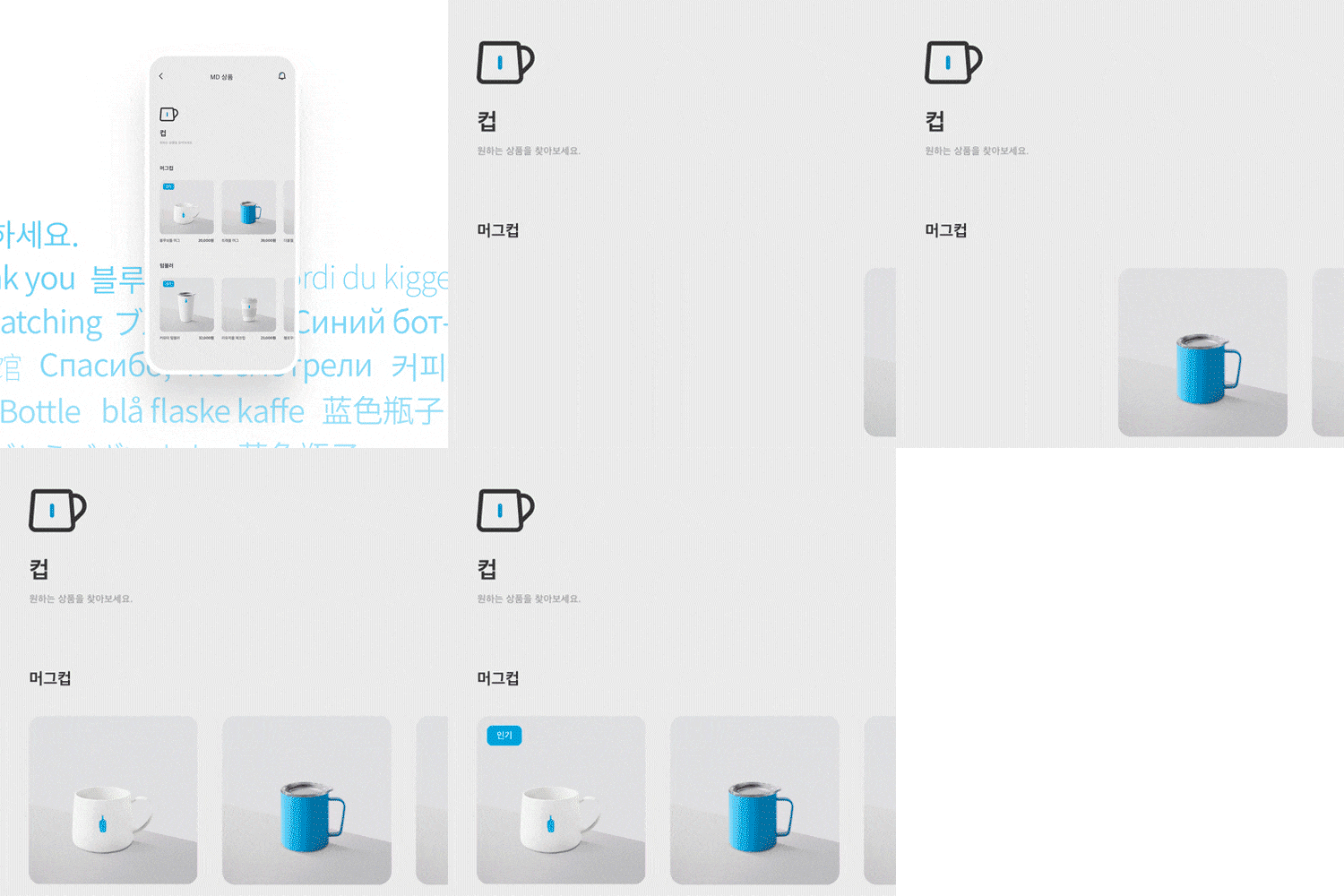 Product and category pages
-
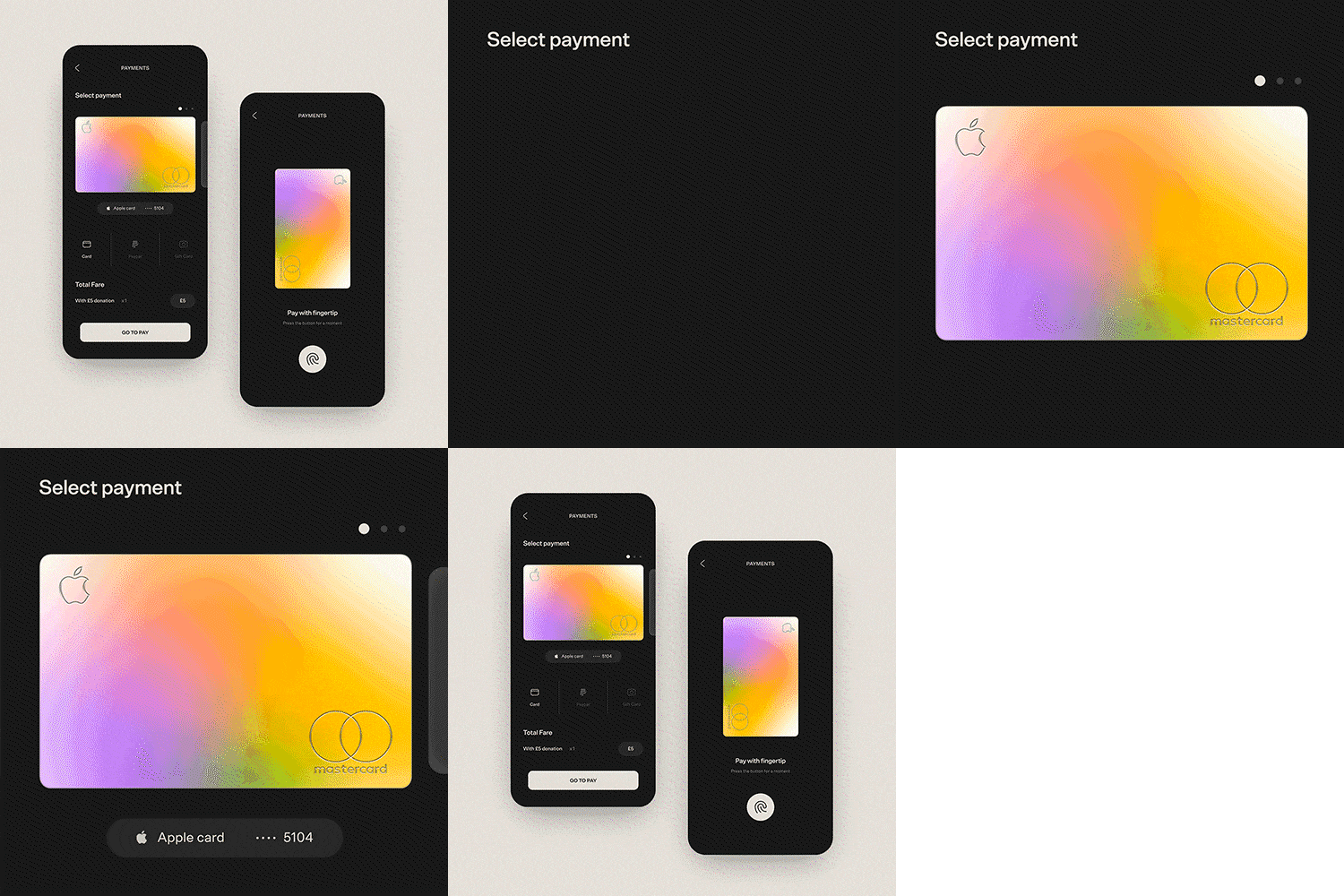 payment page
 -
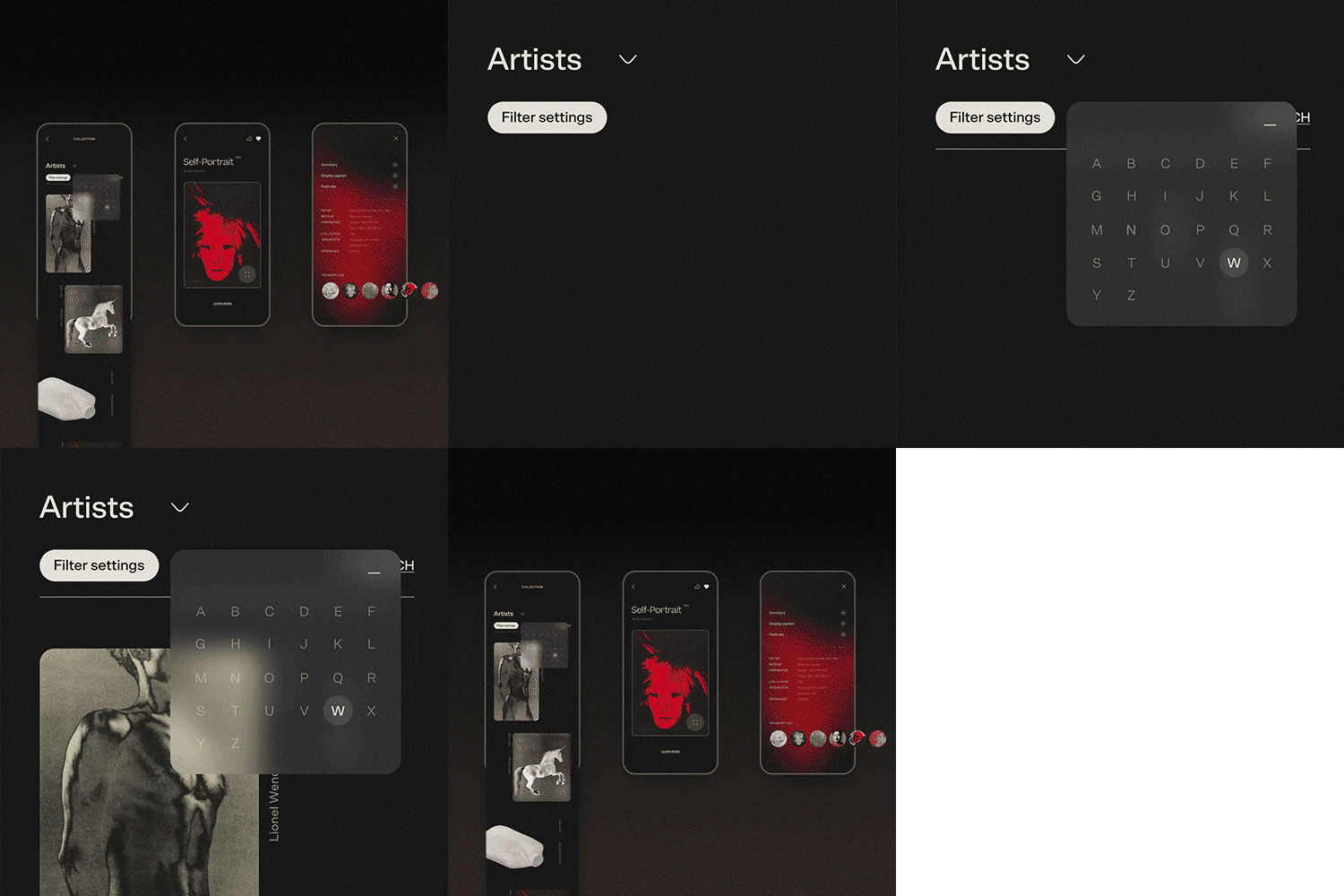 Detail page
6-step portfolio creation practice
-
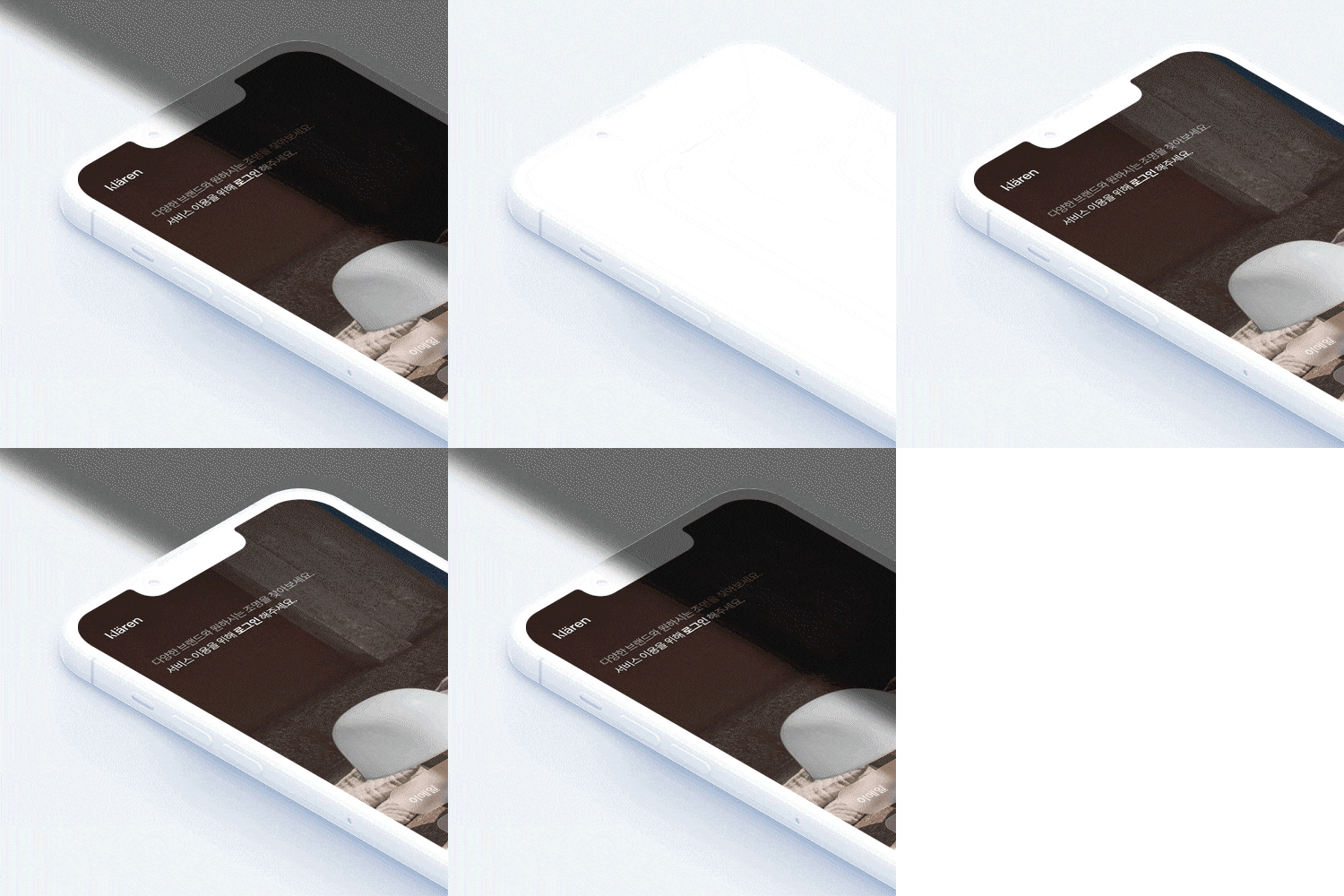 intro
intro -
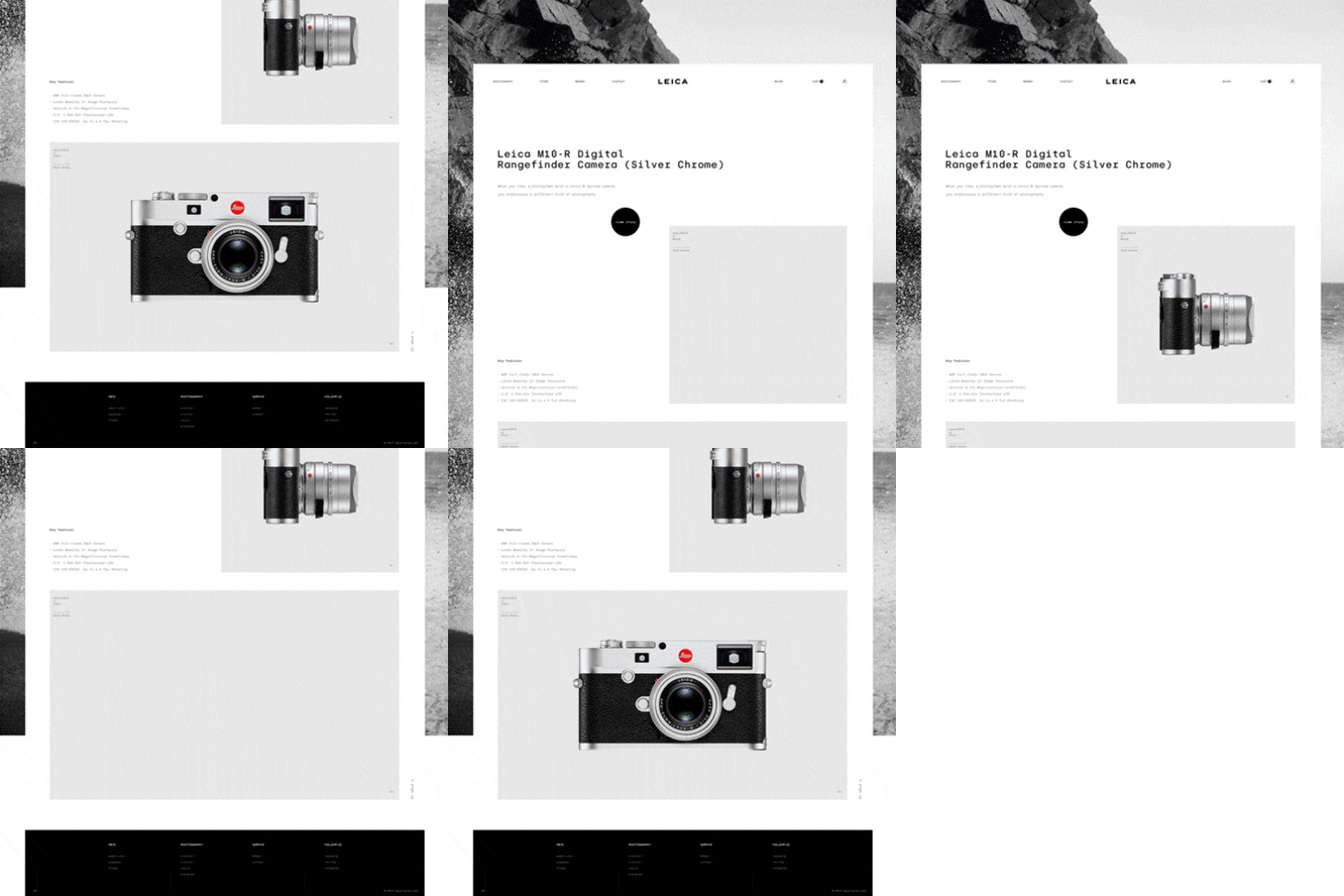 layout
 -
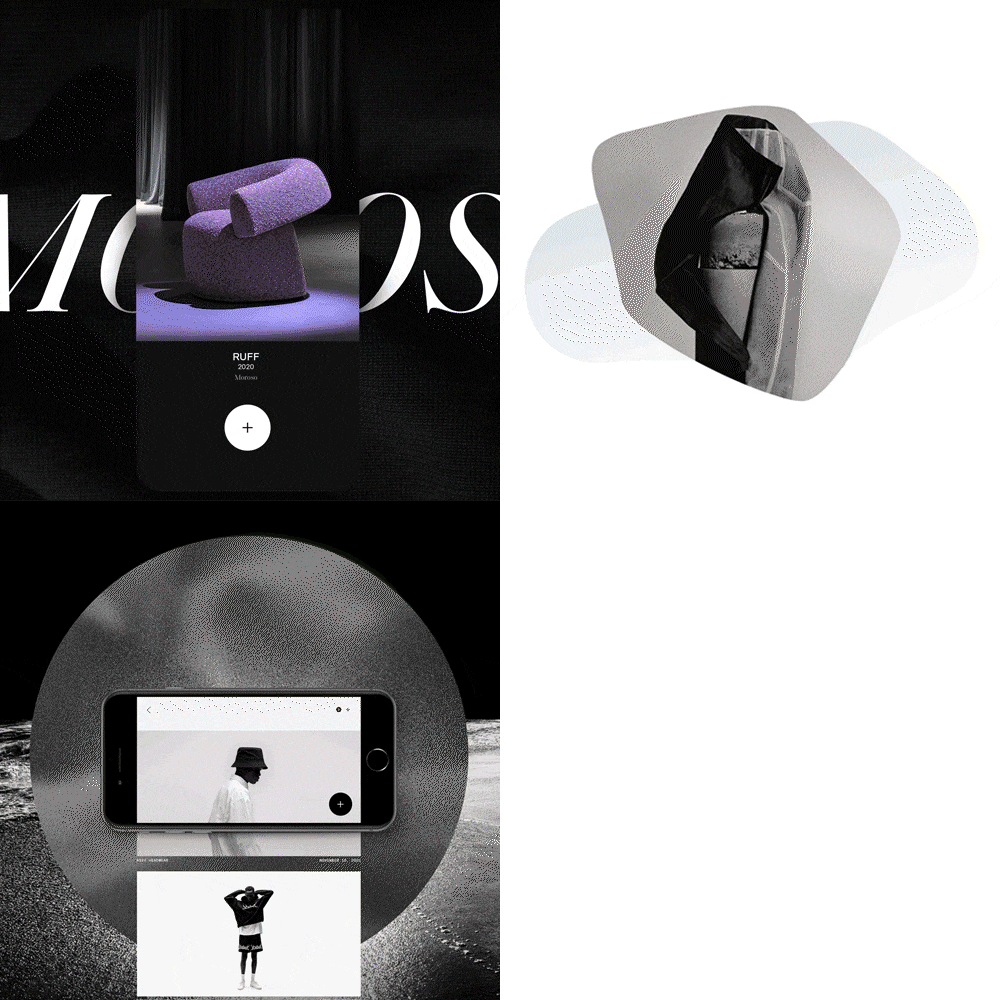 build up
-
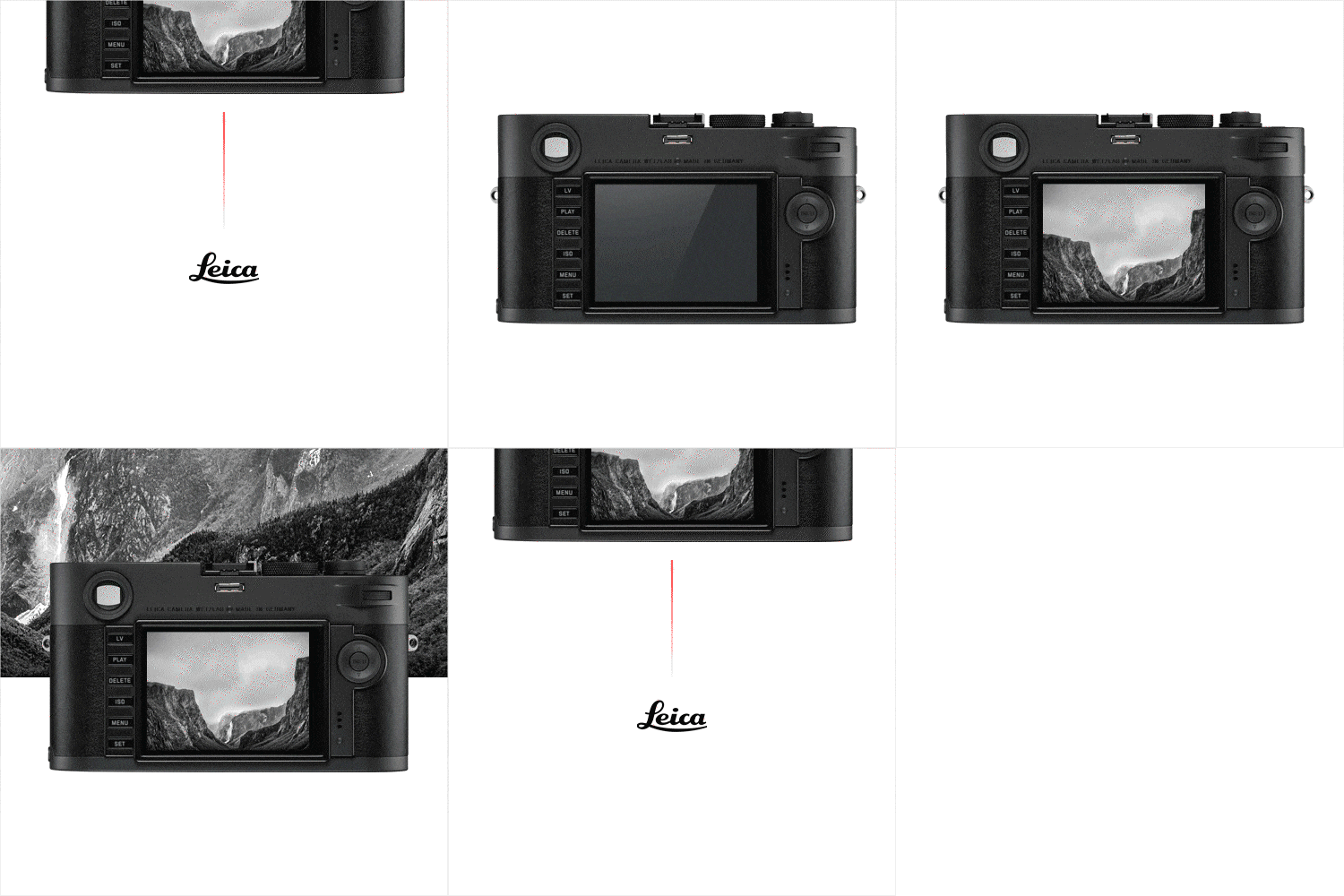 finish
 -
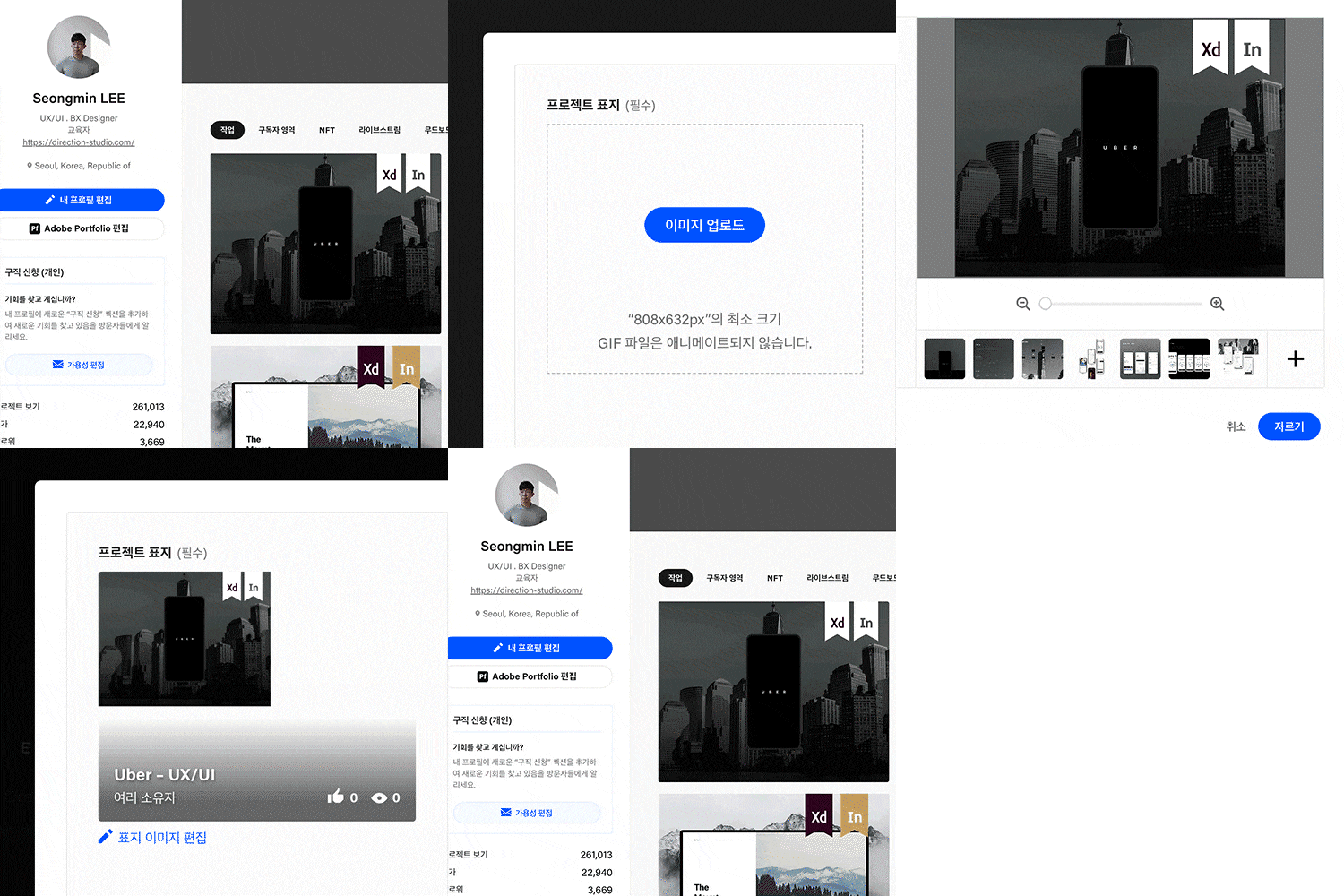 thumbnail
 -
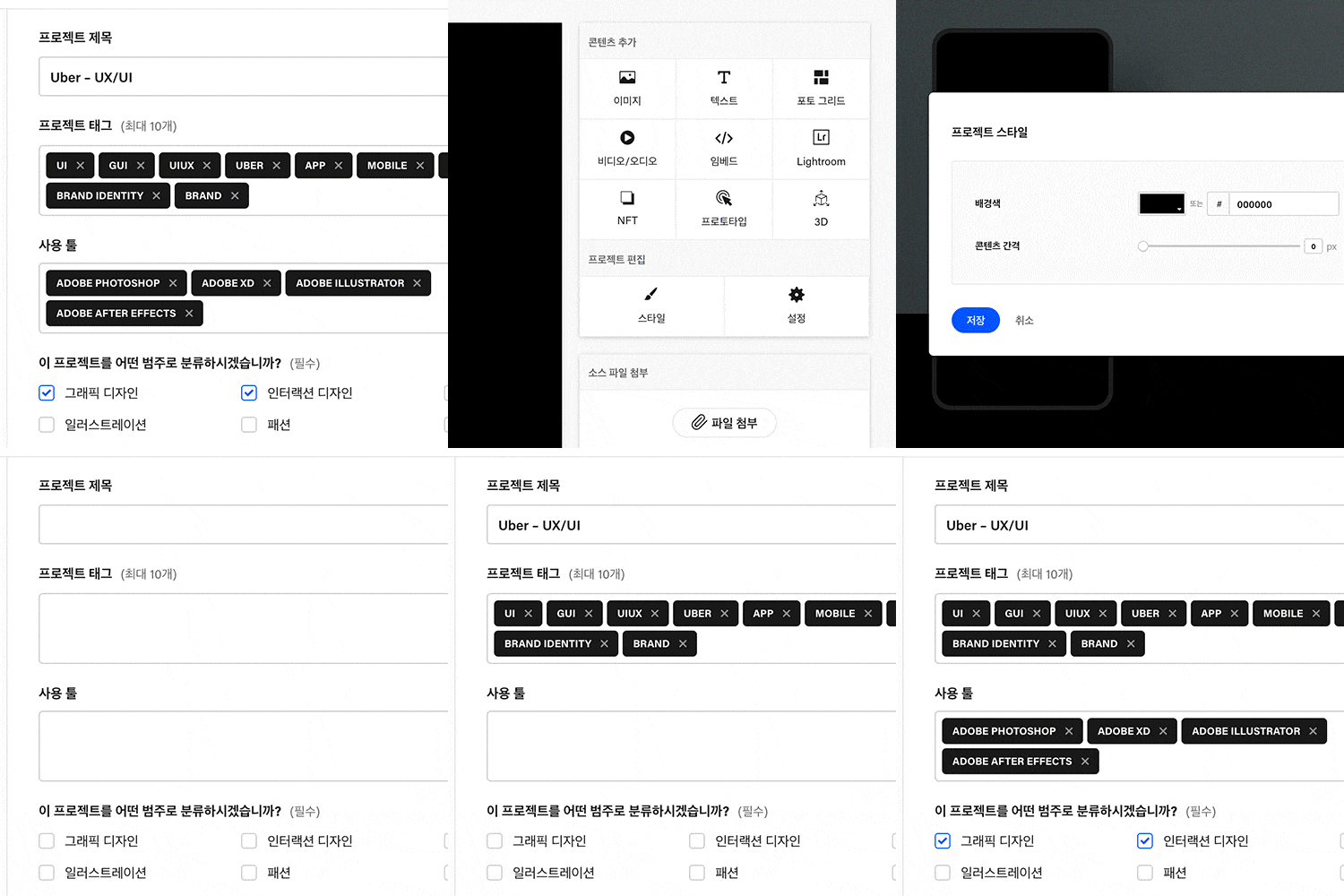 Behance
* The results above are actual examples that will be created directly in the class.
Speaker introduction
UX/UI designer
Seongmin Lee
Hello, I am Seongmin Lee, a UX/UI designer currently working at Adobe Behance and co-CEO of Direction Studio.
I am an educator and designer who has been creating professional portfolios on Behance for 10 years.
I was selected as the first individual to curate more than 60 times in the Adobe Behance UI field, and also received collaboration and employment offers from various companies such as Line, Blank Corporation, Amazon, and Woongjin Coway.
Recently, I created a portfolio that was accepted for an overseas internship at the Korea Institute of Design Promotion, and produced and directed various other portfolios on Behance.
In this lecture, what is the essence of being a designer and what is the level of quality of the typography visual portfolio produced on Behance?
I would like to show you which portfolio companies choose first, and theoretically the end of the boring UXUI design and Behance portfolio in a design ecosystem that changes every day.


UX/UI Designer Seongmin Lee
Current) Direction Studio CEO
View more history
[Representative Participation Project]
Amazon Japan UX
Hyundai Card Web Design
Hyundai Mobility UI
Starbucks App
shinsegae App,TV
SK B tv Design
[Awards]
Adobe Behance UI curating 60 times including individual & team
class features
class features
Portfolio design and production know-how that shows storytelling
By looking at the portfolio designed directly at Direction Studio, you will learn how to derive a project concept and practice expression skills that will make your ideas stand out visually. Discover a curriculum that allows you to learn the overall portfolio creation process with consistent storytelling from the beginning and end of the portfolio!
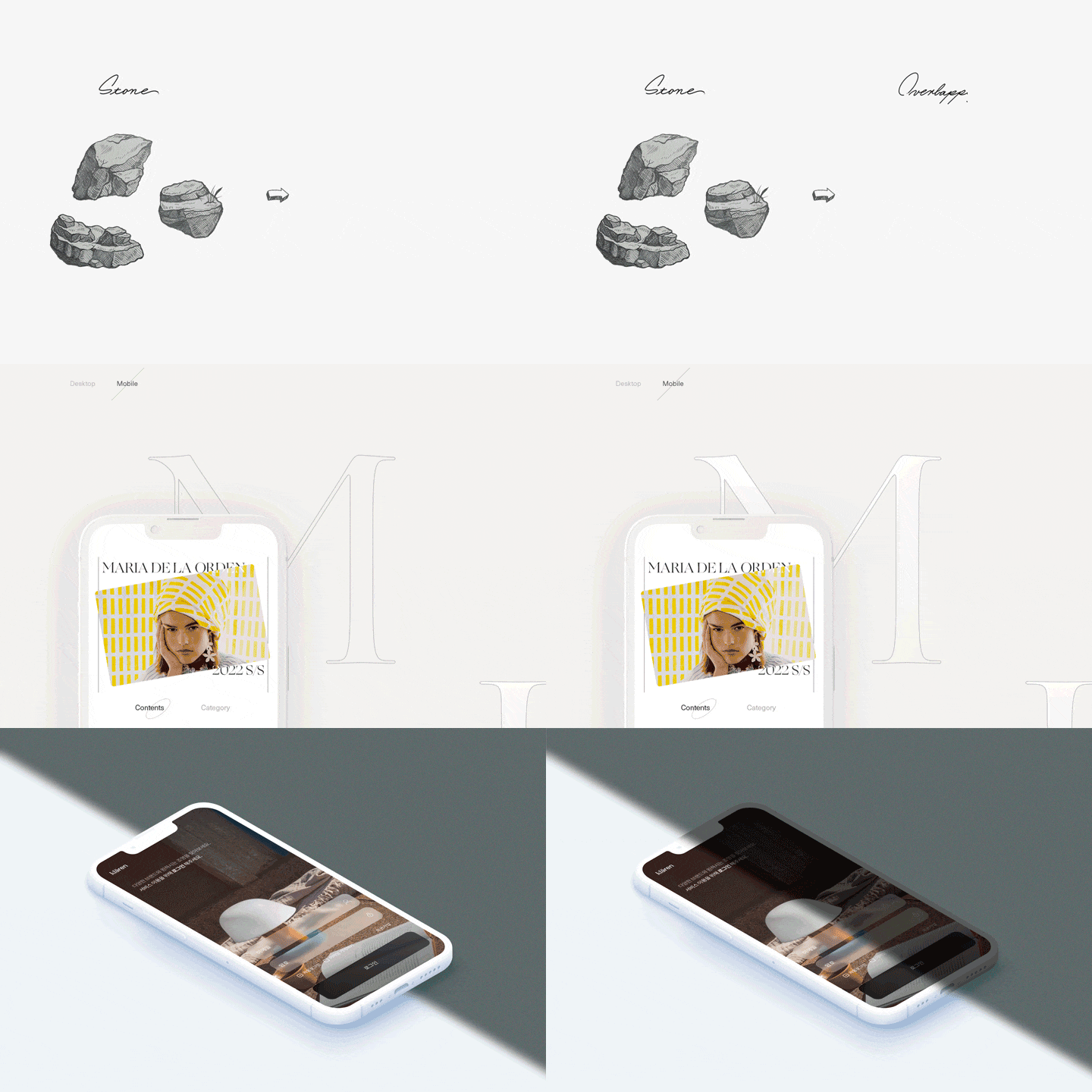
Practice principles and functions of eye-catching interaction UI design
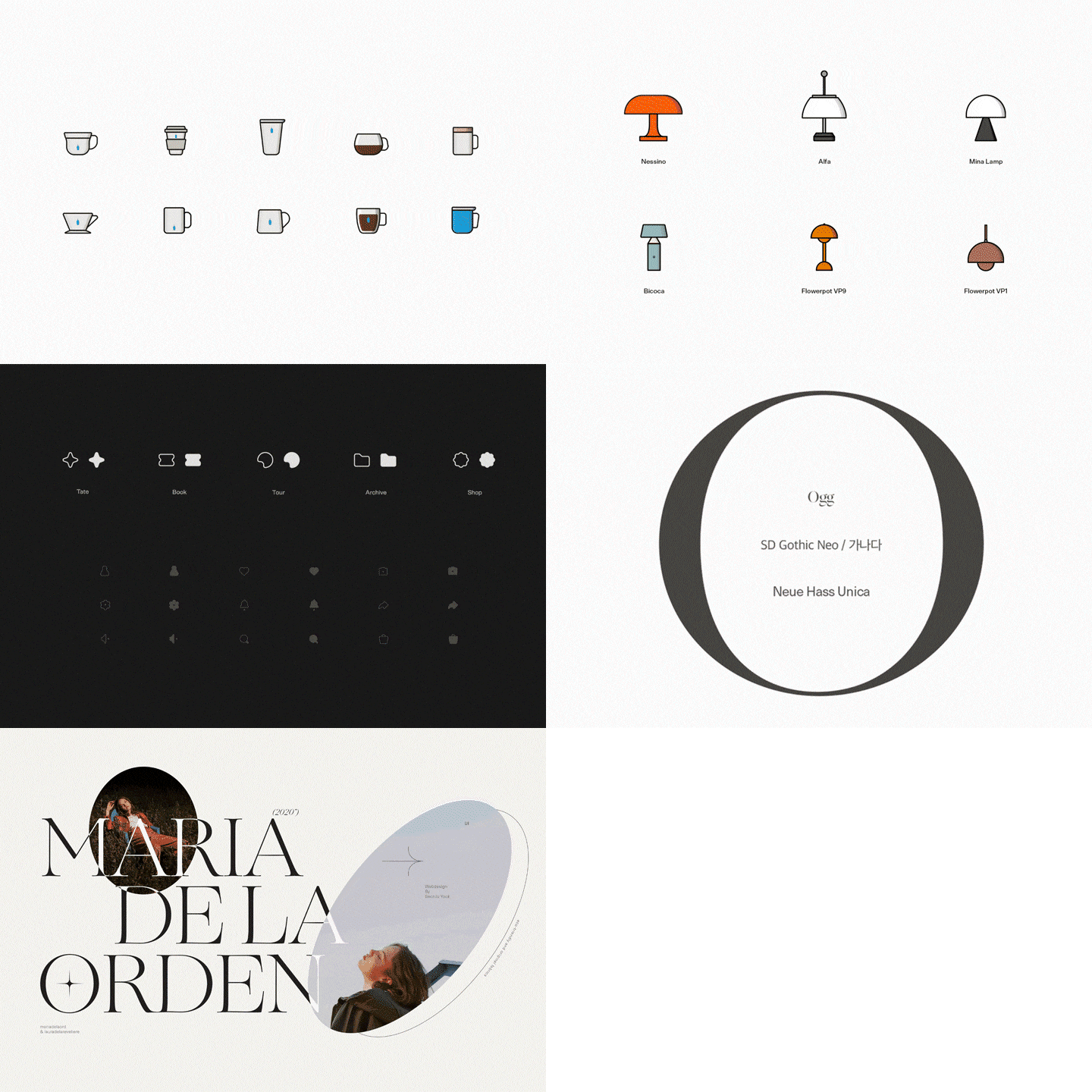
Based on Direction Studio's product results, you will learn the principles and theories of interaction and create visual effects that visually express physical elements such as digital depth, atmosphere, and texture. We systematically learn UI design that will improve the completeness of the design, including how to create a family icon that iconizes a product and typography that shows small but clear differences.
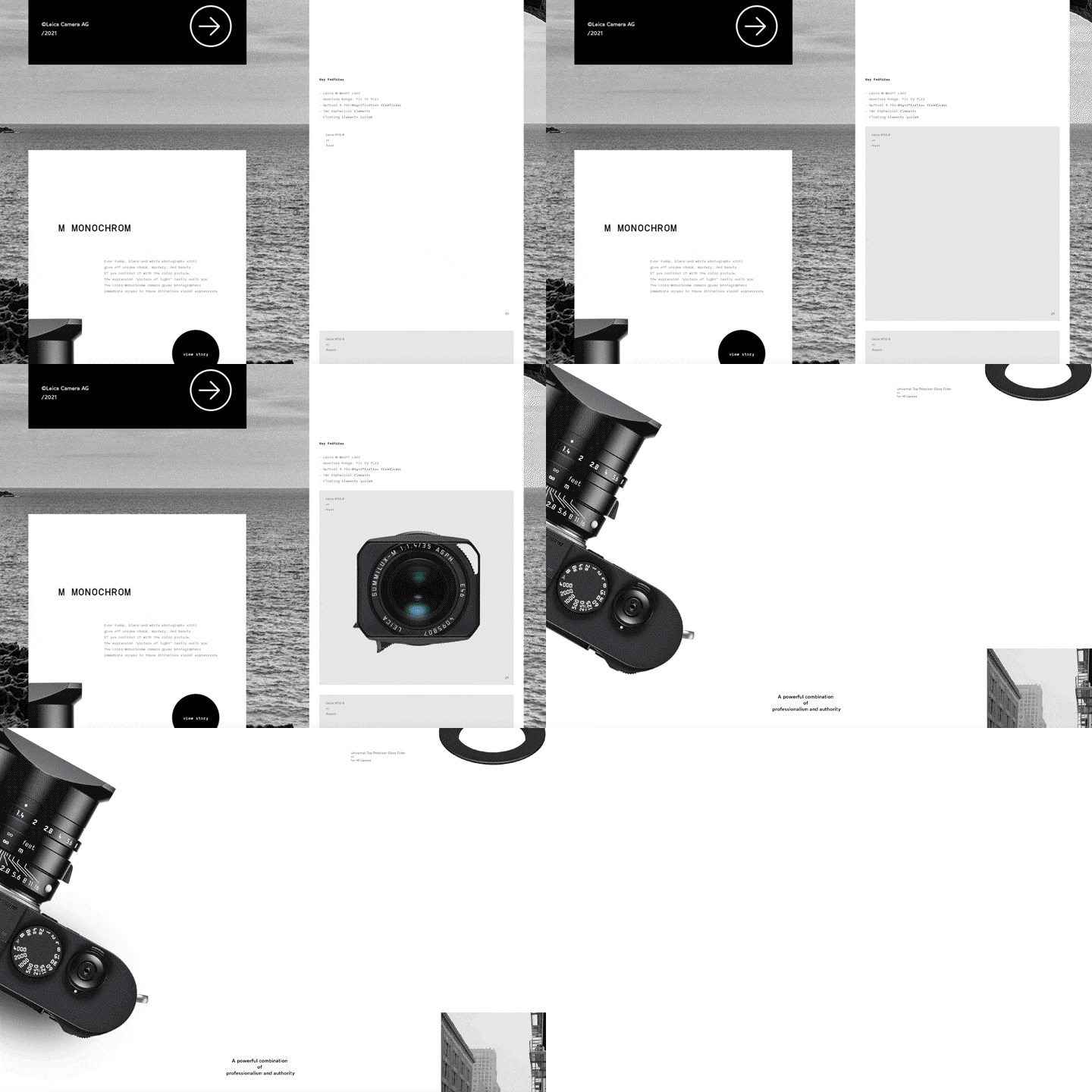
Product design practice with Figma
We have included detailed information on how to use Figma, which has an overwhelming share of UX/UI design tools. Practice everything from UX design such as research for products, user flow, section classification, content and design planning, to UI design such as buttons, interfaces, icons, tab bars, and 5 screen designs.
Class composition
learn this
-
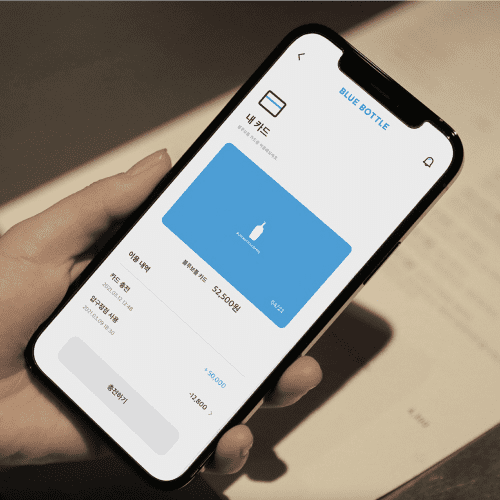 Portfolio that shows storytellingThrough the Behance project, I understand the structure of the portfolio and clearly establish the concept, direction, and concept of the design project I want to develop.
 -
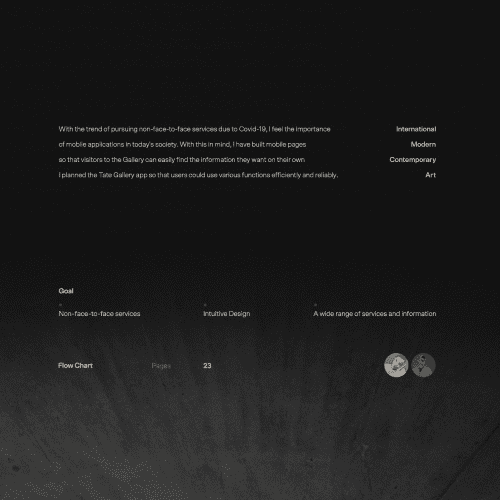 Typography and typeface system suitable for UX/UIBased on our professional understanding of typography such as kerning and fonts, we design font systems such as font, thickness, color, line spacing, character spacing, and alignment with consistent and organized rules to provide uniformity in app and portfolio design.
 -
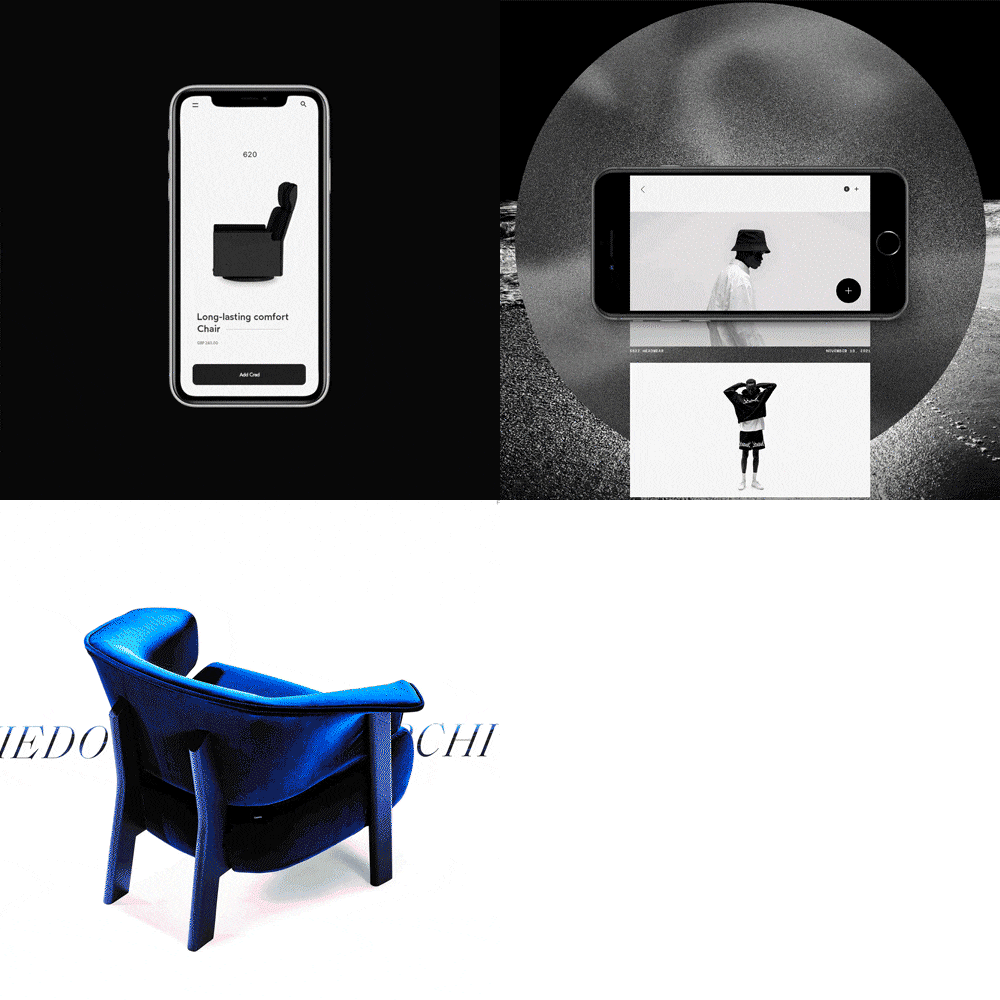 Step-by-step layout and pagination of your portfolioLearn how to construct the overall layout and pagination of the intro, body, and outro. We will practice a total of 6 steps in the portfolio creation process, including how to make a strong impression through decoration design, Behance upload know-how, and curating by field.
-
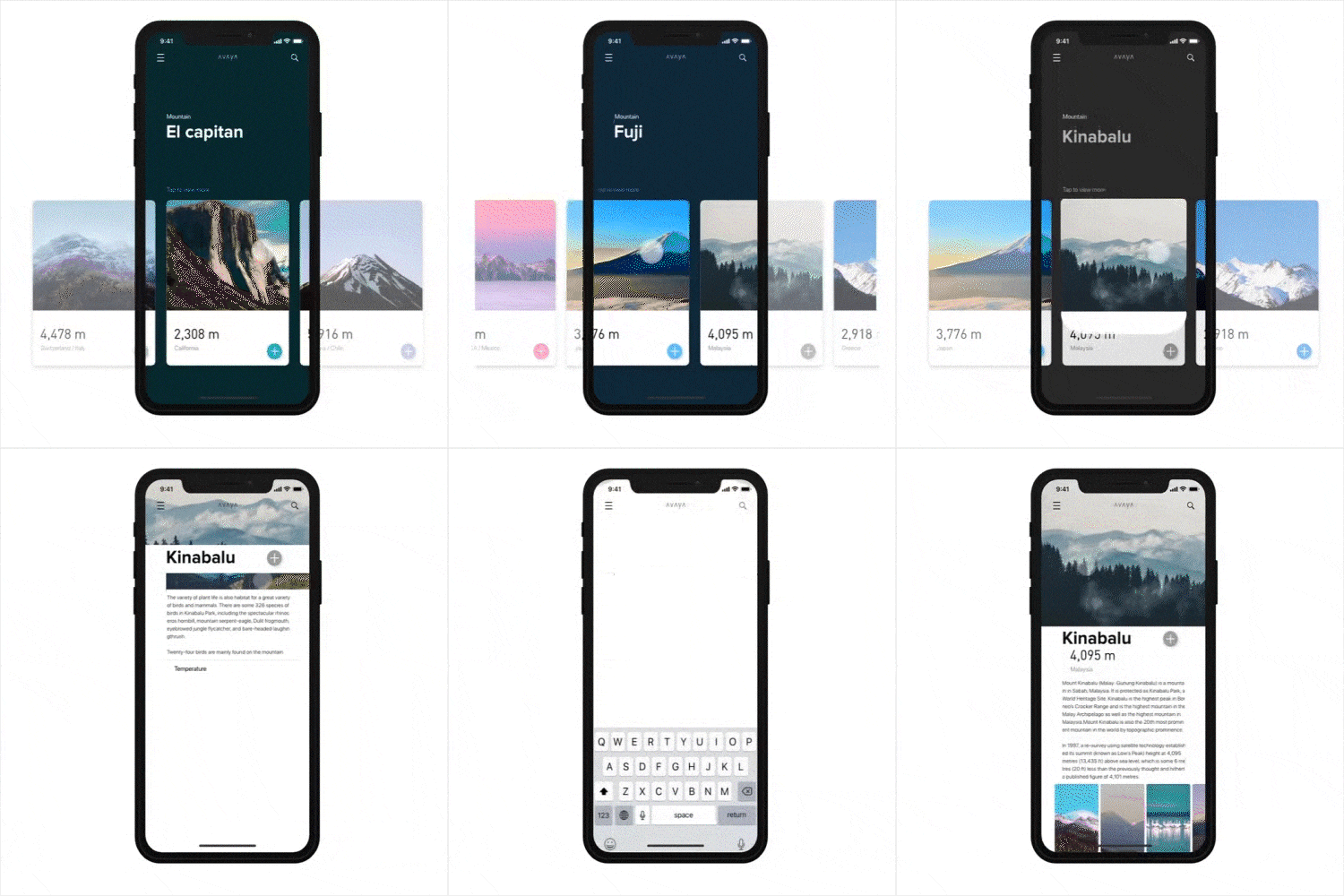 Design your product’s functionality and usability with FigmaUsing Figma, we develop the project concept and user flow, analyze the description in detail, and design functionality and usability so that the UI design can function effectively.
 -
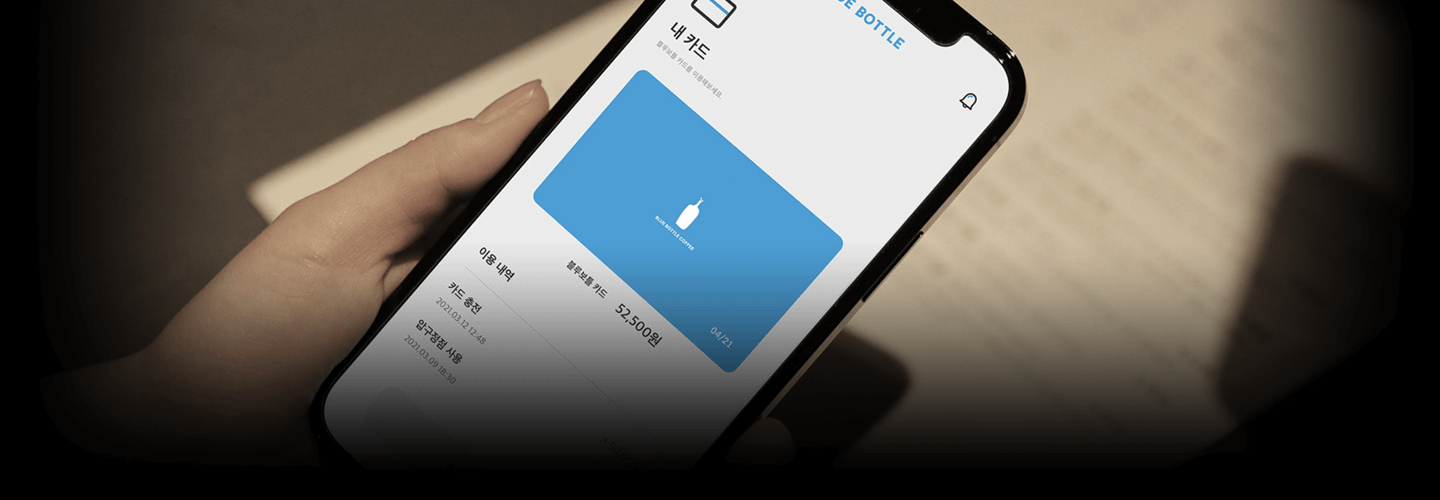
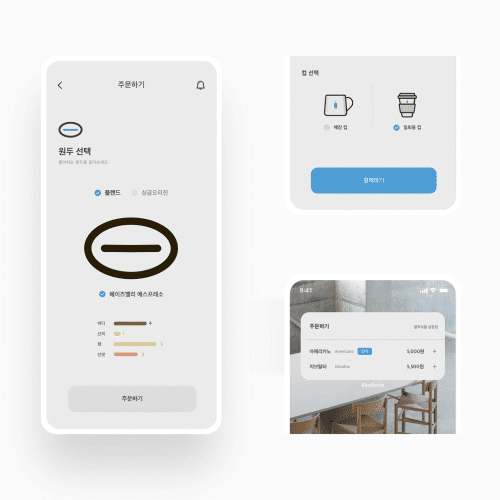 App Design: 5 Mobile Screen Design PracticesYou will design and produce login and sign-up, main, category and product details, payment, and detail page screens, and learn design elements such as interfaces, navigation bars, and icons that are frequently used in UXUI design.
 -
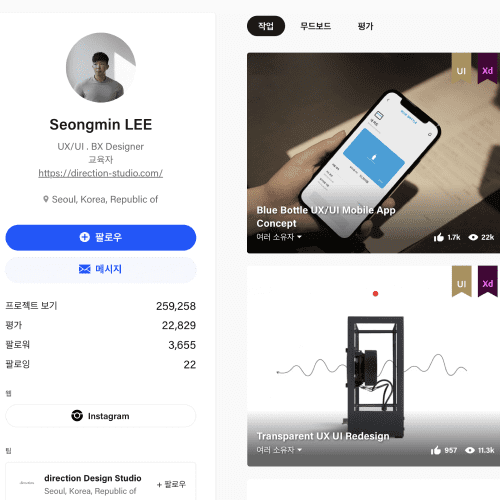 How to create a portfolio chosen by Behance professional designersYou will learn a variety of know-how, including Behance's basic interface, how to research using a mood board, detailed search methods, and tips for being selected for curating.
curriculum
curriculum
Show me the curriculum
SECTION 01. OT
01. Introduction to Direction Studio & Designer Seongmin Lee
- Until Behance Portfolio becomes a professional studio
- How to become a UX/UI designer
02. Understanding the Behance project structure
- UI & Interaction
- UX/UI
- Branding
SECTION 02. UI Interaction Design
03. Understanding UI & Interaction design work
- Portfolio overall work sequence and progress method
04. Product shadow and background effects
- Adding shadows to objects and mock-ups (shoes, chairs, products)
- Apply material effects and background effects
05. Importance of fonts #1: Typography work
- The importance of selecting a font according to the portfolio concept
- Types and understanding of fonts
- Visual correction "kerning"
06. Importance of fonts #2: Typography work 2
- Apply intro page typography
- typography effect
- Tips for organizing tabbed UI layers
- concept design
SECTION 03. Design source archiving
07. Device mockup source
- Selection and type of mock-up source (Clay, Metaphor, Nude)
- Separate and modify mockup source
08. Understanding the brand selection process, renewal and branding
- The importance of brand selection
- Brand Research (Category Selection)
- Portfolio Renewal & Branding
09. Reference: How to collect photos
- Reference site introduction
- How to collect photos by purpose
- Portfolio-worthy photos
SECTION 04. Portfolio creation practice
10. Portfolio Creation: Intro
- Intro introduction for each concept
- Finding project concepts using Behance
- Intro layout creation
11. Portfolio Creation #1: Layout Settings
- Establishing a layout framework through a mood board
- storytelling design
12. Portfolio Creation #2: Build-up
- Layout design arrangement for each section (Desktop, Tablet, App Page)
- Apply decoration design
13. Portfolio Creation #3: Finalization
- Setting up a finishing design using the homage technique
- Final stage using typography
14. Portfolio Creation #4: Thumbnail Selection
- Understanding Behance Thumbnails
- Thumbnail using portfolio section
- Applying thumbnails through semi-photography
15. Behance Uploading and Curating Explained
- Cutting Portfolio Sections
- Behance upload and keyword search exposure settings
- Behance Curating and Selection Methods by Category
SECTION 05. UX/UI design practice: topic and app selection
16. UXUI portfolio topic selection
- Behance Category
- Branding & Concept App Selection
17. App selection process and functionality settings
- Functional Elements App Research
- Choose the right brand for your app
- Portfolio references by field
18. Creation of app description using Figma
- Understanding functionality
- Getting started with pages and sections
- Depth classification and prototyping of 25 portfolio apps
SECTION 06. UX/UI design practice: concept setting
19. UX/UI Portfolio Reference
- UI kit platform
- How to do app research
20. User flow design and project concept setting
- User Flow Type and Selection
- Design and form creation
- User flow variations using Figma
21. Content & UI icon design
- Creating content icons using photos
- Interface & matching icon creation
- Family icon creation and tab bar icon creation
22. iPhone mockup source selection and reference
- Select app mockup source appropriate for portfolio section
- Use cases by Behance Designer
SECTION 07. UX/UI design practice: app design
23. App Design #1: Login and Sign Up
- Button types and effects
- Apply and edit login design
24. App Design #2: Creating the main design
- Design a tab bar and create a floating button
- Apply list menu design
- Photo Menu and Layout Placement
25. App Design #3: Category and Product Pages
- Applying product design using shadows
- Create product detail pages and layouts
26. App Design #4: Payment Page
- Applying card design and material effects
- Create a payment page
27. App Design #5: Detail Page
- Detailed page design type
- Create a scrolling detail page to apply to your portfolio
SECTION 08. UX/UI design practice: Portfolio creation
28. Portfolio creation: Upload to Photoshop and proceed with layout
- Extracting results produced in Figma
- Create app portfolio intro and composition
29. Portfolio Creation: Visual Effects and Decoration
- Apply portfolio background effect
- Decoration and photo composition settings
30. Conclusion
- I am Designer
- I like this product
- Technician with justification
interview
The story of UX/UI designer Seongmin Lee

Question.01
What is unique about the speaker in this lecture?
What is unique about the speaker in this lecture?
What I want to show you in this lecture is more than just the skills needed for a portfolio. The portfolio is very diverse and contains many design works. However, I think there should be a story about what design you want to show and what concept you want to convey. First, I want to show you how to create a good portfolio on Behance. In order to receive Behance curating, we will carefully select and inform you of the key contents of the overall Behance project production, such as what concept to draw, what font style to use, and how to create a visual effect layout .
Question.02
What is the planning intention or point of this lecture?
What is the planning intention or point of this lecture?
This lecture will focus on the Behance platform . Behance is home to all the world's biggest companies, design studios, and designer artists. Just as a person who has seen the sea does not say that the lake is the sea when he sees it, I hope that my activities will take place on a large ocean rather than a small lake. I think many current designers and students will be tired of lectures that are structured only on theories. A well-made portfolio has an objective justification, so I want to show you the results.
Question.03
What areas can students in this lecture improve or gain from this lecture?
What areas can students in this lecture improve or gain from this lecture?
UX/UI design is a design field that allows you to experience a variety of fields. It is a field that is very closely related to brand design, and furthermore, you will learn about industrial design and gain experience in a variety of fields. I also believe that you will expand your perspective and learn how to commercialize yourself on a design platform.
Question.04
Lastly, please leave anything you would like to say to the students and junior designers.
Lastly, please leave anything you would like to say to the students and junior designers.
I want to show that designers can grow even if they are not part of a company. These days, it seems like it's very easy for anyone to be labeled a 'designer'. However, we must become experts in our field and designers with a design core and identity, not toolers who only imitate. In that respect, I think this lecture will be a special lecture where you will have higher standards and perspectives on design by creating a portfolio with your own thoughts and justification, rather than using a set method.
We will guide you through the program to use.
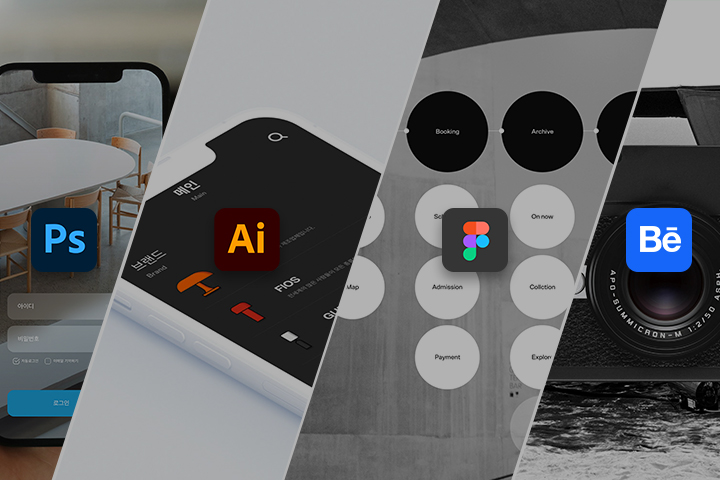
This class will be conducted using Figma, Adobe Photoshop 2022, and Adobe Illustrator 2022 versions .
Please install the corresponding version of the program to ensure smooth course participation.
*Allowed lower versions
- Both Adobe Photoshop and Illustrator can be used in versions prior to 2022
*Programs and materials are not provided separately.