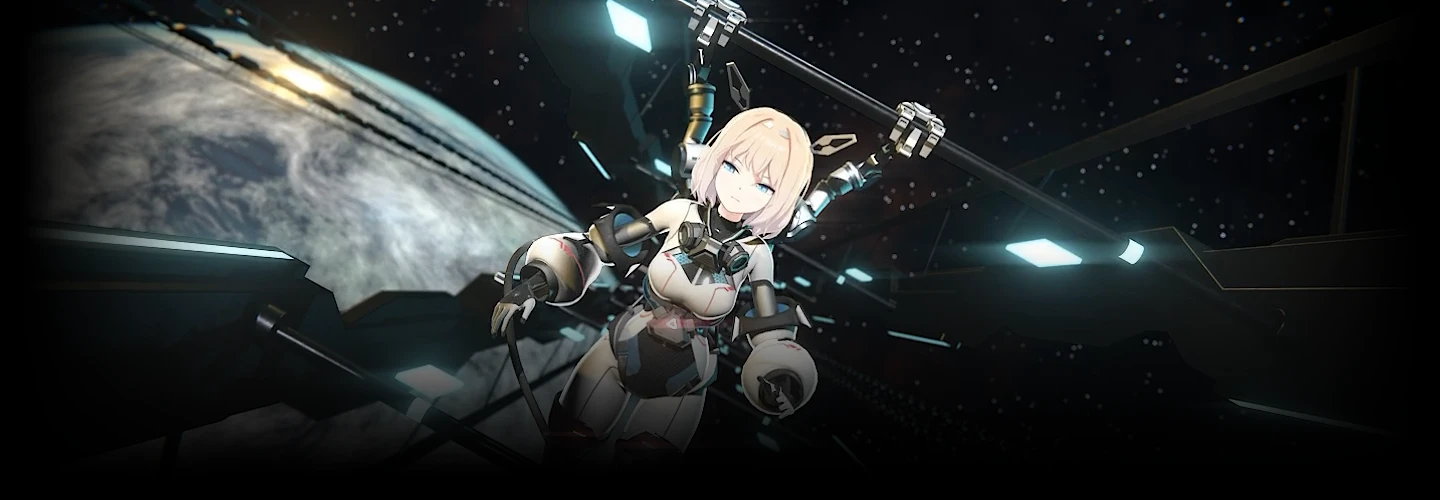
[Signature]3danimator,minust5_KR Details
Intro

Now in Your Language, Only on Coloso!
Learn from Top Creative Experts Worldwide
-
 12 Project Files and Handbook Provided
 -
 Fan-Made Animations with 30 Million Views
 -
 Detailed Blender Rigging Know-How
minusT's Specialized Guide to Rigging! Learn Everything About Creating Expressive Character Motion in Blender
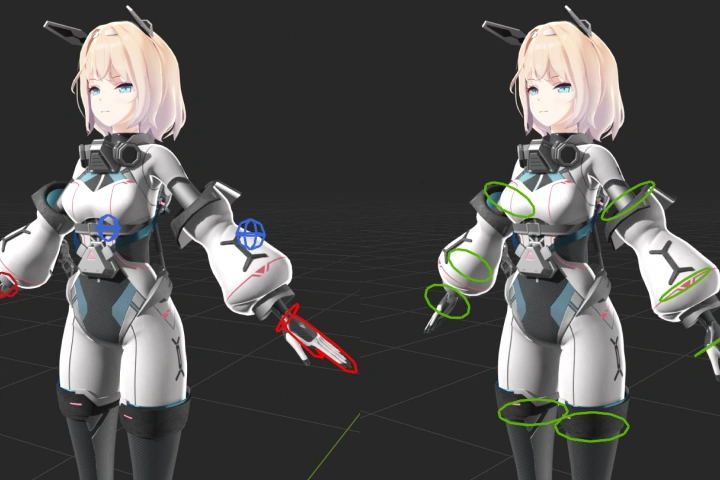
The comprehensive rigging guide from legendary animator minusT is finally here! Master core techniques for more control over natural character motion, including everything from basic human anatomy to hair, clothing, and other objects. Discover a high-efficiency workflow for designing motion using a wide range of Blender features.

The complete Blender rigging guide for more expressive characters! Build a deeper understanding of bone structures by rigging different character parts and complete two final animation projects. minusT's dedicated Blender rigging class strengthens not only your 3D skills, but also the visual impact your animation makes. Now available on Coloso.
Class Perks
Special Gift from minusT
-
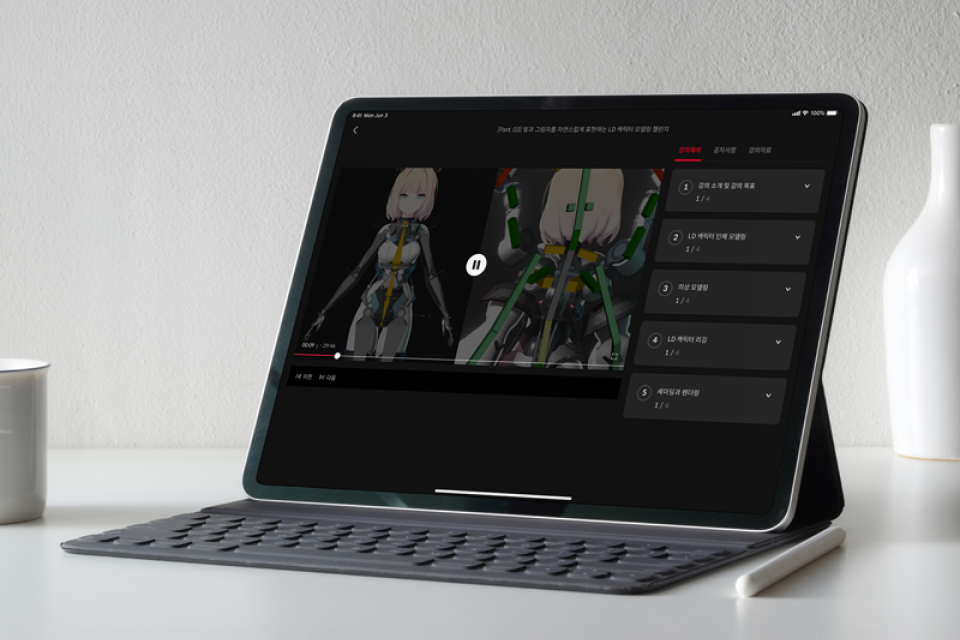 Unlimited Access to All 25 ChaptersFrom Blender rigging fundamentals to advanced applications.
 -
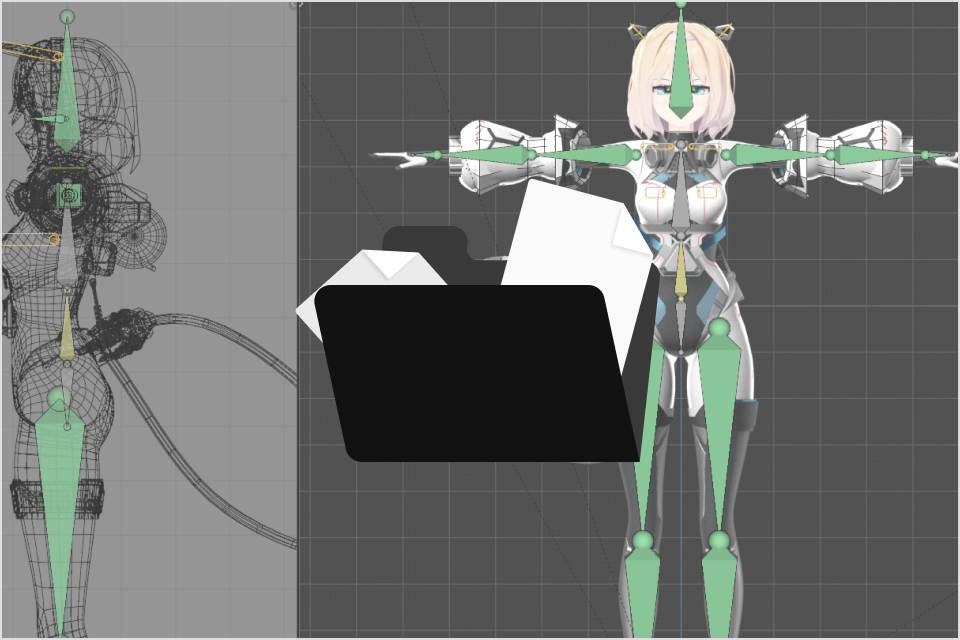 A Condensed Handbook for Blender Character RiggingExclusively for minusT’s class.
 -
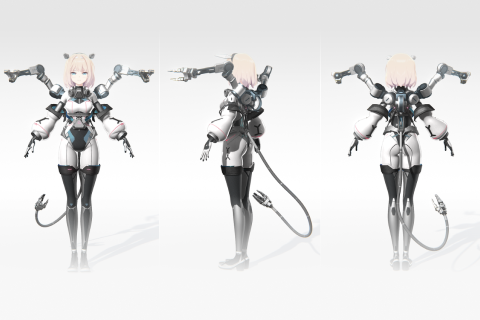 One Completed Character Model for Practice ExercisesStart rigging right away.
 -
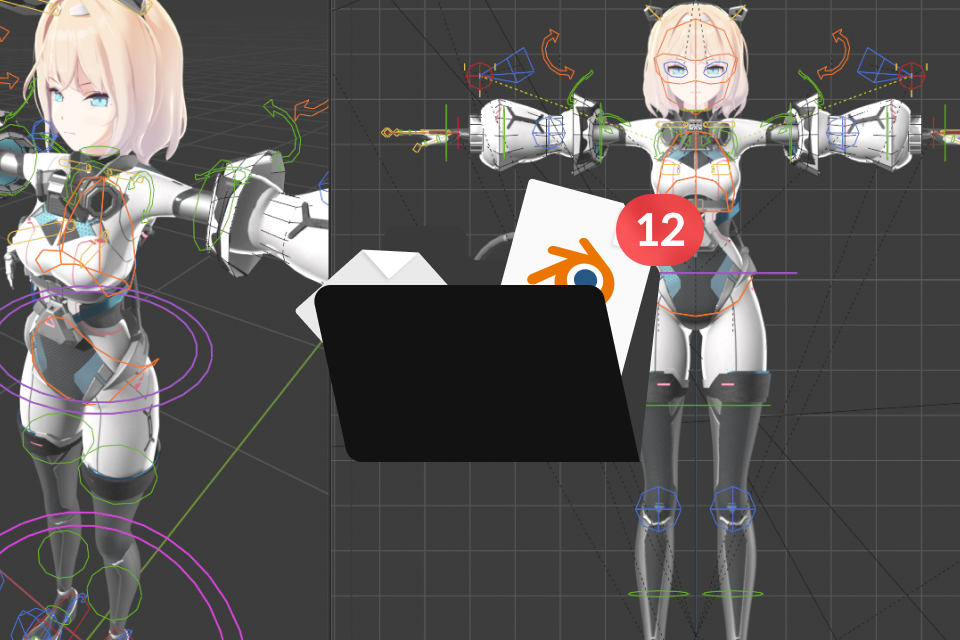 12 Step-by-Step Blender Project FilesPractice everything from basic human anatomy to robotic joints and effects rigging.
Recommendation
Who Should Take This Class?
Current minusT students who want to control character motion with greater detail
3D hobbyists looking to learn a wide range of efficient Blender rigging techniques
3D character artists who want to master rigging for professional-level animation



Expert 3D Animator minusT's Portfolio
Why Take This Class?
Beginner-Friendly, High-Efficiency Blender Rigging Techniques to Learn Quickly
This premium Blender rigging curriculum walks you through each step, from basic bone setup to advanced rigging techniques. Absorb an efficient and detailed character rigging workflow using a wide range of Blender features, built around Drivers, Shape Keys, and Modifiers, making both rig design and adjustment far more flexible and convenient.
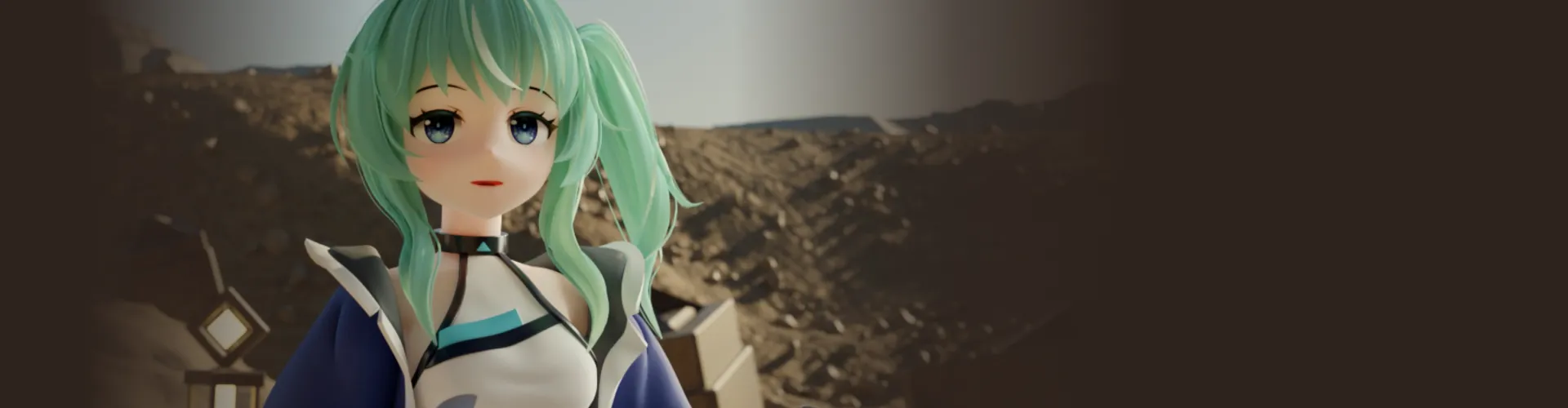
Get Ready for the Real-World
A Focused Character Rigging Curriculum in Blender
Part 1. Basic Human Rigging
-
 Bone Creation
 -

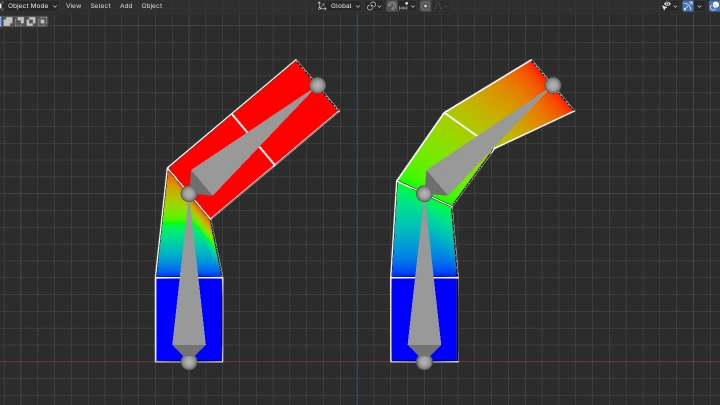
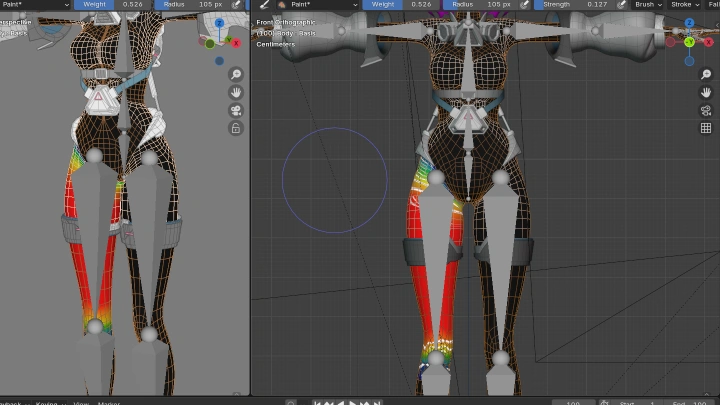
 Weight Setup
 -
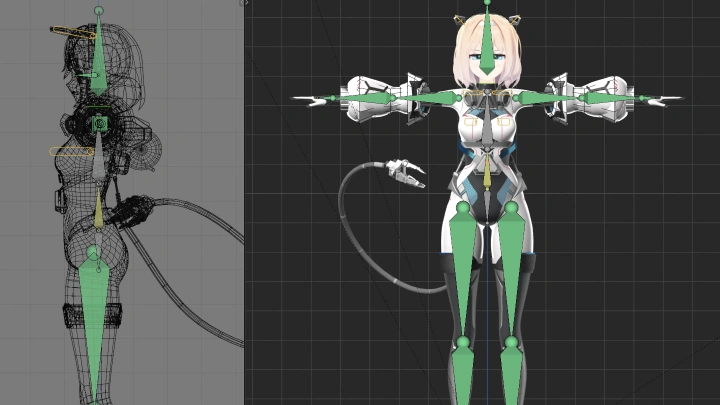
 Full Human Body Rigging
-
 Arm IK
 -
 Leg IK
 -
 Twist Bone Setup
Part 2. Detailed Human & Mechanical Joint Rigging
-
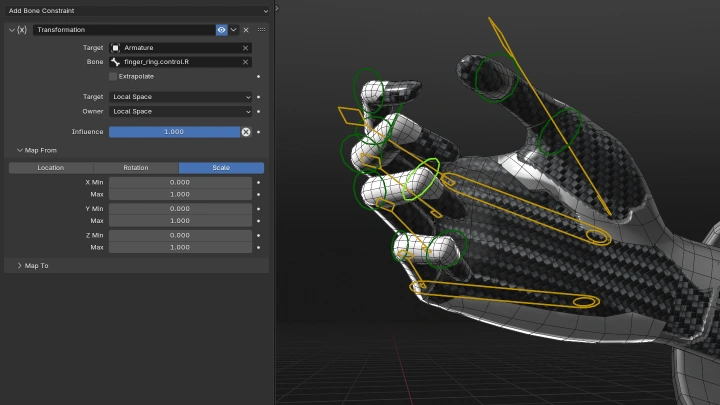
 Fingers
 -
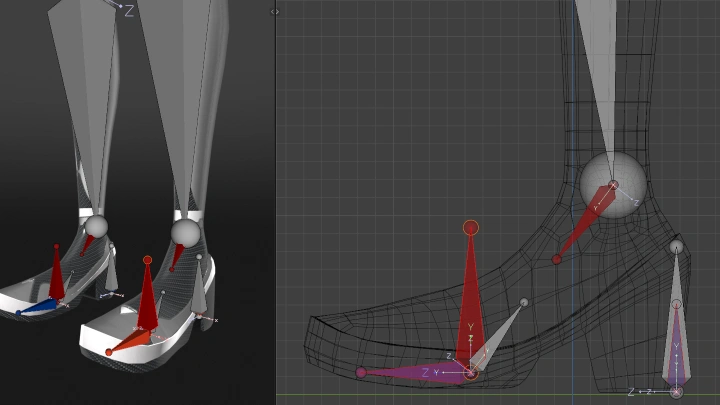
 Feet
Feet -
 Torso
Torso
-

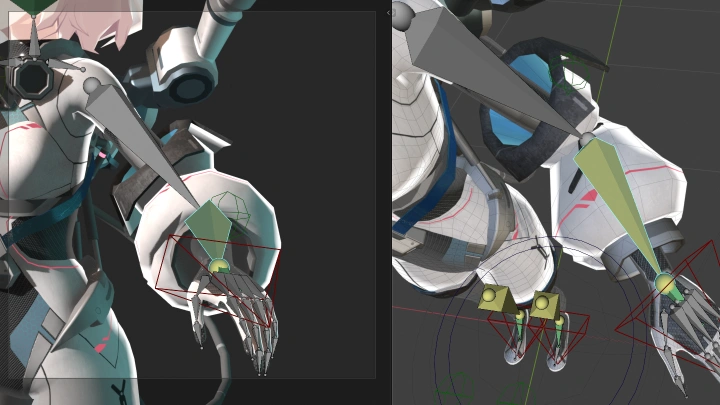
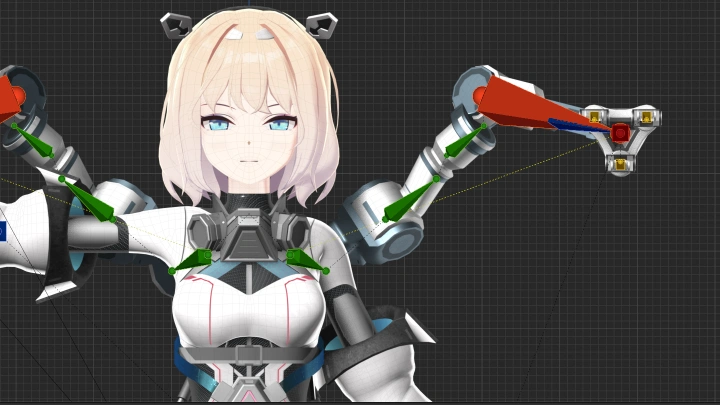
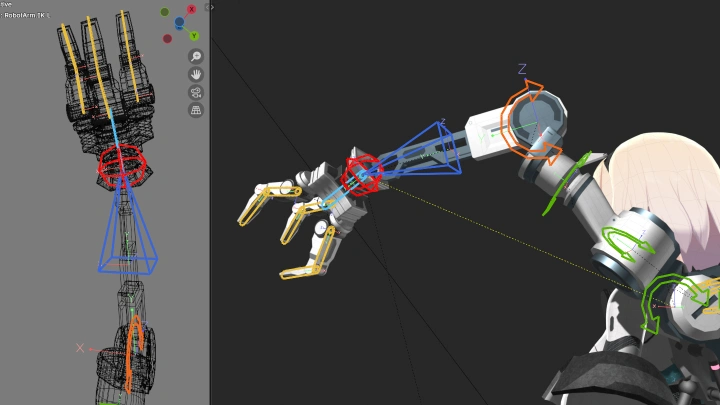
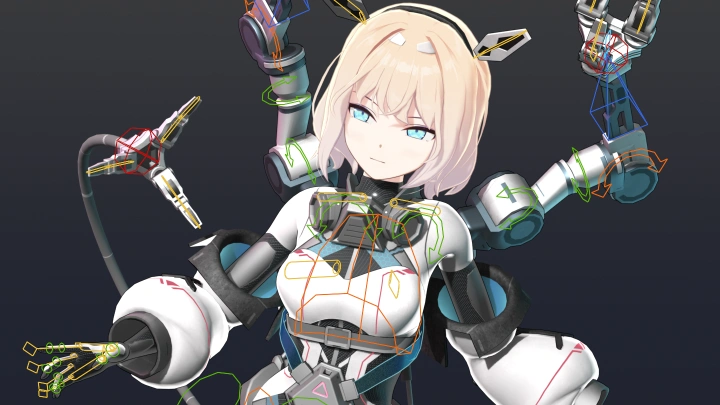
 Robot Arm
 -
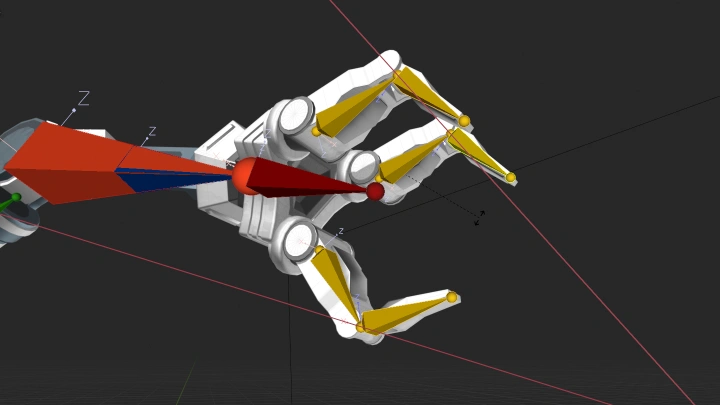
 Robot Hand
 -
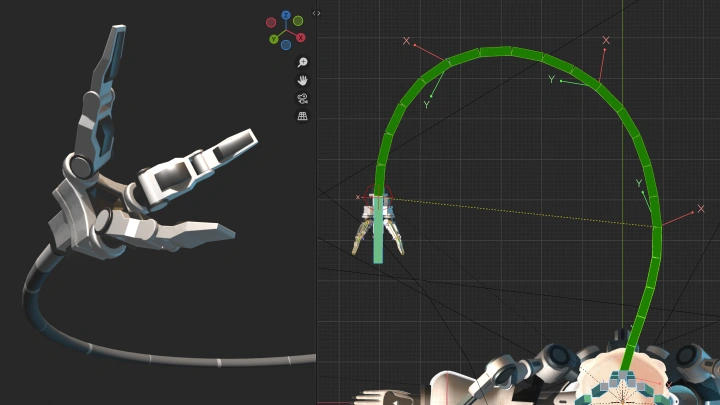
 Tail (Curved Joint)
 -
 Piston Sphere
Part 3. Advanced Rigging Applications with Additional Features
-
 Driver Usage
 -
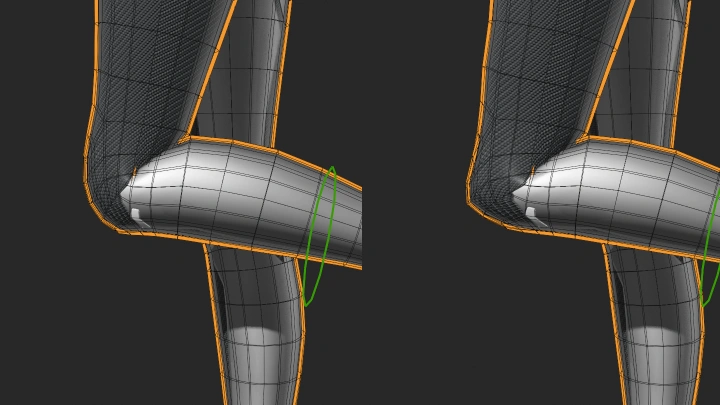
 Joint Shape Adjustment
 -
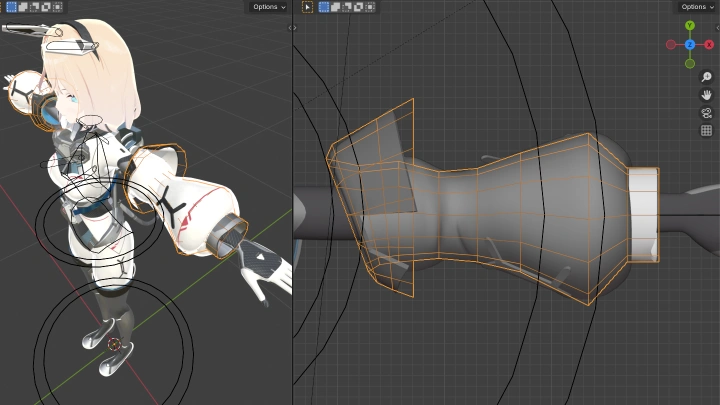
 Sleeve Rigging
 -

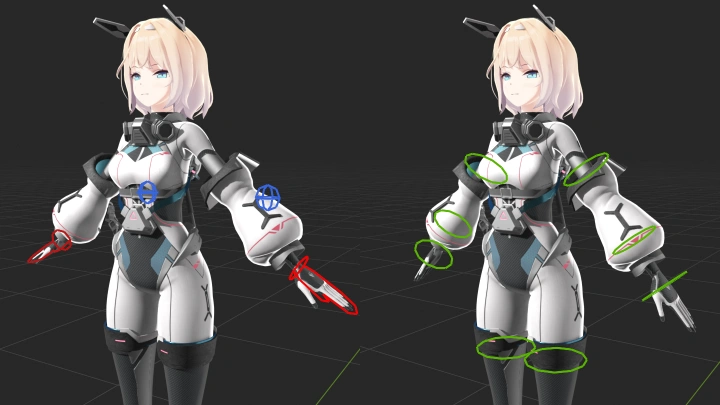
 IK/FK On/Off Function
-

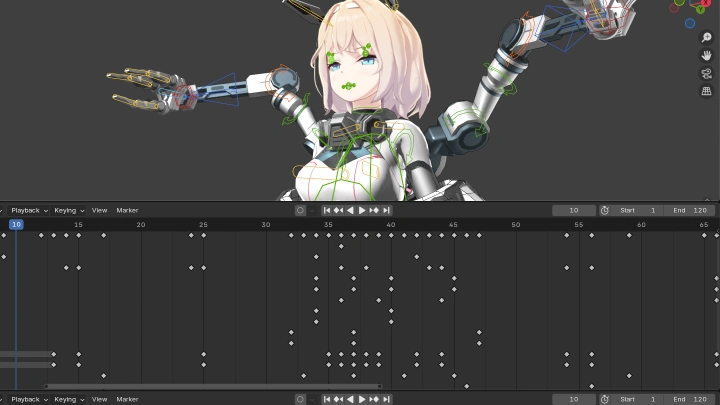
 Facial Expression Rigging
 -
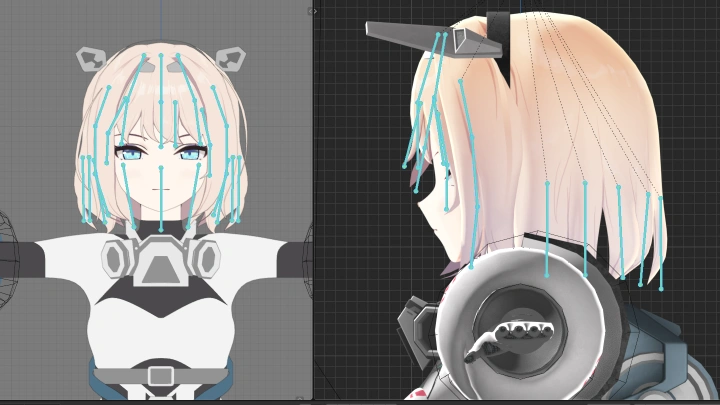
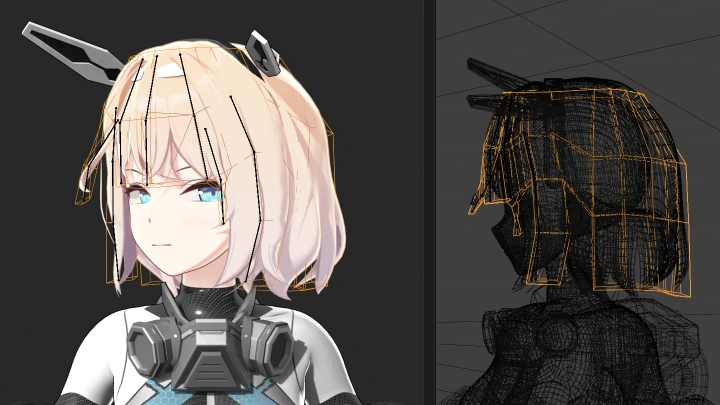
 Hair and Clothing Physics Simulations
 -
 Effect Rigging
Part 4. Final Character Animation
-
 Animation Example 01
 -
 Animation Example 02
Highlights
Class Highlights
Rigging for Complex Structures Made Simple
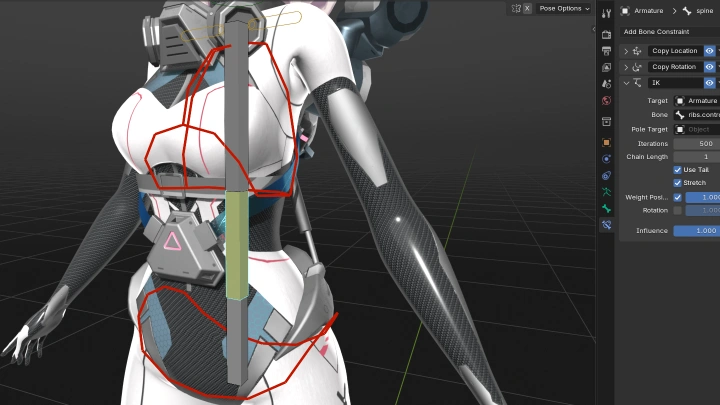
Rig natural and expressive character motion. Start by understanding the core principles of rigging necessities like bones and weights, and begin practicing with basic human rig structures. Learn techniques to use various bone constraints depending on the situation, and utilize them to control even complex structures with ease.
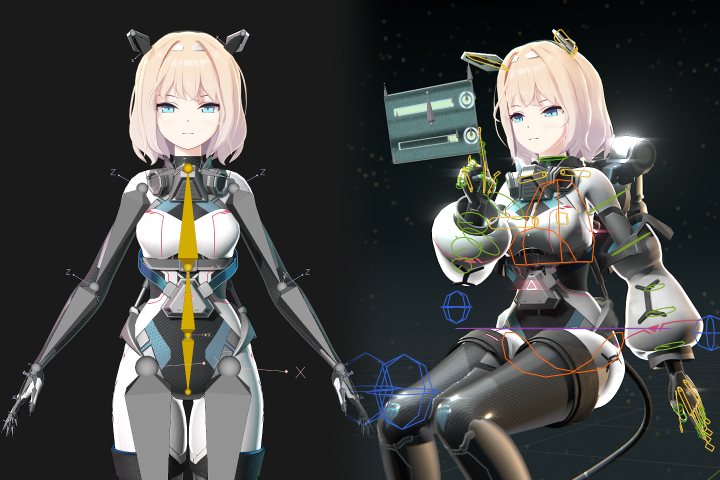
Expressive Motion with Blender, from Human Bodies to Diverse Objects
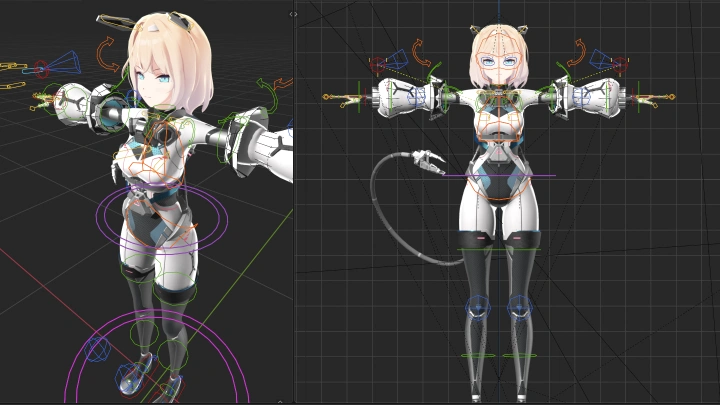
Practice rigging using bone structures for everything from the human body to robot arms and tails! Explore the structure of IK systems and control bones that make it easy to animate human joints like the torso and fingers. Complete rigging for each character part and test the movement to understand the entire rigging process from start to finish.
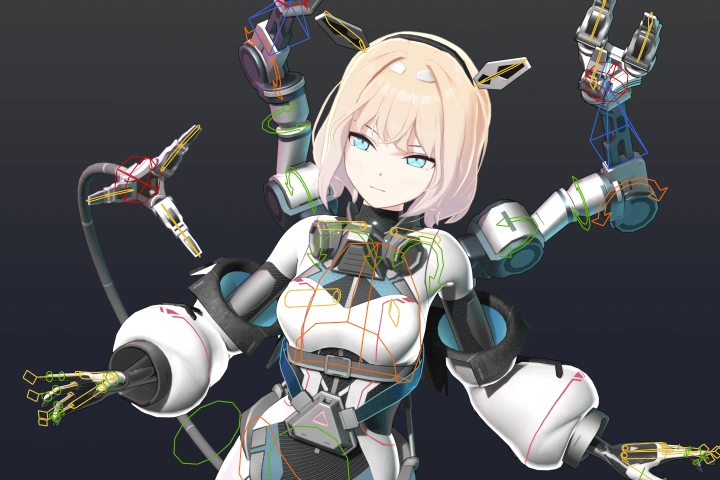
High-Efficiency Blender Rigging Workflow Guide
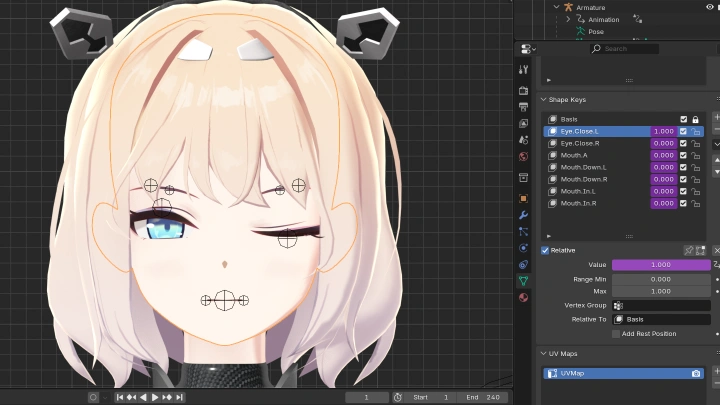
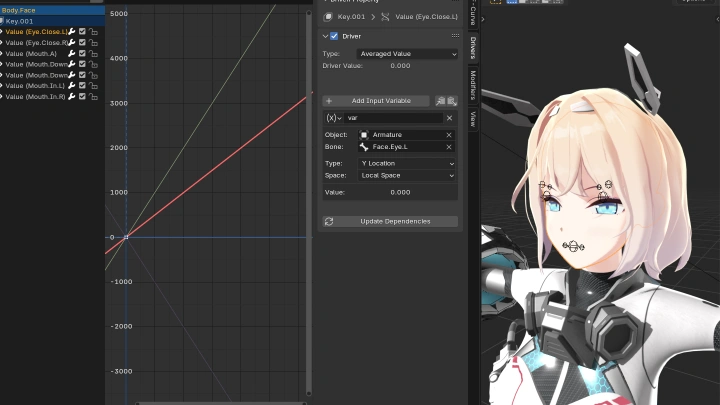
Unlock more convenient and efficient Blender rigging techniques! Use Blender’s powerful features such as Drivers and Shape Keys to control facial expressions and joint shapes, and learn effective rigging methods using Modifiers. Discover how applying physics to your rig can make it easier to create natural character motion.