[Signature]illustrator,kunmang4_건망4KR Details
Intro

Don’t miss out, enroll now!
Enrollment closes in
0
d
0
h
0
m
0
s
2026-10-29T23:59

Now in Your Language, Only on Coloso!
Learn from Top Creative Experts Worldwide
-
 Post-Processing Fundamentals
-
 Photo & 3D Asset Integration
-
 Advanced Retouching Techniques
The Final Touch for a Polished Look: An Intensive Study of Post-Processing

Discover the professional secrets to creating captivating illustrations. If your artwork feels like it’s missing that final touch, learn post-processing from Kunmang, a popular illustrator whose special class sold out in just one minute. Explore how to combine different styles and techniques to bring out the best in your finished artwork.

Explore a range of post-processing techniques to bring out the full potential of your illustrations. From color correction and filters to 3D-assisted background styling, learn to adapt different techniques to your needs and choose the right approach for every situation. Develop your own workflow and post-processing techniques in this one-of-a-kind intensive class by Kunmang.
Class Perks
Special Gift from Kunmang
-
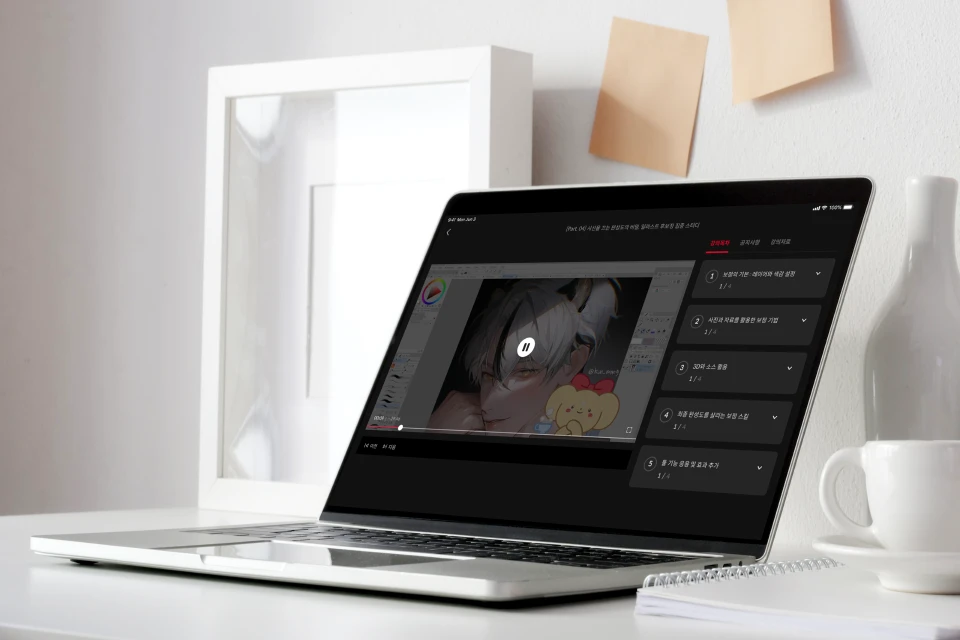 Unlimited Access to 20 ChaptersPost-Processing Know-How for Maximum Polish
 -
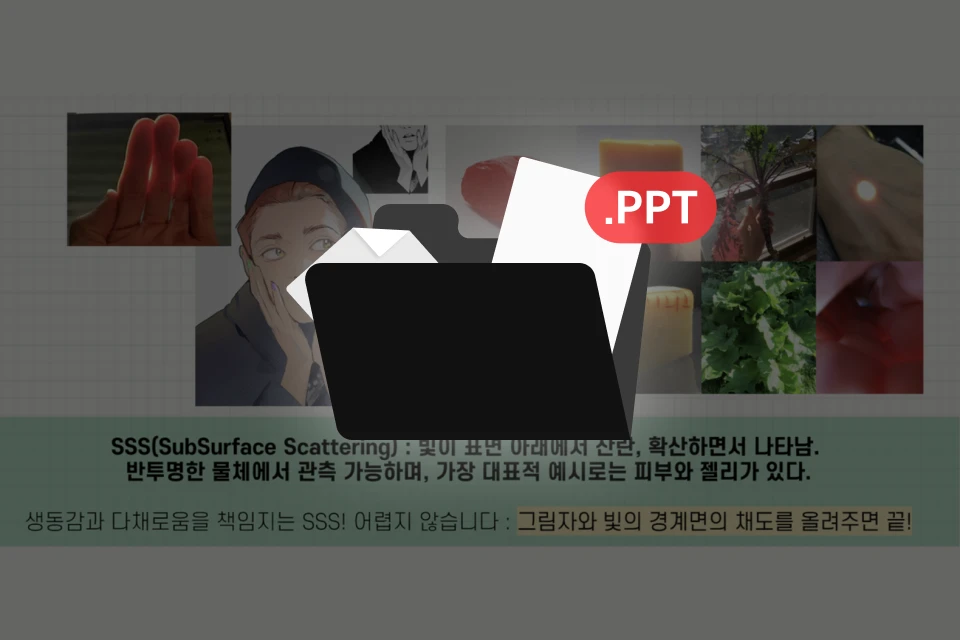 250-Slide Class PPT ProvidedFor Mastering Post-Processing
 -
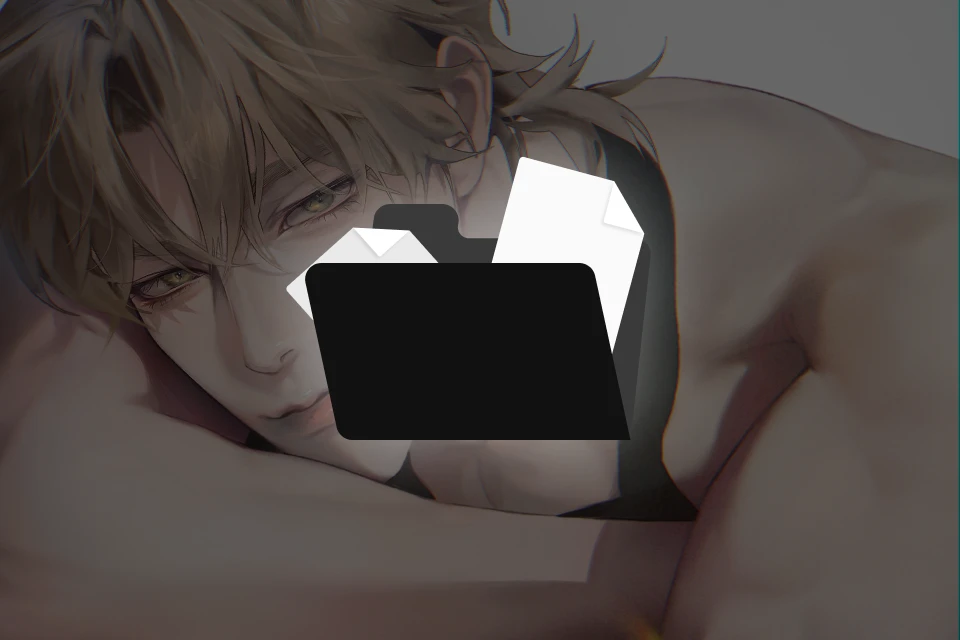 7 Original Exercise FilesBuild Your Ability to Apply
-
 11 Templates & ListsApply Skills with Flexibility
 -
 5 Demonstration & Example FilesFor Skill Development
 -
Class Material Details
-
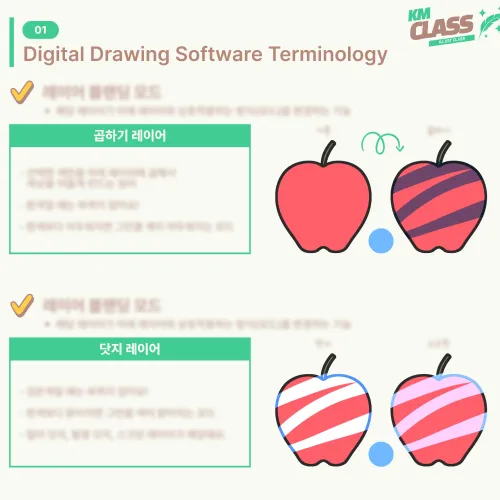
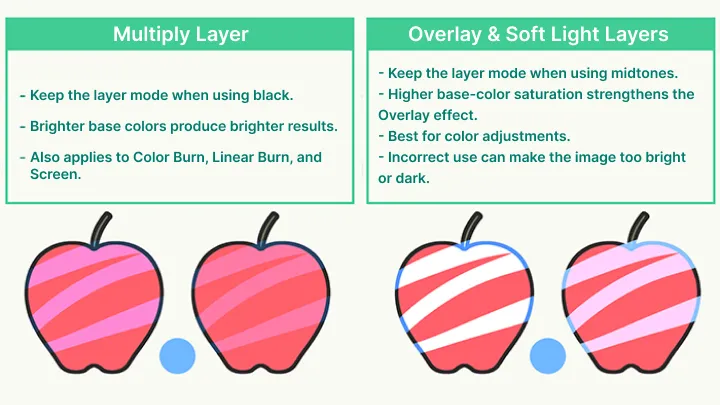
 [ Sheets/PDFs ]Blending Mode Reference Chart
Curves and Levels Guide PDF
Photo References Used in Exercises
Recommended 3D Asset List
Frequently Used Asset List
Common Mistakes Checklist
Gradient Map Color Correction Summary
Program Filters & Auto Actions Summary
Clip Studio Paint Gradient Map Material List
Effects Summary
Self-Assessment (Feedback Note) Template -
 [ Original Exercise Files ]Ch. 1 Head Study File
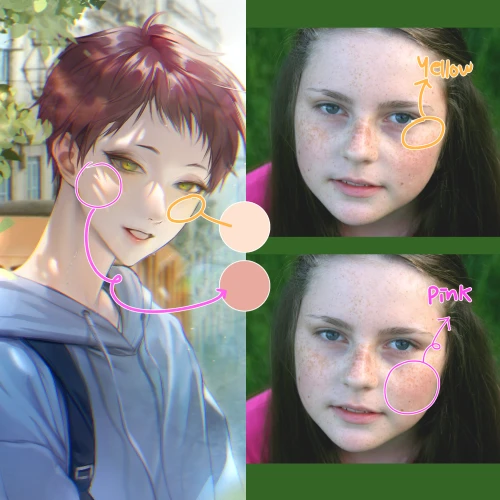
Ch. 5 Color Extraction Exercise Image (Color Palette)
Ch. 6 Reflected Light Exercise File
Ch. 7 Practice File
Ch. 9 3D Placement Exercise File
Ch. 11 Asset Editing Exercise File
Ch. 15 Volume Exercise File -
 [ Original Demonstration Files ]Ch. 8 Color Correction Demonstration File
Ch. 10 3D Model Post-Processing Demonstration File
Ch. 12 Asset Application Demonstration File
Ch. 13 High-Contrast Demonstration File
Ch. 14 Pastel-Tone Demonstration File
Recommendation
Who should take this class?
Artists whose work always feels unfinished in color, values, or detail
Artists who want to add more eye-catching appeal and originality to their work
Self-taught artists who want to finish post-processing efficiently instead of endlessly revising
Expert Illustrator Kunmang's Portfolio







Why Take This Class?
Think post-processing is all about instinct and talent? Master what once felt difficult through systematic, step-by-step exercises. From color correction and filters to background detailing with 3D assets, practice a wide range of post-processing techniques with Kunmang.
Master the essential post-processing techniques that bring out the full appeal of your art. Create 17 exercises and a portfolio-ready final illustration while learning to apply different post-processing styles with flexibility. Develop your own optimized workflow and post-processing know-how in this complete post-processing class with Kunmang.

Get Ready for the Real World
Step-by-Step Post-Processing Exercises
Part 01. Post-Processing Fundamentals: Layers & Color
-
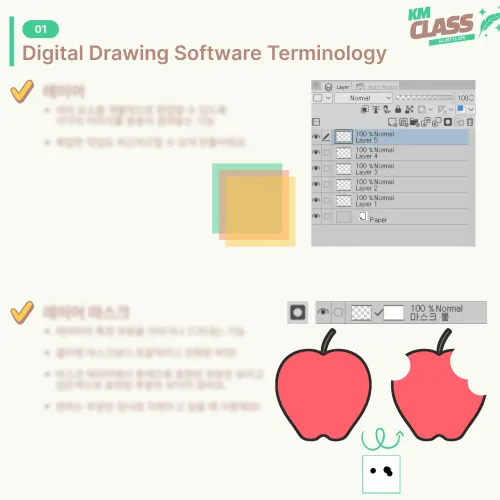 Essential Rules for Layer Management
 -
 Color Correction and Value Contrast
 -
 Overall Tone Adjustment
Part 02. Practical Retouching: Photos & References
-
 Extracting and Applying Colors from Photos
 -
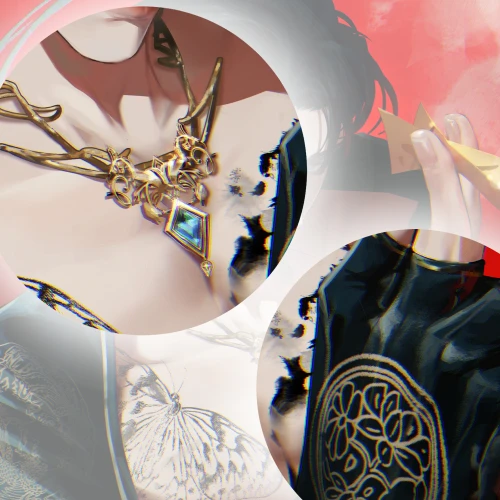 Texture and Light
 -
 Creating Backgrounds with Photo References
Part 03. Expanding Your Range: 3D & Assets
-
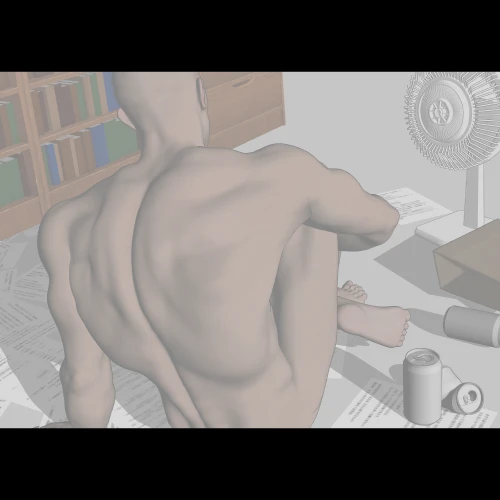
 Understanding and Using 3D Assets
 -
 3D Model Correction
 -
 Add Various Assets to Enhance Density and Detail
Part 04. Final Polish: Advanced Post-Processing
-
 Creating High-Impact Scenes
 -
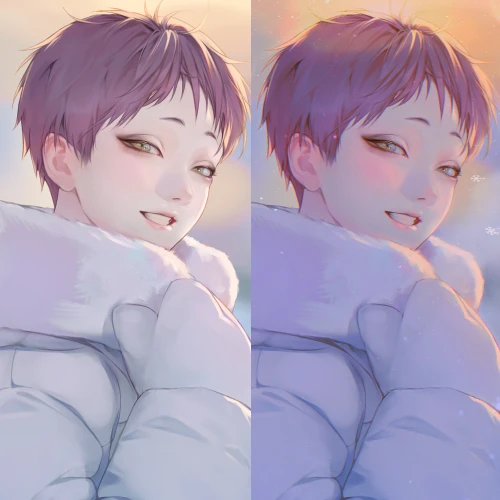 Setting the Mood with Filters
 -
 Enhancing Volume and Spatial Depth
Part 05. Final Exercise

* Some images are provided for illustrative purposes and may differ from the actual exercise materials.
Highlights
Class Highlights
Go Beyond Basic Corrections with Post-Processing for a Polished Finish
Post-processing is more than the final step of an illustration. It is a crucial stage for maximizing the appeal of your work. Learn post-processing skills suited to different illustration scenarios and bring out the full charm of your characters. Build the skills you need systematically to refine both the polish and detail of your illustrations.
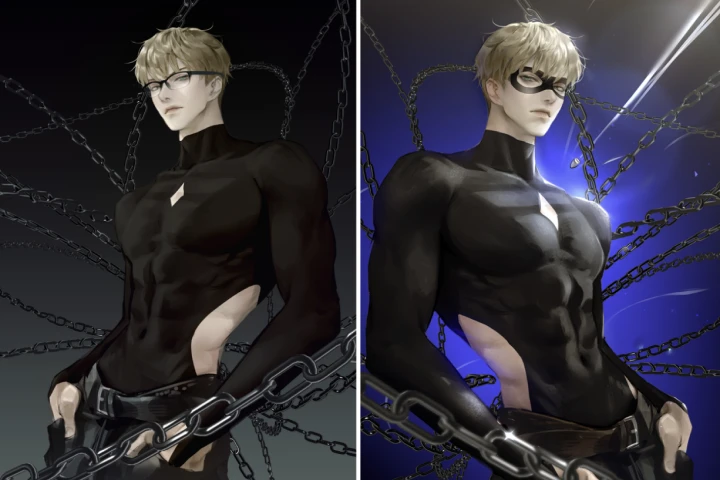
Explore 3D & Photo References for More Efficient Post-Processing
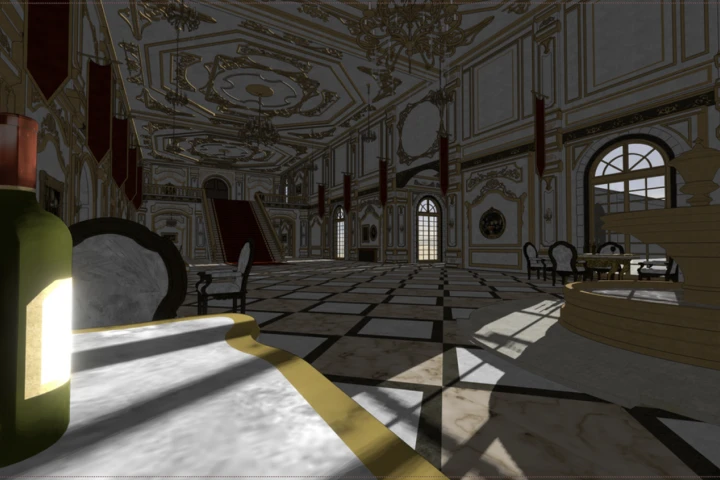
Draw on the composition, colors, and details of photo references and blend them naturally into your own illustrations. Adjust the visual density and colors of photos to harmonize with your artwork, then apply them to illustration backgrounds. You will also learn practical techniques for connecting artwork and 3D assets seamlessly and using them as powerful creative tools.
Build Your Fundamentals Through 17 Step-by-Step Exercises
Make Kunmang's high-quality post-processing skills your own. Practice 17 systematic, step-by-step exercises to apply a wide range of techniques, then create a portfolio-ready final piece. Internalize the illustration post-processing workflow while developing your own post-processing style and an efficient creative process.