[Signature]3dartist,anna3_안나3KR Details
Intro

Now in Your Language, Only on Coloso!
Learn from Top Creative Experts Worldwide
-
 Award-Winning Blender Expert
-
 Procedural Animation Workflow
-
 40 Project Files and 20+ Exercises
A Smarter Procedural Workflow for Cinematic Animation
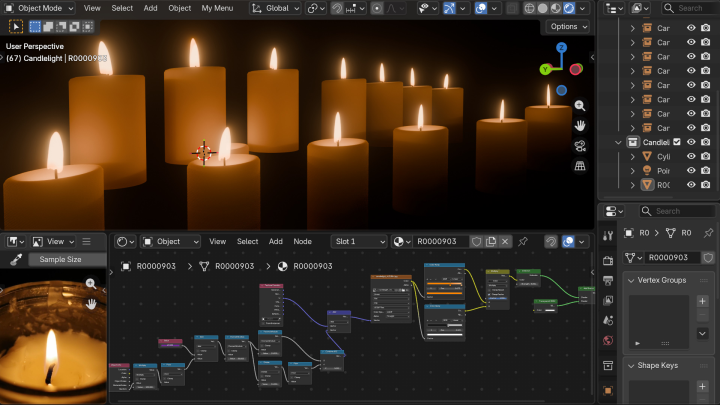
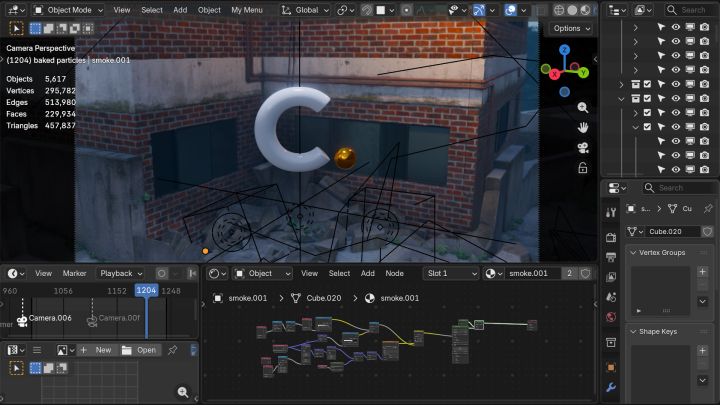
Go beyond automated modeling and incorporate procedural workflows into animation. Use nodes to automate object motion and effects like sparks, smoke, and fog. Cut down on repetitive keyframing and create high-quality animation efficiently, even on lower-spec hardware.
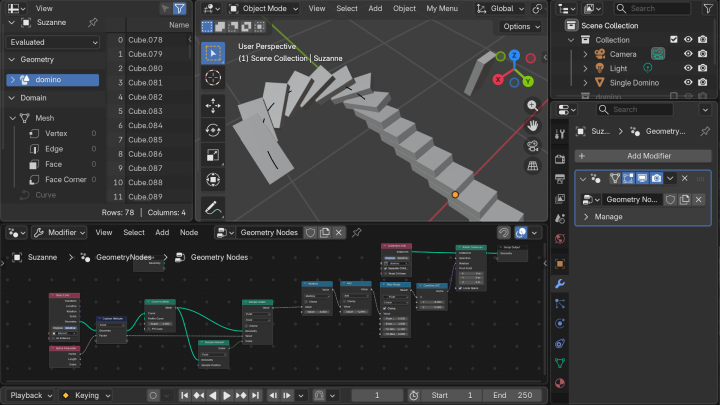
Learn Anna's complete workflow for animation automation and precise node control. Expand beyond simply learning individual nodes and gain the skills to shape motion exactly as you intend. Automate complex calculations, then fine-tune the direction, timing, and intensity of each object to build a streamlined workflow from start to finish.
Class Perks
Special Gift from Anna
-
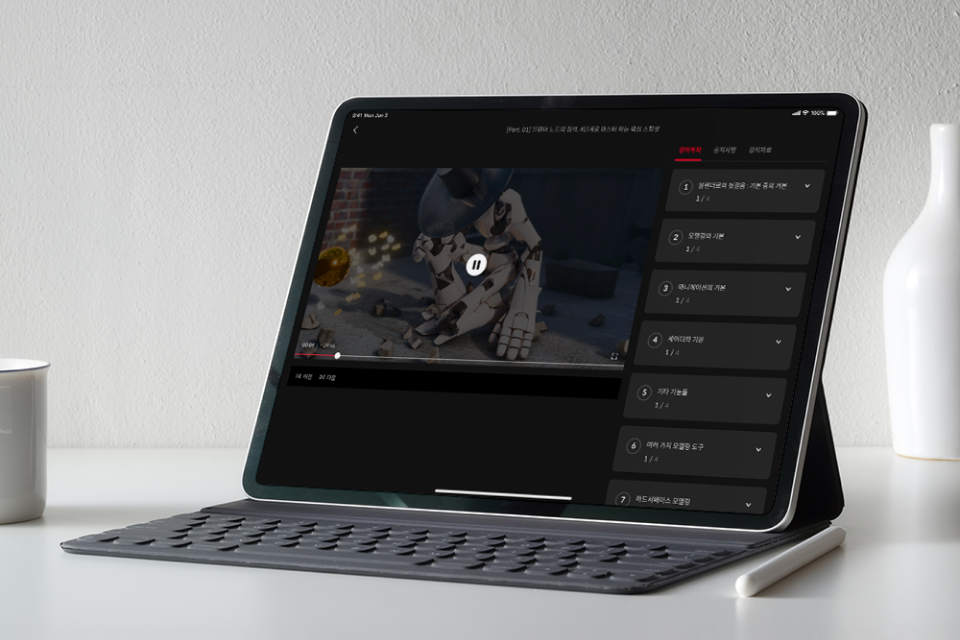 Build Cinematic Animation in BlenderUnlimited Access to 40 Chapters
 -
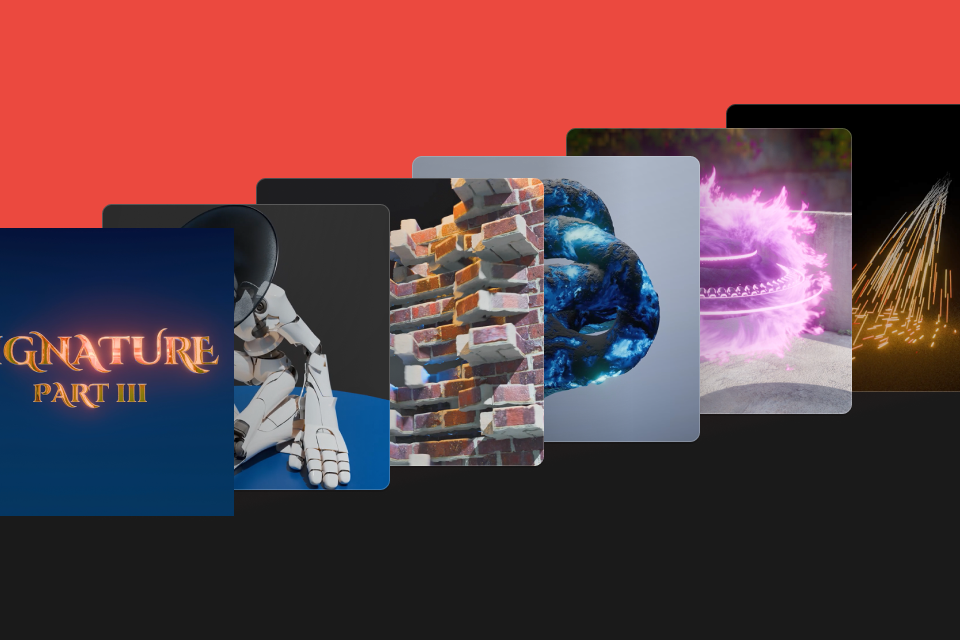 Master Geometry Nodes for Effects & Animation20+ Examples & Animation Exercises
 -
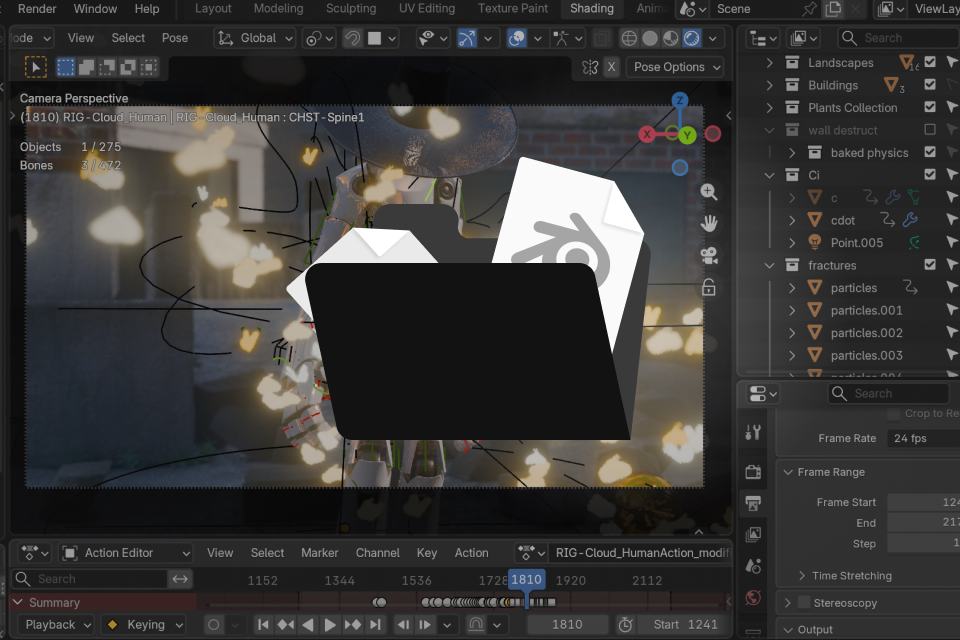 For a High-Efficiency Animation Workflow40 Exercise-Based Blender Project Files
 -
 A Detailed Companion to Every ChapterExclusive PDF Workbook
Recommendation
Who should take this class?
Anna students ready for advanced procedural animation
Intermediate Blender users looking to master node control
3D artists interested in building cinematic scenes efficiently
Expert 3D Artist Anna's Portfolio
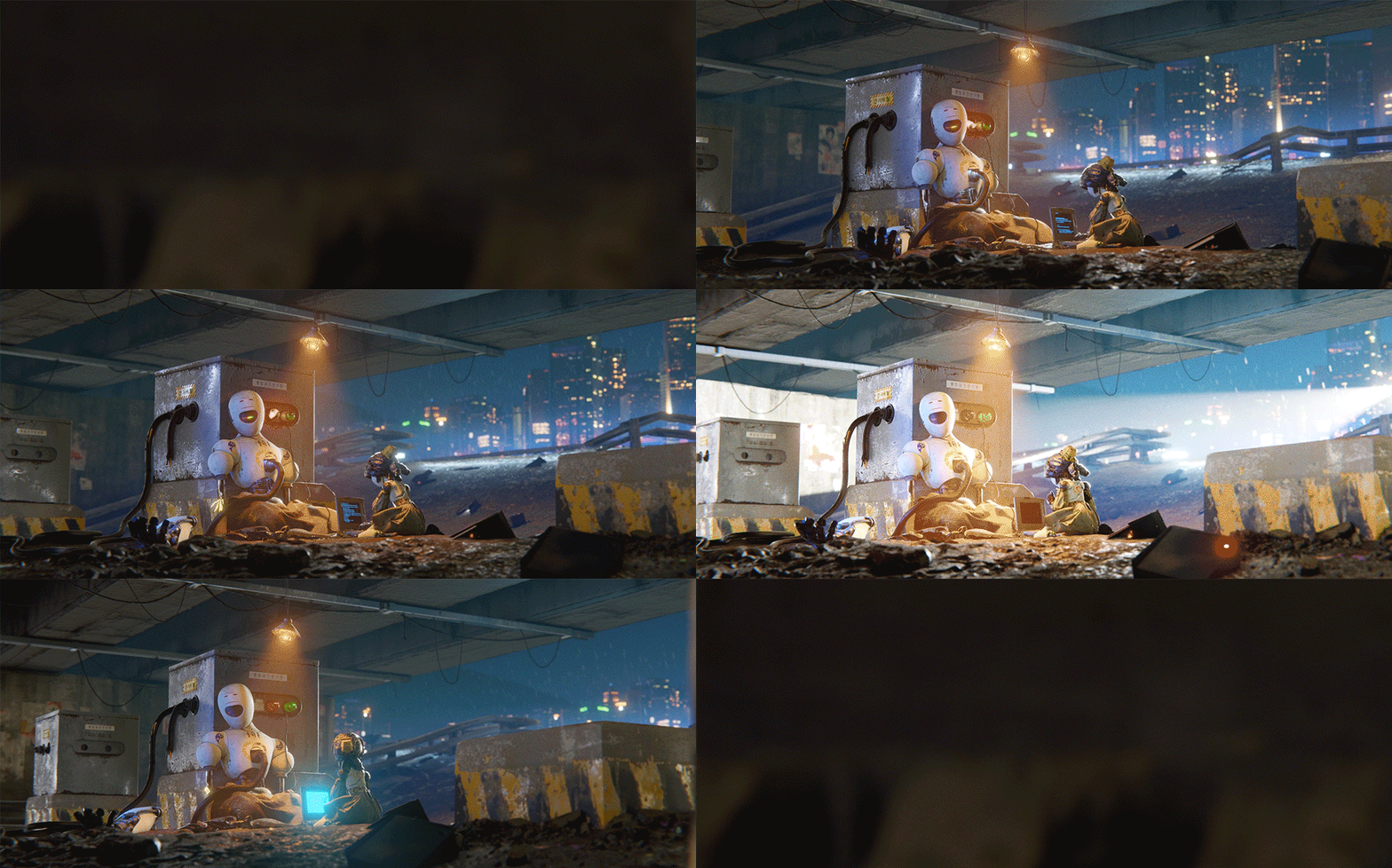
Default Cube Render Challenge
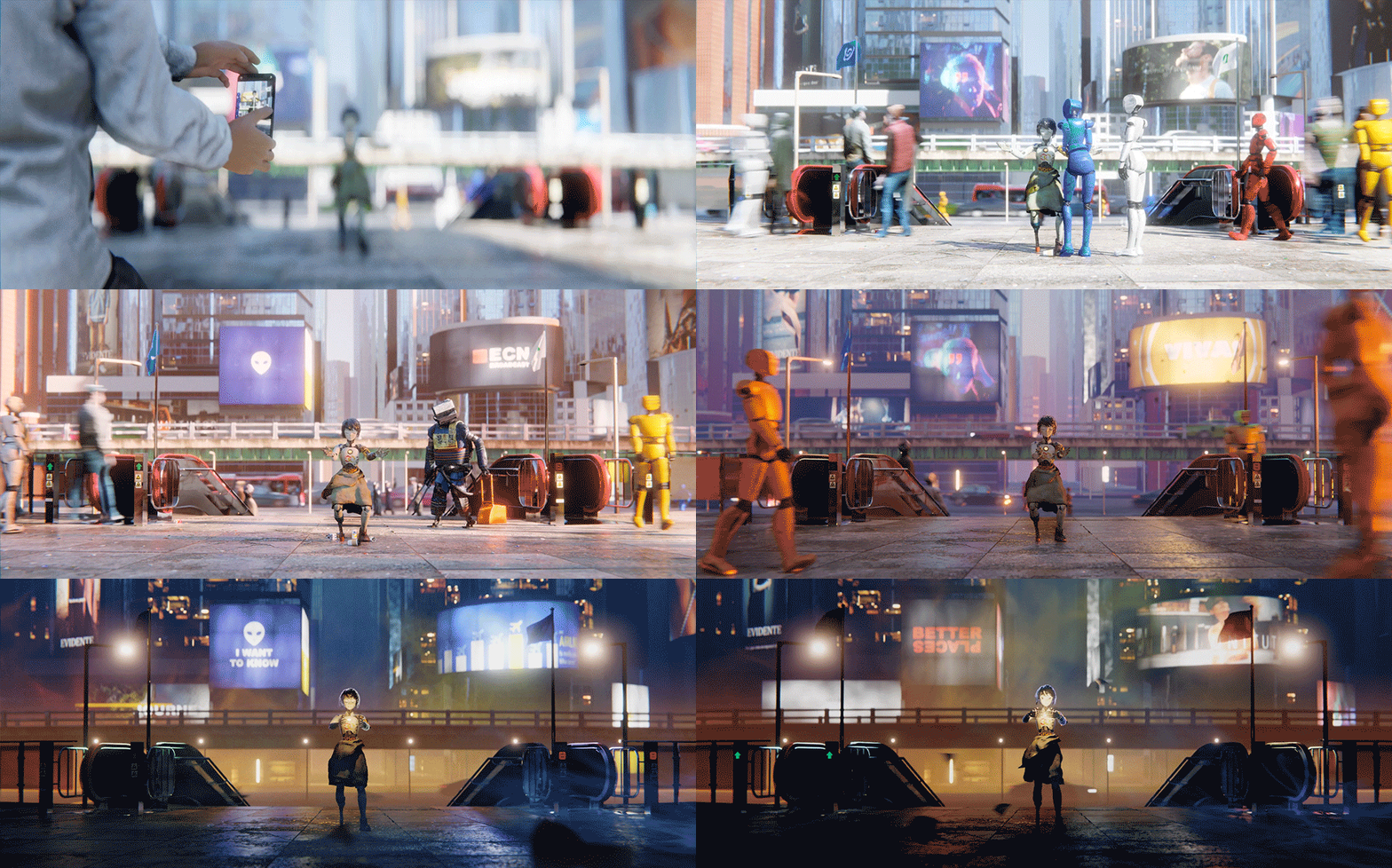
Default Cube Render Challenge
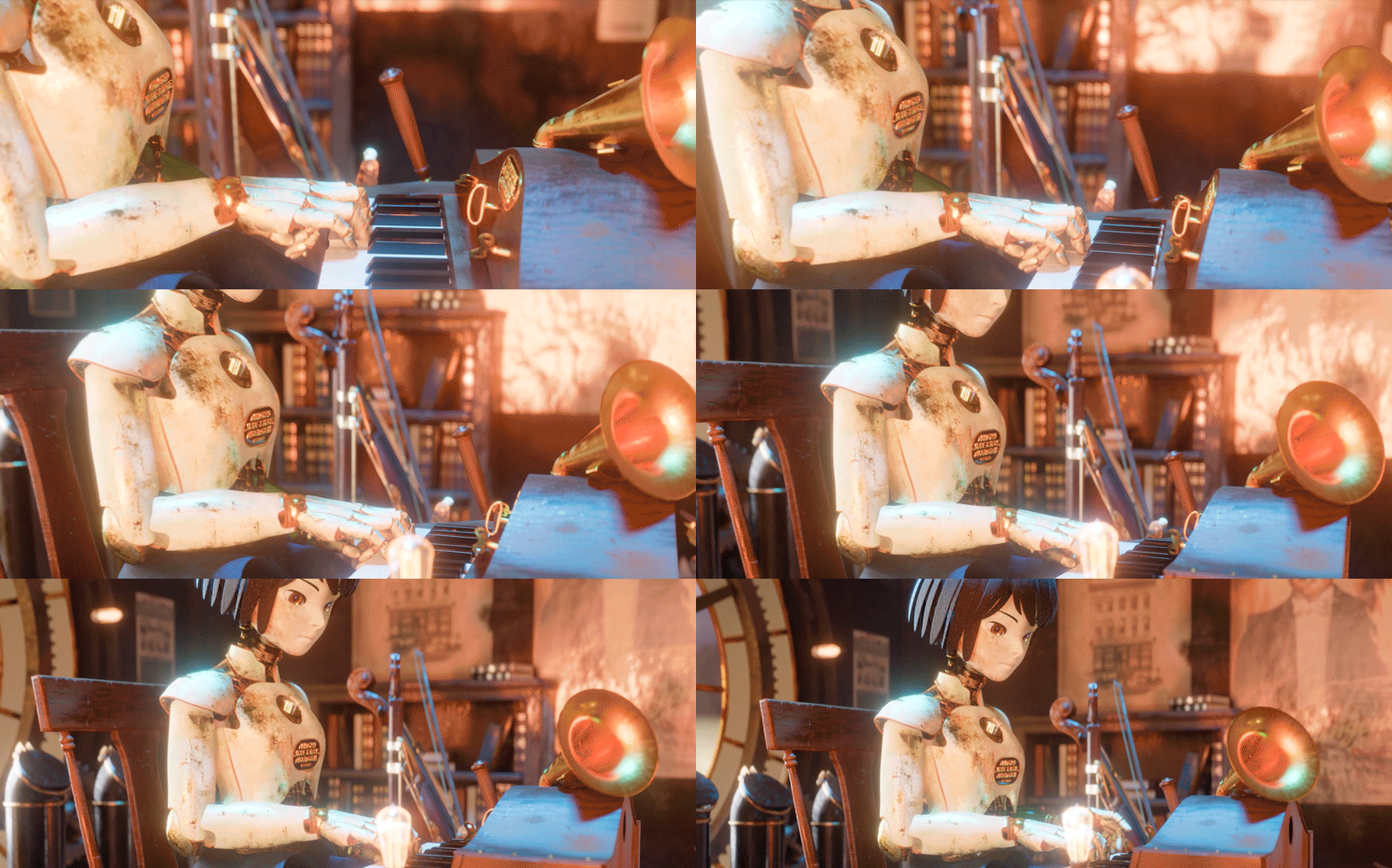
Restart
Dreaming Winter's Melody
일촉즉발
Restart
Enchanted Ruins
Why Take This Class?
Develop skills beyond basic automation and use Geometry Nodes to design motion with precision. Build a procedural animation workflow that replaces repetitive manual work with controlled, intentional movement. Fine-tune timing, direction, and intensity without relying on high-end hardware.
From broad motion systems to individual object control, learn to structure movement logically through node operations. Handle complex objects and effects with greater precision, reduce repetition, and create more polished cinematic animation in Blender. Discover the core techniques behind an efficient procedural animation workflow.

Get Ready for the Real-World
Effects & Cinematic Animation with Blender Nodes
Part 1. Build VFX with Blender Nodes
-

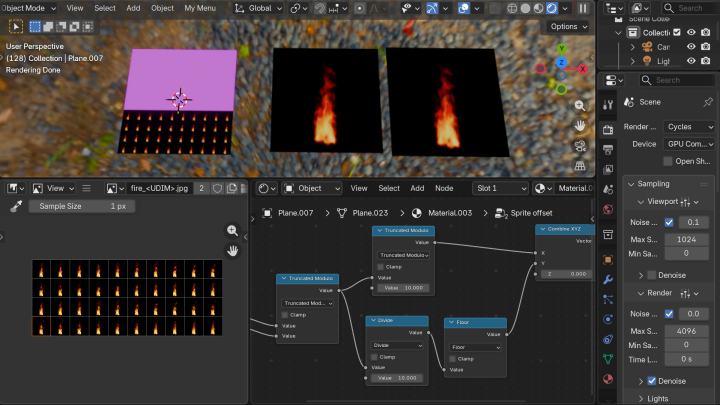
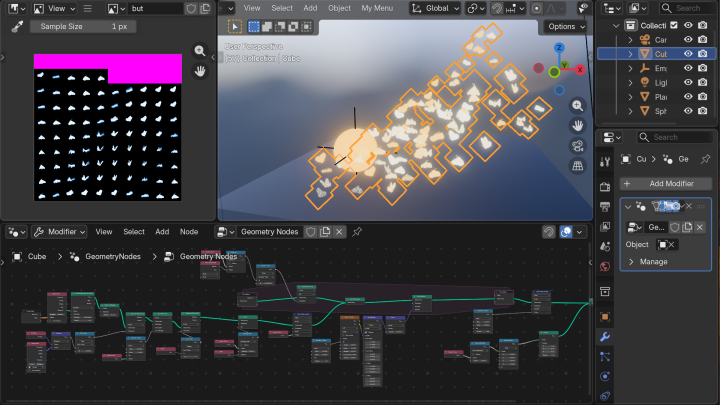
 Image Sequence EffectsCreate & Use Sprite Sheets
 -
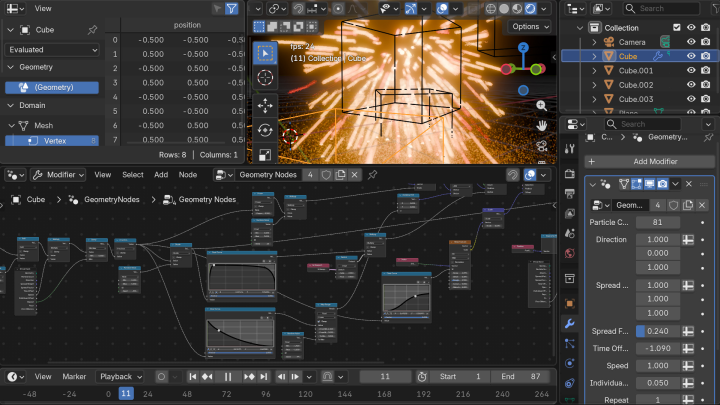
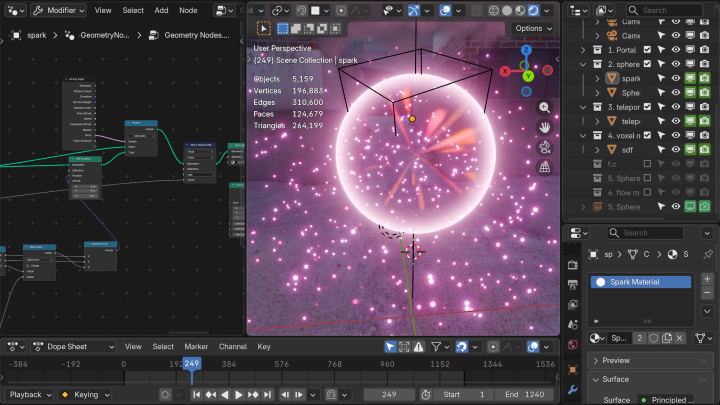
 SparksBasic Node Animation
 -

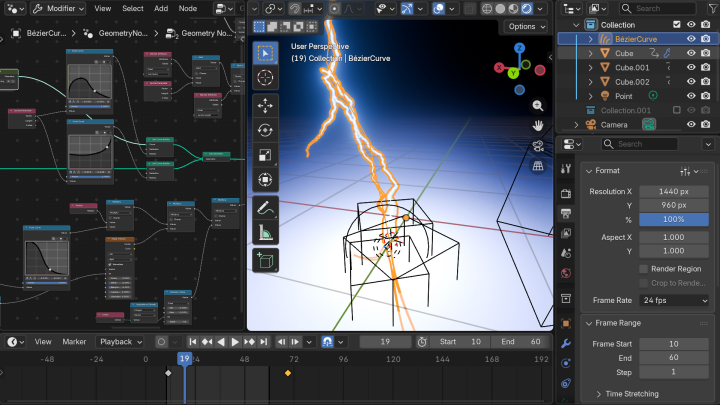
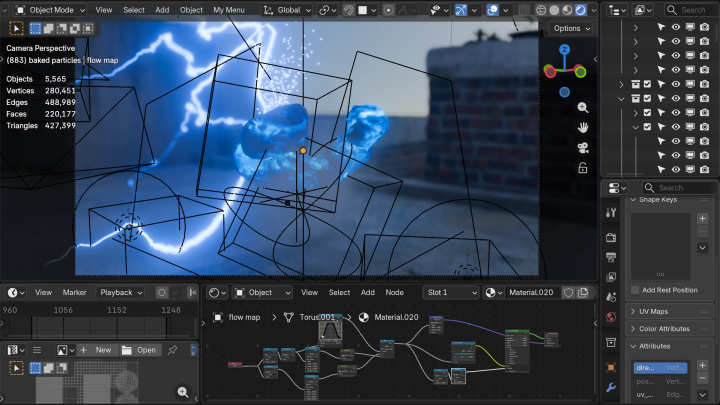
 LightningCurve Control
-
 TeleportationView Direction Coordinates
 -
 Voxel DeformationVolume-Based Deformation
 -
 Directional Texture FlowFlow Maps
-
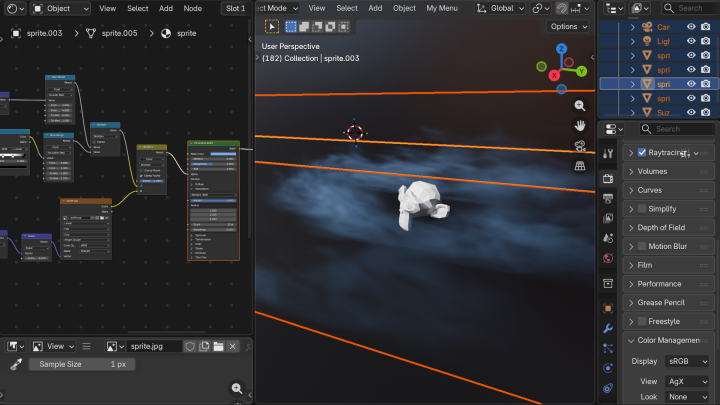
 FogVolume Shader
 -

 ExplosionVolume Effects with Geometry Nodes
 -

 SparklePoint Clouds
Part 2. Cinematic Effects for Worldbuilding
-
 Shattering Window
 -
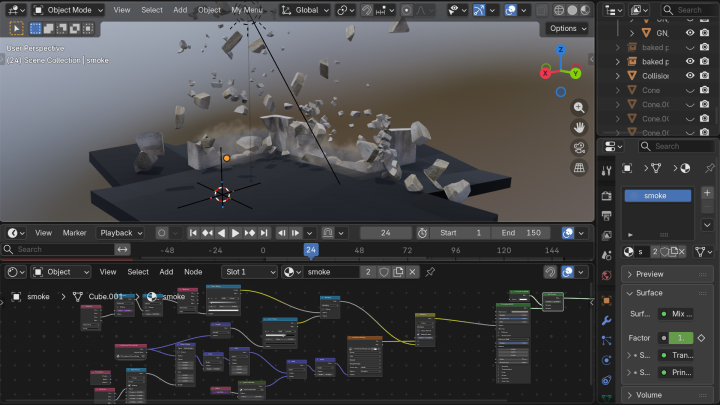
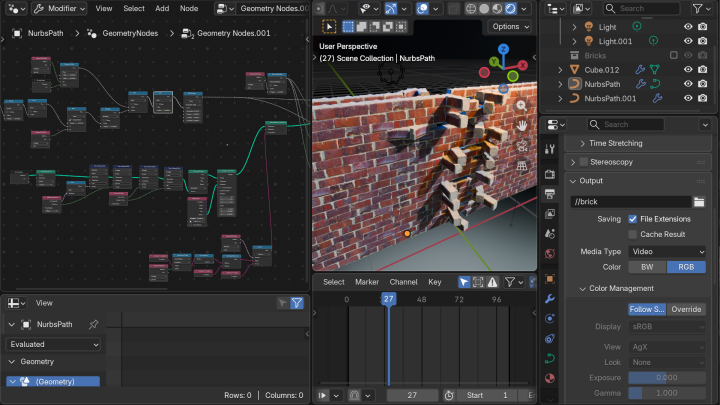
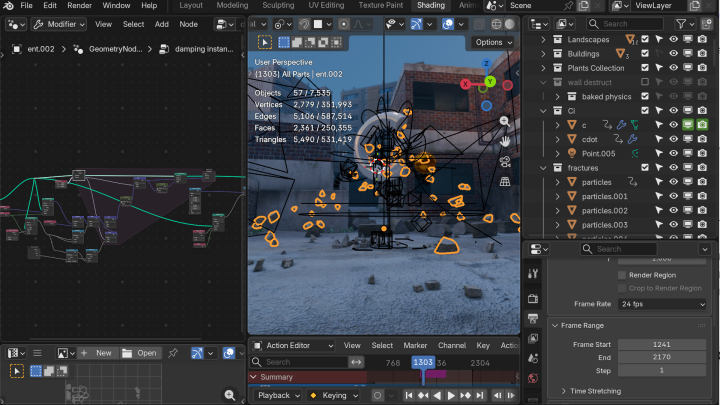
 Wall DestructionFracture, Dust & Debris with Geometry Nodes
-
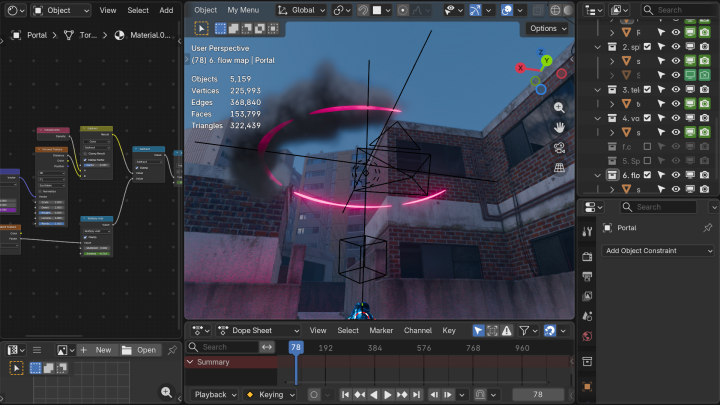
 PortalShader Coordinates
 -
 Volume Shader EffectsVolume Shader
Part 3. High-Efficiency Cinematic Animation
Procedural Animation with Node Control
-
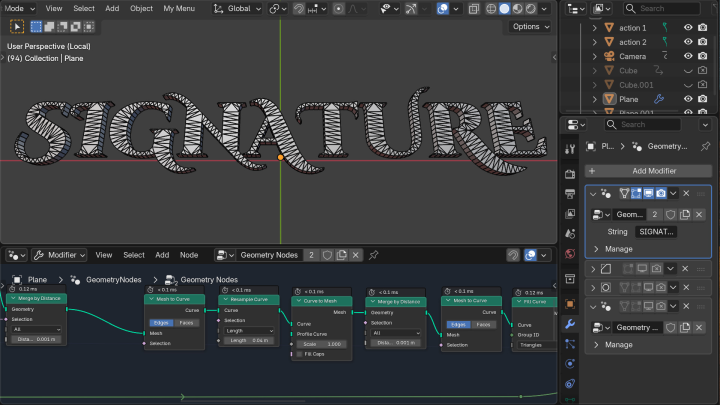
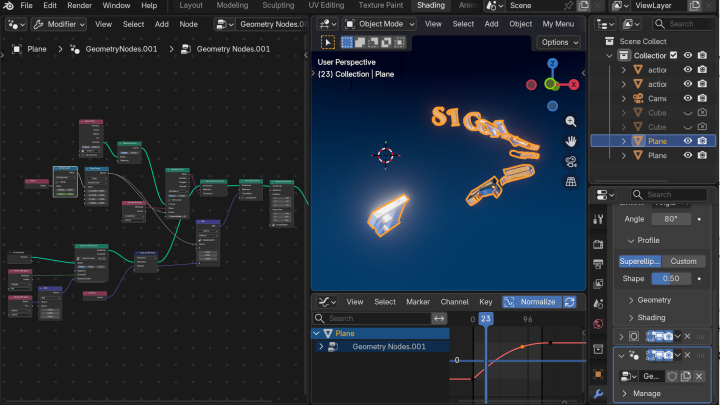
 Cinematic Title TypographyInstance Control
 -
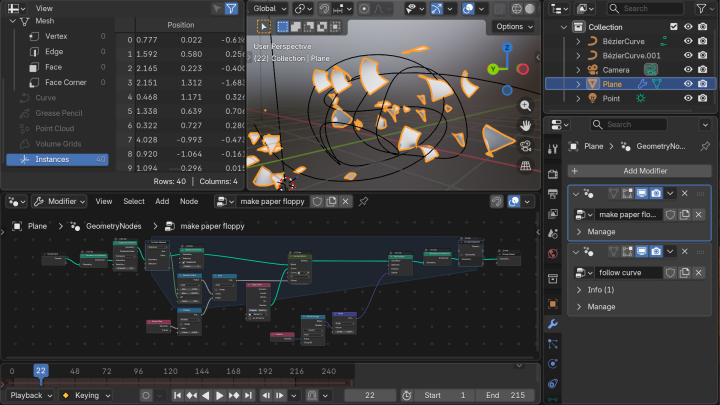
 Flying PaperDirect Motion Control with Nodes
-
 Brick Wall DeformationParenting with Nodes
 -


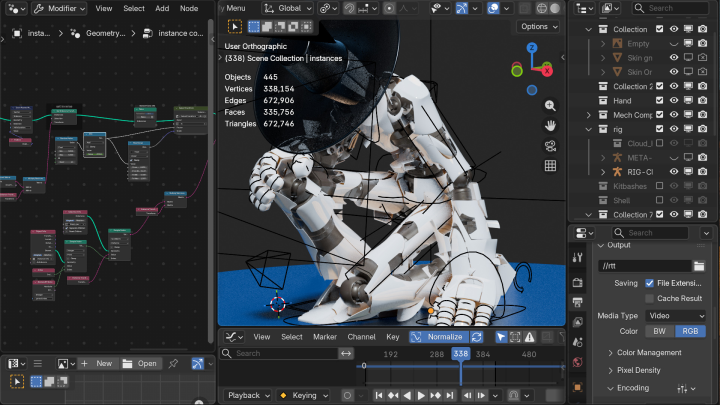
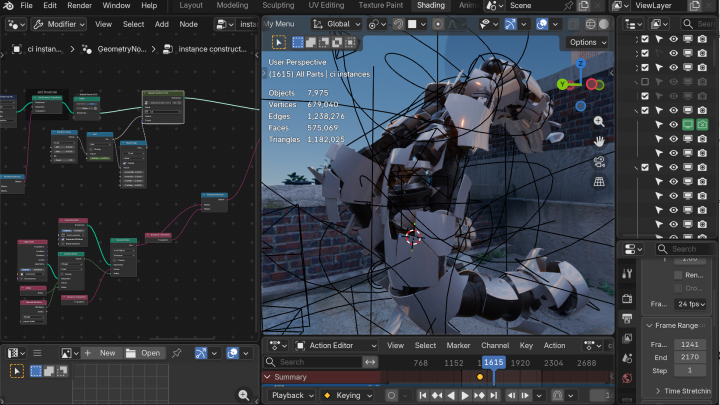
 Transforming RobotAutomated Transformation
Simulation Nodes with Keyframes
-
 Bring Keyframe Animation into Geometry NodesBake Action Data
 -
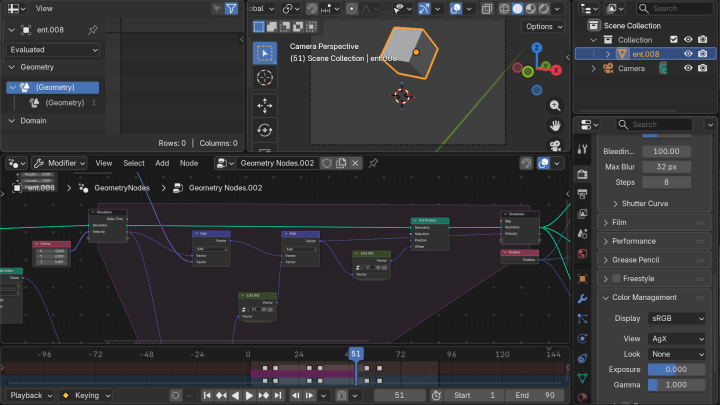
 Automatic DampingNode-Assisted Keyframes
-
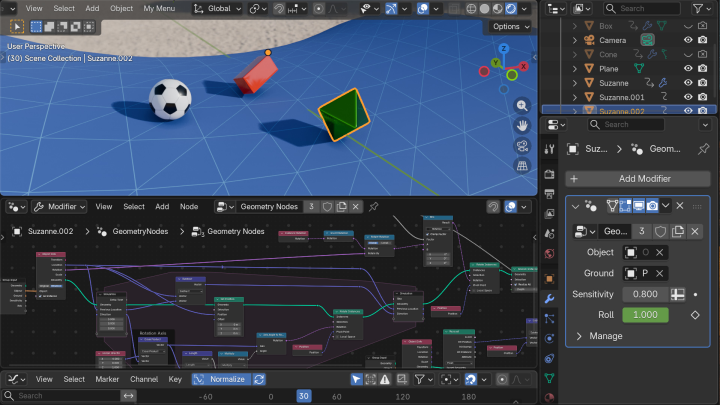
 Automatic RollingAuto-Rolling with Simulation Nodes
 -
 Reactive Particle EffectsContact-Based Interaction
Final Project
Transform
Highlights
Class Highlights
Expand Your Workflow with Procedural Animation
Go deeper into Blender Shader Nodes and Geometry Nodes, then apply them directly to procedural animation. Build on procedural modeling techniques to automate motion and develop a faster, more efficient animation workflow.

Create VFX with Precise and Predictable Control
Design effects that trigger exactly where and when you want them to. Use Geometry Nodes to create high-quality VFX that run efficiently even on lower-spec hardware, while gaining precise control over timing, placement, and motion.

Combine Keyframe Control with Powerful Nodes
Bring the direct control of keyframe animation together with the flexibility of Geometry Nodes. Connect keyframe data and node-based systems to build a hybrid workflow with bi-directional control and a more efficient path to cinematic animation.