[Signature]3dartist,anna2_안나2KR Details
Intro

Now in Your Language, Only on Coloso!
Learn from Top Creative Experts Worldwide
-
 Award-Winning Blender Expert Instruction
 -
 Blender Workflow Optimization with Nodes
 -
 40 Projects Files and 200+ Page Textbook Provided
Anna's Procedural Modeling Guide for a Boundary-Breaking, Next-Gen Blender Workflow
Dive into an automated Blender workflow that overcomes time constraints and the limitations of standard PC specs! Join legendary 3D artist Anna and experience the process of procedural modeling, texturing, and shading using the Blender node system. Discover the ultimate techniques for utilizing geometry to build a procedural pipeline personalized for you.
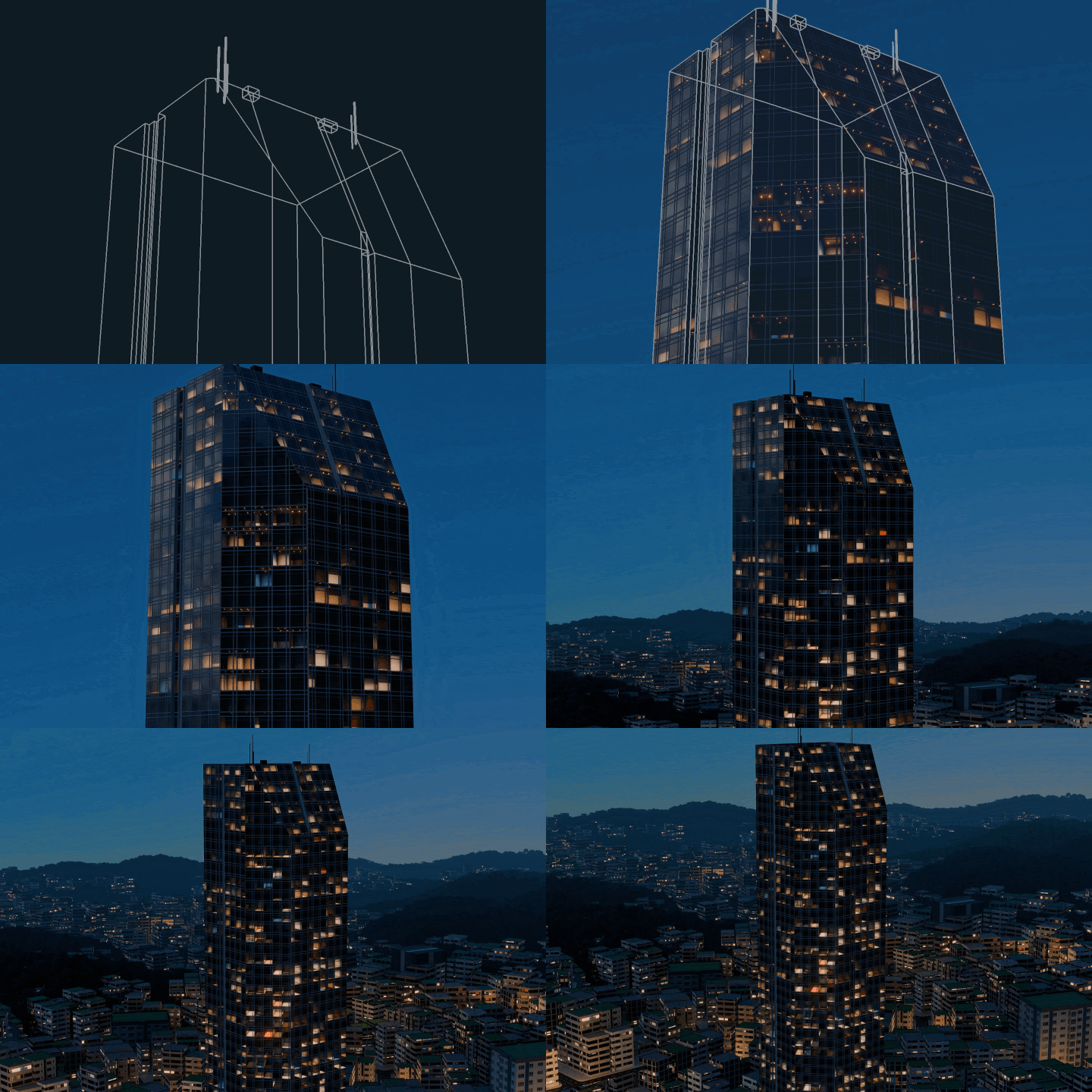
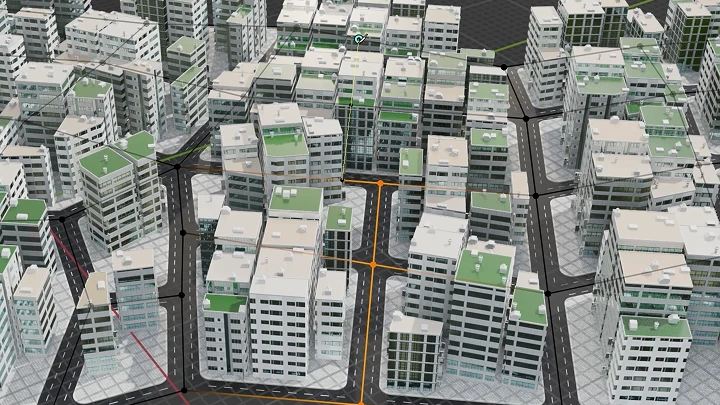
This is the complete guide for creating large-scale cityscapes with unparalleled efficiency and productivity. Transform repetitive modeling into automated procedural tools and utilize your own toolkit to develop more creative 3D implementation skills. Experience a revolutionary new Blender workflow, available exclusively on Coloso!
Class Perks
Special Gift from Anna
-
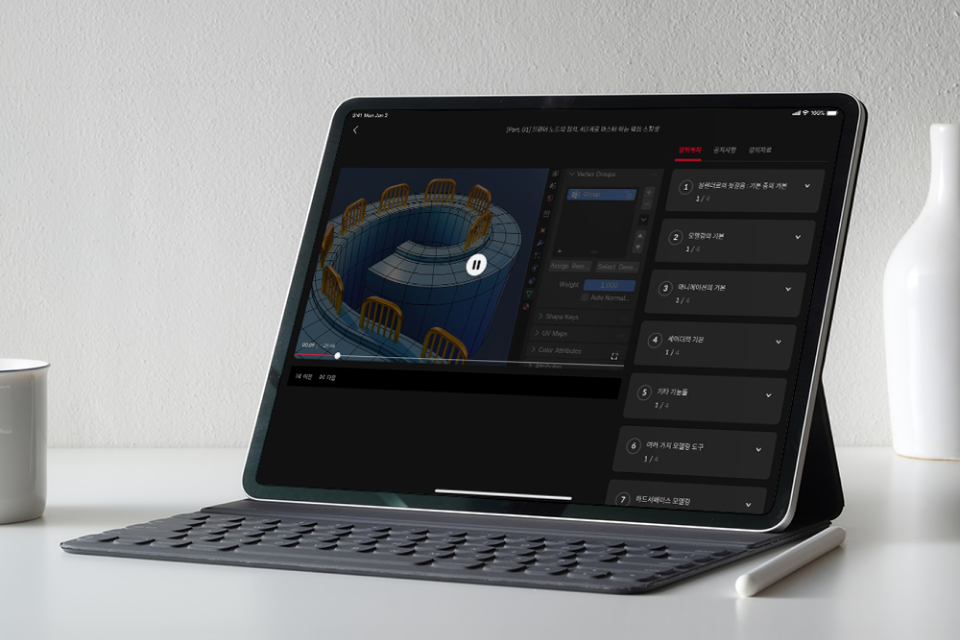 Unlimited Access to 40 Chapterson building a Blender automation workflow
 -
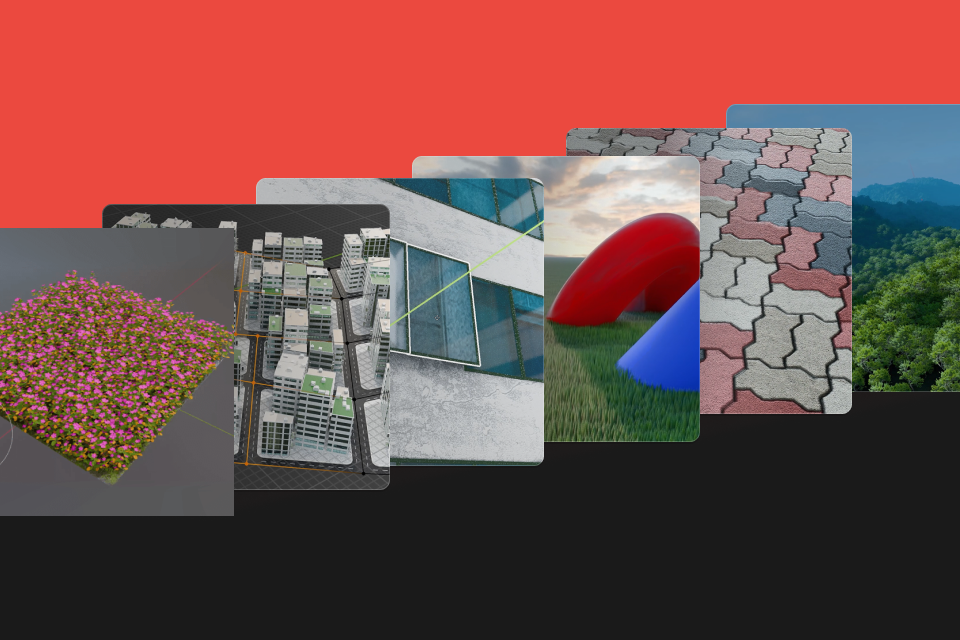 30 Exercises & Large-Scale Scene Creation Practiceto construct an automated modeling pipeline
 -
 40 Blender Exercise Project Filesfor completing large-scale scenes
 -
 Exclusive PDF Textbookwith a whopping 200 pages of content
Recommendation
Who should take this class?
Current students of Anna who want to build their own toolkit and procedural workflow
3D and CG artists who want to enhance their 3D expertise and work efficiency
Blender users who want to create large-scale scenes
Expert 3D Artist Anna's Portfolio

Default Cube Render Challenge

Default Cube Render Challenge

Restart
Dreaming Winter's Melody
Flashpoint
Restart
Enchanted Ruins
Why Take This Class?
Go beyond node basics to master practical Blender automation, toolkit creation, and procedural workflow processes! Discover the full potential of Blender geometry nodes, something rarely covered in existing courses. Build a next-level procedural workflow, create large-scale city scenes, and develop specialized 3D/CG skills that set you apart.
Are you all too aware of the limitations of manual work when dealing with repetitive tasks required for modeling? Learn the most efficient ways to use nodes to tackle texturing and shading for architecture, environments, and large scenes at the same time. From creating a signature toolkit to automating modeling and texturing, join Anna to build a portfolio that showcases both scale and scope!

Get Ready for the Real-World
Automated Modeling Workflow to Create Large-Scale Scenes in Blender
Part 1. Understanding Geometry Tools
-
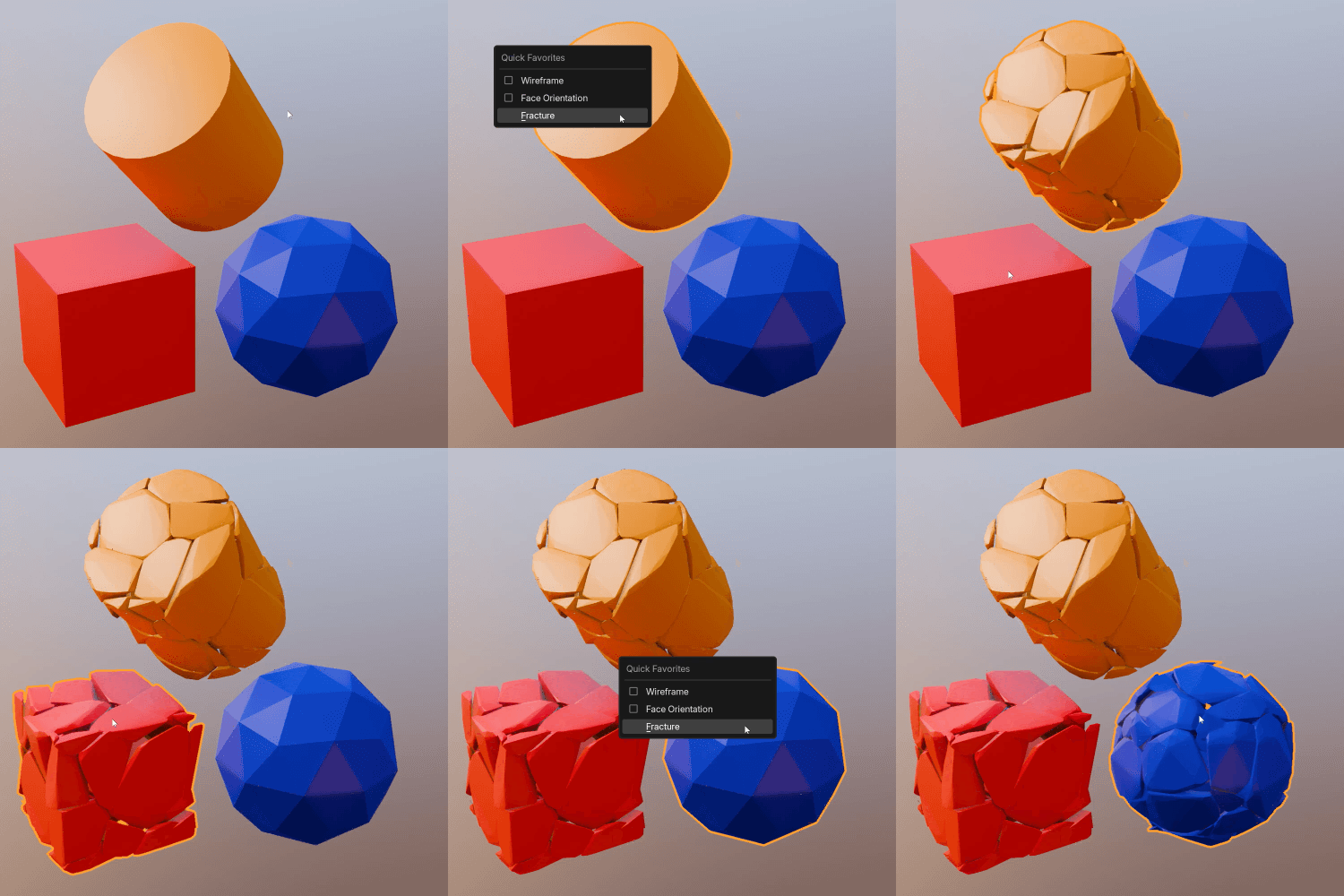
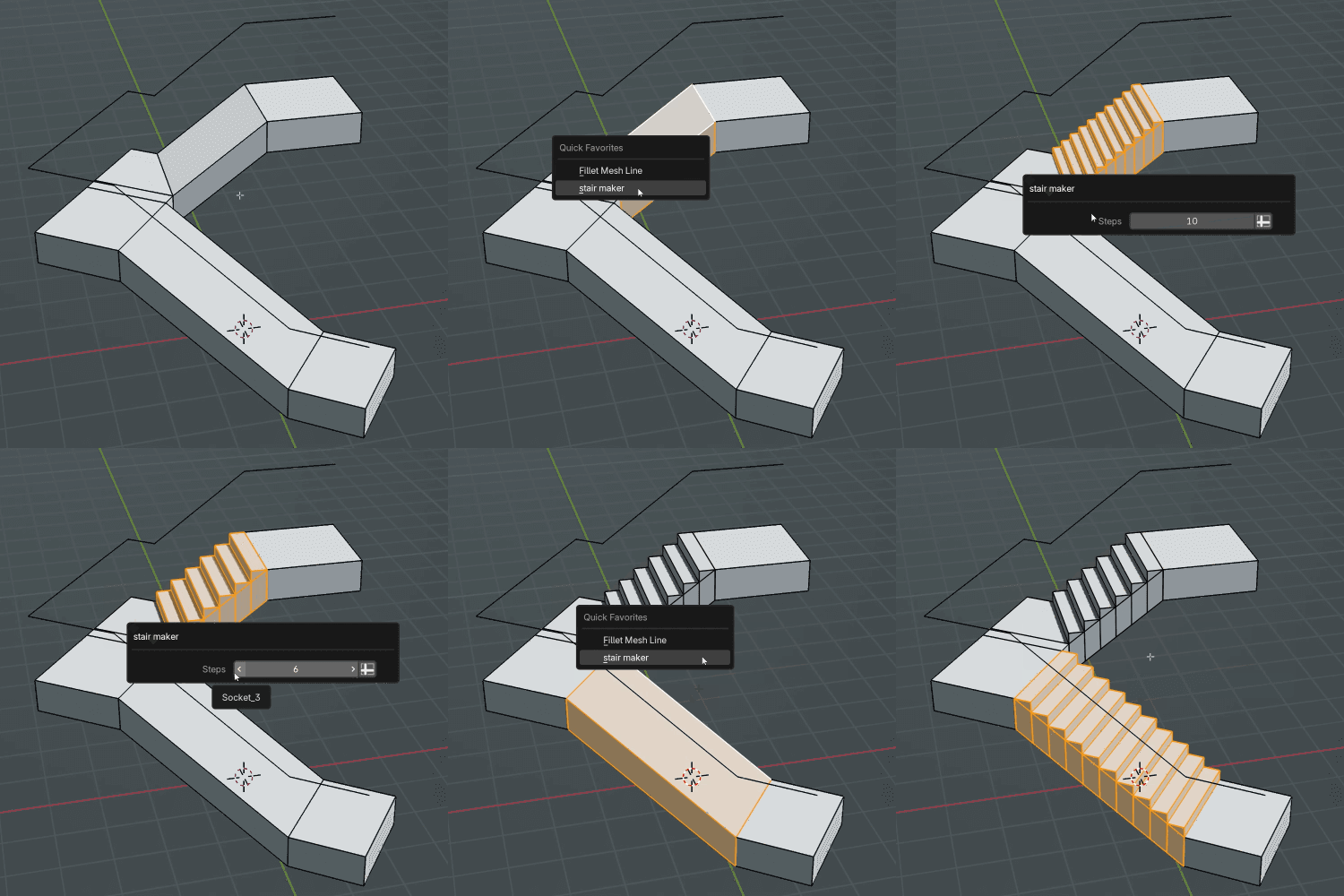
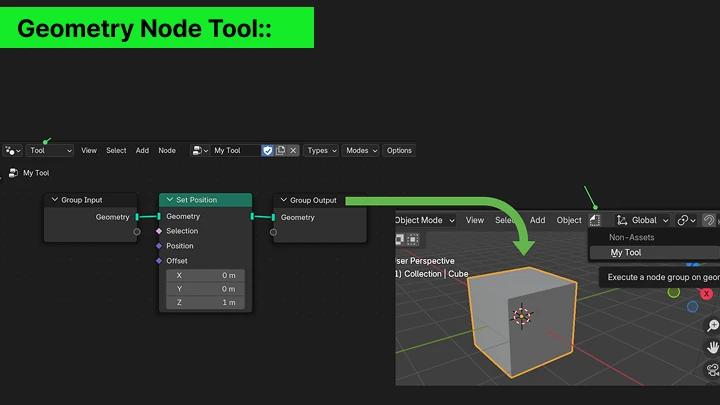
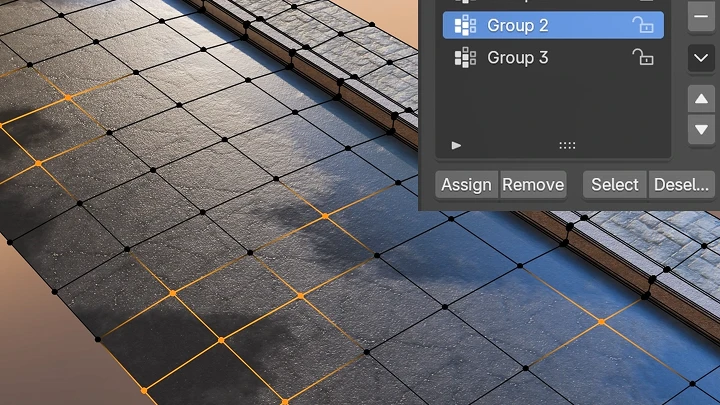
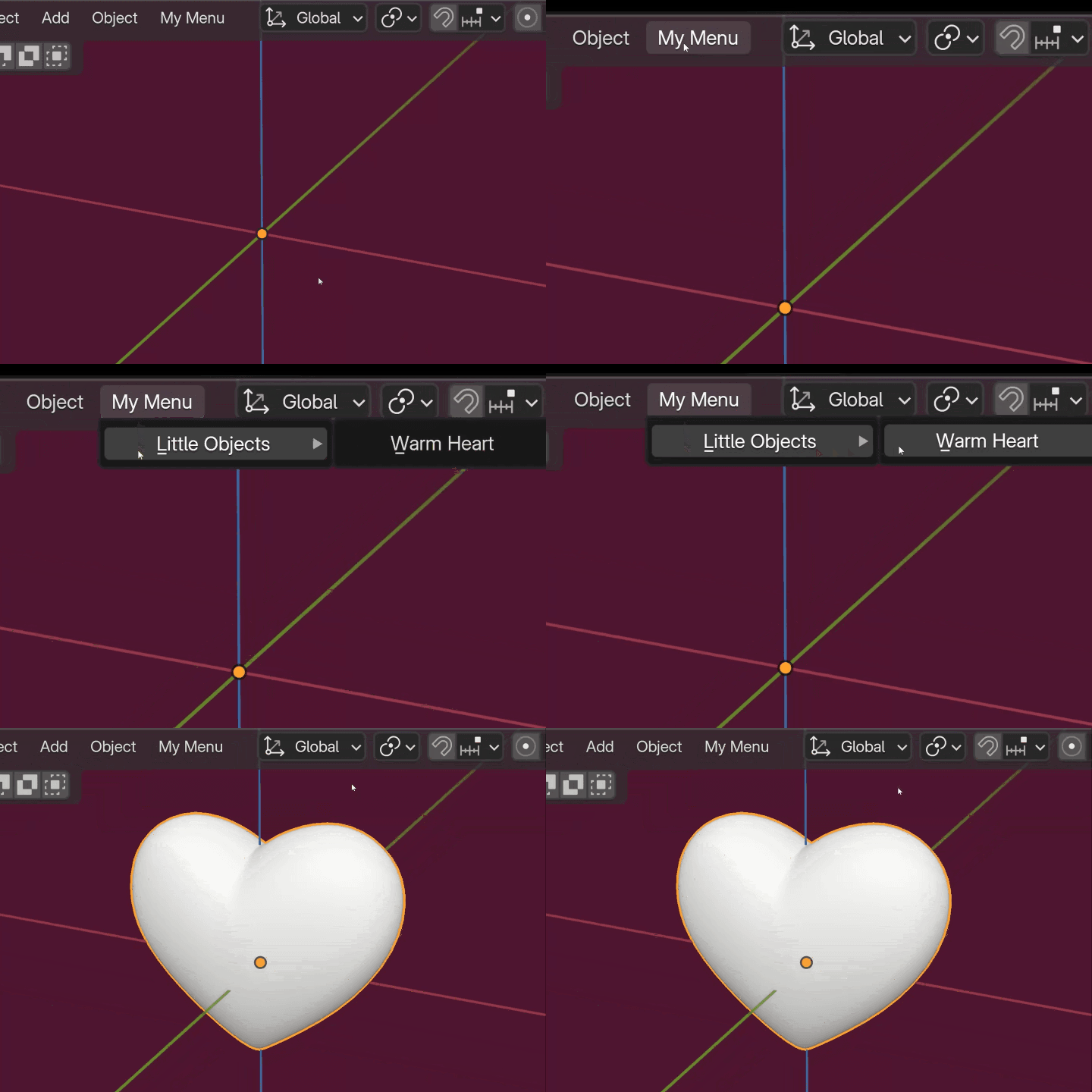 Adding Custom Tools to the Menu
 -
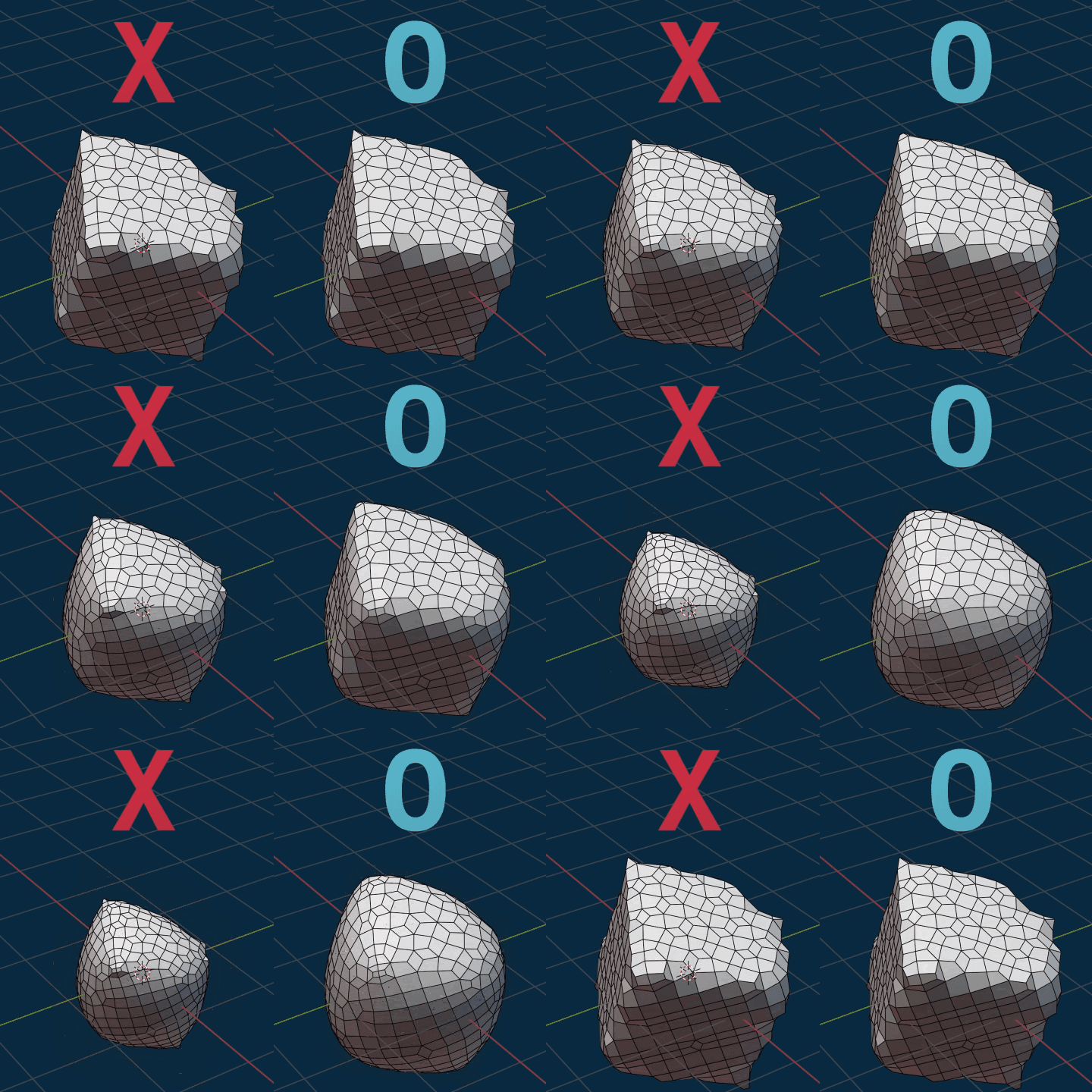 Smoothing Done Right
-
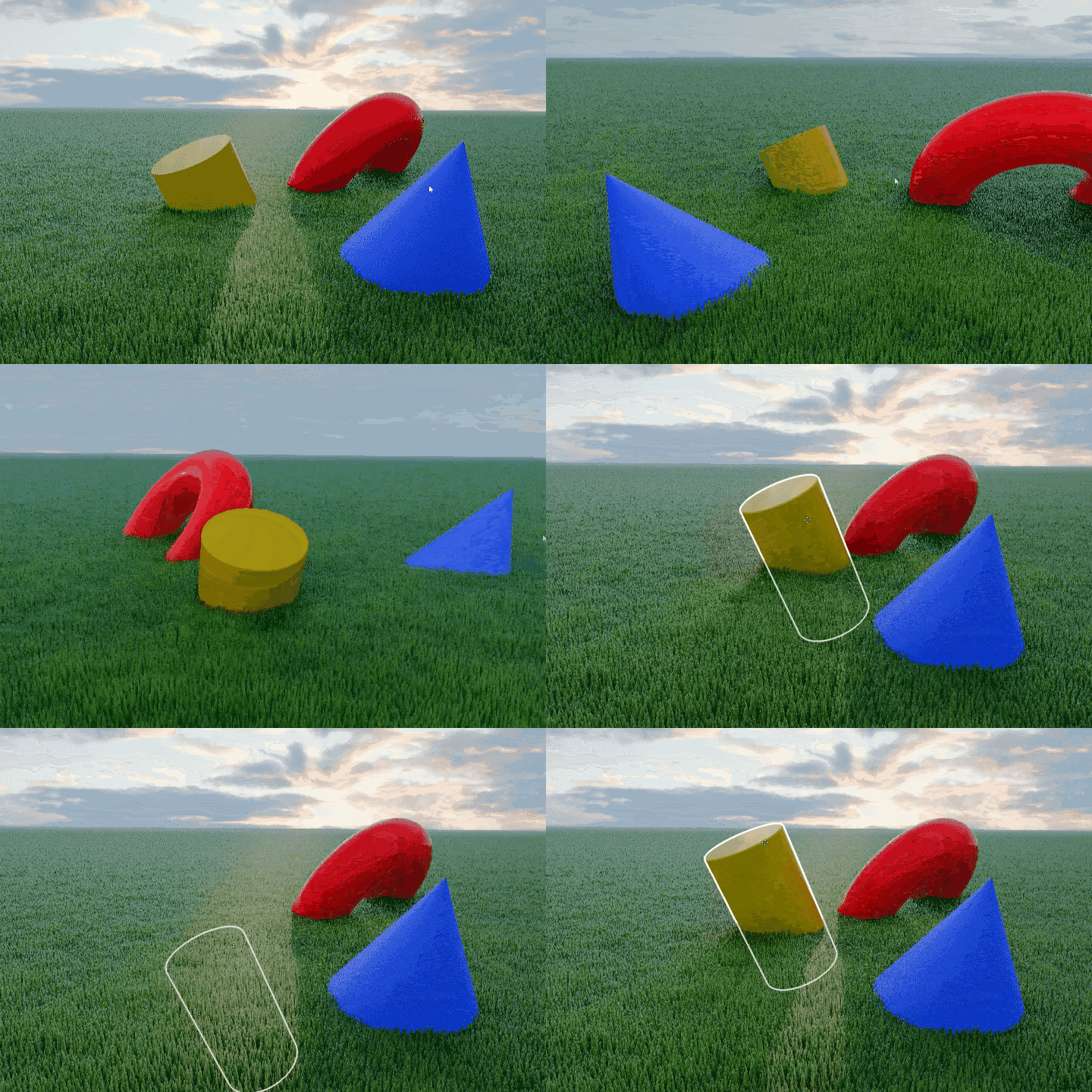
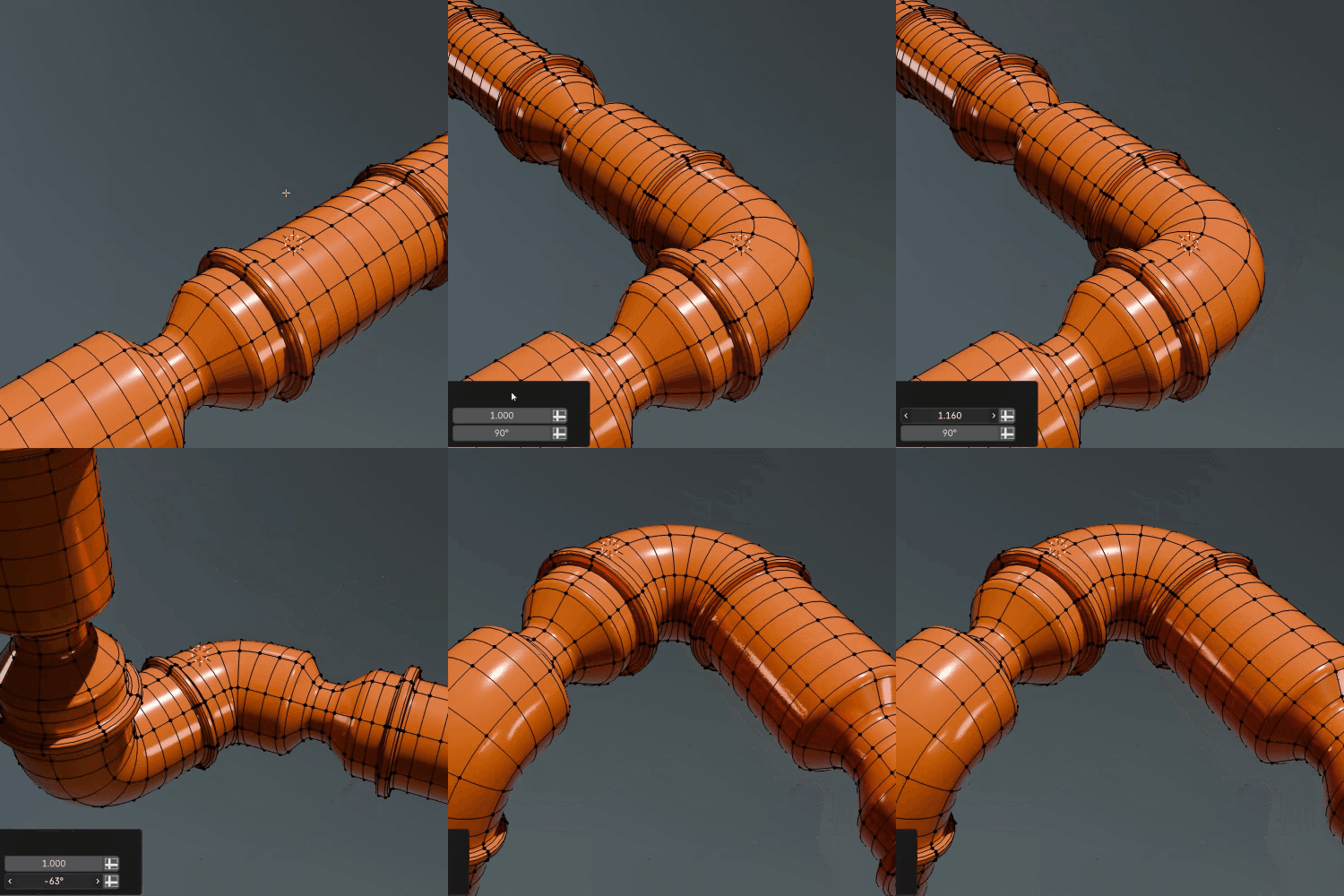 Easy BendImplementing the Simple Deform Modifier using Geometry Nodes
 -
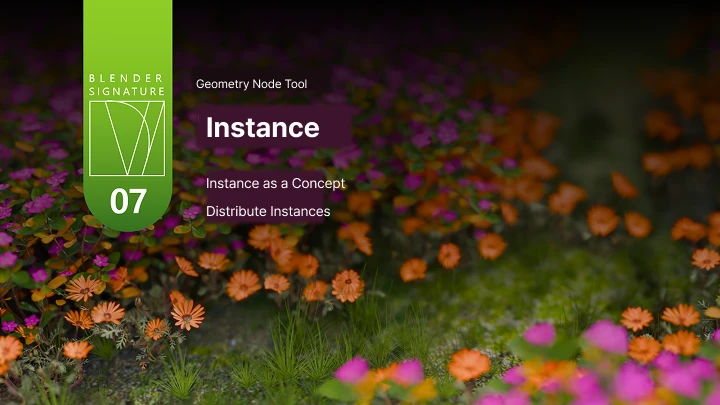
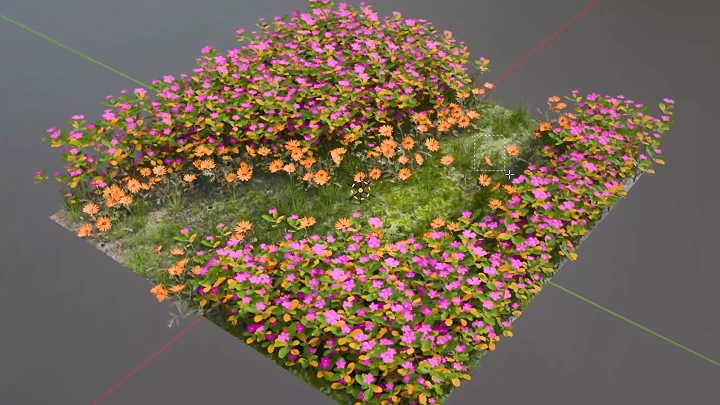
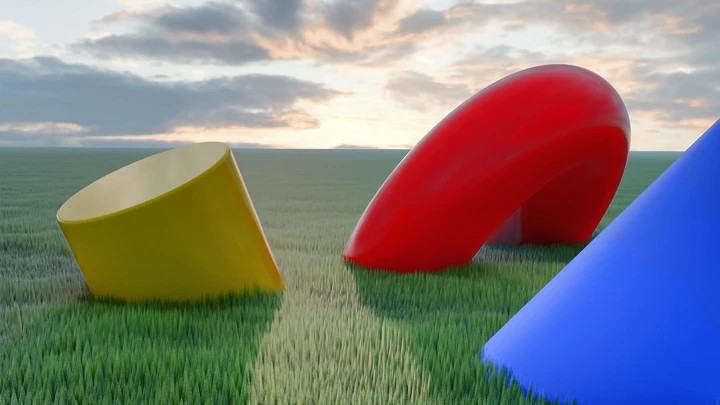
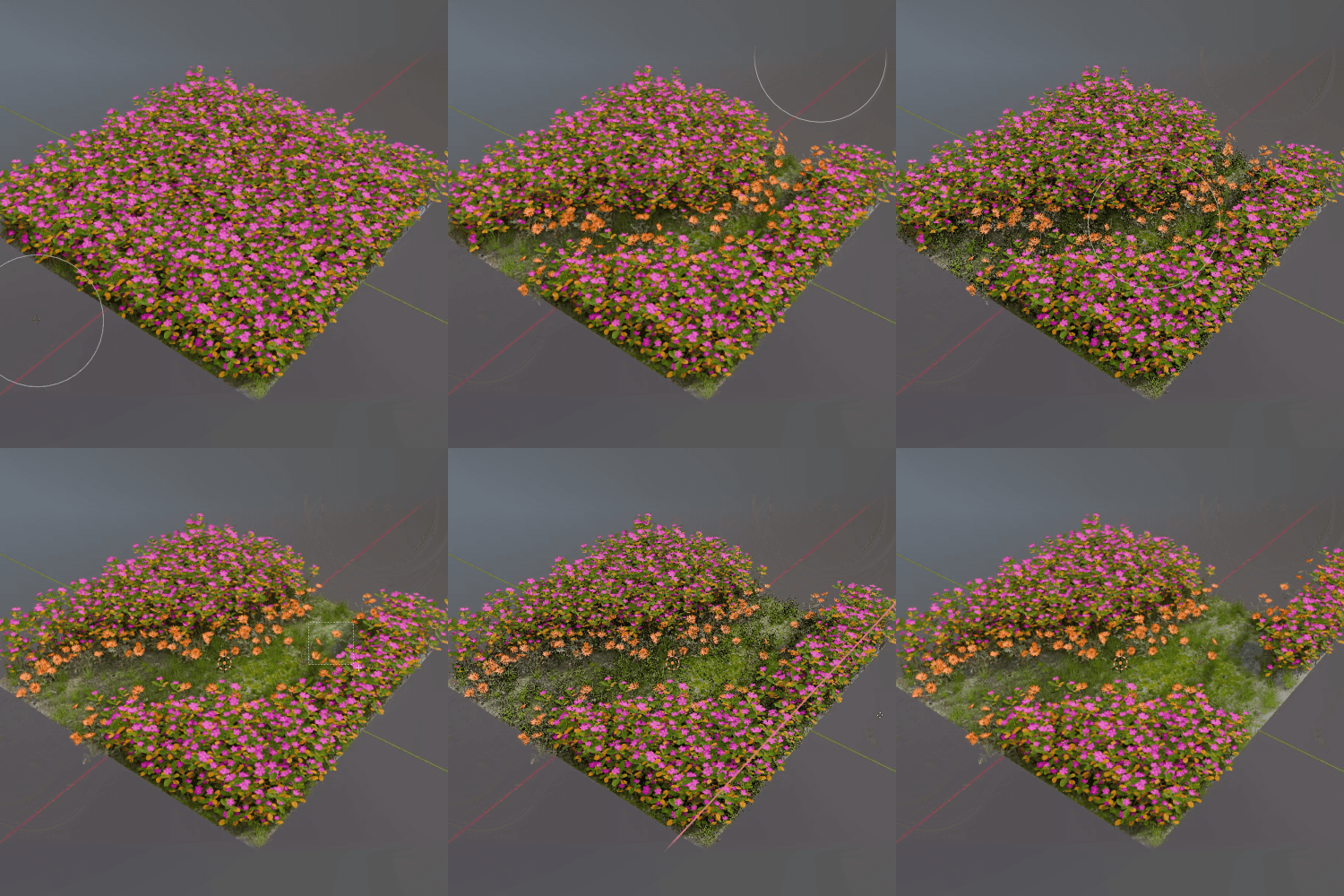 Field of FlowersDistributing Particles with an Image
 -
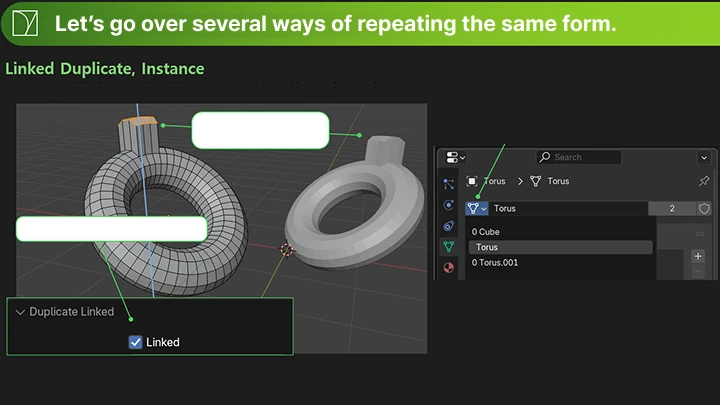
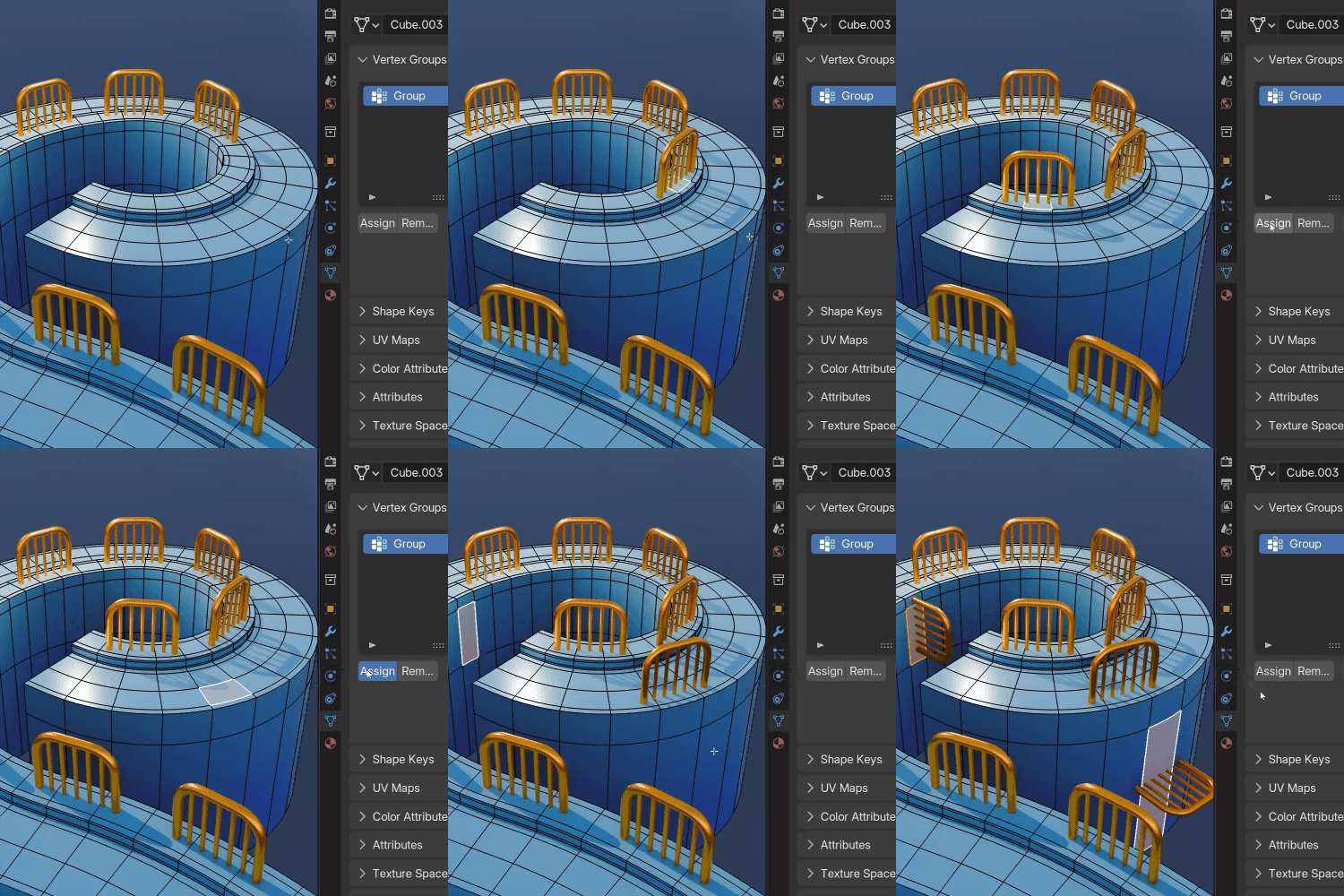 Easy ArrayAttaching an Object to a Selected Plane
 -
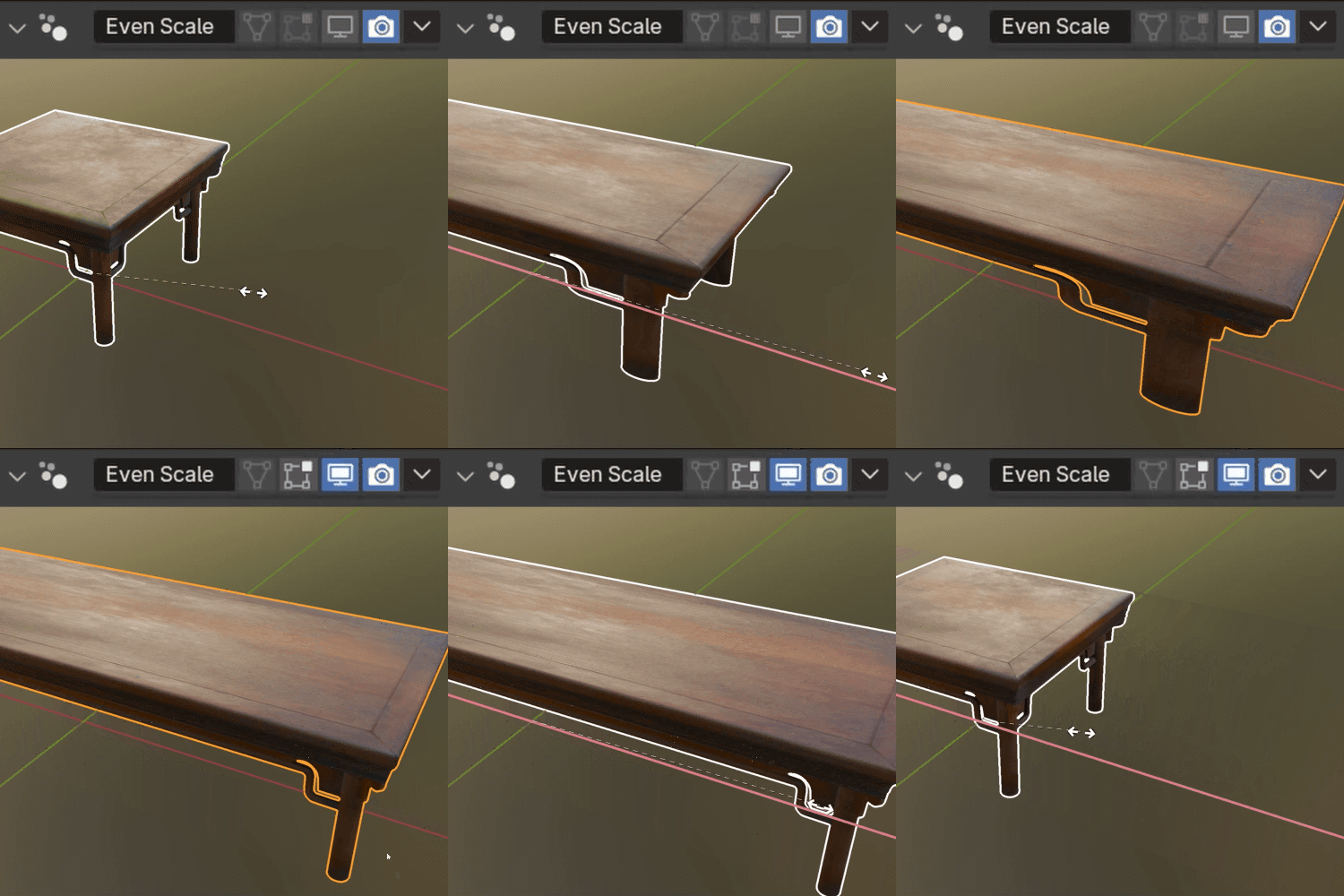 Even ScalePreventing Distortion when Altering Aspect Ratios
 -
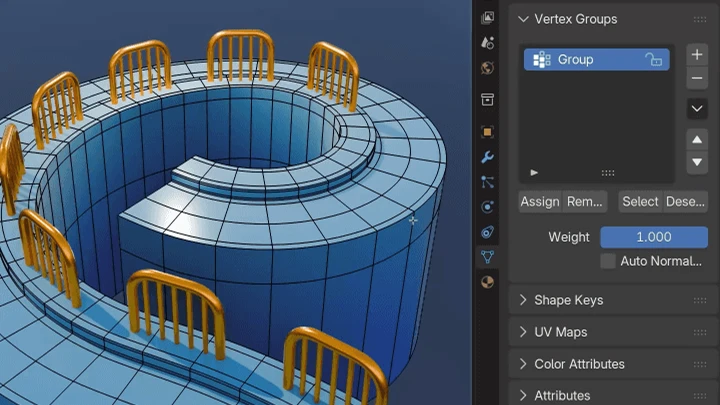
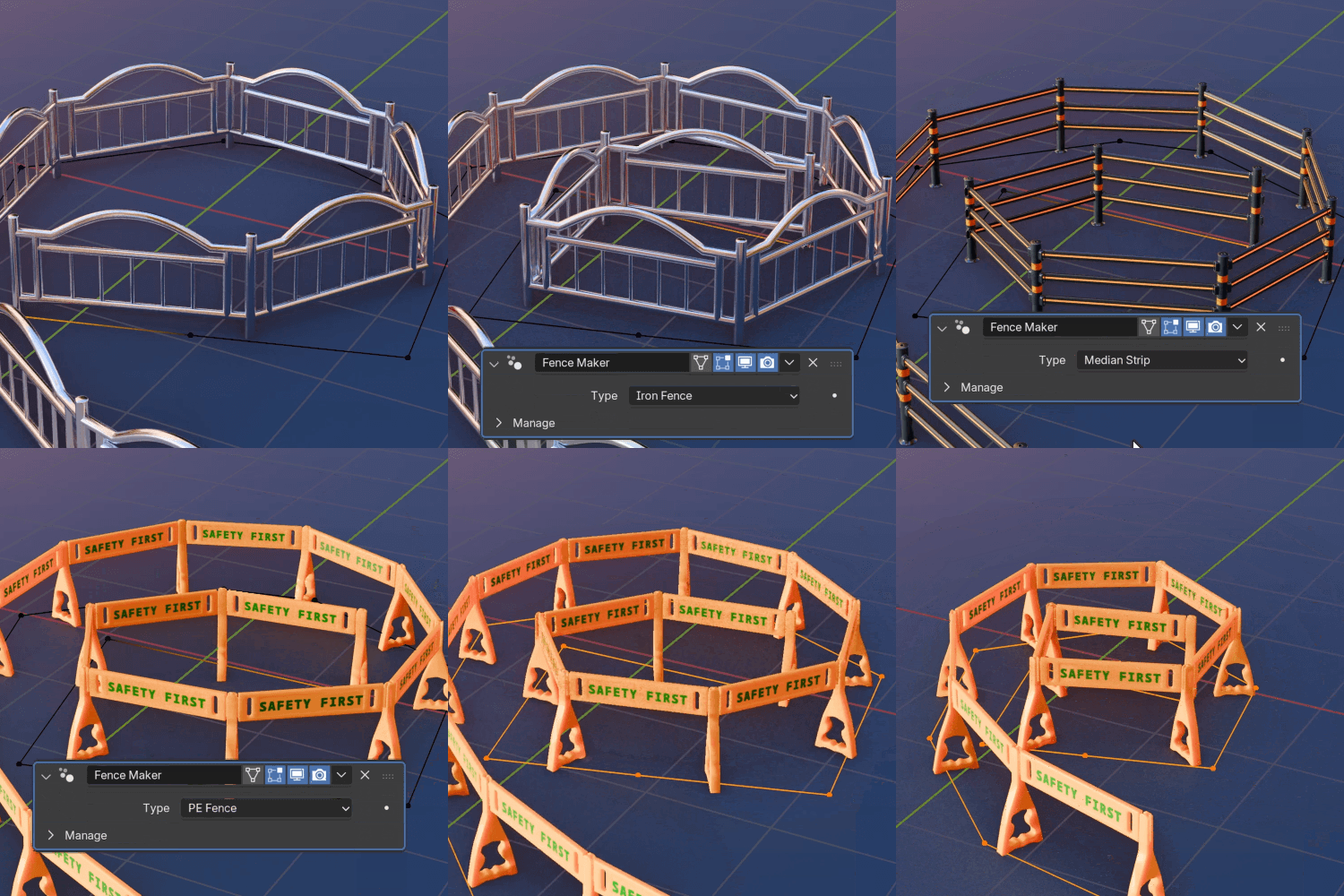 BarricadeCreating a Fence Using Curves
Part 2. Speed Modeling with Custom Node Tools
-
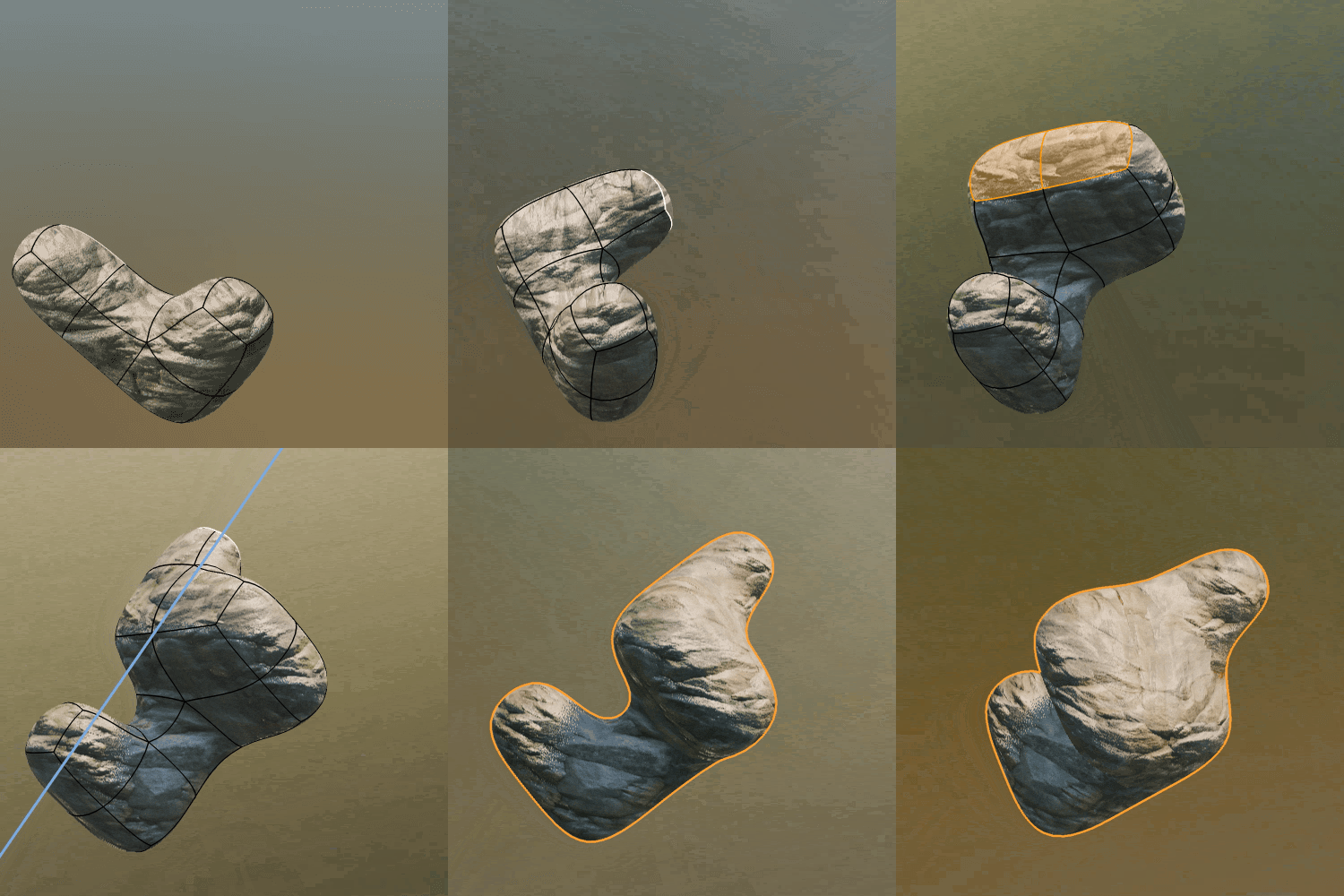
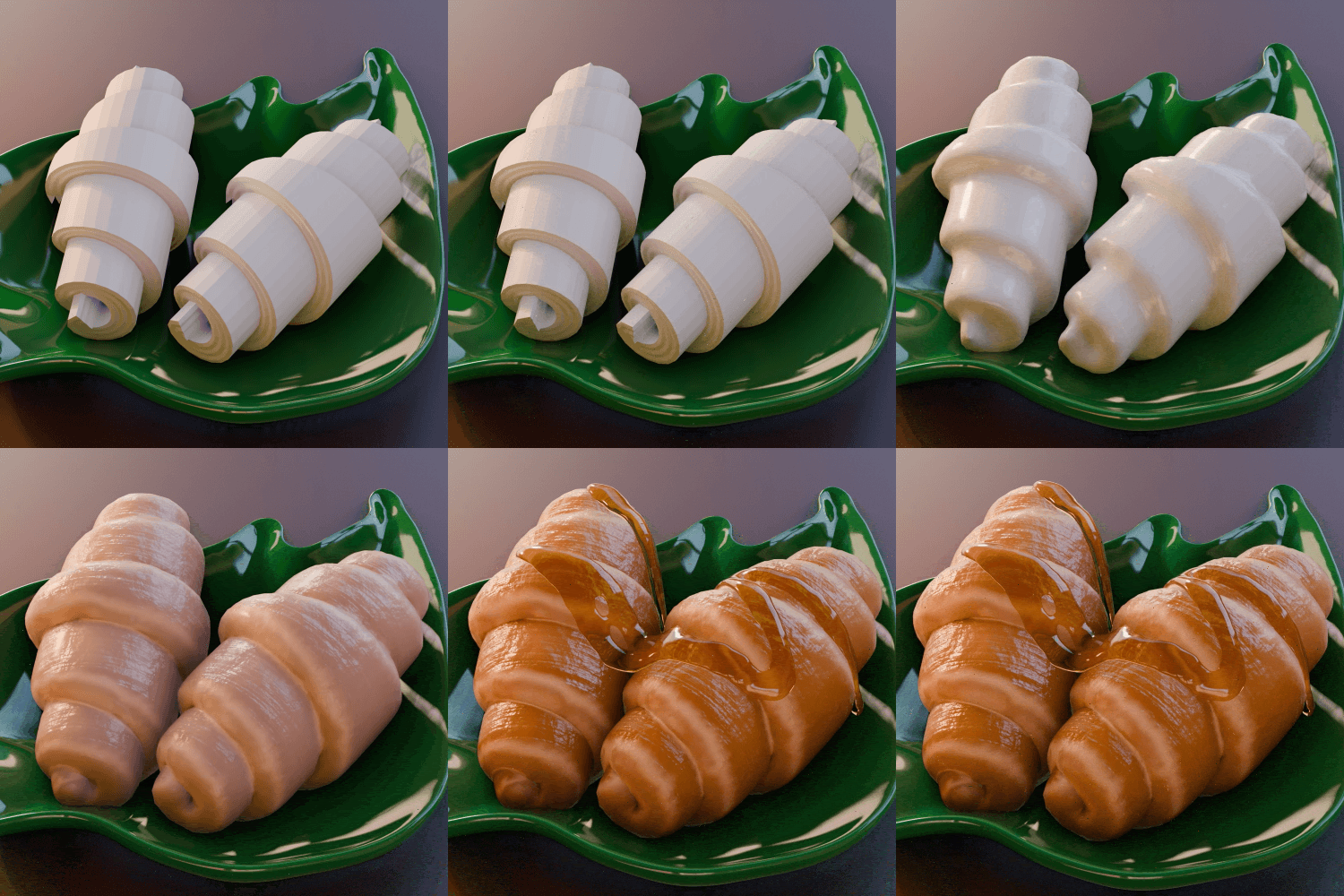 Speed Modeling 1: Croissants
 -
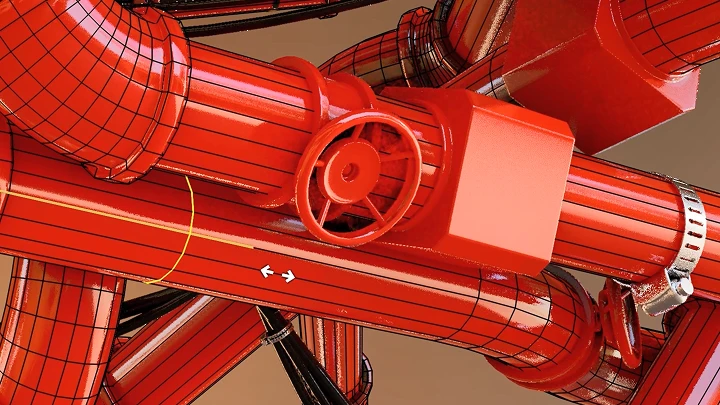
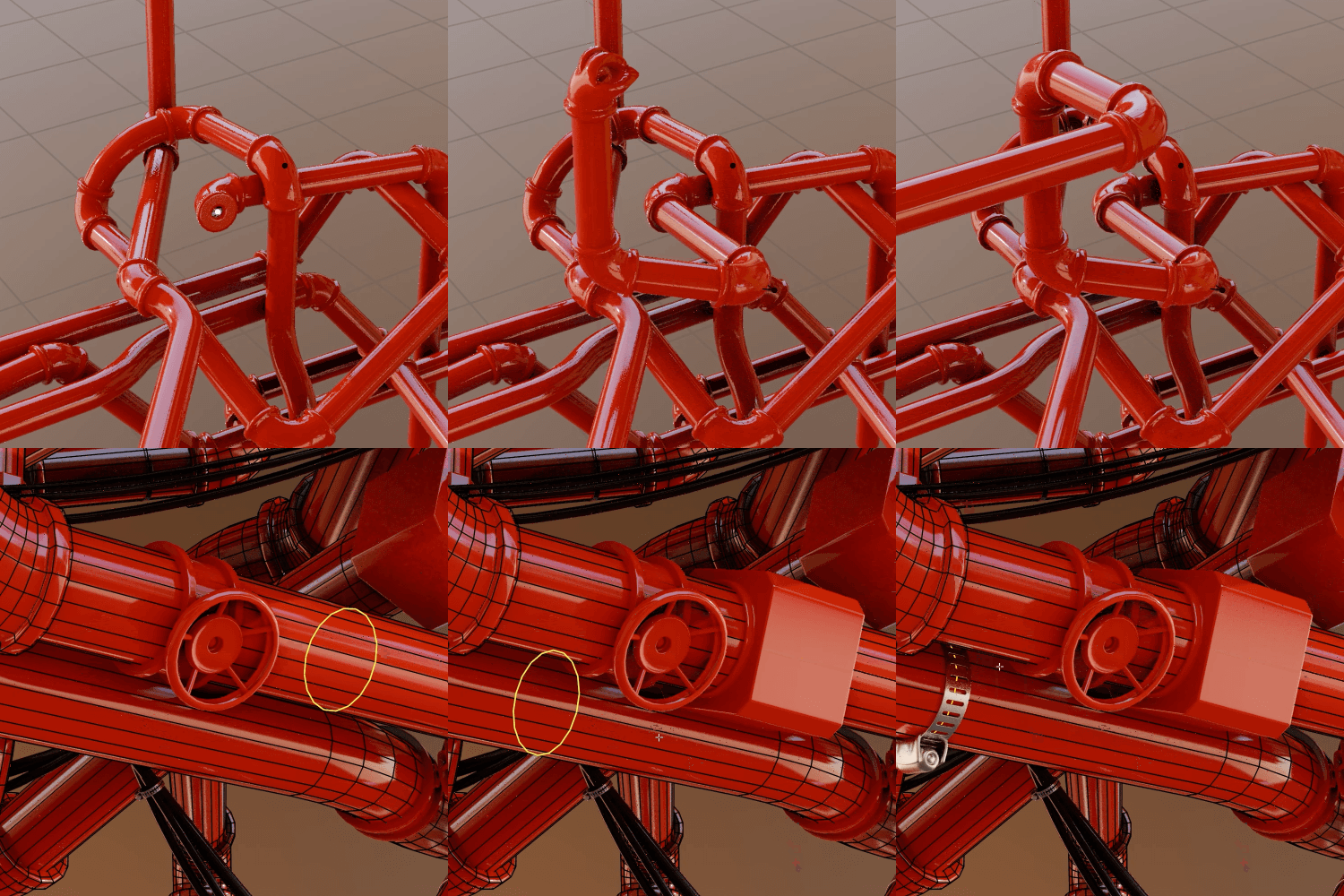 Speed Modeling 2: Wires and Pipes
 -
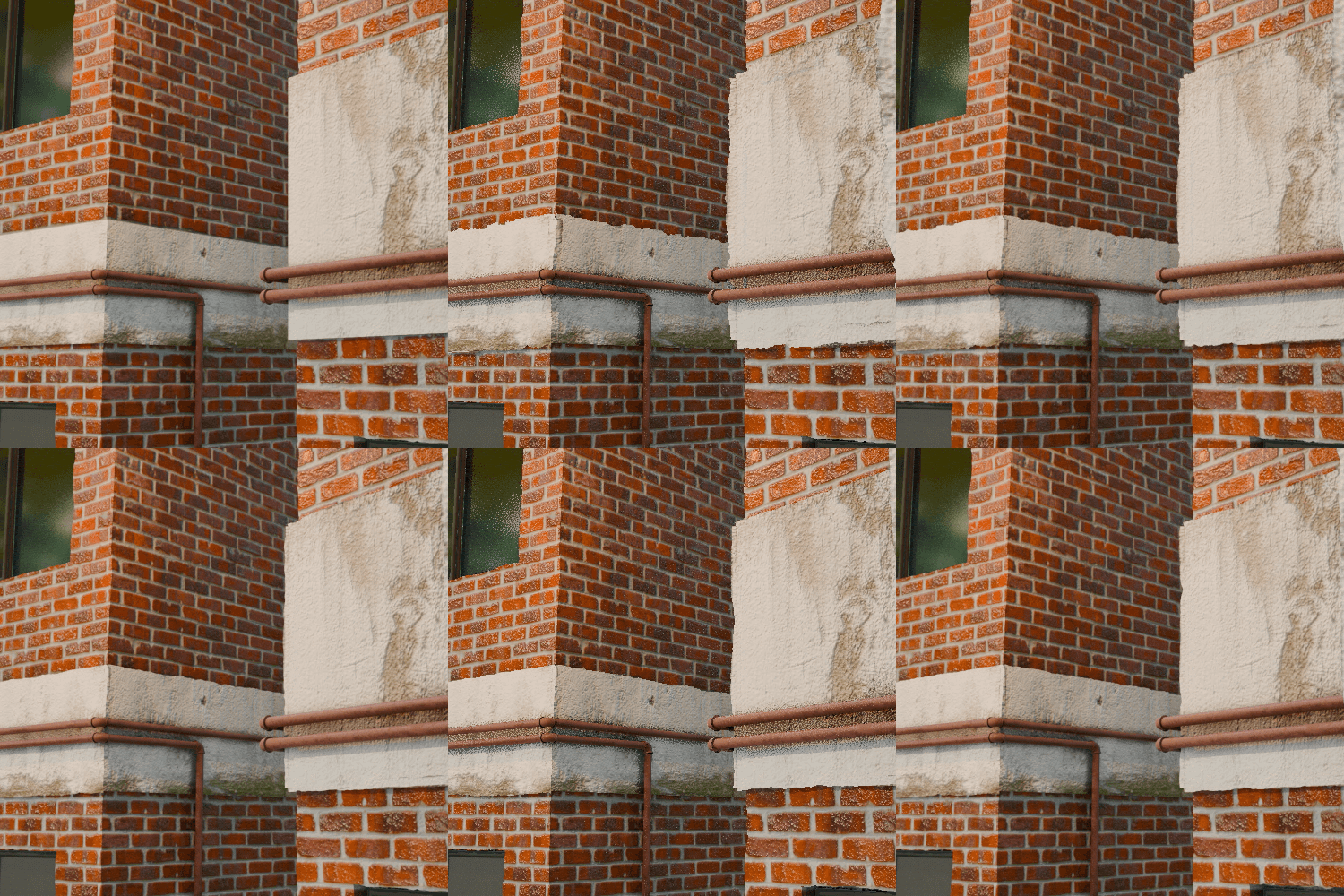
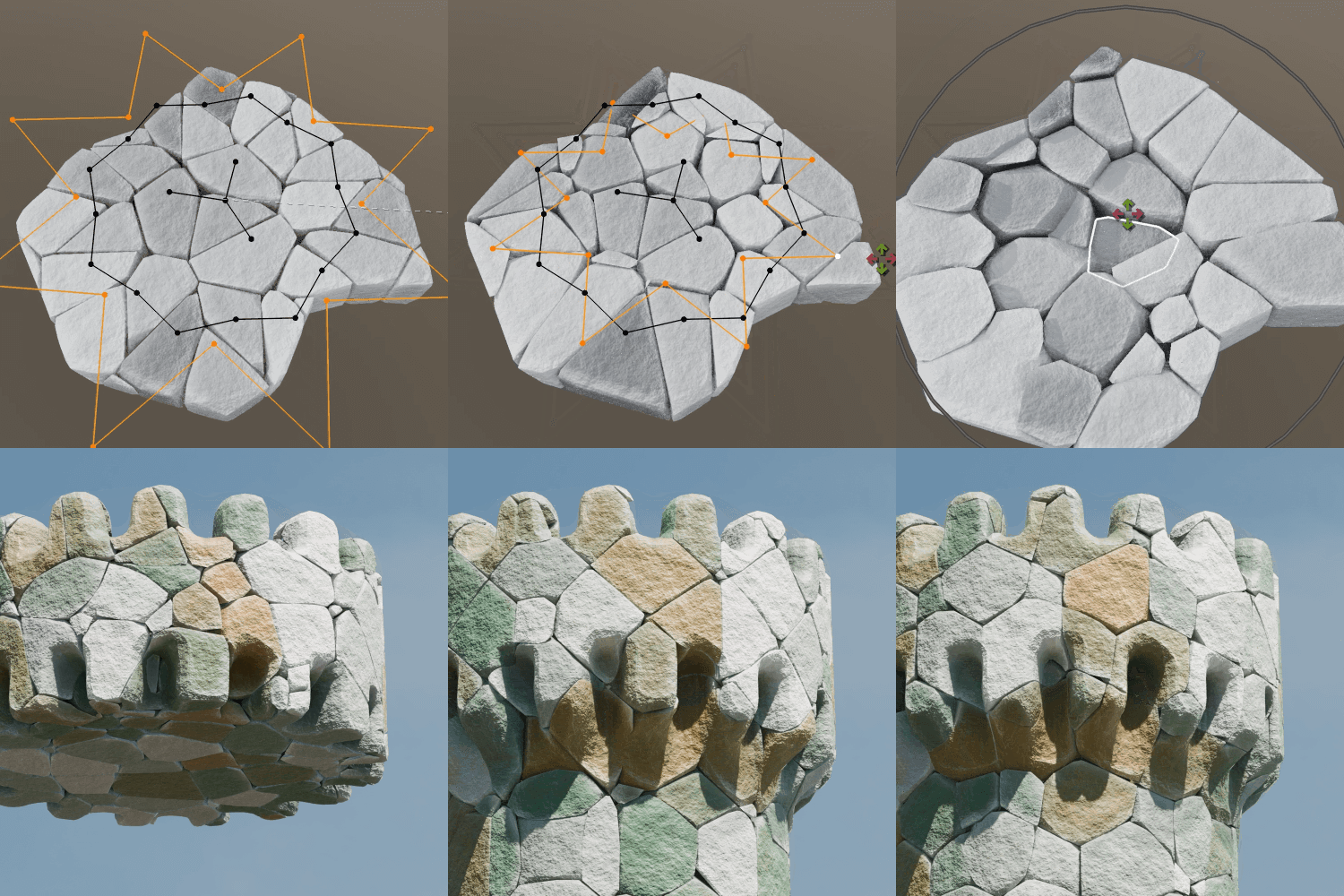 Speed Modeling 3: Dividing Brick Buildings
 -
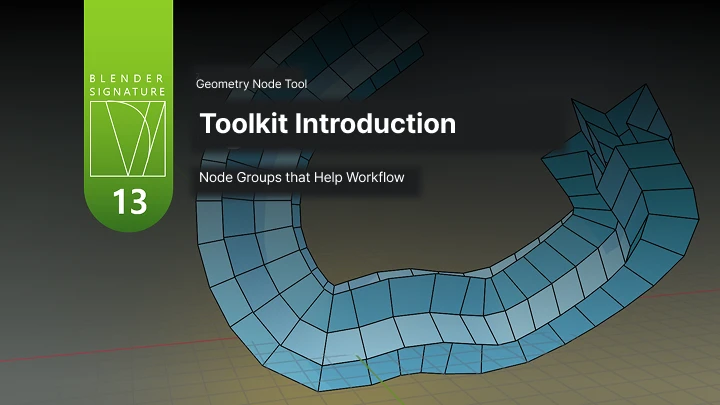
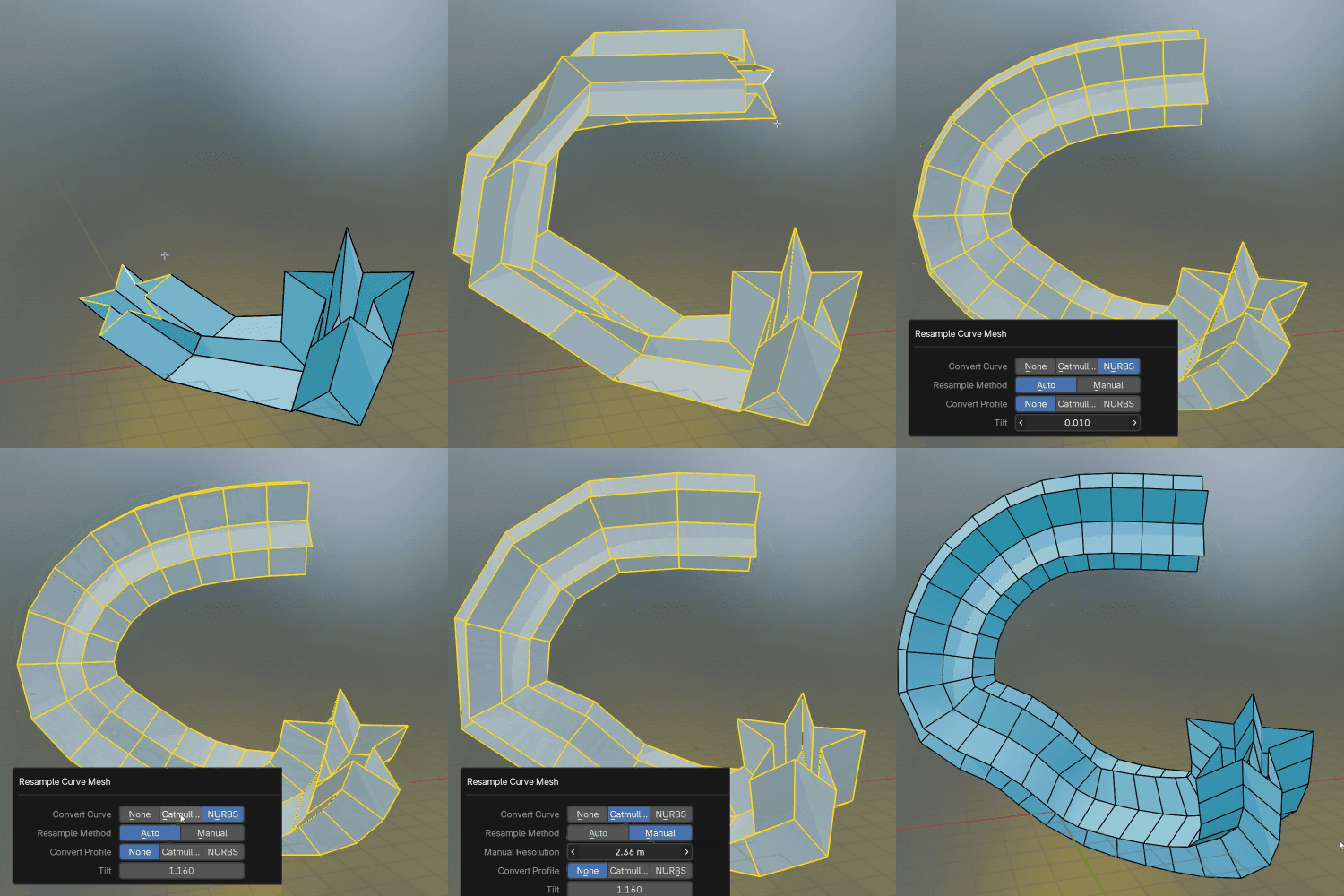 Toolkit IntroductionA Collection of Node Groups for a Highly Efficient Workflow
Part 3. Procedural Modeling: Cityscapes
-
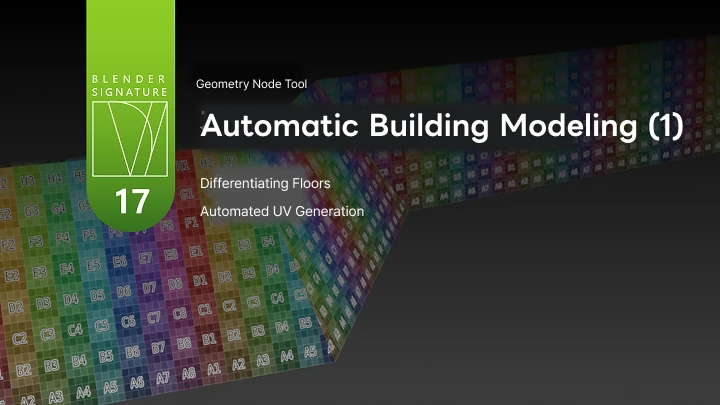
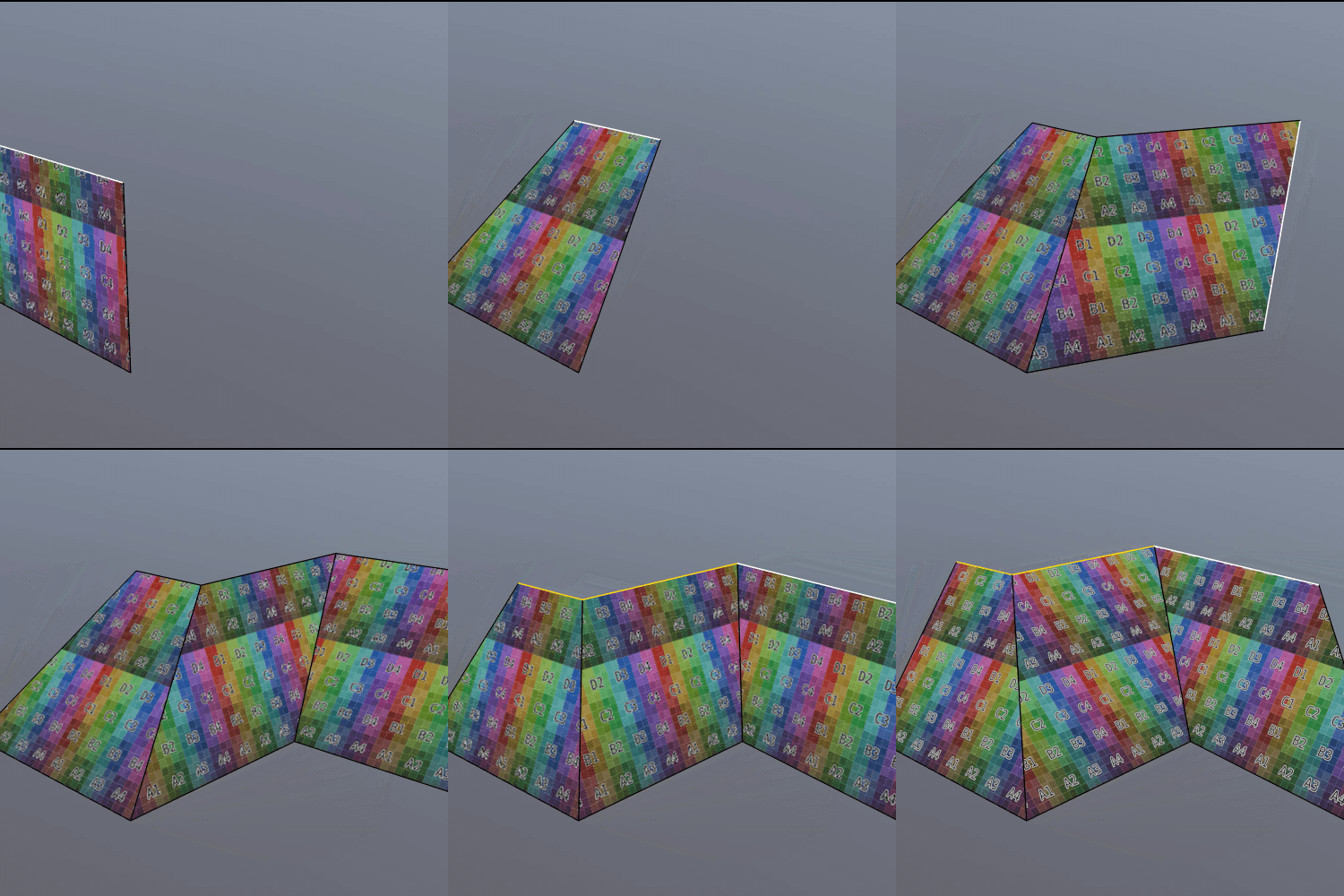 Building UV Auto-Generation Node
 -
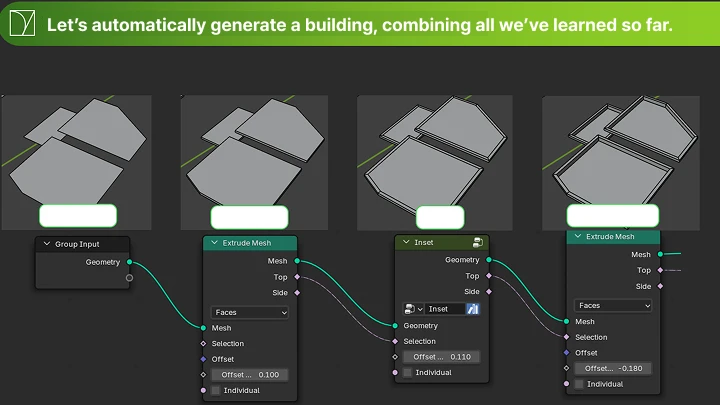
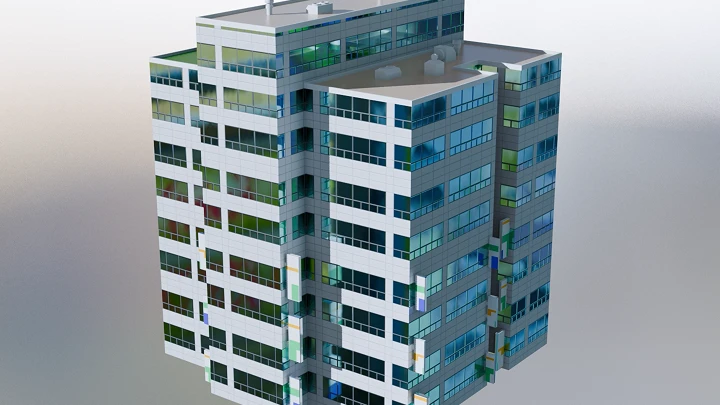
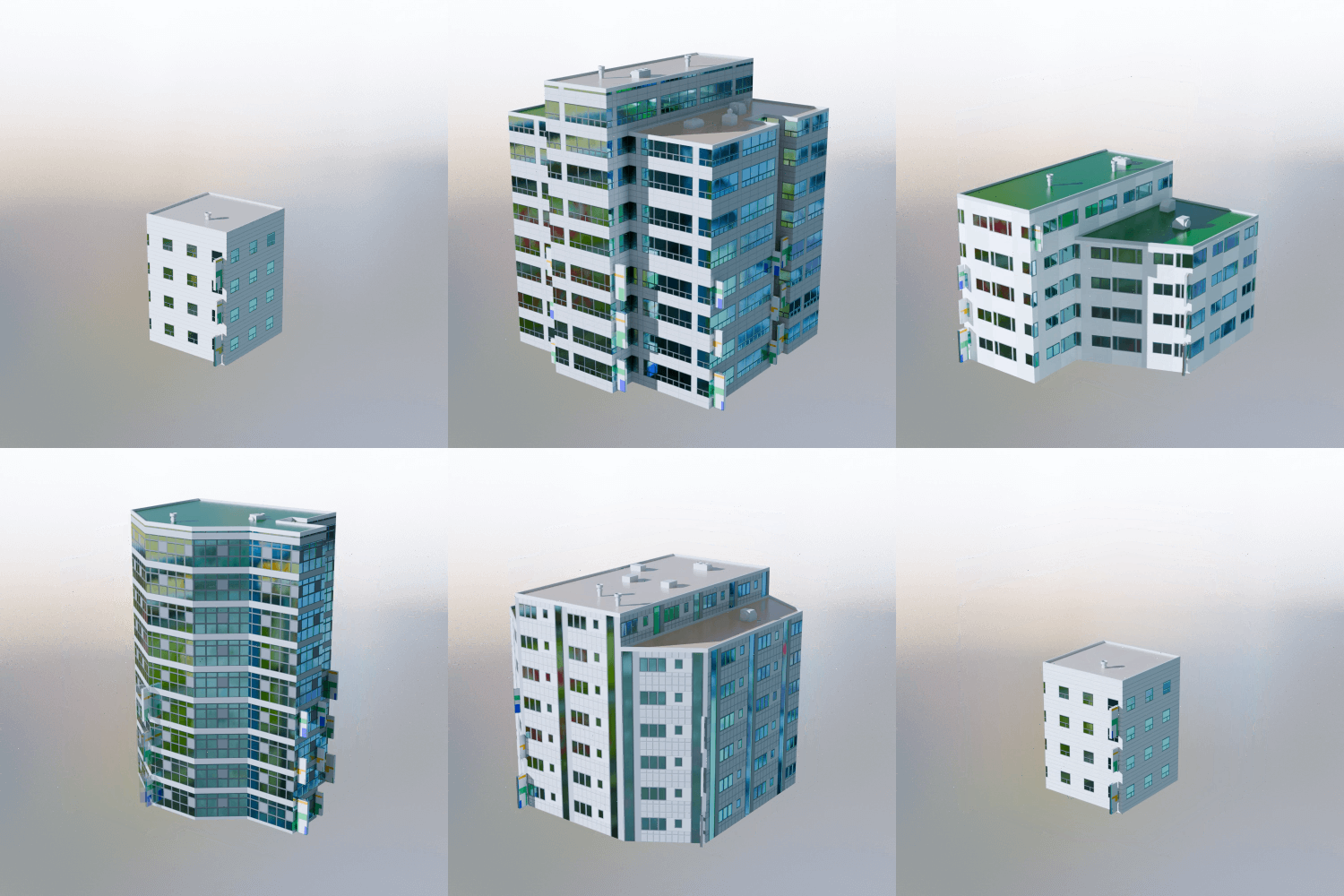 Automatic Building Modeling
 -
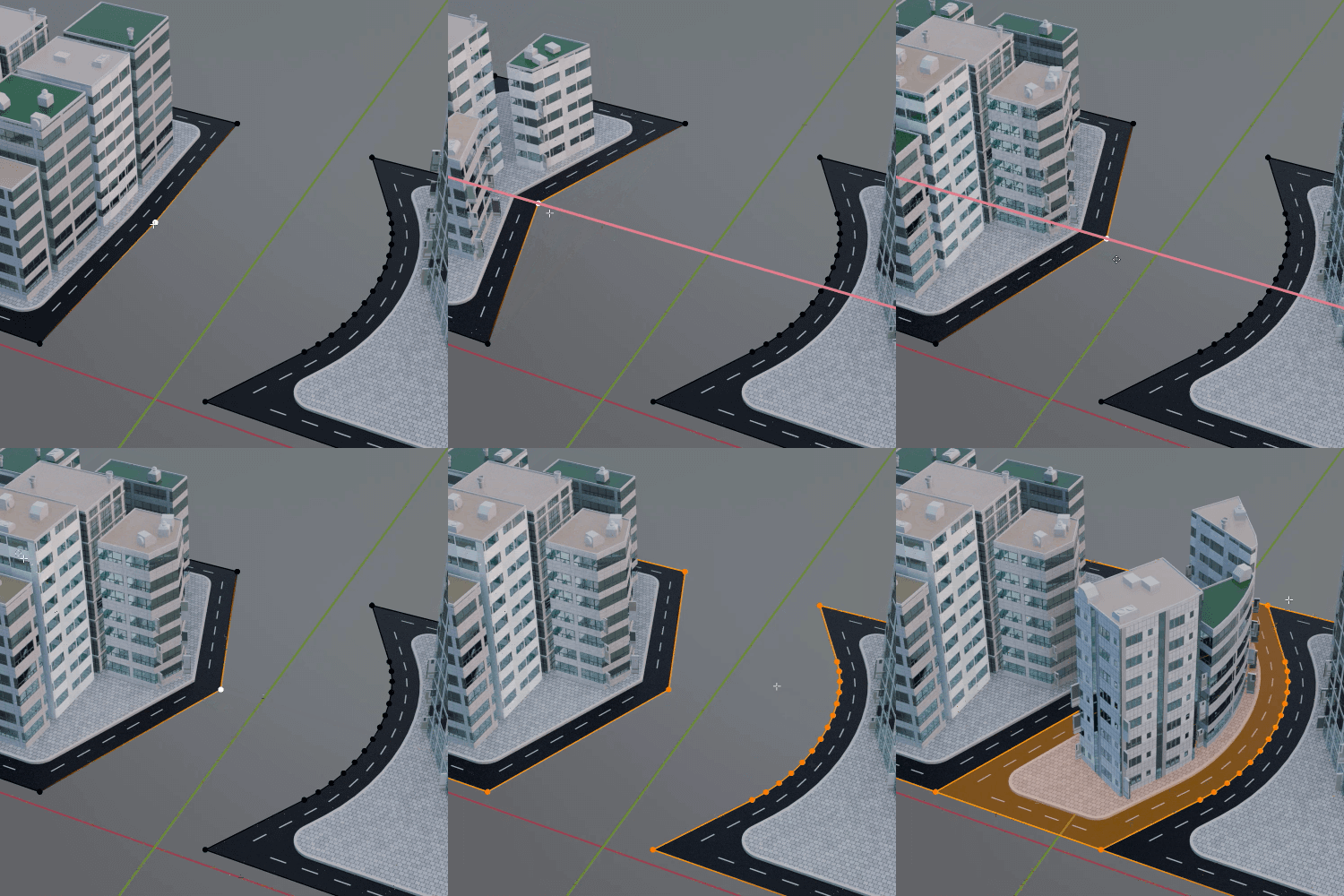
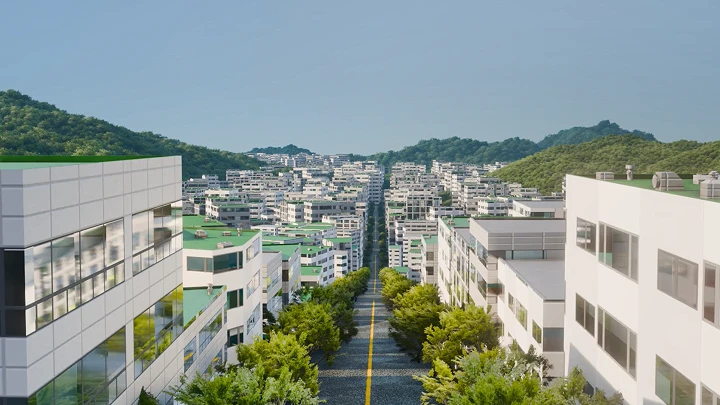
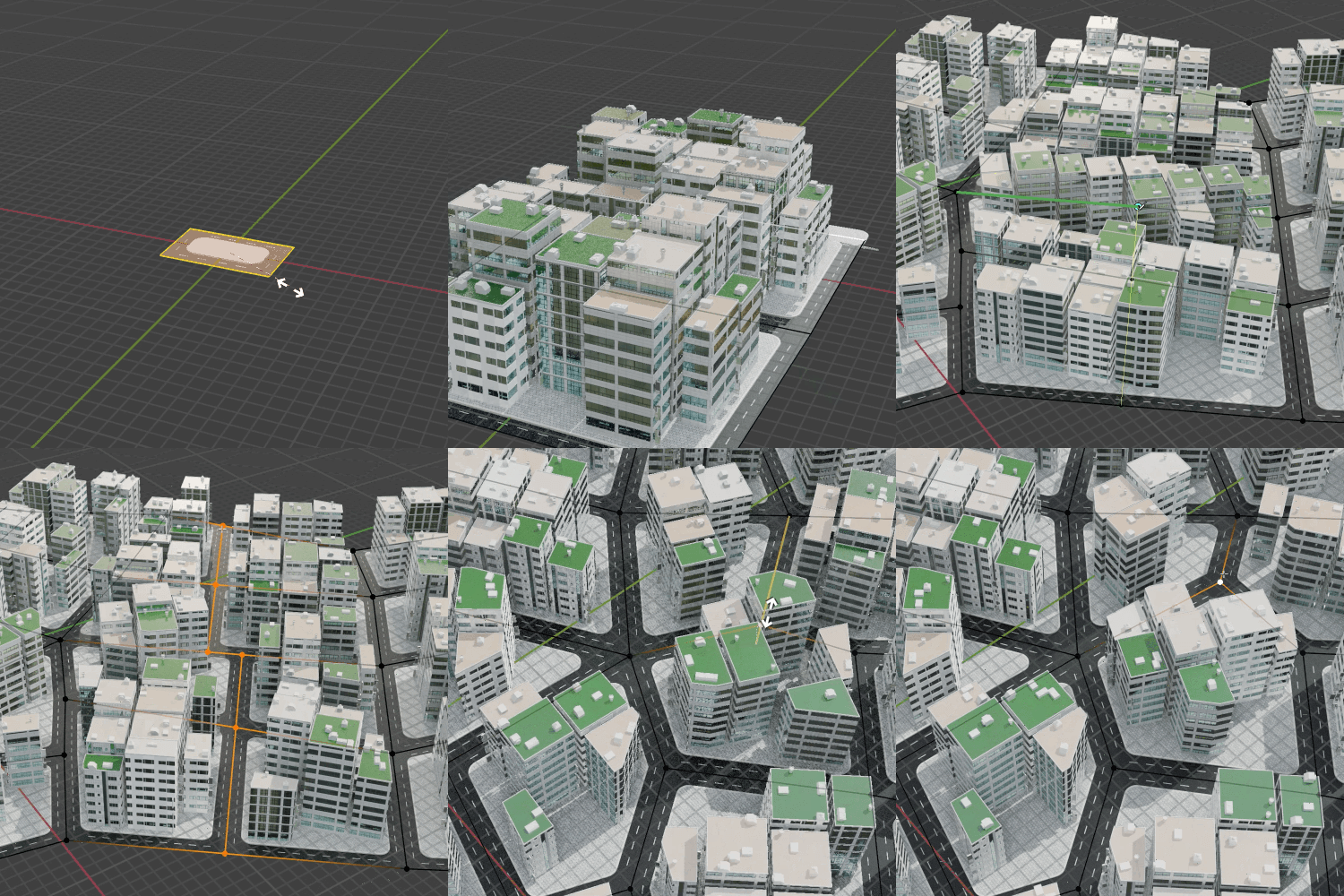 Automatic City Modeling
Part 4. Basic and Intermediate Shader Node Theory
-
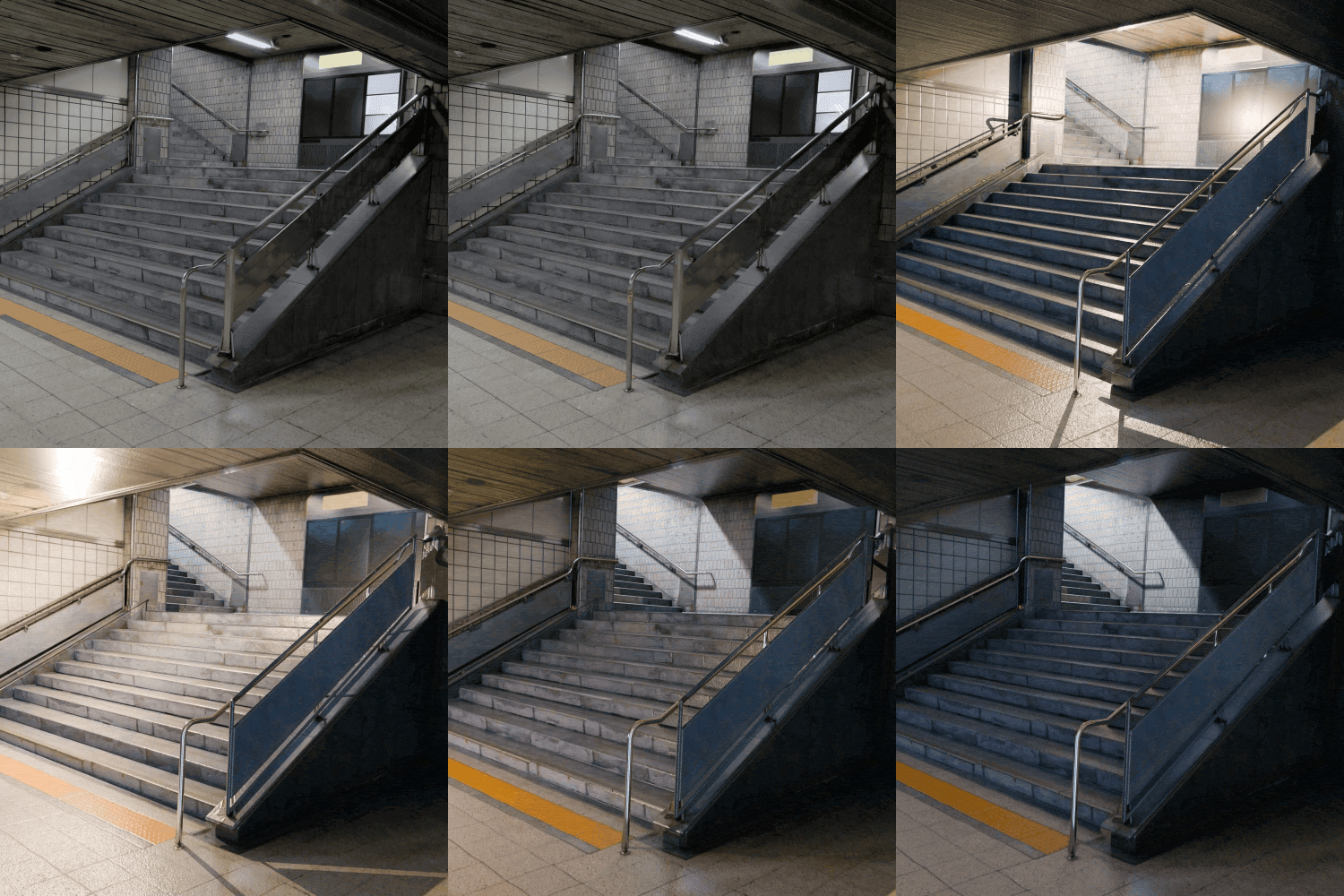 Projection Mapping with Photos
 -
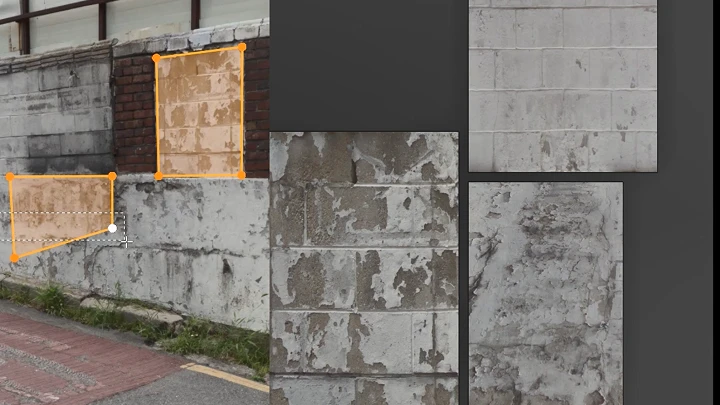
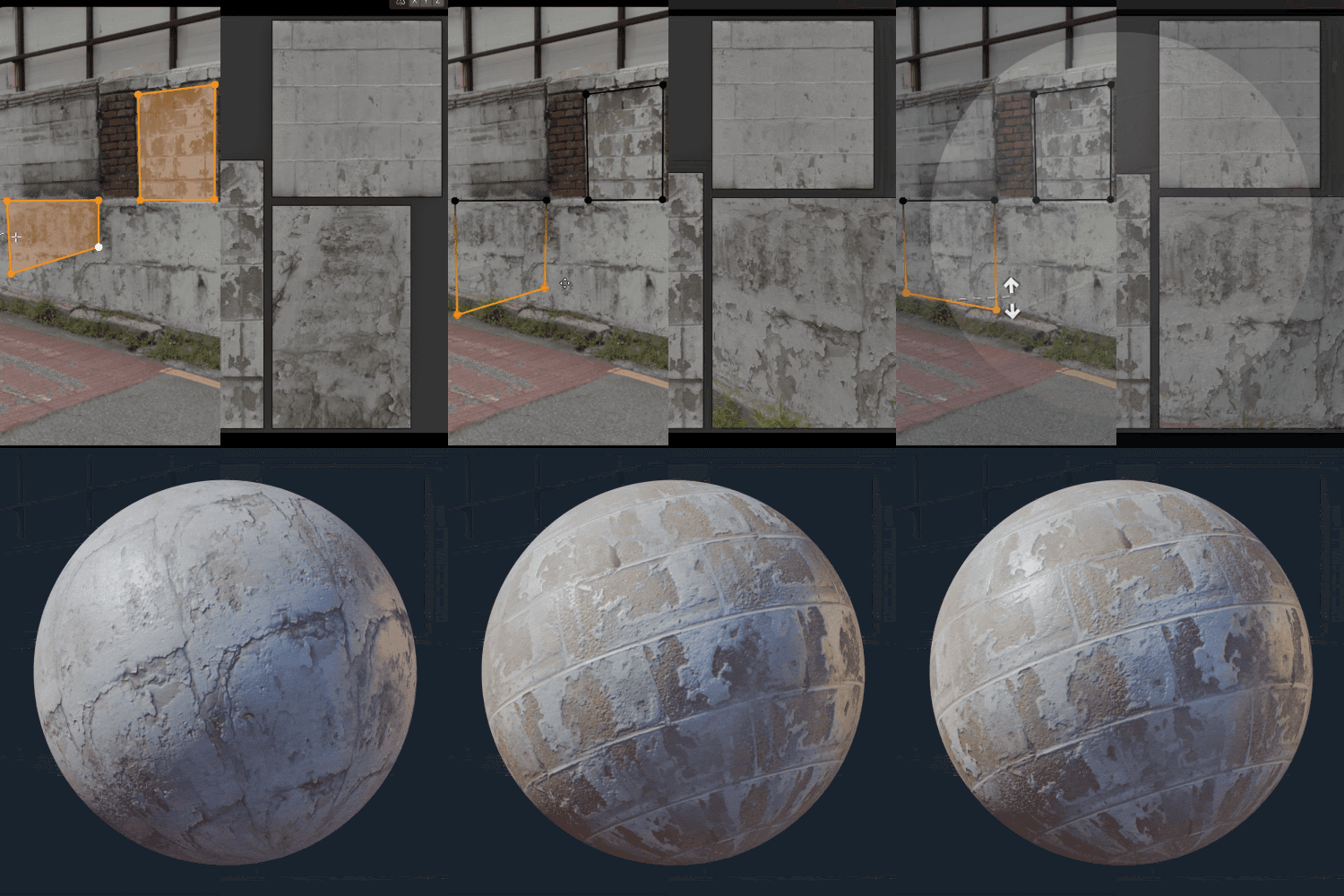 Creating Textures Using Photos
 -
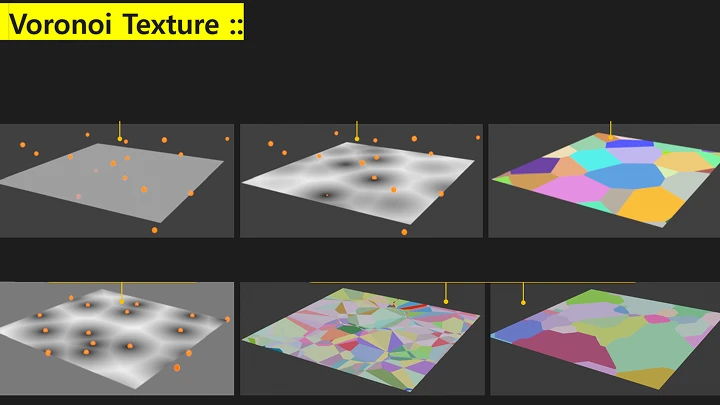
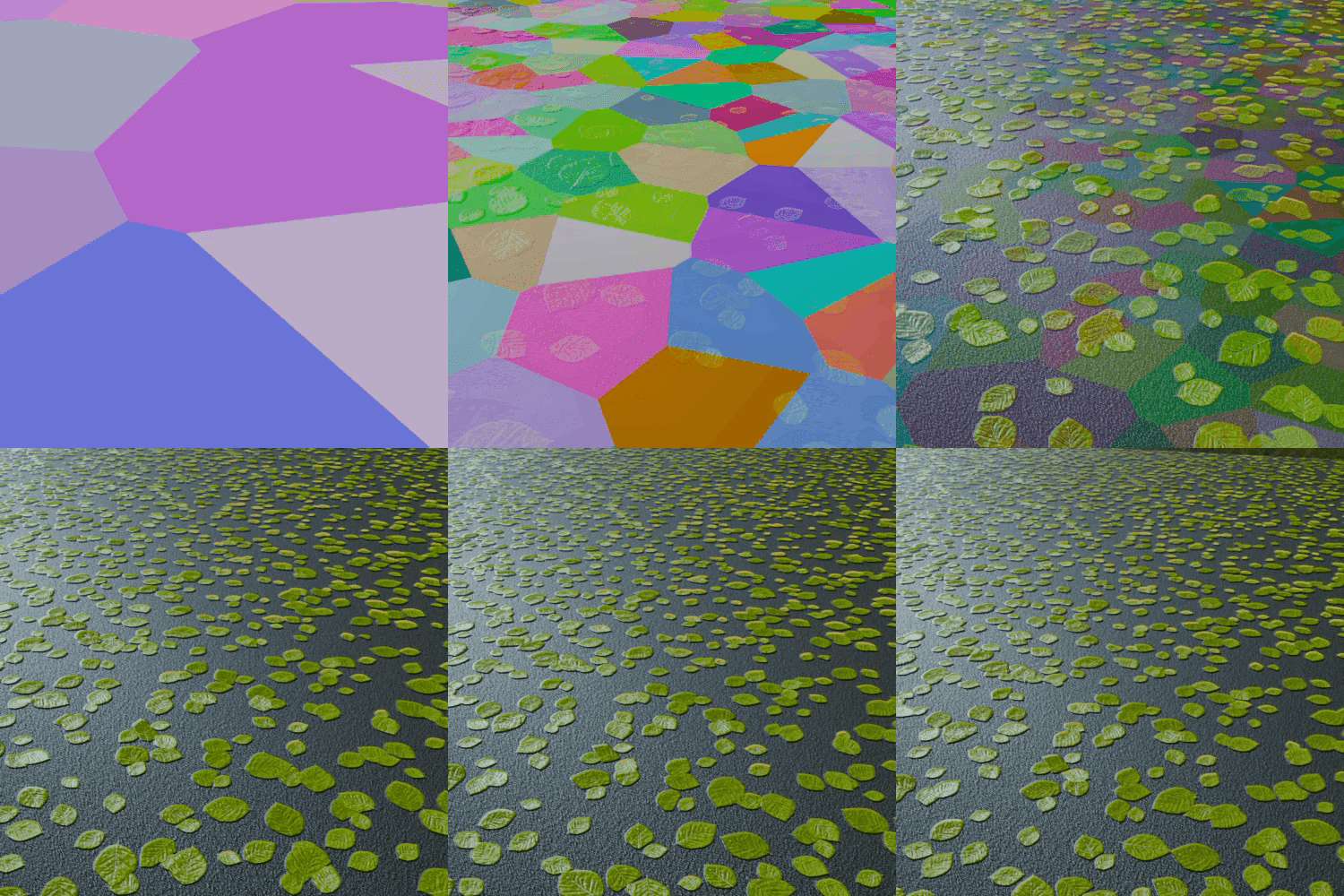 Scattering Images in Shaders Using Voronoi
-
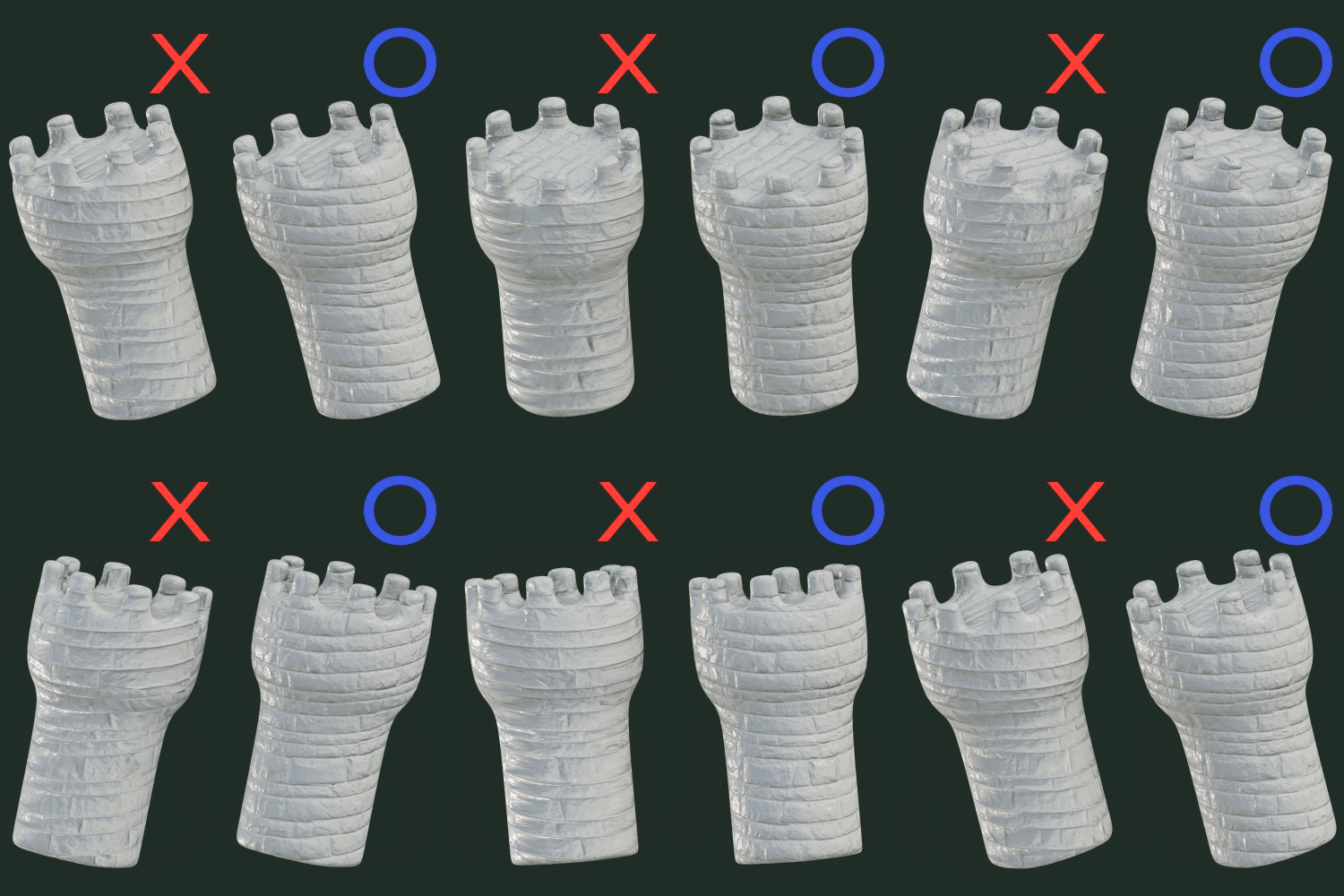 Triplanar Mapping
 -
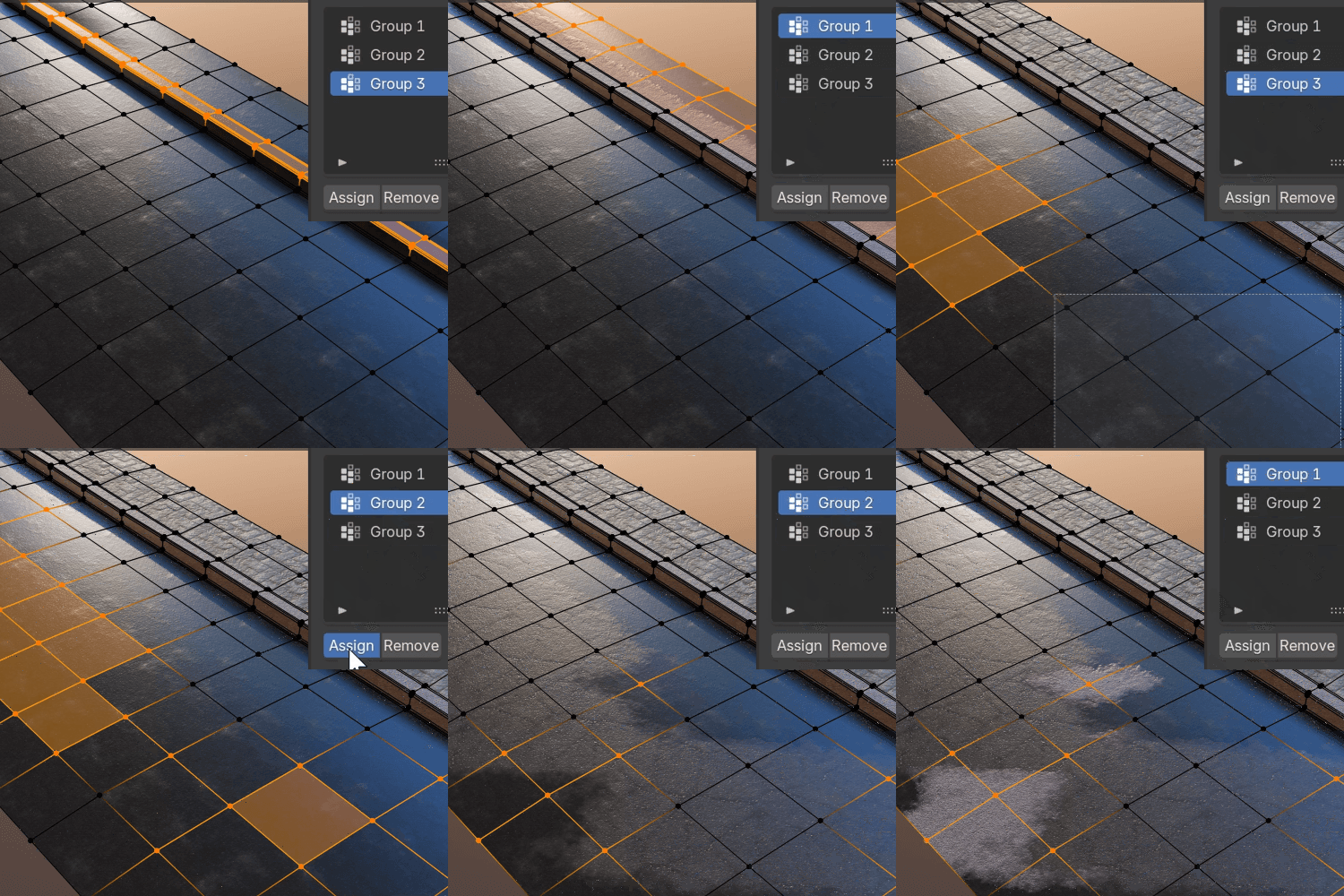 Image Masking via Vertex Color
 -
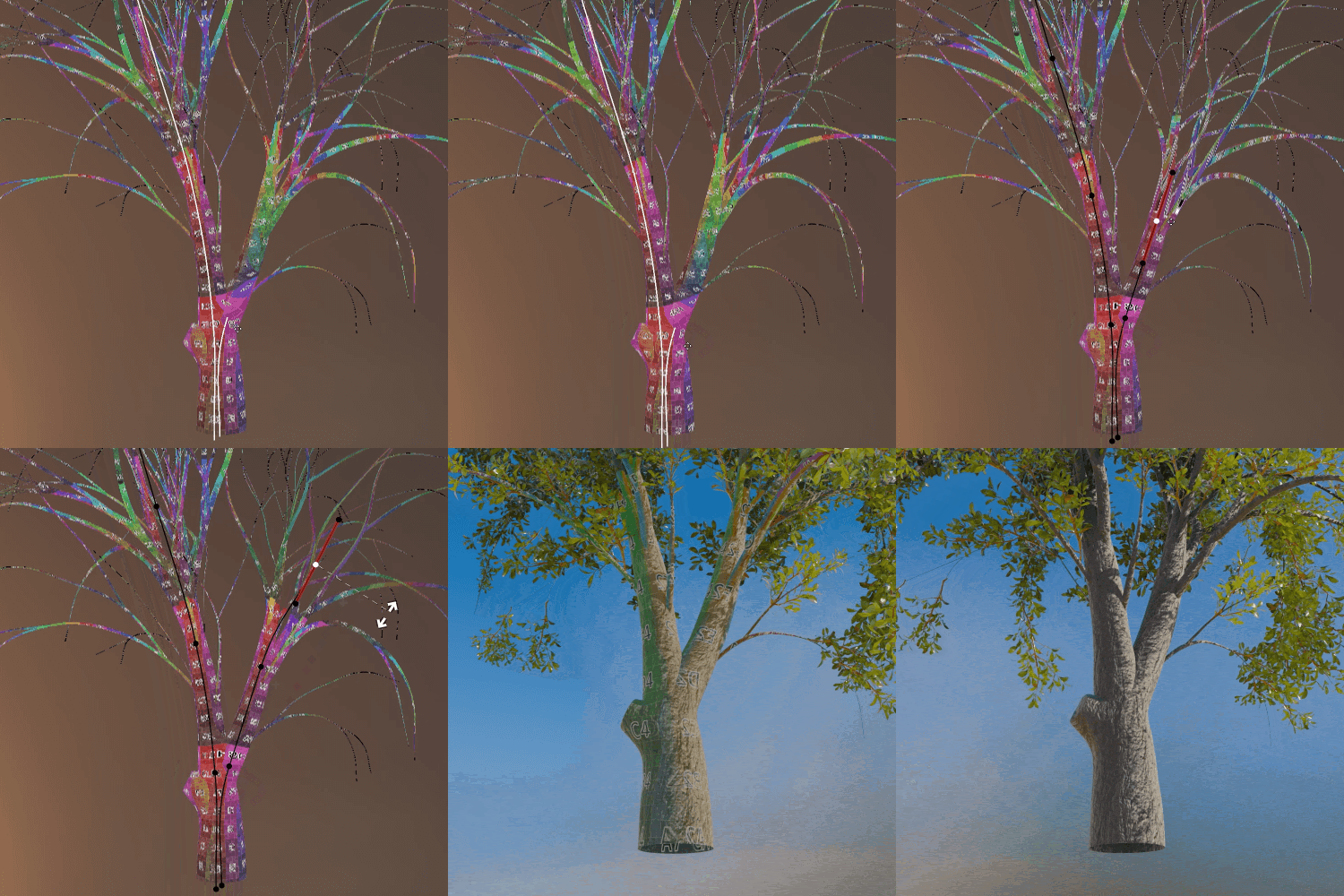 Curve Biplanar Mapping
 -
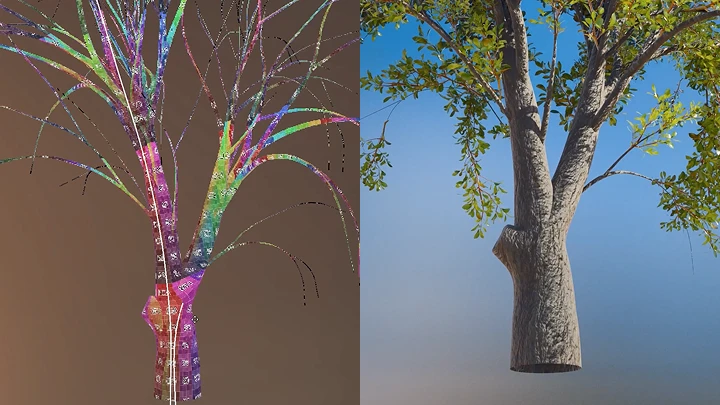
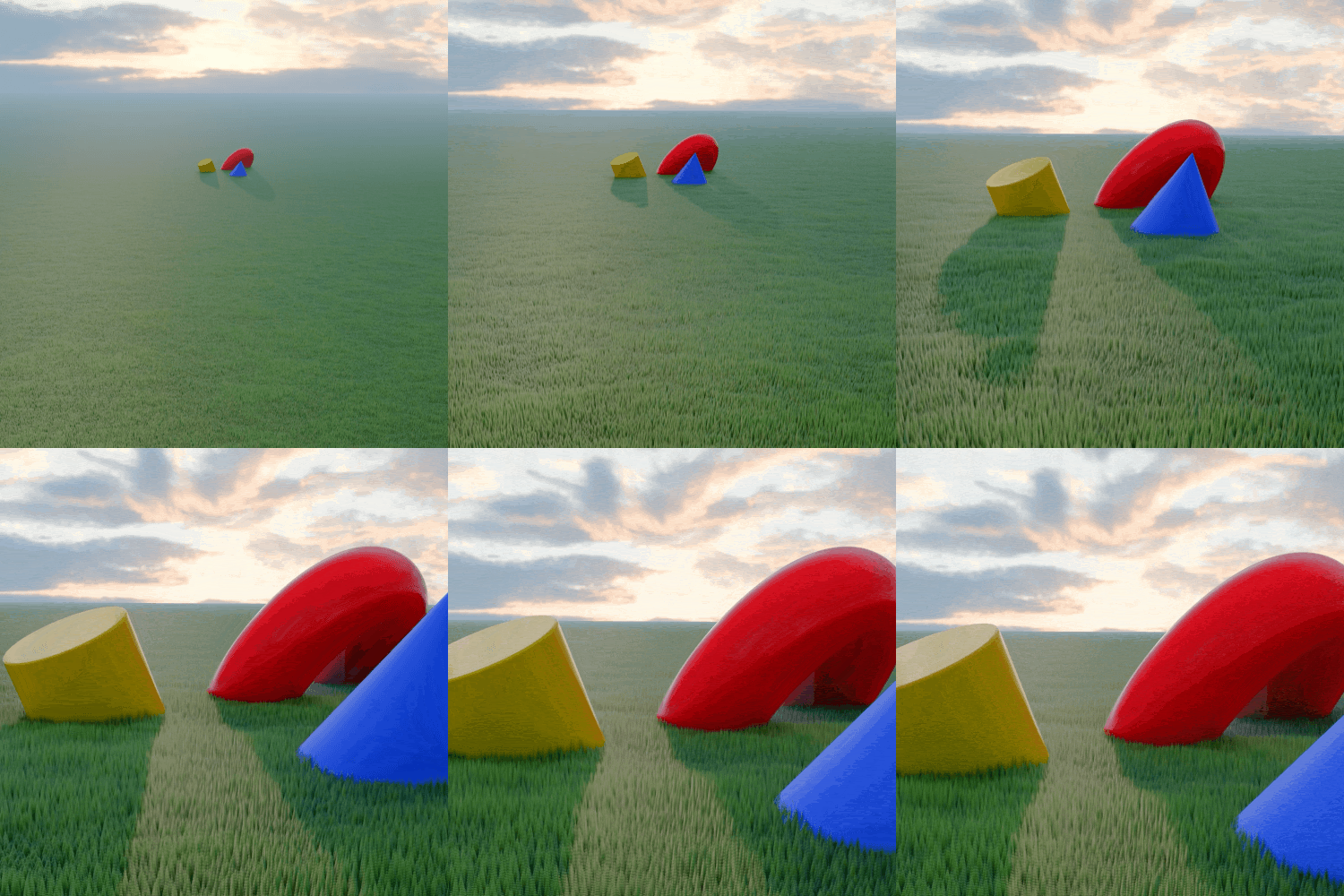 Grass and Trees with Alpha Transparency
Part 5. Texture & Shader Detail Rendering: Cityscapes
-
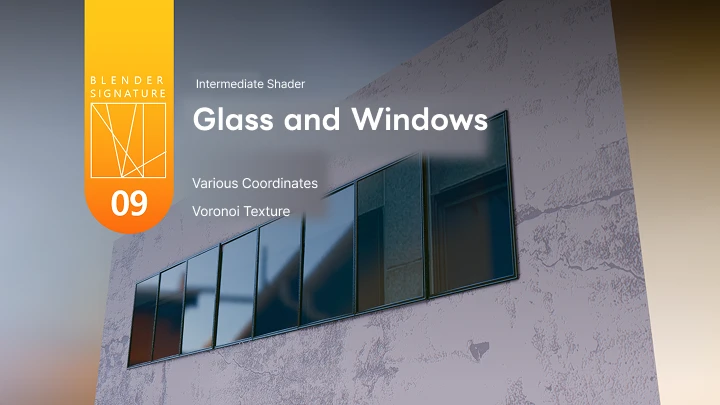
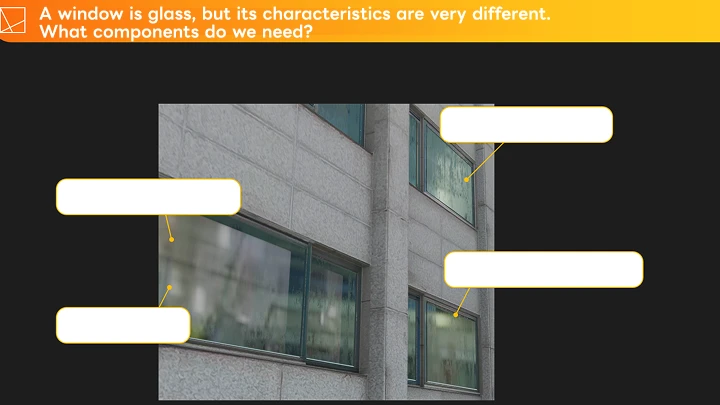
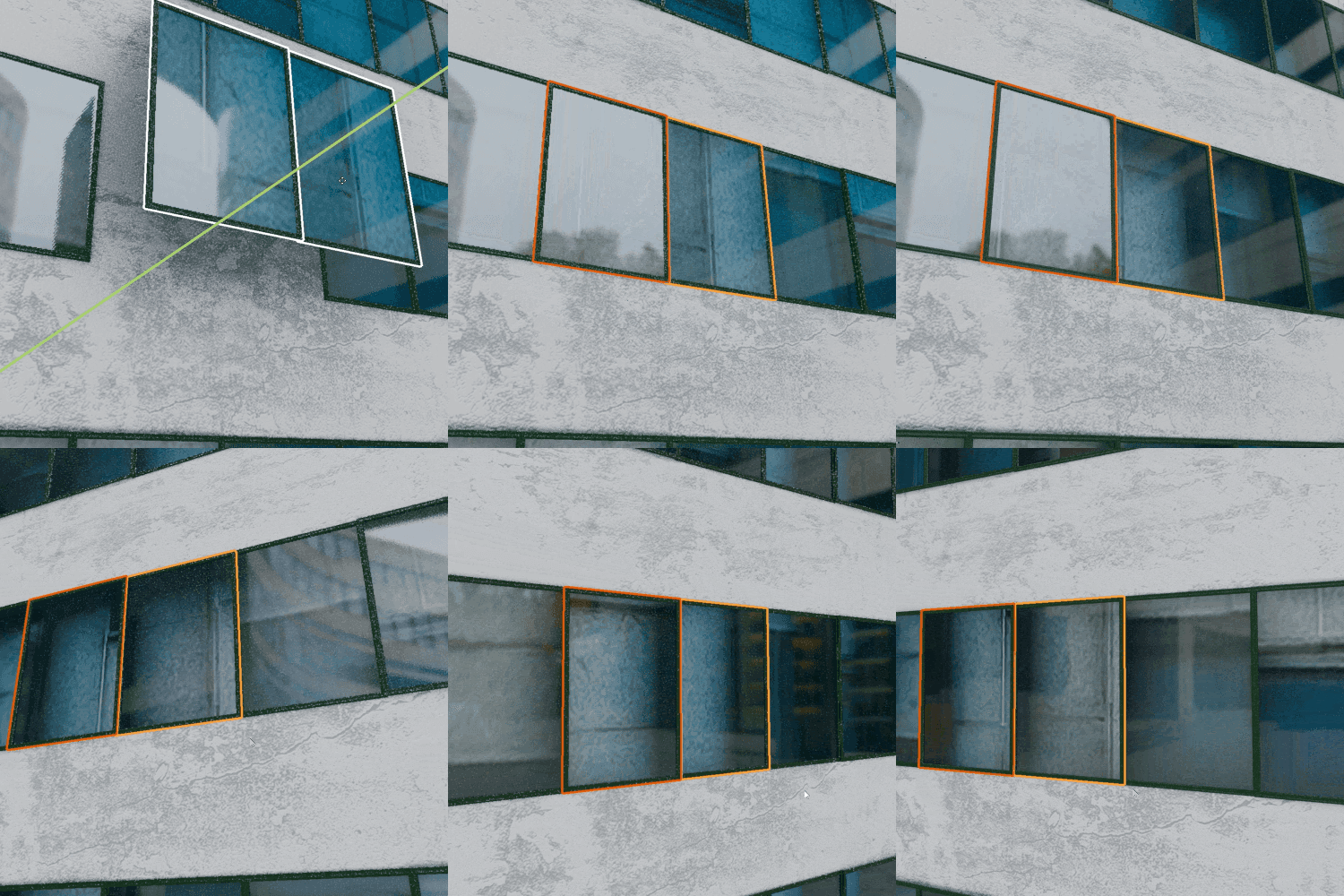 Glass and WindowsAdding Dimension to a Flat Surface with Simple Parallax
 -
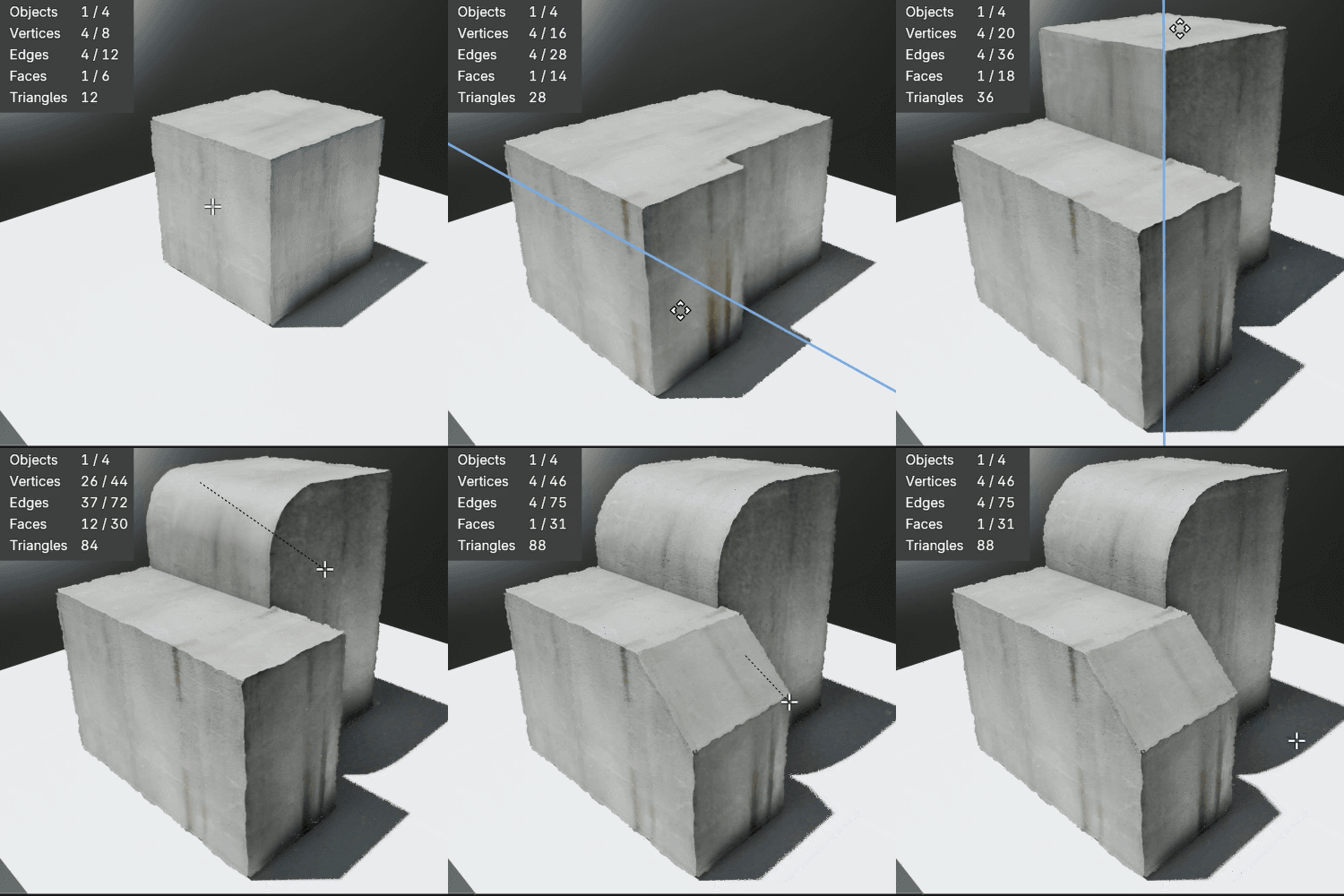 EdgesProcessing Edges via Shaders
 -
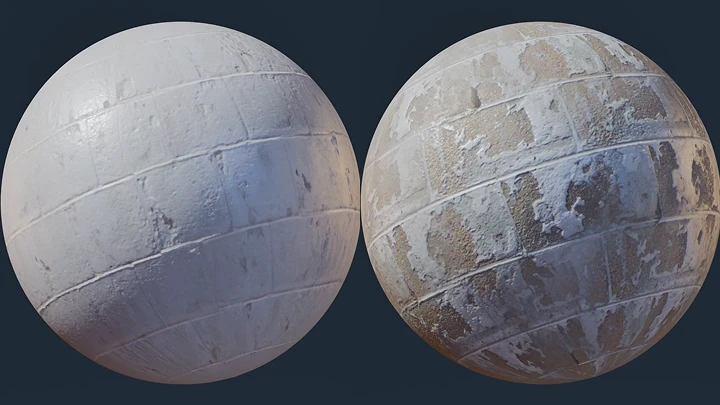
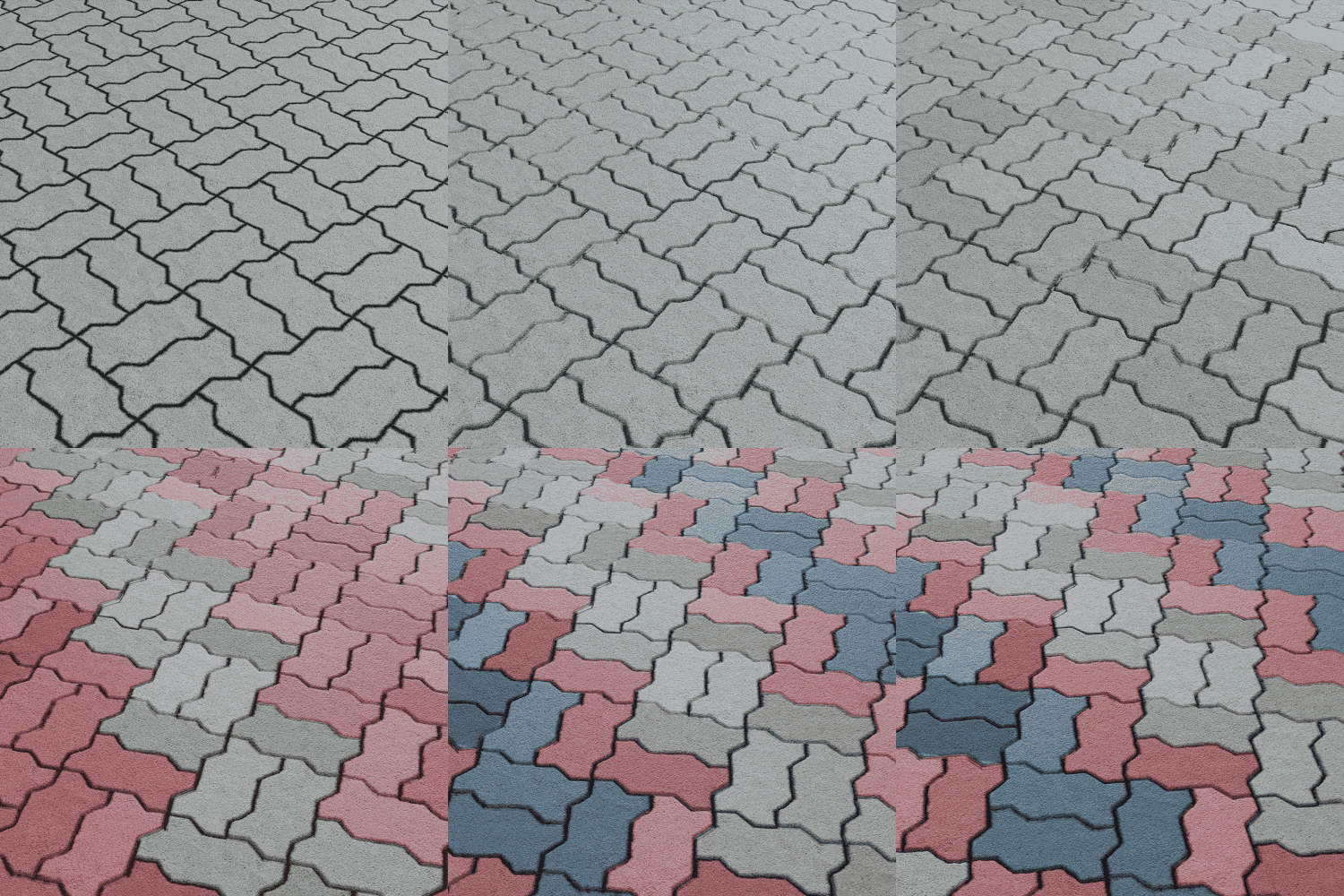 Brick Texture
-
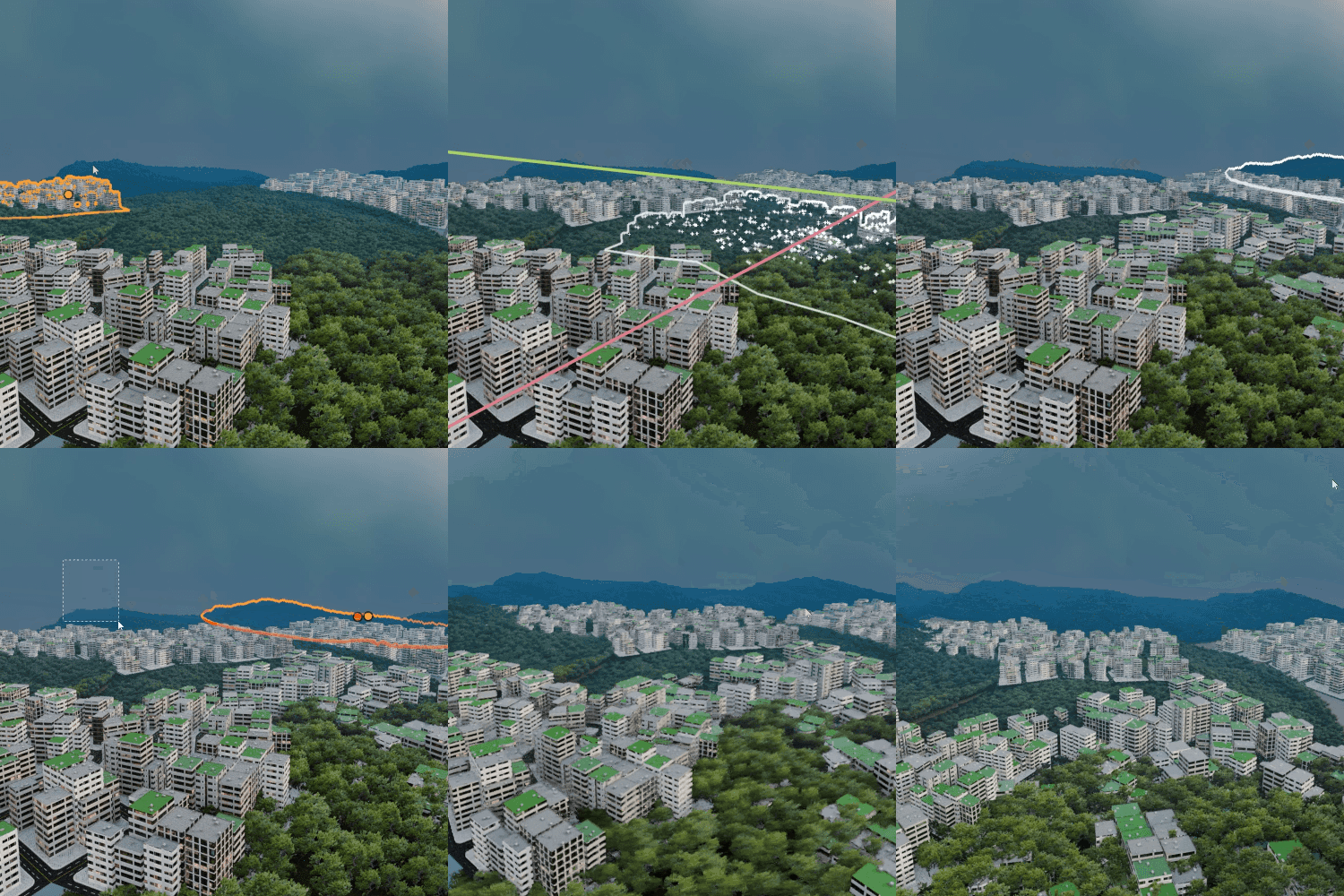
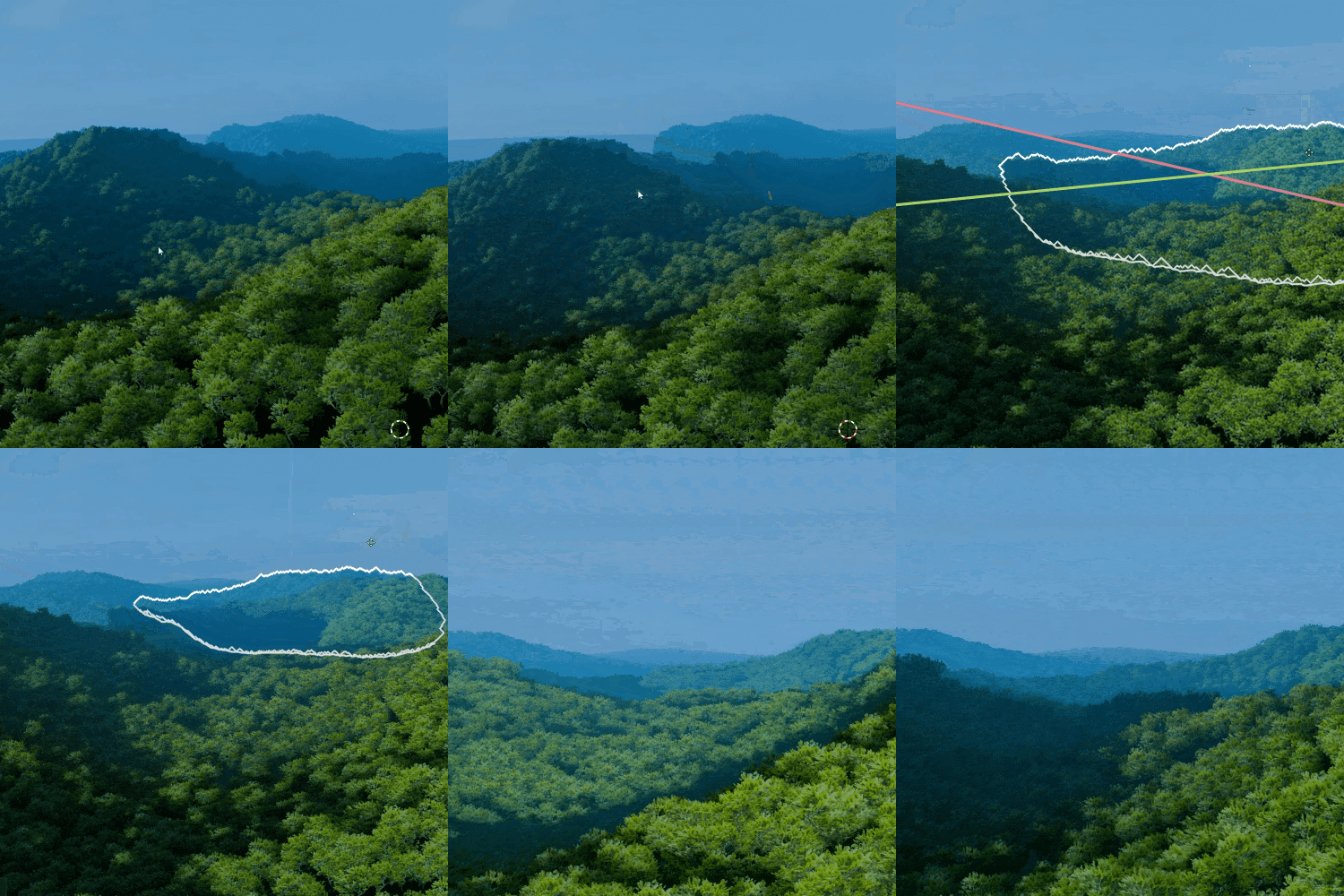 MountainsBillboard Imposter Using Point Clouds
 -
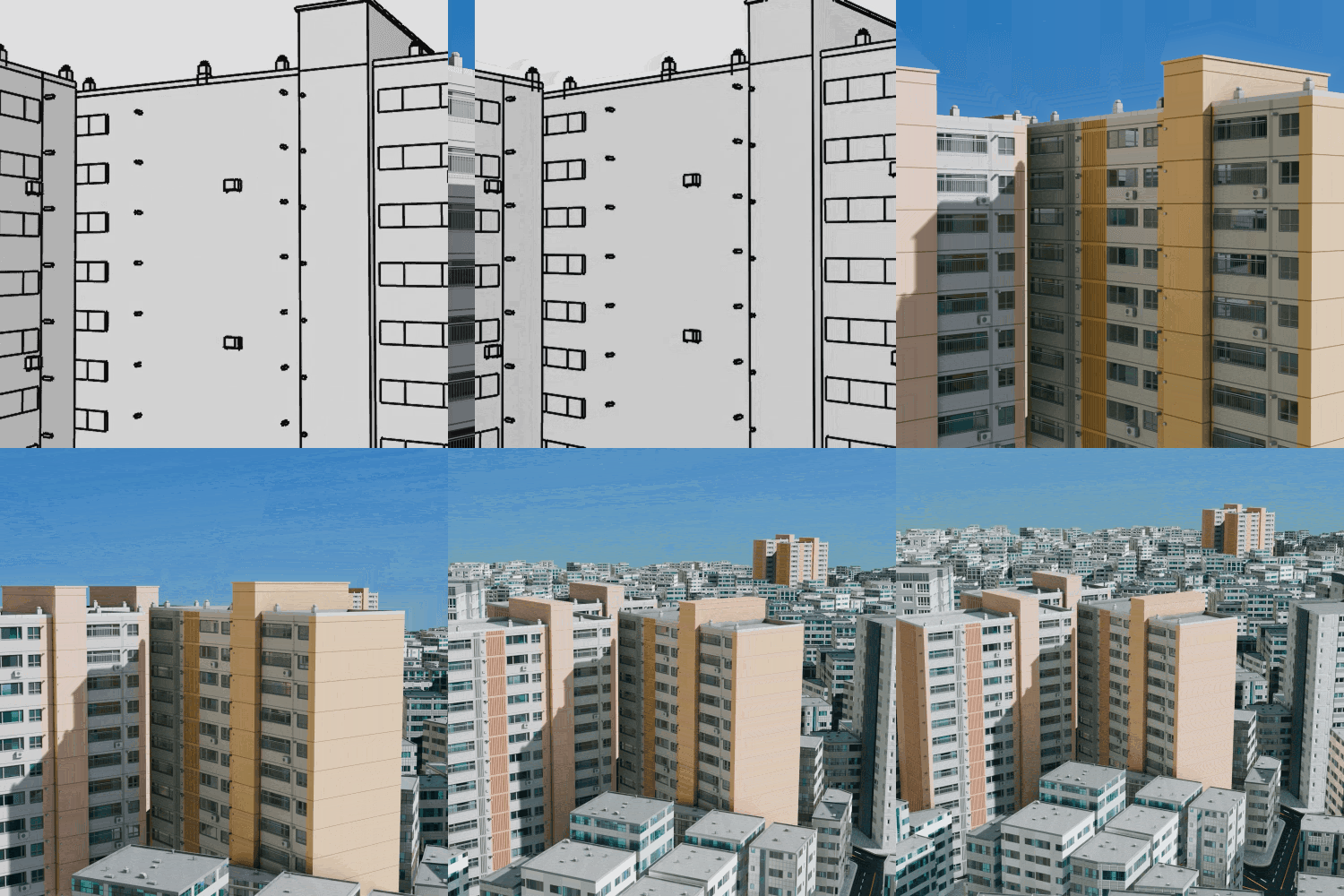 Large Buildings in Cityscapes
 -
 Sticker FlyersHow to Use Decals
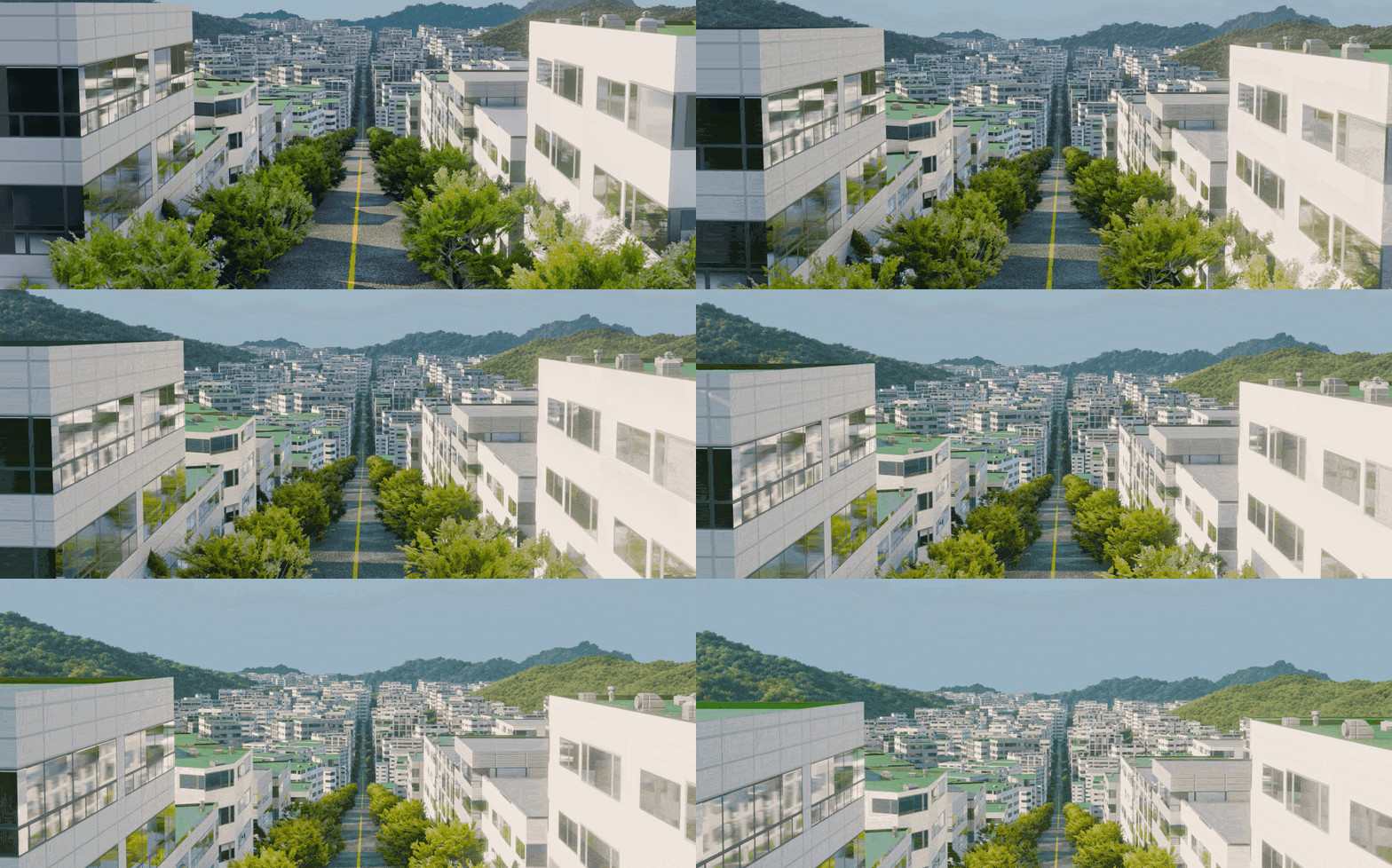
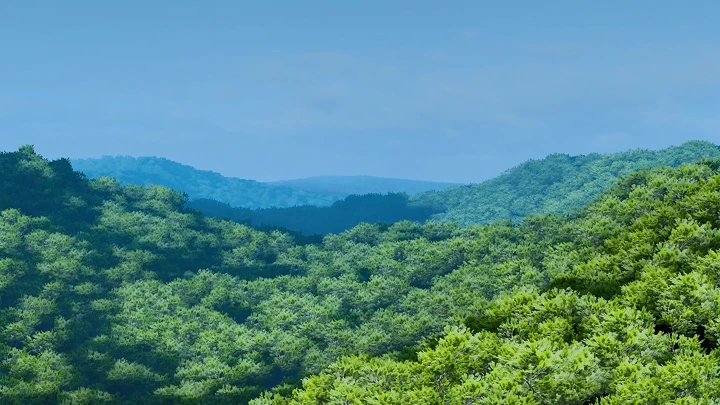
Hilly Road
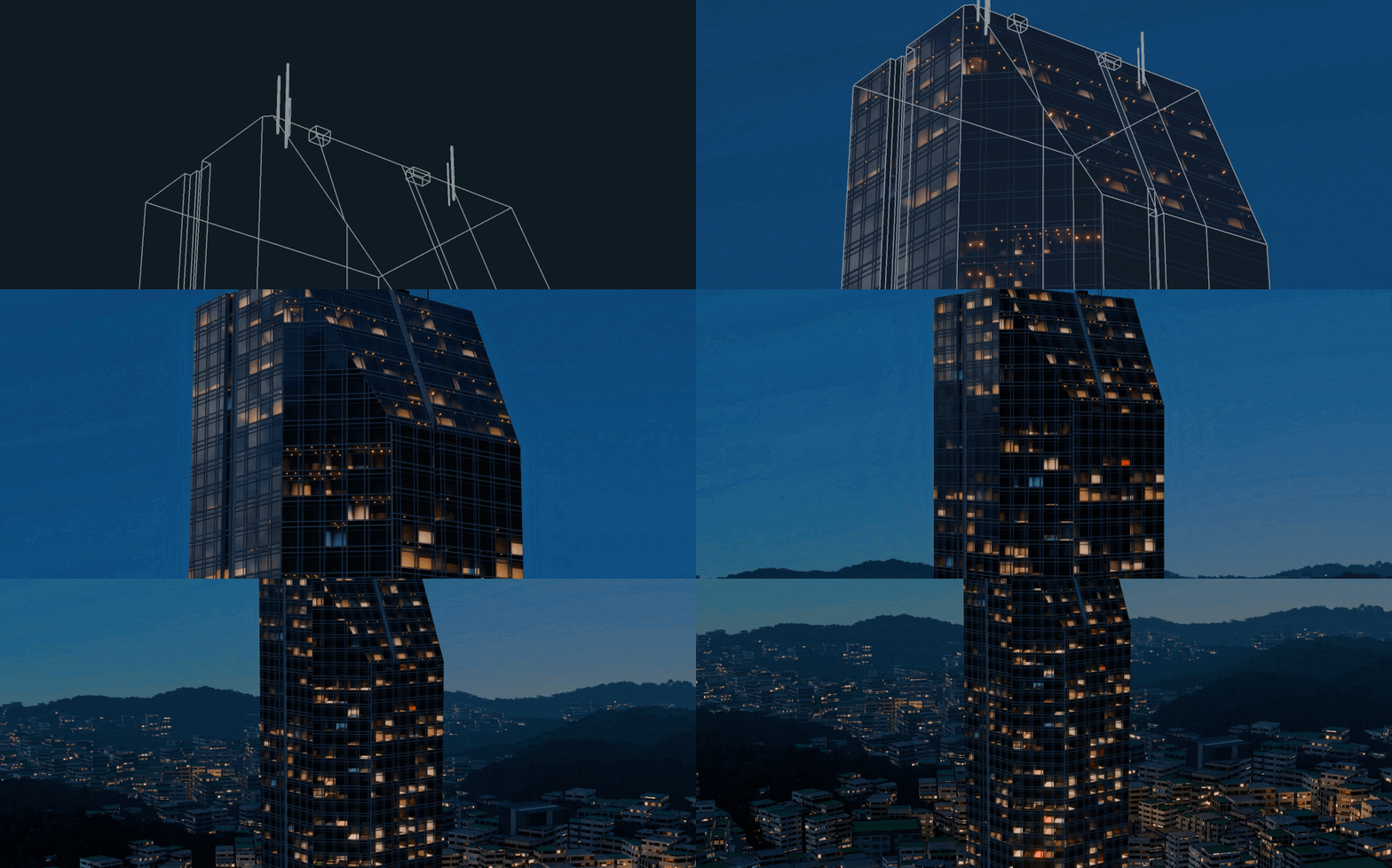
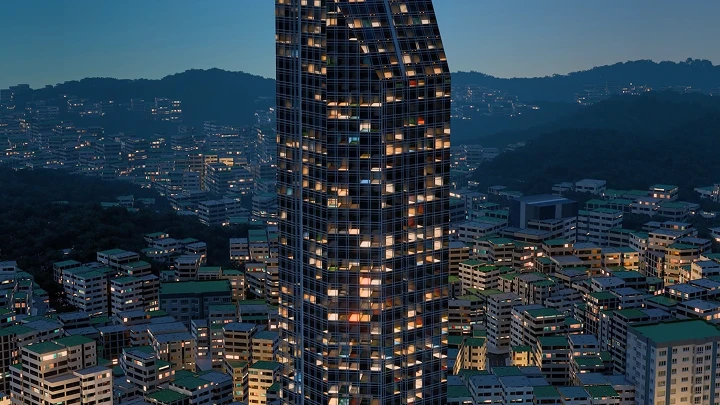
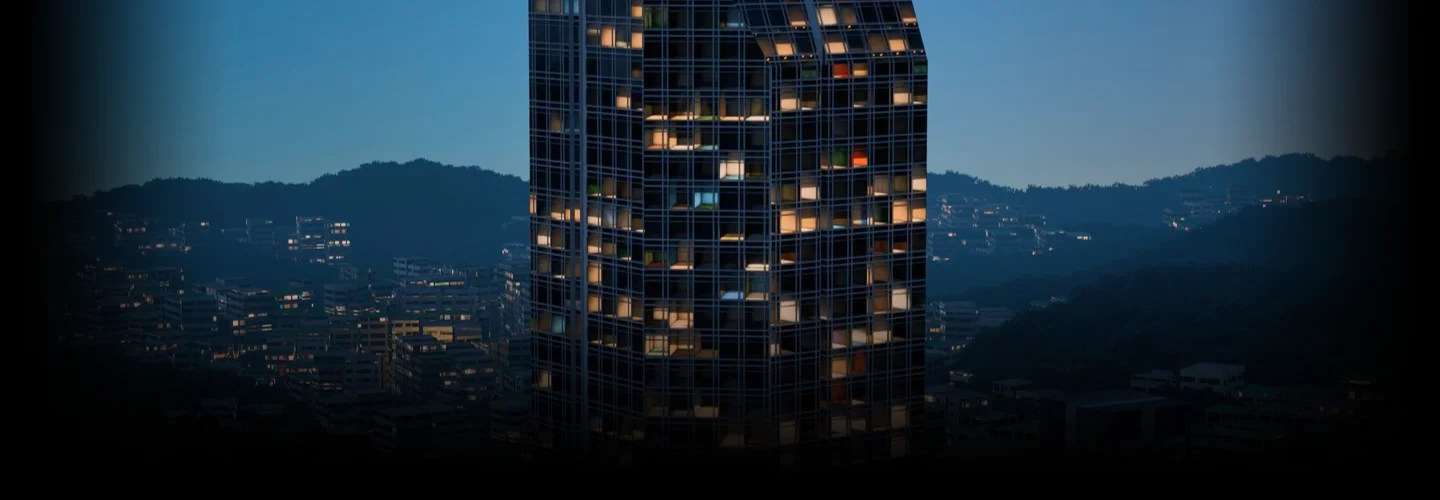
Nighttime Cityscape
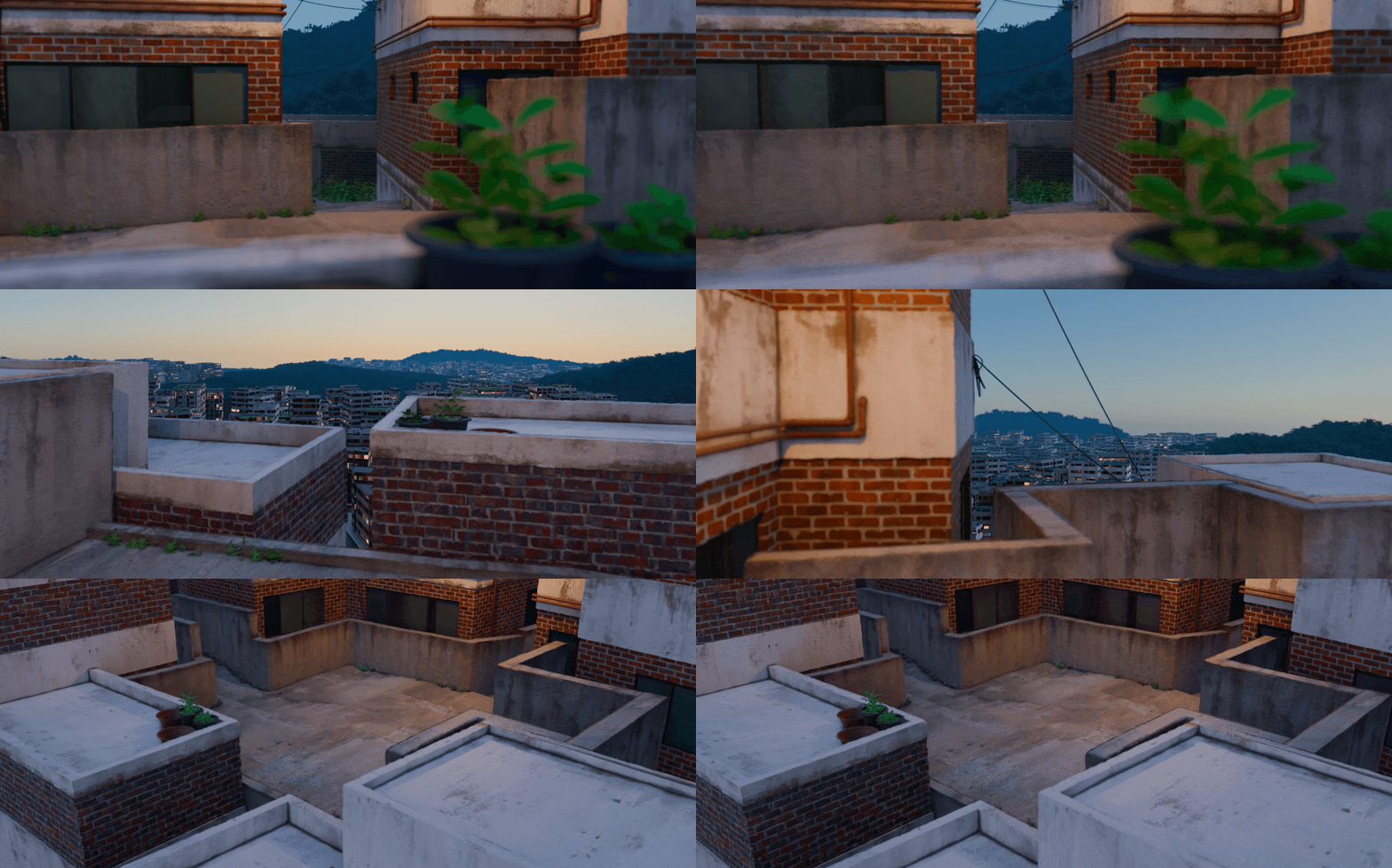
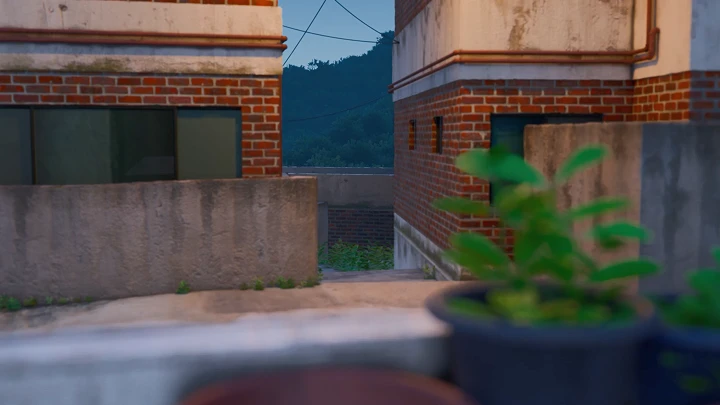
City: Alleyway Scenery
Highlights
Class Highlights
Master New Node Features with the Latest Version of Blender
Experience the newly enhanced geometry node tools in Blender 4.5! Expand beyond simple feature extensions and explore the latest node features that integrate modeling, texturing, and shading into a single procedural workflow. Explore the concepts behind geometry nodes and other newly added nodes, so you can create your own custom node tools.
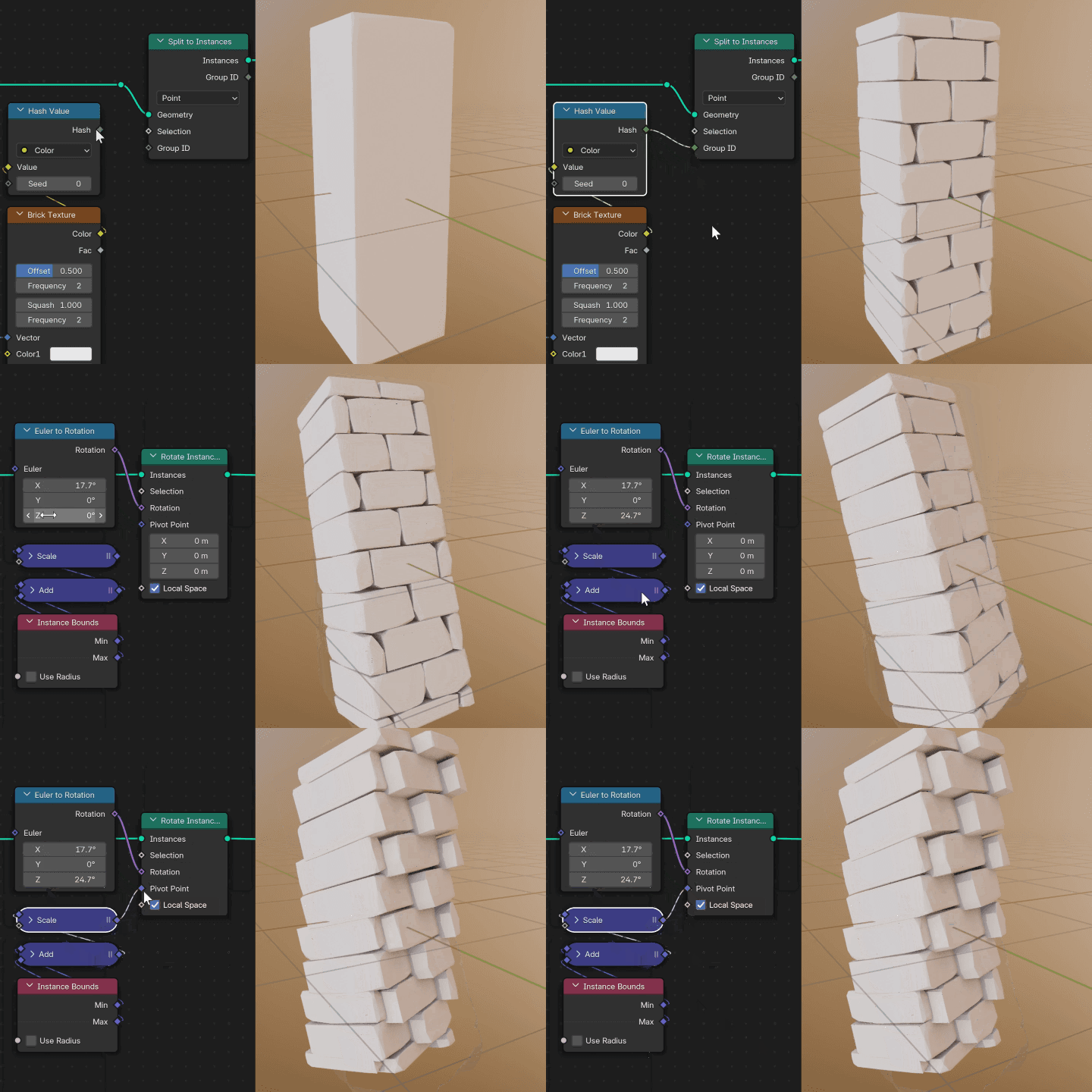
Boost Productivity! Practical Node Tree Setup Techniques for Increased Efficiency
Leave flashy demo results behind and discover Blender node solutions designed for real-world workflow processes! Harness the power of nodes to boost efficiency and productivity when creating sweeping scenes. Reduce resources used for texturing and shading, and use nodes to tackle challenges that were previously difficult to address with just pre-existing tools.
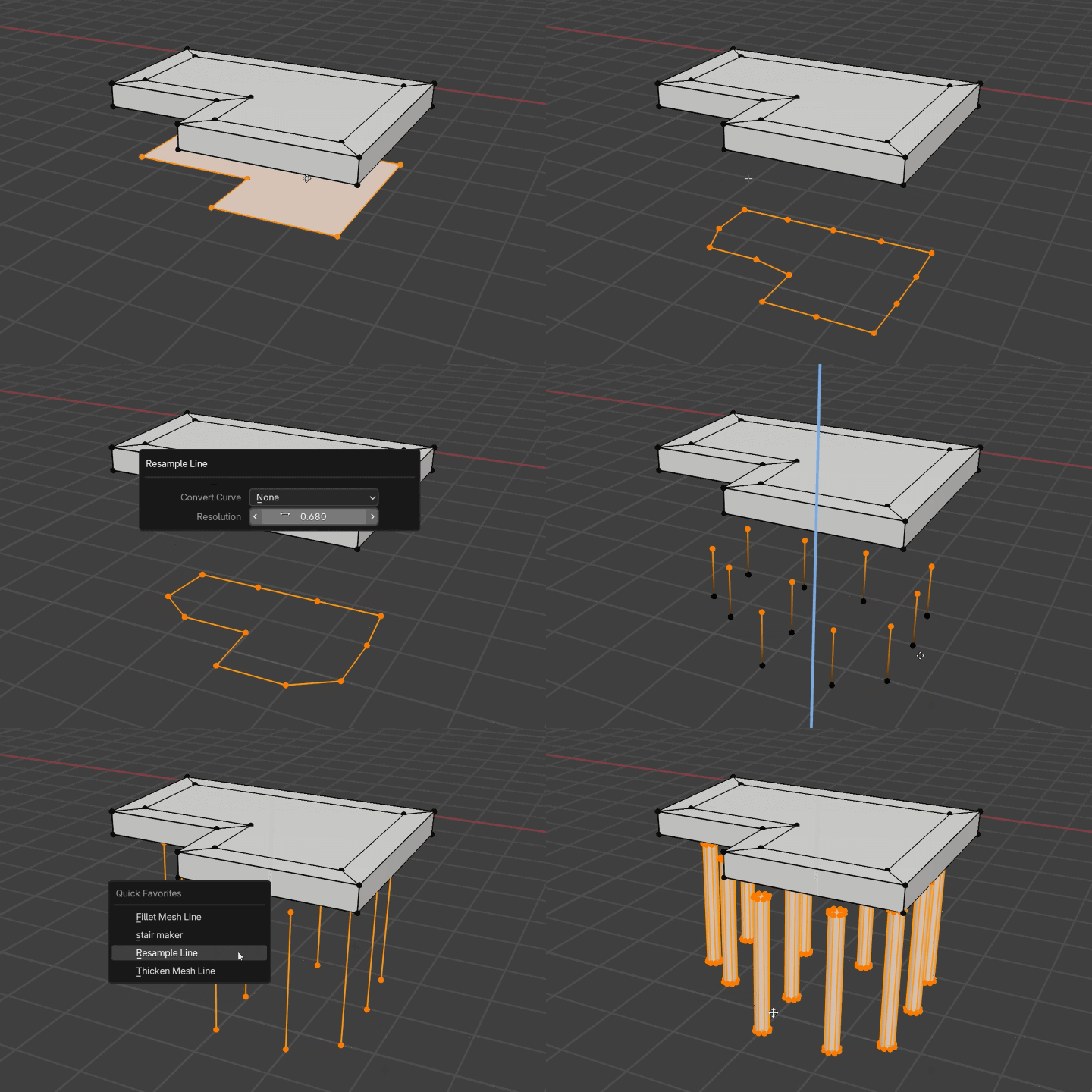
Tips for Optimizing Large-Scale Scenes for Fast PC Rendering
Get your hands on optimization techniques tailored for the Eevee Render Engine! Learn a revolutionary workflow that lets you render large scenes quickly, even on standard PCs. Discover how to transform repetitive modeling tasks into automated procedural workflows, create high-quality 3D/CG scenes without relying on high-end hardware to achieve incomparable efficiency and productivity.