[Project]Animation Studio, Team Forma+9_팀포맷나인 Details
Intro

Class Intro
Animation Studio, Team Forma+9
Dive into the practical workflow of the widely-adored Animation Studio, Team Forma+9.
A Masterclass for Aspiring and Professional Animators!
With its one-of-a-kind animations, Team Forma+9 has drawn 120 million YouTube views and is receiving countless project offers from clients in Korea and abroad, including promotional videos for Naver Webtoon and global artists’ music videos!
Are you curious how their animations never fail to captivate an audience?
Are you curious how their animations never fail to captivate an audience?

From charming, loveable characters to trendy and stimulating concepts, scene compositions, and eye-catching directing, this class reveals everything about industry professionals Team Forma+9.
The one-and-only guide to animation production by the small studio that has stolen millions of viewers' hearts! Come experience every phase of animation production with Qmeng, VIVINOS, and Sun Lee—the small team that has captivated the whole industry's attention.
The one-and-only guide to animation production by the small studio that has stolen millions of viewers' hearts! Come experience every phase of animation production with Qmeng, VIVINOS, and Sun Lee—the small team that has captivated the whole industry's attention.
Class Perks
Get These Coloso Exclusives
-
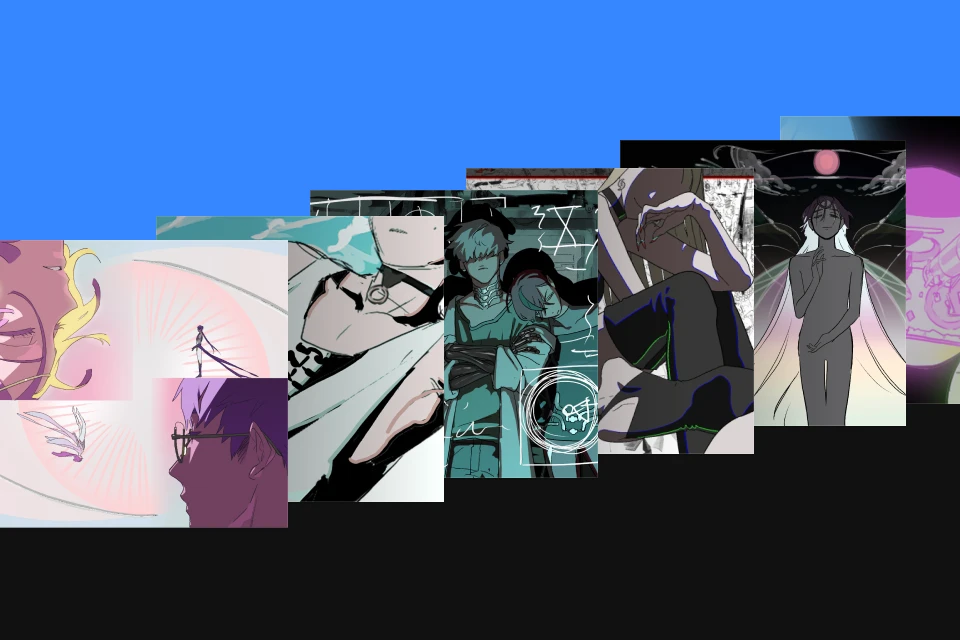 An animation class packed with Team Forma+9’s real-world expertiseUnlimited access to 36 chapters
 -
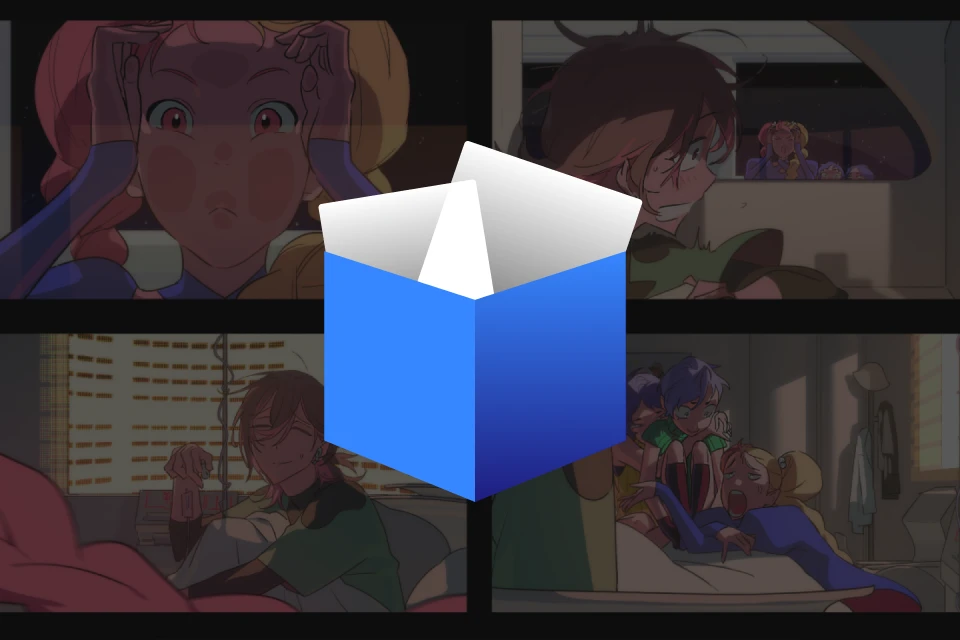 Practical resources fromMessiah Project revealed for the very first time
 -
 Active members of Team Forma+9Featuring three insightful interviews with the producer, assistant director, and merchandiser!
Class Material Details
-
 Practical Resources from Messiah Project- Early plan of Messiah Project (.pdf)
- Animation production process spreadsheet (.xlsx)
- Character design materials (.png)
- Backgrounds and various concept art (.psd)
- Final imageboard (.psd) -
 Project files from Messiah Project- Text storyboard video.mp4
- V-reels and drawing storyboards (.TVP)
- Multiple files (.clip) of cleaned-up animations
- Final, high-resolution version of Messiah Project’s promotional video (.mp4) -
 Team Forma+9’s Pipeline- Drawing bible for pre-production and production (.pptx)
Recommendation
Who Should Take This Class?
For animation majors who need to create graduation projects and portfolios with a small team in a short period of time
For aspiring directors who want to level up their planning and directing skills to create an captivating animations
For junior-level animators who need advice on the entire animation production and collaboration process
Expert Animation Studio Team Forma+9's Portfolio




A Truly Practical Curriculum Based on a Real-World IP Project
The final reveal of the long-awaited production workflow for the Team Forma+9 original IP project: The promotional video for "Messiah Project!"
Join Forma+9 as they take you through every stage of their original pipeline, from pre-production (planning, storyboarding, characters, backgrounds, and image boards) through production (drawing, keyframing, inbetweening, and animation) to post-production (filming, post-correction, and final touches), and learn the skills for practical animation!
Join Forma+9 as they take you through every stage of their original pipeline, from pre-production (planning, storyboarding, characters, backgrounds, and image boards) through production (drawing, keyframing, inbetweening, and animation) to post-production (filming, post-correction, and final touches), and learn the skills for practical animation!
Gain insight into situations you may experience in the real world by learning about collaborative processes, communication skills for teamwork, and roles and responsibilities. Moreover, the class features revealing interviews with the producer and assistant director at the center of projects and the merchandiser who turns animations into profitable products.
For the first time, Team Forma+9 reveals everything about their expertise and the animation industry, exclusively at Coloso!
For the first time, Team Forma+9 reveals everything about their expertise and the animation industry, exclusively at Coloso!
15 Class Exercises
Part 1. Pre-Production
Experience the pre-production process by planning concepts and creating storyboards, V-reels (video reels), and characters and image boards.
-
 Planning and Concept Ideation
 -
 Storyboard
 -
 V-Reels
-
 Character Design
 -
 Background Design
 -
 Image Boards
Part 2. Main-Production
Get hands-on with the production stage of Messiah Project, creating drawings as well as first and second keyframes and inbetweens.
-
 Drawing Close-Ups
 -
 Drawing Complicated Cels
 -
 Drawings That Require Acting
-
 Second Keyframes and Inbetweens/Clean-up
 -
 Second Keyframes and Inbetweens/Clean-up
 -
 Second Keyframes and Inbetweens/Clean-up: Demonstrations
Part 3. Post-Production
Combine all the animation sources to film scenes in After Effects and finish up the animation.
-
 Setting up Cuts in After Effects
 -
 Basic Features and Effects
 -
 Filming
Part 4. Messiah Project: Starshine Symphony


*Messiah Project: Starshine Symphony
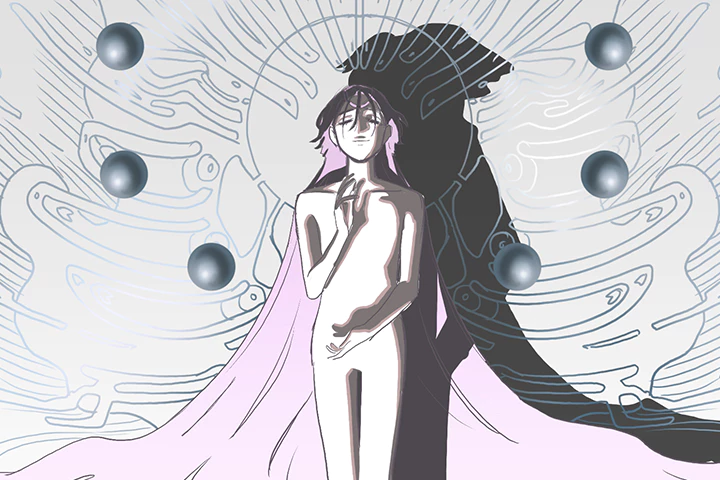
Inspired by the zodiac signs, "Messiah Project" features 12 agents who fight against the planets. Its director, Qmeng, started planning the project back in 2017.
The studio is preparing to launch the project as a sci-fi, fantasy-style animated music video. With this Coloso class, you will learn the production process behind the promotional video that marks the project’s beginning.
Recommendations
Class Recommended by Experts in the Field
-
 Bam5
Bam5
AnimatorI strongly recommend this class to those who are interested in animation or want to create animations but don’t know where to start. Learn about acting and various practical elements of animation.
-
 Sonsiru
IllustratorIf you don’t know how to create drawings and improve, this class is for you. Thanks to this class, I was able to improve my drawing skills without getting confused, as the instructors help you discover your style among various drawing styles and share practical techniques that give your work a stylish, trendy look.
-
 HUBAE
HUBAE
IllustratorI recommend this class to those who are studying drawing but don’t know how to reach their full potential. I had a lot of fun taking this class, which covered the basics of illustration and animation, practical skills, and tips for effectively reflecting your preferences and style in your drawings.
Animation Studio
Team Forma+9
Hello! We are Team Forma+9, an animation studio.
First formed as a team in 2021 by two directors, Qmeng and VIVINOS, Team Forma+9 has now become a group of animation artists who share the same vision.
We produce original animations, such as Pink B Club and Alien Stage, and also carry out commissioned projects like promotional videos for webtoons as well as the music videos for yama’s Running Out and Roi’s Boku wa Jinro, creating appealing content in Korea and abroad that is both unique and popular.

Instructor

QMENG
Team Forma+9 Director
Projects and Awards
2020
- Participated in the animation of the music video for NNS by SOGGIM and in multiple in-game animations as the general director and recruiter
2021
- Drew BL comics and took part in animated films by Tooniverse, Naver, and more.
- Participated in character design for Tooniverse’s After School Treasure Hunt
- Animated, produced, and designed layouts for animations by VIVINOS
2022
- Directed the promotional video for No home
- Co-directed ALIEN STAGE
2023
- Participated in the animation of J.Fla’s Riding a T Rex
- Assistant director for G.G’s FIND MY COLOR music video
- Participated in the music video for Roi’s Boku wa Jinro as the assistant director

VIVINOS
Team Forma+9 Director
Projects and Awards
2020
- Collaborative project with MUSEDASH and VIVINOS
- Fan music video for Stella Jang’s “Colors” that earned 20 million views
- Launched a Coloso class
- Launched a collaborative project with lolita fashion brand BacioBouquet
- Launched a merchandise project for omoe-art
2021
- Published Retro X Kitsch X Pinkpop: Lovely Girls’ Coloring Book with VIVINOS
- Produced the “Trigger” series for YouTube
- Produced “Pink Bxxch Club” for YouTube
2022
- Produced the music video for Escape in a Dream from Tell Me a Creepy Story!
- Produced ALIEN STAGE for YouTube
- Directed the music video for J.Fla’s Riding a T Rex
- Directed the music video for G.G.’s FIND MY COLOR
- Directed the music video for Roi’s Boku wa Jinro

SUN LEE
Team Forma+9 Technical Director
Projects and Awards
- Directed photography and developed the production process for the animation Chase the Shadow
- Directed photography and techniques for multiple animations for VIVINOS’s YouTube channel
- Created CG for music videos of famous K-pop artists, including Red Velvet, Everglow, and PSY
- Directed photography for the promotional video of the animation No home
- Directed photography for multiple animated music videos of DJ MAXX
- Directed photography for the music video for yama’s Running Out
- Produced and directed the music video for “Free Falling” by TXT (Tomorrow X Together)
- Directed photography for the music video of The 6th Summer by PLAVE
Also participated in many other Korean and international animation projects
Highlights
Class Highlights
How to Create Animations That Capture People's Hearts
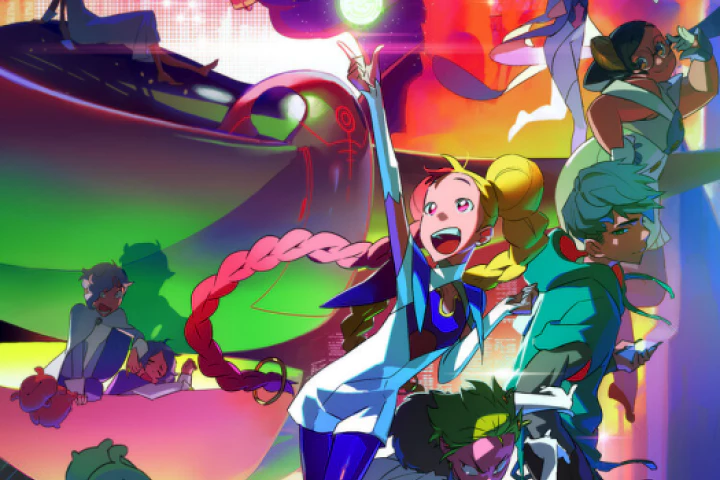
Creating animations that are timeless in people’s hearts is no longer an unattainable dream. Team Forma+9 will share tips and tricks, including designing friendly yet unique characters, attention-grabbing concepts and movements, and directing techniques to create energetic scenes. Learn to produce animations with strong visuals and unbeatable quality.
The Importance of Collaboration and How You Can Shine
Animation production is a collaborative project where good teamwork matters the most. Learn about the entire process behind it to improve your understanding of collaboration and how to place yourself in the position that suits you the best. Even if you are not the quickest or most skilled member of the team, a thorough understanding of the project’s direction and process alone can make you an irreplaceable talent.
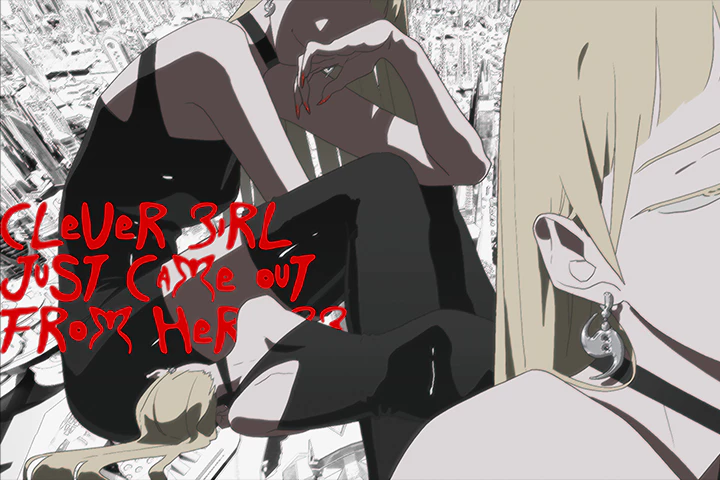
Workflow Strategies for Achieving the Highest Quality with Minimum Resources
In real-world projects, where time and resources are limited, it’s important to distinguish “what must be done” and “what can be compromised.” Learn about minimizing inbetweens for keyframes and drawing fewer backgrounds to leave only what is the most essential and appealing. Also, master how to streamline the process based on priority. Discover Team Forma+9’s unique storytelling and directing techniques to strike a balance between quality and resources while captivating an audience.
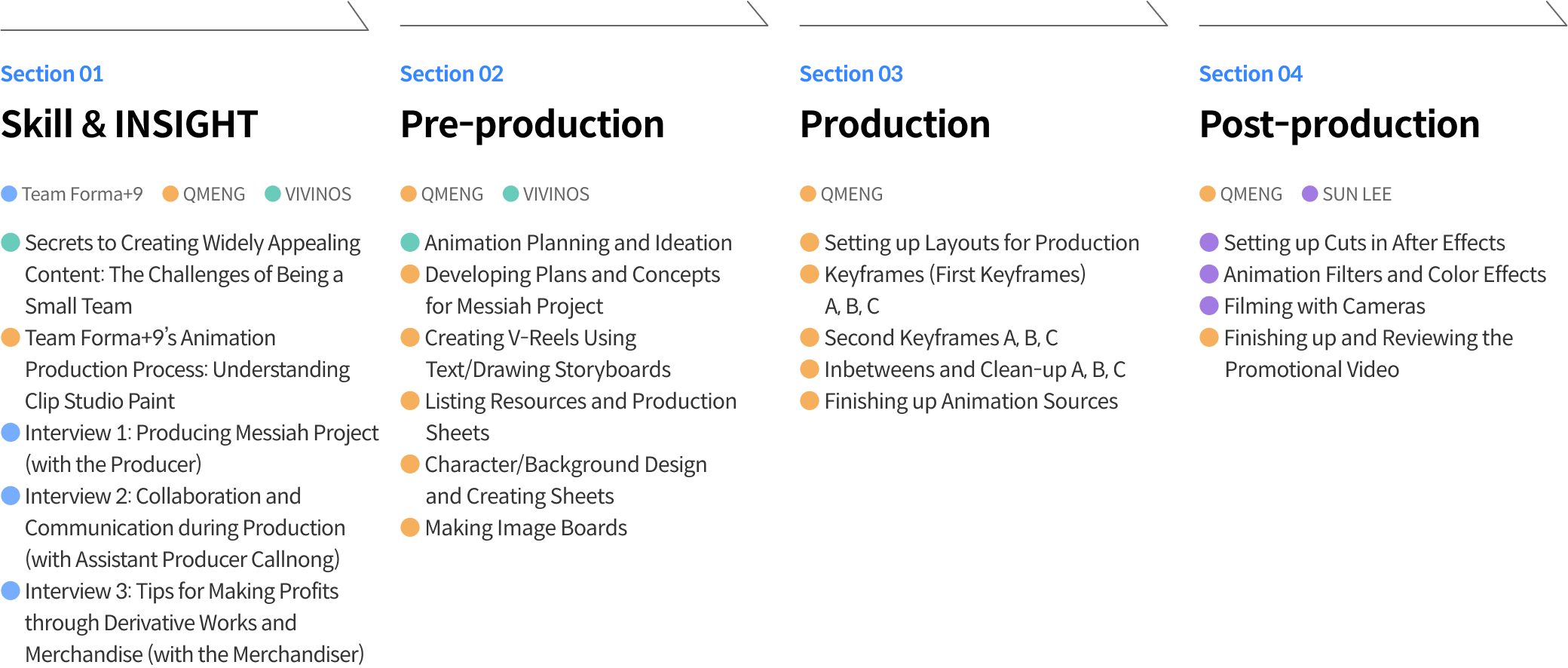
Roadmap
Team Forma+9 Project
Class Details
You'll Learn
-
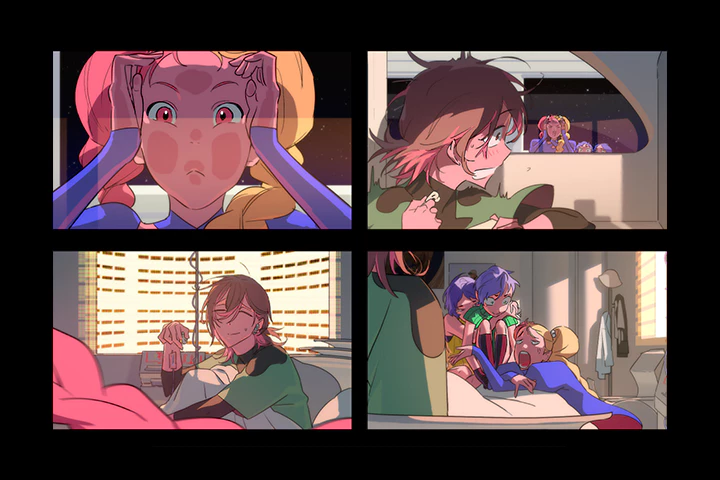 Planning and Developing Ideas for Animations That Instantly Capture HeartsImagine every element, from keywords and characters to scenes, and before planning the animation. Learn various ideation techniques and how to discuss and collaborate with other team members, developing the skills and sensibilities to produce content that satisfies both the audience and creators.
 -
 Getting Started with Clip Studio PaintExplore the pipeline for 2D animation production using Clip Studio Paint, which is increasingly used in practical animation. This class guides you through the basics of Clip Studio Paint, a tool tailored to digital drawing, as well as its key features that allow you to animate attractive characters.
 -
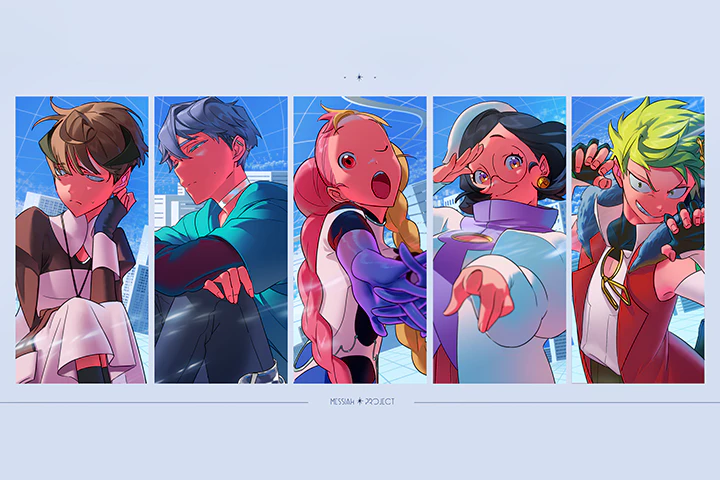 How to Design Charming Characters That Win People OverLearn design theory to create widely loved characters, exploring concepts and costumes that fully exhibit the adorable nature of characters, as well as facial and emotional expressions. Draw character design drafts based on the resource list and learn how to create drawing and rendering sheets.
-
 Image Boards: The Blue Print That Brings Imagination to LifeTransfer the animation scenes in your head onto an image board to see them all at a glance. Before moving on to the animation stage, you will also develop the basis of a blueprint that outlines the first appearances of characters, backgrounds, compositions, scene transitions, and the story flow so all the team members can imagine the scenes the same way.
 -
 Eye-Catching Drawings with Smooth Keyframes and InbetweensIt’s possible to draw compelling scenes even with minimum keyframing and inbetweening. Watch demonstrations and get hands-on with the animation process, drawing close-ups, complicated cels, and scenes where the character’s acting should stand out.
 -
 Illuminating Interviews with Team Forma+9 for More Effective CollaborationGet up close with the working-level members of Team Forma+9 as they share vivid stories about communicating with each other and responding to unexpected challenges. Discover how the producer sets up the project’s environment, the stories of the assistant director at the center of the project, and the merchandiser who turns IP work into merchandise to make additional profits.
- Unlimited Access
- Best Price
Buy now, get unlimited access.
11/02 (Mon) (UTC-7) Special offer ends soon.
This special offer ends soon.
Buy now and save!
Curriculum
Curriculum
In-Depth Look
SECTION 1. Orientation
01. Understanding Animations
- What kind of animation do we want to make?
- The potential of indie animations
02. The Challenges of Being a Small Team
- Obstacles regarding commerciality
- How to choose where to compromise
SECTION 2. Understanding Team Forma+9’s Production Process and Tools
03. The Animation Production Process and Dividing Up a Team
- How a small team produces an animation
- Team Forma+9’s unique production process
04. Understanding Clip Studio Paint
- The basics of creating animations in Clip Studio Paint
05.Interview 1: Director Lee
- Team Forma+9’s production workflow
- Introduction to the production process behind Messiah Project
SECTION 3. Pre-production (Planning and Storyboarding)
06. Planning and Ideation
- How to develop concepts and ideas for animations
- Things to note when planning a project
07. Animation Planning Meetings
- Early stages planning of Messiah Project
- Basic concepts: COSMOCORE + Y2K SF
- Storylines for each part
08. Creating V-Reels 1
- Creating text storyboards with Premiere Pro
09. Creating V-Reels 2
- Drawing storyboards in TVPaint
- Directing tips for pre-animation storyboards
10. Listing Resources
- Arranging resources through storyboarding
11. Production Meetings and Creating Sheets
- Making production sheets using spreadsheets
- Roles and responsibilities regarding production methods
SECTION 4. Pre-production (Characters and Backgrounds)
12. Character Design Drafts 1
- Character design theory
- Introducing and designing Marie of Messiah Project
13. Character Design Drafts 2
- Introducing and designing ID of Messiah Project
- Drawing design drafts based on the resource list
14. Creating Character and Rendering Sheets
- Introduction to creating character sheets
- Differences between drawing and rendering sheet production
- How to create rendering sheets
15. Creating Character and Drawing Sheets
- How to create drawing sheets
16. Background Design
- Things to consider regarding background concepts
- Designing backgrounds based on circumstances and a sense of realism
SECTION 5. Pre-production (Image Boards)
17. Image Boards 1
- Creating a blueprint for the final work 1
18. Image Boards 2
- Creating a blueprint for the final work 2
SECTION 6. Production (Layouts)
19. Understanding Cels and Books
- Understanding cels and books
- Elements to be designed in layouts
20. Setting Up Layouts
- How to set up layouts
- Preparing resources using PureRef
21. Drawing Demonstrations 1
- Drawing close-up shots
- Track labels and instructions regarding reference inbetweens
22. Drawing Demonstrations 2
- Drawing complicated cels
- Track labels and instructions regarding reference inbetweens
23. Drawing Demonstrations 3
- Drawings that require acting
- Track labels and instructions regarding reference inbetweens
SECTION 7. Production (Creating Sources and Completion)
24. Second Keyframes 1
- Second keyframes of closeup shots
- Additional steps prior to inbetweening and clean-up
25. Second Keyframes 2
- Second keyframes of complicated cel scenes
- Additional steps prior to inbetweening and clean-up
26. Second Keyframes 3
- Second keyframes of scenes where characters’ acting stands out
- Additional steps prior to inbetweening and clean-up
27. Inbetweening and Clean-up 1
- Inbetweening and cleaning up while preserving the style of the original lines
- Inbetweening and cleaning up close-up shots
28. Inbetweening and Clean-up 2
- Inbetweening and cleaning up complicated cel scenes
29. Inbetweening and Clean-up 3
- Inbetweening and cleaning up scenes where the characters’ acting stands out
30. Finishing Up Animation Sources
- Completing cuts, including the character and background
- Finishing up animation sources
31. Interview 2: Callnong (Assistant Director of Production)
- Introducing the workflow of the production stage
- Most important things to note in the production stage
- The combination of a good team and good team members
- Team Forma+9’s unique collaboration approach
SECTION 8. Post-production (Filming, Post-correction, and Finishing Up)
32. Setting Up Cuts in After Effects
- Importing cels into After Effects
- Key elements to check before setting up cameras
33. Basic Effects and Features
- Diffusion filter
- Applying effects such as Lumetri Color
34. Filming Demonstrations 1
- Filming animations in After Effects
- Working on final cuts
35. Finishing touches
- The final promotional video for Messiah Project
- Looking back on and reviewing the project
36.Interview 3: Marketer and Merchandiser
- Team Forma+9’s tips for turning good animations into profitable goods
*The release date of this class, curriculum images, and associated content can be changed without prior notice.
** Class videos may be seperated for a more streamlined viewing experience
Interview with
Animation Studio, Team Forma+9

Question.01
What is the purpose or key takeaway of this class?
We want to share our expertise in creating content that satisfies the general audience while achieving high work efficiency with aspiring and professional animators. Therefore, we will give detailed explanations of our animation production process, analyzing every stage, including planning and storyboarding, as well as the pre-production, production, and post-production stages, focusing on producing the promotional video for our original IP, Messiah Project.
Question.02
What distinguishes this class from others?
Rather than simply teaching the hard skills, this class explores case studies of circumstances you may experience in projects and the mindset you need to adopt as a professional animator. It also discusses the attitudes required for drawing directors or concept artists to survive for a long time in the field and features interviews with the manager, producer, and marketer, which will broaden your insight into the practicalities of animation.
Question.03
What benefit does this class have for learners?
They’ll be able to explore the entire animation workflow, working on hands-on exercises to improve their practical skills and developing an understanding of processes to gain insight into collaboration. I hope this class helps them figure out the work that best fits them and the position where they can best shine in the animation production process.
Required Programs
This course will use
- Clip Studio EX (Version 2.0 and lower)
- Adobe Photoshop 2022
[Tools Required for Each Pipeline]
- TVPaint (For drawing storyboards; Clip Studio Paint is also an option)
- Premiere Pro 2024 (for editing cuts)
- After Effect 2011 (for filming)
Please purchase and install these program(s) for an optimized chapter experience.
*These programs and/or materials will not be provided with the chapter.
*Other animation tools, such as TV Paint, can also be used for the animation exercises.
Recommended
Recommended Class
Like this class?
Then check these out!