PixelArtist,Hyatsu_픽셀아티스트 햐츠 Details
Class introduction
introduction video
Pixel artist, Hyatsu
“With the classes I have prepared, you will be able to not only learn the basics of pixel illustration but also complete your own portfolio.”
Absolutely with cute pixel art, ‘Hyatsu’. It's not difficult!
A world of sweet and bloody pixel art where people try to create cute graphics but end up failing at drawing basic shapes!
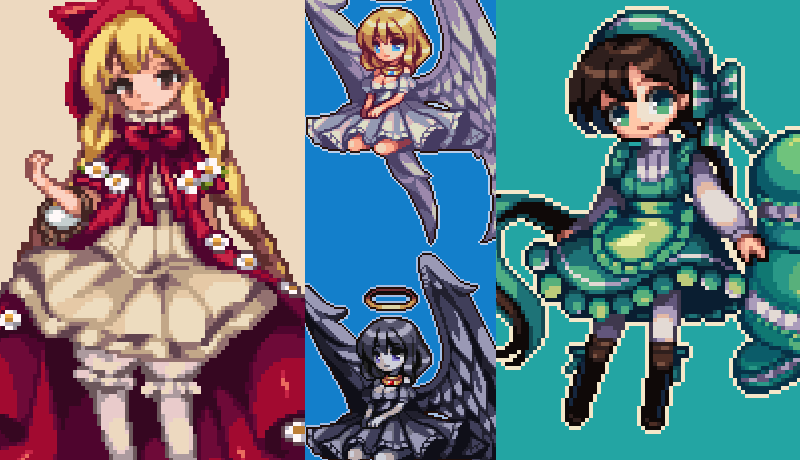
We have prepared an introductory pixel art curriculum by current pixel artist Hyatsu so that anyone with drawing experience can take on this fascinating field.
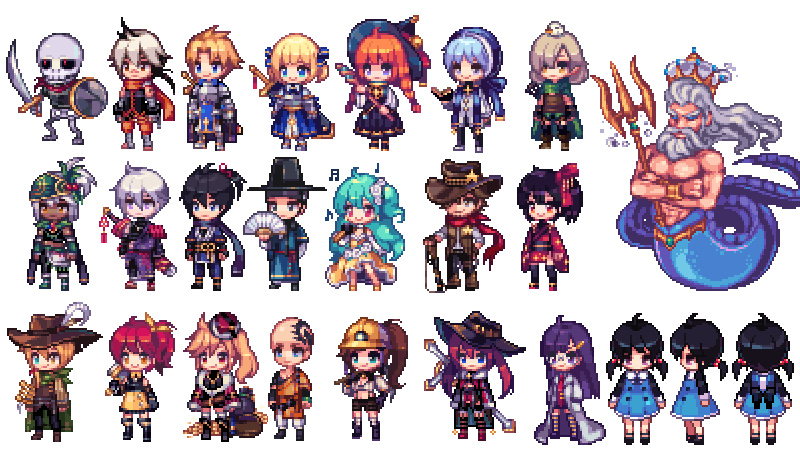
Not only the basics of dot graphic painting, but also basic geometry, expression methods for each texture, various character designs, and even dot animation illustrations completed step by step!
Take your first step toward becoming a pixel artist with the best personality with Coloso.
Take your first step toward becoming a pixel artist with the best personality with Coloso.
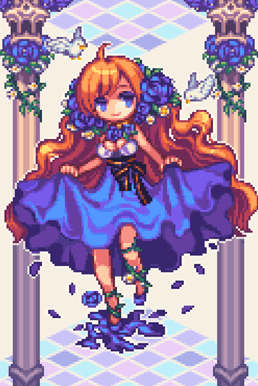
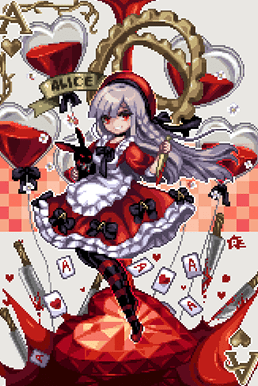
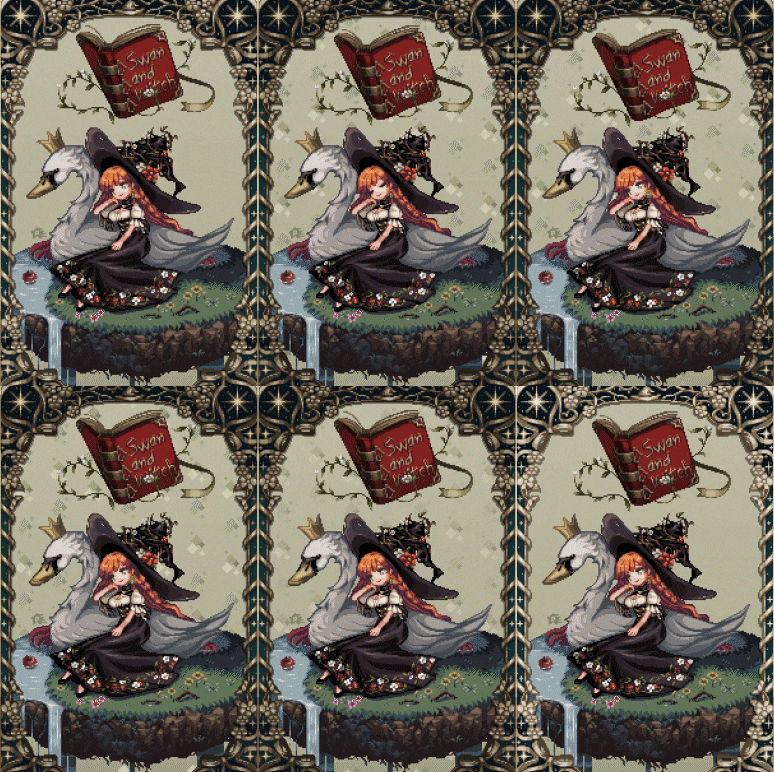
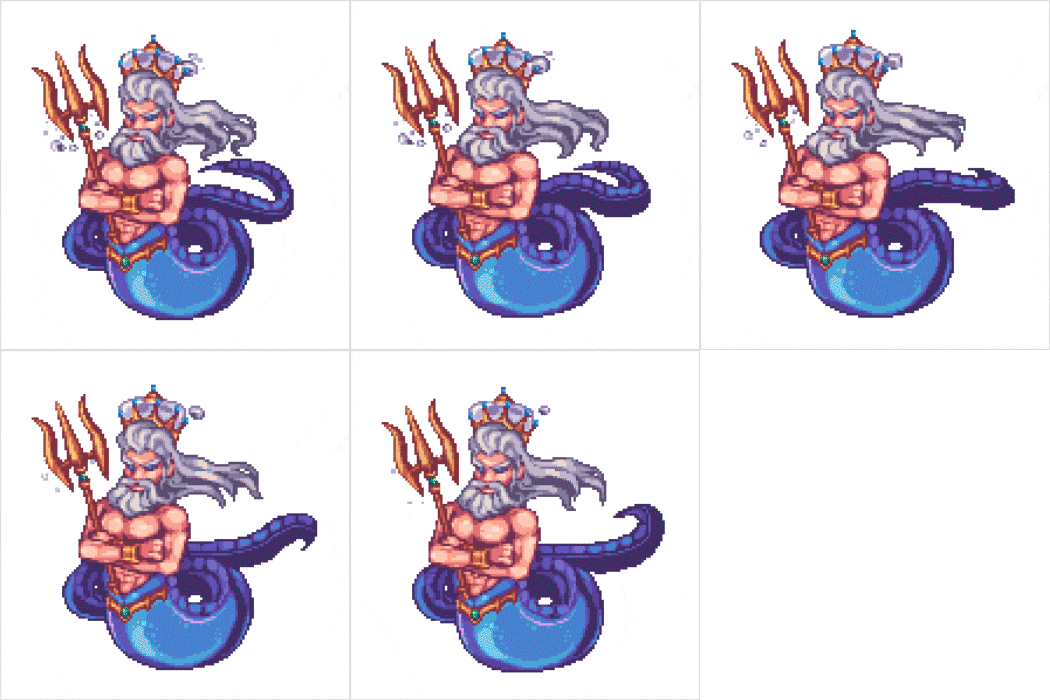
Portfolio of pixel artist Hyatsu
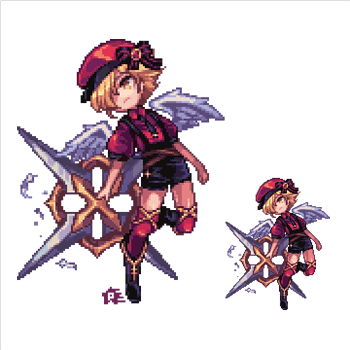
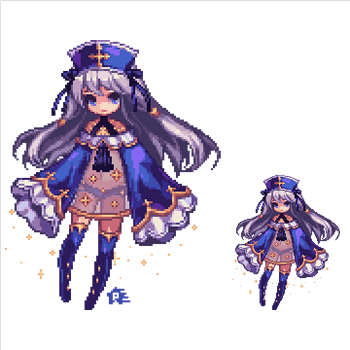
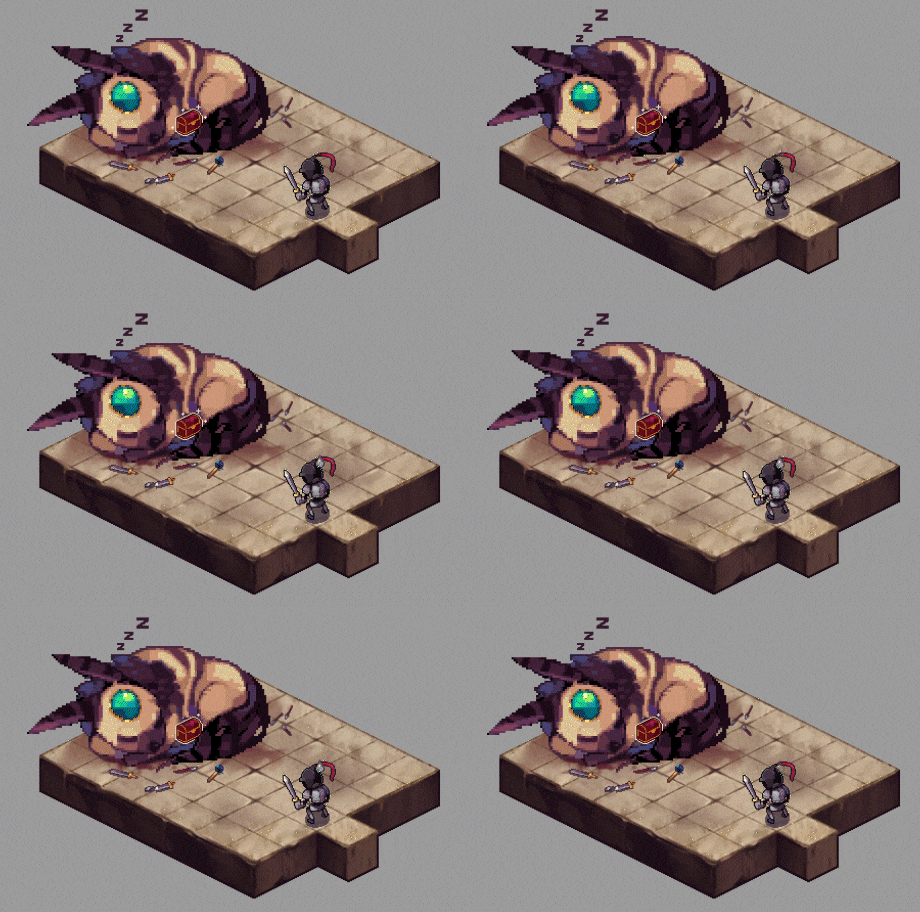
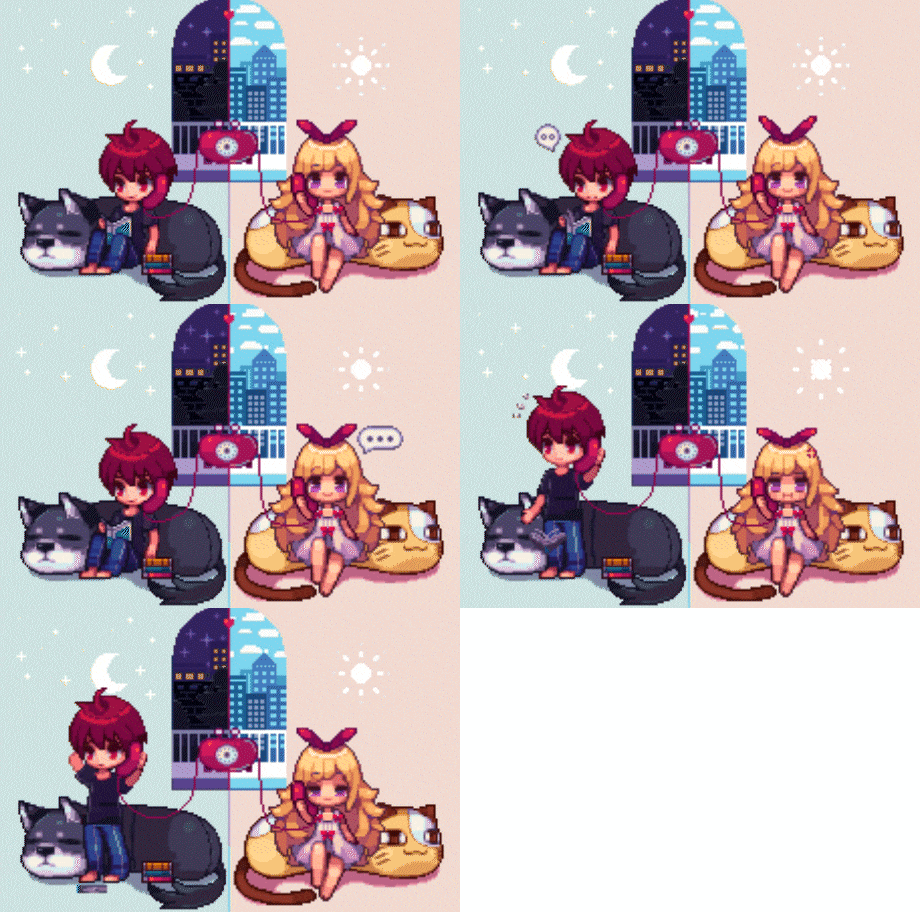
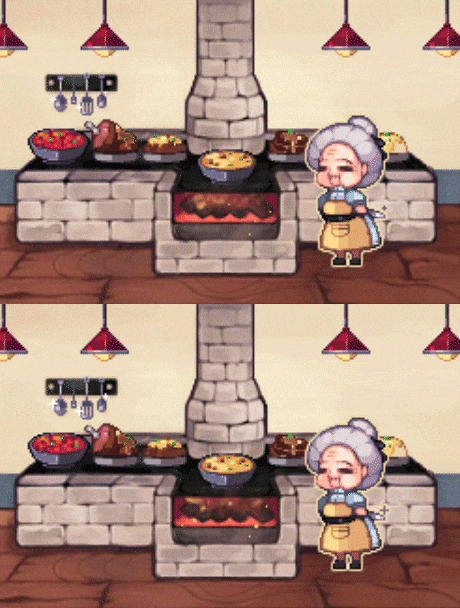
Why Take This Class?
Is it possible to understand all the principles of dot graphics by tracing a few shapes? Will I be able to draw my own character just by following the character example?
In artist Hyatsu's class, you will learn from pixel art's unique coloring principles, how to use natural colors and volumes, atmosphere creation and conceptualization, character design with your own personality, etc.
You can build a solid foundation for understanding the entire pixel art field beyond simply drawing dots.
Coloso is the only online curriculum that can satisfy everyone, from beginners to dot graphics, to current artists dreaming of changing their style, to job seekers seeking employment in the pixel art field.
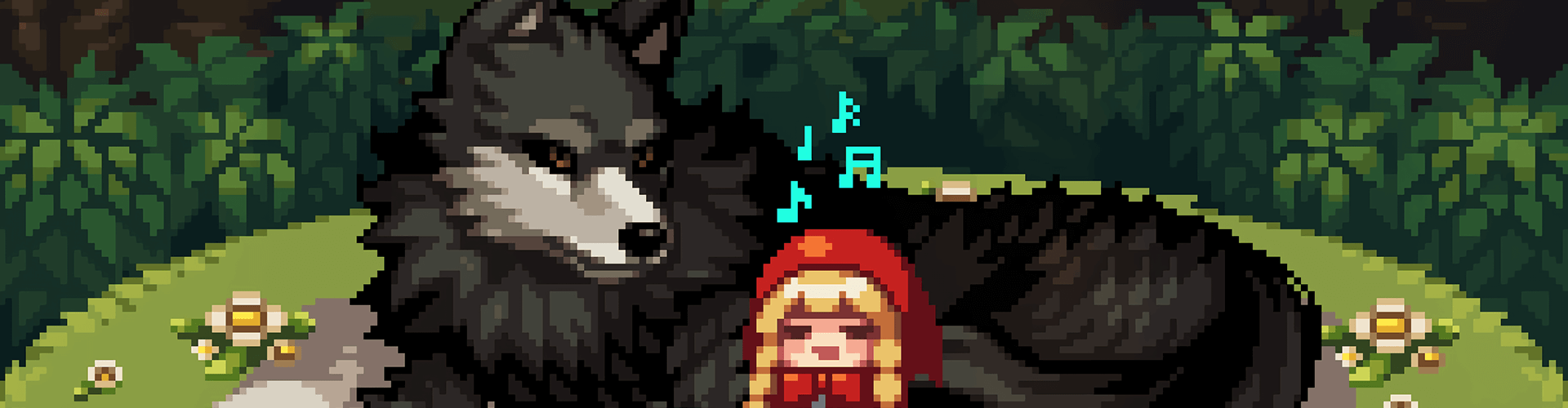
Create your own pixel art illustration based on step-by-step learning.
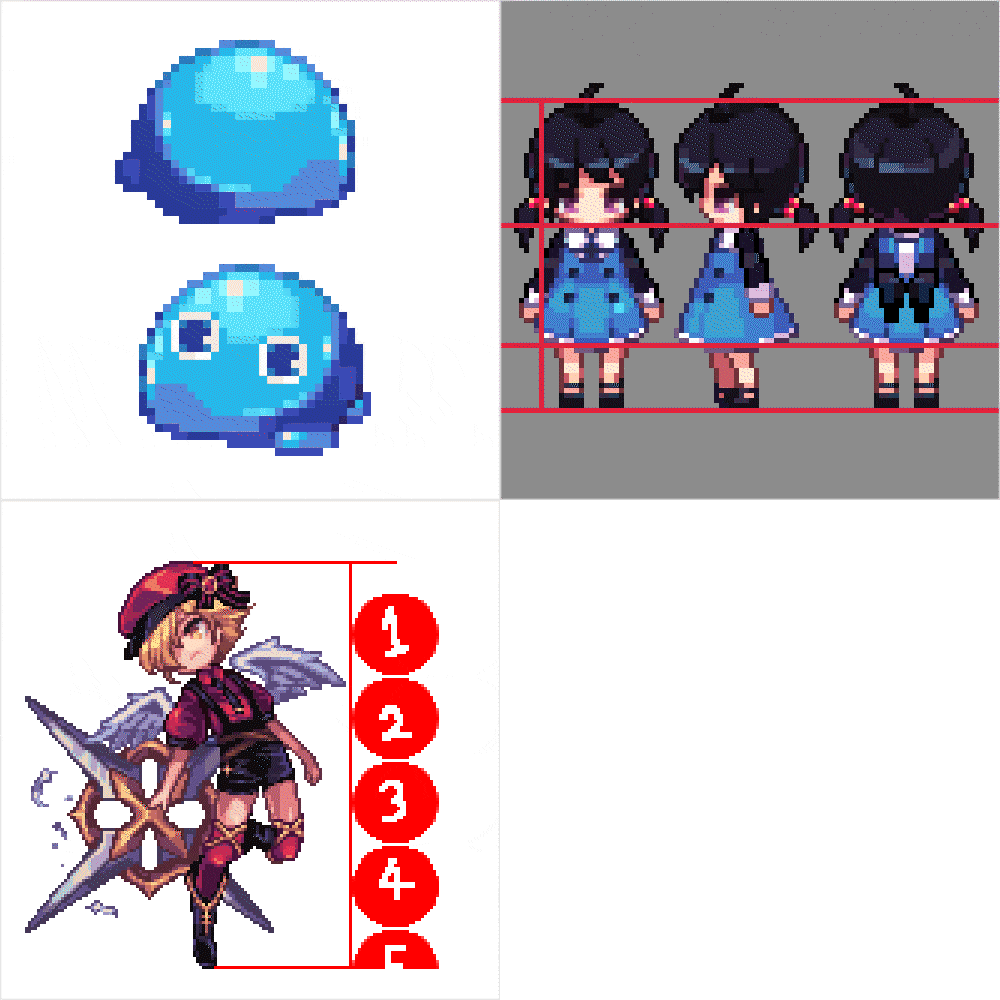
Step 01. Understanding dot graphics and expressing shapes and textures
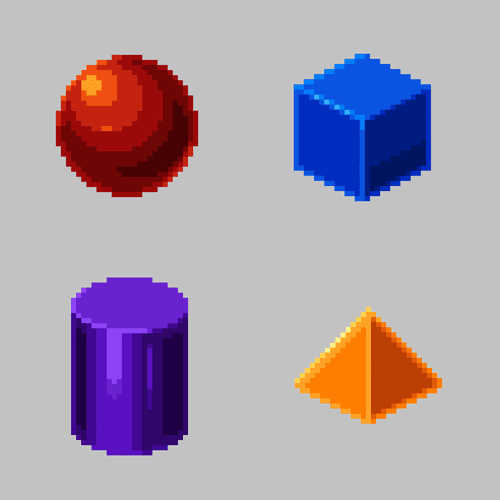
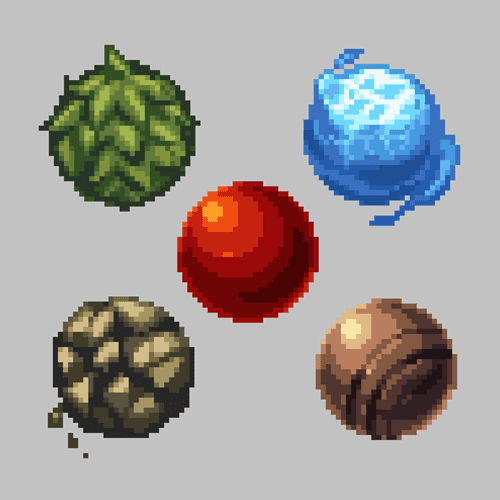
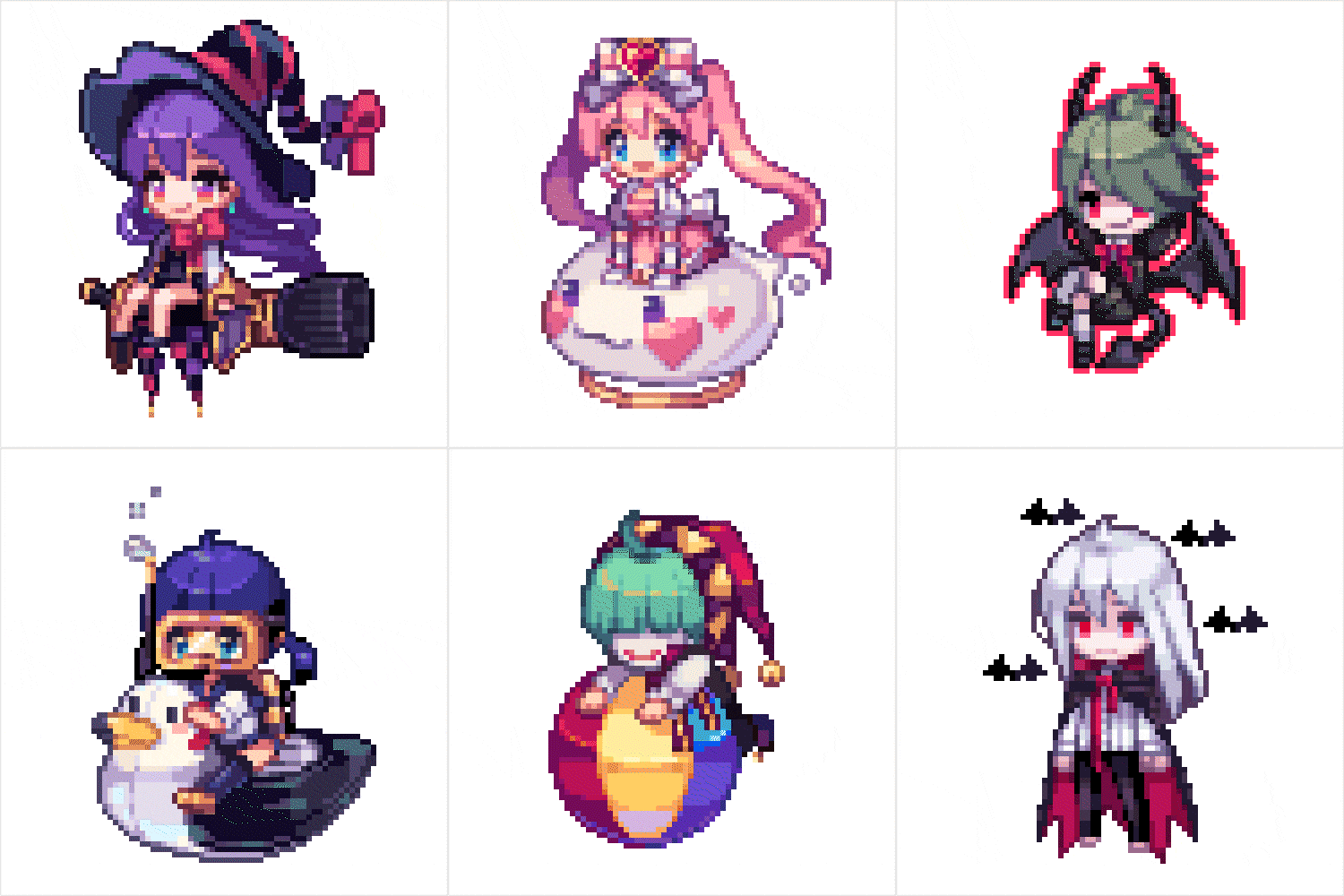
Step 02. Character basics and creation
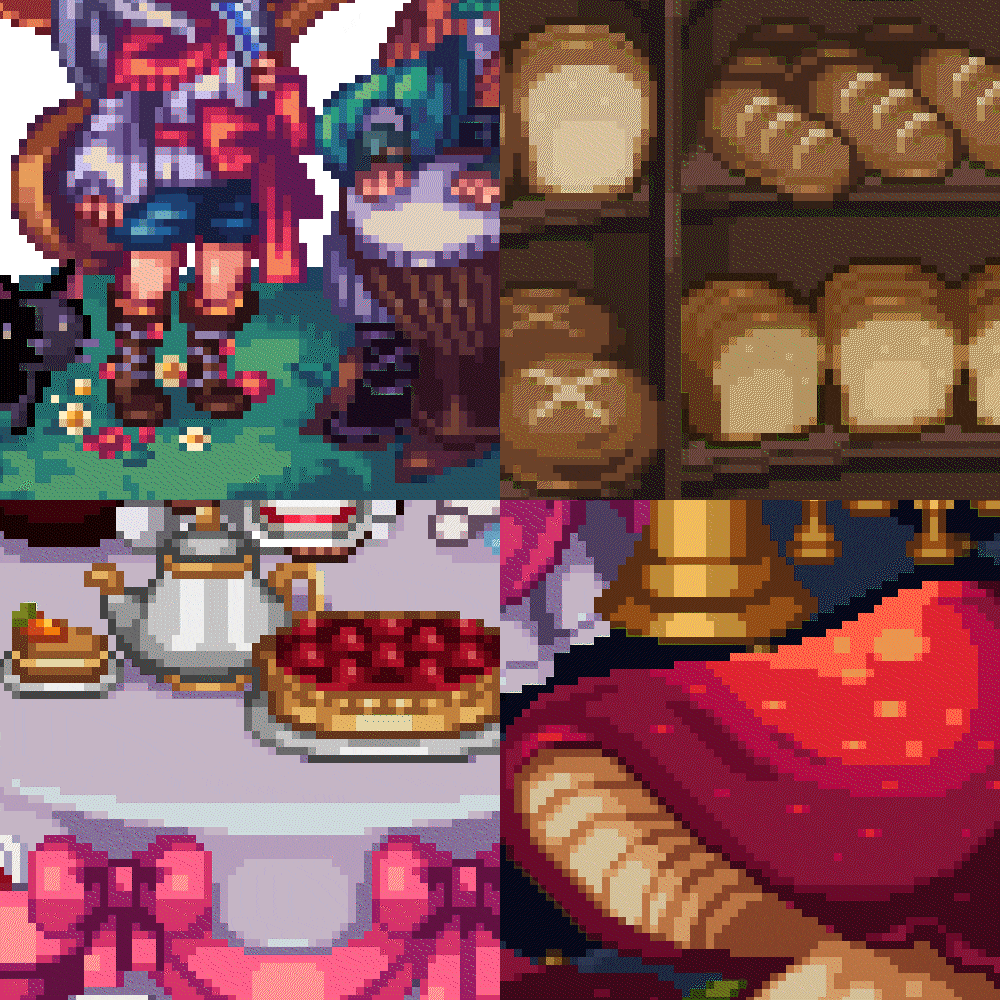
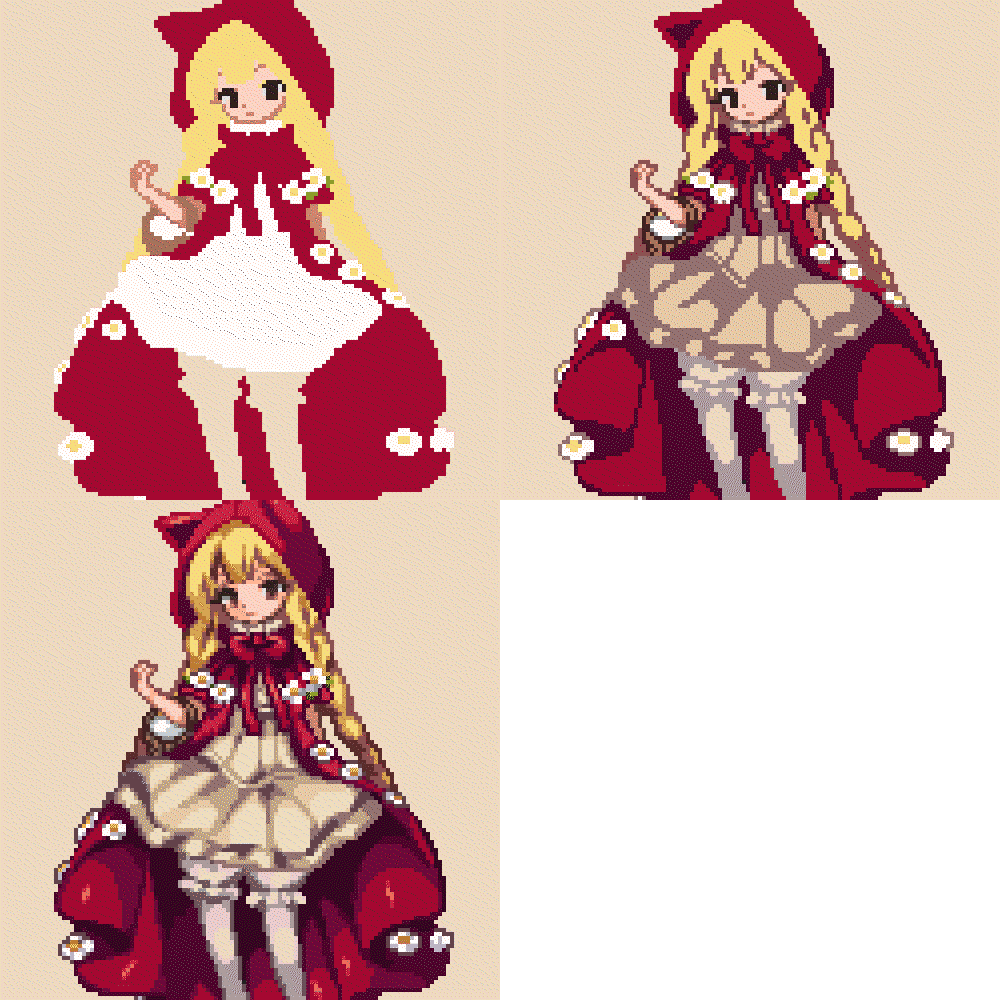
Step 03. Complete the pixel art illustration
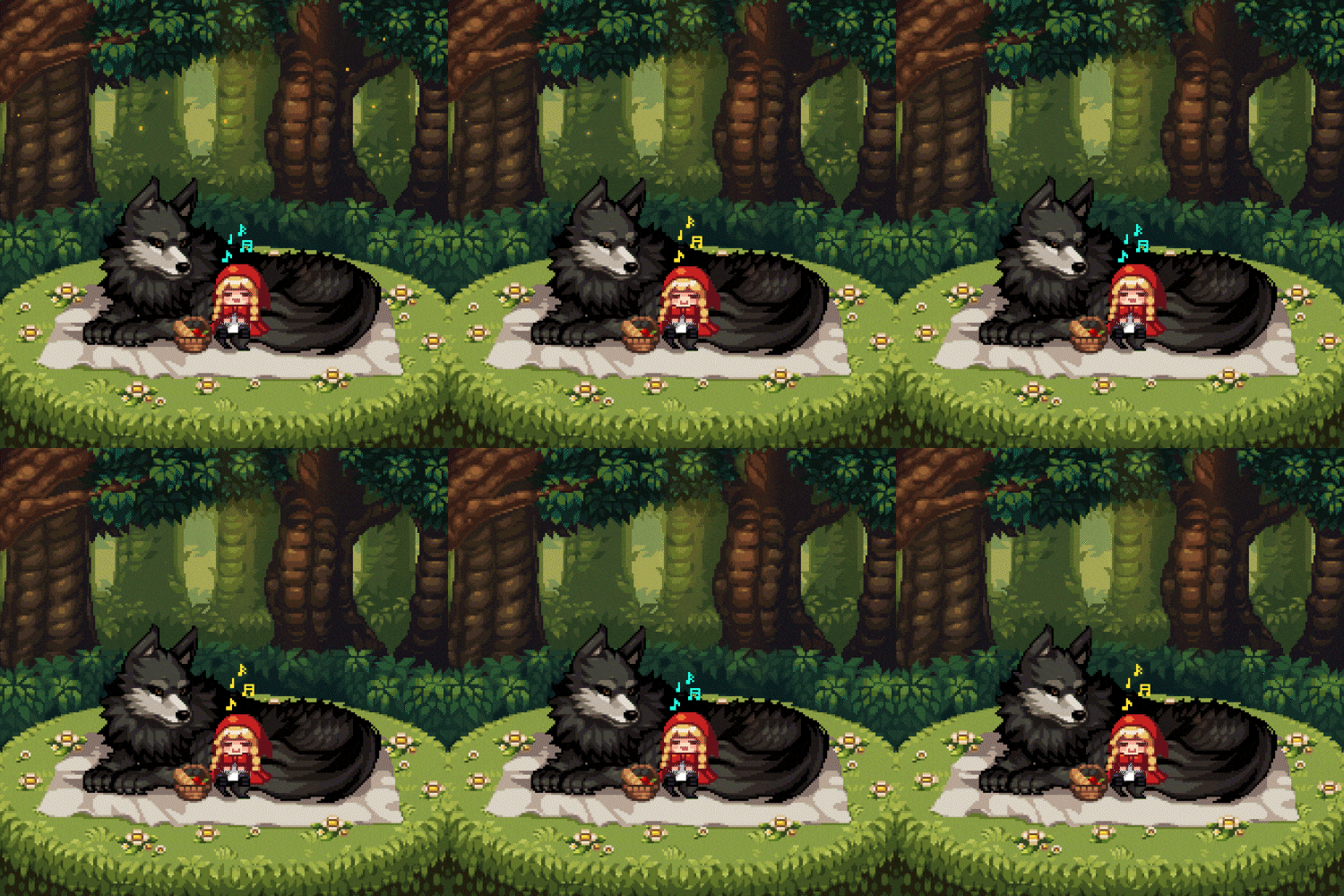
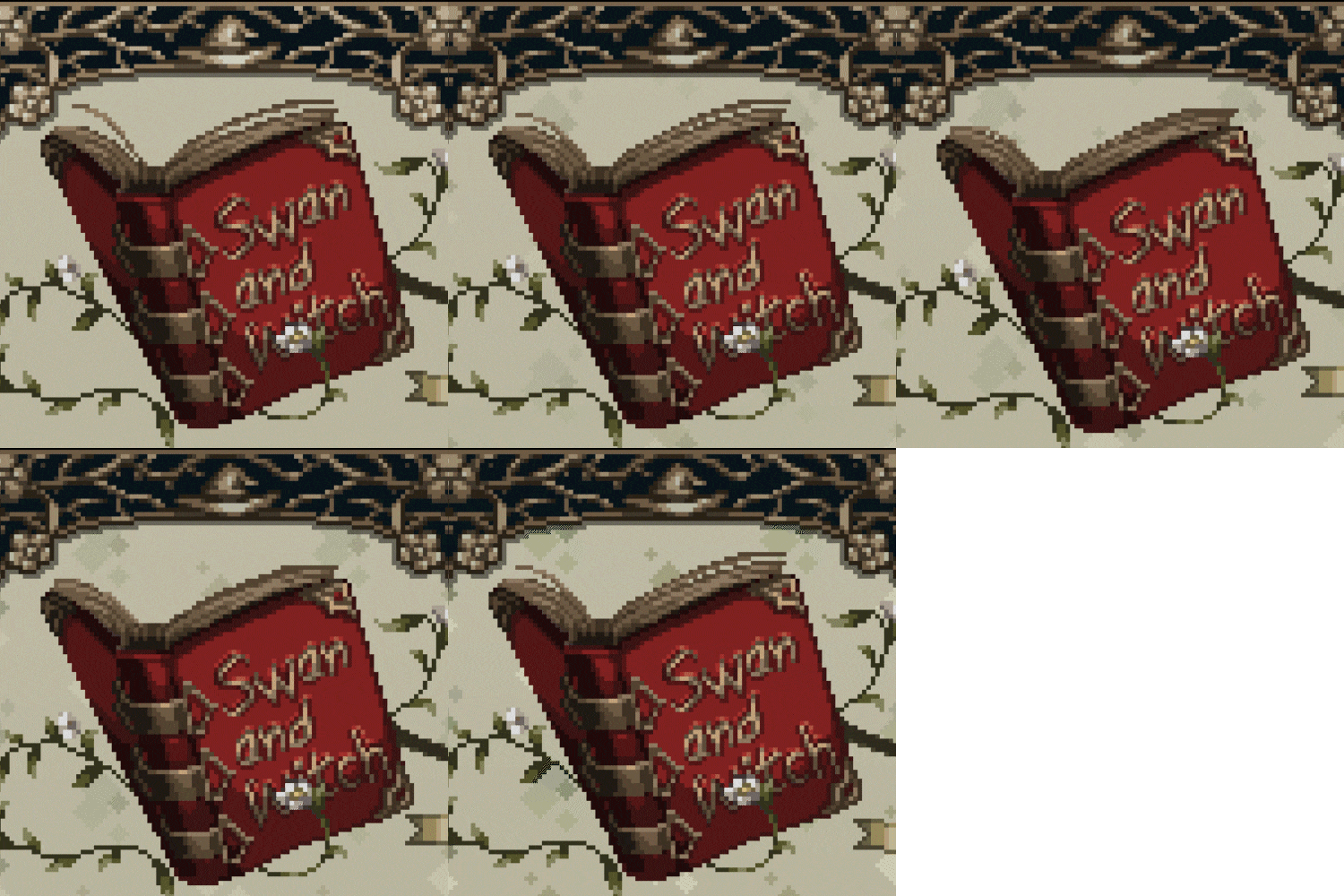
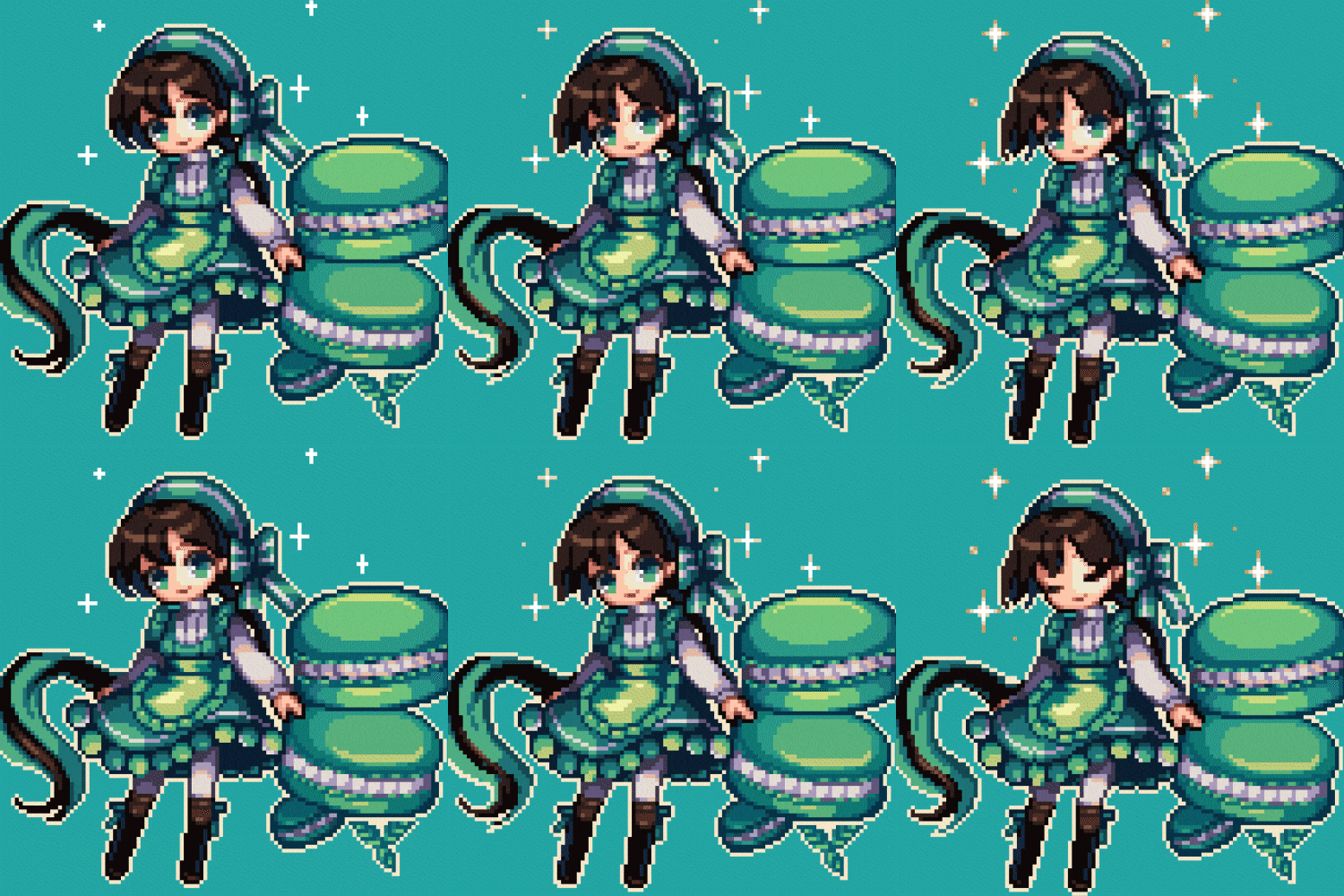
Speaker introduction
pixel artist
Hyatsu
Hello, this is pixel artist Hyatsu.
I am building my career as a 2D dot designer by taking charge of outsourcing projects for various games such as <Tales Weaver>, <Growing Stone>, and <The Kingdom of the Wind: Kite>.
I am conducting style research from various perspectives, such as color, shape, and motion, in order to appeal the charm that only pixel art has.
I will pass on all of my knowledge and know-how with the hope that many people will recognize the charm of pixel illustrations.

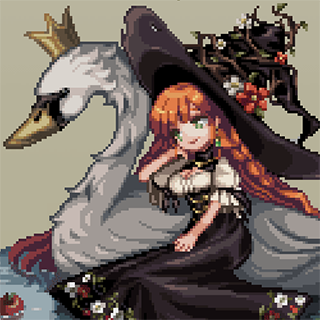
Pixel Artist Hyatsu
Current) Cryptect 2D dot designer
Former) Freelance 2D dot designer
History and experience
[Participating Project (Outsourcing)]
2020 Nexon (Talesweaver)
2019 - 2020 tales# (Dungeon Lord)
2019 Supercat (Kingdom of the Winds M)
2019 Nexon (Tales Weaver)
2018 Supercat (Raising Stone)
2016 - 2018 Shinshi Road
class features
class features
Dot graphics to learn step by step from basic knowledge
Learn about basic graphic drawing using the dot style and how to describe when adding/limiting colors to 3, 4, 5, or 6 colors. Through this, you will learn basic pixel art expression methods through dot art practice, such as light and dark, color combination, and texture expression.
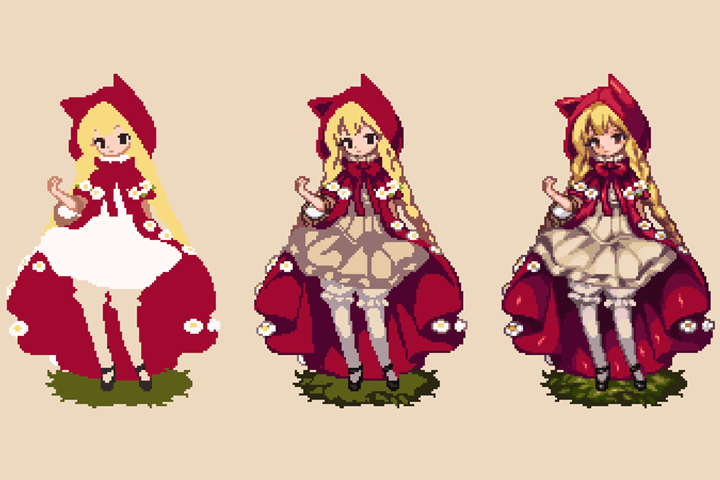
Create a unique character that fits your tastes
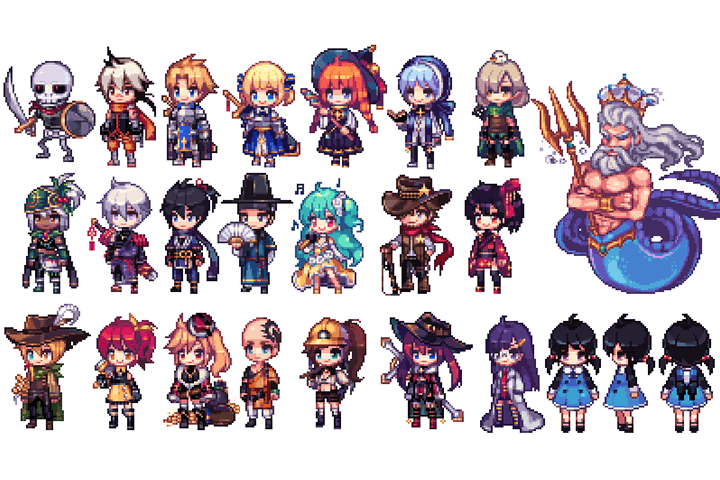
Learn in detail about how to design a variety of life-sized characters, movement silhouettes to express movement, and the characteristics of the character's personality to find out which character style is right for you.
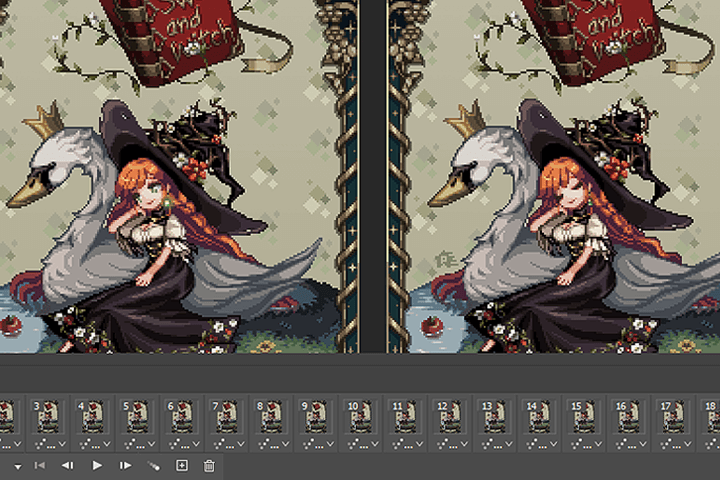
From illustration creation to advanced animation application
Learn how to depict props, backgrounds, and characters without losing volume while separating them, and add motion to create your own vibrant dot illustration.
Class composition
learn this
-
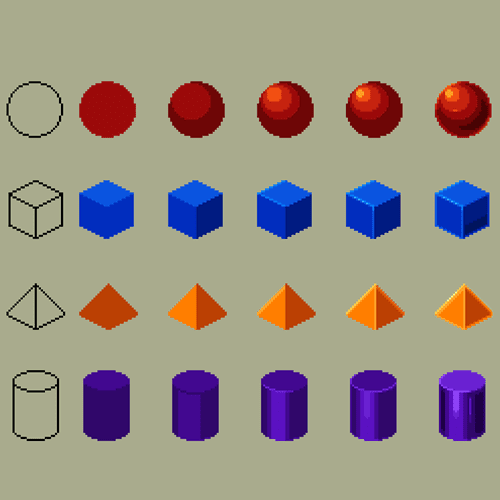 Light and dark in pixel art and basic drawingUsing pixel art's unique coloring method, we will build the basic foundation for the process of drawing three-dimensional effects such as the light and shade of shapes, shape, light, and shadow.
 -
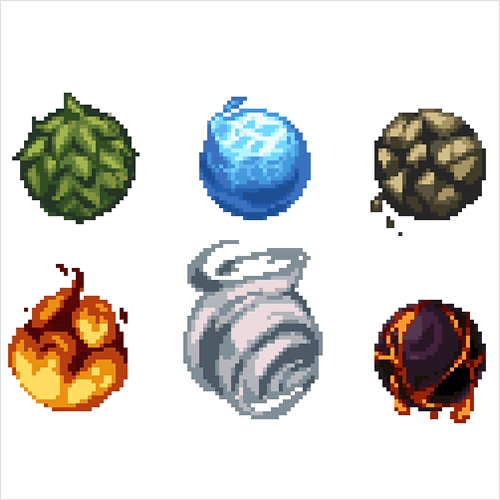 Understanding materials through texture expressionWe will draw materials based on temperature expression and texture, such as solids, liquids, and gases, and learn the capabilities to implement various objects as pixels.
 -
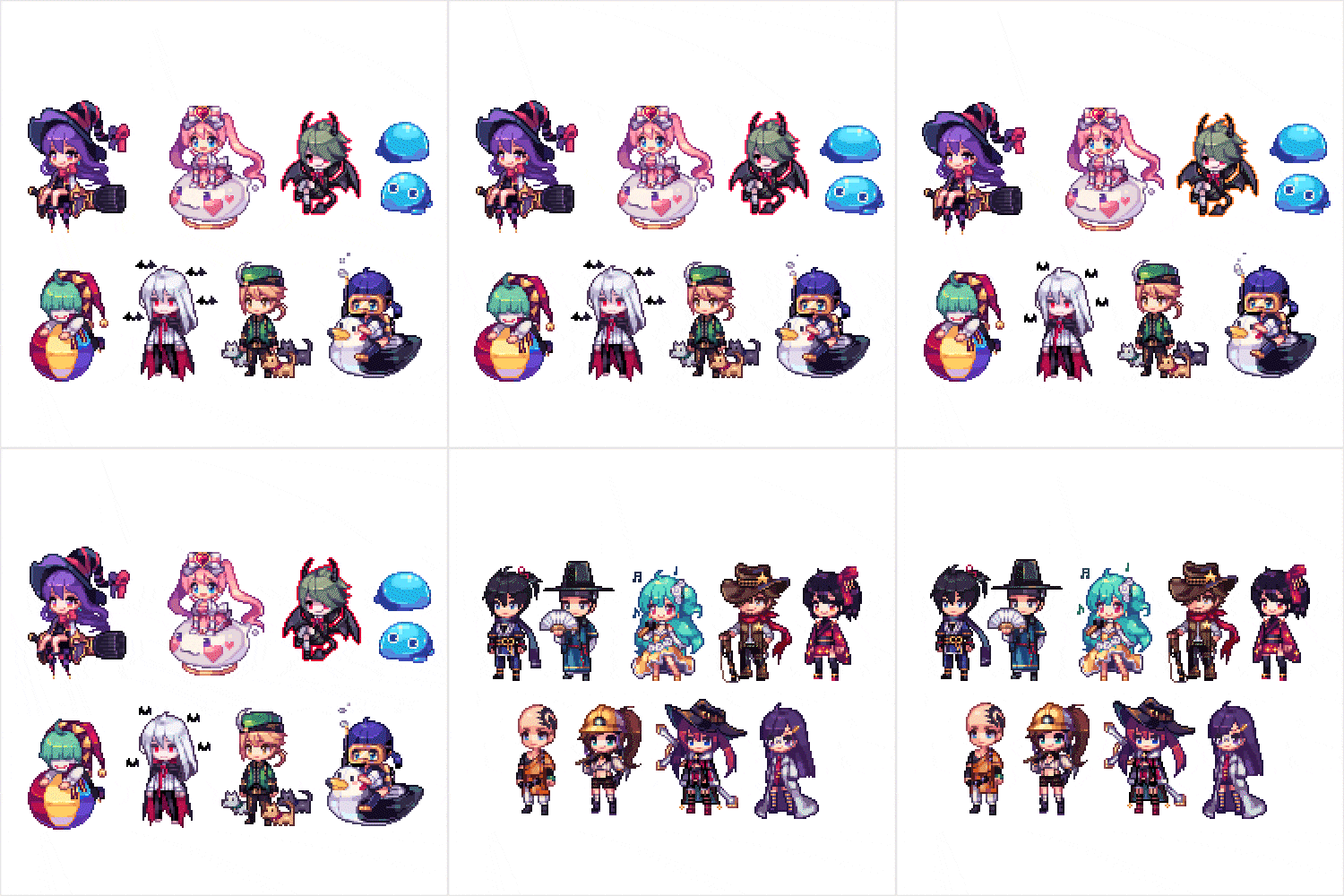 Unique character design using life-size scaleCreate original and unique characters by assigning features such as face and personality and using character life-size scales (2 to 6 heads) that match the characters.
-
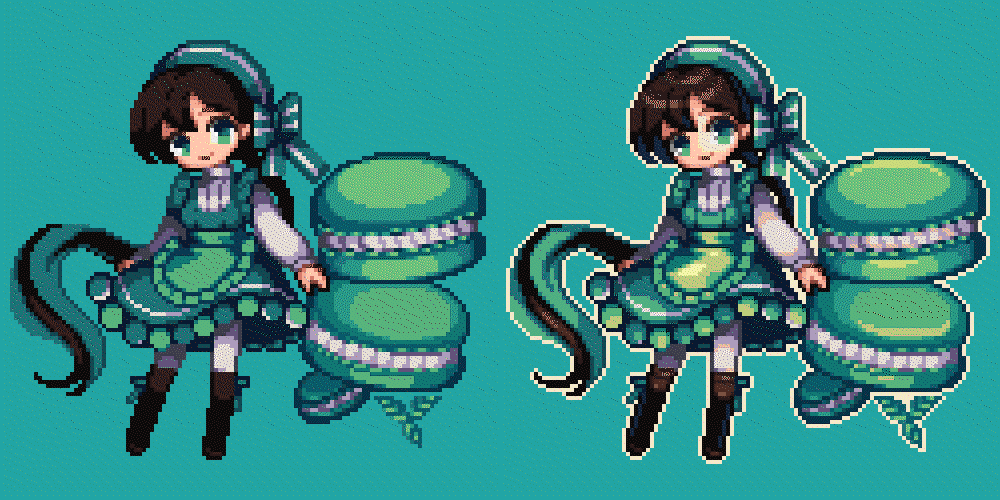 Color expression method to upgrade qualityBy learning how to use colors such as 4, 5, and 6 colors, you will build a foundation for freely using colors without losing volume.
 -
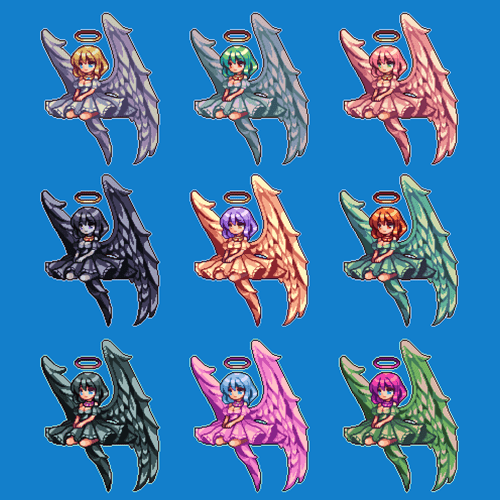 Color study through color variationsLearn techniques and effects for changing the mood of an illustration or creating a different look by applying different colors to the same image as a base.
 -
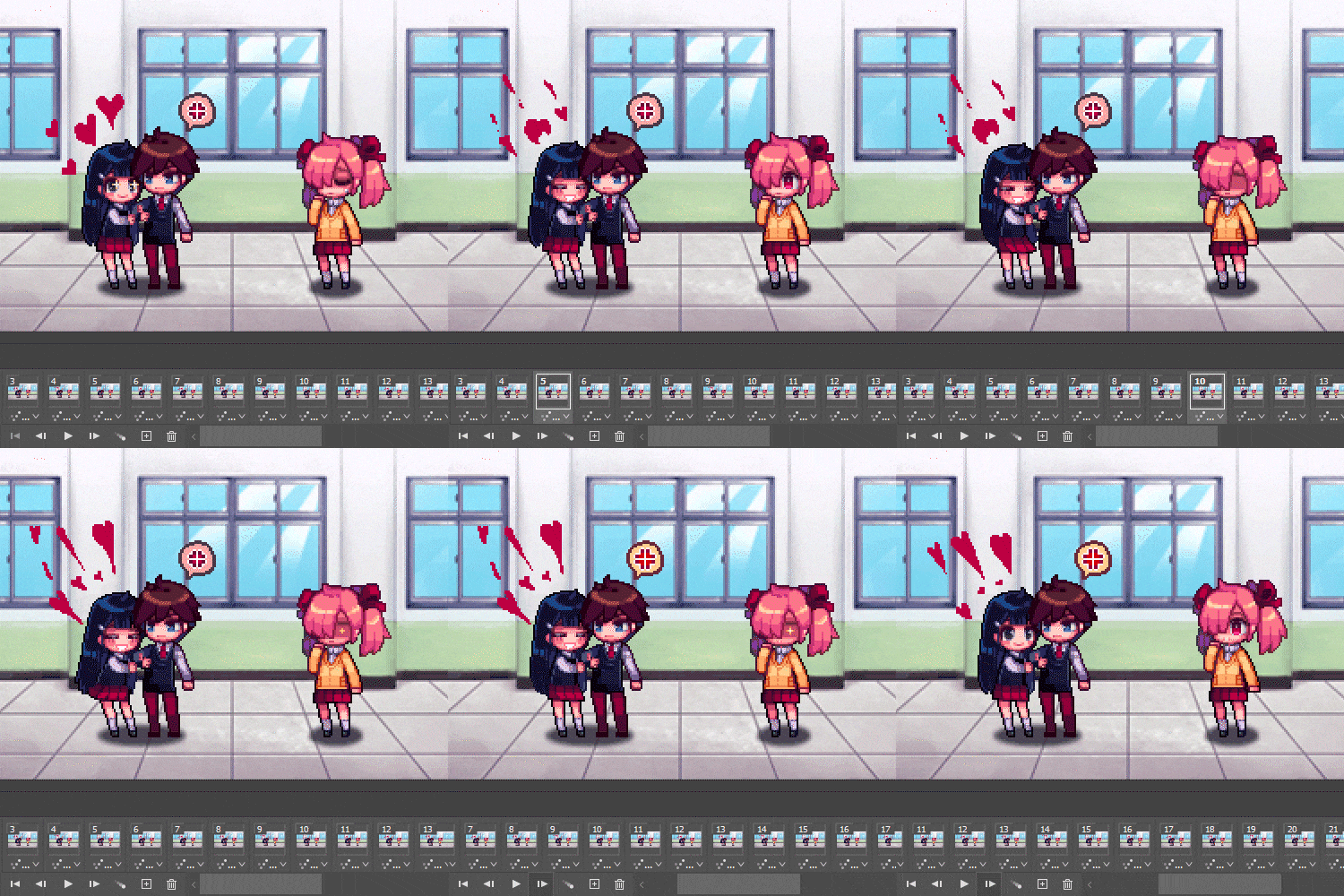 Frame planning and high-quality animation productionLet's add particles and simple dynamic frames to more effectively convey the concept we wanted to express in the illustration.
curriculum
curriculum
Show me the curriculum
SECTION 01. Expressing texture in dot format
01. Orientation
- Direction of lecture
- Photoshop interface and animation timeline
02. Drawing dot shapes
- Dot basic geometry
- Three-dimensional expression from line drawing to light and dark
03. How to apply dot shapes
- Depiction method based on color limitations of dot shapes
- How to create a three-dimensional effect with various shapes
04. Texture of dot shapes 01: Natural terrain
- Things to keep in mind when working with natural terrain texture dots
- Step-by-step method of expressing terrain texture from dirt to grass
- Natural Terrain Texture Animation
05. Texture of dot shapes 02: Liquid and viscosity
- Things to keep in mind when working with textured dots
- How to express liquid and viscous textures: from water to slime
- Step-by-step texture animation from liquid to viscous
06. Texture of dot shapes 03: Elements
- Things to keep in mind when working with elemental texture dots
- How to express elemental textures such as fire, wind, and electric current
- Elemental Texture Animation
SECTION 02. Dot character drawing that reveals individuality
07. Dot Character: Basics
- Dot character expression
- Life-size representation of the character
08. Dot Character: Intermediate Edition
- Depiction method based on character color limitations
- Character skin coloring
09. Dot Character: In-Depth
- Capturing the character's motion silhouette
- A method of expressing movement that expresses a character's personality
10. How to apply dot characters
- Character design using life size
- Create various characters from children to the elderly
SECTION 03. Basic operations for drawing dot illustrations
11. Concept draft and dot design
- How to create a concept draft
- Drawing a rough draft using the draft plan
12. Character dot design
- Character rough progress
- Things to keep in mind when designing a character
- Describing a character
13. Background prop dot design
- Prop rough progress
- Things to keep in mind when designing props
- Describing props
14. Background dot design 01
- Background rough progress
- Things to keep in mind when designing props
- Describe the background
15. Background dot design 02
- Background outline/frame rough rough progress
- Things to keep in mind when drawing a picture frame
- How to describe a picture frame
16. Dot style and mood
- Change the mood with color selection
- Drawing effects with dots
SECTION 04. Upgrading illustration quality
17. Dot Animation: Character
- Designing character idle animation
- Character animation progress
18. Dot Animation: Props
- Designing prop animation
- Prop animation progress
19. Dot Animation: Background
- Designing a background animation
- Background animation progression
20. Dot Animation: Effect
- Designing effect animation
- Effect animation progress
21. Illustration dot application: Advanced
- SD character drawing
- Make a point with a solid color background
- Apply effect
22. Illustration dot animation application: Advanced
- Designing an animation draft
- SD character & effect animation progress
- End of lecture
interview
The story that pixel artist Hyatsu wants to tell

Question.01
Why did you choose the topic ‘Pixel Art’?
Why did you choose the topic ‘Pixel Art’?
Since 2016, I have been accumulating my own know-how by working on various outsourcing projects for dot graphics. Based on my practical experience, I prepared this lecture to teach you the principles and uses of dots and pixel art techniques that can be applied in practical areas, including hobbies .
Question.02
What are the unique points of this course?
What are the unique points of this course?
We have prepared a curriculum that allows you to work sequentially , from texture descriptions, which are the basics of pixels, to various life-size character expressions and illustrations using characters . We will explain in detail the process of creating a shape with dots, adding color, and adding simple animation to complete it.
Question.03
Is there anything you would like to say to the students?
Is there anything you would like to say to the students?
Even if you want to get into pixel art, there are many people who find it difficult to draw shapes for the first time or find it difficult to improve the quality by conceiving the shape. Through my lecture, I will guide you through not only knowledge about color combinations and placement , but also how to create a high-quality finished portfolio .
We will guide you through the program to use.
This class will be conducted using Photoshop 2020.
To ensure smooth course participation, the program
Please install it separately.
* Photoshop CS5 or lower versions are also available.
* Programs and materials are not provided separately.